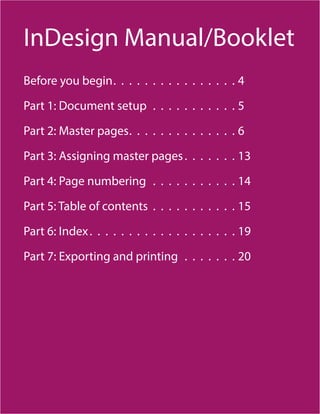
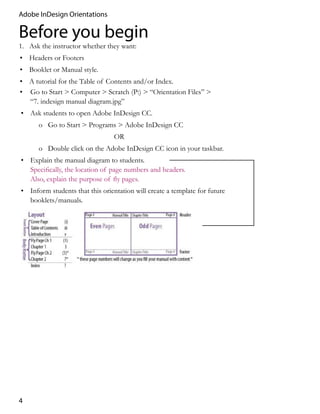
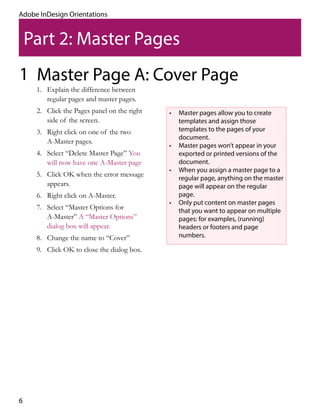
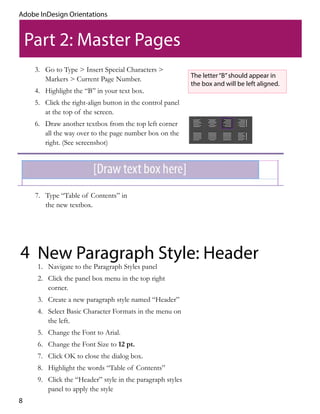
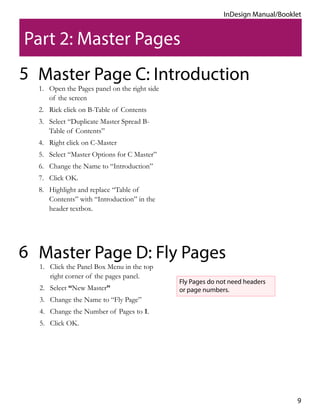
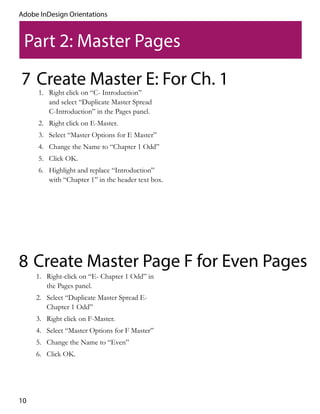
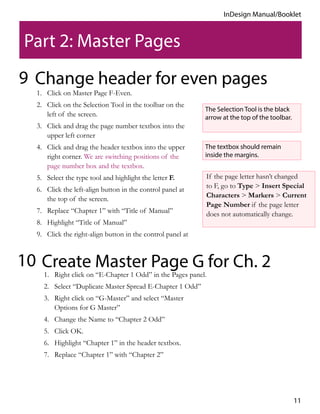
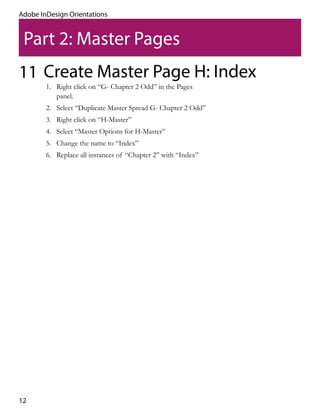
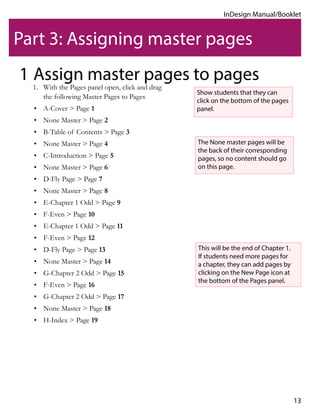
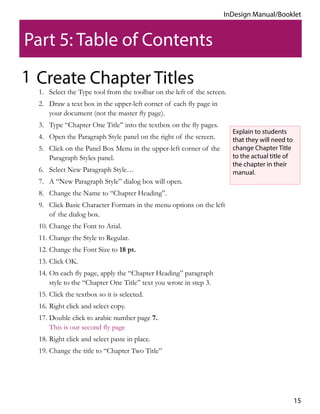
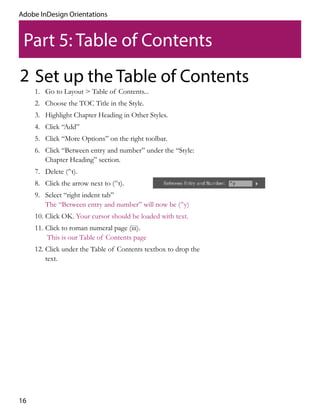
This document provides instructions for setting up a manual template in Adobe InDesign, including creating master pages for different document elements like the cover, table of contents, chapters, and index. It describes how to set up headers and page numbers on the master pages, assign the master pages to regular pages, and configure section numbering for the front matter and body content. The goal is to establish a template that can be reused for creating future manuals or booklets in InDesign.