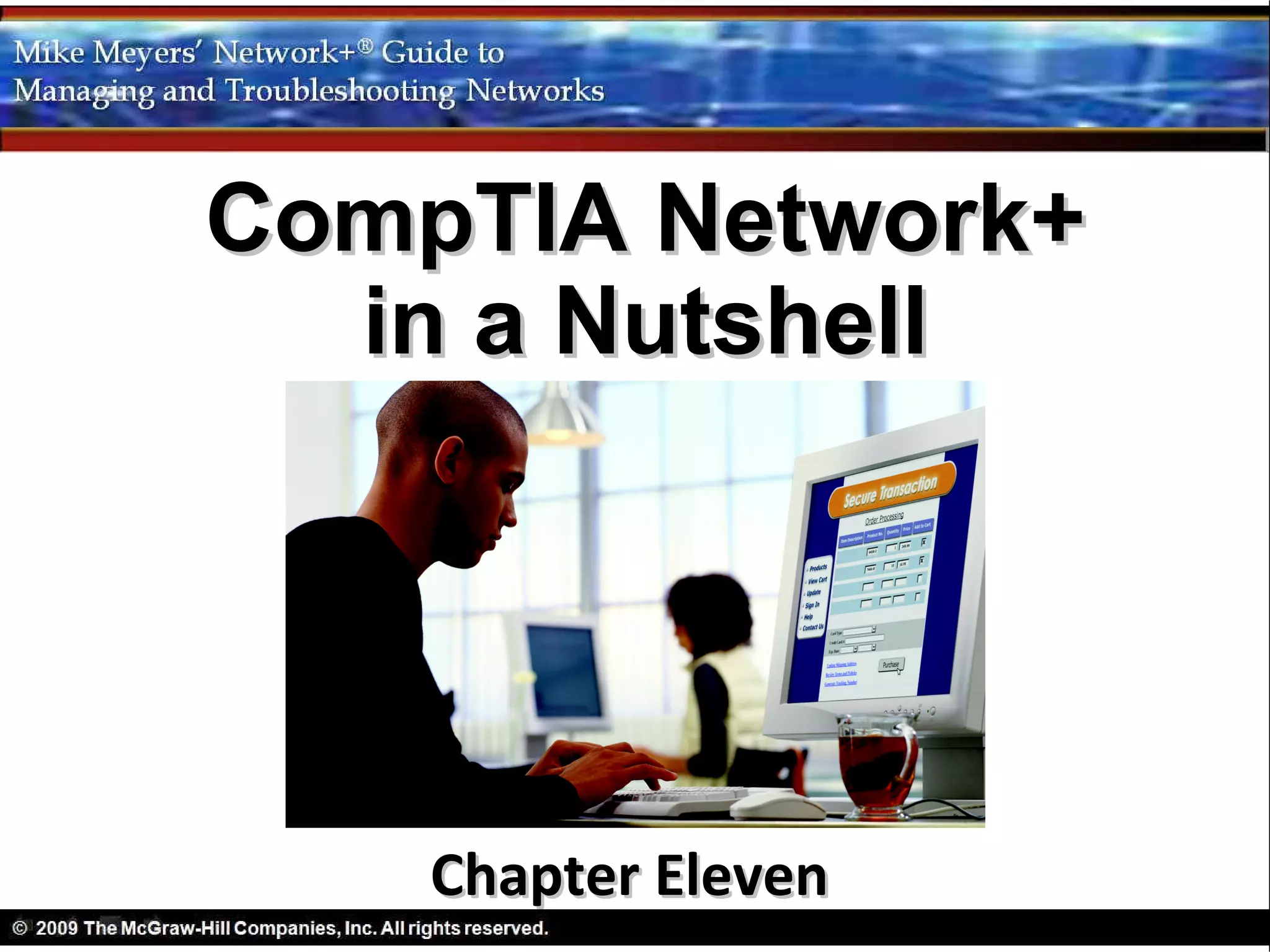
CompTIA Network+
  in a Nutshell


    Chapter Eleven
Objectives
• Discuss the standard methods for securing
  TCP/IP networks
• Compare TCP/IP security standards
• Implement secure TCP/IP applications
TCP/IP and Security


The “inventors” of TCP/IP did not include
  any real security
• User names and passwords on FTP, Telnet,
  etc. do not begin to protect TCP/IP
  applications
• Today every device with a public IP address on
  the Internet is targeted
• Data moving between two hosts is
  intercepted and read
• TCP/IP in its original form does not stop the
  bad guys
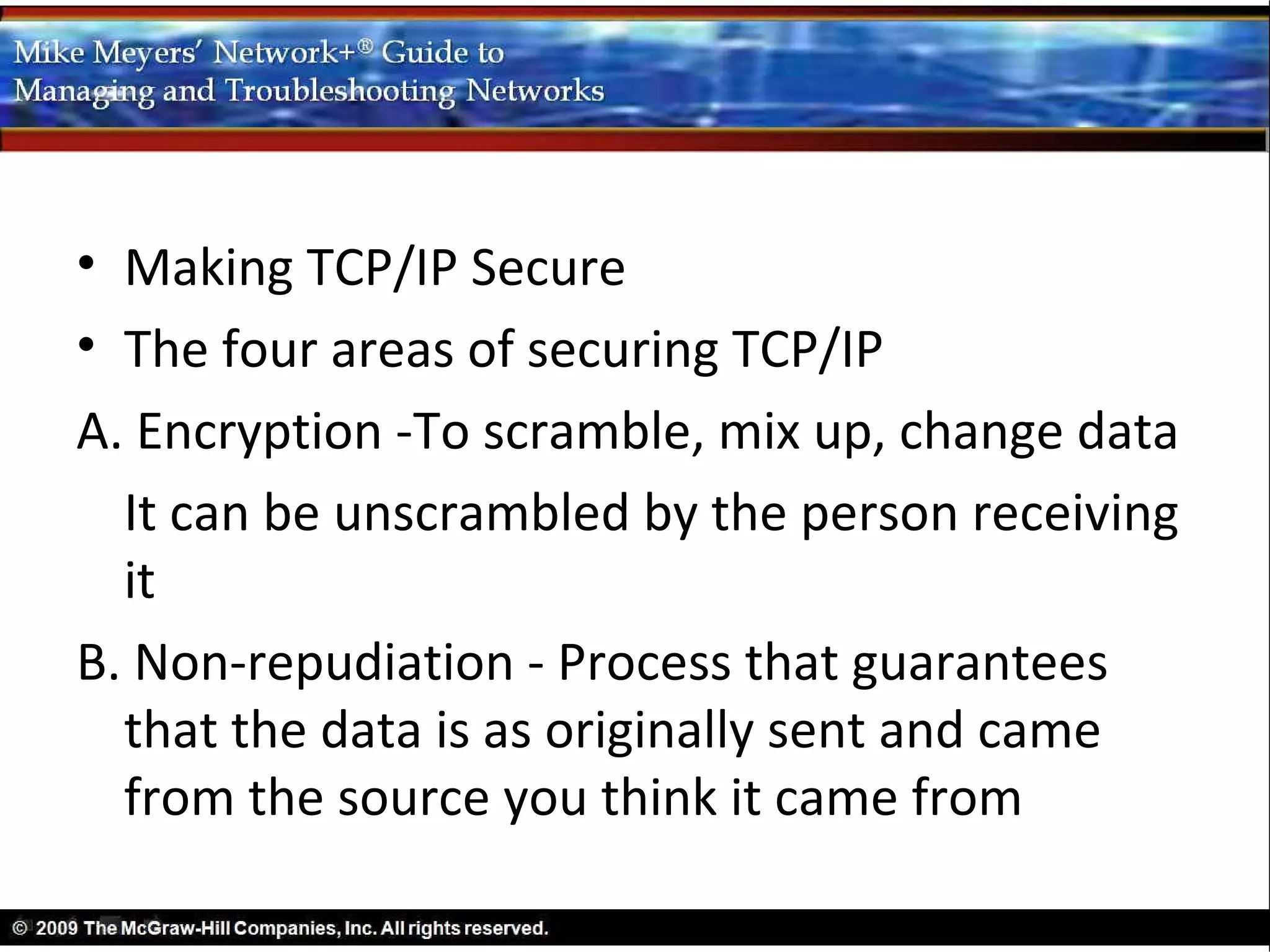
• Making TCP/IP Secure
• The four areas of securing TCP/IP
A. Encryption -To scramble, mix up, change data
  It can be unscrambled by the person receiving
  it
B. Non-repudiation - Process that guarantees
  that the data is as originally sent and came
  from the source you think it came from
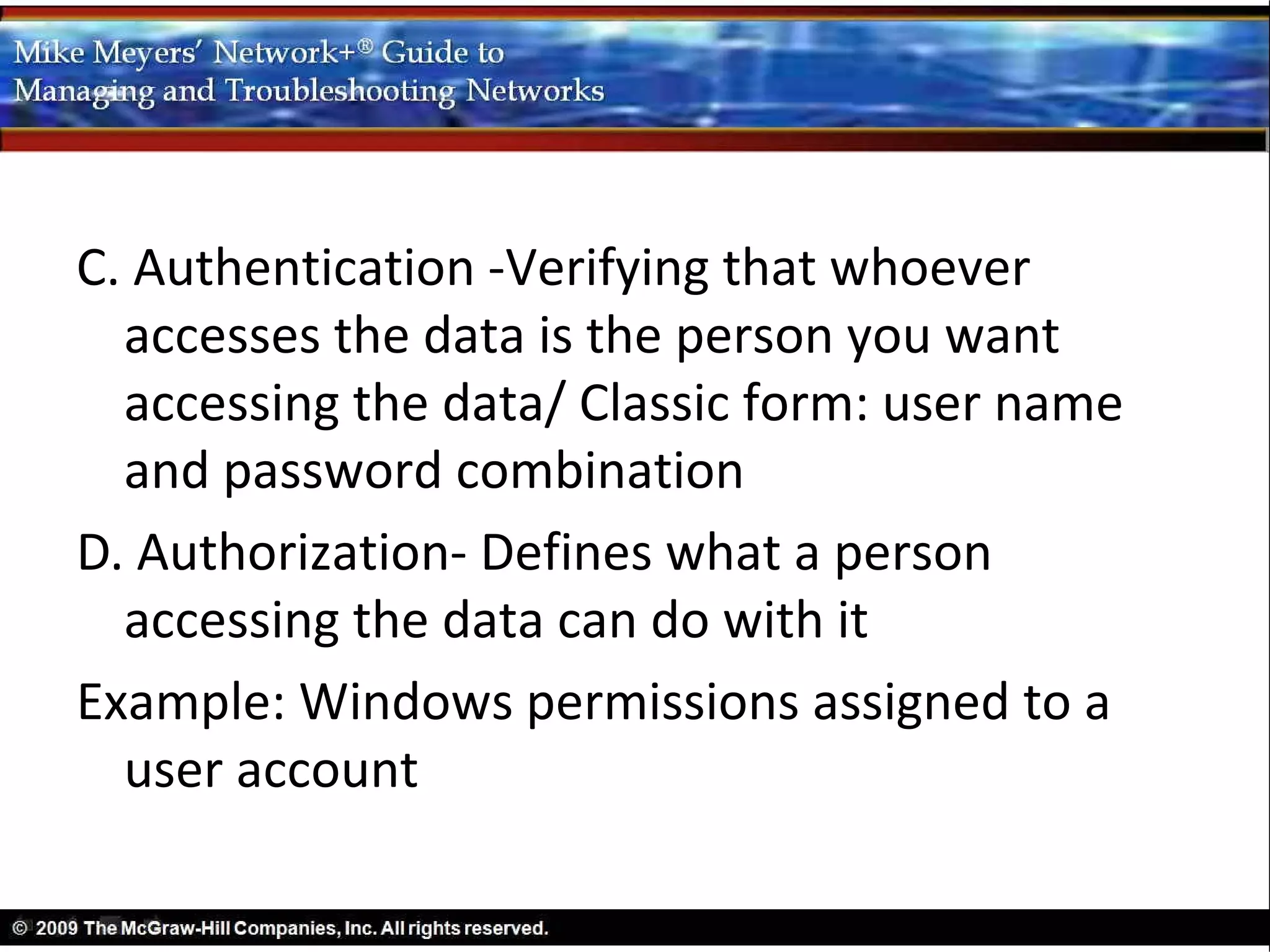
C. Authentication -Verifying that whoever
  accesses the data is the person you want
  accessing the data/ Classic form: user name
  and password combination
D. Authorization- Defines what a person
  accessing the data can do with it
Example: Windows permissions assigned to a
  user account
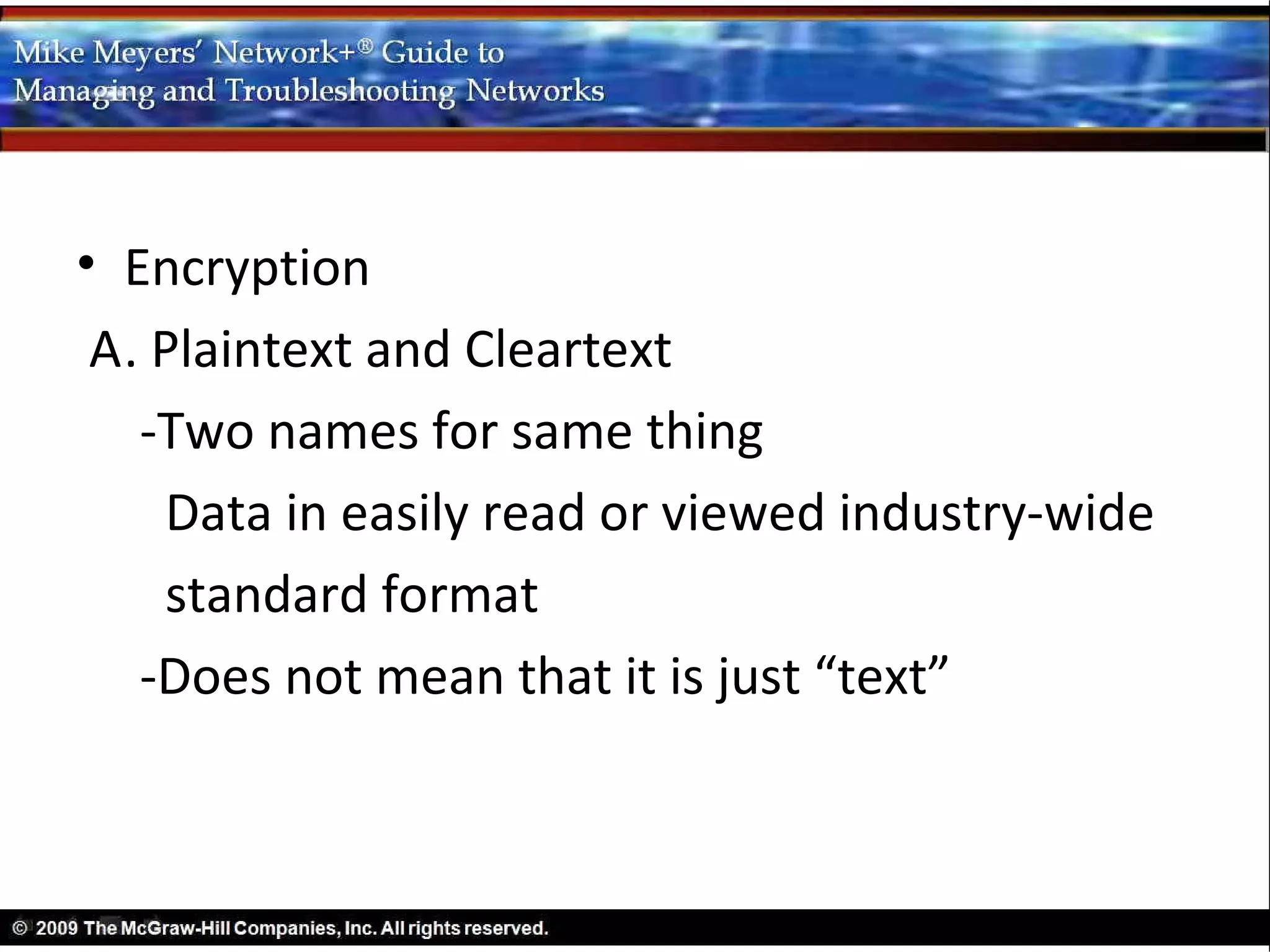
• Encryption
 A. Plaintext and Cleartext
   -Two names for same thing
    Data in easily read or viewed industry-wide
    standard format
   -Does not mean that it is just “text”
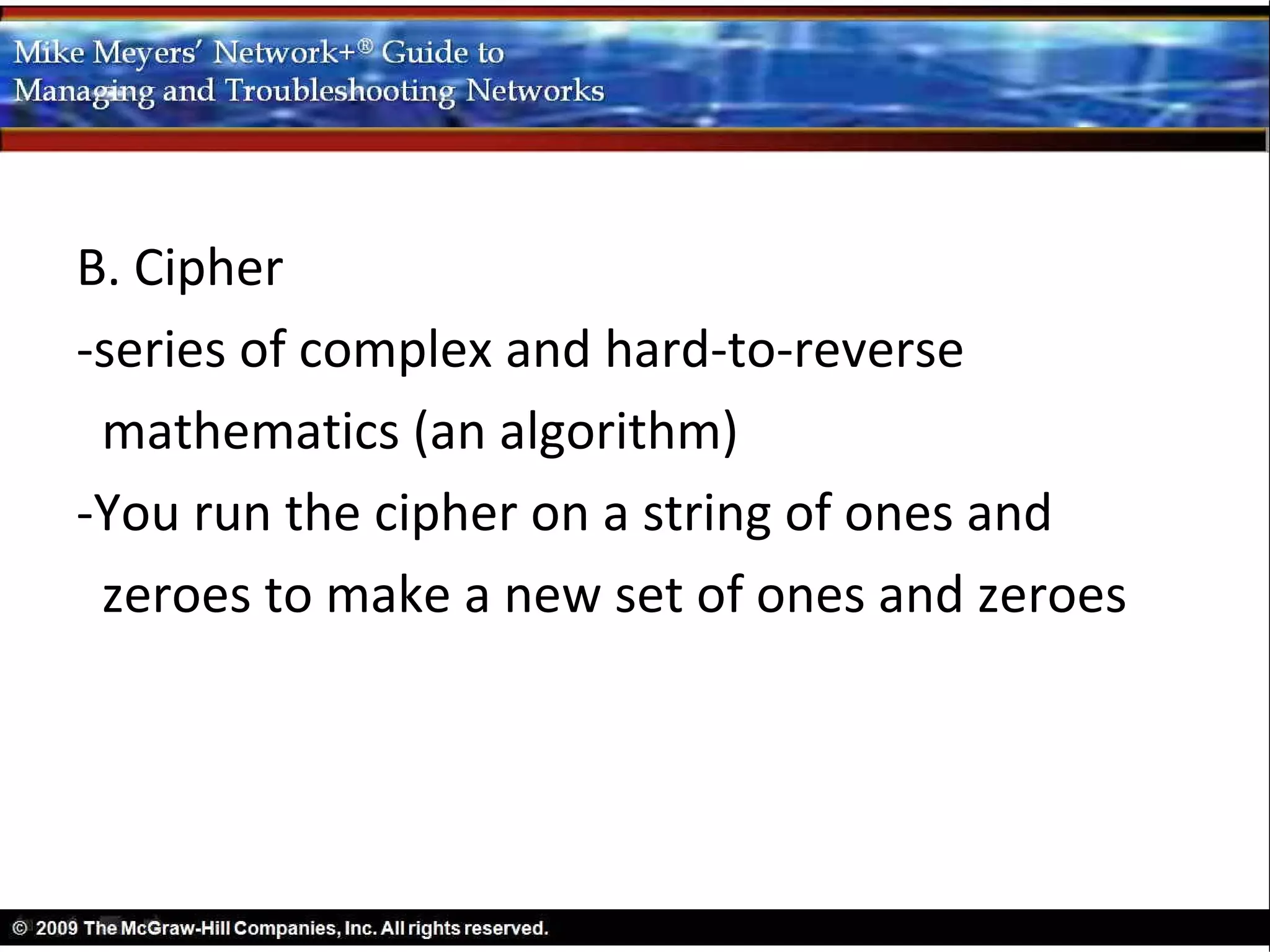
B. Cipher
-series of complex and hard-to-reverse
 mathematics (an algorithm)
-You run the cipher on a string of ones and
 zeroes to make a new set of ones and zeroes
• Asymmetric-Key Algorithm Standards
- Serious drawback to symmetric-key
  algorithms
- Anyone who has the key can encrypt or
  decrypt data
- Forces us to somehow send the key to the
  other person
• Asymmetric-key algorithms developed as a
  method for the encryptor to safely send a key
  to the decryptor
• Secure TCP/IP Applications
A. The applications that use the above standards
   and tools
B. HTTPS [Introduced in Chapter 9]
- HTTPS documents page addresses begin with
   https://
-Most browsers also show a lock icon
   somewhere
- HTTPS uses SSL/TLS for

Networking Chapter 11

  • 1.
    CompTIA Network+ in a Nutshell Chapter Eleven
  • 2.
    Objectives • Discuss thestandard methods for securing TCP/IP networks • Compare TCP/IP security standards • Implement secure TCP/IP applications
  • 3.
    TCP/IP and Security The“inventors” of TCP/IP did not include any real security
  • 4.
    • User namesand passwords on FTP, Telnet, etc. do not begin to protect TCP/IP applications • Today every device with a public IP address on the Internet is targeted • Data moving between two hosts is intercepted and read • TCP/IP in its original form does not stop the bad guys
  • 5.
    • Making TCP/IPSecure • The four areas of securing TCP/IP A. Encryption -To scramble, mix up, change data It can be unscrambled by the person receiving it B. Non-repudiation - Process that guarantees that the data is as originally sent and came from the source you think it came from
  • 6.
    C. Authentication -Verifyingthat whoever accesses the data is the person you want accessing the data/ Classic form: user name and password combination D. Authorization- Defines what a person accessing the data can do with it Example: Windows permissions assigned to a user account
  • 7.
    • Encryption A.Plaintext and Cleartext -Two names for same thing Data in easily read or viewed industry-wide standard format -Does not mean that it is just “text”
  • 8.
    B. Cipher -series ofcomplex and hard-to-reverse mathematics (an algorithm) -You run the cipher on a string of ones and zeroes to make a new set of ones and zeroes
  • 9.
    • Asymmetric-Key AlgorithmStandards - Serious drawback to symmetric-key algorithms - Anyone who has the key can encrypt or decrypt data - Forces us to somehow send the key to the other person • Asymmetric-key algorithms developed as a method for the encryptor to safely send a key to the decryptor
  • 10.
    • Secure TCP/IPApplications A. The applications that use the above standards and tools B. HTTPS [Introduced in Chapter 9] - HTTPS documents page addresses begin with https:// -Most browsers also show a lock icon somewhere - HTTPS uses SSL/TLS for