Lesson 2: Rules of
Netiquette
OBJETIVES
At the end of this lesson, the students should be able to:
 1. Consider one’s and others’ safety when sharing information using
the internet;
 2. Consider one’s and others’ reputation when using the internet;
 3. Determine and AVOID the dangers of the internet;
 4. Be responsible in the use of social networking sites; &
 5. Browse the internet efficiently & properly through proper
referencing.
Online Safety and Security
Internet
Internet is defined as
information superhighway.
Anyone who has access to this
highway, can place information
and can grab that information.
Internet Threats
Malware
malicious software
It can take the form of executable code, scripts,
active content, and other software.
computer viruses
 worms
Trojan horses
spyware
adware, and
Spam
Phishing
other malicious
programs.
Computer Virus
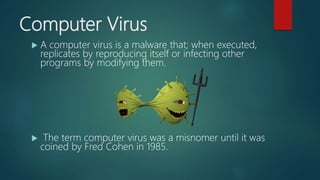
 A computer virus is a malware that; when executed,
replicates by reproducing itself or infecting other
programs by modifying them.
 The term computer virus was a misnomer until it was
coined by Fred Cohen in 1985.
Worm
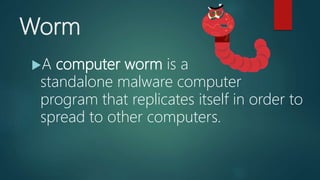
A computer worm is a
standalone malware computer
program that replicates itself in order to
spread to other computers.
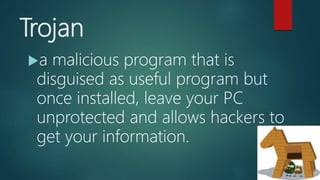
Trojan
a malicious program that is
disguised as useful program but
once installed, leave your PC
unprotected and allows hackers to
get your information.
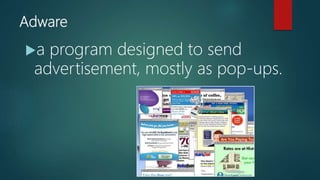
Adware
a program designed to send
advertisement, mostly as pop-ups.
Spyware
a program that runs in the background
without you knowing it. It has ability to
monitor what are you currently doing and
typing through keylogging.
keyloggers – used to record the
keystroke done by the users
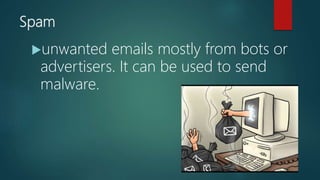
Spam
unwanted emails mostly from bots or
advertisers. It can be used to send
malware.
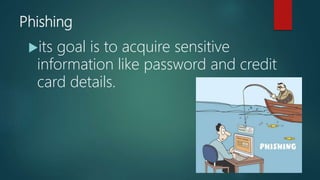
Phishing
its goal is to acquire sensitive
information like password and credit
card details.
Tips to stay safe online
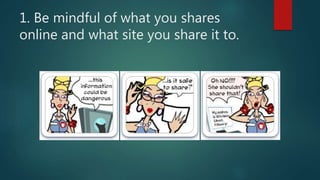
1. Be mindful of what you shares
online and what site you share it to.
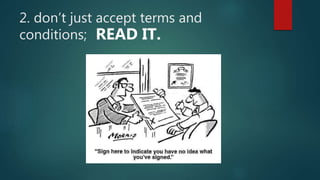
2. don’t just accept terms and
conditions; READ IT.
3. Check out the privacy policy page of
a website.
4. Know the security features of social
networking site you use.
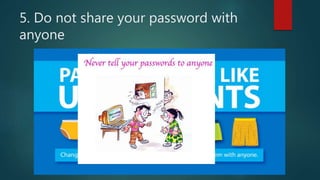
5. Do not share your password with
anyone
6. Avoid logging in to public
networks/Wi-Fi.
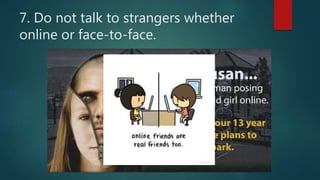
7. Do not talk to strangers whether
online or face-to-face.
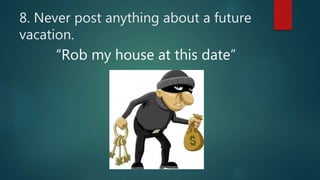
8. Never post anything about a future
vacation.
“Rob my house at this date”
9. Add friends you know in real life.
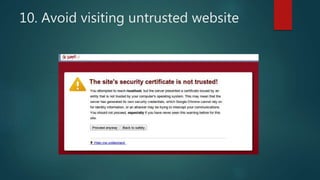
10. Avoid visiting untrusted website
11. Install and update antivirus
software on your computer.
12. If you have a Wi-Fi at home, make
a private network by adding a
password.
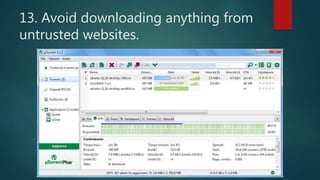
13. Avoid downloading anything from
untrusted websites.
14. Buy the software; do not use
pirated ones.
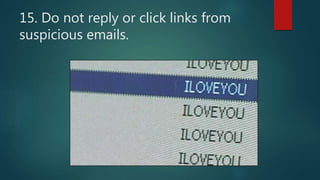
15. Do not reply or click links from
suspicious emails.

Netiquette on using internet

  • 1.
    Lesson 2: Rulesof Netiquette
  • 2.
    OBJETIVES At the endof this lesson, the students should be able to:  1. Consider one’s and others’ safety when sharing information using the internet;  2. Consider one’s and others’ reputation when using the internet;  3. Determine and AVOID the dangers of the internet;  4. Be responsible in the use of social networking sites; &  5. Browse the internet efficiently & properly through proper referencing.
  • 3.
  • 4.
    Internet Internet is definedas information superhighway. Anyone who has access to this highway, can place information and can grab that information.
  • 5.
  • 6.
    Malware malicious software It cantake the form of executable code, scripts, active content, and other software. computer viruses  worms Trojan horses spyware adware, and Spam Phishing other malicious programs.
  • 7.
    Computer Virus  Acomputer virus is a malware that; when executed, replicates by reproducing itself or infecting other programs by modifying them.  The term computer virus was a misnomer until it was coined by Fred Cohen in 1985.
  • 8.
    Worm A computer wormis a standalone malware computer program that replicates itself in order to spread to other computers.
  • 9.
    Trojan a malicious programthat is disguised as useful program but once installed, leave your PC unprotected and allows hackers to get your information.
  • 10.
    Adware a program designedto send advertisement, mostly as pop-ups.
  • 11.
    Spyware a program thatruns in the background without you knowing it. It has ability to monitor what are you currently doing and typing through keylogging. keyloggers – used to record the keystroke done by the users
  • 12.
    Spam unwanted emails mostlyfrom bots or advertisers. It can be used to send malware.
  • 13.
    Phishing its goal isto acquire sensitive information like password and credit card details.
  • 14.
    Tips to staysafe online
  • 15.
    1. Be mindfulof what you shares online and what site you share it to.
  • 16.
    2. don’t justaccept terms and conditions; READ IT.
  • 17.
    3. Check outthe privacy policy page of a website.
  • 18.
    4. Know thesecurity features of social networking site you use.
  • 19.
    5. Do notshare your password with anyone
  • 20.
    6. Avoid loggingin to public networks/Wi-Fi.
  • 21.
    7. Do nottalk to strangers whether online or face-to-face.
  • 22.
    8. Never postanything about a future vacation. “Rob my house at this date”
  • 23.
    9. Add friendsyou know in real life.
  • 24.
    10. Avoid visitinguntrusted website
  • 25.
    11. Install andupdate antivirus software on your computer.
  • 26.
    12. If youhave a Wi-Fi at home, make a private network by adding a password.
  • 27.
    13. Avoid downloadinganything from untrusted websites.
  • 28.
    14. Buy thesoftware; do not use pirated ones.
  • 29.
    15. Do notreply or click links from suspicious emails.

Editor's Notes

  • #2 Netiquette" is network etiquette, the do's and don'ts of online communication. Netiquette covers both common courtesy online and the informal "rules of the road" of cyberspace. how this things happen?
  • #7 is an umbrella term used to refer to a variety of forms of hostile or intrusive software
  • #8  Most often this is spread by sharing software or files between computers. It can be spread by downloading files, exchanging CD/DVDs and USB sticks, copying files from servers, or by opening infected email attachments.
  • #10 The Trojan Horse is a tale from the Trojan War about the subterfuge that the Greeks used to enter the city of Troy and win the war. The most dangerous Malware. Trojans are written with the purpose of discovering your financial information, taking over your computer’s system resources, and in larger systems creating a “denial-of-service attack ” Denial-of-service attack: an attempt to make a machine or network resource unavailable to those attempting to reach it. Example: AOL, Yahoo or your business network becoming unavailable.
  • #11 The least dangerous and most lucrative Malware. Adware displays ads on your computer.
  • #12 Spyware is software that spies on you, tracking your internet activities in order to send advertising (Adware) back to your system
  • #14 Rootkit: This one is likened to the burglar hiding in the attic, waiting to take from you while you are not home. It is the hardest of all Malware to detect and therefore to remove; many experts recommend completely wiping your hard drive and reinstalling everything from scratch. It is designed to permit the other information gathering Malware in to get the identity information from your computer without you realizing anything is going on. Backdoors: Backdoors are much the same as Trojans or worms, except that they open a “backdoor” onto a computer, providing a network connection for hackers or other Malware to enter or for viruses or SPAM to be sent. Rogue security software: This one deceives or misleads users. It pretends to be a good program to remove Malware infections, but all the while it is the Malware. Often it will turn off the real Anti-Virus software. The next image shows the typical screen for this Malware program, Antivirus 2010 Ransomware: If you see this screen that warns you that you have been locked out of your computer until you pay for your cybercrimes. Your system is severely infected with a form of Malware called Ransomware. It is not a real notification from the FBI, but, rather an infection of the system itself. Even if you pay to unlock the system, the system is unlocked, but you are not free of it locking you out again. The request for money, usually in the hundreds of dollars is completely fake.
  • #18  to learn how website handles the information you shared
  • #19 By keeping your profile private the search engines will not able to scan your profile.
  • #21 And browsing in incognito (private mode) cannot protect you from a hacker
  • #30 The love bugs is the most destructive virus on the history, created by a computer science student of AMA, he’s thesis was rejected by the professor saying