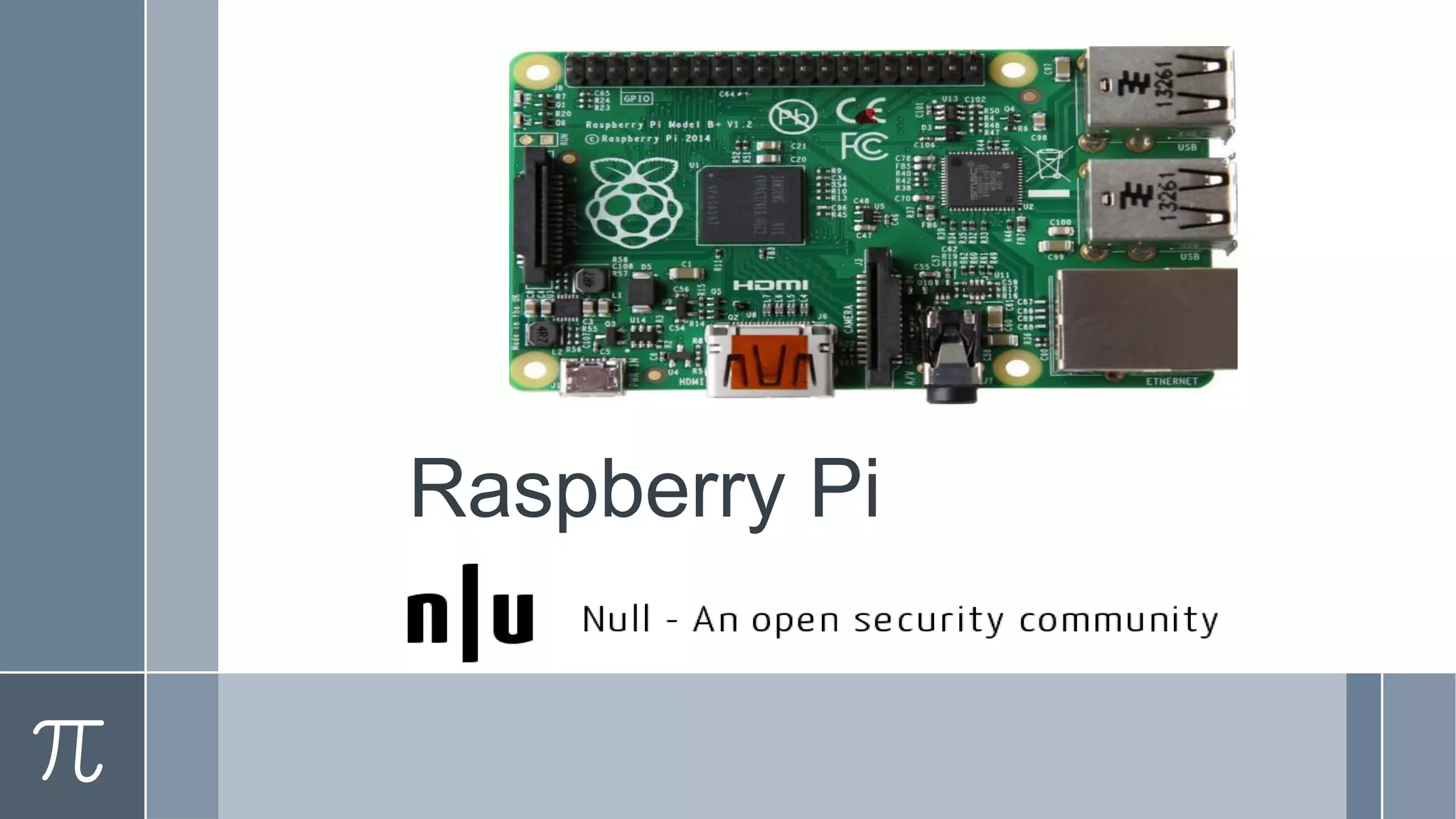
Raspberry Pi
About Me !
Vikas Jain
@ervikey
Agenda
› Raspberry Pi History
› Raspberry Pi Evolution
› Specifications of latest model
› Why it is Low Cost?
› Why it is barebone?
› Projects & Ideas
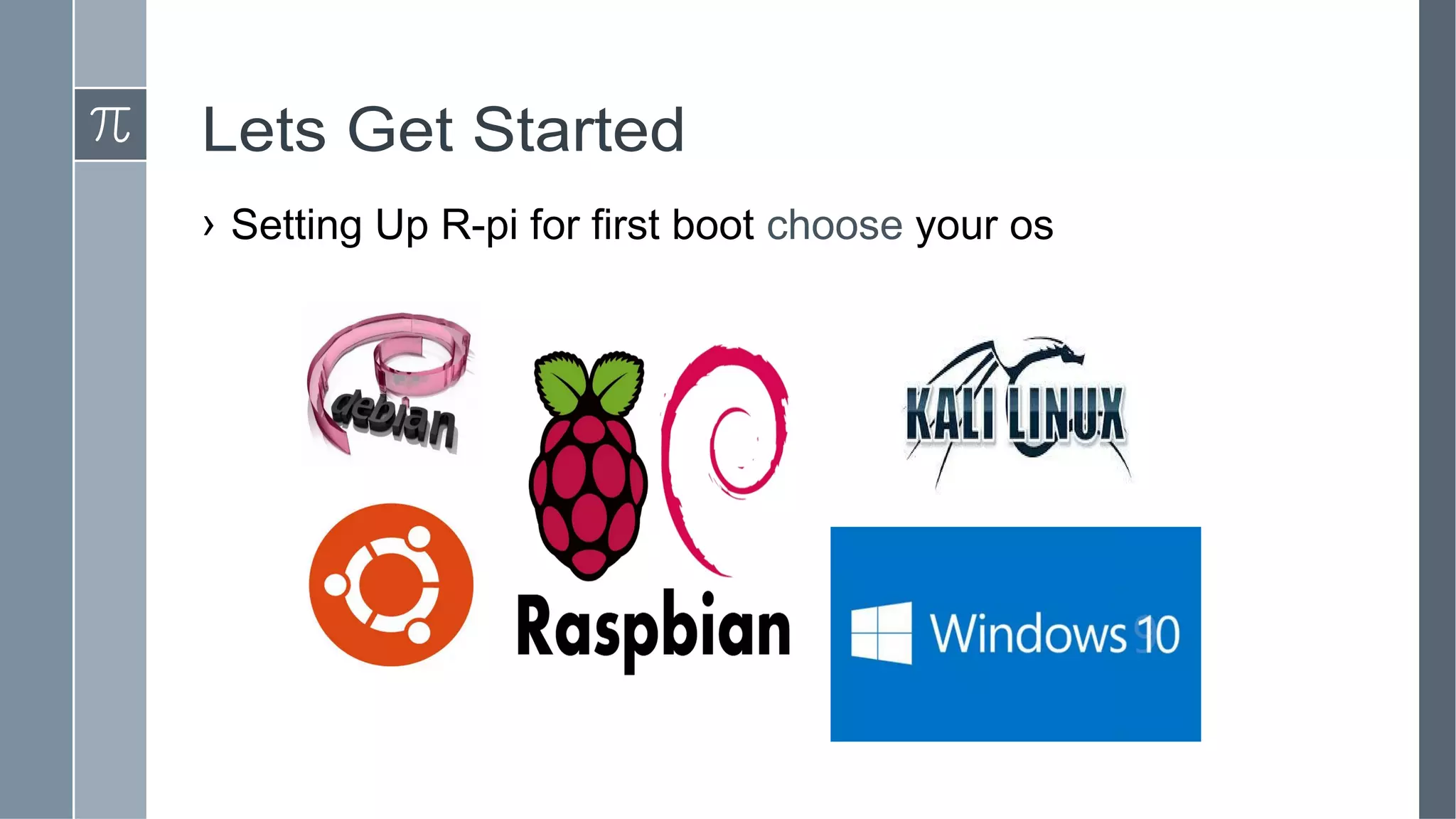
› Operating System
› Hardware Hacks
› Making Bootable SD Card
› Basic Setup
› Demo
› Q & A
What is a raspberry Pi?
› A credit card sized Computer
› Plugs into a TV or monitor
› Cheap ~Rs.3000 each
› Over 1 million units shipped
› Broadcom BCM2835 Chipset
› Designed for education
The Raspberry Team
● The Raspberry Pi Foundation – Charitable organisation
● Founding Members:
○ David Braben
○ Jack Lang
○ Pete Lomas
○ Alan Mycrott
○ Robert Mullins
○ Eben Upton
● Created @ University of Cambridge Computer Laboratory and Broadcom
○ Located @ Caldecote, Cambridgeshire, United Kingdom
● May 2009
Why Low Cost
● Funded charitable project (Dell & Sony)
● For understanding Computer Science
● Open Source Hardware
● ARM Processor
● Embedded Ram
● Less Power
● Low Cost Hi-Def GPU
● Barebone
Hardware Specification: Pi 2
› Release date February 2015
› Introductory price Rs. 3000 (Approx.)
› Operating system variants of Linux such as Ubuntu and
Android
› CPU 900 MHz quad-core ARM Cortex-A7
› Memory 1 GB RAM
› Storage MicroSDHC slot
› Graphics Broadcom VideoCore IV
› Power 4.0 W
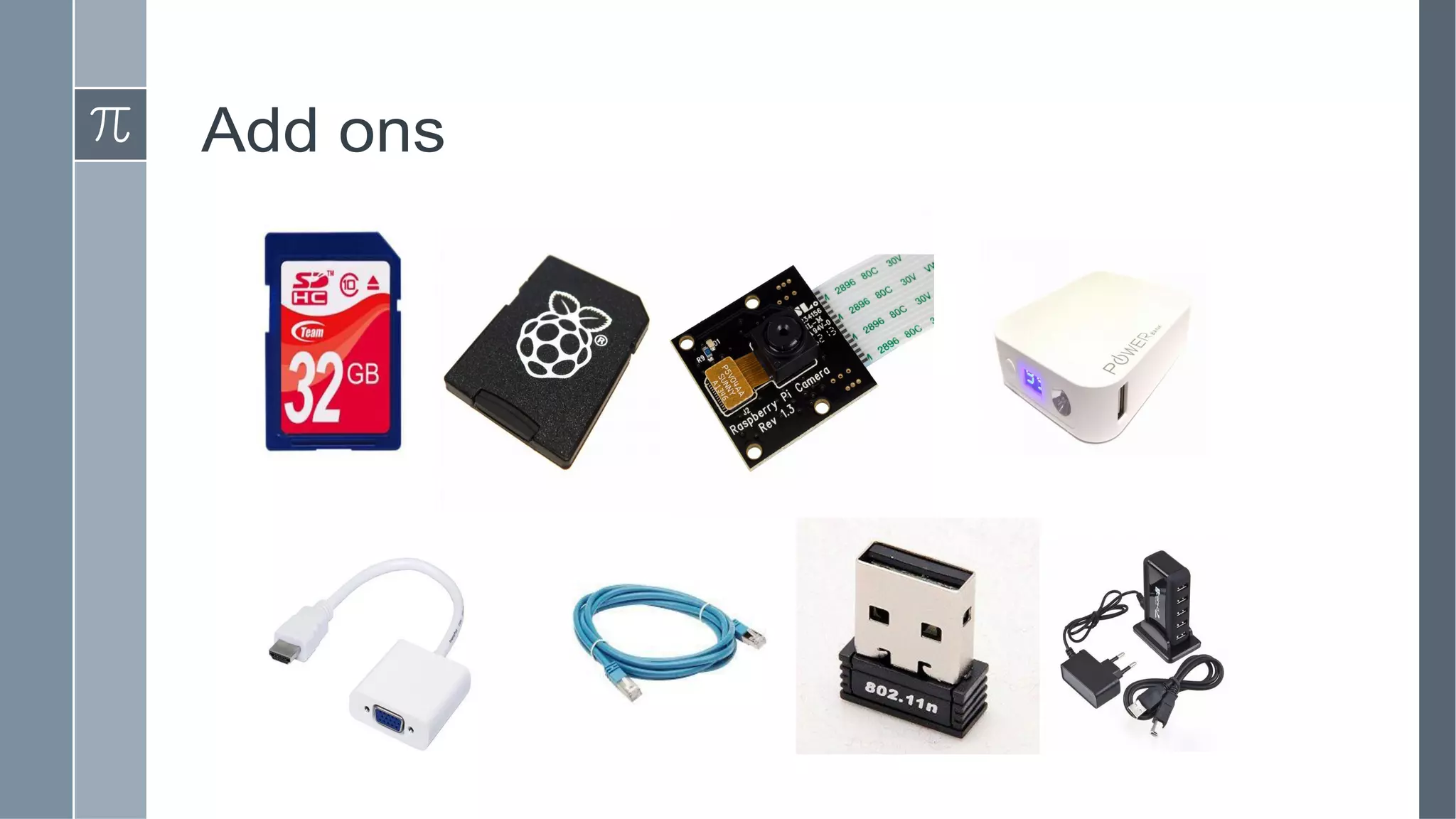
Add ons
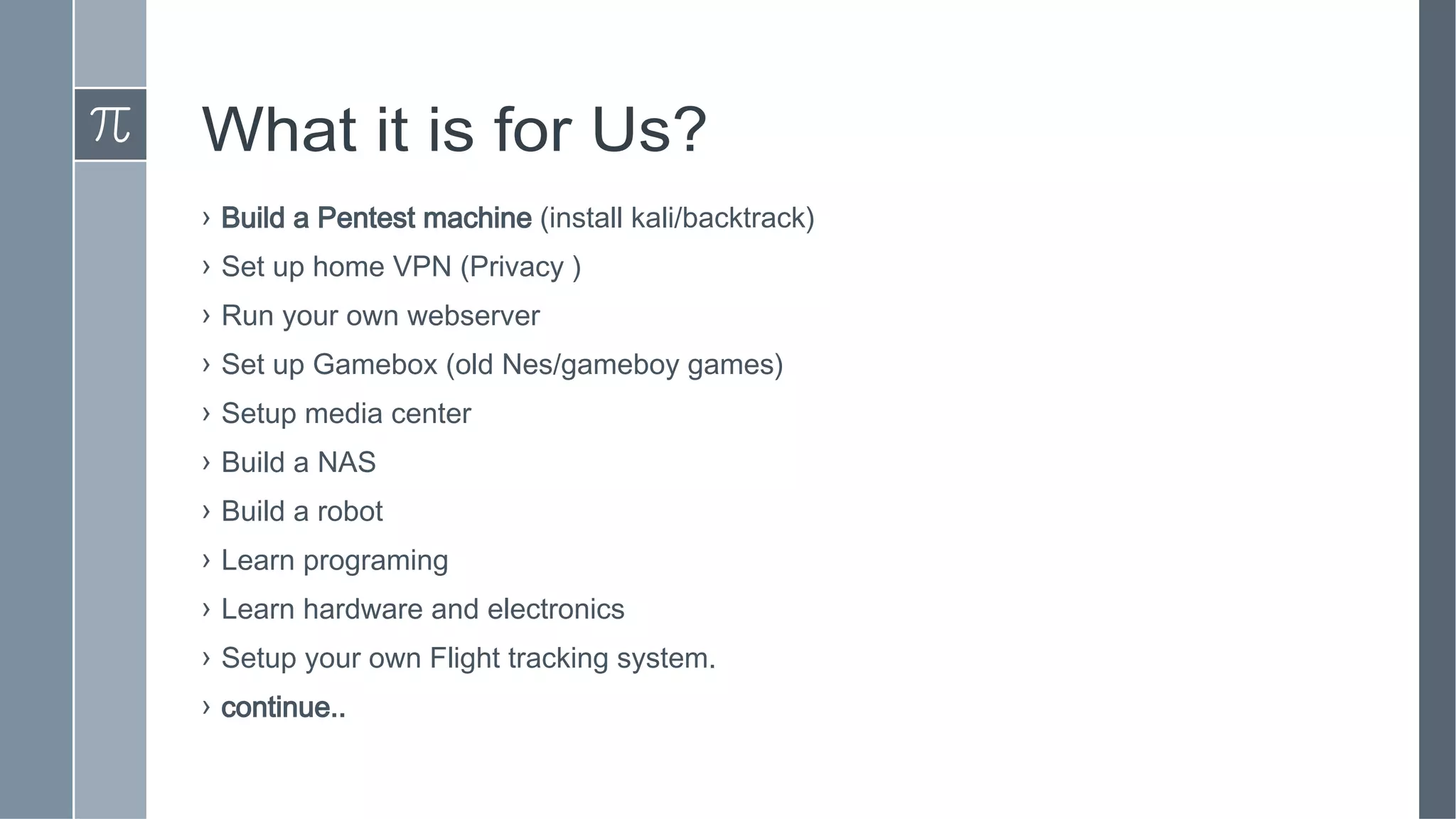
What it is for Us?
› Build a Pentest machine (install kali/backtrack)
› Set up home VPN (Privacy )
› Run your own webserver
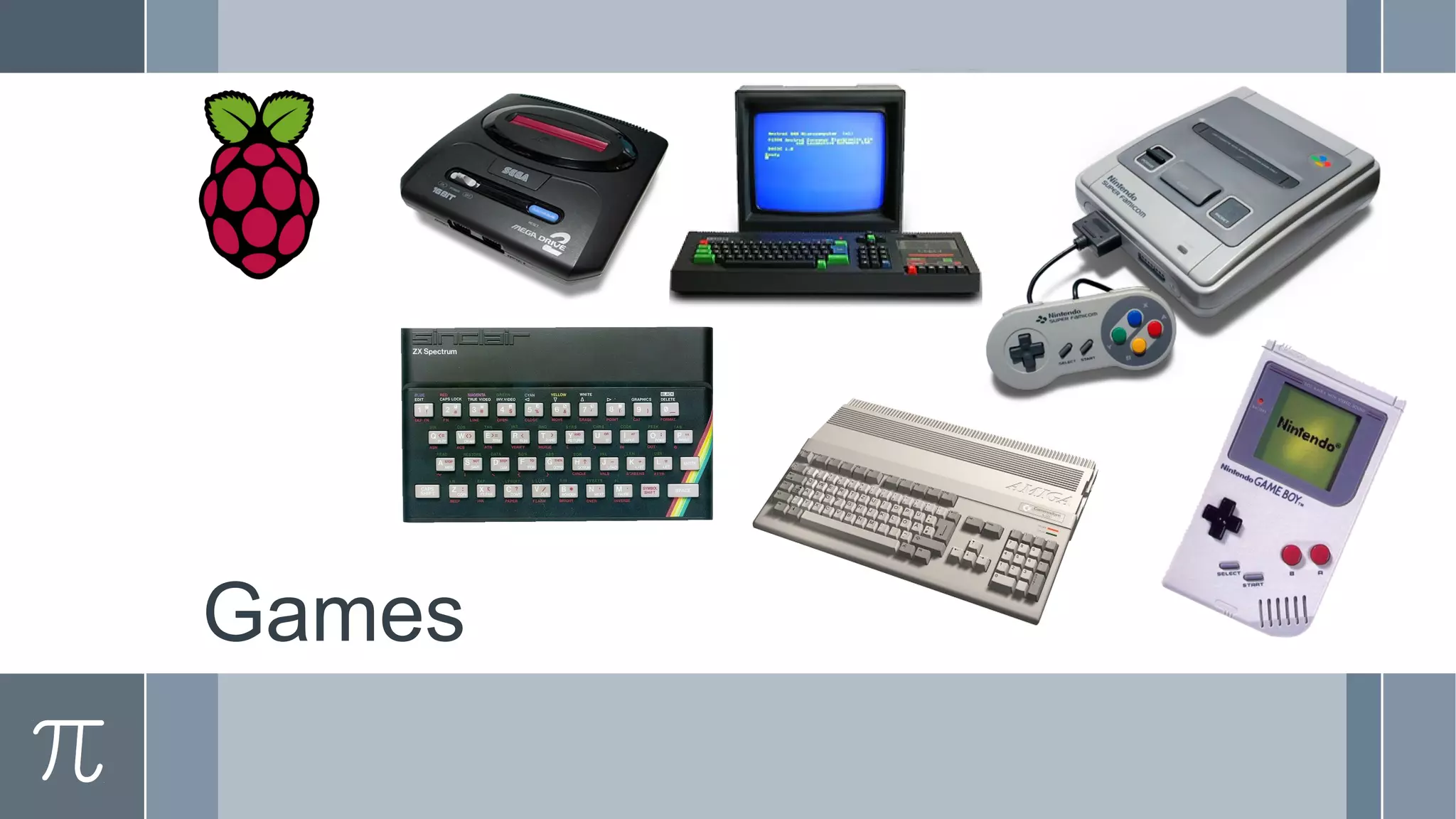
› Set up Gamebox (old Nes/gameboy games)
› Setup media center
› Build a NAS
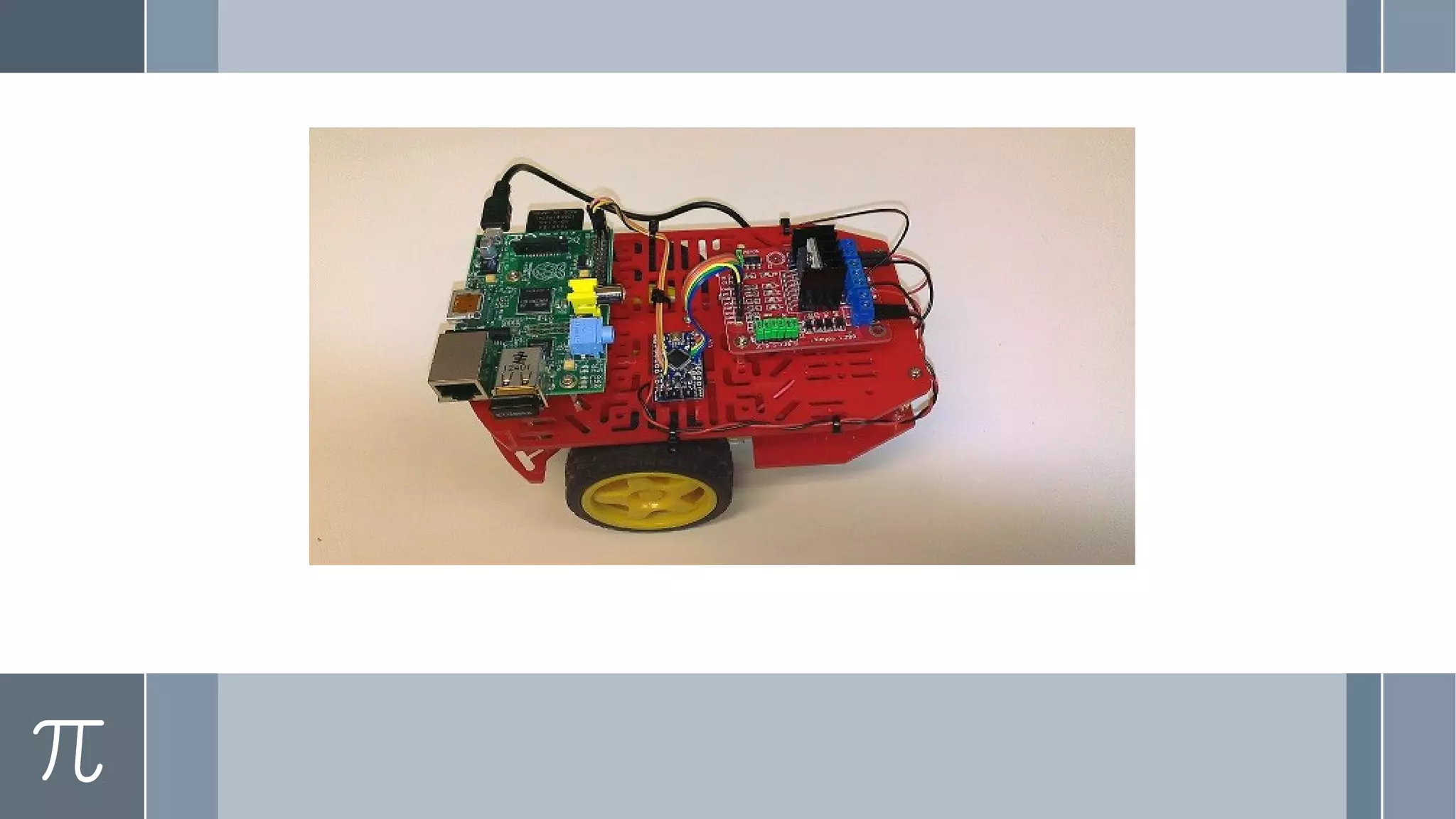
› Build a robot
› Learn programing
› Learn hardware and electronics
› Setup your own Flight tracking system.
› continue..
More Project Ideas
› Home Security System
› Automated Coffee Machine
› GPS Tracker
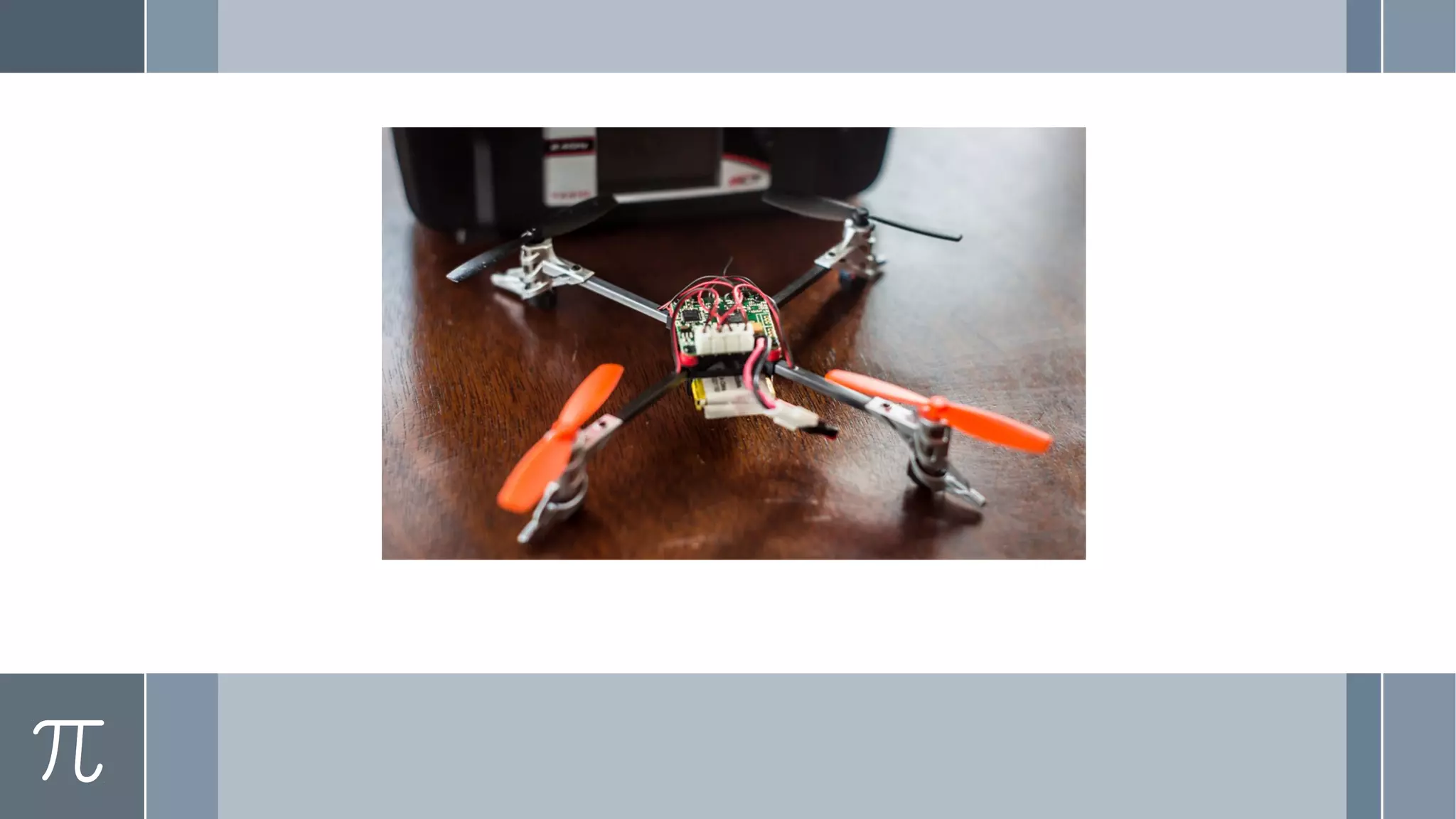
› Quad copter with wireless camera
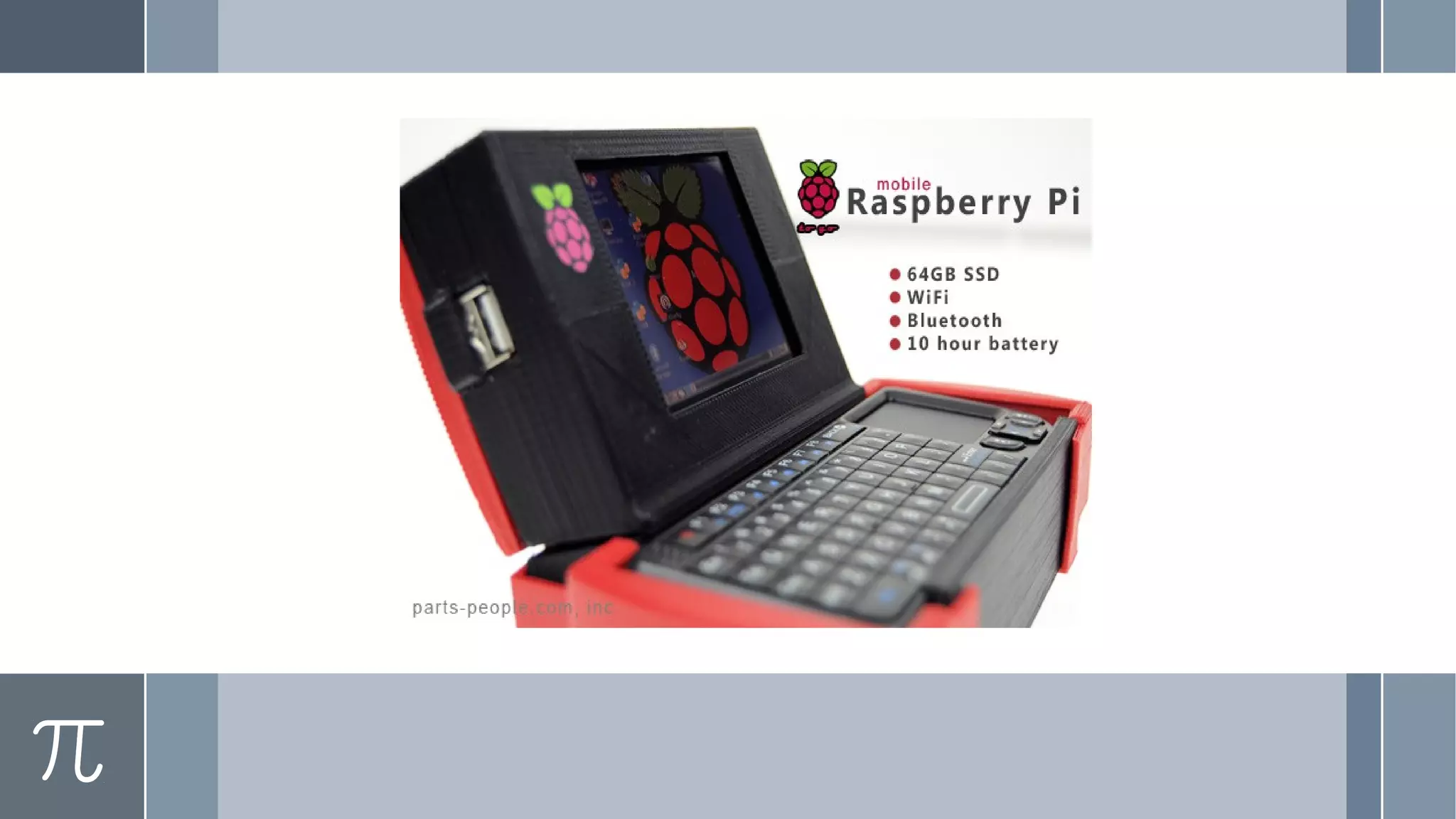
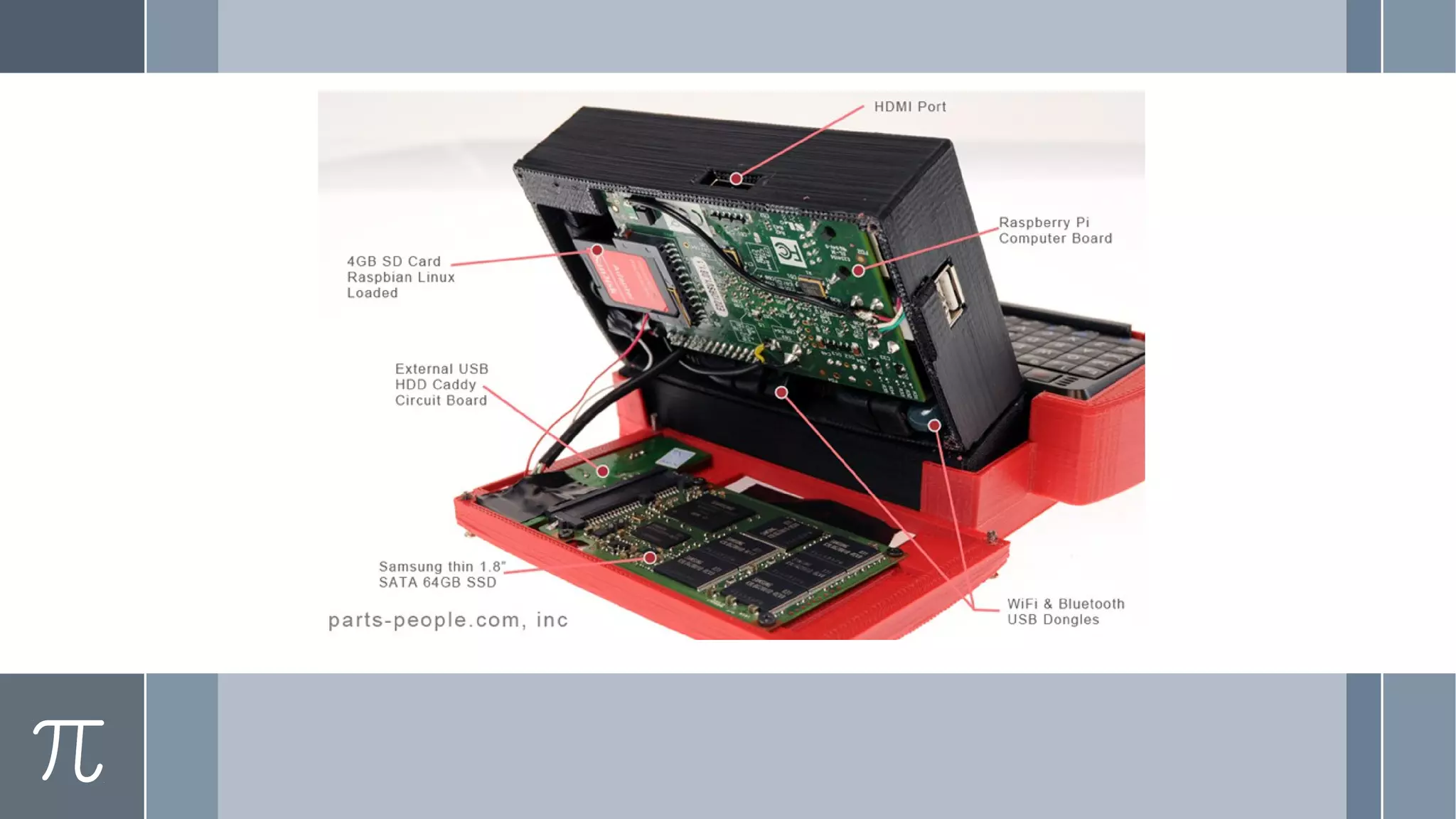
› Portable Laptop
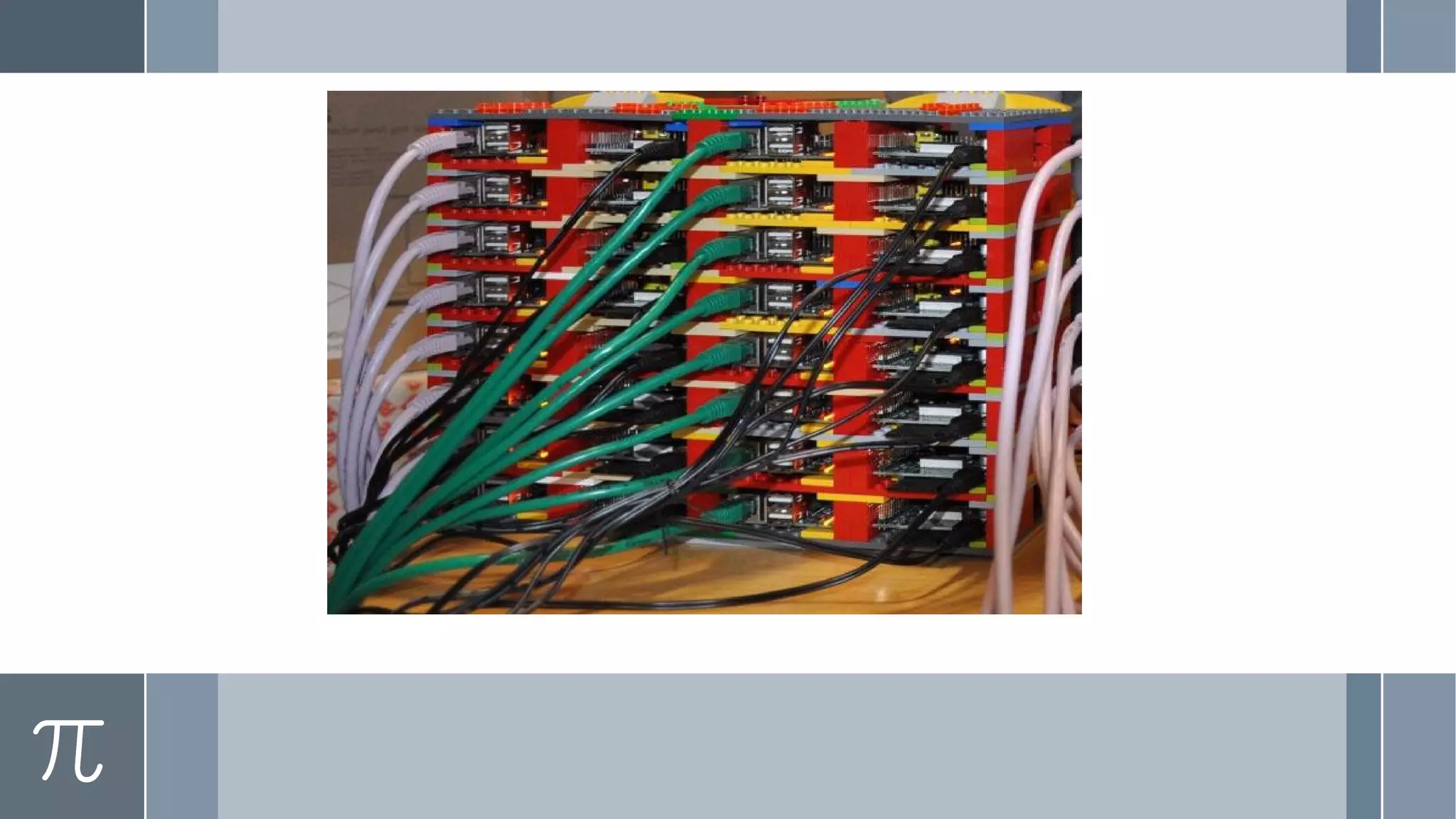
› Server ( web, database, torrent, hotspot)
› Many more...
Office
Programing
Games
HTPC
Lets Get Started
› Setting Up R-pi for first boot choose your os
Tools
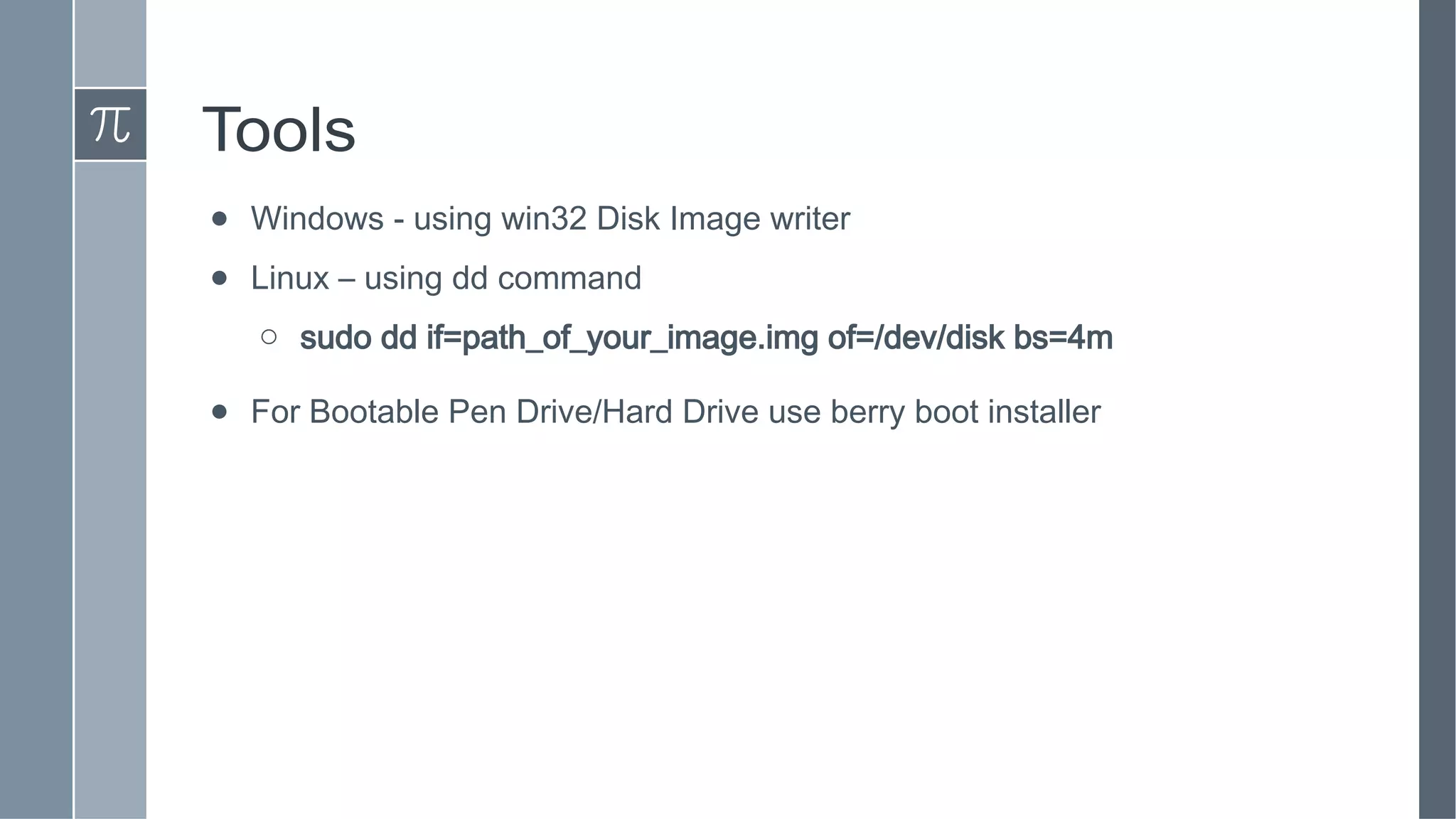
● Windows - using win32 Disk Image writer
● Linux – using dd command
o sudo dd if=path_of_your_image.img of=/dev/disk bs=4m
● For Bootable Pen Drive/Hard Drive use berry boot installer
Questions ?

Raspberry pi 2

  • 1.
  • 2.
    About Me ! VikasJain @ervikey
  • 4.
    Agenda › Raspberry PiHistory › Raspberry Pi Evolution › Specifications of latest model › Why it is Low Cost? › Why it is barebone? › Projects & Ideas › Operating System › Hardware Hacks › Making Bootable SD Card › Basic Setup › Demo › Q & A
  • 5.
    What is araspberry Pi? › A credit card sized Computer › Plugs into a TV or monitor › Cheap ~Rs.3000 each › Over 1 million units shipped › Broadcom BCM2835 Chipset › Designed for education
  • 6.
    The Raspberry Team ●The Raspberry Pi Foundation – Charitable organisation ● Founding Members: ○ David Braben ○ Jack Lang ○ Pete Lomas ○ Alan Mycrott ○ Robert Mullins ○ Eben Upton ● Created @ University of Cambridge Computer Laboratory and Broadcom ○ Located @ Caldecote, Cambridgeshire, United Kingdom ● May 2009
  • 7.
    Why Low Cost ●Funded charitable project (Dell & Sony) ● For understanding Computer Science ● Open Source Hardware ● ARM Processor ● Embedded Ram ● Less Power ● Low Cost Hi-Def GPU ● Barebone
  • 8.
    Hardware Specification: Pi2 › Release date February 2015 › Introductory price Rs. 3000 (Approx.) › Operating system variants of Linux such as Ubuntu and Android › CPU 900 MHz quad-core ARM Cortex-A7 › Memory 1 GB RAM › Storage MicroSDHC slot › Graphics Broadcom VideoCore IV › Power 4.0 W
  • 9.
  • 10.
    What it isfor Us? › Build a Pentest machine (install kali/backtrack) › Set up home VPN (Privacy ) › Run your own webserver › Set up Gamebox (old Nes/gameboy games) › Setup media center › Build a NAS › Build a robot › Learn programing › Learn hardware and electronics › Setup your own Flight tracking system. › continue..
  • 11.
    More Project Ideas ›Home Security System › Automated Coffee Machine › GPS Tracker › Quad copter with wireless camera › Portable Laptop › Server ( web, database, torrent, hotspot) › Many more...
  • 12.
  • 13.
  • 14.
  • 16.
  • 22.
    Lets Get Started ›Setting Up R-pi for first boot choose your os
  • 23.
    Tools ● Windows -using win32 Disk Image writer ● Linux – using dd command o sudo dd if=path_of_your_image.img of=/dev/disk bs=4m ● For Bootable Pen Drive/Hard Drive use berry boot installer
  • 24.