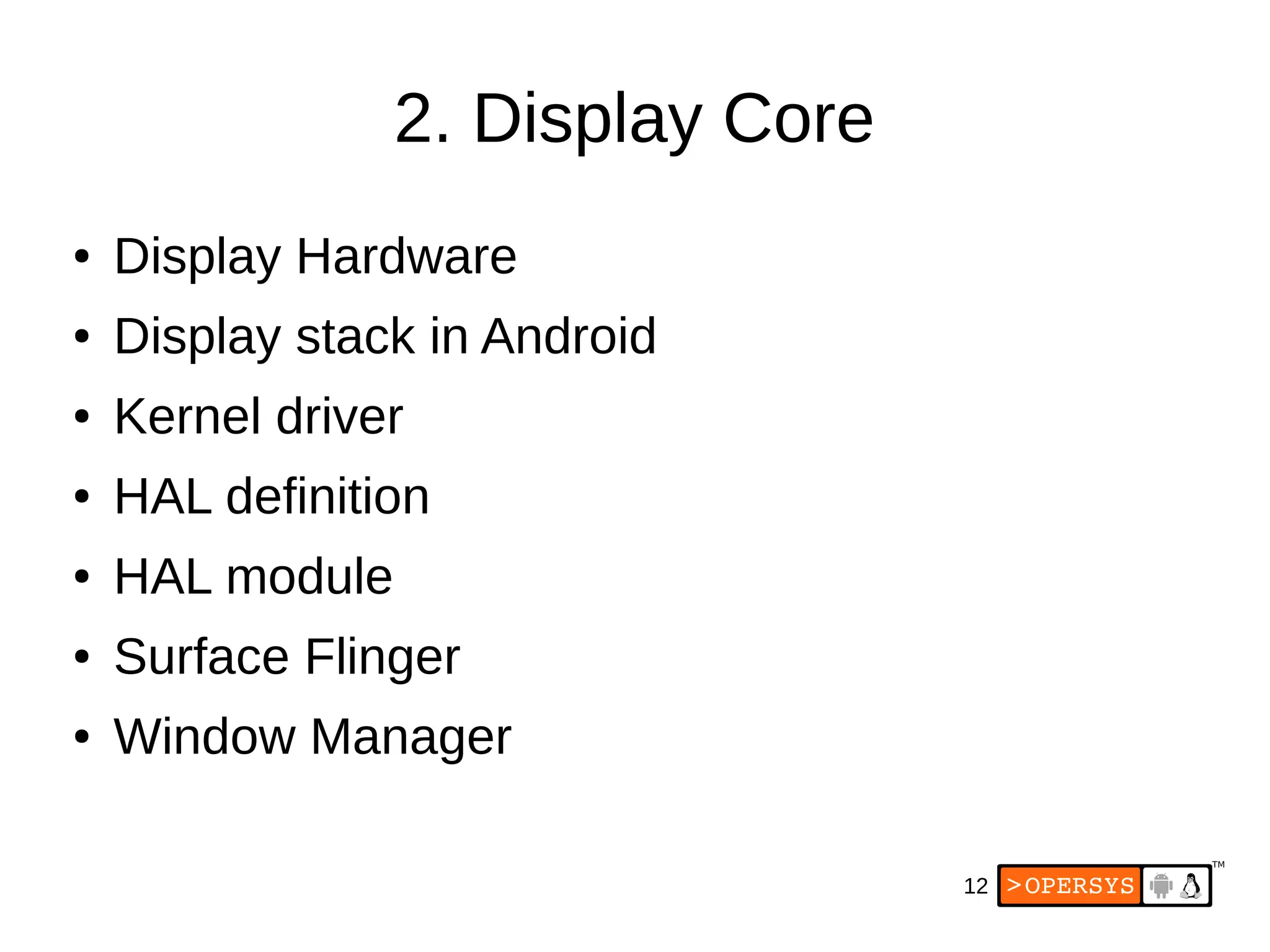
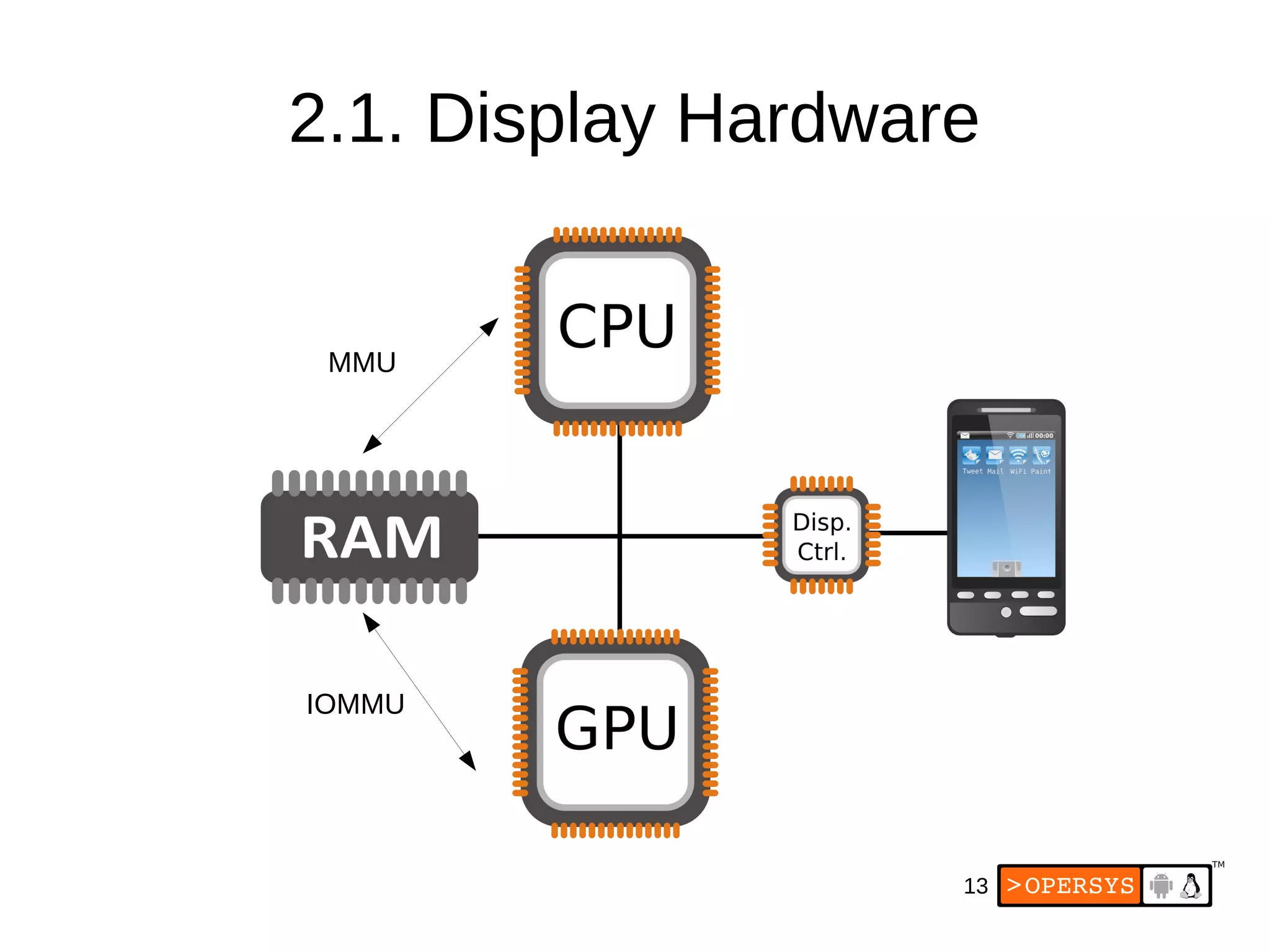
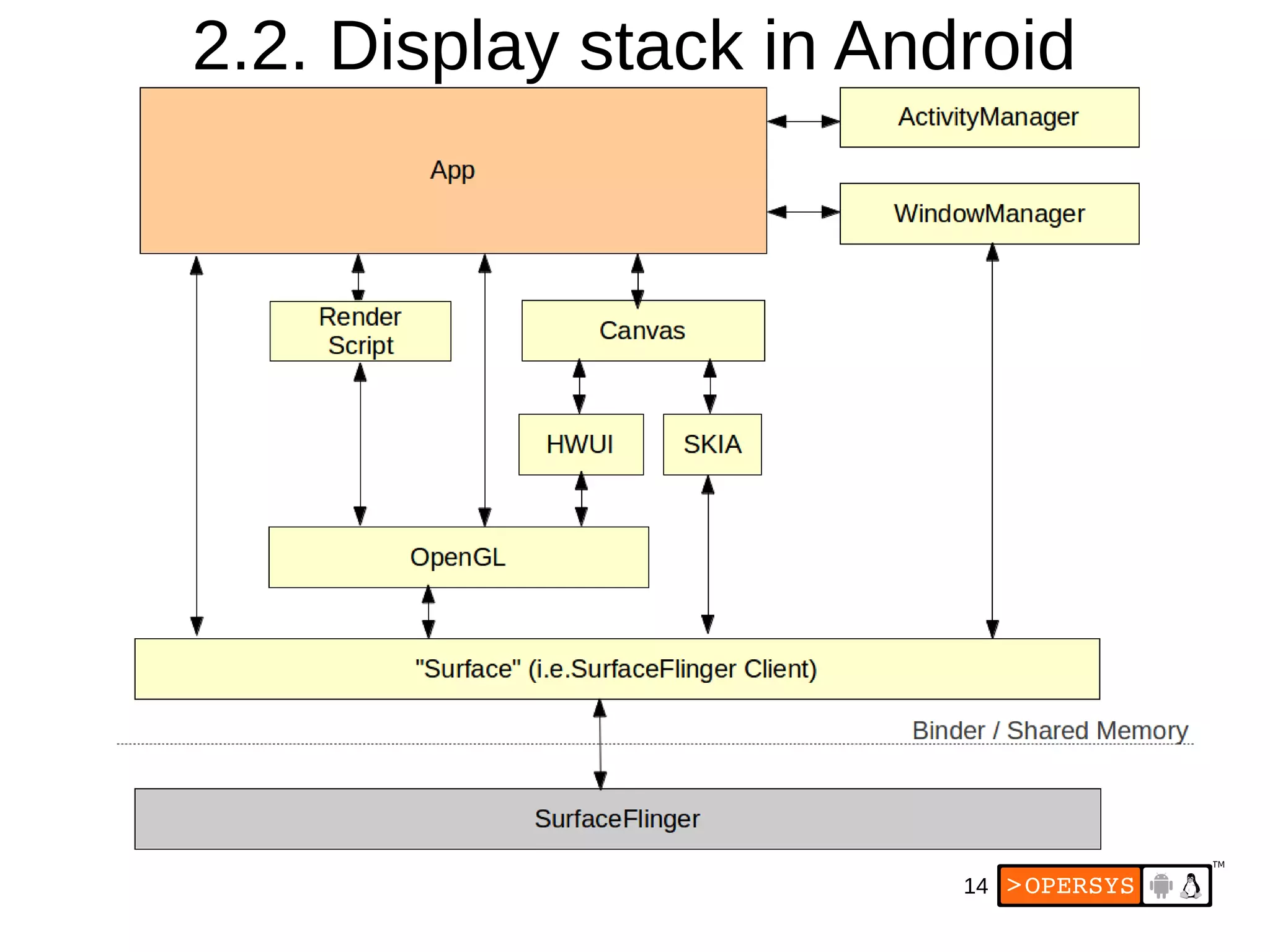
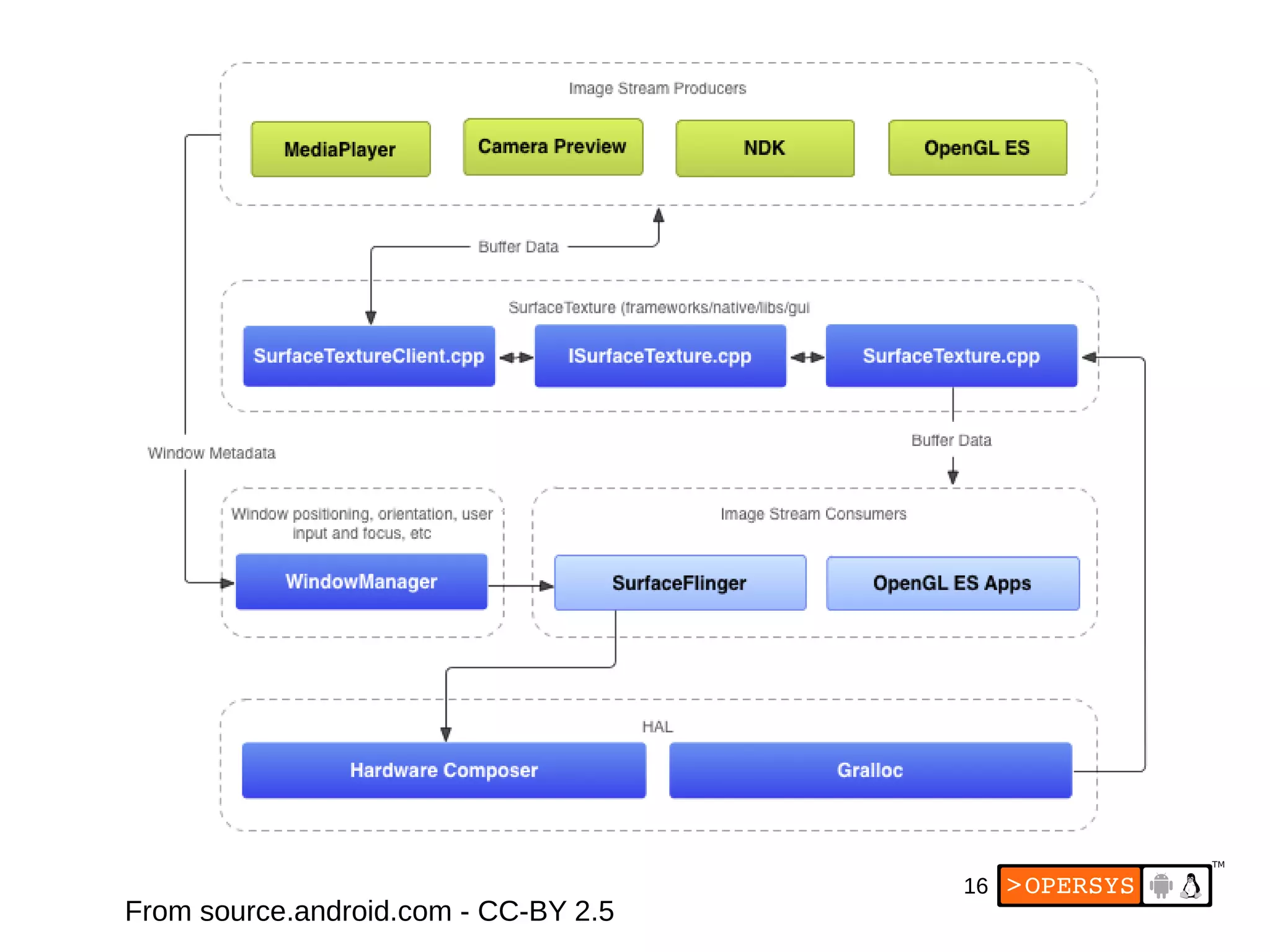
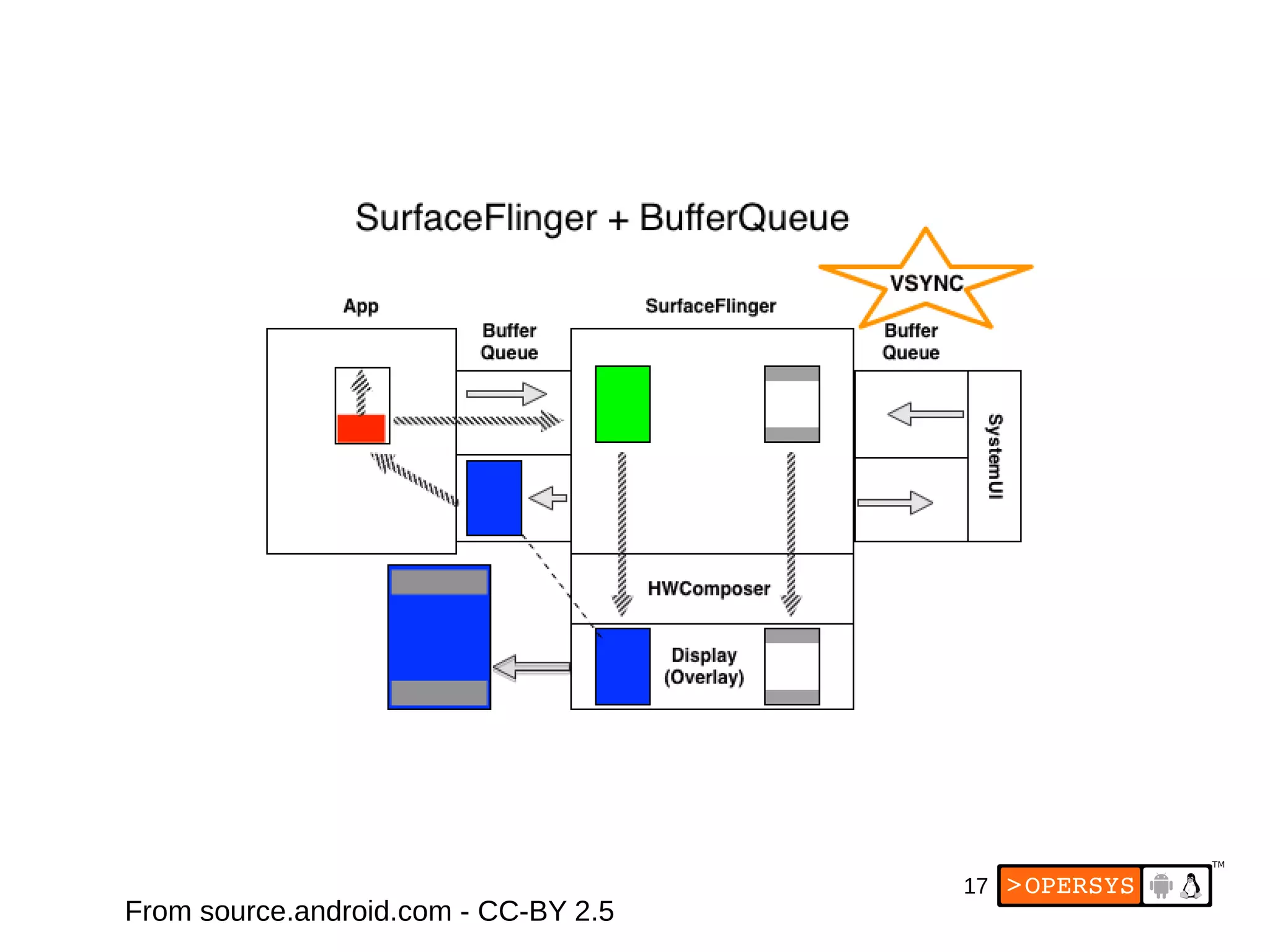
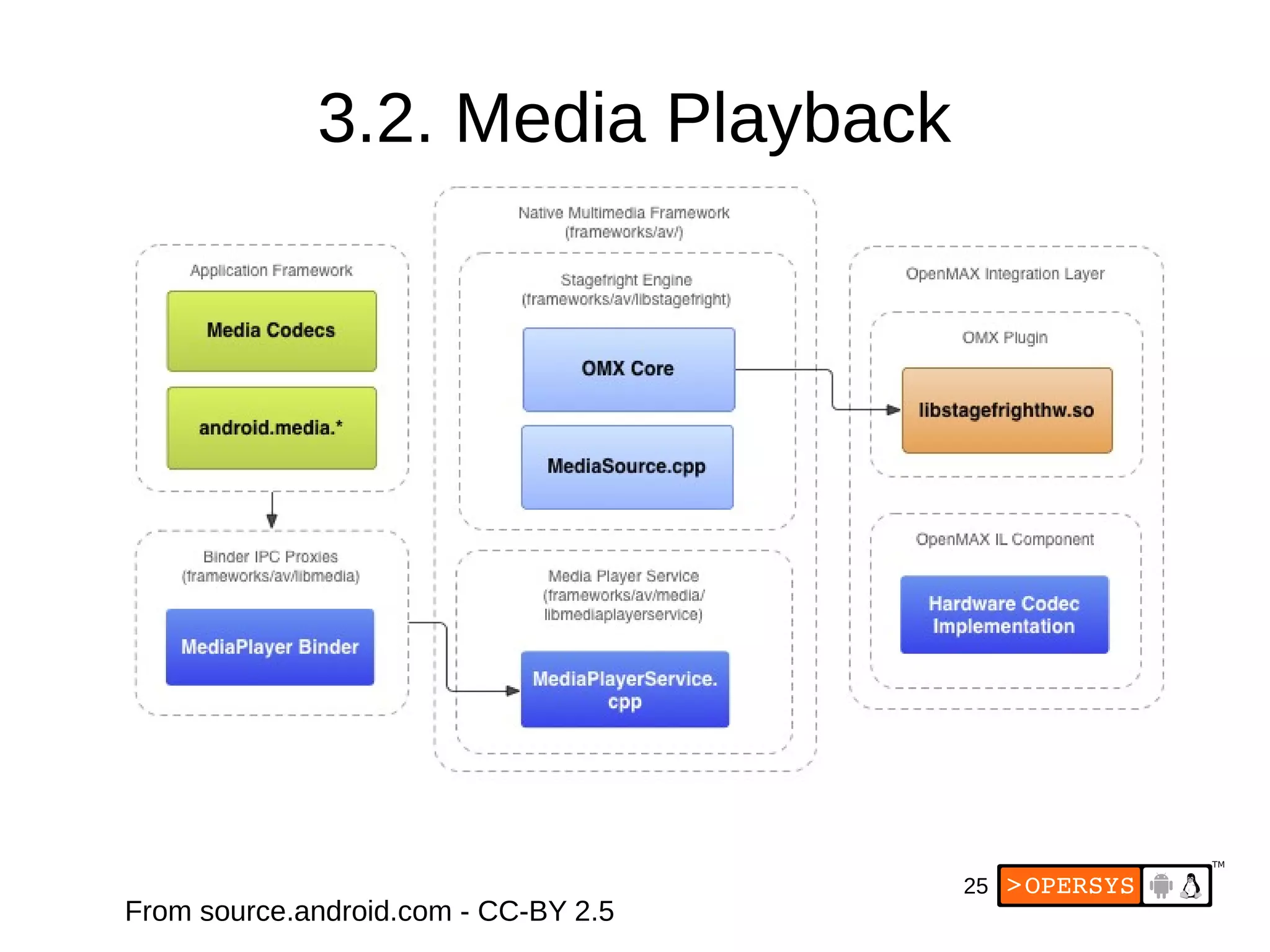
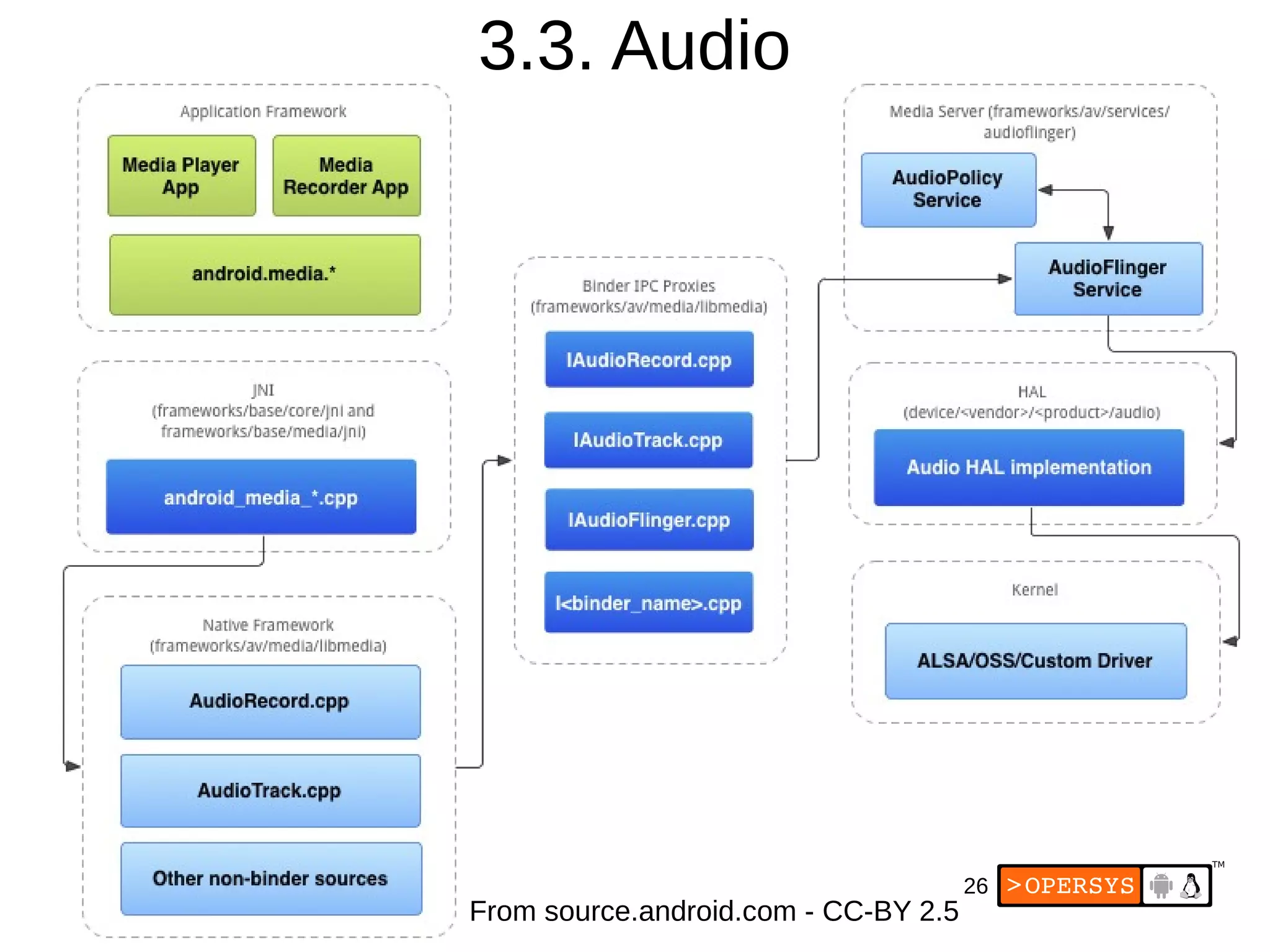
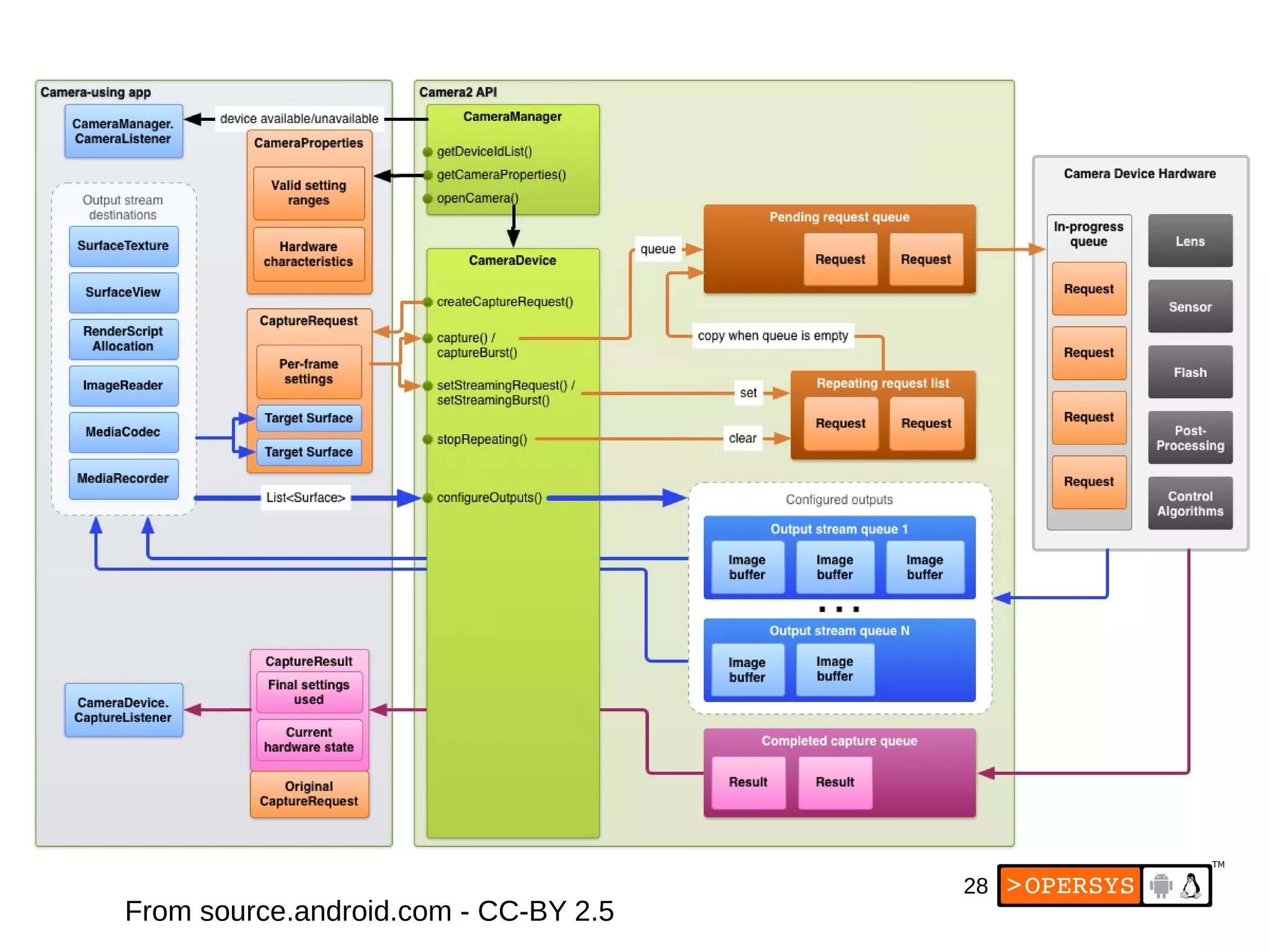
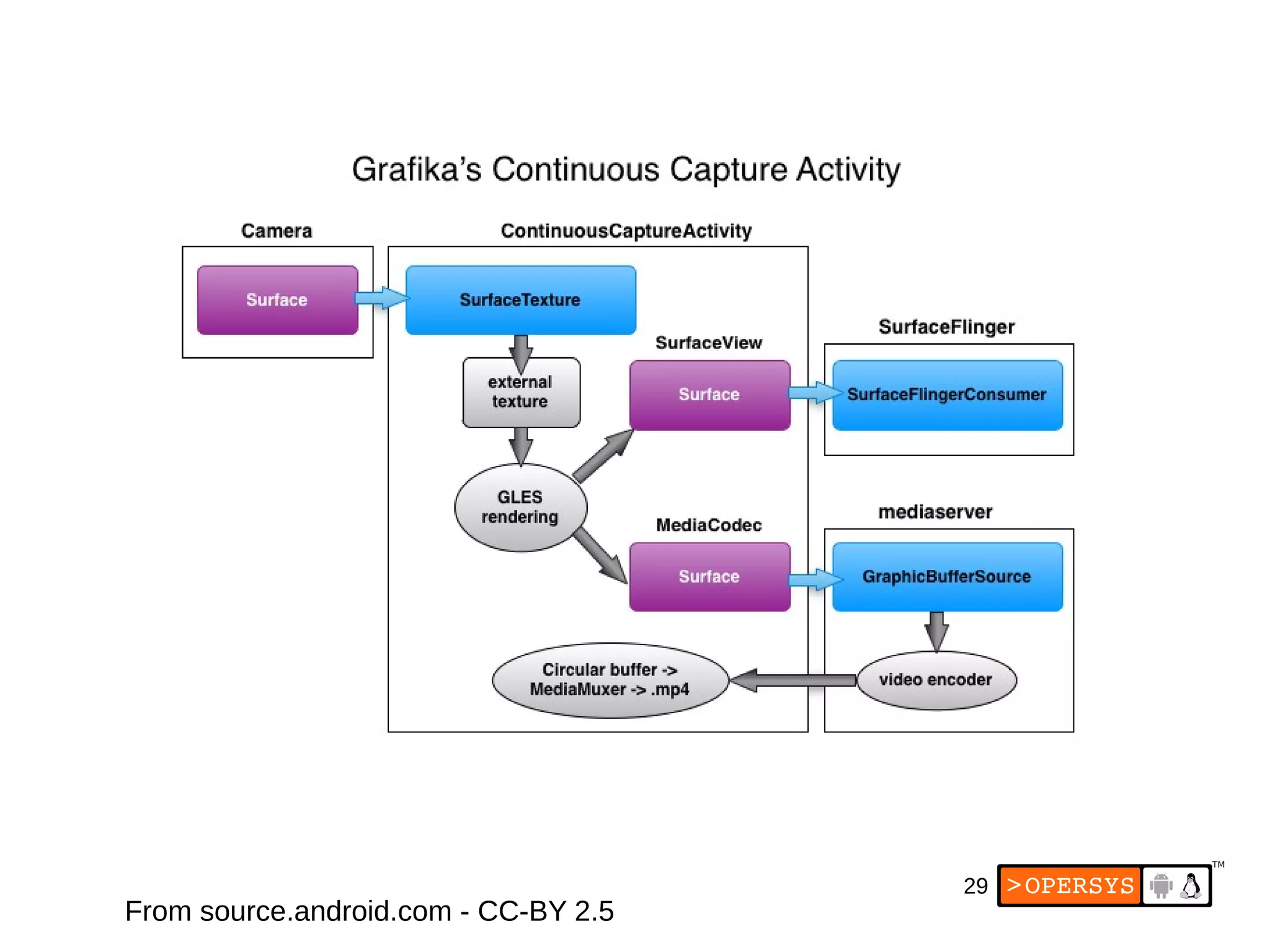
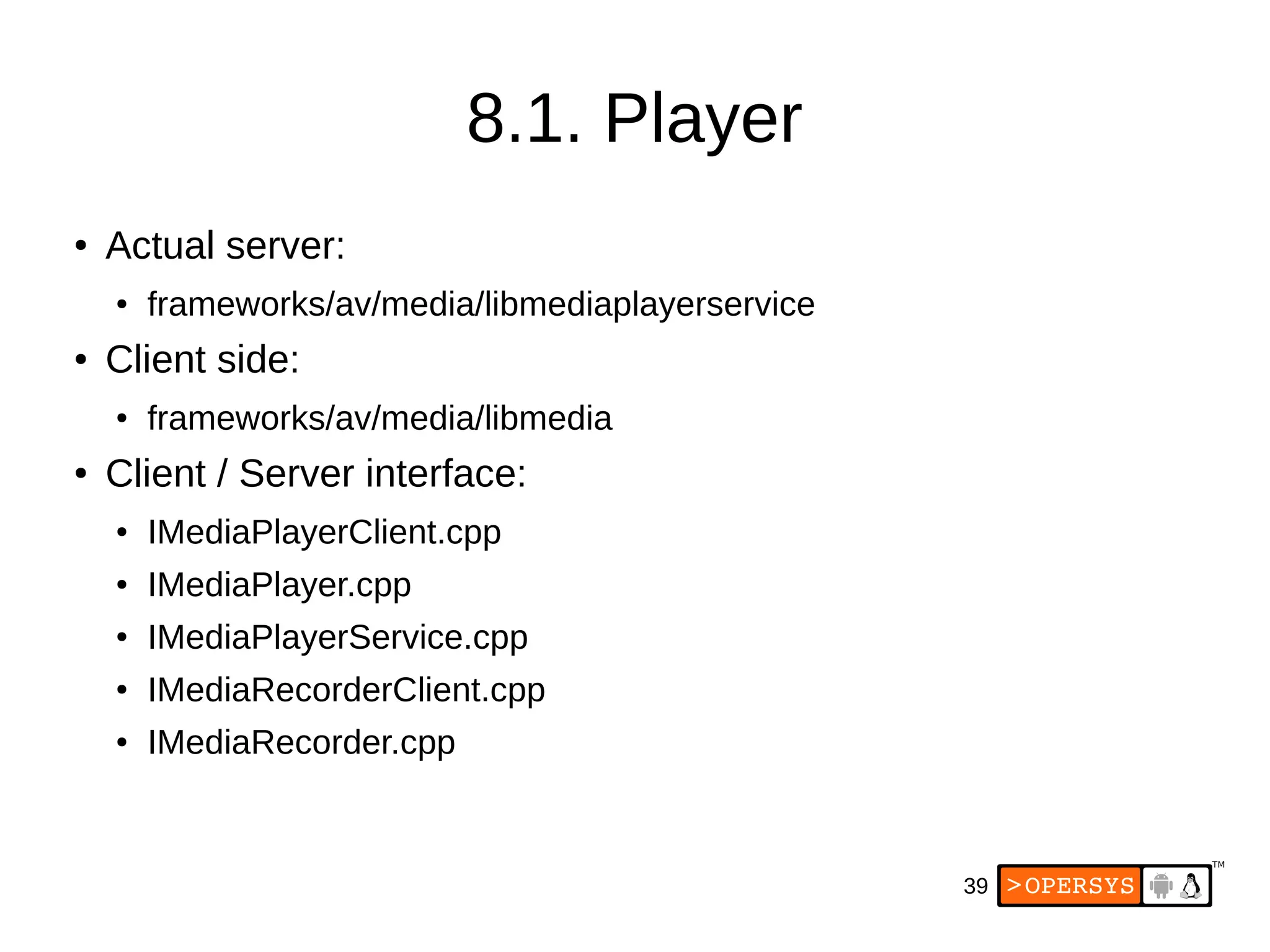
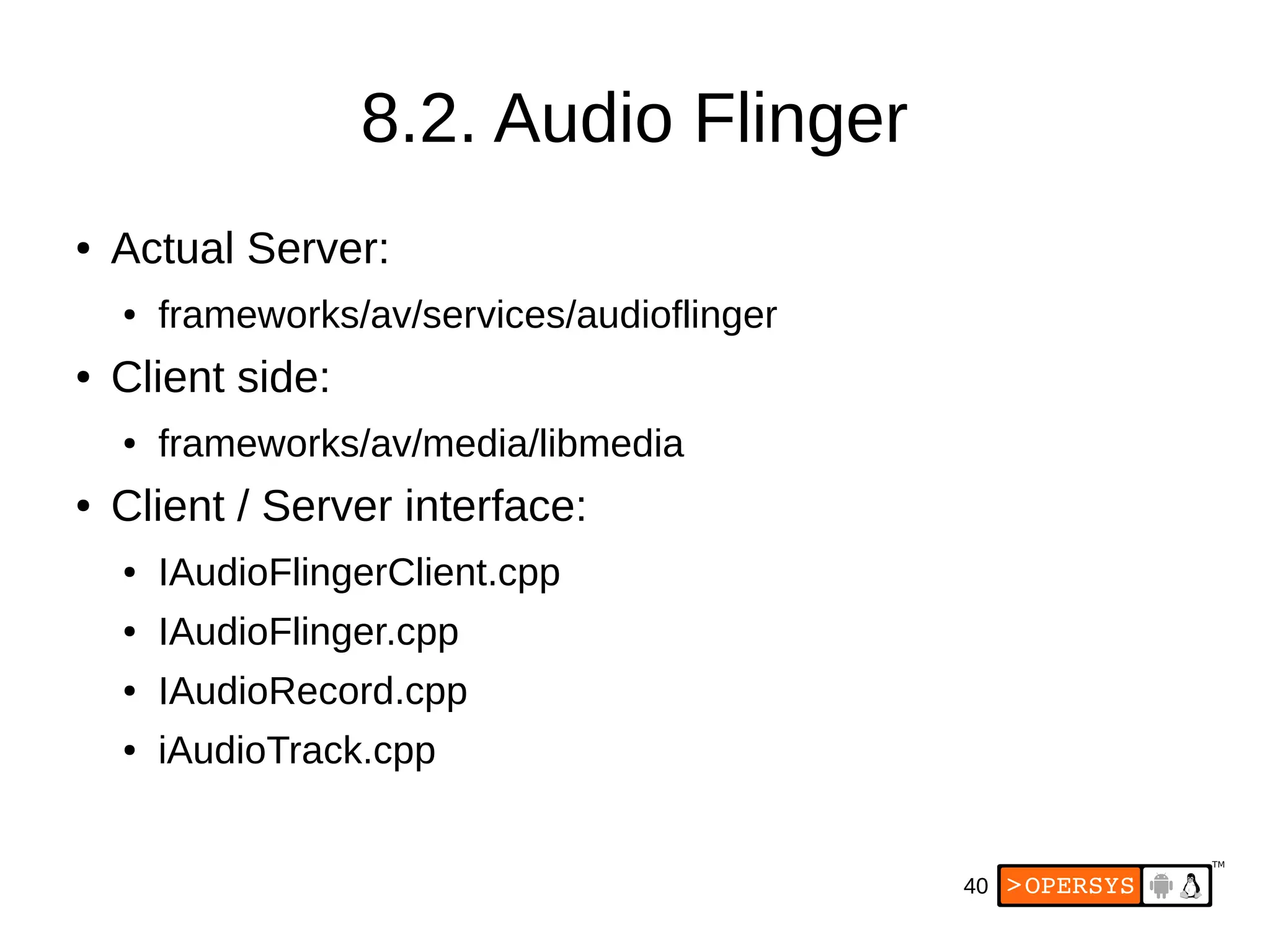
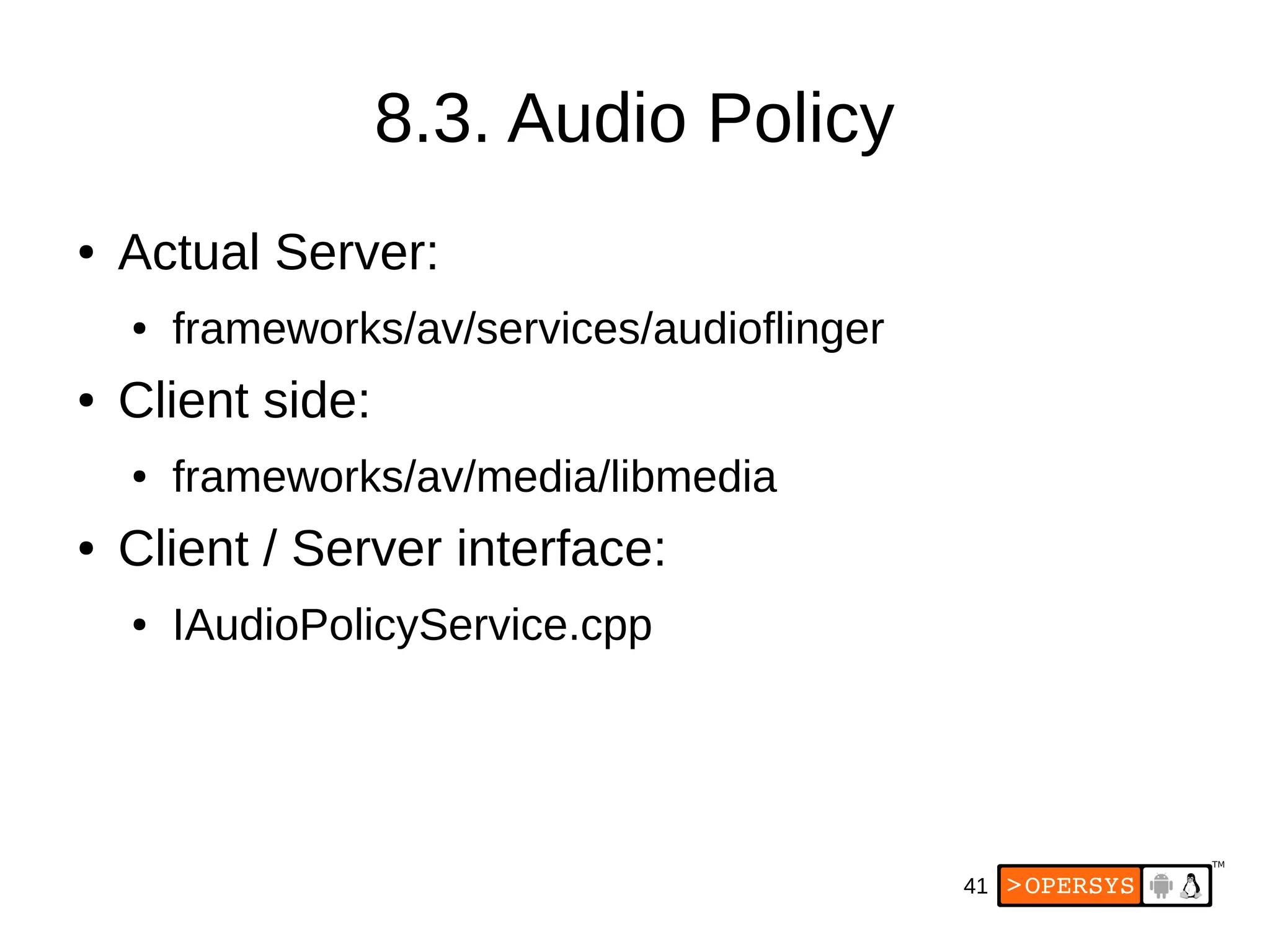
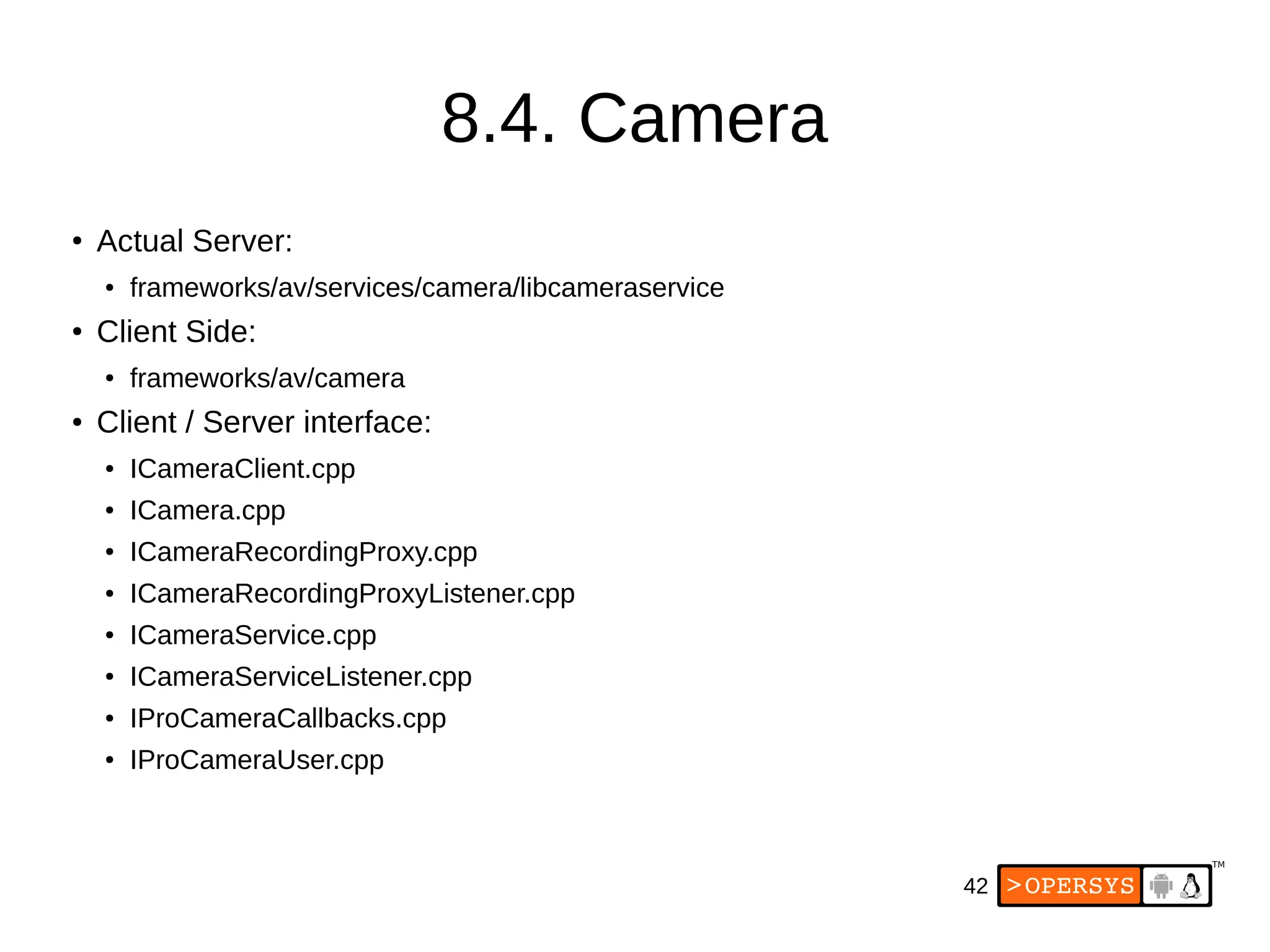
The document provides an overview of Android's multimedia framework. It discusses the architecture basics, including the display core, multimedia architecture, app development model, kernel drivers, HAL definitions and modules, system services like Stagefright, relevant apps, and references. The display core section specifically describes the display hardware, stack, kernel driver, HAL definition and module, SurfaceFlinger, and WindowManager.
2
These slides aremade available to you under a Creative Commons Share-
Alike 3.0 license. The full terms of this license are here:
https://creativecommons.org/licenses/by-sa/3.0/
Attribution requirements and misc., PLEASE READ:
● This slide must remain as-is in this specific location (slide #2), everything
else you are free to change; including the logo :-)
● Use of figures in other documents must feature the below “Originals at”
URL immediately under that figure and the below copyright notice where
appropriate.
● You are free to fill in the “Delivered and/or customized by” space on the
right as you see fit.
● You are FORBIDEN from using the default “About” slide as-is or any of its
contents.
●
You are FORBIDEN from using any content provided by 3rd
parties without
the EXPLICIT consent from those parties.
(C) Copyright 2013-2014, Opersys inc.
These slides created by: Karim Yaghmour
Originals at: www.opersys.com/community/docs
Delivered and/or customized by
3.
3
About
● Author of:
●Introduced Linux Trace Toolkit in 1999
● Originated Adeos and relayfs (kernel/relay.c)
● Training, Custom Dev, Consulting, ...
4.
4
Agenda
● Architecture Basics
●Display Core
● Multimedia Architecture
● App Dev Model
● Kernel Drivers
● HAL definitions
● HAL modules
● System Services
● Stagefright
● Walkthrough
● Relevant Apps
● References and Pointers
20
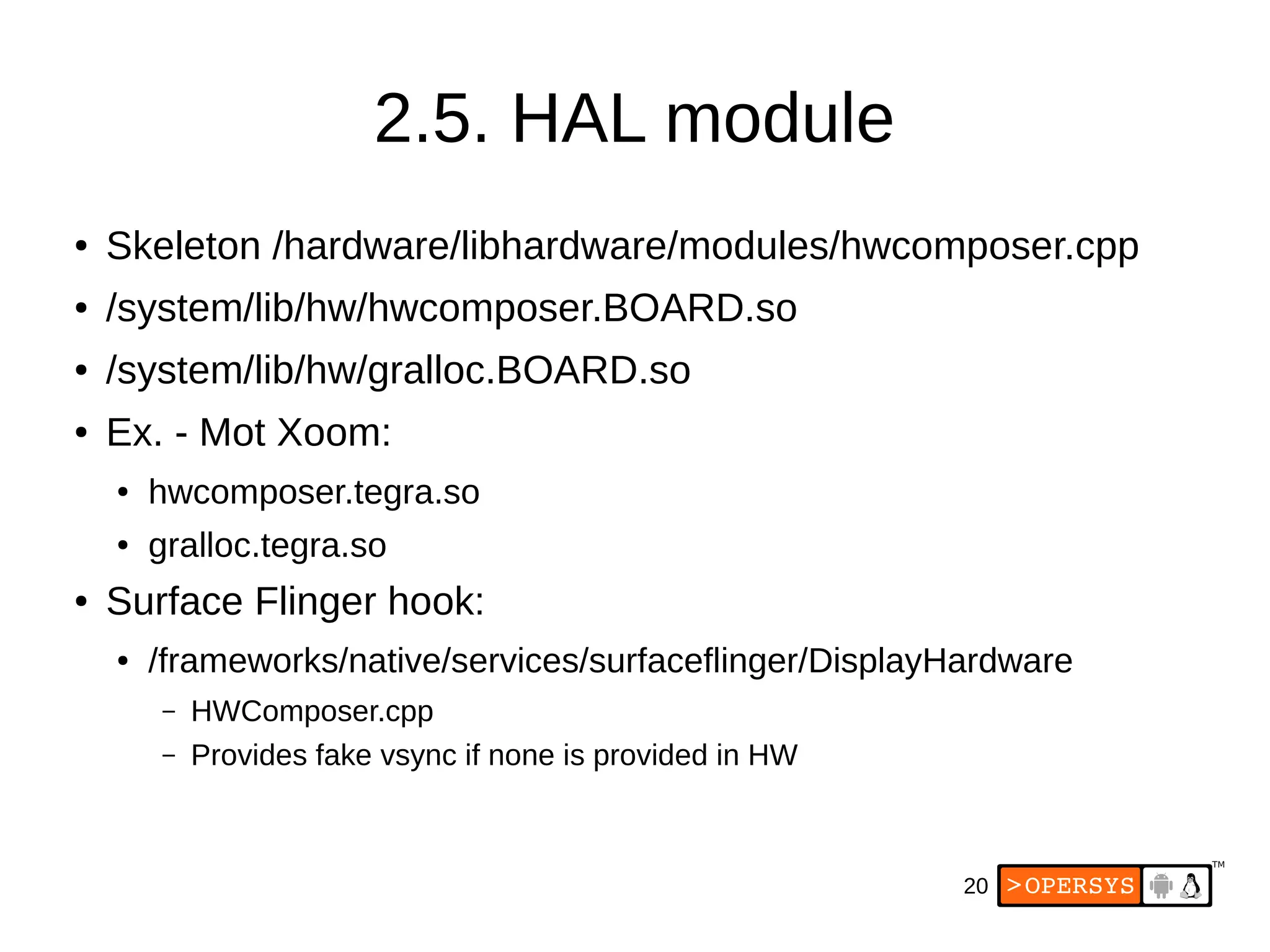
2.5. HAL module
●Skeleton /hardware/libhardware/modules/hwcomposer.cpp
● /system/lib/hw/hwcomposer.BOARD.so
● /system/lib/hw/gralloc.BOARD.so
● Ex. - Mot Xoom:
● hwcomposer.tegra.so
● gralloc.tegra.so
● Surface Flinger hook:
● /frameworks/native/services/surfaceflinger/DisplayHardware
– HWComposer.cpp
– Provides fake vsync if none is provided in HW
21.
21
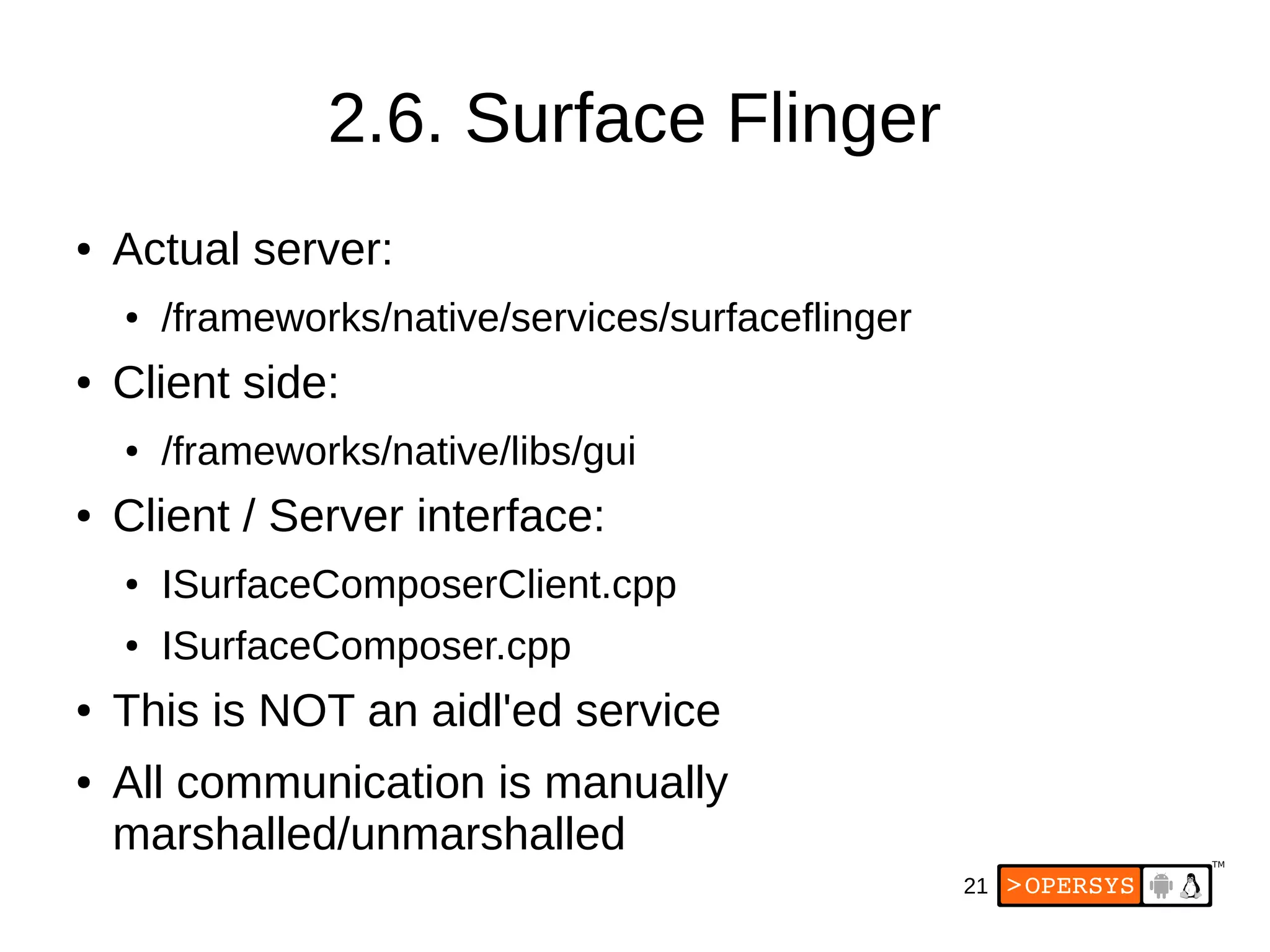
2.6. Surface Flinger
●Actual server:
● /frameworks/native/services/surfaceflinger
● Client side:
● /frameworks/native/libs/gui
● Client / Server interface:
● ISurfaceComposerClient.cpp
● ISurfaceComposer.cpp
● This is NOT an aidl'ed service
● All communication is manually
marshalled/unmarshalled
30
4. App DevModel
● Media Playback
● Audio Record
● Camera
31.
31
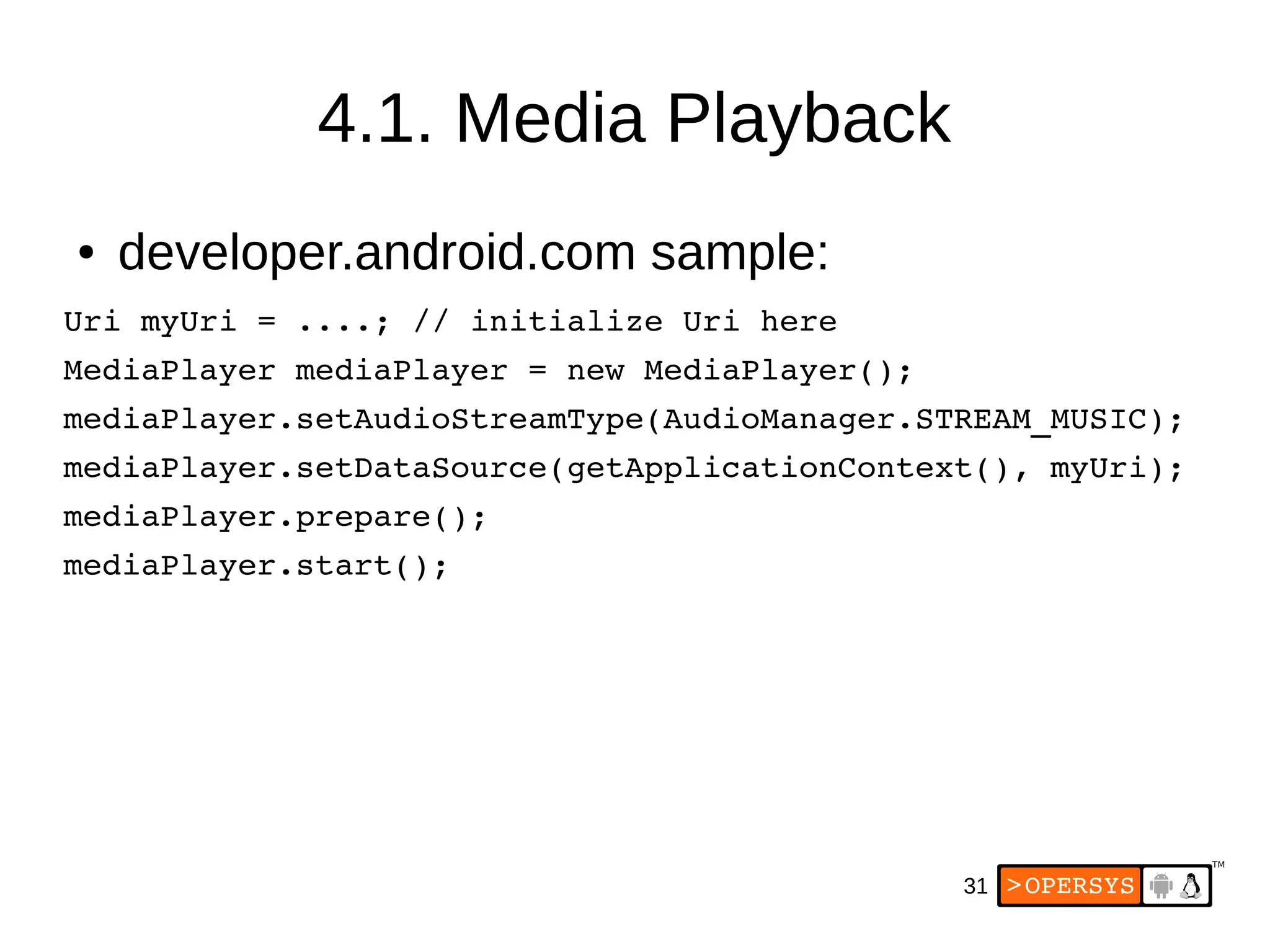
4.1. Media Playback
●developer.android.com sample:
Uri myUri = ....; // initialize Uri here
MediaPlayer mediaPlayer = new MediaPlayer();
mediaPlayer.setAudioStreamType(AudioManager.STREAM_MUSIC);
mediaPlayer.setDataSource(getApplicationContext(), myUri);
mediaPlayer.prepare();
mediaPlayer.start();
33
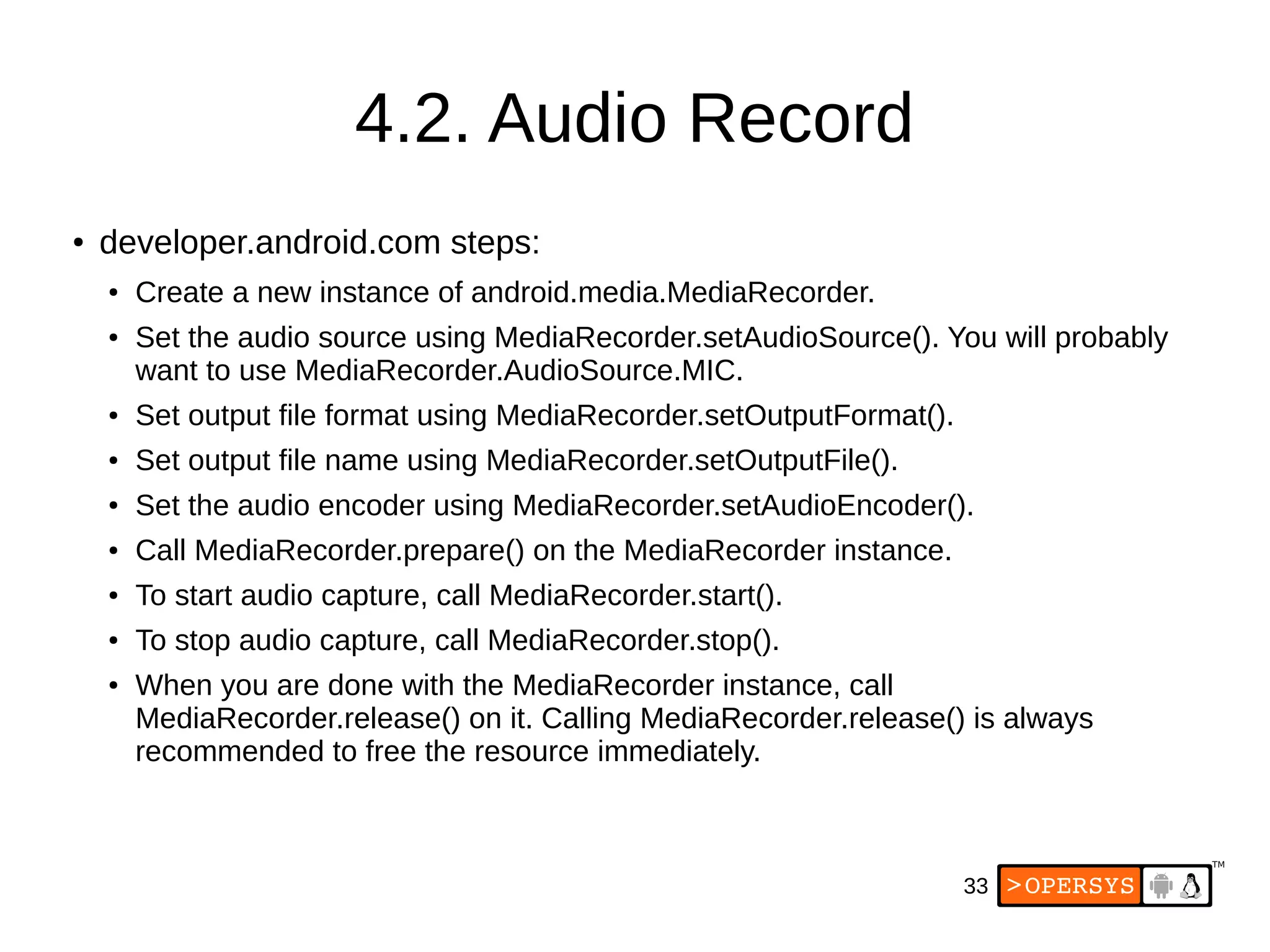
4.2. Audio Record
●developer.android.com steps:
● Create a new instance of android.media.MediaRecorder.
● Set the audio source using MediaRecorder.setAudioSource(). You will probably
want to use MediaRecorder.AudioSource.MIC.
● Set output file format using MediaRecorder.setOutputFormat().
● Set output file name using MediaRecorder.setOutputFile().
● Set the audio encoder using MediaRecorder.setAudioEncoder().
● Call MediaRecorder.prepare() on the MediaRecorder instance.
● To start audio capture, call MediaRecorder.start().
● To stop audio capture, call MediaRecorder.stop().
● When you are done with the MediaRecorder instance, call
MediaRecorder.release() on it. Calling MediaRecorder.release() is always
recommended to free the resource immediately.
43
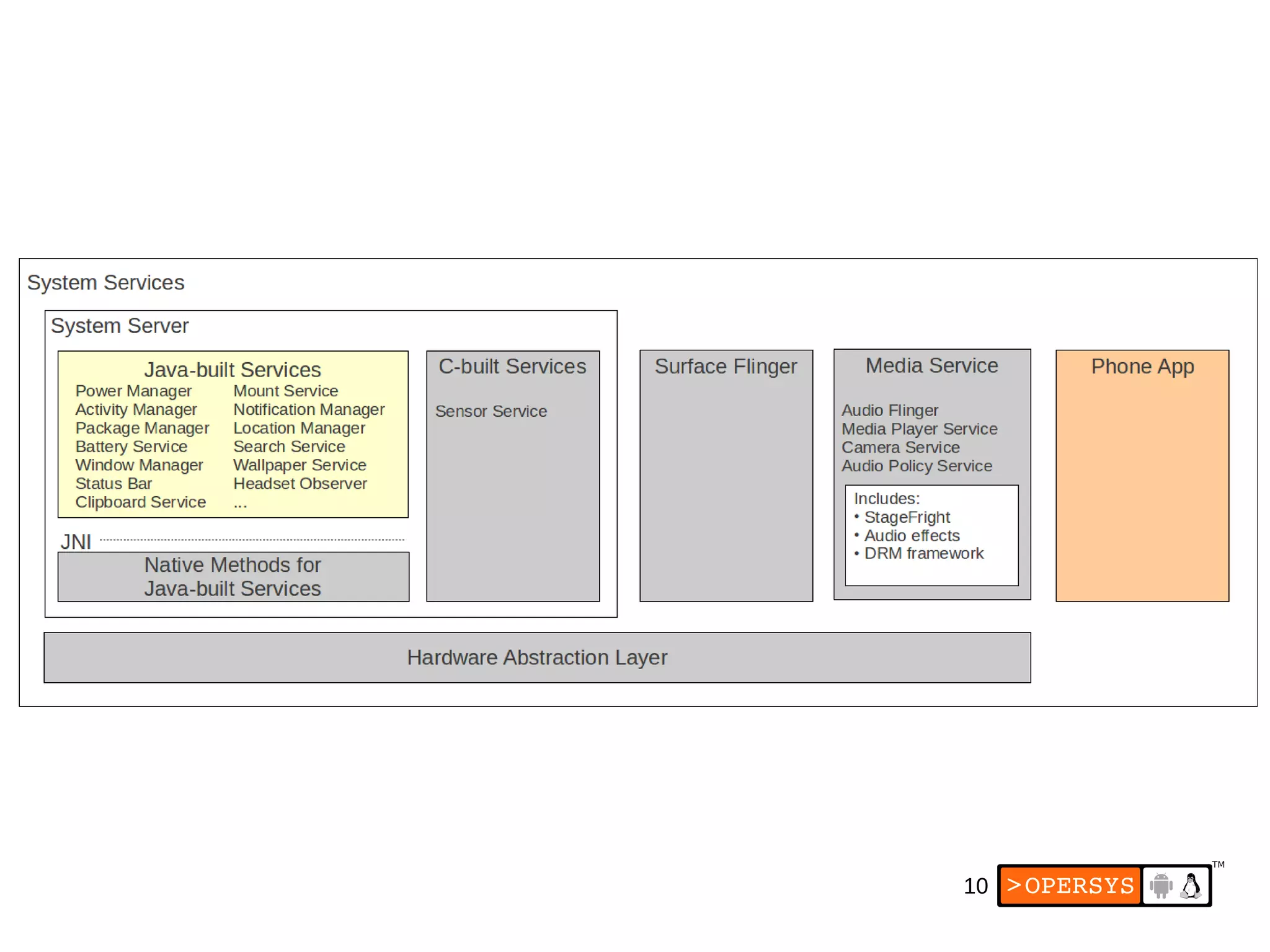
8.5. Wrapper process
●All media system services run within
“mediaserver” system process.
● Started by init
● Sources:
● frameworks/av/media/mediaserver
49
Acknowledgements:
● Some figuresand snippets taken from Google's
Android documentation at
developer.android.com and source.android.com
distributed under the Apache 2.0 license and/or
CC-BY-SA 2.5.