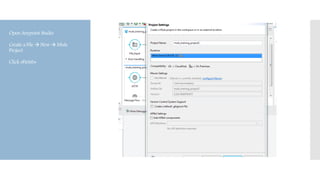
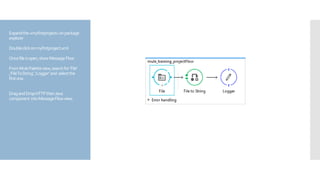
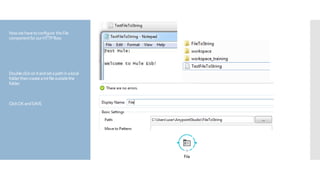
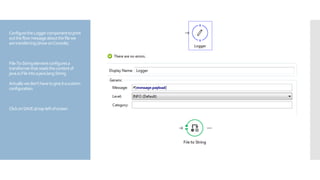
This document provides instructions for creating a simple Mule ESB flow that uses a File to String transformer and Logger component. The flow reads a text file from a local folder using the File component, transforms it to a string using File to String, and logs the message to the console using the Logger. The steps include creating a Mule project in Anypoint Studio, dragging the necessary components into the flow, configuring the File component path, saving and deploying the project, and observing the logged output in the console to confirm it is working.