This document provides instructions for creating a basic Mule ESB flow using file and logger components to transfer a file between folders. The flow involves:
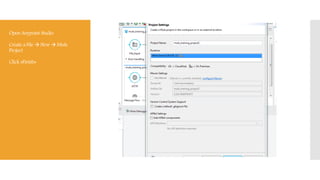
1) Creating a Mule project in Anypoint Studio and designing a message flow with a File, Java, and another File component.
2) Configuring the File components to specify input, backup, and output folders.
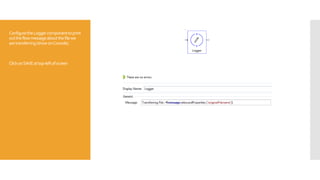
3) Configuring the logger component to print messages about the file transfer to the console.
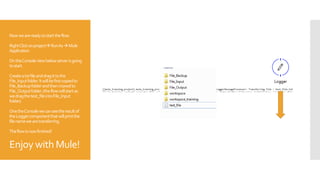
4) Running the flow by dragging a file into the input folder, which will copy it to the backup folder and move it to the output folder while logging the filename.





![Routine per aprire documenti da vb6 [santi caltabiano].txt blocco note](https://cdn.slidesharecdn.com/ss_thumbnails/routineperapriredocumentidavb6santicaltabiano-txt-blocconote-121220025215-phpapp01-thumbnail.jpg?width=640&height=640&fit=bounds)


