What’s New in 2010in less than 10 (minutes)
Ribbon
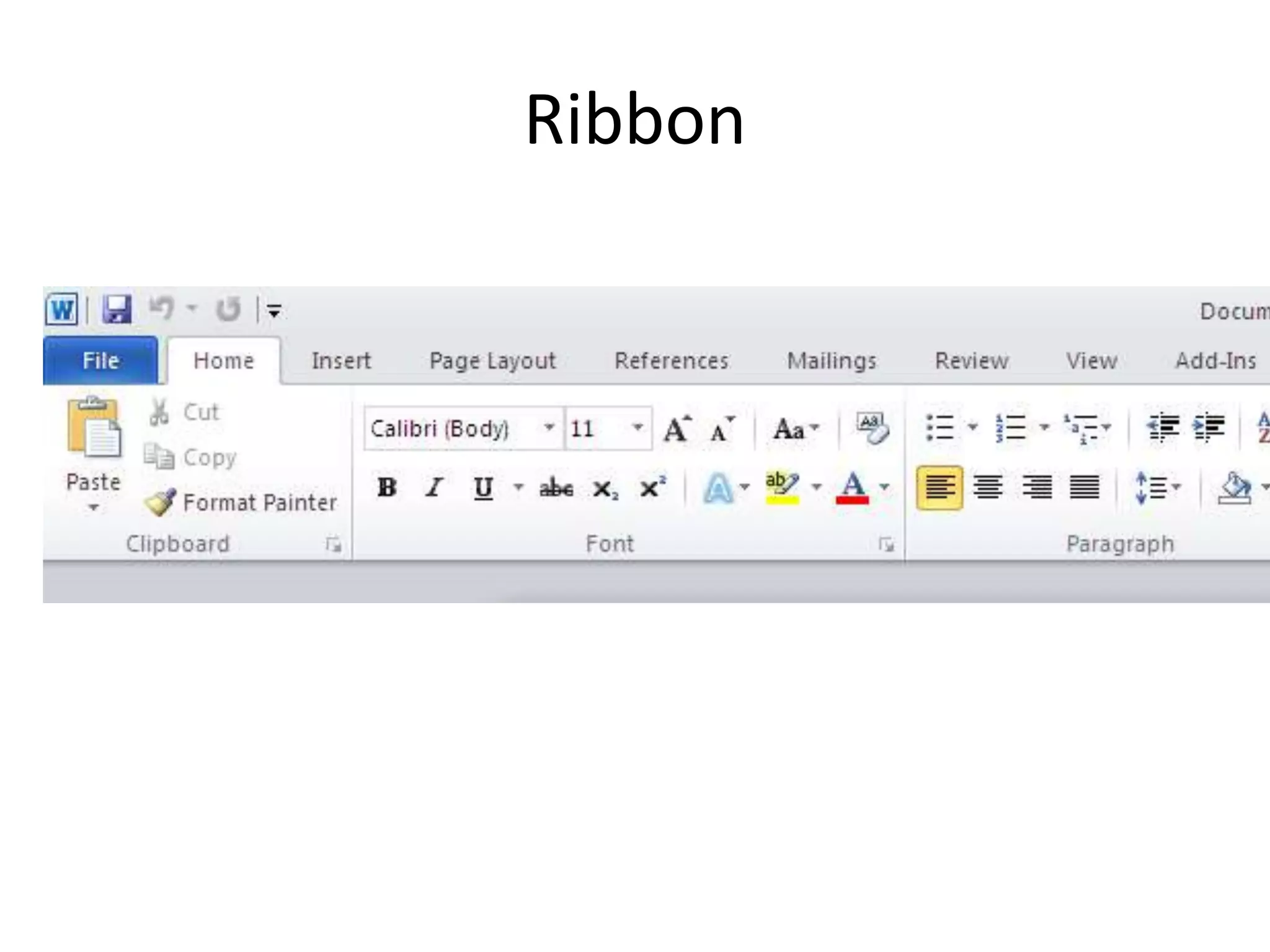
Customize the RibbonBoth users and administrators now have the ability to modify the Ribbon to their likingEach element of the Ribbon can be tweaked 	Features and tools can be regroupedNew tabs can be customized or created
Ribbon
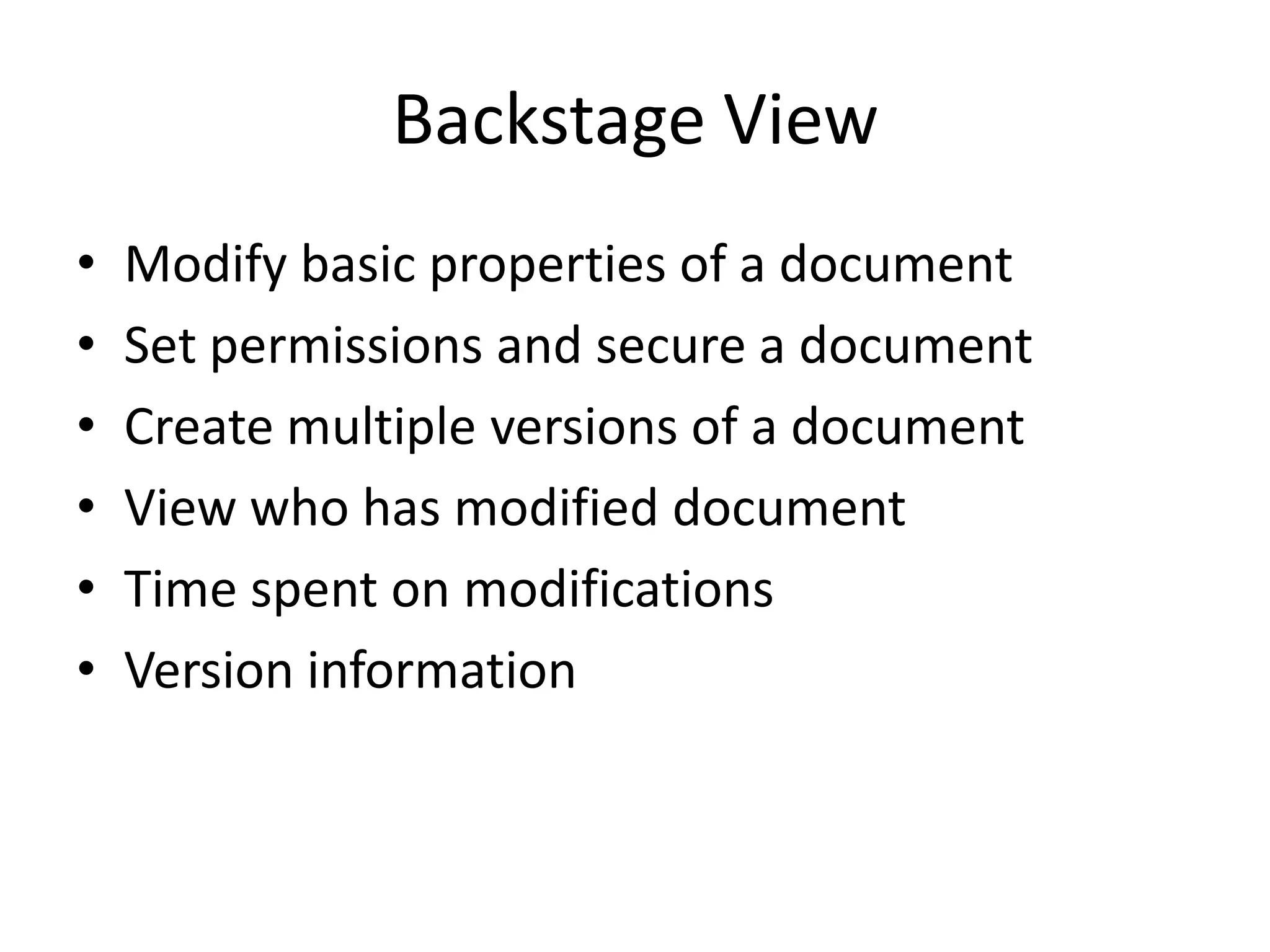
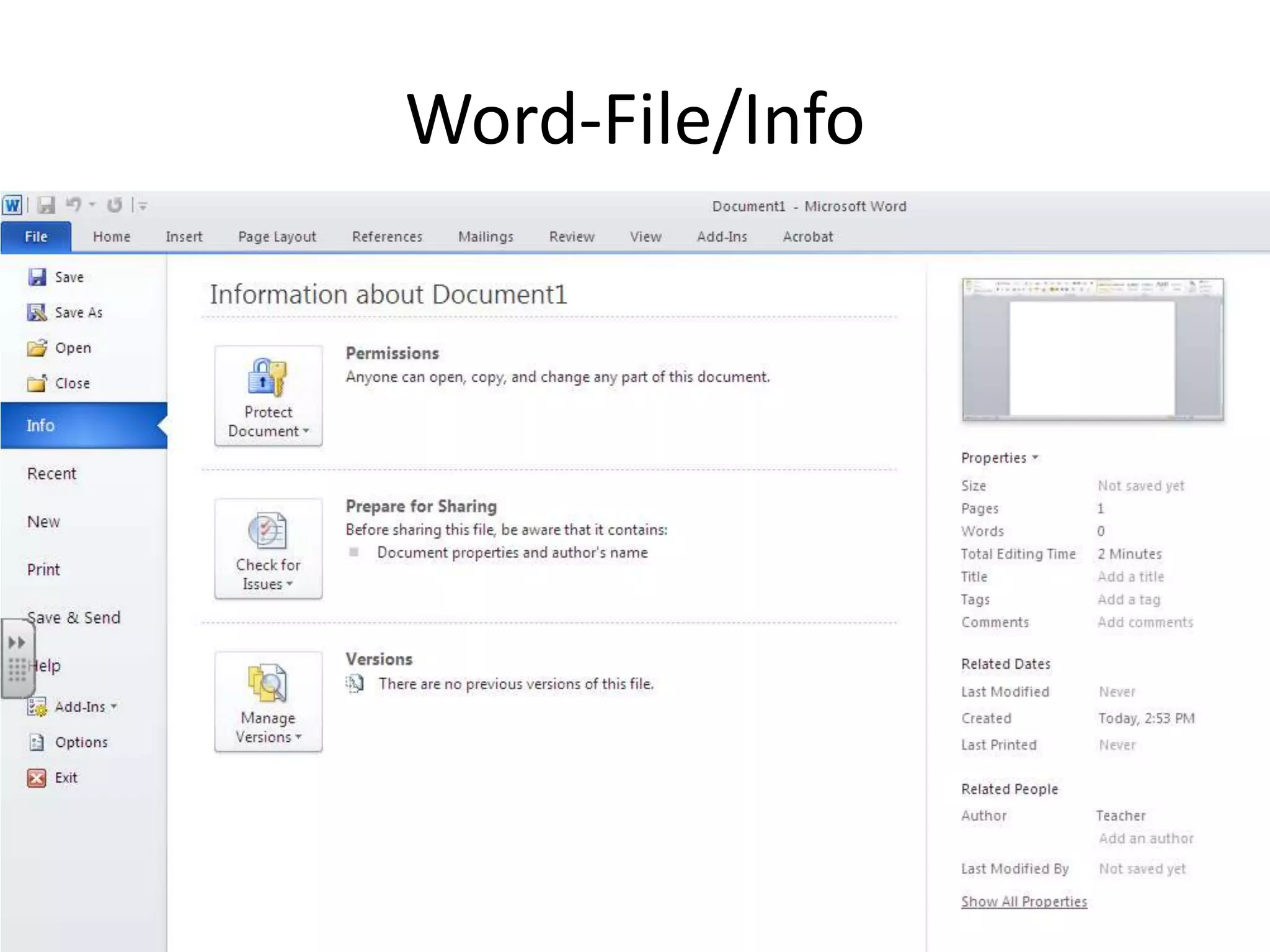
Backstage ViewModify basic properties of a documentSet permissions and secure a documentCreate multiple versions of a documentView who has modified document Time spent on modificationsVersion information
Word-File/Info
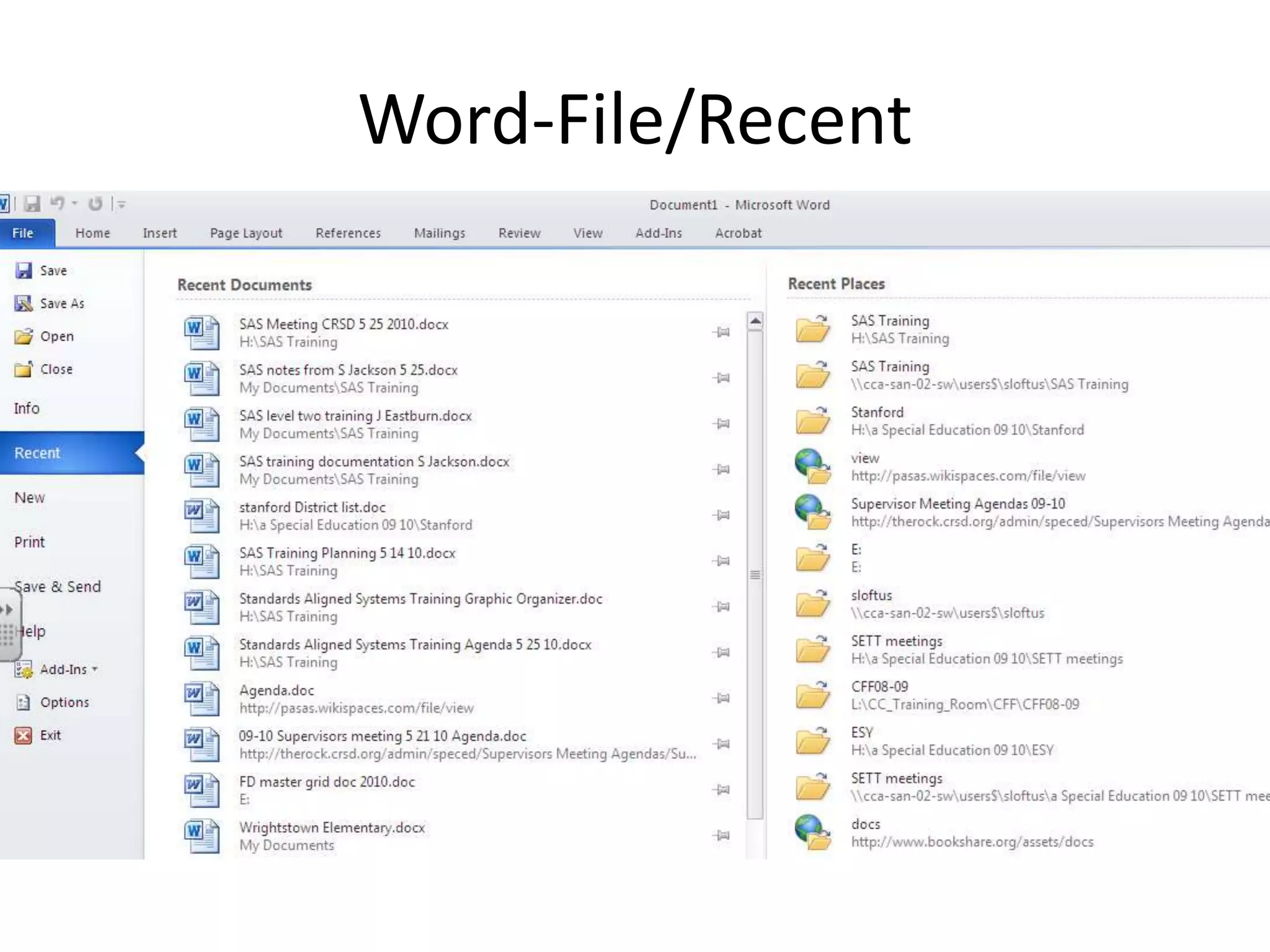
Word-File/Recent
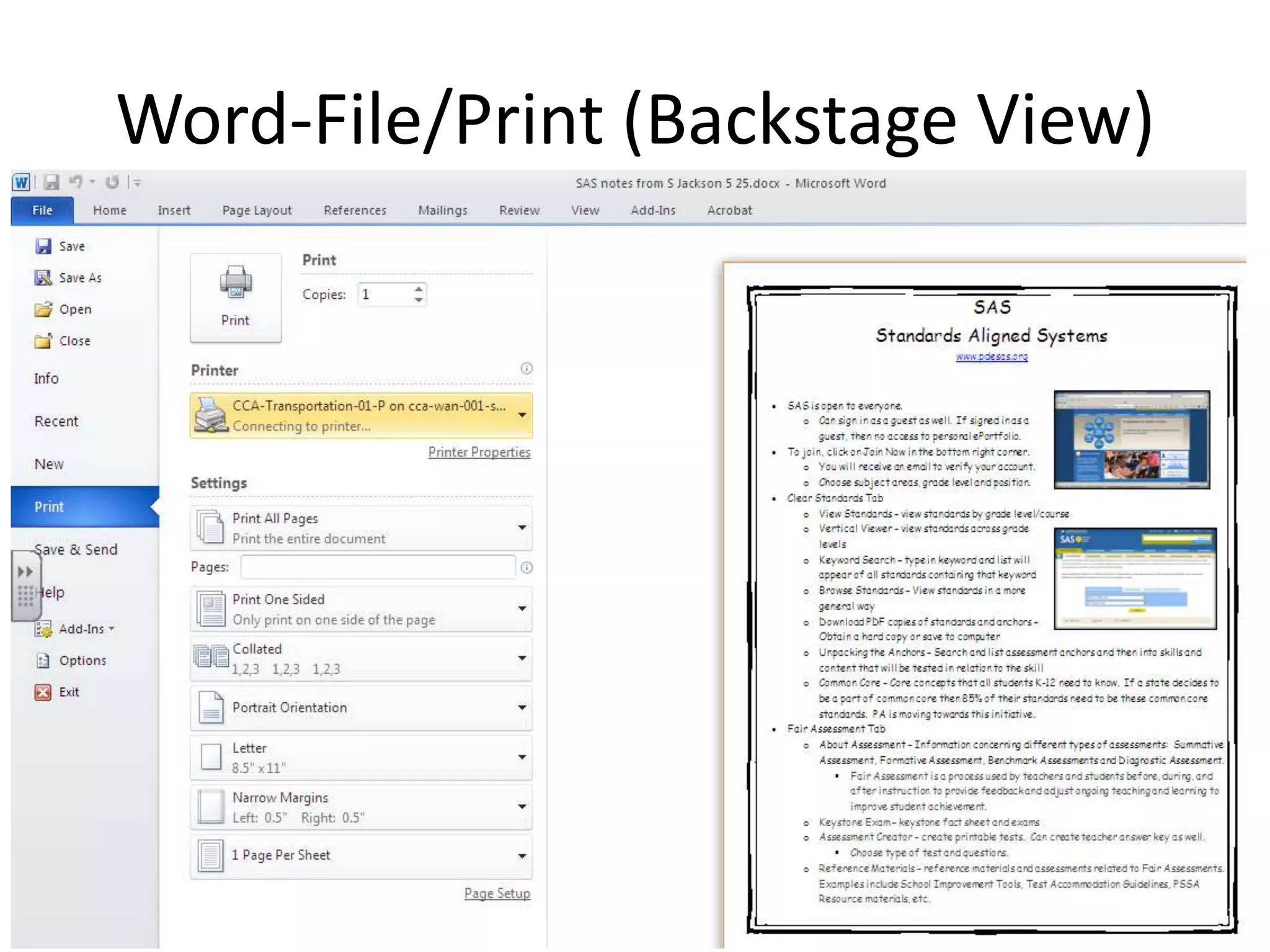
Word-File/Print (Backstage View)
Built in Graphics ToolsetEasier to insert imagesvideosother graphical elements Into Office Applications such as: documentspresentations spreadsheets
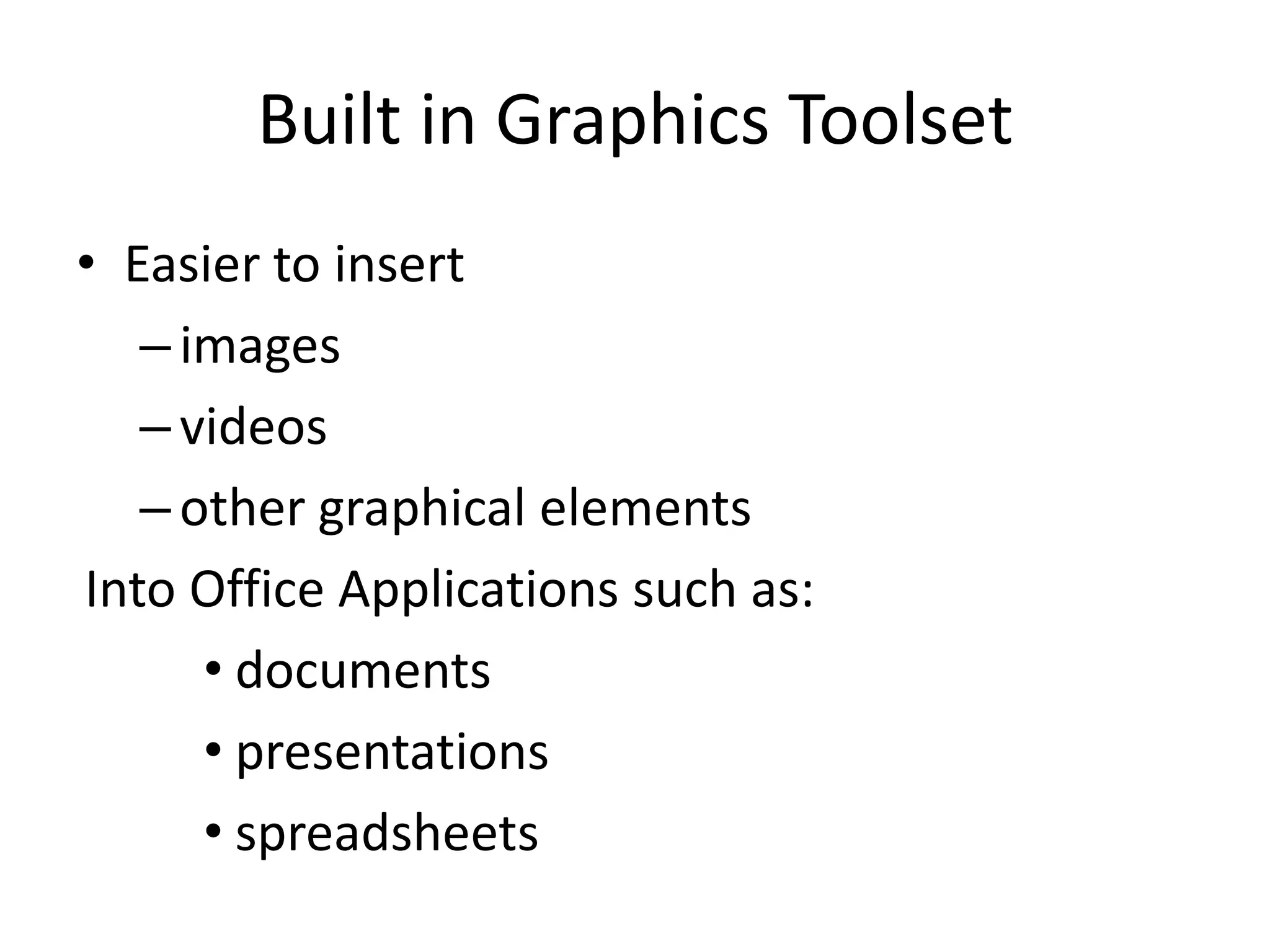
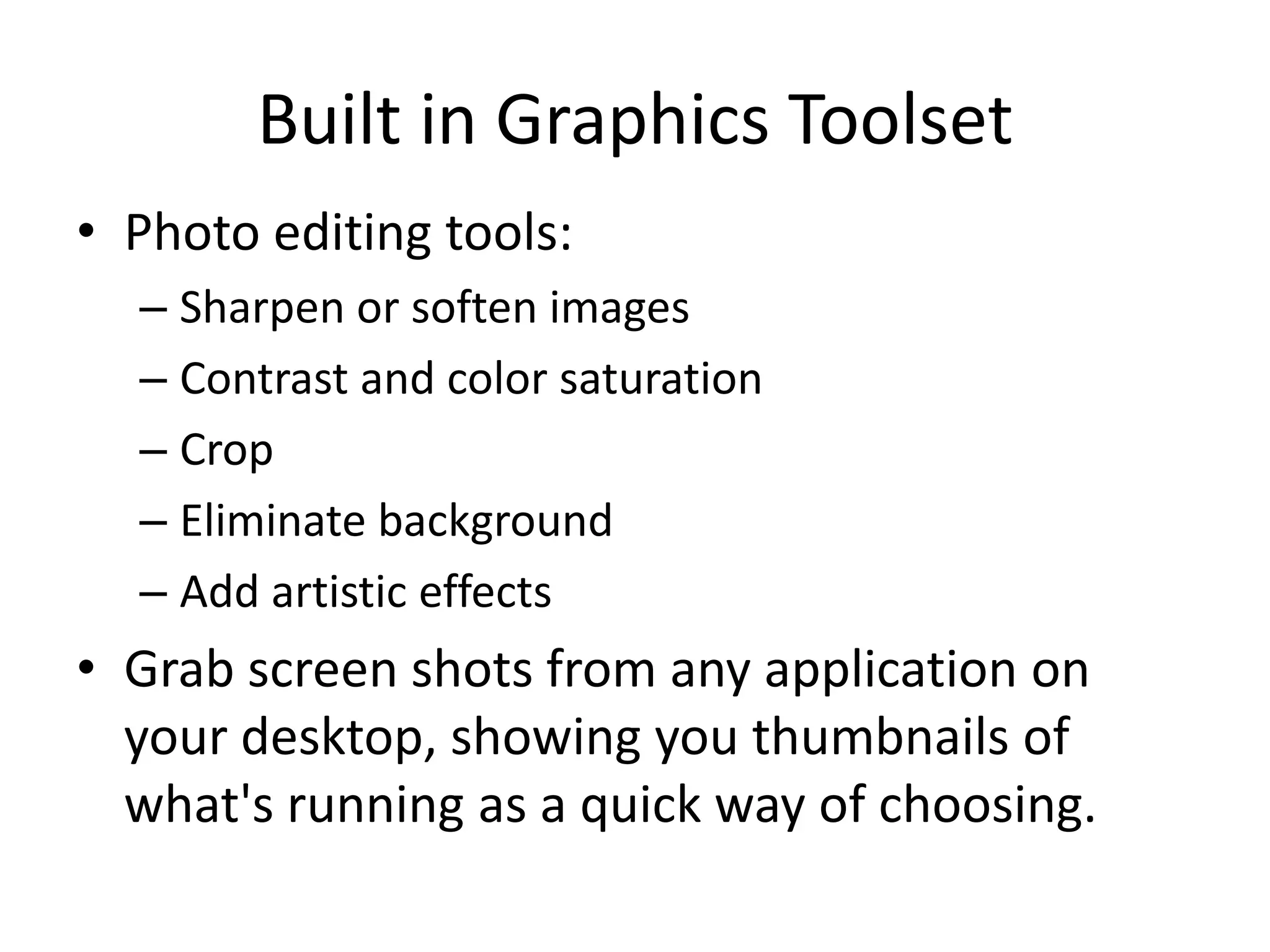
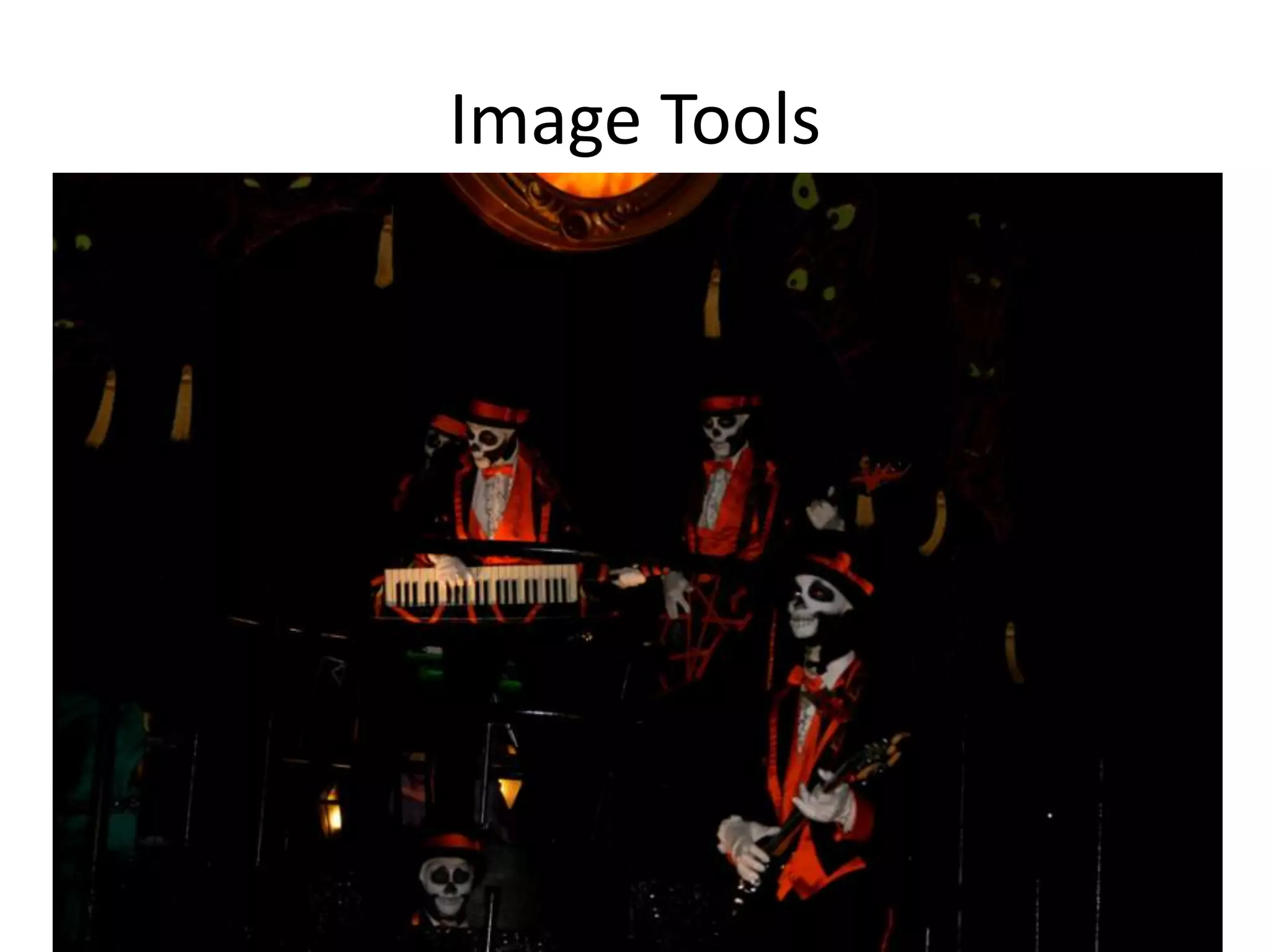
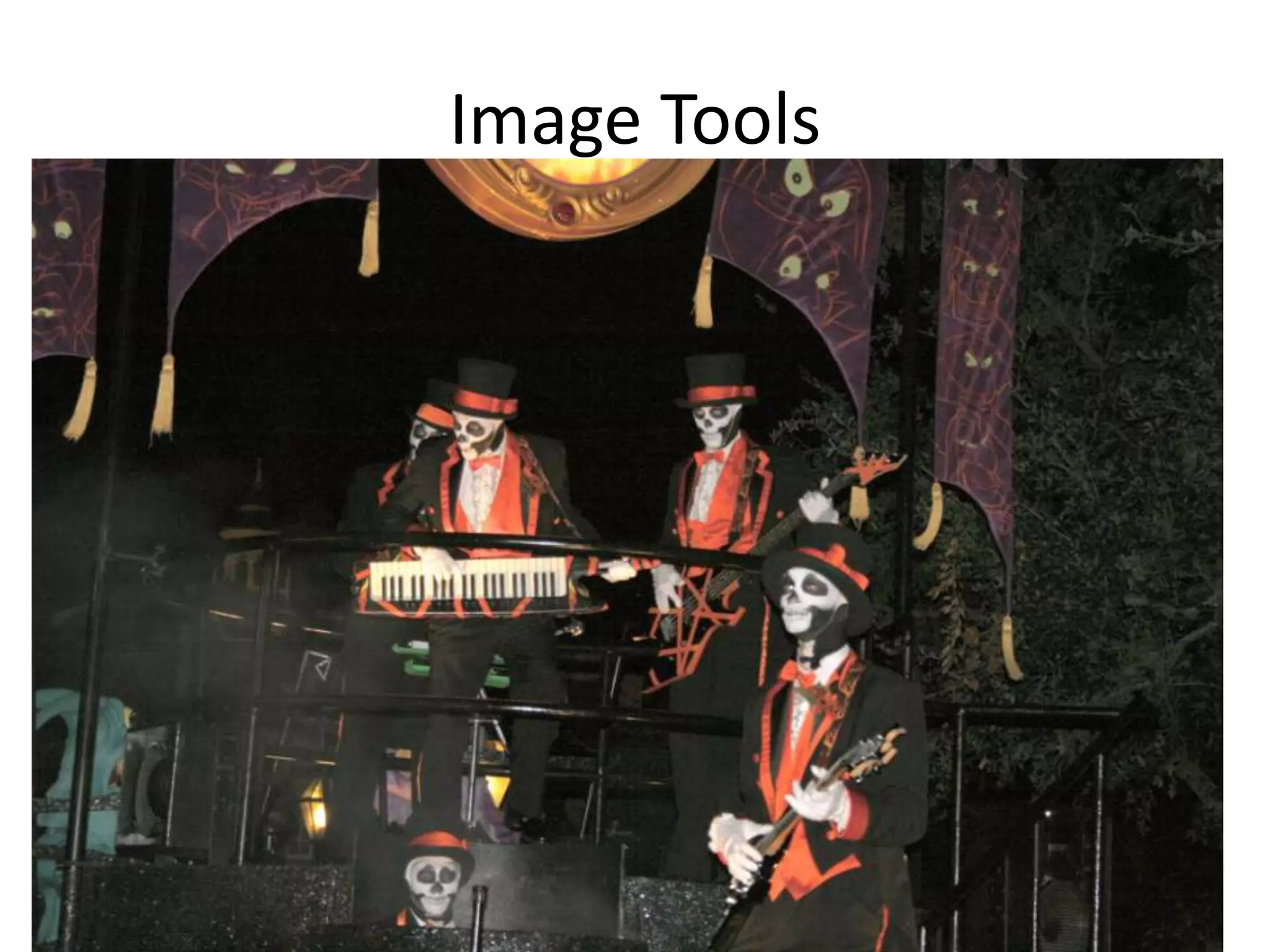
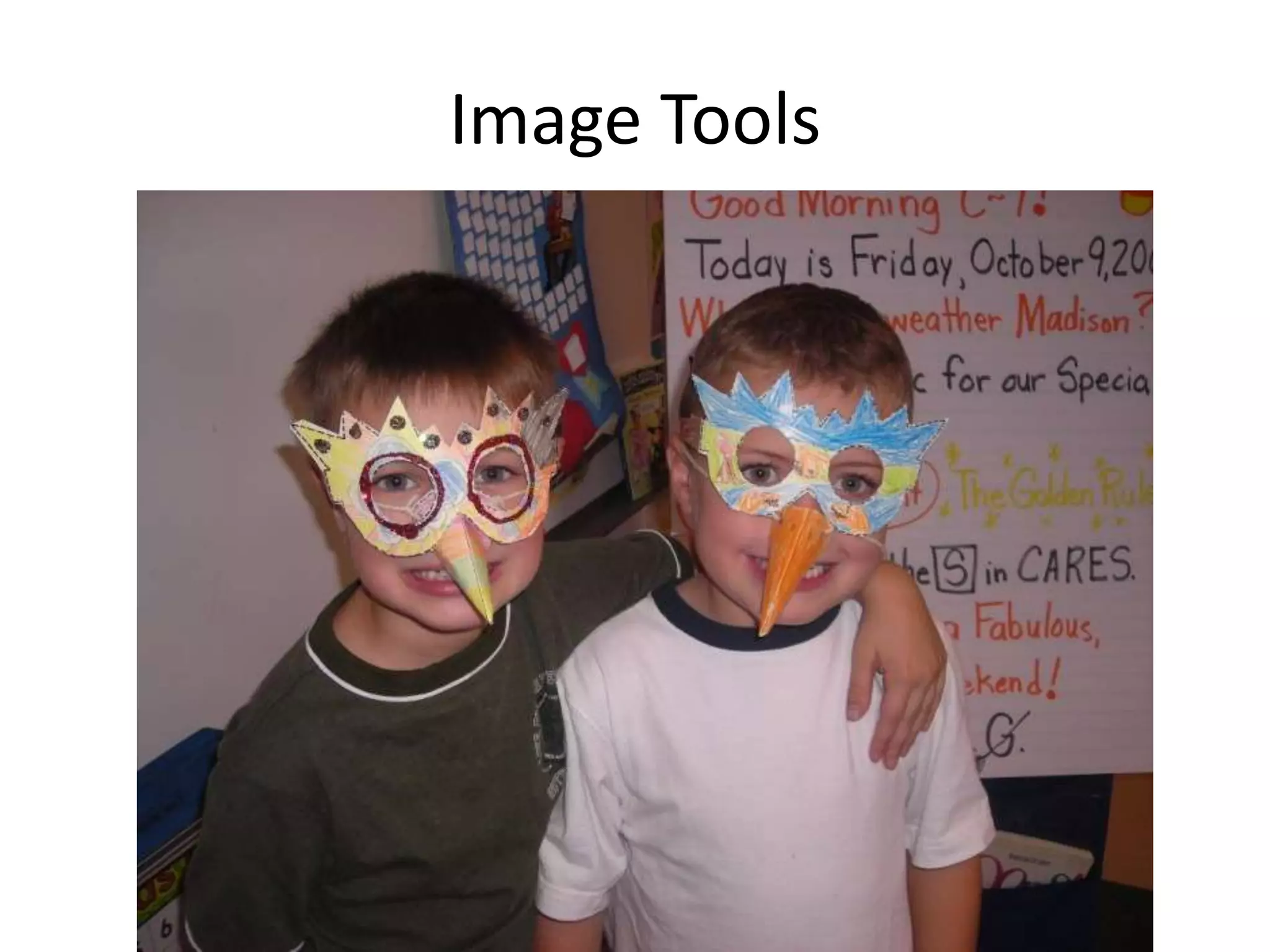
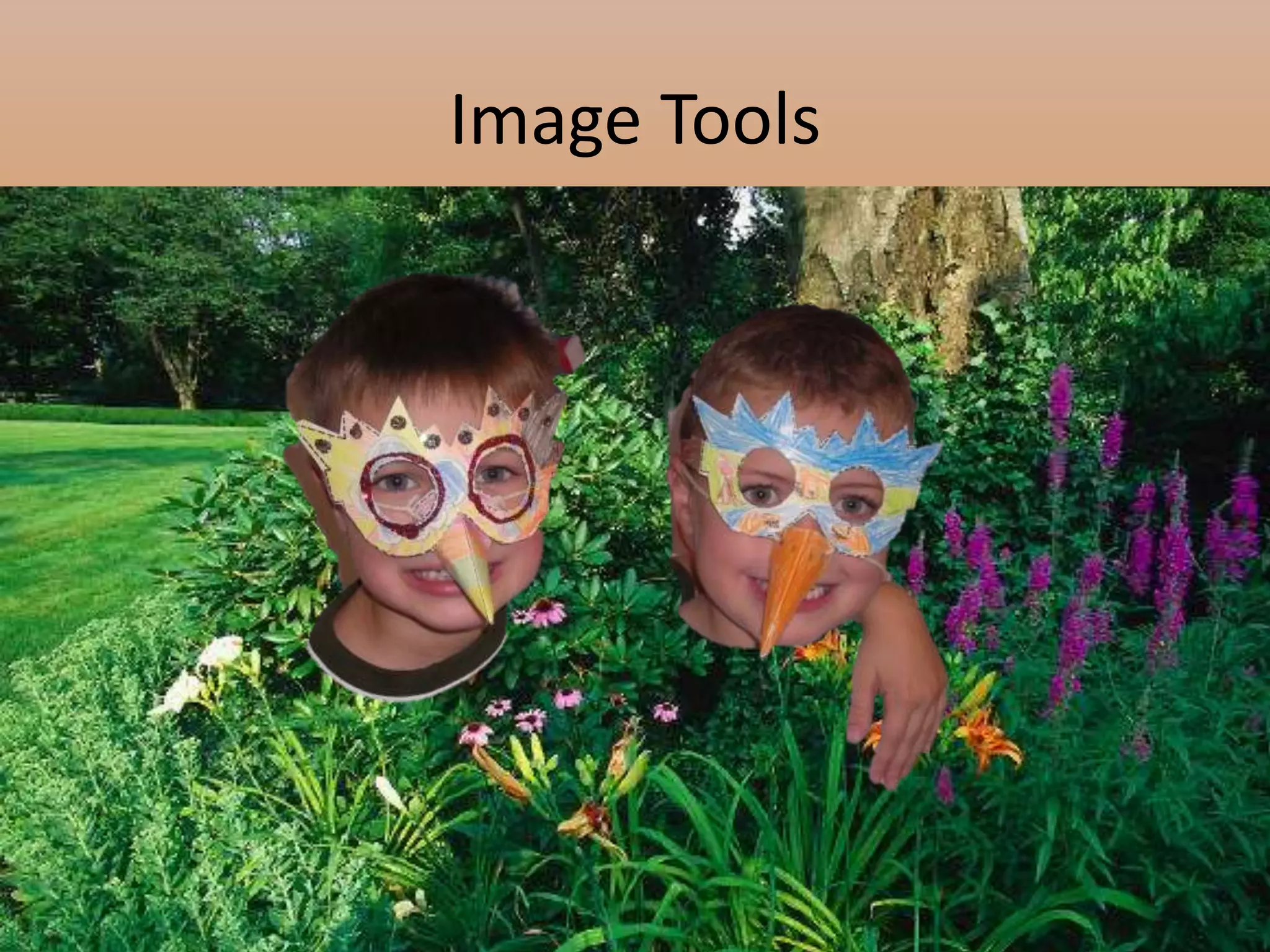
Built in Graphics ToolsetPhoto editing tools:Sharpen or soften imagesContrast and color saturationCrop Eliminate backgroundAdd artistic effectsGrab screen shots from any application on your desktop, showing you thumbnails of what's running as a quick way of choosing.
Image Tools
Image Tools
Image Tools
Image Tools
Paste PreviewAllows you to see what a paste will look like before actually executing the commandOffers multiple options to manipulate your clipboard contents before pastingYou can use it to remove or preserve formatting, convert to an image, remove borders, and more…
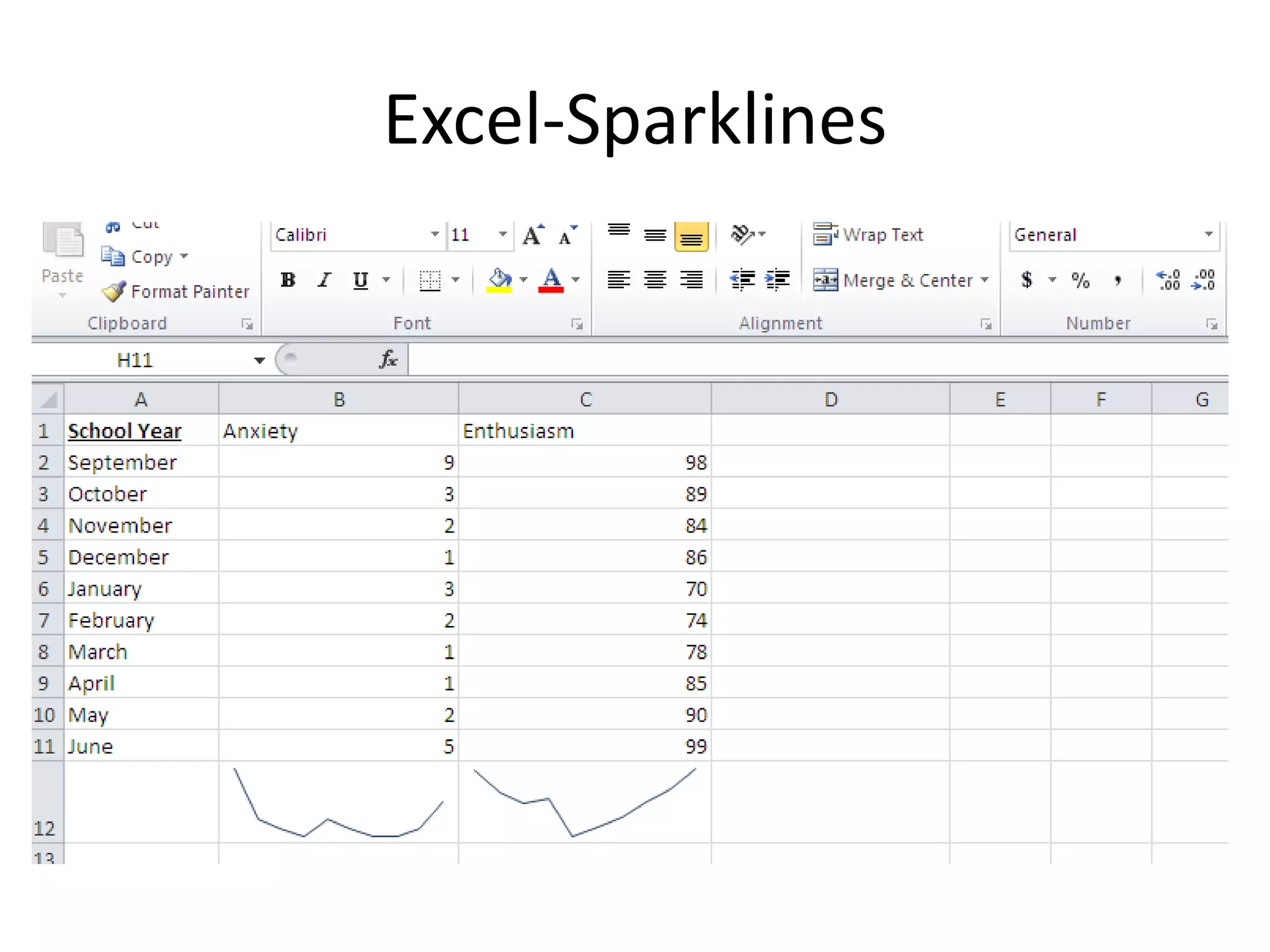
Excel SparklinesSparklines: “intense, simple, word-sized graphics” (as quoted by Edward Tufte the inventor)Provide a swift visual cue as to the meaning of numbers
Excel-Sparklines
PowerPointImproved animation and Easier to use via the ribbonMore optionsVideo editing tools built into PowerPointTrimming 	Compressing
PowerPoint CompressionSelectively compress files for both size and performanceShrink for Presentation qualityInternet qualityLow quality
OutlookRibbon is a part of the interfaceTools to improve email productivityQuick steps (fast access to common actions)People Viewer, which can show you all e-mail, attachments, calendar entries and other items related to an individual.Outlook Conversation ViewNew way to organize your email through enhanced Conversation ViewCan help to streamline inboxes and remove the chaos from email conversation chainsConversation View groups related emails based on subject lines, From and Reply To fields, and other data fields; it also now works across folders.
Outlook Conversation ViewConversation View will bring those emails together to create a date-ordered view of the entire streamConversation view allows you to work across folders, ignore selected messages, and collapse conversations to avoid displaying duplicate text
Online Tools OneNote- http://www.microsoft.com/office/2010/en/onenote/default.aspx PowerPivot-free add on for Exceladd-in that brings more computational power to an Excel sheet and provides fast manipulation on large data sets. Works as a programming tool that can create complex graphs or calculations by pulling data from external sources such as SQL databases, Microsoft Access, and other data stores.PowerPoint Broadcast-allows users to share presentations with almost anyone, anywhere, via just a few mouse clicks.
Online Tools Microsoft is rolling out lightweight, FREE, Web browser versions of Word, PowerPoint, Excel and OneNote. All based in the cloud, the web-based versions of these products have fewer features than their desktop cousins but still give users basic tools to edit and change documents.Office 2010can be used on computers, Smartphones and web browsers
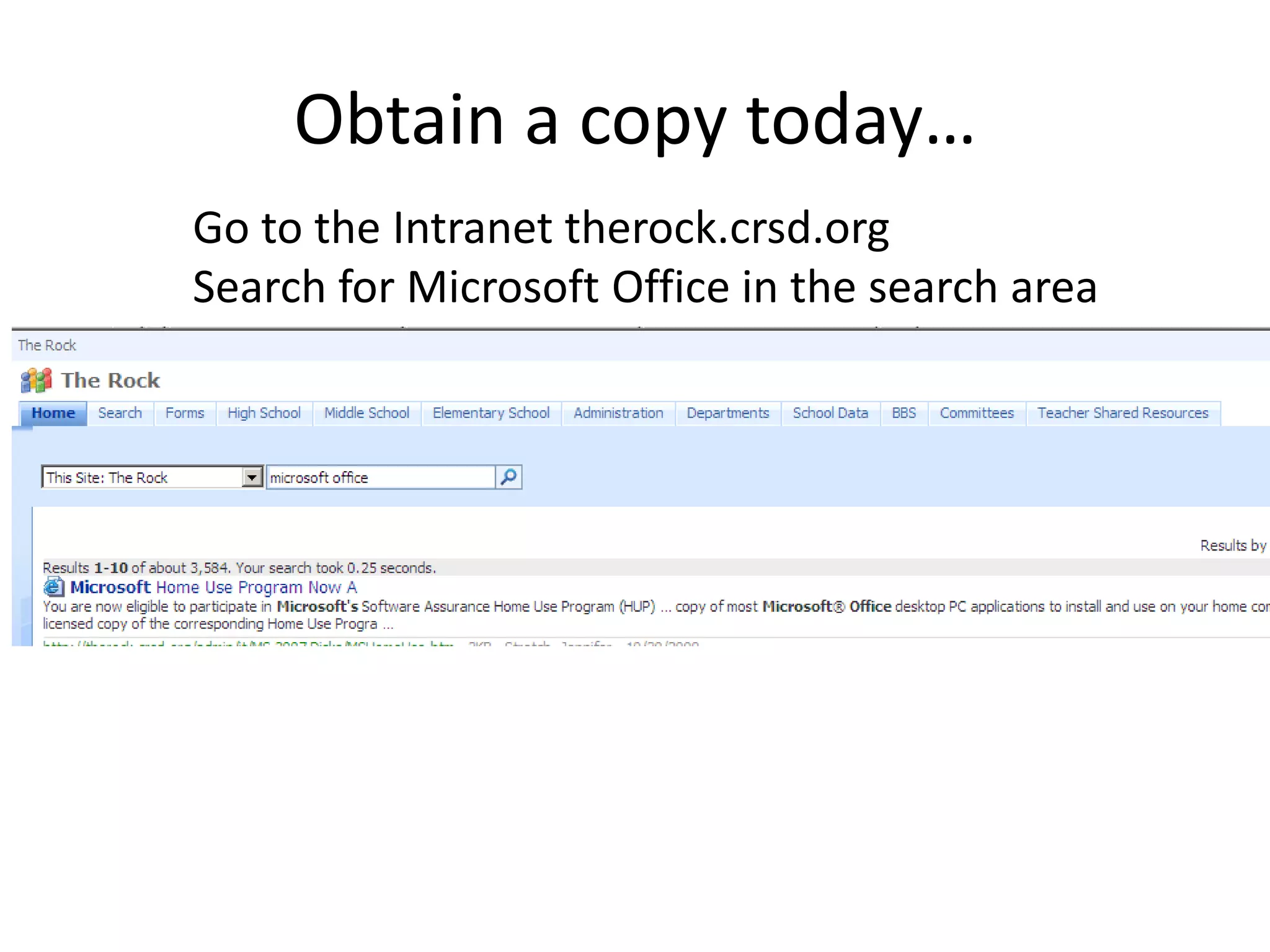
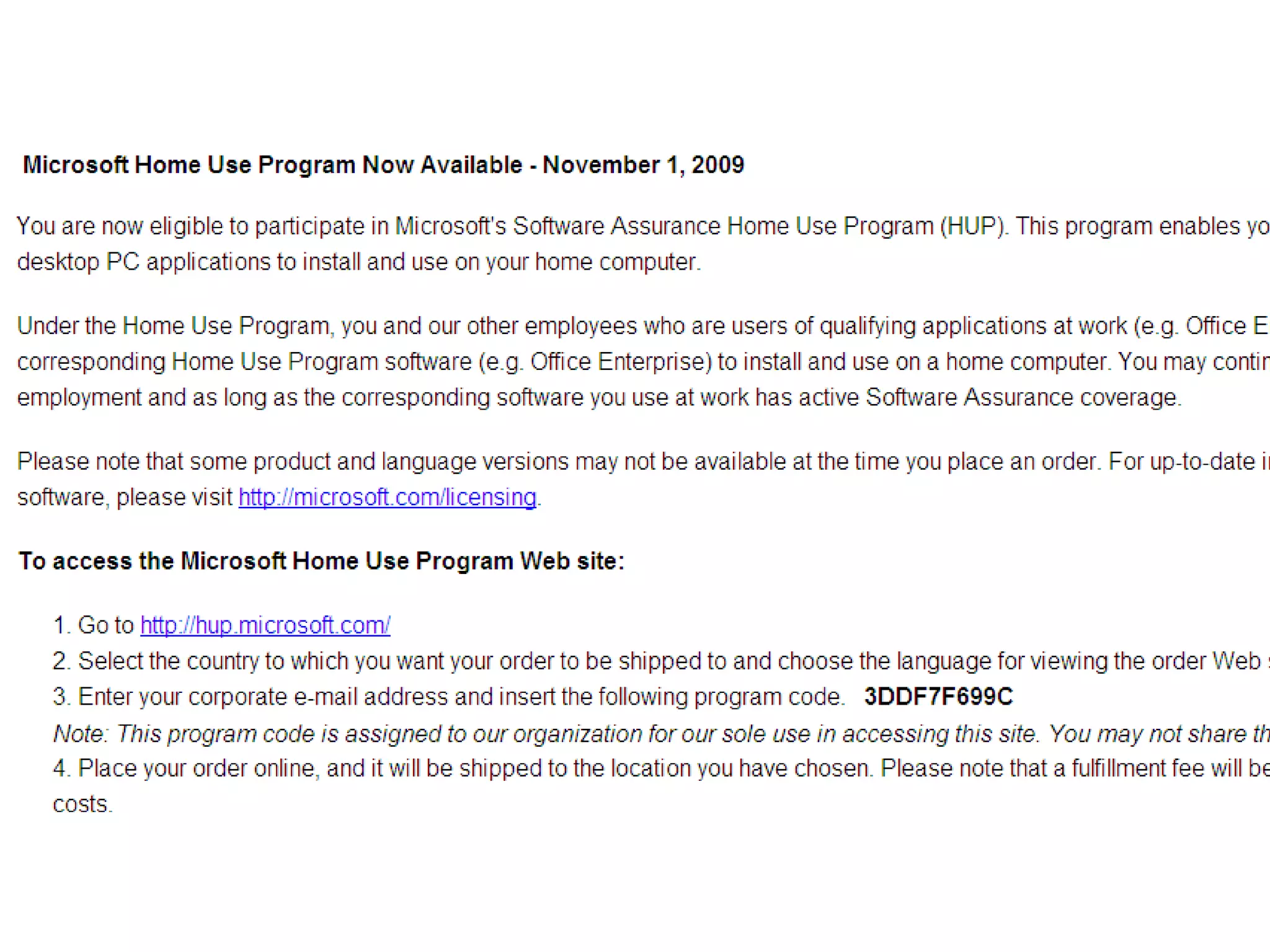
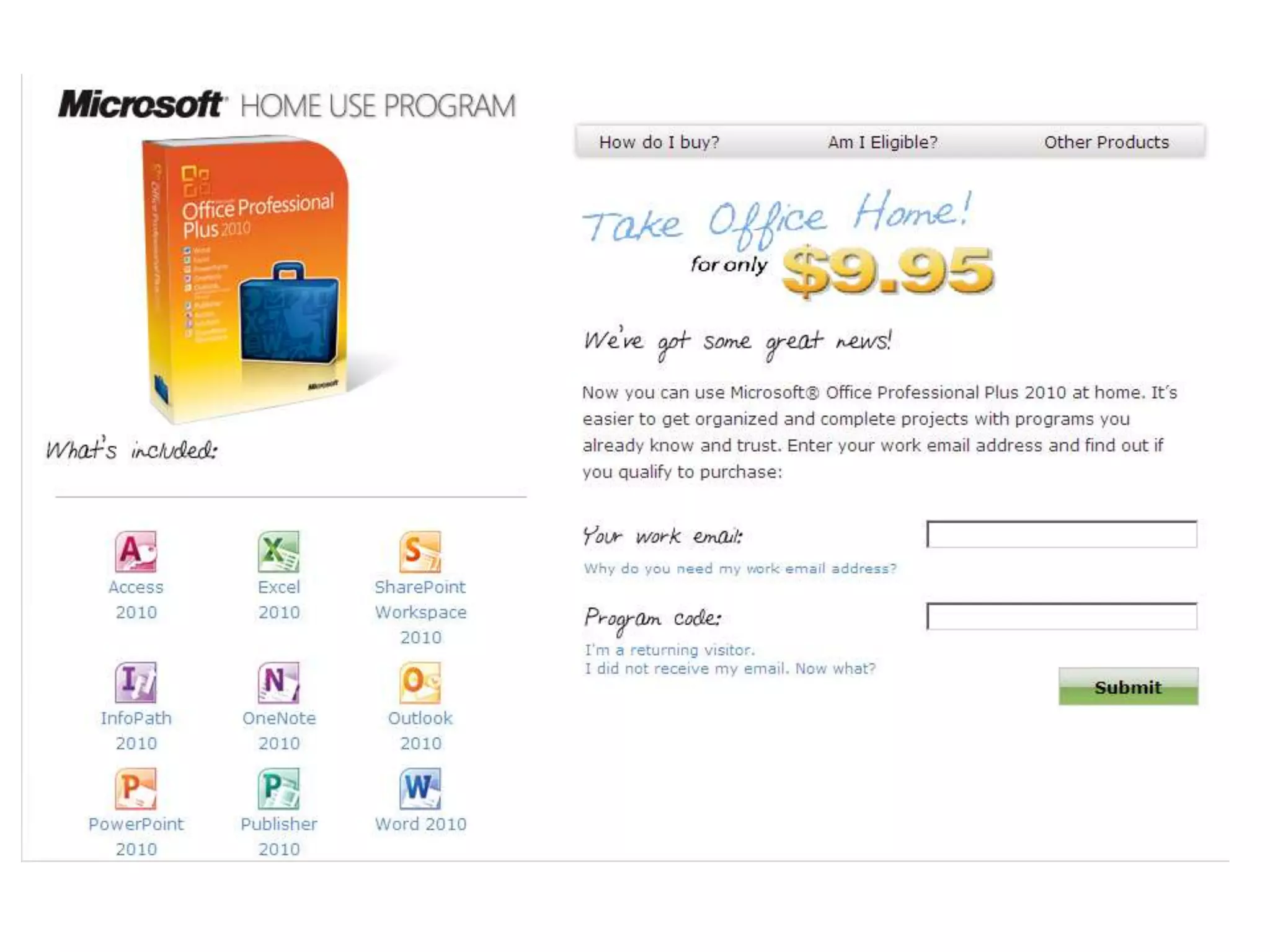
Obtain a copy today…Go to the Intranet therock.crsd.orgSearch for Microsoft Office in the search area
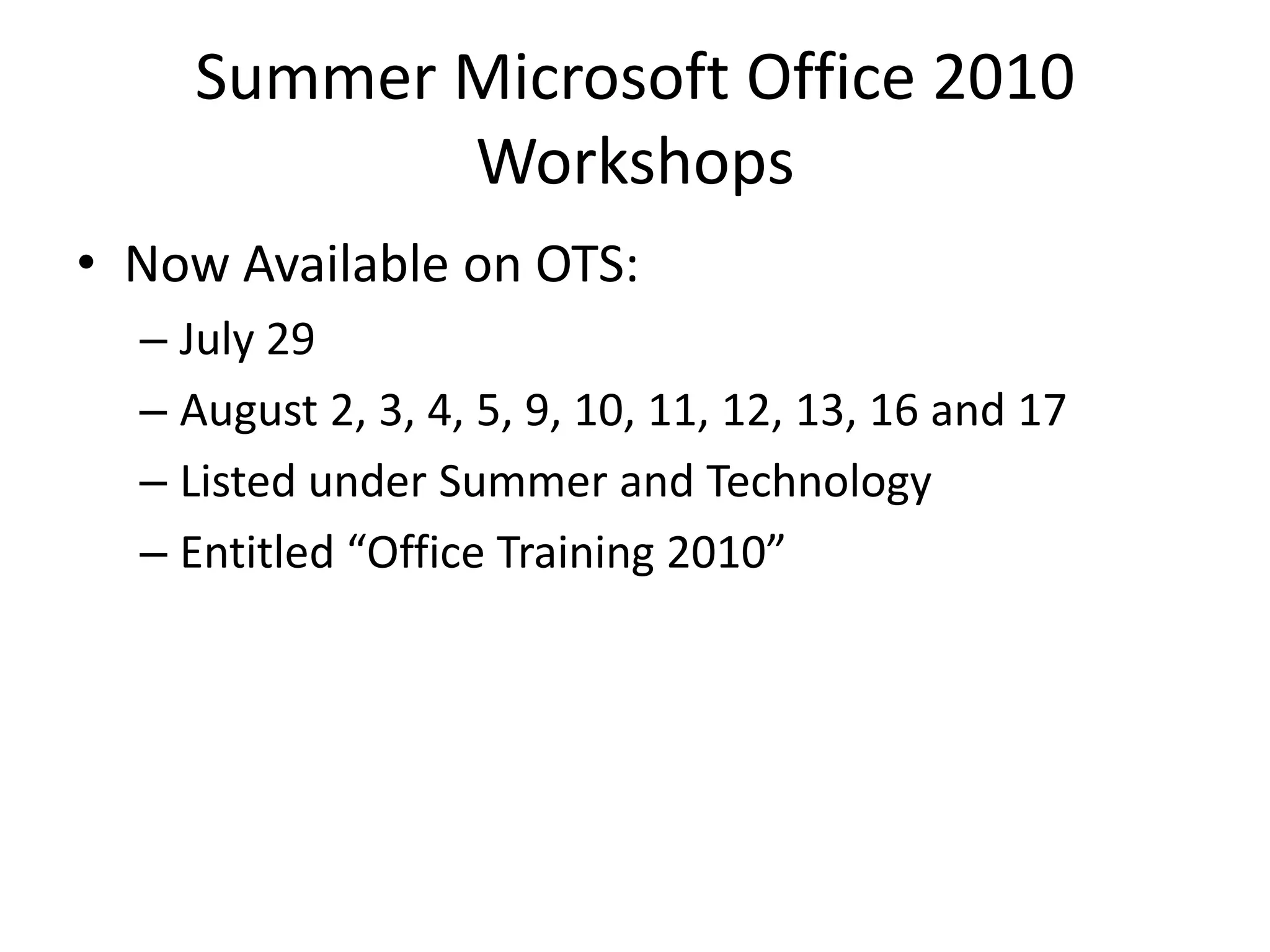
Summer Microsoft Office 2010 Workshops Now Available on OTS:July 29August 2, 3, 4, 5, 9, 10, 11, 12, 13, 16 and 17Listed under Summer and TechnologyEntitled “Office Training 2010”
Ms office 2010 whats new

Ms office 2010 whats new

  • 1.
    What’s New in2010in less than 10 (minutes)
  • 2.
  • 3.
    Customize the RibbonBothusers and administrators now have the ability to modify the Ribbon to their likingEach element of the Ribbon can be tweaked Features and tools can be regroupedNew tabs can be customized or created
  • 4.
  • 5.
    Backstage ViewModify basicproperties of a documentSet permissions and secure a documentCreate multiple versions of a documentView who has modified document Time spent on modificationsVersion information
  • 6.
  • 7.
  • 8.
  • 9.
    Built in GraphicsToolsetEasier to insert imagesvideosother graphical elements Into Office Applications such as: documentspresentations spreadsheets
  • 10.
    Built in GraphicsToolsetPhoto editing tools:Sharpen or soften imagesContrast and color saturationCrop Eliminate backgroundAdd artistic effectsGrab screen shots from any application on your desktop, showing you thumbnails of what's running as a quick way of choosing.
  • 11.
  • 12.
  • 13.
  • 14.
  • 15.
    Paste PreviewAllows youto see what a paste will look like before actually executing the commandOffers multiple options to manipulate your clipboard contents before pastingYou can use it to remove or preserve formatting, convert to an image, remove borders, and more…
  • 16.
    Excel SparklinesSparklines: “intense,simple, word-sized graphics” (as quoted by Edward Tufte the inventor)Provide a swift visual cue as to the meaning of numbers
  • 17.
  • 18.
    PowerPointImproved animation andEasier to use via the ribbonMore optionsVideo editing tools built into PowerPointTrimming Compressing
  • 19.
    PowerPoint CompressionSelectively compressfiles for both size and performanceShrink for Presentation qualityInternet qualityLow quality
  • 20.
    OutlookRibbon is apart of the interfaceTools to improve email productivityQuick steps (fast access to common actions)People Viewer, which can show you all e-mail, attachments, calendar entries and other items related to an individual.Outlook Conversation ViewNew way to organize your email through enhanced Conversation ViewCan help to streamline inboxes and remove the chaos from email conversation chainsConversation View groups related emails based on subject lines, From and Reply To fields, and other data fields; it also now works across folders.
  • 21.
    Outlook Conversation ViewConversationView will bring those emails together to create a date-ordered view of the entire streamConversation view allows you to work across folders, ignore selected messages, and collapse conversations to avoid displaying duplicate text
  • 22.
    Online Tools OneNote-http://www.microsoft.com/office/2010/en/onenote/default.aspx PowerPivot-free add on for Exceladd-in that brings more computational power to an Excel sheet and provides fast manipulation on large data sets. Works as a programming tool that can create complex graphs or calculations by pulling data from external sources such as SQL databases, Microsoft Access, and other data stores.PowerPoint Broadcast-allows users to share presentations with almost anyone, anywhere, via just a few mouse clicks.
  • 23.
    Online Tools Microsoftis rolling out lightweight, FREE, Web browser versions of Word, PowerPoint, Excel and OneNote. All based in the cloud, the web-based versions of these products have fewer features than their desktop cousins but still give users basic tools to edit and change documents.Office 2010can be used on computers, Smartphones and web browsers
  • 24.
    Obtain a copytoday…Go to the Intranet therock.crsd.orgSearch for Microsoft Office in the search area
  • 27.
    Summer Microsoft Office2010 Workshops Now Available on OTS:July 29August 2, 3, 4, 5, 9, 10, 11, 12, 13, 16 and 17Listed under Summer and TechnologyEntitled “Office Training 2010”

Editor's Notes

  • #7 Allows you to review different/previous versions of a document-see author information and modification information
  • #13 Photo editing tools edit images sharpen, soften contrast, color saturation, crop eliminate background, add artistic effects