Groovy: Efficiency Oriented Programming
Lecture 4
Master Proteomics & Bioinformatics - University of Geneva
Alexandre Masselot - summer 2011
Contents

‣ Eclipse & linux tips
‣ xml parsing
‣ Introduction to Object Oriented Programming
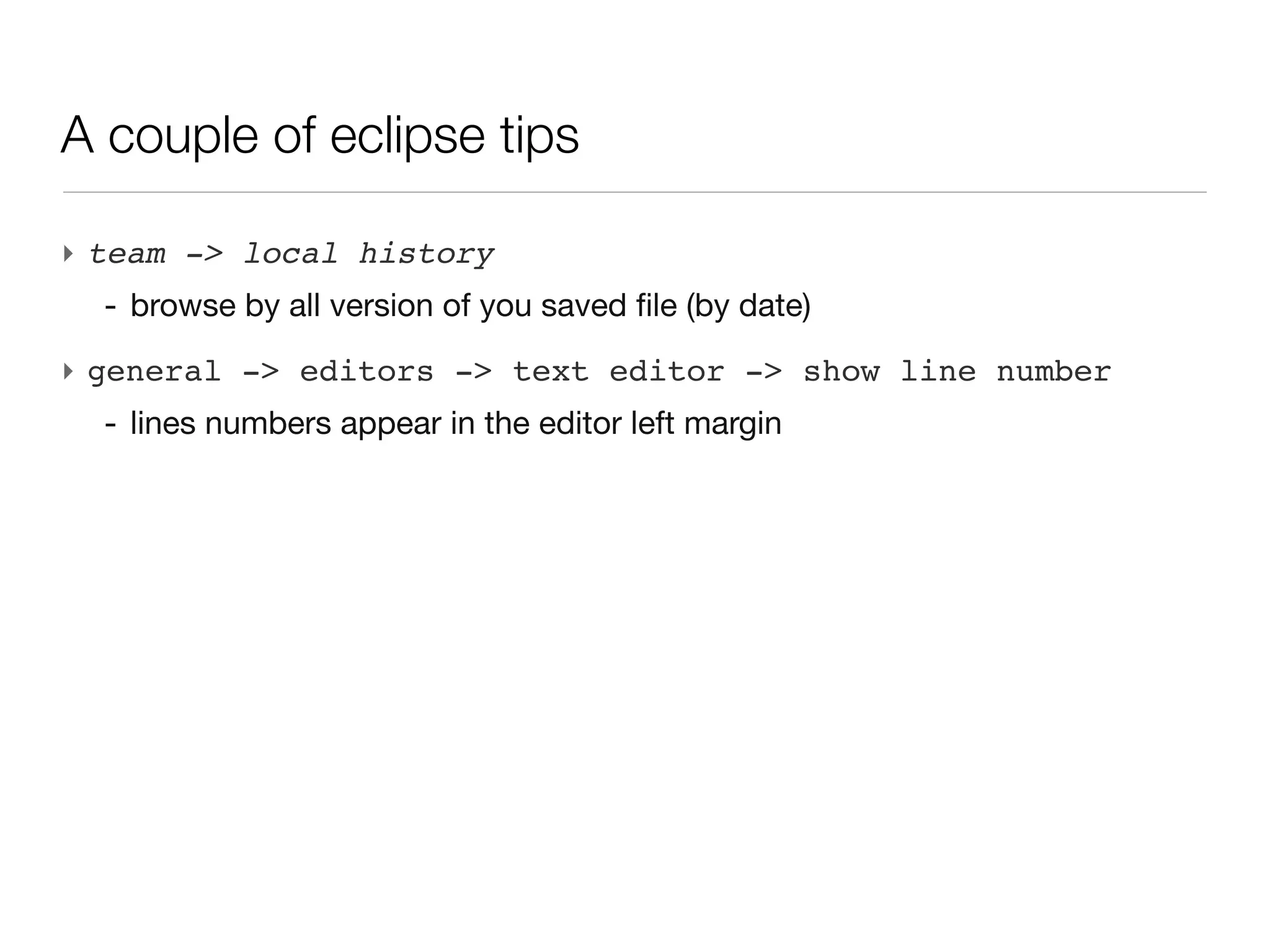
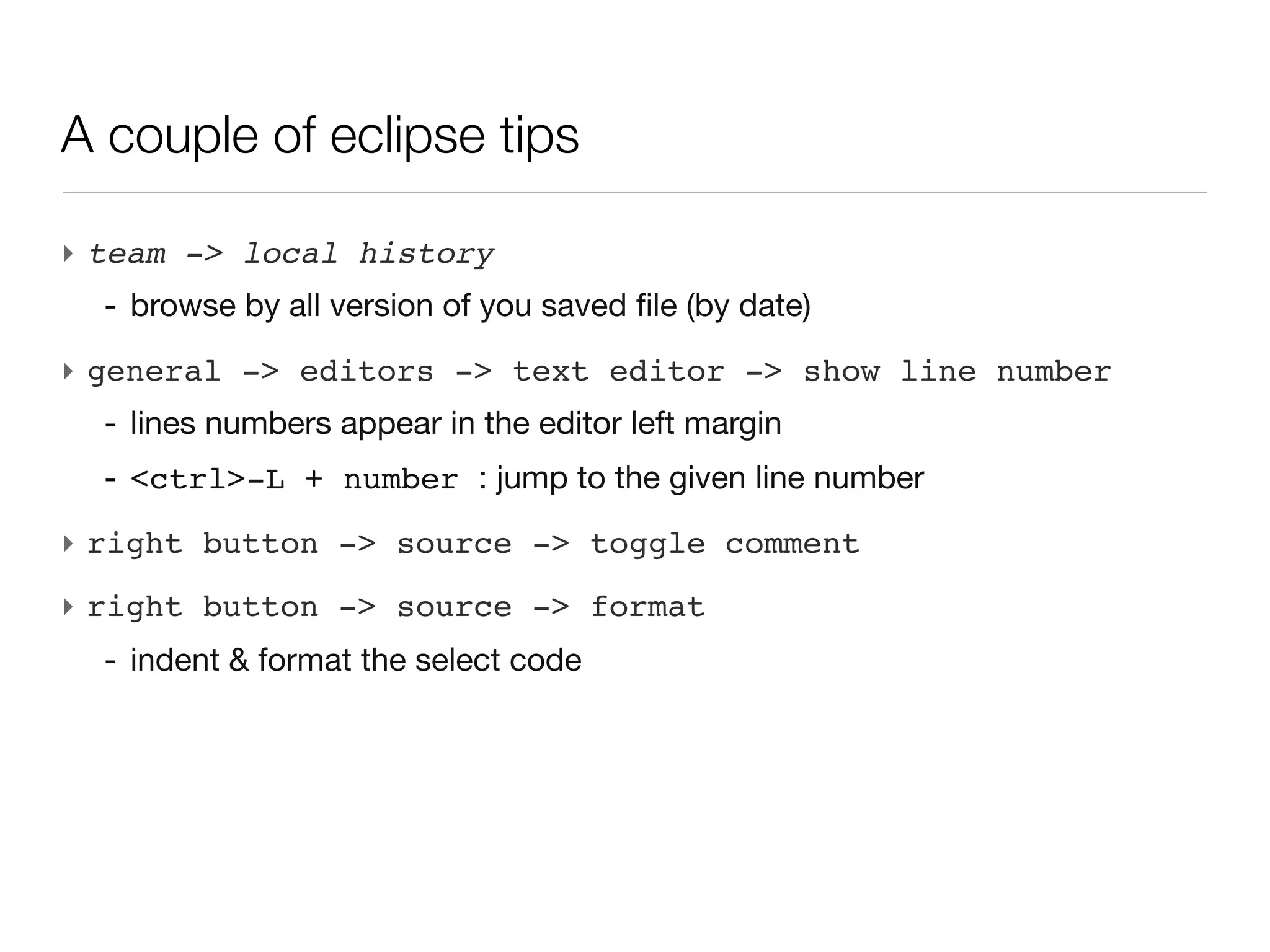
A couple of eclipse tips

‣ team -> local history
A couple of eclipse tips

‣ team -> local history
  - browse by all version of you saved file (by date)
A couple of eclipse tips

‣ team -> local history
  - browse by all version of you saved file (by date)
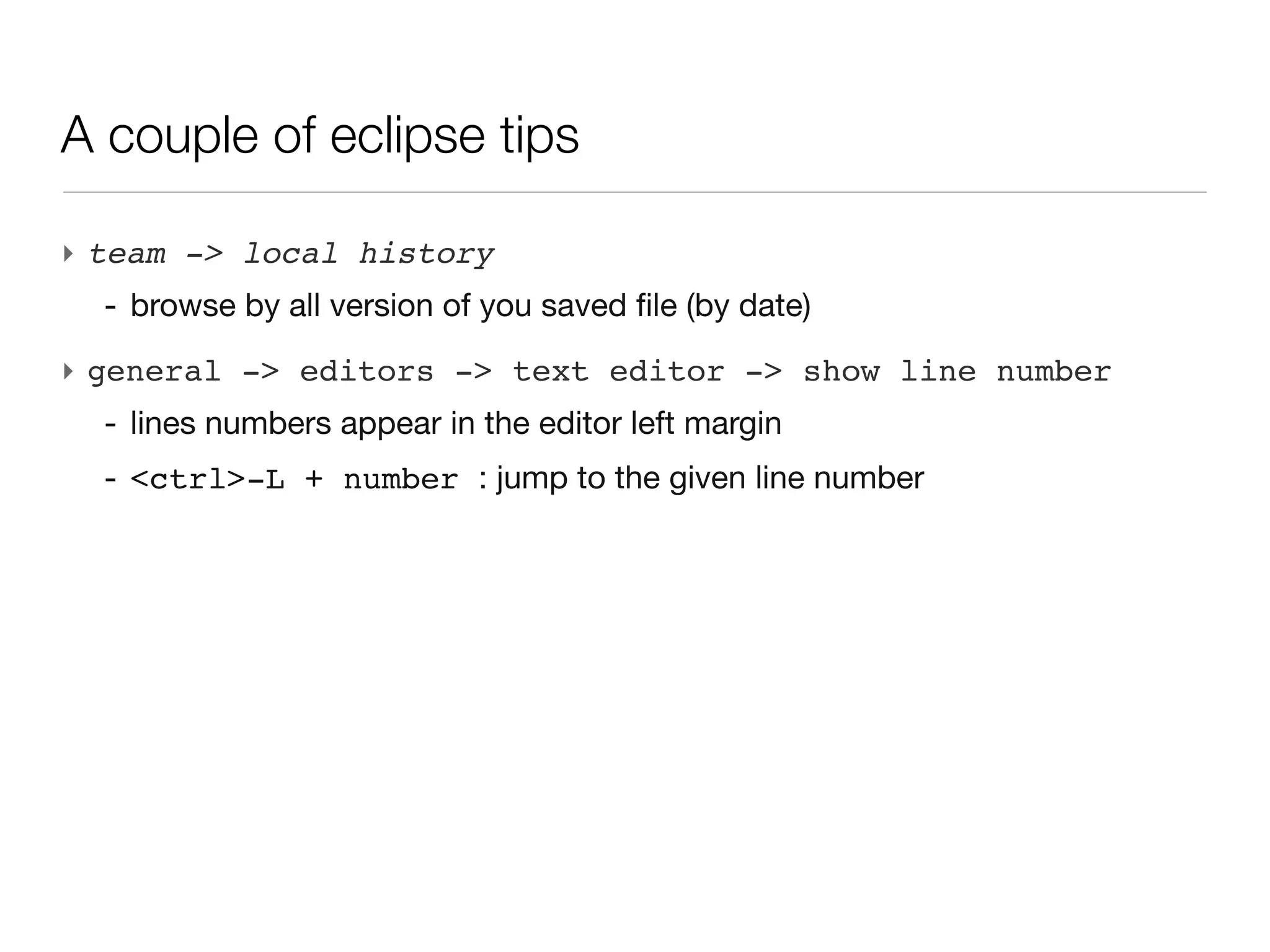
‣ general -> editors -> text editor -> show line number
A couple of eclipse tips

‣ team -> local history
  - browse by all version of you saved file (by date)
‣ general -> editors -> text editor -> show line number
  - lines numbers appear in the editor left margin
A couple of eclipse tips

‣ team -> local history
  - browse by all version of you saved file (by date)
‣ general -> editors -> text editor -> show line number
  - lines numbers appear in the editor left margin
  - <ctrl>-L + number : jump to the given line number
A couple of eclipse tips

‣ team -> local history
  - browse by all version of you saved file (by date)
‣ general -> editors -> text editor -> show line number
  - lines numbers appear in the editor left margin
  - <ctrl>-L + number : jump to the given line number
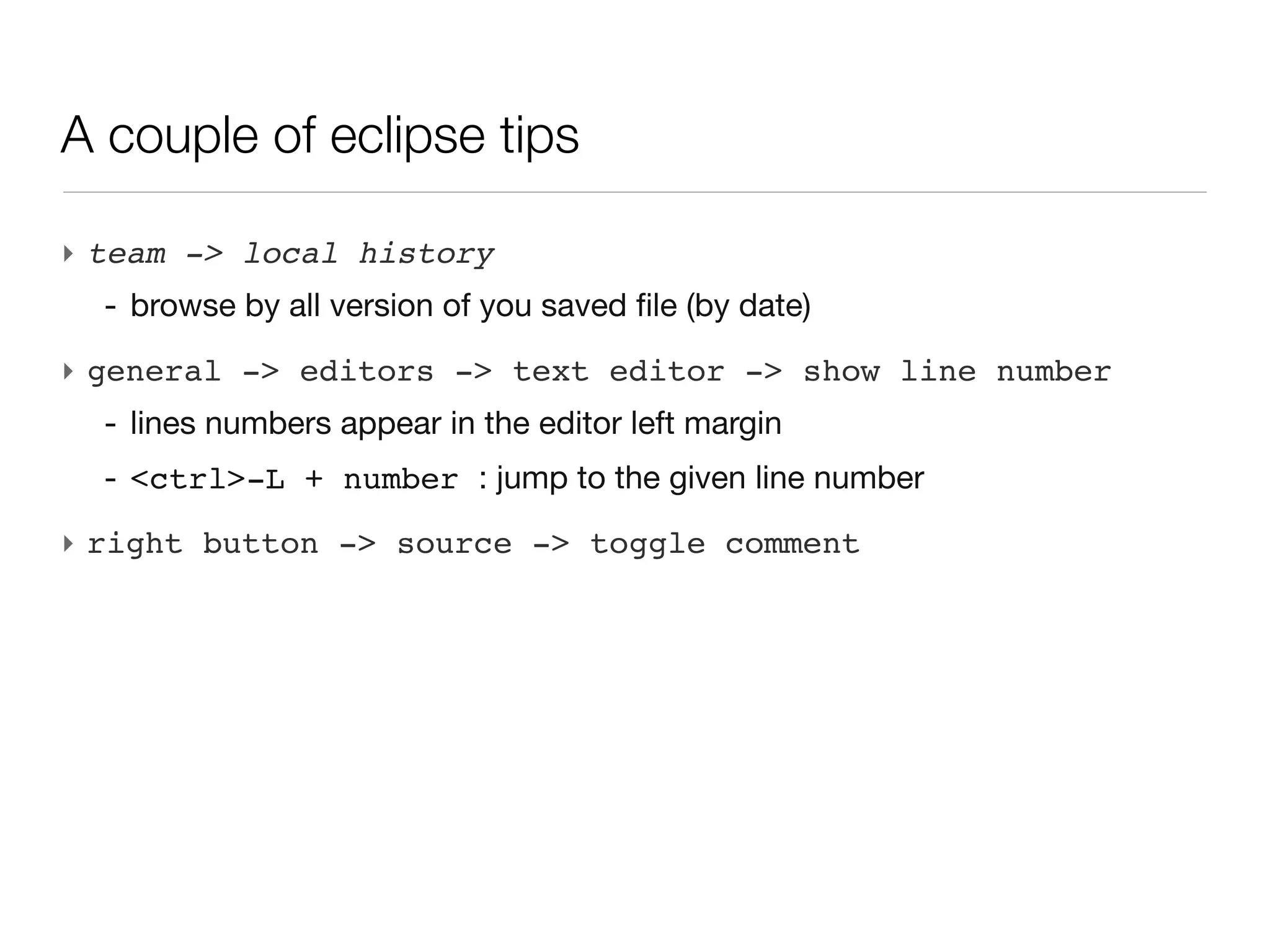
‣ right button -> source -> toggle comment
A couple of eclipse tips

‣ team -> local history
  - browse by all version of you saved file (by date)
‣ general -> editors -> text editor -> show line number
  - lines numbers appear in the editor left margin
  - <ctrl>-L + number : jump to the given line number
‣ right button -> source -> toggle comment
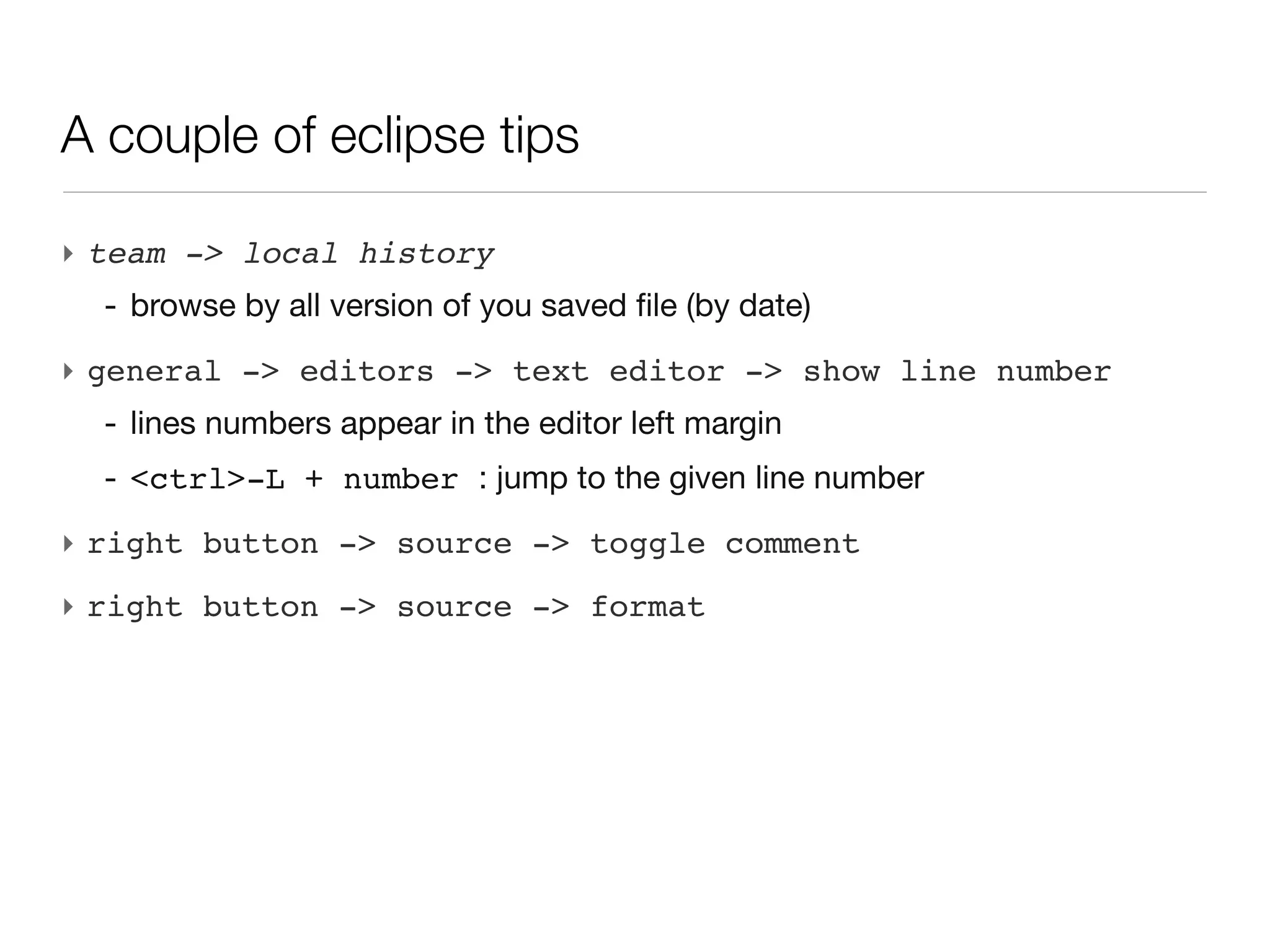
‣ right button -> source -> format
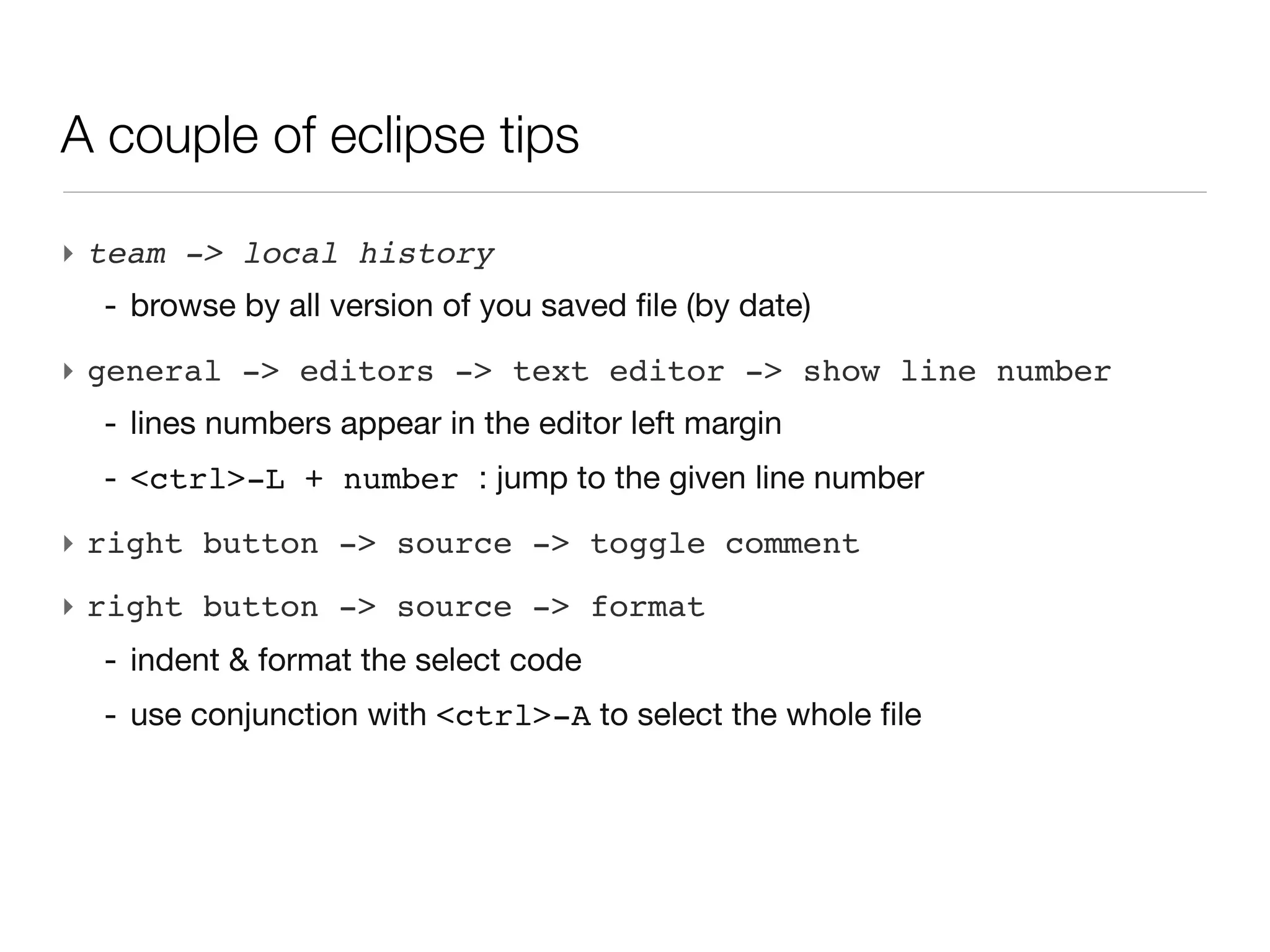
A couple of eclipse tips

‣ team -> local history
  - browse by all version of you saved file (by date)
‣ general -> editors -> text editor -> show line number
  - lines numbers appear in the editor left margin
  - <ctrl>-L + number : jump to the given line number
‣ right button -> source -> toggle comment
‣ right button -> source -> format
  - indent & format the select code
A couple of eclipse tips

‣ team -> local history
  - browse by all version of you saved file (by date)
‣ general -> editors -> text editor -> show line number
  - lines numbers appear in the editor left margin
  - <ctrl>-L + number : jump to the given line number
‣ right button -> source -> toggle comment
‣ right button -> source -> format
  - indent & format the select code
  - use conjunction with <ctrl>-A to select the whole file
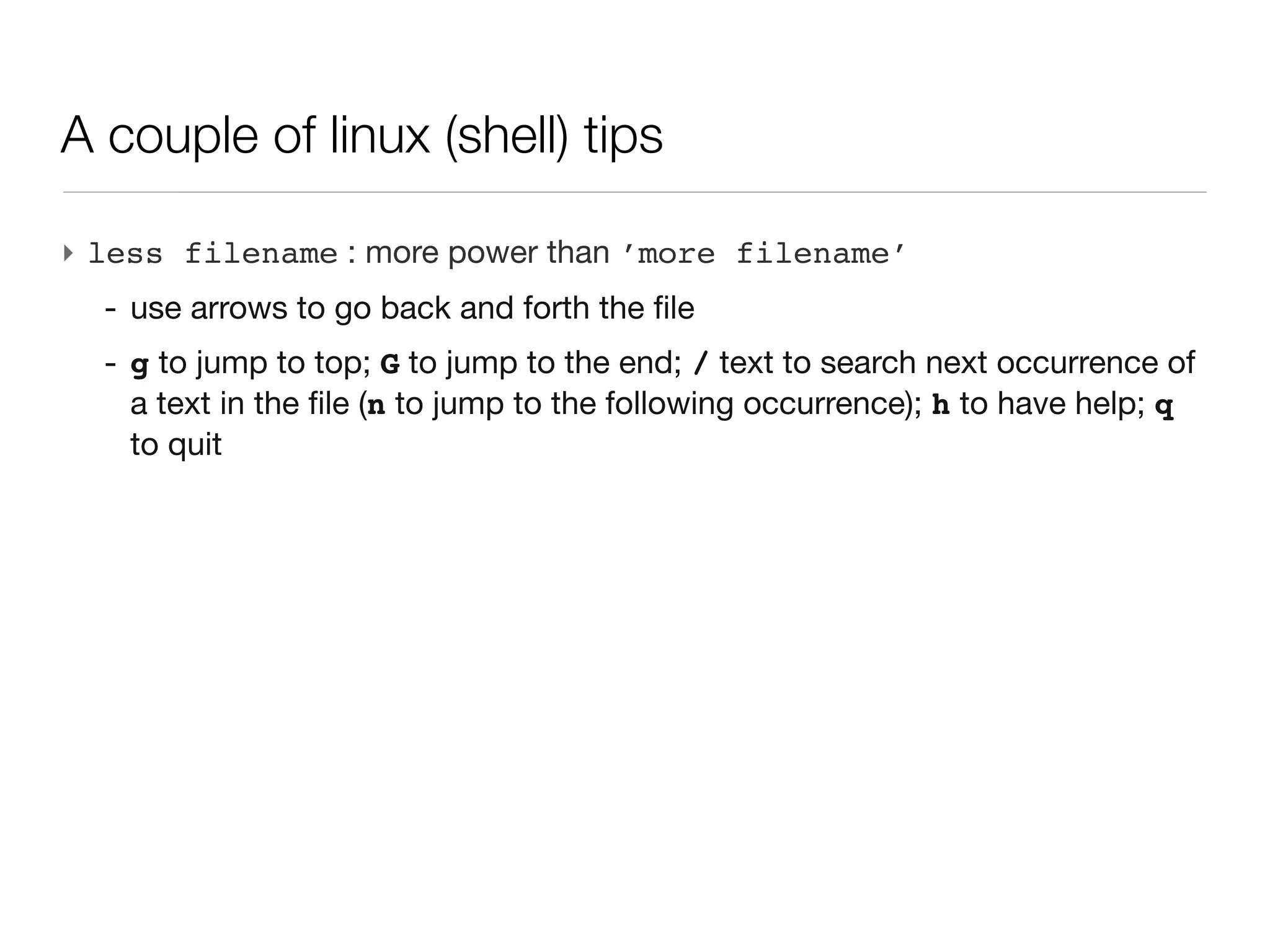
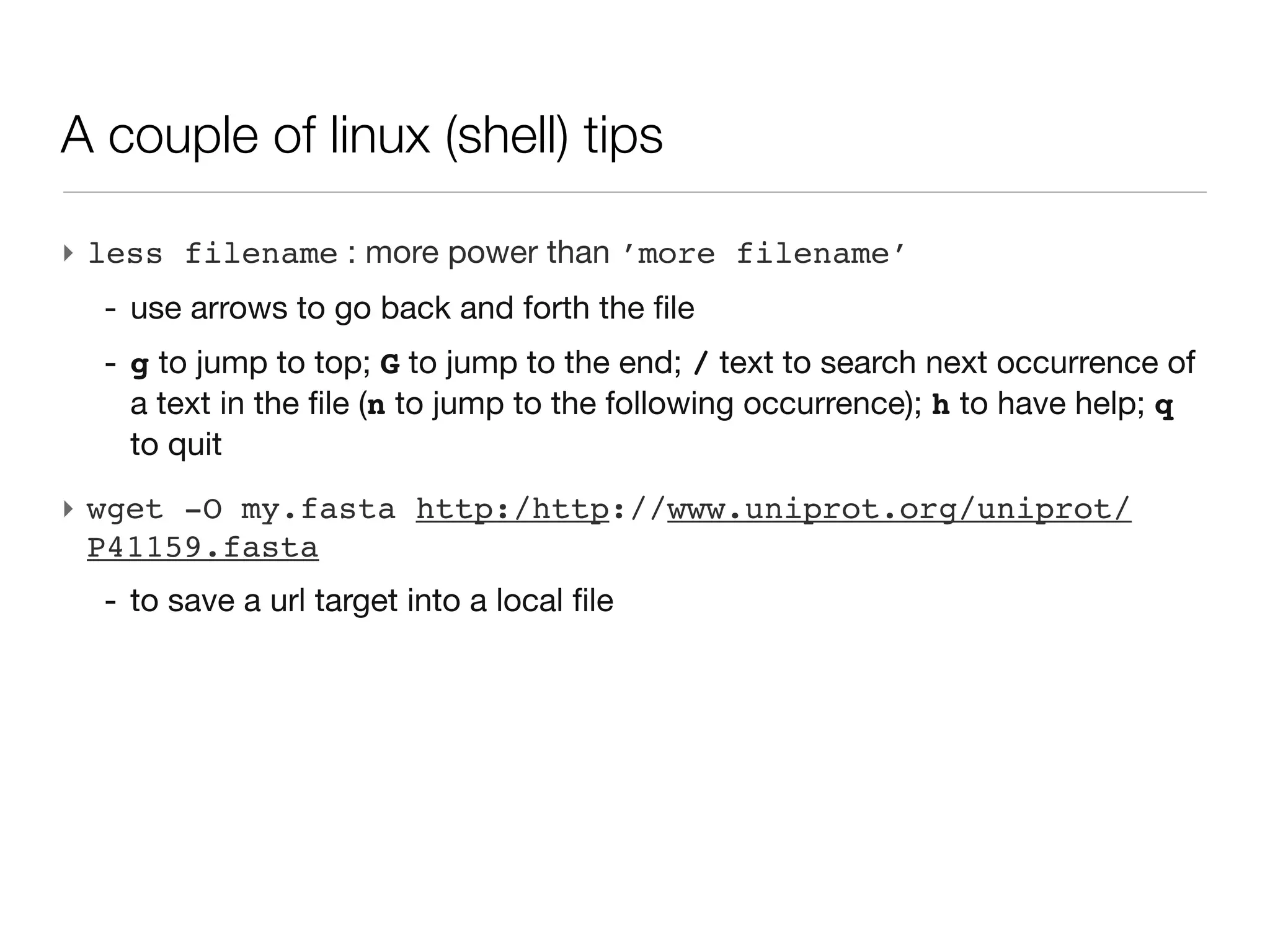
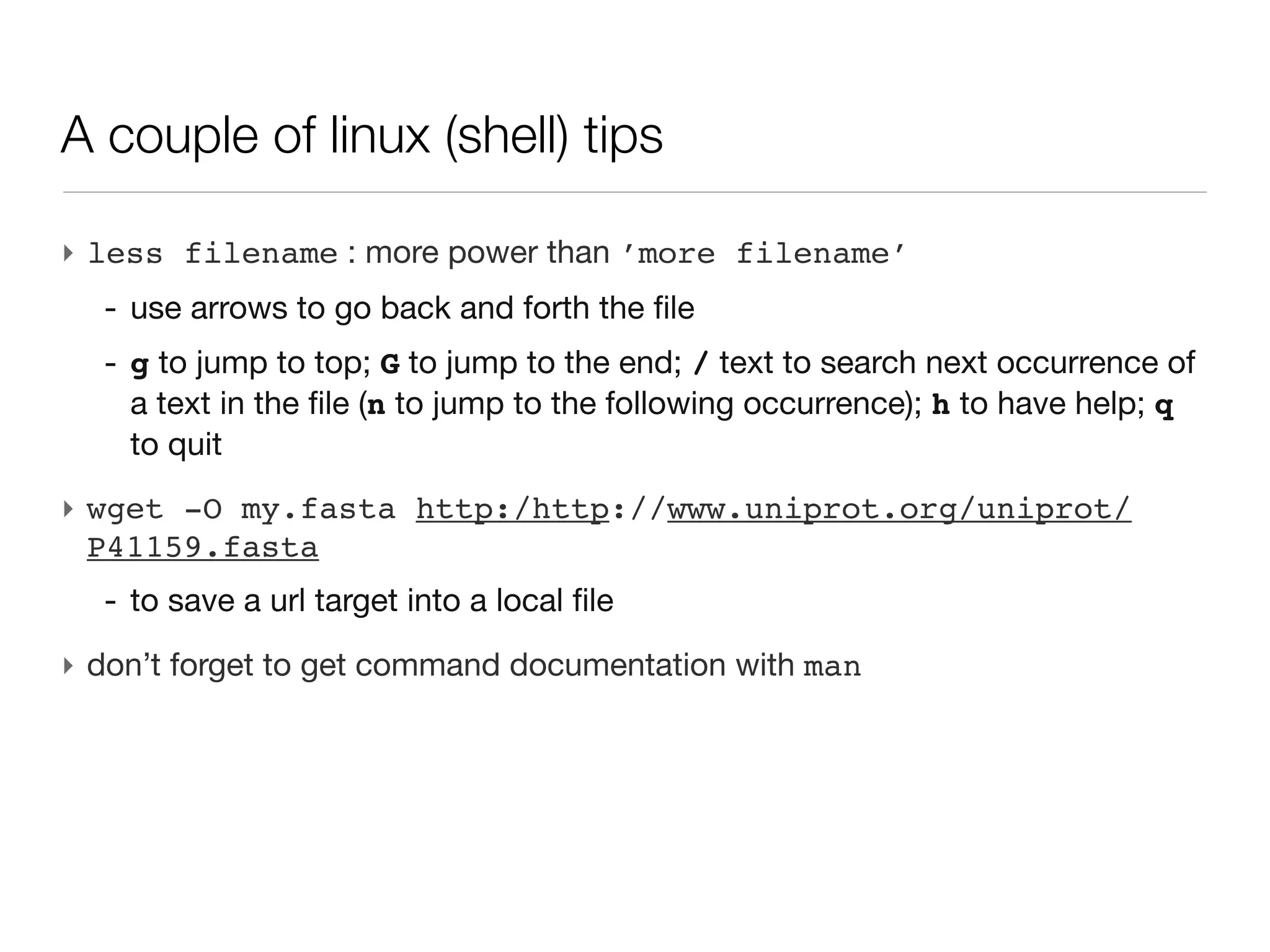
A couple of linux (shell) tips

‣ less filename : more power than ’more filename’
  - use arrows to go back and forth the file
  - g to jump to top; G to jump to the end; / text to search next occurrence
    of a text in the file (n to jump to the following occurrence); h to have
    help; q to quit
A couple of linux (shell) tips

‣ less filename : more power than ’more filename’
  - use arrows to go back and forth the file
  - g to jump to top; G to jump to the end; / text to search next occurrence
    of a text in the file (n to jump to the following occurrence); h to have
    help; q to quit
‣ wget -O my.fasta http:/http://www.uniprot.org/uniprot/
  P41159.fasta
  - to save a url target into a local file
A couple of linux (shell) tips

‣ less filename : more power than ’more filename’
  - use arrows to go back and forth the file
  - g to jump to top; G to jump to the end; / text to search next occurrence
    of a text in the file (n to jump to the following occurrence); h to have
    help; q to quit
‣ wget -O my.fasta http:/http://www.uniprot.org/uniprot/
  P41159.fasta
  - to save a url target into a local file
‣ don’t forget to get command documentation with man
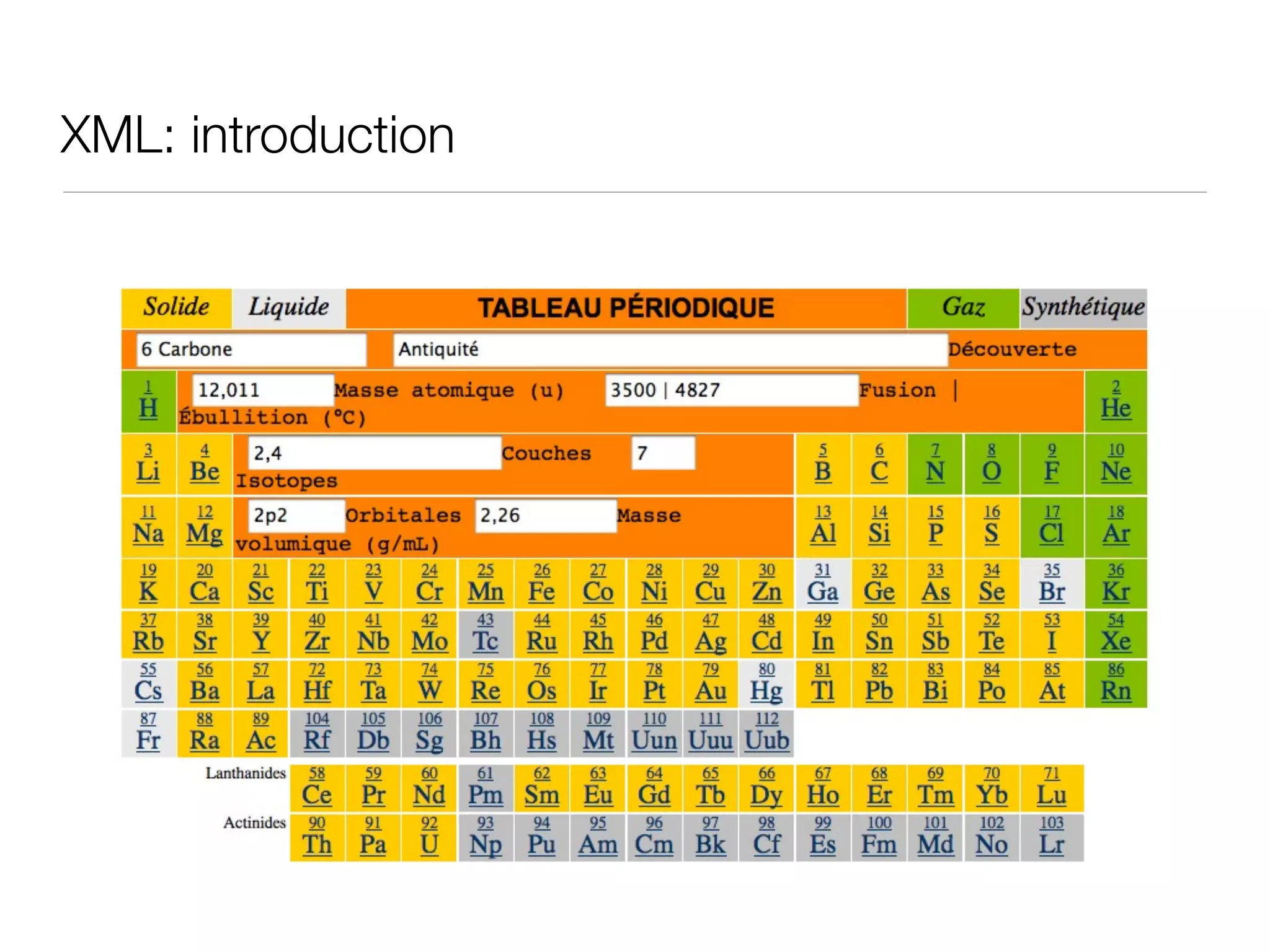
XML: introduction
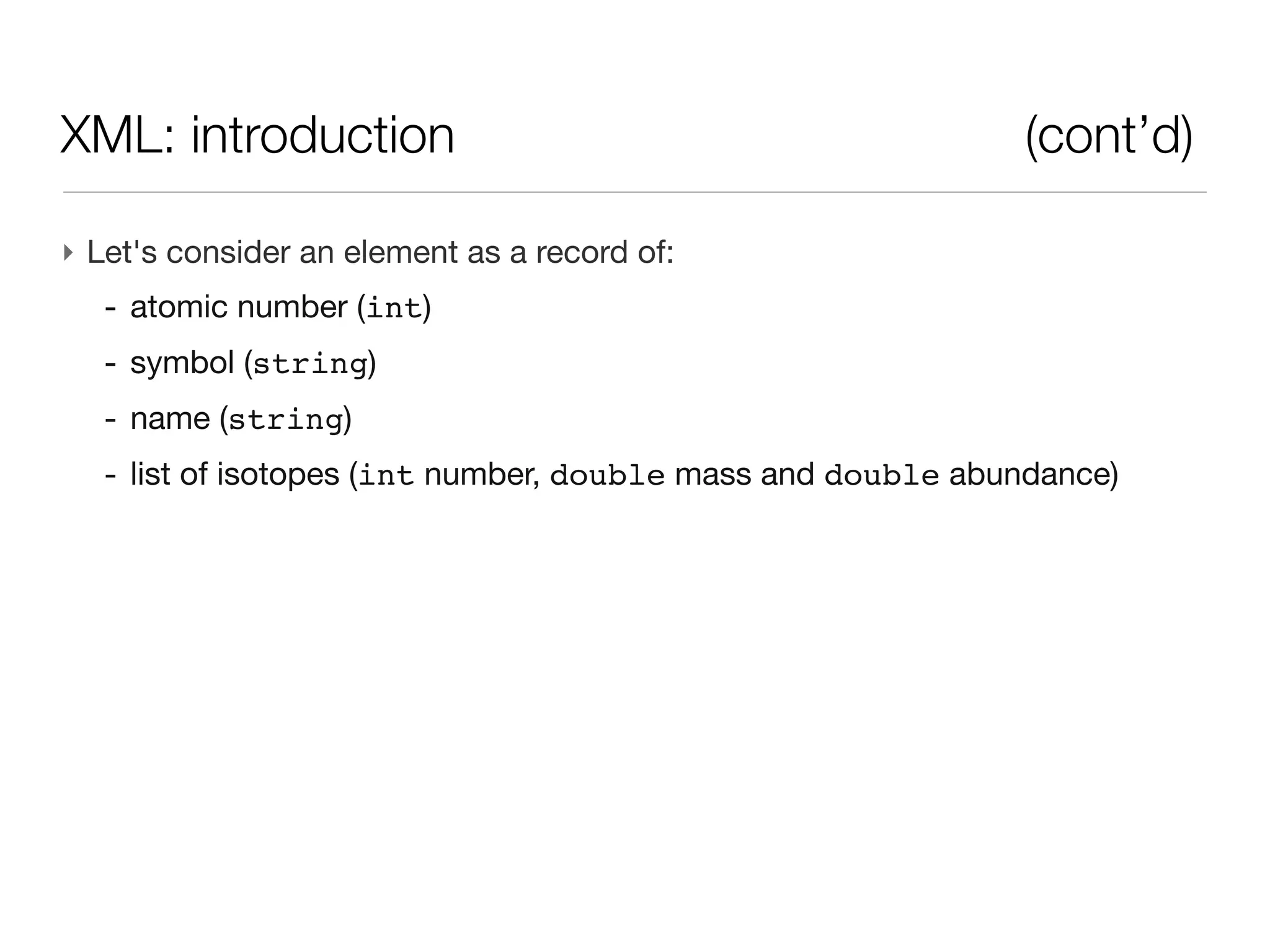
XML: introduction                                          (cont’d)

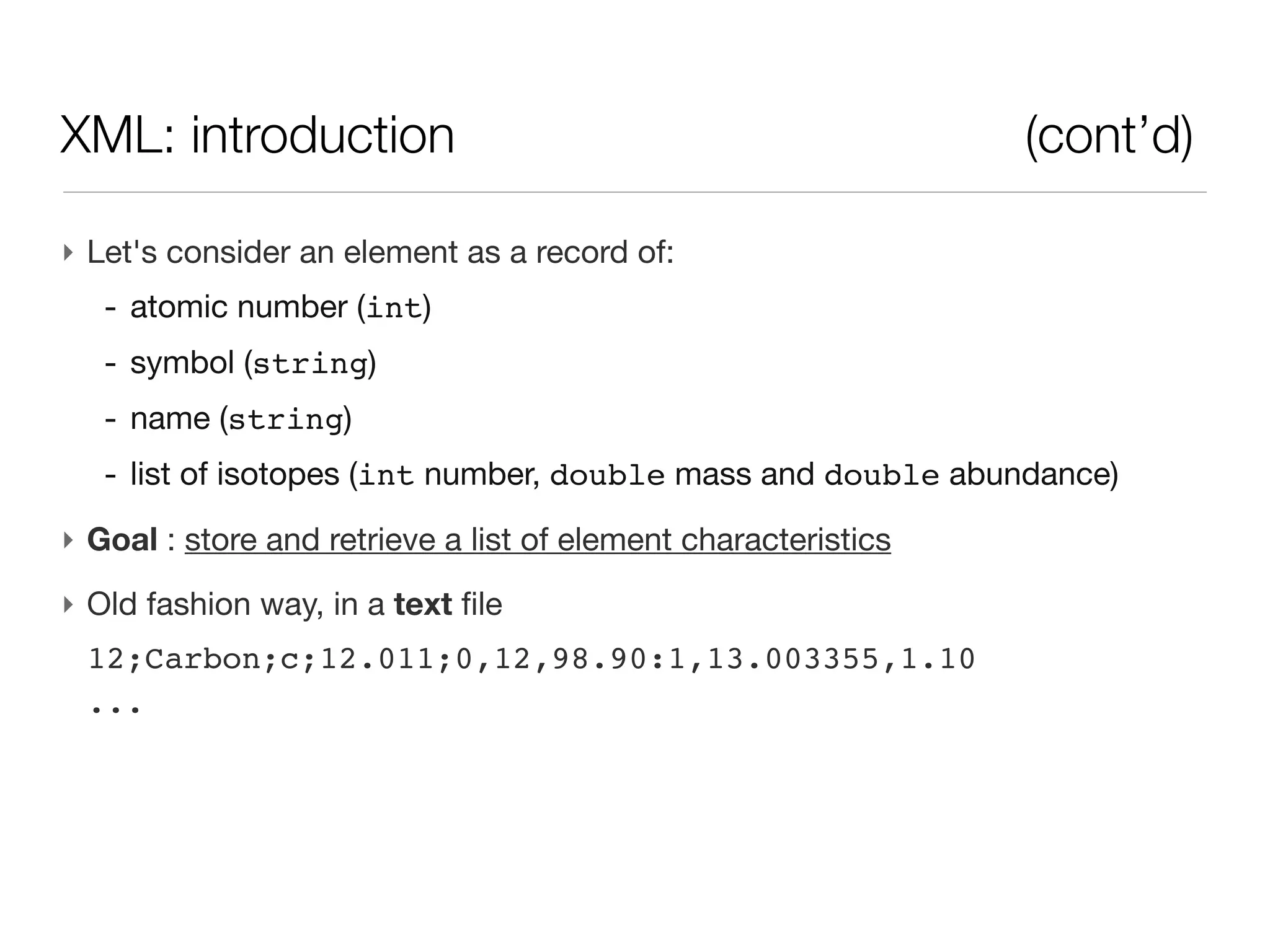
‣ Let's consider an element as a record of:
  - atomic number (int)
  - symbol (string)
  - name (string)
  - list of isotopes (int number, double mass and double abundance)
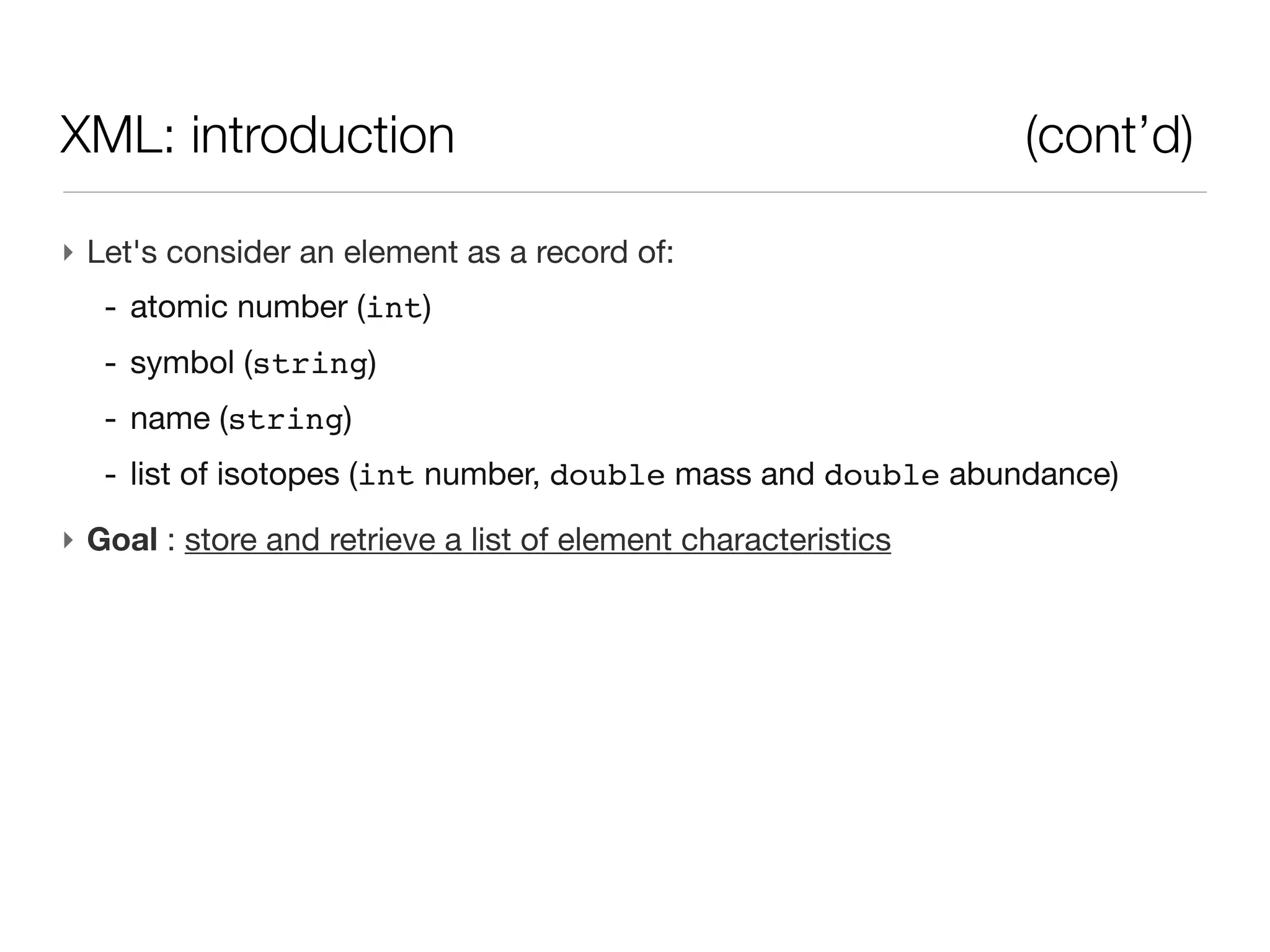
XML: introduction                                               (cont’d)

‣ Let's consider an element as a record of:
   - atomic number (int)
   - symbol (string)
   - name (string)
   - list of isotopes (int number, double mass and double abundance)
‣ Goal : store and retrieve a list of element characteristics
XML: introduction                                               (cont’d)

‣ Let's consider an element as a record of:
   - atomic number (int)
   - symbol (string)
   - name (string)
   - list of isotopes (int number, double mass and double abundance)
‣ Goal : store and retrieve a list of element characteristics
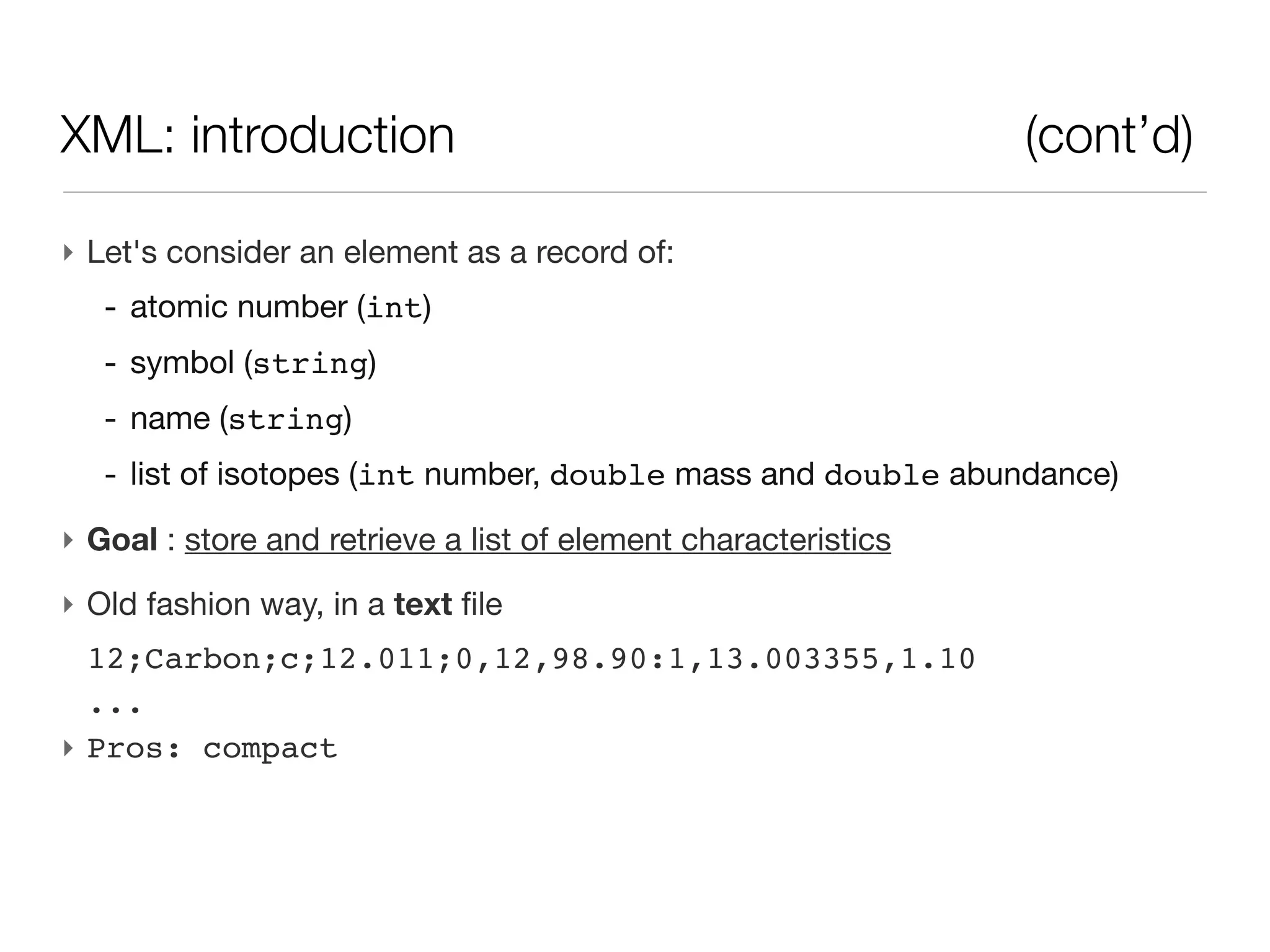
‣ Old fashion way, in a text file
 12;Carbon;c;12.011;0,12,98.90:1,13.003355,1.10
 ...
XML: introduction                                               (cont’d)

‣ Let's consider an element as a record of:
   - atomic number (int)
   - symbol (string)
   - name (string)
   - list of isotopes (int number, double mass and double abundance)
‣ Goal : store and retrieve a list of element characteristics
‣ Old fashion way, in a text file
  12;Carbon;c;12.011;0,12,98.90:1,13.003355,1.10
  ...
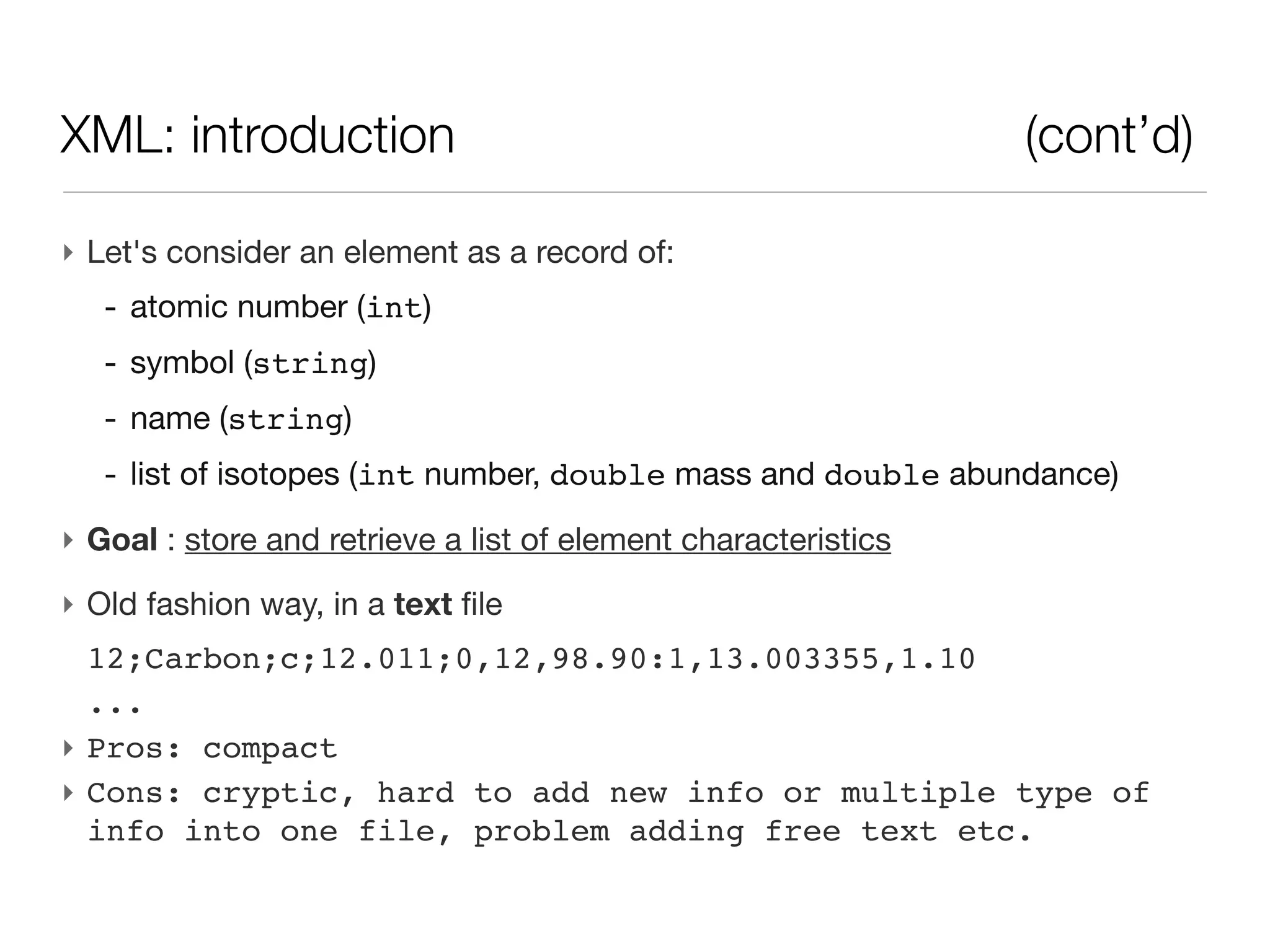
‣ Pros: compact
XML: introduction                                               (cont’d)

‣ Let's consider an element as a record of:
   - atomic number (int)
   - symbol (string)
   - name (string)
   - list of isotopes (int number, double mass and double abundance)
‣ Goal : store and retrieve a list of element characteristics
‣ Old fashion way, in a text file
  12;Carbon;c;12.011;0,12,98.90:1,13.003355,1.10
  ...
‣ Pros: compact
‣ Cons: cryptic, hard to add new info or multiple type of
  info into one file, problem adding free text etc.
XML: introduction - text storage


‣ Old fashion way, in a text file
 12;Carbon;c;12.011;0,12,98.90:1,13.003355,1.10
 ...
XML: introduction - text storage      (cont’d)


              ‣ Pros:
                 - compact
                 - easy edition
                 - easy sharing (~)
XML: introduction - text storage                  (cont’d)


   ‣ Cons:
      - cryptic (what field is what)
      - error prone
      - hard to add new info
      - hard to add multiple type of info into one file
      - problem adding free text etc.
XML: introduction - RDBM storage


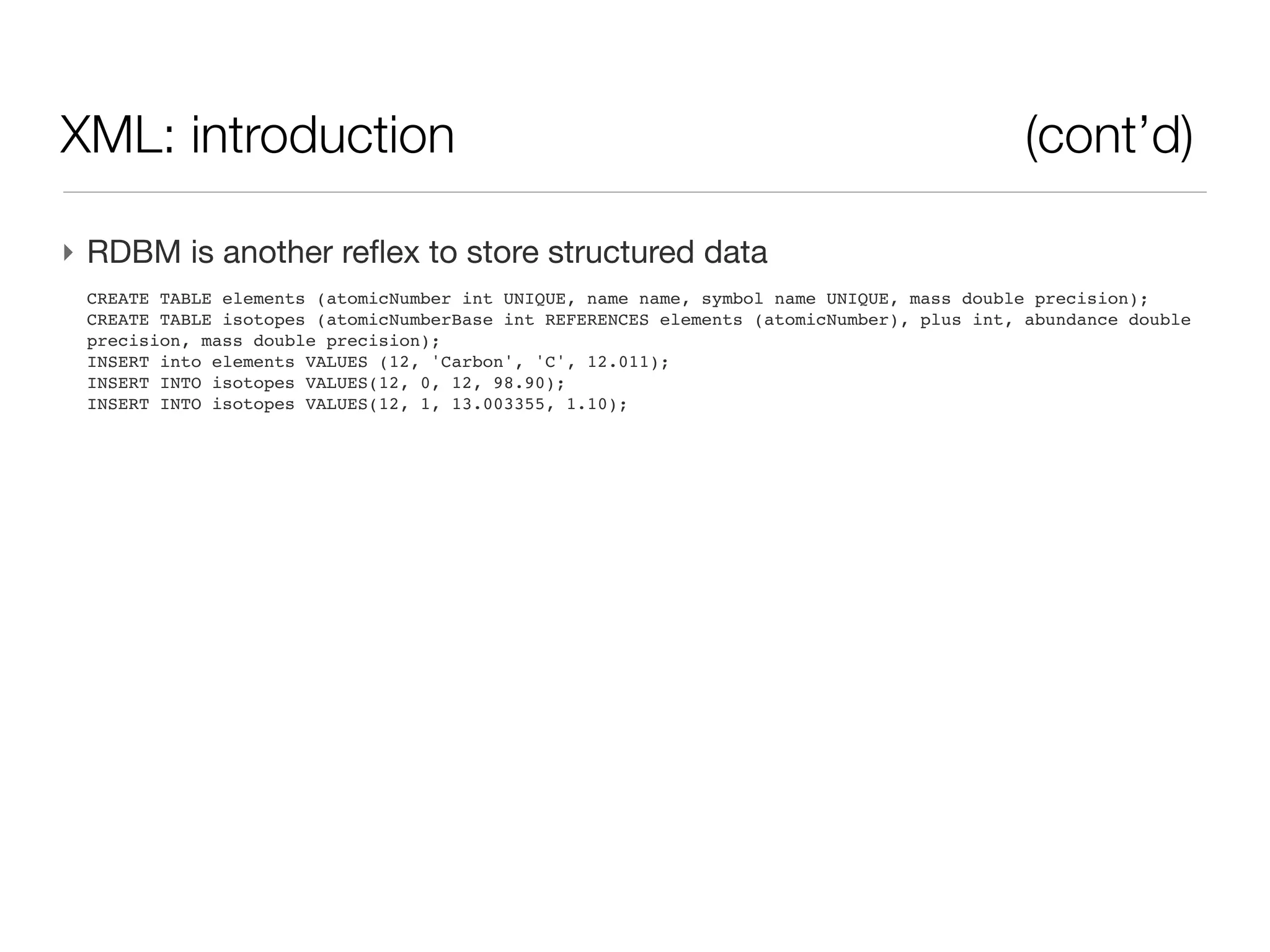
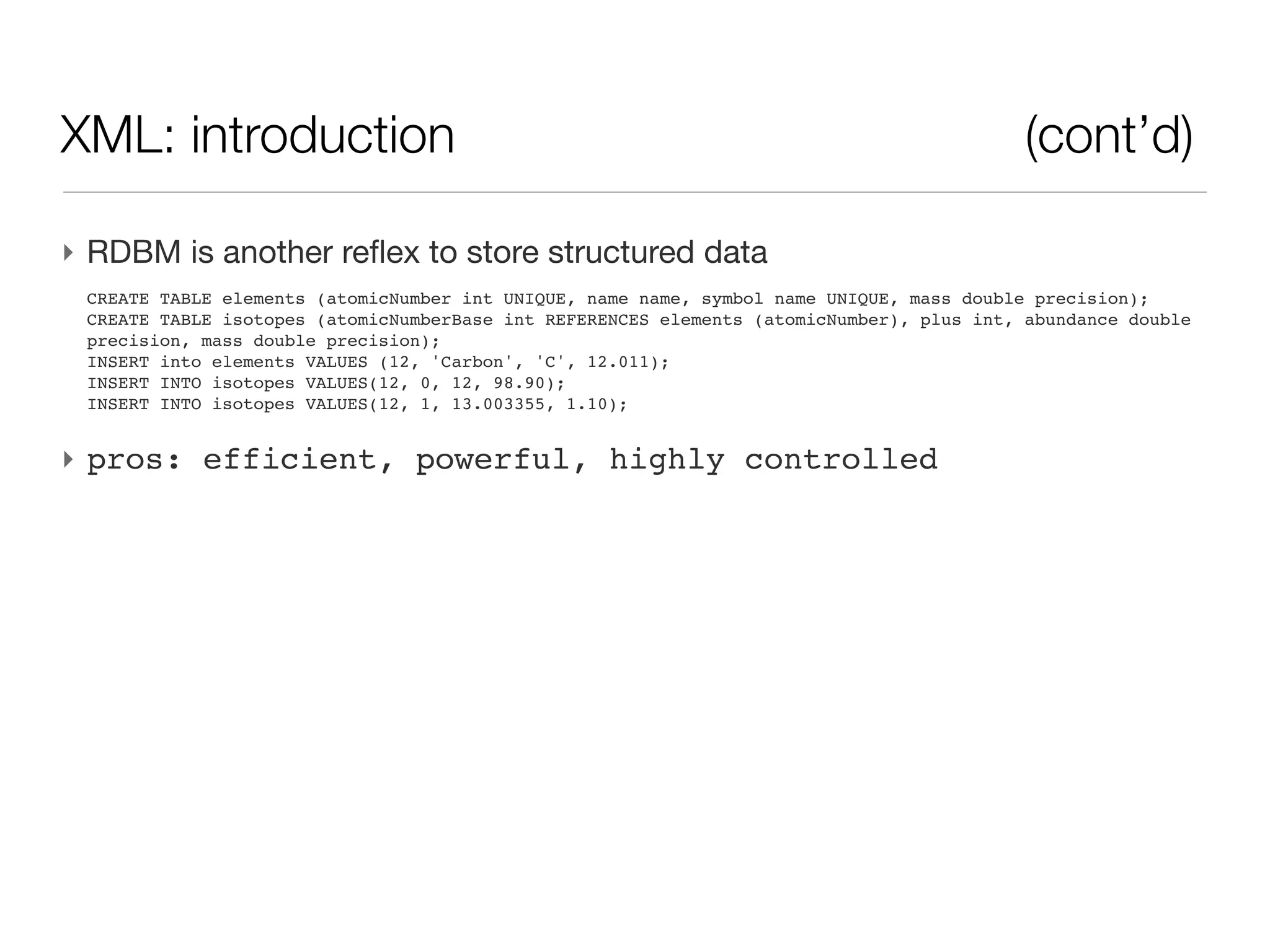
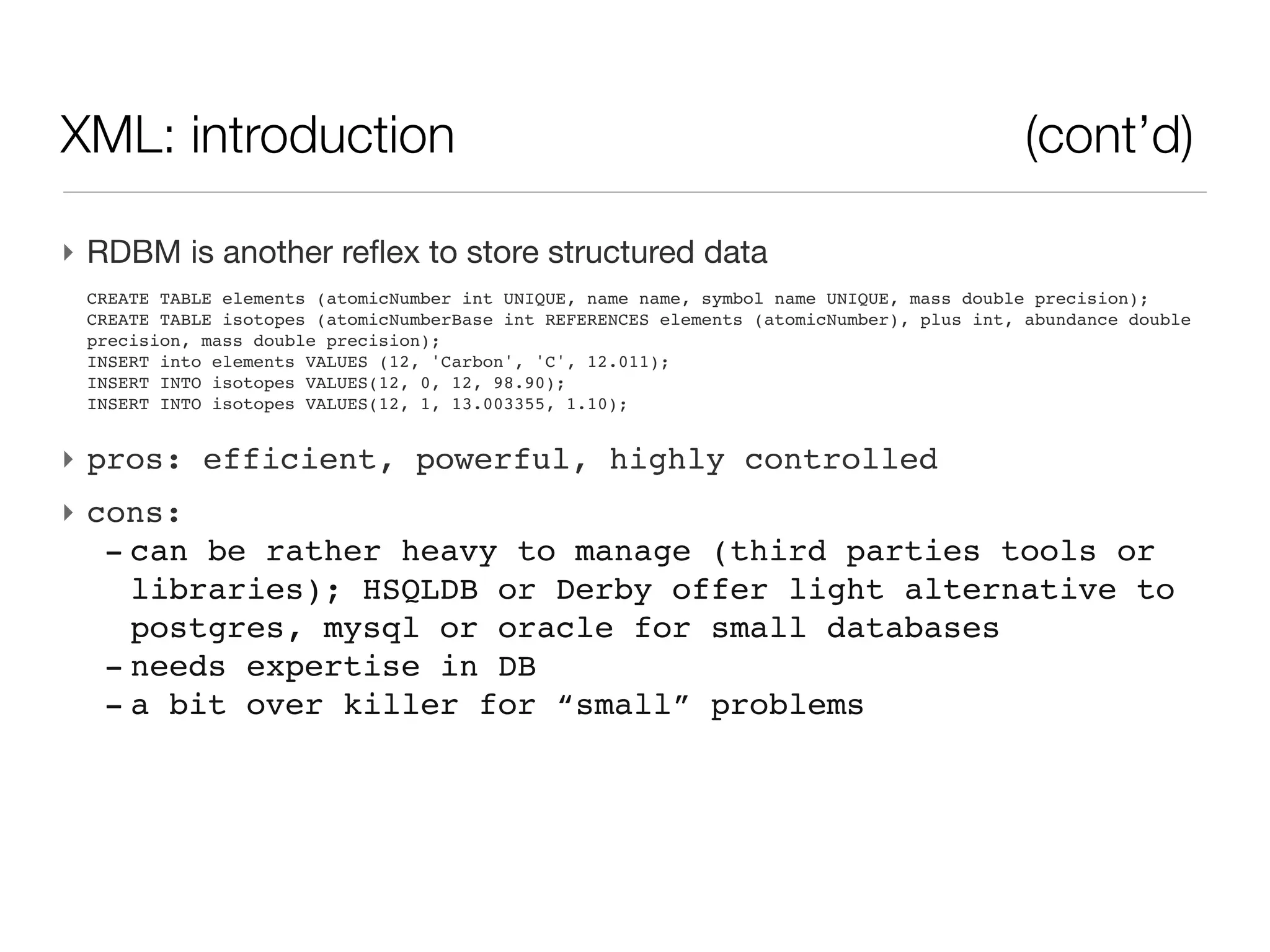
‣ RDBM is another reflex to store structured data
 CREATE TABLE elements (atomicNumber int UNIQUE, name name, symbol name UNIQUE, mass double precision);
 CREATE TABLE isotopes (atomicNumberBase int REFERENCES elements (atomicNumber), plus int, abundance double
 precision, mass double precision);
 INSERT into elements VALUES (12, 'Carbon', 'C', 12.011);
 INSERT INTO isotopes VALUES(12, 0, 12, 98.90);
 INSERT INTO isotopes VALUES(12, 1, 13.003355, 1.10);
XML: introduction - RDBM storage          (cont’d)


           ‣ pros:
             - constraints (structure)
             - highly controlled
             - powerful (large storage)
XML: introduction - RDBM storage                   (cont’d)


‣ cons:
   - can be rather heavy to manage (third parties tools or
     libraries)
   - HSQLDB or Derby offer light alternative to postgres,
     mysql or oracle for small databases
   - needs expertise in DB (install/management/update)
   - a bit over killer for “small” problems
XML: a versatile alternative

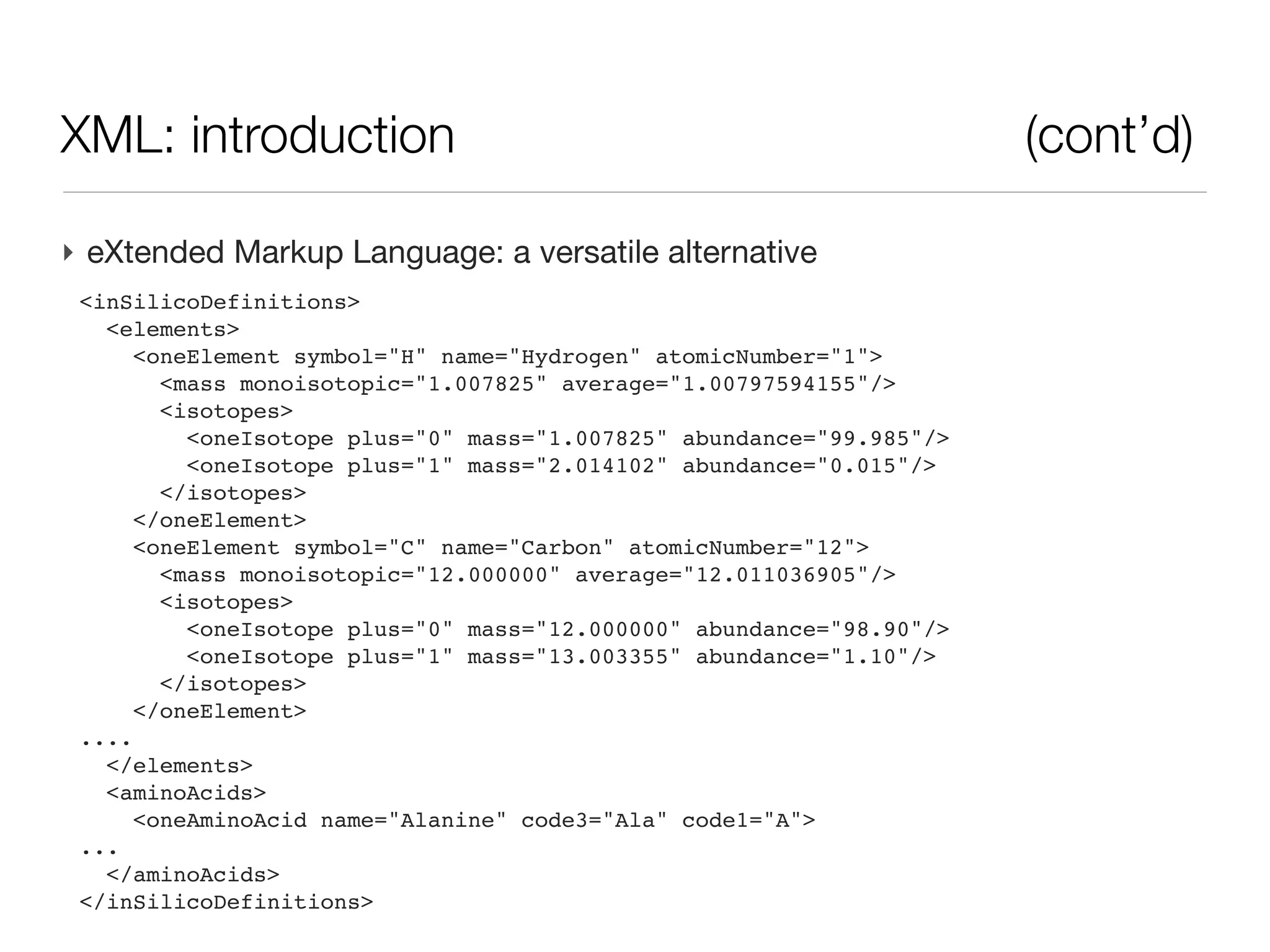
‣ eXtended Markup Language:
 <inSilicoDefinitions>
   <elements>
      <oneElement symbol="H" name="Hydrogen" atomicNumber="1">
        <mass monoisotopic="1.007825" average="1.00797594155"/>
        <isotopes>
          <oneIsotope plus="0" mass="1.007825" abundance="99.985"/>
          <oneIsotope plus="1" mass="2.014102" abundance="0.015"/>
        </isotopes>
      </oneElement>
      <oneElement symbol="C" name="Carbon" atomicNumber="12">
        <mass monoisotopic="12.000000" average="12.011036905"/>
        <isotopes>
          <oneIsotope plus="0" mass="12.000000" abundance="98.90"/>
          <oneIsotope plus="1" mass="13.003355" abundance="1.10"/>
        </isotopes>
      </oneElement>
 ....
   </elements>
   <aminoAcids>
      <oneAminoAcid name="Alanine" code3="Ala" code1="A">
 ...
   </aminoAcids>
 </inSilicoDefinitions>
XML: structure

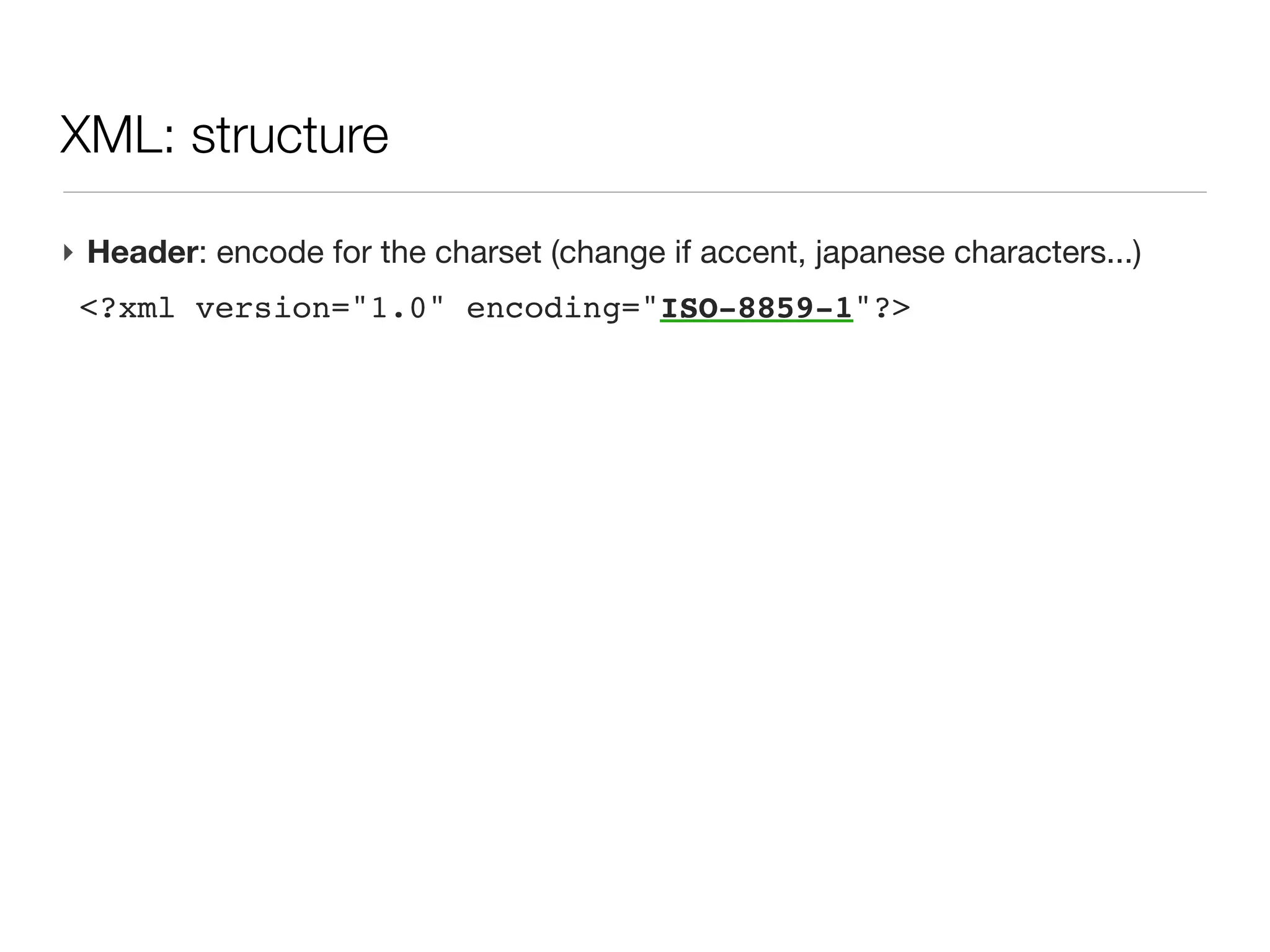
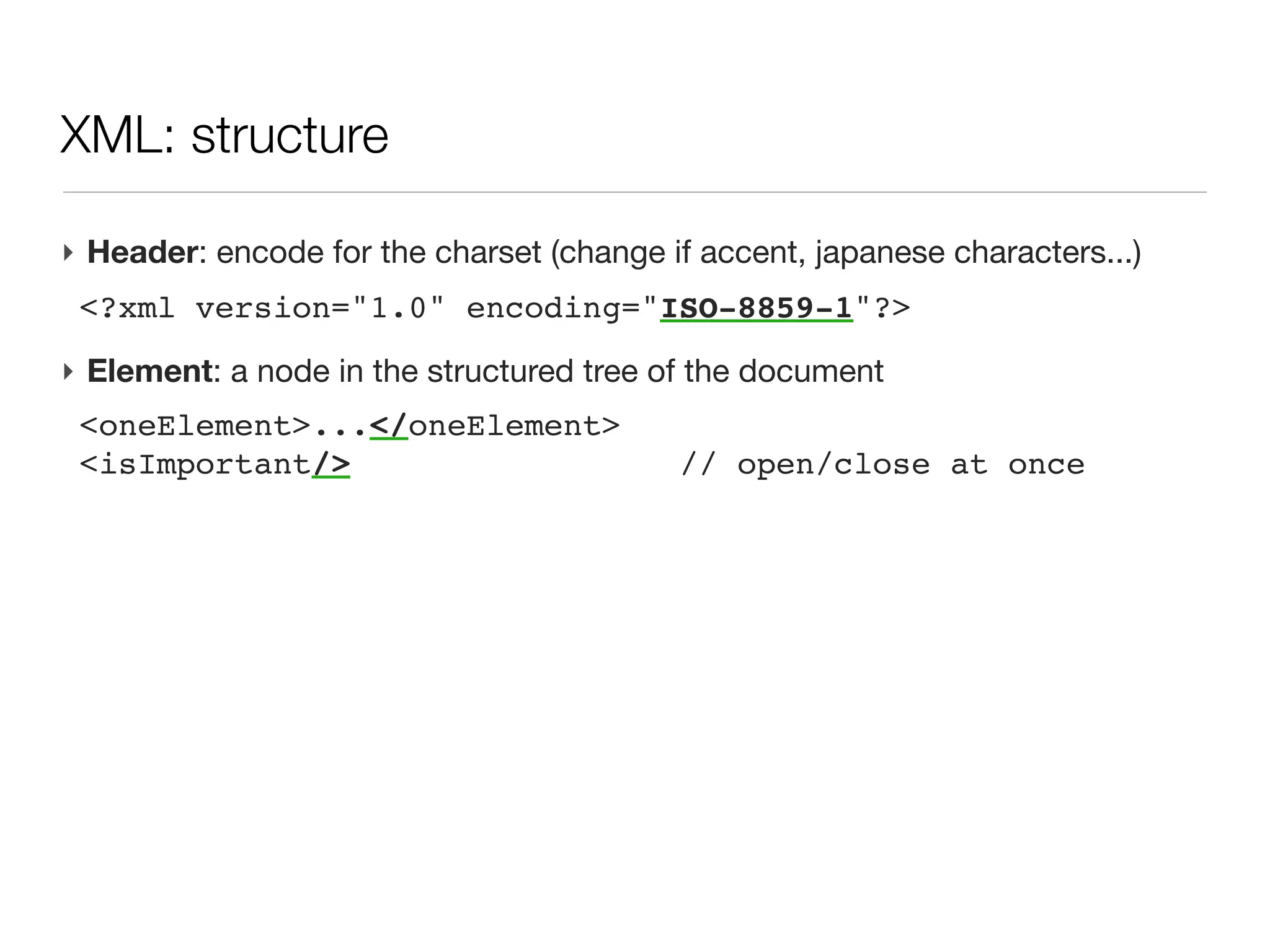
‣ Header: encode for the charset (change if accent, japanese characters...)
 <?xml version="1.0" encoding="ISO-8859-1"?>
XML: structure

‣ Header: encode for the charset (change if accent, japanese characters...)
 <?xml version="1.0" encoding="ISO-8859-1"?>
‣ Element: a node in the structured tree of the document
 <oneElement>...</oneElement>
 <isImportant/>                          // open/close at once
XML: structure

‣ Header: encode for the charset (change if accent, japanese characters...)
 <?xml version="1.0" encoding="ISO-8859-1"?>
‣ Element: a node in the structured tree of the document
 <oneElement>...</oneElement>
 <isImportant/>                          // open/close at once
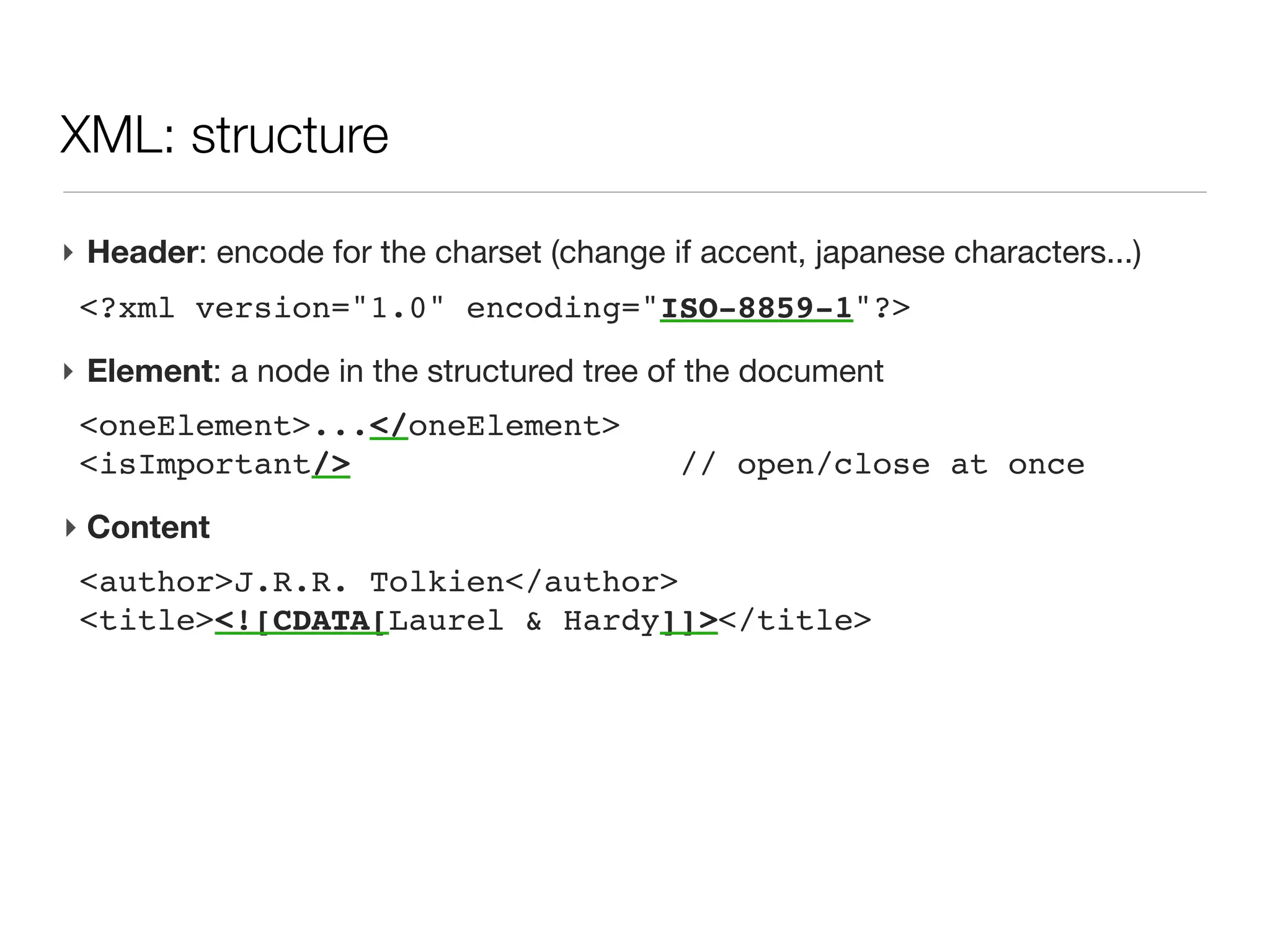
‣ Content
 <author>J.R.R. Tolkien</author>
 <title><![CDATA[Laurel & Hardy]]></title>
XML: structure

‣ Header: encode for the charset (change if accent, japanese characters...)
 <?xml version="1.0" encoding="ISO-8859-1"?>
‣ Element: a node in the structured tree of the document
 <oneElement>...</oneElement>
 <isImportant/>                          // open/close at once
‣ Content
 <author>J.R.R. Tolkien</author>
 <title><![CDATA[Laurel & Hardy]]></title>
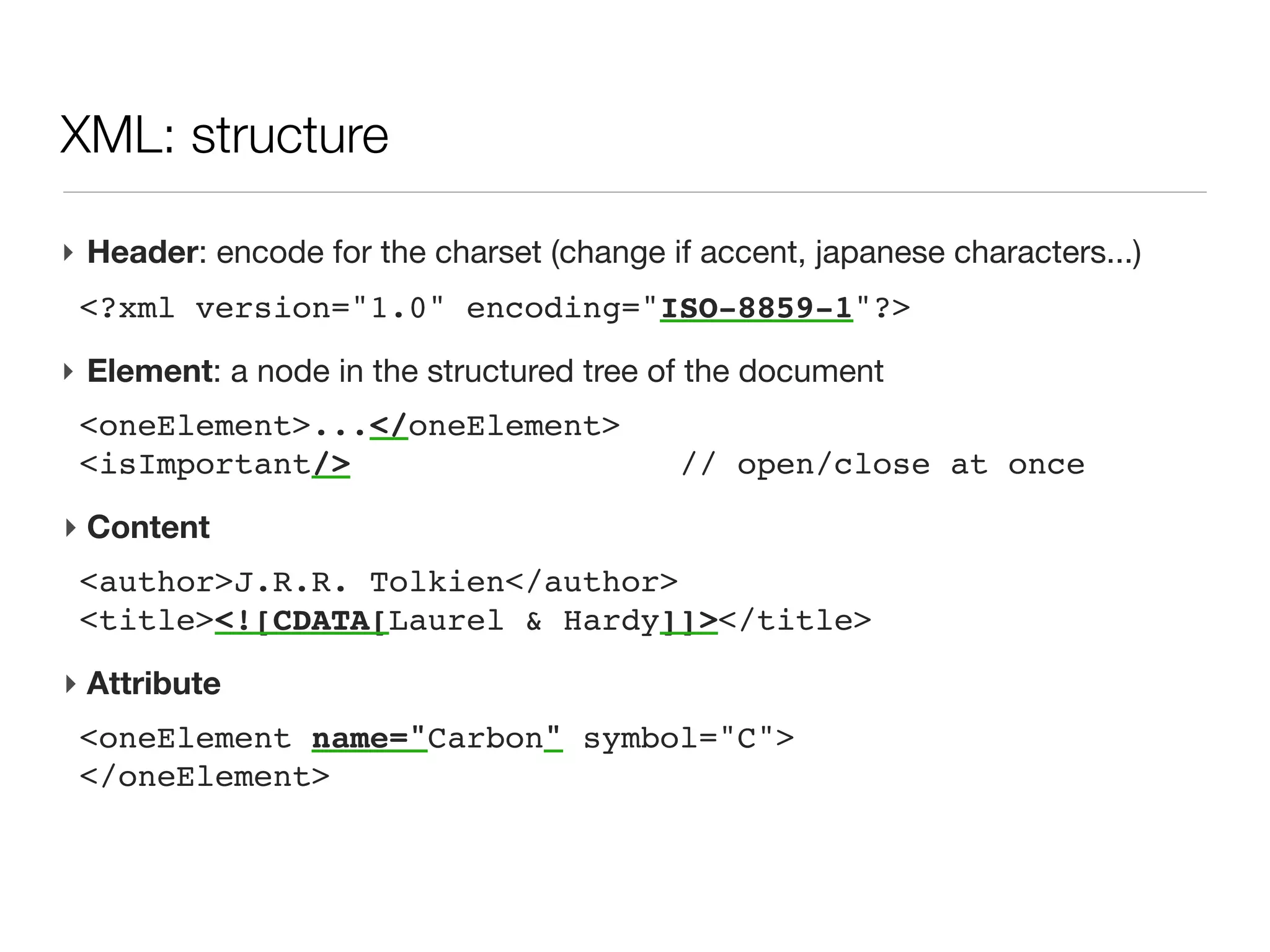
‣ Attribute
 <oneElement name="Carbon" symbol="C">
 </oneElement>
XML: structure

‣ Header: encode for the charset (change if accent, japanese characters...)
 <?xml version="1.0" encoding="ISO-8859-1"?>
‣ Element: a node in the structured tree of the document
 <oneElement>...</oneElement>
 <isImportant/>                          // open/close at once
‣ Content
 <author>J.R.R. Tolkien</author>
 <title><![CDATA[Laurel & Hardy]]></title>
‣ Attribute
 <oneElement name="Carbon" symbol="C">
 </oneElement>
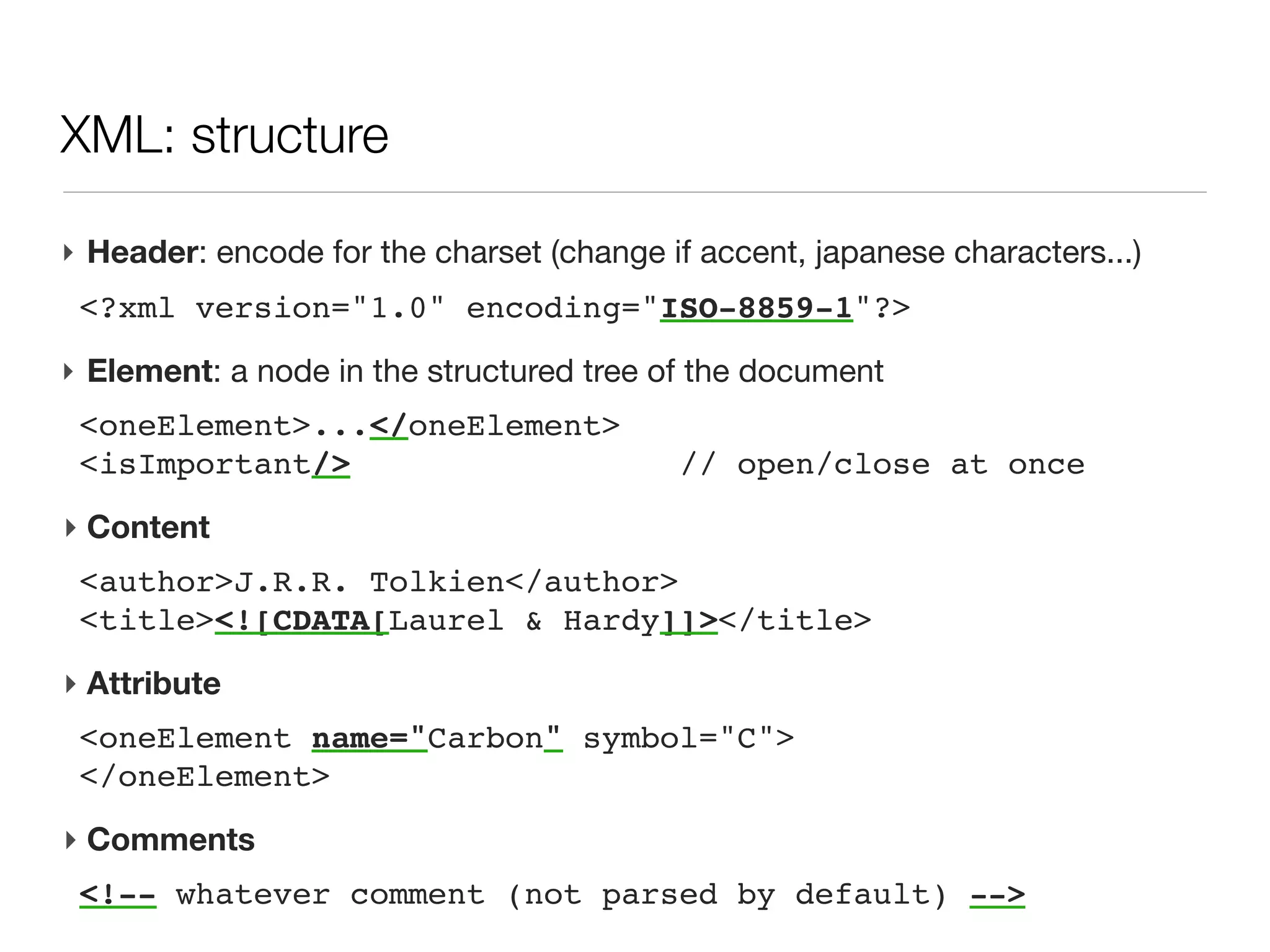
‣ Comments
 <!-- whatever comment (not parsed by default) -->
XML: child elements or attributes?


‣ What attribute cannot do?
  - no nested structures
  - no repeated attributes: <tag name="one" name="two"/> is not allowed
  - limited characters, not CDATA for the value
XML: child elements or attributes?


‣ So, when to use attributes instead of elements?
  - Attributes could be avoided and only child elements used. Usually, the
    main part of the node information should be stored in sub chidren.
    However attributes can have a natural use:
  - for short information,
  - for information that should be read at the element level (before diving
    into its children nodes)
XML: cons
XML: cons

‣ File size
   - large tag name for storing only one integer value
   - list of data stored at once e.g. peak list in the mzXml-like file (base64)
XML: cons

‣ File size
   - large tag name for storing only one integer value
   - list of data stored at once e.g. peak list in the mzXml-like file (base64)

‣ Random access to data no native (data index can be stored)
XML: cons

‣ File size
   - large tag name for storing only one integer value
   - list of data stored at once e.g. peak list in the mzXml-like file (base64)

‣ Random access to data no native (data index can be stored)
‣ Hand edition can be tedious (but possible)
XML: what we will not talk about (today...)

‣ XML file generation
  - it is simple text file
  - Groovy uses XmlTemplateEngine
XML: what we will not talk about (today...)

‣ XML file generation
  - it is simple text file
  - Groovy uses XmlTemplateEngine
‣ XML structure definition
  - Schema
  - DTD
XML: what we will not talk about (today...)

‣ XML file generation
  - it is simple text file
  - Groovy uses XmlTemplateEngine
‣ XML structure definition
  - Schema
  - DTD
‣ XSLT for xml structure transformation
XML: what we will not talk about (today...)

‣ XML file generation
  - it is simple text file
  - Groovy uses XmlTemplateEngine
‣ XML structure definition
  - Schema
  - DTD
‣ XSLT for xml structure transformation
‣ namespaces
XML: what we will not talk about (today...)

‣ XML file generation
  - it is simple text file
  - Groovy uses XmlTemplateEngine
‣ XML structure definition
  - Schema
  - DTD
‣ XSLT for xml structure transformation
‣ namespaces
‣ storing binary data
XML: what we will not talk about (today...)

‣ XML file generation
  - it is simple text file
  - Groovy uses XmlTemplateEngine
‣ XML structure definition
  - Schema
  - DTD
‣ XSLT for xml structure transformation
‣ namespaces
‣ storing binary data
‣ We will focus on retrieving information from an xml file (or String)
XML: parsing challenges

‣ A common need: retrieve partial information (substructure or filtered with
  criteria)
  - syntax to access to info within the tree
  - navigate through all children
XML: parsing challenges

‣ A common need: retrieve partial information (substructure or filtered with
  criteria)
  - syntax to access to info within the tree
  - navigate through all children
‣ XML tree can be large (>4GB for uniprot.xml)
  - no possible to load everything at once, then scan through memory
  - loop across all substructure (e.g. a uniprot entry), then access to
    descendant easily and release memory before opening next entry
XML: parsing challenges

‣ A common need: retrieve partial information (substructure or filtered with
  criteria)
  - syntax to access to info within the tree
  - navigate through all children
‣ XML tree can be large (>4GB for uniprot.xml)
  - no possible to load everything at once, then scan through memory
  - loop across all substructure (e.g. a uniprot entry), then access to
    descendant easily and release memory before opening next entry
‣ Groovy
  - XmlParser: access and modify the tree, but all is in memory. Not
    covered here
  - XmlSlurper: lazy loading, access through iterators, readonly access
XML: XmlSlurper


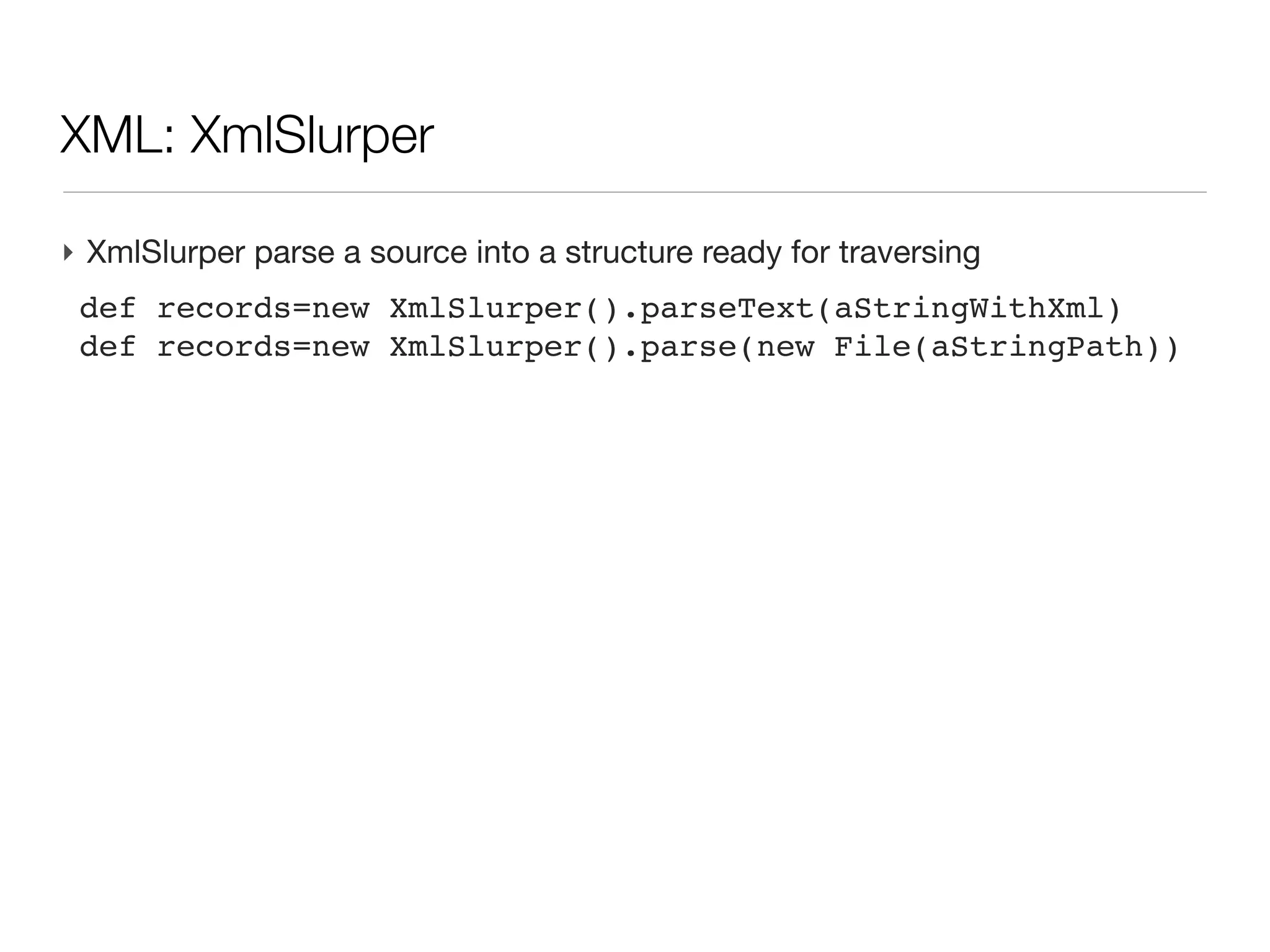
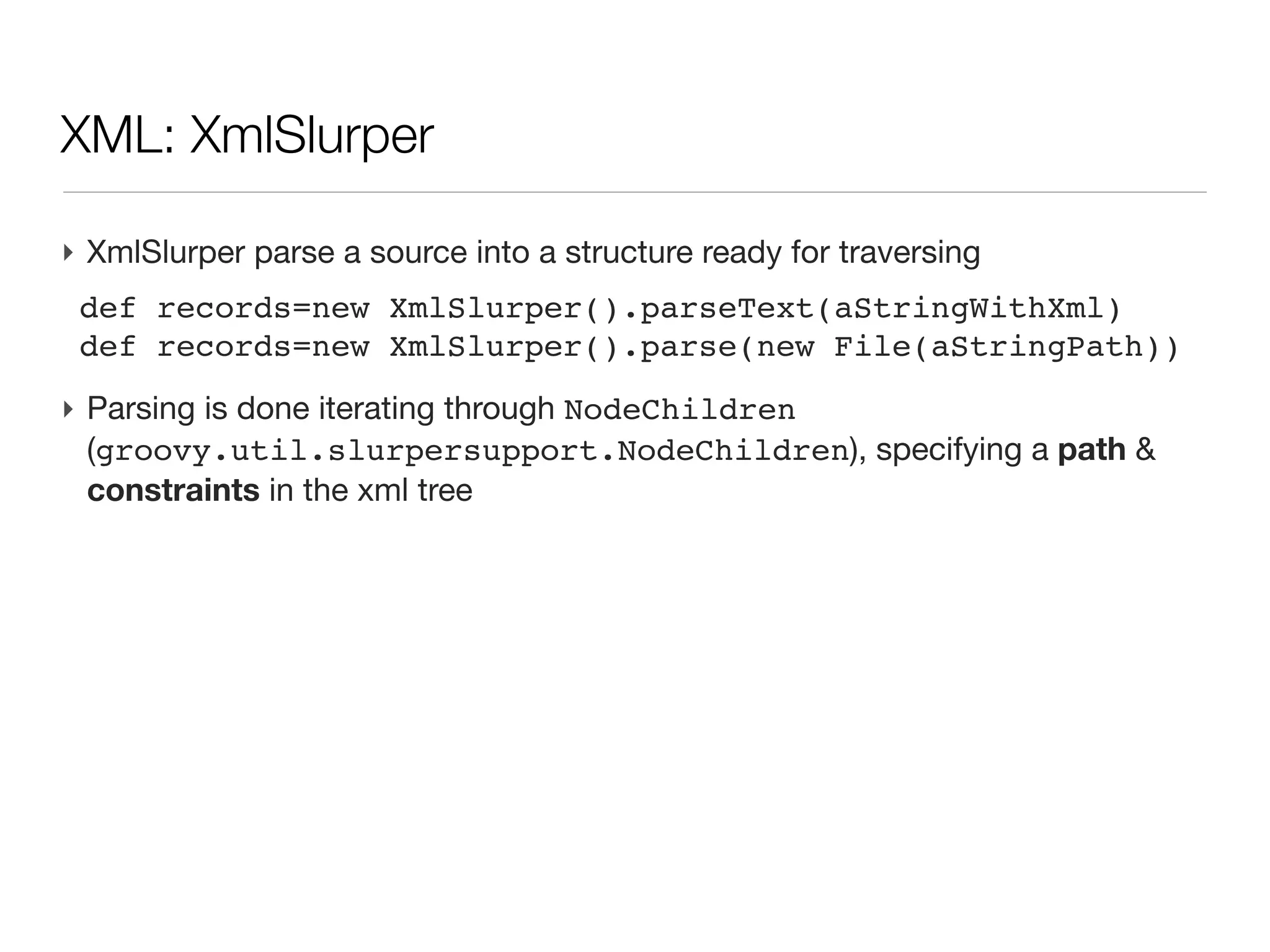
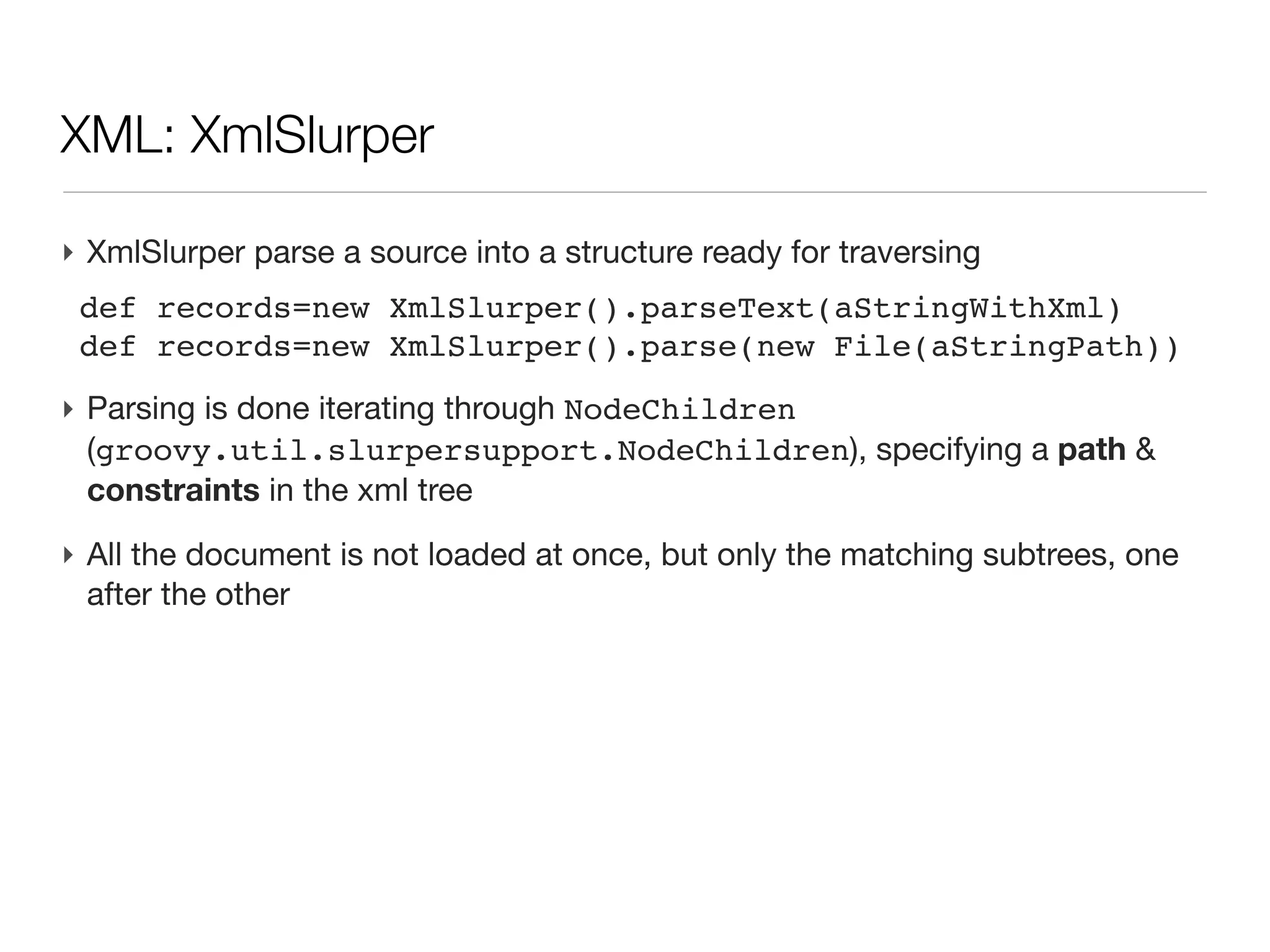
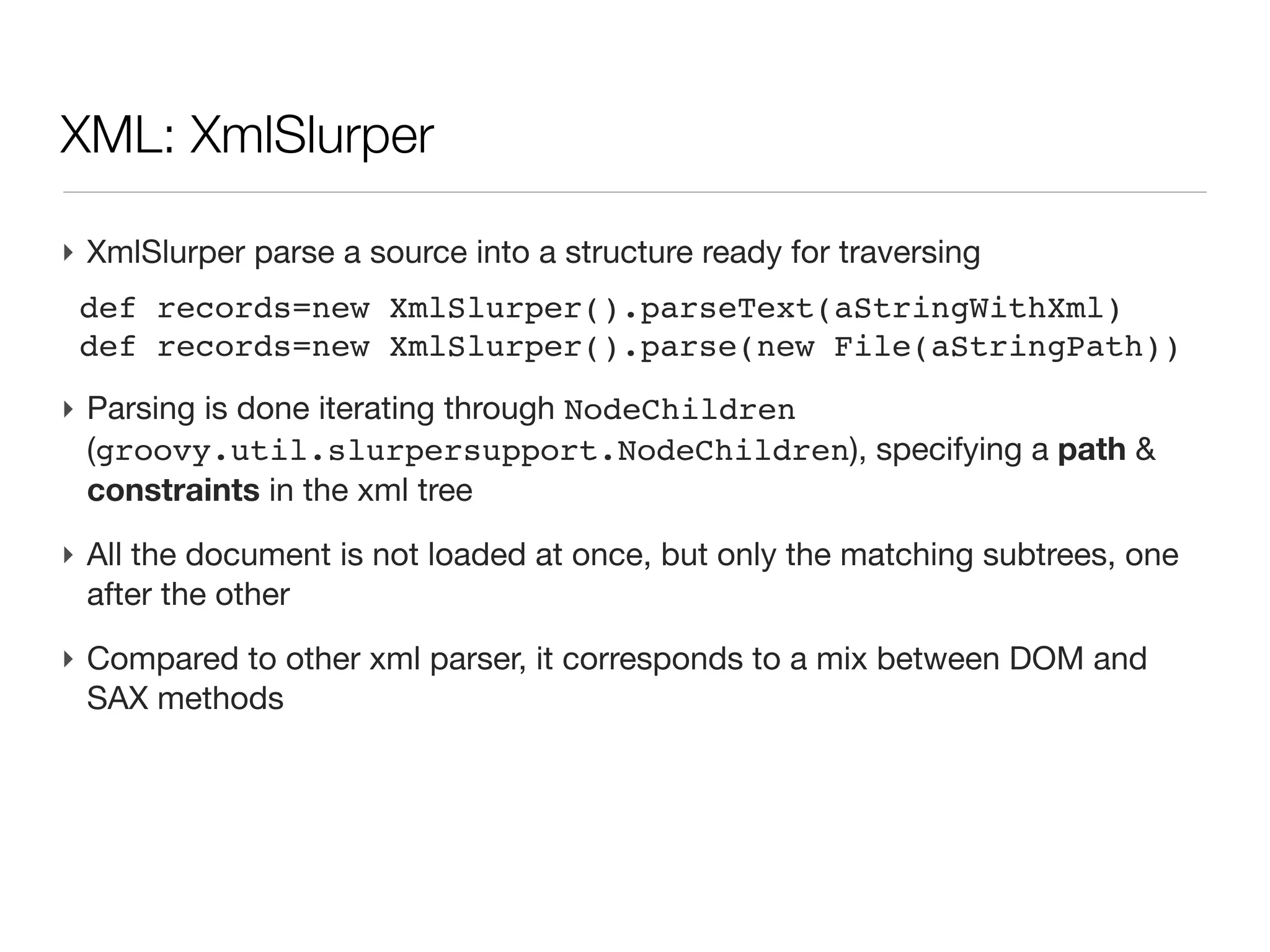
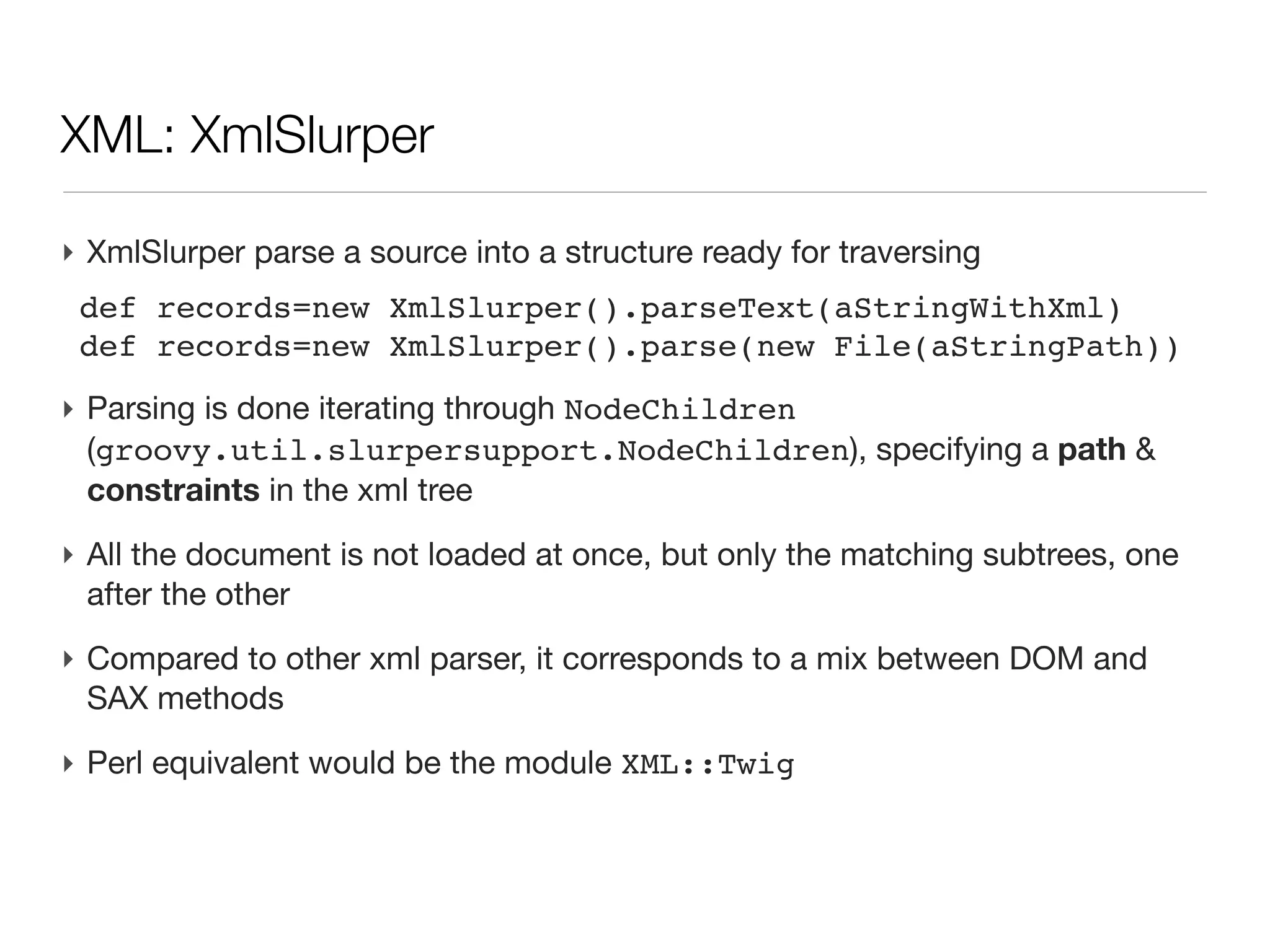
‣ XmlSlurper parse a source into a structure ready for traversing
 def records=new XmlSlurper().parseText(aStringWithXml)
 def records=new XmlSlurper().parse(new File(aStringPath))
XML: XmlSlurper


‣ XmlSlurper parse a source into a structure ready for traversing
 def records=new XmlSlurper().parseText(aStringWithXml)
 def records=new XmlSlurper().parse(new File(aStringPath))
‣ Parsing is done iterating through NodeChildren
  (groovy.util.slurpersupport.NodeChildren), specifying a path &
  constraints in the xml tree
XML: XmlSlurper                                                 (cont’d)


‣ All the document is not loaded at once, but only the matching subtrees,
  one after the other
XML: XmlSlurper                                                 (cont’d)


‣ All the document is not loaded at once, but only the matching subtrees,
  one after the other
‣ Compared to other xml parser, it corresponds to a mix between DOM and
  SAX methods
XML: XmlSlurper                                                 (cont’d)


‣ All the document is not loaded at once, but only the matching subtrees,
  one after the other
‣ Compared to other xml parser, it corresponds to a mix between DOM and
  SAX methods
‣ Perl equivalent would be the module XML::Twig
XML: XmlSlurper                                                                               (cont’d)
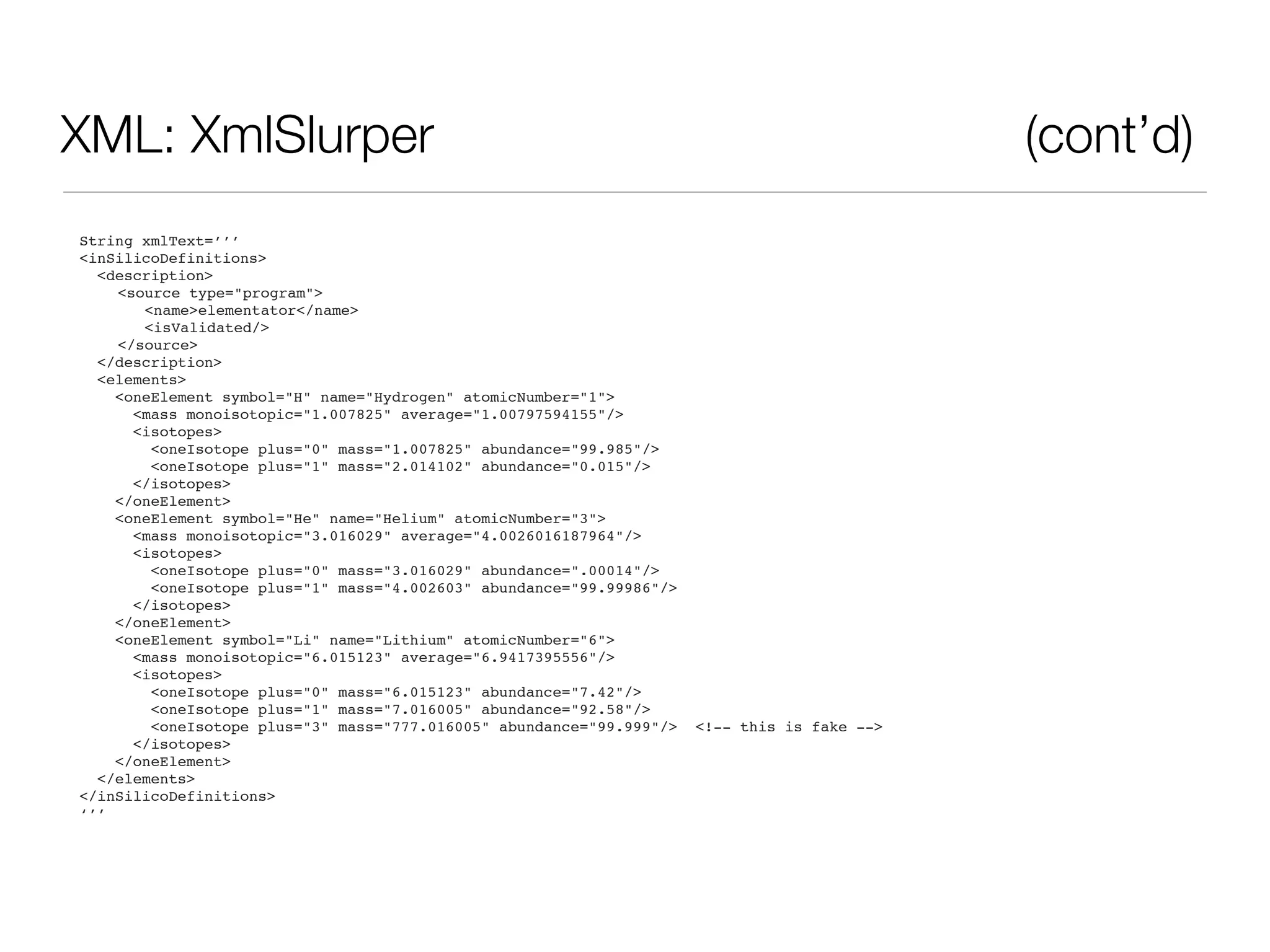
String xmlText=’’’
<inSilicoDefinitions>
  <description>

   <source type="program">

      <name>elementator</name>

      <isValidated/>

   </source>
  </description>
  <elements>
    <oneElement symbol="H" name="Hydrogen" atomicNumber="1">
      <mass monoisotopic="1.007825" average="1.00797594155"/>
      <isotopes>
        <oneIsotope plus="0" mass="1.007825" abundance="99.985"/>
        <oneIsotope plus="1" mass="2.014102" abundance="0.015"/>
      </isotopes>
    </oneElement>
    <oneElement symbol="He" name="Helium" atomicNumber="3">
      <mass monoisotopic="3.016029" average="4.0026016187964"/>
      <isotopes>
        <oneIsotope plus="0" mass="3.016029" abundance=".00014"/>
        <oneIsotope plus="1" mass="4.002603" abundance="99.99986"/>
      </isotopes>
    </oneElement>
    <oneElement symbol="Li" name="Lithium" atomicNumber="6">
      <mass monoisotopic="6.015123" average="6.9417395556"/>
      <isotopes>
        <oneIsotope plus="0" mass="6.015123" abundance="7.42"/>
        <oneIsotope plus="1" mass="7.016005" abundance="92.58"/>
        <oneIsotope plus="3" mass="777.016005" abundance="99.999"/>   <!-- this is fake -->
      </isotopes>
    </oneElement>
  </elements>
</inSilicoDefinitions>
‘’’
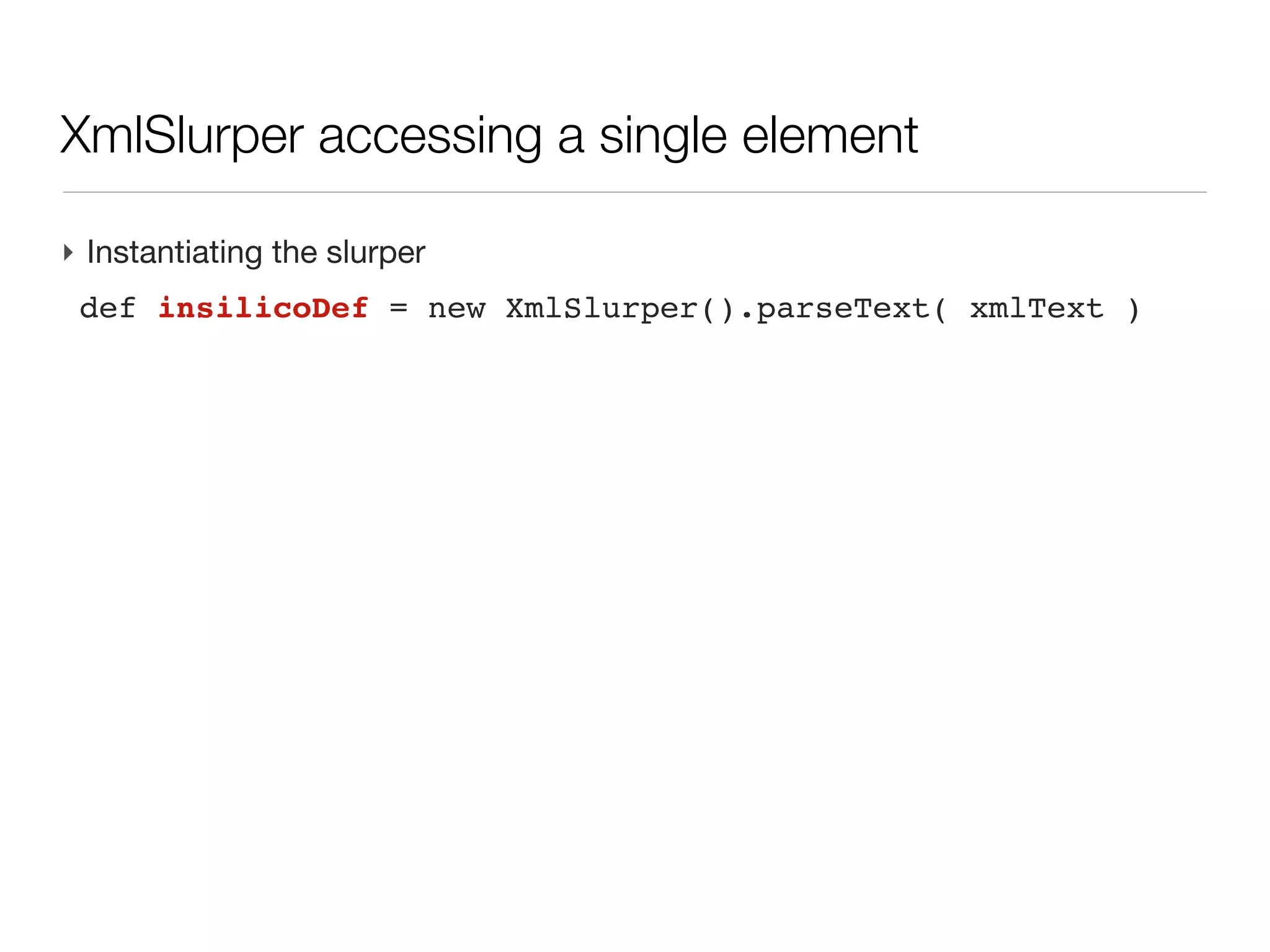
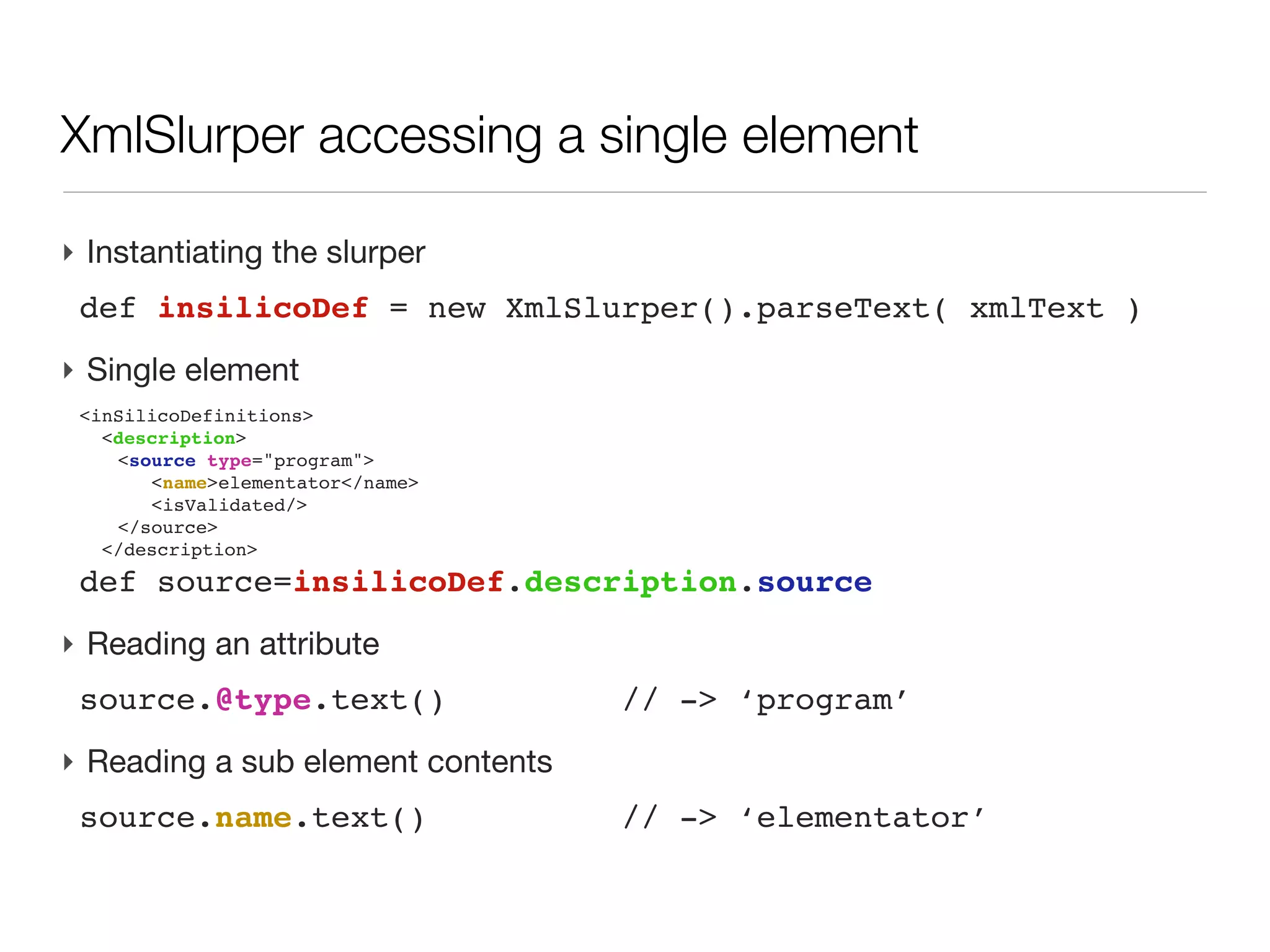
XmlSlurper accessing a single element

‣ Instantiating the slurper
 def dataDef = new XmlSlurper().parseText( xmlText )
XmlSlurper accessing a single element

‣ Instantiating the slurper
 def dataDef = new XmlSlurper().parseText( xmlText )
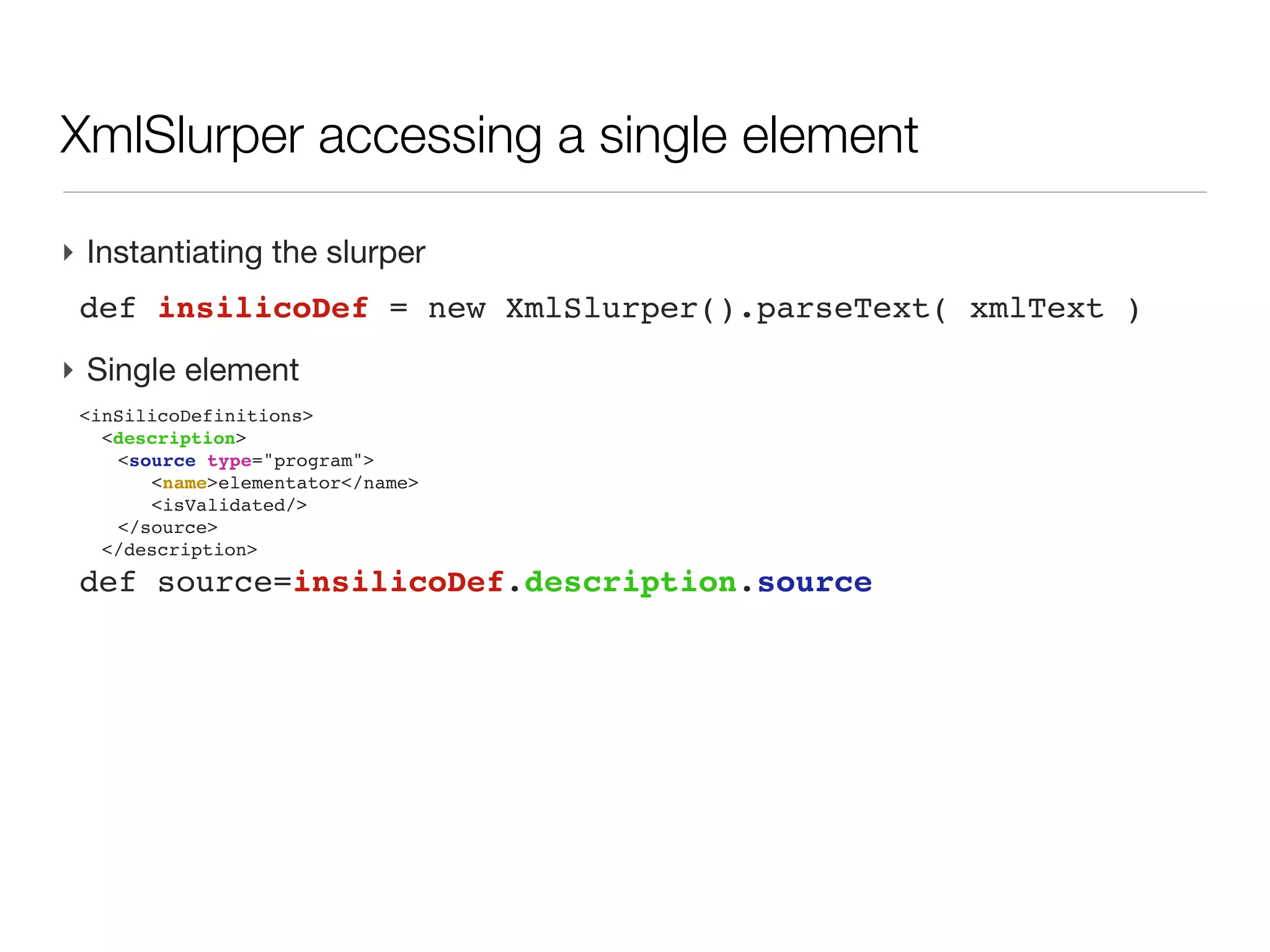
‣ Single element
 <inSilicoDefinitions>
   <description>
 
 <source type="program">
 
     <name>elementator</name>
 
     <isValidated/>
 
 </source>
   </description>
 def source=dataDef.description.source
XmlSlurper accessing a single element

‣ Instantiating the slurper
 def dataDef = new XmlSlurper().parseText( xmlText )
‣ Single element
 <inSilicoDefinitions>
   <description>
 
 <source type="program">
 
     <name>elementator</name>
 
     <isValidated/>
 
 </source>
   </description>
 def source=dataDef.description.source
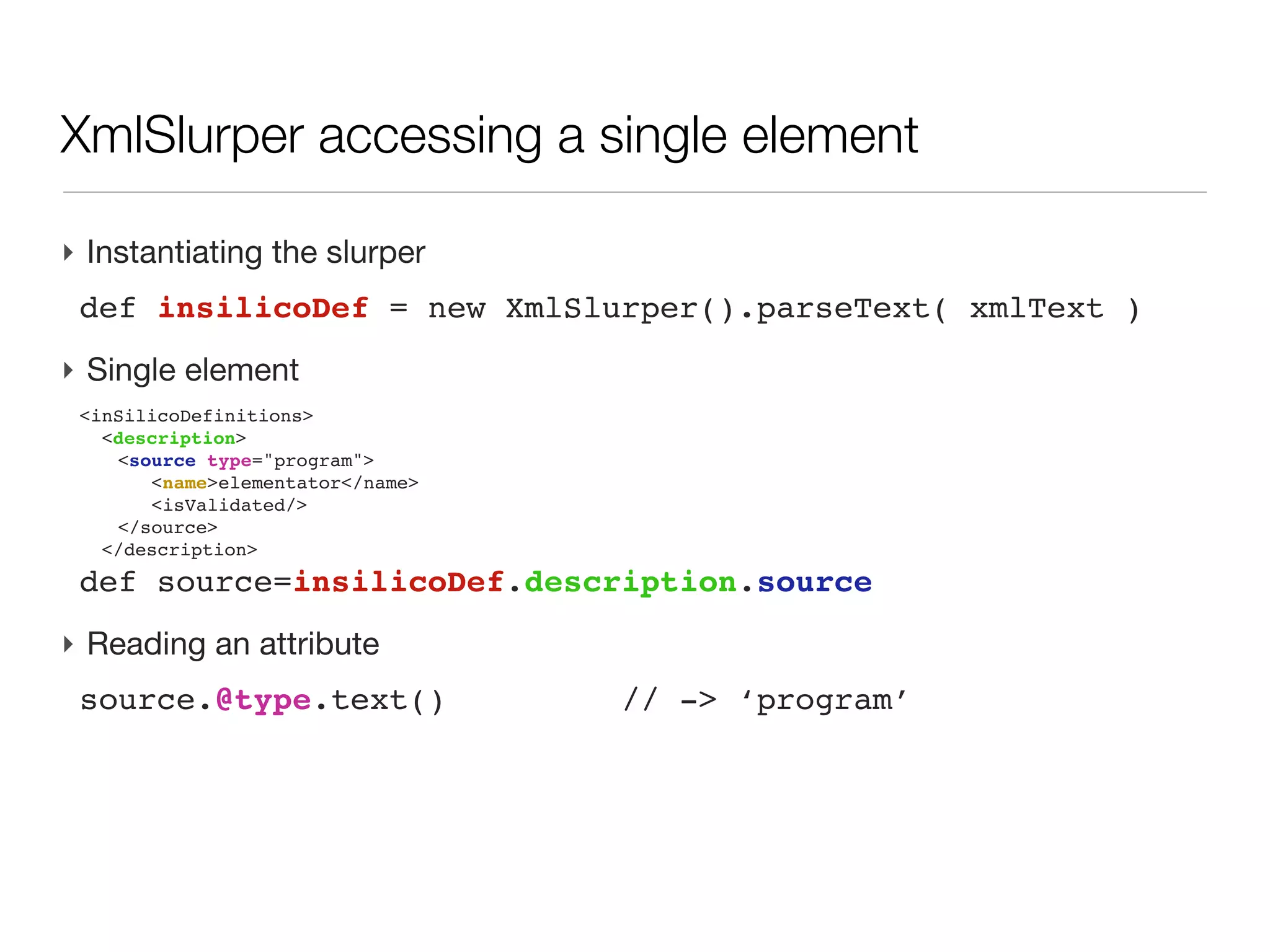
‣ Reading an attribute
 source.@type.text()              // -> ‘program’
XmlSlurper accessing a single element

‣ Instantiating the slurper
 def dataDef = new XmlSlurper().parseText( xmlText )
‣ Single element
 <inSilicoDefinitions>
   <description>
 
 <source type="program">
 
     <name>elementator</name>
 
     <isValidated/>
 
 </source>
   </description>
 def source=dataDef.description.source
‣ Reading an attribute
 source.@type.text()               // -> ‘program’
‣ Reading a sub element contents
 source.name.text()                // -> ‘elementator’
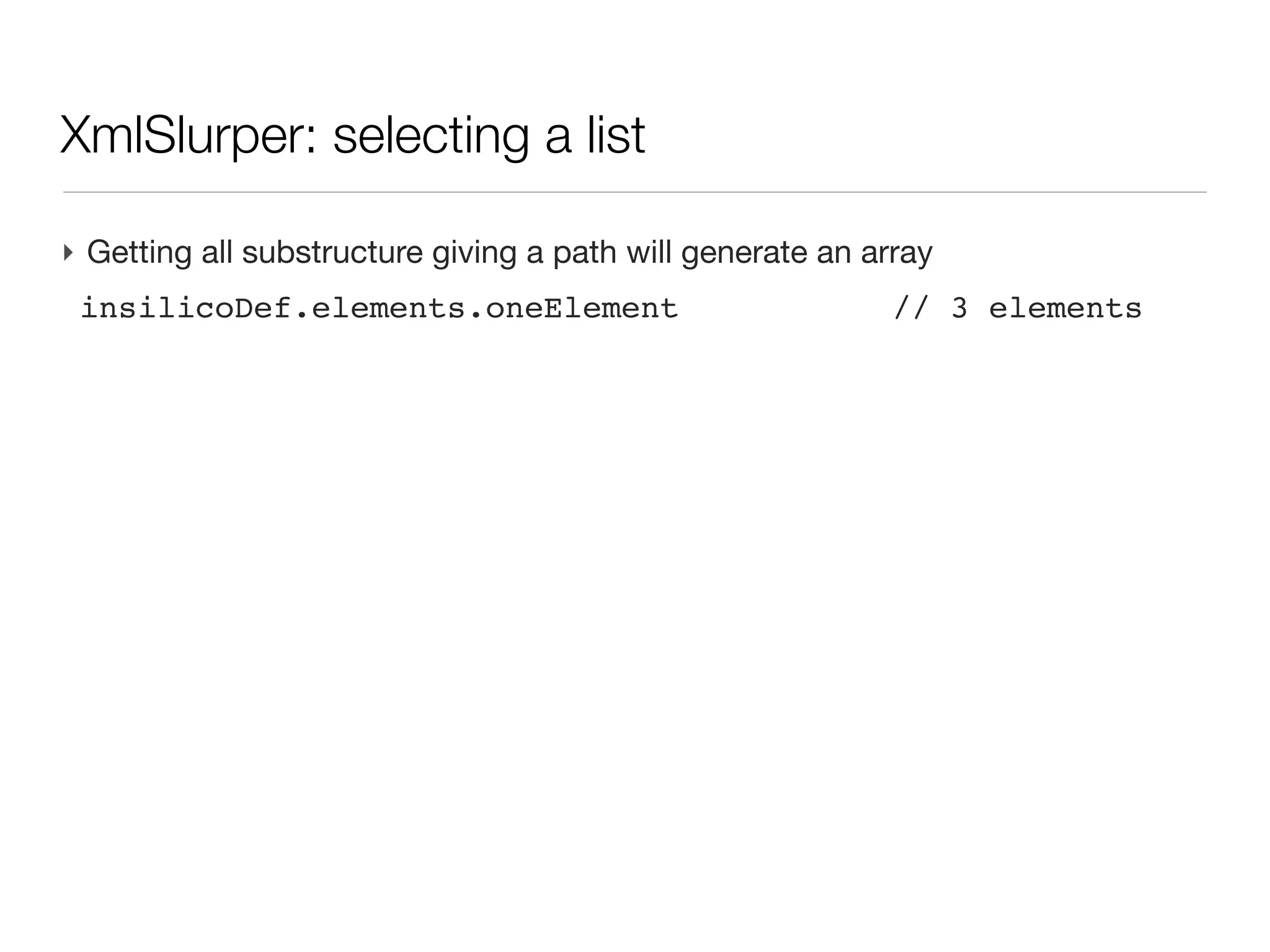
XmlSlurper: selecting a list

‣ Getting all substructure giving a path will generate an array
 dataDef.elements.oneElement                        // 3 elements
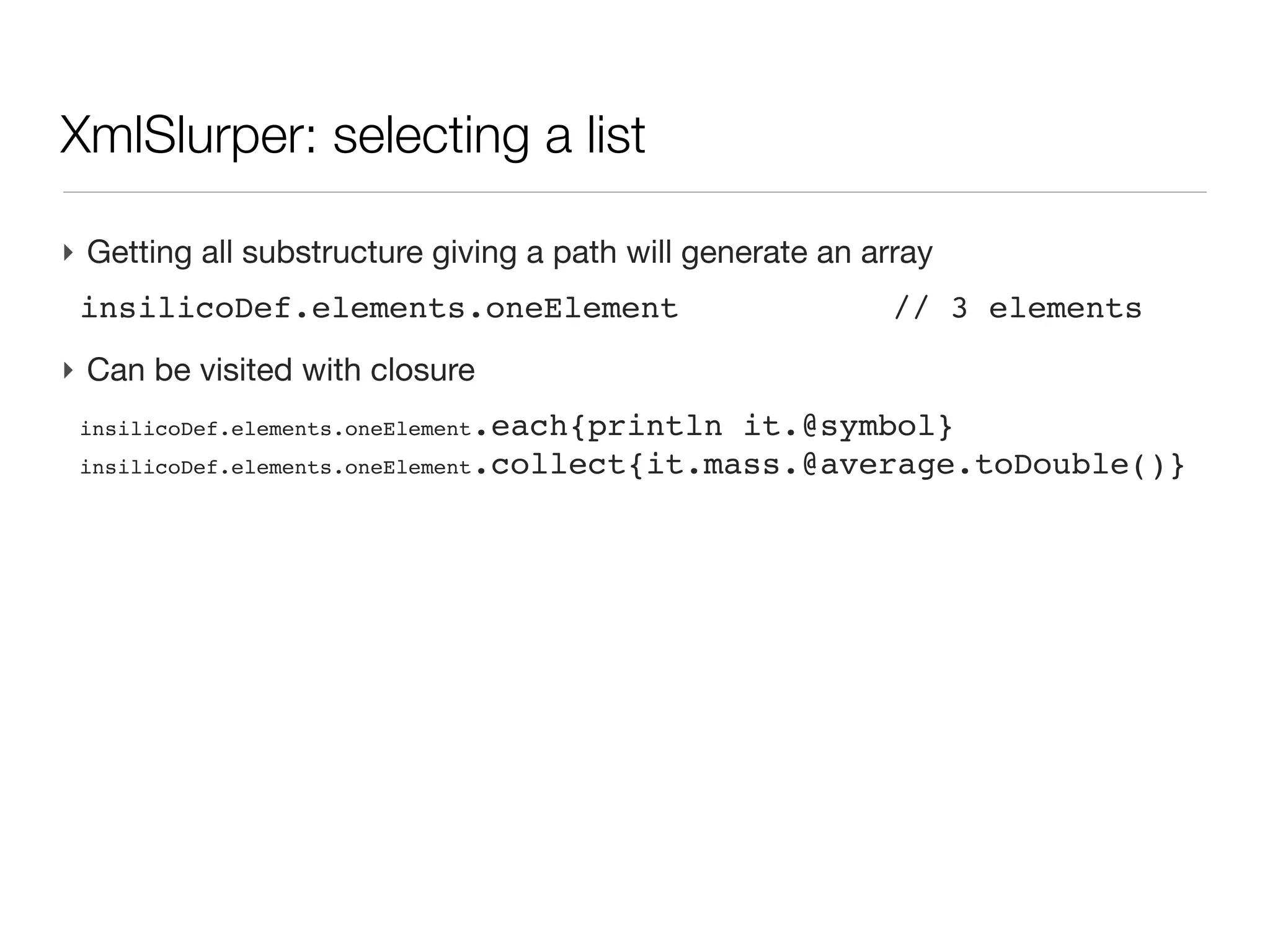
XmlSlurper: selecting a list

‣ Getting all substructure giving a path will generate an array
 dataDef.elements.oneElement                        // 3 elements
‣ Can be visited with closure
 insilicoDef.elements.oneElement.each{println it.@symbol}
 insilicoDef.elements.oneElement.collect{it.mass.@average.toDouble()}
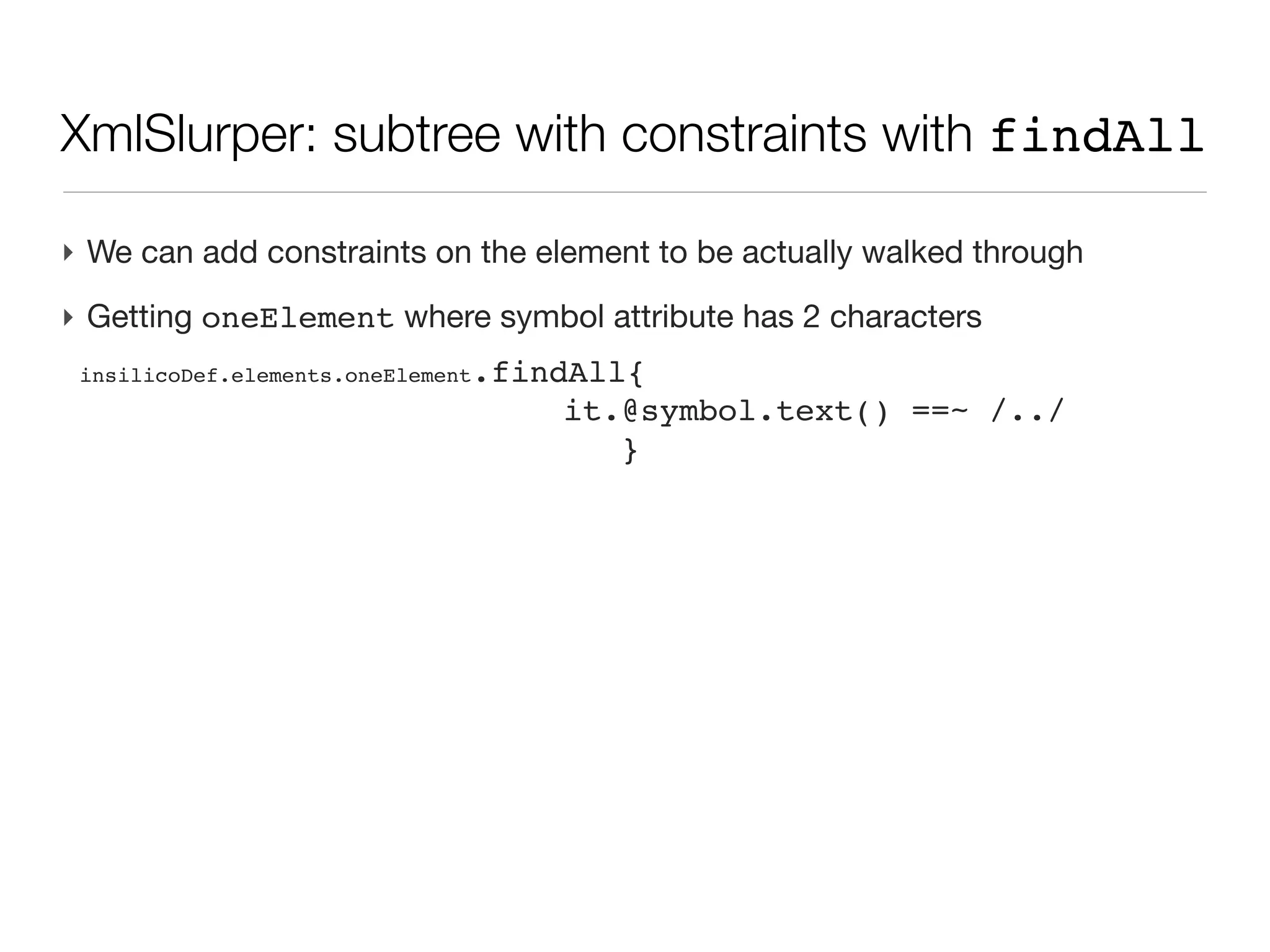
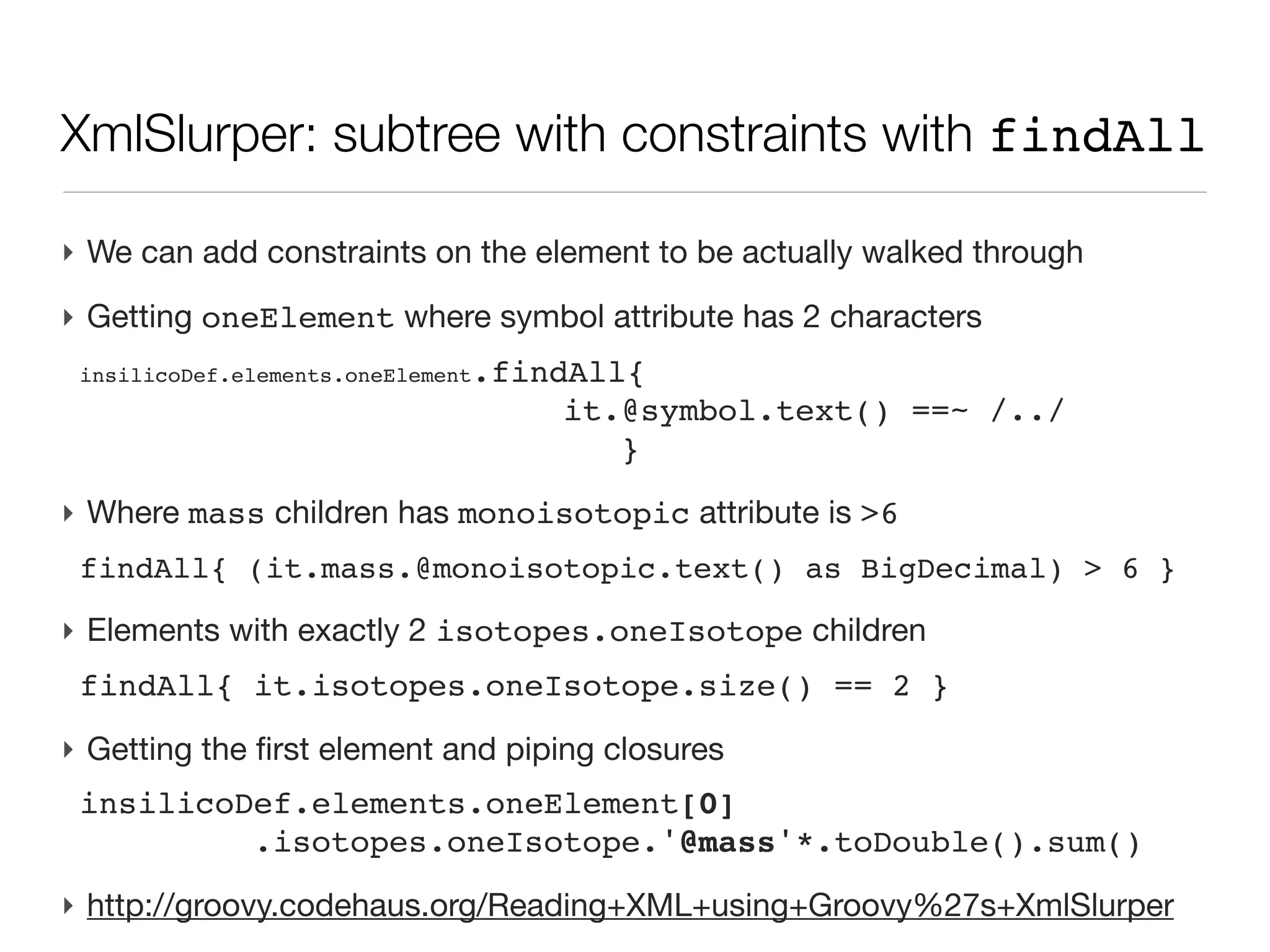
XmlSlurper: subtree with constraints with findAll

‣ We can add constraints on the element to be actually walked through
XmlSlurper: subtree with constraints with findAll

‣ We can add constraints on the element to be actually walked through
‣ Getting oneElement where symbol attribute has 2 characters
 insilicoDef.elements.oneElement.findAll{
                                   it.@symbol.text() ==~ /../
                                      }
XmlSlurper: subtree with constraints with findAll

‣ We can add constraints on the element to be actually walked through
‣ Getting oneElement where symbol attribute has 2 characters
 insilicoDef.elements.oneElement.findAll{
                                   it.@symbol.text() ==~ /../
                                      }

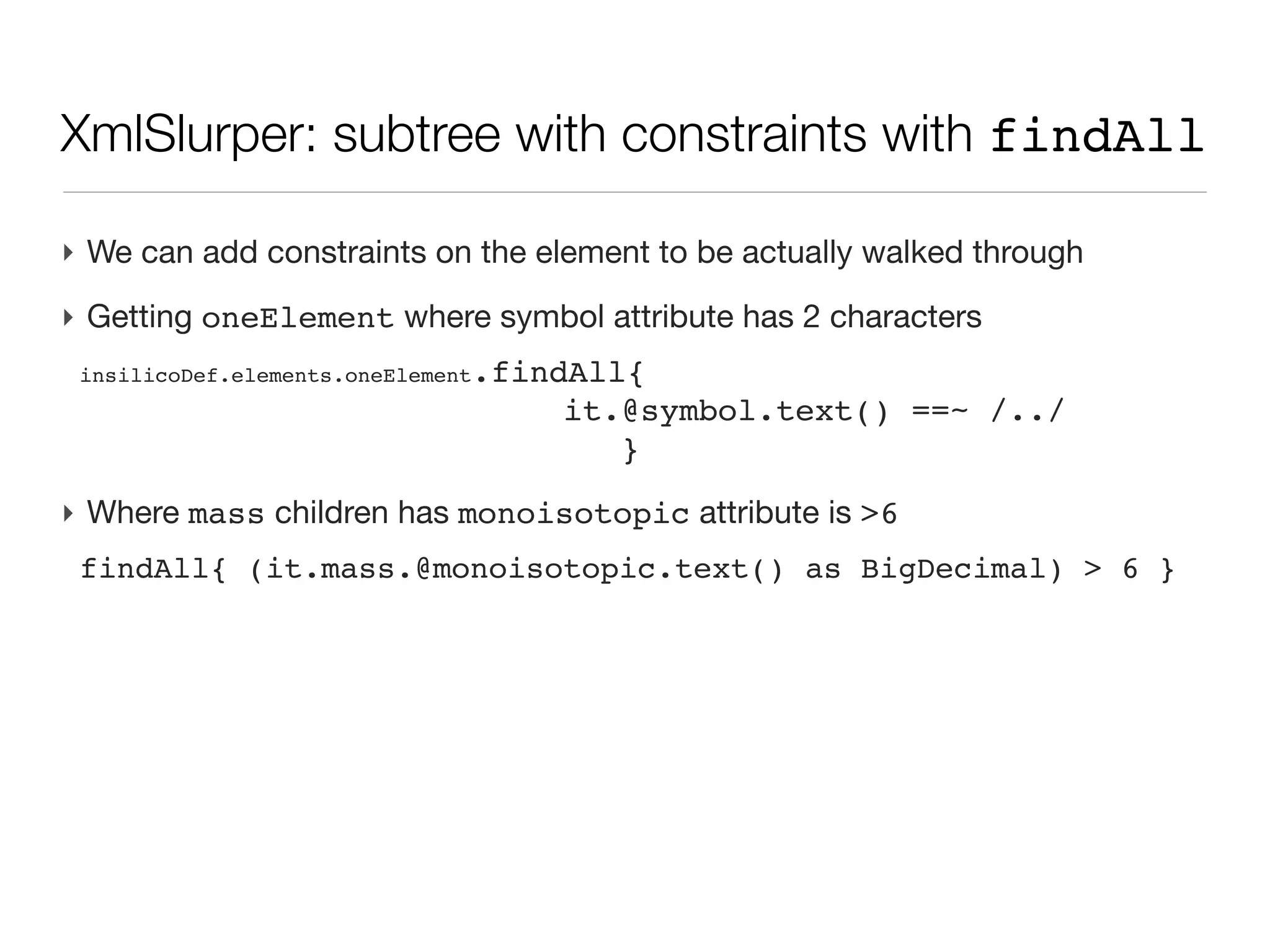
‣ Where mass children has monoisotopic attribute is >6
 findAll{ (it.mass.@monoisotopic.text() as BigDecimal) > 6 }
XmlSlurper: subtree with constraints with findAll

‣ We can add constraints on the element to be actually walked through
‣ Getting oneElement where symbol attribute has 2 characters
 insilicoDef.elements.oneElement.findAll{
                                   it.@symbol.text() ==~ /../
                                      }

‣ Where mass children has monoisotopic attribute is >6
 findAll{ (it.mass.@monoisotopic.text() as BigDecimal) > 6 }

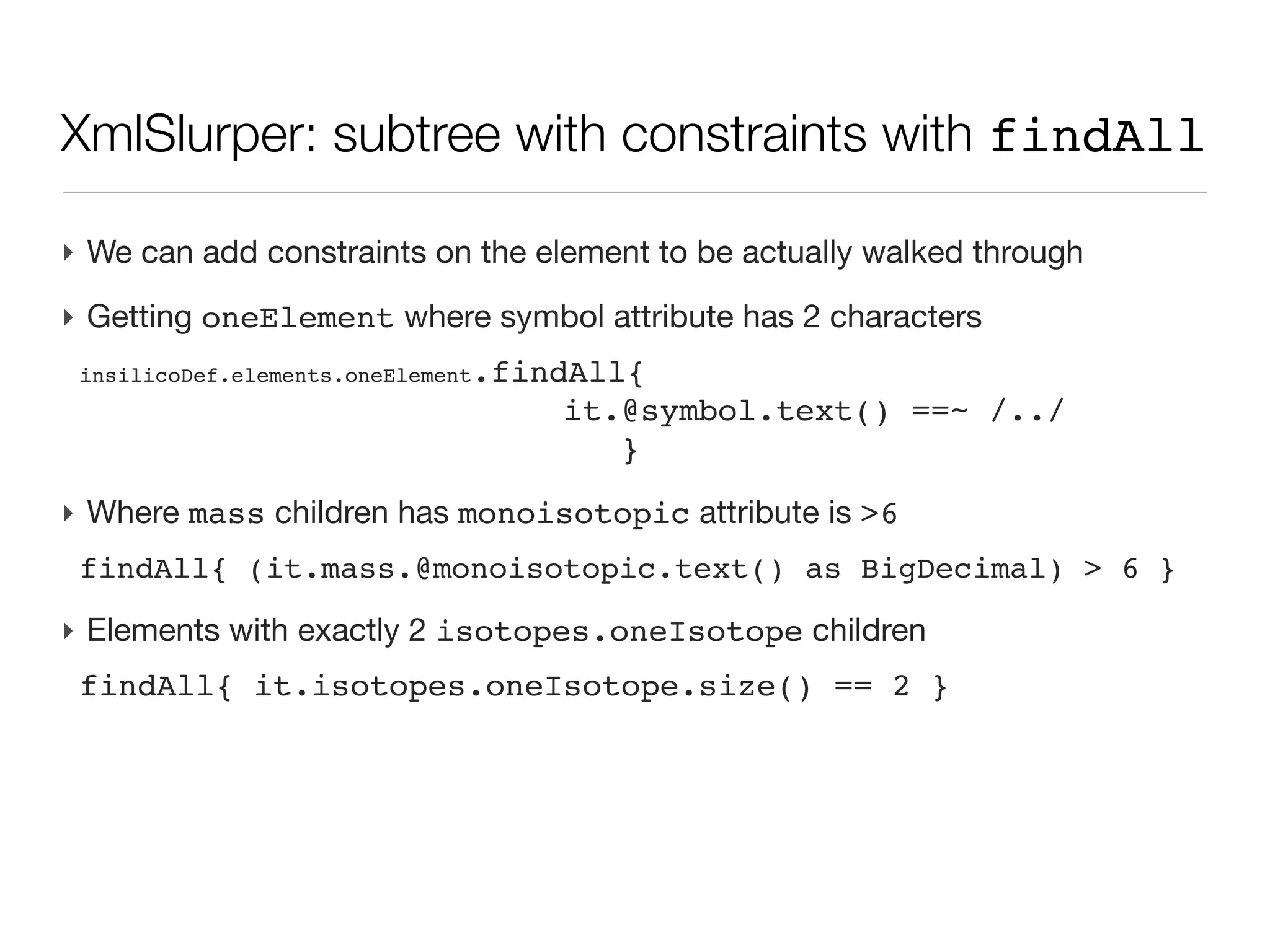
‣ Elements with exactly 2 isotopes.oneIsotope children
 findAll{ it.isotopes.oneIsotope.size() == 2 }
XmlSlurper: subtree with constraints with findAll

‣ We can add constraints on the element to be actually walked through
‣ Getting oneElement where symbol attribute has 2 characters
 insilicoDef.elements.oneElement.findAll{
                                   it.@symbol.text() ==~ /../
                                      }

‣ Where mass children has monoisotopic attribute is >6
 findAll{ (it.mass.@monoisotopic.text() as BigDecimal) > 6 }

‣ Elements with exactly 2 isotopes.oneIsotope children
 findAll{ it.isotopes.oneIsotope.size() == 2 }
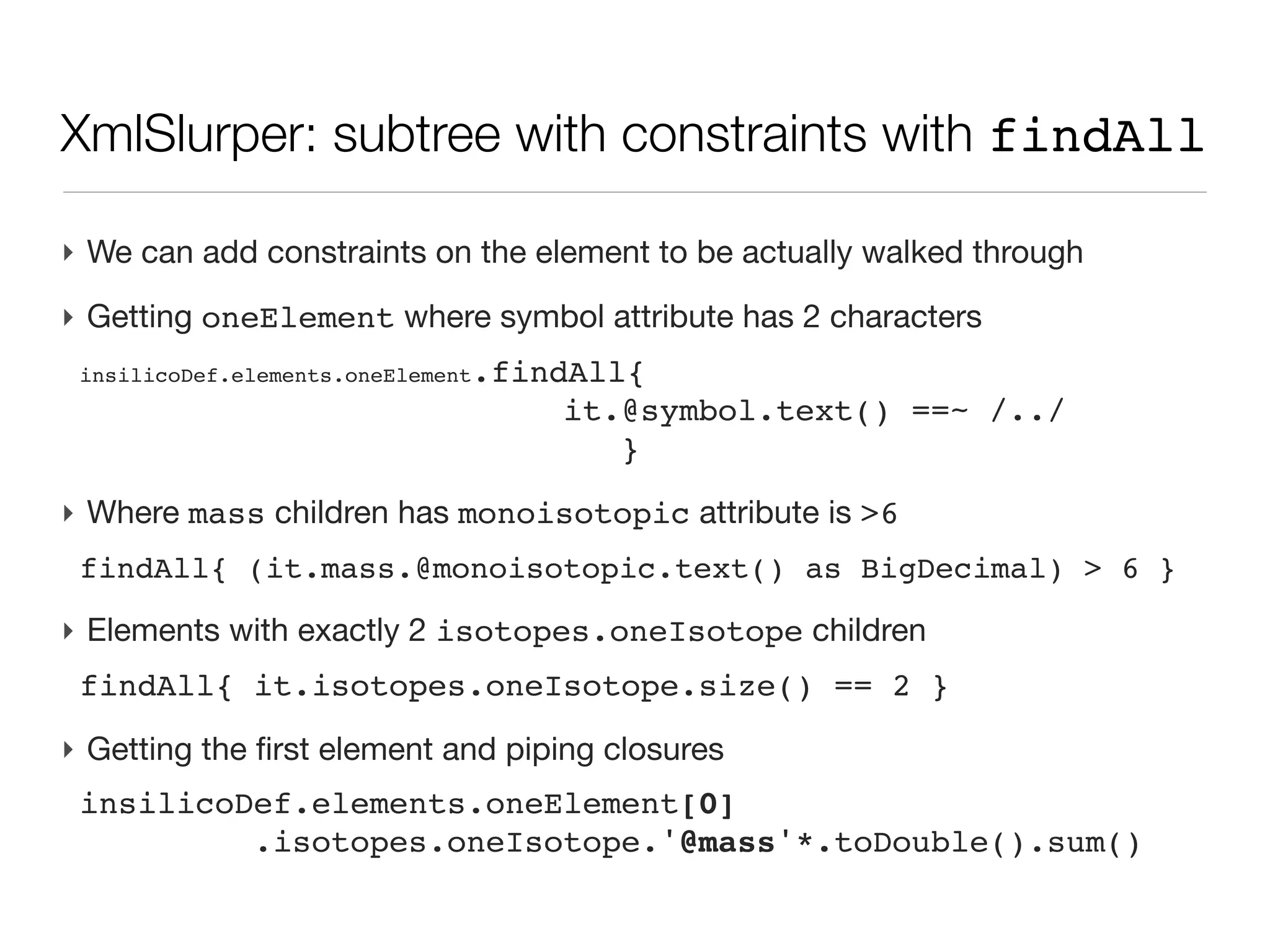
‣ Getting the first element and piping closures
 insilicoDef.elements.oneElement[0]
          .isotopes.oneIsotope.'@mass'*.toDouble().sum()
XmlSlurper: subtree with constraints with findAll

‣ We can add constraints on the element to be actually walked through
‣ Getting oneElement where symbol attribute has 2 characters
 insilicoDef.elements.oneElement.findAll{
                                   it.@symbol.text() ==~ /../
                                      }

‣ Where mass children has monoisotopic attribute is >6
 findAll{ (it.mass.@monoisotopic.text() as BigDecimal) > 6 }

‣ Elements with exactly 2 isotopes.oneIsotope children
 findAll{ it.isotopes.oneIsotope.size() == 2 }
‣ Getting the first element and piping closures
 insilicoDef.elements.oneElement[0]
          .isotopes.oneIsotope.'@mass'*.toDouble().sum()
‣ http://groovy.codehaus.org/Reading+XML+using+Groovy%27s
Object Oriented Programming : class

‣ Although Groovy can be seen as a scripting language, with a rather loose
  syntax (think of dynamic typing with def), it is is also fully OO
Object Oriented Programming : class

‣ Although Groovy can be seen as a scripting language, with a rather loose
  syntax (think of dynamic typing with def), it is is also fully OO
‣ Based on Java, enforcing string OO design, but still adding freedom of
  scripting
Object Oriented Programming : class

‣ Although Groovy can be seen as a scripting language, with a rather loose
  syntax (think of dynamic typing with def), it is is also fully OO
‣ Based on Java, enforcing string OO design, but still adding freedom of
  scripting
‣ The basic component of OOP is a Class, a structure containing
  - enforced properties, named fields
  - actions, names methods
OOP one example: Date

‣ Like Mr Jourdain, you use OOP...
OOP one example: Date

‣ Like Mr Jourdain, you use OOP...
‣ Instance (on object)
  - Date d = new Date()
OOP one example: Date

‣ Like Mr Jourdain, you use OOP...
‣ Instance (on object)
   - Date d = new Date()
‣ Setter/getter
   - println d.month
   - d.year = 2012
OOP one example: Date

‣ Like Mr Jourdain, you use OOP...
‣ Instance (on object)
   - Date d = new Date()
‣ Setter/getter
   - println d.month
   - d.year = 2012
‣ Operation
   - Date d2 = d - 1
Object: a constraint map with dedicated operators


                                                    28
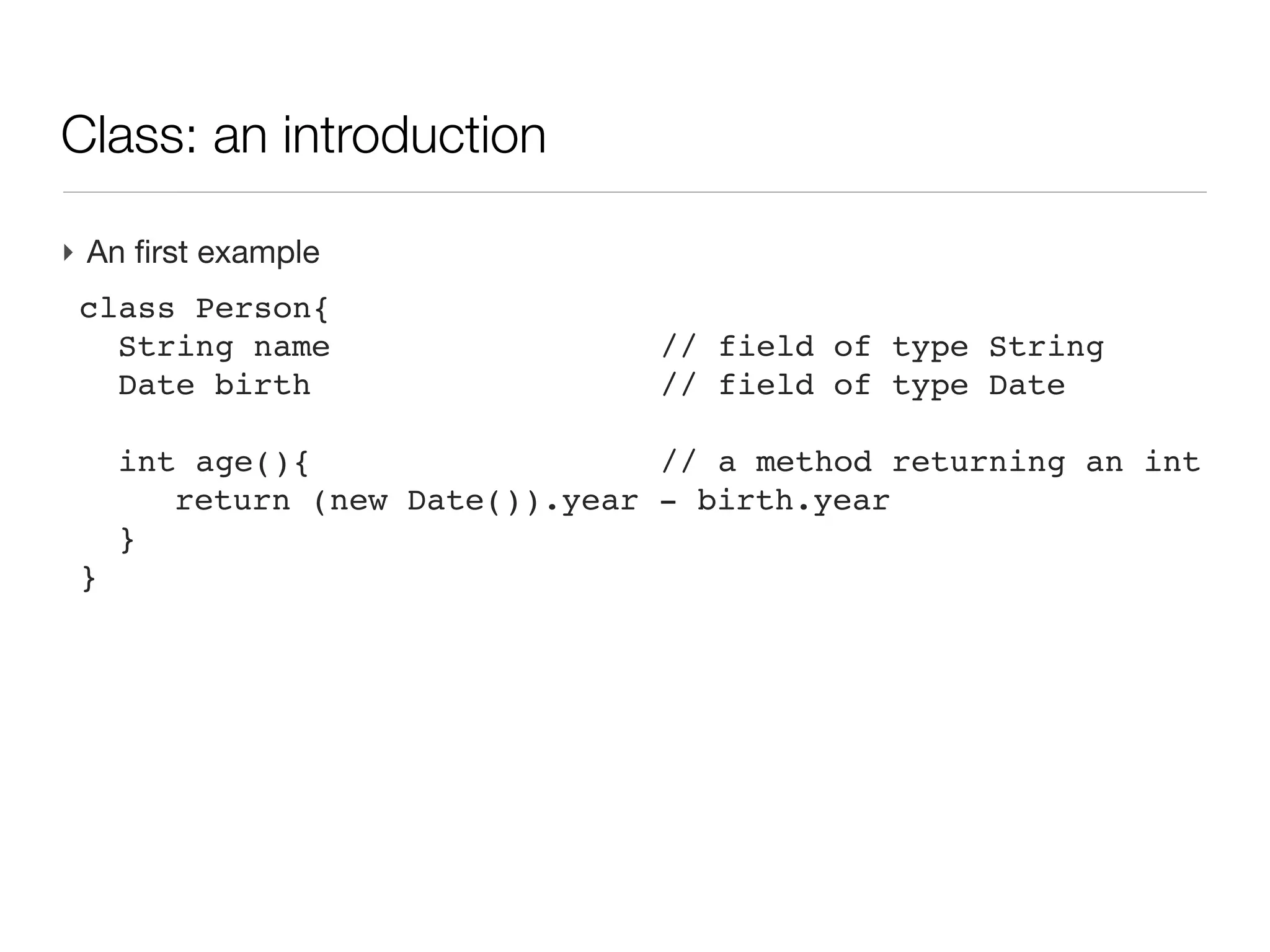
Class: an introduction

‣ An first example
 class Person{
 
 String name                  // field of type String
 
 Date birth                   // field of type Date
 
 
 int age(){                   // a method returning an int
 
 
 return (new Date()).year   - birth.year
 
 }
 }
Class: an introduction

‣ An first example
 class Person{
 
 String name                    // field of type String
 
 Date birth                     // field of type Date
 
 
 int age(){                     // a method returning an int
 
 
 return (new Date()).year     - birth.year
 
 }
 }
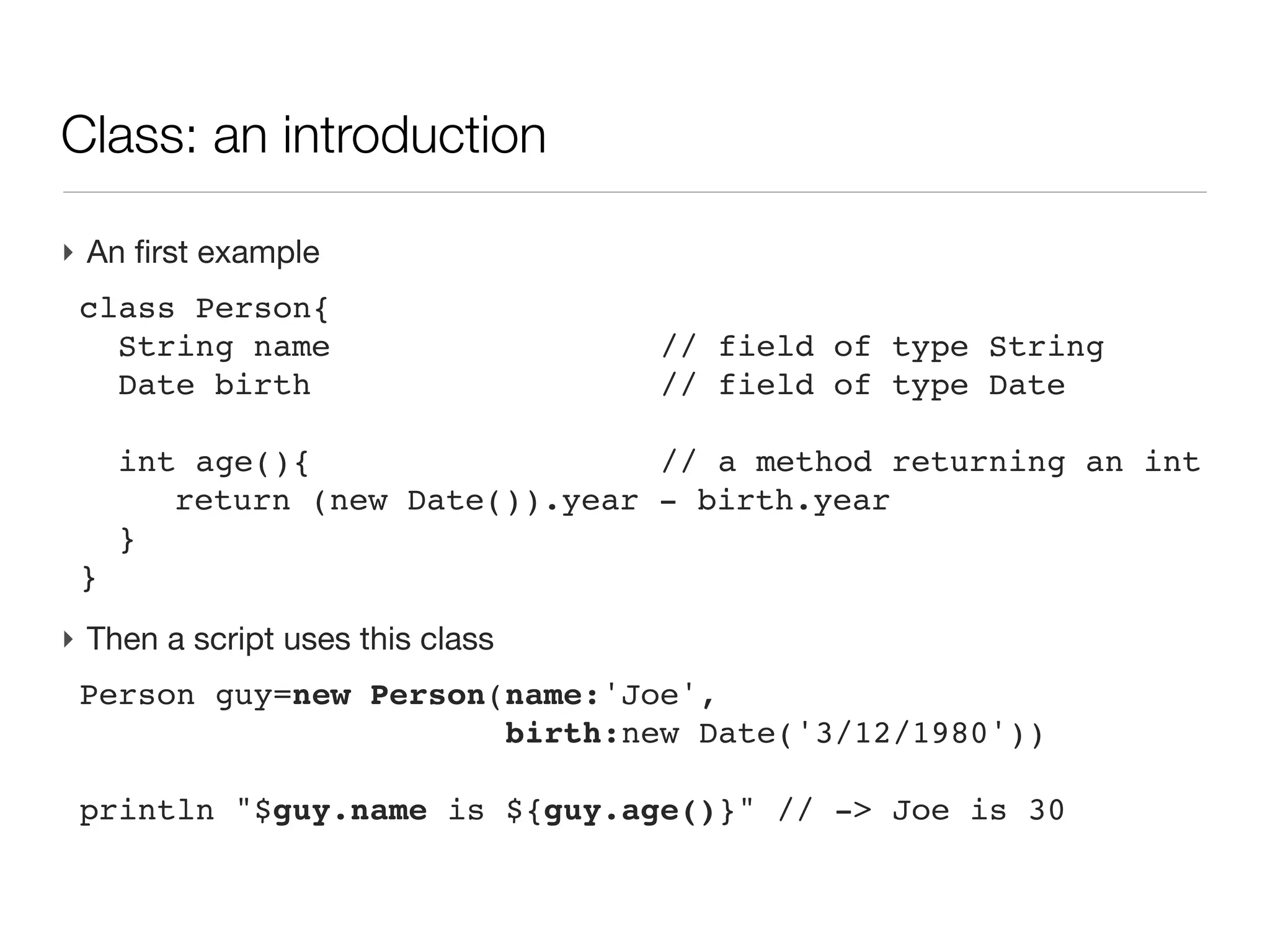
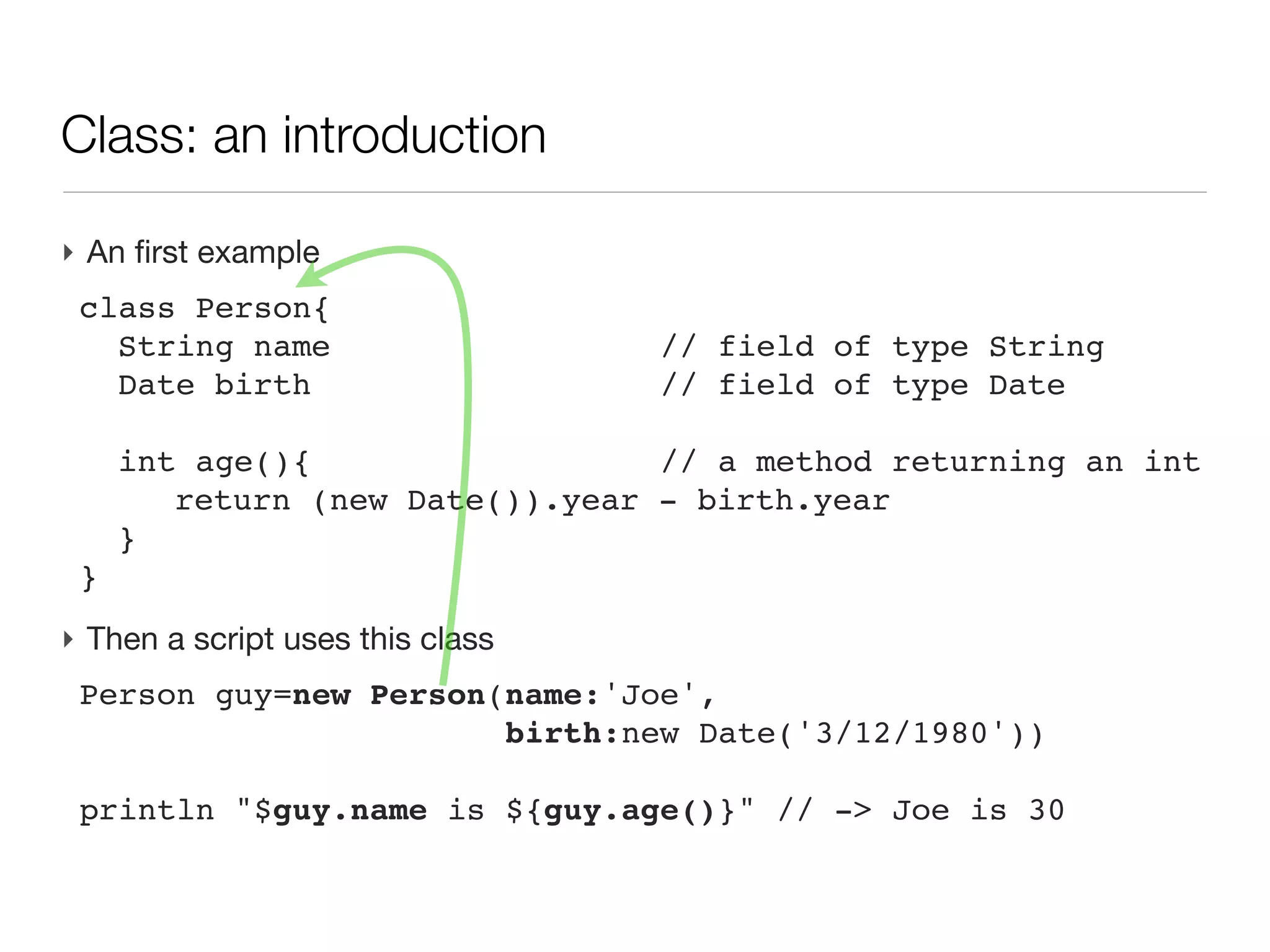
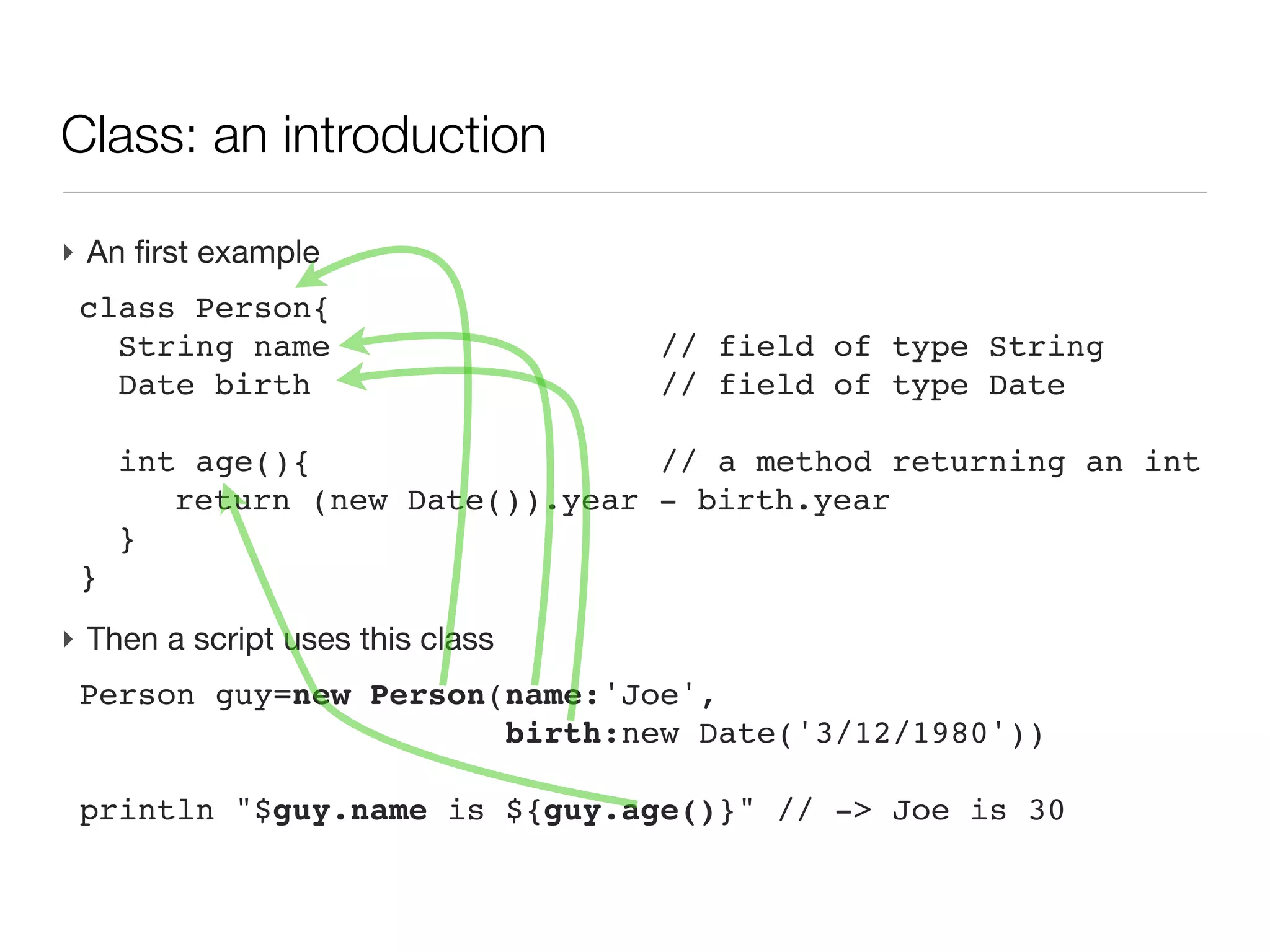
‣ Then a script uses this class
 Person guy=new Person(name:'Joe',
                       birth:new Date('3/12/1980'))

 println "$guy.name is ${guy.age()}" // -> Joe is 30
Class: an introduction

‣ An first example
 class Person{
 
 String name                    // field of type String
 
 Date birth                     // field of type Date
 
 
 int age(){                     // a method returning an int
 
 
 return (new Date()).year     - birth.year
 
 }
 }
‣ Then a script uses this class
 Person guy=new Person(name:'Joe',
                       birth:new Date('3/12/1980'))

 println "$guy.name is ${guy.age()}" // -> Joe is 30
Class: an introduction

‣ An first example
 class Person{
 
 String name                    // field of type String
 
 Date birth                     // field of type Date
 
 
 int age(){                     // a method returning an int
 
 
 return (new Date()).year     - birth.year
 
 }
 }
‣ Then a script uses this class
 Person guy=new Person(name:'Joe',
                       birth:new Date('3/12/1980'))

 println "$guy.name is ${guy.age()}" // -> Joe is 30
Class: an introduction

‣ An first example
 class Person{
 
 String name                    // field of type String
 
 Date birth                     // field of type Date
 
 
 int age(){                     // a method returning an int
 
 
 return (new Date()).year     - birth.year
 
 }
 }
‣ Then a script uses this class
 Person guy=new Person(name:'Joe',
                       birth:new Date('3/12/1980'))

 println "$guy.name is ${guy.age()}" // -> Joe is 30
Class: an introduction

‣ An first example
 class Person{
 
 String name                    // field of type String
 
 Date birth                     // field of type Date
 
 
 int age(){                     // a method returning an int
 
 
 return (new Date()).year     - birth.year
 
 }
 }
‣ Then a script uses this class
 Person guy=new Person(name:'Joe',
                       birth:new Date('3/12/1980'))

 println "$guy.name is ${guy.age()}" // -> Joe is 30
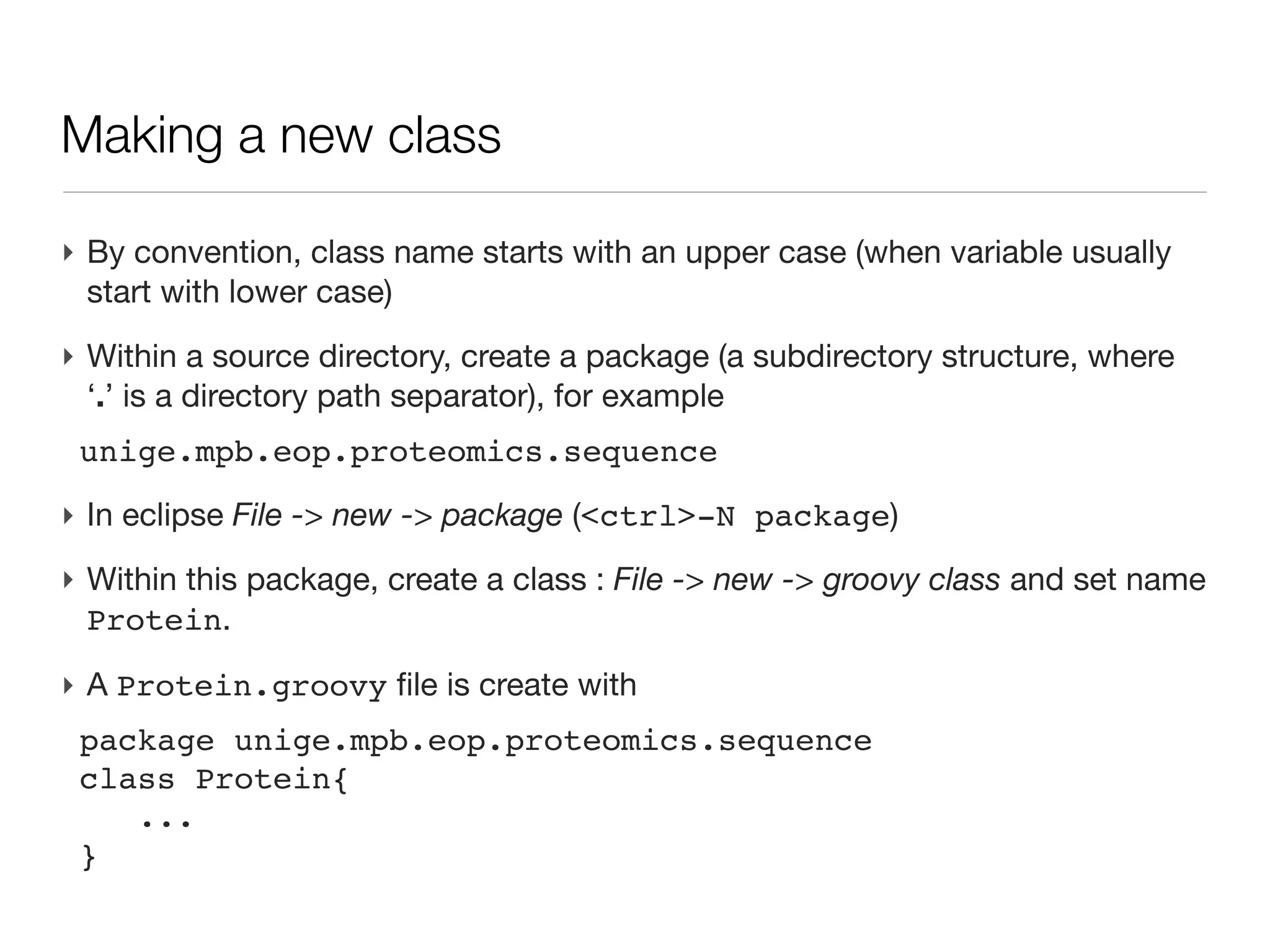
Making a new class

‣ By convention, class name starts with an upper case (when variable usually
  start with lower case)
Making a new class

‣ By convention, class name starts with an upper case (when variable usually
  start with lower case)
‣ Within a source directory, create a package (a subdirectory structure,
  where ‘.’ is a directory path separator), for example
 unige.mpb.eop.proteomics.sequence
Making a new class

‣ By convention, class name starts with an upper case (when variable usually
  start with lower case)
‣ Within a source directory, create a package (a subdirectory structure,
  where ‘.’ is a directory path separator), for example
 unige.mpb.eop.proteomics.sequence
‣ In eclipse File -> new -> package (<ctrl>-N package)
Making a new class

‣ By convention, class name starts with an upper case (when variable usually
  start with lower case)
‣ Within a source directory, create a package (a subdirectory structure,
  where ‘.’ is a directory path separator), for example
 unige.mpb.eop.proteomics.sequence
‣ In eclipse File -> new -> package (<ctrl>-N package)
‣ Within this package, create a class : File -> new -> groovy class and set
  name Protein.
Making a new class

‣ By convention, class name starts with an upper case (when variable usually
  start with lower case)
‣ Within a source directory, create a package (a subdirectory structure,
  where ‘.’ is a directory path separator), for example
 unige.mpb.eop.proteomics.sequence
‣ In eclipse File -> new -> package (<ctrl>-N package)
‣ Within this package, create a class : File -> new -> groovy class and set
  name Protein.

‣ A Protein.groovy file is create with
 package unige.mpb.eop.proteomics.sequence
 class Protein{
    ...
 }
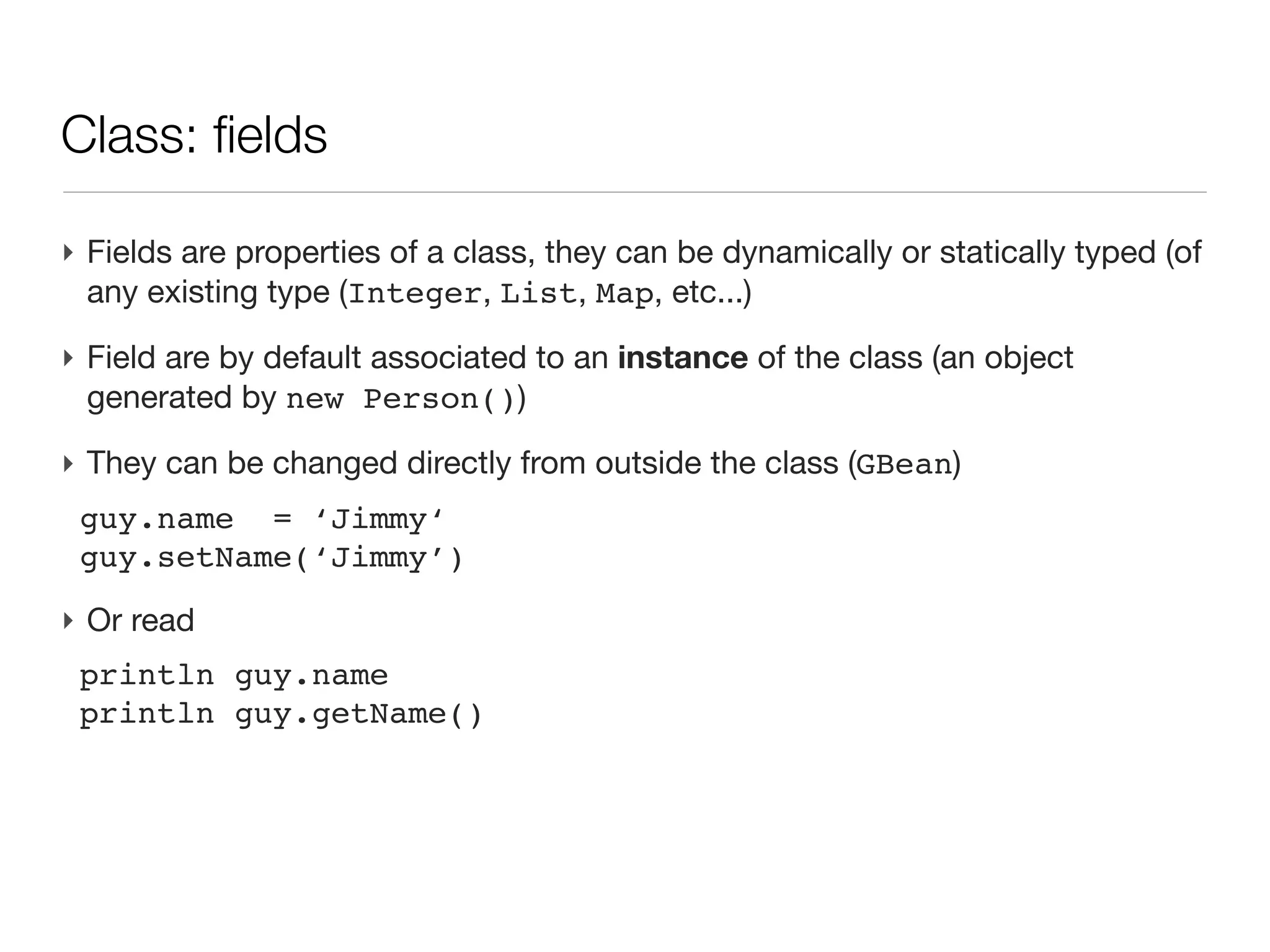
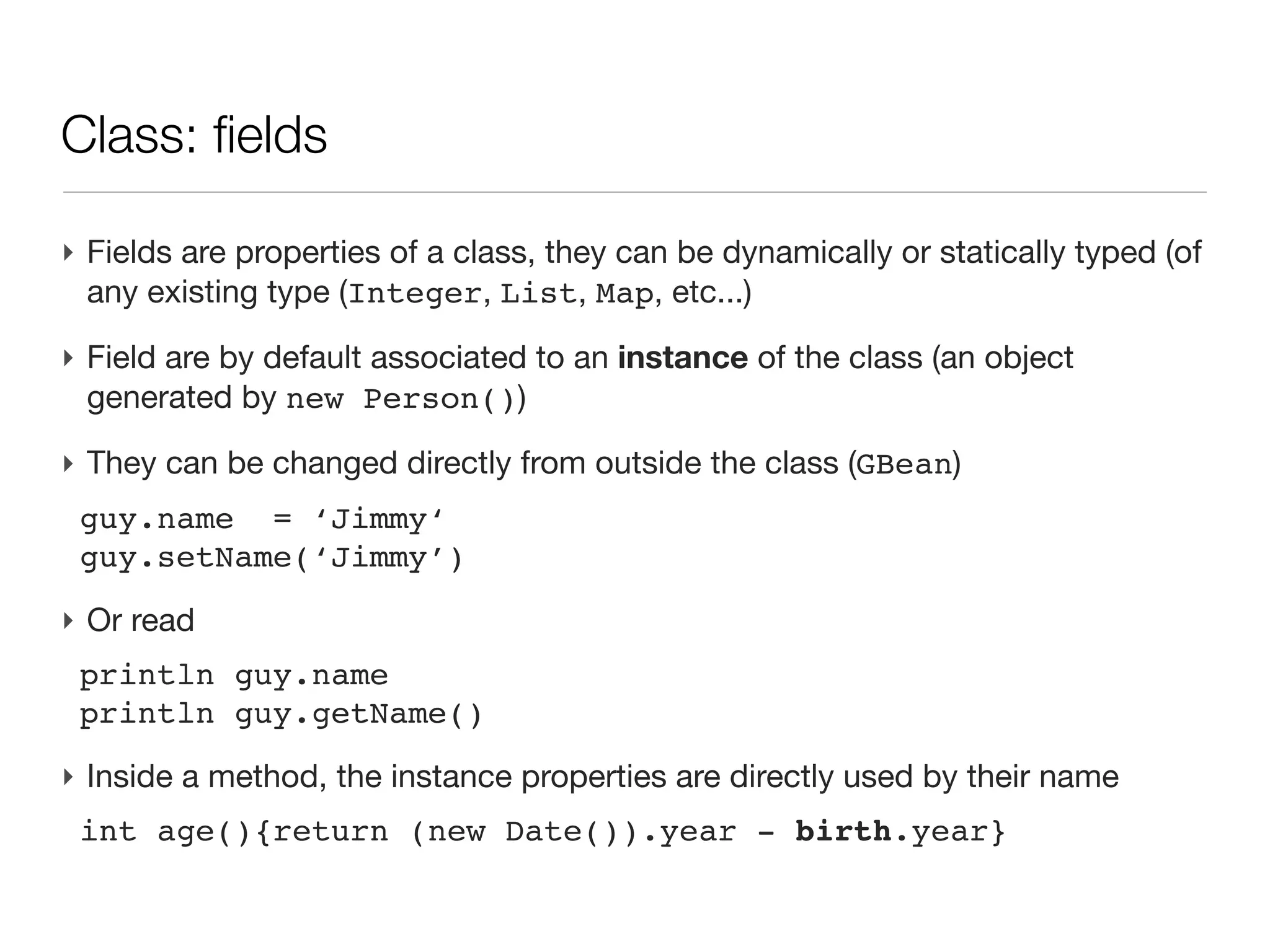
Class: fields

‣ Fields are properties of a class, they can be dynamically or statically typed
  (of any existing type (Integer, List, Map, etc...)
Class: fields

‣ Fields are properties of a class, they can be dynamically or statically typed
  (of any existing type (Integer, List, Map, etc...)
‣ Field are by default associated to an instance of the class (an object
  generated by new Person())
Class: fields

‣ Fields are properties of a class, they can be dynamically or statically typed
  (of any existing type (Integer, List, Map, etc...)
‣ Field are by default associated to an instance of the class (an object
  generated by new Person())

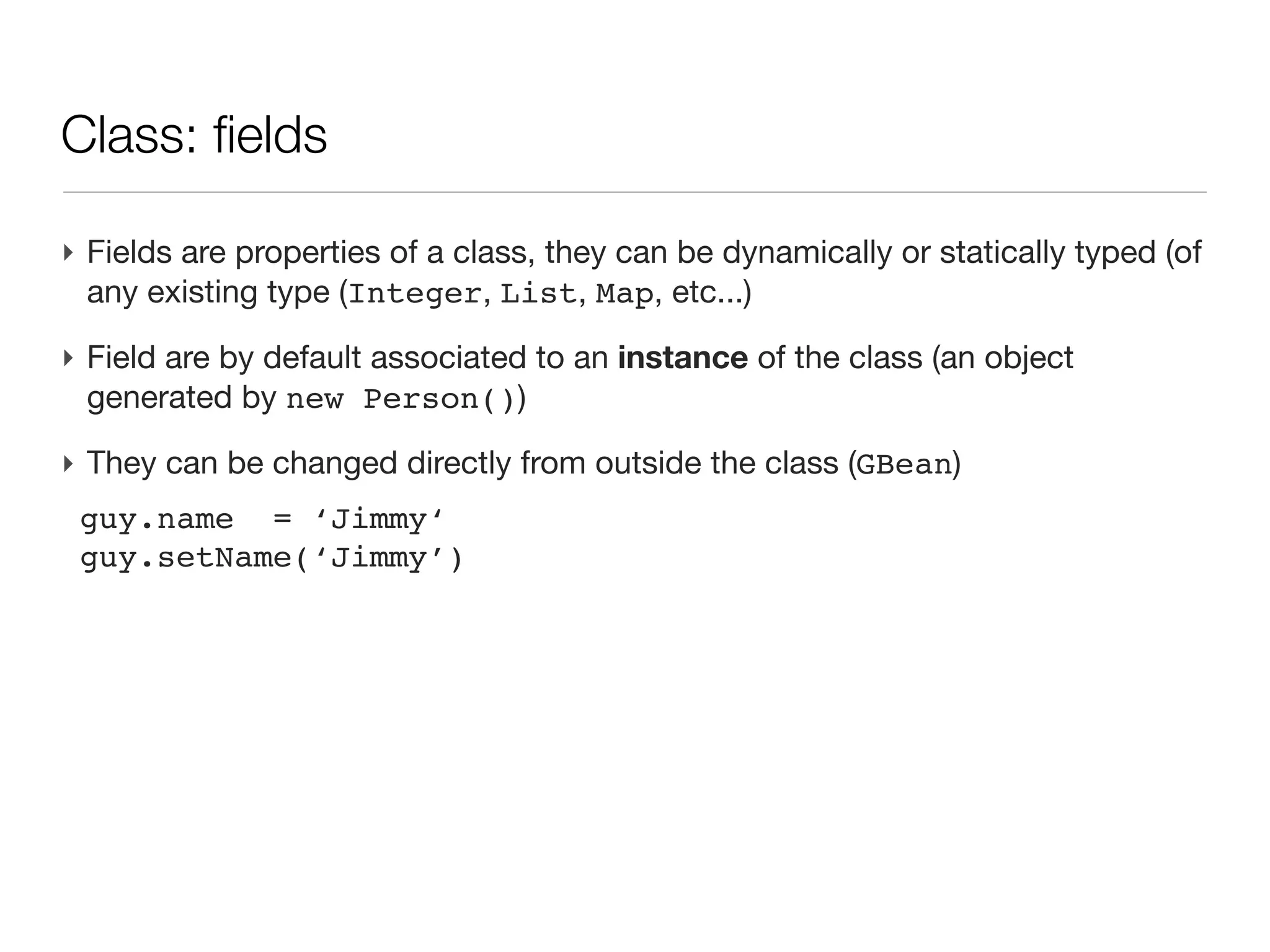
‣ They can be changed directly from outside the class (GBean)
 guy.name = ‘Jimmy‘
 guy.setName(‘Jimmy’)
Class: fields

‣ Fields are properties of a class, they can be dynamically or statically typed
  (of any existing type (Integer, List, Map, etc...)
‣ Field are by default associated to an instance of the class (an object
  generated by new Person())

‣ They can be changed directly from outside the class (GBean)
 guy.name = ‘Jimmy‘
 guy.setName(‘Jimmy’)
‣ Or read
 println guy.name
 println guy.getName()
Class: fields

‣ Fields are properties of a class, they can be dynamically or statically typed
  (of any existing type (Integer, List, Map, etc...)
‣ Field are by default associated to an instance of the class (an object
  generated by new Person())

‣ They can be changed directly from outside the class (GBean)
 guy.name = ‘Jimmy‘
 guy.setName(‘Jimmy’)
‣ Or read
 println guy.name
 println guy.getName()
‣ Inside a method, the instance properties are directly used by their name
 int age(){return (new Date()).year - birth.year}
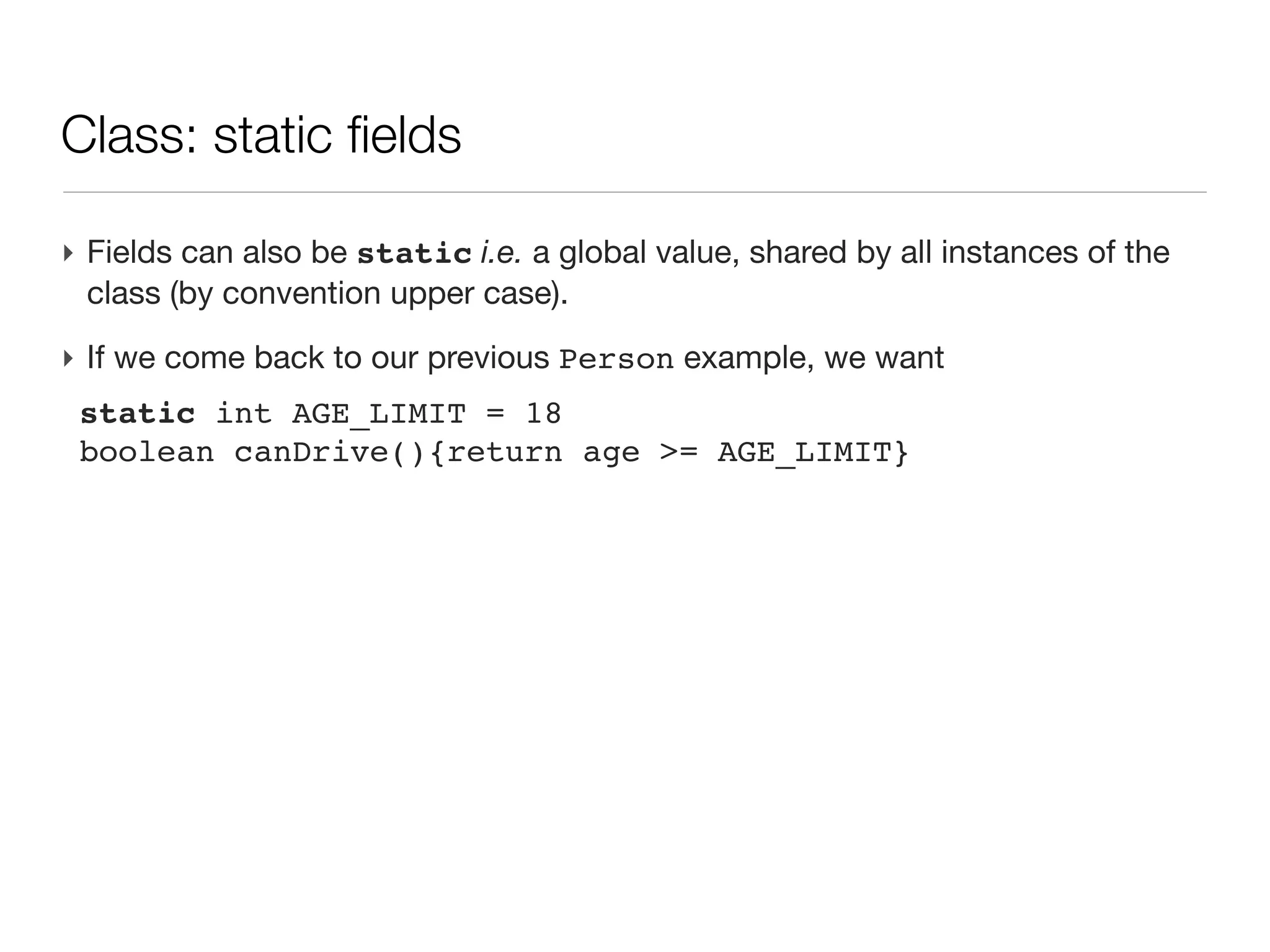
Class: static fields

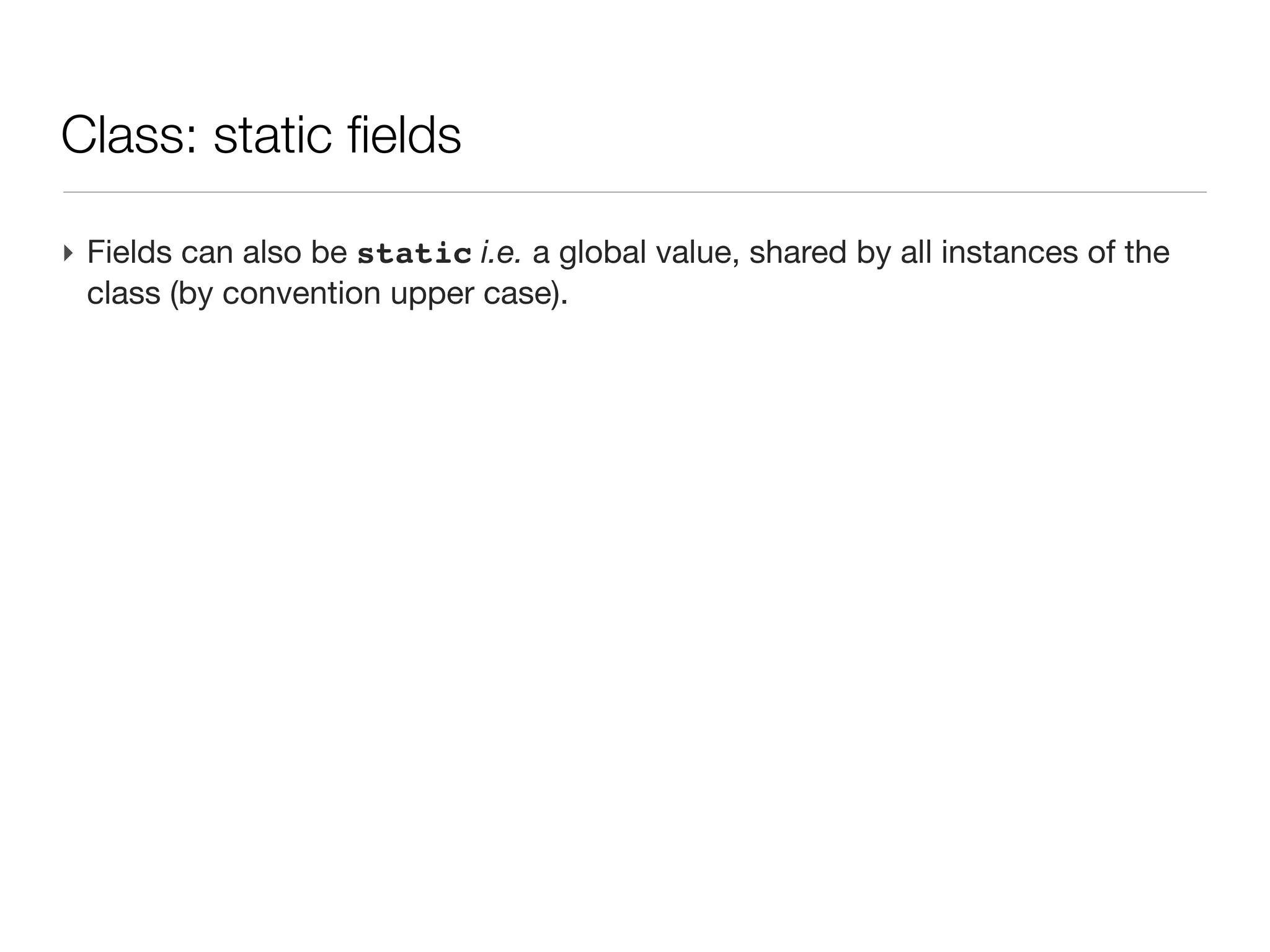
‣ Fields can also be static i.e. a global value, shared by all instances of the
  class (by convention upper case).
Class: static fields

‣ Fields can also be static i.e. a global value, shared by all instances of the
  class (by convention upper case).
‣ If we come back to our previous Person example, we want
 static int AGE_LIMIT = 18
 boolean canDrive(){return age >= AGE_LIMIT}
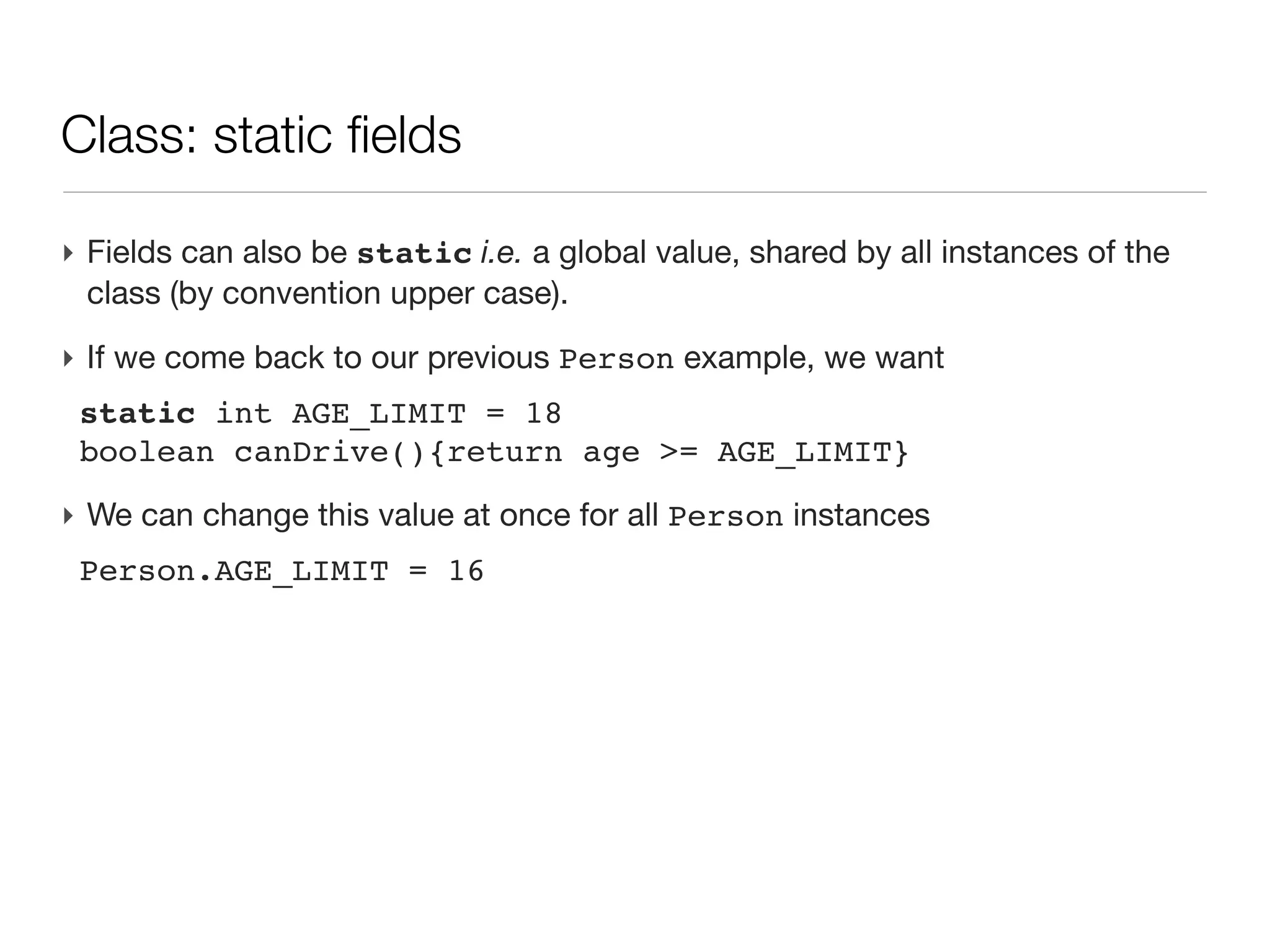
Class: static fields

‣ Fields can also be static i.e. a global value, shared by all instances of the
  class (by convention upper case).
‣ If we come back to our previous Person example, we want
 static int AGE_LIMIT = 18
 boolean canDrive(){return age >= AGE_LIMIT}

‣ We can change this value at once for all Person instances
 Person.AGE_LIMIT = 16
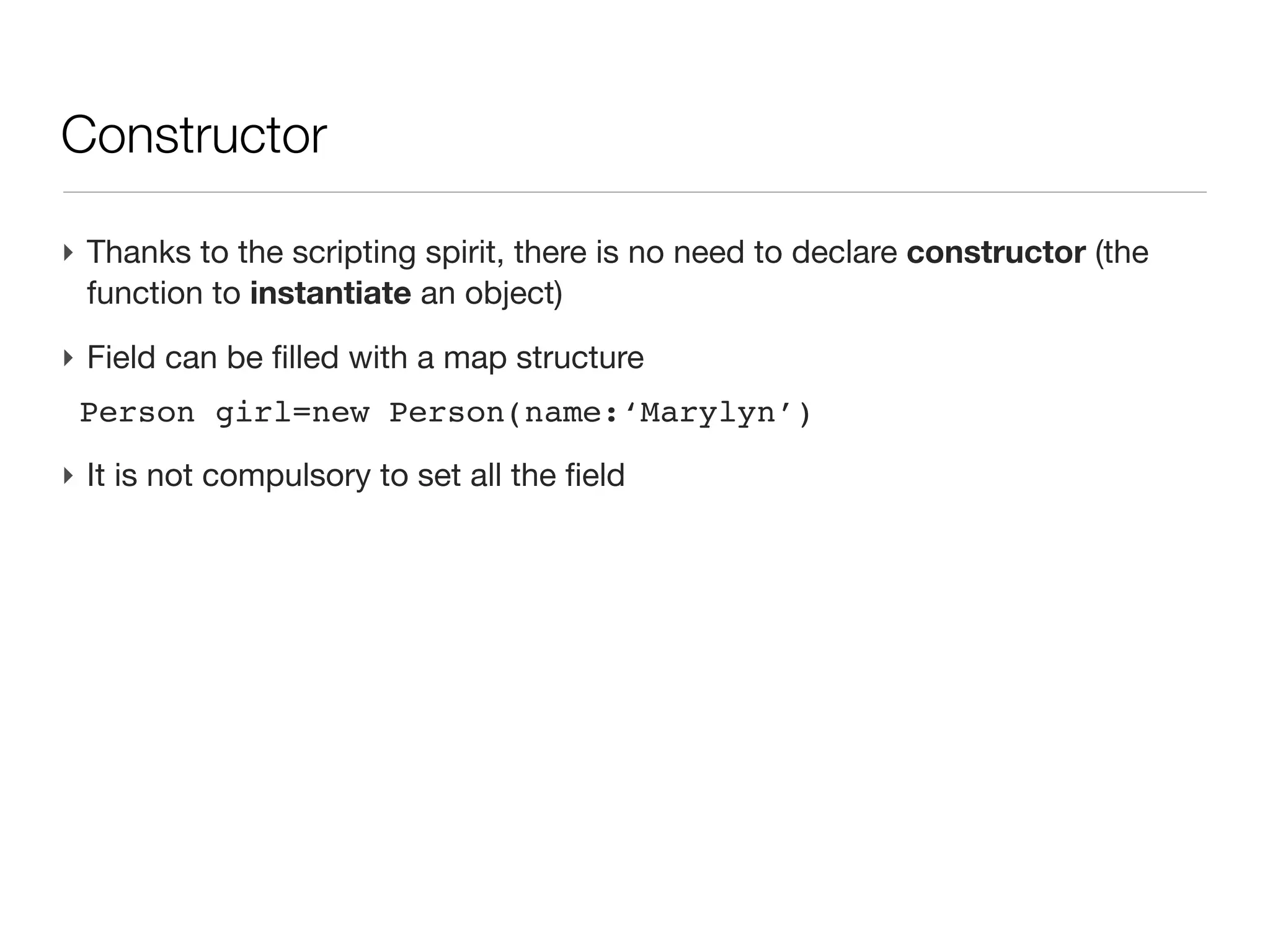
Constructor

‣ Thanks to the scripting spirit, there is no need to declare constructor (the
  function to instantiate an object)
Constructor

‣ Thanks to the scripting spirit, there is no need to declare constructor (the
  function to instantiate an object)
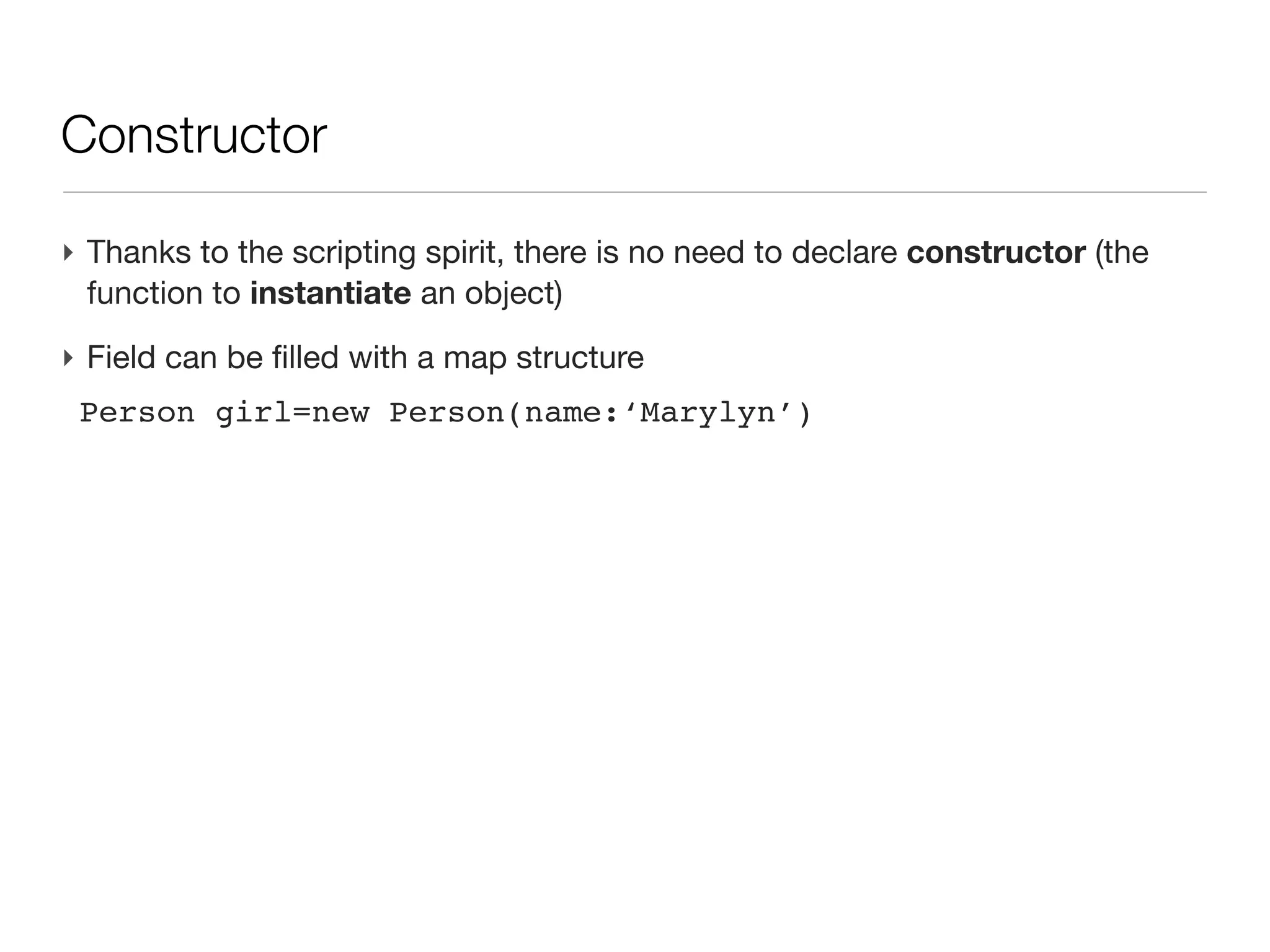
‣ Field can be filled with a map structure
 Person girl=new Person(name:‘Marylyn’)
Constructor

‣ Thanks to the scripting spirit, there is no need to declare constructor (the
  function to instantiate an object)
‣ Field can be filled with a map structure
 Person girl=new Person(name:‘Marylyn’)
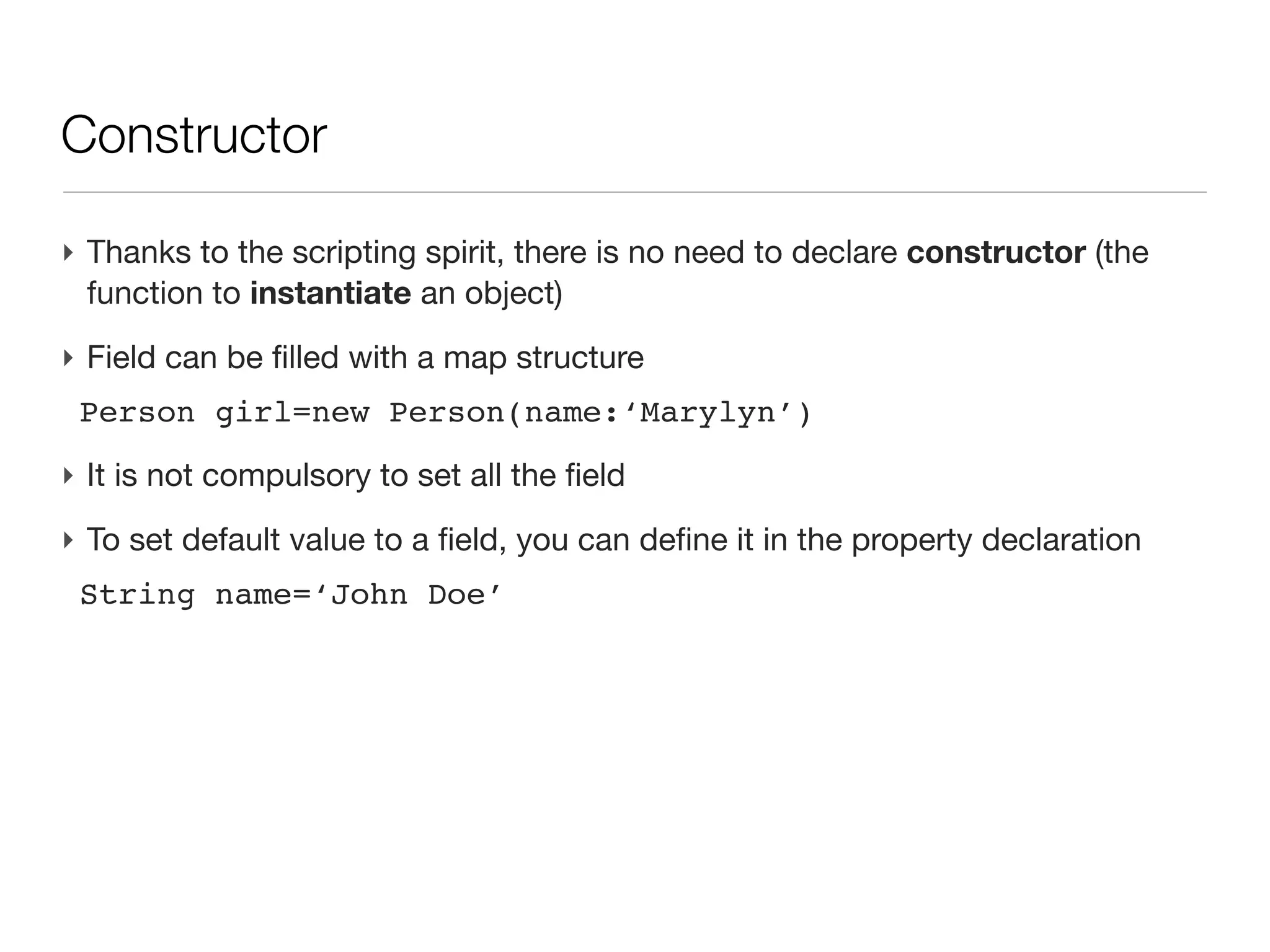
‣ It is not compulsory to set all the field
Constructor

‣ Thanks to the scripting spirit, there is no need to declare constructor (the
  function to instantiate an object)
‣ Field can be filled with a map structure
 Person girl=new Person(name:‘Marylyn’)
‣ It is not compulsory to set all the field
‣ To set default value to a field, you can define it in the property declaration
 String name=‘John Doe’
Methods

groovy & grails - lecture 4

  • 1.
    Groovy: Efficiency OrientedProgramming Lecture 4 Master Proteomics & Bioinformatics - University of Geneva Alexandre Masselot - summer 2011
  • 2.
    Contents ‣ Eclipse &linux tips ‣ xml parsing ‣ Introduction to Object Oriented Programming
  • 3.
    A couple ofeclipse tips ‣ team -> local history
  • 4.
    A couple ofeclipse tips ‣ team -> local history - browse by all version of you saved file (by date)
  • 5.
    A couple ofeclipse tips ‣ team -> local history - browse by all version of you saved file (by date) ‣ general -> editors -> text editor -> show line number
  • 6.
    A couple ofeclipse tips ‣ team -> local history - browse by all version of you saved file (by date) ‣ general -> editors -> text editor -> show line number - lines numbers appear in the editor left margin
  • 7.
    A couple ofeclipse tips ‣ team -> local history - browse by all version of you saved file (by date) ‣ general -> editors -> text editor -> show line number - lines numbers appear in the editor left margin - <ctrl>-L + number : jump to the given line number
  • 8.
    A couple ofeclipse tips ‣ team -> local history - browse by all version of you saved file (by date) ‣ general -> editors -> text editor -> show line number - lines numbers appear in the editor left margin - <ctrl>-L + number : jump to the given line number ‣ right button -> source -> toggle comment
  • 9.
    A couple ofeclipse tips ‣ team -> local history - browse by all version of you saved file (by date) ‣ general -> editors -> text editor -> show line number - lines numbers appear in the editor left margin - <ctrl>-L + number : jump to the given line number ‣ right button -> source -> toggle comment ‣ right button -> source -> format
  • 10.
    A couple ofeclipse tips ‣ team -> local history - browse by all version of you saved file (by date) ‣ general -> editors -> text editor -> show line number - lines numbers appear in the editor left margin - <ctrl>-L + number : jump to the given line number ‣ right button -> source -> toggle comment ‣ right button -> source -> format - indent & format the select code
  • 11.
    A couple ofeclipse tips ‣ team -> local history - browse by all version of you saved file (by date) ‣ general -> editors -> text editor -> show line number - lines numbers appear in the editor left margin - <ctrl>-L + number : jump to the given line number ‣ right button -> source -> toggle comment ‣ right button -> source -> format - indent & format the select code - use conjunction with <ctrl>-A to select the whole file
  • 12.
    A couple oflinux (shell) tips ‣ less filename : more power than ’more filename’ - use arrows to go back and forth the file - g to jump to top; G to jump to the end; / text to search next occurrence of a text in the file (n to jump to the following occurrence); h to have help; q to quit
  • 13.
    A couple oflinux (shell) tips ‣ less filename : more power than ’more filename’ - use arrows to go back and forth the file - g to jump to top; G to jump to the end; / text to search next occurrence of a text in the file (n to jump to the following occurrence); h to have help; q to quit ‣ wget -O my.fasta http:/http://www.uniprot.org/uniprot/ P41159.fasta - to save a url target into a local file
  • 14.
    A couple oflinux (shell) tips ‣ less filename : more power than ’more filename’ - use arrows to go back and forth the file - g to jump to top; G to jump to the end; / text to search next occurrence of a text in the file (n to jump to the following occurrence); h to have help; q to quit ‣ wget -O my.fasta http:/http://www.uniprot.org/uniprot/ P41159.fasta - to save a url target into a local file ‣ don’t forget to get command documentation with man
  • 15.
  • 16.
    XML: introduction (cont’d) ‣ Let's consider an element as a record of: - atomic number (int) - symbol (string) - name (string) - list of isotopes (int number, double mass and double abundance)
  • 17.
    XML: introduction (cont’d) ‣ Let's consider an element as a record of: - atomic number (int) - symbol (string) - name (string) - list of isotopes (int number, double mass and double abundance) ‣ Goal : store and retrieve a list of element characteristics
  • 18.
    XML: introduction (cont’d) ‣ Let's consider an element as a record of: - atomic number (int) - symbol (string) - name (string) - list of isotopes (int number, double mass and double abundance) ‣ Goal : store and retrieve a list of element characteristics ‣ Old fashion way, in a text file 12;Carbon;c;12.011;0,12,98.90:1,13.003355,1.10 ...
  • 19.
    XML: introduction (cont’d) ‣ Let's consider an element as a record of: - atomic number (int) - symbol (string) - name (string) - list of isotopes (int number, double mass and double abundance) ‣ Goal : store and retrieve a list of element characteristics ‣ Old fashion way, in a text file 12;Carbon;c;12.011;0,12,98.90:1,13.003355,1.10 ... ‣ Pros: compact
  • 20.
    XML: introduction (cont’d) ‣ Let's consider an element as a record of: - atomic number (int) - symbol (string) - name (string) - list of isotopes (int number, double mass and double abundance) ‣ Goal : store and retrieve a list of element characteristics ‣ Old fashion way, in a text file 12;Carbon;c;12.011;0,12,98.90:1,13.003355,1.10 ... ‣ Pros: compact ‣ Cons: cryptic, hard to add new info or multiple type of info into one file, problem adding free text etc.
  • 21.
    XML: introduction -text storage ‣ Old fashion way, in a text file 12;Carbon;c;12.011;0,12,98.90:1,13.003355,1.10 ...
  • 22.
    XML: introduction -text storage (cont’d) ‣ Pros: - compact - easy edition - easy sharing (~)
  • 23.
    XML: introduction -text storage (cont’d) ‣ Cons: - cryptic (what field is what) - error prone - hard to add new info - hard to add multiple type of info into one file - problem adding free text etc.
  • 24.
    XML: introduction -RDBM storage ‣ RDBM is another reflex to store structured data CREATE TABLE elements (atomicNumber int UNIQUE, name name, symbol name UNIQUE, mass double precision); CREATE TABLE isotopes (atomicNumberBase int REFERENCES elements (atomicNumber), plus int, abundance double precision, mass double precision); INSERT into elements VALUES (12, 'Carbon', 'C', 12.011); INSERT INTO isotopes VALUES(12, 0, 12, 98.90); INSERT INTO isotopes VALUES(12, 1, 13.003355, 1.10);
  • 25.
    XML: introduction -RDBM storage (cont’d) ‣ pros: - constraints (structure) - highly controlled - powerful (large storage)
  • 26.
    XML: introduction -RDBM storage (cont’d) ‣ cons: - can be rather heavy to manage (third parties tools or libraries) - HSQLDB or Derby offer light alternative to postgres, mysql or oracle for small databases - needs expertise in DB (install/management/update) - a bit over killer for “small” problems
  • 27.
    XML: a versatilealternative ‣ eXtended Markup Language: <inSilicoDefinitions> <elements> <oneElement symbol="H" name="Hydrogen" atomicNumber="1"> <mass monoisotopic="1.007825" average="1.00797594155"/> <isotopes> <oneIsotope plus="0" mass="1.007825" abundance="99.985"/> <oneIsotope plus="1" mass="2.014102" abundance="0.015"/> </isotopes> </oneElement> <oneElement symbol="C" name="Carbon" atomicNumber="12"> <mass monoisotopic="12.000000" average="12.011036905"/> <isotopes> <oneIsotope plus="0" mass="12.000000" abundance="98.90"/> <oneIsotope plus="1" mass="13.003355" abundance="1.10"/> </isotopes> </oneElement> .... </elements> <aminoAcids> <oneAminoAcid name="Alanine" code3="Ala" code1="A"> ... </aminoAcids> </inSilicoDefinitions>
  • 28.
    XML: structure ‣ Header:encode for the charset (change if accent, japanese characters...) <?xml version="1.0" encoding="ISO-8859-1"?>
  • 29.
    XML: structure ‣ Header:encode for the charset (change if accent, japanese characters...) <?xml version="1.0" encoding="ISO-8859-1"?> ‣ Element: a node in the structured tree of the document <oneElement>...</oneElement> <isImportant/> // open/close at once
  • 30.
    XML: structure ‣ Header:encode for the charset (change if accent, japanese characters...) <?xml version="1.0" encoding="ISO-8859-1"?> ‣ Element: a node in the structured tree of the document <oneElement>...</oneElement> <isImportant/> // open/close at once ‣ Content <author>J.R.R. Tolkien</author> <title><![CDATA[Laurel & Hardy]]></title>
  • 31.
    XML: structure ‣ Header:encode for the charset (change if accent, japanese characters...) <?xml version="1.0" encoding="ISO-8859-1"?> ‣ Element: a node in the structured tree of the document <oneElement>...</oneElement> <isImportant/> // open/close at once ‣ Content <author>J.R.R. Tolkien</author> <title><![CDATA[Laurel & Hardy]]></title> ‣ Attribute <oneElement name="Carbon" symbol="C"> </oneElement>
  • 32.
    XML: structure ‣ Header:encode for the charset (change if accent, japanese characters...) <?xml version="1.0" encoding="ISO-8859-1"?> ‣ Element: a node in the structured tree of the document <oneElement>...</oneElement> <isImportant/> // open/close at once ‣ Content <author>J.R.R. Tolkien</author> <title><![CDATA[Laurel & Hardy]]></title> ‣ Attribute <oneElement name="Carbon" symbol="C"> </oneElement> ‣ Comments <!-- whatever comment (not parsed by default) -->
  • 33.
    XML: child elementsor attributes? ‣ What attribute cannot do? - no nested structures - no repeated attributes: <tag name="one" name="two"/> is not allowed - limited characters, not CDATA for the value
  • 34.
    XML: child elementsor attributes? ‣ So, when to use attributes instead of elements? - Attributes could be avoided and only child elements used. Usually, the main part of the node information should be stored in sub chidren. However attributes can have a natural use: - for short information, - for information that should be read at the element level (before diving into its children nodes)
  • 35.
  • 36.
    XML: cons ‣ Filesize - large tag name for storing only one integer value - list of data stored at once e.g. peak list in the mzXml-like file (base64)
  • 37.
    XML: cons ‣ Filesize - large tag name for storing only one integer value - list of data stored at once e.g. peak list in the mzXml-like file (base64) ‣ Random access to data no native (data index can be stored)
  • 38.
    XML: cons ‣ Filesize - large tag name for storing only one integer value - list of data stored at once e.g. peak list in the mzXml-like file (base64) ‣ Random access to data no native (data index can be stored) ‣ Hand edition can be tedious (but possible)
  • 39.
    XML: what wewill not talk about (today...) ‣ XML file generation - it is simple text file - Groovy uses XmlTemplateEngine
  • 40.
    XML: what wewill not talk about (today...) ‣ XML file generation - it is simple text file - Groovy uses XmlTemplateEngine ‣ XML structure definition - Schema - DTD
  • 41.
    XML: what wewill not talk about (today...) ‣ XML file generation - it is simple text file - Groovy uses XmlTemplateEngine ‣ XML structure definition - Schema - DTD ‣ XSLT for xml structure transformation
  • 42.
    XML: what wewill not talk about (today...) ‣ XML file generation - it is simple text file - Groovy uses XmlTemplateEngine ‣ XML structure definition - Schema - DTD ‣ XSLT for xml structure transformation ‣ namespaces
  • 43.
    XML: what wewill not talk about (today...) ‣ XML file generation - it is simple text file - Groovy uses XmlTemplateEngine ‣ XML structure definition - Schema - DTD ‣ XSLT for xml structure transformation ‣ namespaces ‣ storing binary data
  • 44.
    XML: what wewill not talk about (today...) ‣ XML file generation - it is simple text file - Groovy uses XmlTemplateEngine ‣ XML structure definition - Schema - DTD ‣ XSLT for xml structure transformation ‣ namespaces ‣ storing binary data ‣ We will focus on retrieving information from an xml file (or String)
  • 45.
    XML: parsing challenges ‣A common need: retrieve partial information (substructure or filtered with criteria) - syntax to access to info within the tree - navigate through all children
  • 46.
    XML: parsing challenges ‣A common need: retrieve partial information (substructure or filtered with criteria) - syntax to access to info within the tree - navigate through all children ‣ XML tree can be large (>4GB for uniprot.xml) - no possible to load everything at once, then scan through memory - loop across all substructure (e.g. a uniprot entry), then access to descendant easily and release memory before opening next entry
  • 47.
    XML: parsing challenges ‣A common need: retrieve partial information (substructure or filtered with criteria) - syntax to access to info within the tree - navigate through all children ‣ XML tree can be large (>4GB for uniprot.xml) - no possible to load everything at once, then scan through memory - loop across all substructure (e.g. a uniprot entry), then access to descendant easily and release memory before opening next entry ‣ Groovy - XmlParser: access and modify the tree, but all is in memory. Not covered here - XmlSlurper: lazy loading, access through iterators, readonly access
  • 48.
    XML: XmlSlurper ‣ XmlSlurperparse a source into a structure ready for traversing def records=new XmlSlurper().parseText(aStringWithXml) def records=new XmlSlurper().parse(new File(aStringPath))
  • 49.
    XML: XmlSlurper ‣ XmlSlurperparse a source into a structure ready for traversing def records=new XmlSlurper().parseText(aStringWithXml) def records=new XmlSlurper().parse(new File(aStringPath)) ‣ Parsing is done iterating through NodeChildren (groovy.util.slurpersupport.NodeChildren), specifying a path & constraints in the xml tree
  • 50.
    XML: XmlSlurper (cont’d) ‣ All the document is not loaded at once, but only the matching subtrees, one after the other
  • 51.
    XML: XmlSlurper (cont’d) ‣ All the document is not loaded at once, but only the matching subtrees, one after the other ‣ Compared to other xml parser, it corresponds to a mix between DOM and SAX methods
  • 52.
    XML: XmlSlurper (cont’d) ‣ All the document is not loaded at once, but only the matching subtrees, one after the other ‣ Compared to other xml parser, it corresponds to a mix between DOM and SAX methods ‣ Perl equivalent would be the module XML::Twig
  • 53.
    XML: XmlSlurper (cont’d) String xmlText=’’’ <inSilicoDefinitions> <description> <source type="program"> <name>elementator</name> <isValidated/> </source> </description> <elements> <oneElement symbol="H" name="Hydrogen" atomicNumber="1"> <mass monoisotopic="1.007825" average="1.00797594155"/> <isotopes> <oneIsotope plus="0" mass="1.007825" abundance="99.985"/> <oneIsotope plus="1" mass="2.014102" abundance="0.015"/> </isotopes> </oneElement> <oneElement symbol="He" name="Helium" atomicNumber="3"> <mass monoisotopic="3.016029" average="4.0026016187964"/> <isotopes> <oneIsotope plus="0" mass="3.016029" abundance=".00014"/> <oneIsotope plus="1" mass="4.002603" abundance="99.99986"/> </isotopes> </oneElement> <oneElement symbol="Li" name="Lithium" atomicNumber="6"> <mass monoisotopic="6.015123" average="6.9417395556"/> <isotopes> <oneIsotope plus="0" mass="6.015123" abundance="7.42"/> <oneIsotope plus="1" mass="7.016005" abundance="92.58"/> <oneIsotope plus="3" mass="777.016005" abundance="99.999"/> <!-- this is fake --> </isotopes> </oneElement> </elements> </inSilicoDefinitions> ‘’’
  • 54.
    XmlSlurper accessing asingle element ‣ Instantiating the slurper def dataDef = new XmlSlurper().parseText( xmlText )
  • 55.
    XmlSlurper accessing asingle element ‣ Instantiating the slurper def dataDef = new XmlSlurper().parseText( xmlText ) ‣ Single element <inSilicoDefinitions> <description> <source type="program"> <name>elementator</name> <isValidated/> </source> </description> def source=dataDef.description.source
  • 56.
    XmlSlurper accessing asingle element ‣ Instantiating the slurper def dataDef = new XmlSlurper().parseText( xmlText ) ‣ Single element <inSilicoDefinitions> <description> <source type="program"> <name>elementator</name> <isValidated/> </source> </description> def source=dataDef.description.source ‣ Reading an attribute source.@type.text() // -> ‘program’
  • 57.
    XmlSlurper accessing asingle element ‣ Instantiating the slurper def dataDef = new XmlSlurper().parseText( xmlText ) ‣ Single element <inSilicoDefinitions> <description> <source type="program"> <name>elementator</name> <isValidated/> </source> </description> def source=dataDef.description.source ‣ Reading an attribute source.@type.text() // -> ‘program’ ‣ Reading a sub element contents source.name.text() // -> ‘elementator’
  • 58.
    XmlSlurper: selecting alist ‣ Getting all substructure giving a path will generate an array dataDef.elements.oneElement // 3 elements
  • 59.
    XmlSlurper: selecting alist ‣ Getting all substructure giving a path will generate an array dataDef.elements.oneElement // 3 elements ‣ Can be visited with closure insilicoDef.elements.oneElement.each{println it.@symbol} insilicoDef.elements.oneElement.collect{it.mass.@average.toDouble()}
  • 60.
    XmlSlurper: subtree withconstraints with findAll ‣ We can add constraints on the element to be actually walked through
  • 61.
    XmlSlurper: subtree withconstraints with findAll ‣ We can add constraints on the element to be actually walked through ‣ Getting oneElement where symbol attribute has 2 characters insilicoDef.elements.oneElement.findAll{ it.@symbol.text() ==~ /../ }
  • 62.
    XmlSlurper: subtree withconstraints with findAll ‣ We can add constraints on the element to be actually walked through ‣ Getting oneElement where symbol attribute has 2 characters insilicoDef.elements.oneElement.findAll{ it.@symbol.text() ==~ /../ } ‣ Where mass children has monoisotopic attribute is >6 findAll{ (it.mass.@monoisotopic.text() as BigDecimal) > 6 }
  • 63.
    XmlSlurper: subtree withconstraints with findAll ‣ We can add constraints on the element to be actually walked through ‣ Getting oneElement where symbol attribute has 2 characters insilicoDef.elements.oneElement.findAll{ it.@symbol.text() ==~ /../ } ‣ Where mass children has monoisotopic attribute is >6 findAll{ (it.mass.@monoisotopic.text() as BigDecimal) > 6 } ‣ Elements with exactly 2 isotopes.oneIsotope children findAll{ it.isotopes.oneIsotope.size() == 2 }
  • 64.
    XmlSlurper: subtree withconstraints with findAll ‣ We can add constraints on the element to be actually walked through ‣ Getting oneElement where symbol attribute has 2 characters insilicoDef.elements.oneElement.findAll{ it.@symbol.text() ==~ /../ } ‣ Where mass children has monoisotopic attribute is >6 findAll{ (it.mass.@monoisotopic.text() as BigDecimal) > 6 } ‣ Elements with exactly 2 isotopes.oneIsotope children findAll{ it.isotopes.oneIsotope.size() == 2 } ‣ Getting the first element and piping closures insilicoDef.elements.oneElement[0] .isotopes.oneIsotope.'@mass'*.toDouble().sum()
  • 65.
    XmlSlurper: subtree withconstraints with findAll ‣ We can add constraints on the element to be actually walked through ‣ Getting oneElement where symbol attribute has 2 characters insilicoDef.elements.oneElement.findAll{ it.@symbol.text() ==~ /../ } ‣ Where mass children has monoisotopic attribute is >6 findAll{ (it.mass.@monoisotopic.text() as BigDecimal) > 6 } ‣ Elements with exactly 2 isotopes.oneIsotope children findAll{ it.isotopes.oneIsotope.size() == 2 } ‣ Getting the first element and piping closures insilicoDef.elements.oneElement[0] .isotopes.oneIsotope.'@mass'*.toDouble().sum() ‣ http://groovy.codehaus.org/Reading+XML+using+Groovy%27s
  • 66.
    Object Oriented Programming: class ‣ Although Groovy can be seen as a scripting language, with a rather loose syntax (think of dynamic typing with def), it is is also fully OO
  • 67.
    Object Oriented Programming: class ‣ Although Groovy can be seen as a scripting language, with a rather loose syntax (think of dynamic typing with def), it is is also fully OO ‣ Based on Java, enforcing string OO design, but still adding freedom of scripting
  • 68.
    Object Oriented Programming: class ‣ Although Groovy can be seen as a scripting language, with a rather loose syntax (think of dynamic typing with def), it is is also fully OO ‣ Based on Java, enforcing string OO design, but still adding freedom of scripting ‣ The basic component of OOP is a Class, a structure containing - enforced properties, named fields - actions, names methods
  • 69.
    OOP one example:Date ‣ Like Mr Jourdain, you use OOP...
  • 70.
    OOP one example:Date ‣ Like Mr Jourdain, you use OOP... ‣ Instance (on object) - Date d = new Date()
  • 71.
    OOP one example:Date ‣ Like Mr Jourdain, you use OOP... ‣ Instance (on object) - Date d = new Date() ‣ Setter/getter - println d.month - d.year = 2012
  • 72.
    OOP one example:Date ‣ Like Mr Jourdain, you use OOP... ‣ Instance (on object) - Date d = new Date() ‣ Setter/getter - println d.month - d.year = 2012 ‣ Operation - Date d2 = d - 1
  • 73.
    Object: a constraintmap with dedicated operators 28
  • 74.
    Class: an introduction ‣An first example class Person{ String name // field of type String Date birth // field of type Date int age(){ // a method returning an int return (new Date()).year - birth.year } }
  • 75.
    Class: an introduction ‣An first example class Person{ String name // field of type String Date birth // field of type Date int age(){ // a method returning an int return (new Date()).year - birth.year } } ‣ Then a script uses this class Person guy=new Person(name:'Joe', birth:new Date('3/12/1980')) println "$guy.name is ${guy.age()}" // -> Joe is 30
  • 76.
    Class: an introduction ‣An first example class Person{ String name // field of type String Date birth // field of type Date int age(){ // a method returning an int return (new Date()).year - birth.year } } ‣ Then a script uses this class Person guy=new Person(name:'Joe', birth:new Date('3/12/1980')) println "$guy.name is ${guy.age()}" // -> Joe is 30
  • 77.
    Class: an introduction ‣An first example class Person{ String name // field of type String Date birth // field of type Date int age(){ // a method returning an int return (new Date()).year - birth.year } } ‣ Then a script uses this class Person guy=new Person(name:'Joe', birth:new Date('3/12/1980')) println "$guy.name is ${guy.age()}" // -> Joe is 30
  • 78.
    Class: an introduction ‣An first example class Person{ String name // field of type String Date birth // field of type Date int age(){ // a method returning an int return (new Date()).year - birth.year } } ‣ Then a script uses this class Person guy=new Person(name:'Joe', birth:new Date('3/12/1980')) println "$guy.name is ${guy.age()}" // -> Joe is 30
  • 79.
    Class: an introduction ‣An first example class Person{ String name // field of type String Date birth // field of type Date int age(){ // a method returning an int return (new Date()).year - birth.year } } ‣ Then a script uses this class Person guy=new Person(name:'Joe', birth:new Date('3/12/1980')) println "$guy.name is ${guy.age()}" // -> Joe is 30
  • 80.
    Making a newclass ‣ By convention, class name starts with an upper case (when variable usually start with lower case)
  • 81.
    Making a newclass ‣ By convention, class name starts with an upper case (when variable usually start with lower case) ‣ Within a source directory, create a package (a subdirectory structure, where ‘.’ is a directory path separator), for example unige.mpb.eop.proteomics.sequence
  • 82.
    Making a newclass ‣ By convention, class name starts with an upper case (when variable usually start with lower case) ‣ Within a source directory, create a package (a subdirectory structure, where ‘.’ is a directory path separator), for example unige.mpb.eop.proteomics.sequence ‣ In eclipse File -> new -> package (<ctrl>-N package)
  • 83.
    Making a newclass ‣ By convention, class name starts with an upper case (when variable usually start with lower case) ‣ Within a source directory, create a package (a subdirectory structure, where ‘.’ is a directory path separator), for example unige.mpb.eop.proteomics.sequence ‣ In eclipse File -> new -> package (<ctrl>-N package) ‣ Within this package, create a class : File -> new -> groovy class and set name Protein.
  • 84.
    Making a newclass ‣ By convention, class name starts with an upper case (when variable usually start with lower case) ‣ Within a source directory, create a package (a subdirectory structure, where ‘.’ is a directory path separator), for example unige.mpb.eop.proteomics.sequence ‣ In eclipse File -> new -> package (<ctrl>-N package) ‣ Within this package, create a class : File -> new -> groovy class and set name Protein. ‣ A Protein.groovy file is create with package unige.mpb.eop.proteomics.sequence class Protein{ ... }
  • 85.
    Class: fields ‣ Fieldsare properties of a class, they can be dynamically or statically typed (of any existing type (Integer, List, Map, etc...)
  • 86.
    Class: fields ‣ Fieldsare properties of a class, they can be dynamically or statically typed (of any existing type (Integer, List, Map, etc...) ‣ Field are by default associated to an instance of the class (an object generated by new Person())
  • 87.
    Class: fields ‣ Fieldsare properties of a class, they can be dynamically or statically typed (of any existing type (Integer, List, Map, etc...) ‣ Field are by default associated to an instance of the class (an object generated by new Person()) ‣ They can be changed directly from outside the class (GBean) guy.name = ‘Jimmy‘ guy.setName(‘Jimmy’)
  • 88.
    Class: fields ‣ Fieldsare properties of a class, they can be dynamically or statically typed (of any existing type (Integer, List, Map, etc...) ‣ Field are by default associated to an instance of the class (an object generated by new Person()) ‣ They can be changed directly from outside the class (GBean) guy.name = ‘Jimmy‘ guy.setName(‘Jimmy’) ‣ Or read println guy.name println guy.getName()
  • 89.
    Class: fields ‣ Fieldsare properties of a class, they can be dynamically or statically typed (of any existing type (Integer, List, Map, etc...) ‣ Field are by default associated to an instance of the class (an object generated by new Person()) ‣ They can be changed directly from outside the class (GBean) guy.name = ‘Jimmy‘ guy.setName(‘Jimmy’) ‣ Or read println guy.name println guy.getName() ‣ Inside a method, the instance properties are directly used by their name int age(){return (new Date()).year - birth.year}
  • 90.
    Class: static fields ‣Fields can also be static i.e. a global value, shared by all instances of the class (by convention upper case).
  • 91.
    Class: static fields ‣Fields can also be static i.e. a global value, shared by all instances of the class (by convention upper case). ‣ If we come back to our previous Person example, we want static int AGE_LIMIT = 18 boolean canDrive(){return age >= AGE_LIMIT}
  • 92.
    Class: static fields ‣Fields can also be static i.e. a global value, shared by all instances of the class (by convention upper case). ‣ If we come back to our previous Person example, we want static int AGE_LIMIT = 18 boolean canDrive(){return age >= AGE_LIMIT} ‣ We can change this value at once for all Person instances Person.AGE_LIMIT = 16
  • 93.
    Constructor ‣ Thanks tothe scripting spirit, there is no need to declare constructor (the function to instantiate an object)
  • 94.
    Constructor ‣ Thanks tothe scripting spirit, there is no need to declare constructor (the function to instantiate an object) ‣ Field can be filled with a map structure Person girl=new Person(name:‘Marylyn’)
  • 95.
    Constructor ‣ Thanks tothe scripting spirit, there is no need to declare constructor (the function to instantiate an object) ‣ Field can be filled with a map structure Person girl=new Person(name:‘Marylyn’) ‣ It is not compulsory to set all the field
  • 96.
    Constructor ‣ Thanks tothe scripting spirit, there is no need to declare constructor (the function to instantiate an object) ‣ Field can be filled with a map structure Person girl=new Person(name:‘Marylyn’) ‣ It is not compulsory to set all the field ‣ To set default value to a field, you can define it in the property declaration String name=‘John Doe’
  • 97.
  • 98.
    Methods ‣ Methods arefunctions, with are called within the context of an object instance
  • 99.
    Methods ‣ Methods arefunctions, with are called within the context of an object instance ‣ All properties of the instance are accessed directly
  • 100.
    Methods ‣ Methods arefunctions, with are called within the context of an object instance ‣ All properties of the instance are accessed directly ‣ It is possible to modify the instance, directly addressing the instance fields
  • 101.
    Methods ‣ Methods arefunctions, with are called within the context of an object instance ‣ All properties of the instance are accessed directly ‣ It is possible to modify the instance, directly addressing the instance fields ‣ It is possible to pass argument to the function
  • 102.
    Methods ‣ Methods arefunctions, with are called within the context of an object instance ‣ All properties of the instance are accessed directly ‣ It is possible to modify the instance, directly addressing the instance fields ‣ It is possible to pass argument to the function ‣ It is possible to return a value (of whatever type)
  • 103.
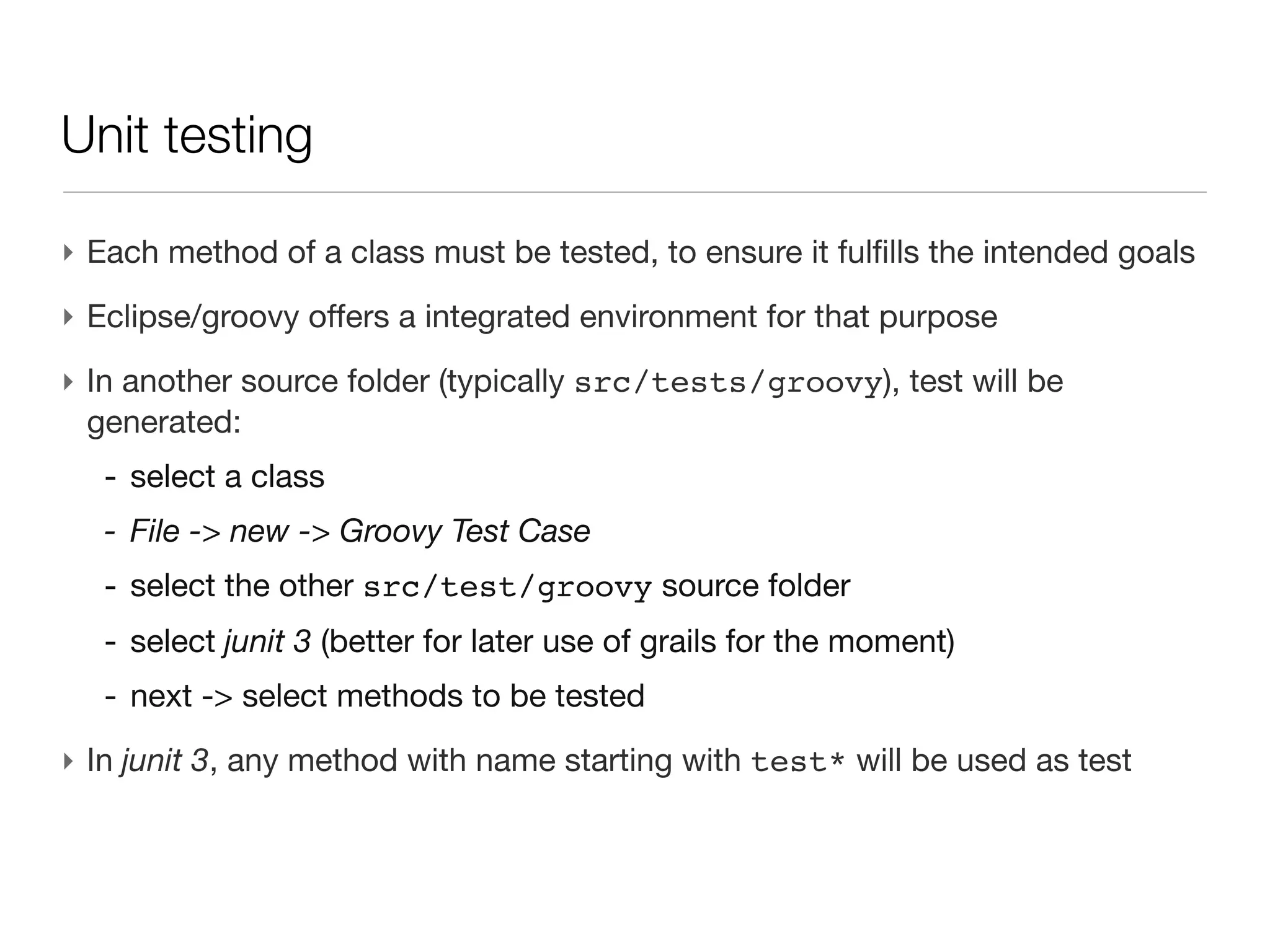
    Unit testing ‣ Eachmethod of a class must be tested, to ensure it fulfills the intended goals
  • 104.
    Unit testing ‣ Eachmethod of a class must be tested, to ensure it fulfills the intended goals ‣ One class file = one test file - in another directory (src/test) - same package name - MyClass.groovy => MyClassTest.groovy
  • 105.
    Unit testing ‣ Eachmethod of a class must be tested, to ensure it fulfills the intended goals ‣ One class file = one test file - in another directory (src/test) - same package name - MyClass.groovy => MyClassTest.groovy ‣ Eclipse/groovy offers a integrated environment for that purpose
  • 106.
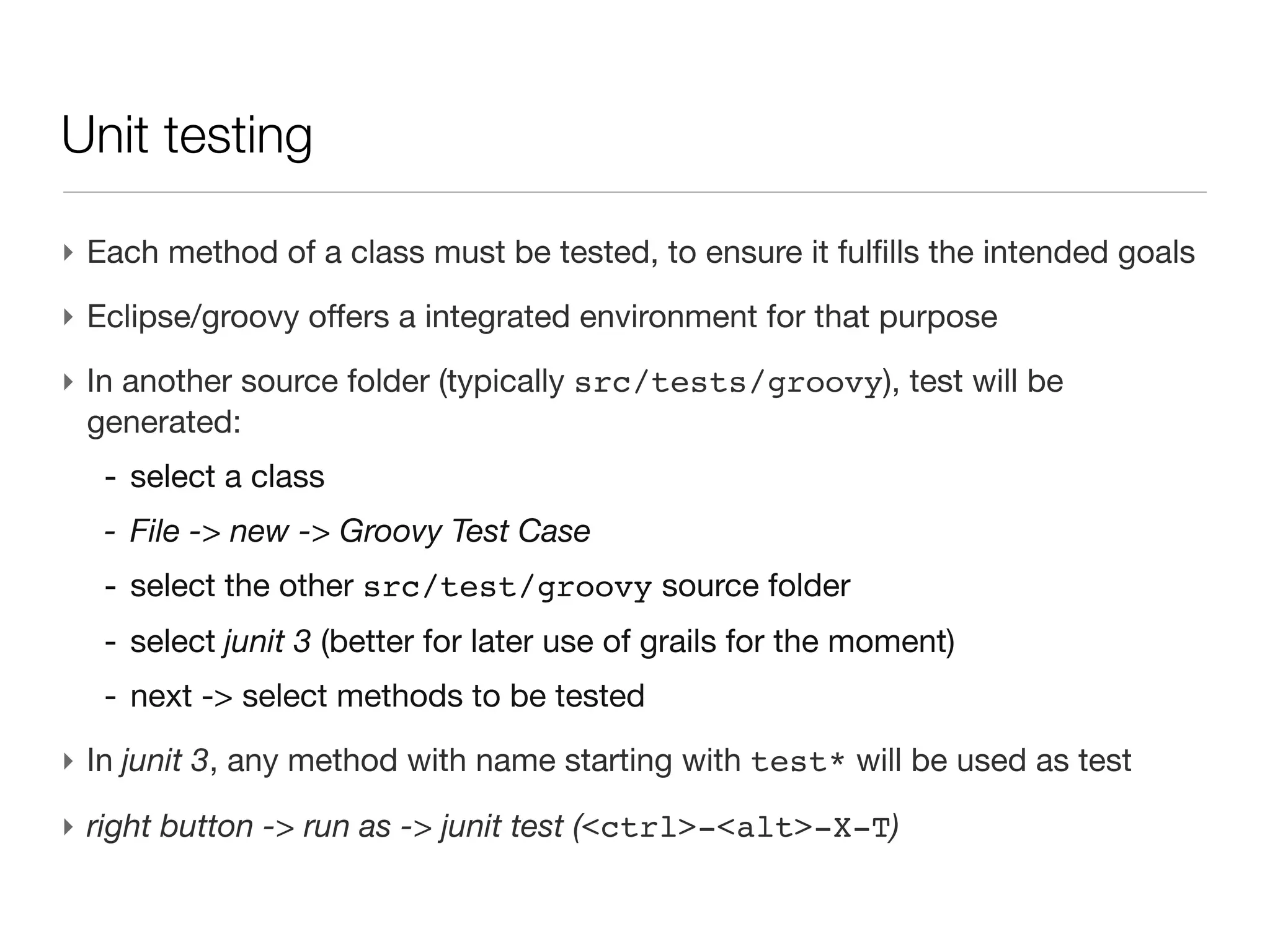
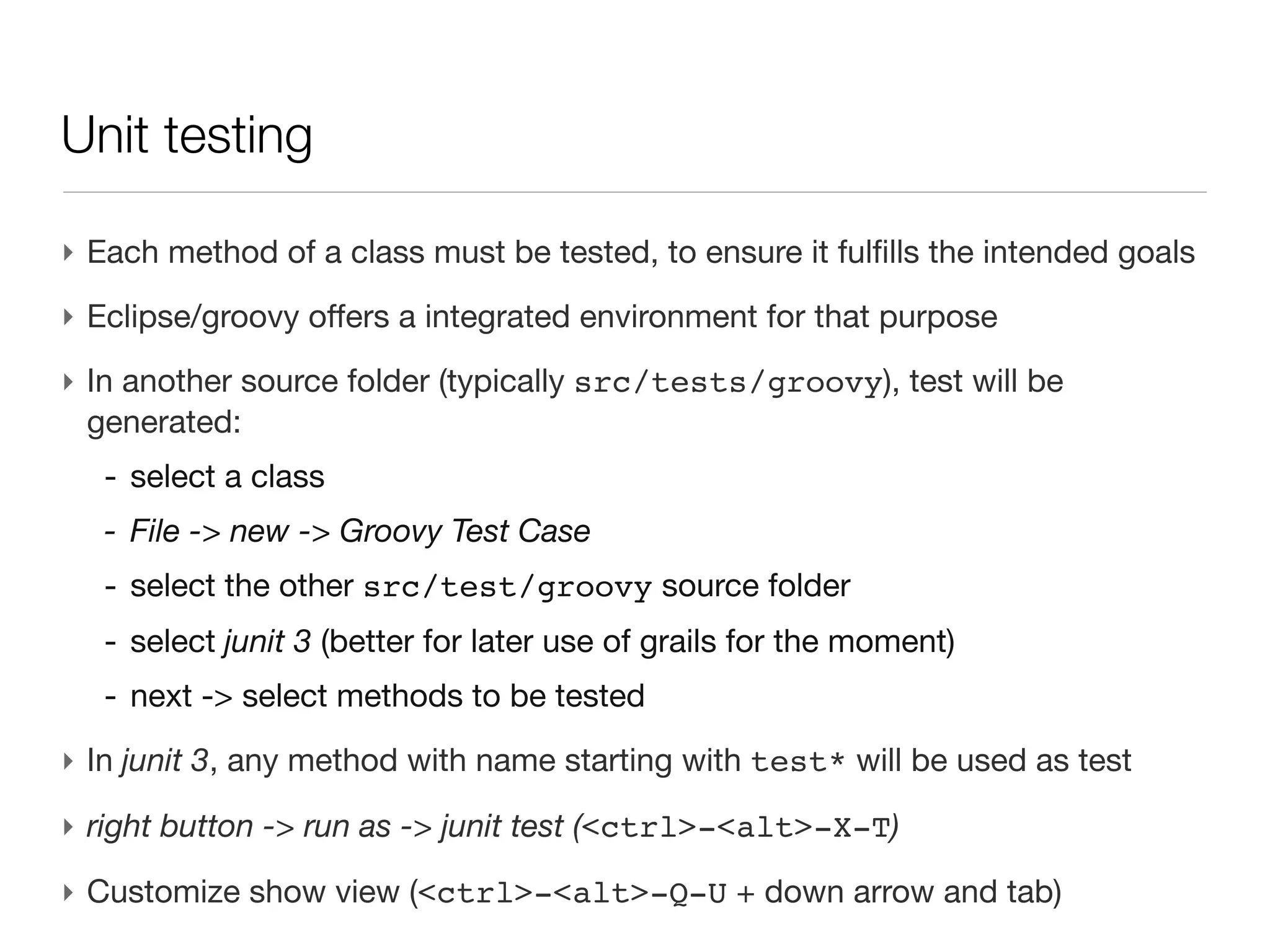
    Unit testing (cont’d) ‣ In another source folder (typically src/tests/groovy), test will be generated: - select a class - File -> new -> Groovy Test Case - select the other src/test/groovy source folder - select junit 3 (better for later use of grails for the moment) - next -> select methods to be tested
  • 107.
    Unit testing (cont’d) ‣ In another source folder (typically src/tests/groovy), test will be generated: - select a class - File -> new -> Groovy Test Case - select the other src/test/groovy source folder - select junit 3 (better for later use of grails for the moment) - next -> select methods to be tested ‣ In junit 3, any method with name starting with test* will be used as test
  • 108.
    Unit testing (cont’d) ‣ In another source folder (typically src/tests/groovy), test will be generated: - select a class - File -> new -> Groovy Test Case - select the other src/test/groovy source folder - select junit 3 (better for later use of grails for the moment) - next -> select methods to be tested ‣ In junit 3, any method with name starting with test* will be used as test ‣ right button -> run as -> junit test (<ctrl>-<alt>-X-T)
  • 109.
    Unit testing (cont’d) ‣ In another source folder (typically src/tests/groovy), test will be generated: - select a class - File -> new -> Groovy Test Case - select the other src/test/groovy source folder - select junit 3 (better for later use of grails for the moment) - next -> select methods to be tested ‣ In junit 3, any method with name starting with test* will be used as test ‣ right button -> run as -> junit test (<ctrl>-<alt>-X-T) ‣ Customize show view (<ctrl>-<alt>-Q-U + down arrow and tab)

Editor's Notes

  • #2 \n
  • #3 horizontal learning\n
  • #4 read the function shortcuts and try to memorize your most commons\n
  • #5 read the function shortcuts and try to memorize your most commons\n
  • #6 read the function shortcuts and try to memorize your most commons\n
  • #7 read the function shortcuts and try to memorize your most commons\n
  • #8 read the function shortcuts and try to memorize your most commons\n
  • #9 read the function shortcuts and try to memorize your most commons\n
  • #10 read the function shortcuts and try to memorize your most commons\n
  • #11 read the function shortcuts and try to memorize your most commons\n
  • #12 read the function shortcuts and try to memorize your most commons\n
  • #13 wget, use -O\n
  • #14 wget, use -O\n
  • #15 wget, use -O\n
  • #16 carbon case\n
  • #17 I don&amp;#x2019;t see any advantage of storing info in text file, except maybe for large output of data in a very controlled environment, or for piping local info (think of exporting data to R)\nGB is cheap, speed in reading is often not the major issue\n
  • #18 I don&amp;#x2019;t see any advantage of storing info in text file, except maybe for large output of data in a very controlled environment, or for piping local info (think of exporting data to R)\nGB is cheap, speed in reading is often not the major issue\n
  • #19 I don&amp;#x2019;t see any advantage of storing info in text file, except maybe for large output of data in a very controlled environment, or for piping local info (think of exporting data to R)\nGB is cheap, speed in reading is often not the major issue\n
  • #20 I don&amp;#x2019;t see any advantage of storing info in text file, except maybe for large output of data in a very controlled environment, or for piping local info (think of exporting data to R)\nGB is cheap, speed in reading is often not the major issue\n
  • #21 I don&amp;#x2019;t see any advantage of storing info in text file, except maybe for large output of data in a very controlled environment, or for piping local info (think of exporting data to R)\nGB is cheap, speed in reading is often not the major issue\n
  • #22 I don&amp;#x2019;t see any advantage of storing info in text file, except maybe for large output of data in a very controlled environment, or for piping local info (think of exporting data to R)\nGB is cheap, speed in reading is often not the major issue\n
  • #23 I don&amp;#x2019;t see any advantage of storing info in text file, except maybe for large output of data in a very controlled environment, or for piping local info (think of exporting data to R)\nGB is cheap, speed in reading is often not the major issue\n
  • #24 I don&amp;#x2019;t see any advantage of storing info in text file, except maybe for large output of data in a very controlled environment, or for piping local info (think of exporting data to R)\nGB is cheap, speed in reading is often not the major issue\n
  • #25 \n
  • #26 \n
  • #27 \n
  • #28 widely used solution in bioinformatics - a very common way to export data\nOpen office and even MS Word / excel native file format is now XML\n\n
  • #29 root of the document is a single el containing it all\ntake care of nesting comments\n
  • #30 root of the document is a single el containing it all\ntake care of nesting comments\n
  • #31 root of the document is a single el containing it all\ntake care of nesting comments\n
  • #32 root of the document is a single el containing it all\ntake care of nesting comments\n
  • #33 root of the document is a single el containing it all\ntake care of nesting comments\n
  • #34 almost a philosophical question (computer scientist philosophy???)\nsome love all attributes or all elements\na middle line is often a good practical tradeoff\n
  • #35 almost a philosophical question (computer scientist philosophy???)\nsome love all attributes or all elements\na middle line is often a good practical tradeoff\n
  • #36 disk is cheap\nfast disk (even SSD)\nfile in memory\n
  • #37 disk is cheap\nfast disk (even SSD)\nfile in memory\n
  • #38 disk is cheap\nfast disk (even SSD)\nfile in memory\n
  • #39 \n
  • #40 \n
  • #41 \n
  • #42 \n
  • #43 \n
  • #44 \n
  • #45 only the amino acid from a global chemical definition file\ndon&amp;#x2019;t load the isotopic distribution\nonly element with mass &lt;100Da ...\na factor 10 in term of memory\n
  • #46 only the amino acid from a global chemical definition file\ndon&amp;#x2019;t load the isotopic distribution\nonly element with mass &lt;100Da ...\na factor 10 in term of memory\n
  • #47 only the amino acid from a global chemical definition file\ndon&amp;#x2019;t load the isotopic distribution\nonly element with mass &lt;100Da ...\na factor 10 in term of memory\n
  • #48 GPathResult\nDOM =&gt; memory ~ 10x the file (swissProt.xml = 4GB)\n
  • #49 GPathResult\nDOM =&gt; memory ~ 10x the file (swissProt.xml = 4GB)\n
  • #50 GPathResult\nDOM =&gt; memory ~ 10x the file (swissProt.xml = 4GB)\n
  • #51 GPathResult\nDOM =&gt; memory ~ 10x the file (swissProt.xml = 4GB)\n
  • #52 GPathResult\nDOM =&gt; memory ~ 10x the file (swissProt.xml = 4GB)\n
  • #53 see lecture 4 project on dokeos lecture demo script\n
  • #54 root element is not to be specified in the path\nconversion to String with .text()\nwe could go recursively to children\n
  • #55 root element is not to be specified in the path\nconversion to String with .text()\nwe could go recursively to children\n
  • #56 root element is not to be specified in the path\nconversion to String with .text()\nwe could go recursively to children\n
  • #57 root element is not to be specified in the path\nconversion to String with .text()\nwe could go recursively to children\n
  • #58 it.@symbol =&gt; toString() conversion by default\n
  • #59 it.@symbol =&gt; toString() conversion by default\n
  • #60 will be very similar with database SELECT like philosophy\n*. to apply \n
  • #61 will be very similar with database SELECT like philosophy\n*. to apply \n
  • #62 will be very similar with database SELECT like philosophy\n*. to apply \n
  • #63 will be very similar with database SELECT like philosophy\n*. to apply \n
  • #64 will be very similar with database SELECT like philosophy\n*. to apply \n
  • #65 will be very similar with database SELECT like philosophy\n*. to apply \n
  • #66 &amp;#x201C;enforced&amp;#x201D; contrary to map\nwe see a very few basics today, we&amp;#x2019;ll go in more details in the following lectures\n * more OOP functionalities\n * OOP patterns\ngo to exercise to see in more details\n
  • #67 &amp;#x201C;enforced&amp;#x201D; contrary to map\nwe see a very few basics today, we&amp;#x2019;ll go in more details in the following lectures\n * more OOP functionalities\n * OOP patterns\ngo to exercise to see in more details\n
  • #68 &amp;#x201C;enforced&amp;#x201D; contrary to map\nwe see a very few basics today, we&amp;#x2019;ll go in more details in the following lectures\n * more OOP functionalities\n * OOP patterns\ngo to exercise to see in more details\n
  • #69 \n
  • #70 \n
  • #71 \n
  • #72 \n
  • #73 \n
  • #74 \n
  • #75 \n
  • #76 \n
  • #77 \n
  • #78 \n
  • #79 \n
  • #80 a file Protein.groovy is created\npackage &amp; class file are only directories &amp; files =&gt; no magic, use any text editor\n
  • #81 a file Protein.groovy is created\npackage &amp; class file are only directories &amp; files =&gt; no magic, use any text editor\n
  • #82 a file Protein.groovy is created\npackage &amp; class file are only directories &amp; files =&gt; no magic, use any text editor\n
  • #83 a file Protein.groovy is created\npackage &amp; class file are only directories &amp; files =&gt; no magic, use any text editor\n
  • #84 a file Protein.groovy is created\npackage &amp; class file are only directories &amp; files =&gt; no magic, use any text editor\n
  • #85 setter /getter with java standard\nno properties with reserved word\nif needed access to field directly through gui.@name\n
  • #86 setter /getter with java standard\nno properties with reserved word\nif needed access to field directly through gui.@name\n
  • #87 setter /getter with java standard\nno properties with reserved word\nif needed access to field directly through gui.@name\n
  • #88 setter /getter with java standard\nno properties with reserved word\nif needed access to field directly through gui.@name\n
  • #89 setter /getter with java standard\nno properties with reserved word\nif needed access to field directly through gui.@name\n
  • #90 Example: Integer.MAX_VALUE\n
  • #91 Example: Integer.MAX_VALUE\n
  • #92 Example: Integer.MAX_VALUE\n
  • #93 much simpler than java\n
  • #94 much simpler than java\n
  • #95 much simpler than java\n
  • #96 much simpler than java\n
  • #97 method &lt; 10 statements\n
  • #98 method &lt; 10 statements\n
  • #99 method &lt; 10 statements\n
  • #100 method &lt; 10 statements\n
  • #101 method &lt; 10 statements\n
  • #102  Go to lecture 4 practicals for more example\n
  • #103  Go to lecture 4 practicals for more example\n
  • #104  Go to lecture 4 practicals for more example\n
  • #105  Go to lecture 4 practicals for more example\n
  • #106  Go to lecture 4 practicals for more example\n
  • #107  Go to lecture 4 practicals for more example\n
  • #108  Go to lecture 4 practicals for more example\n