Groovy: Efficiency Oriented Programming
Lecture 6
Master Proteomics & Bioinformatics - University of Geneva
Alexandre Masselot - summer 2011
Contents

‣ Eclipse tips
‣ Productive tip
‣ Two thoughts on code design
‣ Running a script standalone
‣ test case: build all isoforms & extract proteotypic peptides
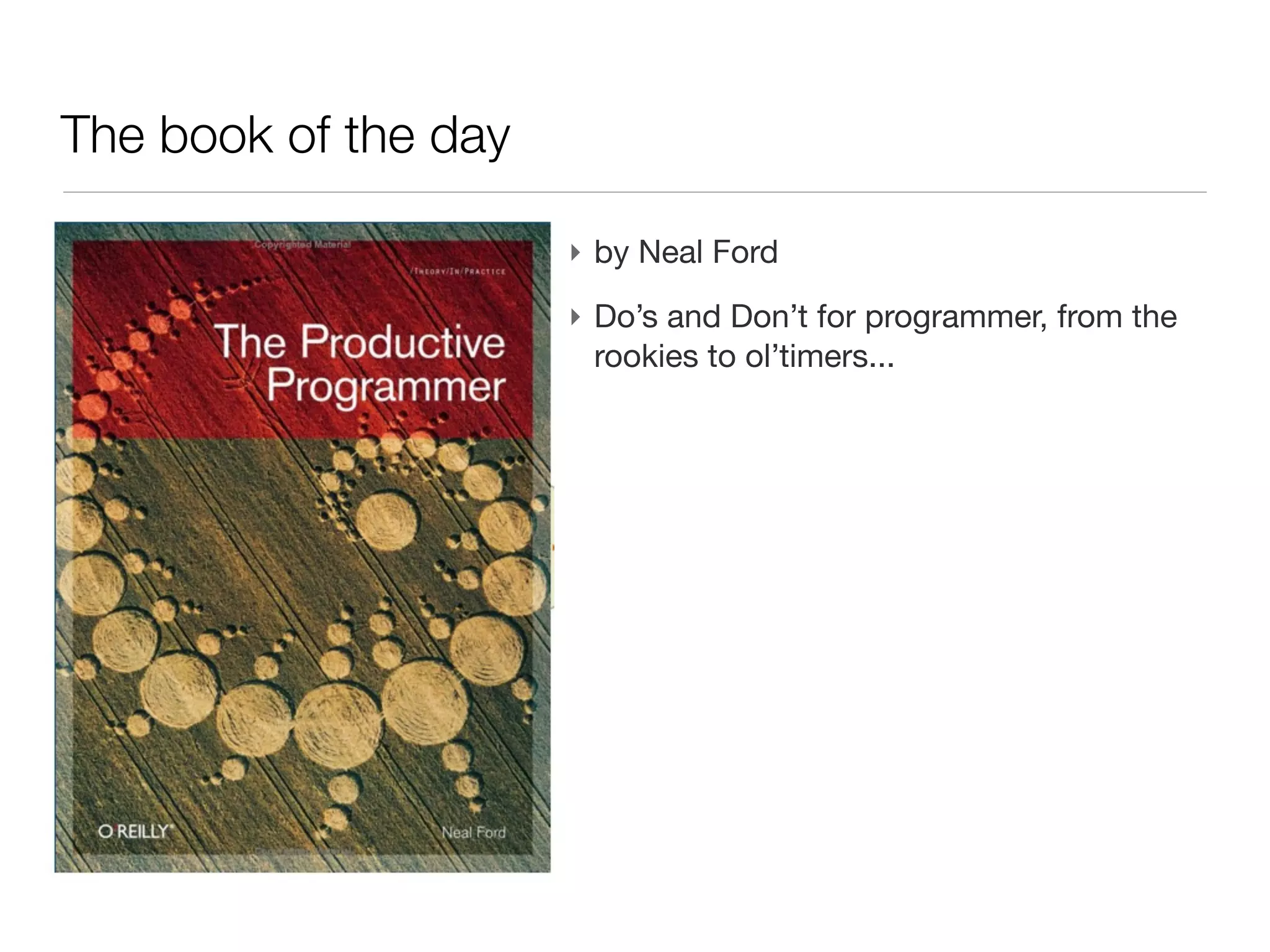
The book of the day

                      ‣ by Neal Ford
                      ‣ Do’s and Don’t for programmer, from the
                        rookies to ol’timers...
Go productive: clipboard history

‣ Working with a computer induces a lot of cut/past (<ctrl>-C / <ctrl>-V)
Go productive: clipboard history

‣ Working with a computer induces a lot of cut/past (<ctrl>-C / <ctrl>-V)
‣ In practice, you often refer (or intent to refer) to a piece of text you cut a
  few minutes ago
Go productive: clipboard history

‣ Working with a computer induces a lot of cut/past (<ctrl>-C / <ctrl>-V)
‣ In practice, you often refer (or intent to refer) to a piece of text you cut a
  few minutes ago
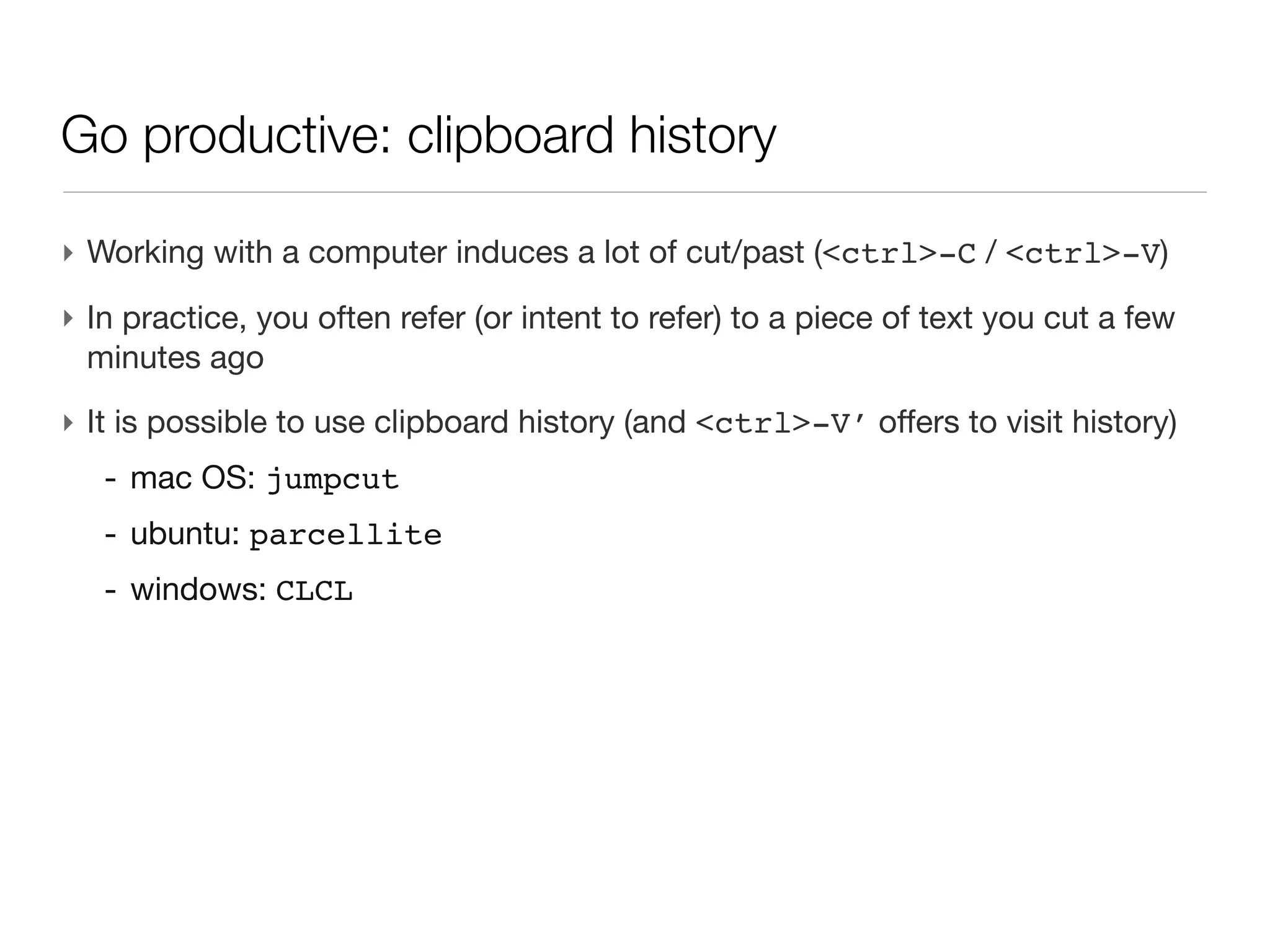
‣ It is possible to use clipboard history (and <ctrl>-V’ offers to visit
  history)
   - mac OS: jumpcut
   - ubuntu: parcellite
   - windows: CLCL
Go productive: clipboard history

‣ Working with a computer induces a lot of cut/past (<ctrl>-C / <ctrl>-V)
‣ In practice, you often refer (or intent to refer) to a piece of text you cut a
  few minutes ago
‣ It is possible to use clipboard history (and <ctrl>-V’ offers to visit
  history)
   - mac OS: jumpcut
   - ubuntu: parcellite
   - windows: CLCL
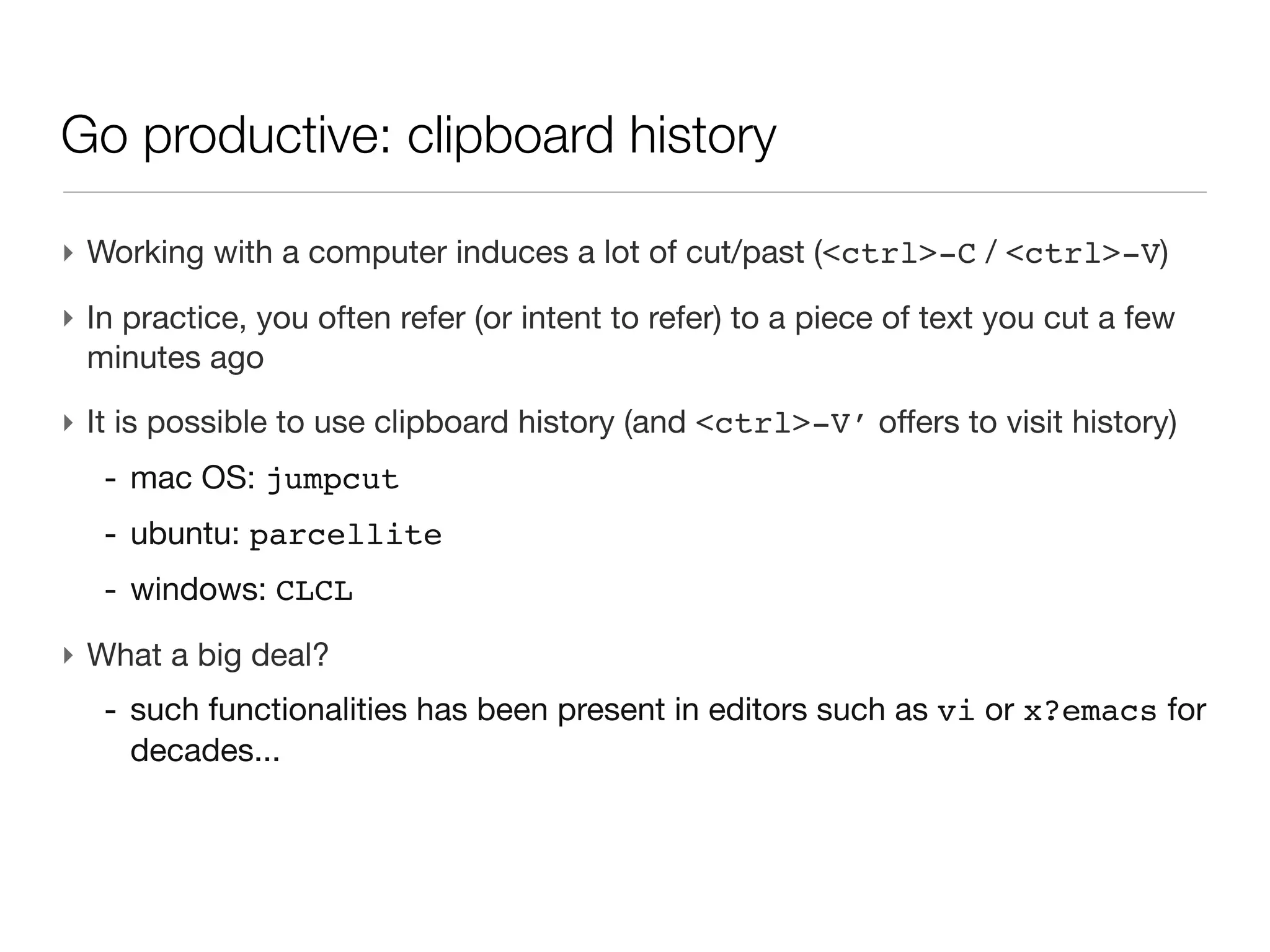
‣ What a big deal?
   - such functionalities has been present in editors such as vi or x?emacs
     for decades...
Eclipse tips
Eclipse tips


‣ create documentation for a method (filled with method parameters)
  - place the cursor on the method name
  - right button > source > generate comment
  - or <ctrl>-<alt>-J
  - documentation is ready to be exported in a html javadoc
Eclipse tips
Eclipse tips


‣ How to know where a method is called?
  - place the cursor on the method declaration
  - right button > open call hierarchy
  - or <ctrl>-<alt>-H
DRY: Don’t Repeat Yourself


                             7
Code design: DRY


‣ <ctrl>-C / <ctrl>-V is the most common shortcut        appealing to
 duplicate a piece of “working” code into another part of the software
Code design: DRY


‣ Problems:
Code design: DRY


‣ Problems:
  - harder to understand where a given action is coded,
Code design: DRY


‣ Problems:
  - harder to understand where a given action is coded,
  - hard to maintain bug.
Code design: DRY


‣ Fight against DRY:
Code design: DRY


‣ Fight against DRY:
  - refactor your code continuously (test are there to ensure stability).
Code design: DRY


‣ Fight against DRY:
  - refactor your code continuously (test are there to ensure stability).
  - tackle duplication in your process at any level
Code design: DRY


‣ Fight against DRY:
  - refactor your code continuously (test are there to ensure stability).
  - tackle duplication in your process at any level
  - time spent for factorizing process or code is almost never a waste
YAGNI: You Ain’t Gonna Need It


                                 11
Code design: YAGNI


‣ A very common pitfall when writing code it to follow some enthusiasm and
  imagine features that are (on the instant you imagine them):
Code design: YAGNI


‣ A very common pitfall when writing code it to follow some enthusiasm and
  imagine features that are (on the instant you imagine them):
  - very cool,
Code design: YAGNI


‣ A very common pitfall when writing code it to follow some enthusiasm and
  imagine features that are (on the instant you imagine them):
  - very cool,
  - you have a bright idea on how to implement them,
Code design: YAGNI


‣ A very common pitfall when writing code it to follow some enthusiasm and
  imagine features that are (on the instant you imagine them):
  - very cool,
  - you have a bright idea on how to implement them,
  - even though they don’t answer a particular need at that time, you “feel”
    they would be “cool to have in the future”
Code design: YAGNI


‣ Problems:
Code design: YAGNI


‣ Problems:
  - the code get more complex, harder to maintain,
Code design: YAGNI


‣ Problems:
  - the code get more complex, harder to maintain,
  - in a few weeks of time, this feature won’t be of any use (but other will!)
Code design: YAGNI


‣ Fight YAGNI:
Code design: YAGNI


‣ Fight YAGNI:
  - stick to your customer practical needs
Code design: YAGNI


‣ Fight YAGNI:
  - stick to your customer practical needs
  - pair programming is the most efficient way to tackle such situations
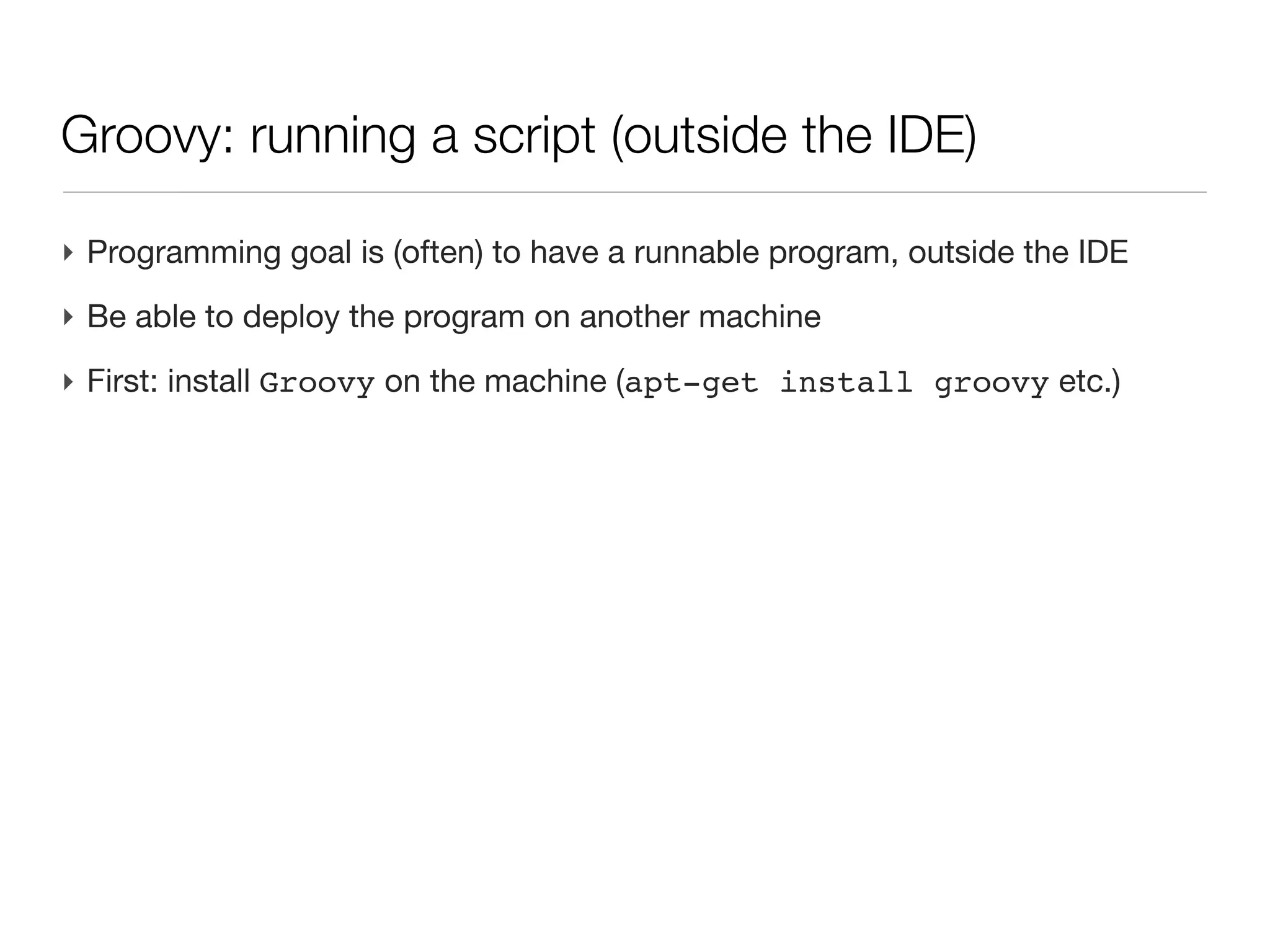
Groovy: running a script (outside the IDE)

‣ Programming goal is (often) to have a runnable program, outside the IDE
Groovy: running a script (outside the IDE)

‣ Programming goal is (often) to have a runnable program, outside the IDE
‣ Be able to deploy the program on another machine
Groovy: running a script (outside the IDE)

‣ Programming goal is (often) to have a runnable program, outside the IDE
‣ Be able to deploy the program on another machine
‣ First: install Groovy on the machine (apt-get install groovy etc.)
Groovy: running a script (outside the IDE)

‣ Programming goal is (often) to have a runnable program, outside the IDE
‣ Be able to deploy the program on another machine
‣ First: install Groovy on the machine (apt-get install groovy etc.)

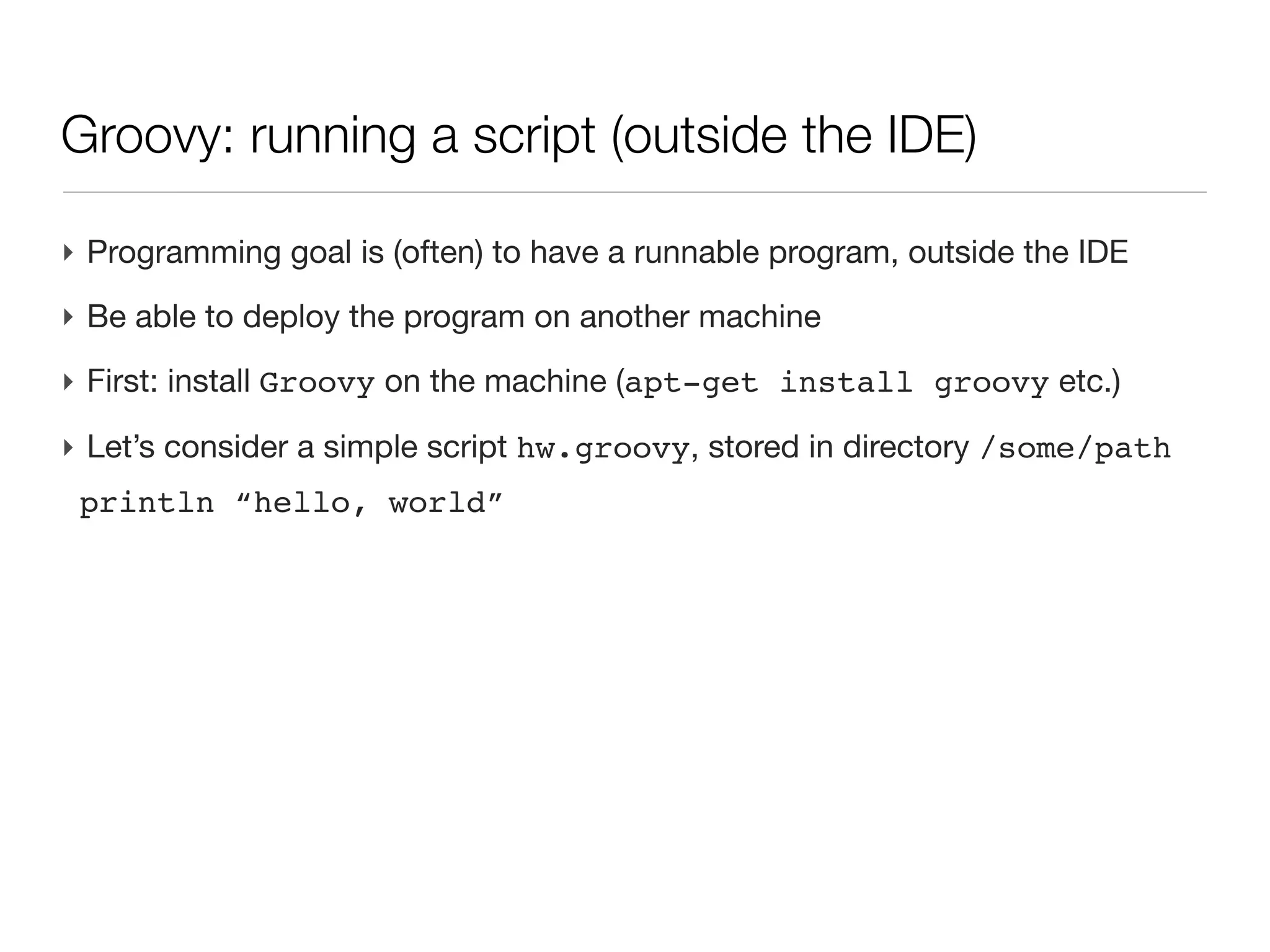
‣ Let’s consider a simple script hw.groovy, stored in directory /some/path
 println “hello, world”
Groovy: running a script (outside the IDE)

‣ Programming goal is (often) to have a runnable program, outside the IDE
‣ Be able to deploy the program on another machine
‣ First: install Groovy on the machine (apt-get install groovy etc.)

‣ Let’s consider a simple script hw.groovy, stored in directory /some/path
 println “hello, world”
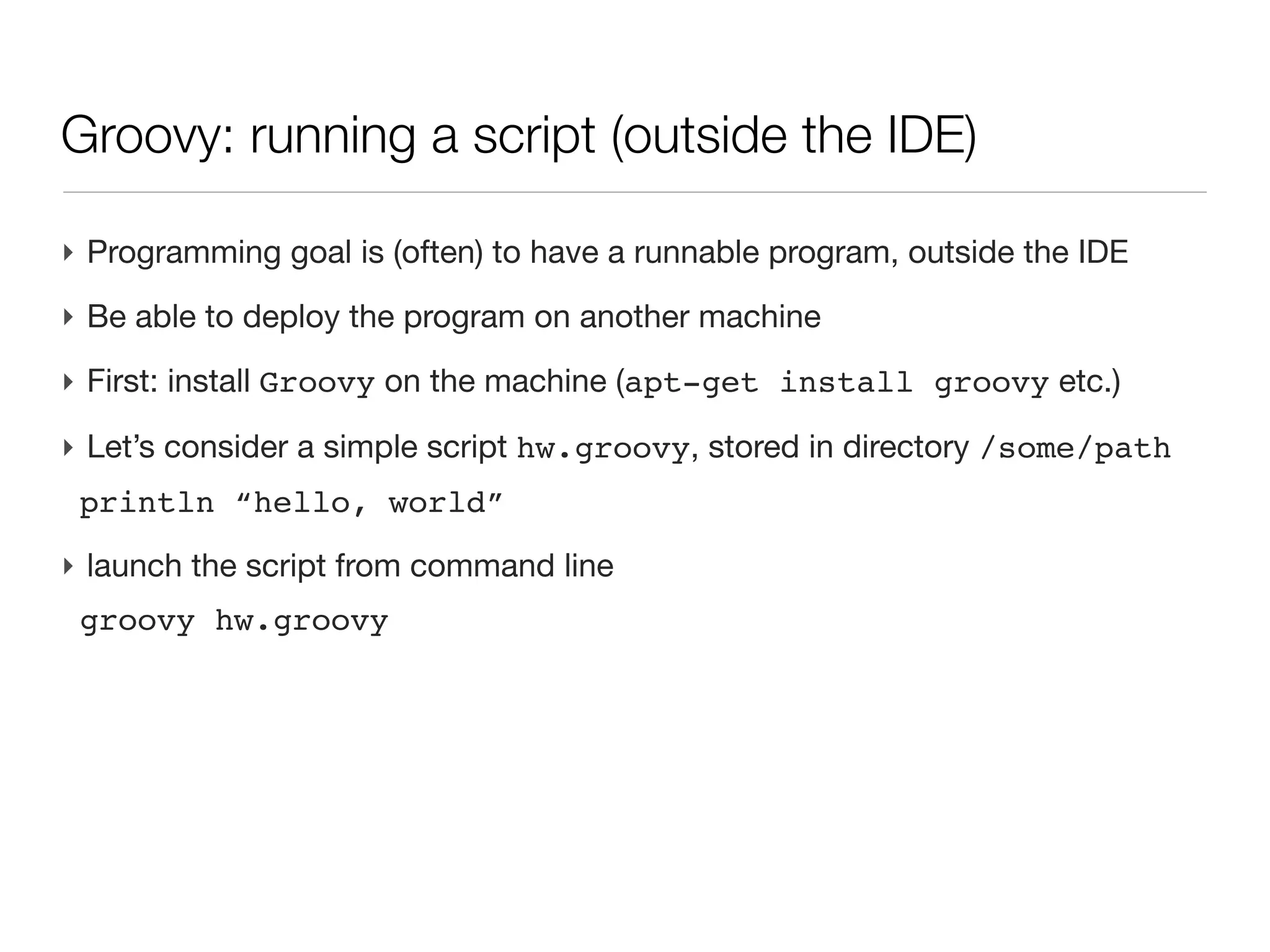
‣ launch the script from command line
 groovy hw.groovy
Parsing command line arguments

‣ Runtime arguments are passed on the command line
Parsing command line arguments

‣ Runtime arguments are passed on the command line
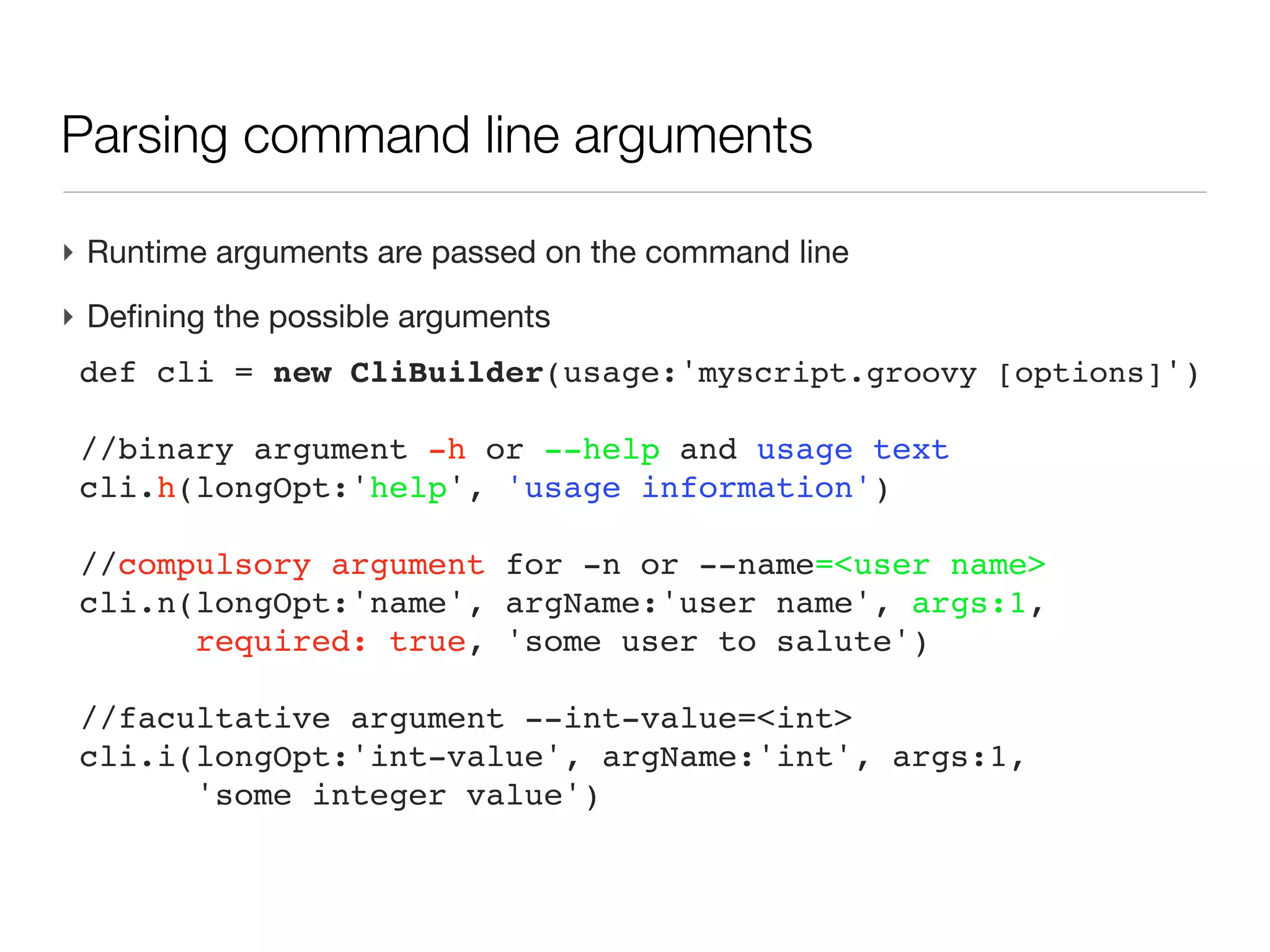
‣ Defining the possible arguments
 def cli = new CliBuilder(usage:'myscript.groovy [options]')

 //binary argument -h or --help and usage text
 cli.h(longOpt:'help', 'usage information')

 //compulsory argument for -n or --name=<user name>
 cli.n(longOpt:'name', argName:'user name', args:1,
       required: true, 'some user to salute')

 //facultative argument --int-value=<int>
 cli.i(longOpt:'int-value', argName:'int', args:1,
       'some integer value')
Parsing command line arguments   (cont’d)

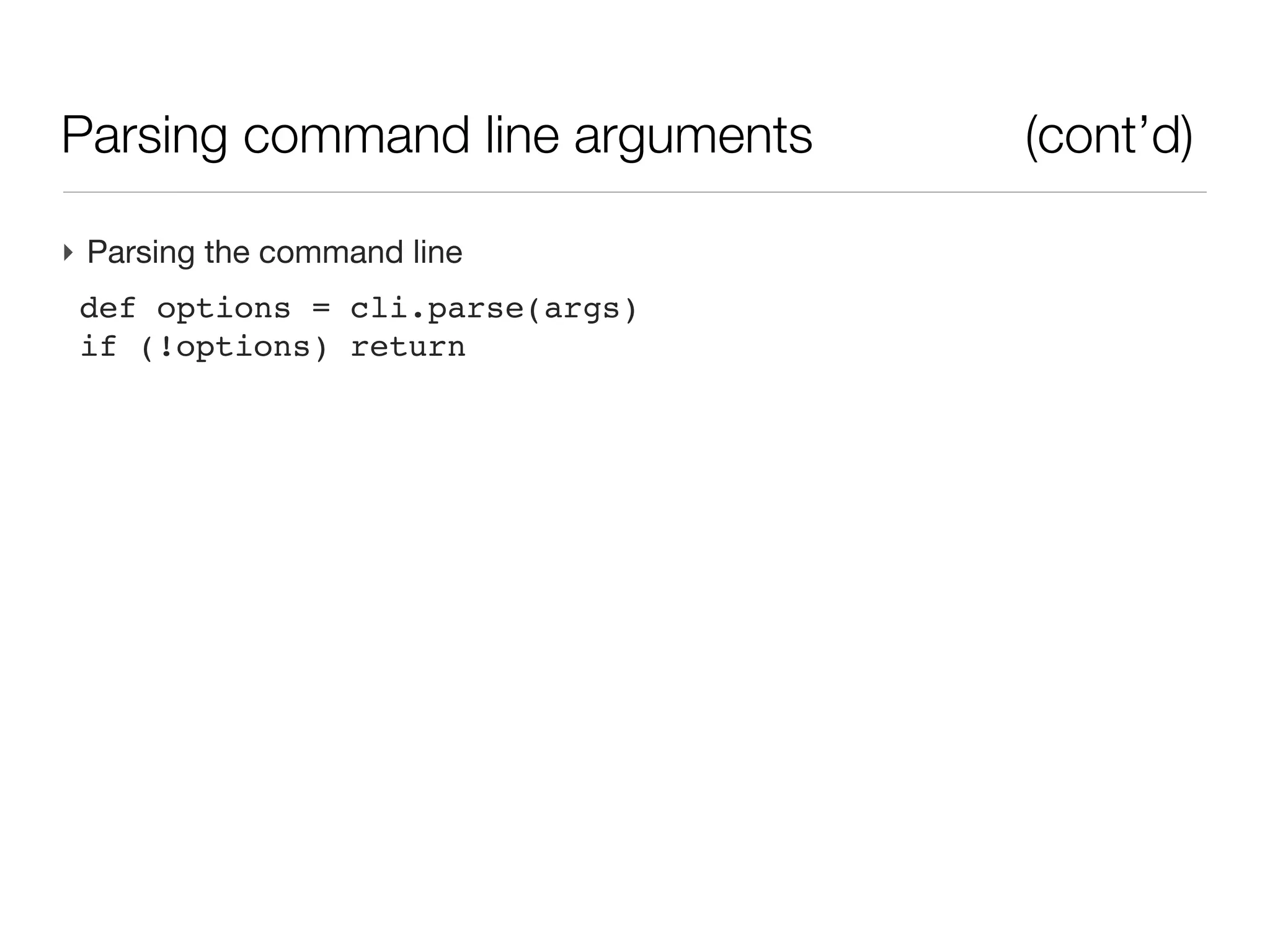
‣ Parsing the command line
 def options = cli.parse(args)
 if (!options) return
Parsing command line arguments   (cont’d)

‣ Parsing the command line
 def options = cli.parse(args)
 if (!options) return
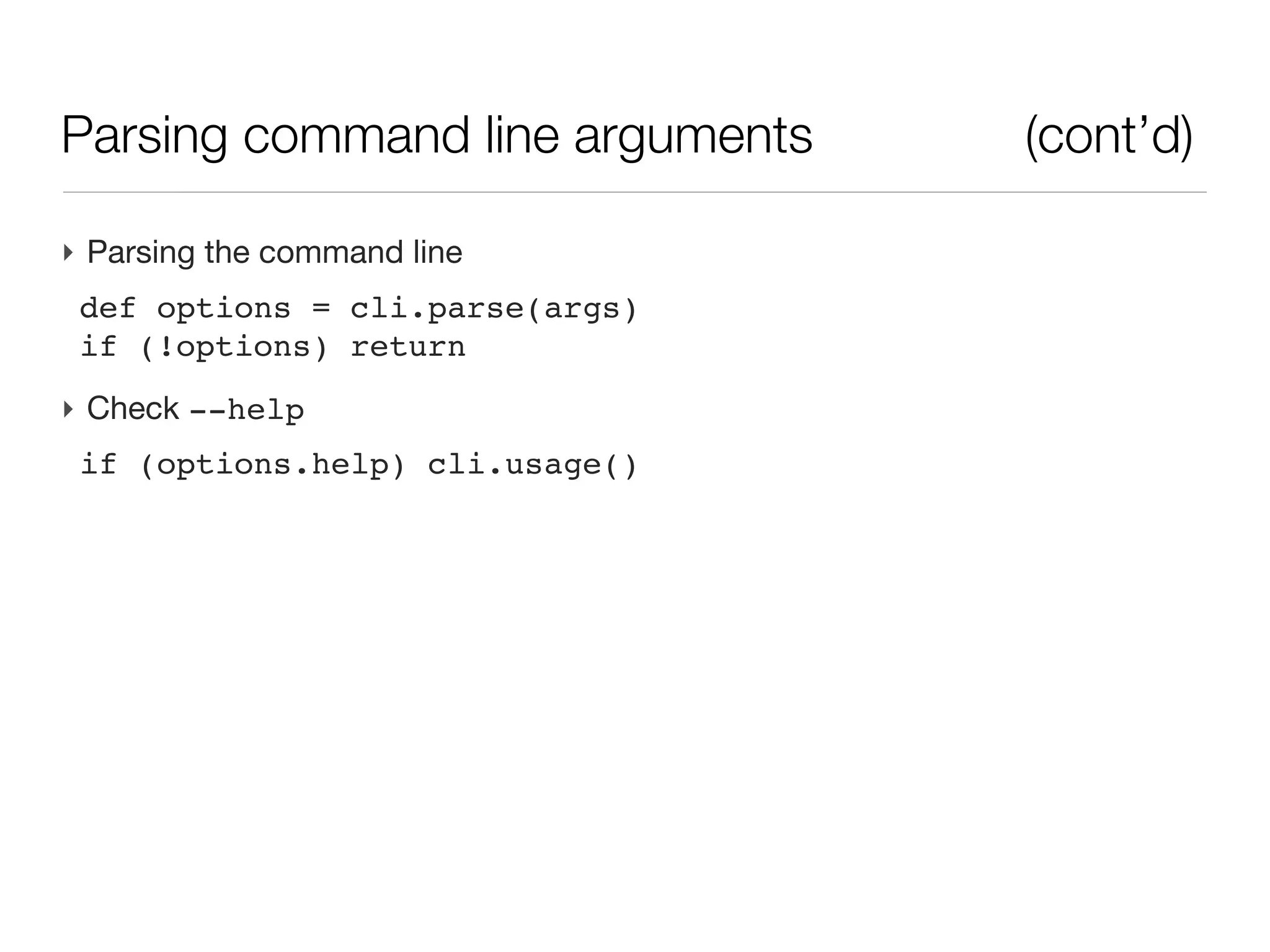
‣ Check --help
 if (options.help) cli.usage()
Parsing command line arguments                   (cont’d)

‣ Parsing the command line
 def options = cli.parse(args)
 if (!options) return
‣ Check --help
 if (options.help) cli.usage()
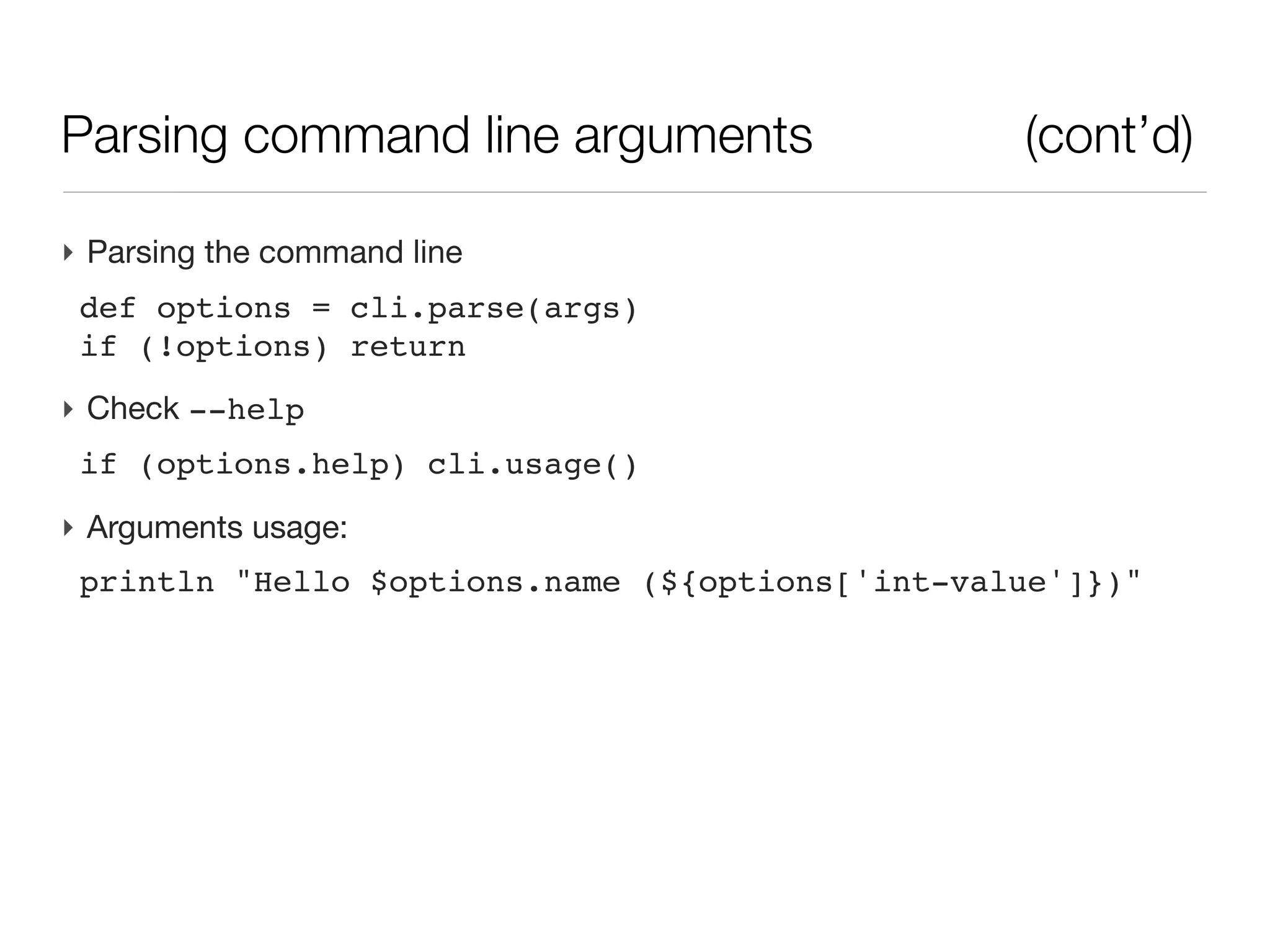
‣ Arguments usage:
 println "Hello $options.name (${options['int-value']})"
Parsing command line arguments                 (cont’d)

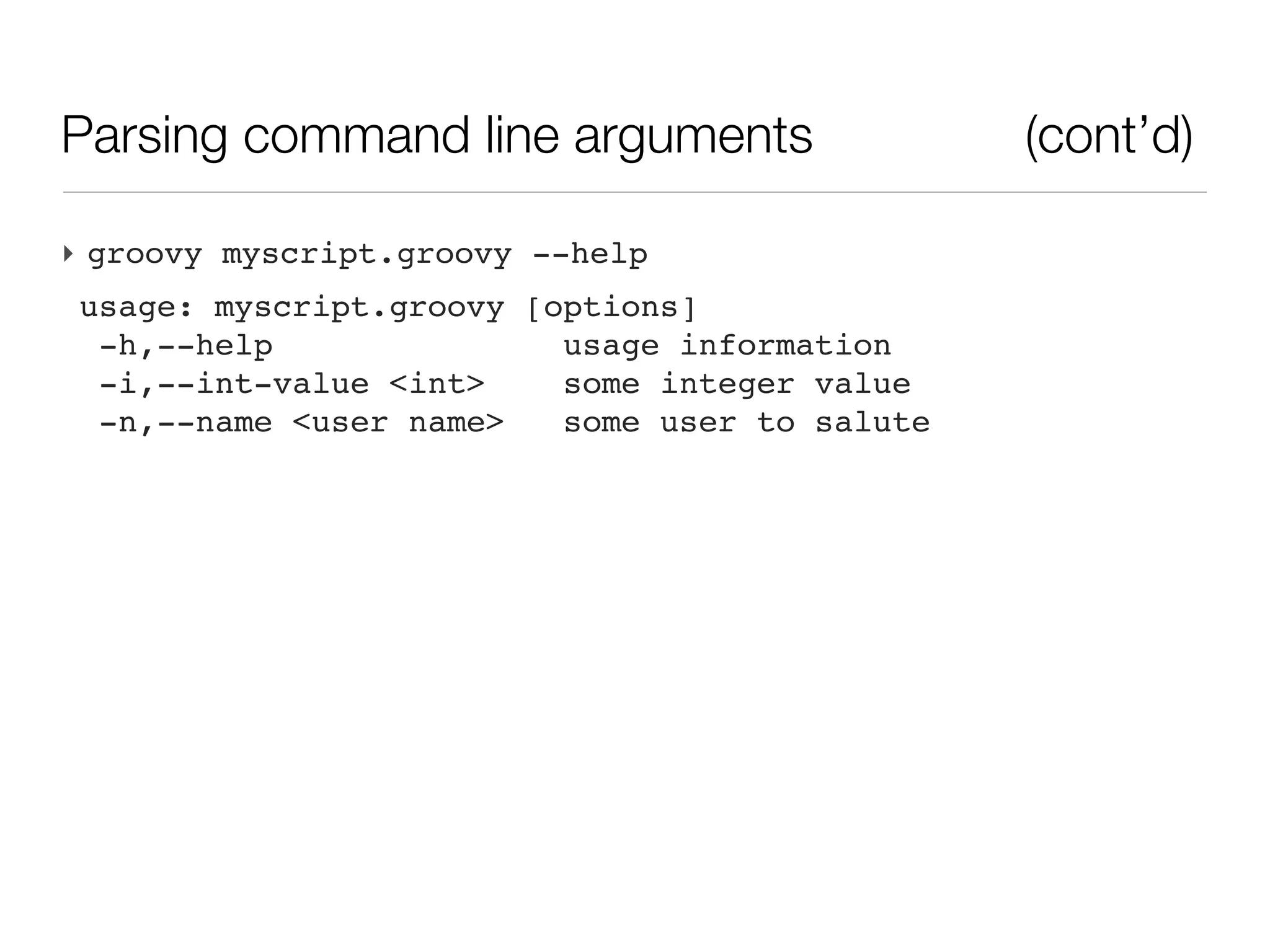
‣ groovy myscript.groovy --help
usage: myscript.groovy [options]
 -h,--help               usage information
 -i,--int-value <int>    some integer value
 -n,--name <user name>   some user to salute
Parsing command line arguments                      (cont’d)

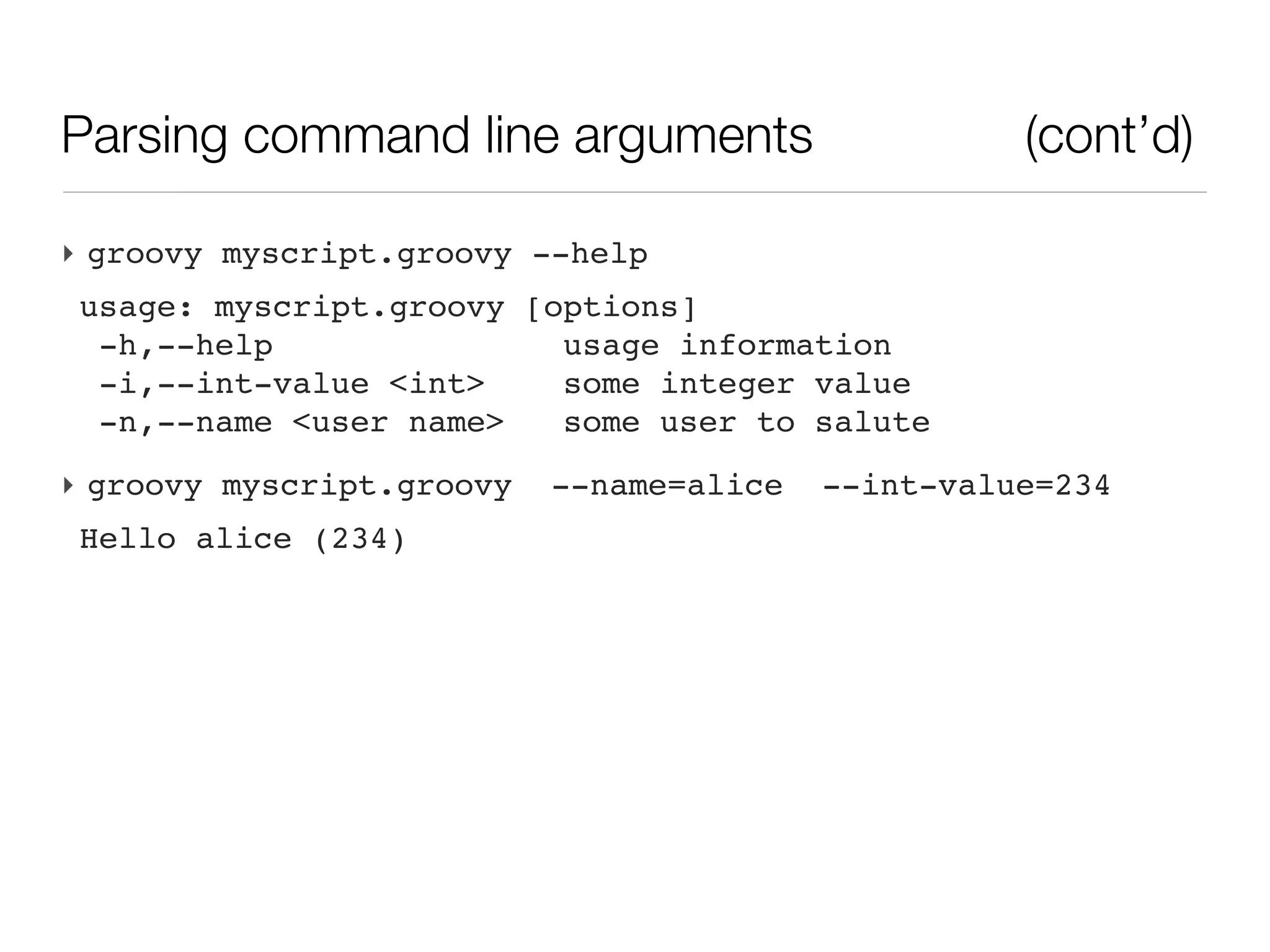
‣ groovy myscript.groovy --help
usage: myscript.groovy [options]
 -h,--help               usage information
 -i,--int-value <int>    some integer value
 -n,--name <user name>   some user to salute
‣ groovy myscript.groovy   --name=alice   --int-value=234
Hello alice (234)
Parsing command line arguments                                 (cont’d)

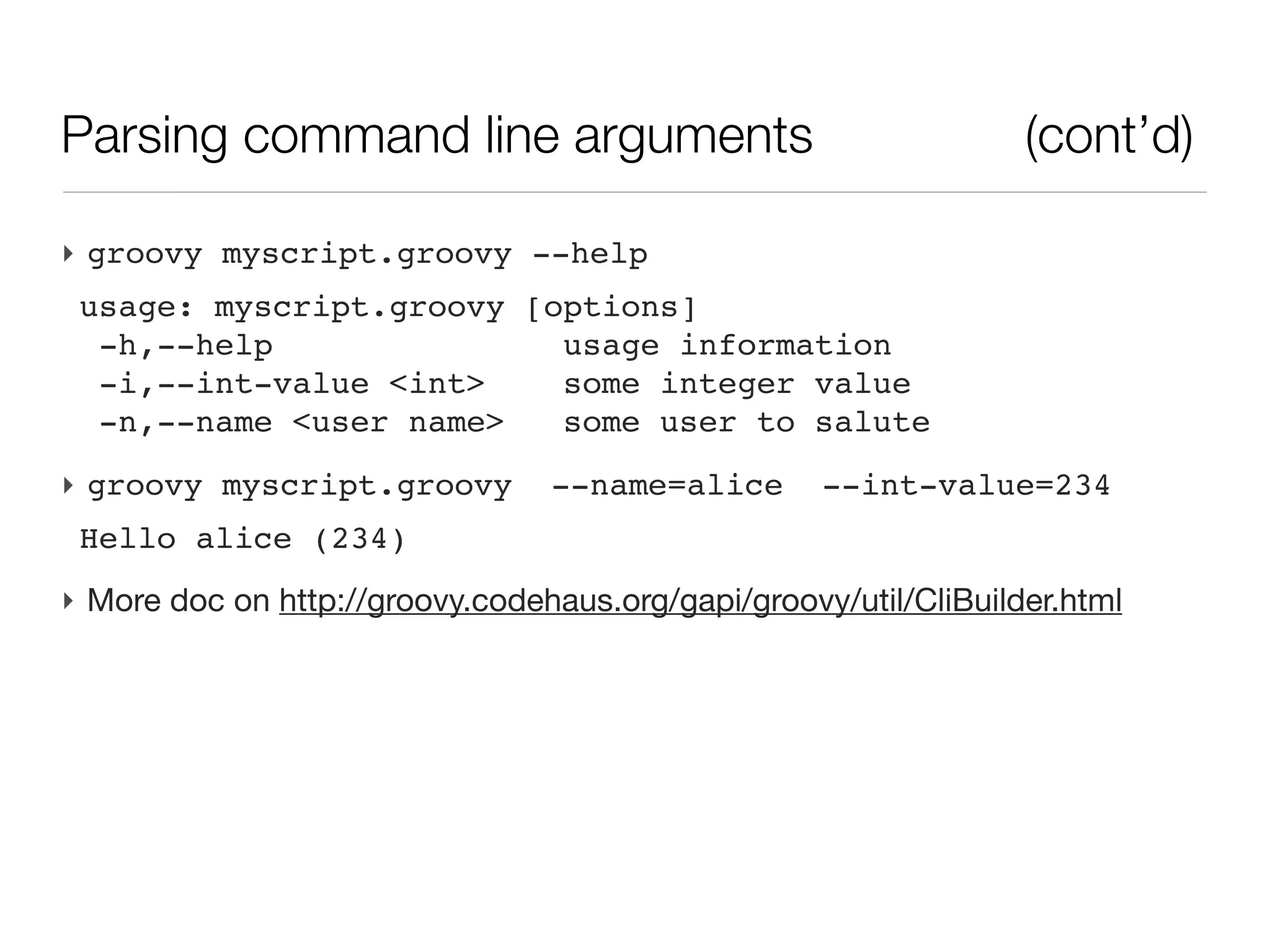
‣ groovy myscript.groovy --help
 usage: myscript.groovy [options]
  -h,--help               usage information
  -i,--int-value <int>    some integer value
  -n,--name <user name>   some user to salute
‣ groovy myscript.groovy        --name=alice      --int-value=234
 Hello alice (234)
‣ More doc on http://groovy.codehaus.org/gapi/groovy/util/CliBuilder.html
Parsing command line arguments                    (cont’d)

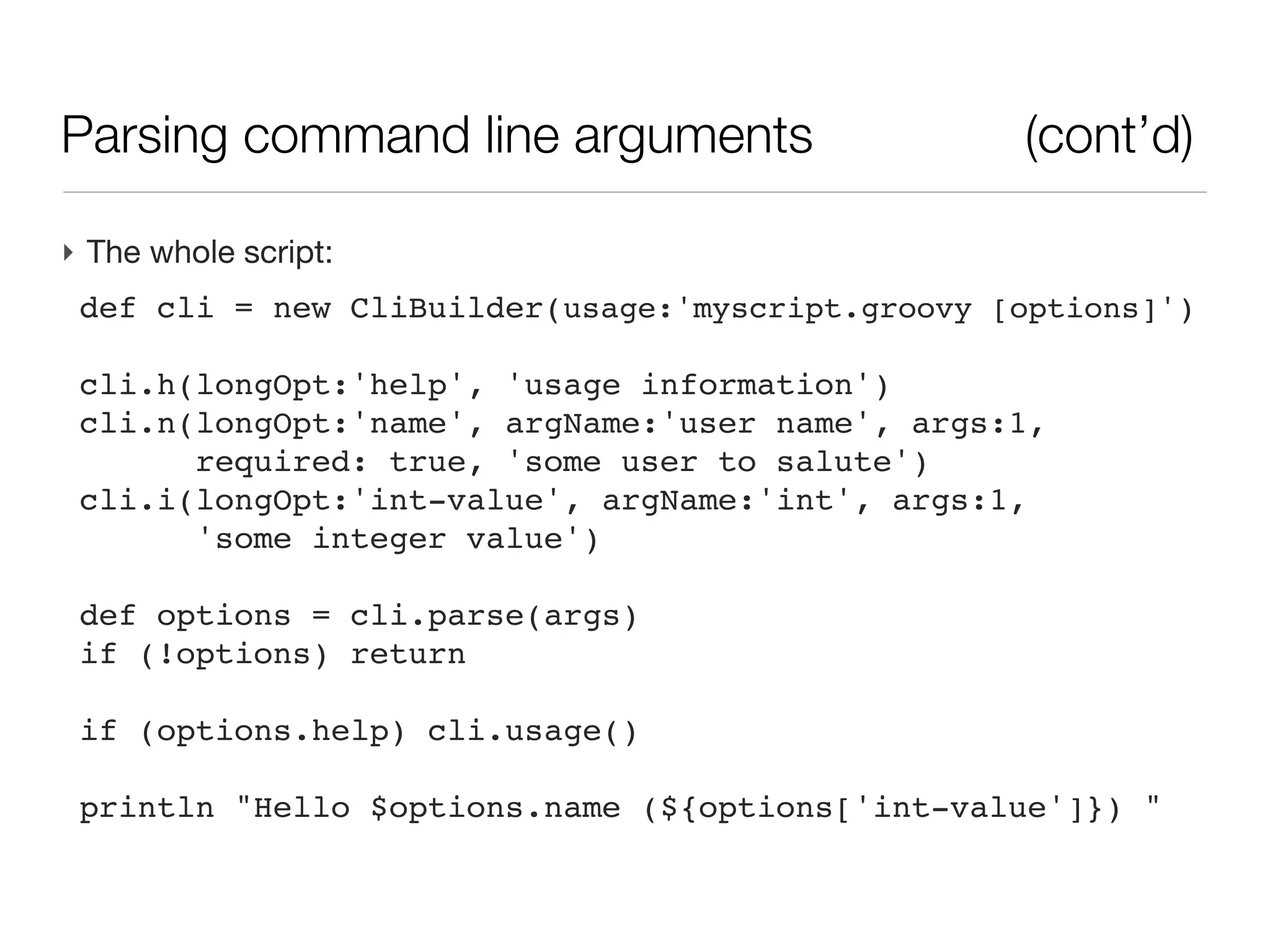
‣ The whole script:
 def cli = new CliBuilder(usage:'myscript.groovy [options]')

 cli.h(longOpt:'help', 'usage information')
 cli.n(longOpt:'name', argName:'user name', args:1,
       required: true, 'some user to salute')
 cli.i(longOpt:'int-value', argName:'int', args:1,
       'some integer value')

 def options = cli.parse(args)
 if (!options) return

 if (options.help) cli.usage()

 println "Hello $options.name (${options['int-value']}) "
Running a script with a packaged library

‣ A script by itself is soon meaningless, it is often backed by a library of
  packaged classes for doing the actual business
Running a script with a packaged library

‣ A script by itself is soon meaningless, it is often backed by a library of
  packaged classes for doing the actual business
‣ The script is often the last assembly of coded (and tested) functionalities
Running a script with a packaged library

‣ A script by itself is soon meaningless, it is often backed by a library of
  packaged classes for doing the actual business
‣ The script is often the last assembly of coded (and tested) functionalities
‣ Library is packaged as a jar (Java Archive) and the script is written on the
  side, making calls to the archive
Running a script with a packaged library

‣ A script by itself is soon meaningless, it is often backed by a library of
  packaged classes for doing the actual business
‣ The script is often the last assembly of coded (and tested) functionalities
‣ Library is packaged as a jar (Java Archive) and the script is written on the
  side, making calls to the archive
‣ The jar if often the distributed part of a code
Running a script with a packaged library

‣ A script by itself is soon meaningless, it is often backed by a library of
  packaged classes for doing the actual business
‣ The script is often the last assembly of coded (and tested) functionalities
‣ Library is packaged as a jar (Java Archive) and the script is written on the
  side, making calls to the archive
‣ The jar if often the distributed part of a code

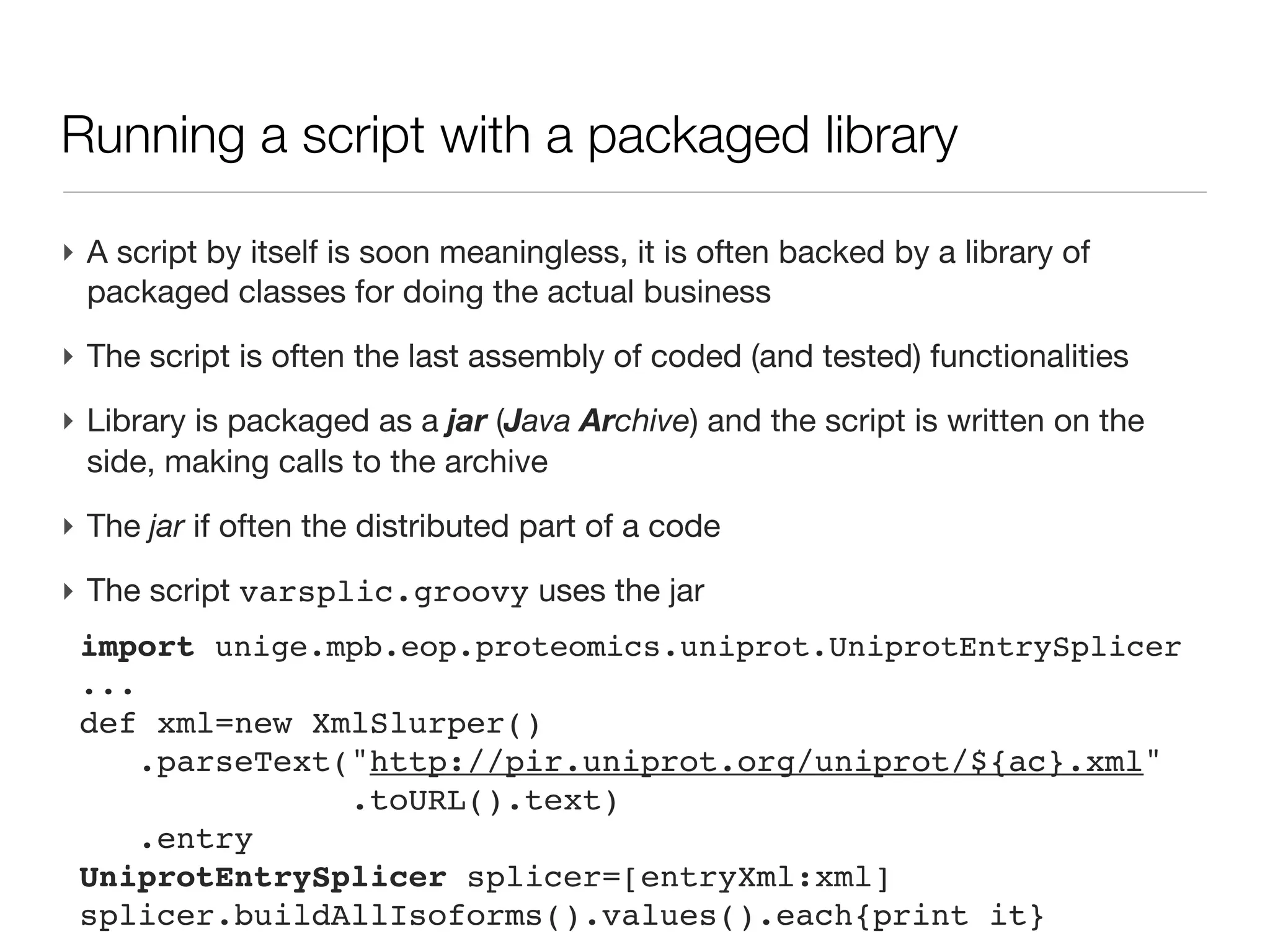
‣ The script varsplic.groovy uses the jar
 import unige.mpb.eop.proteomics.uniprot.UniprotEntrySplicer
 ...
 def xml=new XmlSlurper()
     .parseText("http://pir.uniprot.org/uniprot/${ac}.xml"
                .toURL().text)
     .entry
 UniprotEntrySplicer splicer=[entryXml:xml]
 splicer.buildAllIsoforms().values().each{print it}
Eclipse: exporting a jar from the IDE

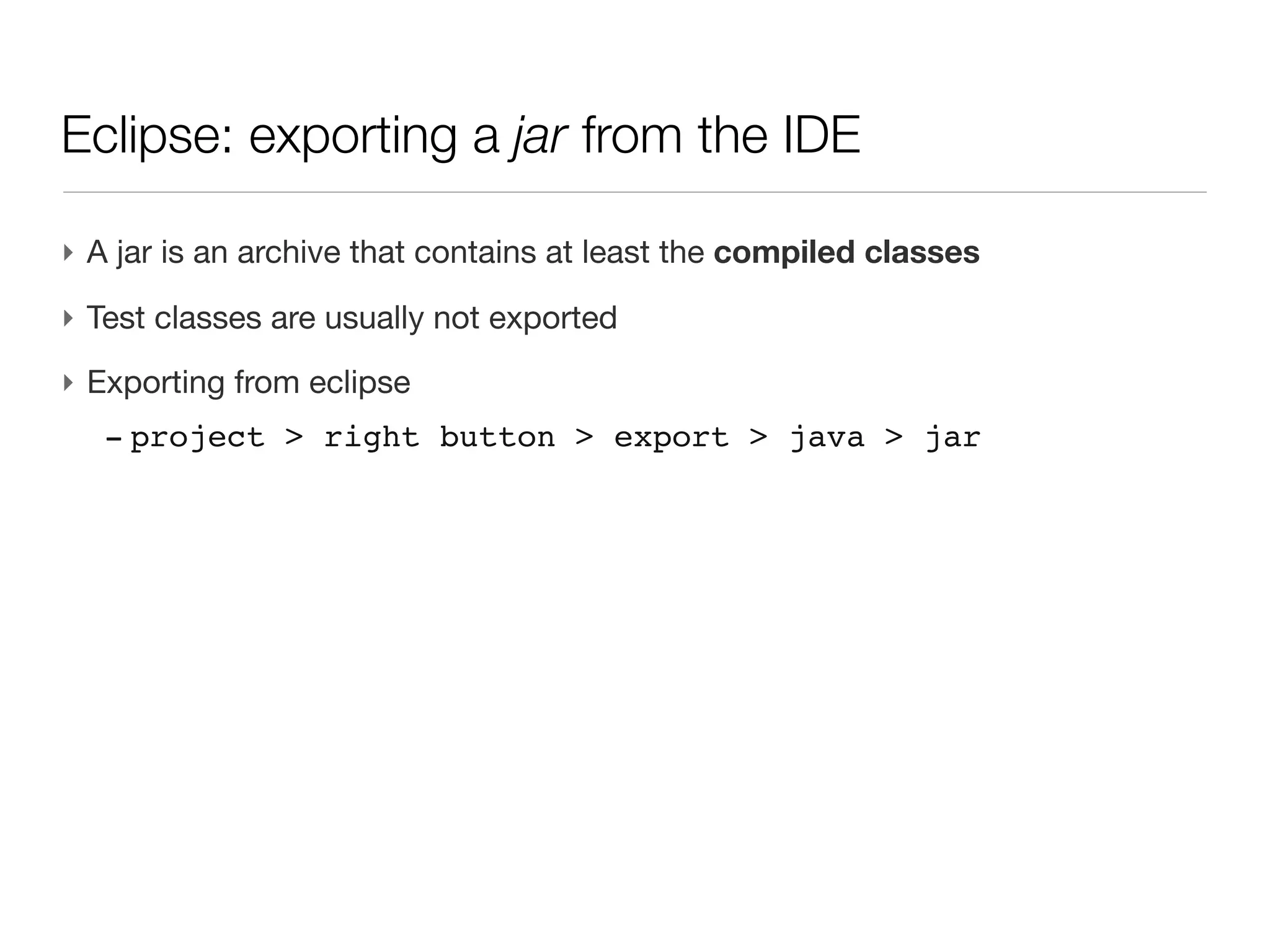
‣ A jar is an archive that contains at least the compiled classes
Eclipse: exporting a jar from the IDE

‣ A jar is an archive that contains at least the compiled classes
‣ Test classes are usually not exported
Eclipse: exporting a jar from the IDE

‣ A jar is an archive that contains at least the compiled classes
‣ Test classes are usually not exported
‣ Exporting from eclipse
  - project > right button > export > java > jar
Eclipse: exporting a jar from the IDE

‣ A jar is an archive that contains at least the compiled classes
‣ Test classes are usually not exported
‣ Exporting from eclipse
  - project > right button > export > java > jar
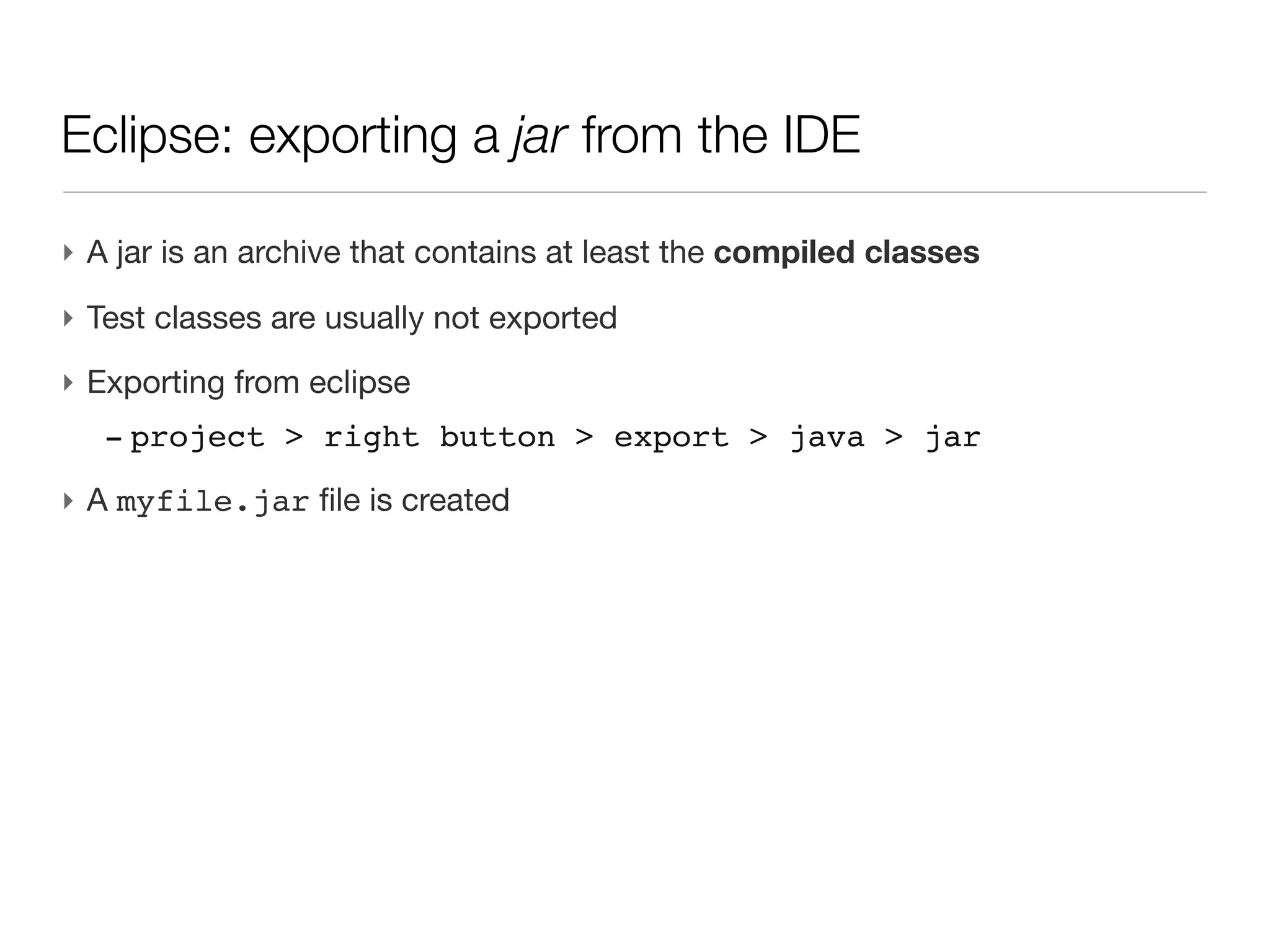
‣ A myfile.jar file is created
Eclipse: exporting a jar from the IDE

‣ A jar is an archive that contains at least the compiled classes
‣ Test classes are usually not exported
‣ Exporting from eclipse
  - project > right button > export > java > jar
‣ A myfile.jar file is created
Eclipse: exporting a jar from ant

‣ Apache ant is a versatile tool for automatic software build process
Eclipse: exporting a jar from ant

‣ Apache ant is a versatile tool for automatic software build process

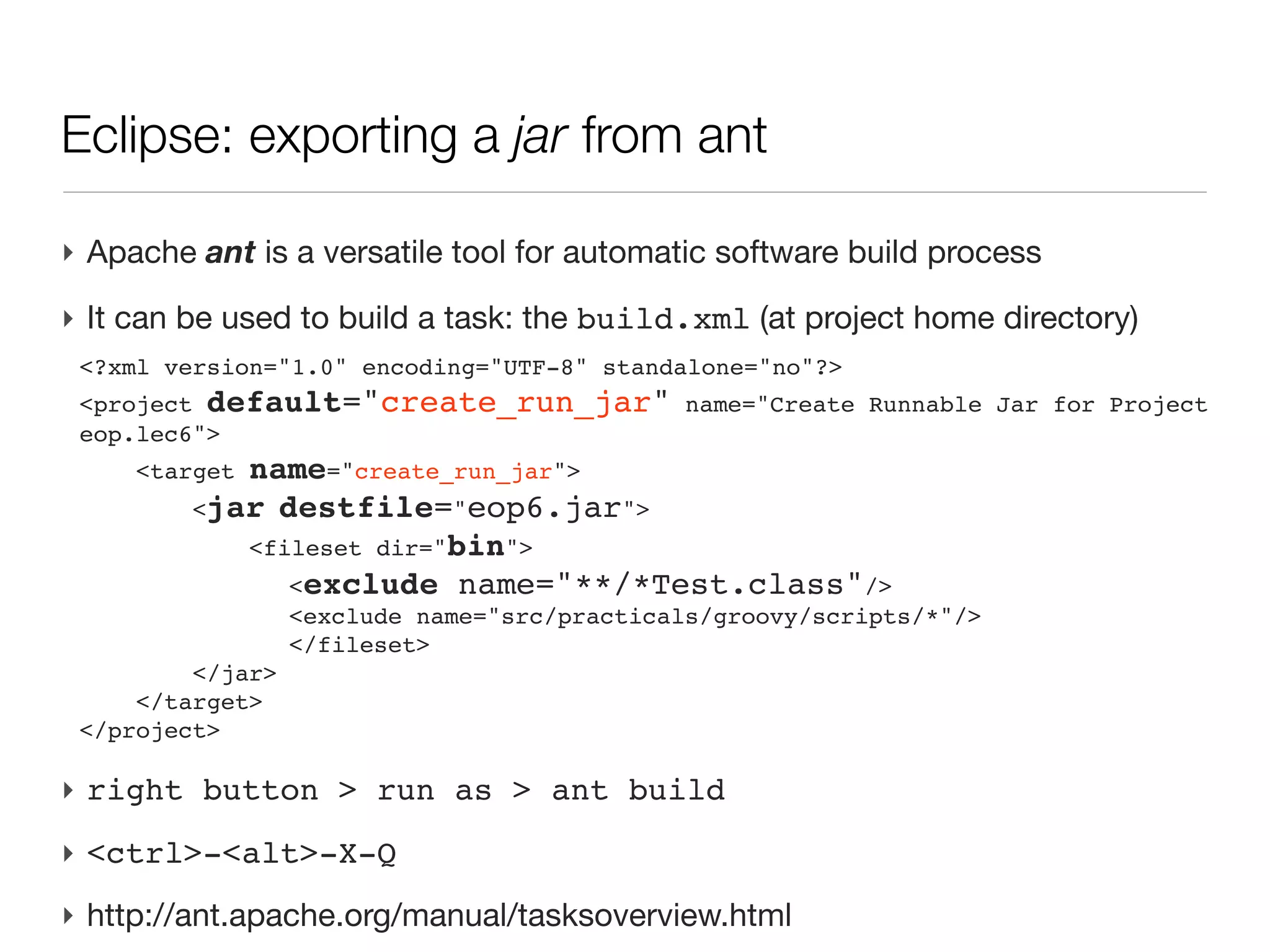
‣ It can be used to build a task: the build.xml (at project home directory)
 <?xml version="1.0" encoding="UTF-8" standalone="no"?>
 <project default="create_run_jar" name="Create Runnable Jar for Project
 eop.lec6">
     <targetname="create_run_jar">
         <jar destfile="eop6.jar">
            <fileset dir="bin">
            
 <exclude name="**/*Test.class"/>
             
 <exclude name="src/practicals/groovy/scripts/*"/>
            
   </fileset>
         </jar>
     </target>
 </project>
Eclipse: exporting a jar from ant

‣ Apache ant is a versatile tool for automatic software build process

‣ It can be used to build a task: the build.xml (at project home directory)
 <?xml version="1.0" encoding="UTF-8" standalone="no"?>
 <project default="create_run_jar" name="Create Runnable Jar for Project
 eop.lec6">
     <targetname="create_run_jar">
         <jar destfile="eop6.jar">
            <fileset dir="bin">
            
 <exclude name="**/*Test.class"/>
             
 <exclude name="src/practicals/groovy/scripts/*"/>
            
   </fileset>
         </jar>
     </target>
 </project>

‣ right button > run as > ant build
Eclipse: exporting a jar from ant

‣ Apache ant is a versatile tool for automatic software build process

‣ It can be used to build a task: the build.xml (at project home directory)
 <?xml version="1.0" encoding="UTF-8" standalone="no"?>
 <project default="create_run_jar" name="Create Runnable Jar for Project
 eop.lec6">
     <targetname="create_run_jar">
         <jar destfile="eop6.jar">
            <fileset dir="bin">
            
 <exclude name="**/*Test.class"/>
             
 <exclude name="src/practicals/groovy/scripts/*"/>
            
   </fileset>
         </jar>
     </target>
 </project>

‣ right button > run as > ant build
‣ <ctrl>-<alt>-X-Q
Eclipse: exporting a jar from ant

‣ Apache ant is a versatile tool for automatic software build process

‣ It can be used to build a task: the build.xml (at project home directory)
 <?xml version="1.0" encoding="UTF-8" standalone="no"?>
 <project default="create_run_jar" name="Create Runnable Jar for Project
 eop.lec6">
     <targetname="create_run_jar">
         <jar destfile="eop6.jar">
            <fileset dir="bin">
            
 <exclude name="**/*Test.class"/>
             
 <exclude name="src/practicals/groovy/scripts/*"/>
            
   </fileset>
         </jar>
     </target>
 </project>

‣ right button > run as > ant build
‣ <ctrl>-<alt>-X-Q
‣ http://ant.apache.org/manual/tasksoverview.html
Executing a script with a jar library

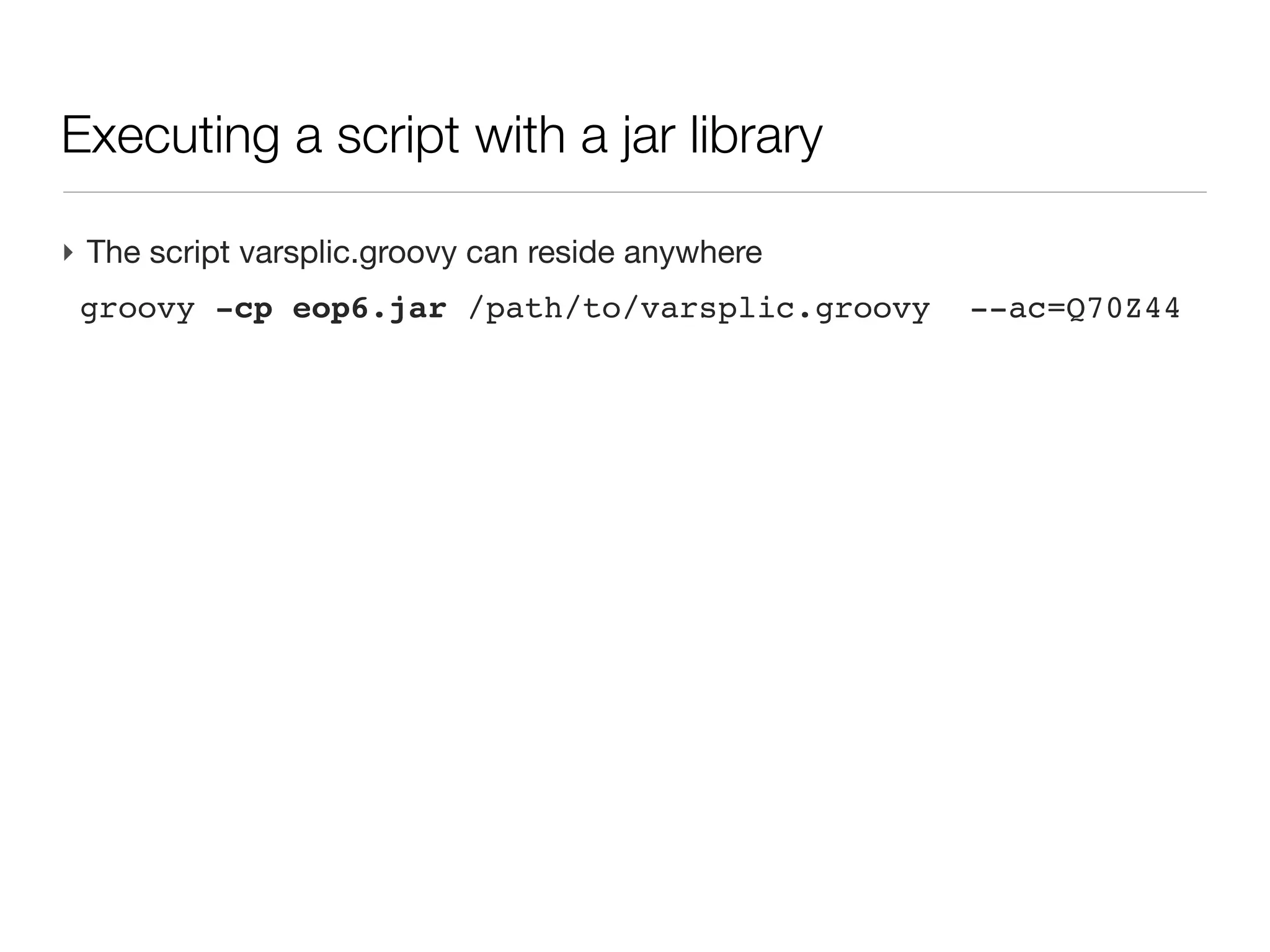
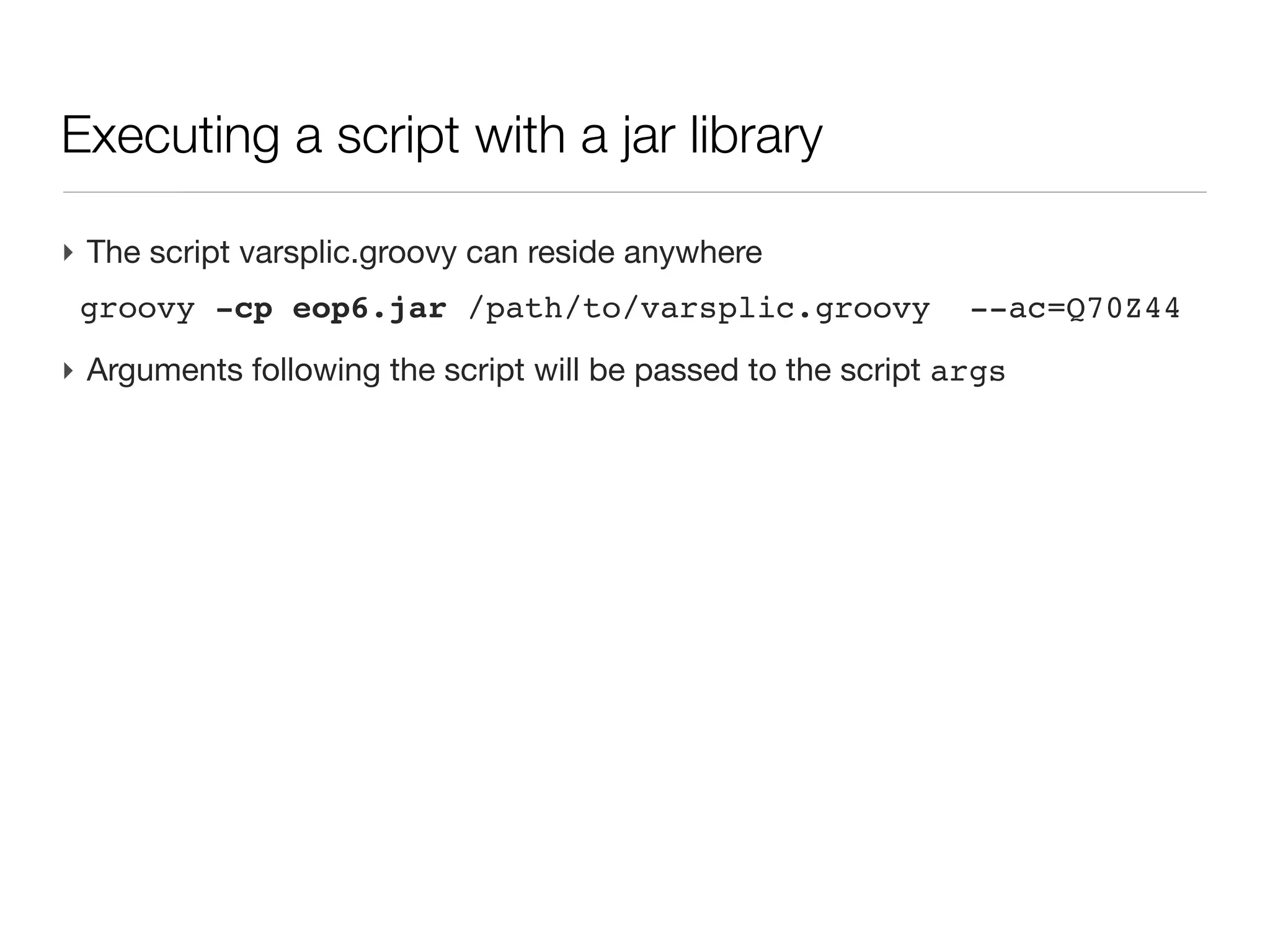
‣ The script varsplic.groovy can reside anywhere
 groovy -cp eop6.jar /path/to/varsplic.groovy      --ac=Q70Z44
Executing a script with a jar library

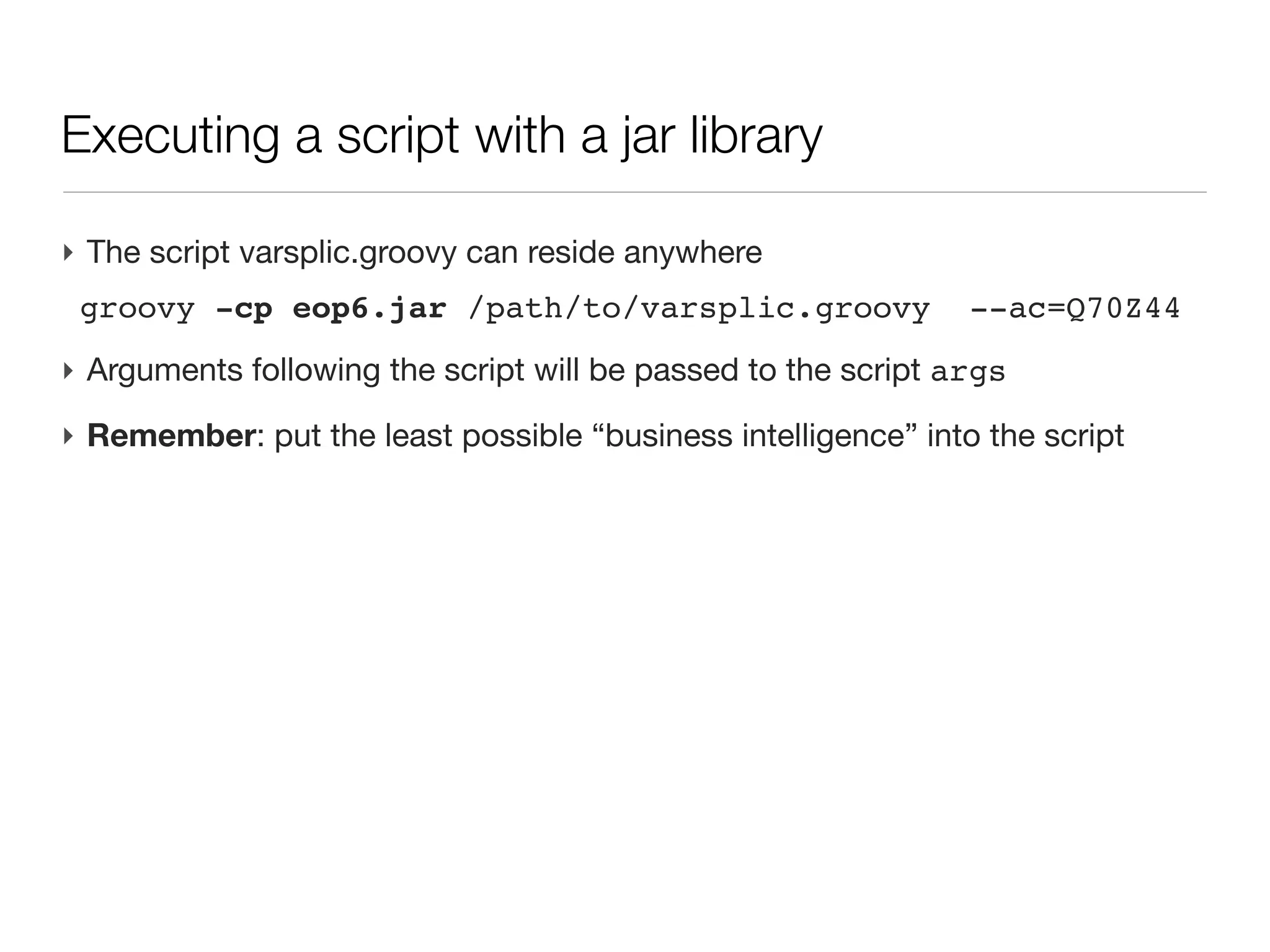
‣ The script varsplic.groovy can reside anywhere
 groovy -cp eop6.jar /path/to/varsplic.groovy                --ac=Q70Z44
‣ Arguments following the script will be passed to the script args
Executing a script with a jar library

‣ The script varsplic.groovy can reside anywhere
 groovy -cp eop6.jar /path/to/varsplic.groovy                --ac=Q70Z44
‣ Arguments following the script will be passed to the script args
‣ Remember: put the least possible “business intelligence” into the script
Test case: isoforms & proteotypic peptides

‣ Proteotypic peptide: given a list of proteins and cleavage enzyme, a
  proteotypic peptide is a peptide that can be produced only by one of those
  proteins
Test case: isoforms & proteotypic peptides

‣ Proteotypic peptide: given a list of proteins and cleavage enzyme, a
  proteotypic peptide is a peptide that can be produced only by one of those
  proteins
‣ Customer of the day: “I want to give you one uniprot AC, you print me all the
  isoforms in a fasta format and the list list of proteotypic peptide (+ the isoform
  they are referring to). Please.”
Test case: isoforms & proteotypic peptides

‣ Proteotypic peptide: given a list of proteins and cleavage enzyme, a
  proteotypic peptide is a peptide that can be produced only by one of those
  proteins
‣ Customer of the day: “I want to give you one uniprot AC, you print me all the
  isoforms in a fasta format and the list list of proteotypic peptide (+ the isoform
  they are referring to). Please.”
‣ Hopefully enough, you already have a toolkit to build, from a uniprot entry,
  a map isoform name -> isoform Protein
Test case: isoforms & proteotypic peptides

‣ Proteotypic peptide: given a list of proteins and cleavage enzyme, a
  proteotypic peptide is a peptide that can be produced only by one of those
  proteins
‣ Customer of the day: “I want to give you one uniprot AC, you print me all the
  isoforms in a fasta format and the list list of proteotypic peptide (+ the isoform
  they are referring to). Please.”
‣ Hopefully enough, you already have a toolkit to build, from a uniprot entry,
  a map isoform name -> isoform Protein
‣ Your turn to play....

groovy & grails - lecture 6

  • 1.
    Groovy: Efficiency OrientedProgramming Lecture 6 Master Proteomics & Bioinformatics - University of Geneva Alexandre Masselot - summer 2011
  • 2.
    Contents ‣ Eclipse tips ‣Productive tip ‣ Two thoughts on code design ‣ Running a script standalone ‣ test case: build all isoforms & extract proteotypic peptides
  • 3.
    The book ofthe day ‣ by Neal Ford ‣ Do’s and Don’t for programmer, from the rookies to ol’timers...
  • 4.
    Go productive: clipboardhistory ‣ Working with a computer induces a lot of cut/past (<ctrl>-C / <ctrl>-V)
  • 5.
    Go productive: clipboardhistory ‣ Working with a computer induces a lot of cut/past (<ctrl>-C / <ctrl>-V) ‣ In practice, you often refer (or intent to refer) to a piece of text you cut a few minutes ago
  • 6.
    Go productive: clipboardhistory ‣ Working with a computer induces a lot of cut/past (<ctrl>-C / <ctrl>-V) ‣ In practice, you often refer (or intent to refer) to a piece of text you cut a few minutes ago ‣ It is possible to use clipboard history (and <ctrl>-V’ offers to visit history) - mac OS: jumpcut - ubuntu: parcellite - windows: CLCL
  • 7.
    Go productive: clipboardhistory ‣ Working with a computer induces a lot of cut/past (<ctrl>-C / <ctrl>-V) ‣ In practice, you often refer (or intent to refer) to a piece of text you cut a few minutes ago ‣ It is possible to use clipboard history (and <ctrl>-V’ offers to visit history) - mac OS: jumpcut - ubuntu: parcellite - windows: CLCL ‣ What a big deal? - such functionalities has been present in editors such as vi or x?emacs for decades...
  • 8.
  • 9.
    Eclipse tips ‣ createdocumentation for a method (filled with method parameters) - place the cursor on the method name - right button > source > generate comment - or <ctrl>-<alt>-J - documentation is ready to be exported in a html javadoc
  • 10.
  • 11.
    Eclipse tips ‣ Howto know where a method is called? - place the cursor on the method declaration - right button > open call hierarchy - or <ctrl>-<alt>-H
  • 12.
  • 13.
    Code design: DRY ‣<ctrl>-C / <ctrl>-V is the most common shortcut appealing to duplicate a piece of “working” code into another part of the software
  • 14.
  • 15.
    Code design: DRY ‣Problems: - harder to understand where a given action is coded,
  • 16.
    Code design: DRY ‣Problems: - harder to understand where a given action is coded, - hard to maintain bug.
  • 17.
    Code design: DRY ‣Fight against DRY:
  • 18.
    Code design: DRY ‣Fight against DRY: - refactor your code continuously (test are there to ensure stability).
  • 19.
    Code design: DRY ‣Fight against DRY: - refactor your code continuously (test are there to ensure stability). - tackle duplication in your process at any level
  • 20.
    Code design: DRY ‣Fight against DRY: - refactor your code continuously (test are there to ensure stability). - tackle duplication in your process at any level - time spent for factorizing process or code is almost never a waste
  • 21.
    YAGNI: You Ain’tGonna Need It 11
  • 22.
    Code design: YAGNI ‣A very common pitfall when writing code it to follow some enthusiasm and imagine features that are (on the instant you imagine them):
  • 23.
    Code design: YAGNI ‣A very common pitfall when writing code it to follow some enthusiasm and imagine features that are (on the instant you imagine them): - very cool,
  • 24.
    Code design: YAGNI ‣A very common pitfall when writing code it to follow some enthusiasm and imagine features that are (on the instant you imagine them): - very cool, - you have a bright idea on how to implement them,
  • 25.
    Code design: YAGNI ‣A very common pitfall when writing code it to follow some enthusiasm and imagine features that are (on the instant you imagine them): - very cool, - you have a bright idea on how to implement them, - even though they don’t answer a particular need at that time, you “feel” they would be “cool to have in the future”
  • 26.
  • 27.
    Code design: YAGNI ‣Problems: - the code get more complex, harder to maintain,
  • 28.
    Code design: YAGNI ‣Problems: - the code get more complex, harder to maintain, - in a few weeks of time, this feature won’t be of any use (but other will!)
  • 29.
  • 30.
    Code design: YAGNI ‣Fight YAGNI: - stick to your customer practical needs
  • 31.
    Code design: YAGNI ‣Fight YAGNI: - stick to your customer practical needs - pair programming is the most efficient way to tackle such situations
  • 32.
    Groovy: running ascript (outside the IDE) ‣ Programming goal is (often) to have a runnable program, outside the IDE
  • 33.
    Groovy: running ascript (outside the IDE) ‣ Programming goal is (often) to have a runnable program, outside the IDE ‣ Be able to deploy the program on another machine
  • 34.
    Groovy: running ascript (outside the IDE) ‣ Programming goal is (often) to have a runnable program, outside the IDE ‣ Be able to deploy the program on another machine ‣ First: install Groovy on the machine (apt-get install groovy etc.)
  • 35.
    Groovy: running ascript (outside the IDE) ‣ Programming goal is (often) to have a runnable program, outside the IDE ‣ Be able to deploy the program on another machine ‣ First: install Groovy on the machine (apt-get install groovy etc.) ‣ Let’s consider a simple script hw.groovy, stored in directory /some/path println “hello, world”
  • 36.
    Groovy: running ascript (outside the IDE) ‣ Programming goal is (often) to have a runnable program, outside the IDE ‣ Be able to deploy the program on another machine ‣ First: install Groovy on the machine (apt-get install groovy etc.) ‣ Let’s consider a simple script hw.groovy, stored in directory /some/path println “hello, world” ‣ launch the script from command line groovy hw.groovy
  • 37.
    Parsing command linearguments ‣ Runtime arguments are passed on the command line
  • 38.
    Parsing command linearguments ‣ Runtime arguments are passed on the command line ‣ Defining the possible arguments def cli = new CliBuilder(usage:'myscript.groovy [options]') //binary argument -h or --help and usage text cli.h(longOpt:'help', 'usage information') //compulsory argument for -n or --name=<user name> cli.n(longOpt:'name', argName:'user name', args:1, required: true, 'some user to salute') //facultative argument --int-value=<int> cli.i(longOpt:'int-value', argName:'int', args:1, 'some integer value')
  • 39.
    Parsing command linearguments (cont’d) ‣ Parsing the command line def options = cli.parse(args) if (!options) return
  • 40.
    Parsing command linearguments (cont’d) ‣ Parsing the command line def options = cli.parse(args) if (!options) return ‣ Check --help if (options.help) cli.usage()
  • 41.
    Parsing command linearguments (cont’d) ‣ Parsing the command line def options = cli.parse(args) if (!options) return ‣ Check --help if (options.help) cli.usage() ‣ Arguments usage: println "Hello $options.name (${options['int-value']})"
  • 42.
    Parsing command linearguments (cont’d) ‣ groovy myscript.groovy --help usage: myscript.groovy [options] -h,--help usage information -i,--int-value <int> some integer value -n,--name <user name> some user to salute
  • 43.
    Parsing command linearguments (cont’d) ‣ groovy myscript.groovy --help usage: myscript.groovy [options] -h,--help usage information -i,--int-value <int> some integer value -n,--name <user name> some user to salute ‣ groovy myscript.groovy --name=alice --int-value=234 Hello alice (234)
  • 44.
    Parsing command linearguments (cont’d) ‣ groovy myscript.groovy --help usage: myscript.groovy [options] -h,--help usage information -i,--int-value <int> some integer value -n,--name <user name> some user to salute ‣ groovy myscript.groovy --name=alice --int-value=234 Hello alice (234) ‣ More doc on http://groovy.codehaus.org/gapi/groovy/util/CliBuilder.html
  • 45.
    Parsing command linearguments (cont’d) ‣ The whole script: def cli = new CliBuilder(usage:'myscript.groovy [options]') cli.h(longOpt:'help', 'usage information') cli.n(longOpt:'name', argName:'user name', args:1, required: true, 'some user to salute') cli.i(longOpt:'int-value', argName:'int', args:1, 'some integer value') def options = cli.parse(args) if (!options) return if (options.help) cli.usage() println "Hello $options.name (${options['int-value']}) "
  • 46.
    Running a scriptwith a packaged library ‣ A script by itself is soon meaningless, it is often backed by a library of packaged classes for doing the actual business
  • 47.
    Running a scriptwith a packaged library ‣ A script by itself is soon meaningless, it is often backed by a library of packaged classes for doing the actual business ‣ The script is often the last assembly of coded (and tested) functionalities
  • 48.
    Running a scriptwith a packaged library ‣ A script by itself is soon meaningless, it is often backed by a library of packaged classes for doing the actual business ‣ The script is often the last assembly of coded (and tested) functionalities ‣ Library is packaged as a jar (Java Archive) and the script is written on the side, making calls to the archive
  • 49.
    Running a scriptwith a packaged library ‣ A script by itself is soon meaningless, it is often backed by a library of packaged classes for doing the actual business ‣ The script is often the last assembly of coded (and tested) functionalities ‣ Library is packaged as a jar (Java Archive) and the script is written on the side, making calls to the archive ‣ The jar if often the distributed part of a code
  • 50.
    Running a scriptwith a packaged library ‣ A script by itself is soon meaningless, it is often backed by a library of packaged classes for doing the actual business ‣ The script is often the last assembly of coded (and tested) functionalities ‣ Library is packaged as a jar (Java Archive) and the script is written on the side, making calls to the archive ‣ The jar if often the distributed part of a code ‣ The script varsplic.groovy uses the jar import unige.mpb.eop.proteomics.uniprot.UniprotEntrySplicer ... def xml=new XmlSlurper() .parseText("http://pir.uniprot.org/uniprot/${ac}.xml" .toURL().text) .entry UniprotEntrySplicer splicer=[entryXml:xml] splicer.buildAllIsoforms().values().each{print it}
  • 51.
    Eclipse: exporting ajar from the IDE ‣ A jar is an archive that contains at least the compiled classes
  • 52.
    Eclipse: exporting ajar from the IDE ‣ A jar is an archive that contains at least the compiled classes ‣ Test classes are usually not exported
  • 53.
    Eclipse: exporting ajar from the IDE ‣ A jar is an archive that contains at least the compiled classes ‣ Test classes are usually not exported ‣ Exporting from eclipse - project > right button > export > java > jar
  • 54.
    Eclipse: exporting ajar from the IDE ‣ A jar is an archive that contains at least the compiled classes ‣ Test classes are usually not exported ‣ Exporting from eclipse - project > right button > export > java > jar ‣ A myfile.jar file is created
  • 55.
    Eclipse: exporting ajar from the IDE ‣ A jar is an archive that contains at least the compiled classes ‣ Test classes are usually not exported ‣ Exporting from eclipse - project > right button > export > java > jar ‣ A myfile.jar file is created
  • 56.
    Eclipse: exporting ajar from ant ‣ Apache ant is a versatile tool for automatic software build process
  • 57.
    Eclipse: exporting ajar from ant ‣ Apache ant is a versatile tool for automatic software build process ‣ It can be used to build a task: the build.xml (at project home directory) <?xml version="1.0" encoding="UTF-8" standalone="no"?> <project default="create_run_jar" name="Create Runnable Jar for Project eop.lec6"> <targetname="create_run_jar"> <jar destfile="eop6.jar"> <fileset dir="bin"> <exclude name="**/*Test.class"/> <exclude name="src/practicals/groovy/scripts/*"/> </fileset> </jar> </target> </project>
  • 58.
    Eclipse: exporting ajar from ant ‣ Apache ant is a versatile tool for automatic software build process ‣ It can be used to build a task: the build.xml (at project home directory) <?xml version="1.0" encoding="UTF-8" standalone="no"?> <project default="create_run_jar" name="Create Runnable Jar for Project eop.lec6"> <targetname="create_run_jar"> <jar destfile="eop6.jar"> <fileset dir="bin"> <exclude name="**/*Test.class"/> <exclude name="src/practicals/groovy/scripts/*"/> </fileset> </jar> </target> </project> ‣ right button > run as > ant build
  • 59.
    Eclipse: exporting ajar from ant ‣ Apache ant is a versatile tool for automatic software build process ‣ It can be used to build a task: the build.xml (at project home directory) <?xml version="1.0" encoding="UTF-8" standalone="no"?> <project default="create_run_jar" name="Create Runnable Jar for Project eop.lec6"> <targetname="create_run_jar"> <jar destfile="eop6.jar"> <fileset dir="bin"> <exclude name="**/*Test.class"/> <exclude name="src/practicals/groovy/scripts/*"/> </fileset> </jar> </target> </project> ‣ right button > run as > ant build ‣ <ctrl>-<alt>-X-Q
  • 60.
    Eclipse: exporting ajar from ant ‣ Apache ant is a versatile tool for automatic software build process ‣ It can be used to build a task: the build.xml (at project home directory) <?xml version="1.0" encoding="UTF-8" standalone="no"?> <project default="create_run_jar" name="Create Runnable Jar for Project eop.lec6"> <targetname="create_run_jar"> <jar destfile="eop6.jar"> <fileset dir="bin"> <exclude name="**/*Test.class"/> <exclude name="src/practicals/groovy/scripts/*"/> </fileset> </jar> </target> </project> ‣ right button > run as > ant build ‣ <ctrl>-<alt>-X-Q ‣ http://ant.apache.org/manual/tasksoverview.html
  • 61.
    Executing a scriptwith a jar library ‣ The script varsplic.groovy can reside anywhere groovy -cp eop6.jar /path/to/varsplic.groovy --ac=Q70Z44
  • 62.
    Executing a scriptwith a jar library ‣ The script varsplic.groovy can reside anywhere groovy -cp eop6.jar /path/to/varsplic.groovy --ac=Q70Z44 ‣ Arguments following the script will be passed to the script args
  • 63.
    Executing a scriptwith a jar library ‣ The script varsplic.groovy can reside anywhere groovy -cp eop6.jar /path/to/varsplic.groovy --ac=Q70Z44 ‣ Arguments following the script will be passed to the script args ‣ Remember: put the least possible “business intelligence” into the script
  • 64.
    Test case: isoforms& proteotypic peptides ‣ Proteotypic peptide: given a list of proteins and cleavage enzyme, a proteotypic peptide is a peptide that can be produced only by one of those proteins
  • 65.
    Test case: isoforms& proteotypic peptides ‣ Proteotypic peptide: given a list of proteins and cleavage enzyme, a proteotypic peptide is a peptide that can be produced only by one of those proteins ‣ Customer of the day: “I want to give you one uniprot AC, you print me all the isoforms in a fasta format and the list list of proteotypic peptide (+ the isoform they are referring to). Please.”
  • 66.
    Test case: isoforms& proteotypic peptides ‣ Proteotypic peptide: given a list of proteins and cleavage enzyme, a proteotypic peptide is a peptide that can be produced only by one of those proteins ‣ Customer of the day: “I want to give you one uniprot AC, you print me all the isoforms in a fasta format and the list list of proteotypic peptide (+ the isoform they are referring to). Please.” ‣ Hopefully enough, you already have a toolkit to build, from a uniprot entry, a map isoform name -> isoform Protein
  • 67.
    Test case: isoforms& proteotypic peptides ‣ Proteotypic peptide: given a list of proteins and cleavage enzyme, a proteotypic peptide is a peptide that can be produced only by one of those proteins ‣ Customer of the day: “I want to give you one uniprot AC, you print me all the isoforms in a fasta format and the list list of proteotypic peptide (+ the isoform they are referring to). Please.” ‣ Hopefully enough, you already have a toolkit to build, from a uniprot entry, a map isoform name -> isoform Protein ‣ Your turn to play....

Editor's Notes

  • #2 today end of a cycle\nnext week: genetic algorithm\nthen web programming\nend of the year exam: bring in your ideas\nplay customer + coder\ncustomer phase with me, then iterative development.\n
  • #3 parsing command line arguments, packaging a project into a library\nIn practice, we will often use web application for end usage\n\n
  • #4 \n
  • #5 \n
  • #6 \n
  • #7 \n
  • #8 \n
  • #9 \n
  • #10 \n
  • #11 Agile: refactor your code show you do not fear it! think of how to deal with a wild animal\n
  • #12 Agile: refactor your code show you do not fear it! think of how to deal with a wild animal\n
  • #13 Agile: refactor your code show you do not fear it! think of how to deal with a wild animal\n
  • #14 Agile: refactor your code show you do not fear it! think of how to deal with a wild animal\n
  • #15 Agile: refactor your code show you do not fear it! think of how to deal with a wild animal\n
  • #16 Agile: refactor your code show you do not fear it! think of how to deal with a wild animal\n
  • #17 Agile: refactor your code show you do not fear it! think of how to deal with a wild animal\n
  • #18 Agile: refactor your code show you do not fear it! think of how to deal with a wild animal\n
  • #19 Agile: refactor your code show you do not fear it! think of how to deal with a wild animal\n
  • #20 &quot;You ain&apos;t gonna need it&quot; (or YAGNI for short) is the principle in extreme programming that programmers should not add functionality until it is necessary.[1] Ron Jeffries writes, &quot;Always implement things when you actually need them, never when you just foresee that you need them.&quot;[2]\n\n
  • #21 &quot;You ain&apos;t gonna need it&quot; (or YAGNI for short) is the principle in extreme programming that programmers should not add functionality until it is necessary.[1] Ron Jeffries writes, &quot;Always implement things when you actually need them, never when you just foresee that you need them.&quot;[2]\n\n
  • #22 &quot;You ain&apos;t gonna need it&quot; (or YAGNI for short) is the principle in extreme programming that programmers should not add functionality until it is necessary.[1] Ron Jeffries writes, &quot;Always implement things when you actually need them, never when you just foresee that you need them.&quot;[2]\n\n
  • #23 &quot;You ain&apos;t gonna need it&quot; (or YAGNI for short) is the principle in extreme programming that programmers should not add functionality until it is necessary.[1] Ron Jeffries writes, &quot;Always implement things when you actually need them, never when you just foresee that you need them.&quot;[2]\n\n
  • #24 &quot;You ain&apos;t gonna need it&quot; (or YAGNI for short) is the principle in extreme programming that programmers should not add functionality until it is necessary.[1] Ron Jeffries writes, &quot;Always implement things when you actually need them, never when you just foresee that you need them.&quot;[2]\n\n
  • #25 &quot;You ain&apos;t gonna need it&quot; (or YAGNI for short) is the principle in extreme programming that programmers should not add functionality until it is necessary.[1] Ron Jeffries writes, &quot;Always implement things when you actually need them, never when you just foresee that you need them.&quot;[2]\n\n
  • #26 &quot;You ain&apos;t gonna need it&quot; (or YAGNI for short) is the principle in extreme programming that programmers should not add functionality until it is necessary.[1] Ron Jeffries writes, &quot;Always implement things when you actually need them, never when you just foresee that you need them.&quot;[2]\n\n
  • #27 &quot;You ain&apos;t gonna need it&quot; (or YAGNI for short) is the principle in extreme programming that programmers should not add functionality until it is necessary.[1] Ron Jeffries writes, &quot;Always implement things when you actually need them, never when you just foresee that you need them.&quot;[2]\n\n
  • #28 &quot;You ain&apos;t gonna need it&quot; (or YAGNI for short) is the principle in extreme programming that programmers should not add functionality until it is necessary.[1] Ron Jeffries writes, &quot;Always implement things when you actually need them, never when you just foresee that you need them.&quot;[2]\n\n
  • #29 &quot;You ain&apos;t gonna need it&quot; (or YAGNI for short) is the principle in extreme programming that programmers should not add functionality until it is necessary.[1] Ron Jeffries writes, &quot;Always implement things when you actually need them, never when you just foresee that you need them.&quot;[2]\n\n
  • #30 &quot;You ain&apos;t gonna need it&quot; (or YAGNI for short) is the principle in extreme programming that programmers should not add functionality until it is necessary.[1] Ron Jeffries writes, &quot;Always implement things when you actually need them, never when you just foresee that you need them.&quot;[2]\n\n
  • #31 not only for fun...\nit is also possible to run a script/project packaging a jar and only with java\n
  • #32 not only for fun...\nit is also possible to run a script/project packaging a jar and only with java\n
  • #33 not only for fun...\nit is also possible to run a script/project packaging a jar and only with java\n
  • #34 not only for fun...\nit is also possible to run a script/project packaging a jar and only with java\n
  • #35 not only for fun...\nit is also possible to run a script/project packaging a jar and only with java\n
  • #36 in real life, you don&amp;#x2019;t edit a script, save and rerun\nan option is to parse argument from a property file\n
  • #37 in real life, you don&amp;#x2019;t edit a script, save and rerun\nan option is to parse argument from a property file\n
  • #38 \n
  • #39 \n
  • #40 \n
  • #41 \n
  • #42 \n
  • #43 \n
  • #44 \n
  • #45 classes code for action, for re-use, test etc....\n
  • #46 classes code for action, for re-use, test etc....\n
  • #47 classes code for action, for re-use, test etc....\n
  • #48 classes code for action, for re-use, test etc....\n
  • #49 classes code for action, for re-use, test etc....\n
  • #50 can also contains source code (more voluminous but easier for third parties to debug), javadoc...\n
  • #51 can also contains source code (more voluminous but easier for third parties to debug), javadoc...\n
  • #52 can also contains source code (more voluminous but easier for third parties to debug), javadoc...\n
  • #53 can also contains source code (more voluminous but easier for third parties to debug), javadoc...\n
  • #54 can also contains source code (more voluminous but easier for third parties to debug), javadoc...\n
  • #55 in fact, ant can be used for countless tasks, as soon as you needed for automated, dependency oriented process\nan ant file can contained multiple targets (as possibly a default one)\n
  • #56 in fact, ant can be used for countless tasks, as soon as you needed for automated, dependency oriented process\nan ant file can contained multiple targets (as possibly a default one)\n
  • #57 in fact, ant can be used for countless tasks, as soon as you needed for automated, dependency oriented process\nan ant file can contained multiple targets (as possibly a default one)\n
  • #58 in fact, ant can be used for countless tasks, as soon as you needed for automated, dependency oriented process\nan ant file can contained multiple targets (as possibly a default one)\n
  • #59 in fact, ant can be used for countless tasks, as soon as you needed for automated, dependency oriented process\nan ant file can contained multiple targets (as possibly a default one)\n
  • #60 \n
  • #61 \n
  • #62 \n
  • #63 first questions : you build be some example to validate the program\n
  • #64 first questions : you build be some example to validate the program\n
  • #65 first questions : you build be some example to validate the program\n
  • #66 first questions : you build be some example to validate the program\n