1
A new way to develop with
WordPress!
2
1. Introduction
2. Classic WordPress workflow
3. The Composer way
a. Overview
b. Integrating with WordPress
c. WordPress Packagist
4. Enter Bedrock
a. Overview
b. Working on your project
c. PhpDotEnv
d. Deploying your project
e. Multisite
5. Theming with Twig and Timber
a. Overview
b. Templating files
c. Bonus (Debug bar)
Table of content
6. Developing plugins with Herbert
a. Overview
b. Basis
7. References
3
A report on 1 july 2016 suggest
that WordPress powers
26.6% of the internet.
Introduction
4
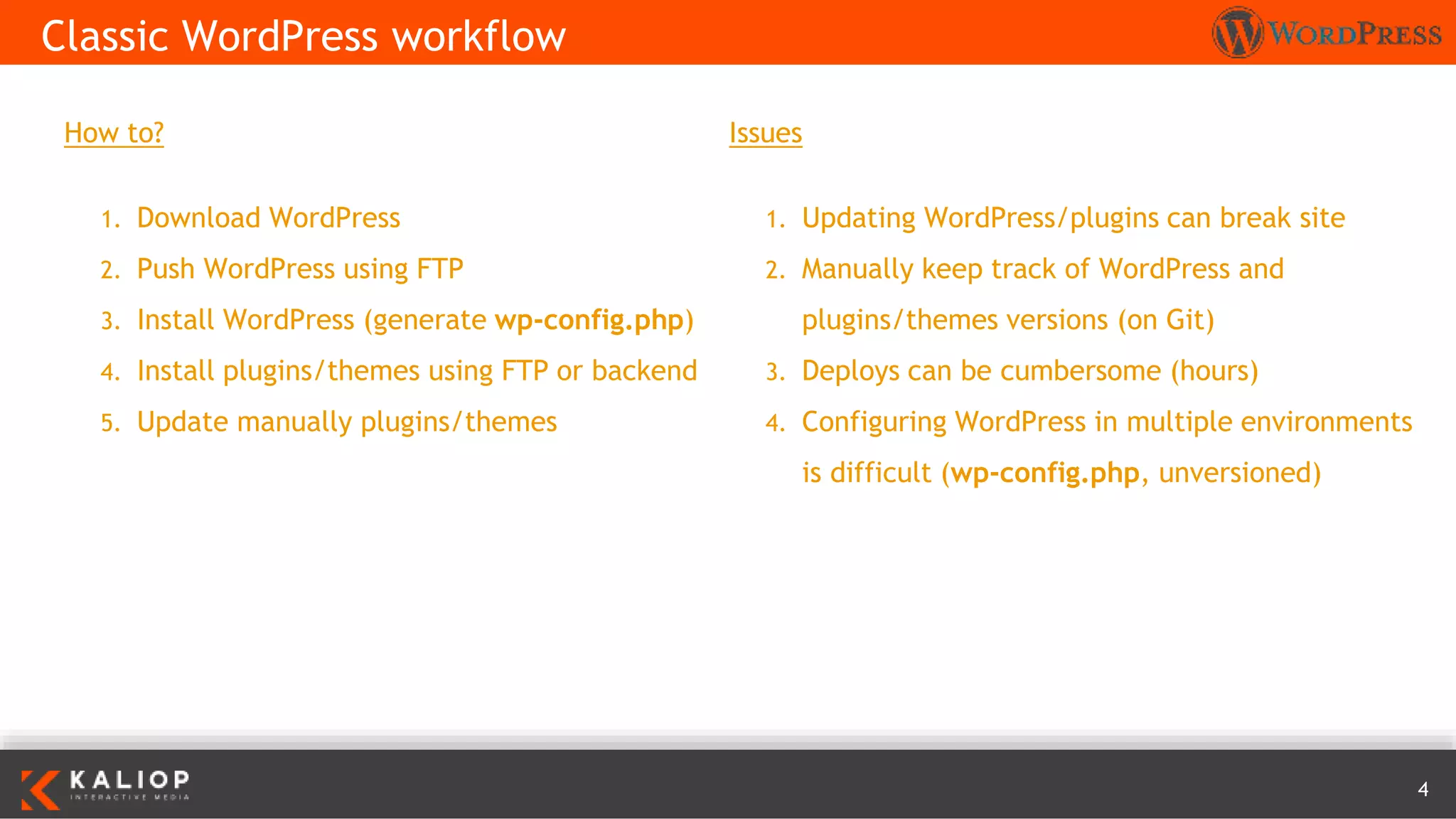
How to?
1. Download WordPress
2. Push WordPress using FTP
3. Install WordPress (generate wp-config.php)
4. Install plugins/themes using FTP or backend
5. Update manually plugins/themes
Classic WordPress workflow
Issues
1. Updating WordPress/plugins can break site
2. Manually keep track of WordPress and
plugins/themes versions (on Git)
3. Deploys can be cumbersome (hours)
4. Configuring WordPress in multiple environments
is difficult (wp-config.php, unversioned)
5
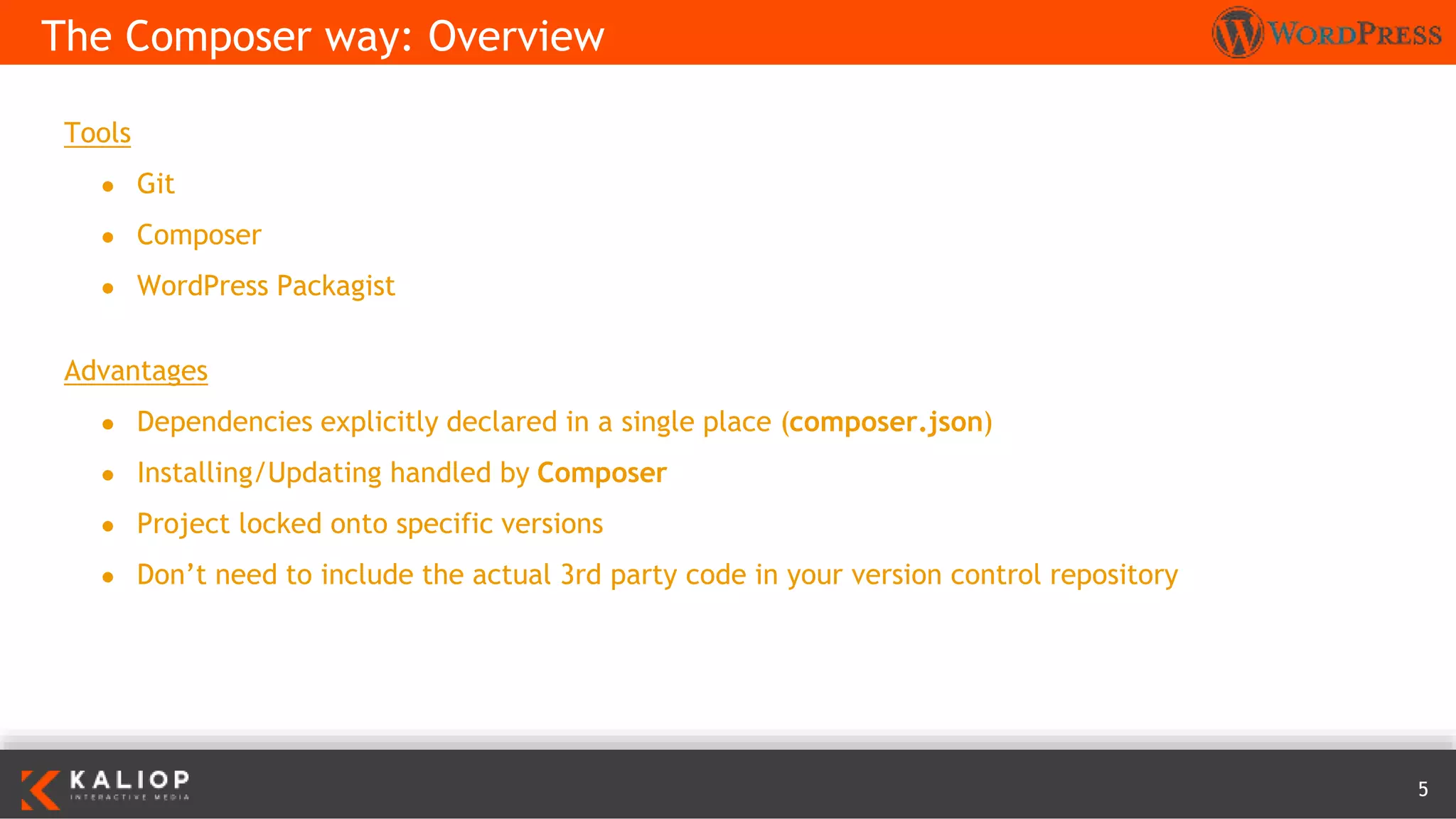
Tools
● Git
● Composer
● WordPress Packagist
Advantages
● Dependencies explicitly declared in a single place (composer.json)
● Installing/Updating handled by Composer
● Project locked onto specific versions
● Don’t need to include the actual 3rd party code in your version control repository
The Composer way: Overview
6
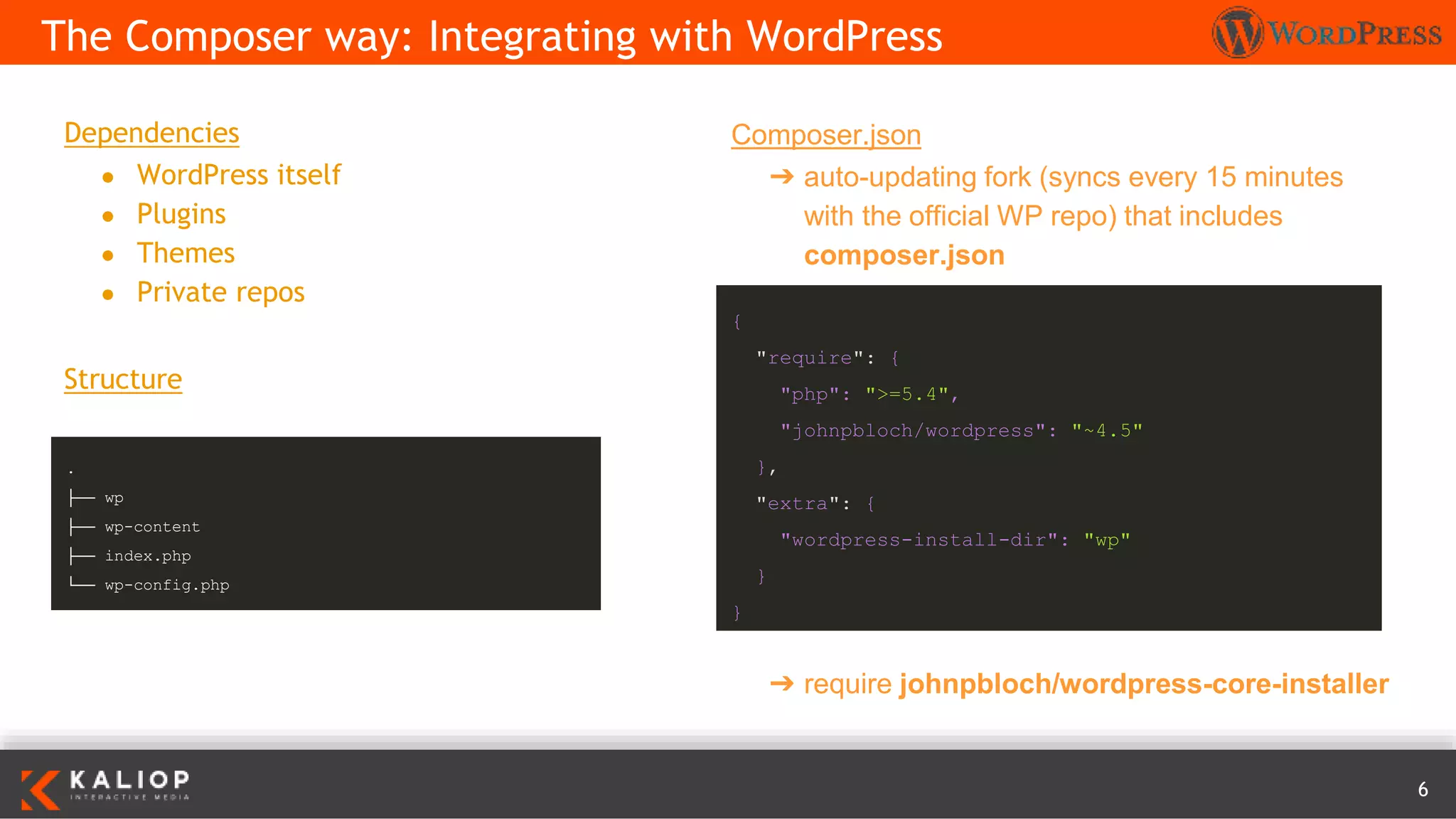
Dependencies
● WordPress itself
● Plugins
● Themes
● Private repos
Structure
The Composer way: Integrating with WordPress
Composer.json
➔ auto-updating fork (syncs every 15 minutes
with the official WP repo) that includes
composer.json
{
"require": {
"php": ">=5.4",
"johnpbloch/wordpress": "~4.5"
},
"extra": {
"wordpress-install-dir": "wp"
}
}
.
├── wp
├── wp-content
├── index.php
└── wp-config.php
➔ require johnpbloch/wordpress-core-installer
7
➔ Mirror of the WordPress plugin directory as a
Composer repository
The Composer way: WordPress Packagist
{
"extra": {
"installer-paths": {
"content/mu-plugins/{$name}/": [
"type:wordpress-muplugin"
],
"content/plugins/{$name}/": [
"type:wordpress-plugin"
],
"content/themes/{$name}/": [
"type:wordpress-theme"
]
}
}
}
{
"repositories": [
{
"type": "composer",
"url": "http://wpackagist.org"
}
]
}
1. Add the repository to your composer.json
2. Add the desired plugins and themes
3. Run
composer require wpackagist-plugin/contact-
form-7
Extra: customize installer paths
composer update
8
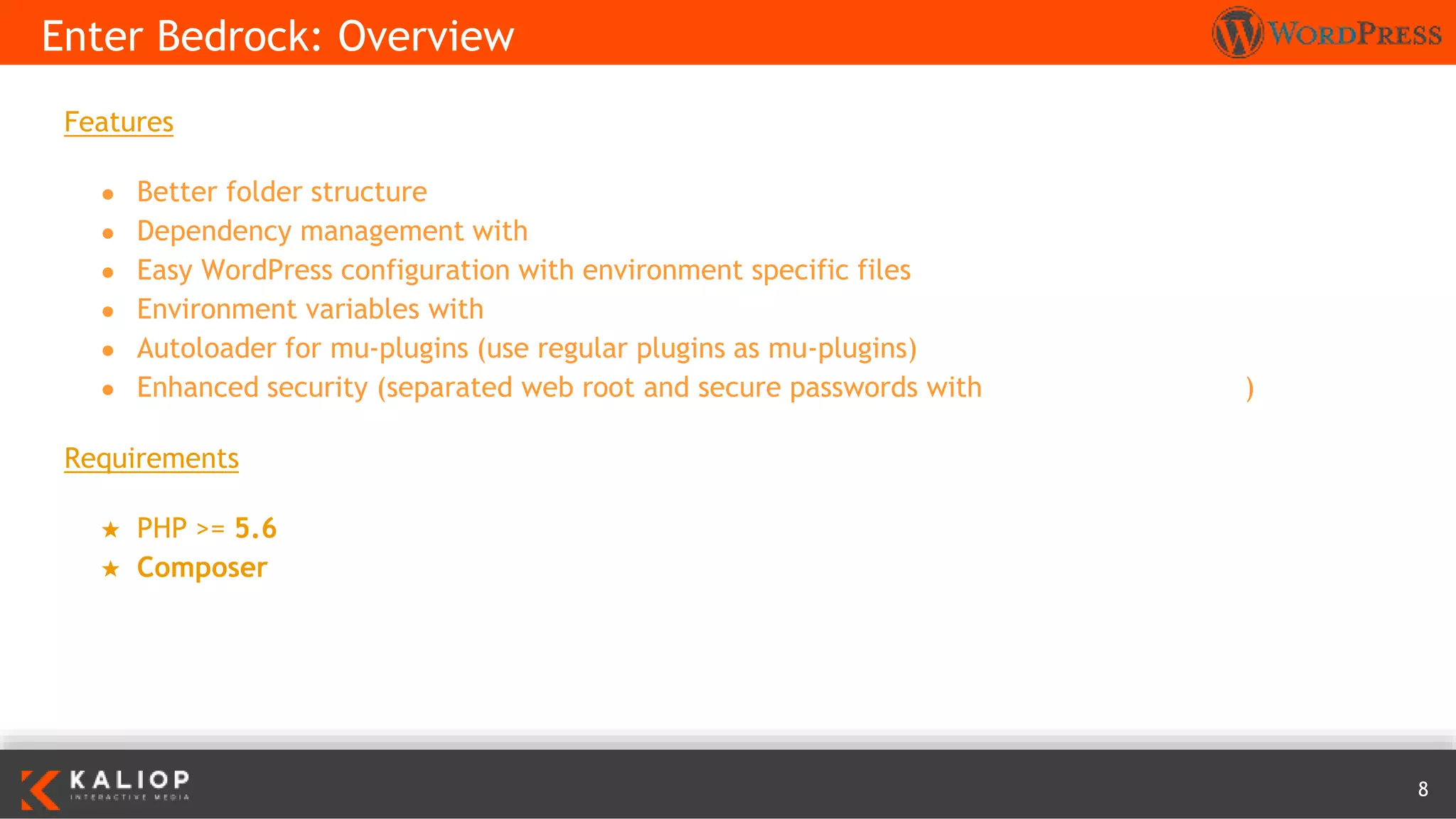
Features
● Better folder structure
● Dependency management with Composer
● Easy WordPress configuration with environment specific files
● Environment variables with Dotenv
● Autoloader for mu-plugins (use regular plugins as mu-plugins)
● Enhanced security (separated web root and secure passwords with wp-password-bcrypt)
Requirements
★ PHP >= 5.6
★ Composer
Enter Bedrock: Overview
9
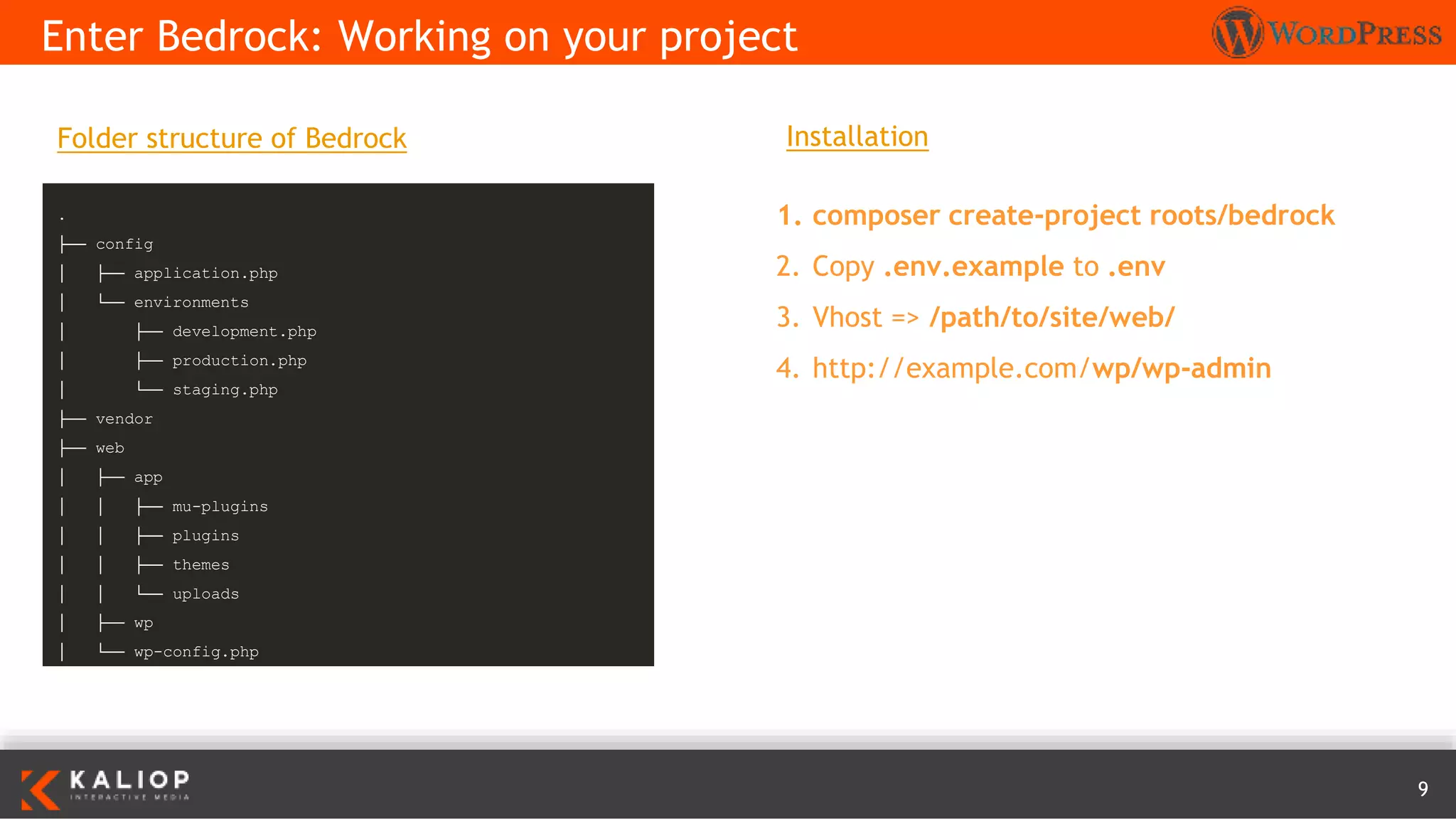
Enter Bedrock: Working on your project
Installation
1. composer create-project roots/bedrock
2. Copy .env.example to .env
3. Vhost => /path/to/site/web/
4. http://example.com/wp/wp-admin
.
├── config
│ ├── application.php
│ └── environments
│ ├── development.php
│ ├── production.php
│ └── staging.php
├── vendor
├── web
│ ├── app
│ │ ├── mu-plugins
│ │ ├── plugins
│ │ ├── themes
│ │ └── uploads
│ ├── wp
│ └── wp-config.php
Folder structure of Bedrock
10
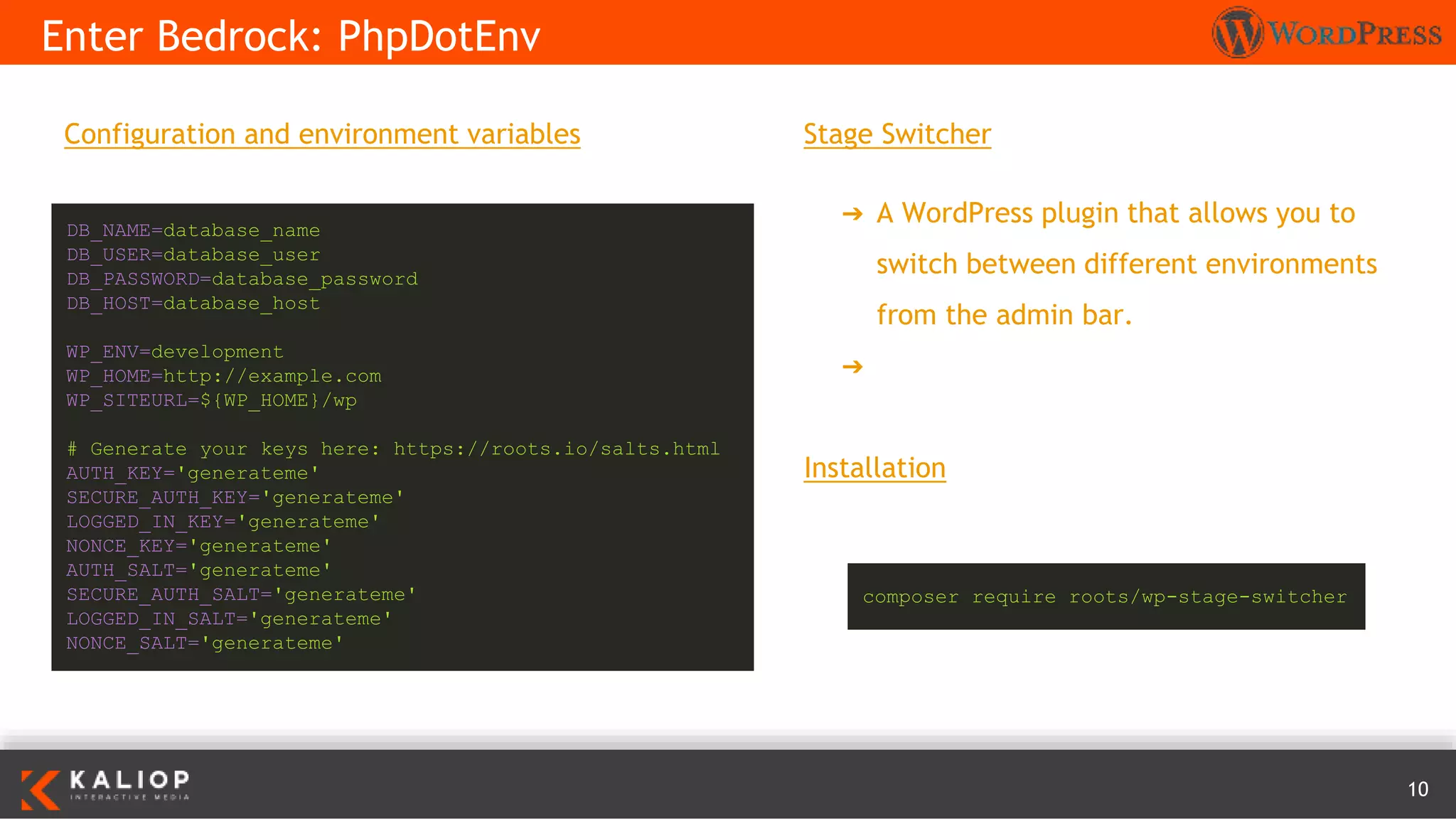
Configuration and environment variables
Enter Bedrock: PhpDotEnv
DB_NAME=database_name
DB_USER=database_user
DB_PASSWORD=database_password
DB_HOST=database_host
WP_ENV=development
WP_HOME=http://example.com
WP_SITEURL=${WP_HOME}/wp
# Generate your keys here: https://roots.io/salts.html
AUTH_KEY='generateme'
SECURE_AUTH_KEY='generateme'
LOGGED_IN_KEY='generateme'
NONCE_KEY='generateme'
AUTH_SALT='generateme'
SECURE_AUTH_SALT='generateme'
LOGGED_IN_SALT='generateme'
NONCE_SALT='generateme'
Stage Switcher
➔ A WordPress plugin that allows you to
switch between different environments
from the admin bar.
➔ https://roots.io/plugins/stage-switcher/
Installation
composer require roots/wp-stage-switcher
11
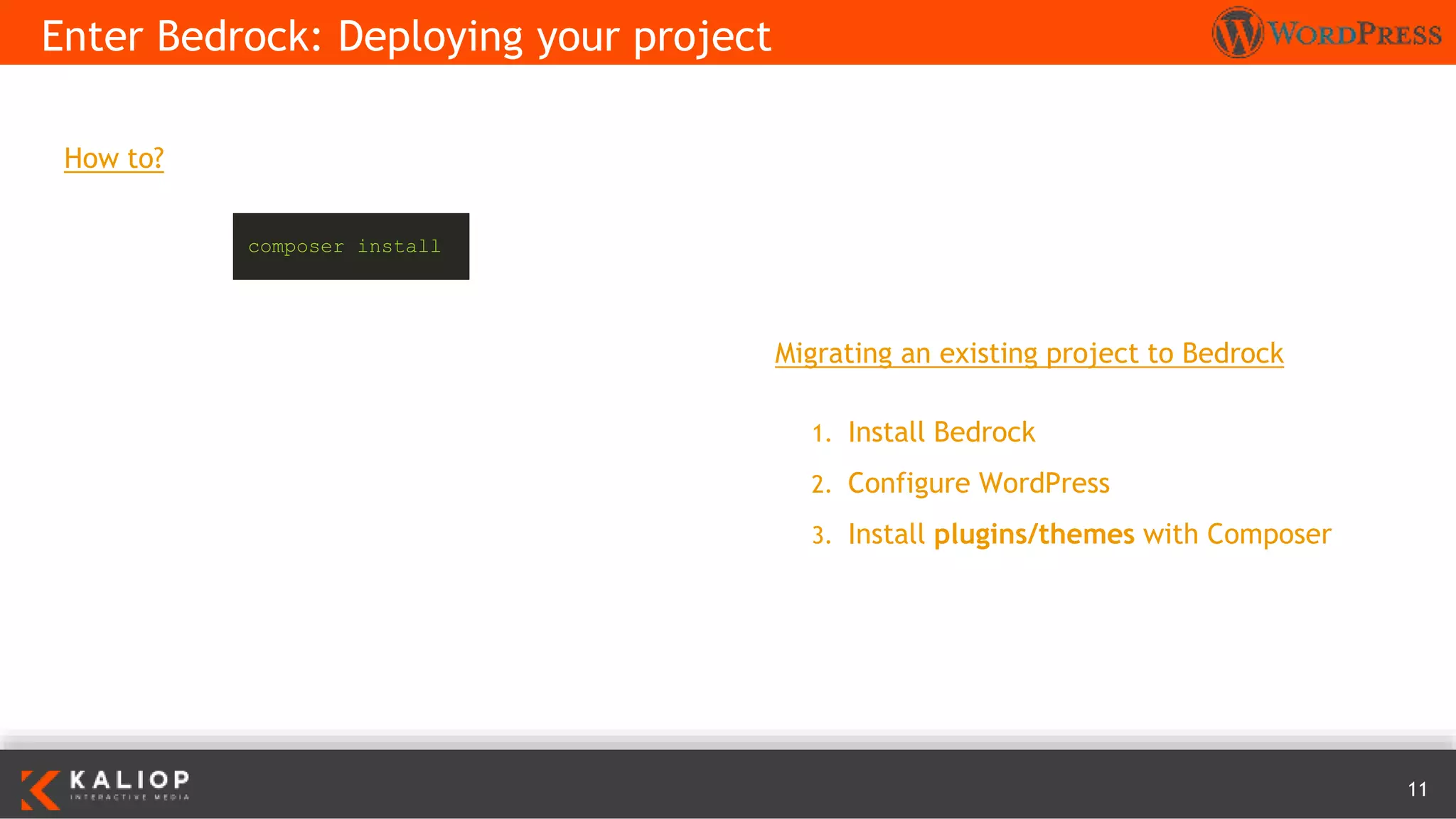
How to?
Enter Bedrock: Deploying your project
Migrating an existing project to Bedrock
1. Install Bedrock
2. Configure WordPress
3. Install plugins/themes with Composer
composer install
12
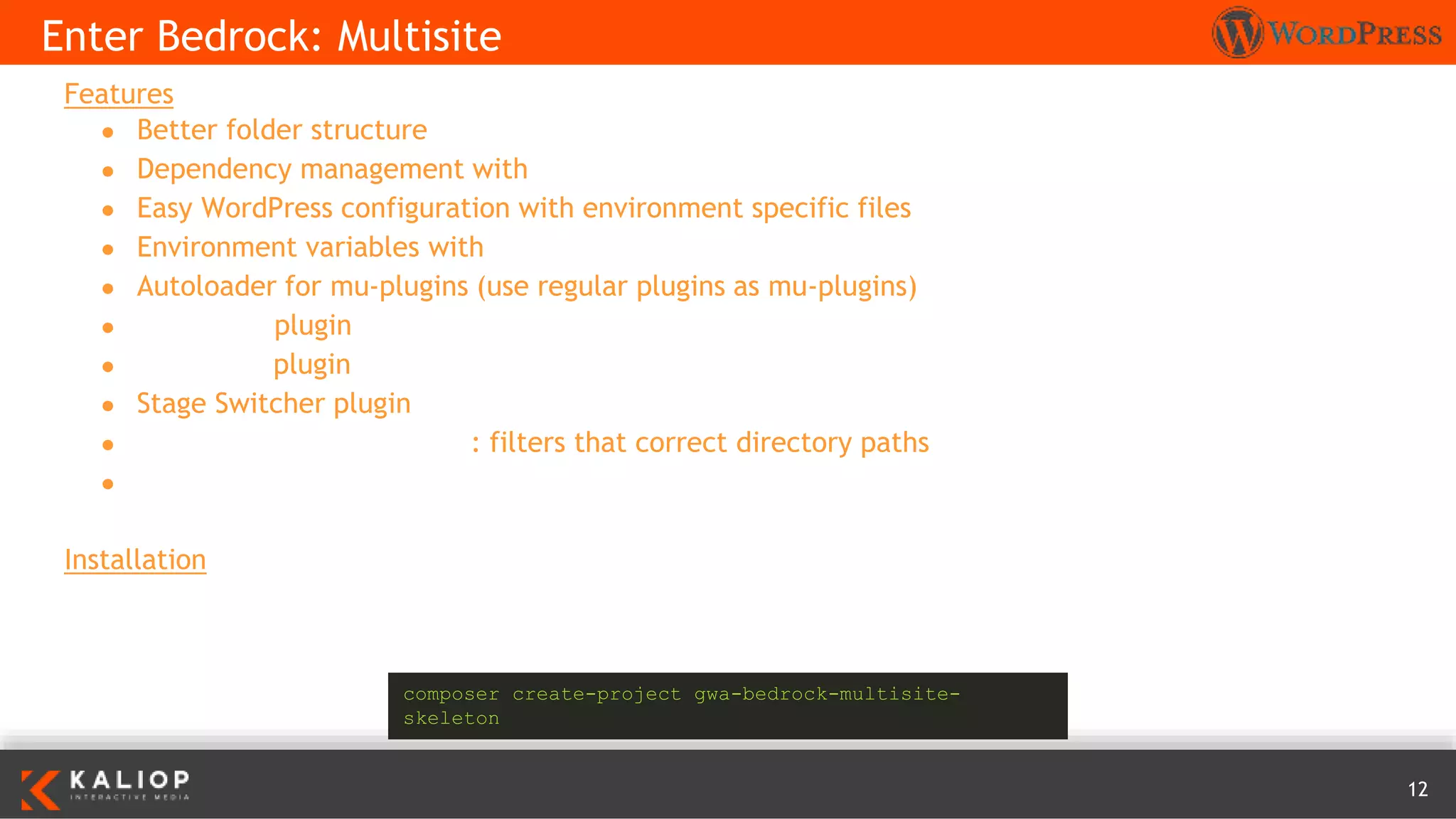
Features
● Better folder structure
● Dependency management with Composer
● Easy WordPress configuration with environment specific files
● Environment variables with Dotenv
● Autoloader for mu-plugins (use regular plugins as mu-plugins)
● Debug Bar plugin
● Developer plugin
● Stage Switcher plugin
● MultisiteDirectoryResolver: filters that correct directory paths
● Koodimonni composer lang support
Installation
Enter Bedrock: Multisite
composer create-project gwa-bedrock-multisite-
skeleton
13
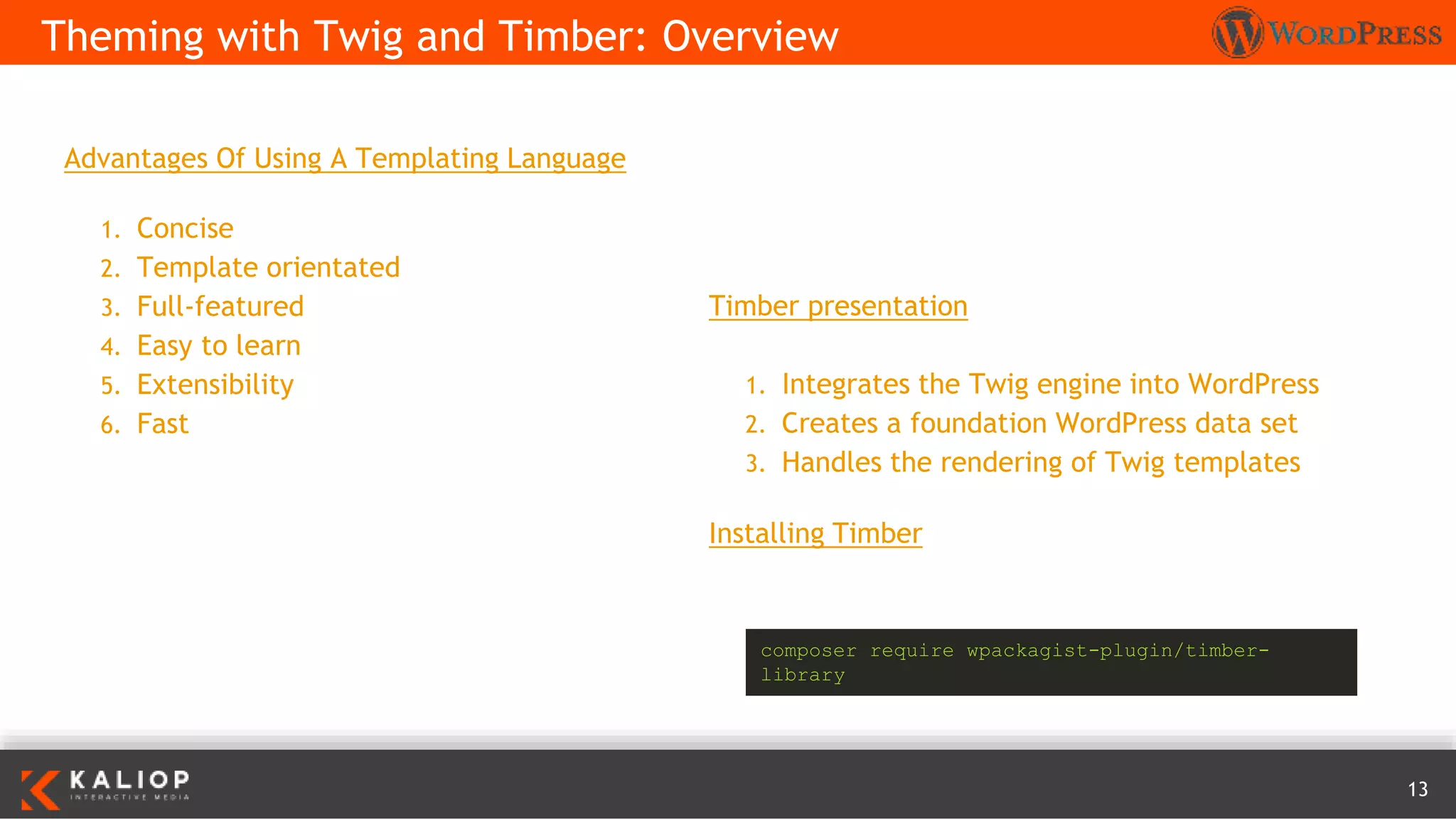
Advantages Of Using A Templating Language
1. Concise
2. Template orientated
3. Full-featured
4. Easy to learn
5. Extensibility
6. Fast
Theming with Twig and Timber: Overview
Timber presentation
1. Integrates the Twig engine into WordPress
2. Creates a foundation WordPress data set
3. Handles the rendering of Twig templates
Installing Timber
composer require wpackagist-plugin/timber-
library
14
PHP files are only concerned with
collating the required data
Theming with Twig and Timber: Templating files
<?php
/**
* The main template file.
*/
// set up page data
$data = Timber::get_context();
$data['posts'] = Timber::get_posts();
$data['page'] = 'home';
// render using Twig template index.twig
Timber::render('twig/index.twig', $data);
{% extends 'twig/base.twig' %}
{% block content %}
<!-- start the loop -->
{% for post in posts %}
{{ include( 'twig/content.twig', ignore_missing = true )
}}
{% else %}
{{ include( 'twig/content-none.twig' ) }}
{% endfor %}
{% if posts %}{{ function( 'bosco_paging_nav' ) }}{% endif %}
{% endblock %}
Timber methods to get the generic data and then renders
the index.twig template
15
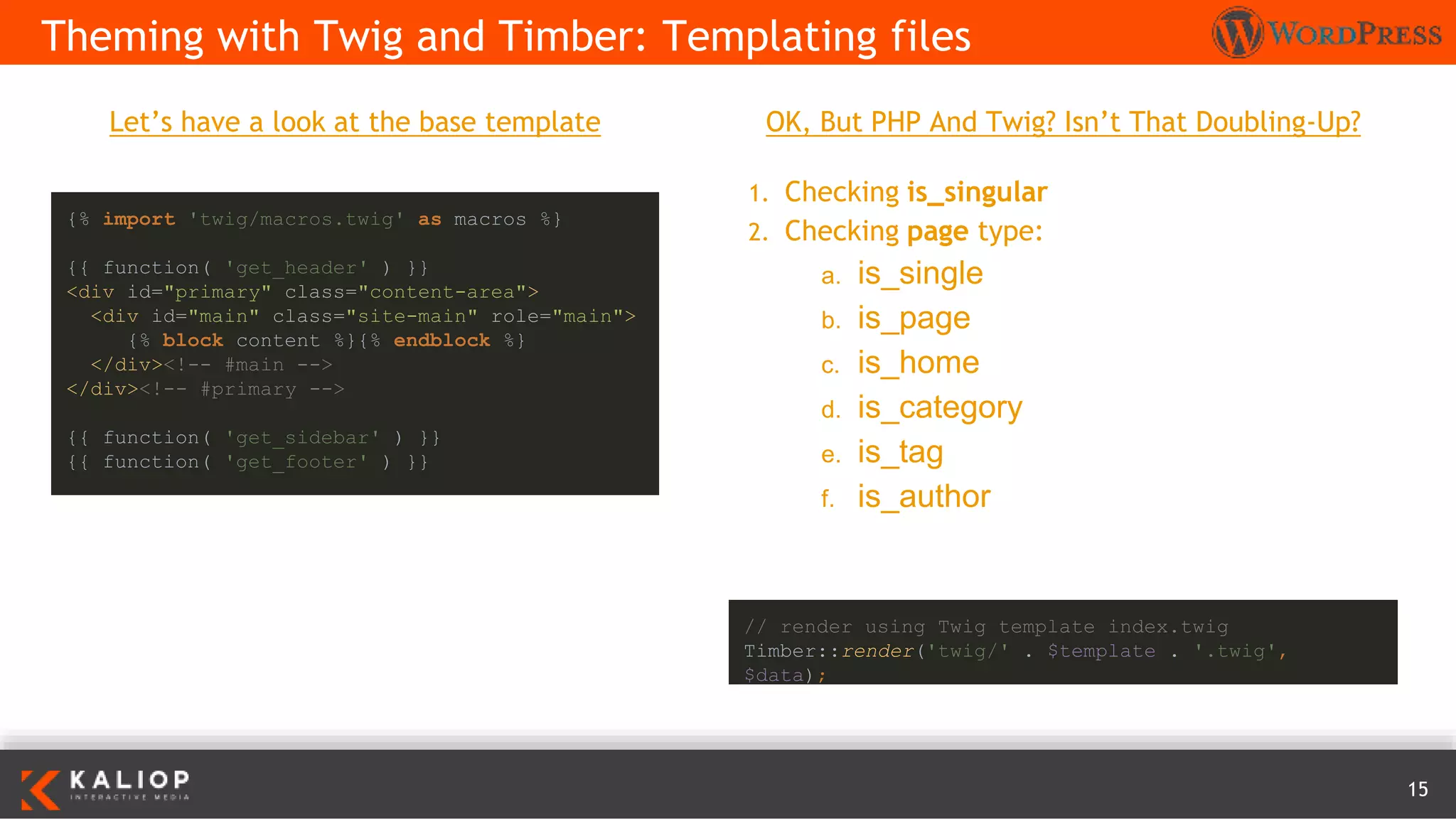
Let’s have a look at the base template
Theming with Twig and Timber: Templating files
{% import 'twig/macros.twig' as macros %}
{{ function( 'get_header' ) }}
<div id="primary" class="content-area">
<div id="main" class="site-main" role="main">
{% block content %}{% endblock %}
</div><!-- #main -->
</div><!-- #primary -->
{{ function( 'get_sidebar' ) }}
{{ function( 'get_footer' ) }}
OK, But PHP And Twig? Isn’t That Doubling-Up?
1. Checking is_singular
2. Checking page type:
a. is_single
b. is_page
c. is_home
d. is_category
e. is_tag
f. is_author
// render using Twig template index.twig
Timber::render('twig/' . $template . '.twig',
$data);
16
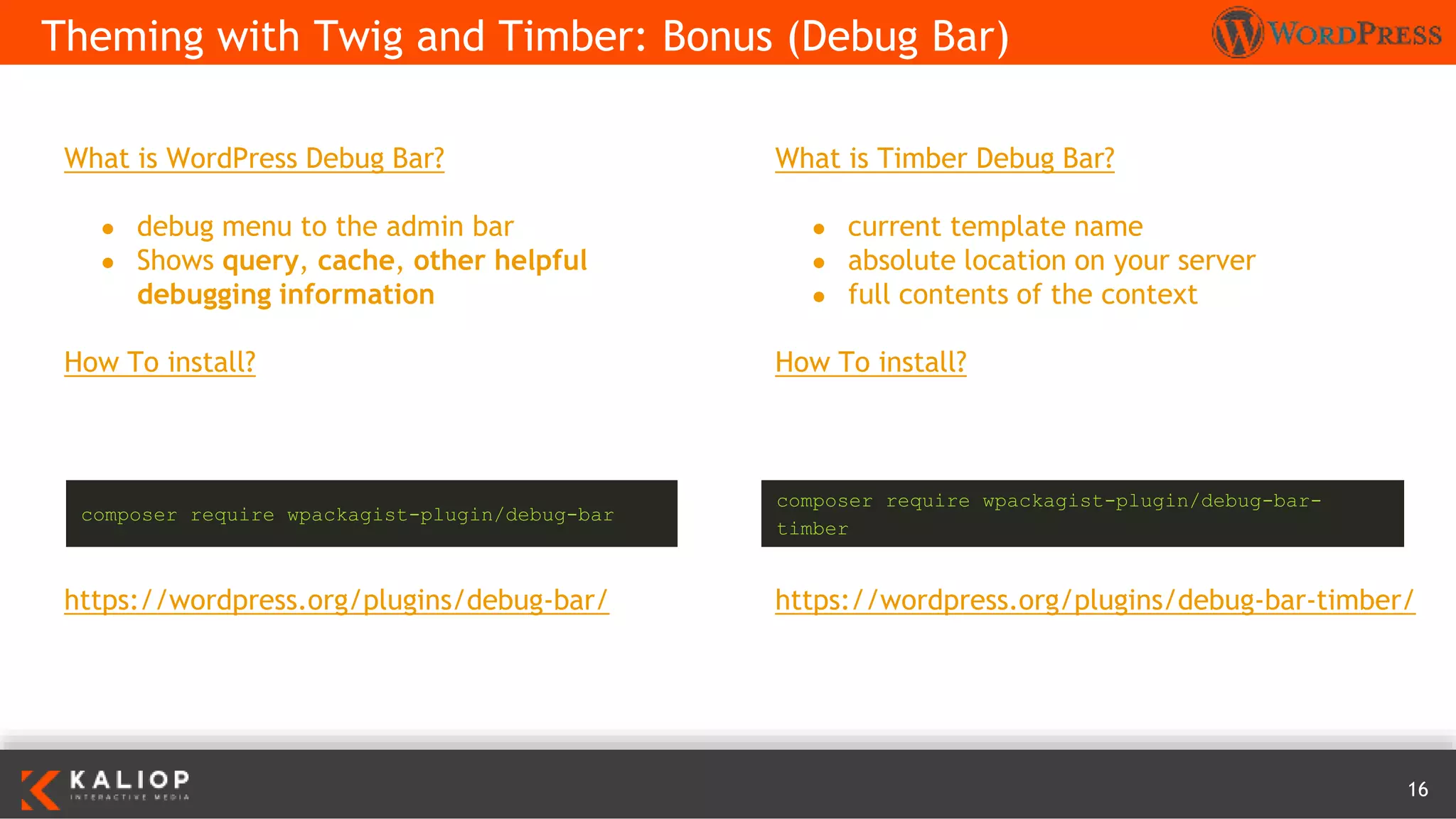
What is WordPress Debug Bar?
● debug menu to the admin bar
● Shows query, cache, other helpful
debugging information
How To install?
https://wordpress.org/plugins/debug-bar/
Theming with Twig and Timber: Bonus (Debug Bar)
What is Timber Debug Bar?
● current template name
● absolute location on your server
● full contents of the context
How To install?
https://wordpress.org/plugins/debug-bar-timber/
composer require wpackagist-plugin/debug-bar
composer require wpackagist-plugin/debug-bar-
timber
17
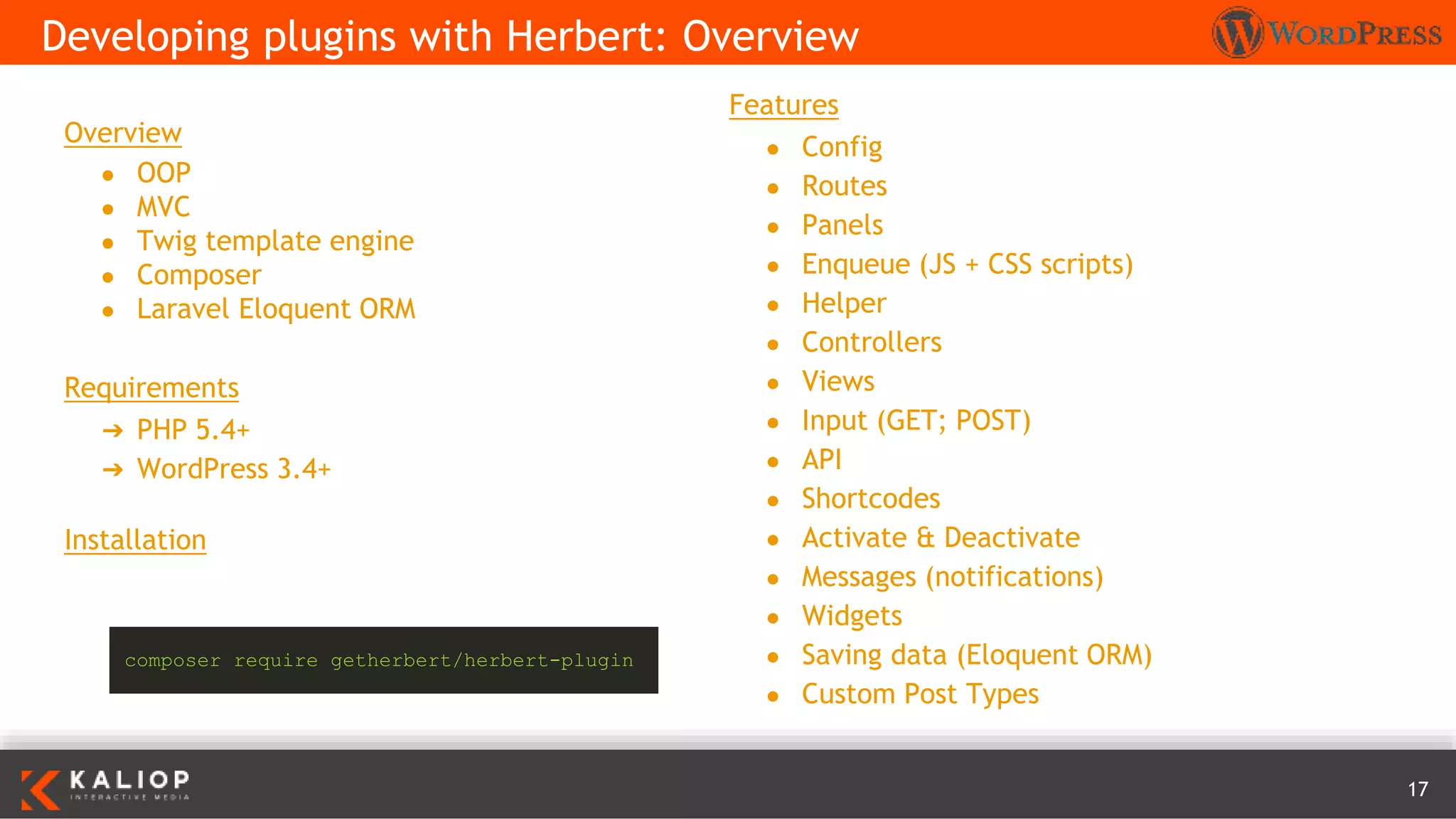
Overview
● OOP
● MVC
● Twig template engine
● Composer
● Laravel Eloquent ORM
Requirements
➔ PHP 5.4+
➔ WordPress 3.4+
Installation
Developing plugins with Herbert: Overview
composer require getherbert/herbert-plugin
Features
● Config
● Routes
● Panels
● Enqueue (JS + CSS scripts)
● Helper
● Controllers
● Views
● Input (GET; POST)
● API
● Shortcodes
● Activate & Deactivate
● Messages (notifications)
● Widgets
● Saving data (Eloquent ORM)
● Custom Post Types
18
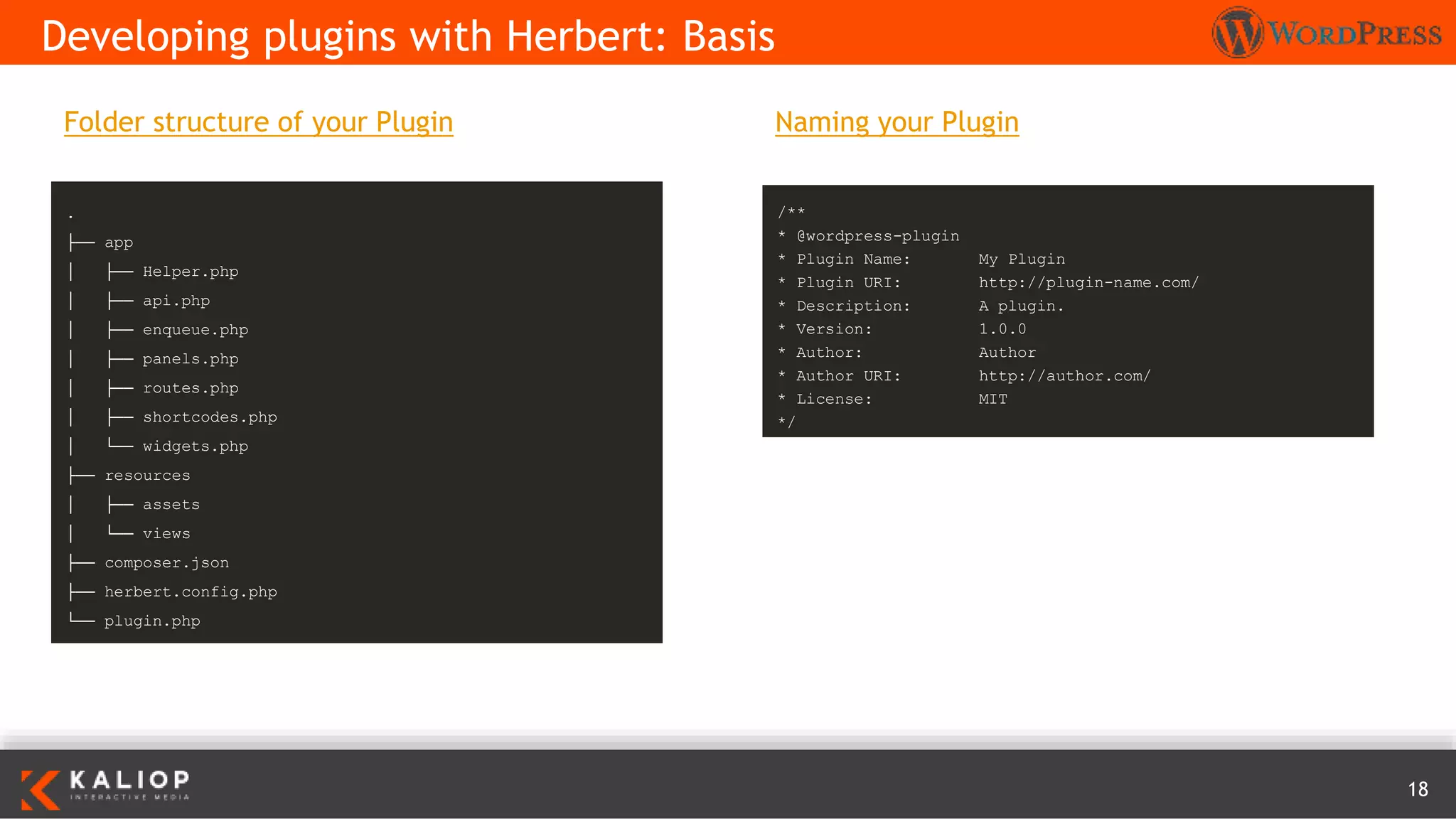
Naming your Plugin
Developing plugins with Herbert: Basis
.
├── app
│ ├── Helper.php
│ ├── api.php
│ ├── enqueue.php
│ ├── panels.php
│ ├── routes.php
│ ├── shortcodes.php
│ └── widgets.php
├── resources
│ ├── assets
│ └── views
├── composer.json
├── herbert.config.php
└── plugin.php
/**
* @wordpress-plugin
* Plugin Name: My Plugin
* Plugin URI: http://plugin-name.com/
* Description: A plugin.
* Version: 1.0.0
* Author: Author
* Author URI: http://author.com/
* License: MIT
*/
Folder structure of your Plugin
19
● https://roots.io/using-composer-with-wordpress/
● https://roots.io/bedrock/
● https://roots.io/bedrock/docs/
● https://roots.io/plugins/stage-switcher/
● https://css-tricks.com/intro-bedrock-wordpress/
● https://premium.wpmudev.org/blog/simplify-your-wordpress-theming-with-twig-and-timber/
● http://getherbert.com
● https://github.com/studio24/wordpress-multi-env-config
References

A new way to develop with WordPress!

  • 1.
    1 A new wayto develop with WordPress!
  • 2.
    2 1. Introduction 2. ClassicWordPress workflow 3. The Composer way a. Overview b. Integrating with WordPress c. WordPress Packagist 4. Enter Bedrock a. Overview b. Working on your project c. PhpDotEnv d. Deploying your project e. Multisite 5. Theming with Twig and Timber a. Overview b. Templating files c. Bonus (Debug bar) Table of content 6. Developing plugins with Herbert a. Overview b. Basis 7. References
  • 3.
    3 A report on1 july 2016 suggest that WordPress powers 26.6% of the internet. Introduction
  • 4.
    4 How to? 1. DownloadWordPress 2. Push WordPress using FTP 3. Install WordPress (generate wp-config.php) 4. Install plugins/themes using FTP or backend 5. Update manually plugins/themes Classic WordPress workflow Issues 1. Updating WordPress/plugins can break site 2. Manually keep track of WordPress and plugins/themes versions (on Git) 3. Deploys can be cumbersome (hours) 4. Configuring WordPress in multiple environments is difficult (wp-config.php, unversioned)
  • 5.
    5 Tools ● Git ● Composer ●WordPress Packagist Advantages ● Dependencies explicitly declared in a single place (composer.json) ● Installing/Updating handled by Composer ● Project locked onto specific versions ● Don’t need to include the actual 3rd party code in your version control repository The Composer way: Overview
  • 6.
    6 Dependencies ● WordPress itself ●Plugins ● Themes ● Private repos Structure The Composer way: Integrating with WordPress Composer.json ➔ auto-updating fork (syncs every 15 minutes with the official WP repo) that includes composer.json { "require": { "php": ">=5.4", "johnpbloch/wordpress": "~4.5" }, "extra": { "wordpress-install-dir": "wp" } } . ├── wp ├── wp-content ├── index.php └── wp-config.php ➔ require johnpbloch/wordpress-core-installer
  • 7.
    7 ➔ Mirror ofthe WordPress plugin directory as a Composer repository The Composer way: WordPress Packagist { "extra": { "installer-paths": { "content/mu-plugins/{$name}/": [ "type:wordpress-muplugin" ], "content/plugins/{$name}/": [ "type:wordpress-plugin" ], "content/themes/{$name}/": [ "type:wordpress-theme" ] } } } { "repositories": [ { "type": "composer", "url": "http://wpackagist.org" } ] } 1. Add the repository to your composer.json 2. Add the desired plugins and themes 3. Run composer require wpackagist-plugin/contact- form-7 Extra: customize installer paths composer update
  • 8.
    8 Features ● Better folderstructure ● Dependency management with Composer ● Easy WordPress configuration with environment specific files ● Environment variables with Dotenv ● Autoloader for mu-plugins (use regular plugins as mu-plugins) ● Enhanced security (separated web root and secure passwords with wp-password-bcrypt) Requirements ★ PHP >= 5.6 ★ Composer Enter Bedrock: Overview
  • 9.
    9 Enter Bedrock: Workingon your project Installation 1. composer create-project roots/bedrock 2. Copy .env.example to .env 3. Vhost => /path/to/site/web/ 4. http://example.com/wp/wp-admin . ├── config │ ├── application.php │ └── environments │ ├── development.php │ ├── production.php │ └── staging.php ├── vendor ├── web │ ├── app │ │ ├── mu-plugins │ │ ├── plugins │ │ ├── themes │ │ └── uploads │ ├── wp │ └── wp-config.php Folder structure of Bedrock
  • 10.
    10 Configuration and environmentvariables Enter Bedrock: PhpDotEnv DB_NAME=database_name DB_USER=database_user DB_PASSWORD=database_password DB_HOST=database_host WP_ENV=development WP_HOME=http://example.com WP_SITEURL=${WP_HOME}/wp # Generate your keys here: https://roots.io/salts.html AUTH_KEY='generateme' SECURE_AUTH_KEY='generateme' LOGGED_IN_KEY='generateme' NONCE_KEY='generateme' AUTH_SALT='generateme' SECURE_AUTH_SALT='generateme' LOGGED_IN_SALT='generateme' NONCE_SALT='generateme' Stage Switcher ➔ A WordPress plugin that allows you to switch between different environments from the admin bar. ➔ https://roots.io/plugins/stage-switcher/ Installation composer require roots/wp-stage-switcher
  • 11.
    11 How to? Enter Bedrock:Deploying your project Migrating an existing project to Bedrock 1. Install Bedrock 2. Configure WordPress 3. Install plugins/themes with Composer composer install
  • 12.
    12 Features ● Better folderstructure ● Dependency management with Composer ● Easy WordPress configuration with environment specific files ● Environment variables with Dotenv ● Autoloader for mu-plugins (use regular plugins as mu-plugins) ● Debug Bar plugin ● Developer plugin ● Stage Switcher plugin ● MultisiteDirectoryResolver: filters that correct directory paths ● Koodimonni composer lang support Installation Enter Bedrock: Multisite composer create-project gwa-bedrock-multisite- skeleton
  • 13.
    13 Advantages Of UsingA Templating Language 1. Concise 2. Template orientated 3. Full-featured 4. Easy to learn 5. Extensibility 6. Fast Theming with Twig and Timber: Overview Timber presentation 1. Integrates the Twig engine into WordPress 2. Creates a foundation WordPress data set 3. Handles the rendering of Twig templates Installing Timber composer require wpackagist-plugin/timber- library
  • 14.
    14 PHP files areonly concerned with collating the required data Theming with Twig and Timber: Templating files <?php /** * The main template file. */ // set up page data $data = Timber::get_context(); $data['posts'] = Timber::get_posts(); $data['page'] = 'home'; // render using Twig template index.twig Timber::render('twig/index.twig', $data); {% extends 'twig/base.twig' %} {% block content %} <!-- start the loop --> {% for post in posts %} {{ include( 'twig/content.twig', ignore_missing = true ) }} {% else %} {{ include( 'twig/content-none.twig' ) }} {% endfor %} {% if posts %}{{ function( 'bosco_paging_nav' ) }}{% endif %} {% endblock %} Timber methods to get the generic data and then renders the index.twig template
  • 15.
    15 Let’s have alook at the base template Theming with Twig and Timber: Templating files {% import 'twig/macros.twig' as macros %} {{ function( 'get_header' ) }} <div id="primary" class="content-area"> <div id="main" class="site-main" role="main"> {% block content %}{% endblock %} </div><!-- #main --> </div><!-- #primary --> {{ function( 'get_sidebar' ) }} {{ function( 'get_footer' ) }} OK, But PHP And Twig? Isn’t That Doubling-Up? 1. Checking is_singular 2. Checking page type: a. is_single b. is_page c. is_home d. is_category e. is_tag f. is_author // render using Twig template index.twig Timber::render('twig/' . $template . '.twig', $data);
  • 16.
    16 What is WordPressDebug Bar? ● debug menu to the admin bar ● Shows query, cache, other helpful debugging information How To install? https://wordpress.org/plugins/debug-bar/ Theming with Twig and Timber: Bonus (Debug Bar) What is Timber Debug Bar? ● current template name ● absolute location on your server ● full contents of the context How To install? https://wordpress.org/plugins/debug-bar-timber/ composer require wpackagist-plugin/debug-bar composer require wpackagist-plugin/debug-bar- timber
  • 17.
    17 Overview ● OOP ● MVC ●Twig template engine ● Composer ● Laravel Eloquent ORM Requirements ➔ PHP 5.4+ ➔ WordPress 3.4+ Installation Developing plugins with Herbert: Overview composer require getherbert/herbert-plugin Features ● Config ● Routes ● Panels ● Enqueue (JS + CSS scripts) ● Helper ● Controllers ● Views ● Input (GET; POST) ● API ● Shortcodes ● Activate & Deactivate ● Messages (notifications) ● Widgets ● Saving data (Eloquent ORM) ● Custom Post Types
  • 18.
    18 Naming your Plugin Developingplugins with Herbert: Basis . ├── app │ ├── Helper.php │ ├── api.php │ ├── enqueue.php │ ├── panels.php │ ├── routes.php │ ├── shortcodes.php │ └── widgets.php ├── resources │ ├── assets │ └── views ├── composer.json ├── herbert.config.php └── plugin.php /** * @wordpress-plugin * Plugin Name: My Plugin * Plugin URI: http://plugin-name.com/ * Description: A plugin. * Version: 1.0.0 * Author: Author * Author URI: http://author.com/ * License: MIT */ Folder structure of your Plugin
  • 19.
    19 ● https://roots.io/using-composer-with-wordpress/ ● https://roots.io/bedrock/ ●https://roots.io/bedrock/docs/ ● https://roots.io/plugins/stage-switcher/ ● https://css-tricks.com/intro-bedrock-wordpress/ ● https://premium.wpmudev.org/blog/simplify-your-wordpress-theming-with-twig-and-timber/ ● http://getherbert.com ● https://github.com/studio24/wordpress-multi-env-config References