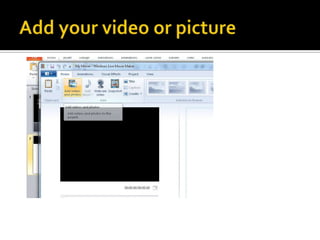
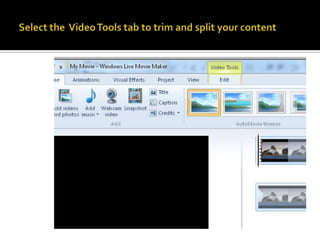
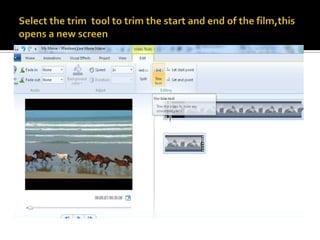
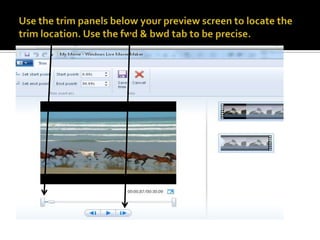
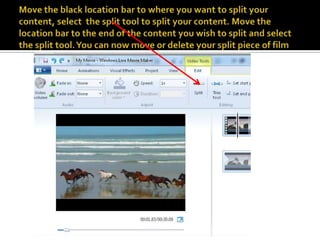
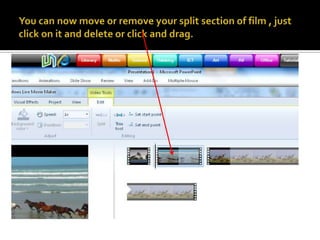
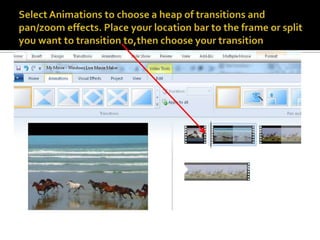
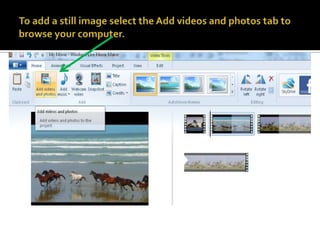
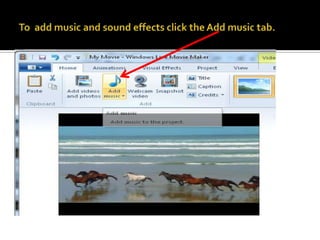
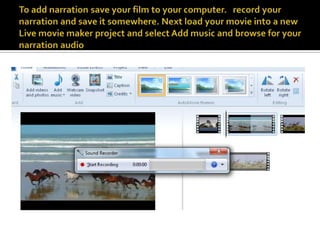
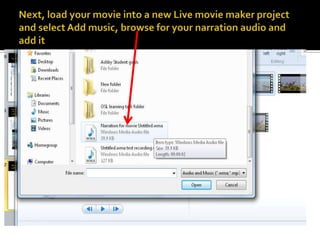
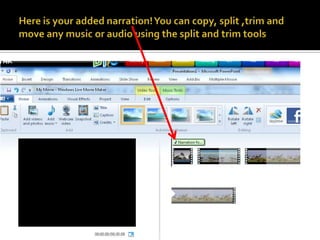
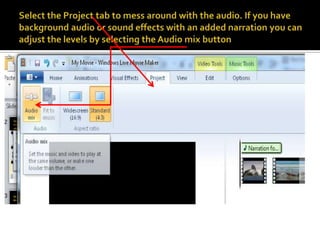
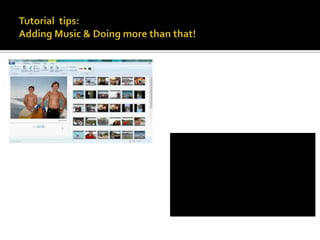
This document provides instructions for editing video using Live Movie Maker, including trimming clips, splitting clips, adding transitions, still images, narration, and adjusting audio levels. Key steps include using trim and split tools to edit video segments, selecting animations to add transitions between clips, adding still images and audio files, and adjusting audio levels in the project tab.