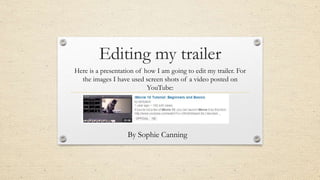
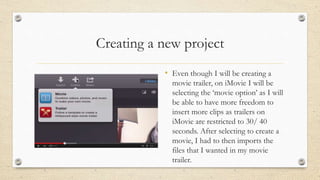
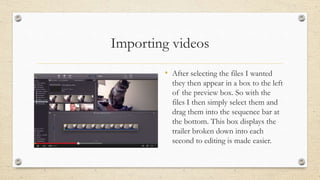
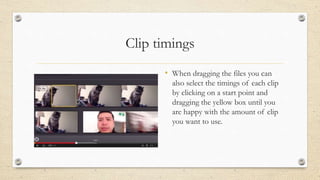
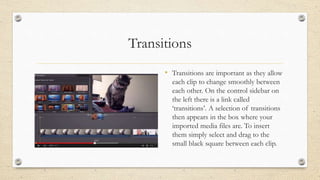
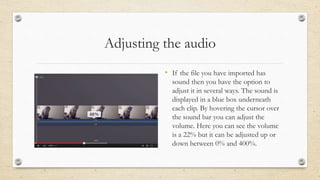
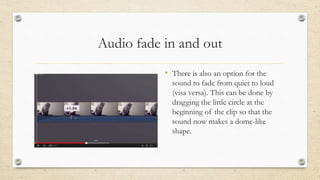
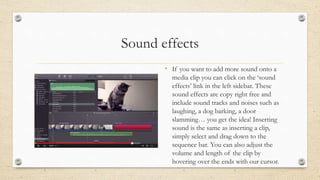
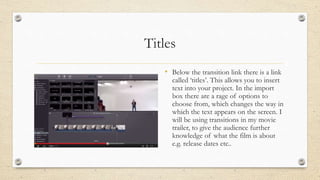
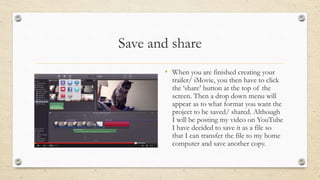
The document discusses the process of editing a movie trailer using iMovie. It explains how to import video clips, adjust clip timing and transitions, add audio and adjust volume, incorporate sound effects, insert titles, and save and share the finished trailer. Key steps include selecting a movie project instead of a trailer, importing files by dragging them into the timeline, adjusting clip lengths by dragging boxes, inserting transitions between clips, adjusting audio volume and fades, adding copyright-free sound effects, including titles for information, and sharing by saving the file.