




Moodle 2.0 FilesAn inconvenient truthMark DrechslerNAVIGATE 2011
Moodle 2.0 FilesAn inconvenient truthNow with 52% new content!Mark DrechslerNAVIGATE 2011
About meDirector, Consulting @ NetSpot Pty Ltd – Australia’s largest Moodle Partner company, and an EQUELLA hosting partner.
About meLead project functional consultant on University of Canberra (14k users – M1.9), Australian National University (13k users – M1.9), Canberra Institute of Technology (25k users – M1.9 + Wimba + EQUELLA), La Trobe University (27k users – M2.0), Macquarie University (27k users – M2.0 + EQUELLA) ,Monash Uni (55k users – M2.0).
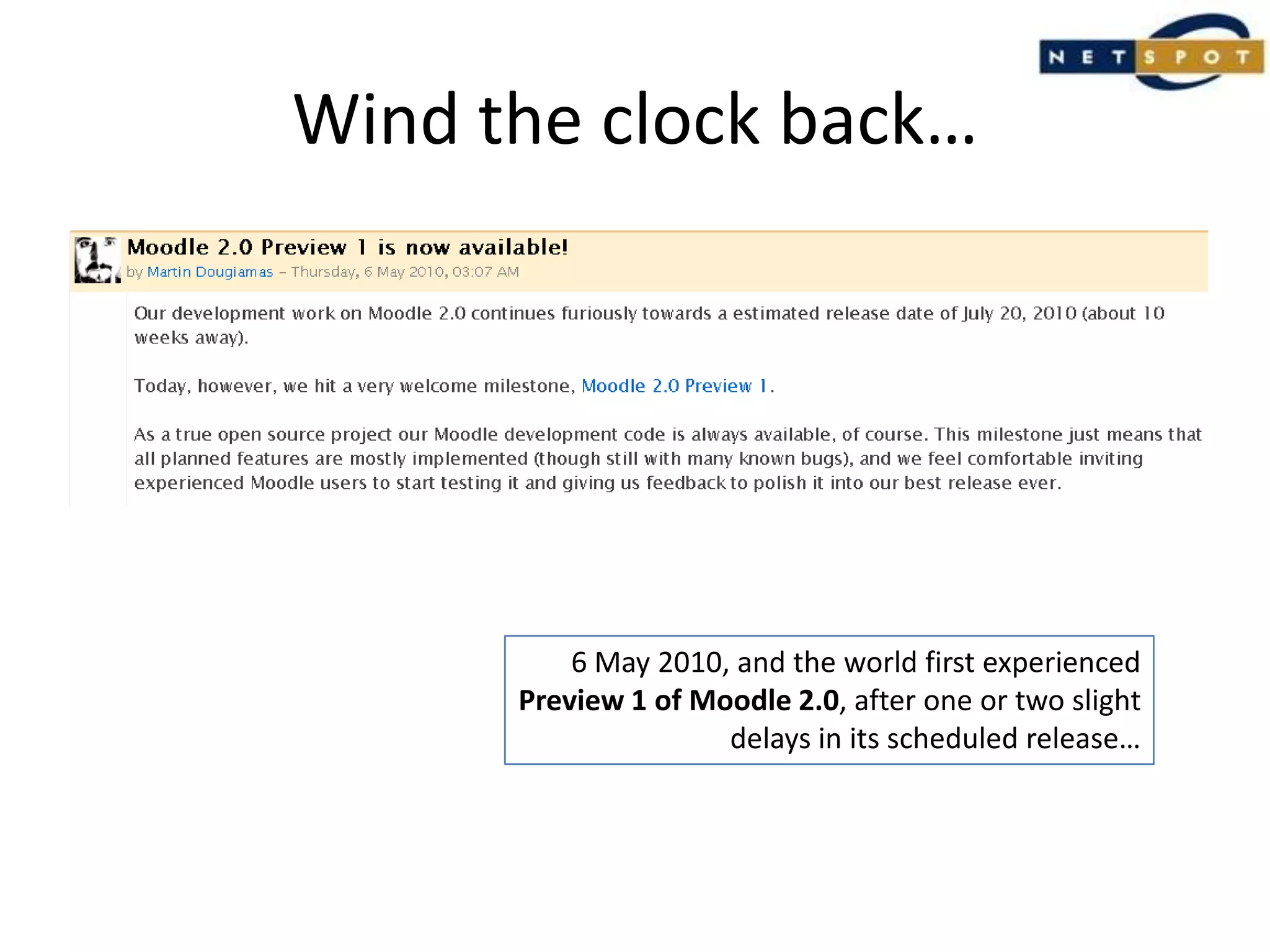
Wind the clock back…6 May 2010, and the world first experiencedPreview 1 of Moodle 2.0, after one or two slightdelays in its scheduled release…
Creative Commons licensed: http://www.flickr.com/photos/sjliew/
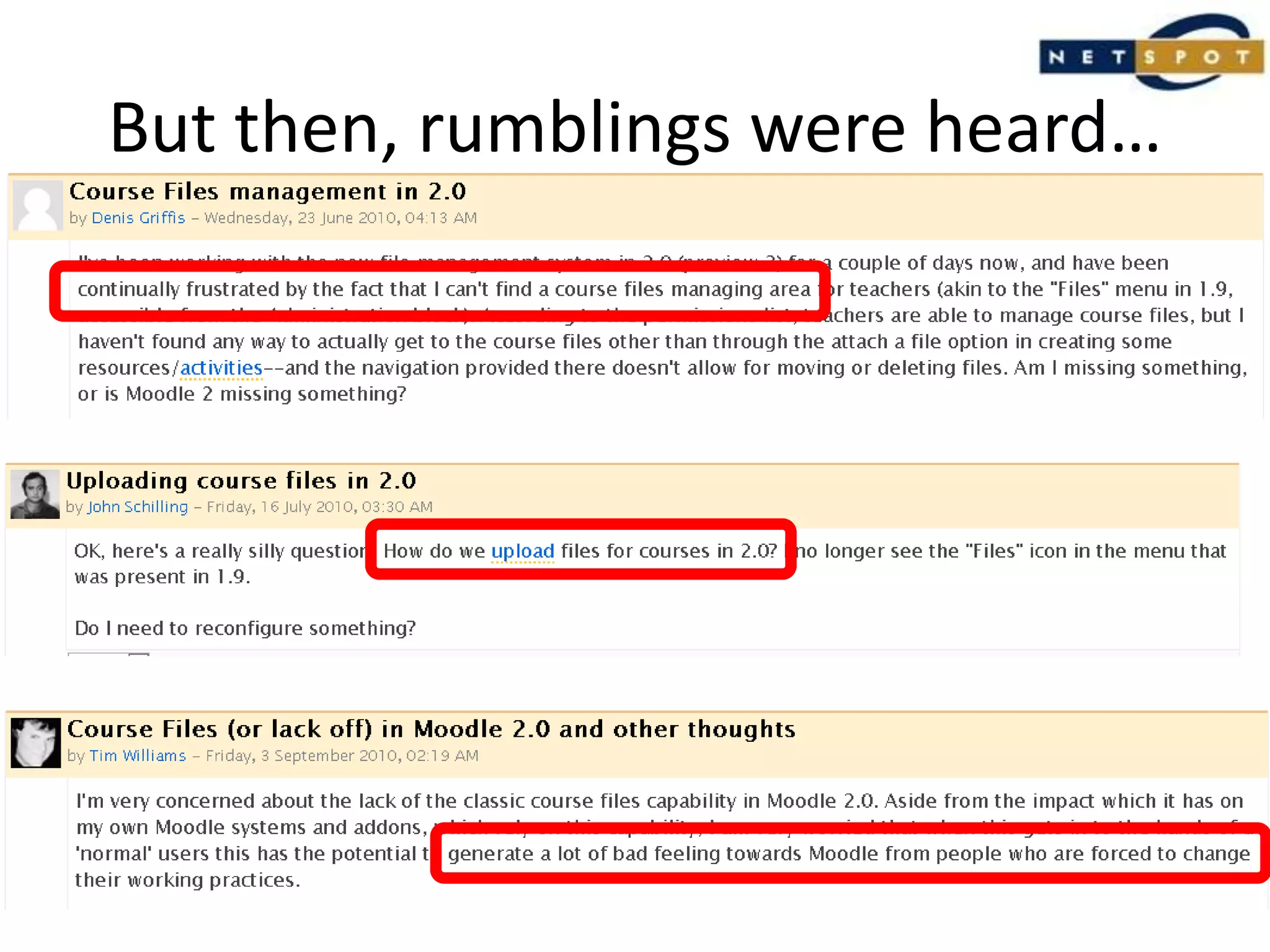
But then, rumblings were heard…
So why did people struggle?
How do I…upload my files into a course like in 1.9?edit my files from the main course page?see where my files have been uploaded to?replace or delete files via the course page?link to the same file from two places?
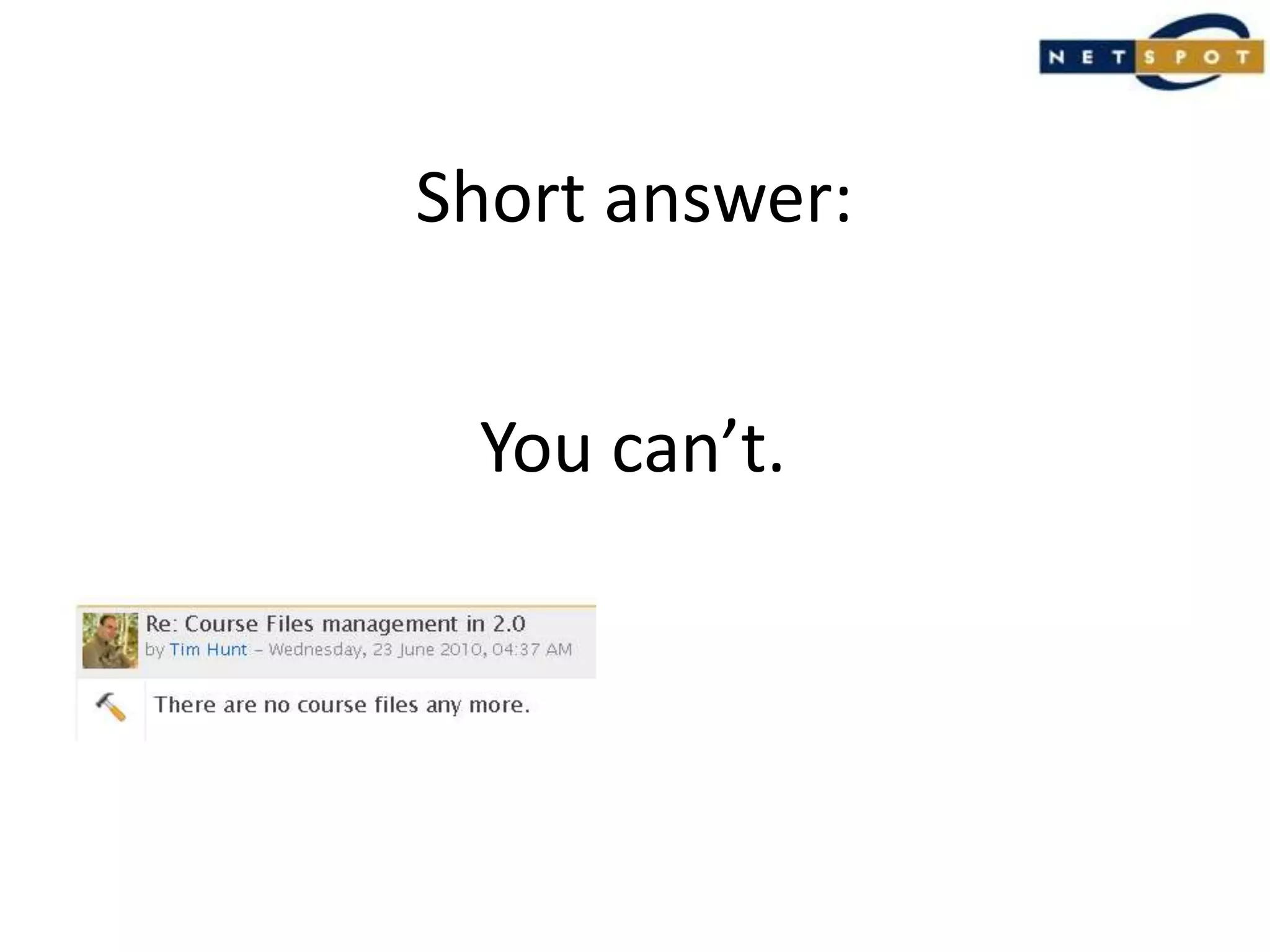
Short answer:You can’t.
WHY?
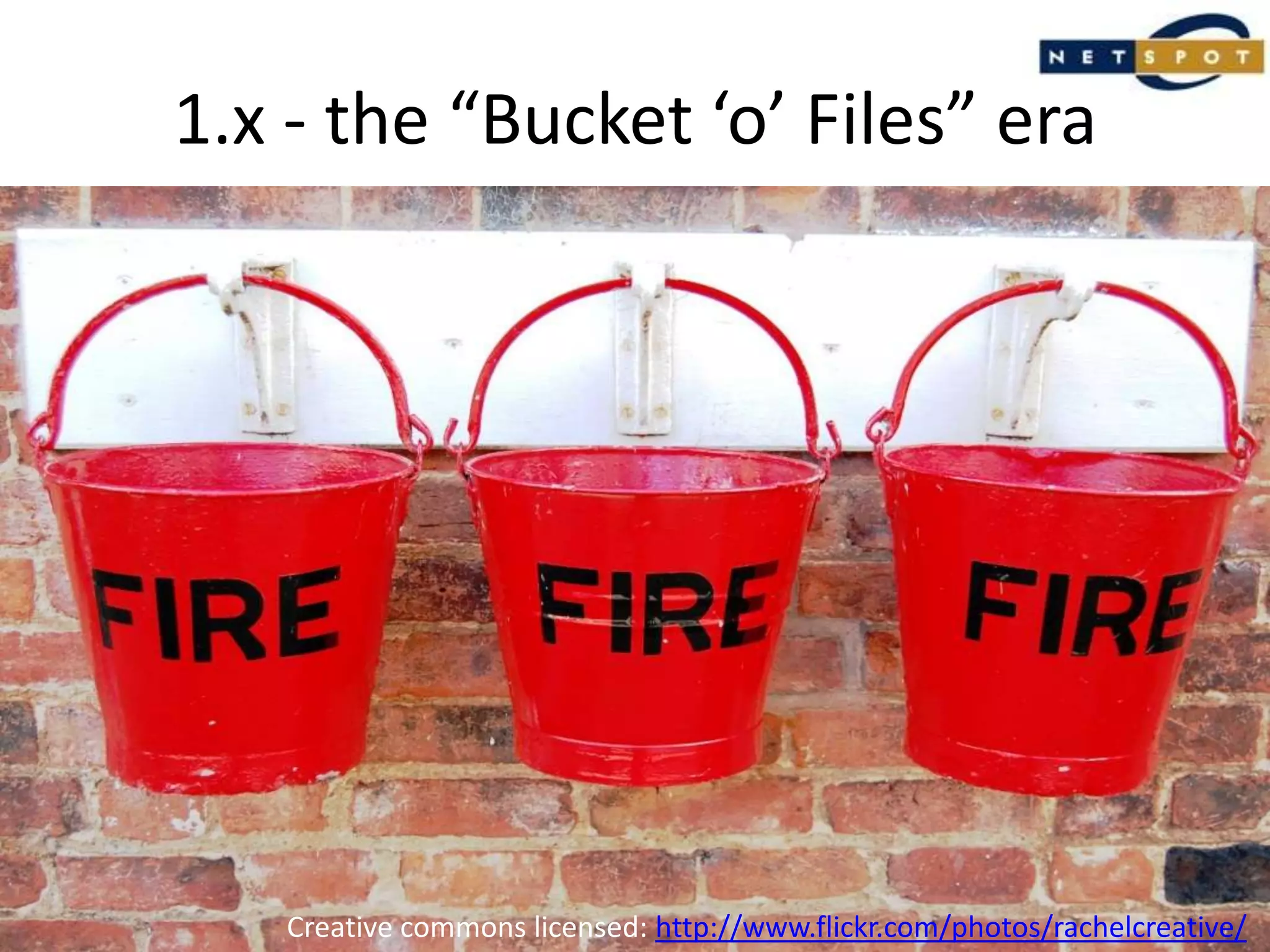
1.x - the “Bucket ‘o’ Files” eraCreative commons licensed: http://www.flickr.com/photos/rachelcreative/
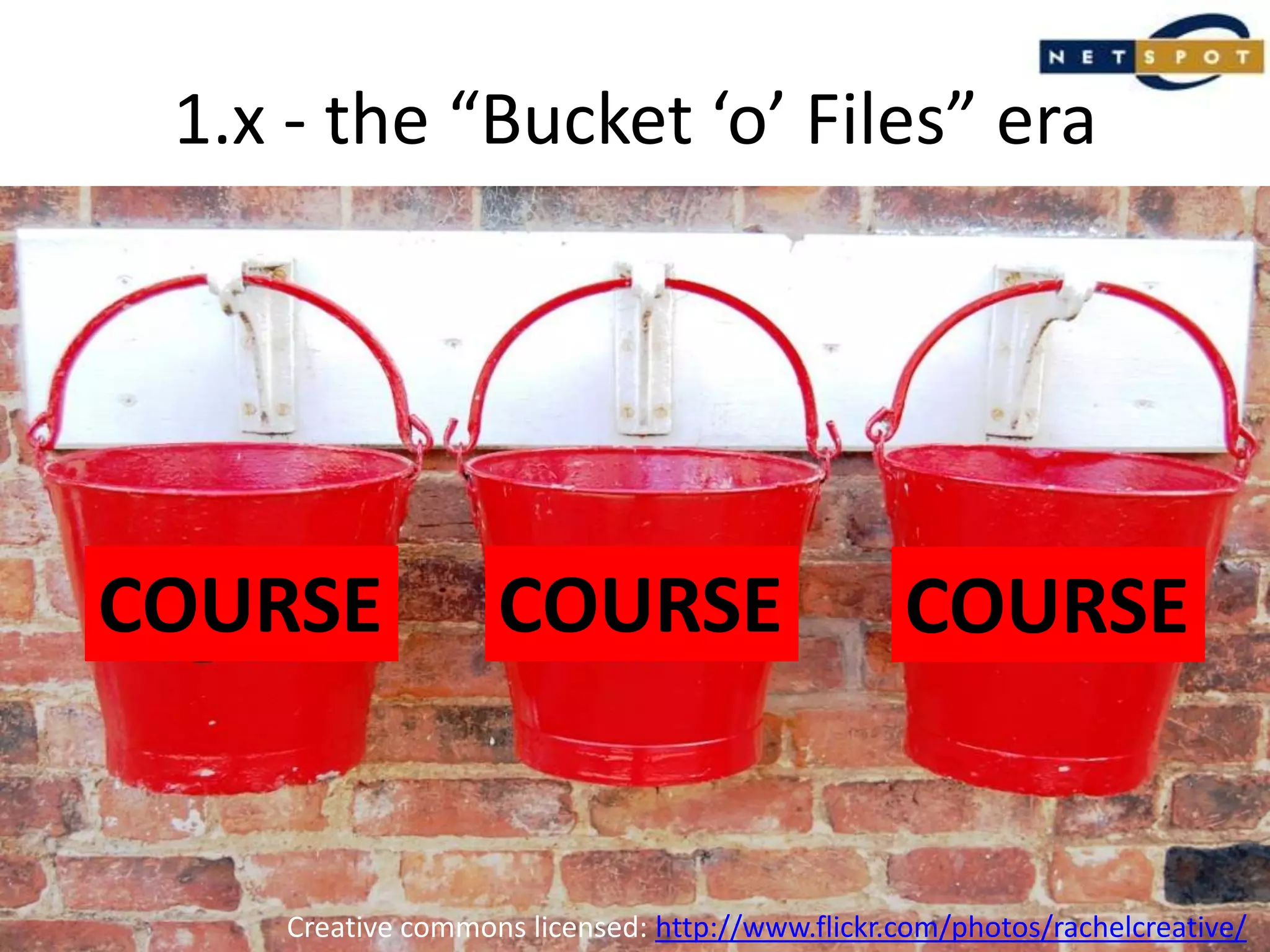
1.x - the “Bucket ‘o’ Files” eraCOURSECOURSECOURSECreative commons licensed: http://www.flickr.com/photos/rachelcreative/
Key point:Each course had its own ‘mini-repository’ for files:Upload files into the course ‘bucket’;Manage them once they are in there;Link to them from multiple places within a course;Think ‘files’ first, and ‘what am I going to use them for’ later.
Sounds great!Unfortunately, there were a few problems…
Problem 1:File security.Specifically, they weren’t secure.
Problem 2:Delete a file,Hello broken links.
Problem 3:Backups.All files. Always.
Problem 4:Content silos.Lots of them.
The problems were always there.They needed to be fixed one day.
So what changed in 2.0?
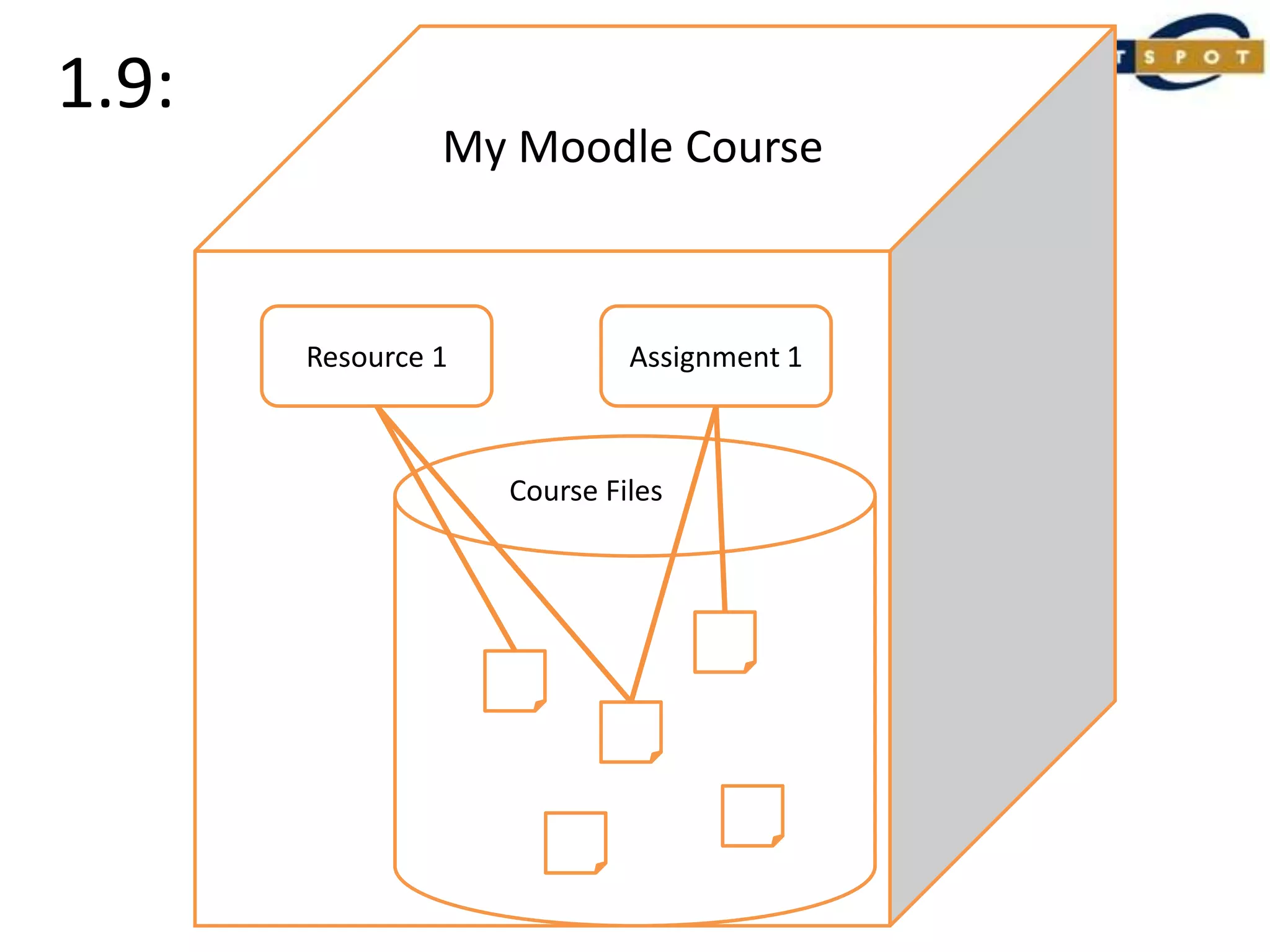
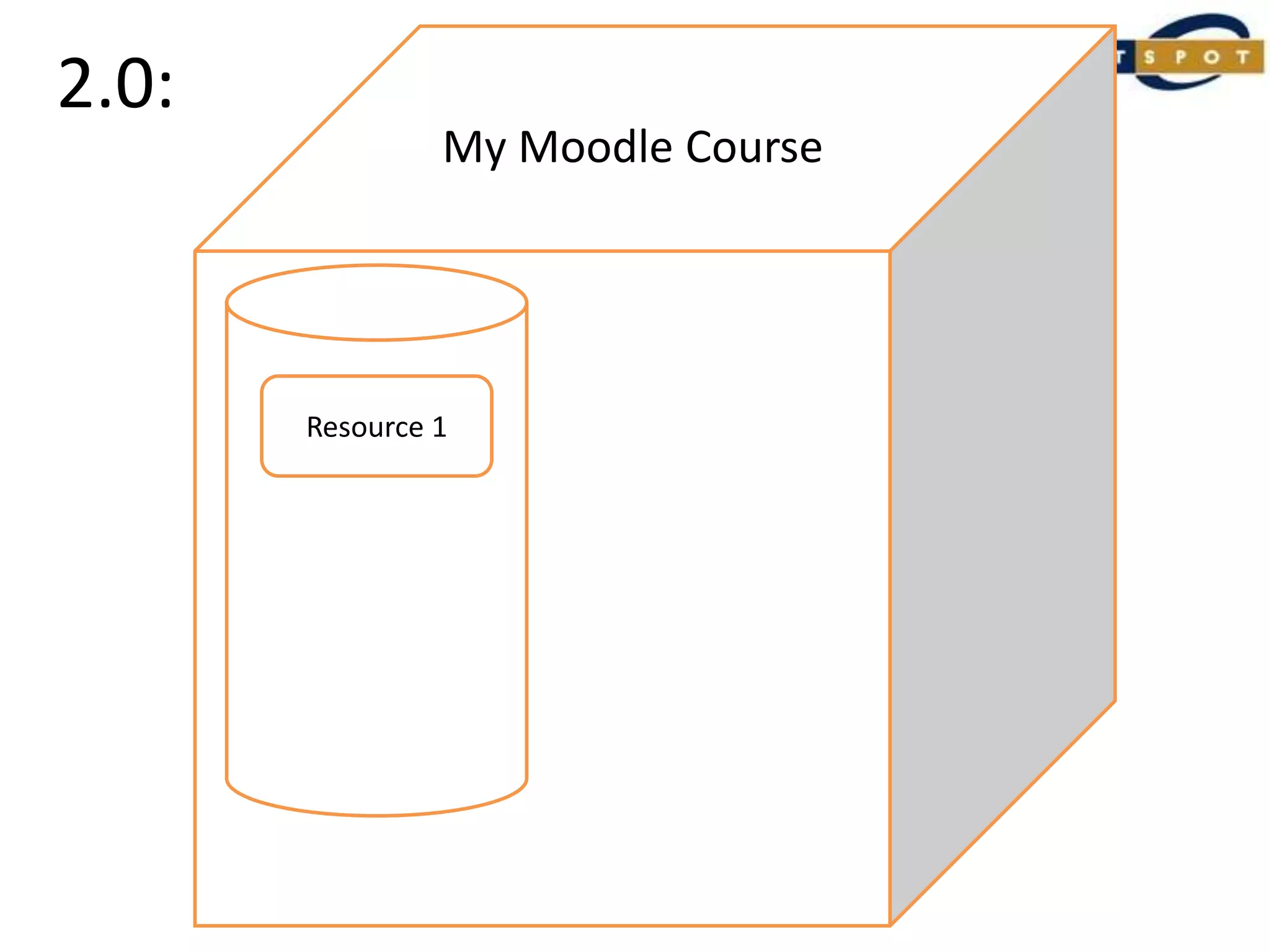
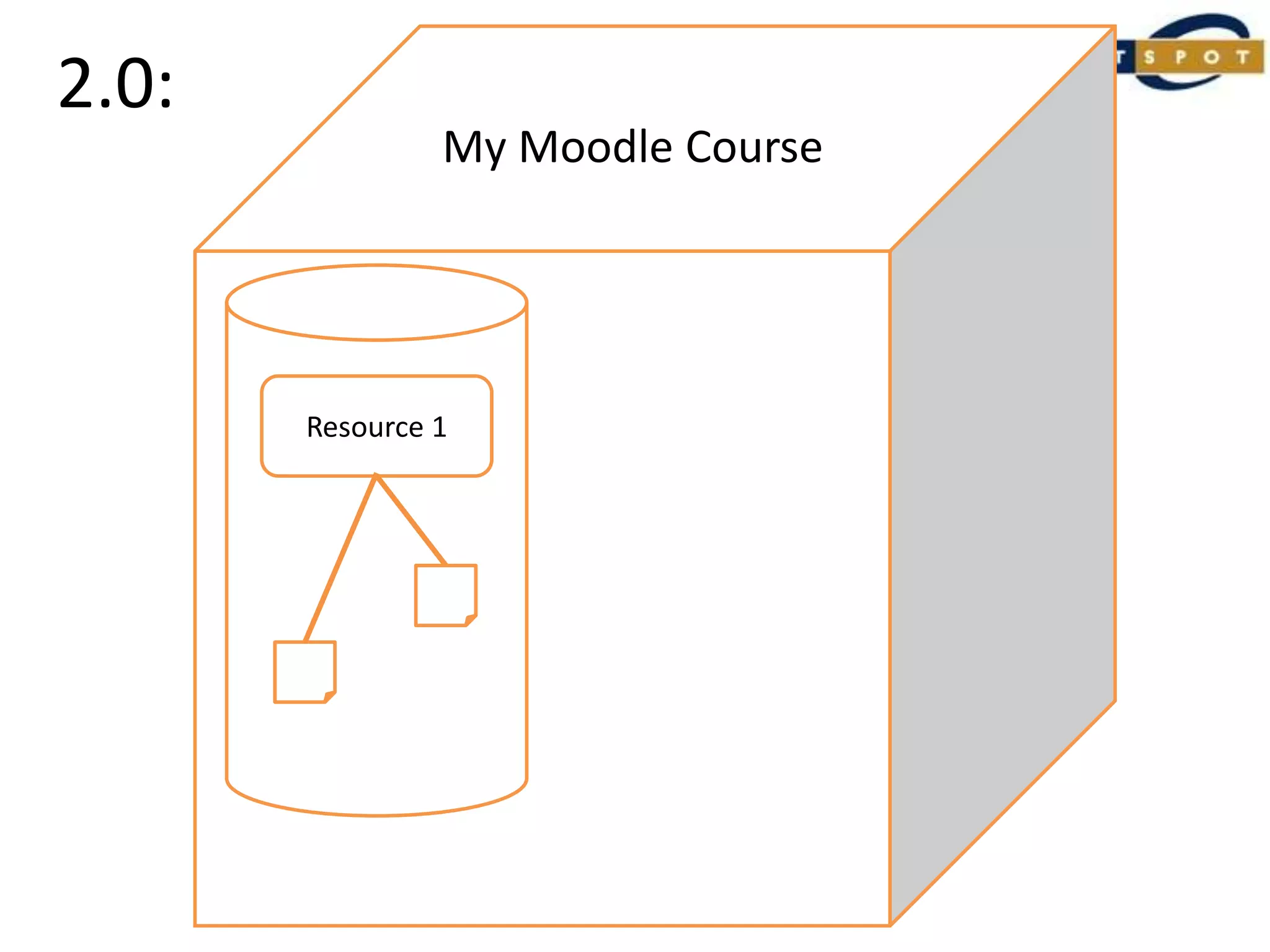
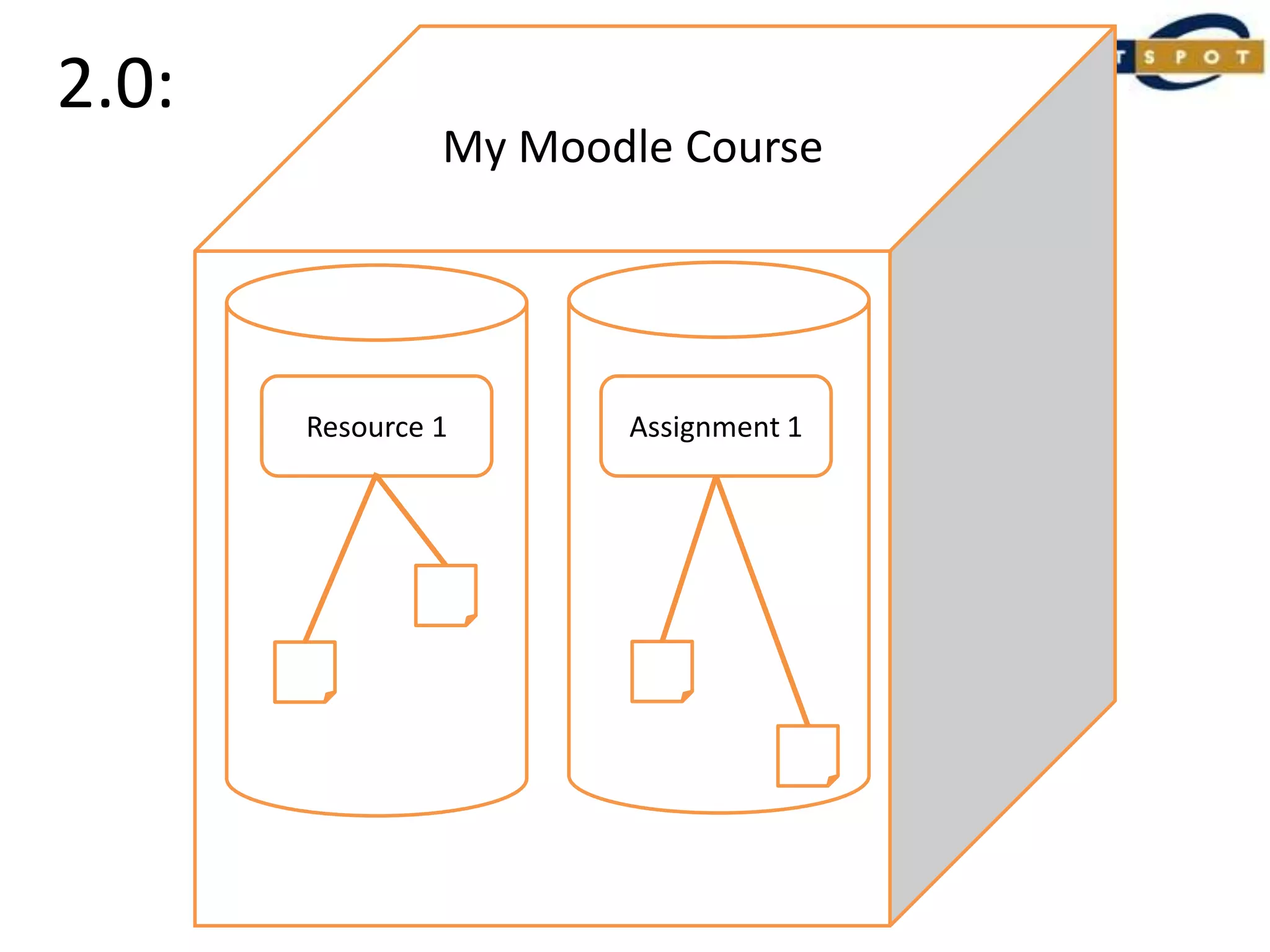
Underlying Principle 1:Get rid of the course buckets.Or more accurately, create a bunch of mini-buckets, one in each resource or activity.
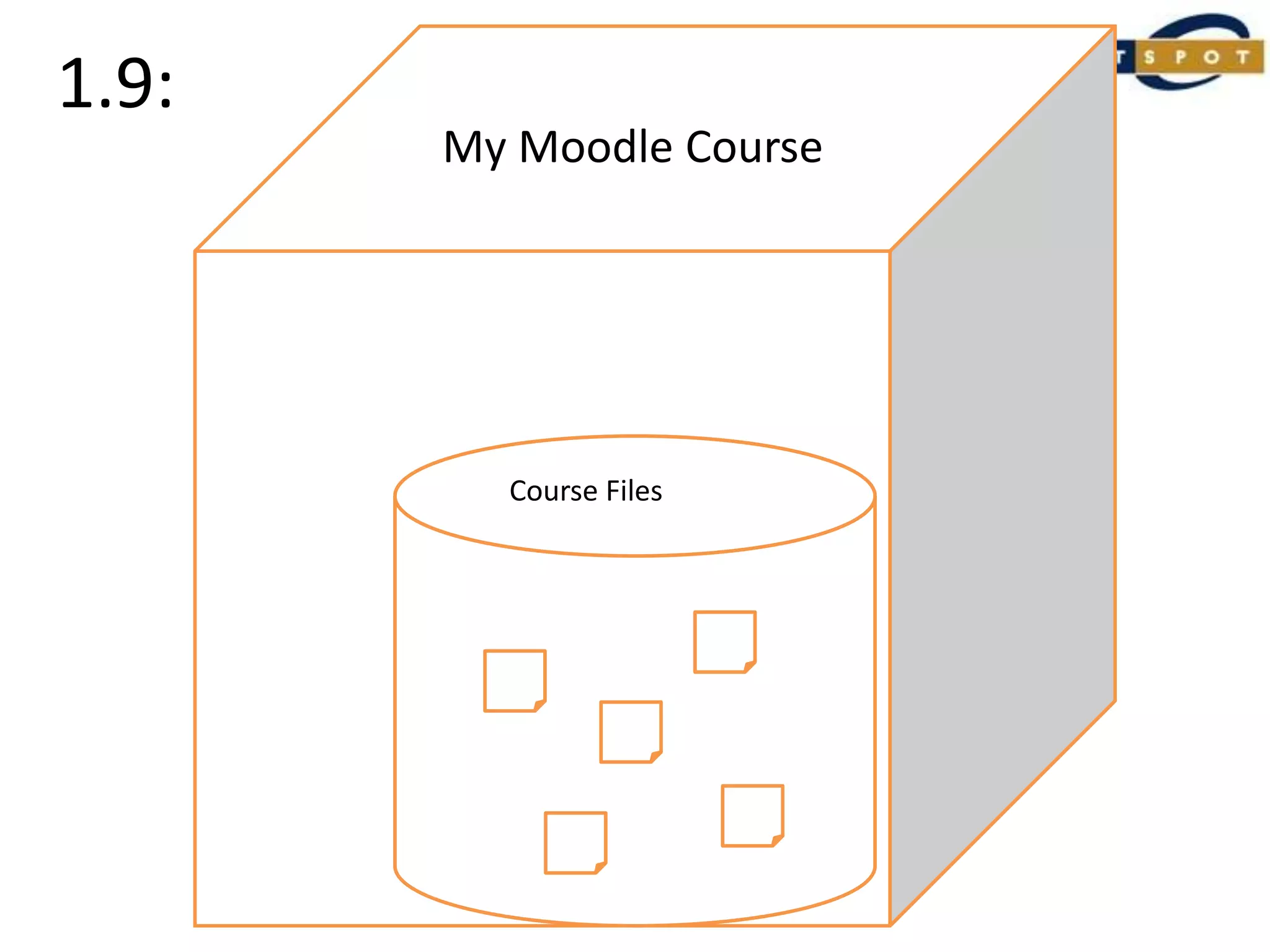
1.9:My Moodle Course
1.9:My CourseMy Moodle CourseCourse Files
1.9:My CourseMy Moodle CourseAssignment 1Resource 1Course Files
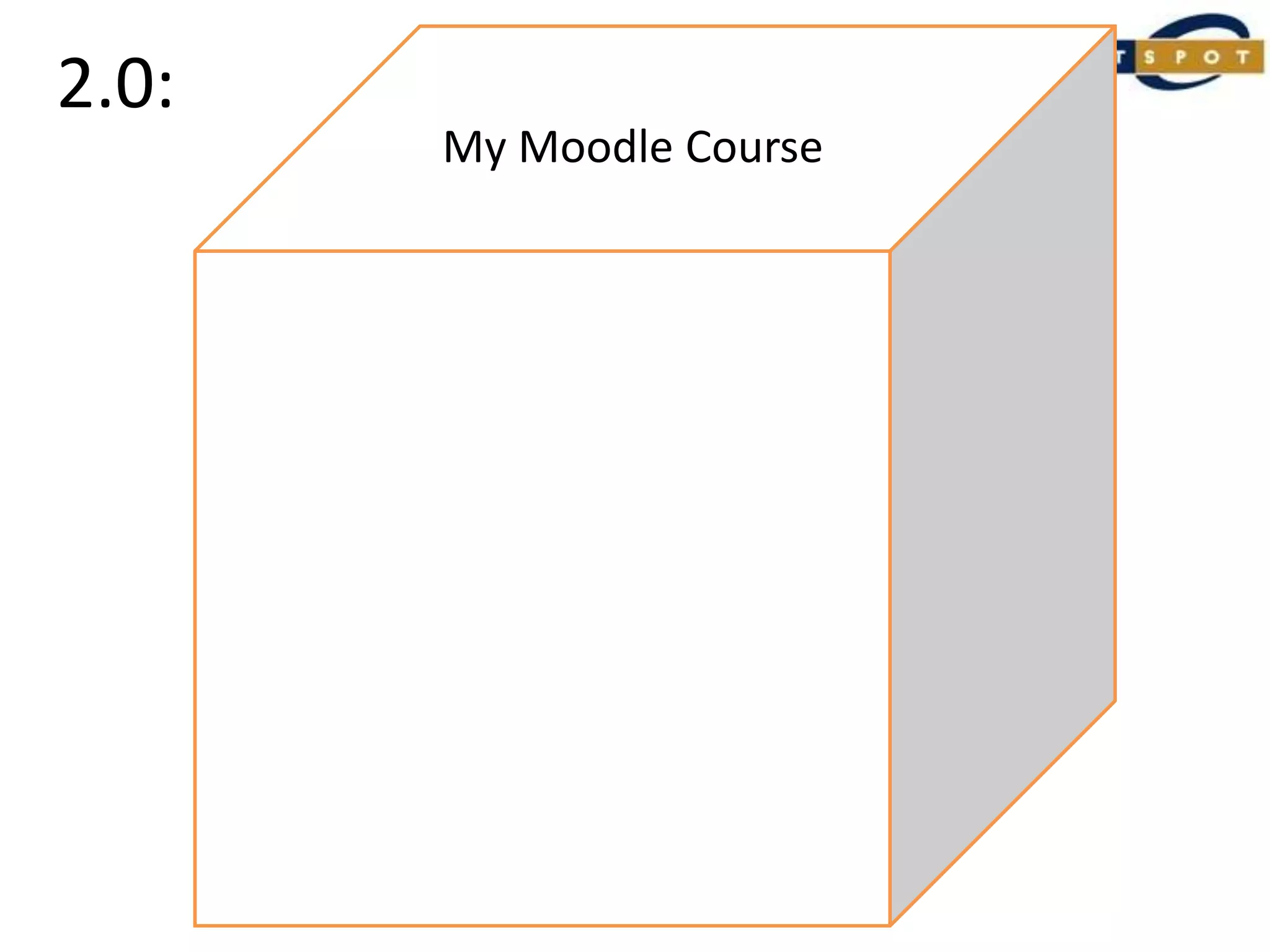
2.0:My Moodle Course
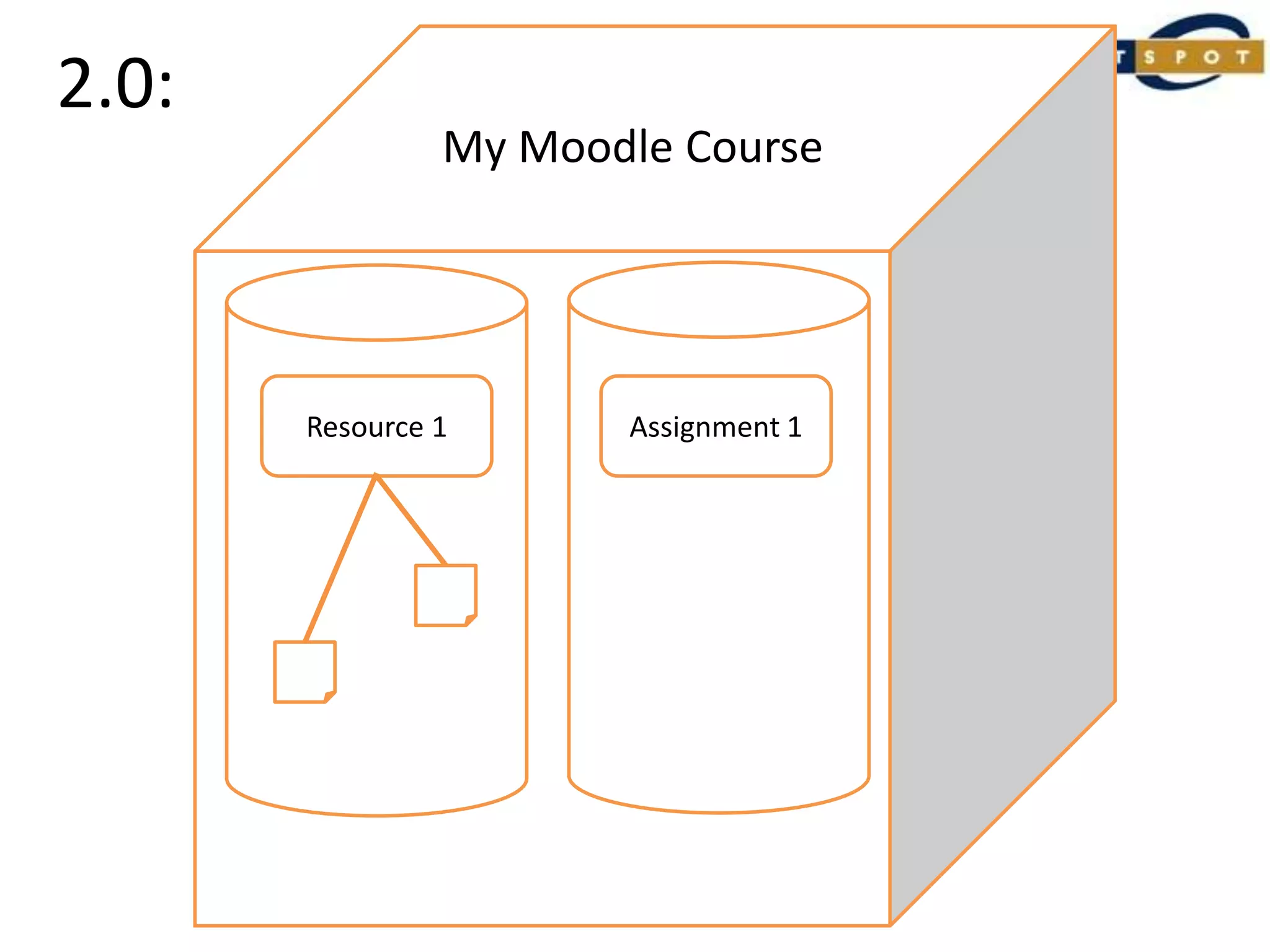
2.0:My Moodle CourseResource 1
2.0:My Moodle CourseAssignment 1Resource 1
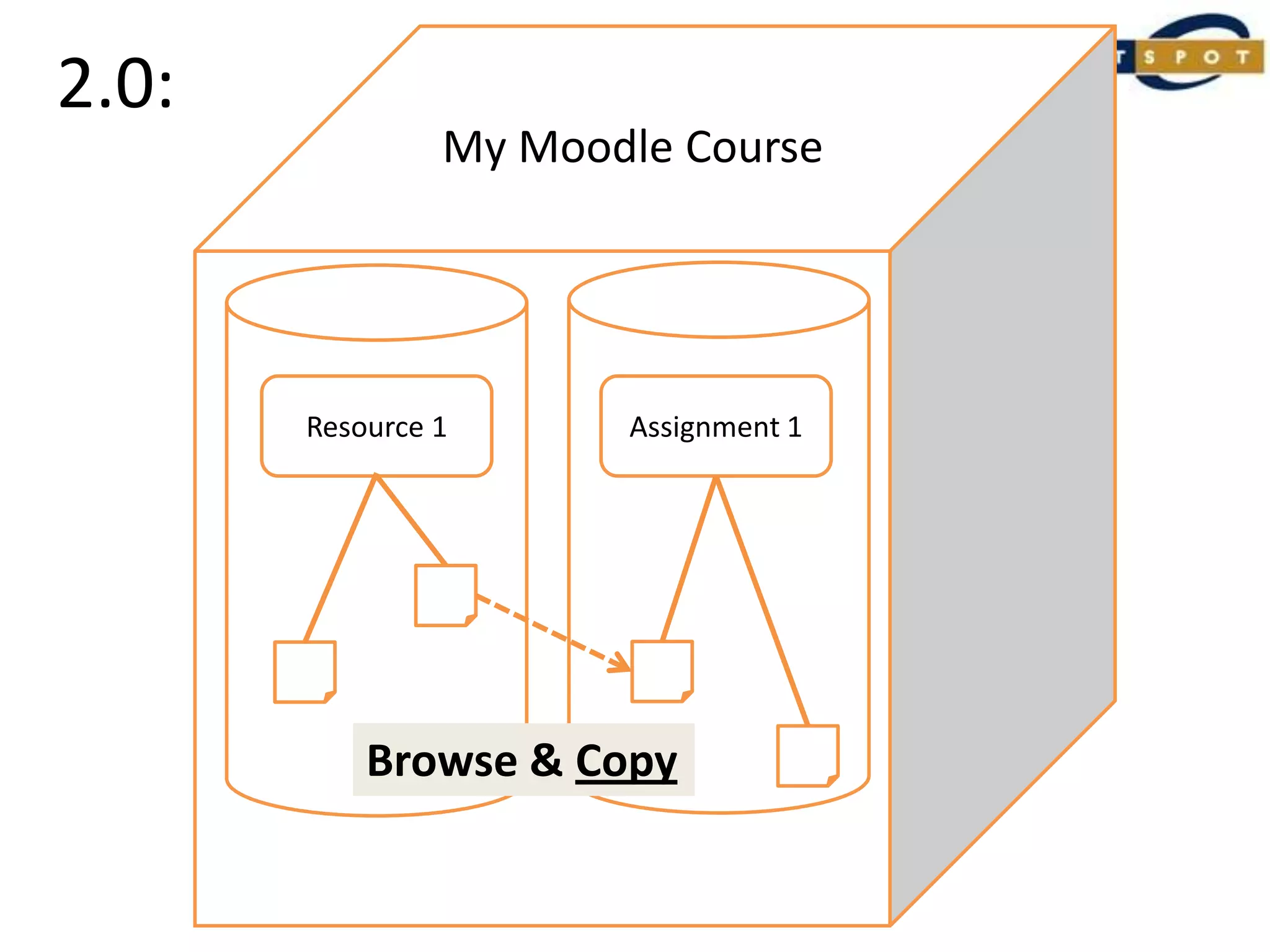
2.0:My Moodle CourseAssignment 1Resource 1Browse & Copy
Things I can now do in 2.0:Browse across my courses to find and copy content to use in my course
Things I can no longer do in 2.0:Dump my files in the course ‘bucket’ for (possible) later use.Link to the same file from multiple places within a course.
Things I still can’t do in 2.0:Link to content across multiple courses.
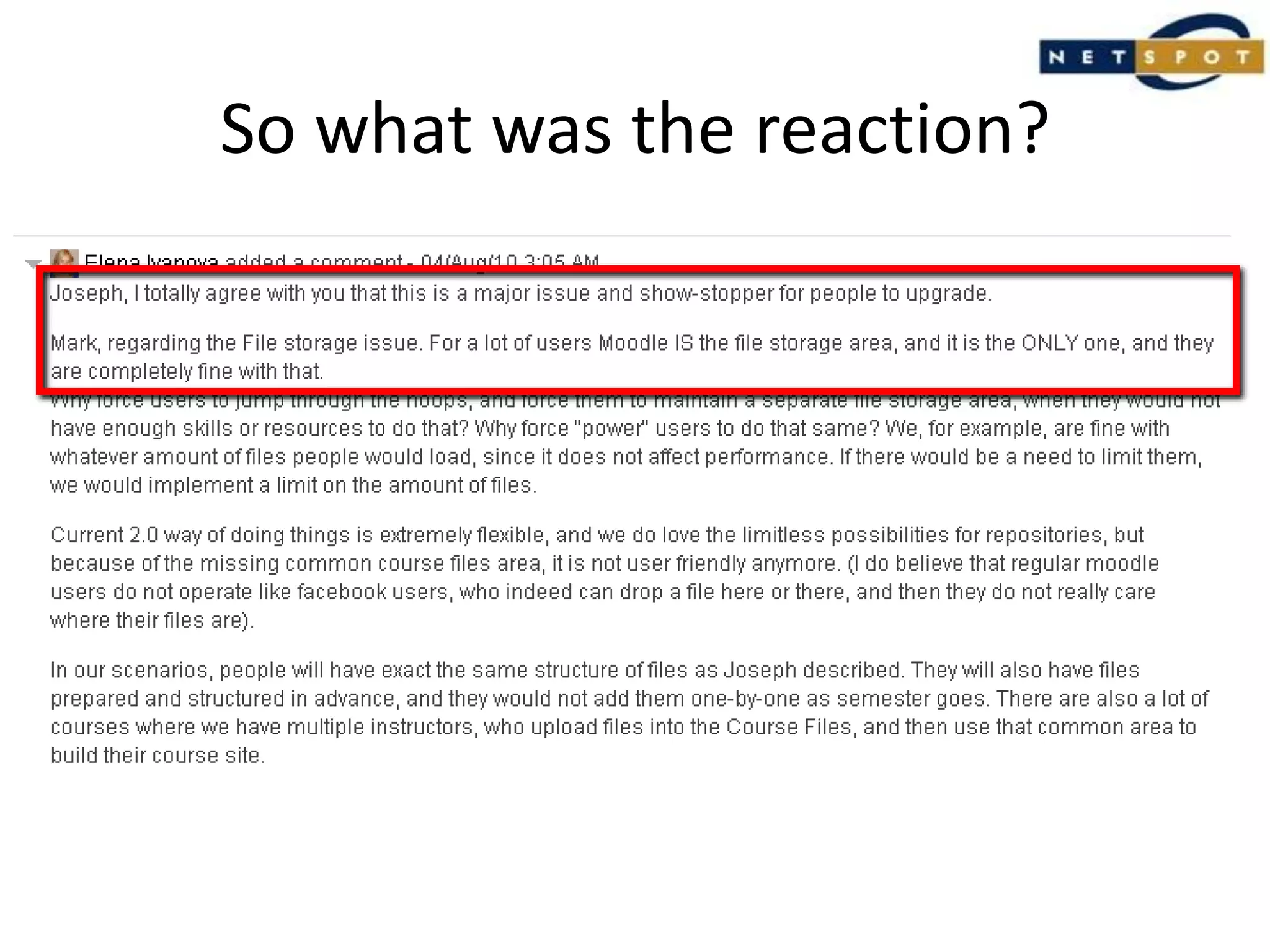
So what was the reaction?
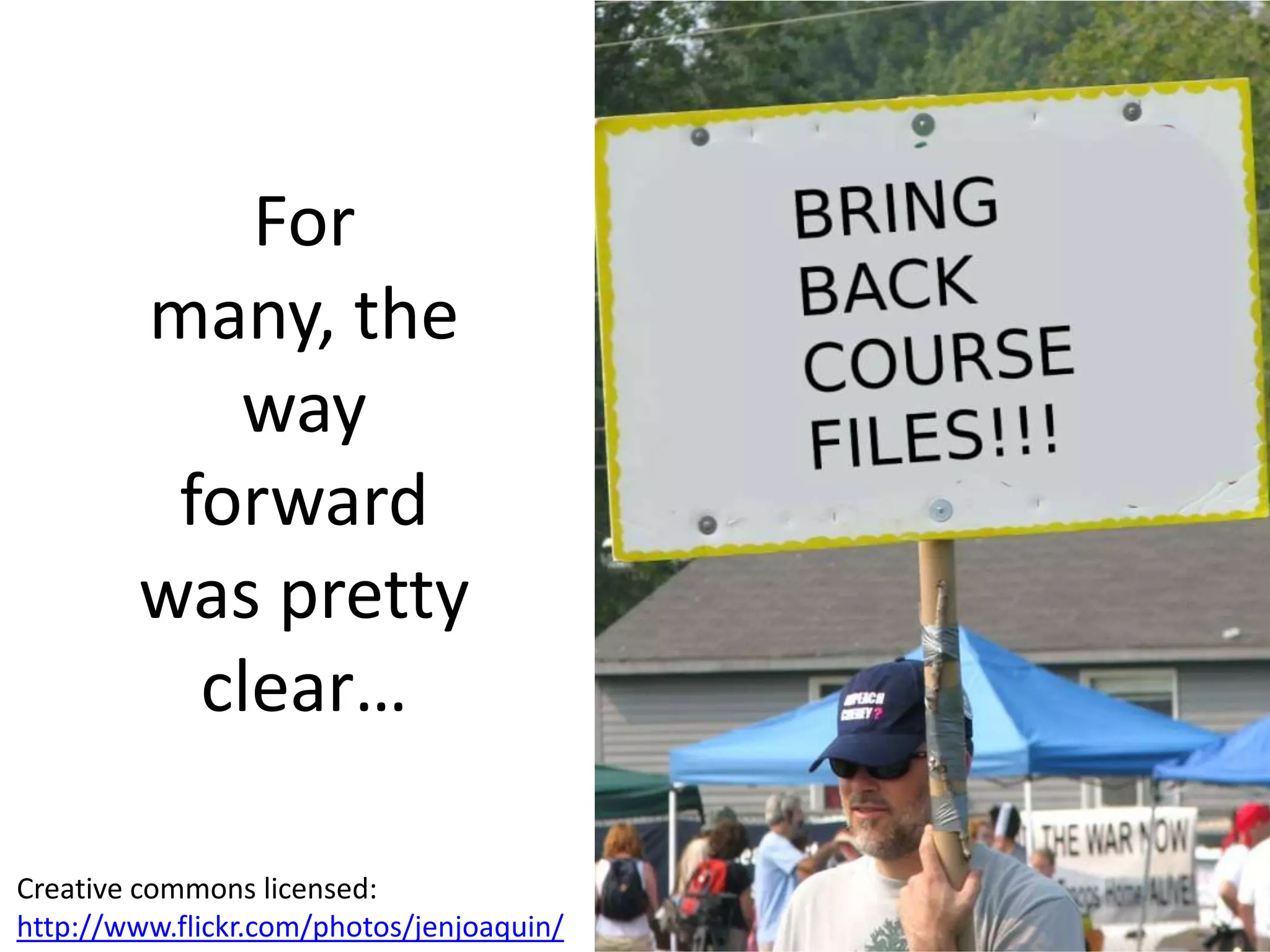
For many, the way forward was pretty clear…Creative commons licensed:http://www.flickr.com/photos/jenjoaquin/
But can’t we just have a shared file repository within Moodle?
Underlying Principle 2:Moodle is not a Content Management System!
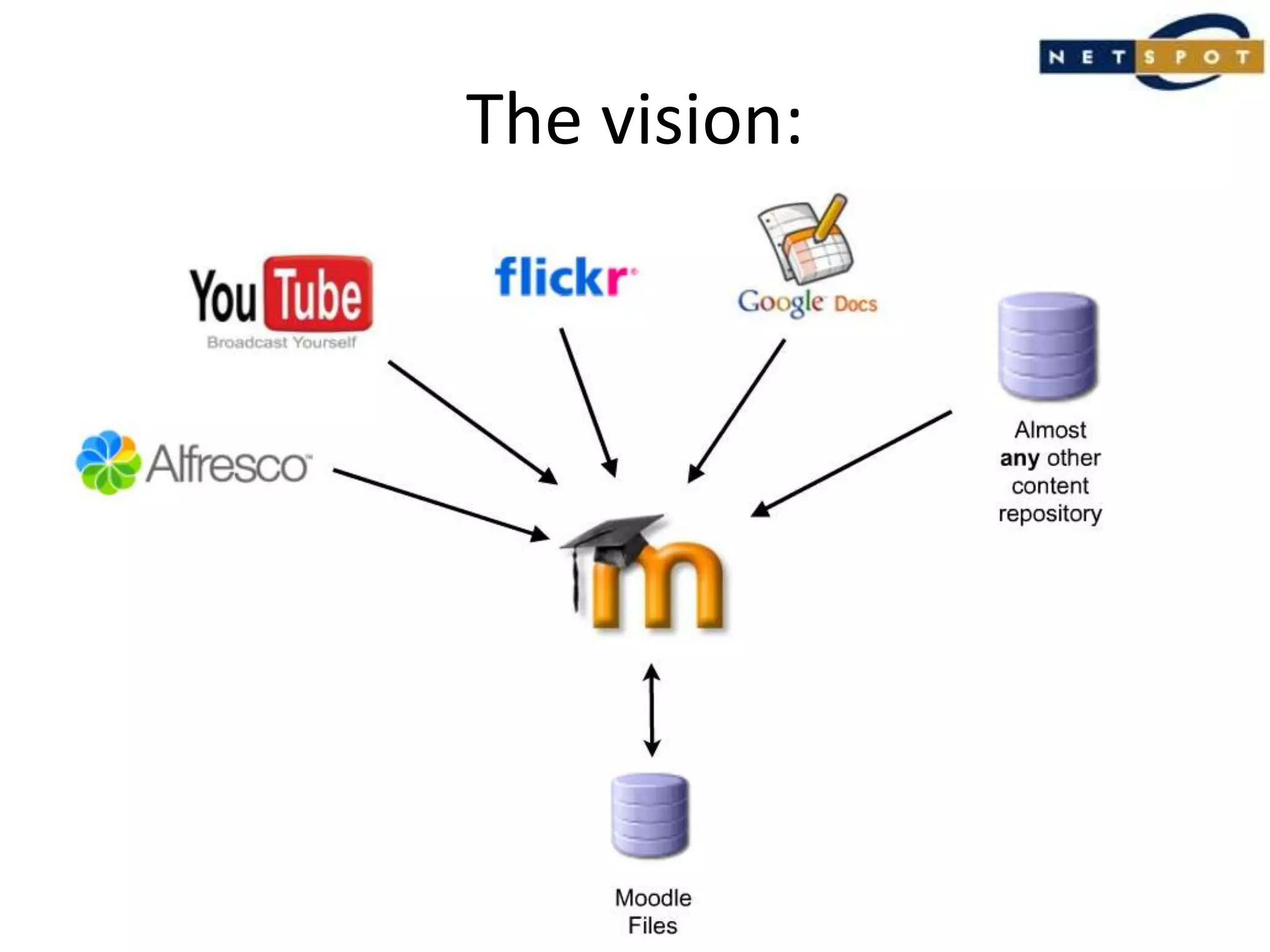
The vision:
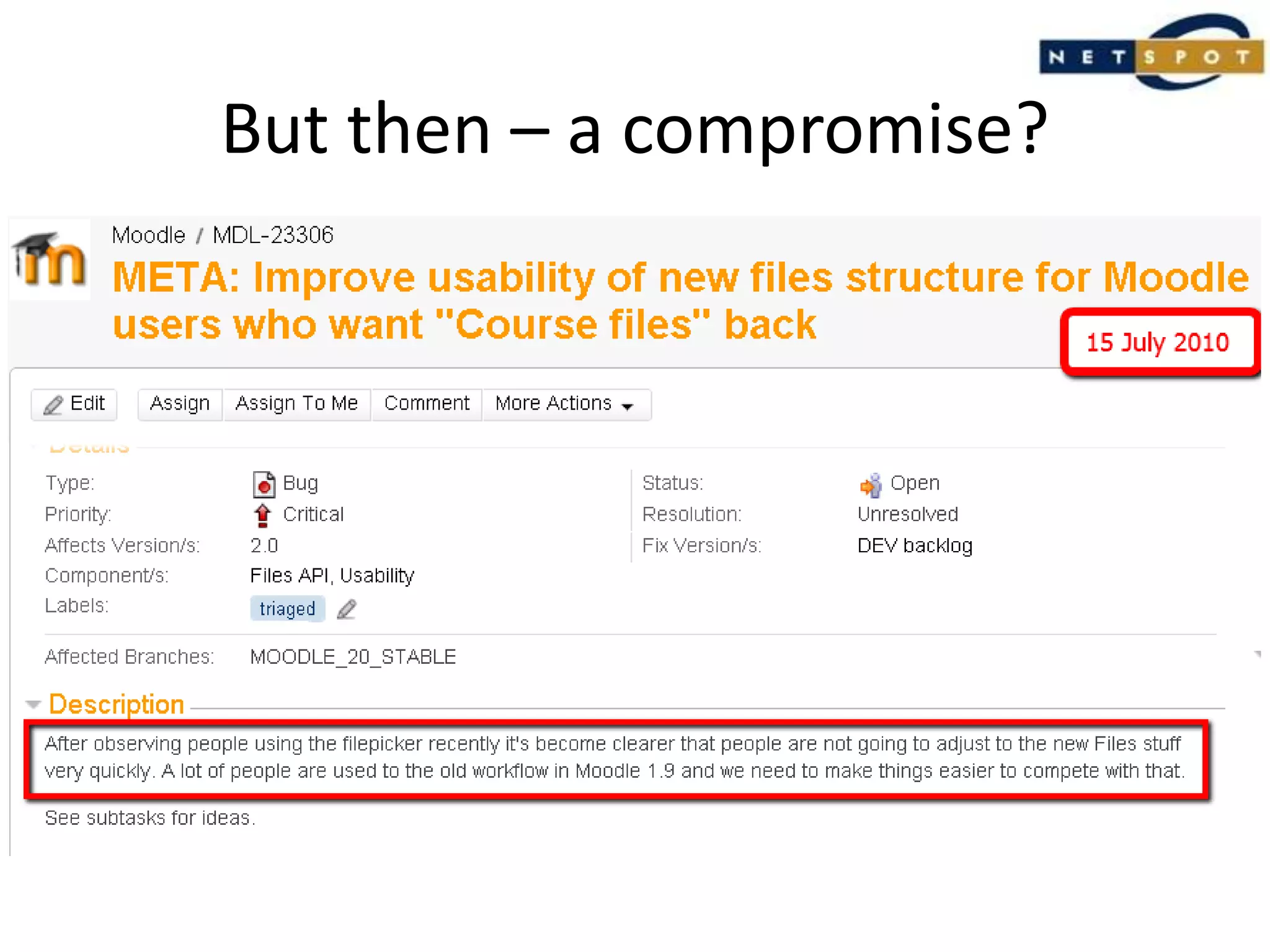
But then – a compromise?
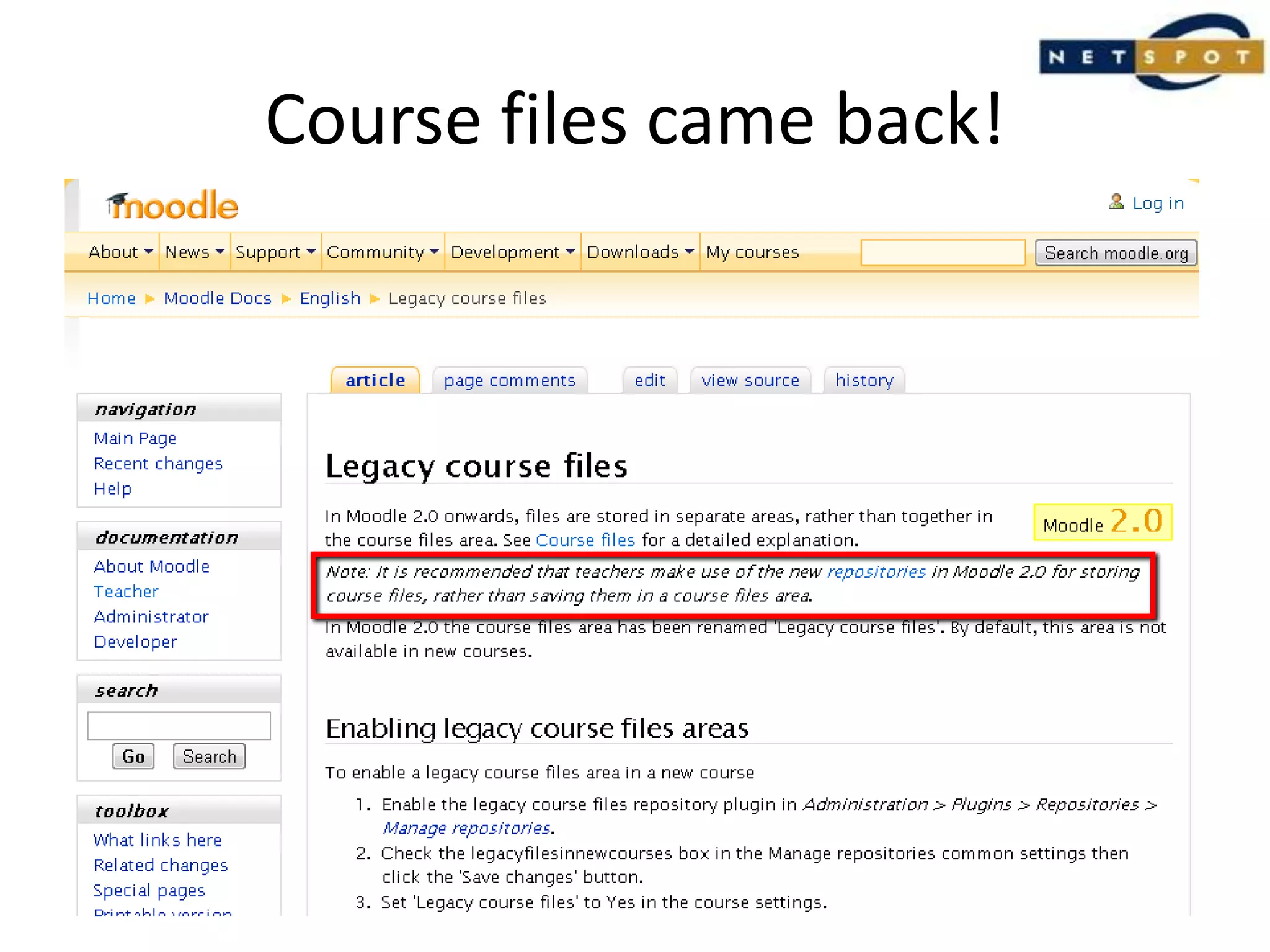
Course files came back!
But it was clear they weren’t welcome
The original problemsstill exist.
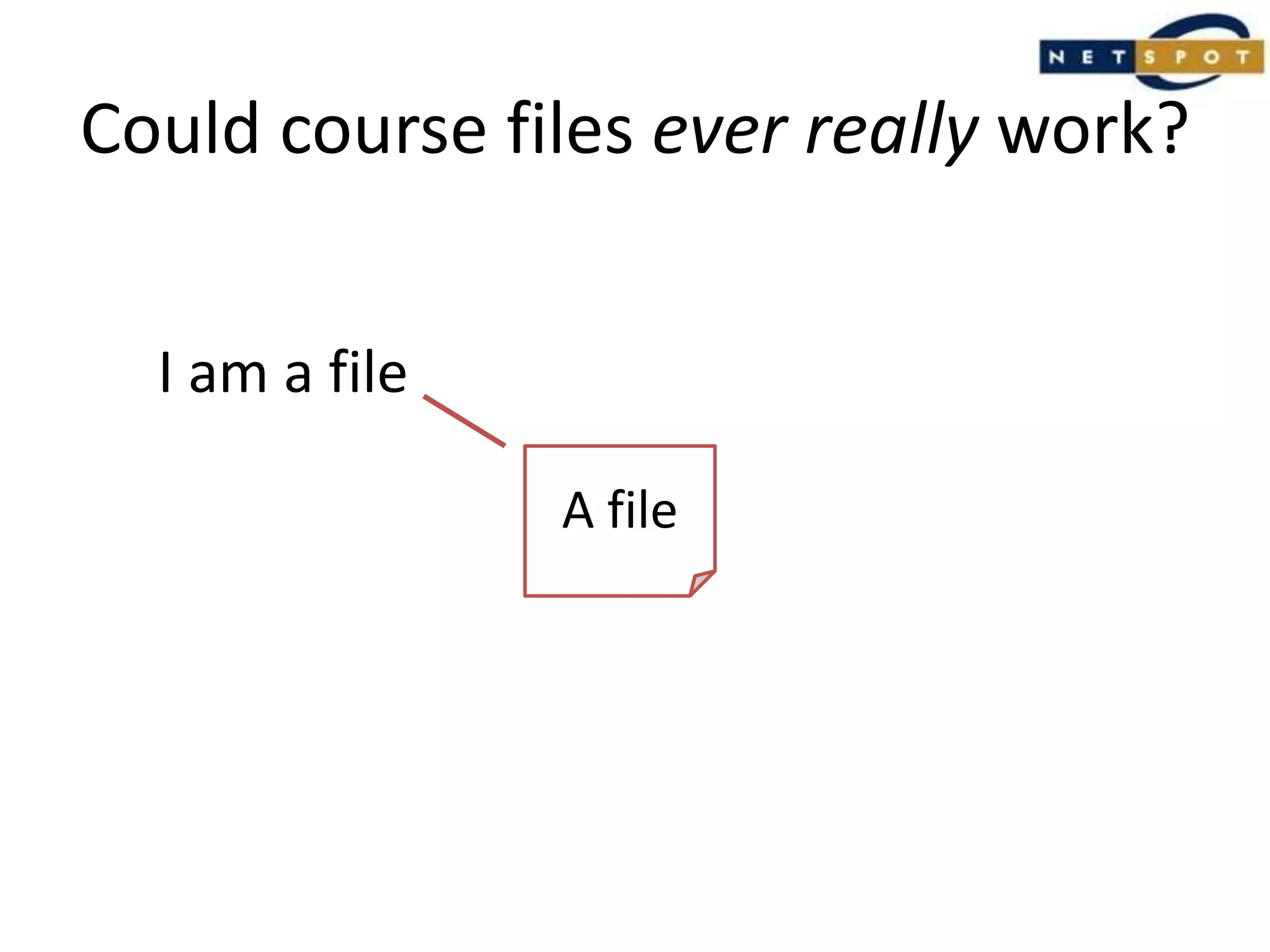
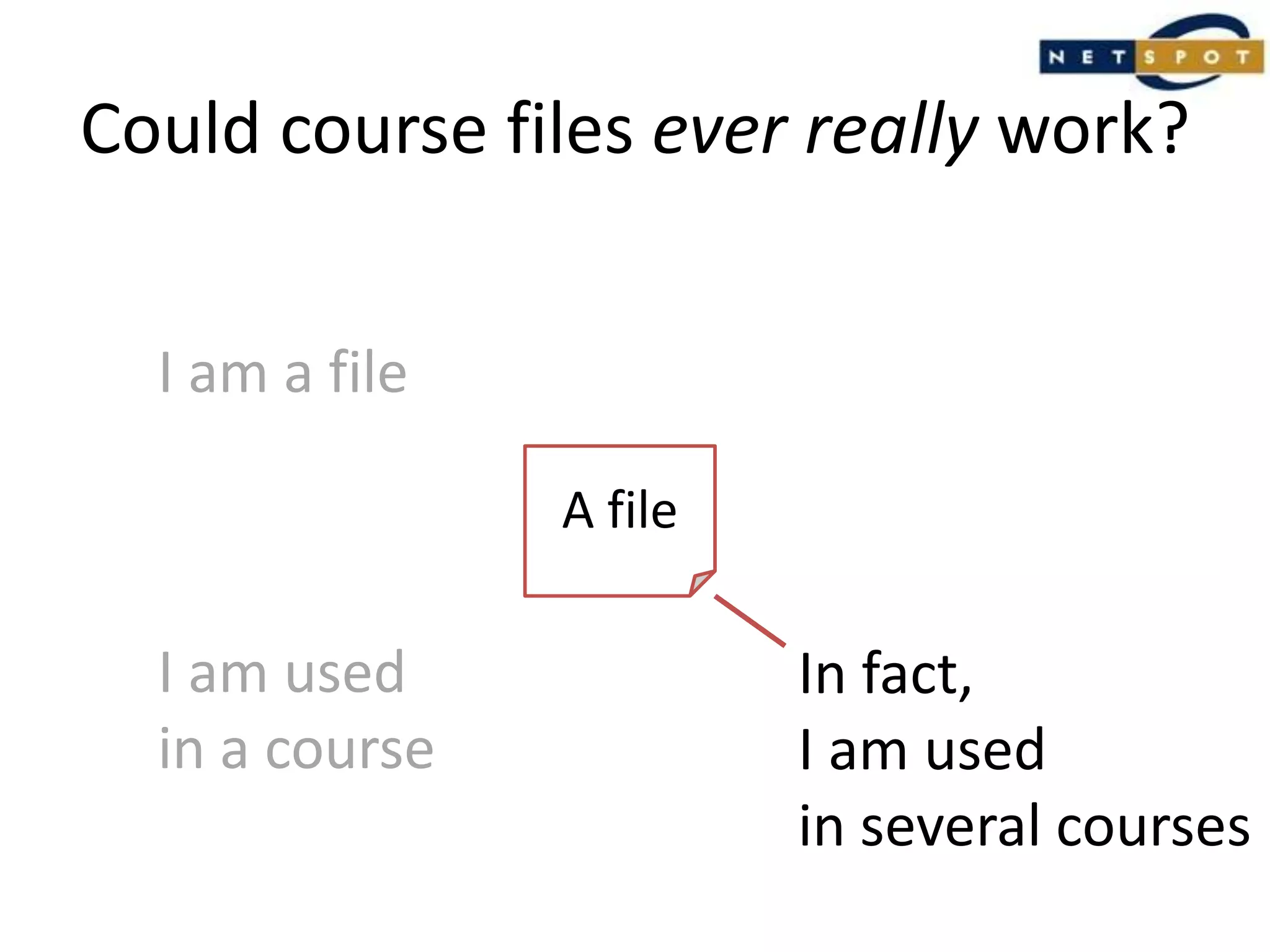
Could course files ever really work?I am a fileA file
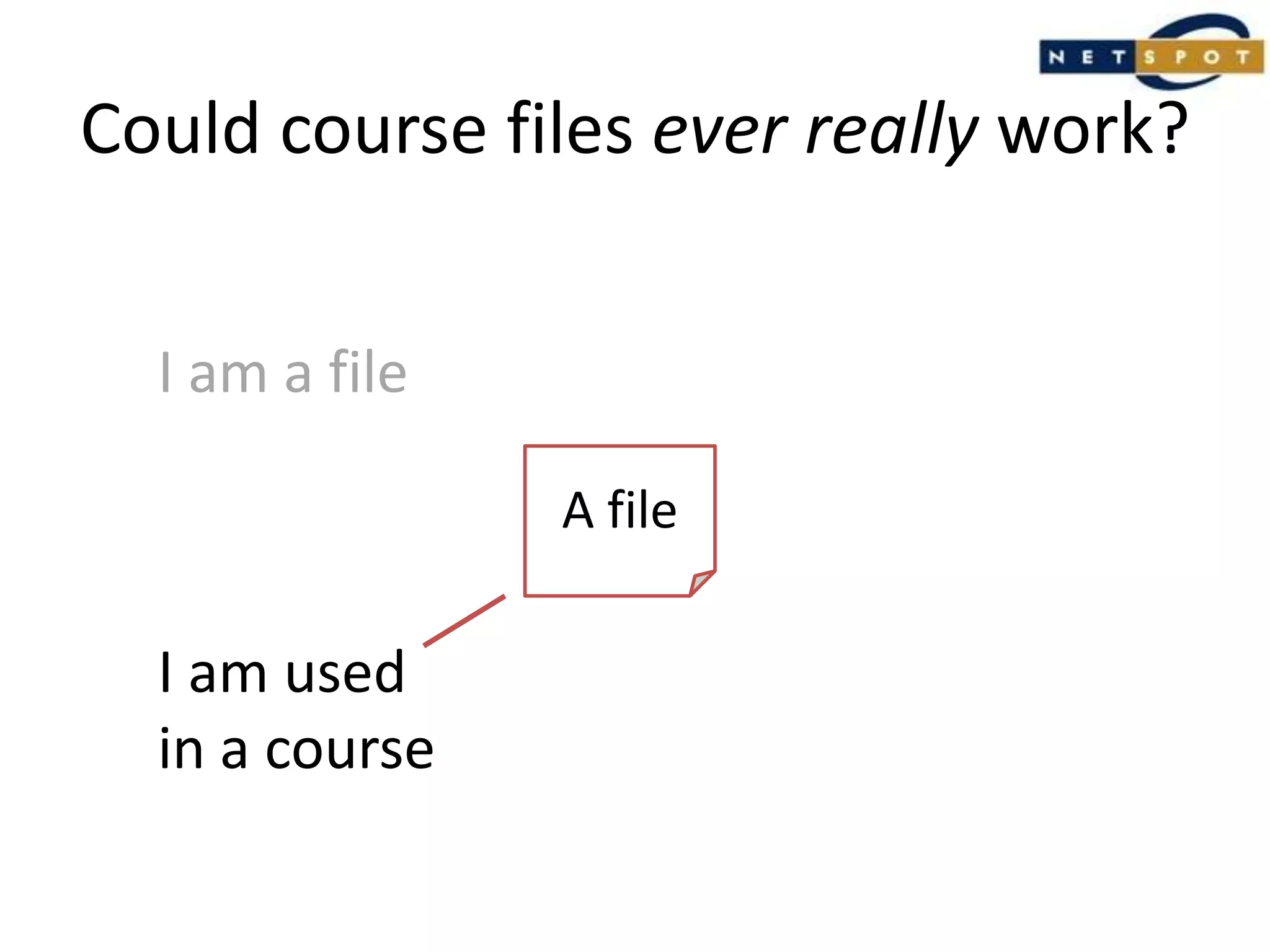
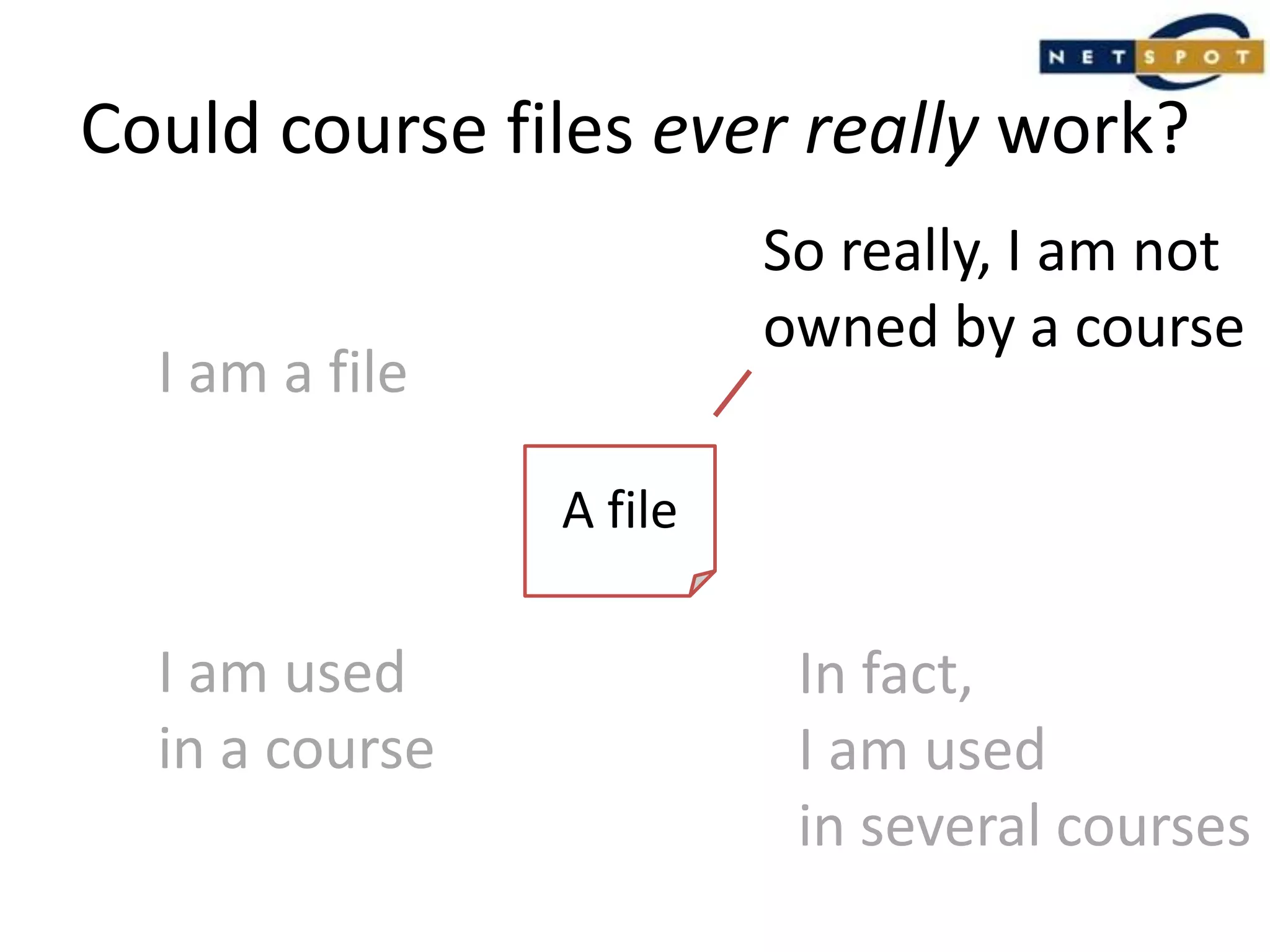
Could course files ever really work?I am a fileA fileI am usedin a course
Could course files ever really work?I am a fileA fileI am usedin a courseIn fact,I am usedin several courses
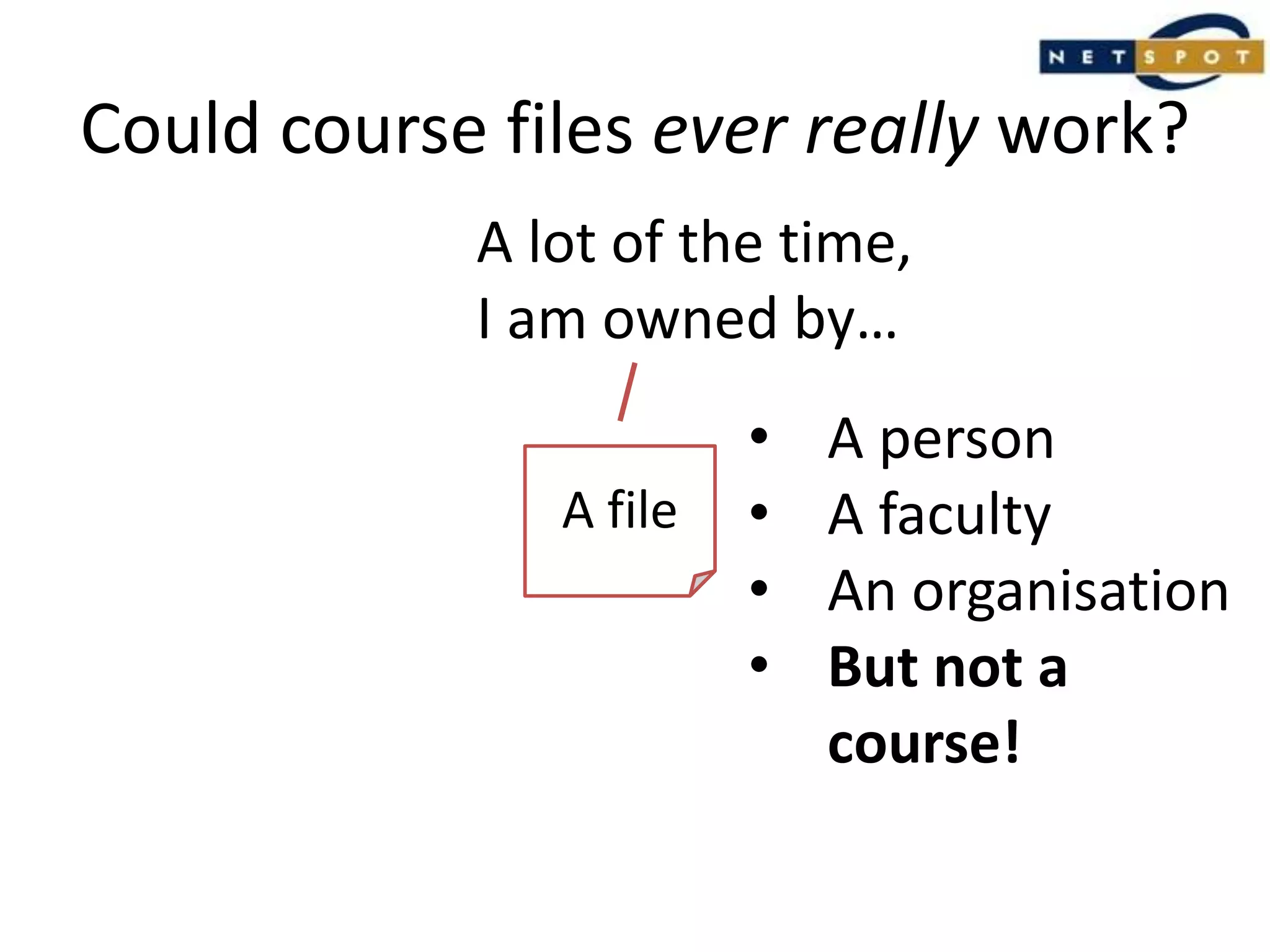
Could course files ever really work?So really, I am notowned by a courseI am a fileA fileI am usedin a courseIn fact,I am usedin several courses
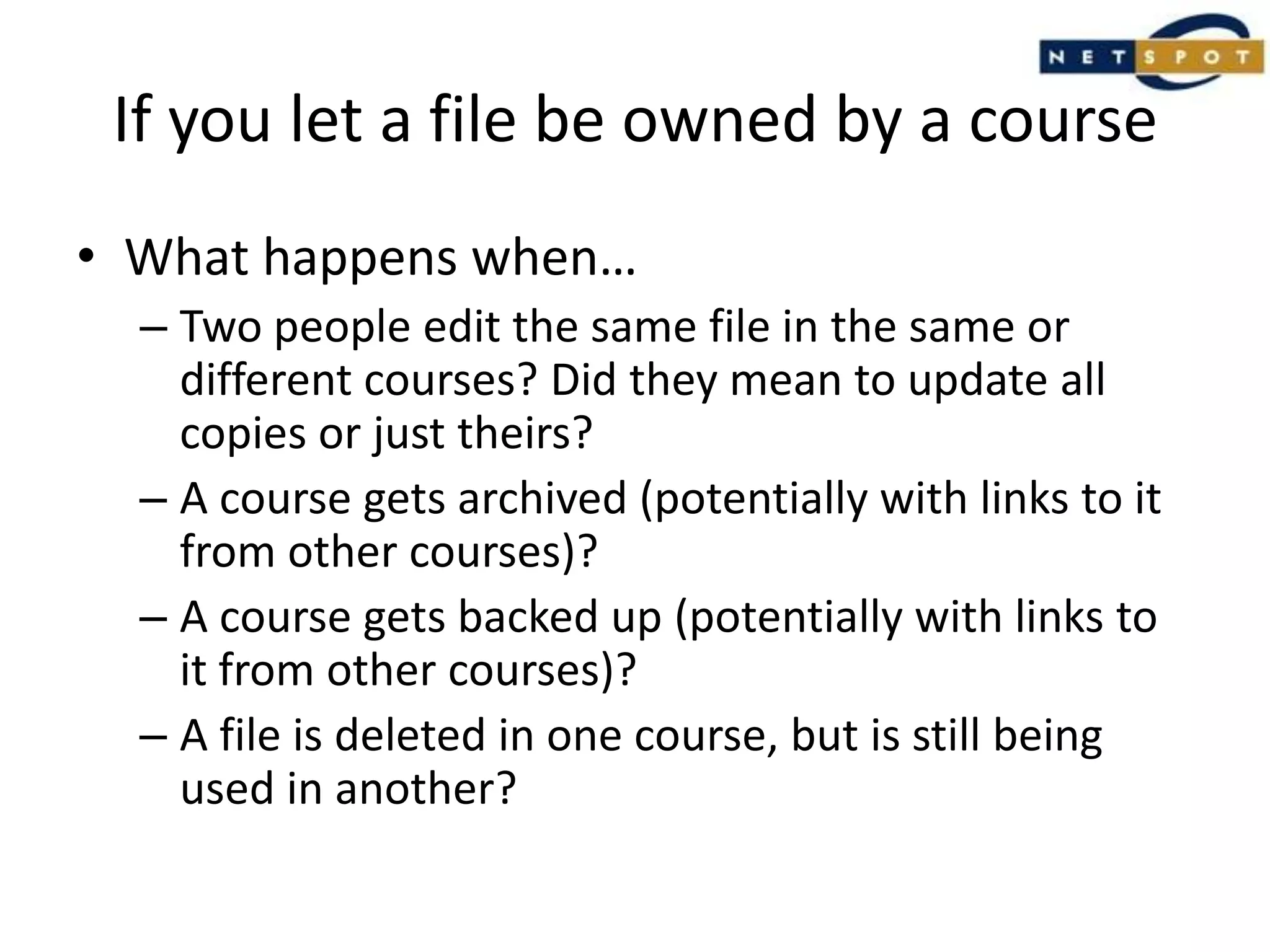
Could course files ever really work?A lot of the time,I am owned by…A person
A faculty
An organisation
But not a course!A file
If you let a file be owned by a courseWhat happens when…Two people edit the same file in the same or different courses? Did they mean to update all copies or just theirs?A course gets archived (potentially with links to it from other courses)?A course gets backed up (potentially with links to it from other courses)?A file is deleted in one course, but is still being used in another?
All of these problems arecontent management problems.To fix them, you need...- Ownership models which are not course based- Version control- Change management workflows
The inconvenient truth:A course-centric storage modelwill always be flawed.
The inconvenient truth:The problem will not go away.Re-introducing the 1.9 model will not fix it.
Change            is             Inevitable.Creative Commons Licensed: http://www.flickr.com/photos/36821100@N04/
Does this mean that I must use an LCMS if I want to use Moodle 2?
No!(Unless of course you need the features of an LCMS, in which case yes!)
So what should you do?When upgrading to 2.0, consider:How reliant you are on Moodle as a content management tool, rather than what it was designed for (i.e. an environment focused on learning through student collaboration and interaction);Whether the content management features in 2.0 will give you what you need;

Moodle 2 files - an inconvenient truth