Moodle Migration 1.x to 2.x
         Alternate Title:
     A Moodle Migration Study


                     by Thom W. Rawson
                    University of Nagasaki
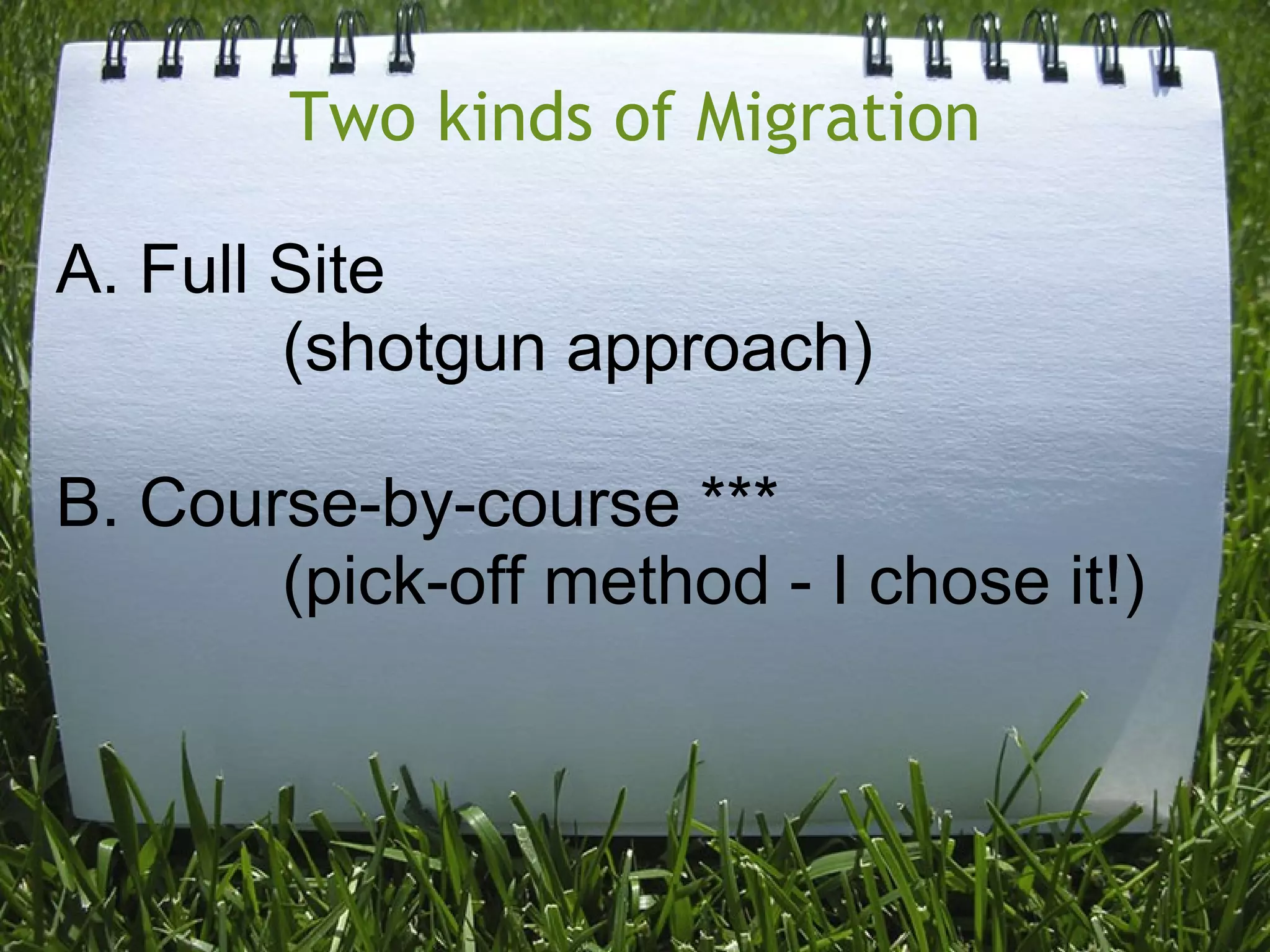
Two kinds of Migration

A. Full Site
        (shotgun approach)

B. Course-by-course ***
       (pick-off method - I chose it!)
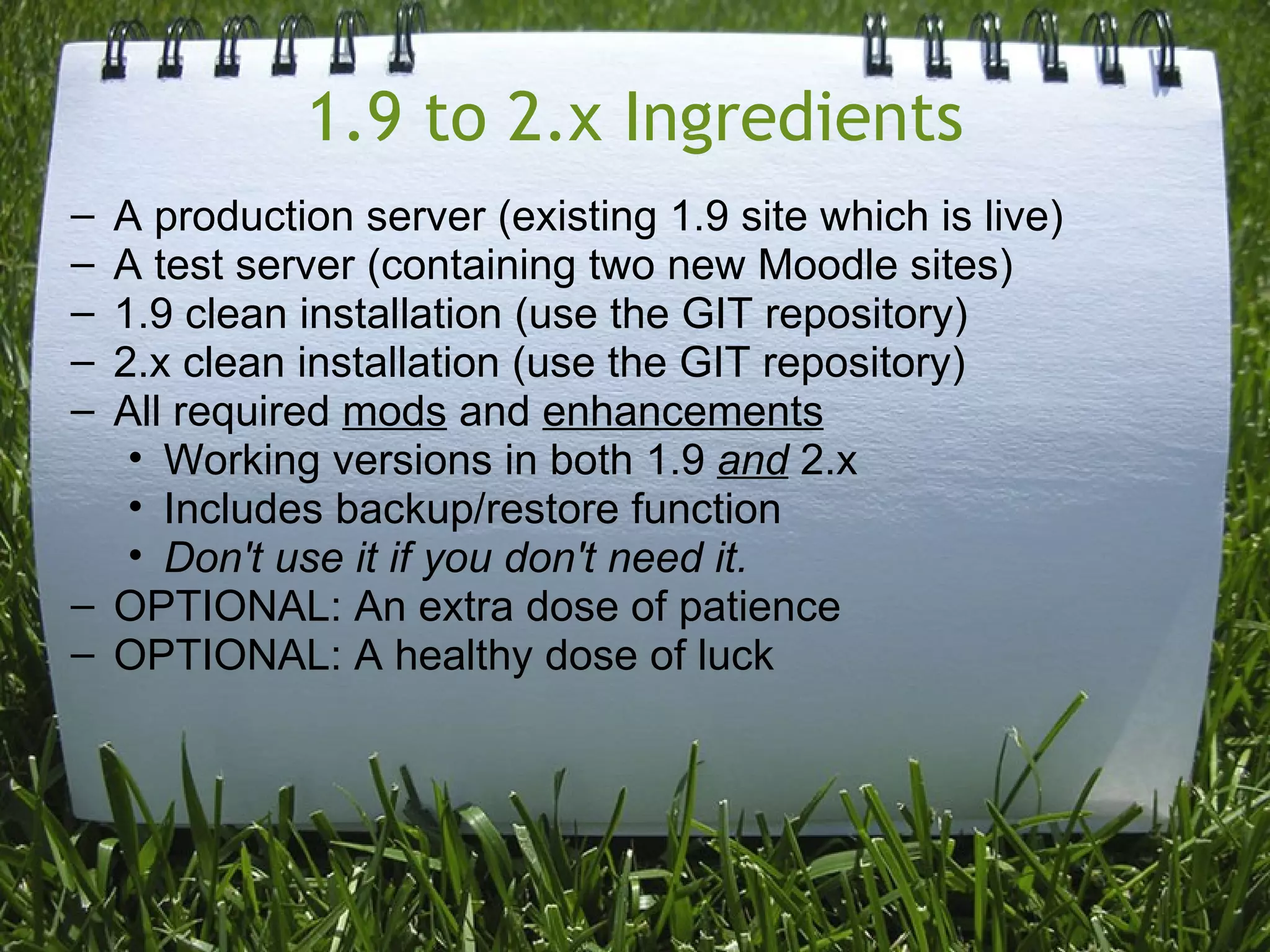
1.9 to 2.x Ingredients
– A production server (existing 1.9 site which is live)
– A test server (containing two new Moodle sites)
– 1.9 clean installation (use the GIT repository)
– 2.x clean installation (use the GIT repository)
– All required mods and enhancements
   • Working versions in both 1.9 and 2.x
   • Includes backup/restore function
   • Don't use it if you don't need it.
– OPTIONAL: An extra dose of patience
– OPTIONAL: A healthy dose of luck
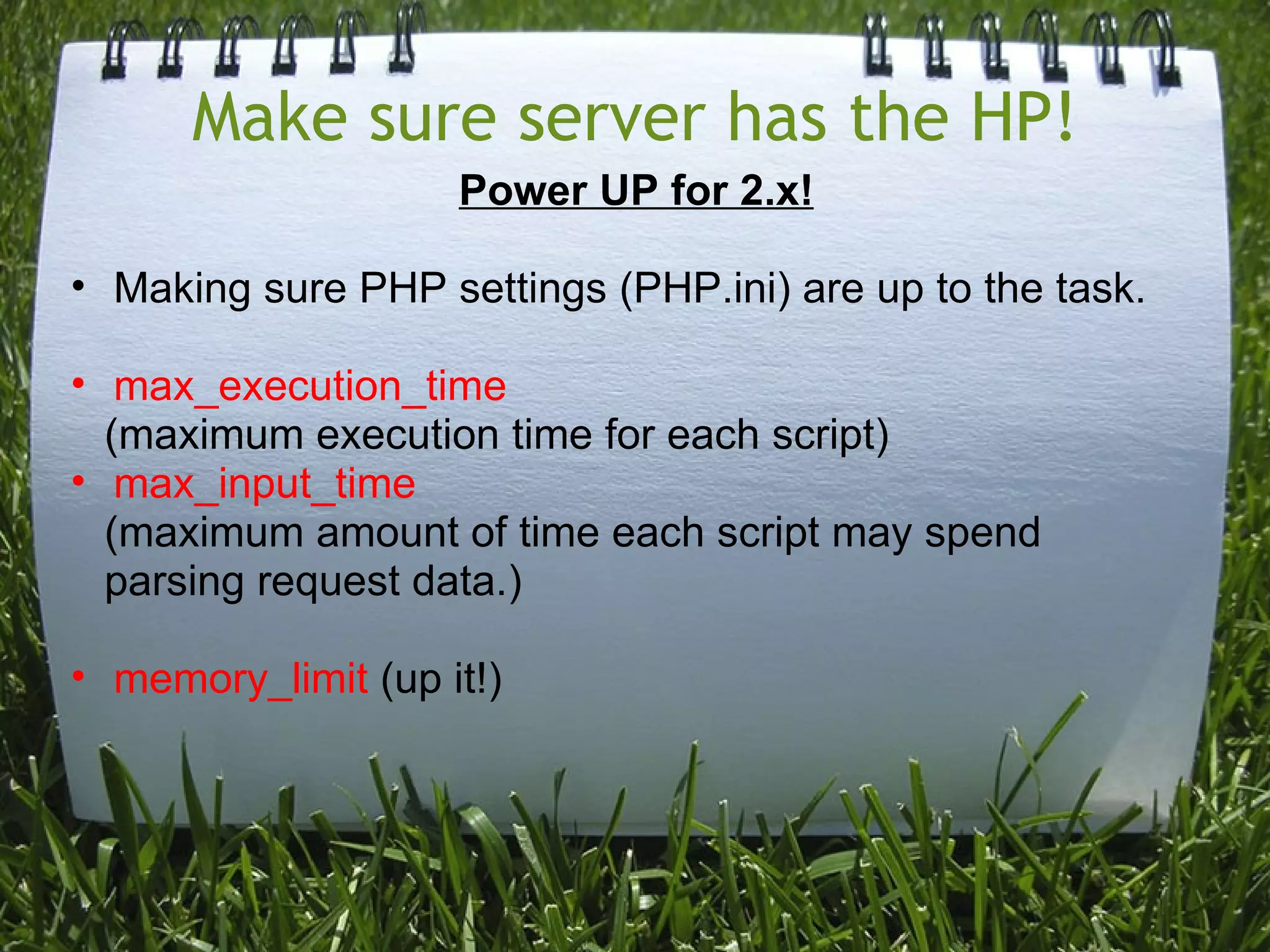
Make sure server has the HP!
                    Power UP for 2.x!

• Making sure PHP settings (PHP.ini) are up to the task.

• max_execution_time
  (maximum execution time for each script)
• max_input_time
  (maximum amount of time each script may spend
  parsing request data.)

• memory_limit (up it!)
Browser Power
• Use a heavyweight browser - Mozilla Firefox

• Safari - I didn't try it, but perhaps it would be OK.

• Google Chrome is nimble,
  o Sometimes experiences ERROR 324 when running
    extended processes - not recommended!

• Internet Explorer - Untested, but possibly OK.
Once the migration sites are ready...
Process:
• Copy the Course
   o 1.9 Production to 1.9 Migration Server
   o Clean up course files/activities if needed
• Backup 1.9 Migration Course

NOTE: 1.9 Migration server should be the latest 1.9
available. (Using the GIT repository ensures this!)
...try to restore a course in 2.x!
• Create a file system repository (see docs).

• Requires a link to the file system from within the new
  Moodle data directory.

• If the Moodle installs are "parallel", this is easy!
   o /var/lib/www/moodledata/1x/<course_id>
   o /var/lib/www/moodledata/2x/repository/<course_id>


• Important for other reasons later discussed!
A sample migration???
Notes on User data
• User data doesn't migrate course-by-course at the time of
  writing. Why? I couldn't quickly determine.

• There may be third-party course file converters which can
  help with this process.

• Ex. http://www.moodleinschools.org.nz/courseconverter
  o (Moodle 1.9 to 2.0 converter - I never tried it)
Once you finish migrating a course...
• Check the content.
  o Looks can be deceiving


• Try some of the activities/quizzes
   o Drag-and-drop questions had to be re-programmed


• If possible, have some users test it for you for
  functionality.

• If things go wrong, try to re-import after correcting issues
  in 1.9 side -- OR fix them in 2.x if you can.
...you realize you're not finished, yet!
• Legacy course files - what are they?

• What happens when you edit content?
  o Say "goodbye" to your images
  o You have to "re-add" them the new "Moodle way!"


• How do I get used to the new way of viewing course files
  in Moodle?
   o Practice and use it! It's the only way
   o PoodLL File Explorer?
Don't lose hope!
• Changes to 2.x are being made weekly.

• Update your GIT repositories and keep at it.

• Check the Moodle forums for help.

• Lots of people have the same issues.

• Ask me! I'm willing to help!
References
• moodle.org (use forums in particular)

• github.com (social coding web)
• git-scm.com (the software for GIT)

• code.google.com (open source projects eg. PoodLL)
• mercurial.selenic.com (mercurial SCM site)

• ubuntu.com (open source Linux flavor of choice)

• thomw at sun dot ac dot jp (contact me if you need help)

Moodle Migration Tips - 1.x 2.x

  • 1.
    Moodle Migration 1.xto 2.x Alternate Title: A Moodle Migration Study by Thom W. Rawson University of Nagasaki
  • 2.
    Two kinds ofMigration A. Full Site (shotgun approach) B. Course-by-course *** (pick-off method - I chose it!)
  • 3.
    1.9 to 2.xIngredients – A production server (existing 1.9 site which is live) – A test server (containing two new Moodle sites) – 1.9 clean installation (use the GIT repository) – 2.x clean installation (use the GIT repository) – All required mods and enhancements • Working versions in both 1.9 and 2.x • Includes backup/restore function • Don't use it if you don't need it. – OPTIONAL: An extra dose of patience – OPTIONAL: A healthy dose of luck
  • 4.
    Make sure serverhas the HP! Power UP for 2.x! • Making sure PHP settings (PHP.ini) are up to the task. • max_execution_time (maximum execution time for each script) • max_input_time (maximum amount of time each script may spend parsing request data.) • memory_limit (up it!)
  • 5.
    Browser Power • Usea heavyweight browser - Mozilla Firefox • Safari - I didn't try it, but perhaps it would be OK. • Google Chrome is nimble, o Sometimes experiences ERROR 324 when running extended processes - not recommended! • Internet Explorer - Untested, but possibly OK.
  • 6.
    Once the migrationsites are ready... Process: • Copy the Course o 1.9 Production to 1.9 Migration Server o Clean up course files/activities if needed • Backup 1.9 Migration Course NOTE: 1.9 Migration server should be the latest 1.9 available. (Using the GIT repository ensures this!)
  • 7.
    ...try to restorea course in 2.x! • Create a file system repository (see docs). • Requires a link to the file system from within the new Moodle data directory. • If the Moodle installs are "parallel", this is easy! o /var/lib/www/moodledata/1x/<course_id> o /var/lib/www/moodledata/2x/repository/<course_id> • Important for other reasons later discussed!
  • 8.
  • 9.
    Notes on Userdata • User data doesn't migrate course-by-course at the time of writing. Why? I couldn't quickly determine. • There may be third-party course file converters which can help with this process. • Ex. http://www.moodleinschools.org.nz/courseconverter o (Moodle 1.9 to 2.0 converter - I never tried it)
  • 10.
    Once you finishmigrating a course... • Check the content. o Looks can be deceiving • Try some of the activities/quizzes o Drag-and-drop questions had to be re-programmed • If possible, have some users test it for you for functionality. • If things go wrong, try to re-import after correcting issues in 1.9 side -- OR fix them in 2.x if you can.
  • 11.
    ...you realize you'renot finished, yet! • Legacy course files - what are they? • What happens when you edit content? o Say "goodbye" to your images o You have to "re-add" them the new "Moodle way!" • How do I get used to the new way of viewing course files in Moodle? o Practice and use it! It's the only way o PoodLL File Explorer?
  • 12.
    Don't lose hope! •Changes to 2.x are being made weekly. • Update your GIT repositories and keep at it. • Check the Moodle forums for help. • Lots of people have the same issues. • Ask me! I'm willing to help!
  • 13.
    References • moodle.org (useforums in particular) • github.com (social coding web) • git-scm.com (the software for GIT) • code.google.com (open source projects eg. PoodLL) • mercurial.selenic.com (mercurial SCM site) • ubuntu.com (open source Linux flavor of choice) • thomw at sun dot ac dot jp (contact me if you need help)