MICROSOFT	POWERPOINT	
2019	– NEW	FEATURES.
Unit	1:	Introduction
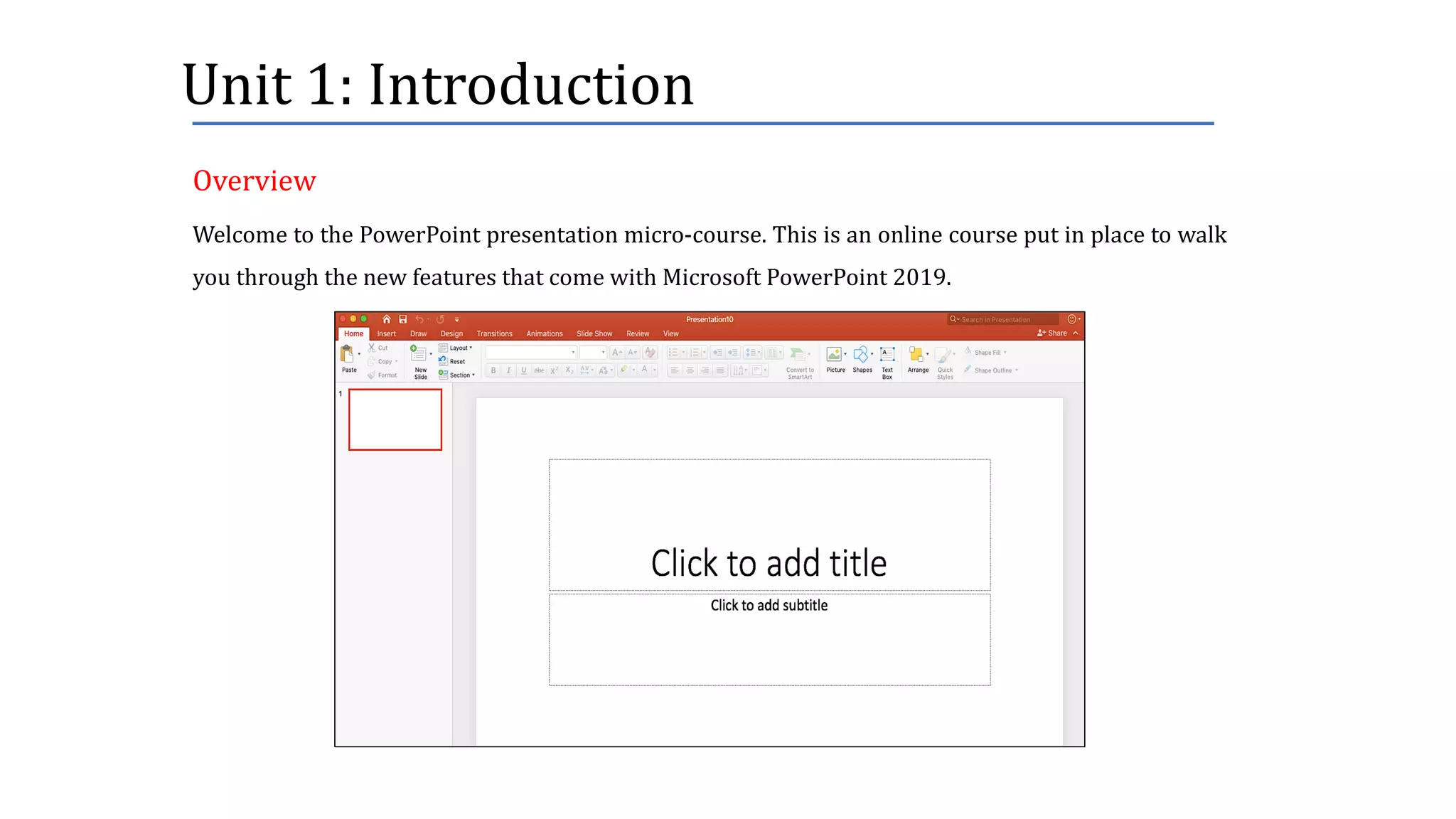
Welcome to the PowerPoint presentation micro-course. This is an online course put in place to walk
you through the new features that come with Microsoft PowerPoint 2019.
Overview
Unit	1:	Introduction
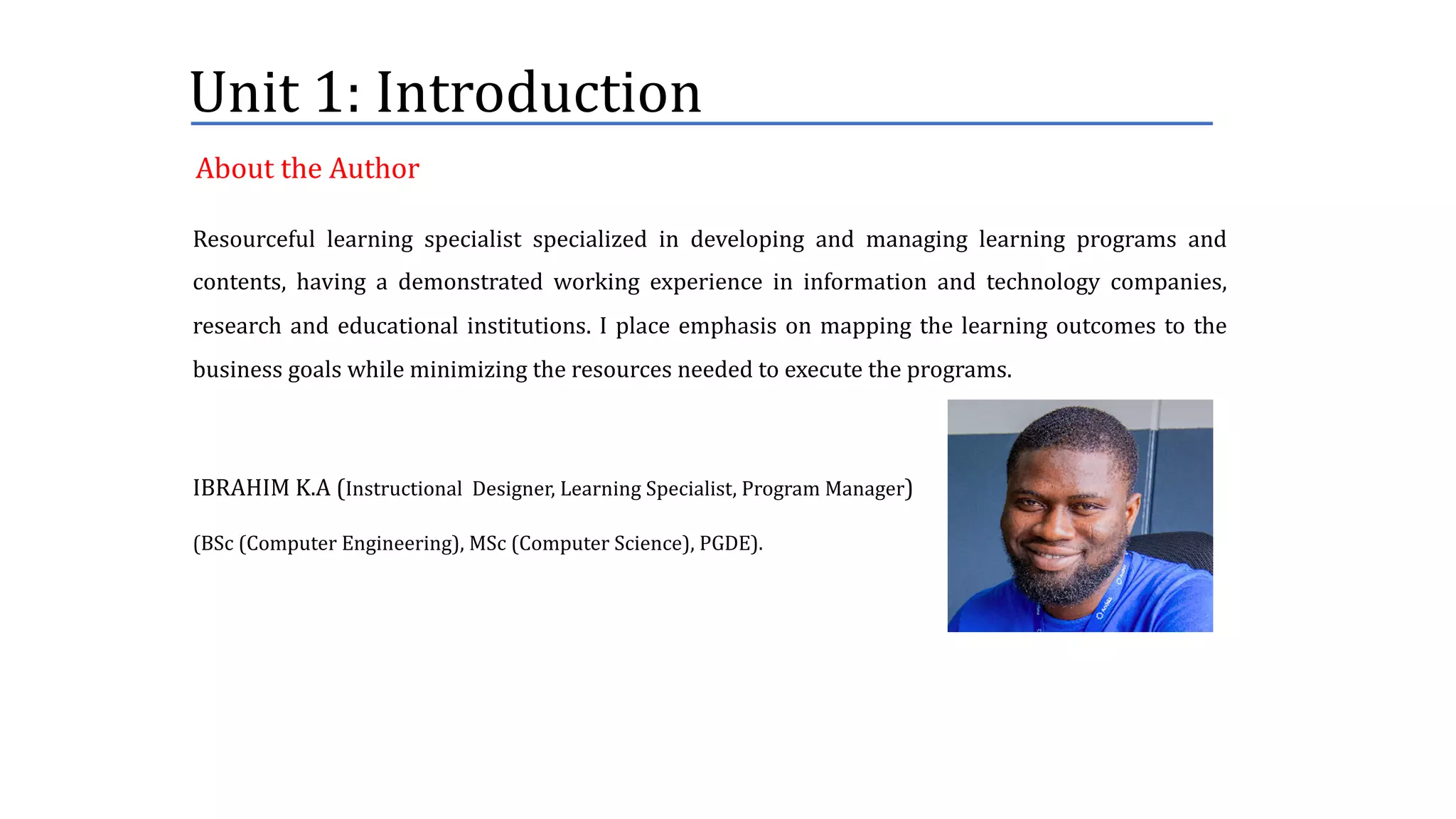
Resourceful learning specialist specialized in developing and managing learning programs and
contents, having a demonstrated working experience in information and technology companies,
research and educational institutions. I place emphasis on mapping the learning outcomes to the
business goals while minimizing the resources needed to execute the programs.
IBRAHIM K.A (Instructional Designer, Learning Specialist, Program Manager)
(BSc (Computer Engineering), MSc (Computer Science), PGDE).
About	the	Author
Unit	1:	Introduction
This course is meant for you if you:
• are curious to know the new changes in the latest version of PowerPoint 2019.
• find it difficult to adopt some of the newly introduced features of PowerPoint 2019.
Target	Audience
Unit	1:	Introduction
This	course	consists	of	4	units	and	different	lessons:
• Unit	1- Introduction	to	PowerPoint	presentation
• Unit	2	- New	features	in	PowerPoint	2019
o Lesson	1	- Illustration	of	Morph	feature
o Lesson	2	- Illustration	of	Text	Highlighter	feature
o Lesson	3	- Illustration	of	Section	feature
o Lesson	4	- Illustration	of	the	Recording	feature
o Lesson	5	- Illustration	of	Background	Removal	feature
• Unit	3	- Knowledge	Check
Course	Outline
Unit	1:	Introduction
By	the	end	of	this	course,	you	will	be	able	to:
• Identify	at	least	five(5)	new	features	in	the	latest	version	of	PowerPoint	presentation.
• Explain	the	uses	of	at	least	4	of	the	features	identified	above.
• Demonstrate	the	ability	to	use	at	least	4	of	the	features	identified.
Course	Duration :	1hour
Learning	Outcomes
Unit	2:	Features	of	Interest
This	unit	presents	some	of	the	newly	introduced	features	that	come	with	the	Microsoft	PowerPoint	
2019.
Some of these features include:
• Morph feature
• Zoom feature
• Text Highlighter
• Section
• Recording
• Easier Background Removal
• Conversion to High-quality video
• Digital Control
Note: I’m using Macbook to render this
work and some of these features are not
available on the Mac version. Hence, the
following features will not be illustrated:
zoom, conversion to high-quality video,
digital control.
Unit	2:	Features	of	Interest
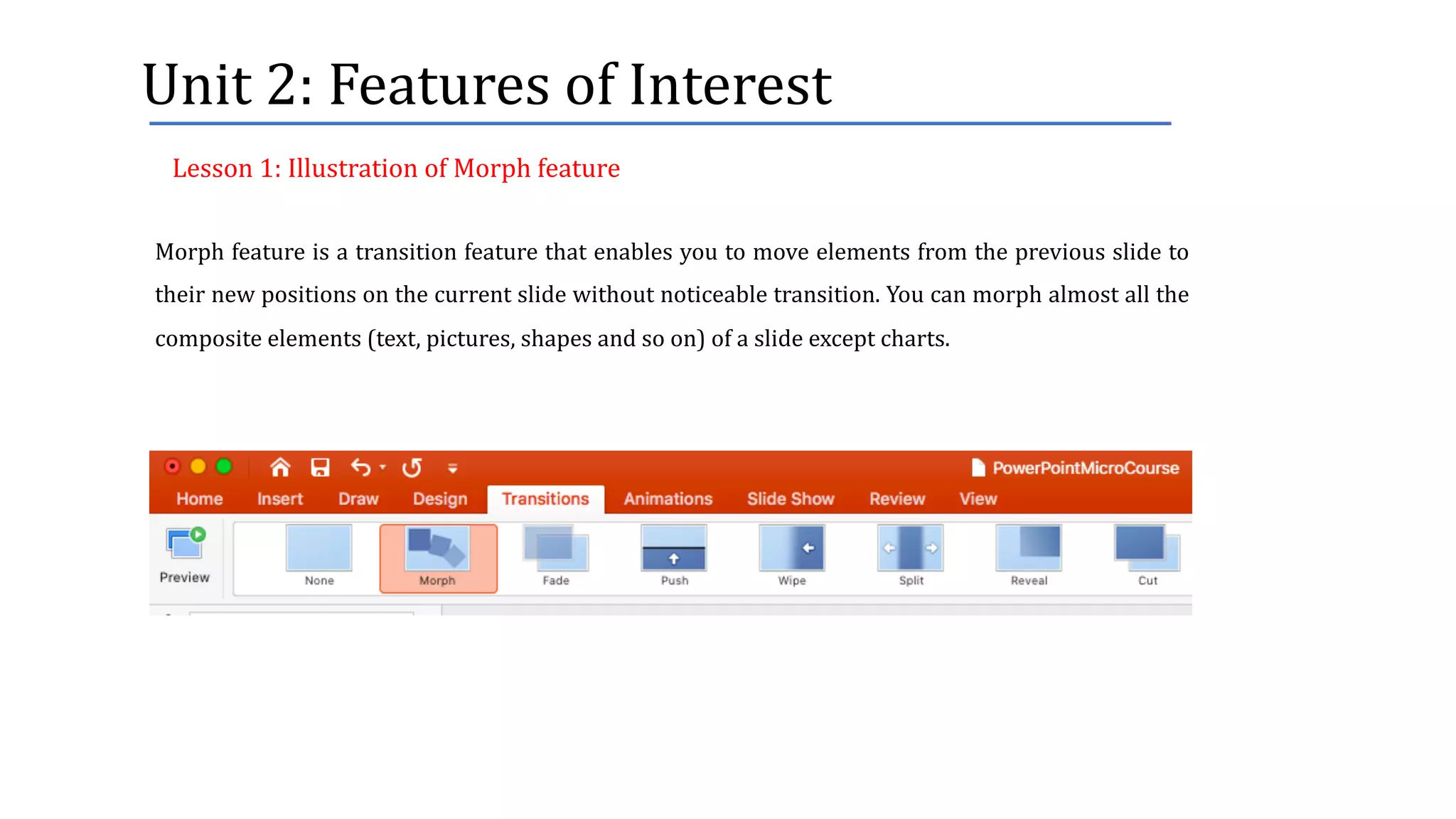
Morph feature is a transition feature that enables you to move elements from the previous slide to
their new positions on the current slide without noticeable transition. You can morph almost all the
composite elements (text, pictures, shapes and so on) of a slide except charts.
Lesson	1:	Illustration	of	Morph	feature
Unit	2:	Features	of	Interest
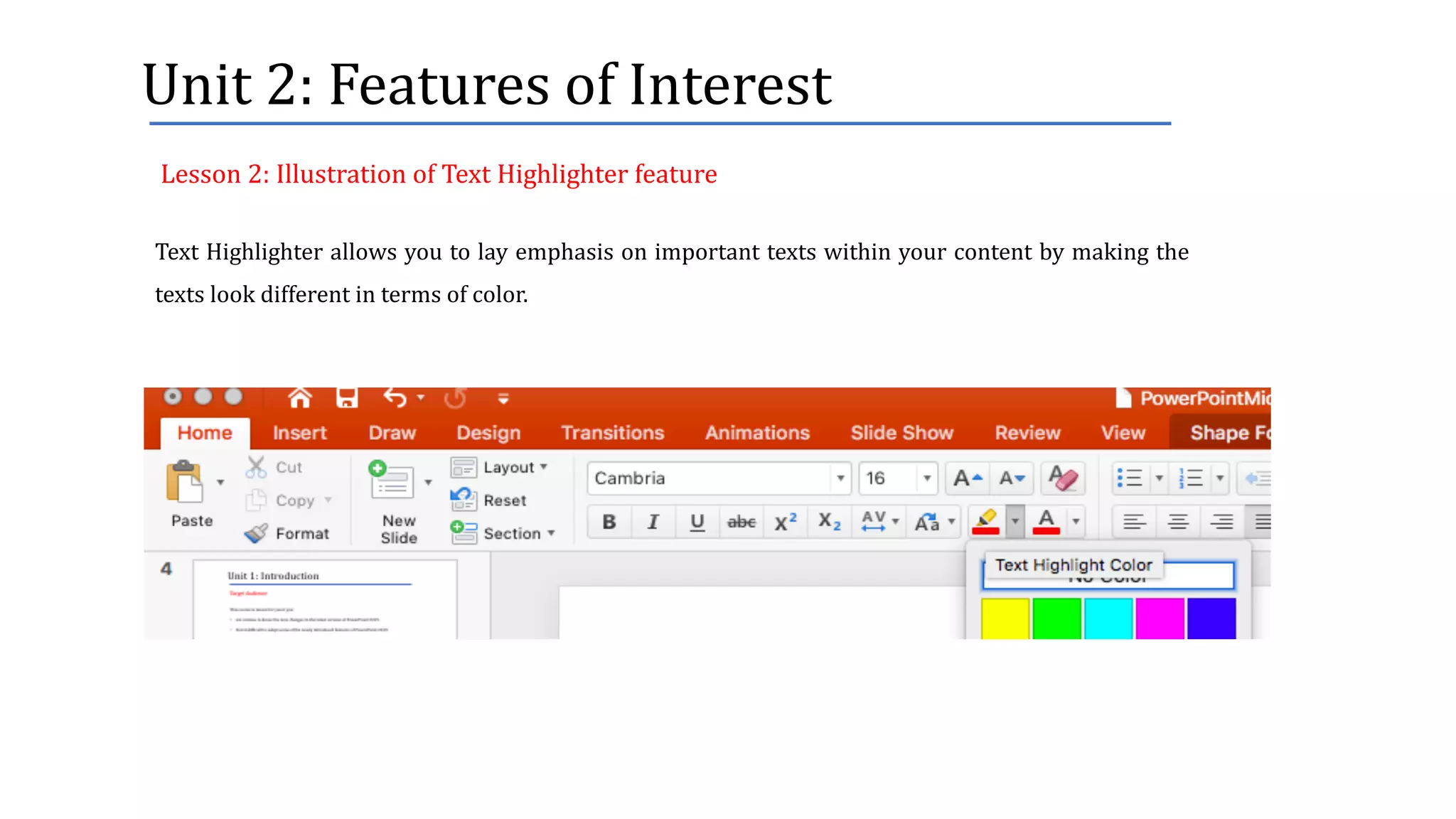
Text Highlighter allows you to lay emphasis on important texts within your content by making the
texts look different in terms of color.
Lesson	2:	Illustration	of	Text	Highlighter	feature
Unit	2:	Features	of	Interest
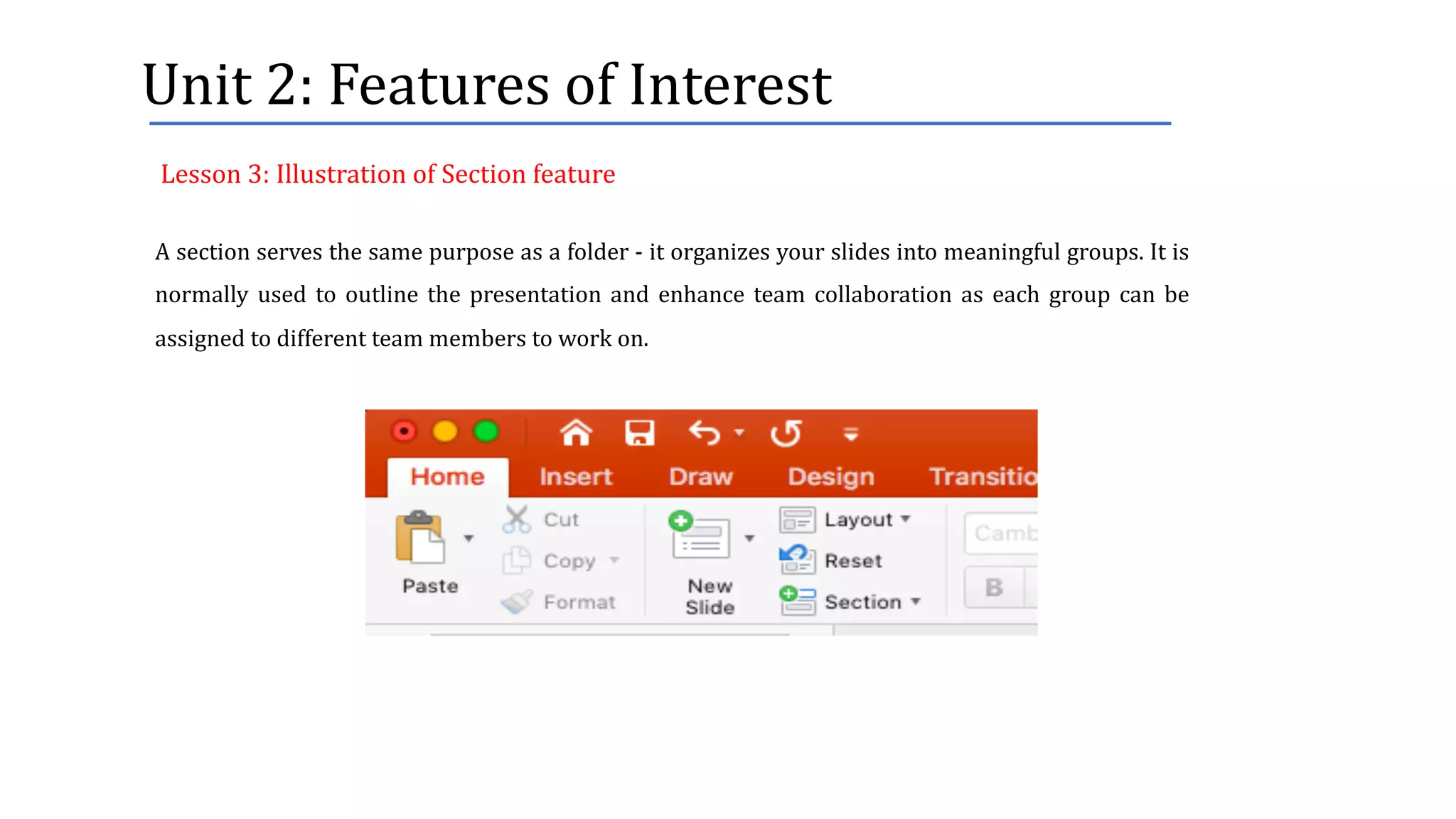
A section serves the same purpose as a folder - it organizes your slides into meaningful groups. It is
normally used to outline the presentation and enhance team collaboration as each group can be
assigned to different team members to work on.
Lesson	3:	Illustration	of	Section	feature
Unit	2:	Features	of	Interest
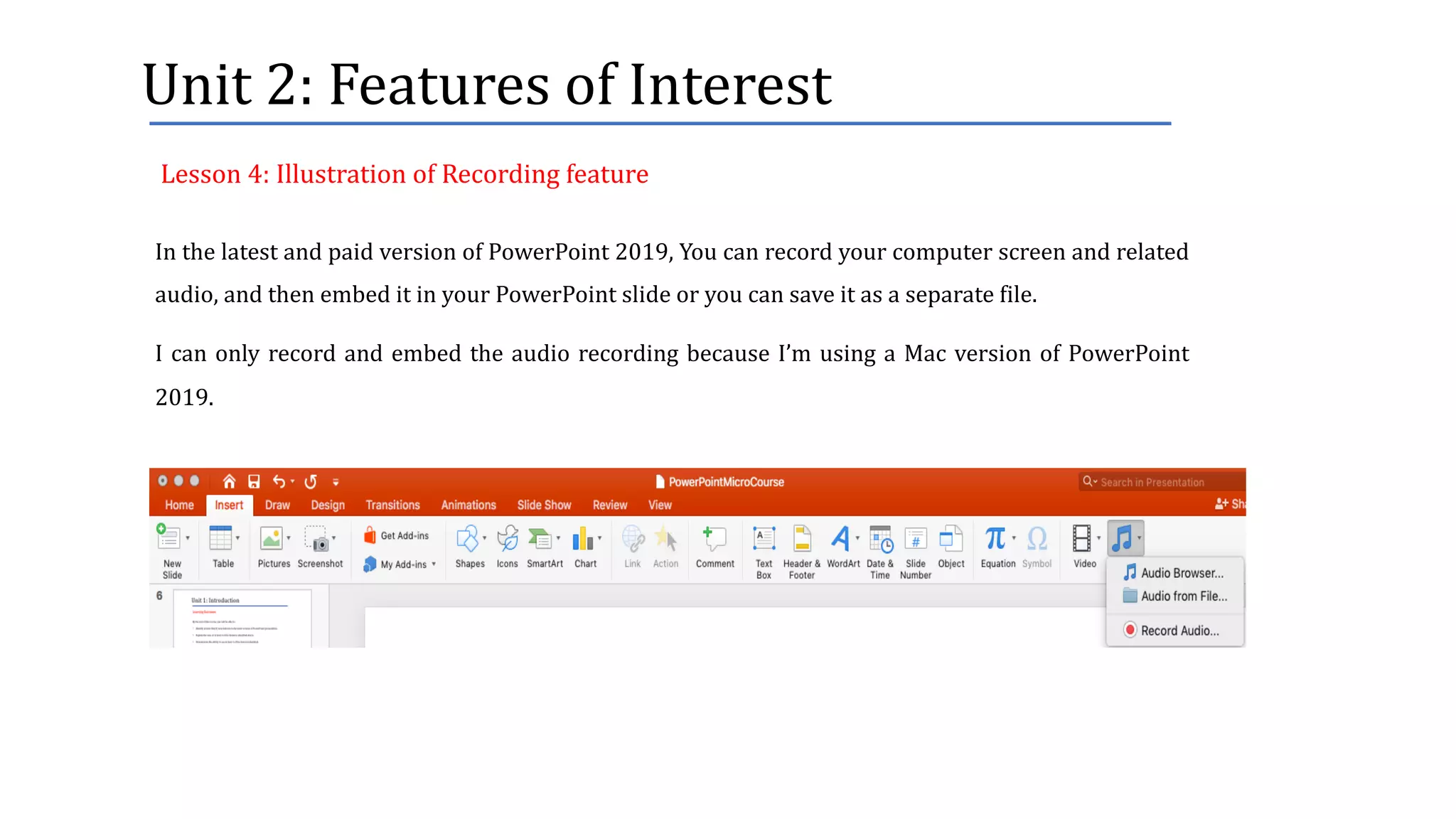
In the latest and paid version of PowerPoint 2019, You can record your computer screen and related
audio, and then embed it in your PowerPoint slide or you can save it as a separate file.
I can only record and embed the audio recording because I’m using a Mac version of PowerPoint
2019.
Lesson	4:	Illustration	of	Recording	feature
Unit	2:	Features	of	Interest
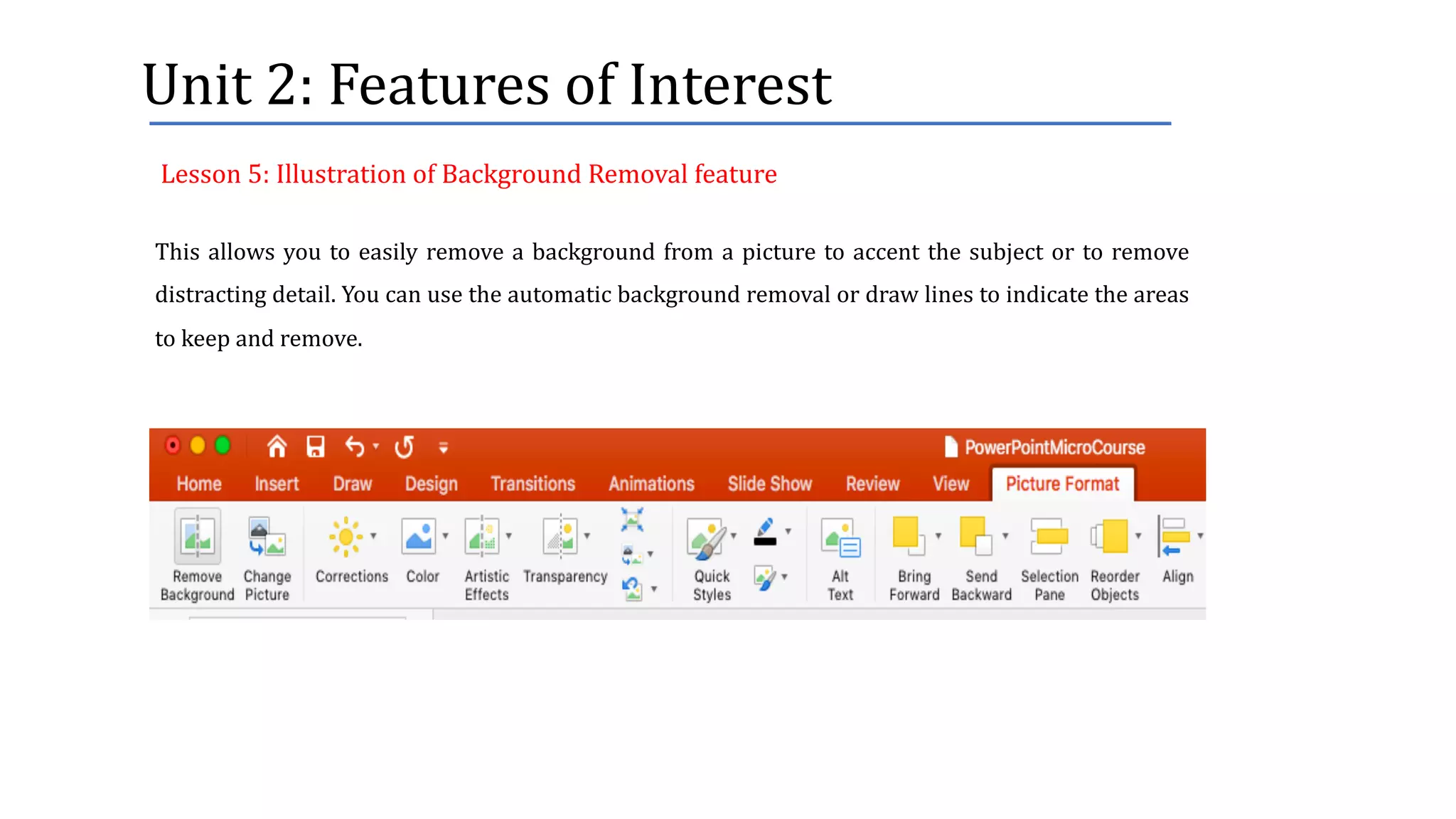
This allows you to easily remove a background from a picture to accent the subject or to remove
distracting detail. You can use the automatic background removal or draw lines to indicate the areas
to keep and remove.
Lesson	5:	Illustration	of	Background	Removal	feature
Unit	3:	Knowledge	Check
This unit presents a short assessment in a form of quizzes to test your understanding of the course
content.
Unit	3:	Knowledge	Check
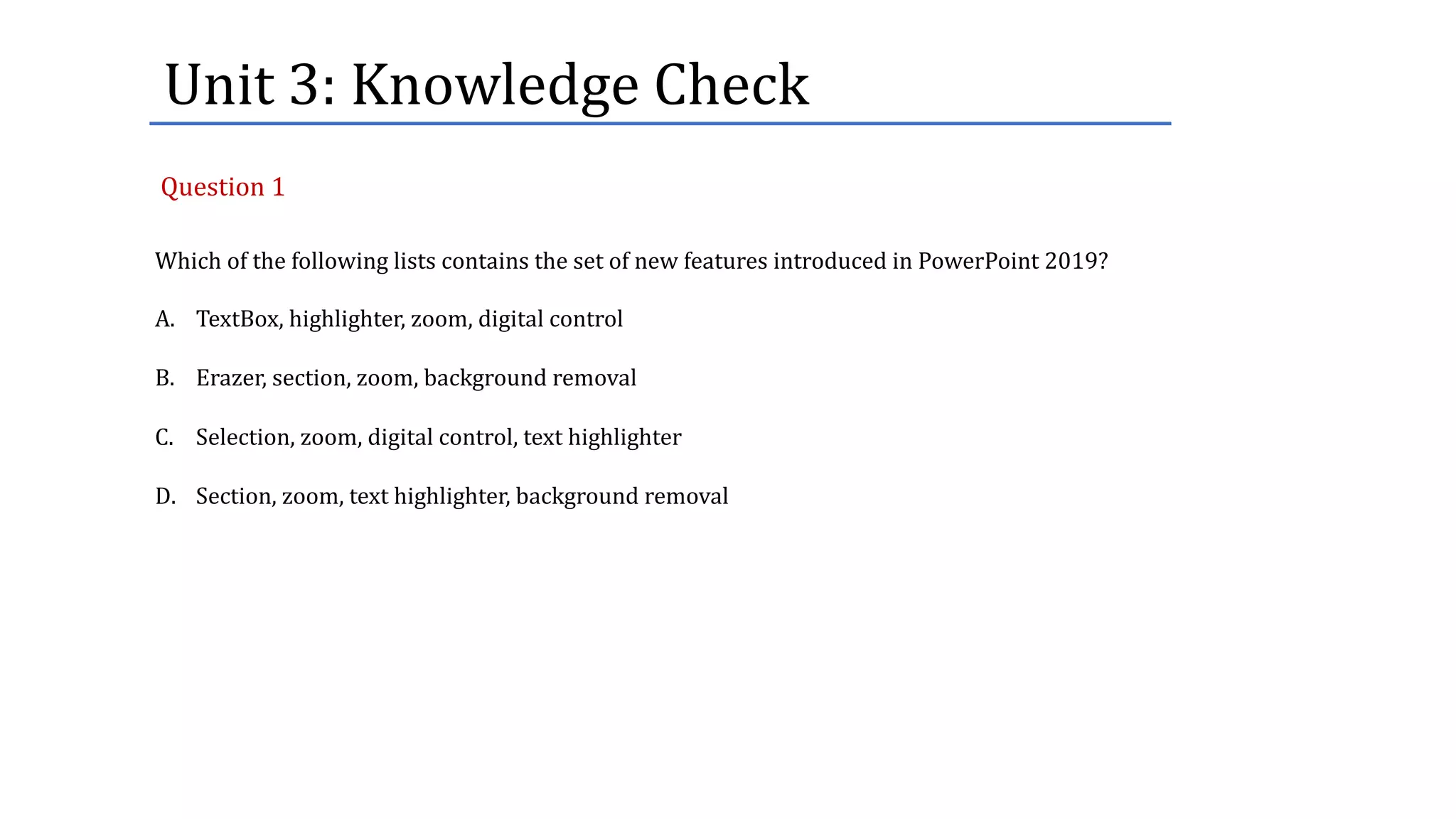
Which of the following lists contains the set of new features introduced in PowerPoint 2019?
A. TextBox, highlighter, zoom, digital control
B. Erazer, section, zoom, background removal
C. Selection, zoom, digital control, text highlighter
D. Section, zoom, text highlighter, background removal
Question	1
Unit	3:	Knowledge	Check
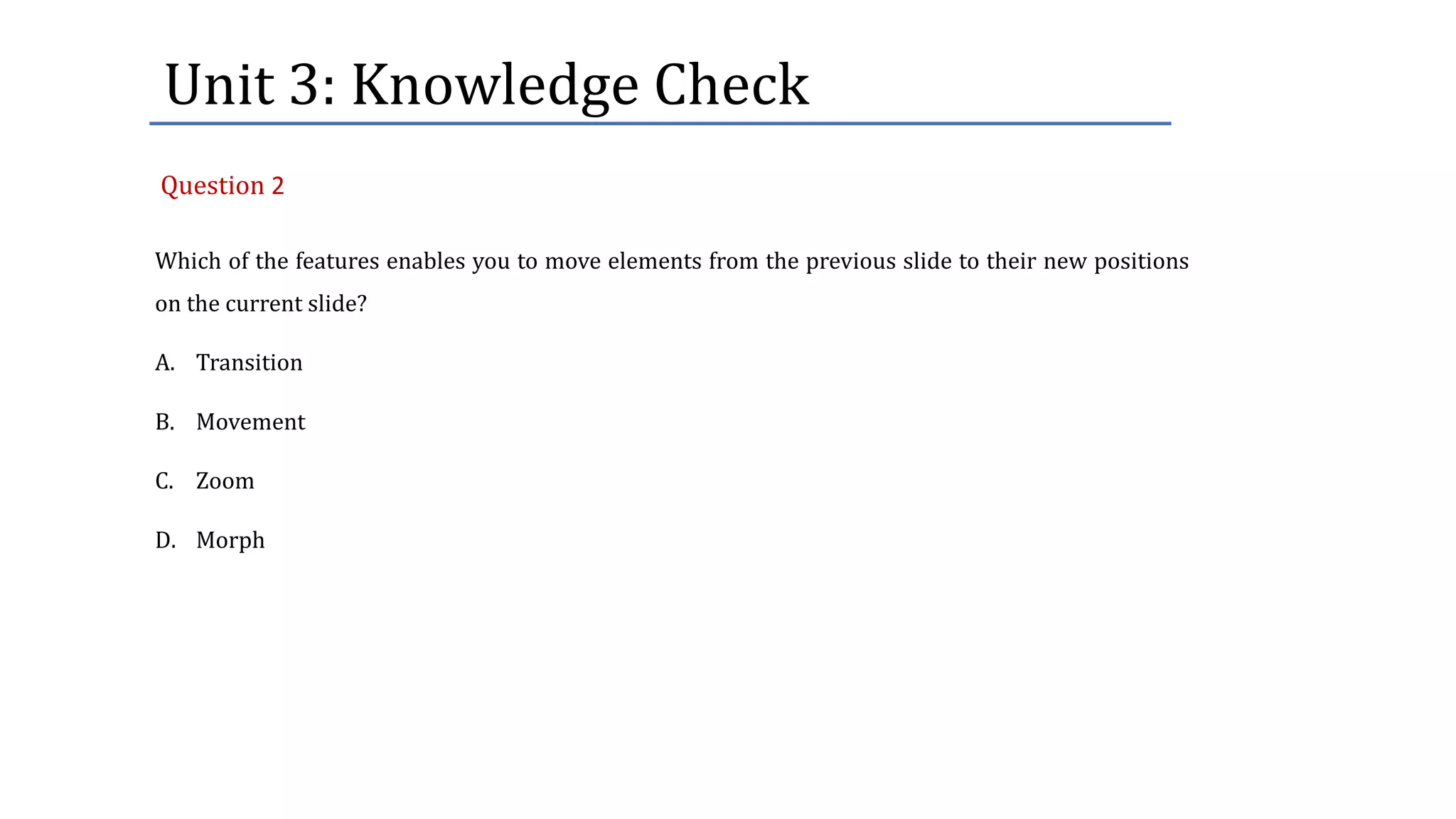
Which of the features enables you to move elements from the previous slide to their new positions
on the current slide?
A. Transition
B. Movement
C. Zoom
D. Morph
Question 2
Unit	3:	Knowledge	Check
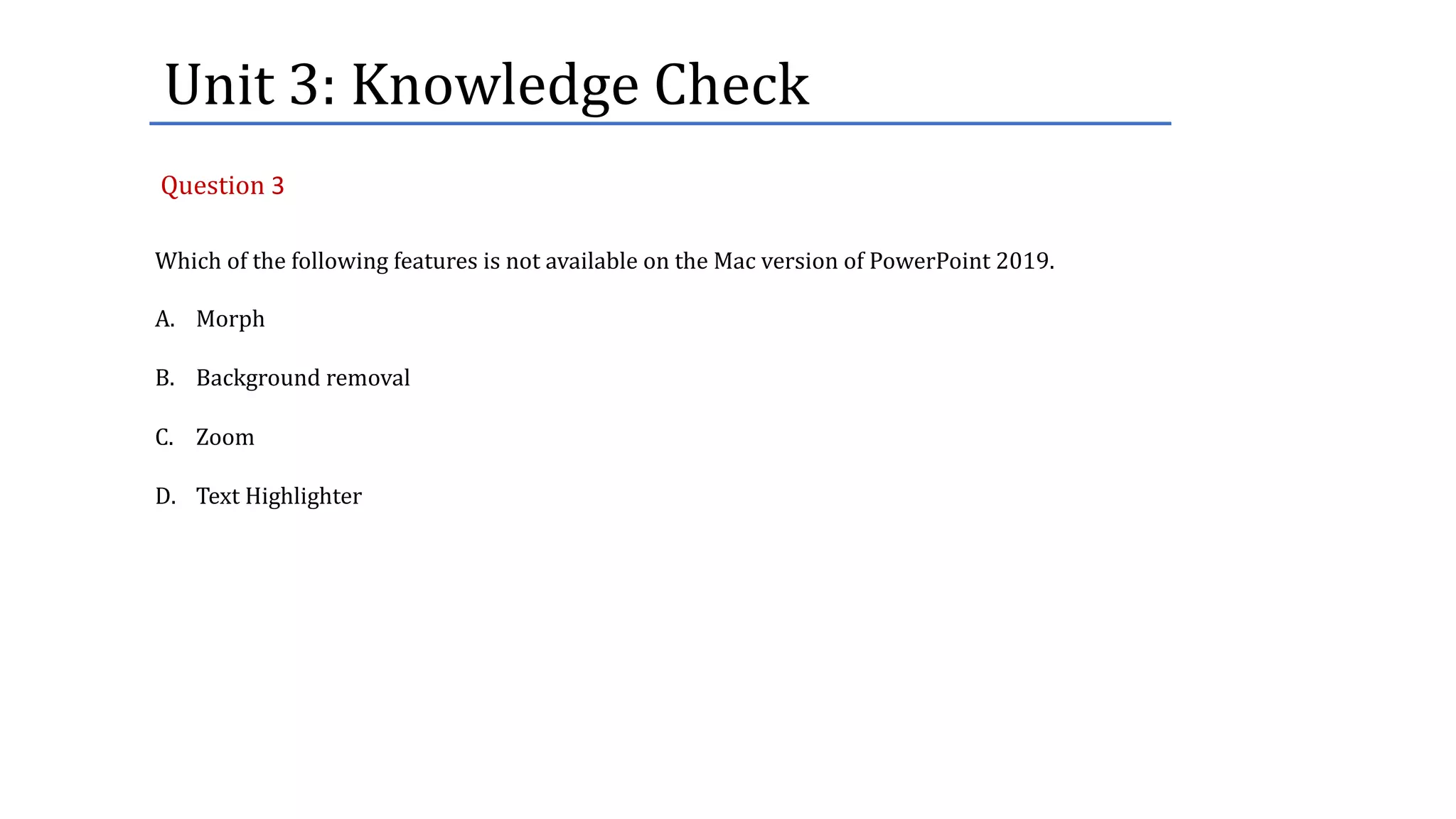
Which of the following features is not available on the Mac version of PowerPoint 2019.
A. Morph
B. Background removal
C. Zoom
D. Text Highlighter
Question 3
Unit	3:	Knowledge	Check
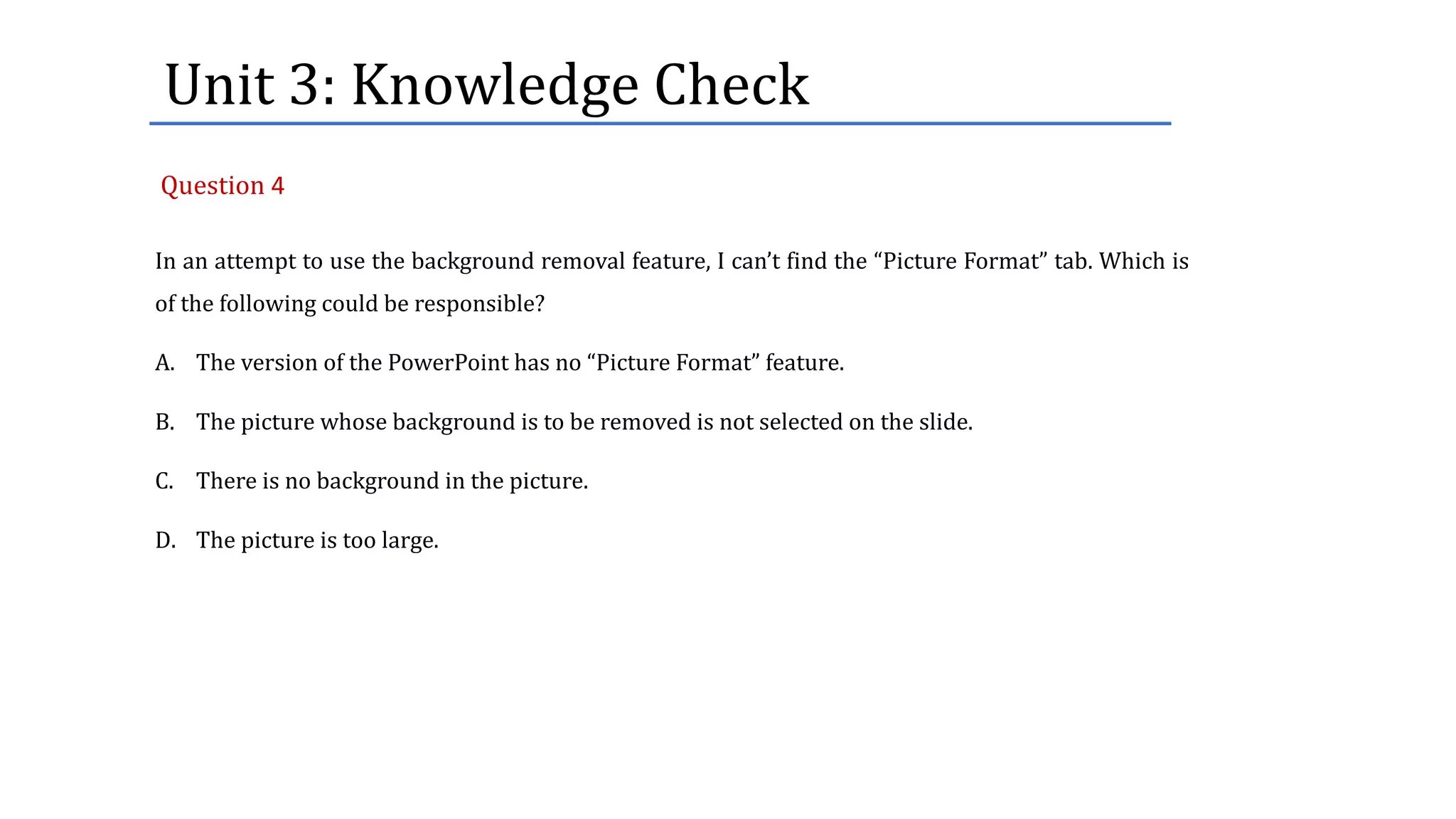
In an attempt to use the background removal feature, I can’t find the “Picture Format” tab. Which is
of the following could be responsible?
A. The version of the PowerPoint has no “Picture Format” feature.
B. The picture whose background is to be removed is not selected on the slide.
C. There is no background in the picture.
D. The picture is too large.
Question 4
Unit	3:	Knowledge	Check
Why does the section serve the same purpose as a folder?
A. It allows renaming of the file name.
B. It organizes the slides into meaningful groups.
C. Password can be used on it.
D. It uses the same folder naming convention.
Question 5

Microsoft PowerPoint 2019 - New Features