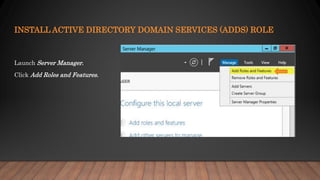
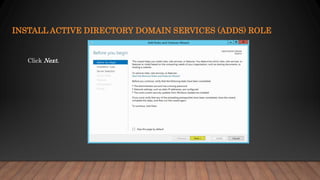
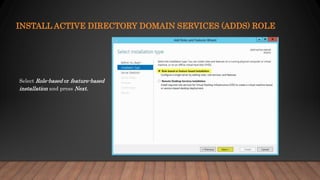
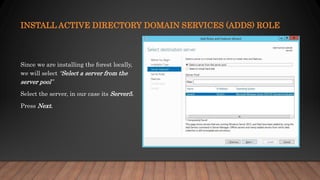
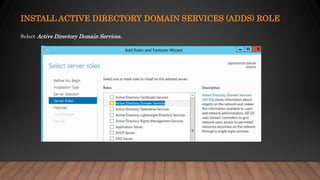
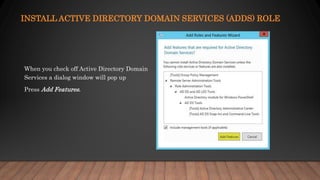
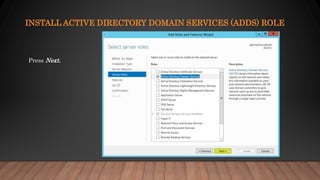
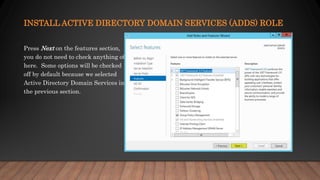
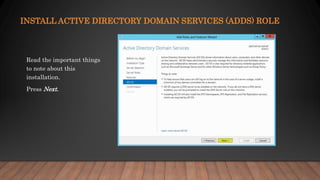
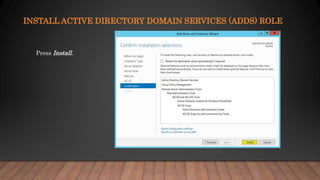
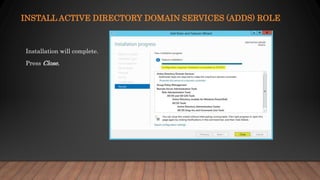
This document provides instructions for installing the Active Directory Domain Services (ADDS) role on a Windows Server to promote it to an Active Directory domain controller. It describes launching Server Manager, selecting the Add Roles and Features option, choosing the ADDS role, and completing the installation process by pressing Install and Close. The role is added through the Server Manager to enable centralized management of users, resources, and group policies through Active Directory.