Windows Server 2012R2 
ACTIVE DIRECTORY DOMAIN SERVICES 
INSTALLATION & CONFIGURATION
what is active directory? 
Active Directory Domain Services provide secure, structured, hierarchical data storage for objects in a network such as users, computers, printers, and services. Active Directory Domain Services provide support for locating and working with these objects.
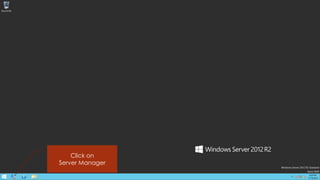
Click on 
Server Manager
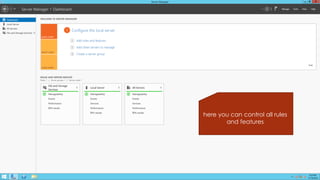
here you can control all rules and features
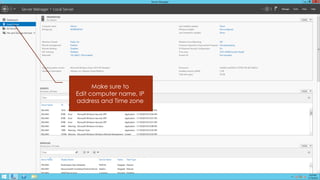
Make sure to 
Edit computer name, IP address and Time zone
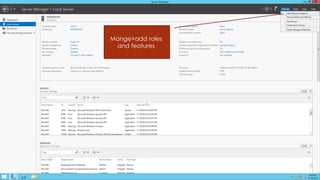
Mange>add roles and features
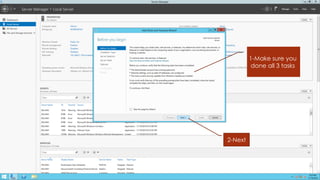
1-Make sure you done all 3 tasks 
2-Next
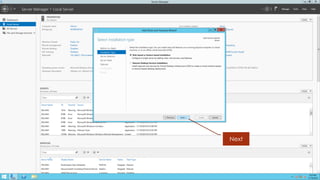
Next
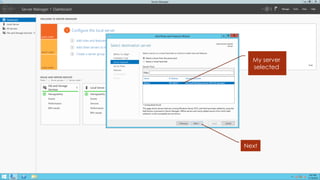
My server selected 
Next
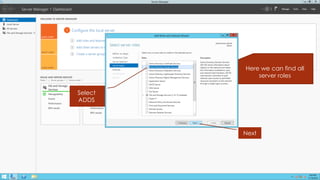
Here we can find all server roles 
Next 
Select ADDS
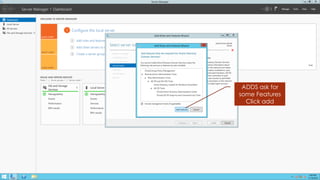
ADDS ask for some Features 
Click add
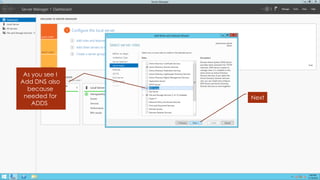
As you see I Add DNS also because needed for ADDS 
Next
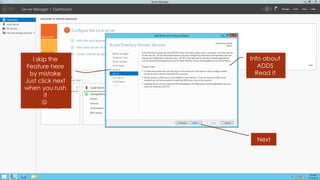
I skip the Feature here by mistake 
Just click next when you rush it 
 
Info about ADDS 
Read it 
Next
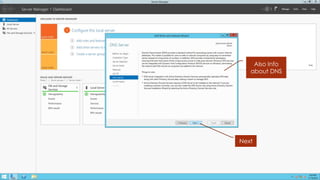
Also Info about DNS 
Next
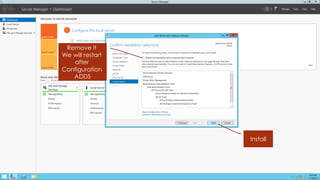
Remove it 
We will restart after Configuration 
ADDS 
Install
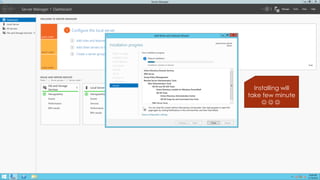
Installing will take few minute 

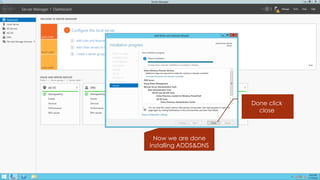
Done click close 
Now we are done installing ADDS&DNS
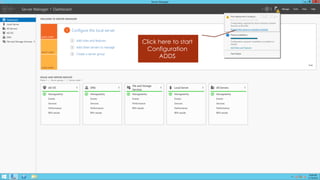
Click here to start Configuration 
ADDS
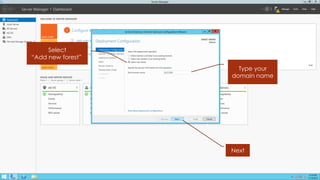
Select 
“Add new forest” 
Type your domain name 
Next
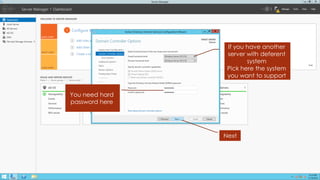
If you have another server with deferent system 
Pick here the system you want to support 
You need hard password here 
Next
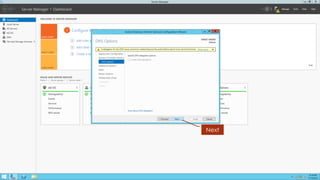
Next
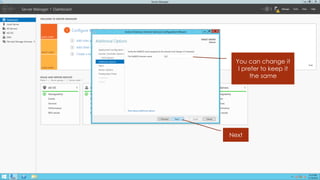
You can change it 
I prefer to keep it the same 
Next
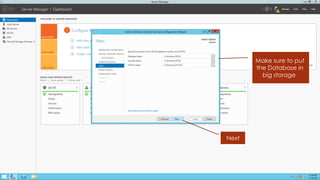
Make sure to put the Database in big storage 
Next
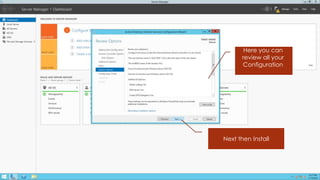
Here you can review all your Configuration 
Next then Install
After installing 
Restart the server 
Then you will be able to log in with the new domain 
This is my first installation guide 
I hope it help someone 
And forgive me if I miss something important 
Made by: Adel Alghamdi 
To my teacher: Ibrahim Al Odaini 

Active Directory Domain Services Installation & Configuration - Windows Server 2012