Microsoft’s Handheld Strategy
with Windows 10
John Fuller,Windows IoT TSP, Microsoft
Agenda
• Current Landscape
• Convergence with Windows 10
• Universal Windows Platform (UWP)
• Security
• Manageability
• Support Lifecycle
Current Landscape
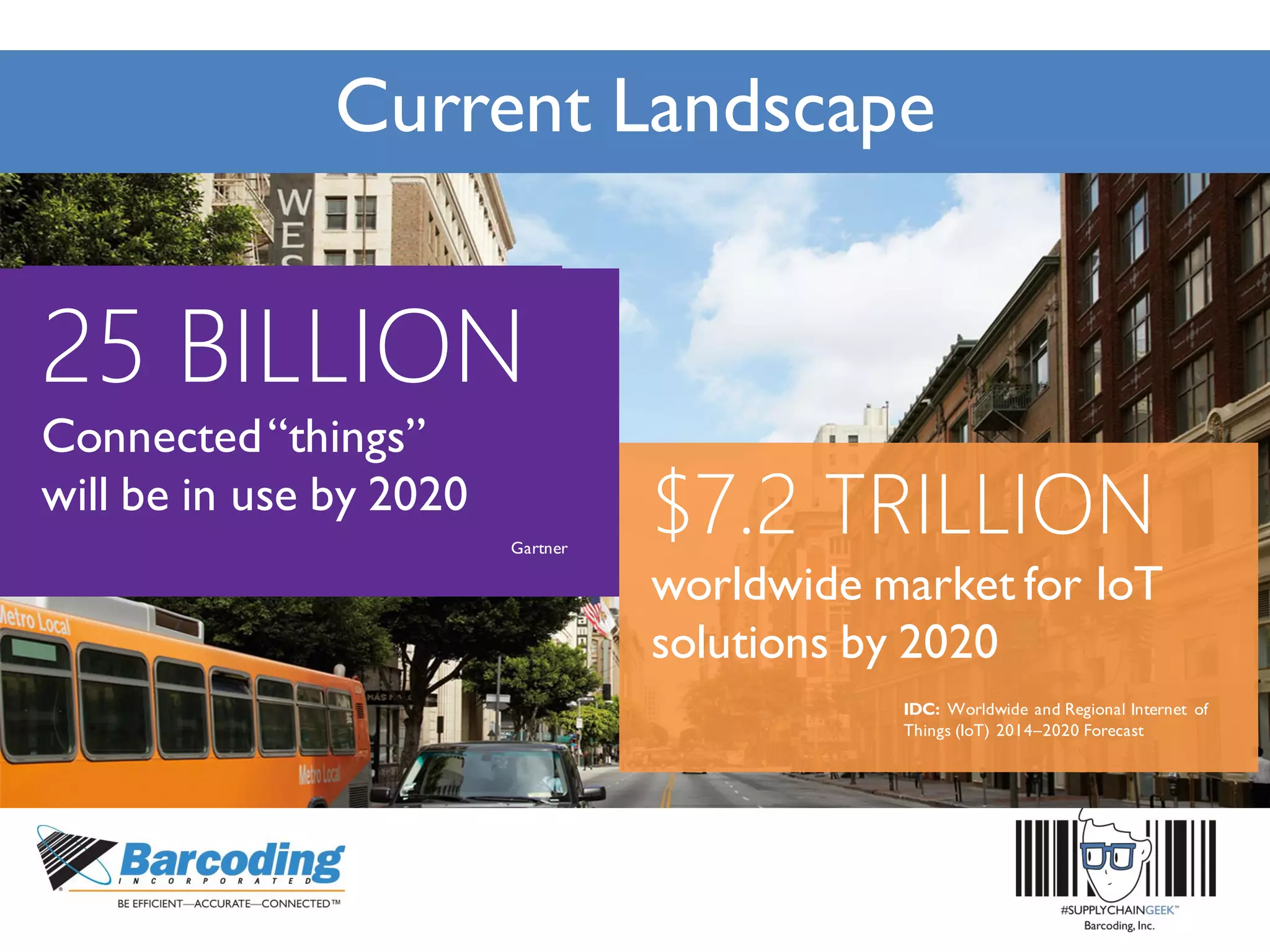
$7.2 TRILLION
worldwide market for IoT
solutions by 2020
IDC: Worldwide and Regional Internet of
Things (IoT) 2014–2020 Forecast
25 BILLION
Connected“things”
will be in use by 2020
Gartner
Current Landscape
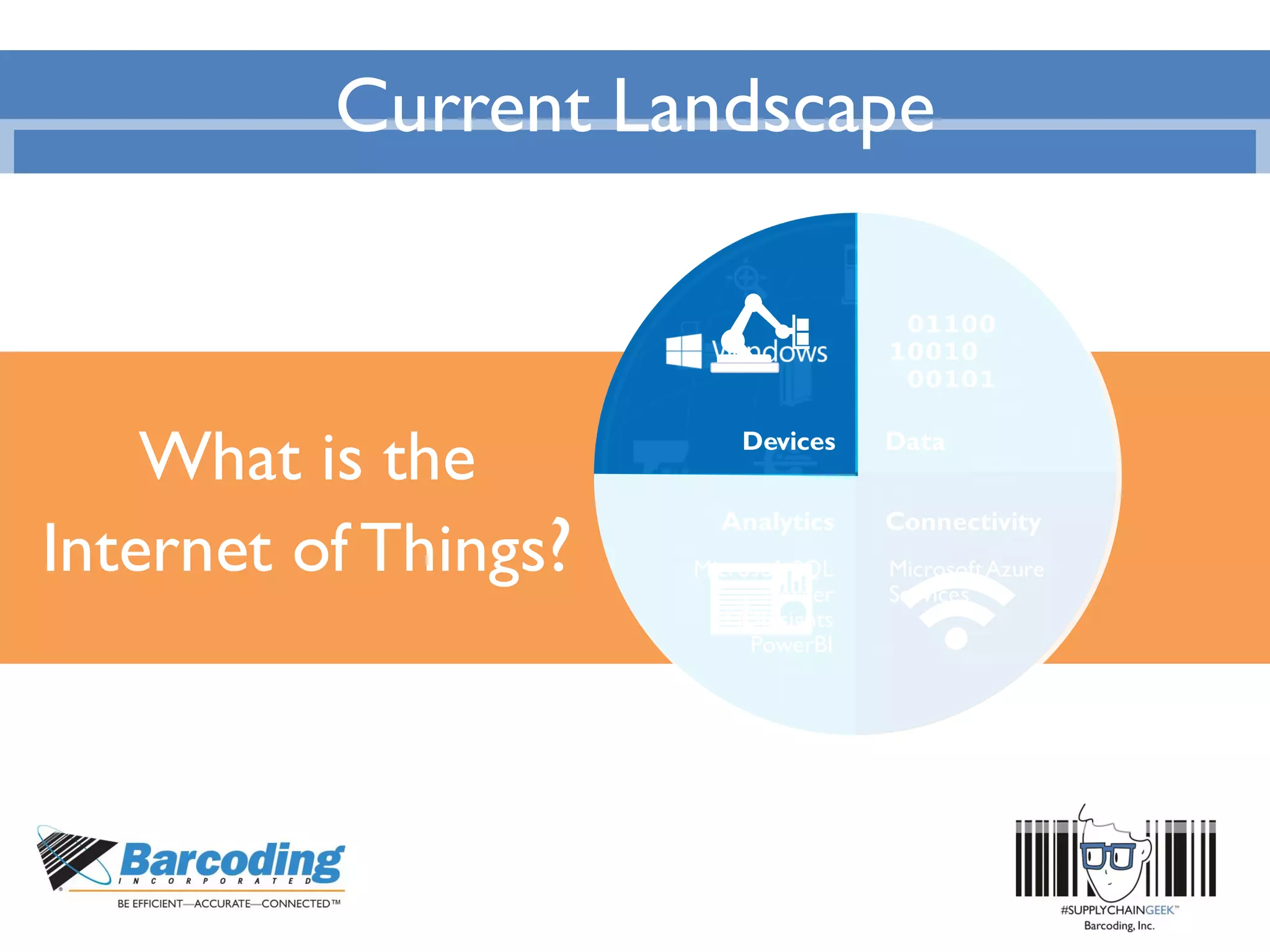
What is the
Internet of Things?
Data
Analytics
Devices
MicrosoftAzure
Services
Microsoft SQL
Server
HDInsights
PowerBI
Connectivity
Current Landscape
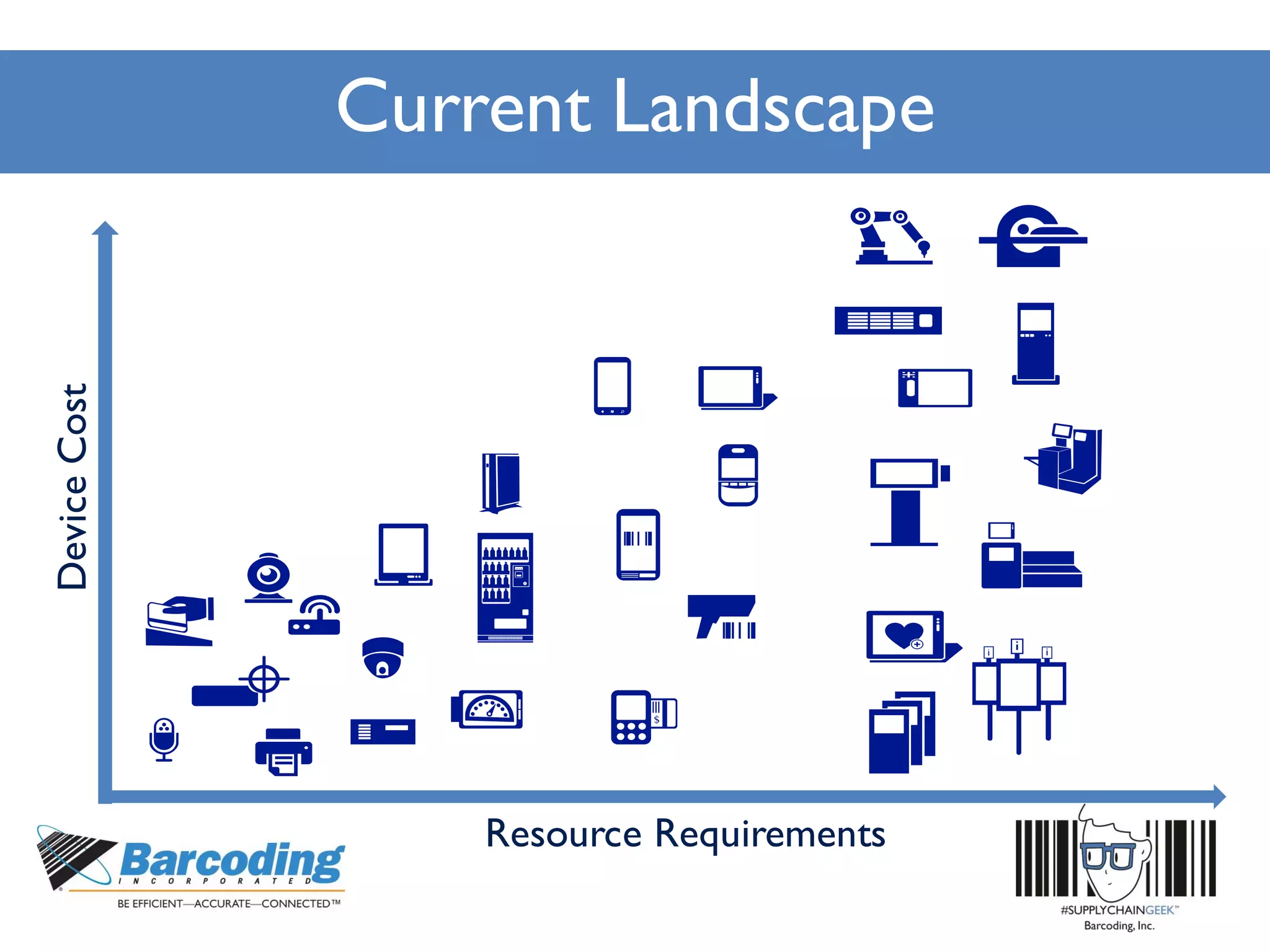
DeviceCost
Resource Requirements
Current Landscape
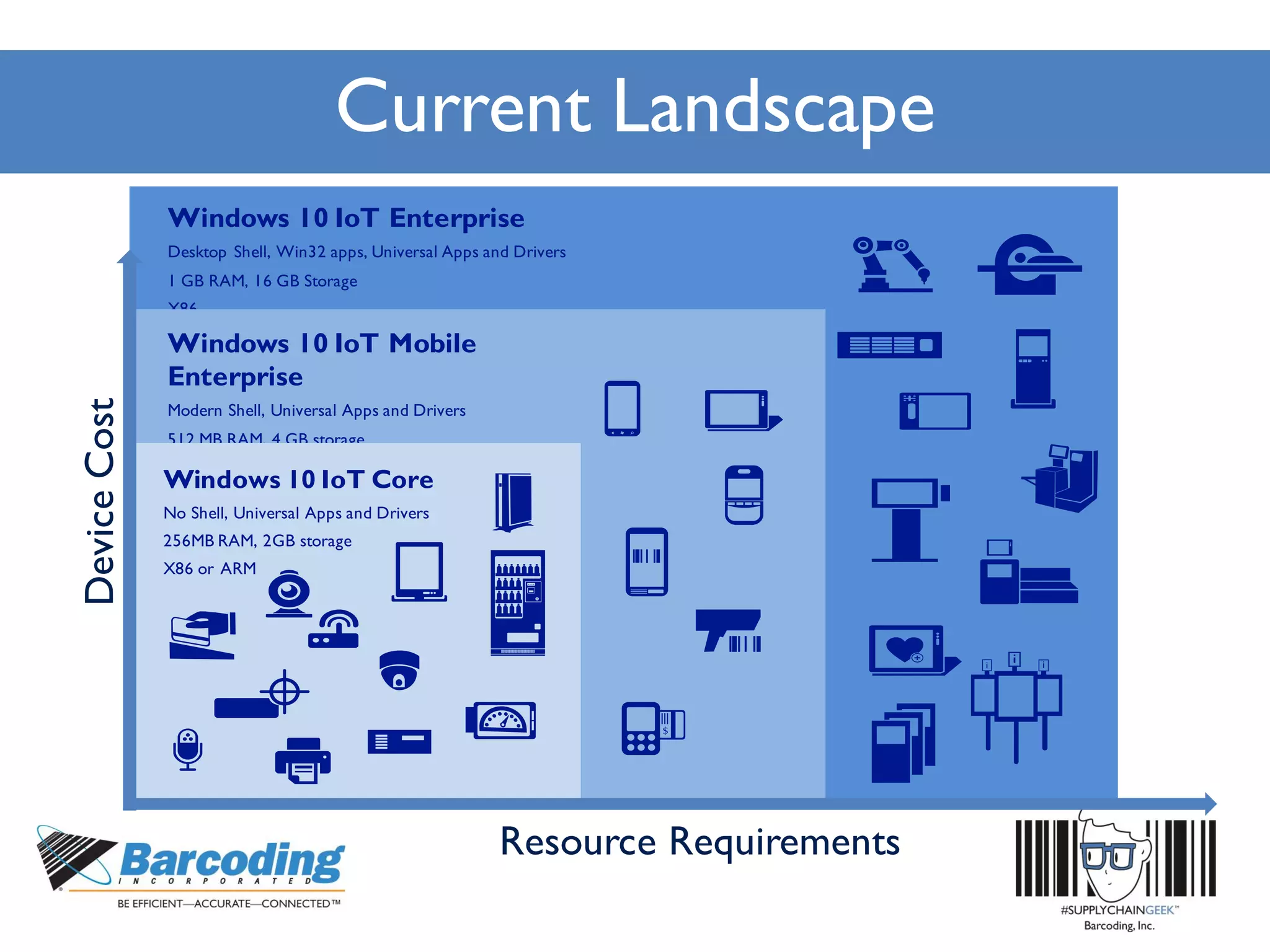
Windows 10 IoT Enterprise
Desktop Shell, Win32 apps, Universal Apps and Drivers
1 GB RAM, 16 GB Storage
X86
Windows 10 IoT Mobile
Enterprise
Modern Shell, Universal Apps and Drivers
512 MB RAM, 4 GB storage
ARM
Windows 10 IoT Core
No Shell, Universal Apps and Drivers
256MB RAM, 2GB storage
X86 or ARM
DeviceCost
Resource Requirements
Current Landscape
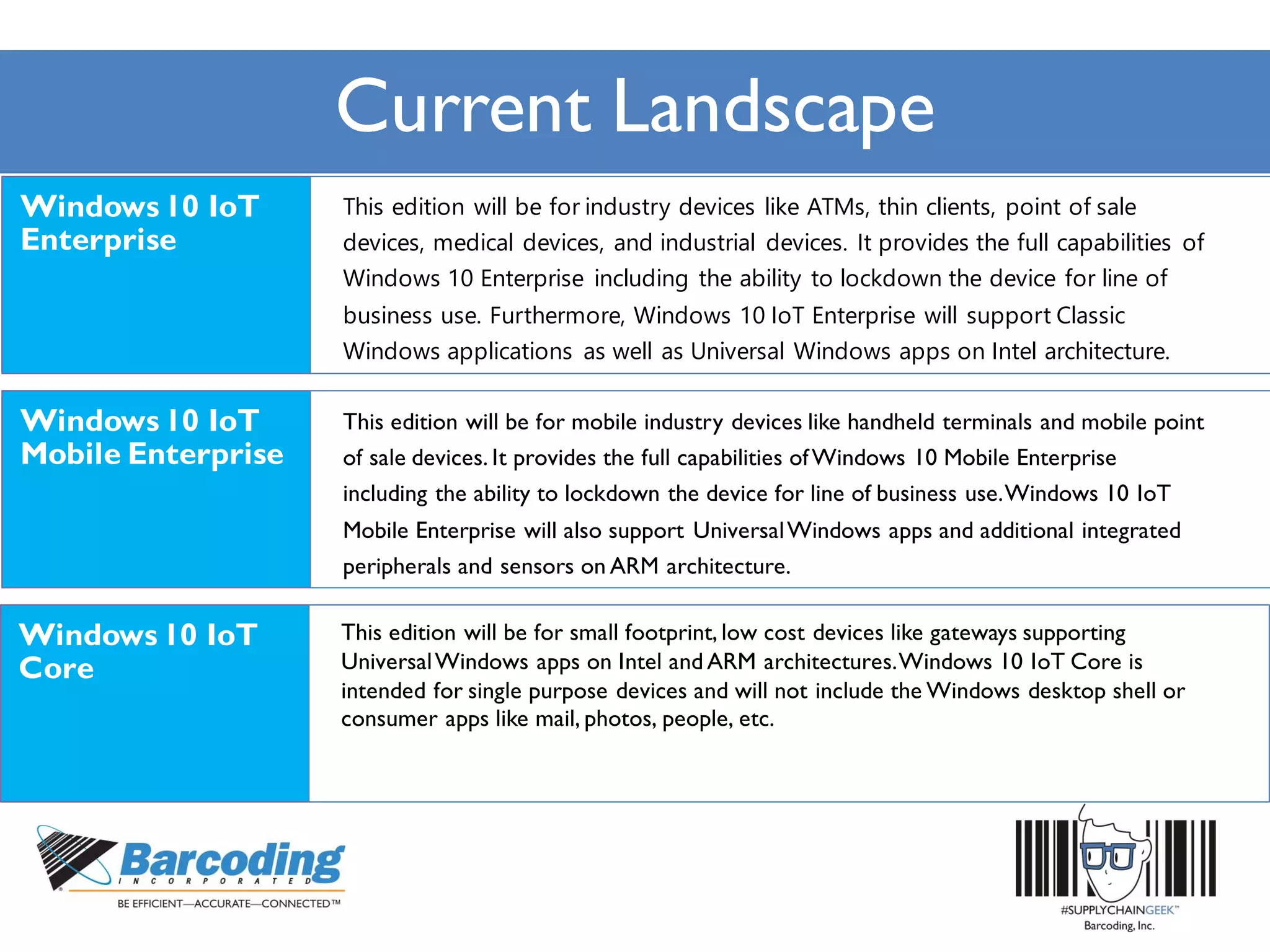
This edition will be for industry devices like ATMs, thin clients, point of sale
devices, medical devices, and industrial devices. It provides the full capabilities of
Windows 10 Enterprise including the ability to lockdown the device for line of
business use. Furthermore, Windows 10 IoT Enterprise will support Classic
Windows applications as well as Universal Windows apps on Intel architecture.
This edition will be for mobile industry devices like handheld terminals and mobile point
of sale devices. It provides the full capabilities ofWindows 10 Mobile Enterprise
including the ability to lockdown the device for line of business use.Windows 10 IoT
Mobile Enterprise will also support UniversalWindows apps and additional integrated
peripherals and sensors on ARM architecture.
This edition will be for small footprint, low cost devices like gateways supporting
UniversalWindows apps on Intel and ARM architectures.Windows 10 IoT Core is
intended for single purpose devices and will not include the Windows desktop shell or
consumer apps like mail, photos, people, etc.
Convergence withWindows 10
• Universal Windows Platform (UWP)
• Security
• Manageability
• Support Lifecycle
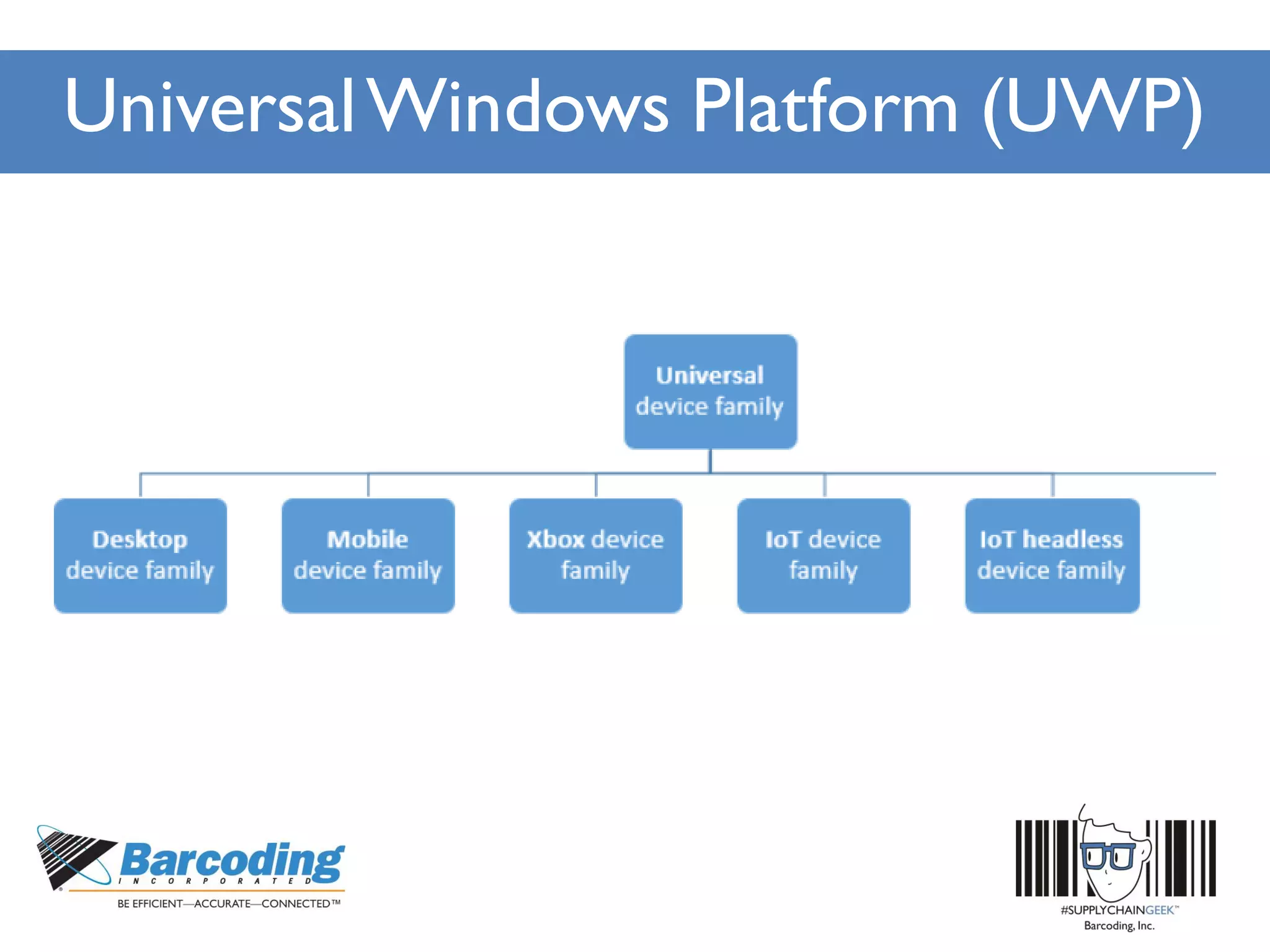
UniversalWindows Platform (UWP)
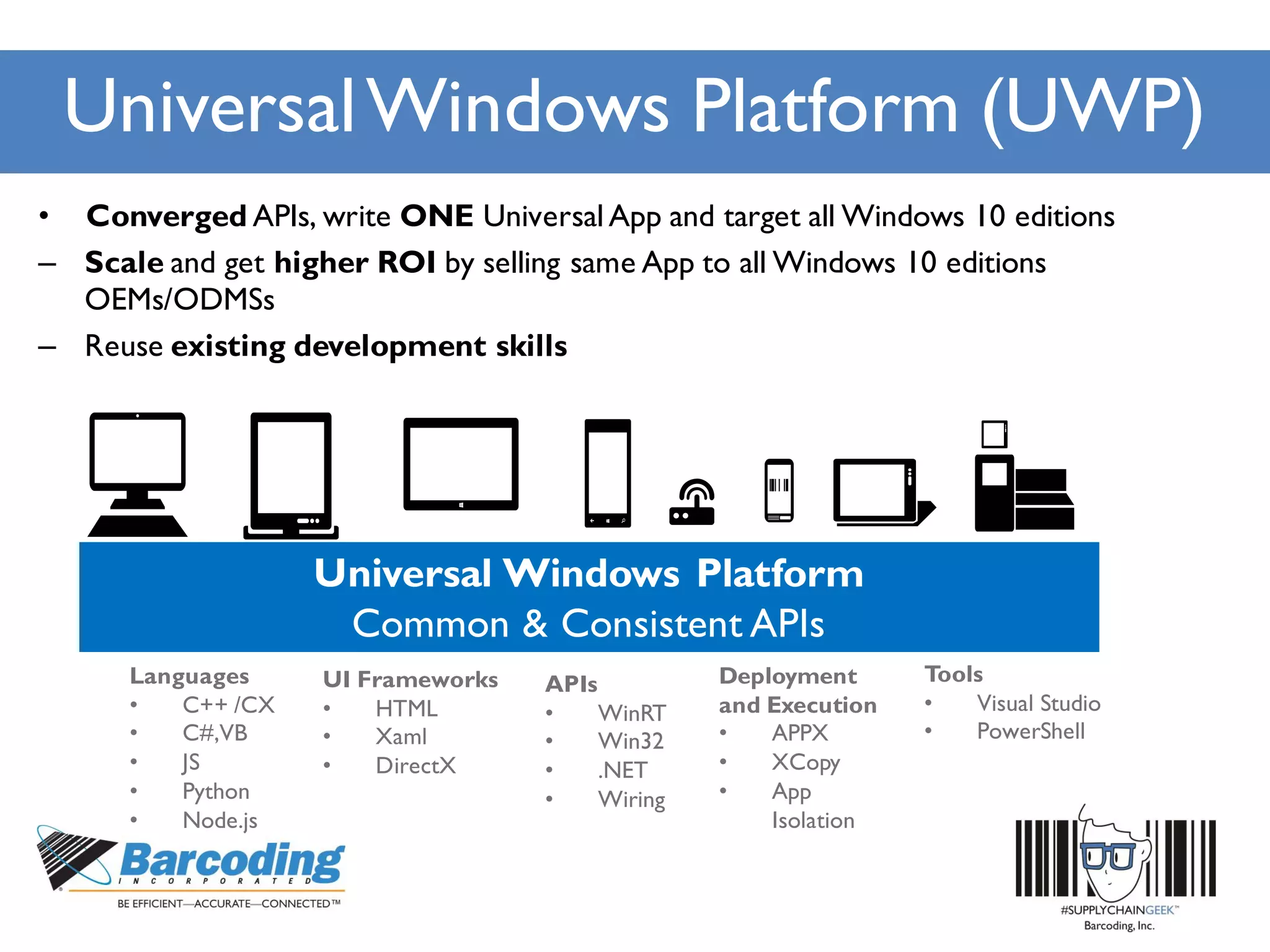
• Converged APIs, write ONE Universal App and target all Windows 10 editions
– Scale and get higher ROI by selling same App to all Windows 10 editions
OEMs/ODMSs
– Reuse existing development skills
Languages
• C++ /CX
• C#,VB
• JS
• Python
• Node.js
APIs
• WinRT
• Win32
• .NET
• Wiring
Deployment
and Execution
• APPX
• XCopy
• App
Isolation
UI Frameworks
• HTML
• Xaml
• DirectX
Tools
• Visual Studio
• PowerShell
UniversalWindows Platform (UWP)
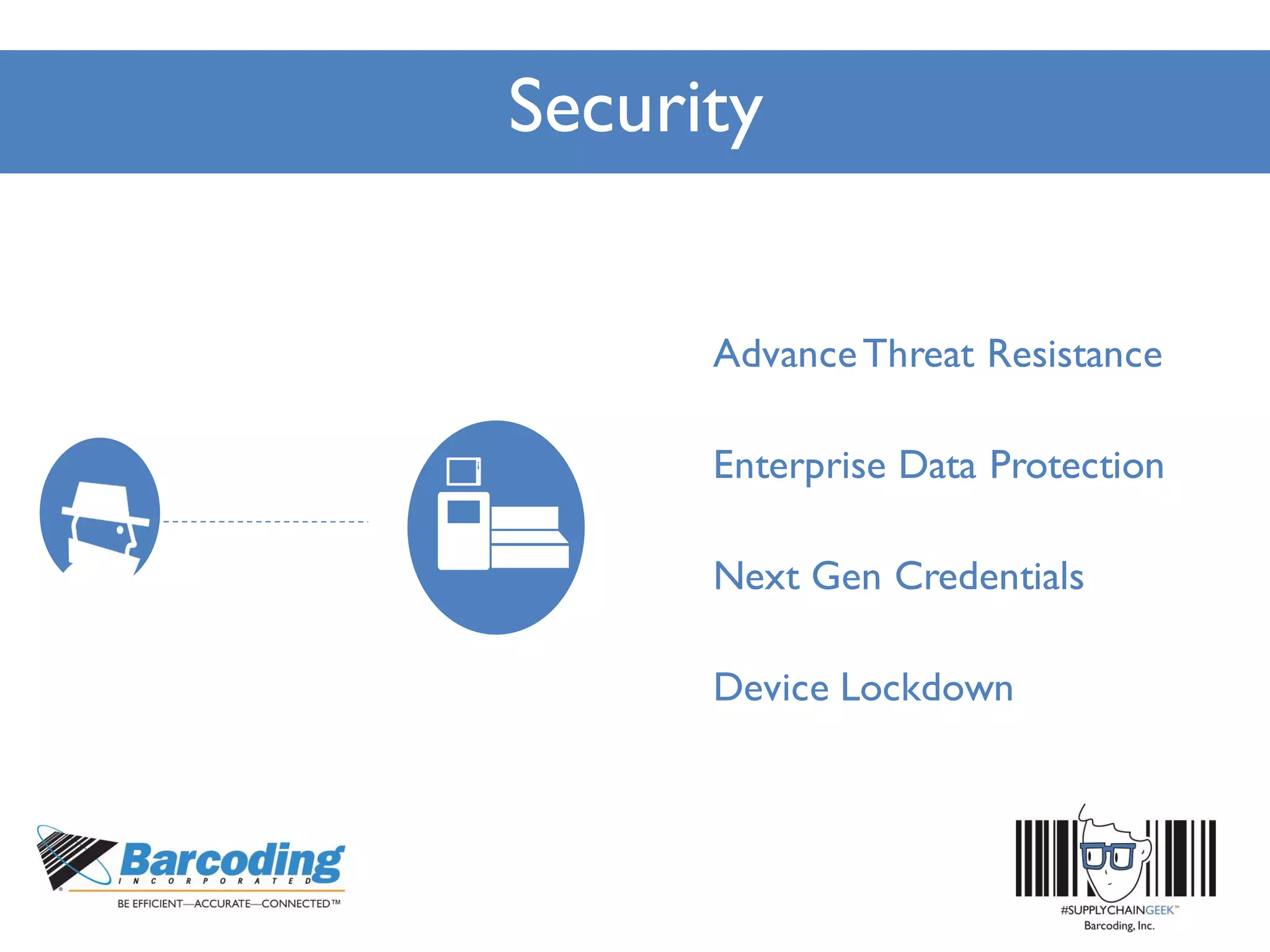
Security
AdvanceThreat Resistance
Enterprise Data Protection
Next Gen Credentials
Device Lockdown
Security
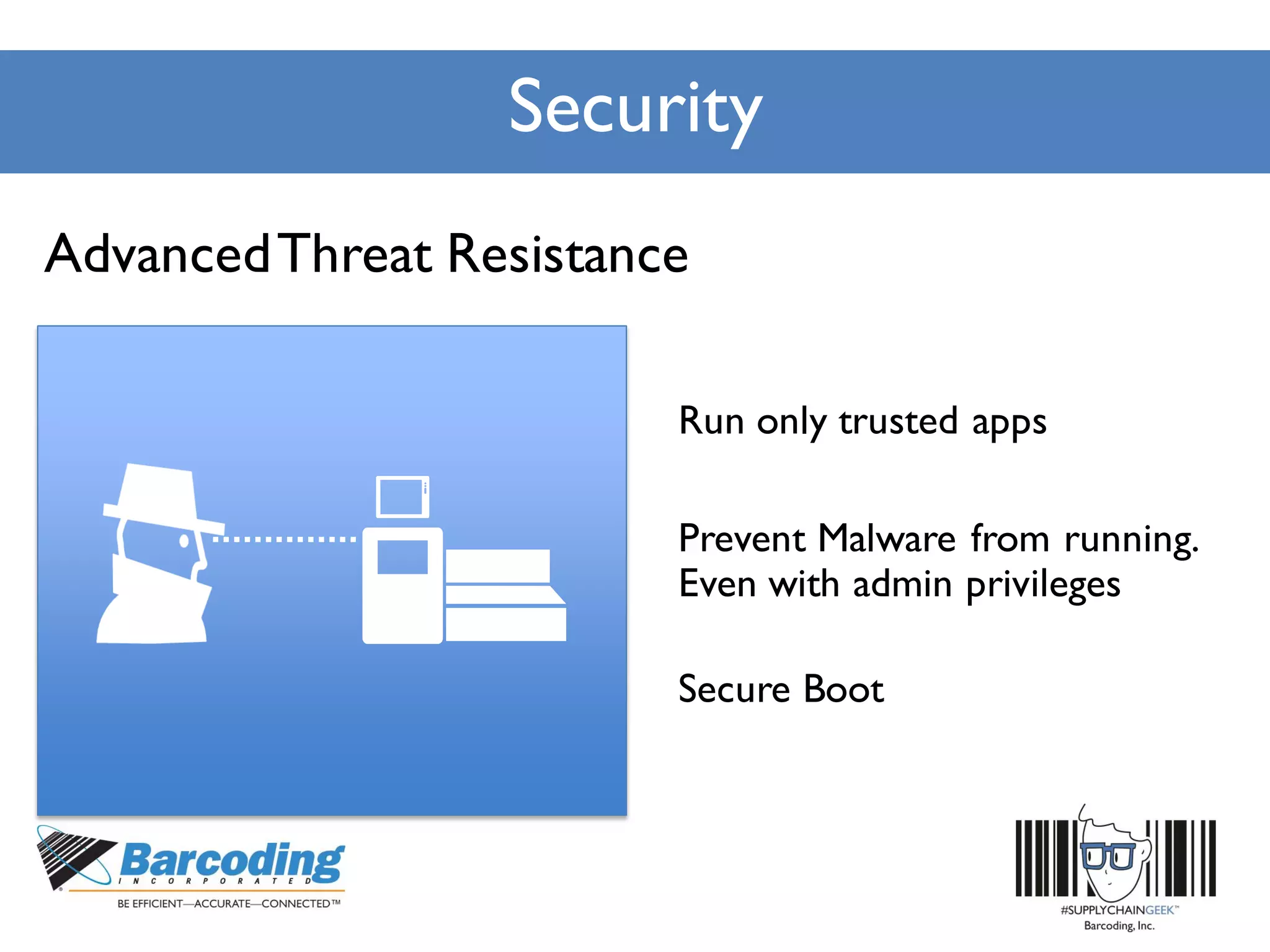
Run only trusted apps
Secure Boot
Prevent Malware from running.
Even with admin privileges
AdvancedThreat Resistance
Security
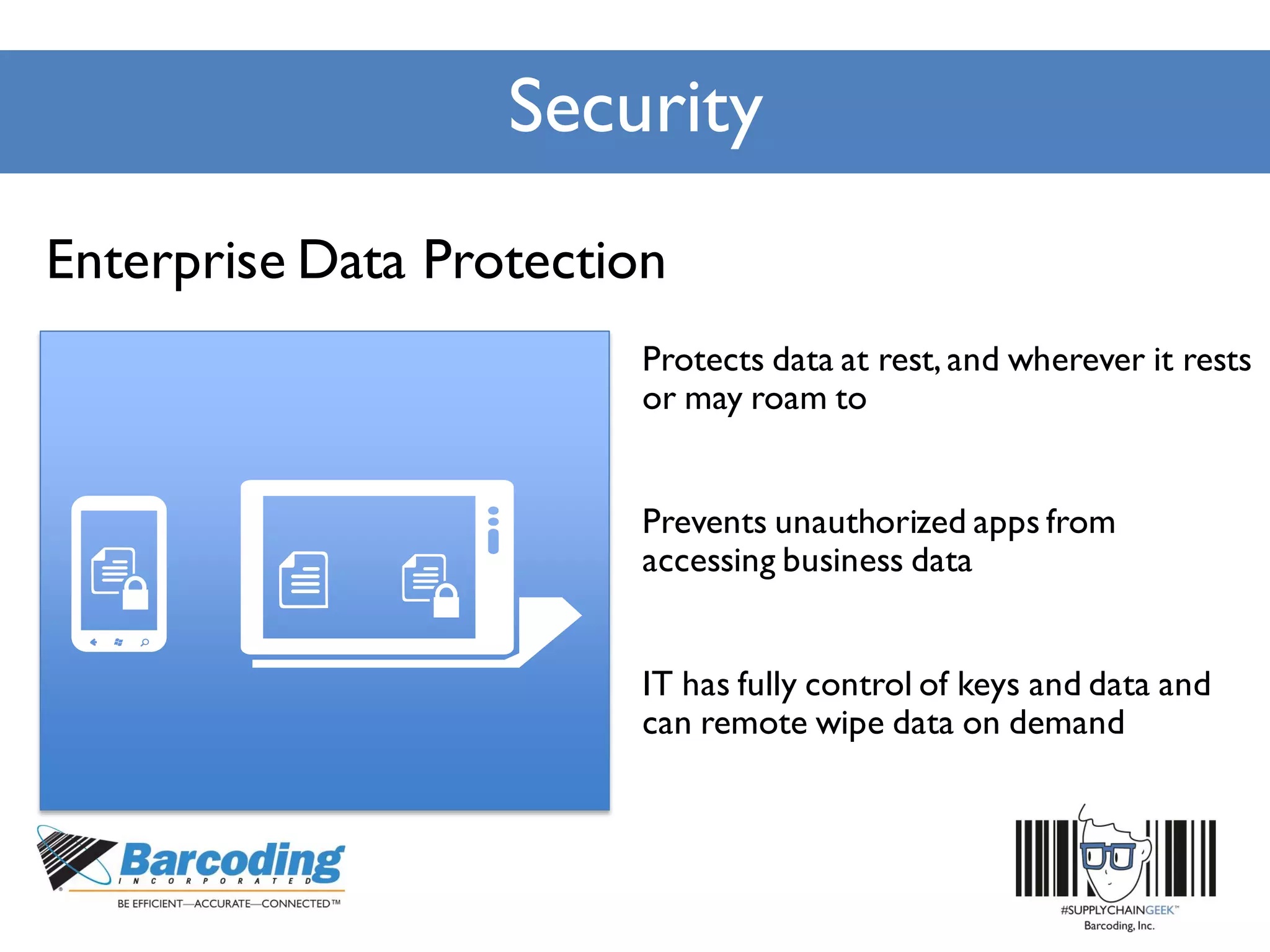
Protects data at rest, and wherever it rests
or may roam to
Prevents unauthorized apps from
accessing business data
IT has fully control of keys and data and
can remote wipe data on demand
Enterprise Data Protection
Security
To IT it’s an asymmetricalkey pair,
justlike a Smartcard
To the user,it’s a PIN
or biometric
IdentityProvidersvalidate user
identity(e.g.:code to phone)and
maps NGC publickeyto user
account
Next Generation Credentials
Security
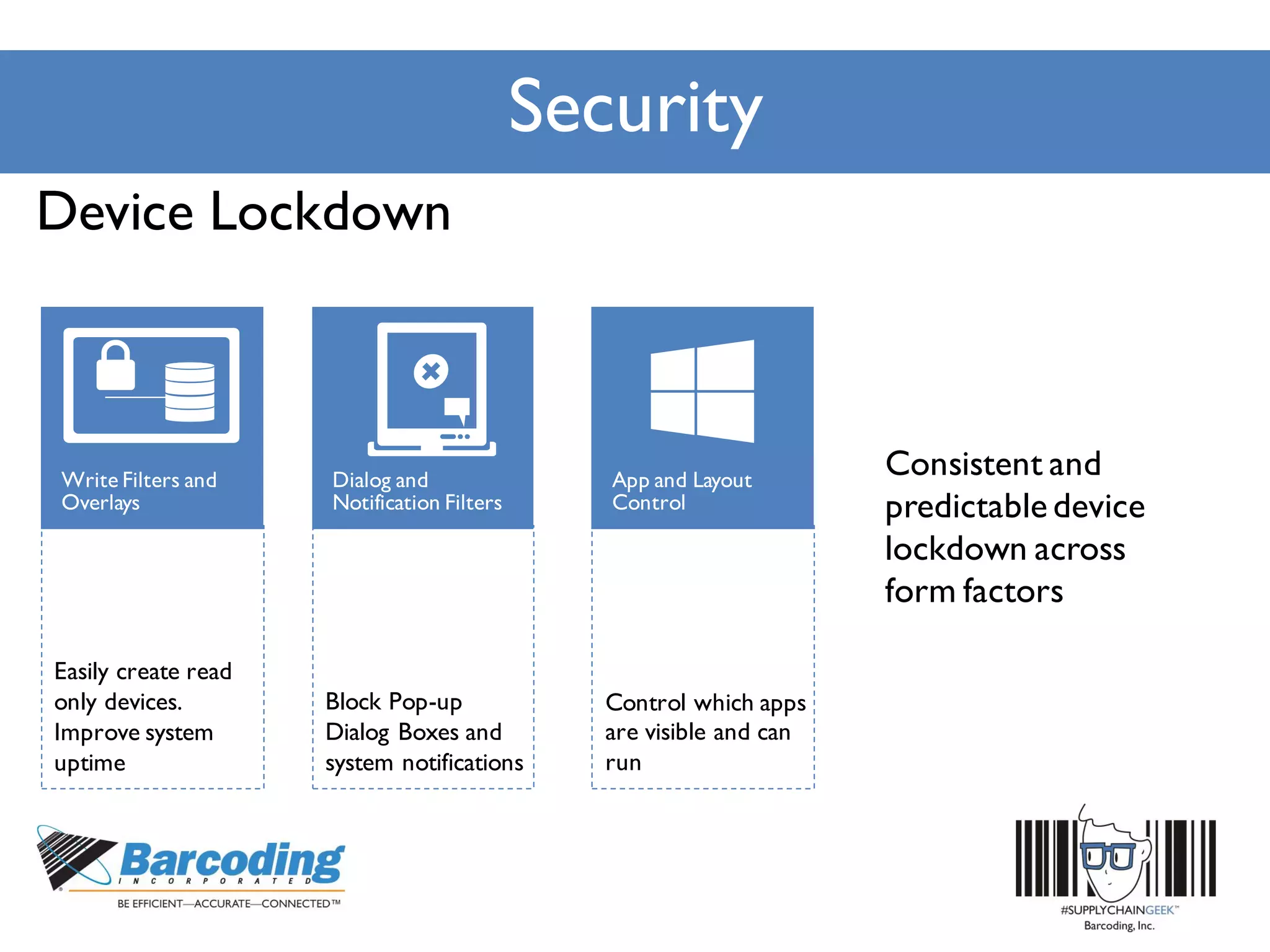
Block Pop-up
Dialog Boxes and
system notifications
Easily create read
only devices.
Improve system
uptime
Control which apps
are visible and can
run
Device Lockdown
Consistent and
predictable device
lockdown across
form factors
Manageability
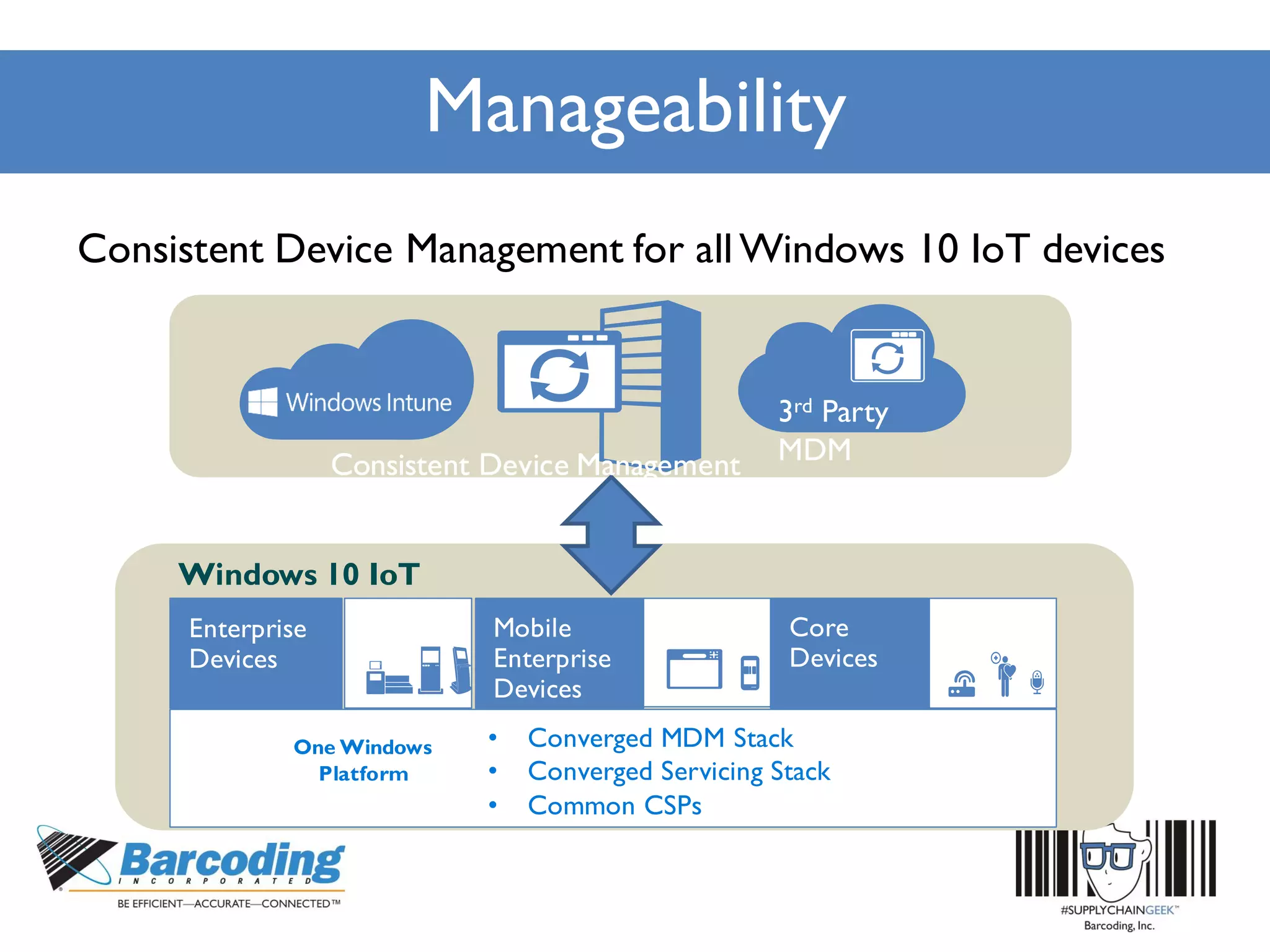
3rd Party
MDM
Enterprise
Devices
One Windows
Platform
• Converged MDM Stack
• Converged Servicing Stack
• Common CSPs
Windows 10 IoT
Consistent Device Management for all Windows 10 IoT devices
Consistent Device Management
forallWindows10IoTdevices
Consistent Device Management
forallWindows10IoTdevices
Consistent Device Management
forallWindows10IoTdevices
Manageability
Consistent Device Management
forallWindows10IoTdevices
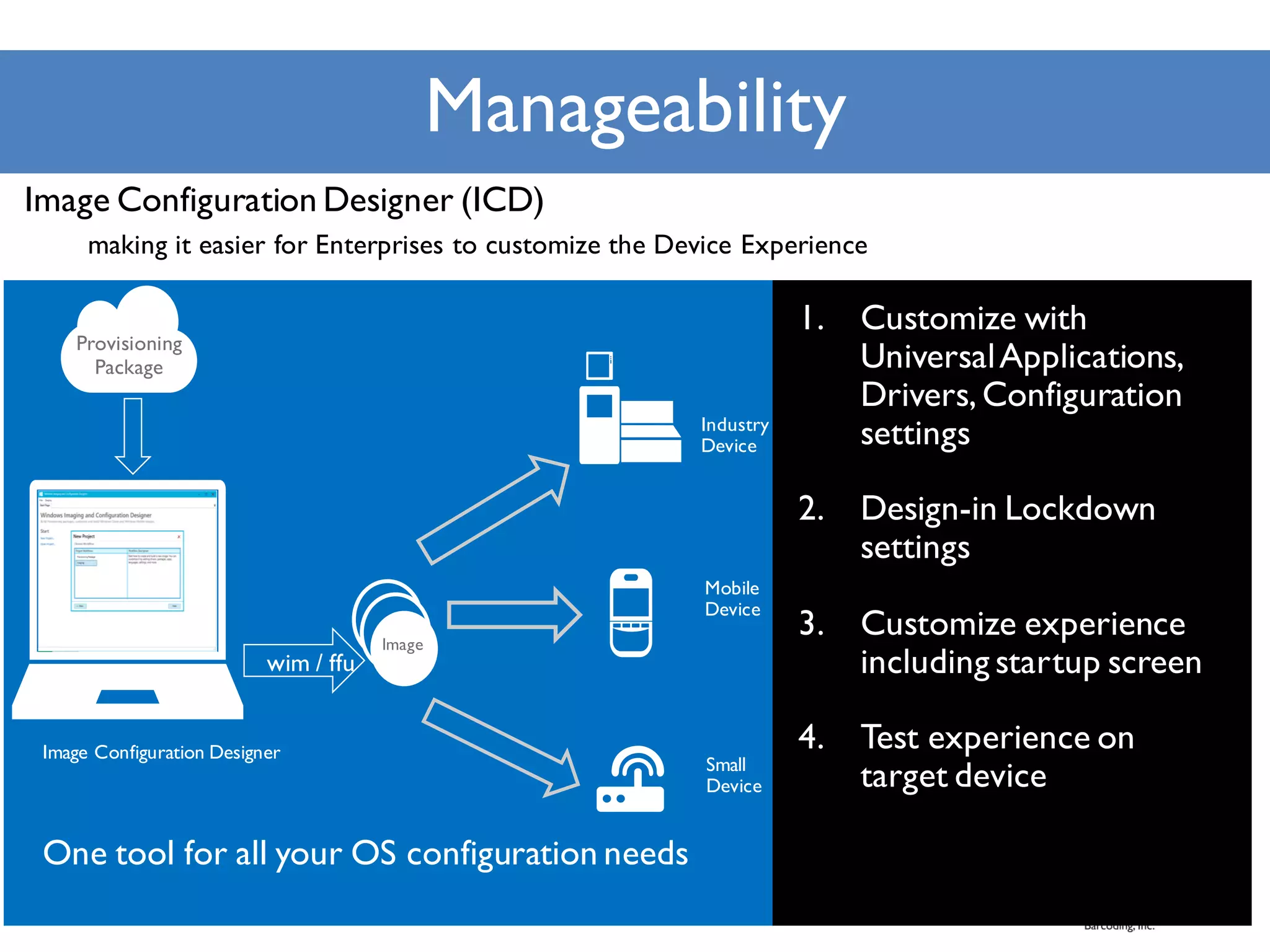
One tool for all your OS configuration needs
Image Configuration Designer
wim / ffu
Image Configuration Designer (ICD)
making it easier for Enterprises to customize the Device Experience
Industry
Device
Mobile
Device
Small
Device
Manageability
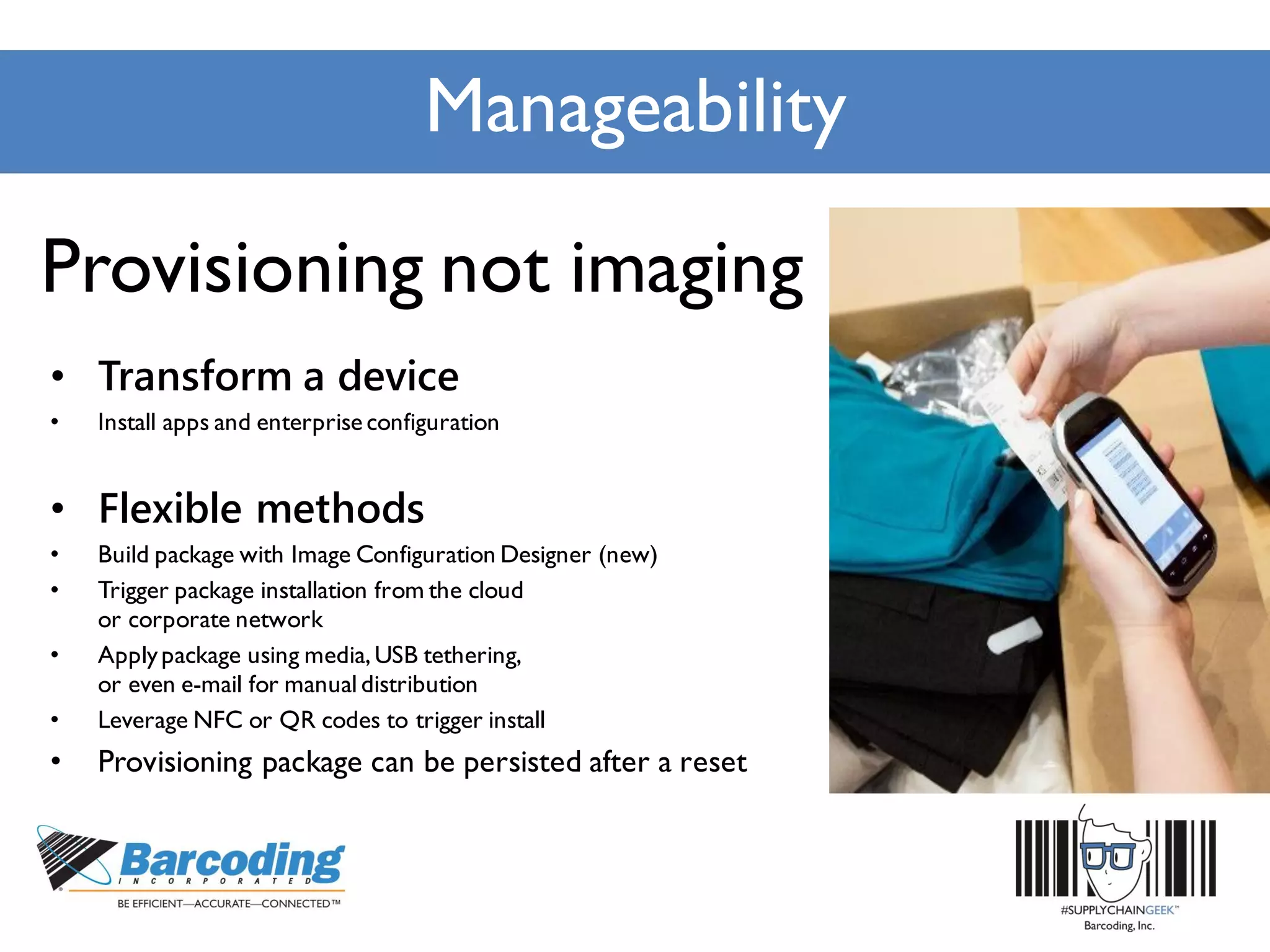
Provisioning not imaging
• Transform a device
• Install apps and enterprise configuration
• Flexible methods
• Build package with Image Configuration Designer (new)
• Trigger package installation from the cloud
or corporate network
• Applypackage using media,USB tethering,
or even e-mail for manualdistribution
• Leverage NFC or QR codes to trigger install
• Provisioning package can be persisted after a reset
Manageability
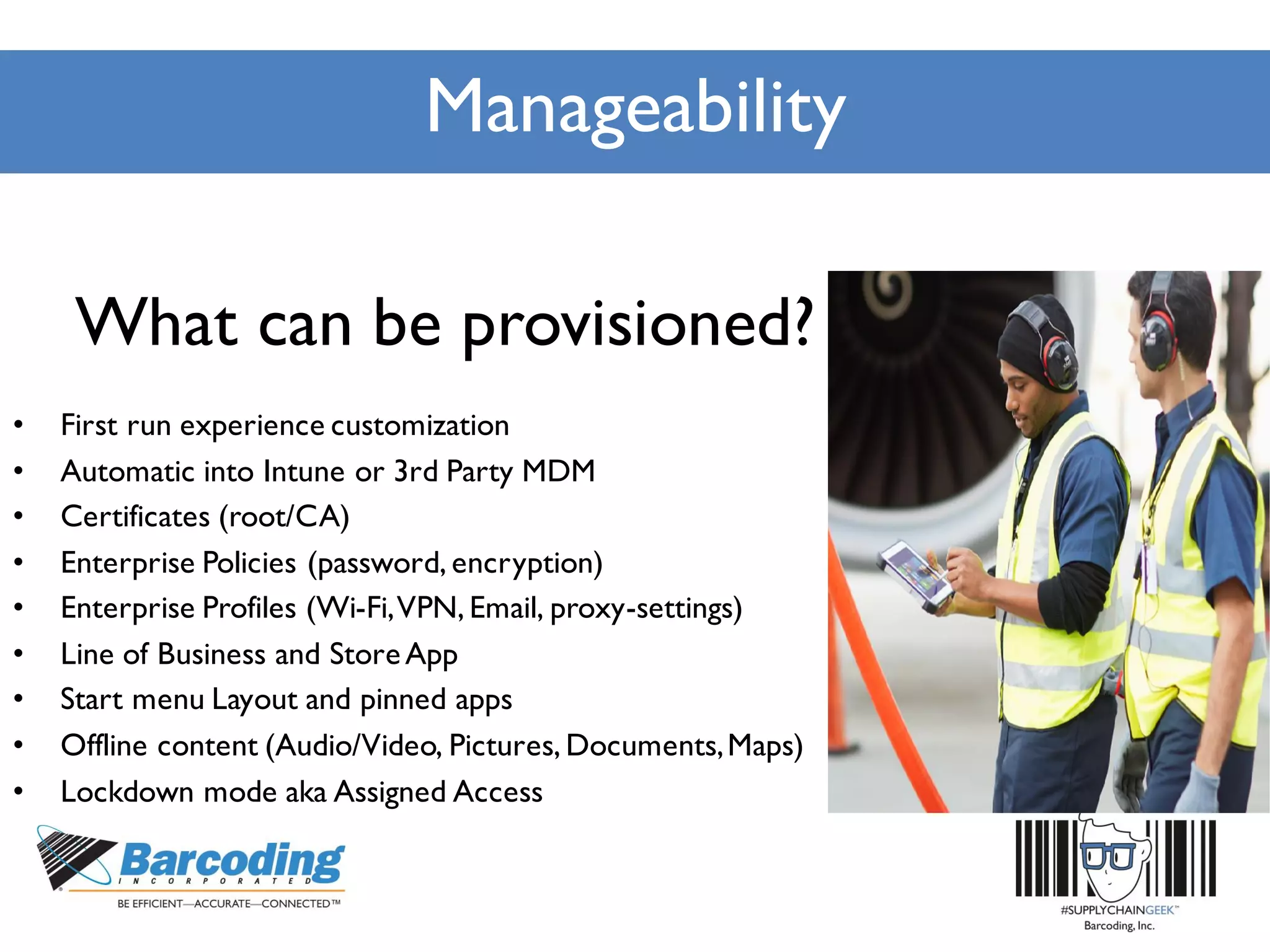
What can be provisioned?
• First run experience customization
• Automatic into Intune or 3rd Party MDM
• Certificates (root/CA)
• Enterprise Policies (password, encryption)
• Enterprise Profiles (Wi-Fi,VPN, Email, proxy-settings)
• Line of Business and StoreApp
• Start menu Layout and pinned apps
• Offline content (Audio/Video, Pictures, Documents,Maps)
• Lockdown mode aka Assigned Access
Support Lifecycle
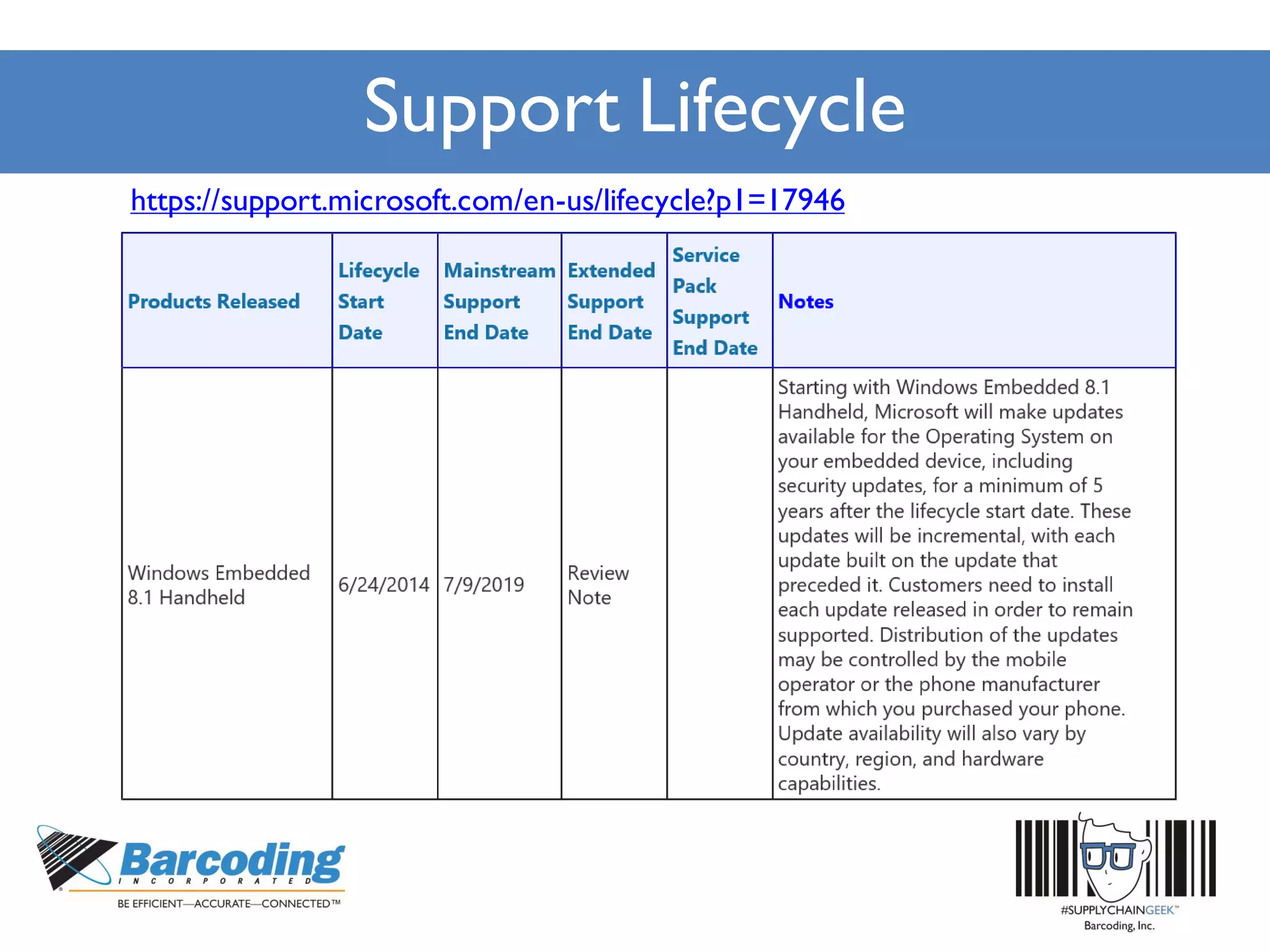
https://support.microsoft.com/en-us/lifecycle?p1=17946
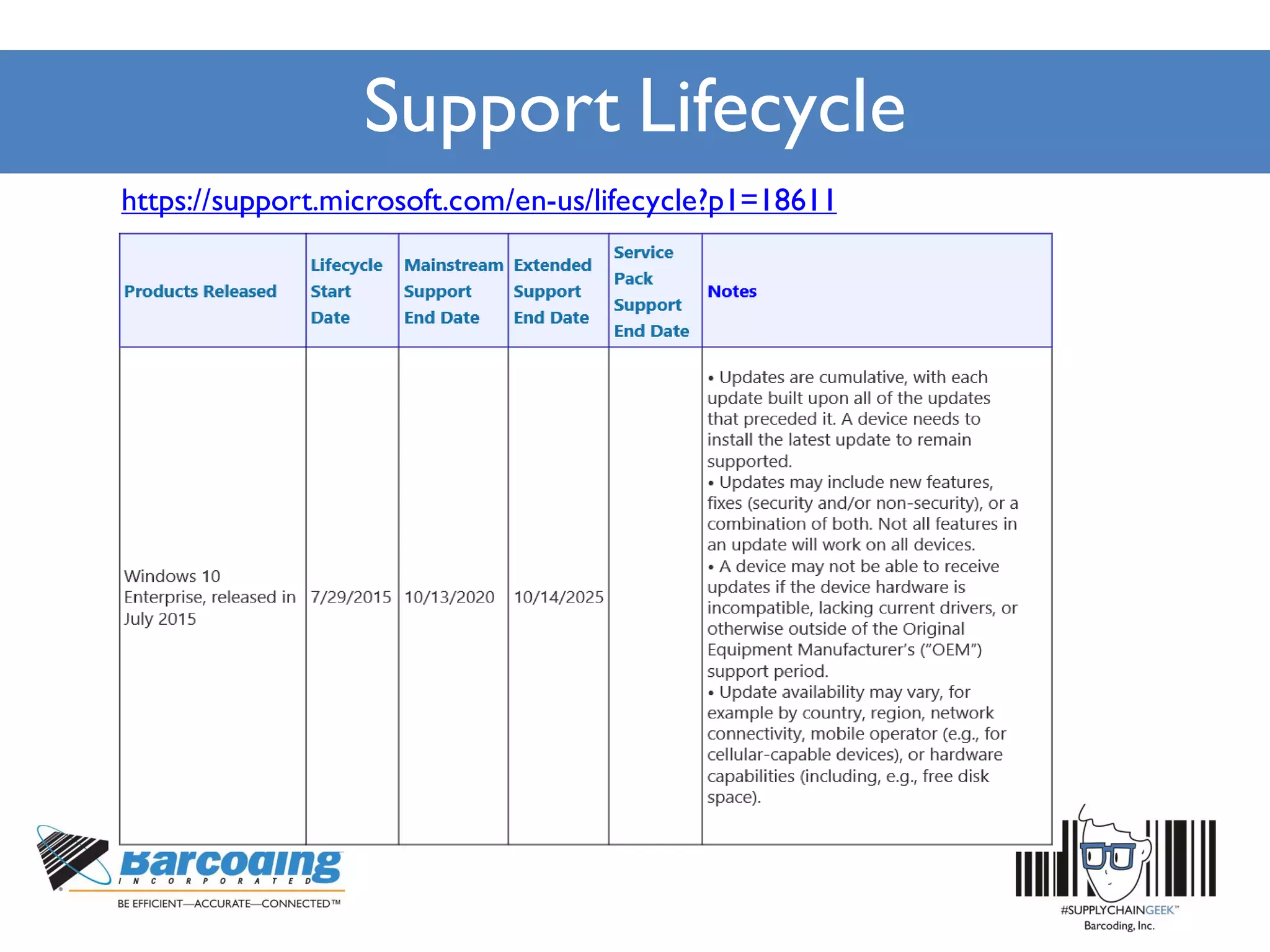
Support Lifecycle
https://support.microsoft.com/en-us/lifecycle?p1=18611
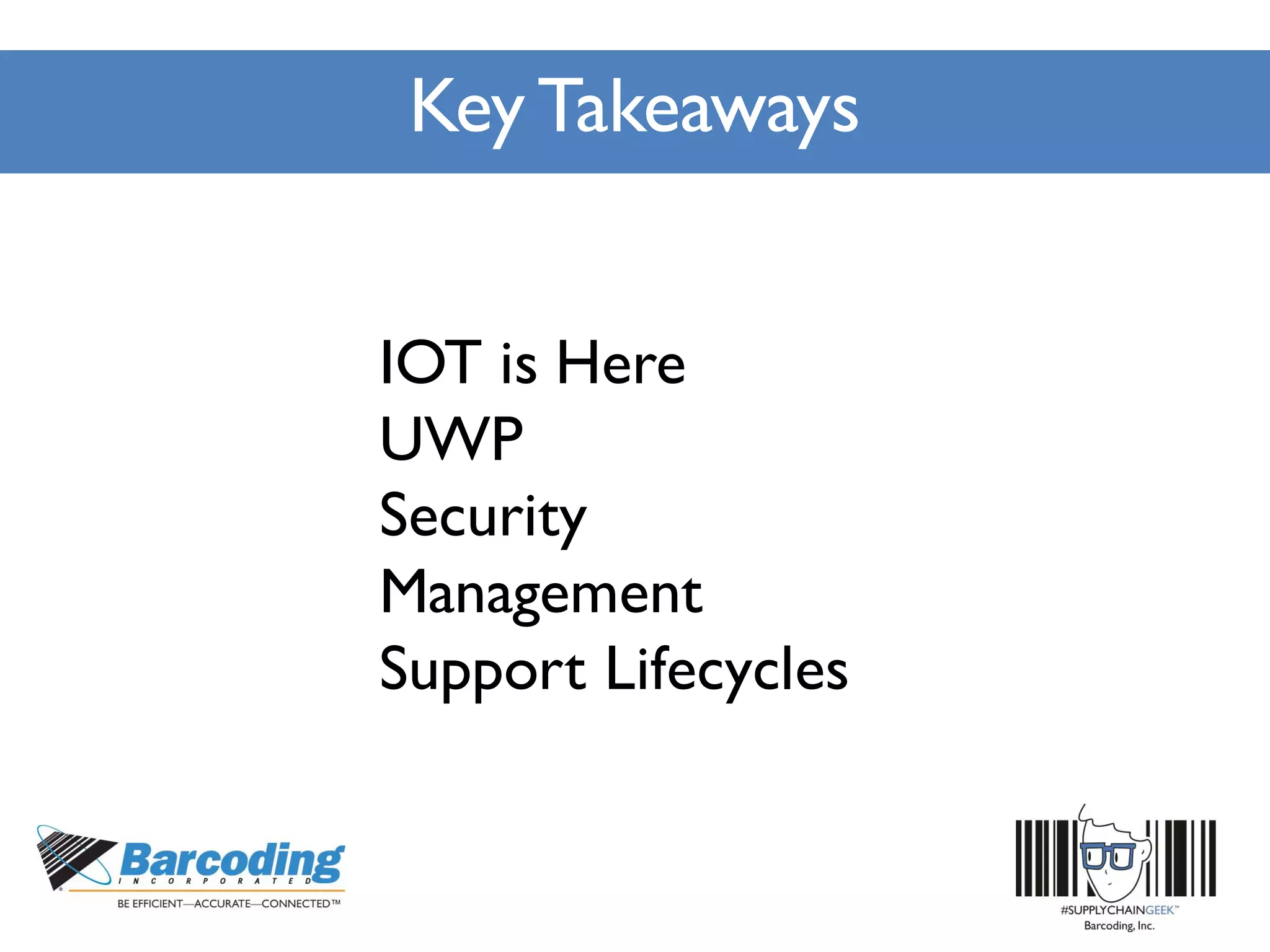
Key Takeaways
IOT is Here
UWP
Security
Management
Support Lifecycles
Thank you!
#SupplyChainGeek
John Fuller
Microsoft
V-joful@Microsoft.com

Microsoft Handheld Strategy with Windows 10

  • 1.
    Microsoft’s Handheld Strategy withWindows 10 John Fuller,Windows IoT TSP, Microsoft
  • 2.
    Agenda • Current Landscape •Convergence with Windows 10 • Universal Windows Platform (UWP) • Security • Manageability • Support Lifecycle
  • 3.
    Current Landscape $7.2 TRILLION worldwidemarket for IoT solutions by 2020 IDC: Worldwide and Regional Internet of Things (IoT) 2014–2020 Forecast 25 BILLION Connected“things” will be in use by 2020 Gartner
  • 4.
    Current Landscape What isthe Internet of Things? Data Analytics Devices MicrosoftAzure Services Microsoft SQL Server HDInsights PowerBI Connectivity
  • 5.
  • 6.
    Current Landscape Windows 10IoT Enterprise Desktop Shell, Win32 apps, Universal Apps and Drivers 1 GB RAM, 16 GB Storage X86 Windows 10 IoT Mobile Enterprise Modern Shell, Universal Apps and Drivers 512 MB RAM, 4 GB storage ARM Windows 10 IoT Core No Shell, Universal Apps and Drivers 256MB RAM, 2GB storage X86 or ARM DeviceCost Resource Requirements
  • 7.
    Current Landscape This editionwill be for industry devices like ATMs, thin clients, point of sale devices, medical devices, and industrial devices. It provides the full capabilities of Windows 10 Enterprise including the ability to lockdown the device for line of business use. Furthermore, Windows 10 IoT Enterprise will support Classic Windows applications as well as Universal Windows apps on Intel architecture. This edition will be for mobile industry devices like handheld terminals and mobile point of sale devices. It provides the full capabilities ofWindows 10 Mobile Enterprise including the ability to lockdown the device for line of business use.Windows 10 IoT Mobile Enterprise will also support UniversalWindows apps and additional integrated peripherals and sensors on ARM architecture. This edition will be for small footprint, low cost devices like gateways supporting UniversalWindows apps on Intel and ARM architectures.Windows 10 IoT Core is intended for single purpose devices and will not include the Windows desktop shell or consumer apps like mail, photos, people, etc.
  • 8.
    Convergence withWindows 10 •Universal Windows Platform (UWP) • Security • Manageability • Support Lifecycle
  • 9.
    UniversalWindows Platform (UWP) •Converged APIs, write ONE Universal App and target all Windows 10 editions – Scale and get higher ROI by selling same App to all Windows 10 editions OEMs/ODMSs – Reuse existing development skills Languages • C++ /CX • C#,VB • JS • Python • Node.js APIs • WinRT • Win32 • .NET • Wiring Deployment and Execution • APPX • XCopy • App Isolation UI Frameworks • HTML • Xaml • DirectX Tools • Visual Studio • PowerShell
  • 10.
  • 11.
    Security AdvanceThreat Resistance Enterprise DataProtection Next Gen Credentials Device Lockdown
  • 12.
    Security Run only trustedapps Secure Boot Prevent Malware from running. Even with admin privileges AdvancedThreat Resistance
  • 13.
    Security Protects data atrest, and wherever it rests or may roam to Prevents unauthorized apps from accessing business data IT has fully control of keys and data and can remote wipe data on demand Enterprise Data Protection
  • 14.
    Security To IT it’san asymmetricalkey pair, justlike a Smartcard To the user,it’s a PIN or biometric IdentityProvidersvalidate user identity(e.g.:code to phone)and maps NGC publickeyto user account Next Generation Credentials
  • 15.
    Security Block Pop-up Dialog Boxesand system notifications Easily create read only devices. Improve system uptime Control which apps are visible and can run Device Lockdown Consistent and predictable device lockdown across form factors
  • 16.
    Manageability 3rd Party MDM Enterprise Devices One Windows Platform •Converged MDM Stack • Converged Servicing Stack • Common CSPs Windows 10 IoT Consistent Device Management for all Windows 10 IoT devices Consistent Device Management forallWindows10IoTdevices Consistent Device Management forallWindows10IoTdevices Consistent Device Management forallWindows10IoTdevices
  • 17.
    Manageability Consistent Device Management forallWindows10IoTdevices Onetool for all your OS configuration needs Image Configuration Designer wim / ffu Image Configuration Designer (ICD) making it easier for Enterprises to customize the Device Experience Industry Device Mobile Device Small Device
  • 18.
    Manageability Provisioning not imaging •Transform a device • Install apps and enterprise configuration • Flexible methods • Build package with Image Configuration Designer (new) • Trigger package installation from the cloud or corporate network • Applypackage using media,USB tethering, or even e-mail for manualdistribution • Leverage NFC or QR codes to trigger install • Provisioning package can be persisted after a reset
  • 19.
    Manageability What can beprovisioned? • First run experience customization • Automatic into Intune or 3rd Party MDM • Certificates (root/CA) • Enterprise Policies (password, encryption) • Enterprise Profiles (Wi-Fi,VPN, Email, proxy-settings) • Line of Business and StoreApp • Start menu Layout and pinned apps • Offline content (Audio/Video, Pictures, Documents,Maps) • Lockdown mode aka Assigned Access
  • 20.
  • 21.
  • 22.
    Key Takeaways IOT isHere UWP Security Management Support Lifecycles
  • 23.