FIND THE RIGHT FIT
FOR YOUR CUSTOMER
Creating truly personalized mobile devices that meet the needs of your
business.
2
Overview
Specific business needs in various industries causes the need for tailor-made approach
3
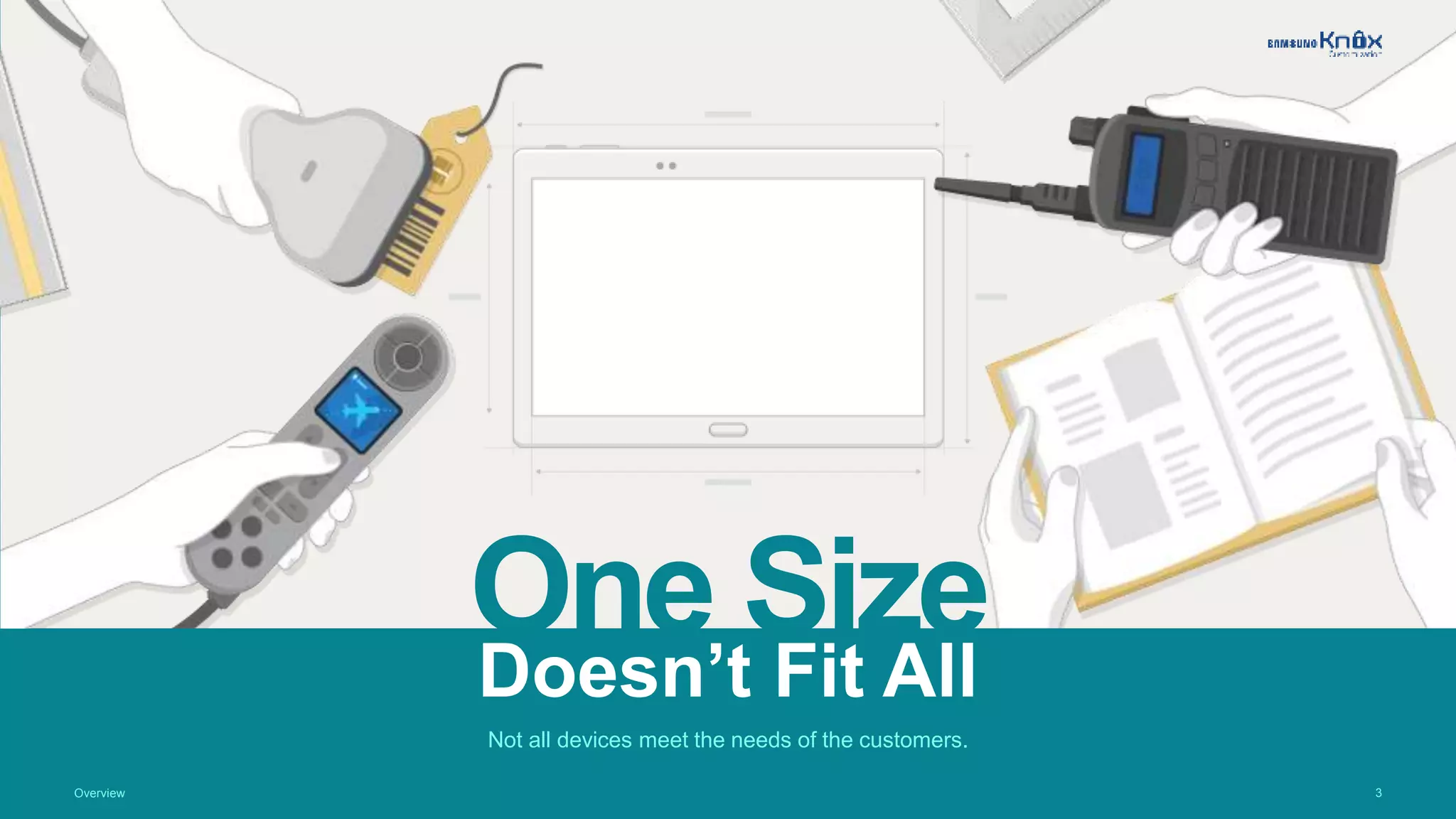
One SizeDoesn’t Fit All
Not all devices meet the needs of the customers.
Overview
4Overview
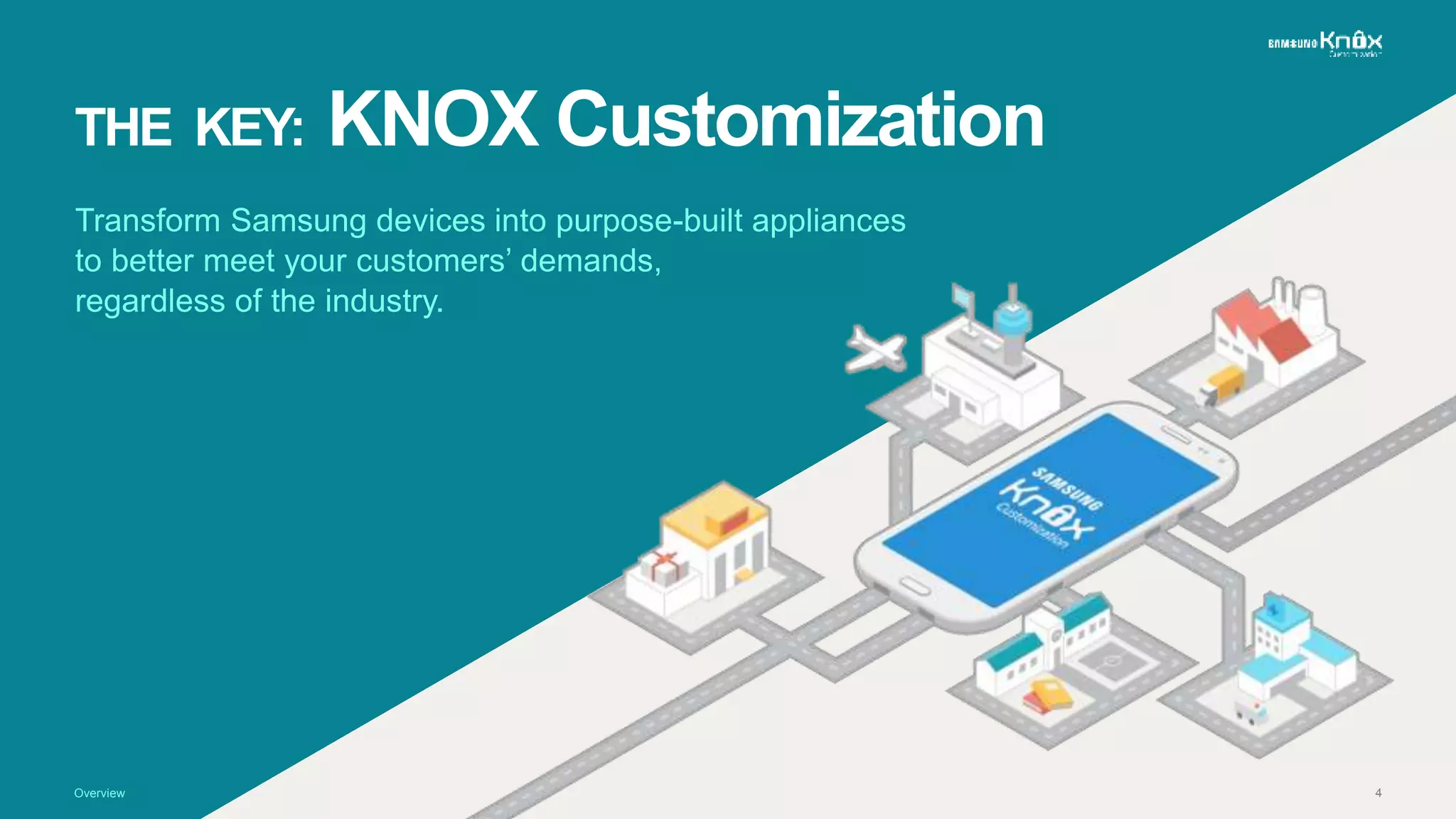
THE KEY: KNOX Customization
Transform Samsung devices into purpose-built appliances
to better meet your customers’ demands,
regardless of the industry.
5
Key Features
Here are some of the features KNOX Customization offers.
6
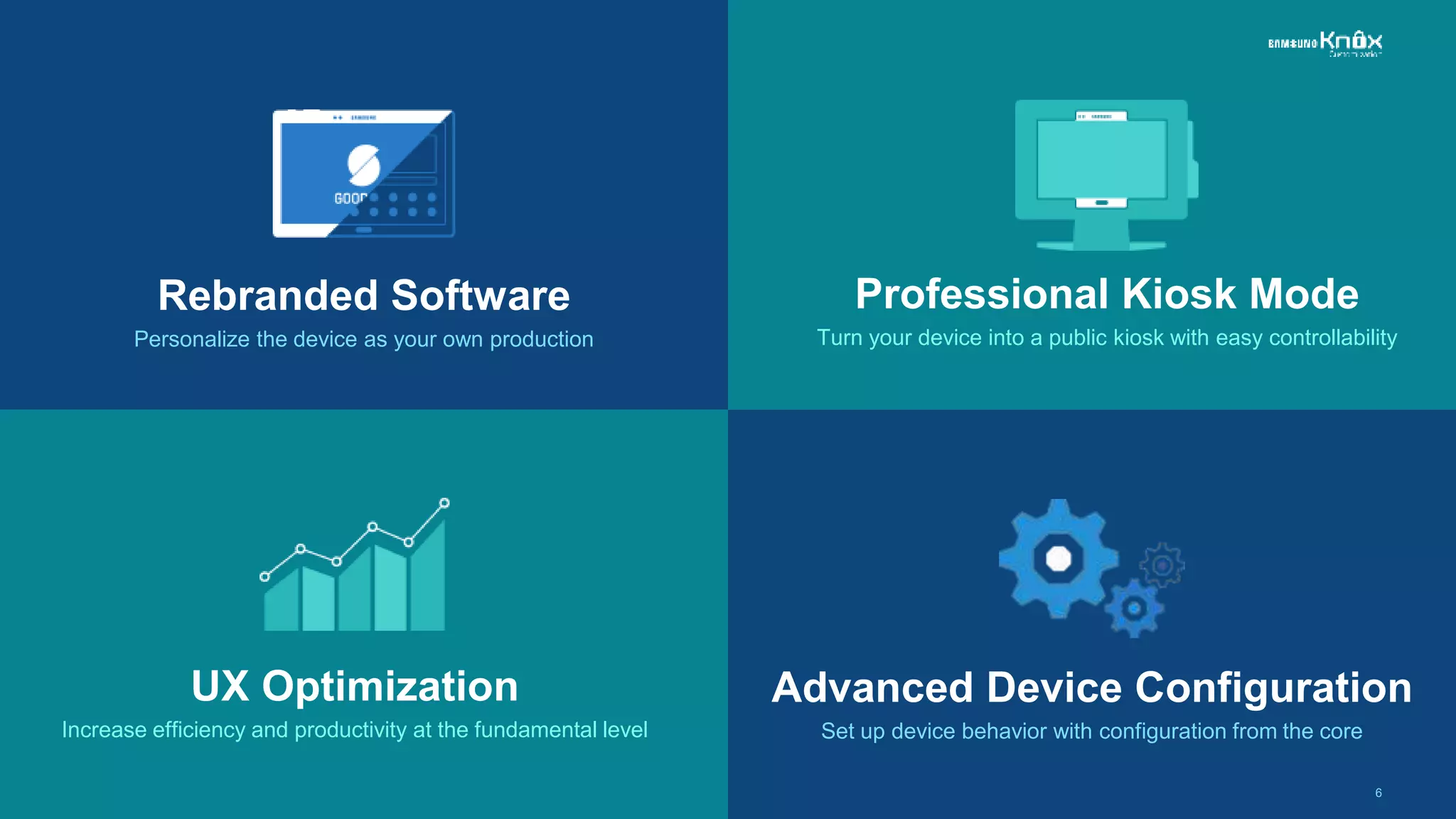
Rebranded Software
Personalize the device as your own production
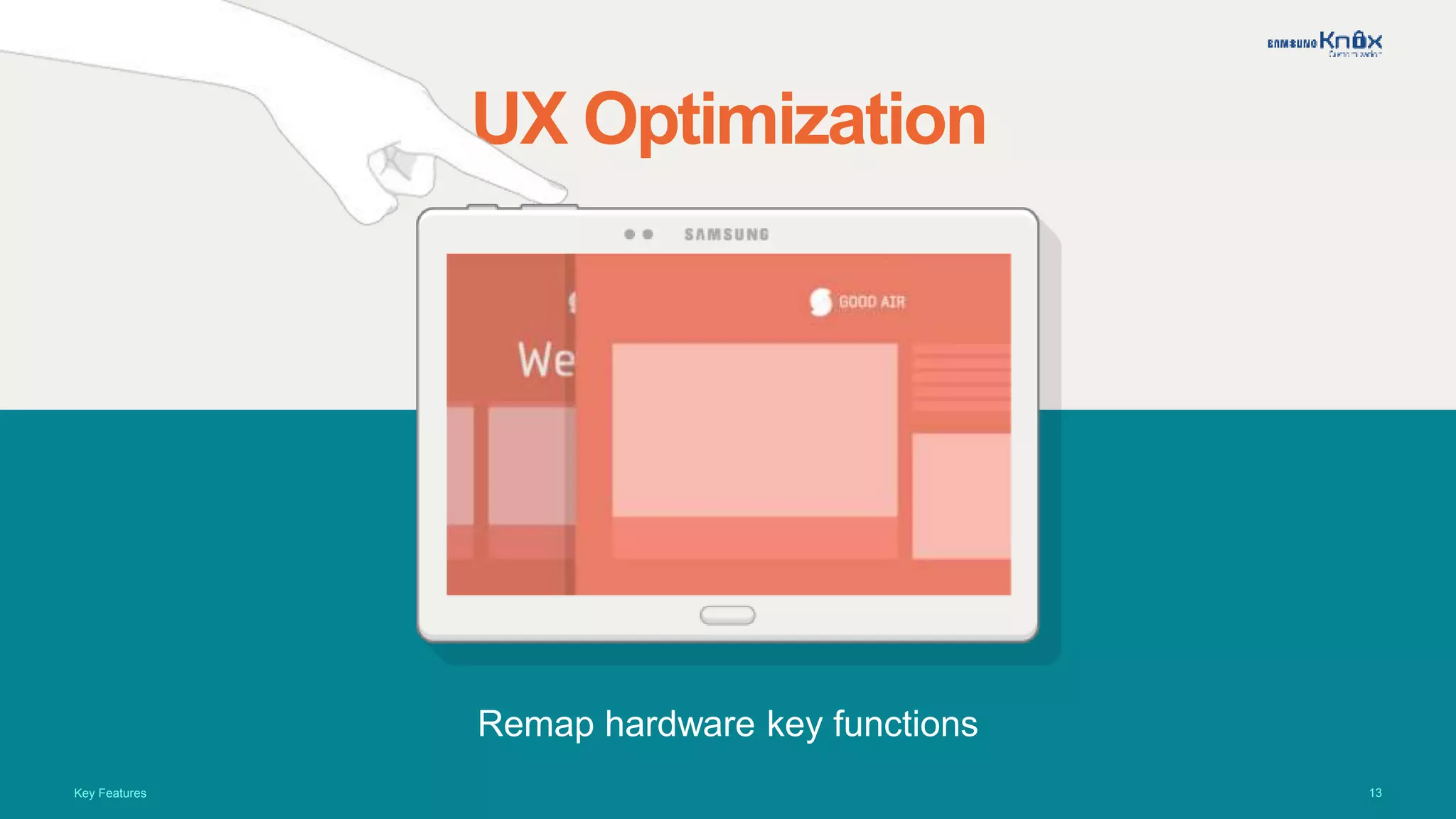
UX Optimization
Increase efficiency and productivity at the fundamental level
Professional Kiosk Mode
Turn your device into a public kiosk with easy controllability
Advanced Device Configuration
Set up device behavior with configuration from the core
7
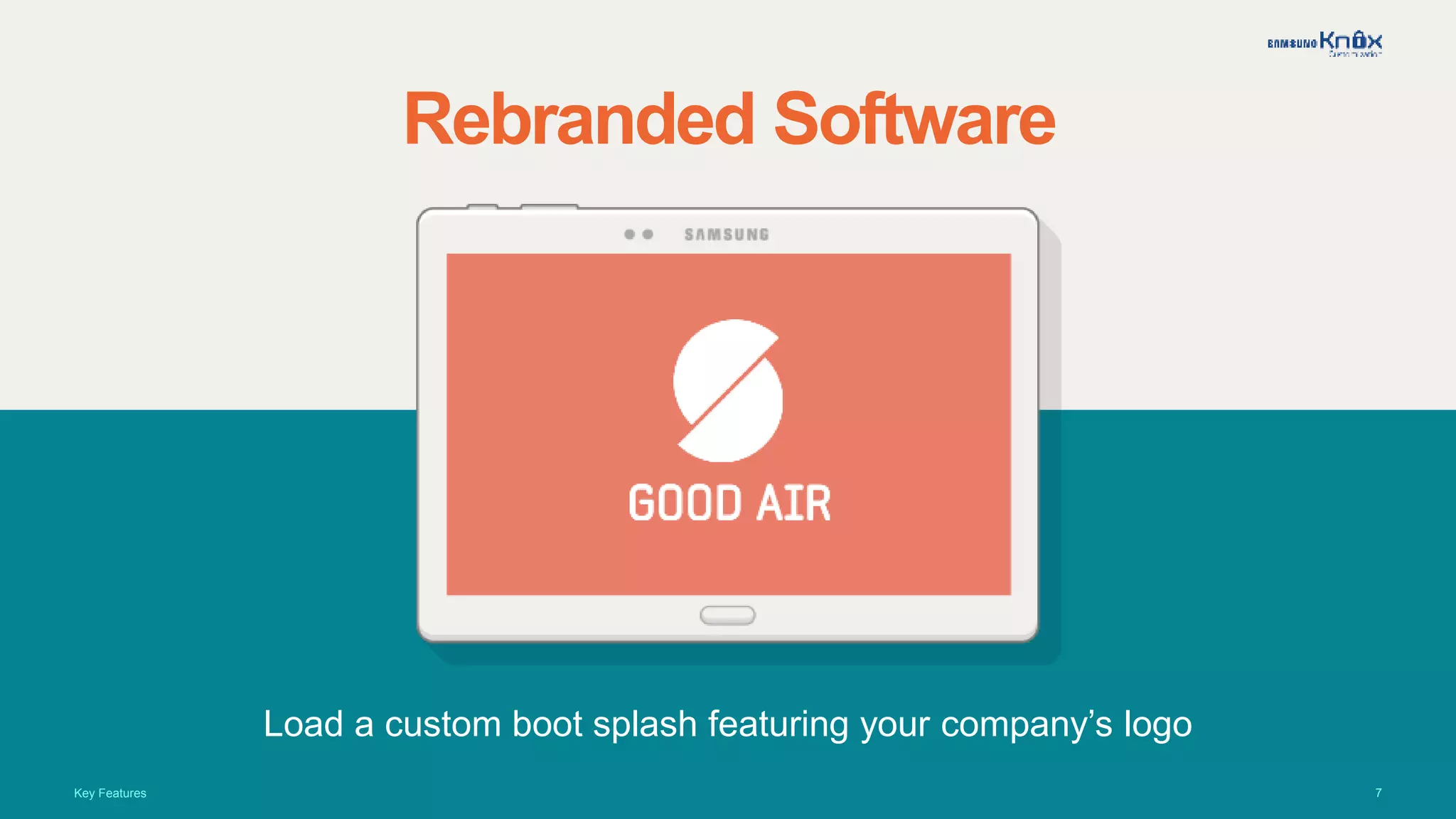
Rebranded Software
Load a custom boot splash featuring your company’s logo
Key Features
8
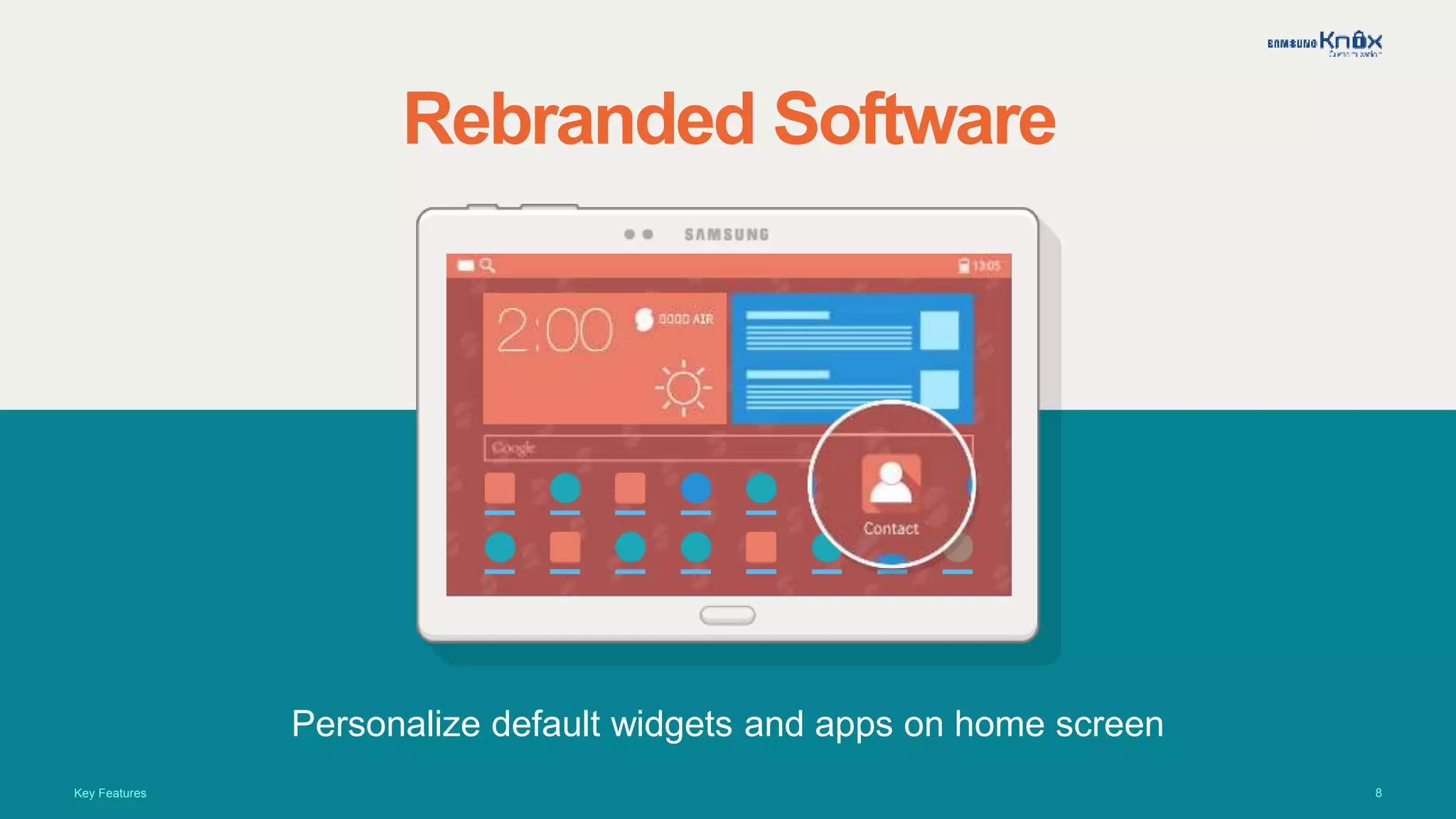
Rebranded Software
Personalize default widgets and apps on home screen
Key Features
9
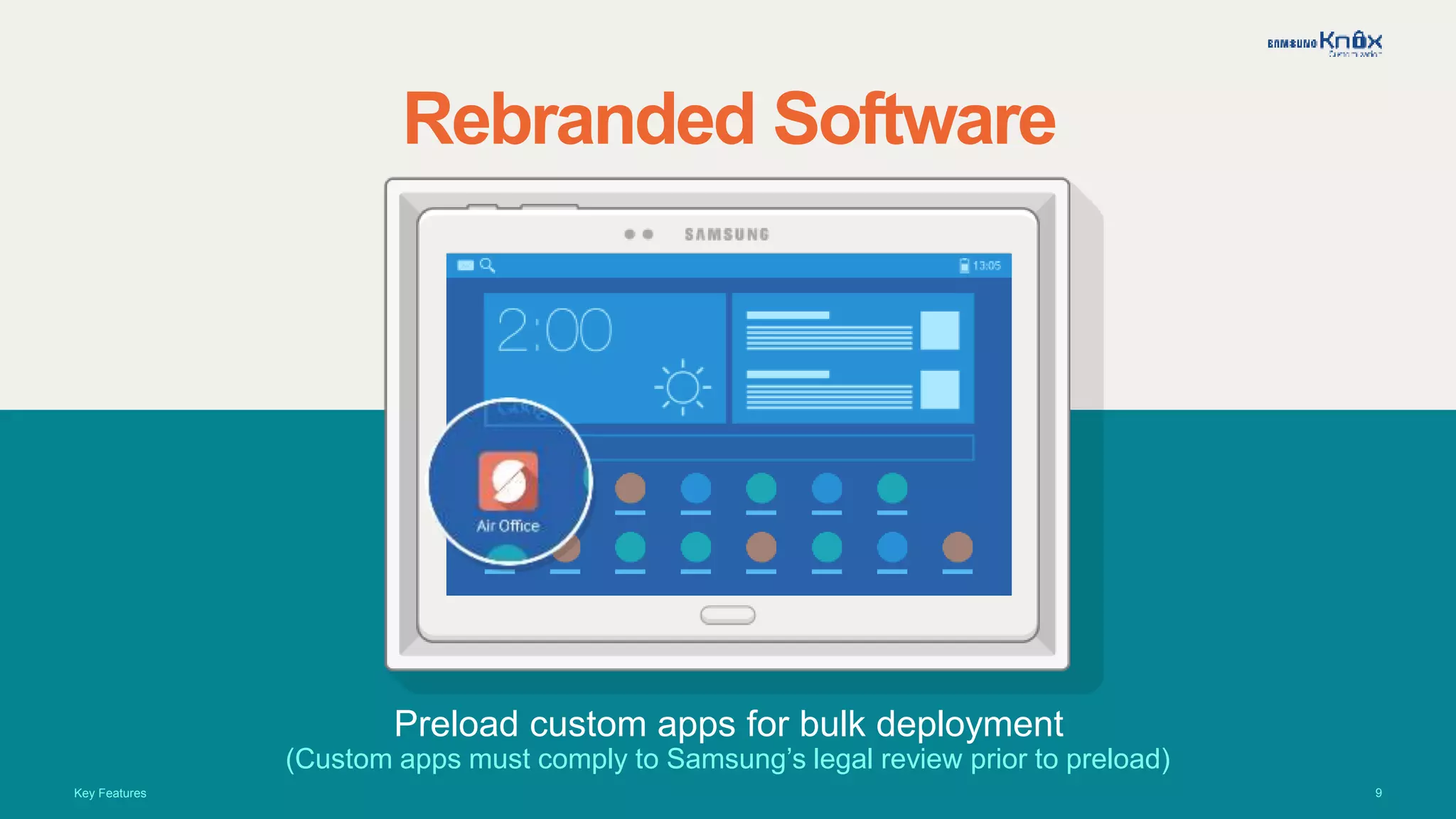
Rebranded Software
Preload custom apps for bulk deployment
(Custom apps must comply to Samsung’s legal review prior to preload)
Key Features
10
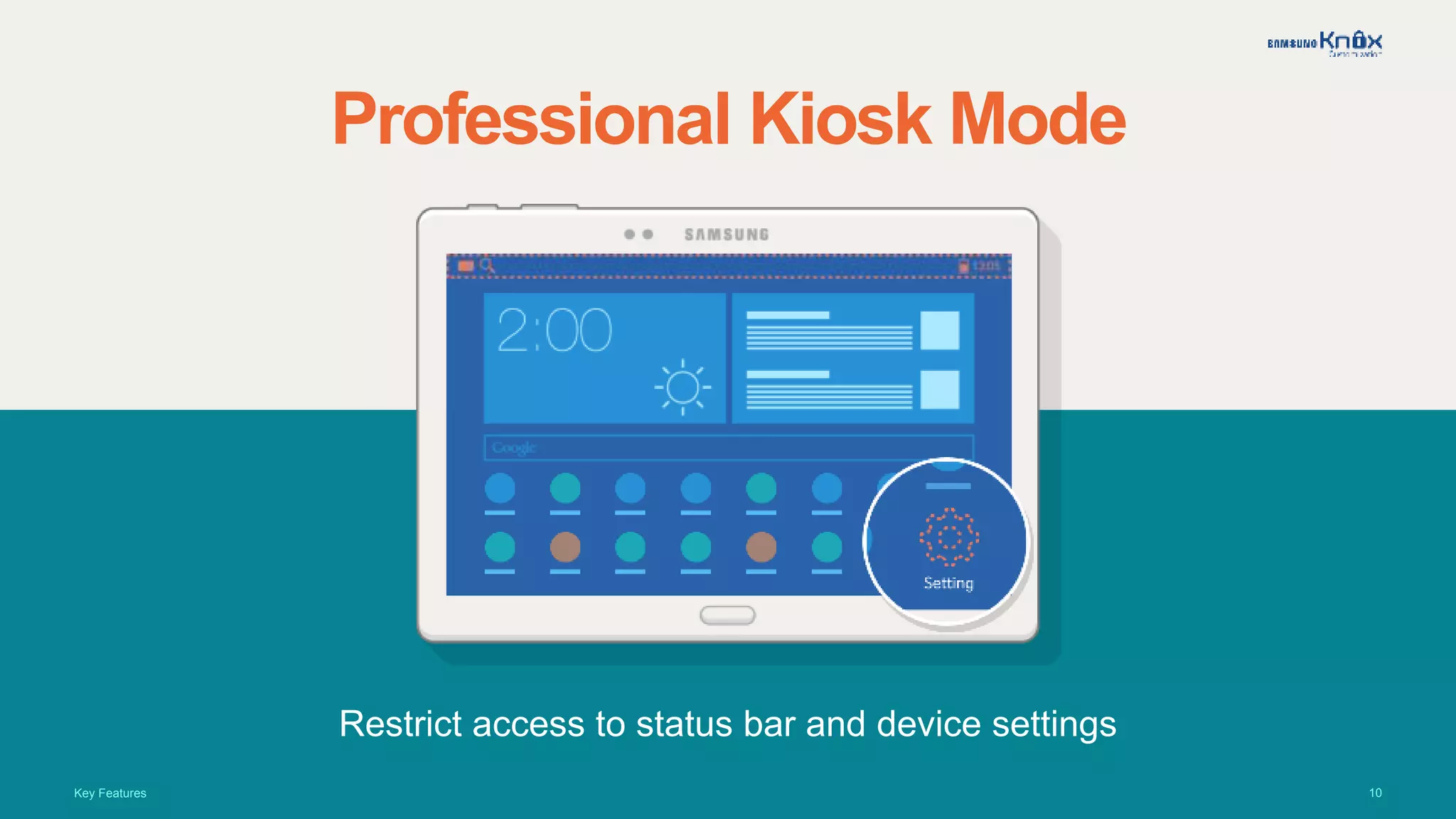
Professional Kiosk Mode
Restrict access to status bar and device settings
Key Features
11
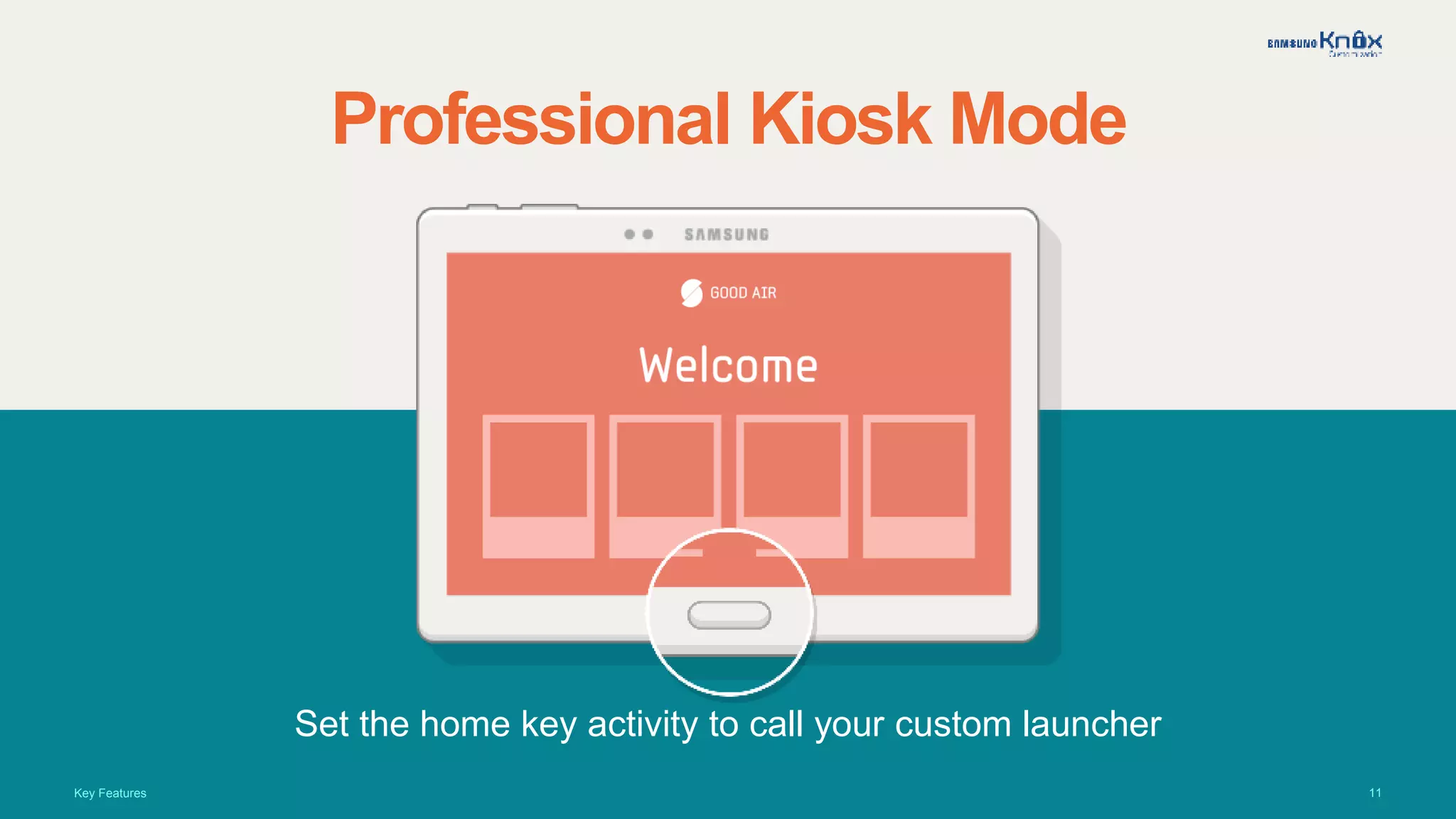
Professional Kiosk Mode
Set the home key activity to call your custom launcher
Key Features
12
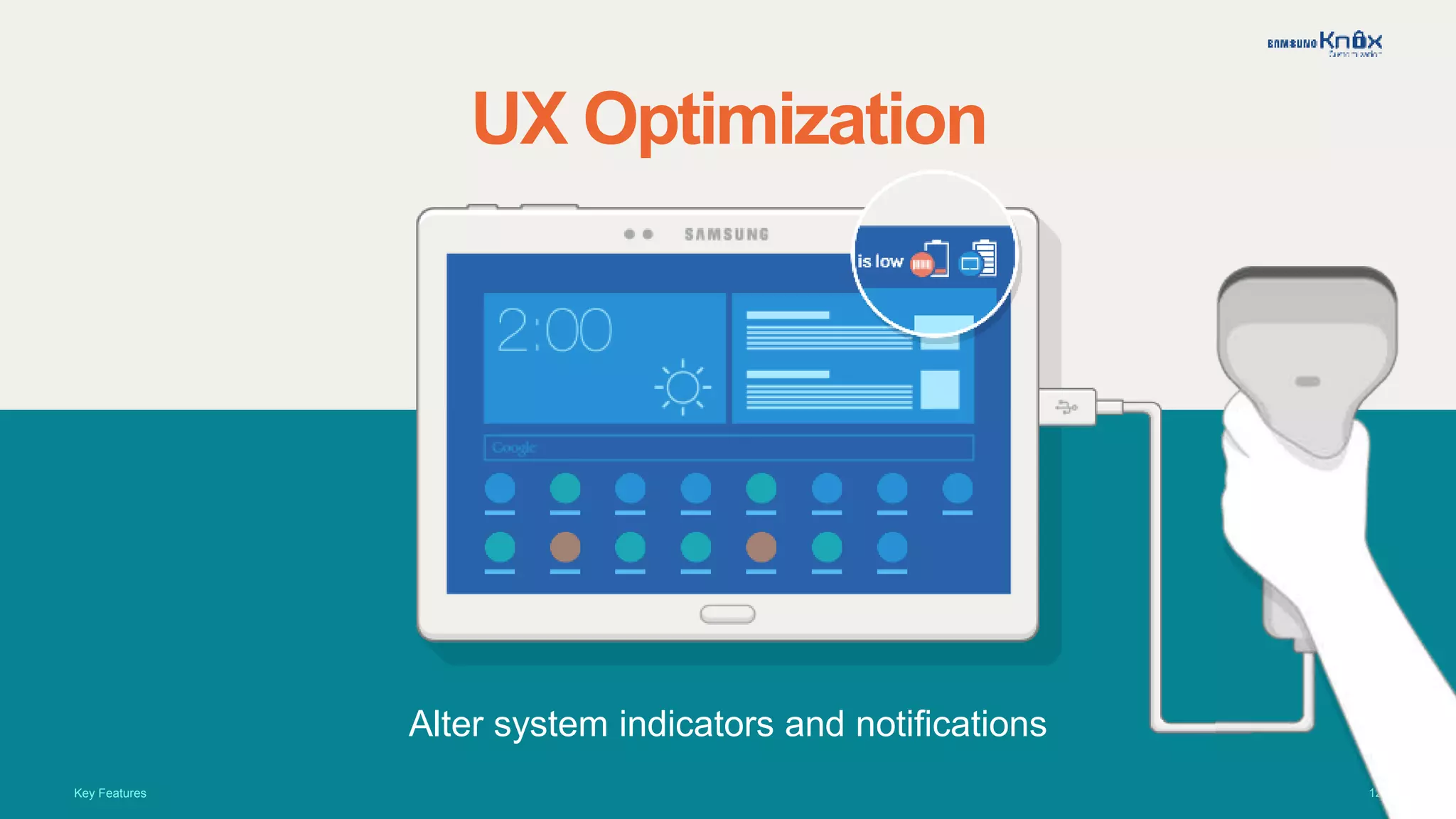
UX Optimization
Alter system indicators and notifications
Key Features
13
UX Optimization
Remap hardware key functions
Key Features
14
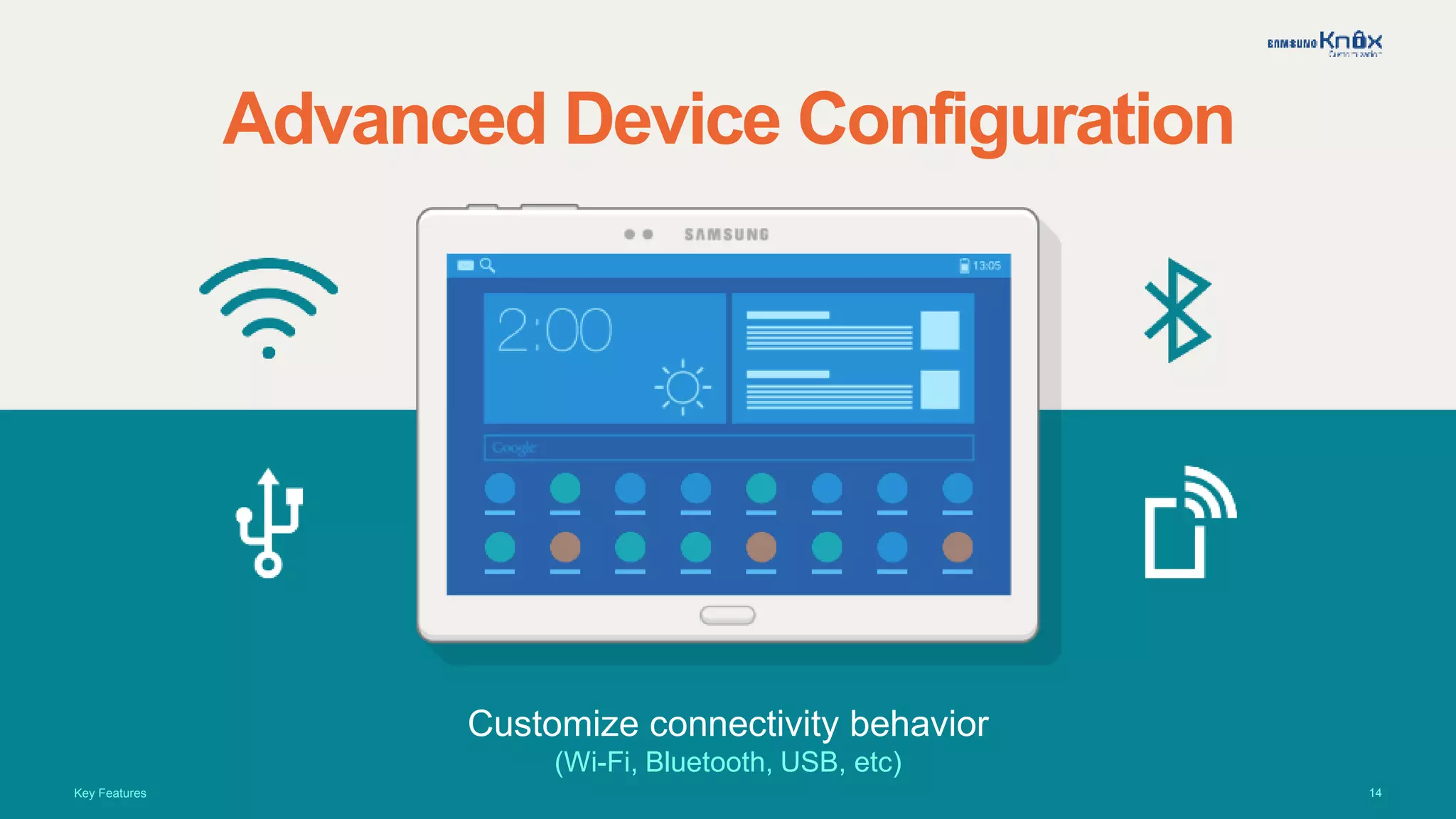
Advanced Device Configuration
Customize connectivity behavior
(Wi-Fi, Bluetooth, USB, etc)
Key Features
15
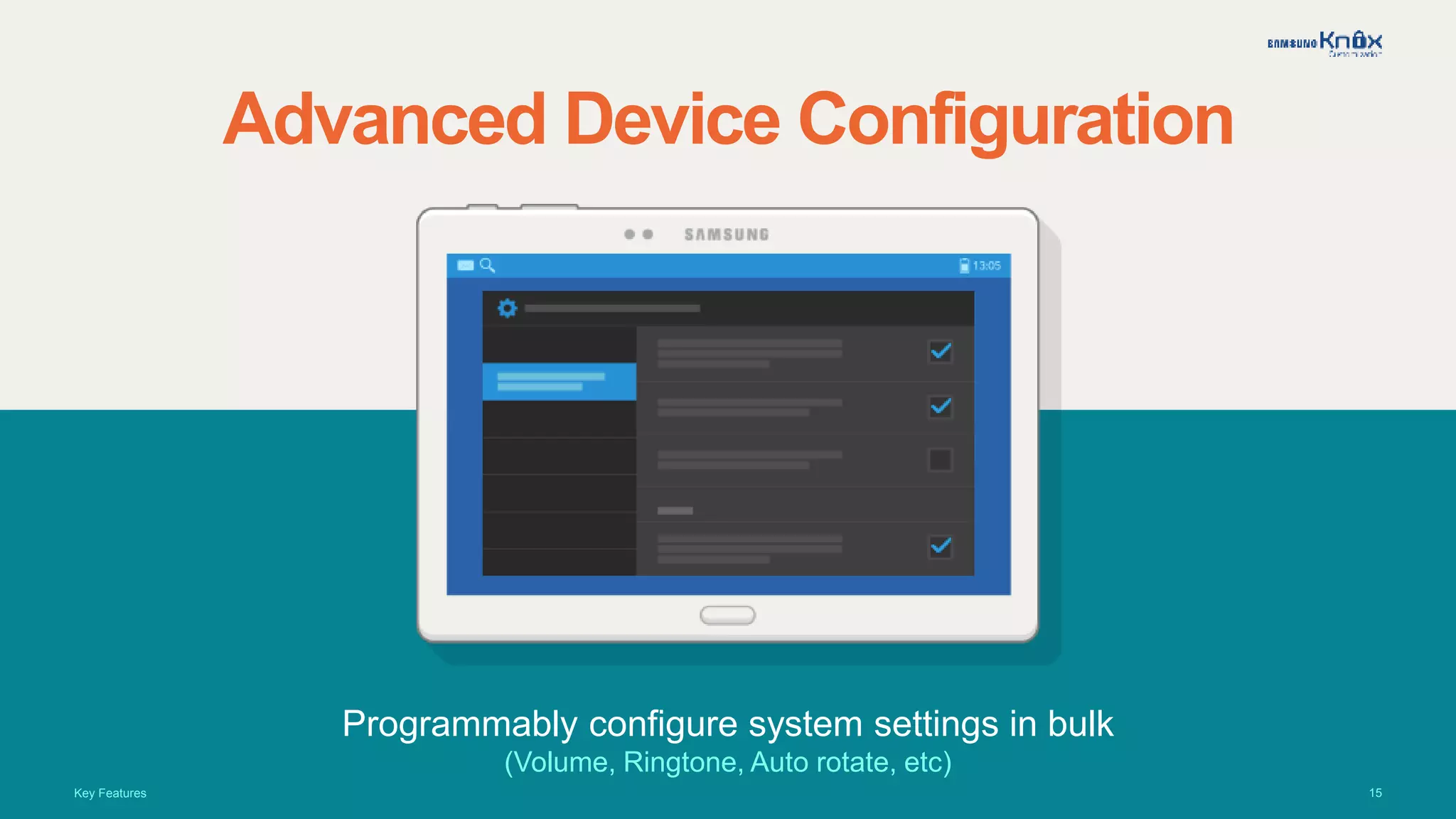
Advanced Device Configuration
Programmably configure system settings in bulk
(Volume, Ringtone, Auto rotate, etc)
Key Features
16
Real Life Applications
See how your business can benefit from KNOX Customization.
17
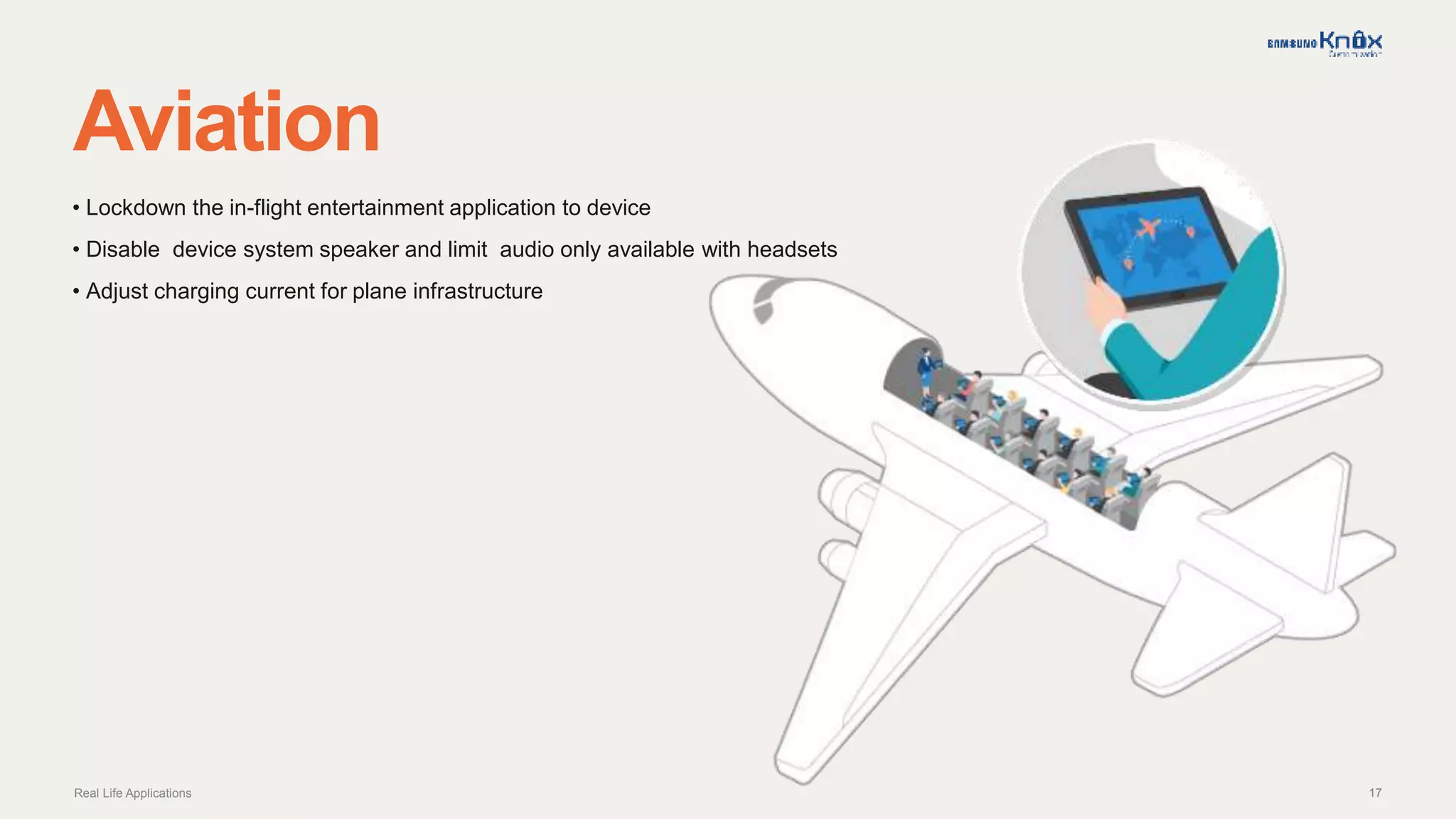
Aviation
Real Life Applications
• Lockdown the in-flight entertainment application to device
• Disable device system speaker and limit audio only available with headsets
• Adjust charging current for plane infrastructure
18
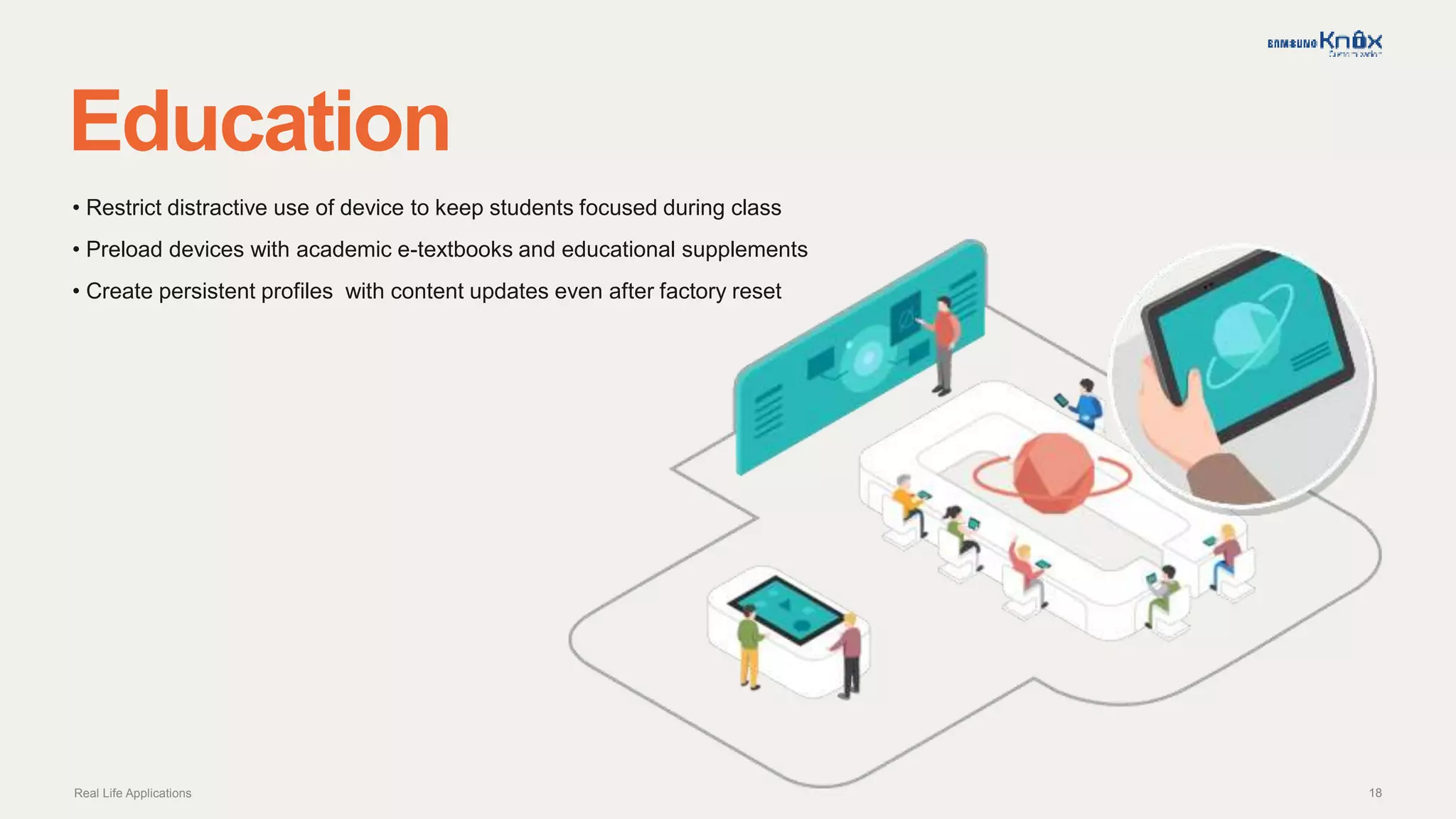
Education
Real Life Applications
• Restrict distractive use of device to keep students focused during class
• Preload devices with academic e-textbooks and educational supplements
• Create persistent profiles with content updates even after factory reset
19
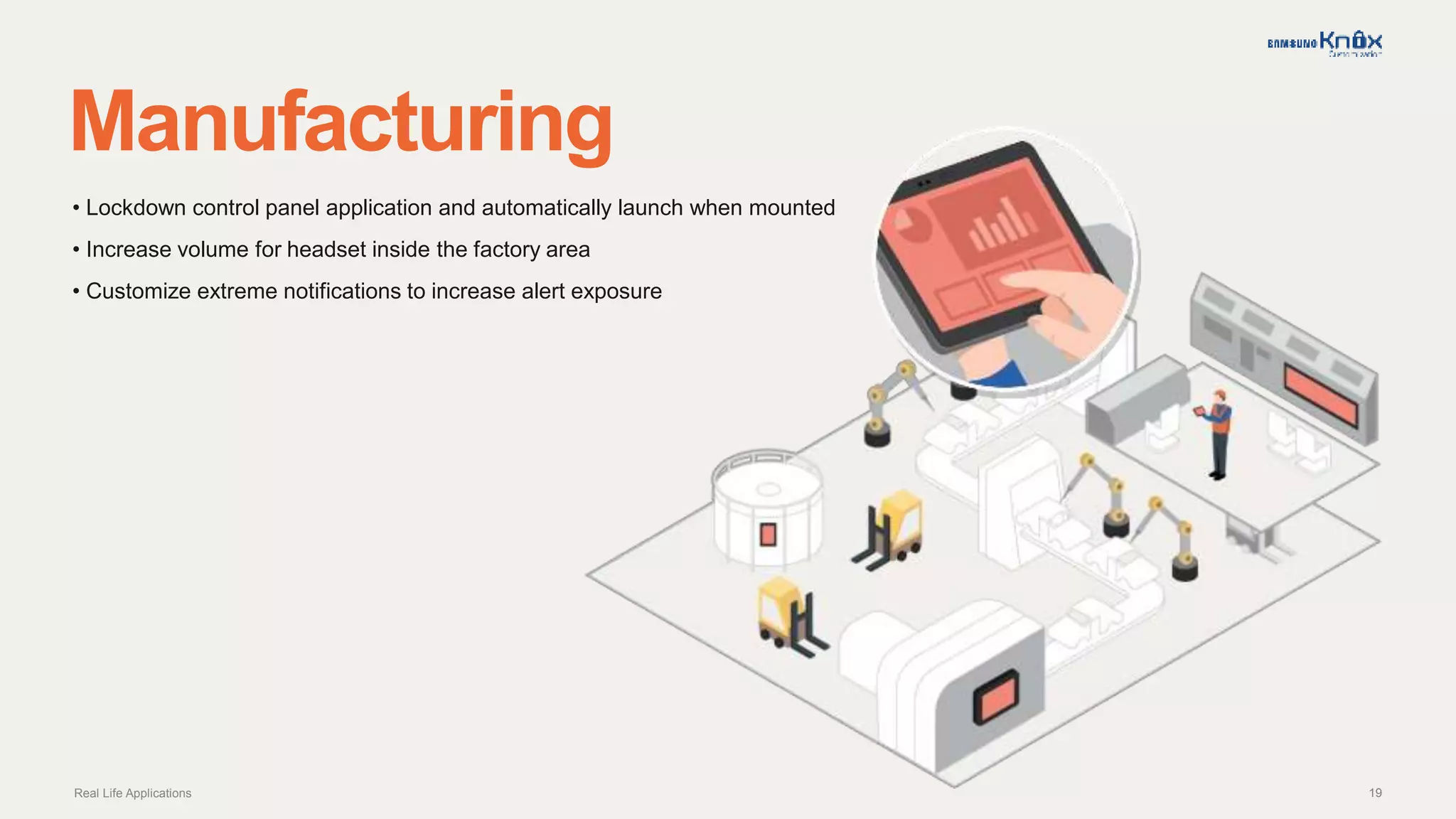
Manufacturing
Real Life Applications
• Lockdown control panel application and automatically launch when mounted
• Increase volume for headset inside the factory area
• Customize extreme notifications to increase alert exposure
20
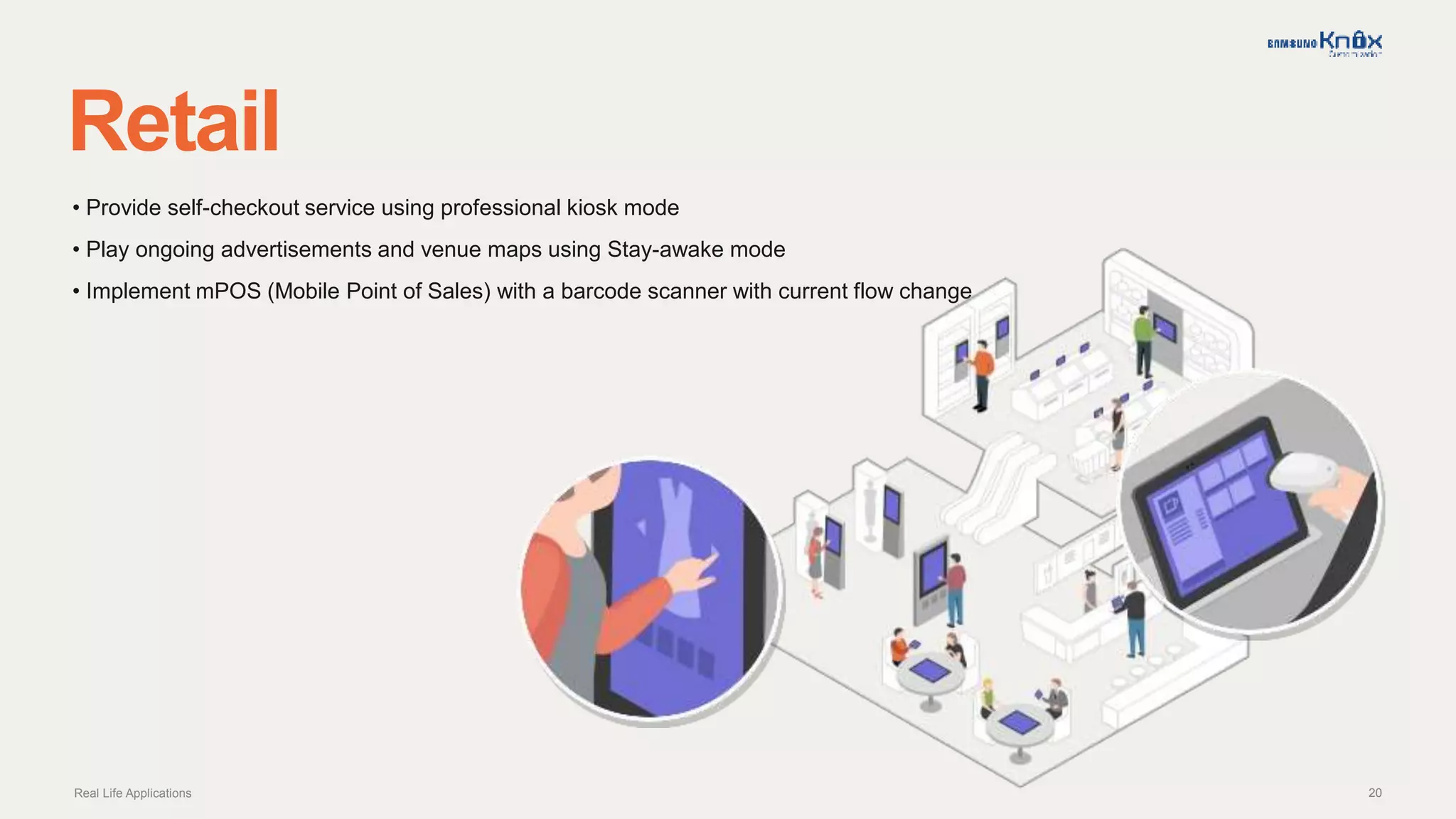
Retail
Real Life Applications
• Provide self-checkout service using professional kiosk mode
• Play ongoing advertisements and venue maps using Stay-awake mode
• Implement mPOS (Mobile Point of Sales) with a barcode scanner with current flow change
21
Product Offerings
Discover which product best suits your needs.
22
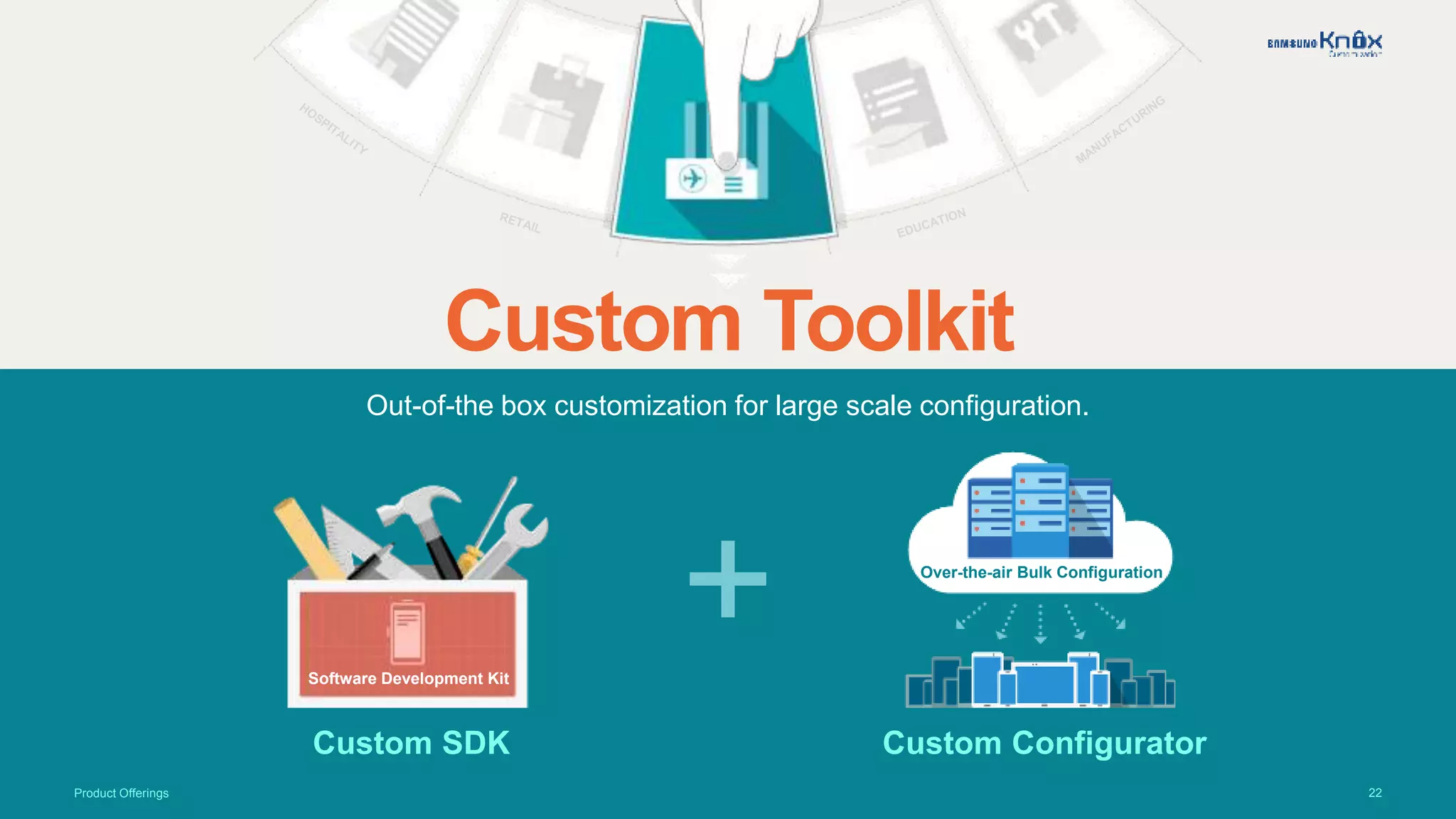
Out-of-the box customization for large scale configuration.
Custom Toolkit
Custom SDK Custom Configurator
+Software Development Kit
Over-the-air Bulk Configuration
Product Offerings
23
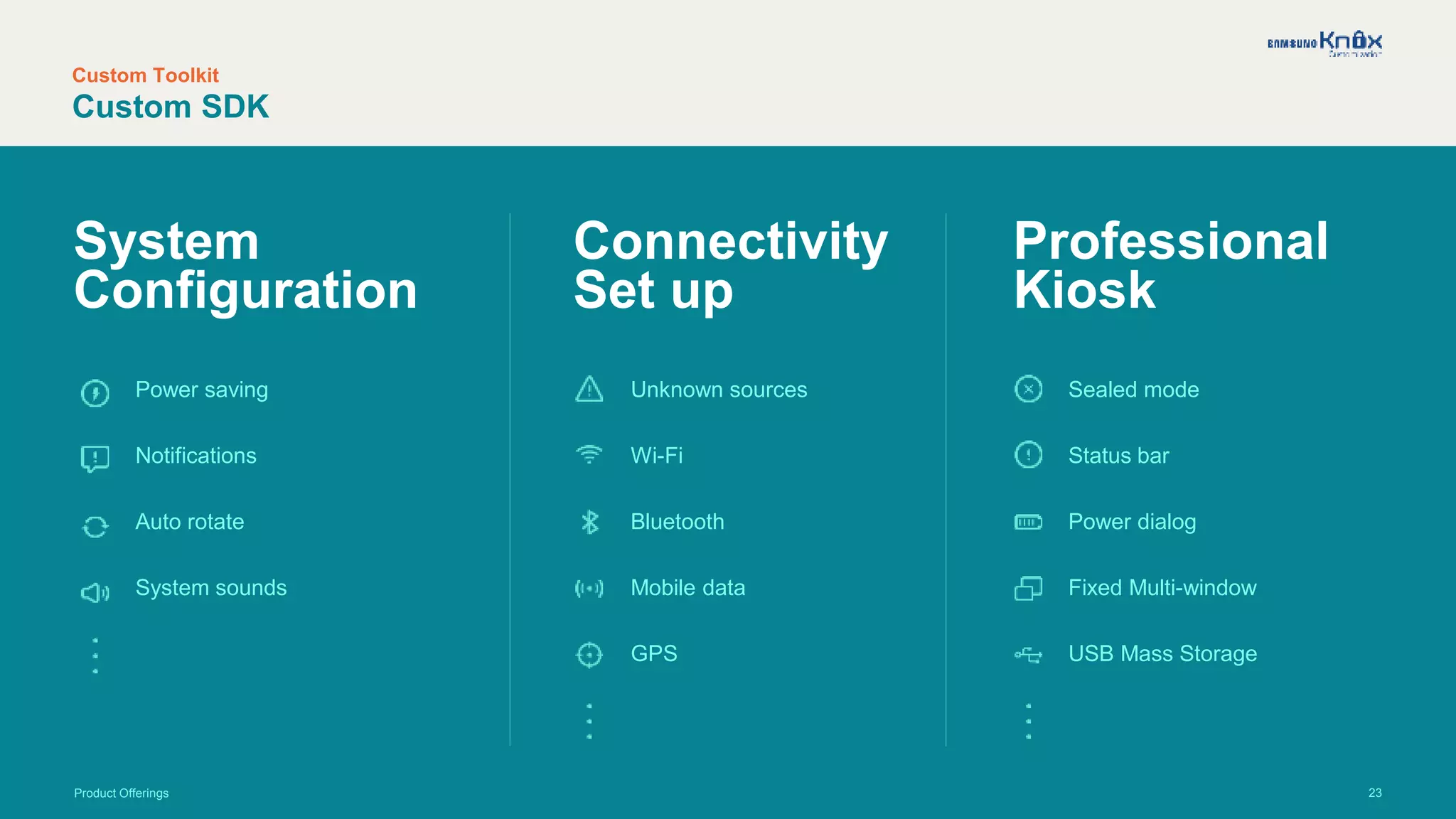
System
Configuration
Connectivity
Set up
Professional
Kiosk
Sealed mode
Status bar
Power dialog
Fixed Multi-window
USB Mass Storage
Product Offerings
Power saving
Notifications
Auto rotate
System sounds
Unknown sources
Wi-Fi
Bluetooth
Mobile data
GPS
Custom Toolkit
Custom SDK
24
Custom Toolkit
Custom Configurator
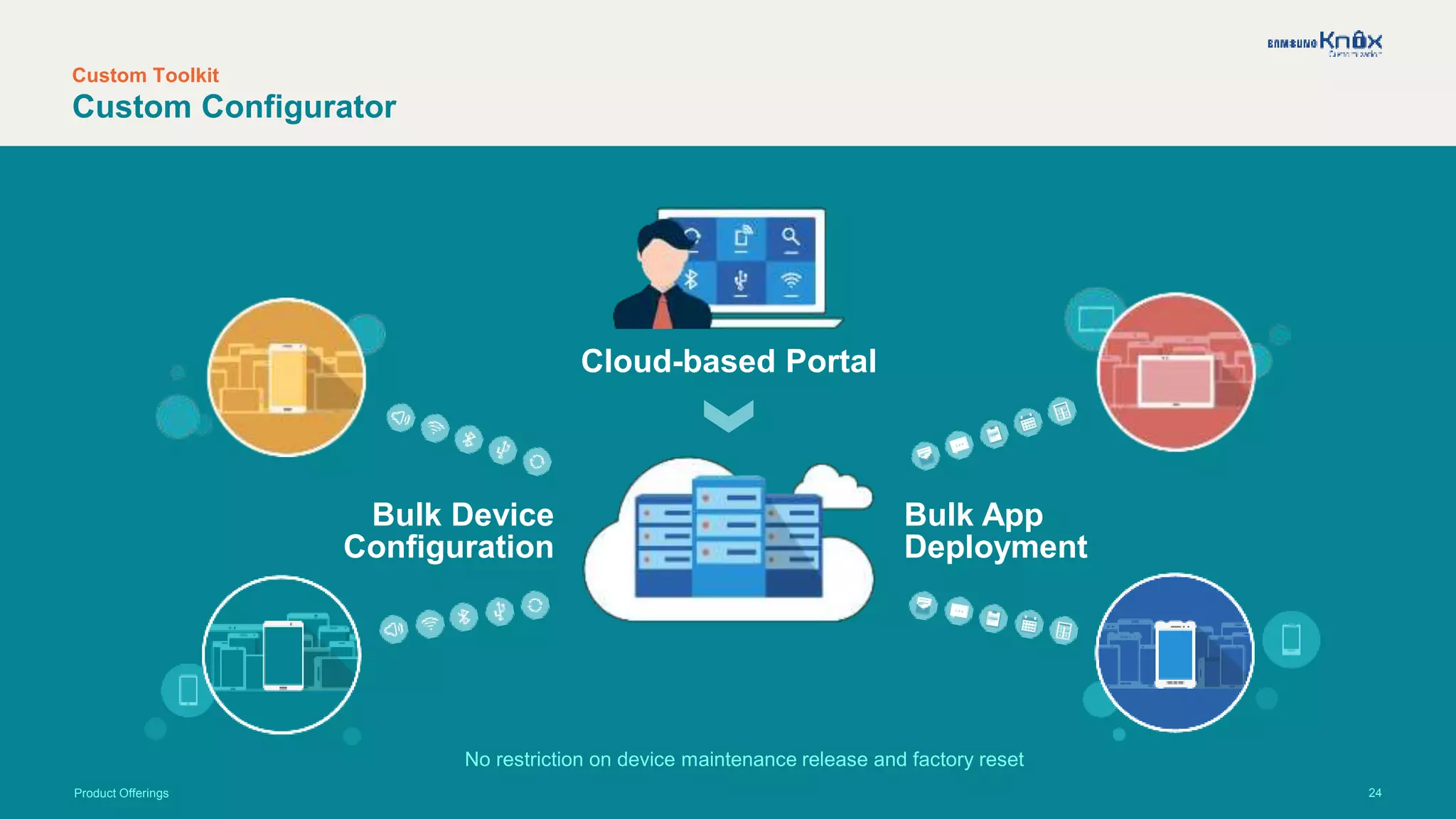
Cloud-based Portal
Bulk App
Deployment
Bulk Device
Configuration
No restriction on device maintenance release and factory reset
Product Offerings
25
Custom Toolkit
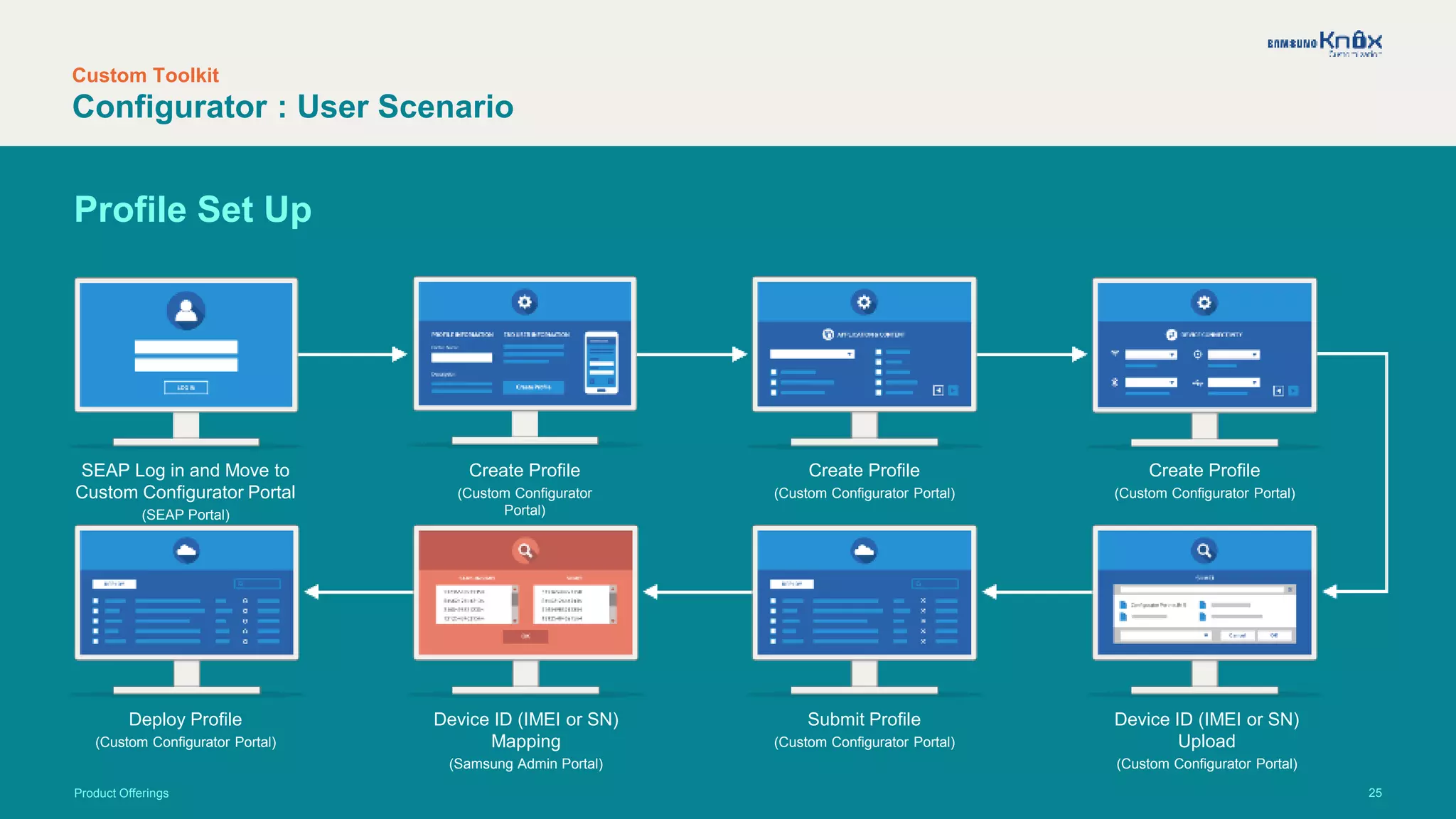
Configurator : User Scenario
Product Offerings
SEAP Log in and Move to
Custom Configurator Portal
(SEAP Portal)
Create Profile
(Custom Configurator Portal)
Create Profile
(Custom Configurator
Portal)
Create Profile
(Custom Configurator Portal)
Deploy Profile
(Custom Configurator Portal)
Device ID (IMEI or SN)
Mapping
(Samsung Admin Portal)
Submit Profile
(Custom Configurator Portal)
Device ID (IMEI or SN)
Upload
(Custom Configurator Portal)
Profile Set Up
26
Custom Toolkit
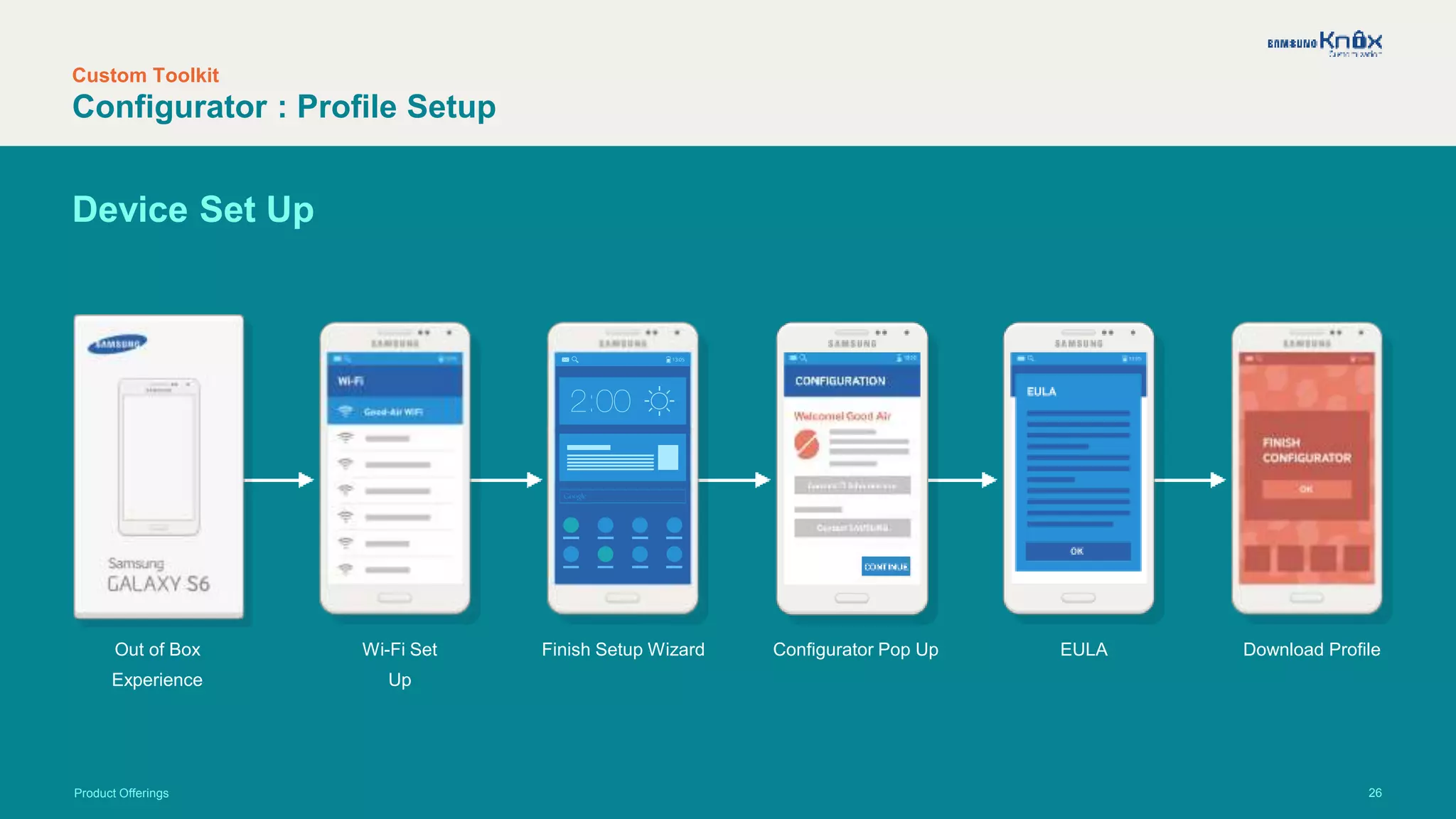
Configurator : Profile Setup
Product Offerings
Device Set Up
Out of Box
Experience
Wi-Fi Set
Up
Finish Setup Wizard Configurator Pop Up EULA Download Profile
27
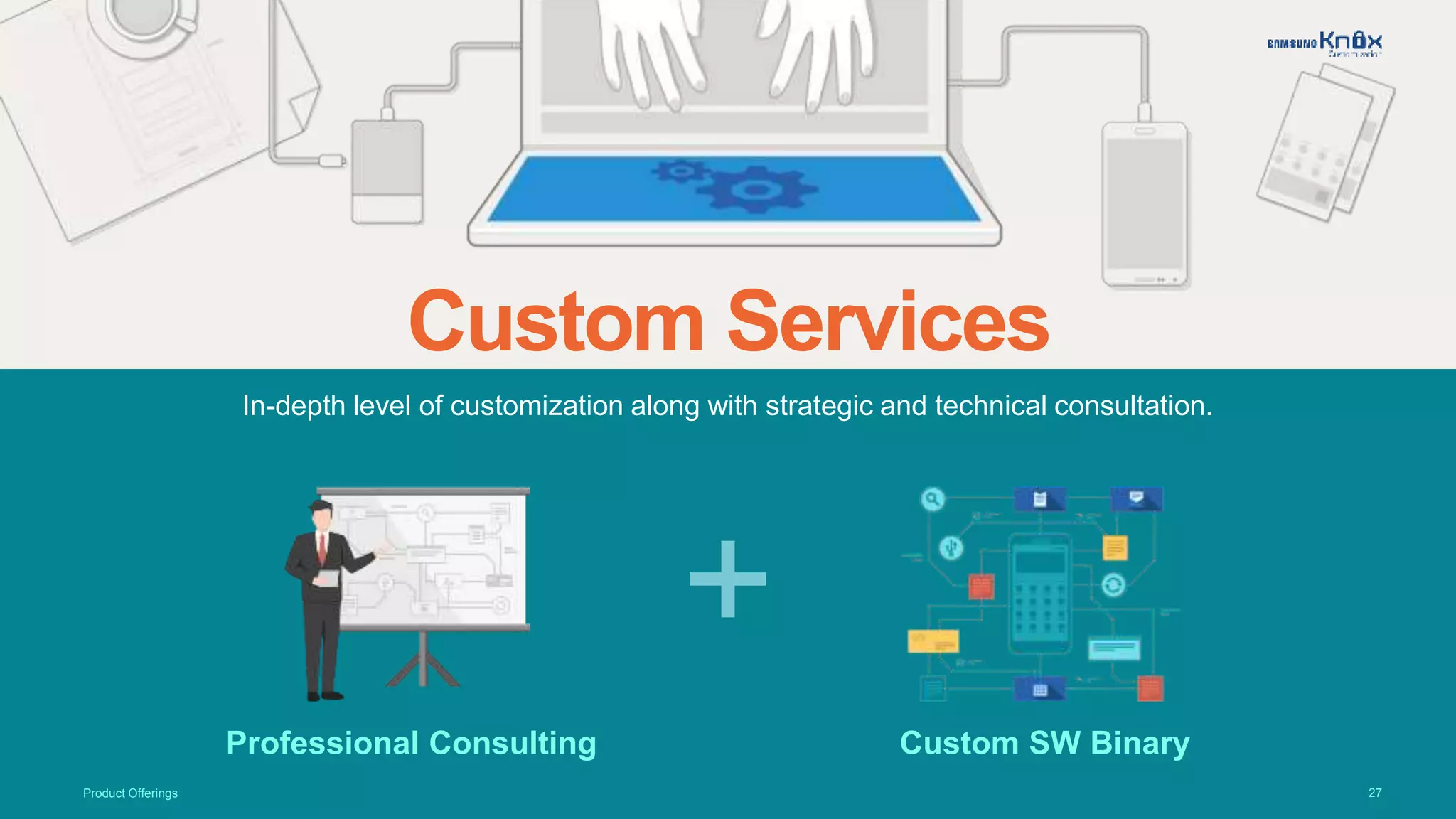
In-depth level of customization along with strategic and technical consultation.
Custom Services
Product Offerings
Professional Consulting Custom SW Binary
+
28
Custom Services
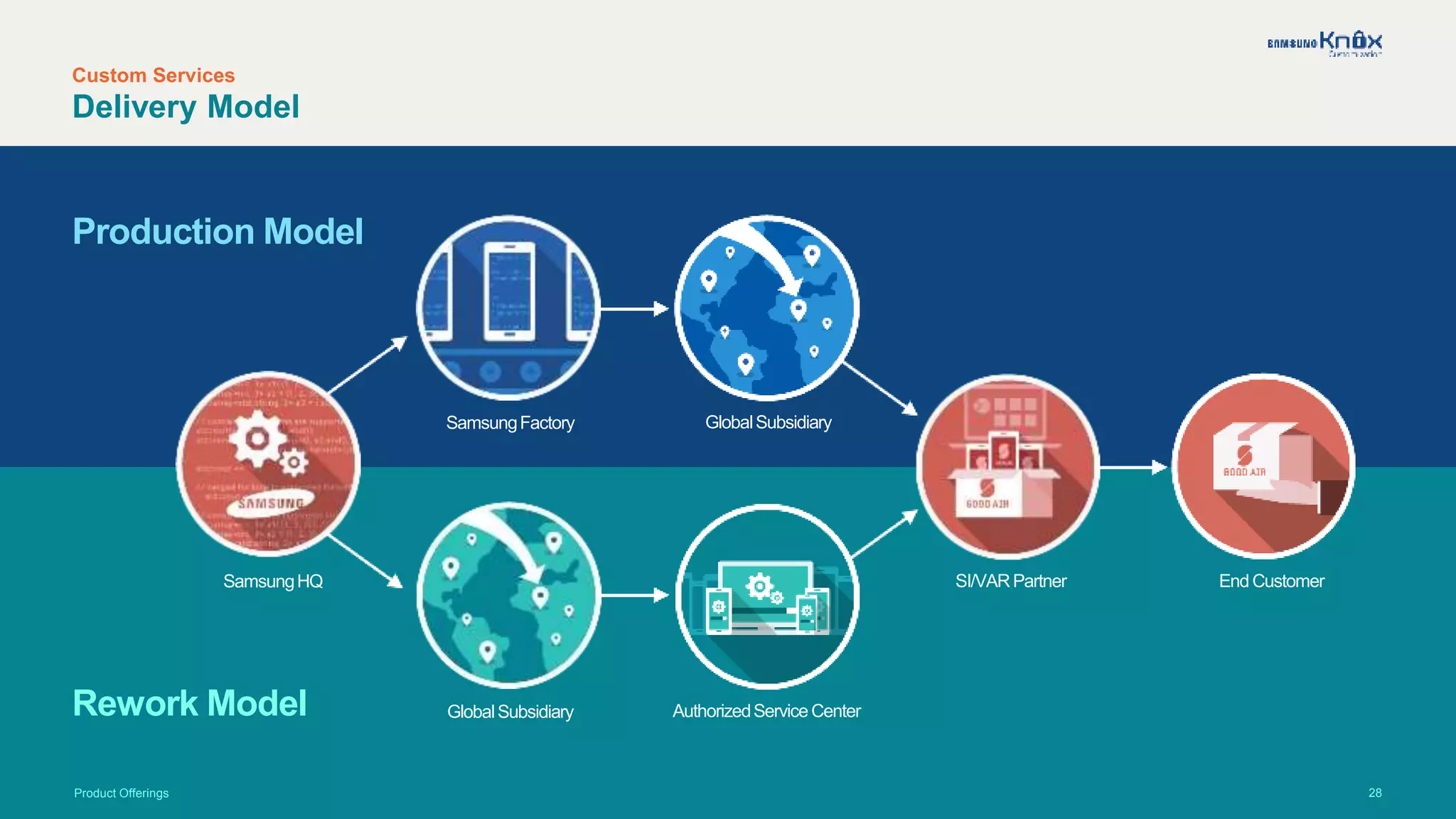
Delivery Model
Product Offerings
Production Model
Rework Model
SamsungHQ
SamsungFactory GlobalSubsidiary
GlobalSubsidiary AuthorizedService Center
SI/VARPartner End Customer
29
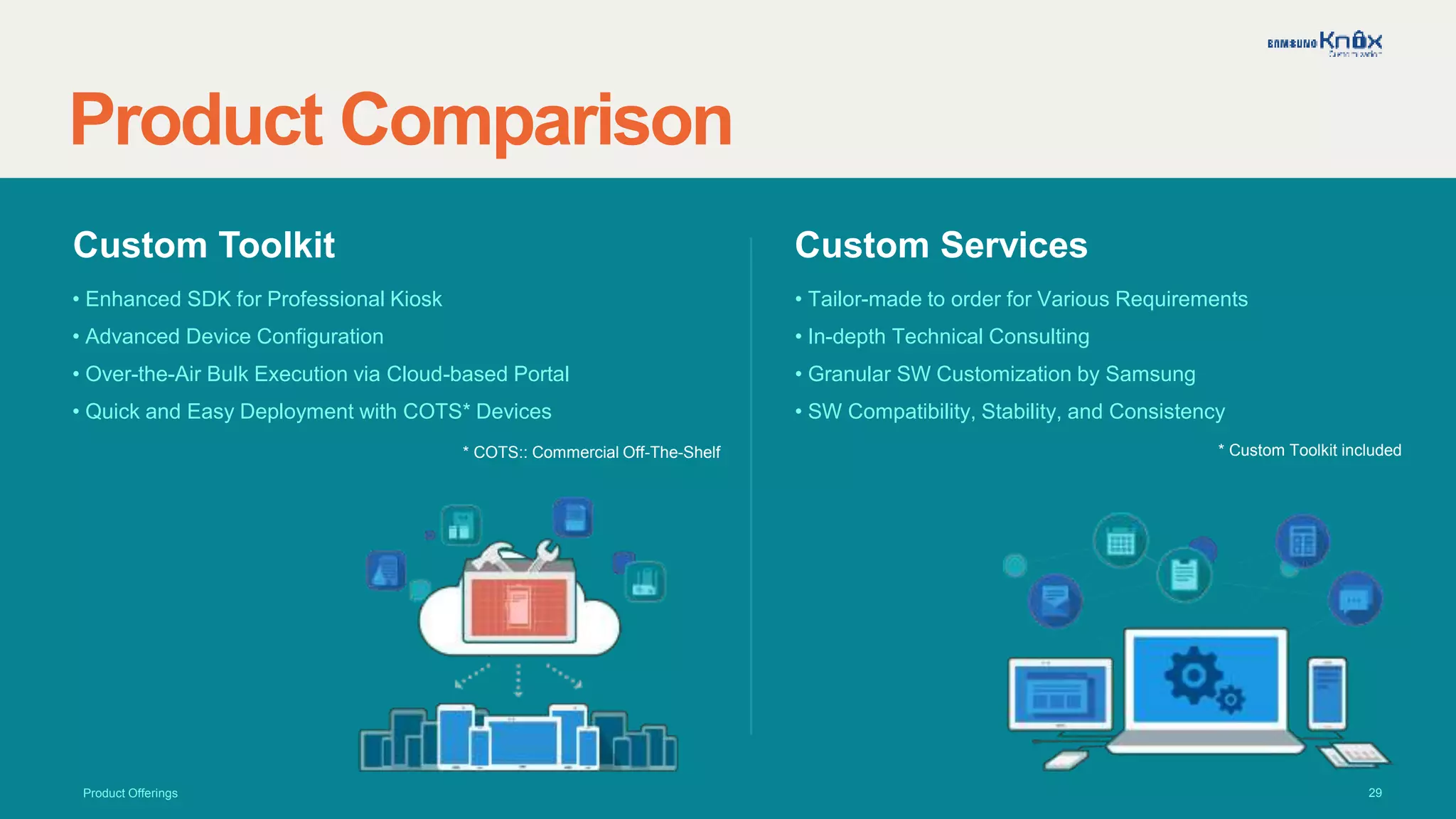
Product Comparison
Product Offerings
Custom Toolkit
• Enhanced SDK for Professional Kiosk
• Advanced Device Configuration
• Over-the-Air Bulk Execution via Cloud-based Portal
• Quick and Easy Deployment with COTS* Devices
Custom Services
• Tailor-made to order for Various Requirements
• In-depth Technical Consulting
• Granular SW Customization by Samsung
• SW Compatibility, Stability, and Consistency
* Custom Toolkit included* COTS:: Commercial Off-The-Shelf
30
Business Model and Benefits
Customization has never been easier with the simple and clear business model.
31
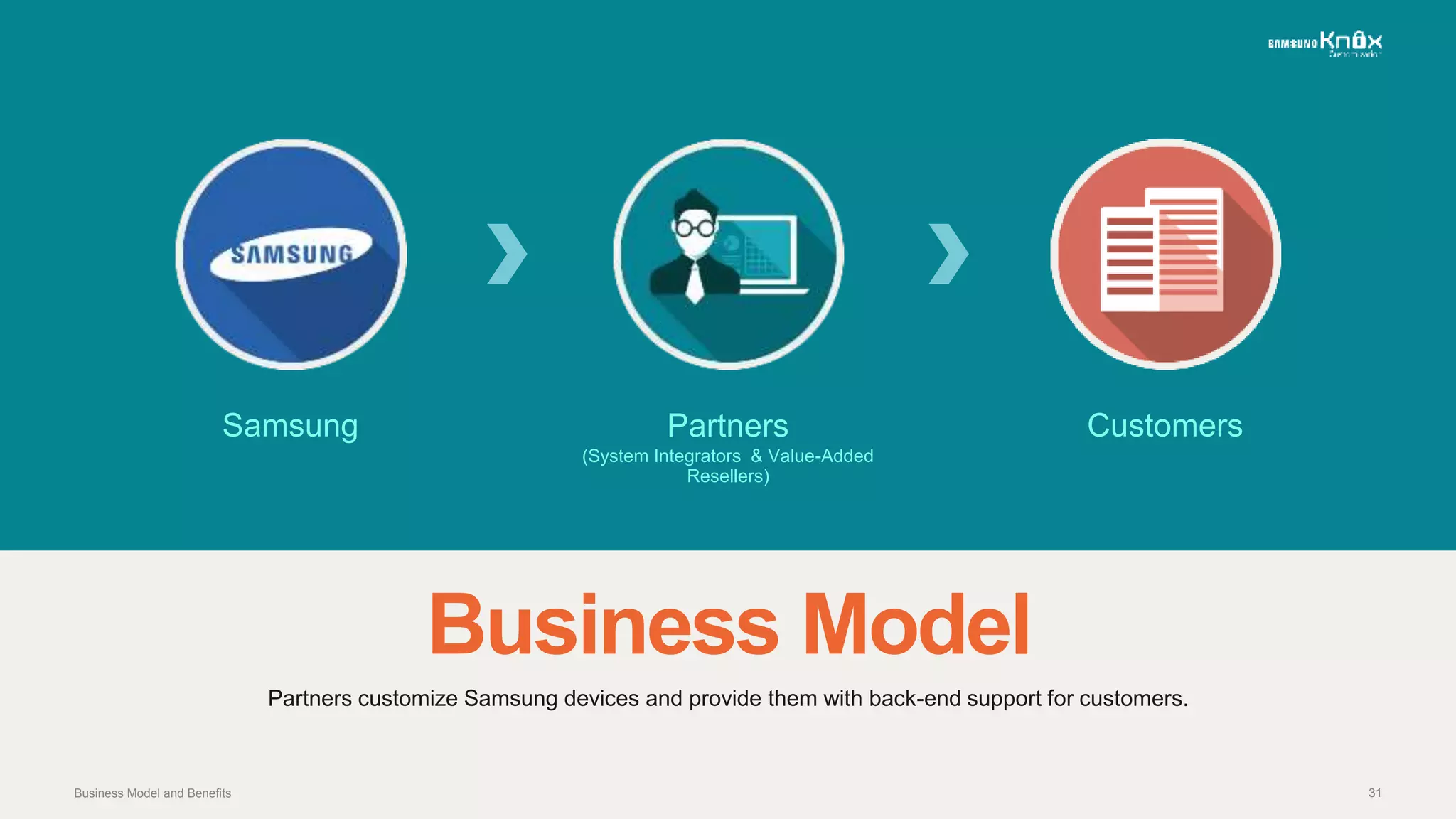
Business Model
Partners customize Samsung devices and provide them with back-end support for customers.
Samsung Partners
(System Integrators & Value-Added
Resellers)
Customers
Business Model and Benefits
32
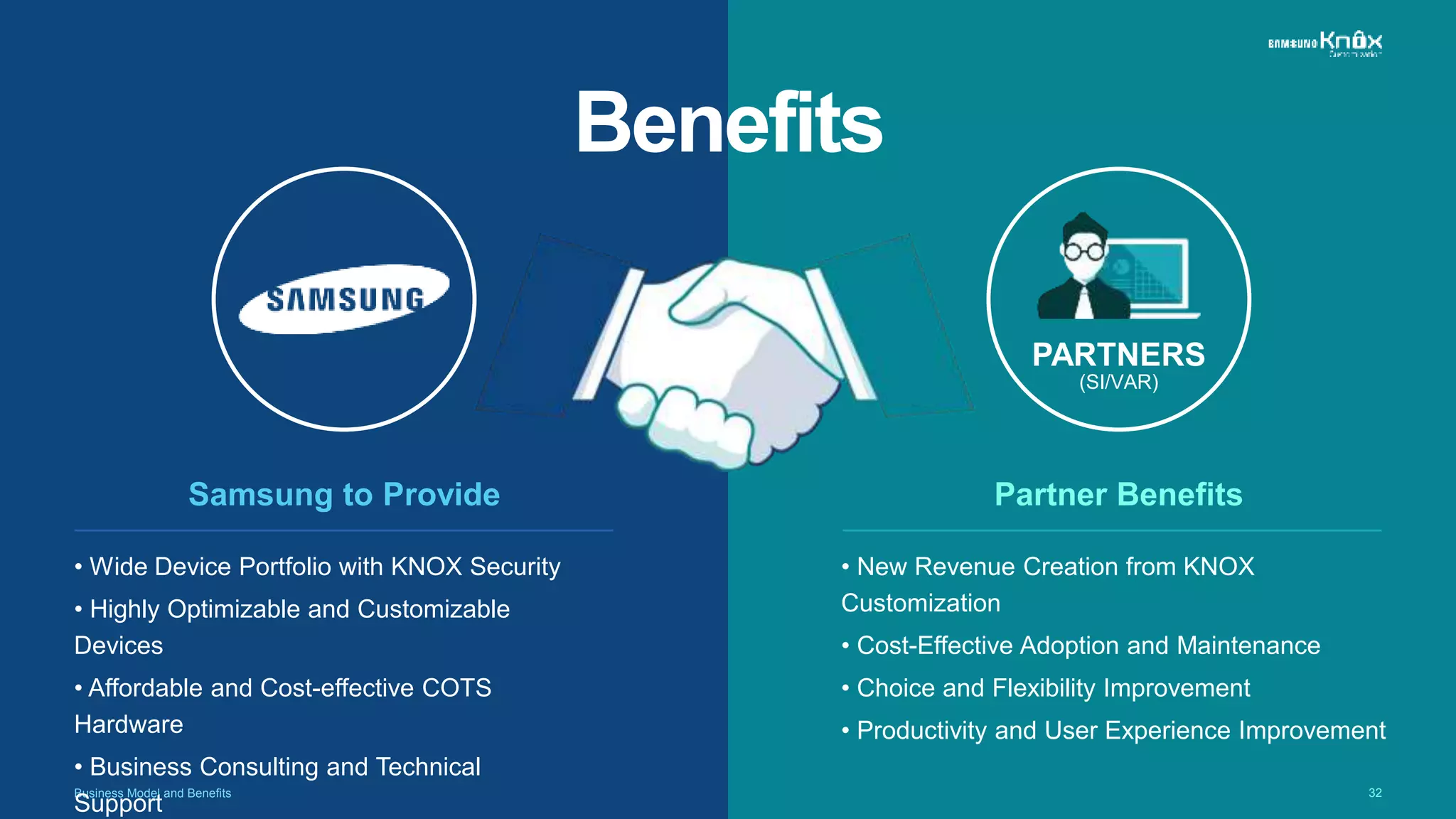
Benefits
Business Model and Benefits
• New Revenue Creation from KNOX
Customization
• Cost-Effective Adoption and Maintenance
• Choice and Flexibility Improvement
• Productivity and User Experience Improvement
Partner Benefits
PARTNERS
(SI/VAR)
• Wide Device Portfolio with KNOX Security
• Highly Optimizable and Customizable
Devices
• Affordable and Cost-effective COTS
Hardware
• Business Consulting and Technical
Support
Samsung to Provide
33
Conclusion
KNOX Customization: Meet specific industry needs with affordable and powerful solution
34Conclusion
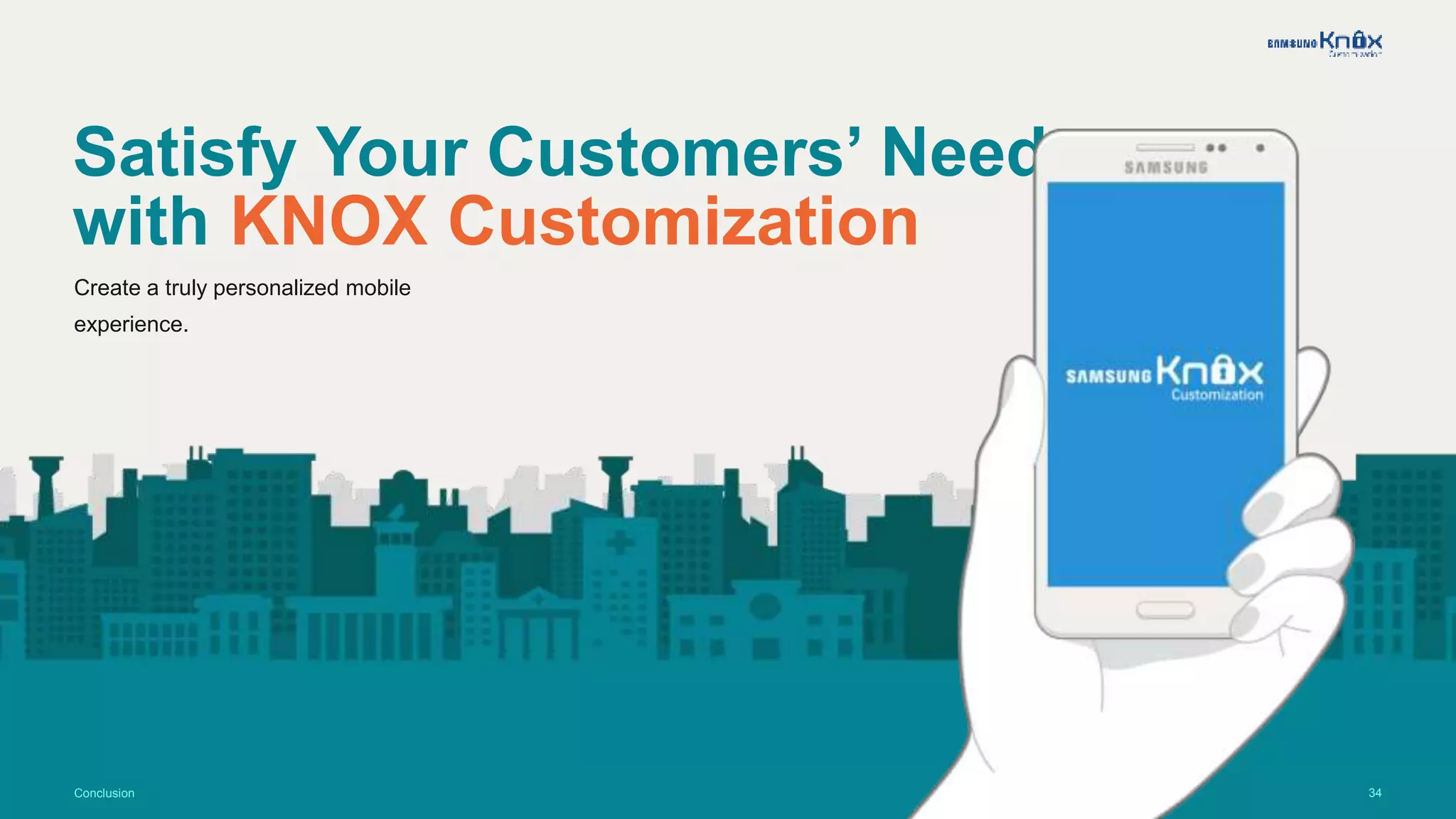
Satisfy Your Customers’ Needs
with KNOX Customization
Create a truly personalized mobile
experience.
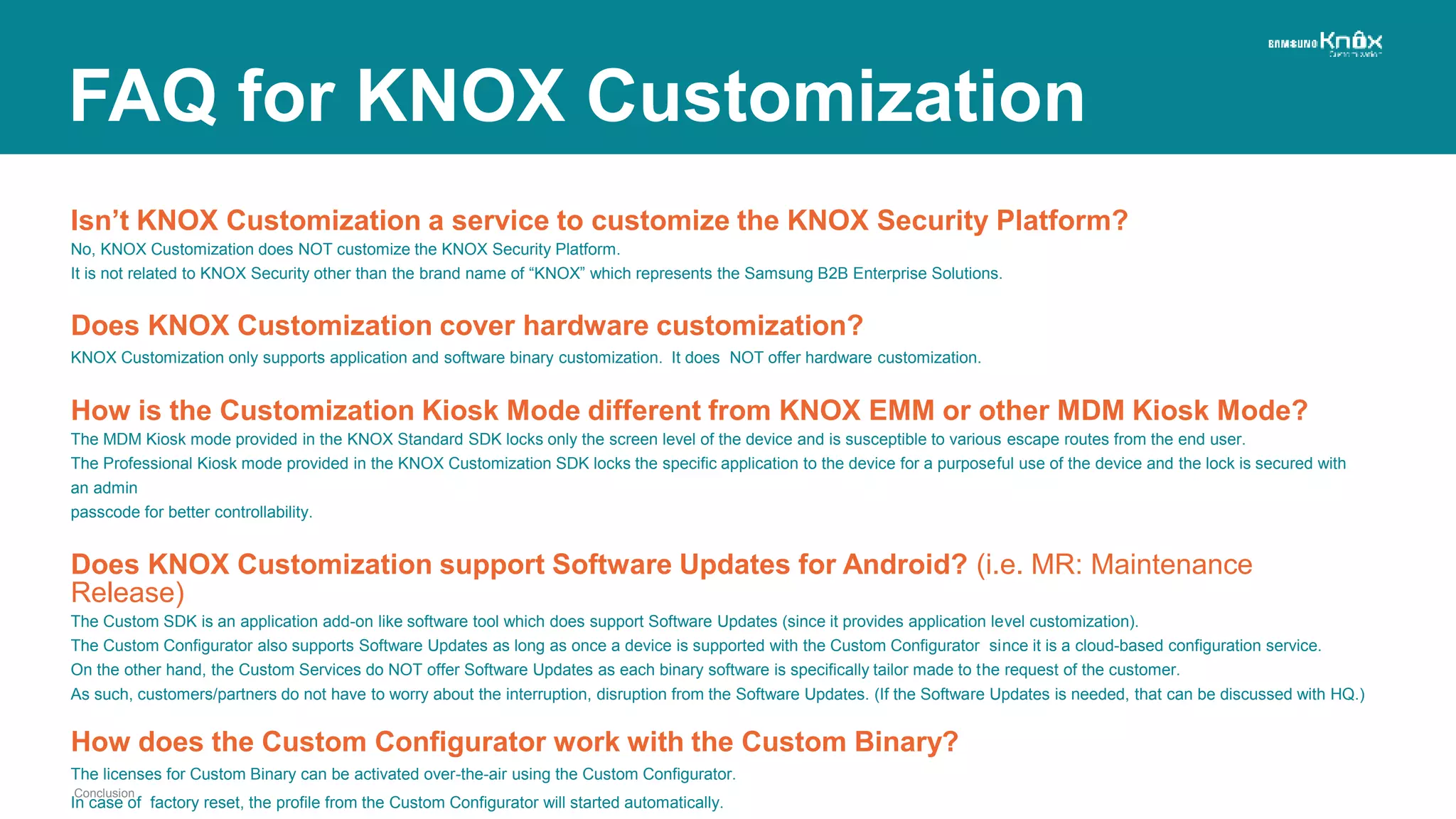
Isn’t KNOX Customization a service to customize the KNOX Security Platform?
No, KNOX Customization does NOT customize the KNOX Security Platform.
It is not related to KNOX Security other than the brand name of “KNOX” which represents the Samsung B2B Enterprise Solutions.
Does KNOX Customization cover hardware customization?
KNOX Customization only supports application and software binary customization. It does NOT offer hardware customization.
How is the Customization Kiosk Mode different from KNOX EMM or other MDM Kiosk Mode?
The MDM Kiosk mode provided in the KNOX Standard SDK locks only the screen level of the device and is susceptible to various escape routes from the end user.
The Professional Kiosk mode provided in the KNOX Customization SDK locks the specific application to the device for a purposeful use of the device and the lock is secured with
an admin
passcode for better controllability.
Does KNOX Customization support Software Updates for Android? (i.e. MR: Maintenance
Release)
The Custom SDK is an application add-on like software tool which does support Software Updates (since it provides application level customization).
The Custom Configurator also supports Software Updates as long as once a device is supported with the Custom Configurator since it is a cloud-based configuration service.
On the other hand, the Custom Services do NOT offer Software Updates as each binary software is specifically tailor made to the request of the customer.
As such, customers/partners do not have to worry about the interruption, disruption from the Software Updates. (If the Software Updates is needed, that can be discussed with HQ.)
How does the Custom Configurator work with the Custom Binary?
The licenses for Custom Binary can be activated over-the-air using the Custom Configurator.
In case of factory reset, the profile from the Custom Configurator will started automatically.
Conclusion
FAQ for KNOX Customization
36
Appendix
Additional information about KNOX Customization.
37
Get Started
Appendix
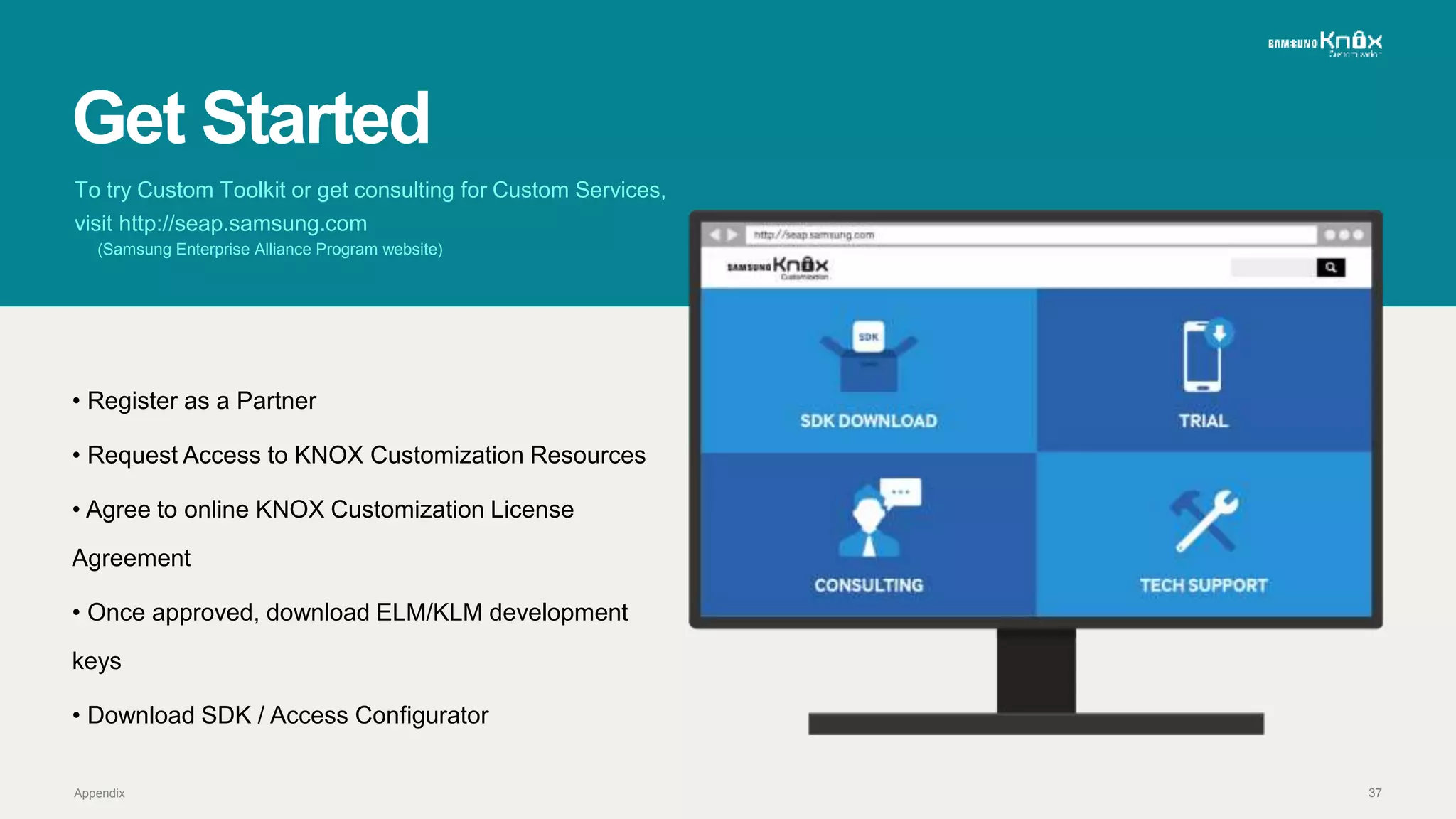
To try Custom Toolkit or get consulting for Custom Services,
visit http://seap.samsung.com
(Samsung Enterprise Alliance Program website)
• Register as a Partner
• Request Access to KNOX Customization Resources
• Agree to online KNOX Customization License
Agreement
• Once approved, download ELM/KLM development
keys
• Download SDK / Access Configurator
3838
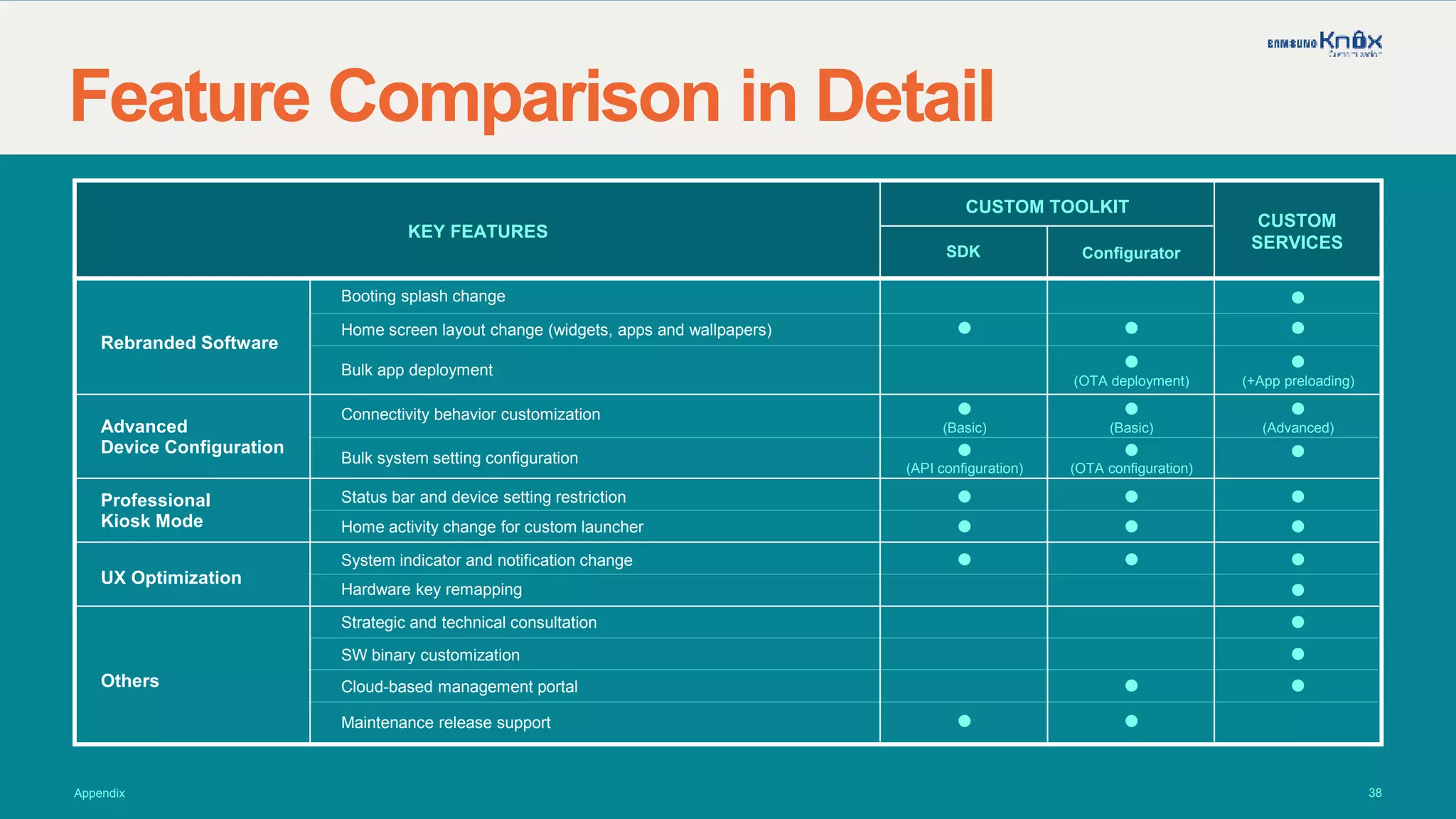
Feature Comparison in Detail
Appendix
Booting splash change
KEY FEATURES
Rebranded Software
Advanced
Device Configuration
Professional
Kiosk Mode
UX Optimization
Others
Configurator
CUSTOM TOOLKIT
SDK
CUSTOM
SERVICES
Home screen layout change (widgets, apps and wallpapers)
Bulk app deployment
Connectivity behavior customization
Bulk system setting configuration
Status bar and device setting restriction
Home activity change for custom launcher
System indicator and notification change
Hardware key remapping
Strategic and technical consultation
SW binary customization
Cloud-based management portal
Maintenance release support
(OTA deployment) (+App preloading)
(OTA configuration)(API configuration)
(Advanced)(Basic) (Basic)
39
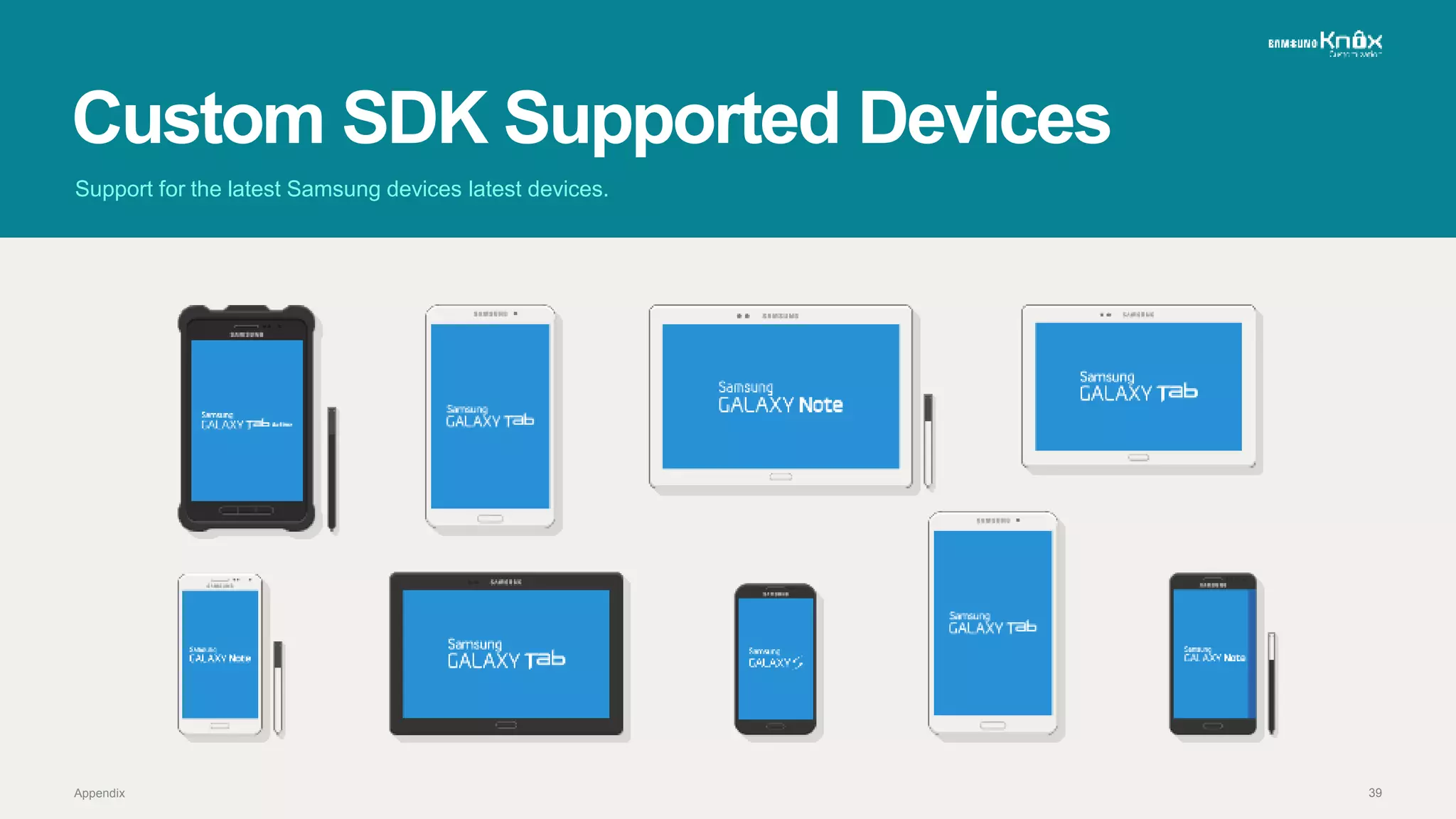
Custom SDK Supported Devices
Support for the latest Samsung devices latest devices.
Appendix

Samsung KNOX Customization: Transform Samsung Devices into Purpose-built Appliances

  • 1.
    FIND THE RIGHTFIT FOR YOUR CUSTOMER Creating truly personalized mobile devices that meet the needs of your business.
  • 2.
    2 Overview Specific business needsin various industries causes the need for tailor-made approach
  • 3.
    3 One SizeDoesn’t FitAll Not all devices meet the needs of the customers. Overview
  • 4.
    4Overview THE KEY: KNOXCustomization Transform Samsung devices into purpose-built appliances to better meet your customers’ demands, regardless of the industry.
  • 5.
    5 Key Features Here aresome of the features KNOX Customization offers.
  • 6.
    6 Rebranded Software Personalize thedevice as your own production UX Optimization Increase efficiency and productivity at the fundamental level Professional Kiosk Mode Turn your device into a public kiosk with easy controllability Advanced Device Configuration Set up device behavior with configuration from the core
  • 7.
    7 Rebranded Software Load acustom boot splash featuring your company’s logo Key Features
  • 8.
    8 Rebranded Software Personalize defaultwidgets and apps on home screen Key Features
  • 9.
    9 Rebranded Software Preload customapps for bulk deployment (Custom apps must comply to Samsung’s legal review prior to preload) Key Features
  • 10.
    10 Professional Kiosk Mode Restrictaccess to status bar and device settings Key Features
  • 11.
    11 Professional Kiosk Mode Setthe home key activity to call your custom launcher Key Features
  • 12.
    12 UX Optimization Alter systemindicators and notifications Key Features
  • 13.
    13 UX Optimization Remap hardwarekey functions Key Features
  • 14.
    14 Advanced Device Configuration Customizeconnectivity behavior (Wi-Fi, Bluetooth, USB, etc) Key Features
  • 15.
    15 Advanced Device Configuration Programmablyconfigure system settings in bulk (Volume, Ringtone, Auto rotate, etc) Key Features
  • 16.
    16 Real Life Applications Seehow your business can benefit from KNOX Customization.
  • 17.
    17 Aviation Real Life Applications •Lockdown the in-flight entertainment application to device • Disable device system speaker and limit audio only available with headsets • Adjust charging current for plane infrastructure
  • 18.
    18 Education Real Life Applications •Restrict distractive use of device to keep students focused during class • Preload devices with academic e-textbooks and educational supplements • Create persistent profiles with content updates even after factory reset
  • 19.
    19 Manufacturing Real Life Applications •Lockdown control panel application and automatically launch when mounted • Increase volume for headset inside the factory area • Customize extreme notifications to increase alert exposure
  • 20.
    20 Retail Real Life Applications •Provide self-checkout service using professional kiosk mode • Play ongoing advertisements and venue maps using Stay-awake mode • Implement mPOS (Mobile Point of Sales) with a barcode scanner with current flow change
  • 21.
    21 Product Offerings Discover whichproduct best suits your needs.
  • 22.
    22 Out-of-the box customizationfor large scale configuration. Custom Toolkit Custom SDK Custom Configurator +Software Development Kit Over-the-air Bulk Configuration Product Offerings
  • 23.
    23 System Configuration Connectivity Set up Professional Kiosk Sealed mode Statusbar Power dialog Fixed Multi-window USB Mass Storage Product Offerings Power saving Notifications Auto rotate System sounds Unknown sources Wi-Fi Bluetooth Mobile data GPS Custom Toolkit Custom SDK
  • 24.
    24 Custom Toolkit Custom Configurator Cloud-basedPortal Bulk App Deployment Bulk Device Configuration No restriction on device maintenance release and factory reset Product Offerings
  • 25.
    25 Custom Toolkit Configurator :User Scenario Product Offerings SEAP Log in and Move to Custom Configurator Portal (SEAP Portal) Create Profile (Custom Configurator Portal) Create Profile (Custom Configurator Portal) Create Profile (Custom Configurator Portal) Deploy Profile (Custom Configurator Portal) Device ID (IMEI or SN) Mapping (Samsung Admin Portal) Submit Profile (Custom Configurator Portal) Device ID (IMEI or SN) Upload (Custom Configurator Portal) Profile Set Up
  • 26.
    26 Custom Toolkit Configurator :Profile Setup Product Offerings Device Set Up Out of Box Experience Wi-Fi Set Up Finish Setup Wizard Configurator Pop Up EULA Download Profile
  • 27.
    27 In-depth level ofcustomization along with strategic and technical consultation. Custom Services Product Offerings Professional Consulting Custom SW Binary +
  • 28.
    28 Custom Services Delivery Model ProductOfferings Production Model Rework Model SamsungHQ SamsungFactory GlobalSubsidiary GlobalSubsidiary AuthorizedService Center SI/VARPartner End Customer
  • 29.
    29 Product Comparison Product Offerings CustomToolkit • Enhanced SDK for Professional Kiosk • Advanced Device Configuration • Over-the-Air Bulk Execution via Cloud-based Portal • Quick and Easy Deployment with COTS* Devices Custom Services • Tailor-made to order for Various Requirements • In-depth Technical Consulting • Granular SW Customization by Samsung • SW Compatibility, Stability, and Consistency * Custom Toolkit included* COTS:: Commercial Off-The-Shelf
  • 30.
    30 Business Model andBenefits Customization has never been easier with the simple and clear business model.
  • 31.
    31 Business Model Partners customizeSamsung devices and provide them with back-end support for customers. Samsung Partners (System Integrators & Value-Added Resellers) Customers Business Model and Benefits
  • 32.
    32 Benefits Business Model andBenefits • New Revenue Creation from KNOX Customization • Cost-Effective Adoption and Maintenance • Choice and Flexibility Improvement • Productivity and User Experience Improvement Partner Benefits PARTNERS (SI/VAR) • Wide Device Portfolio with KNOX Security • Highly Optimizable and Customizable Devices • Affordable and Cost-effective COTS Hardware • Business Consulting and Technical Support Samsung to Provide
  • 33.
    33 Conclusion KNOX Customization: Meetspecific industry needs with affordable and powerful solution
  • 34.
    34Conclusion Satisfy Your Customers’Needs with KNOX Customization Create a truly personalized mobile experience.
  • 35.
    Isn’t KNOX Customizationa service to customize the KNOX Security Platform? No, KNOX Customization does NOT customize the KNOX Security Platform. It is not related to KNOX Security other than the brand name of “KNOX” which represents the Samsung B2B Enterprise Solutions. Does KNOX Customization cover hardware customization? KNOX Customization only supports application and software binary customization. It does NOT offer hardware customization. How is the Customization Kiosk Mode different from KNOX EMM or other MDM Kiosk Mode? The MDM Kiosk mode provided in the KNOX Standard SDK locks only the screen level of the device and is susceptible to various escape routes from the end user. The Professional Kiosk mode provided in the KNOX Customization SDK locks the specific application to the device for a purposeful use of the device and the lock is secured with an admin passcode for better controllability. Does KNOX Customization support Software Updates for Android? (i.e. MR: Maintenance Release) The Custom SDK is an application add-on like software tool which does support Software Updates (since it provides application level customization). The Custom Configurator also supports Software Updates as long as once a device is supported with the Custom Configurator since it is a cloud-based configuration service. On the other hand, the Custom Services do NOT offer Software Updates as each binary software is specifically tailor made to the request of the customer. As such, customers/partners do not have to worry about the interruption, disruption from the Software Updates. (If the Software Updates is needed, that can be discussed with HQ.) How does the Custom Configurator work with the Custom Binary? The licenses for Custom Binary can be activated over-the-air using the Custom Configurator. In case of factory reset, the profile from the Custom Configurator will started automatically. Conclusion FAQ for KNOX Customization
  • 36.
  • 37.
    37 Get Started Appendix To tryCustom Toolkit or get consulting for Custom Services, visit http://seap.samsung.com (Samsung Enterprise Alliance Program website) • Register as a Partner • Request Access to KNOX Customization Resources • Agree to online KNOX Customization License Agreement • Once approved, download ELM/KLM development keys • Download SDK / Access Configurator
  • 38.
    3838 Feature Comparison inDetail Appendix Booting splash change KEY FEATURES Rebranded Software Advanced Device Configuration Professional Kiosk Mode UX Optimization Others Configurator CUSTOM TOOLKIT SDK CUSTOM SERVICES Home screen layout change (widgets, apps and wallpapers) Bulk app deployment Connectivity behavior customization Bulk system setting configuration Status bar and device setting restriction Home activity change for custom launcher System indicator and notification change Hardware key remapping Strategic and technical consultation SW binary customization Cloud-based management portal Maintenance release support (OTA deployment) (+App preloading) (OTA configuration)(API configuration) (Advanced)(Basic) (Basic)
  • 39.
    39 Custom SDK SupportedDevices Support for the latest Samsung devices latest devices. Appendix