Micro Services
In the cloud
Micro Services vs. Traditional Apps
Traditional Apps
• Often called “Monolithic Apps”
• All your code is in one bundle
• Scaling issues
• Everything or nothing approach
• Scaling your search system also scales your admin system
• Not very efficient
• Performance issues
• One slow part of the code can affect the entire site
• Issues with continuous integration
• You need to update everything to push a minor change
• Stability issues
• One bug can bring the entire system down
Micro Services vs. Traditional Apps
Micro Services
A collection of smaller applications all working together to deliver a total
experience to the end user.
Increased efficiency
• Splitting your services gives you the ability to
scale only the parts of the site that is slow
• Less wastage of service resource
• More cost efficient
• An individual slow performing service doesn’t slow
all services
• Less user frustration
Micro Services vs. Traditional Apps
Micro Services
A collection of smaller applications all working together to deliver a total
experience to the end user.
Easier Updates
• Updating a smaller code base is easier
• Less likely to have a regression issue
• Less likely to push a feature that isn’t ready from
another team
• Disable or slowly fail users over to the new version
• You don’t put any other part of the service at risk
• Easier roll back if the update fails
Micro Services vs. Traditional Apps
Micro Services
A collection of smaller applications all working together to deliver a total
experience to the end user.
Increased stability
• Gracefully fail parts of the site
• If one service fails the rest of the site still operates
• Clever use of JS calls to services can detect failures
and mask it from the end user
• Much better end user experience
Things to Consider
You need to ensure you don’t introduce extra issues such as:
• Network latency
• Additional systems complexity
Consider:
• Everything fails so design for graceful failure
• Allow you site to work without all the parts
• Consider “loosely coupled architectures”
• Pass messages via a message bus to other services
• Example pass a comment on a post to a message bus then collect the message
and store in a Database
• This allows you to queue jobs
• Scale the workers to demand very easily
• Make sure you are in the same region/cloud provider
• You could possibly use AWS placement groups to reduce latency
AWS Tools
AWS Infrastructure as a Service
• Elastic Beanstalk
• Easily deploy code to EC2 dedicated instances
• Supports lots of languages
• Java, .NET, PHP, Ruby, Python, NodeJS, Docker
Containers and now Go!
• Prebuilt EC2 Instances that are designed to perform
AWS Platform as a Service
SQS (message bus)
SES (email service)
CloudSearch
AWS Deployment Tools
Code Deploy (Great for Continuous Integration)
New Services
Elastic Container Service (ECS) – Docker
• Differs from Elastic Beanstalk as it supports Docker clustering tools
Containers + Micro Services
Why are Containers good for Micro Services?
• Designed to run one application per container
• Natural separation of work load
• Very lightweight
• Great for scaling quickly
• Better use of resources
• Containers share the host OS and where appropriate Binaries and
Libraries
• Standard container formats such as Docker are cross linux distro
compatible
• Incredible easy to move your work load around
• Balance your system resources better
• Allow developers to work in mock production environment
• Removes the “it worked on my laptop” issue
Containers + Micro Services
Better use of resources
• Containers share the host OS and where appropriate Binaries and Libraries
Containers + Micro Services
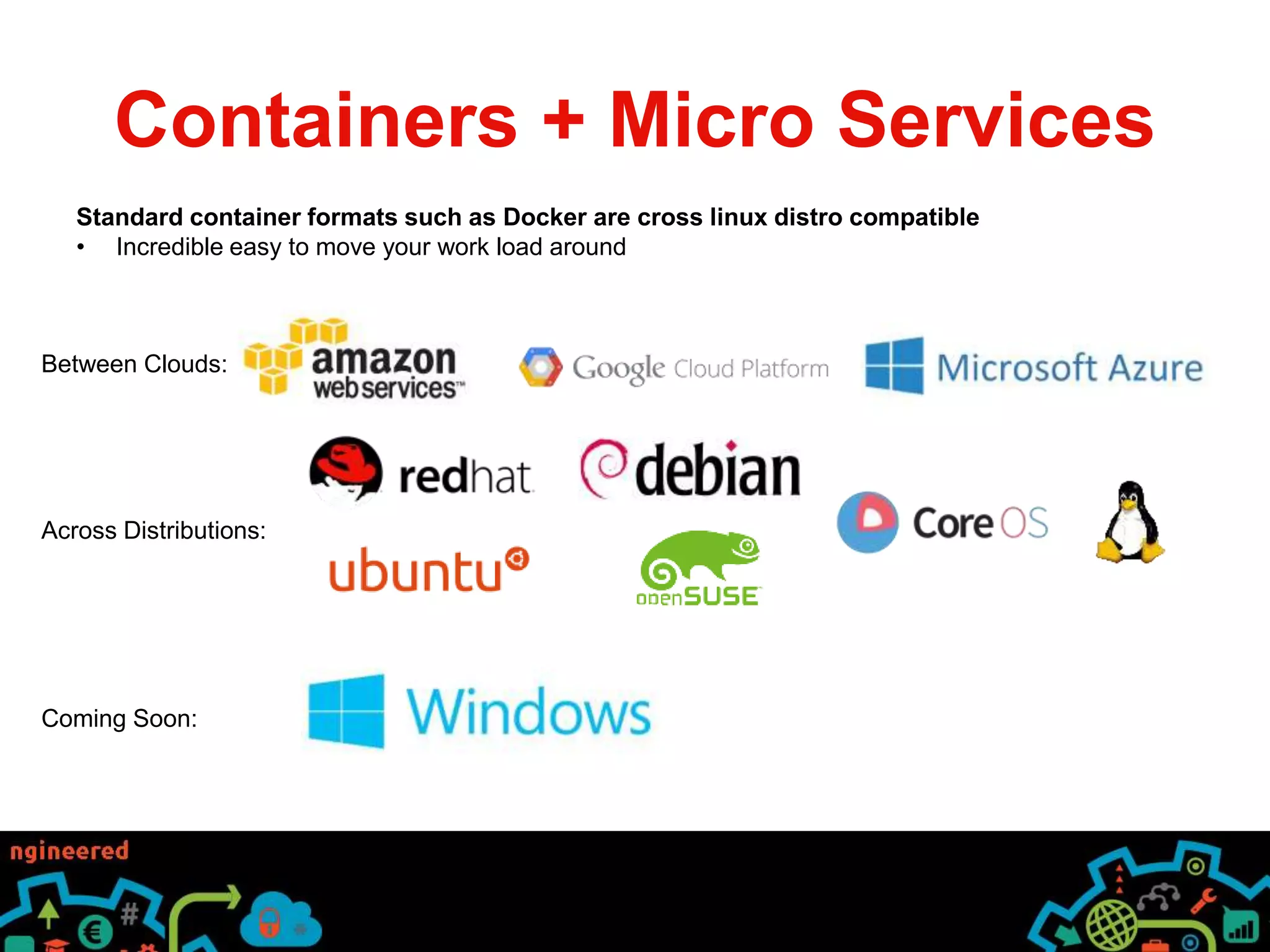
Standard container formats such as Docker are cross linux distro compatible
• Incredible easy to move your work load around
Containers + Micro Services
Standard container formats such as Docker are cross linux distro compatible
• Incredible easy to move your work load around
Between Clouds:
Across Distributions:
Coming Soon:
Micro services and Containers

Micro services and Containers

  • 1.
  • 2.
    Micro Services vs.Traditional Apps Traditional Apps • Often called “Monolithic Apps” • All your code is in one bundle • Scaling issues • Everything or nothing approach • Scaling your search system also scales your admin system • Not very efficient • Performance issues • One slow part of the code can affect the entire site • Issues with continuous integration • You need to update everything to push a minor change • Stability issues • One bug can bring the entire system down
  • 3.
    Micro Services vs.Traditional Apps Micro Services A collection of smaller applications all working together to deliver a total experience to the end user. Increased efficiency • Splitting your services gives you the ability to scale only the parts of the site that is slow • Less wastage of service resource • More cost efficient • An individual slow performing service doesn’t slow all services • Less user frustration
  • 4.
    Micro Services vs.Traditional Apps Micro Services A collection of smaller applications all working together to deliver a total experience to the end user. Easier Updates • Updating a smaller code base is easier • Less likely to have a regression issue • Less likely to push a feature that isn’t ready from another team • Disable or slowly fail users over to the new version • You don’t put any other part of the service at risk • Easier roll back if the update fails
  • 5.
    Micro Services vs.Traditional Apps Micro Services A collection of smaller applications all working together to deliver a total experience to the end user. Increased stability • Gracefully fail parts of the site • If one service fails the rest of the site still operates • Clever use of JS calls to services can detect failures and mask it from the end user • Much better end user experience
  • 6.
    Things to Consider Youneed to ensure you don’t introduce extra issues such as: • Network latency • Additional systems complexity Consider: • Everything fails so design for graceful failure • Allow you site to work without all the parts • Consider “loosely coupled architectures” • Pass messages via a message bus to other services • Example pass a comment on a post to a message bus then collect the message and store in a Database • This allows you to queue jobs • Scale the workers to demand very easily • Make sure you are in the same region/cloud provider • You could possibly use AWS placement groups to reduce latency
  • 7.
    AWS Tools AWS Infrastructureas a Service • Elastic Beanstalk • Easily deploy code to EC2 dedicated instances • Supports lots of languages • Java, .NET, PHP, Ruby, Python, NodeJS, Docker Containers and now Go! • Prebuilt EC2 Instances that are designed to perform • Prebuilt EC2 Instances that are designed to perform AWS Platform as a Service SQS (message bus) SES (email service) CloudSearch AWS Deployment Tools Code Deploy (Great for Continuous Integration) New Services Elastic Container Service (ECS) – Docker • Differs from Elastic Beanstalk as it supports Docker clustering tools
  • 8.
    Containers + MicroServices Why are Containers good for Micro Services? • Designed to run one application per container • Natural separation of work load • Very lightweight • Great for scaling quickly • Better use of resources • Containers share the host OS and where appropriate Binaries and Libraries • Standard container formats such as Docker are cross linux distro compatible • Incredible easy to move your work load around • Balance your system resources better • Allow developers to work in mock production environment • Removes the “it worked on my laptop” issue
  • 9.
    Containers + MicroServices Better use of resources • Containers share the host OS and where appropriate Binaries and Libraries
  • 10.
    Containers + MicroServices Standard container formats such as Docker are cross linux distro compatible • Incredible easy to move your work load around
  • 11.
    Containers + MicroServices Standard container formats such as Docker are cross linux distro compatible • Incredible easy to move your work load around Between Clouds: Across Distributions: Coming Soon: