Mr. Mohan Pawar
 What is Docker ?
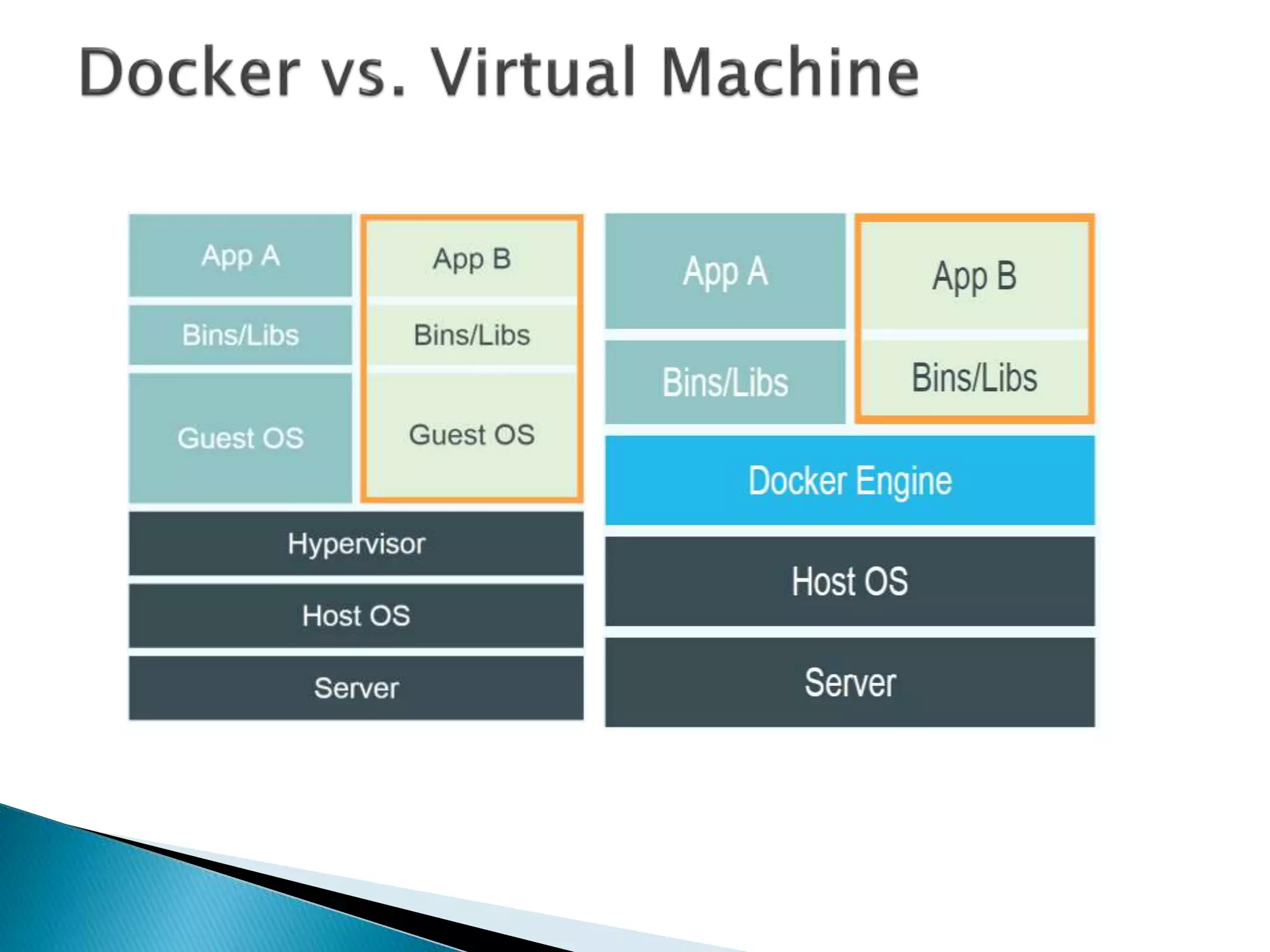
 Containers Vs Virtual Machines
 Docker terminology
◦ Docker engine
◦ Images
◦ Containers
◦ Registry
◦ Docker Hub
◦ Docker Cloud
Introduction to Images
Getting started with Containers
 It’s all about data…
 There’s rock, paper, scissors
and then there’s information.
 Docker is an open source engine that
automates the deployment of any application
as a lightweight, portable and self-sufficient
that will run virtually anywhere.
 Package your application into a standardized
unit of software development.
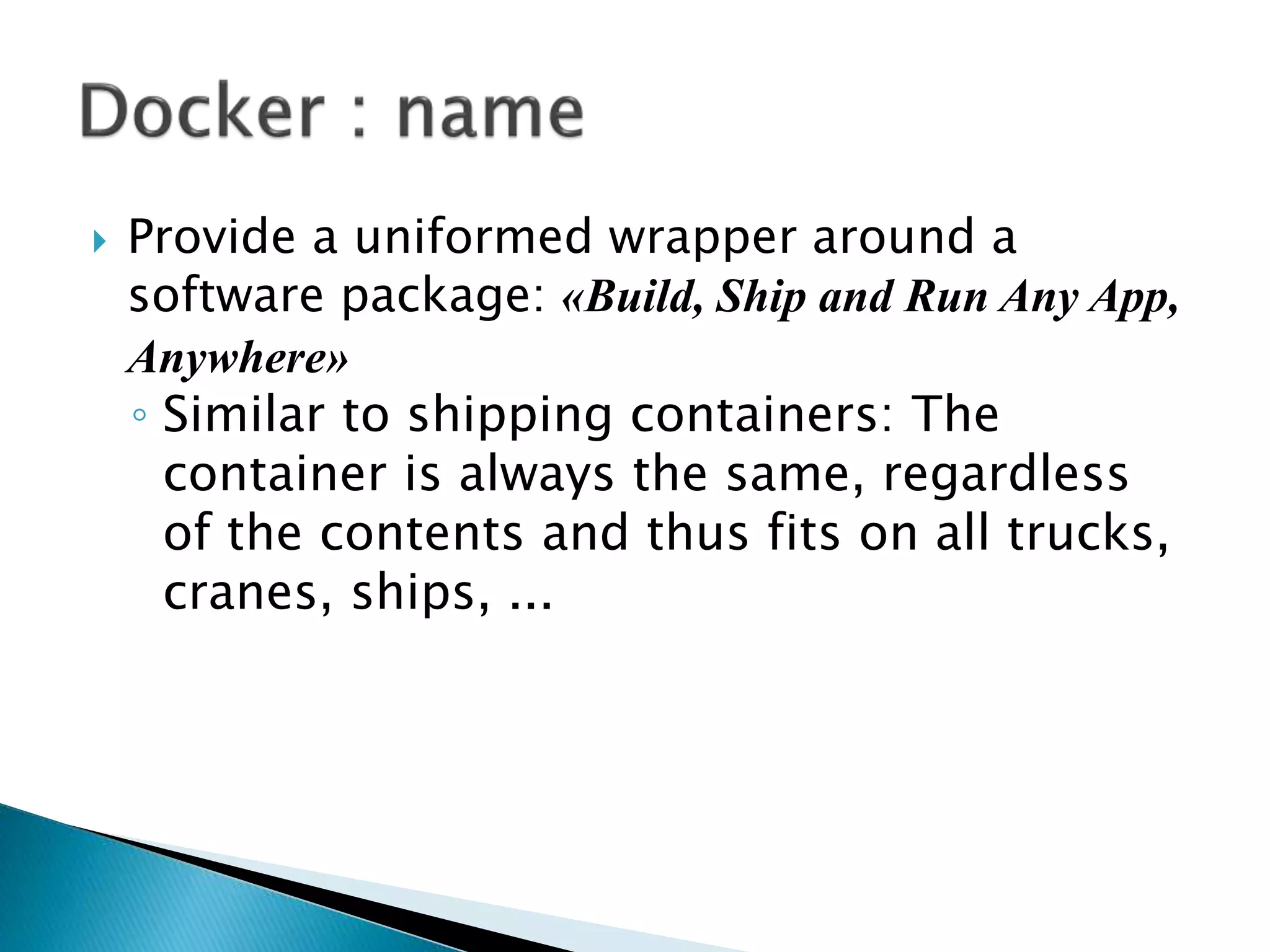
 Provide a uniformed wrapper around a
software package: «Build, Ship and Run Any App,
Anywhere»
◦ Similar to shipping containers: The
container is always the same, regardless
of the contents and thus fits on all trucks,
cranes, ships, ...
 libvirt: Platform Virtualization
 LXC (LinuX Containers): Multiple isolated
Linux systems (containers) on a single host
 Layered File System
 2013-03: Releases as Open Source
 2013-09: Red Hat collaboration (Fedora,
RHEL, OpenShift)
 2014-03: 4th most starred GitHub project
 2014-05: JAX Innovation Award (most
innovative open technology)
12
Run Platforms
 Various Linux distributions
(Ubuntu, Fedora, RHEL, Centos,
openSUSE, ...)
 Cloud (Amazon EC2, Google
Compute Engine, Rackspacem,
Azure)
 2016-12: Microsoft announces
plans to integrate Docker with
next release of Windows Server
 Docker is the world’s
leading software
containerization platform.
Simple Command - Ad-Hoc Container
 docker run ubuntu echo Hello World
◦ docker images [-a]
◦ docker ps –a
 If you change a single line in your
project, how much time is required to
deploy it in production ?
 Persisted snapshot that can be run
◦ images: List all local images
◦ run: Create a container from an image and execute
a command in it
◦ tag: Tag an image
◦ pull: Download image from repository
◦ rmi: Delete a local image
 This will also remove intermediate images if no longer
used
 Runnable instance of an image
◦ ps: List all running containers
◦ ps –a: List all containers (incl. stopped)
◦ top: Display processes of a container
◦ start: Start a stopped container
◦ stop: Stop a running container
◦ pause: Pause all processes within a container
◦ rm: Delete a container
◦ commit: Create an image from a container
Container
cid4
Container
cid3
18
Image vs. Container
Base Image
ubuntu:latest
Container
cid1
run
Container
cid1
cmd  new state
New Image
iid1
commit
base image
Container
cid2
run
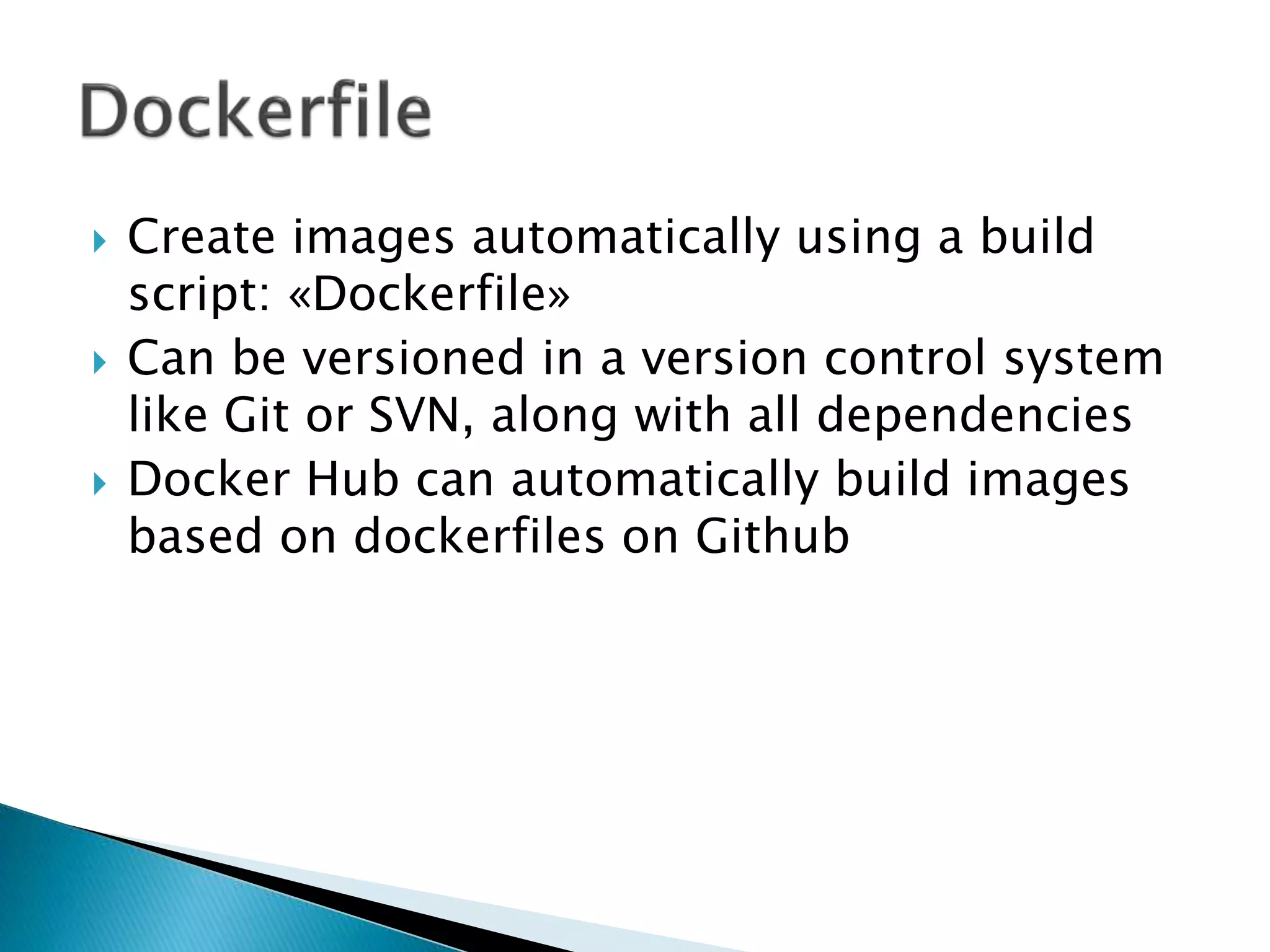
 Create images automatically using a build
script: «Dockerfile»
 Can be versioned in a version control system
like Git or SVN, along with all dependencies
 Docker Hub can automatically build images
based on dockerfiles on Github
 Dockerfile:
◦ FROM ubuntu
ENV DOCK_MESSAGE Hello My World
ADD dir /files
CMD ["bash", "someScript"]
 docker build [DockerFileDir]
 docker inspect [imageId]
 docker run –ti –v /hostLog:/log
ubuntu
 Run second container: Volume can be shared
◦ docker run –ti --volumes-from
firstContainerName ubuntu
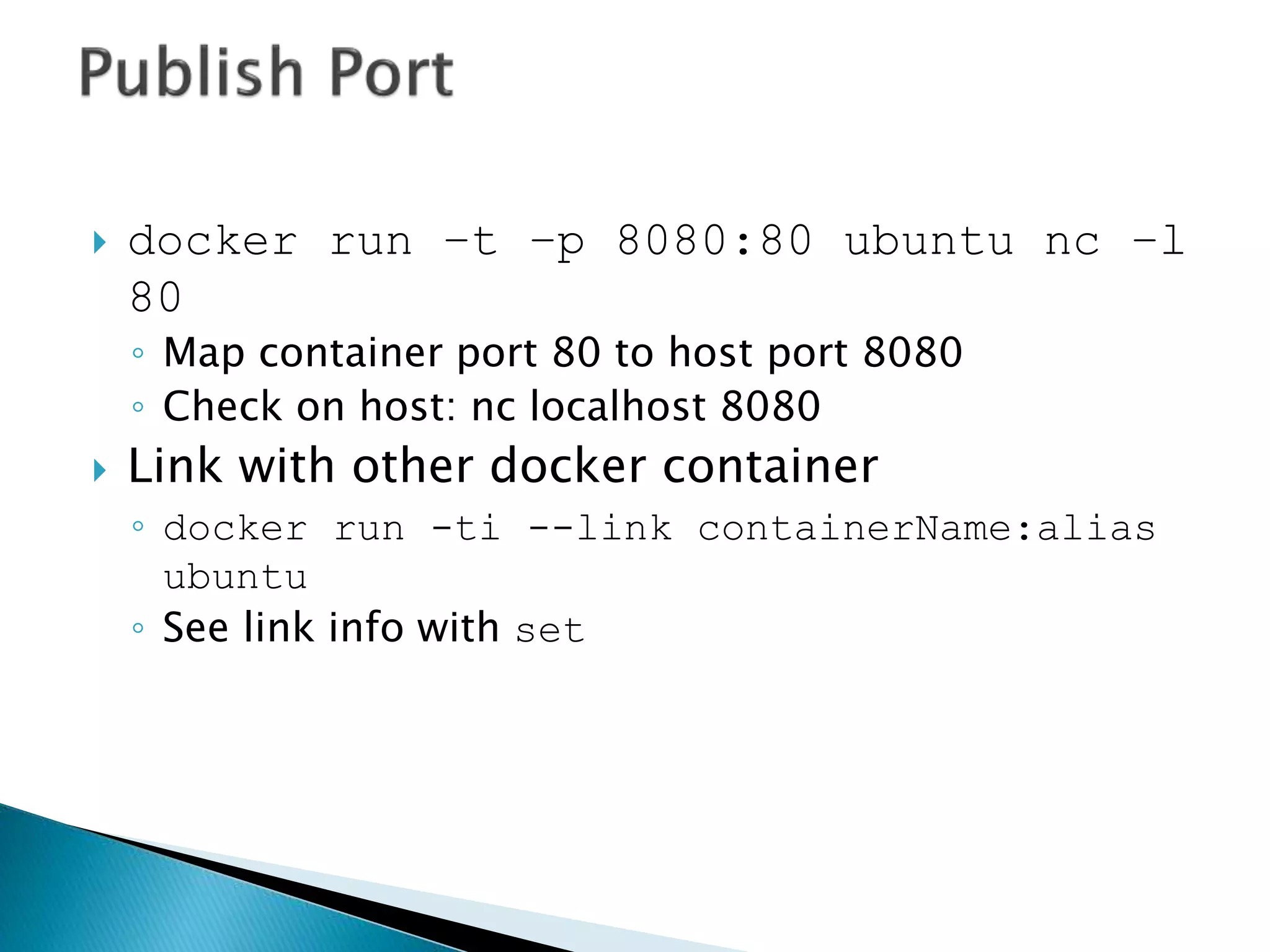
 docker run –t –p 8080:80 ubuntu nc –l
80
◦ Map container port 80 to host port 8080
◦ Check on host: nc localhost 8080
 Link with other docker container
◦ docker run -ti --link containerName:alias
ubuntu
◦ See link info with set
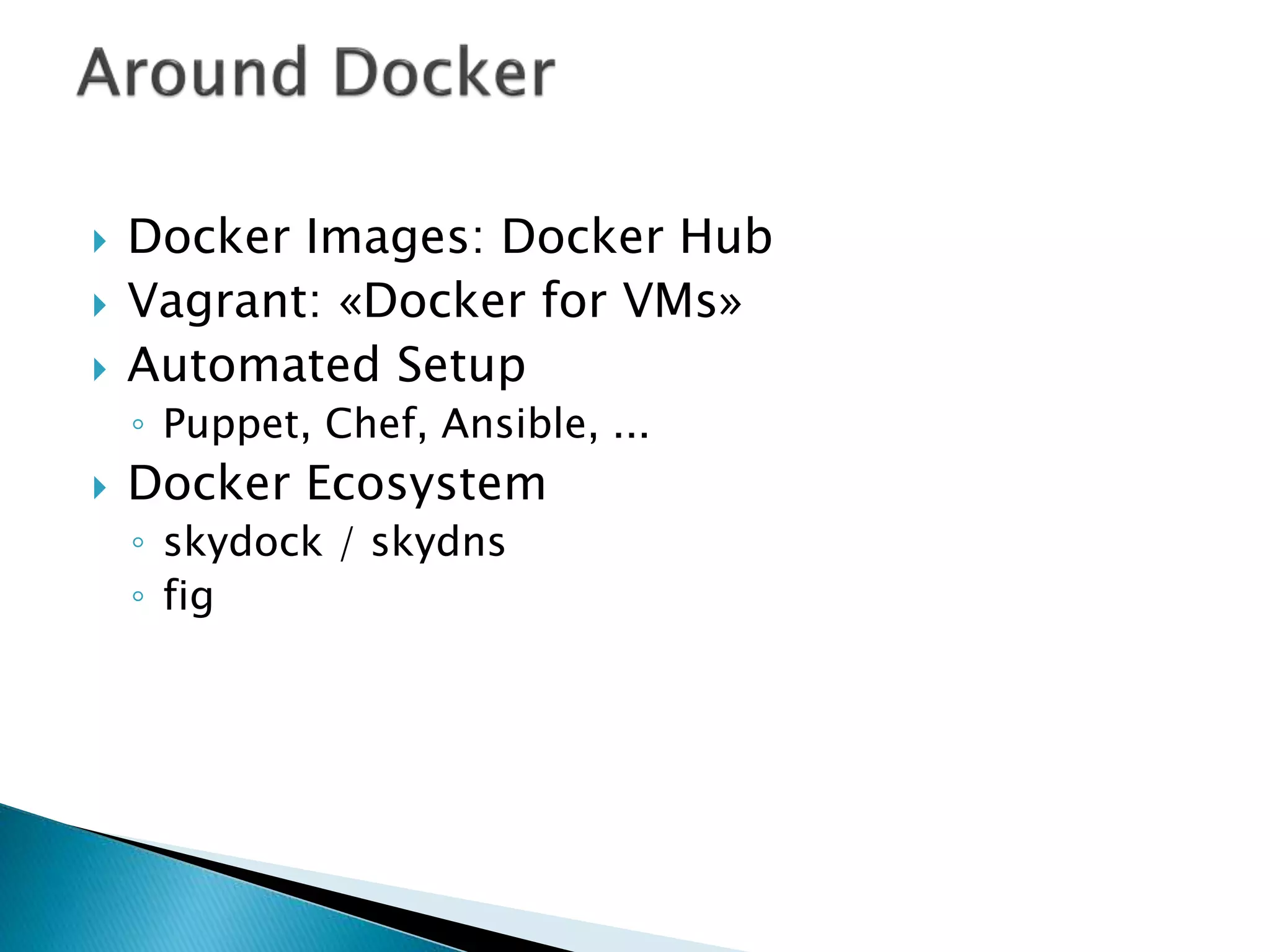
 Docker Images: Docker Hub
 Vagrant: «Docker for VMs»
 Automated Setup
◦ Puppet, Chef, Ansible, ...
 Docker Ecosystem
◦ skydock / skydns
◦ fig
 Public repository of Docker images
◦ https://hub.docker.com/
◦ docker search [term]
 Automated: Has been automatically built from
Dockerfile
◦ Source for build is available on GitHub
 top / ps / free -m
 Start 100 WebServer containers
◦ docker run -d -p $hostPort:5000 -e
"PROVIDER=$provider" training/webapp
 docker ps [containerId]
 top / ps / free -m
 Development Environment
 Environments for Integration Tests
 Quick evaluation of software
 Microservices
 Multi-Tenancy
 Unified execution environment (dev  test 
prod (local, VM, cloud, ...)
e.g. BookMyShow transfer their 3 servers to
docker.
 All IT companies are migrating their servers
with docker.
 Micro-service architecture
 Serverless computing.
 Docker homepage: https://www.docker.com/
◦ Introduction:
https://www.docker.com/whatisdocker/
◦ Online tutorial: https://www.docker.com/tryit/
◦ Installation and user guide:
https://docs.docker.com/
 InfTec TecBoard:
https://inftec.atlassian.net/wiki/display/TEC/
Docker
 https://bitbucket.org/inftec/vagrant-
playground/branch/docker-demo
 Multi-Container-Setup
◦ Logging-Container
◦ Echo-Container
◦ Client-Container
 https://dockerinfo.wordpress.com/
 http://mohan08p.strikingly.com/
 https://www.quora.com/profile/Mohan-
Pawar-1
 https://github.com/mohan08p
 https://in.linkedin.com/in/mohan-pawar-
91a5432a
 Containerization is the fastest, most resource
effective, and most secure setup we know to
date and docker is drifting the IT world in
more agile way to achieved easy to create
architecture.
Docker Basics

Docker Basics

  • 1.
  • 2.
     What isDocker ?  Containers Vs Virtual Machines  Docker terminology ◦ Docker engine ◦ Images ◦ Containers ◦ Registry ◦ Docker Hub ◦ Docker Cloud Introduction to Images Getting started with Containers
  • 3.
     It’s allabout data…
  • 4.
     There’s rock,paper, scissors and then there’s information.
  • 7.
     Docker isan open source engine that automates the deployment of any application as a lightweight, portable and self-sufficient that will run virtually anywhere.  Package your application into a standardized unit of software development.
  • 8.
     Provide auniformed wrapper around a software package: «Build, Ship and Run Any App, Anywhere» ◦ Similar to shipping containers: The container is always the same, regardless of the contents and thus fits on all trucks, cranes, ships, ...
  • 10.
     libvirt: PlatformVirtualization  LXC (LinuX Containers): Multiple isolated Linux systems (containers) on a single host  Layered File System
  • 11.
     2013-03: Releasesas Open Source  2013-09: Red Hat collaboration (Fedora, RHEL, OpenShift)  2014-03: 4th most starred GitHub project  2014-05: JAX Innovation Award (most innovative open technology)
  • 12.
    12 Run Platforms  VariousLinux distributions (Ubuntu, Fedora, RHEL, Centos, openSUSE, ...)  Cloud (Amazon EC2, Google Compute Engine, Rackspacem, Azure)  2016-12: Microsoft announces plans to integrate Docker with next release of Windows Server
  • 13.
     Docker isthe world’s leading software containerization platform.
  • 14.
    Simple Command -Ad-Hoc Container  docker run ubuntu echo Hello World ◦ docker images [-a] ◦ docker ps –a
  • 15.
     If youchange a single line in your project, how much time is required to deploy it in production ?
  • 16.
     Persisted snapshotthat can be run ◦ images: List all local images ◦ run: Create a container from an image and execute a command in it ◦ tag: Tag an image ◦ pull: Download image from repository ◦ rmi: Delete a local image  This will also remove intermediate images if no longer used
  • 17.
     Runnable instanceof an image ◦ ps: List all running containers ◦ ps –a: List all containers (incl. stopped) ◦ top: Display processes of a container ◦ start: Start a stopped container ◦ stop: Stop a running container ◦ pause: Pause all processes within a container ◦ rm: Delete a container ◦ commit: Create an image from a container
  • 18.
    Container cid4 Container cid3 18 Image vs. Container BaseImage ubuntu:latest Container cid1 run Container cid1 cmd  new state New Image iid1 commit base image Container cid2 run
  • 19.
     Create imagesautomatically using a build script: «Dockerfile»  Can be versioned in a version control system like Git or SVN, along with all dependencies  Docker Hub can automatically build images based on dockerfiles on Github
  • 20.
     Dockerfile: ◦ FROMubuntu ENV DOCK_MESSAGE Hello My World ADD dir /files CMD ["bash", "someScript"]  docker build [DockerFileDir]  docker inspect [imageId]
  • 21.
     docker run–ti –v /hostLog:/log ubuntu  Run second container: Volume can be shared ◦ docker run –ti --volumes-from firstContainerName ubuntu
  • 22.
     docker run–t –p 8080:80 ubuntu nc –l 80 ◦ Map container port 80 to host port 8080 ◦ Check on host: nc localhost 8080  Link with other docker container ◦ docker run -ti --link containerName:alias ubuntu ◦ See link info with set
  • 23.
     Docker Images:Docker Hub  Vagrant: «Docker for VMs»  Automated Setup ◦ Puppet, Chef, Ansible, ...  Docker Ecosystem ◦ skydock / skydns ◦ fig
  • 24.
     Public repositoryof Docker images ◦ https://hub.docker.com/ ◦ docker search [term]  Automated: Has been automatically built from Dockerfile ◦ Source for build is available on GitHub
  • 25.
     top /ps / free -m  Start 100 WebServer containers ◦ docker run -d -p $hostPort:5000 -e "PROVIDER=$provider" training/webapp  docker ps [containerId]  top / ps / free -m
  • 26.
     Development Environment Environments for Integration Tests  Quick evaluation of software  Microservices  Multi-Tenancy  Unified execution environment (dev  test  prod (local, VM, cloud, ...) e.g. BookMyShow transfer their 3 servers to docker.
  • 28.
     All ITcompanies are migrating their servers with docker.  Micro-service architecture  Serverless computing.
  • 29.
     Docker homepage:https://www.docker.com/ ◦ Introduction: https://www.docker.com/whatisdocker/ ◦ Online tutorial: https://www.docker.com/tryit/ ◦ Installation and user guide: https://docs.docker.com/  InfTec TecBoard: https://inftec.atlassian.net/wiki/display/TEC/ Docker
  • 30.
  • 31.
     https://dockerinfo.wordpress.com/  http://mohan08p.strikingly.com/ https://www.quora.com/profile/Mohan- Pawar-1  https://github.com/mohan08p  https://in.linkedin.com/in/mohan-pawar- 91a5432a
  • 32.
     Containerization isthe fastest, most resource effective, and most secure setup we know to date and docker is drifting the IT world in more agile way to achieved easy to create architecture.

Editor's Notes

  • #13 Windows: http://www.zdnet.com/docker-cto-why-microsofts-docker-plans-for-windows-will-matter-to-you-7000035150/ "That's why the result of the Microsoft announcement will not allow a container that runs on Linux to run seamlessly on Windows or vice versa. But that's OK because in the context of distributed applications that's not what developers are asking for."