Networking for the IT
Professional and the IT Geek
         Michael Fisher
     Molina Healthcare, Inc.
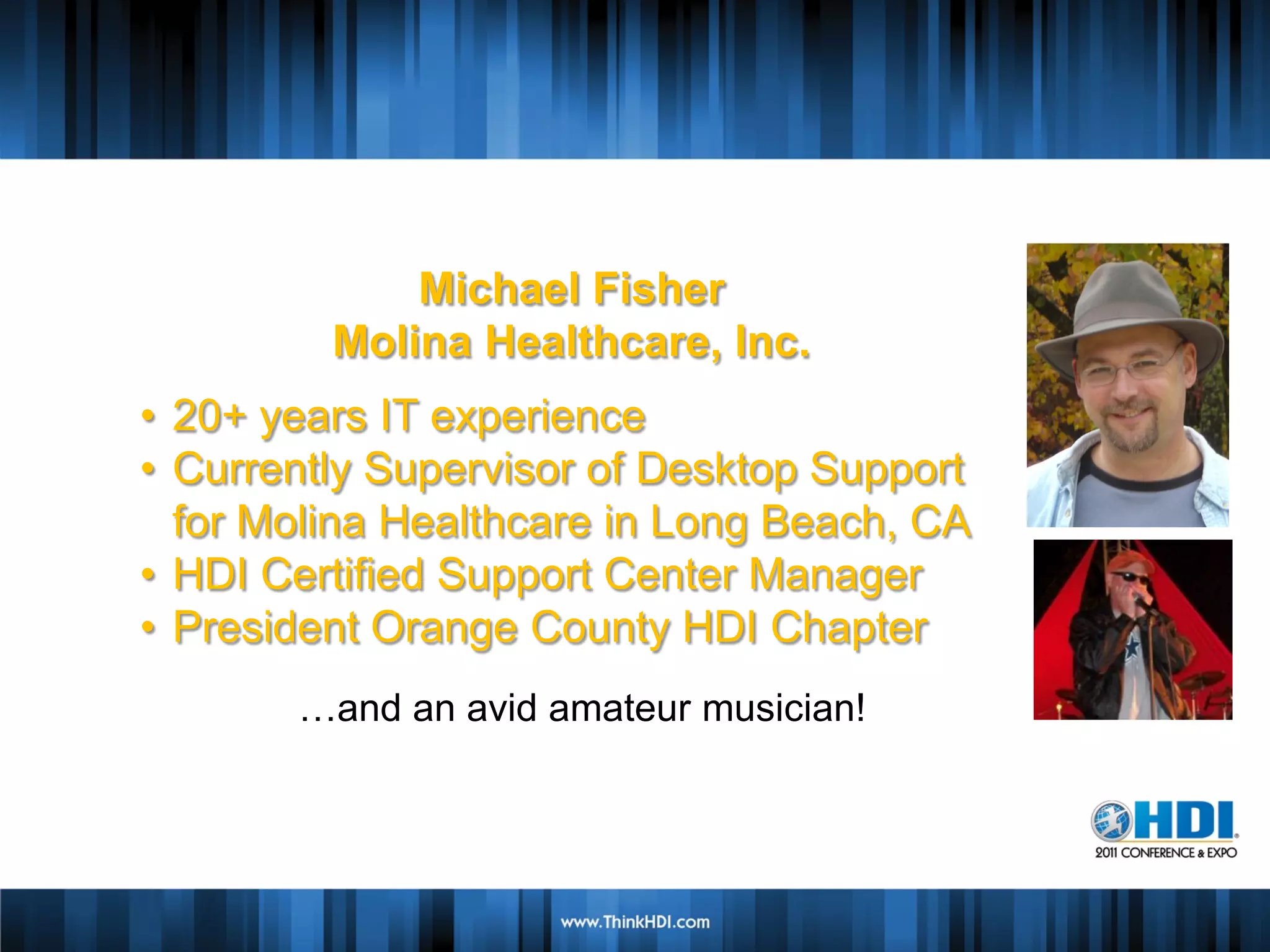
Michael Fisher
         Molina Healthcare, Inc.
• 20+ years IT experience
               Speaker Name
• Currently Supervisor of Desktop Support
             Speaker Company
  for Molina Healthcare in Long Beach, CA
• HDI Certified SupportBio
                  Brief Center Manager
                Insert Picture
• President Orange County HDI Chapter
       …and an avid amateur musician!
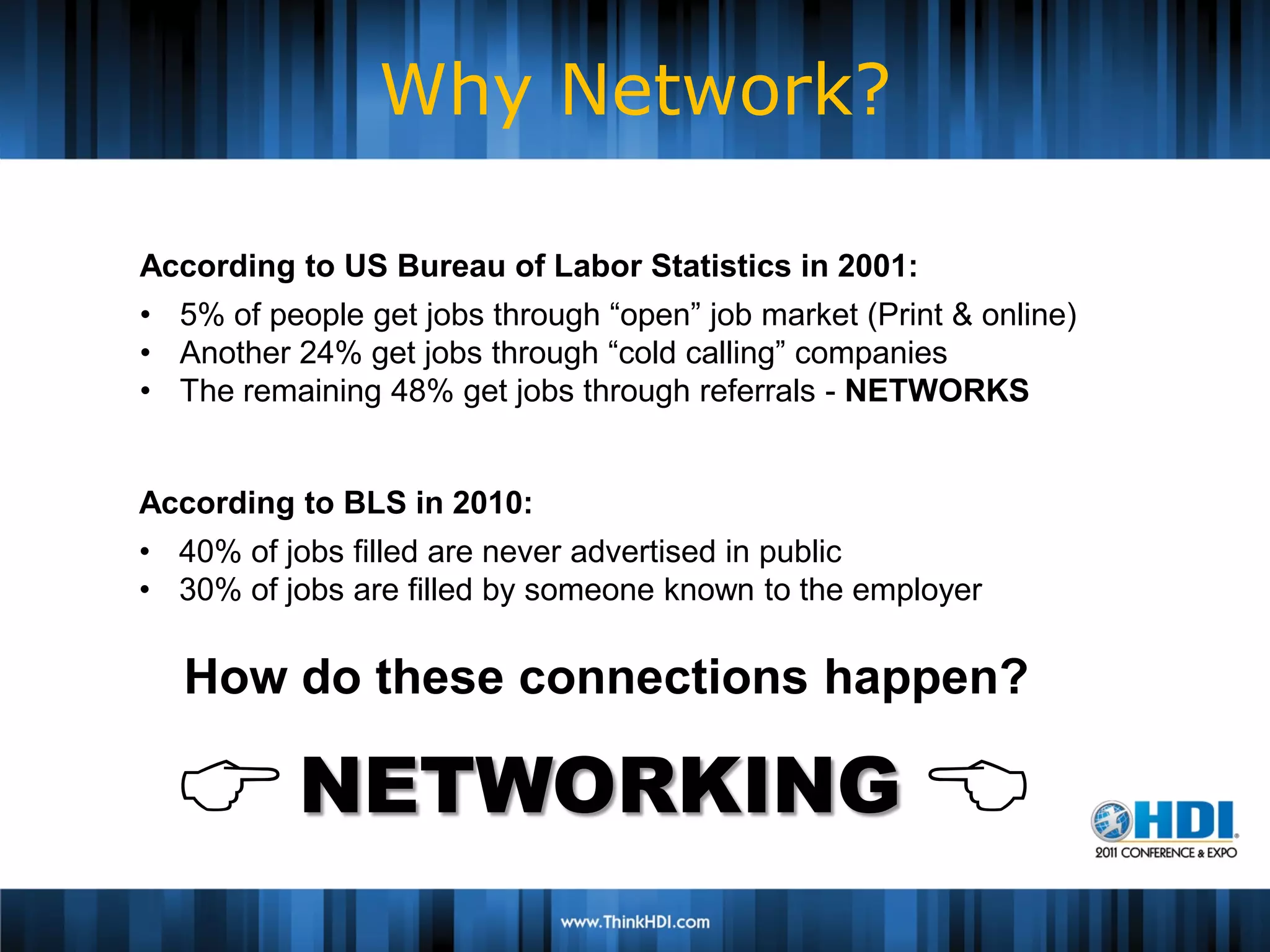
Why Network?

According to US Bureau of Labor Statistics in 2001:
• 5% of people get jobs through “open” job market (Print & online)
• Another 24% get jobs through “cold calling” companies
• The remaining 48% get jobs through referrals - NETWORKS

                    Speaker Name
According to BLS in 2010:
                  Speaker Company
• 40% of jobs filled are never advertised in public
• 30% of jobs are filled Brief Bio known to the employer
                         by someone
                     Insert Picture
   How do these connections happen?

   NETWORKING 
Why am I here?

I learned about Networking the hard way.

• I am a longtime IT geek.
• I was more comfortable with e-contact than face-
  to-face encounters.
• Networking was fuzzy and unfamiliar…
  ∴ It was to be avoided.
Why am I here?

I learned about Networking the hard way.

•   I had an unexpected job loss in 2004.
•   Started Networking from ZERO.
•   Made lots of rookie Networking mistakes…
•   …but I figured it out.
What is this “Network” thing?


 Network (net-wərk), n. An interconnected
 system of things or people.


  But it’s used as a Verb, too…
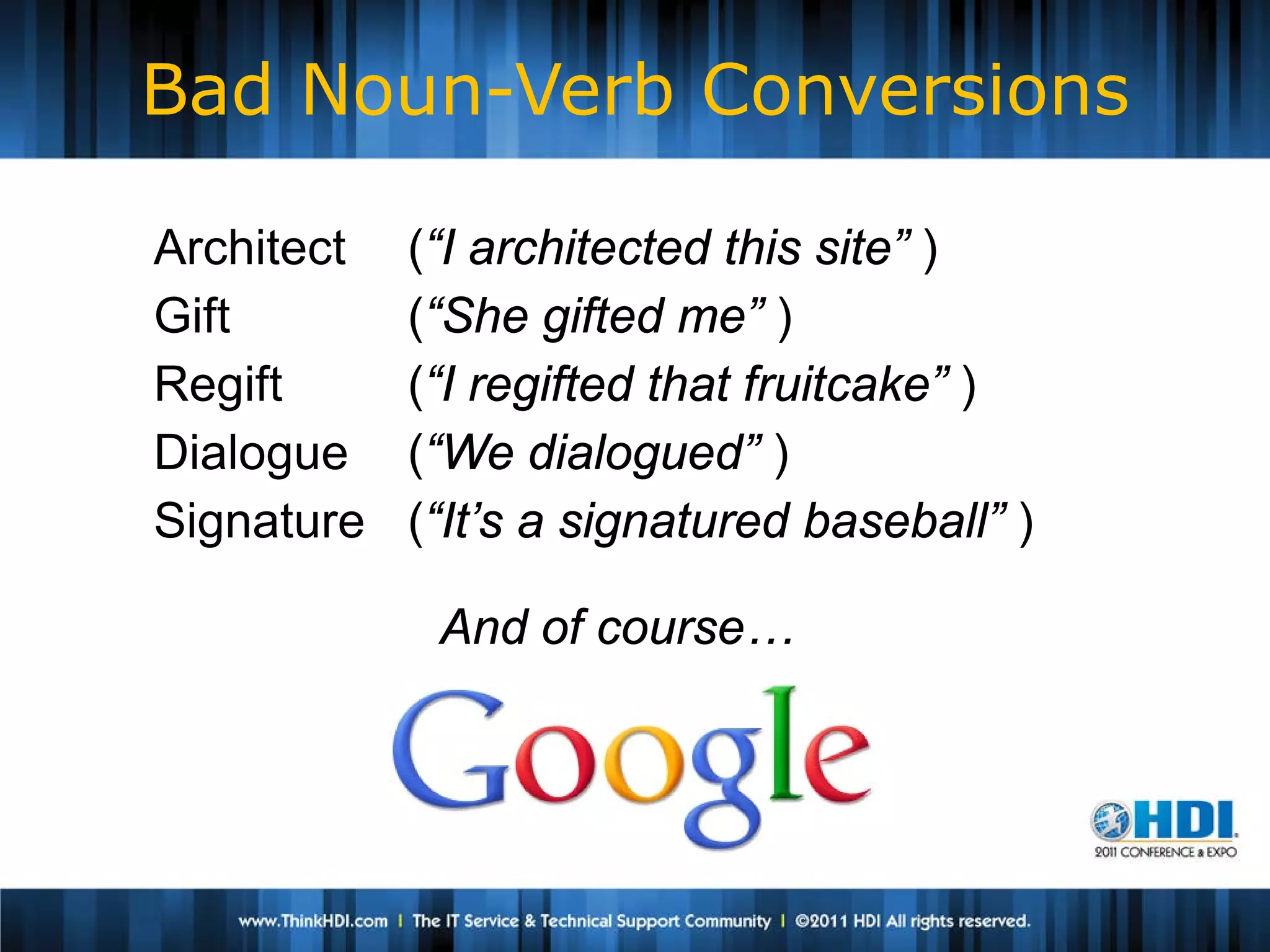
Bad Noun-Verb Conversions

Architect   (“I architected this site” )
Gift        (“She gifted me” )
Regift      (“I regifted that fruitcake” )
Dialogue    (“We dialogued” )
Signature   (“It’s a signatured baseball” )

             And of course…
What is this “Network” thing?

 Network (net-wərk), v. to cultivate people who
 can be helpful to one professionally, esp. in finding
 employment or moving to a higher position.


• Networking is about building relationships.
• It’s a verb, not a noun.

  Networking is something you have to DO.
What is this “Networking” thing?

NETWORKING IS NOT ALWAYS COMFORTABLE


• We are Geeks. We are more comfortable with
  devices and GUIs than with people.
• Networking takes you out of your comfort zone.
What Professional Networking Is

Networking is about making and building
      connections with PEOPLE.
                   In Real Time.
It involves:                Meeting people.
 Calling people.            Talking to people.
 Connecting people.         Remembering people.

       HELPING PEOPLE.
The Secret to Networking


• Networking isn’t about “What can you
  do for me?”


• It’s about “What can I do for you?”
What You Can Give
• Volunteer your time
   Offer to help out at an event
   Share information, advice and perspectives
   Position yourself as a valued expert


• Positive Encouragement
   Find out what they’re doing, and show your
    interest
What You Can Give
• Expertise
   You have a unique and valid POV
   Share information, advice and perspectives
   Position yourself as a valued expert


• Connections
   As you build it, your network will become a
    valuable commodity
   Look for ways to connect people
   This will make YOU a valuable resource
What Professional Networking Isn’t

•   Surfing Websites
•   Job Boards
•   Selling a Service or Product
•   Online Role-Playing Games
•   Wasting time
•   Partying

       Networking is a focused activity.
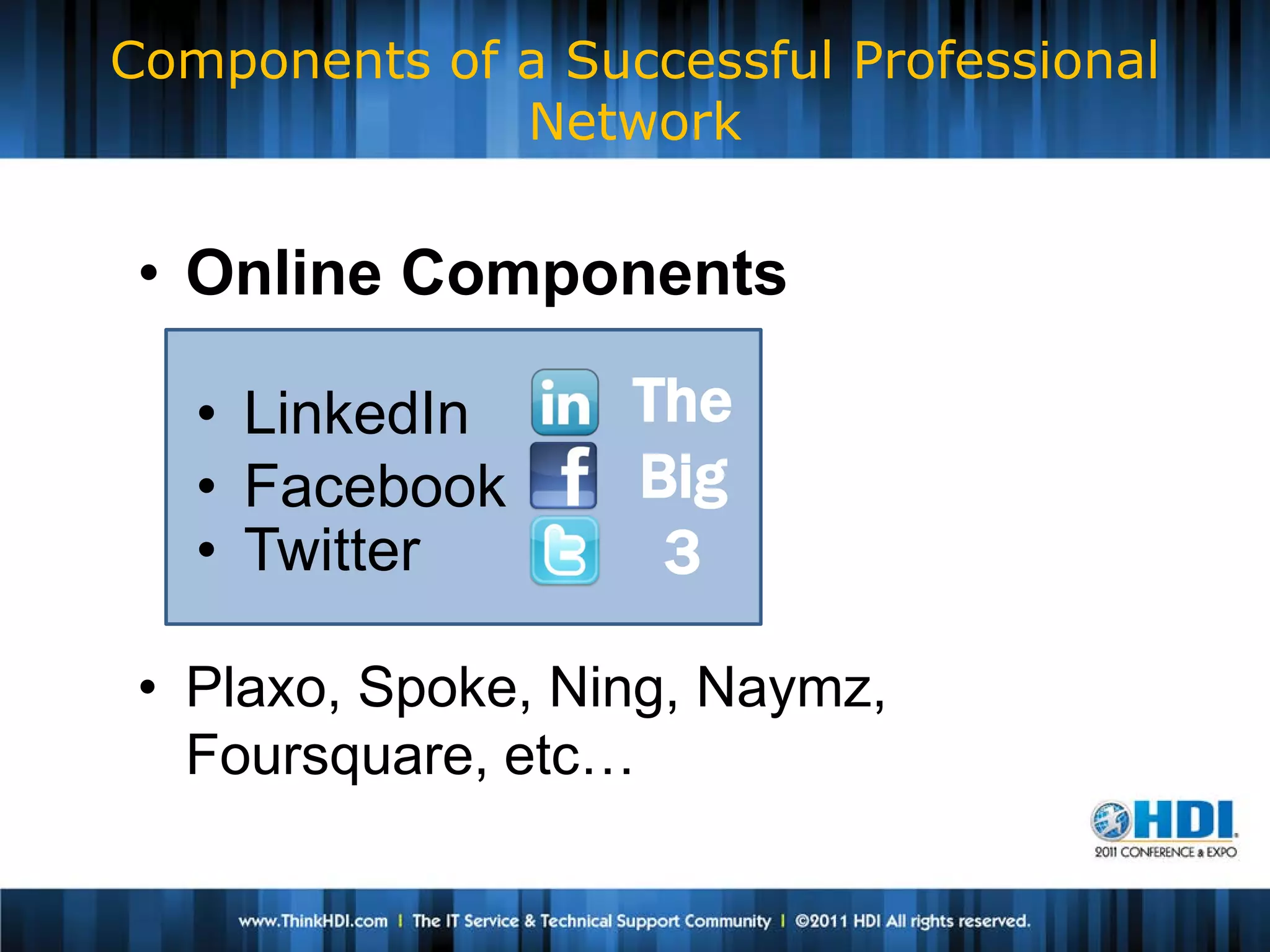
Components of a Successful Professional
              Network


 • Online Components

   • LinkedIn      The
   • Facebook      Big
   • Twitter        3

 • Plaxo, Spoke, Ning, Naymz,
   Foursquare, etc…
Components of a Successful Professional
              Network


 • Offline (In-Person) Components
   •   Professional Conferences
   •   HDI Local Chapter meetings
   •   ITSMF
   •   PMI
   •   Find other local groups!
5 Networking Principles

• It’s not a One-Night Stand, it’s an Ongoing
  Commitment
• Don’t wait until you need your network.
  Start now.
• Seek In-Person contact before Online contact.
• “Help First, Ask Last.”
• If help is offered, Take It. (Graciously!)

              “Nothing will bind someone to
                you more firmly than if they have
                given you assistance.”
How to Work a Room

• Check your attitude
• Redefine what it means to interact with “strangers”
• Prepare and practice your self-introduction
• Risk rejection – it’s not the end of the world
• Go introduce yourself and find out how you can
  help!


        Source: UC Berkeley Career Center
        https://career.berkeley.edu/article/021011b.stm
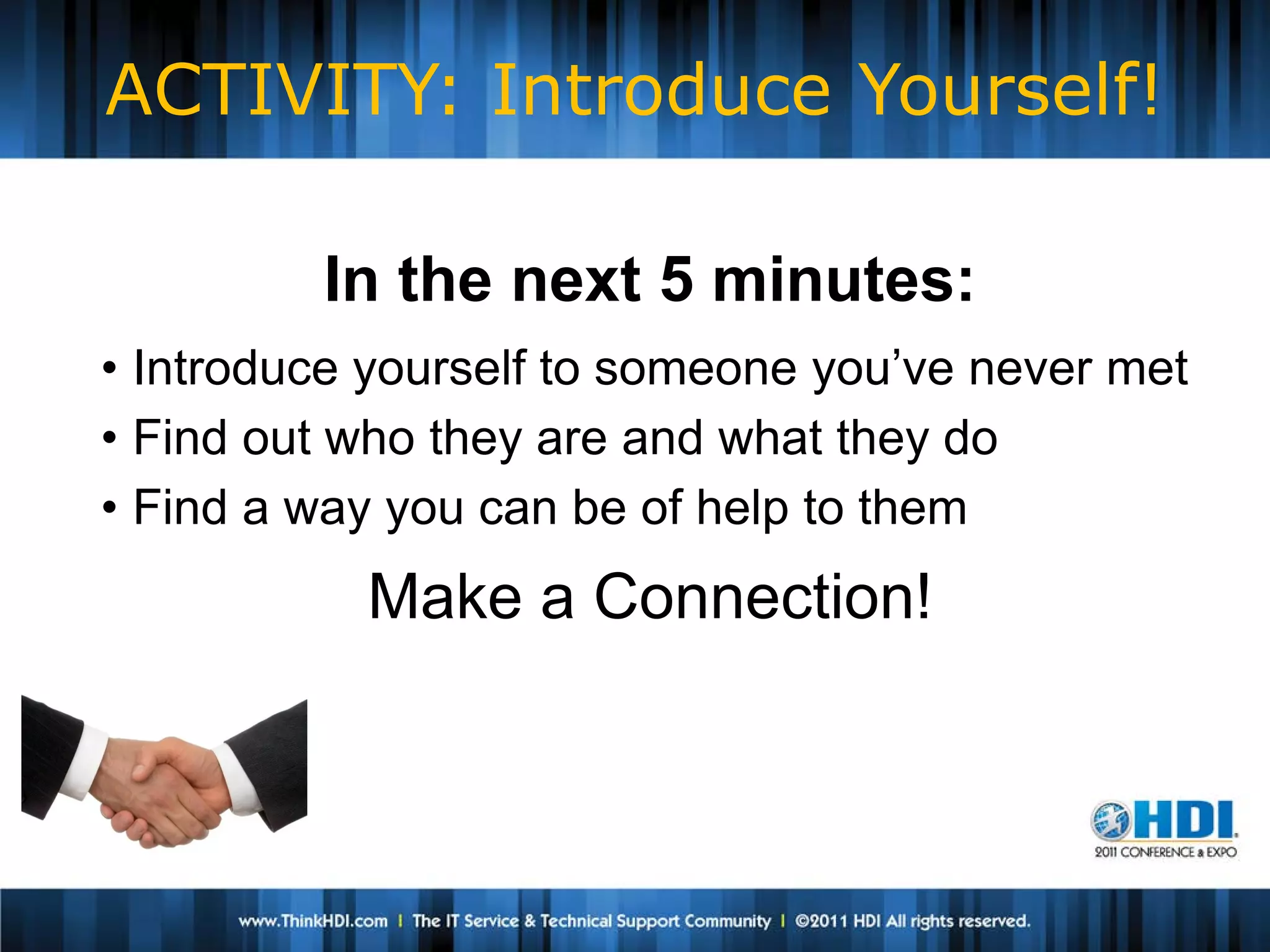
ACTIVITY: Introduce Yourself!

         In the next 5 minutes:
• Introduce yourself to someone you’ve never met
• Find out who they are and what they do
• Find a way you can be of help to them
           Make a Connection!
How Do I Keep It Alive?

• Stay on People’s Radar.
   Social Media can be useful for this.

• Offer to Help.
   This makes you stand out.

• Invest Time.
   Small gestures go a long way.
Pitfalls To Avoid

• Over-reliance on one channel
    DANGER: ONLINE CATNIP FOR THE
     GEEK!
• Not Listening
• Not Offering to Help
• Sales and Marketing
• Not being persistent about it
Tips To Employ

• Offer and Provide Help
  • Volunteer to help at events
  • Respond to requests for expertise
  • Share your experience
Tips To Employ

• Have an Objective
• Set up Metrics
  • “The 15 Slots”
    • 15 meals per week - Breakfast, Lunch &
      Dinner, Monday through Friday
    • How many of those 15 slots are you filling
      with Networking Opportunities?

          Source: Joel Ordesky
                  http://www.exectec.us
                           @firqby
Tips To Employ

• Elevator Speech
• Business Cards
 • Even if not employed – Business Cards
   are cheap
 • Include your LinkedIN URL and Twitter
   username on your card
Go Do It!


     Michael Fisher
          michael.fisher@molinahealthcare.com
          http://www.linkedin.com/in/michaelrfisher
          @michaelrfisher


 Thanks for your time! 
Thank you for attending.
 Please Complete the
      Evaluation

Michael Fisher, HDI2011 - Networking for the IT Professional and the IT Geek

  • 1.
    Networking for theIT Professional and the IT Geek Michael Fisher Molina Healthcare, Inc.
  • 2.
    Michael Fisher Molina Healthcare, Inc. • 20+ years IT experience Speaker Name • Currently Supervisor of Desktop Support Speaker Company for Molina Healthcare in Long Beach, CA • HDI Certified SupportBio Brief Center Manager Insert Picture • President Orange County HDI Chapter …and an avid amateur musician!
  • 3.
    Why Network? According toUS Bureau of Labor Statistics in 2001: • 5% of people get jobs through “open” job market (Print & online) • Another 24% get jobs through “cold calling” companies • The remaining 48% get jobs through referrals - NETWORKS Speaker Name According to BLS in 2010: Speaker Company • 40% of jobs filled are never advertised in public • 30% of jobs are filled Brief Bio known to the employer by someone Insert Picture How do these connections happen?  NETWORKING 
  • 4.
    Why am Ihere? I learned about Networking the hard way. • I am a longtime IT geek. • I was more comfortable with e-contact than face- to-face encounters. • Networking was fuzzy and unfamiliar… ∴ It was to be avoided.
  • 5.
    Why am Ihere? I learned about Networking the hard way. • I had an unexpected job loss in 2004. • Started Networking from ZERO. • Made lots of rookie Networking mistakes… • …but I figured it out.
  • 6.
    What is this“Network” thing? Network (net-wərk), n. An interconnected system of things or people. But it’s used as a Verb, too…
  • 7.
    Bad Noun-Verb Conversions Architect (“I architected this site” ) Gift (“She gifted me” ) Regift (“I regifted that fruitcake” ) Dialogue (“We dialogued” ) Signature (“It’s a signatured baseball” ) And of course…
  • 8.
    What is this“Network” thing? Network (net-wərk), v. to cultivate people who can be helpful to one professionally, esp. in finding employment or moving to a higher position. • Networking is about building relationships. • It’s a verb, not a noun. Networking is something you have to DO.
  • 9.
    What is this“Networking” thing? NETWORKING IS NOT ALWAYS COMFORTABLE • We are Geeks. We are more comfortable with devices and GUIs than with people. • Networking takes you out of your comfort zone.
  • 10.
    What Professional NetworkingIs Networking is about making and building connections with PEOPLE. In Real Time. It involves: Meeting people. Calling people. Talking to people. Connecting people. Remembering people. HELPING PEOPLE.
  • 11.
    The Secret toNetworking • Networking isn’t about “What can you do for me?” • It’s about “What can I do for you?”
  • 12.
    What You CanGive • Volunteer your time  Offer to help out at an event  Share information, advice and perspectives  Position yourself as a valued expert • Positive Encouragement  Find out what they’re doing, and show your interest
  • 13.
    What You CanGive • Expertise  You have a unique and valid POV  Share information, advice and perspectives  Position yourself as a valued expert • Connections  As you build it, your network will become a valuable commodity  Look for ways to connect people  This will make YOU a valuable resource
  • 14.
    What Professional NetworkingIsn’t • Surfing Websites • Job Boards • Selling a Service or Product • Online Role-Playing Games • Wasting time • Partying Networking is a focused activity.
  • 15.
    Components of aSuccessful Professional Network • Online Components • LinkedIn The • Facebook Big • Twitter 3 • Plaxo, Spoke, Ning, Naymz, Foursquare, etc…
  • 16.
    Components of aSuccessful Professional Network • Offline (In-Person) Components • Professional Conferences • HDI Local Chapter meetings • ITSMF • PMI • Find other local groups!
  • 17.
    5 Networking Principles •It’s not a One-Night Stand, it’s an Ongoing Commitment • Don’t wait until you need your network. Start now. • Seek In-Person contact before Online contact. • “Help First, Ask Last.” • If help is offered, Take It. (Graciously!)  “Nothing will bind someone to you more firmly than if they have given you assistance.”
  • 18.
    How to Worka Room • Check your attitude • Redefine what it means to interact with “strangers” • Prepare and practice your self-introduction • Risk rejection – it’s not the end of the world • Go introduce yourself and find out how you can help! Source: UC Berkeley Career Center https://career.berkeley.edu/article/021011b.stm
  • 19.
    ACTIVITY: Introduce Yourself! In the next 5 minutes: • Introduce yourself to someone you’ve never met • Find out who they are and what they do • Find a way you can be of help to them Make a Connection!
  • 20.
    How Do IKeep It Alive? • Stay on People’s Radar.  Social Media can be useful for this. • Offer to Help.  This makes you stand out. • Invest Time.  Small gestures go a long way.
  • 21.
    Pitfalls To Avoid •Over-reliance on one channel  DANGER: ONLINE CATNIP FOR THE GEEK! • Not Listening • Not Offering to Help • Sales and Marketing • Not being persistent about it
  • 22.
    Tips To Employ •Offer and Provide Help • Volunteer to help at events • Respond to requests for expertise • Share your experience
  • 23.
    Tips To Employ •Have an Objective • Set up Metrics • “The 15 Slots” • 15 meals per week - Breakfast, Lunch & Dinner, Monday through Friday • How many of those 15 slots are you filling with Networking Opportunities? Source: Joel Ordesky http://www.exectec.us @firqby
  • 24.
    Tips To Employ •Elevator Speech • Business Cards • Even if not employed – Business Cards are cheap • Include your LinkedIN URL and Twitter username on your card
  • 25.
    Go Do It! Michael Fisher michael.fisher@molinahealthcare.com http://www.linkedin.com/in/michaelrfisher @michaelrfisher  Thanks for your time! 
  • 26.
    Thank you forattending. Please Complete the Evaluation