A presentation by Group 5 AmLAK:  Amy Martin, LeeAnn Morrissey,  Alan Zollner, and Kathryn Welling Mount St. Mary College, Teaching With Technology ED 5700-01 Fall 2008
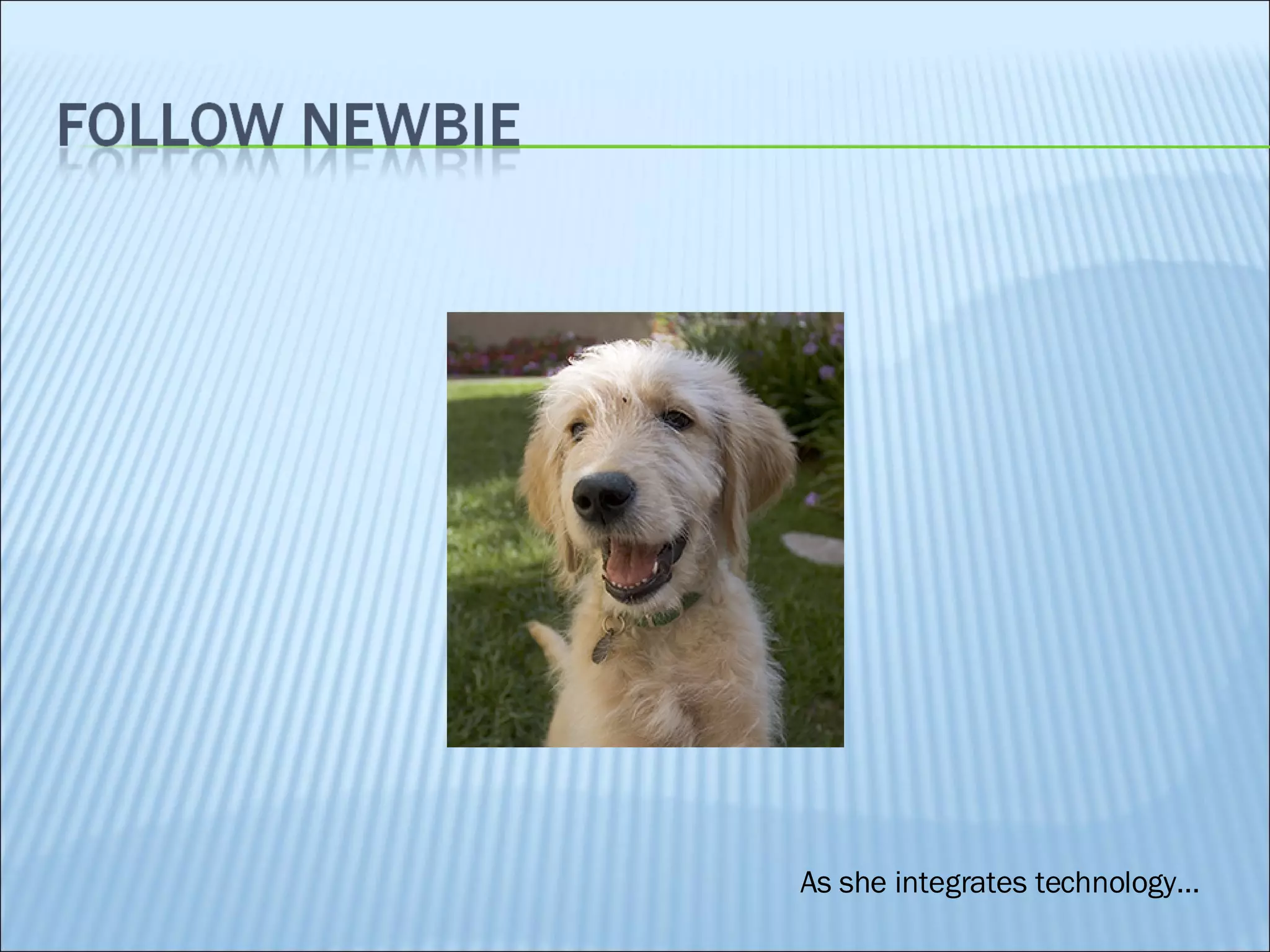
As she integrates technology…
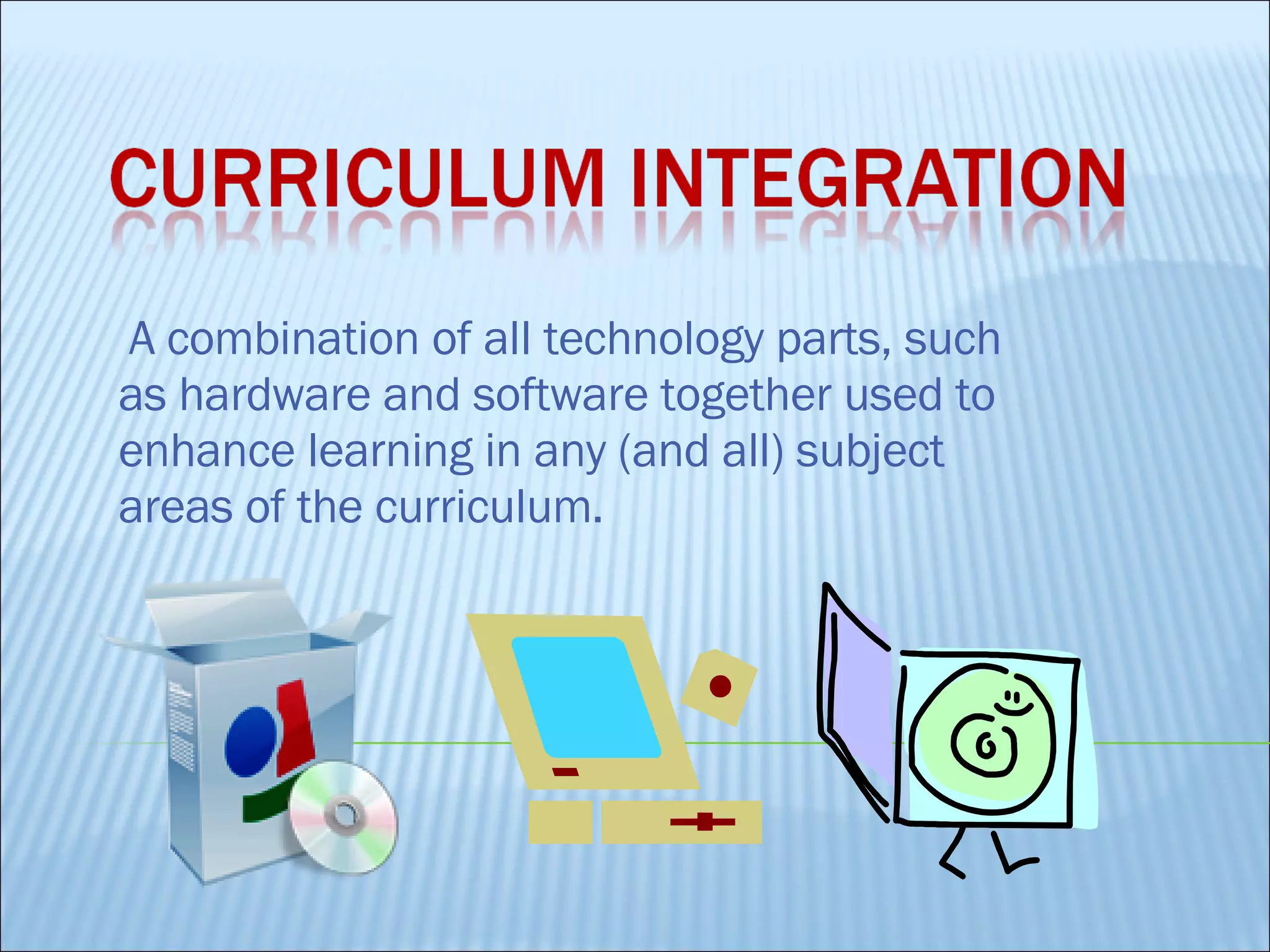
A combination of all technology parts, such as hardware and software together used to enhance learning in any (and all) subject areas of the curriculum.
 
Standards that defines what a student is expected to know at certain stages of education. Also called a curriculum goal.  Ex.  District, State, and National  Learning Standards
Innovative ways to integrate technology into content-specific curriculum.  View what other teachers are doing in the classroom regarding technology. Look outside your content area because there are many great integration ideas waiting for you! Use as a source for professional development and collaboration with other professionals!
Up to 10  – Early Childhood Kids Bank  – Elementary Myths, Folktales, & Fairy Tales  Middle School
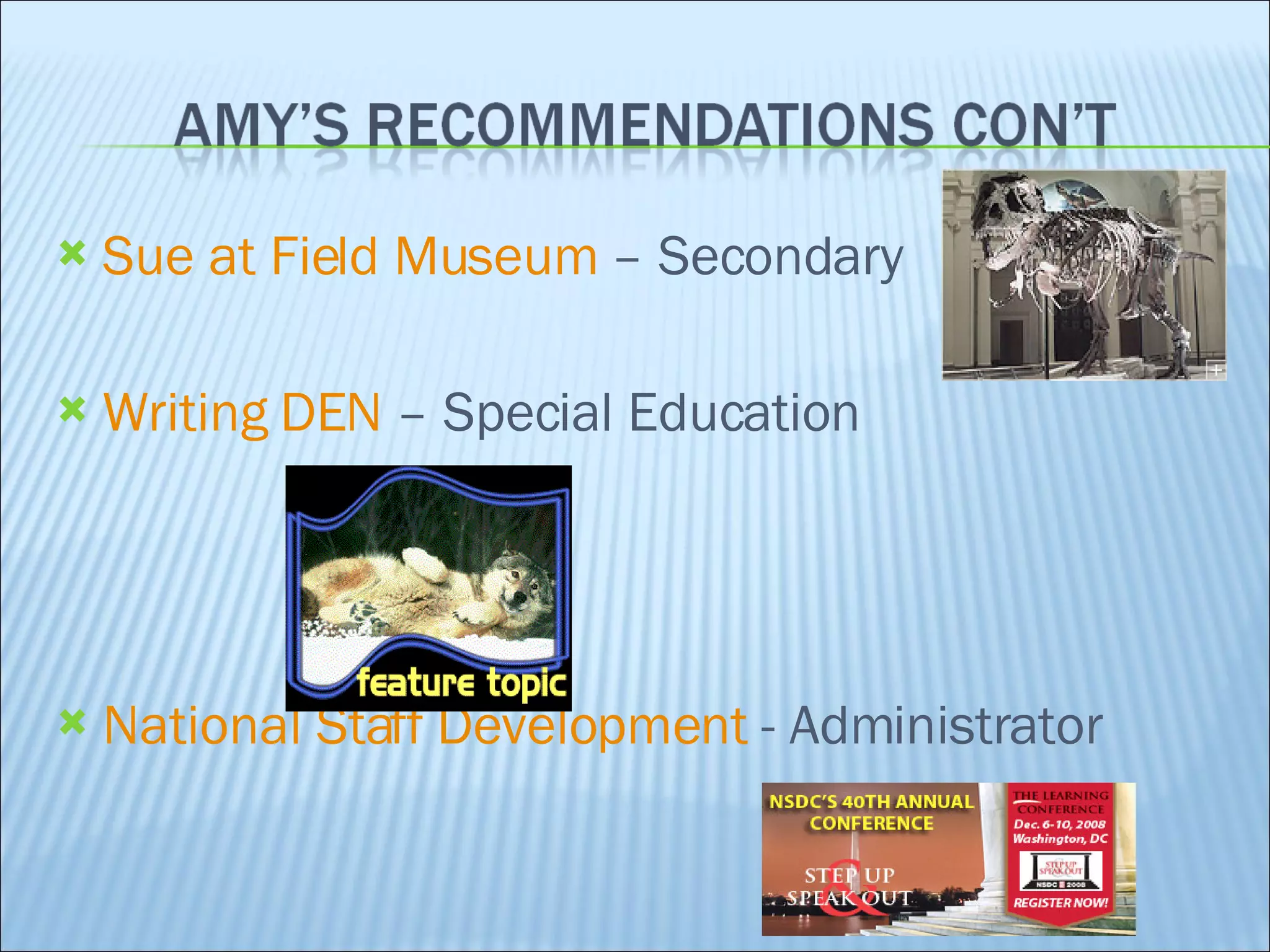
Sue at Field Museum  – Secondary Writing DEN  – Special Education National Staff Development  - Administrator
Owl and Mouse Software Reader Rabbit
Model ChemLab Destination Series
Name given to the Internet and the World Wide Web because they give students of all backgrounds, socioeconomic levels, learning styles, and learning abilities access to the same information.
K now,  W ant,  L earned Students first ask what do I already know? Next they ask what do I want to know? After reading, what did I learn? Students work collaboratively
Final Cut Studio: editing system designed by Apple encourages innovation incredible graphics and effects shared easily between computers expensive: retails for $1300.00editing system designed by Apple
Booktalking WordPress.com – 50 languages get students involved in a book read the book as if making a movie create a "book trailer" MS photostory / Apple iMovie DigitalBooktalk.com
 
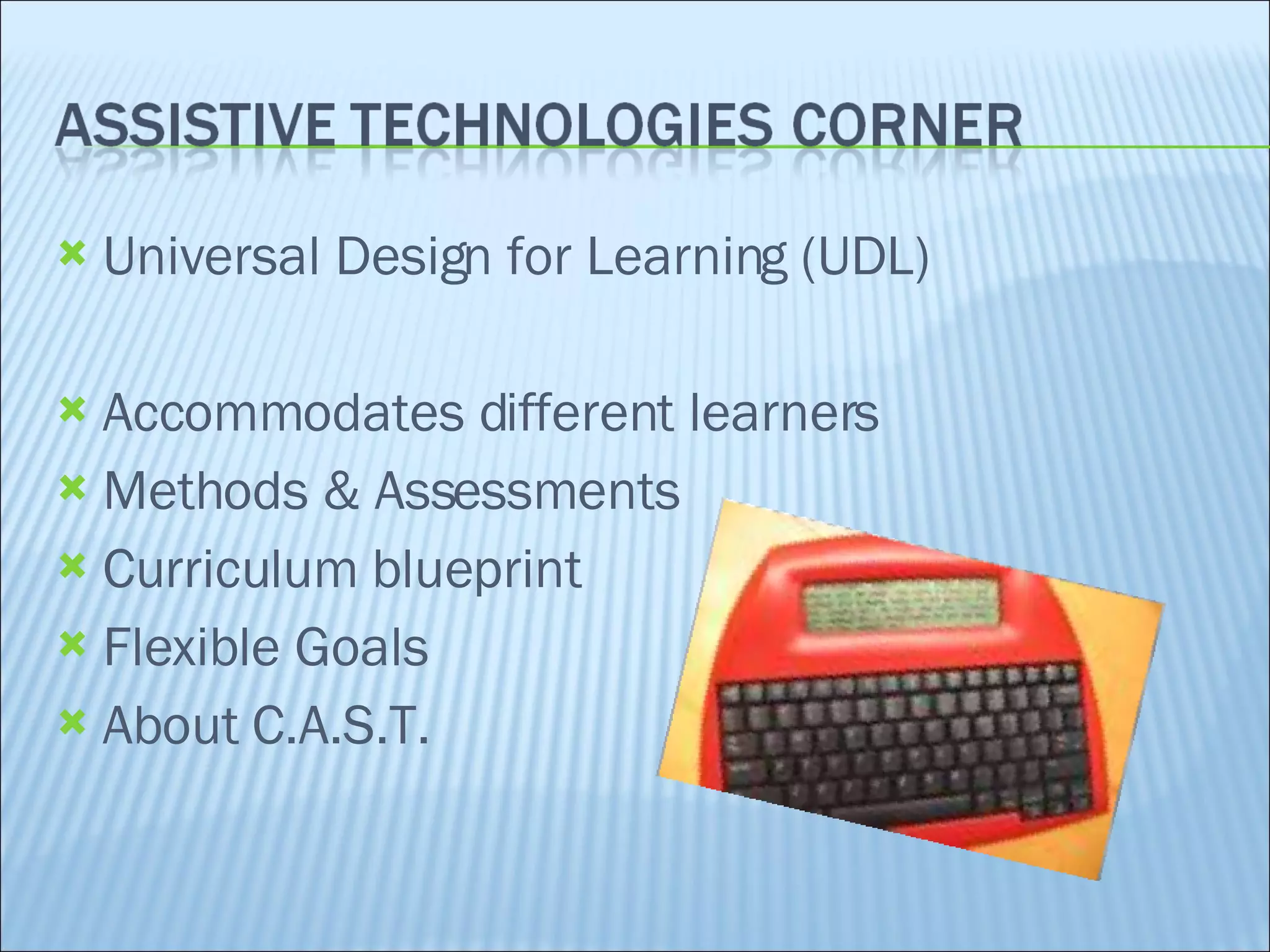
Universal Design for Learning (UDL) Accommodates different learners Methods & Assessments  Curriculum blueprint Flexible Goals About C.A.S.T.
New teachers are paired with experienced teachers to learn how to integrate technology into the classroom. Something to think about.... Do you think the experienced teachers know more about technology?
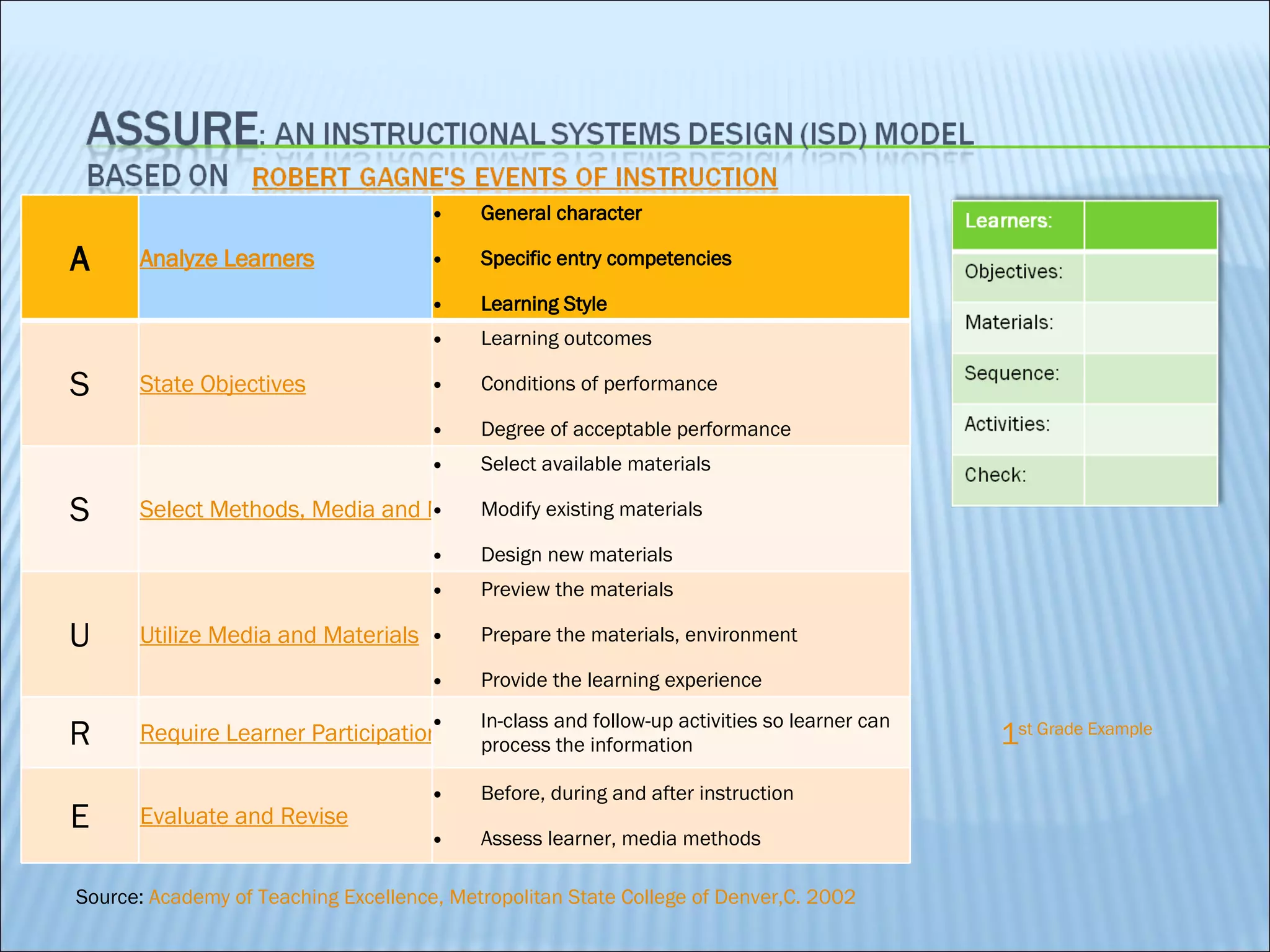
Source:  Academy of Teaching Excellence, Metropolitan State College of Denver,C. 2002 1 st  Grade Example A Analyze Learners General character Specific entry competencies Learning Style  S State Objectives Learning outcomes Conditions of performance Degree of acceptable performance  S Select Methods, Media and Materials Select available materials Modify existing materials Design new materials  U Utilize Media and Materials Preview the materials Prepare the materials, environment Provide the learning experience  R Require Learner Participation In-class and follow-up activities so learner can process the information  E Evaluate and Revise Before, during and after instruction Assess learner, media methods
Can you see yourself using this in REAL LIFE? Example: Multiple disciplines,  Challenging in complexity,  Higher order thinking skills A Analyze Learners Who are YOUR students? S State Objectives Do YOU and YOUR STUDENTS understand the intended learning outcomes for the lesson? S Select Methods, Media and Materials How will YOU teach this?  What will YOU really USE? U Utilize Media and Materials DO IT R Require Learner Participation What will your students DO? E Evaluate and Revise How will  YOU know if it worked?
Lesson Plans Grant Opportunities Mentoring Storytelling Mentoring: New teachers are paired with experienced teachers to learn how to integrate technology into the classroom.
What are some mentoring opportunities you can think of? Newbie is a new teacher
Virtual Mentors –  CTQ  Center for Teaching Quality Mighty Mentors Edutopia Many More! Experienced Teachers Retired Teachers Technical Resource  Specialist Colleagues Students Professional Societies Professors Newbie
Security vs Integration http://www.wtvi.com /TEKS/article4.html / http://www.ncela.gwu.edu Integrated Learning Systems http://www.classworks.com/ Levels of Integration http://www.goenc.com / Psssst… We can keep the book!  http://oc.course.com/sc/tdc5/index.cfm?action=home Bilingual Education Great library links tech to NYS Stds ! http://www.teachersdomain.org/ National Clearinghouse for English Language Aquisition
http://oc.course.com/sc/tdc5/flash/checkpoint/ch6/index.cfm?action=matching&chapter=6 Amy Alan
Wheel of Terms Who Wants to be a computer genius?
Bringing technology into the classroom can be done! Adobe page maker Microsoft Publisher Web site learning American Revolution
“Education's purpose is to replace an empty mind with an open one. ”    Malcolm Forbes (1919 - 1990) , Plan to use IT Be OPEN to experimenting and learning Use resources – Live and Virtual Have Fun!
Shelly, Cashman, Gunter, Gunter, Technology, Digital Media, Curriculum Integration. Retrieved November 17, 2008, from Teachers Discovering Computers 5th Edition Web site:  http://oc.course.com/sc/tdc5/index.cfm?action=overviewnoflash&chapter=6 Heinch, Molenda, Russell, Smaldino , Course construction: ASSURE. Retrieved November 12, 2008, from Academy of Teaching Excellence, Metropolitan State College of Denver,CO Web site:  http://www.mscd.edu/~act2/courseconstruct/assure.html Mannheim, Emillie (2005, December 11). ASSURE model instructional plan. Retrieved November 17, 2008, from ASSURE Model Instructional Plan Template Web site:  http://64.233.169.104/search?q=cache:JlsFsarP55IJ:edit2010.em.googlepages.com/ASSUREproject.doc+ASSURE+model&hl=en&ct=clnk&cd=7&gl=us

Group 5 Powerpoint Ch 6

  • 1.
    A presentation byGroup 5 AmLAK: Amy Martin, LeeAnn Morrissey, Alan Zollner, and Kathryn Welling Mount St. Mary College, Teaching With Technology ED 5700-01 Fall 2008
  • 2.
    As she integratestechnology…
  • 3.
    A combination ofall technology parts, such as hardware and software together used to enhance learning in any (and all) subject areas of the curriculum.
  • 4.
  • 5.
    Standards that defineswhat a student is expected to know at certain stages of education. Also called a curriculum goal. Ex. District, State, and National Learning Standards
  • 6.
    Innovative ways tointegrate technology into content-specific curriculum. View what other teachers are doing in the classroom regarding technology. Look outside your content area because there are many great integration ideas waiting for you! Use as a source for professional development and collaboration with other professionals!
  • 7.
    Up to 10 – Early Childhood Kids Bank – Elementary Myths, Folktales, & Fairy Tales Middle School
  • 8.
    Sue at FieldMuseum – Secondary Writing DEN – Special Education National Staff Development - Administrator
  • 9.
    Owl and MouseSoftware Reader Rabbit
  • 10.
  • 11.
    Name given tothe Internet and the World Wide Web because they give students of all backgrounds, socioeconomic levels, learning styles, and learning abilities access to the same information.
  • 12.
    K now, W ant, L earned Students first ask what do I already know? Next they ask what do I want to know? After reading, what did I learn? Students work collaboratively
  • 13.
    Final Cut Studio:editing system designed by Apple encourages innovation incredible graphics and effects shared easily between computers expensive: retails for $1300.00editing system designed by Apple
  • 14.
    Booktalking WordPress.com –50 languages get students involved in a book read the book as if making a movie create a "book trailer" MS photostory / Apple iMovie DigitalBooktalk.com
  • 15.
  • 16.
    Universal Design forLearning (UDL) Accommodates different learners Methods & Assessments Curriculum blueprint Flexible Goals About C.A.S.T.
  • 17.
    New teachers arepaired with experienced teachers to learn how to integrate technology into the classroom. Something to think about.... Do you think the experienced teachers know more about technology?
  • 18.
    Source: Academyof Teaching Excellence, Metropolitan State College of Denver,C. 2002 1 st Grade Example A Analyze Learners General character Specific entry competencies Learning Style S State Objectives Learning outcomes Conditions of performance Degree of acceptable performance S Select Methods, Media and Materials Select available materials Modify existing materials Design new materials U Utilize Media and Materials Preview the materials Prepare the materials, environment Provide the learning experience R Require Learner Participation In-class and follow-up activities so learner can process the information E Evaluate and Revise Before, during and after instruction Assess learner, media methods
  • 19.
    Can you seeyourself using this in REAL LIFE? Example: Multiple disciplines, Challenging in complexity, Higher order thinking skills A Analyze Learners Who are YOUR students? S State Objectives Do YOU and YOUR STUDENTS understand the intended learning outcomes for the lesson? S Select Methods, Media and Materials How will YOU teach this? What will YOU really USE? U Utilize Media and Materials DO IT R Require Learner Participation What will your students DO? E Evaluate and Revise How will YOU know if it worked?
  • 20.
    Lesson Plans GrantOpportunities Mentoring Storytelling Mentoring: New teachers are paired with experienced teachers to learn how to integrate technology into the classroom.
  • 21.
    What are somementoring opportunities you can think of? Newbie is a new teacher
  • 22.
    Virtual Mentors – CTQ Center for Teaching Quality Mighty Mentors Edutopia Many More! Experienced Teachers Retired Teachers Technical Resource Specialist Colleagues Students Professional Societies Professors Newbie
  • 23.
    Security vs Integrationhttp://www.wtvi.com /TEKS/article4.html / http://www.ncela.gwu.edu Integrated Learning Systems http://www.classworks.com/ Levels of Integration http://www.goenc.com / Psssst… We can keep the book! http://oc.course.com/sc/tdc5/index.cfm?action=home Bilingual Education Great library links tech to NYS Stds ! http://www.teachersdomain.org/ National Clearinghouse for English Language Aquisition
  • 24.
  • 25.
    Wheel of TermsWho Wants to be a computer genius?
  • 26.
    Bringing technology intothe classroom can be done! Adobe page maker Microsoft Publisher Web site learning American Revolution
  • 27.
    “Education's purpose isto replace an empty mind with an open one. ”   Malcolm Forbes (1919 - 1990) , Plan to use IT Be OPEN to experimenting and learning Use resources – Live and Virtual Have Fun!
  • 28.
    Shelly, Cashman, Gunter,Gunter, Technology, Digital Media, Curriculum Integration. Retrieved November 17, 2008, from Teachers Discovering Computers 5th Edition Web site: http://oc.course.com/sc/tdc5/index.cfm?action=overviewnoflash&chapter=6 Heinch, Molenda, Russell, Smaldino , Course construction: ASSURE. Retrieved November 12, 2008, from Academy of Teaching Excellence, Metropolitan State College of Denver,CO Web site: http://www.mscd.edu/~act2/courseconstruct/assure.html Mannheim, Emillie (2005, December 11). ASSURE model instructional plan. Retrieved November 17, 2008, from ASSURE Model Instructional Plan Template Web site: http://64.233.169.104/search?q=cache:JlsFsarP55IJ:edit2010.em.googlepages.com/ASSUREproject.doc+ASSURE+model&hl=en&ct=clnk&cd=7&gl=us