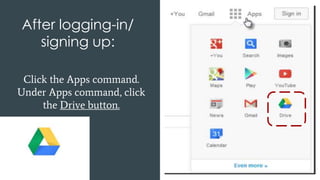
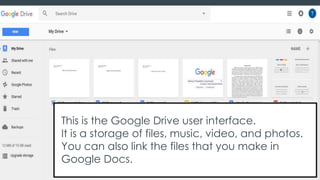
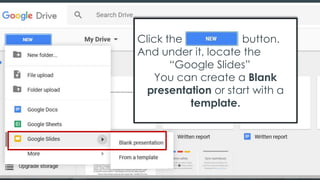
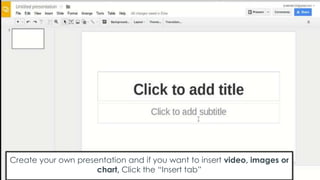
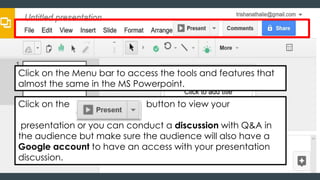
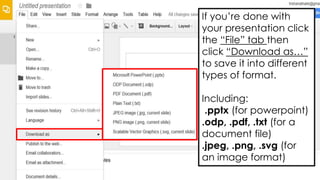
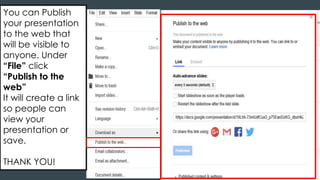
This document provides instructions for creating a presentation using Google Slides. It explains that Google Slides allows you to create presentations similarly to Microsoft PowerPoint. The steps include logging into a Google account, opening Google Drive, clicking on Google Slides to create a new blank or template-based presentation. Users can insert videos, images, and charts. Formatting and slide navigation tools are similar to PowerPoint. Presentations can be downloaded in various formats or published online for public viewing.