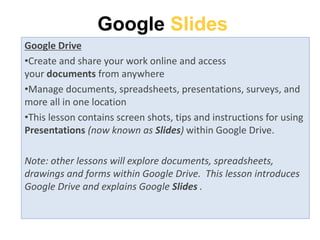
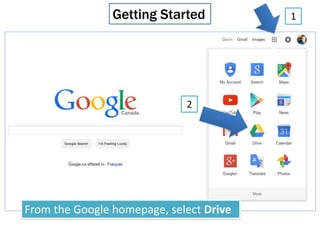
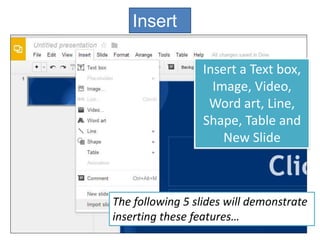
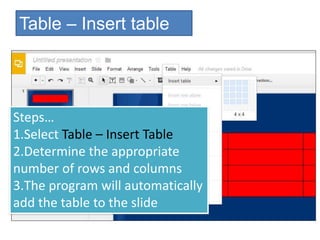
This document provides instructions for using Google Slides within Google Drive. It explains that Google Drive allows users to create and share documents, spreadsheets, presentations and other files online and access them from anywhere. The document then walks through how to get started with Google Slides, including selecting a theme, adding slides, backgrounds and layouts. It demonstrates how to insert text, images, videos, shapes and other elements and how to format slides using transitions, slide order and layouts. Tools for checking spelling, researching topics and inserting tables are also overviewed. The document concludes by mentioning other Google Drive file types and assigning an activity for users to create a slideshow about themselves.








![Making presentations[1]](https://cdn.slidesharecdn.com/ss_thumbnails/makingpresentations1-160718161043-thumbnail.jpg?width=640&height=640&fit=bounds)


