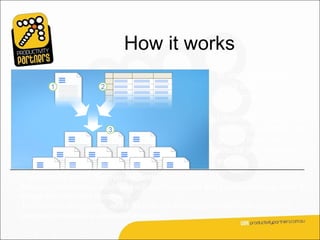
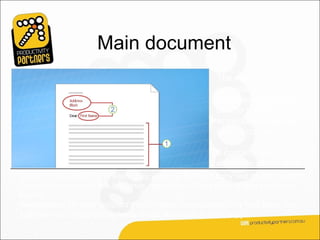
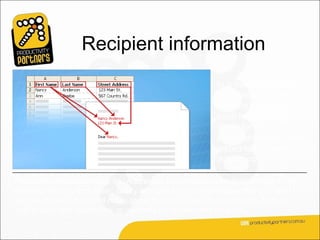
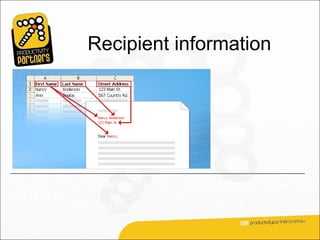
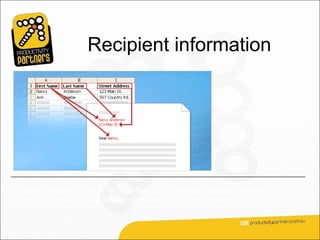
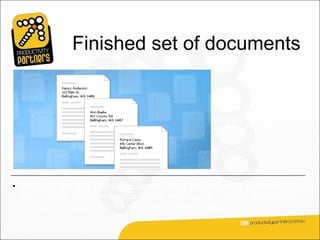
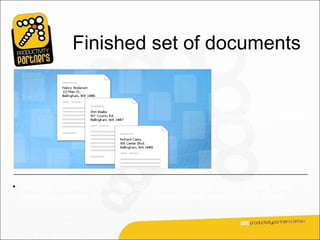
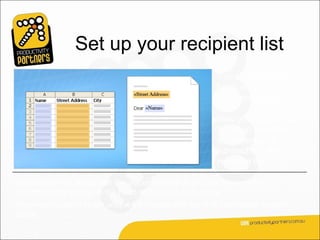
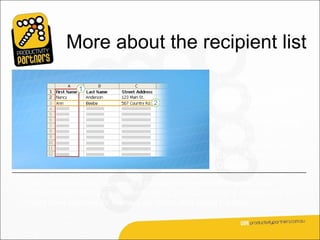
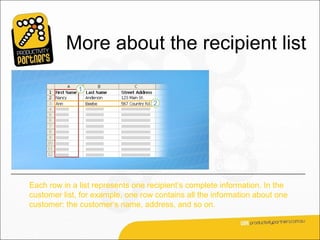
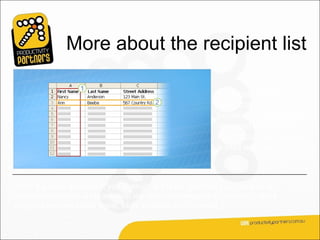
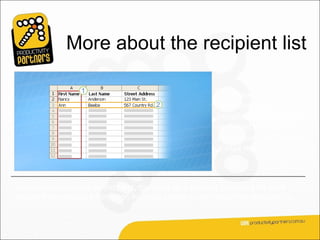
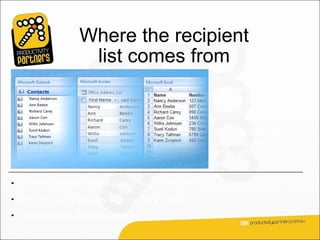
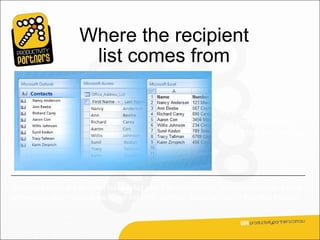
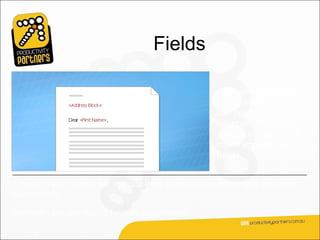
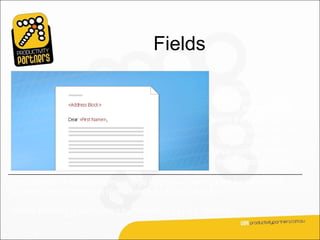
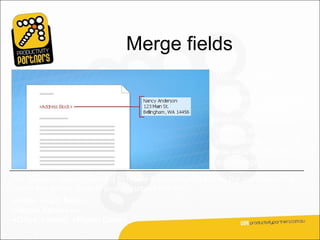
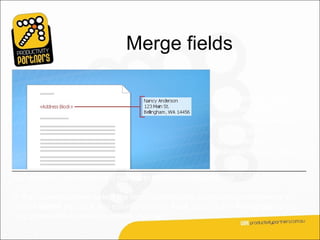
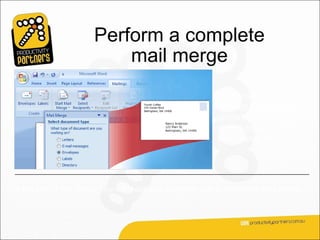
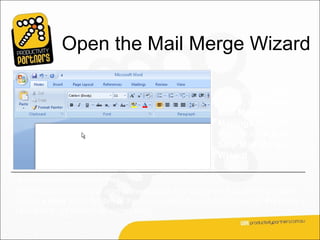
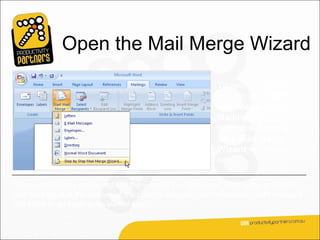
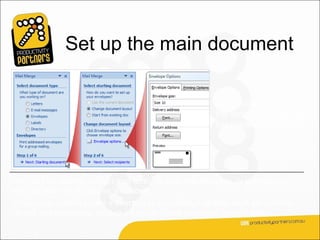
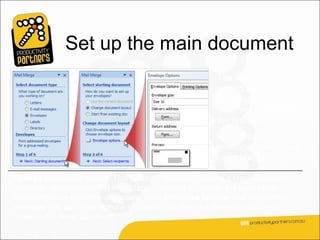
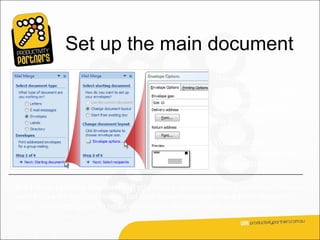
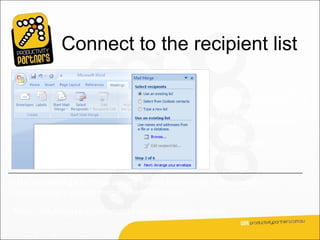
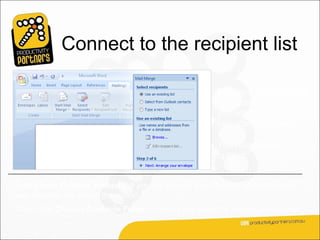
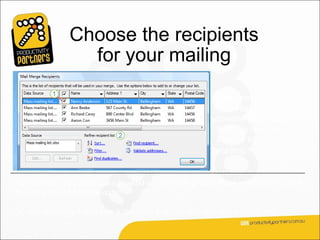
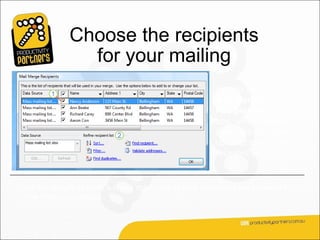
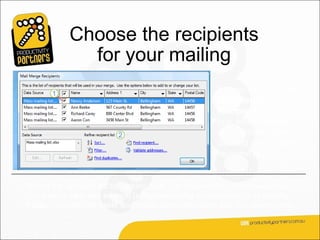
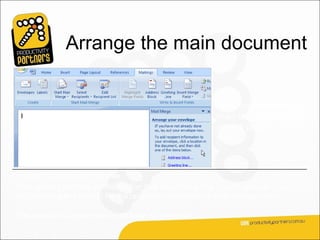
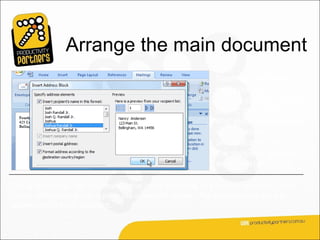
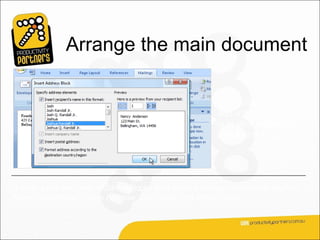
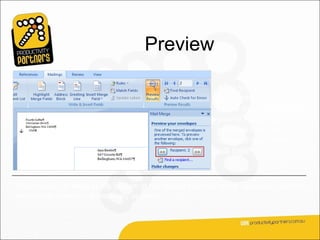
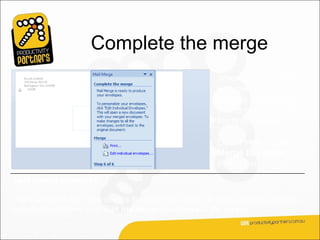
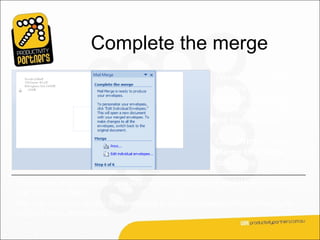
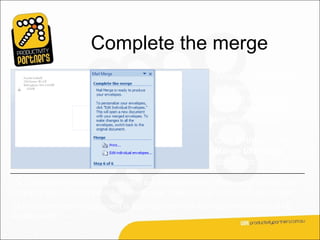
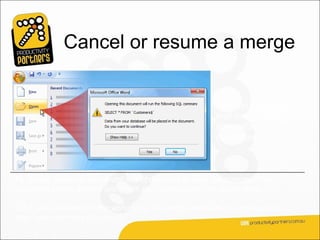
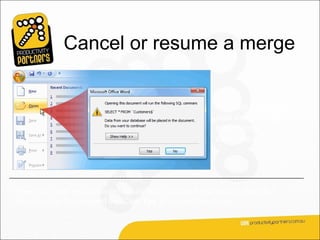
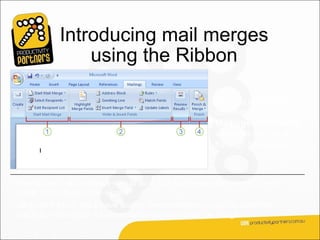
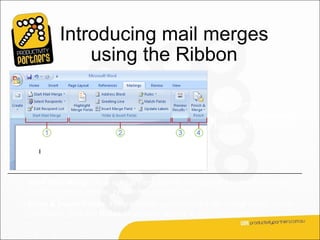
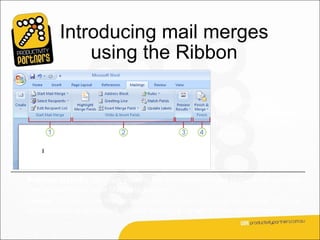
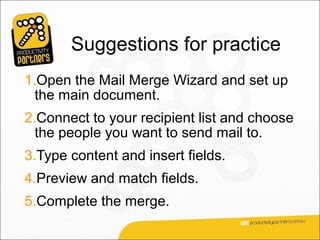
This document provides training on how to use mail merge in Microsoft Word 2007. It begins with an overview of mail merge and its key components: the main document, recipient list, and merged documents. It then outlines the steps to set up and perform a mail merge using the Mail Merge Wizard, including connecting to a recipient list, previewing the merge, and completing the merge. The training concludes with suggestions for additional mail merge practice activities.