Downloaded 66 times
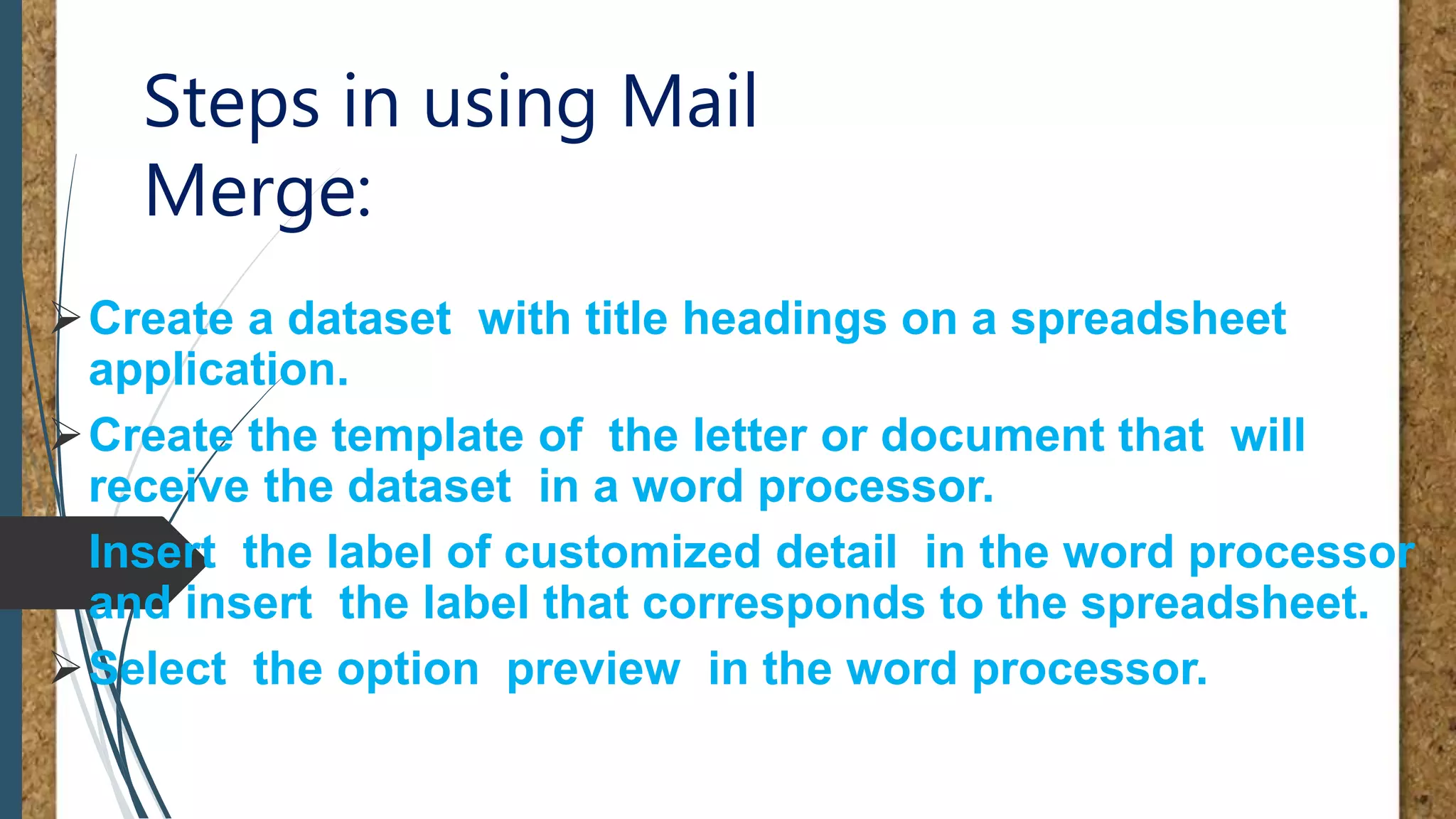
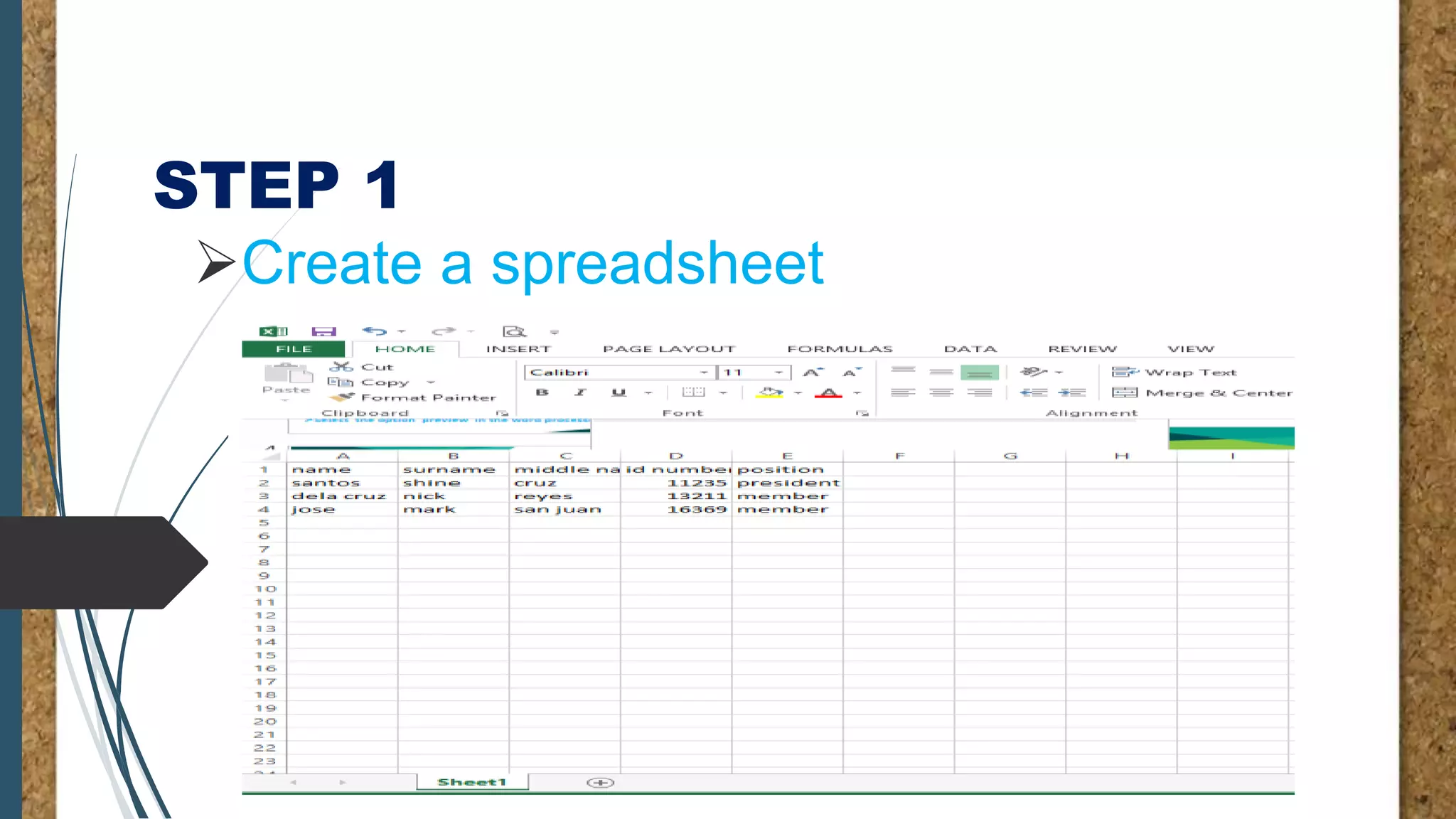
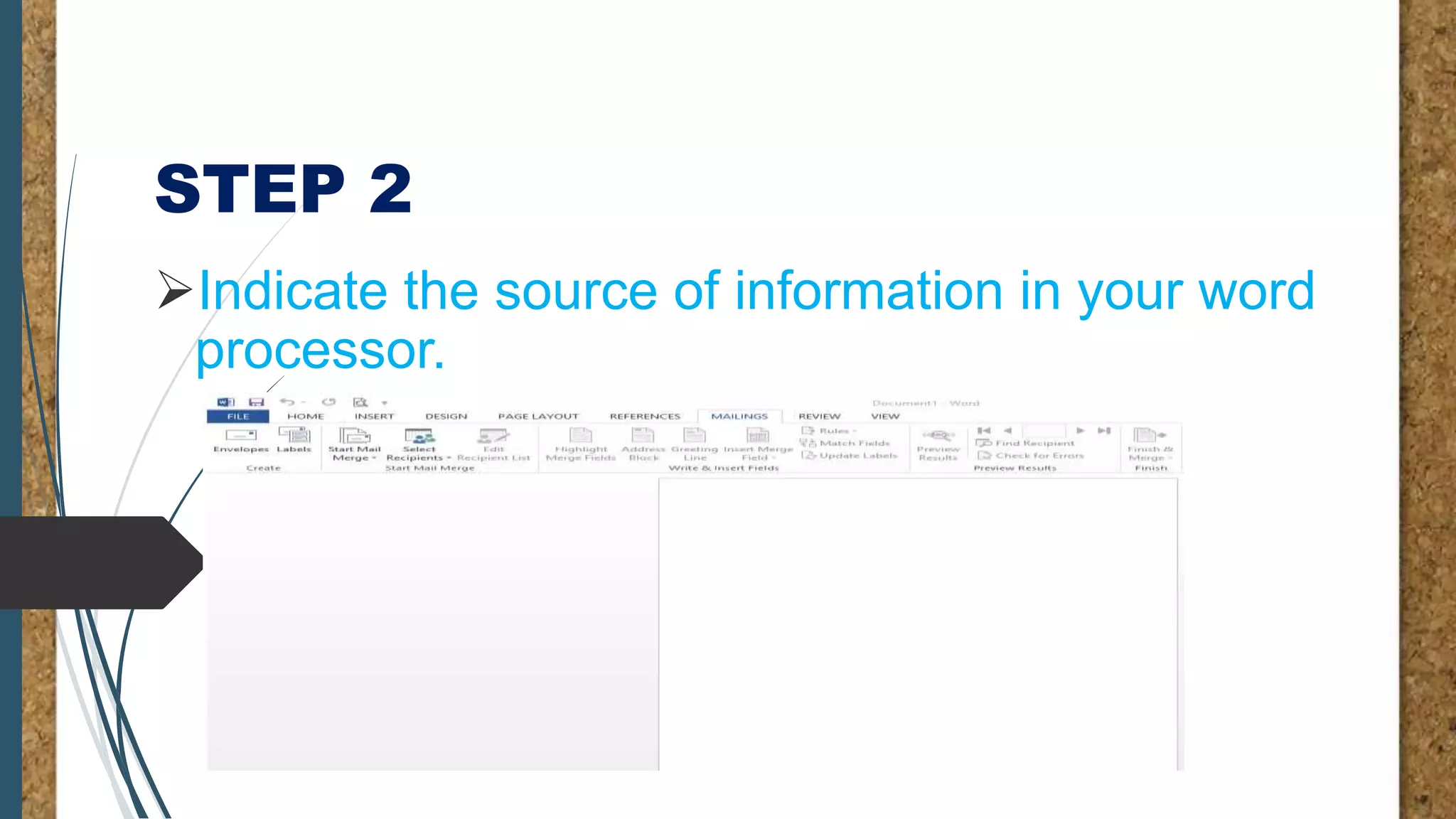
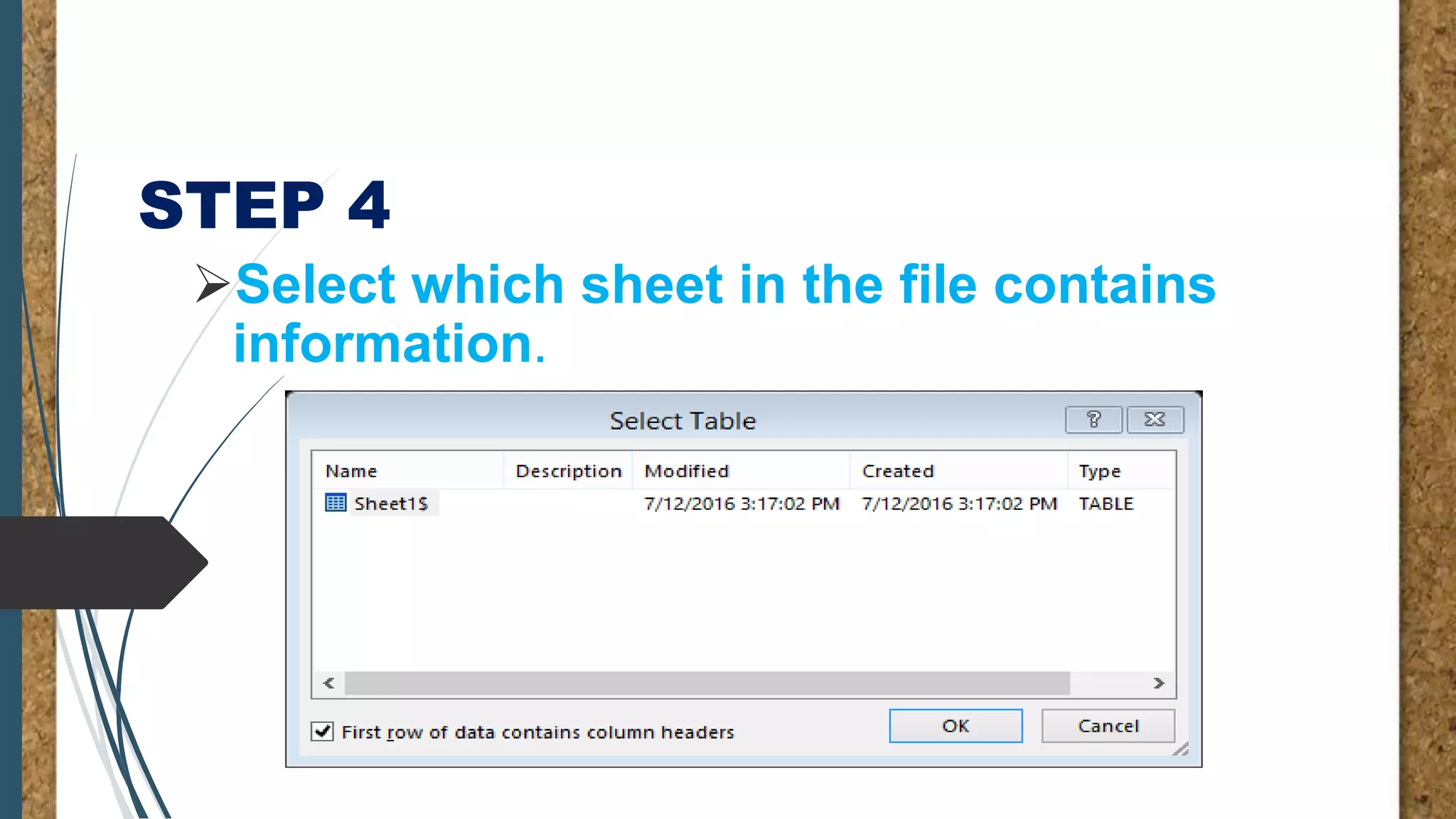
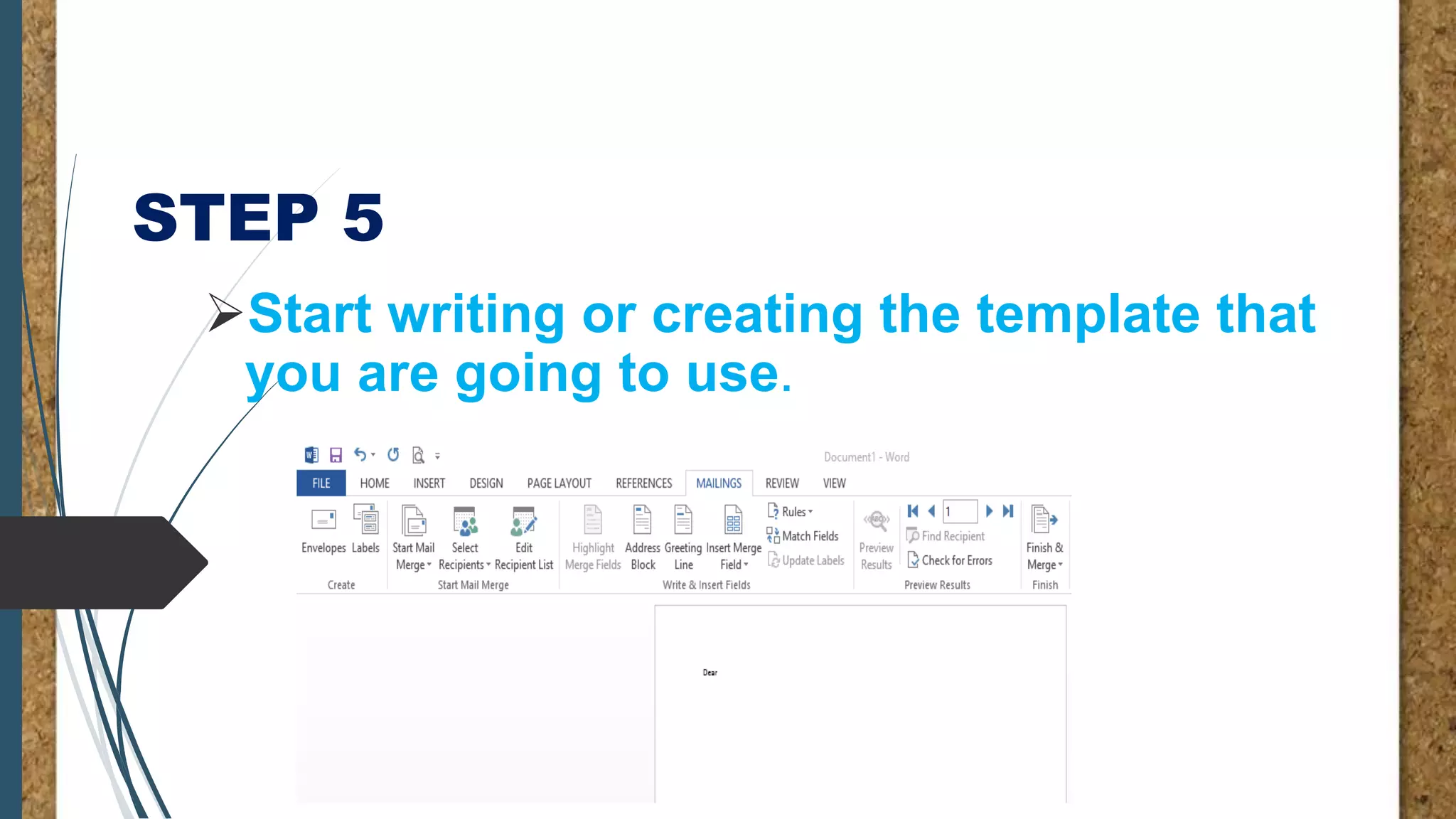
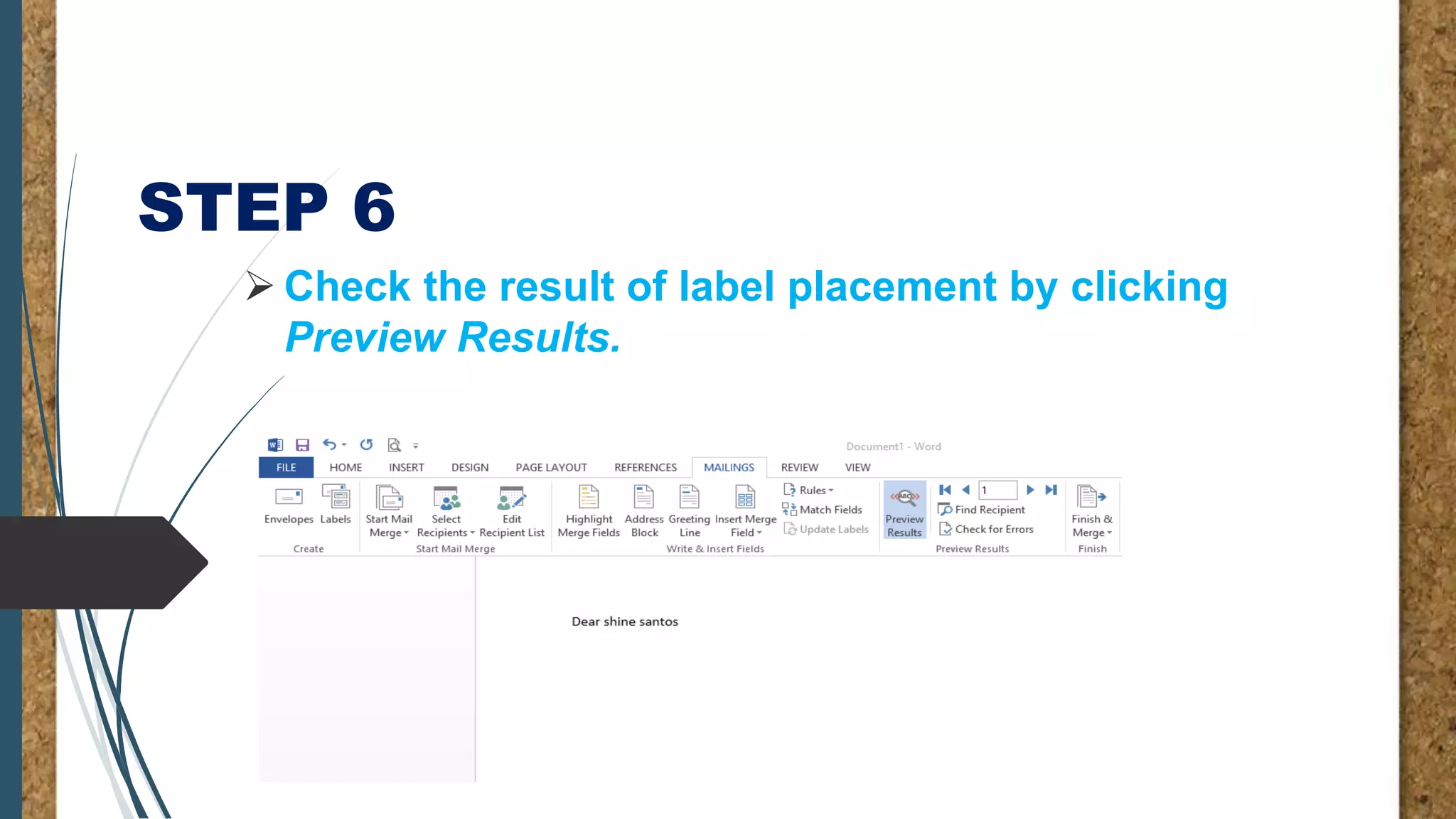
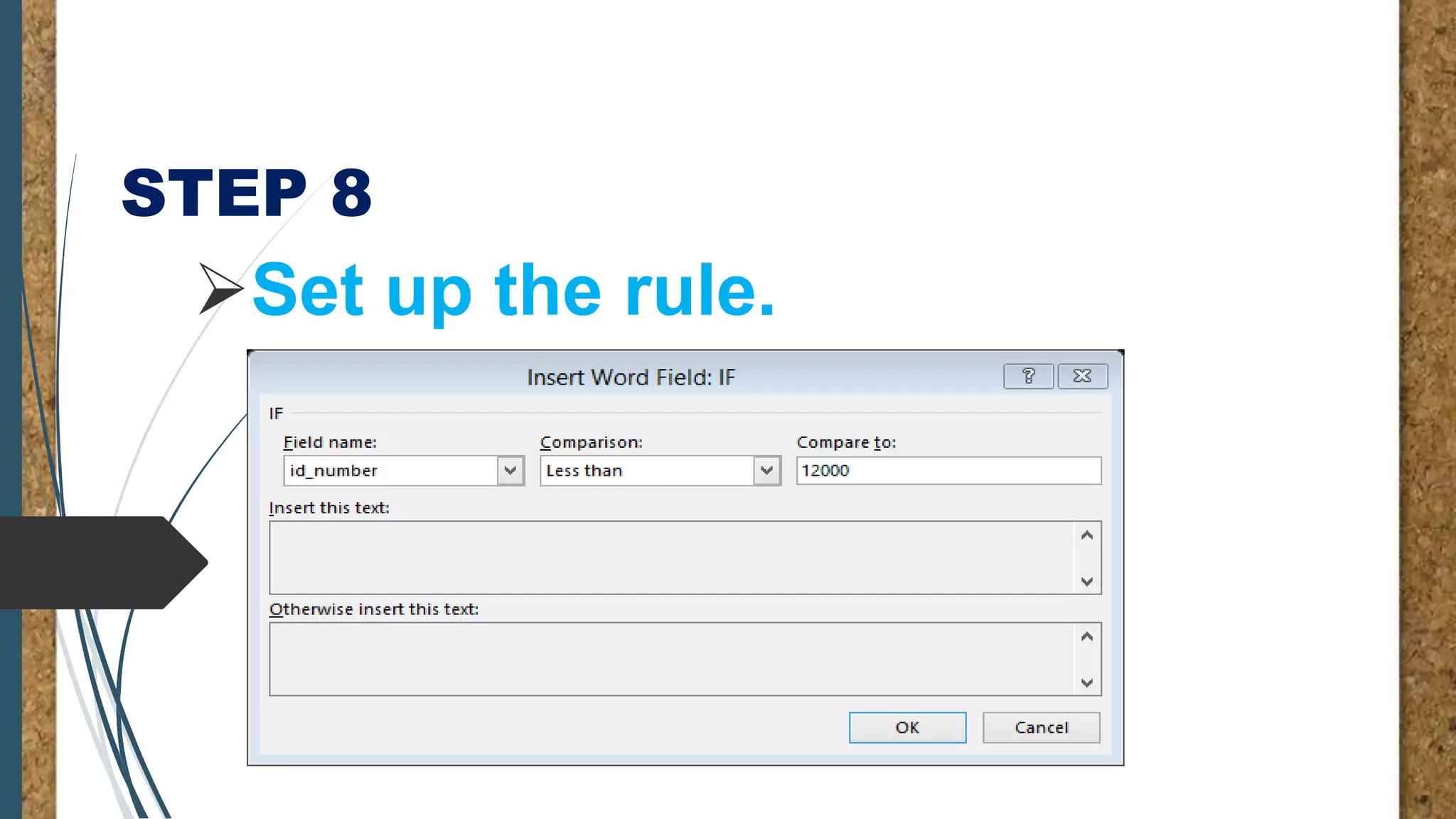



Mail merge allows users to create multiple documents from a single template by merging in structured data from a spreadsheet. It involves creating a dataset in a spreadsheet with field labels, designing a template document with merge fields to pull in the dataset, and then merging the template with the dataset to generate personalized output documents. The process is completed by previewing the results, setting rules if needed, and printing or saving the finished documents.


![Coded Agents – with UiPath SDK + LangGraph [Virtual Hands-on Workshop]](https://cdn.slidesharecdn.com/ss_thumbnails/codedagentsdeck-251215155422-5497c599-thumbnail.jpg?width=640&height=640&fit=bounds)


