A Medical Research Council’s Library
Management System
Martins Jr. Divine Okoi
CONTENT
1. Introduction
2. Project Objectives
3. Application Modules
• User Modules
• Admin Modules
4. System Diagrams
1. ER Diagram
2. Flowchart
3. Add Module Flowchart
4. Check In/Check Out Process
5. Design
• Design Freelance
• Design User
• Design Admin: Function & Process Walkthrough
6. Testing
7. Thank You
INTRODUCTION (definition)
According to Stephen, Maeve & Philips (2007), in a traditional sense, a Library is a large collection of
books, and can refer to the place in which the collection is housed. Today, the term can refer to any
collection, including digital sources, resources, and services. The collections can be of print, audio, and
visual materials in numerous formats, including maps, prints, and documents, microform, CDs, cassettes,
videotapes, DVDs, video games, e-books, audio books and many other electronic resources. The places
where this material is stored can range from public libraries, subscription libraries, private libraries, and
can also be in digital form, stored on computers or accessible over the internet.
INTRODUCTION (definition cont.)
A library management system (LMS) is a software that is developed to handle at least the most basic
housekeeping functions of a library.
It’s a well organized software solution for a library which helps to provide information on any registered
materials present in the library to the user as well as staff.
The LMS facilitates technical functions of a library and one such function is electronic cataloguing. With
an LMS, library users can trace desired items electronically without going through shelves. An LMS also
facilitates the lending process by keeping records of items lent and the borrower’s information. LMS
supports other administrative tasks such as inventory and data processing.
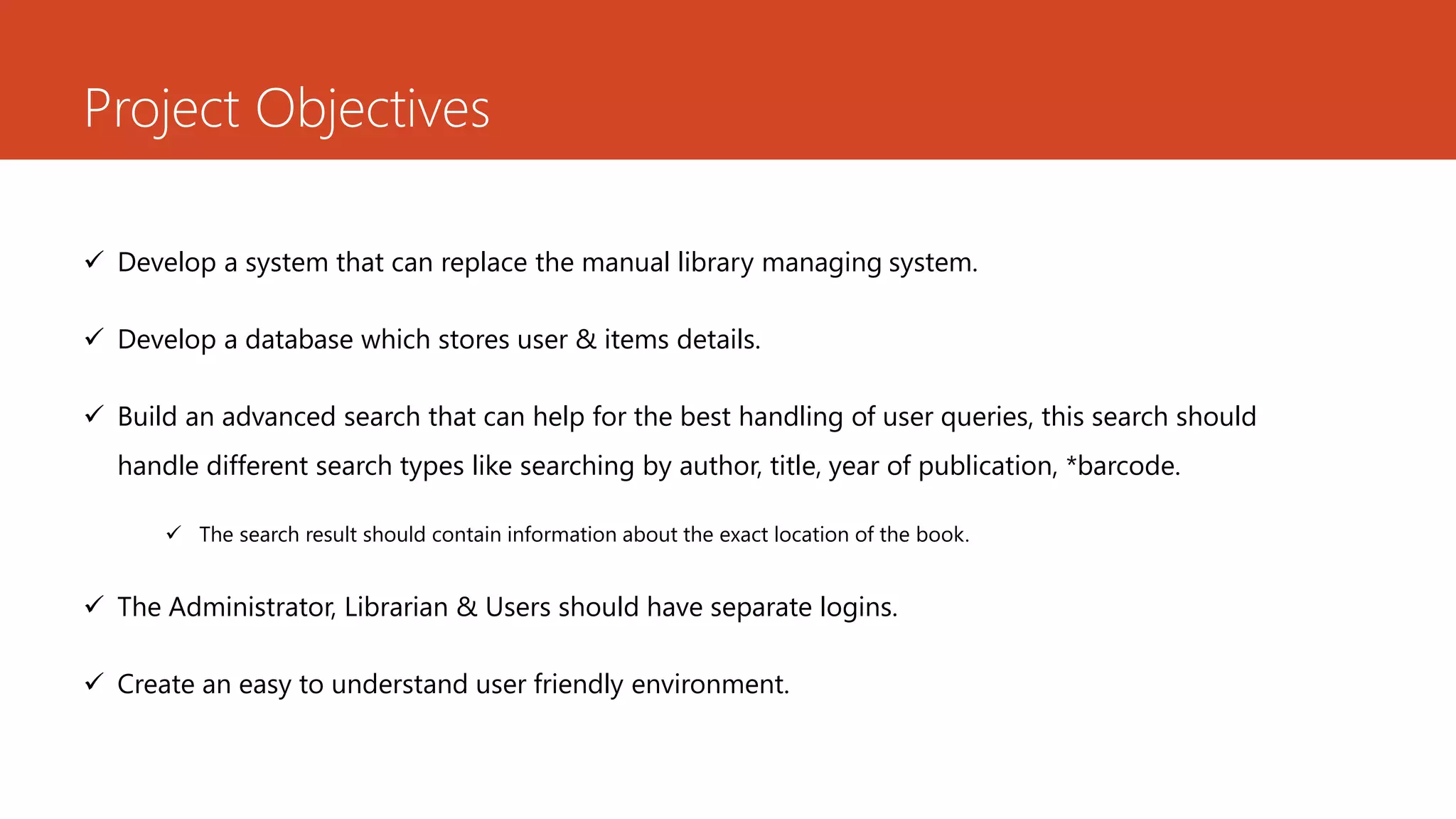
Project Objectives
 Develop a system that can replace the manual library managing system.
 Develop a database which stores user & items details.
 Build an advanced search that can help for the best handling of user queries, this search should
handle different search types like searching by author, title, year of publication, *barcode.
 The search result should contain information about the exact location of the book.
 The Administrator, Librarian & Users should have separate logins.
 Create an easy to understand user friendly environment.
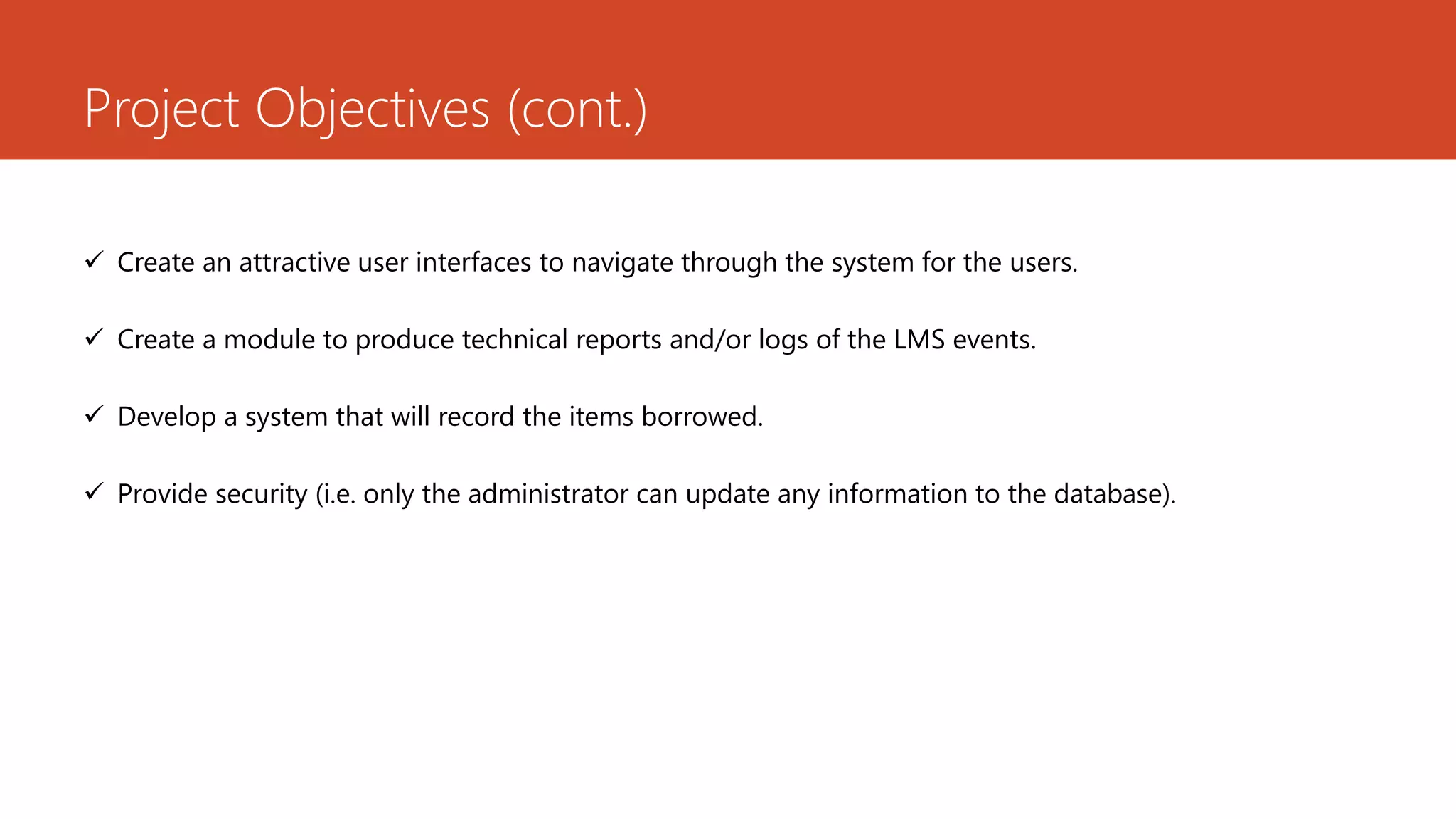
Project Objectives (cont.)
 Create an attractive user interfaces to navigate through the system for the users.
 Create a module to produce technical reports and/or logs of the LMS events.
 Develop a system that will record the items borrowed.
 Provide security (i.e. only the administrator can update any information to the database).
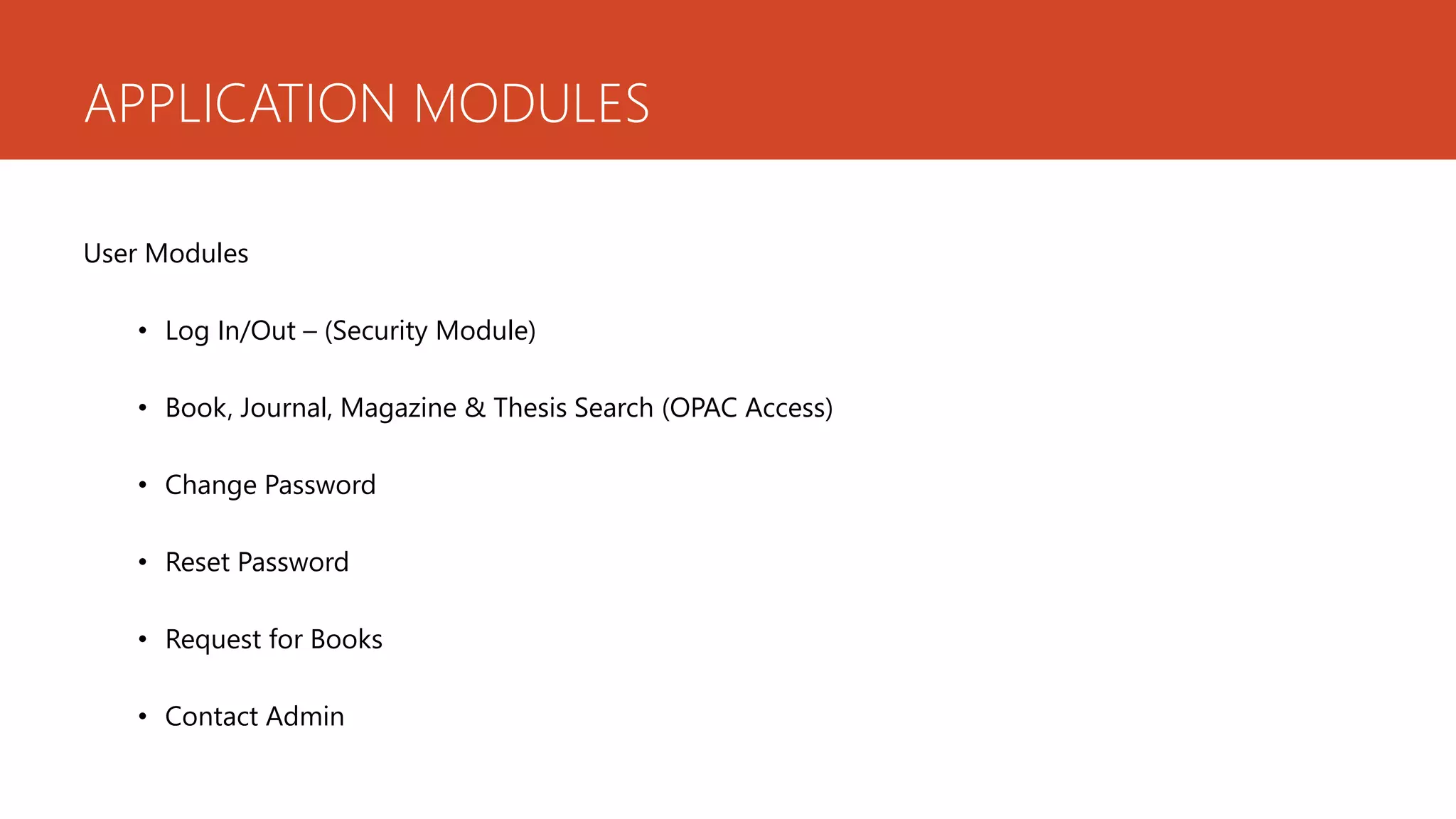
APPLICATION MODULES
User Modules
• Log In/Out – (Security Module)
• Book, Journal, Magazine & Thesis Search (OPAC Access)
• Change Password
• Reset Password
• Request for Books
• Contact Admin
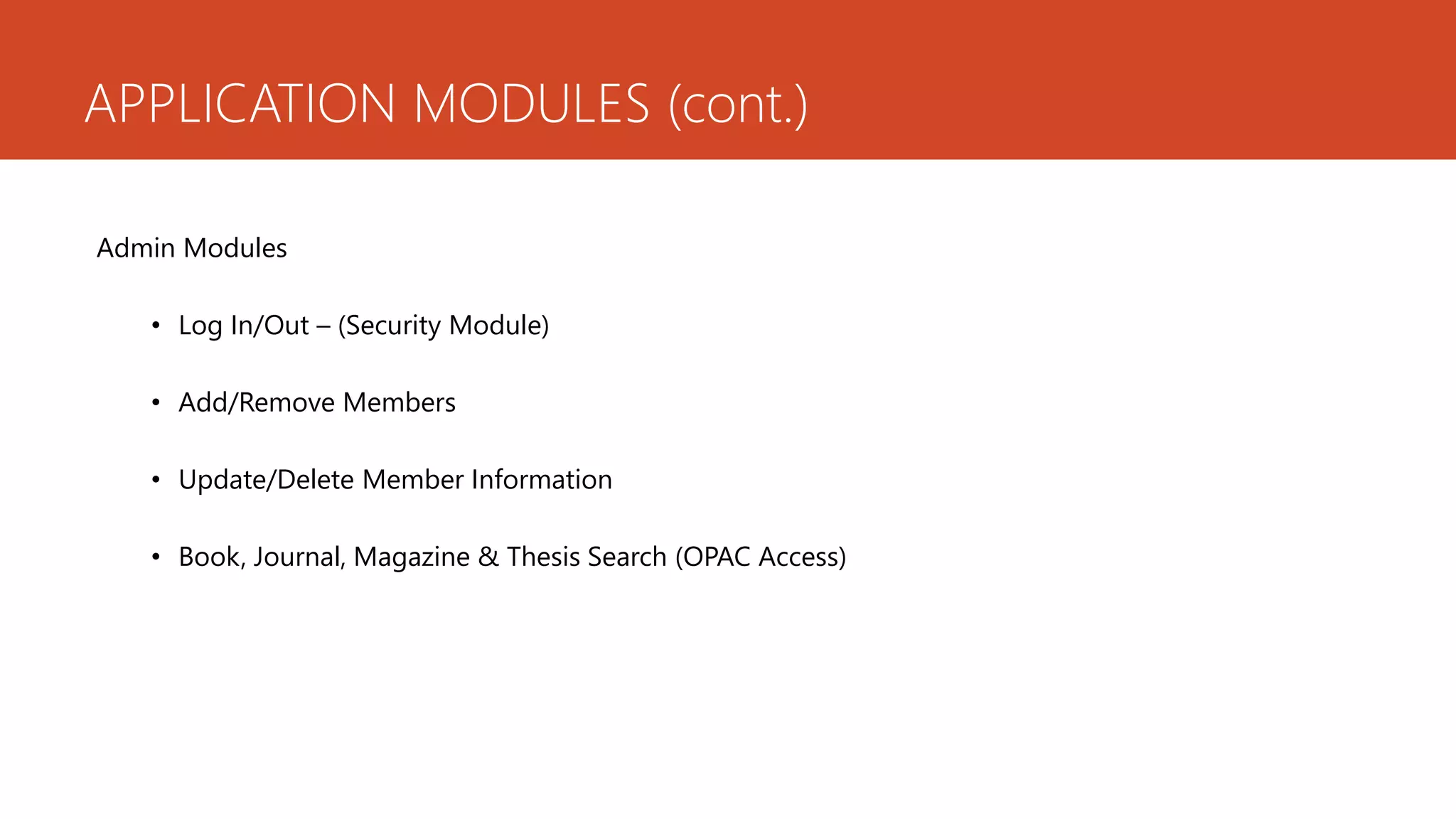
APPLICATION MODULES (cont.)
Admin Modules
• Log In/Out – (Security Module)
• Add/Remove Members
• Update/Delete Member Information
• Book, Journal, Magazine & Thesis Search (OPAC Access)
APPLICATION MODULES (cont.)
Admin Modules (cont.)
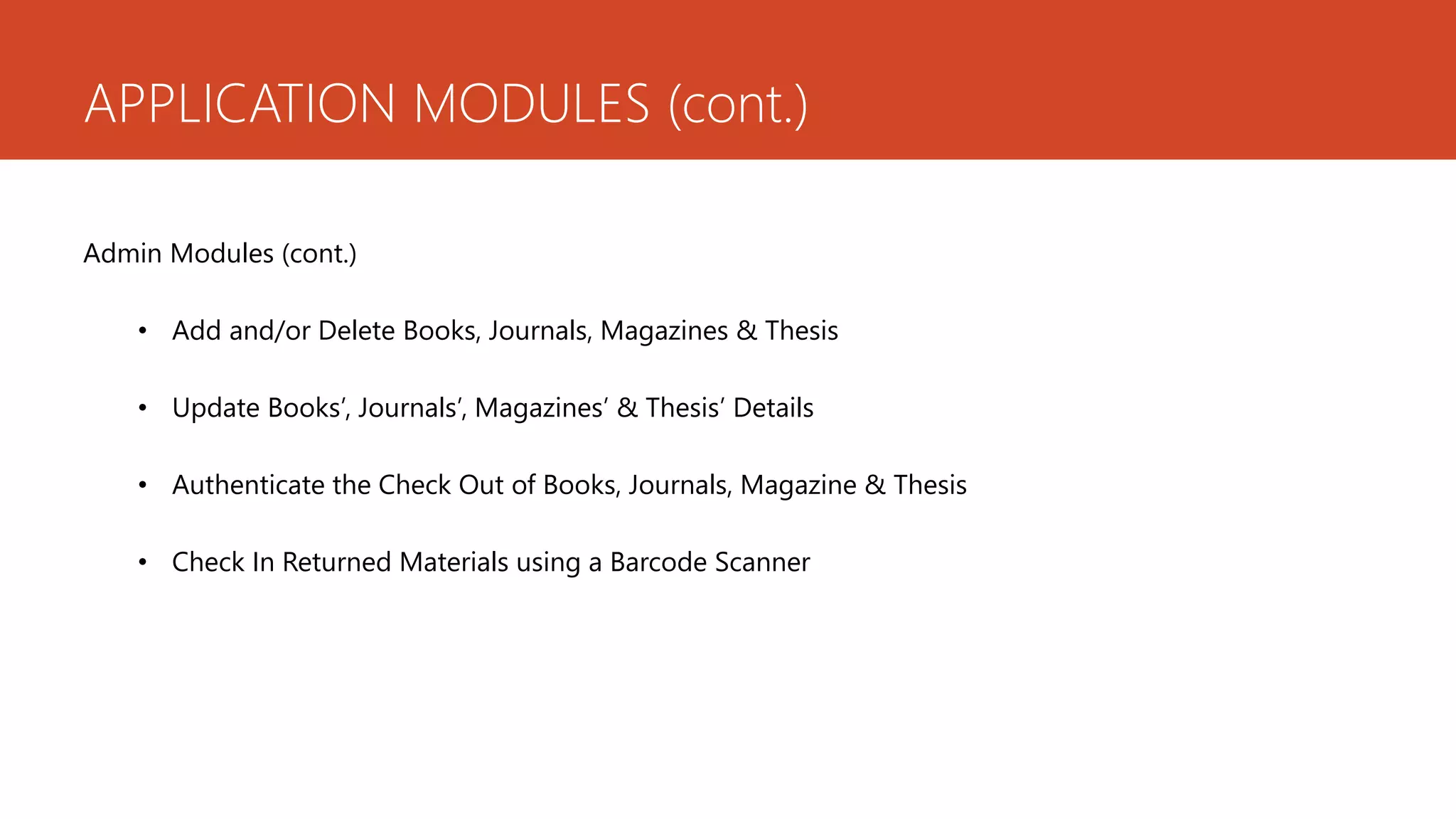
• Add and/or Delete Books, Journals, Magazines & Thesis
• Update Books’, Journals’, Magazines’ & Thesis’ Details
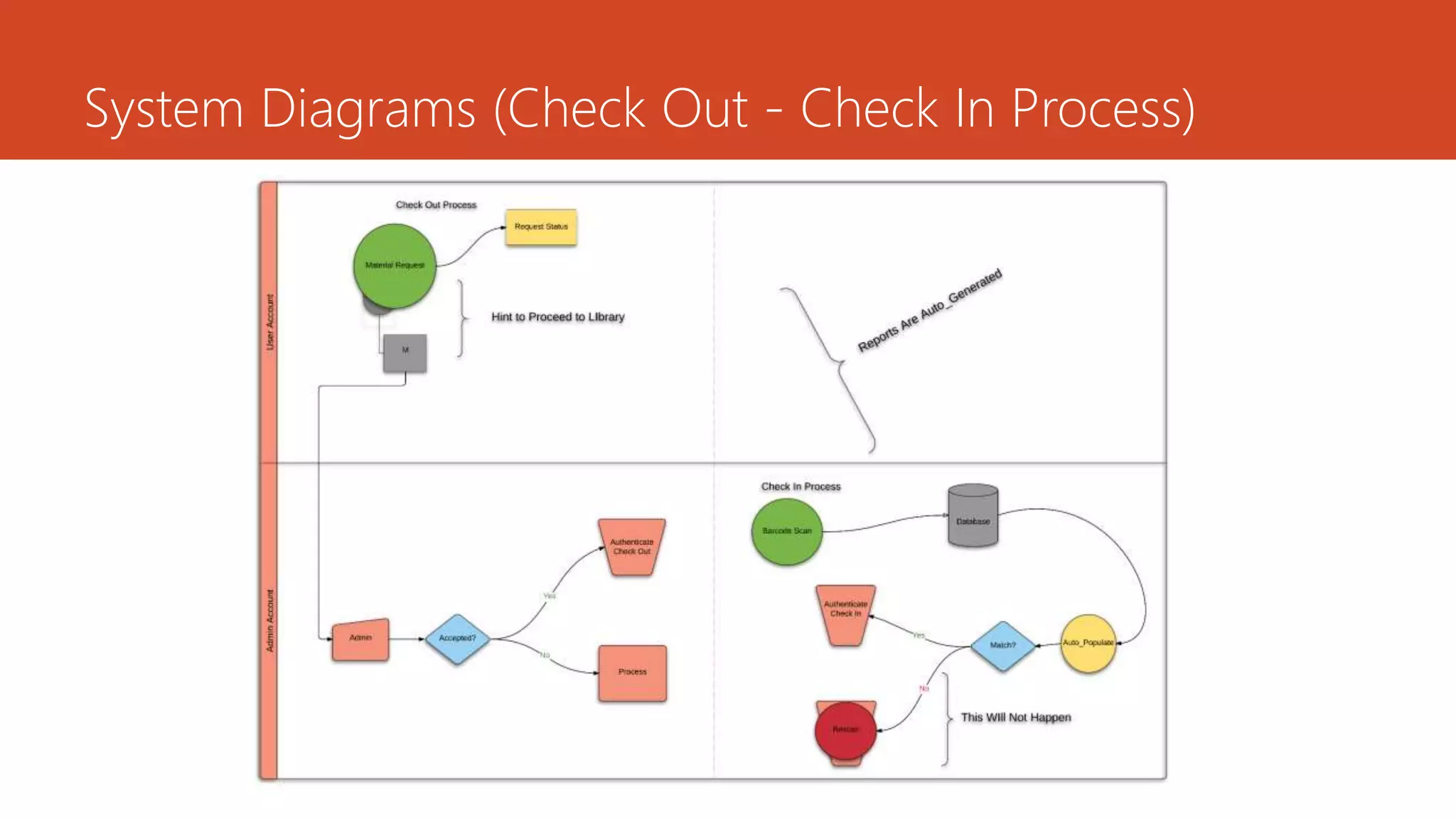
• Authenticate the Check Out of Books, Journals, Magazine & Thesis
• Check In Returned Materials using a Barcode Scanner
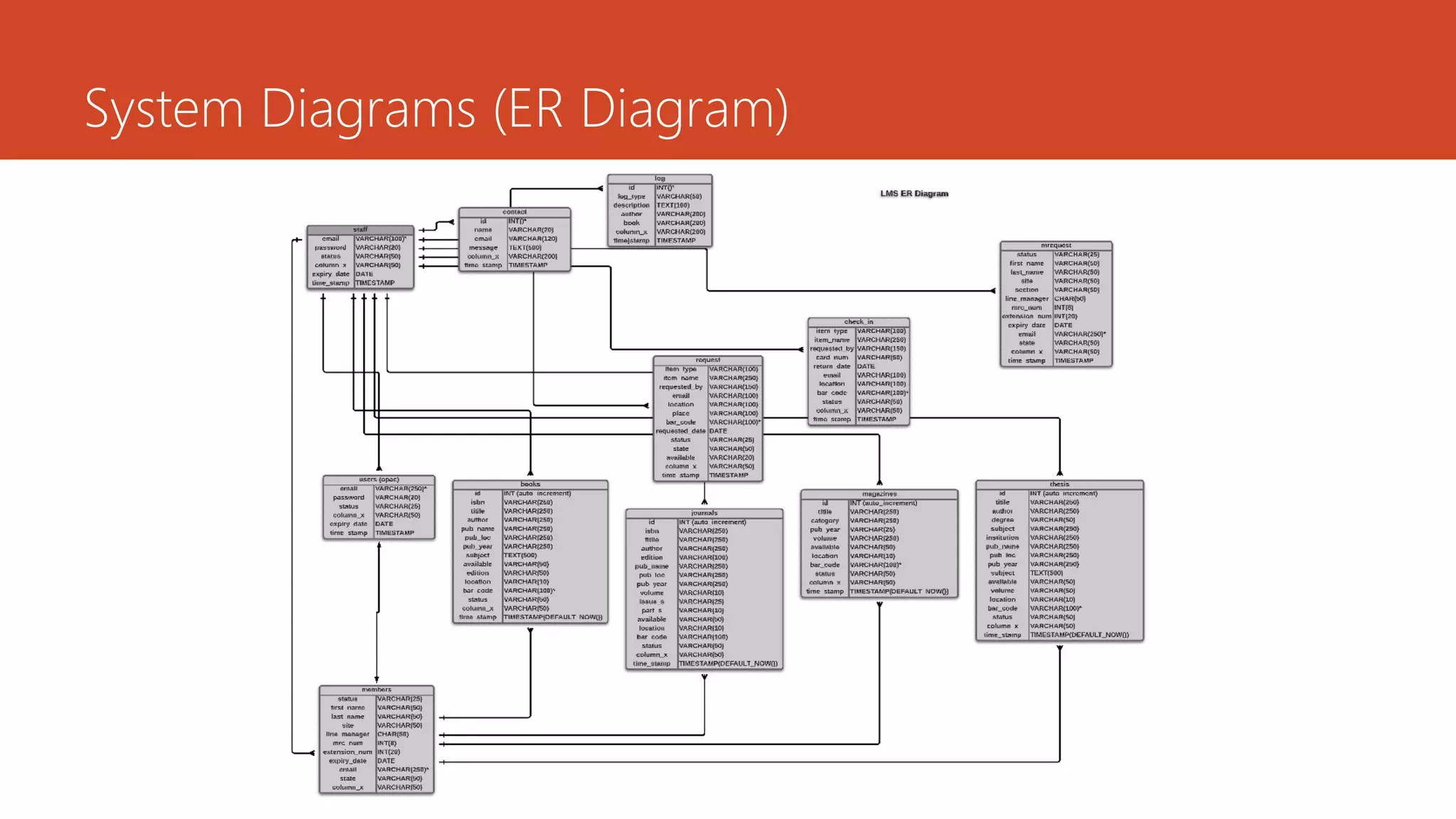
System Diagrams (ER Diagram)
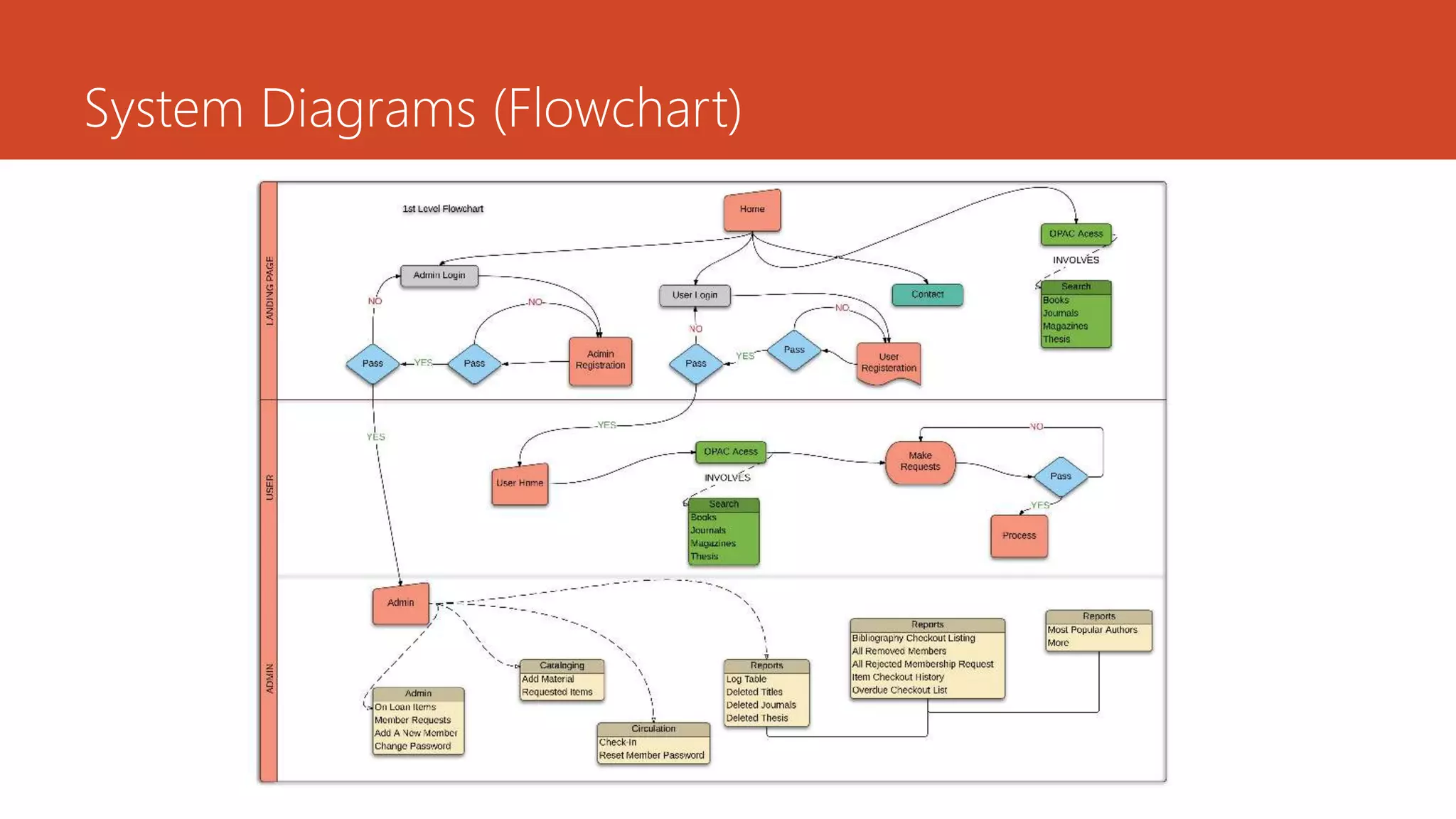
System Diagrams (Flowchart)
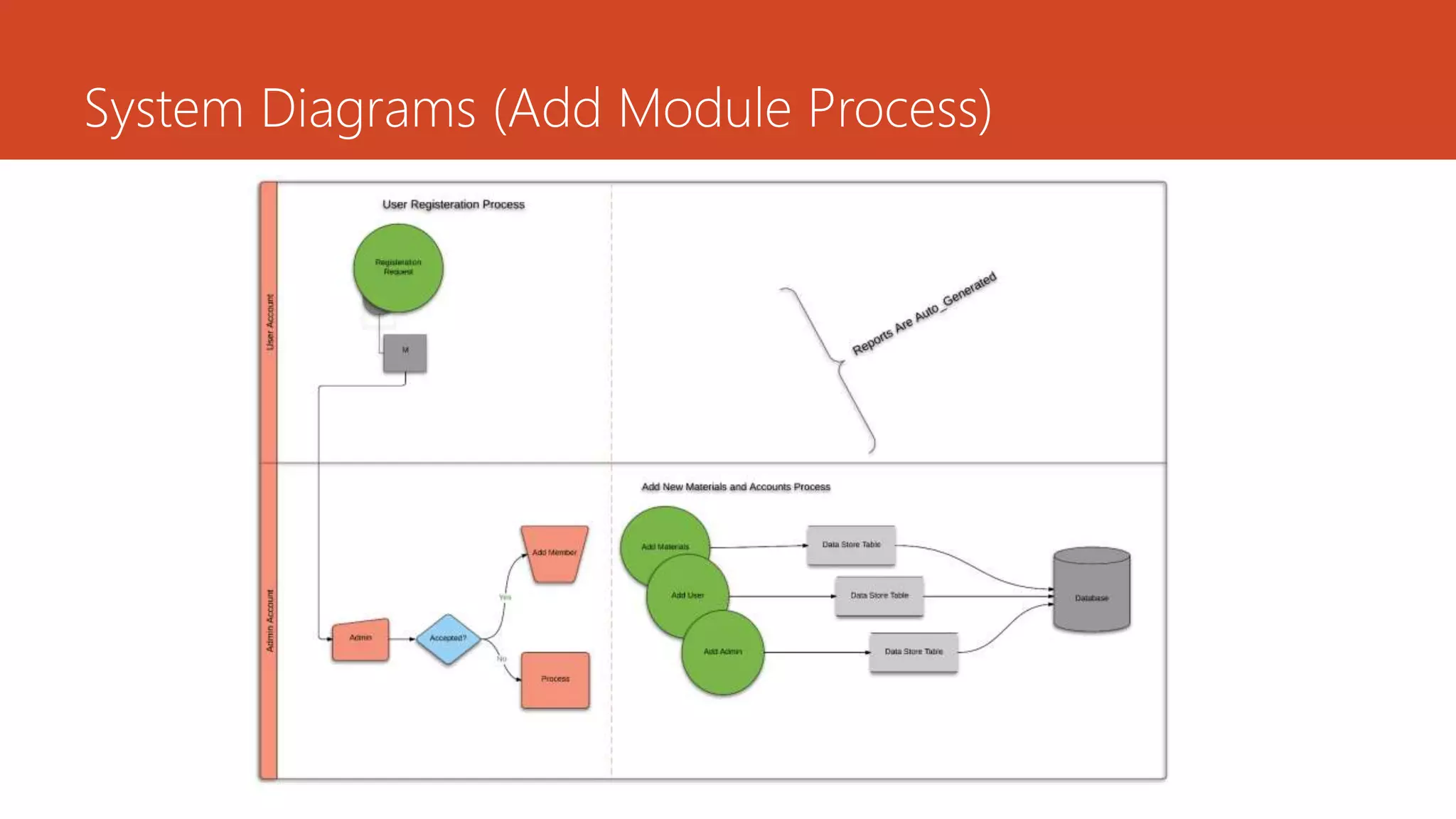
System Diagrams (Add Module Process)
System Diagrams (Check Out - Check In Process)
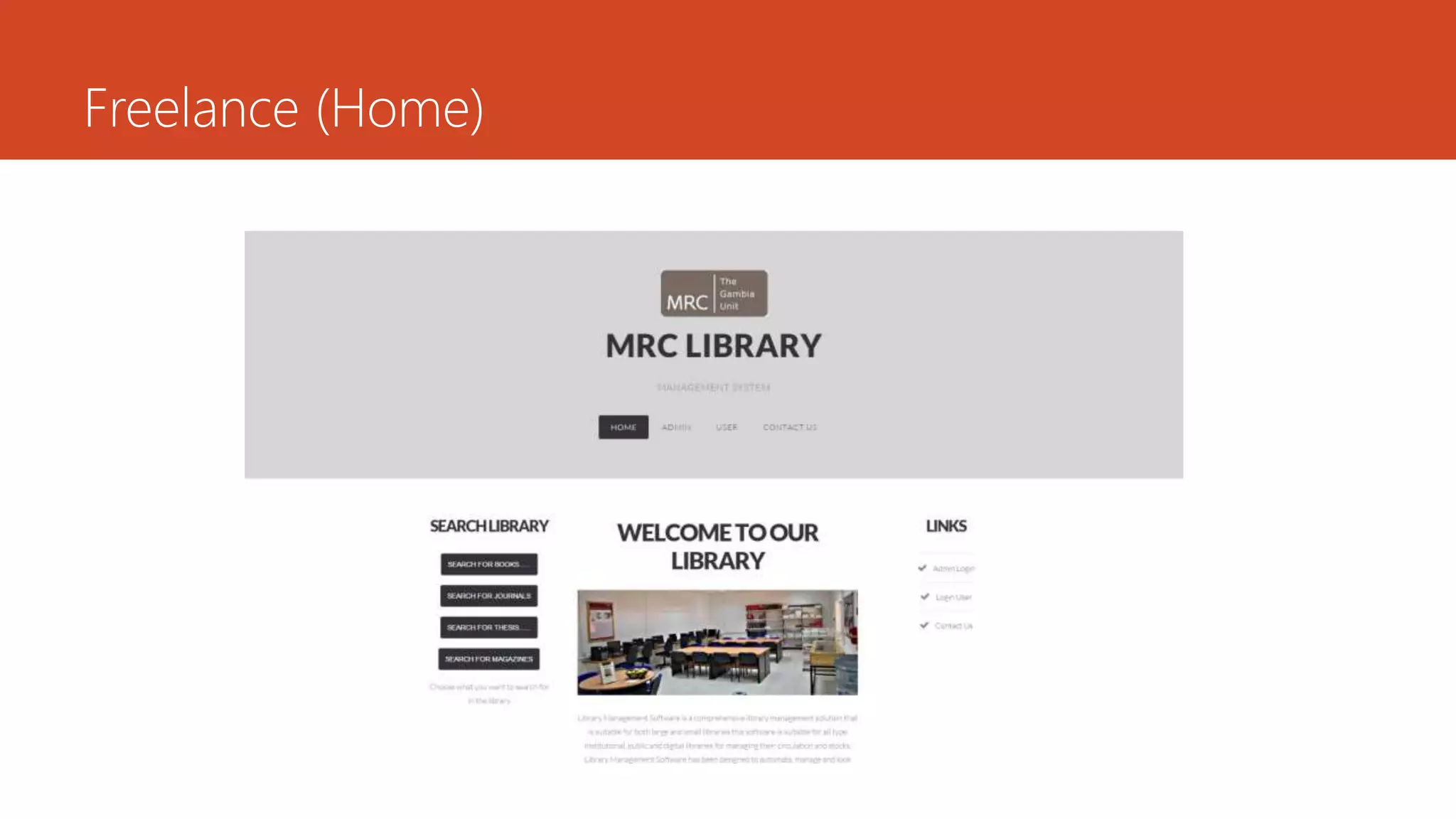
Freelance (Home)
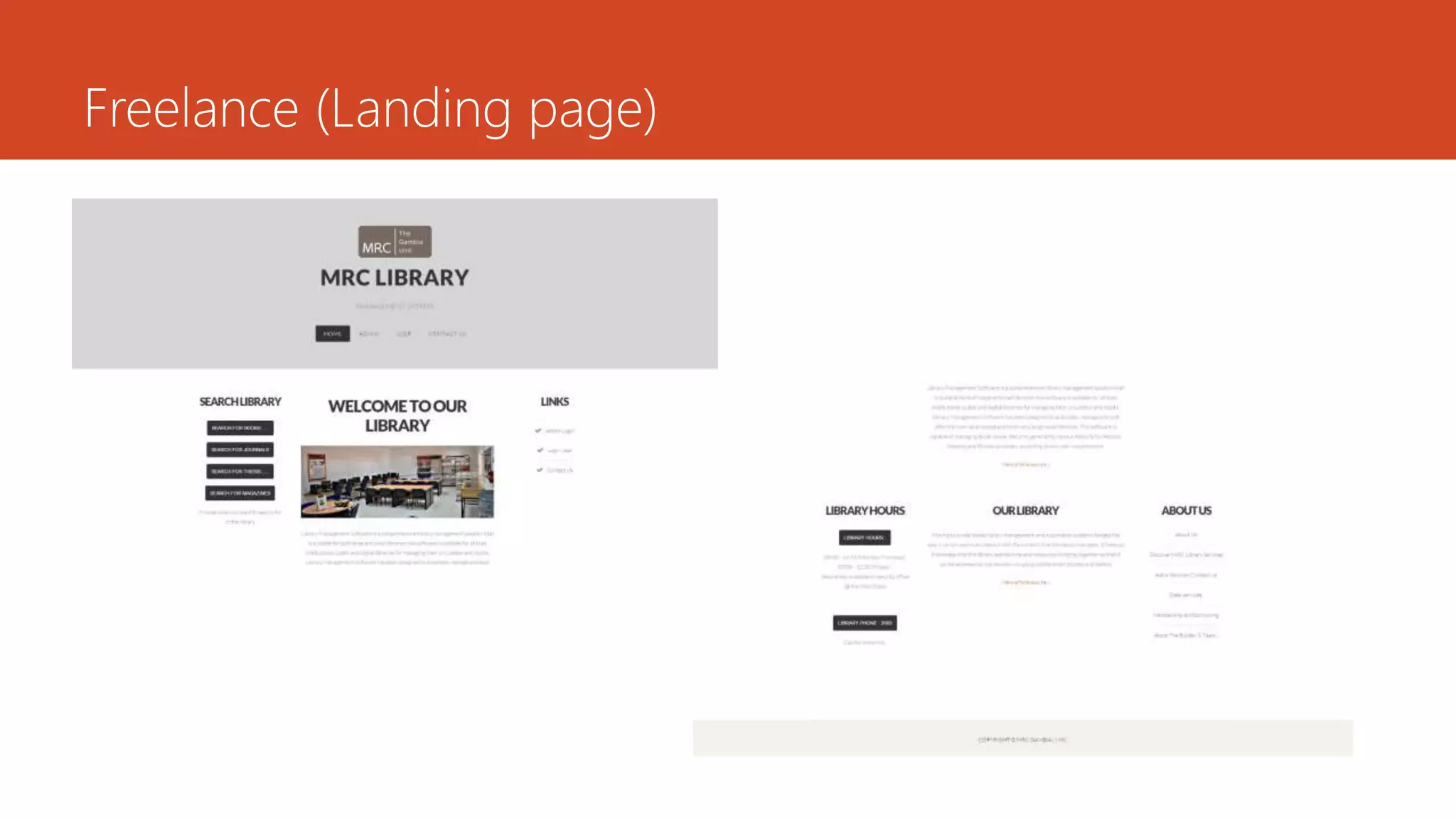
Freelance (Landing page)
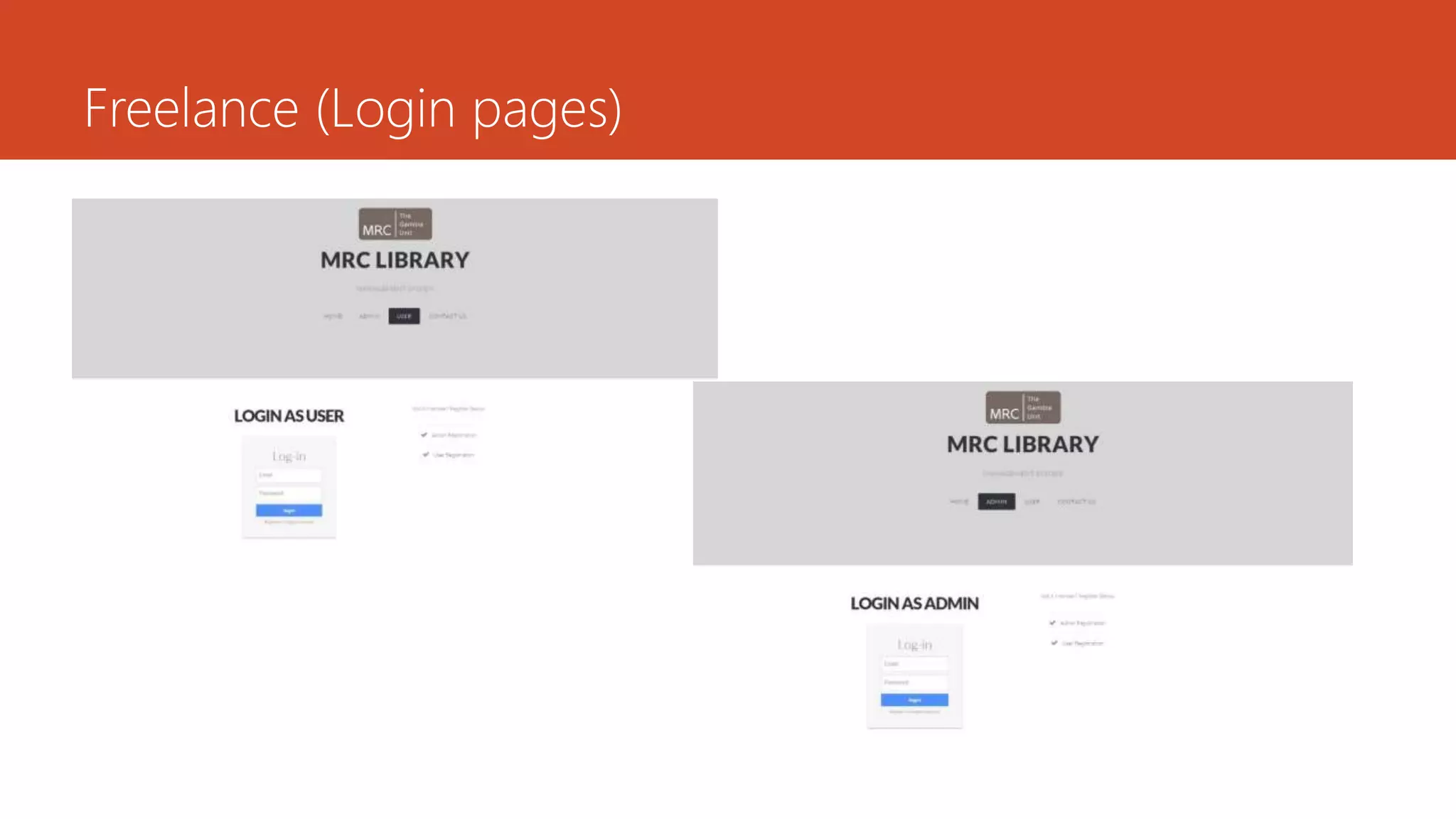
Freelance (Login pages)
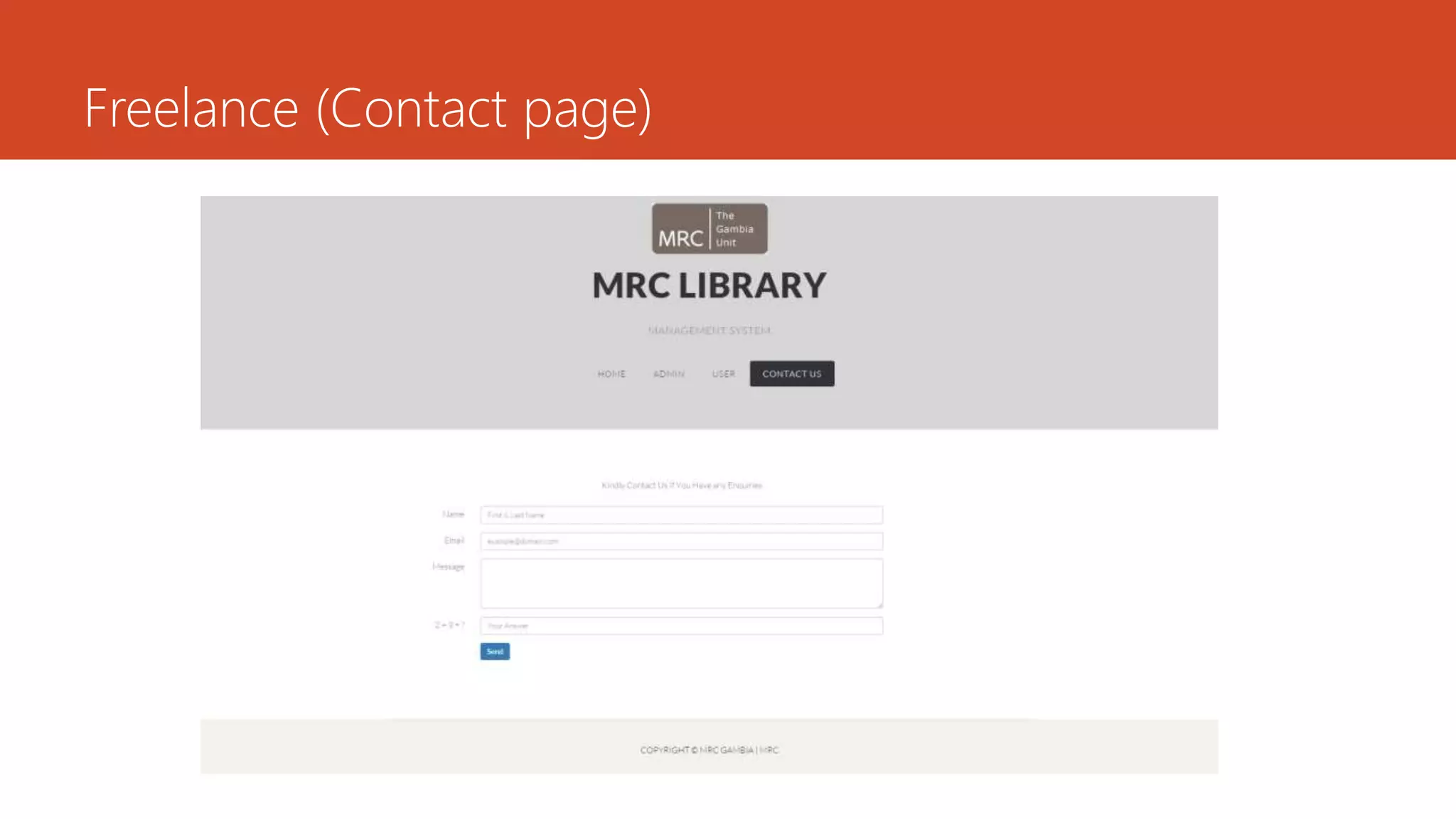
Freelance (Contact page)
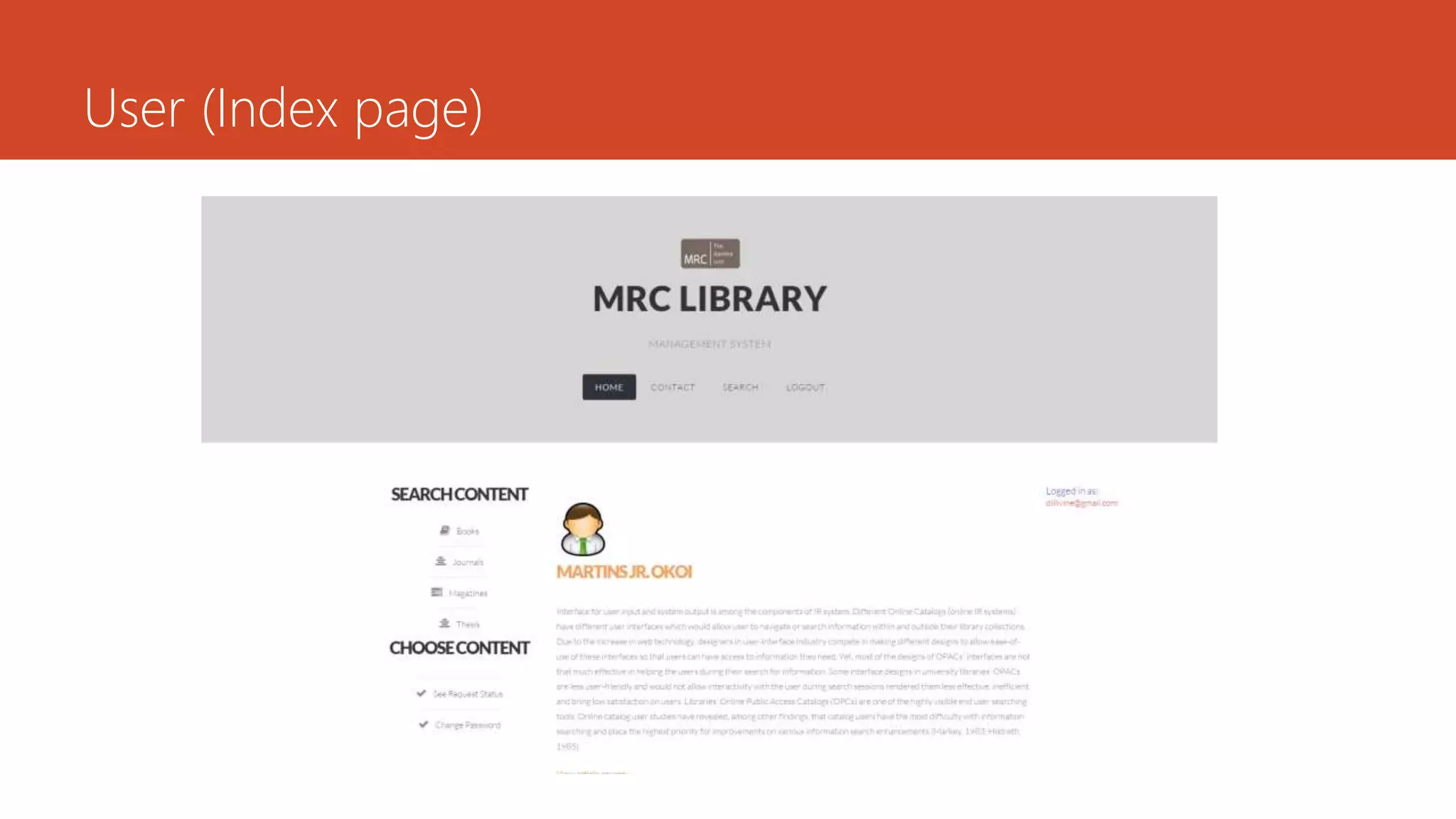
User (Index page)
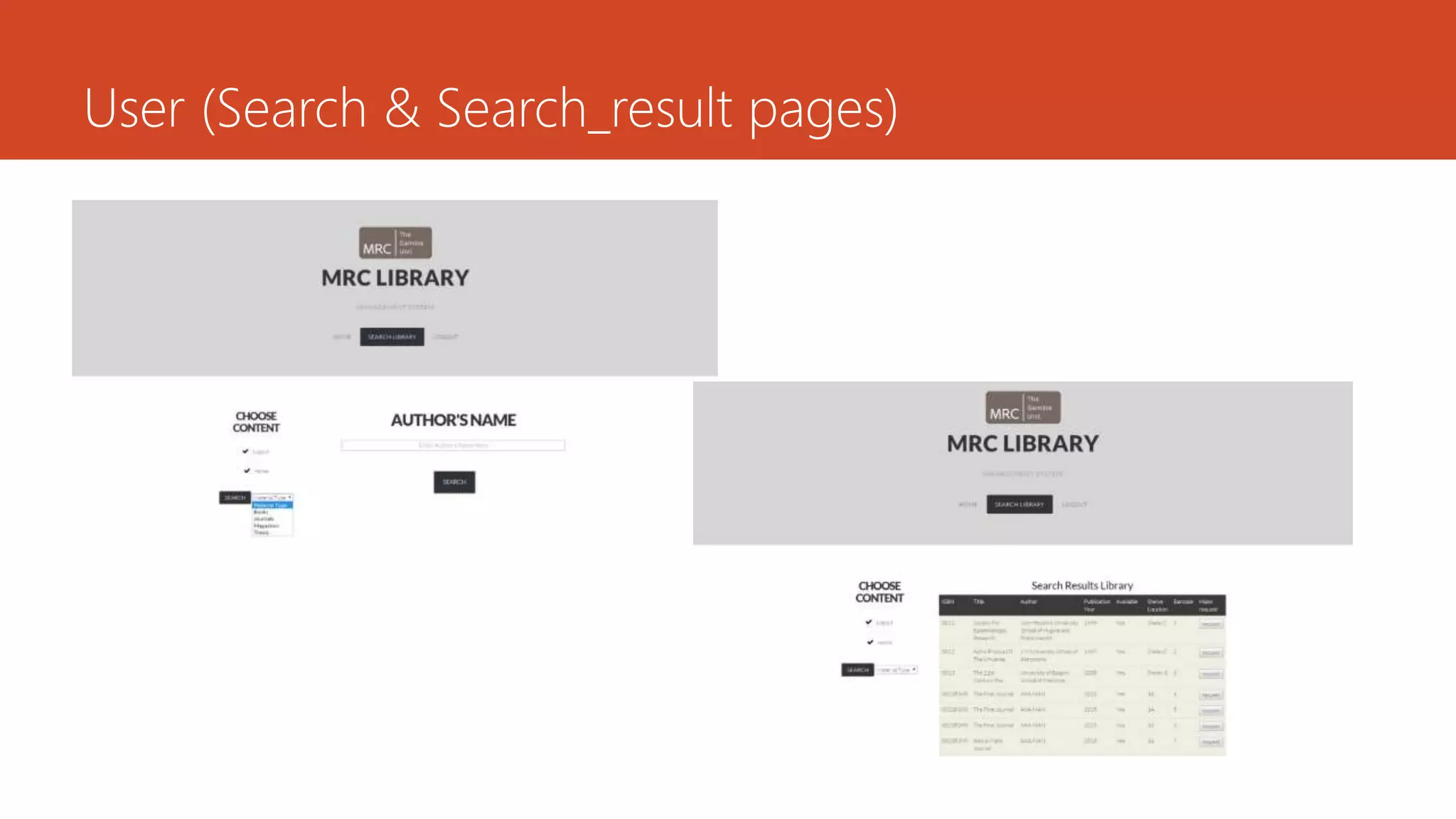
User (Search & Search_result pages)
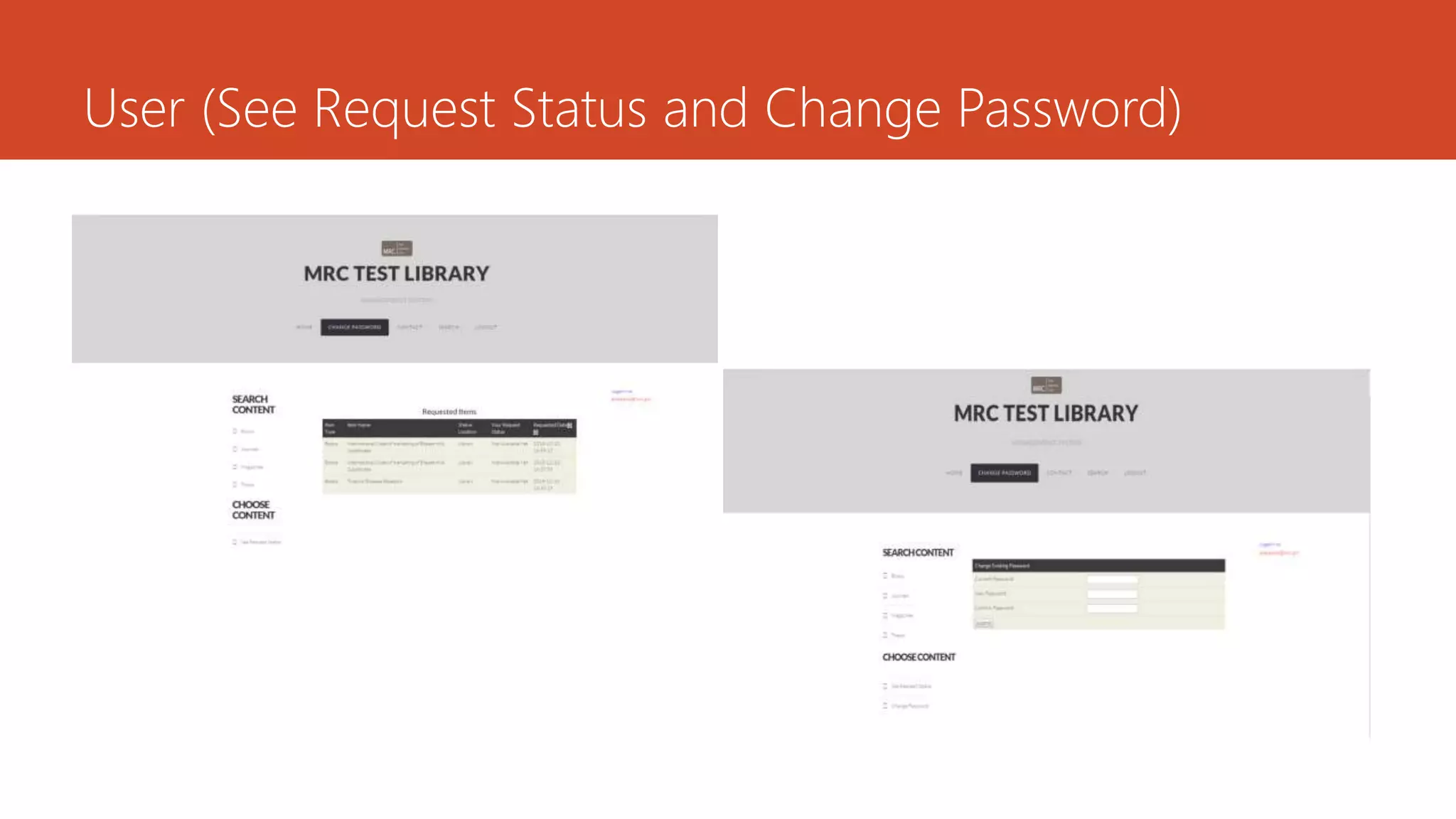
User (See Request Status and Change Password)
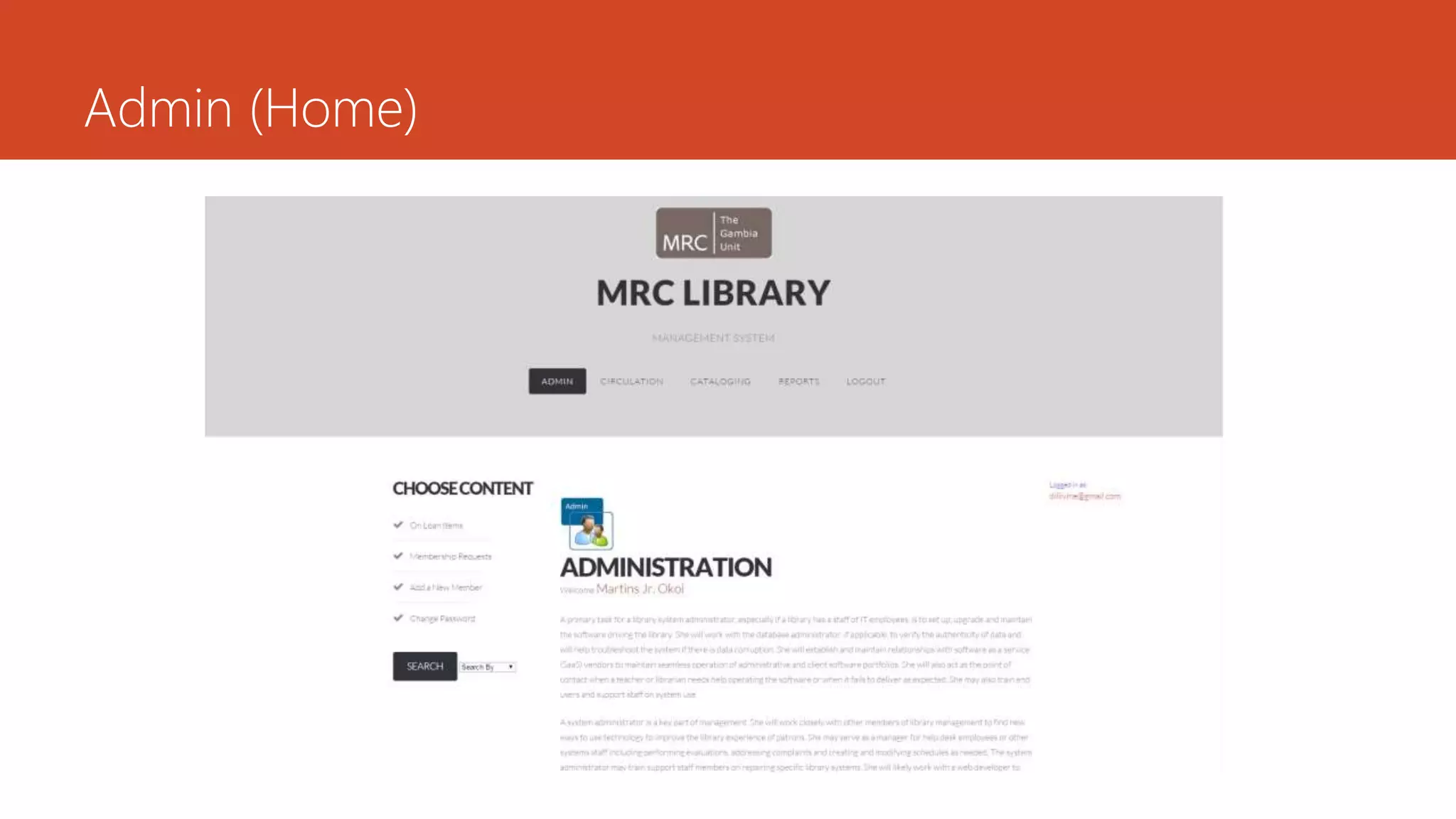
Admin (Home)
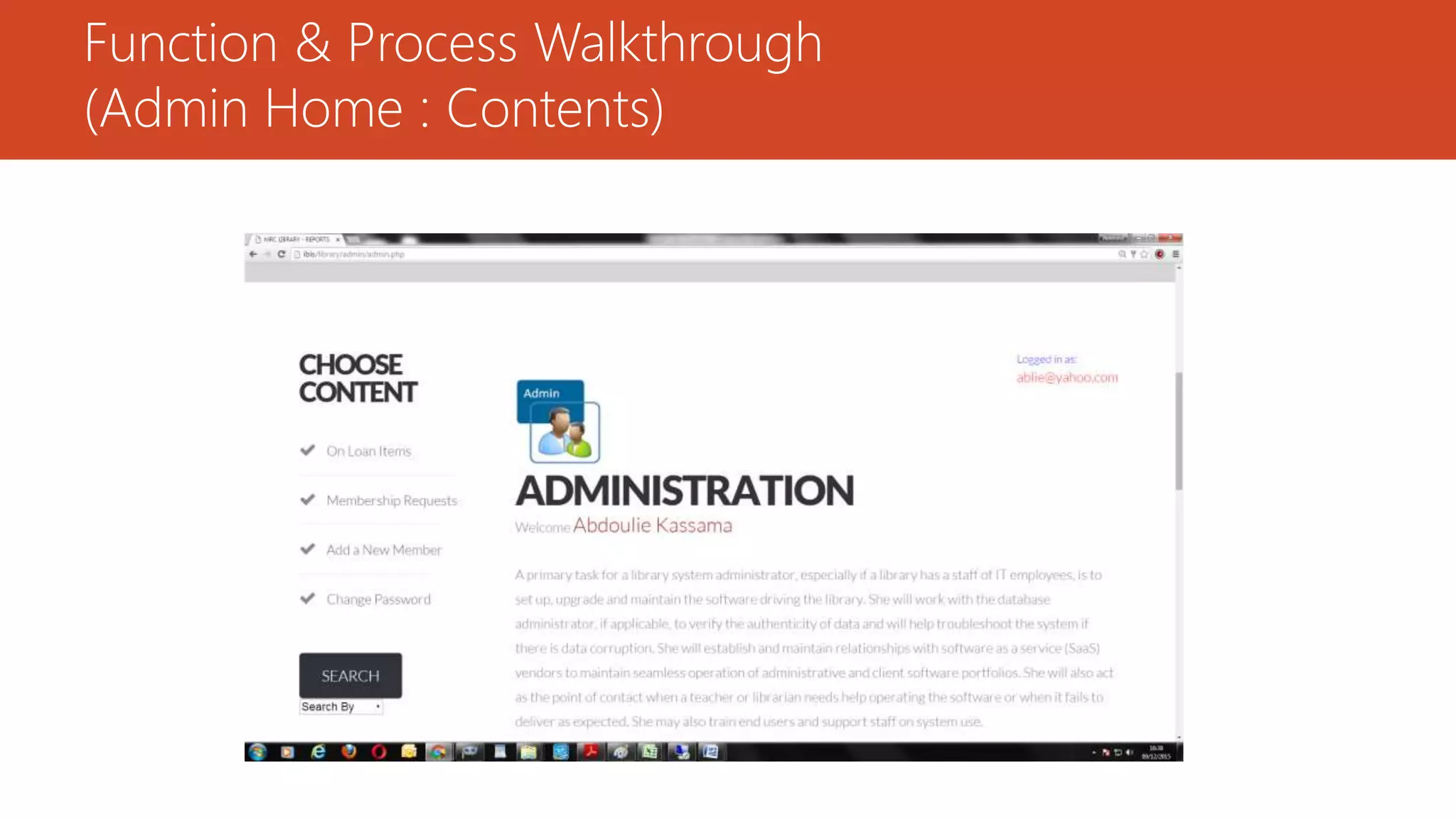
Function & Process Walkthrough
(Admin Home : Contents)
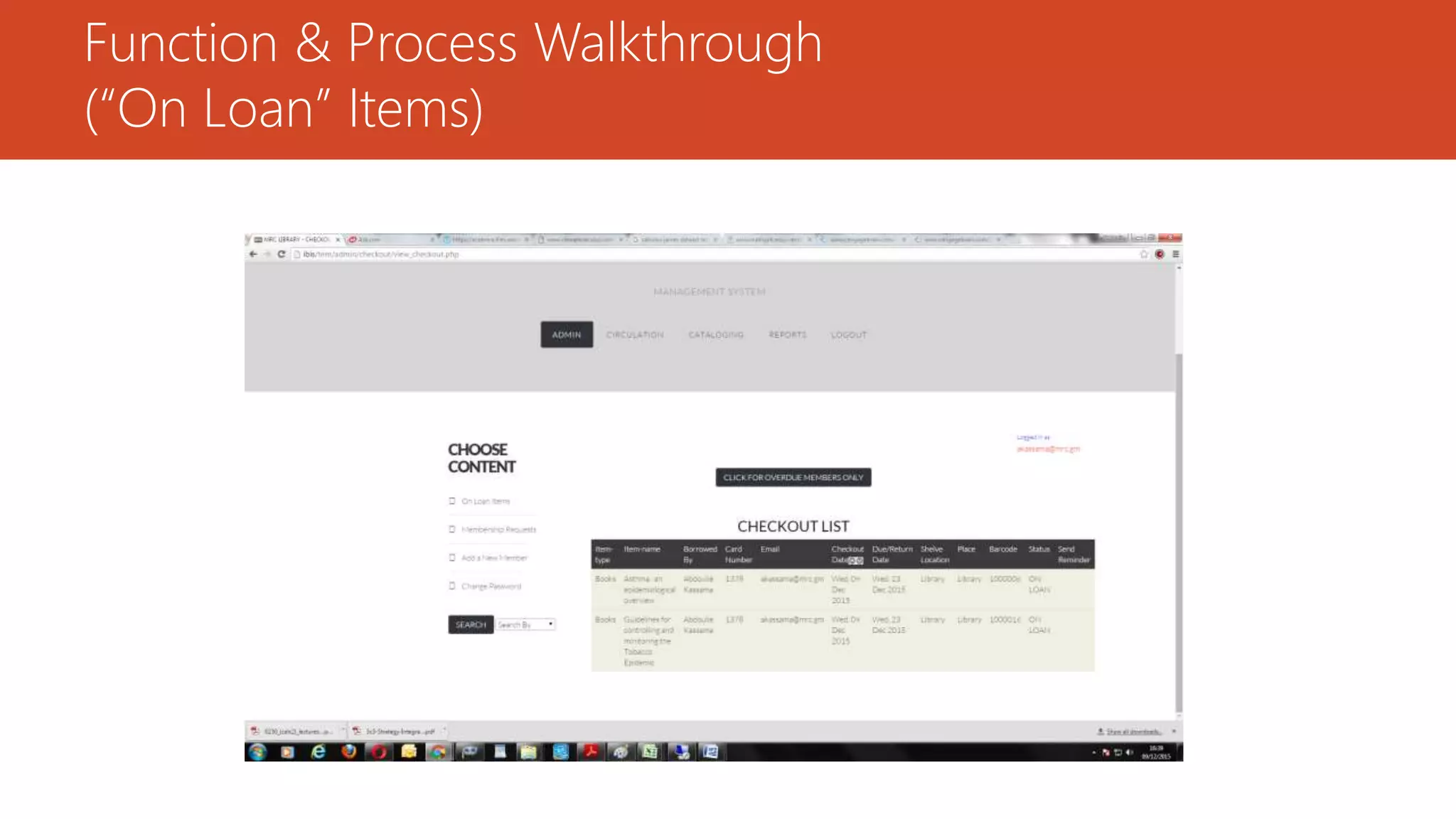
Function & Process Walkthrough
(“On Loan” Items)
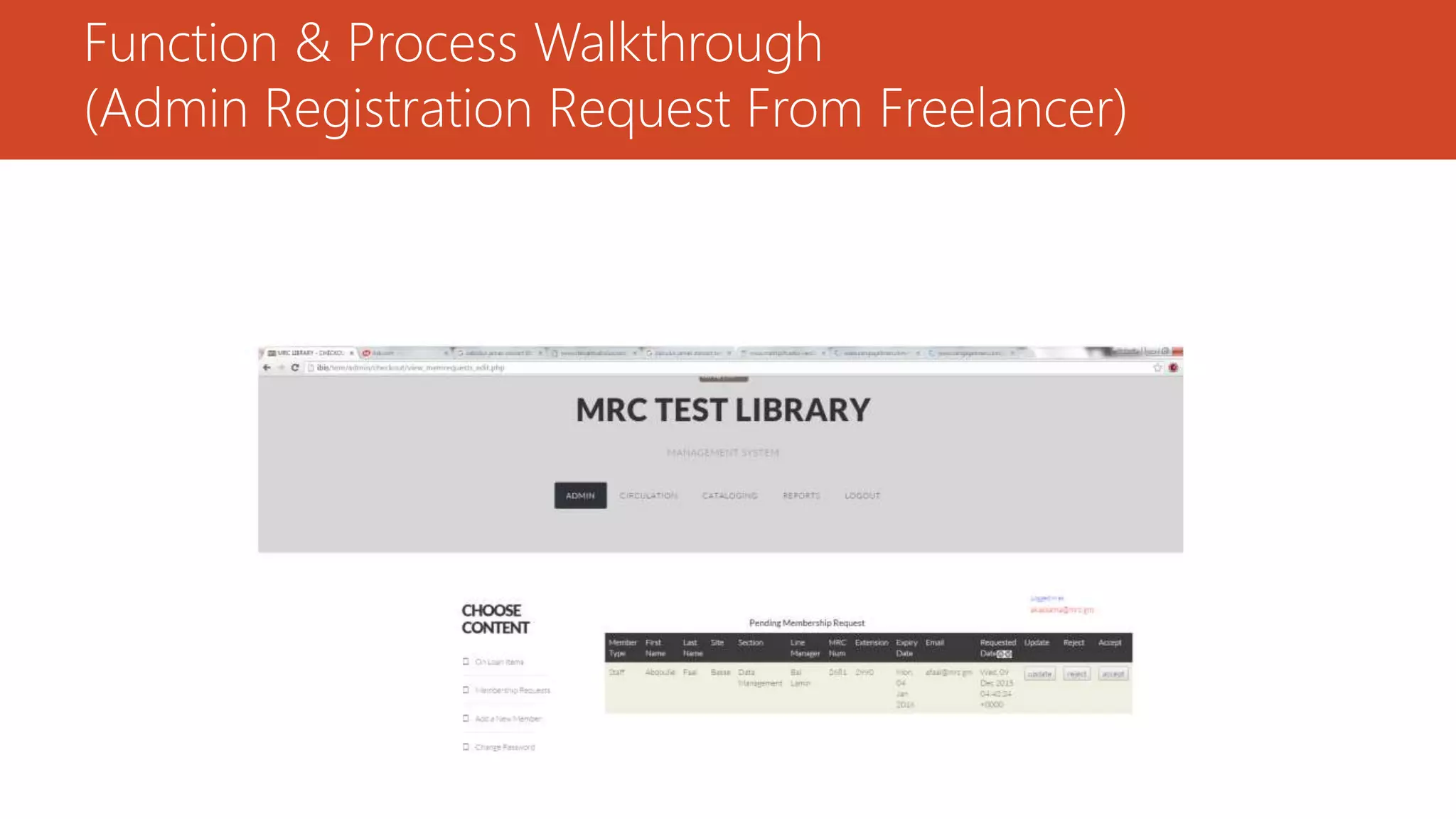
Function & Process Walkthrough
(Admin Registration Request From Freelancer)
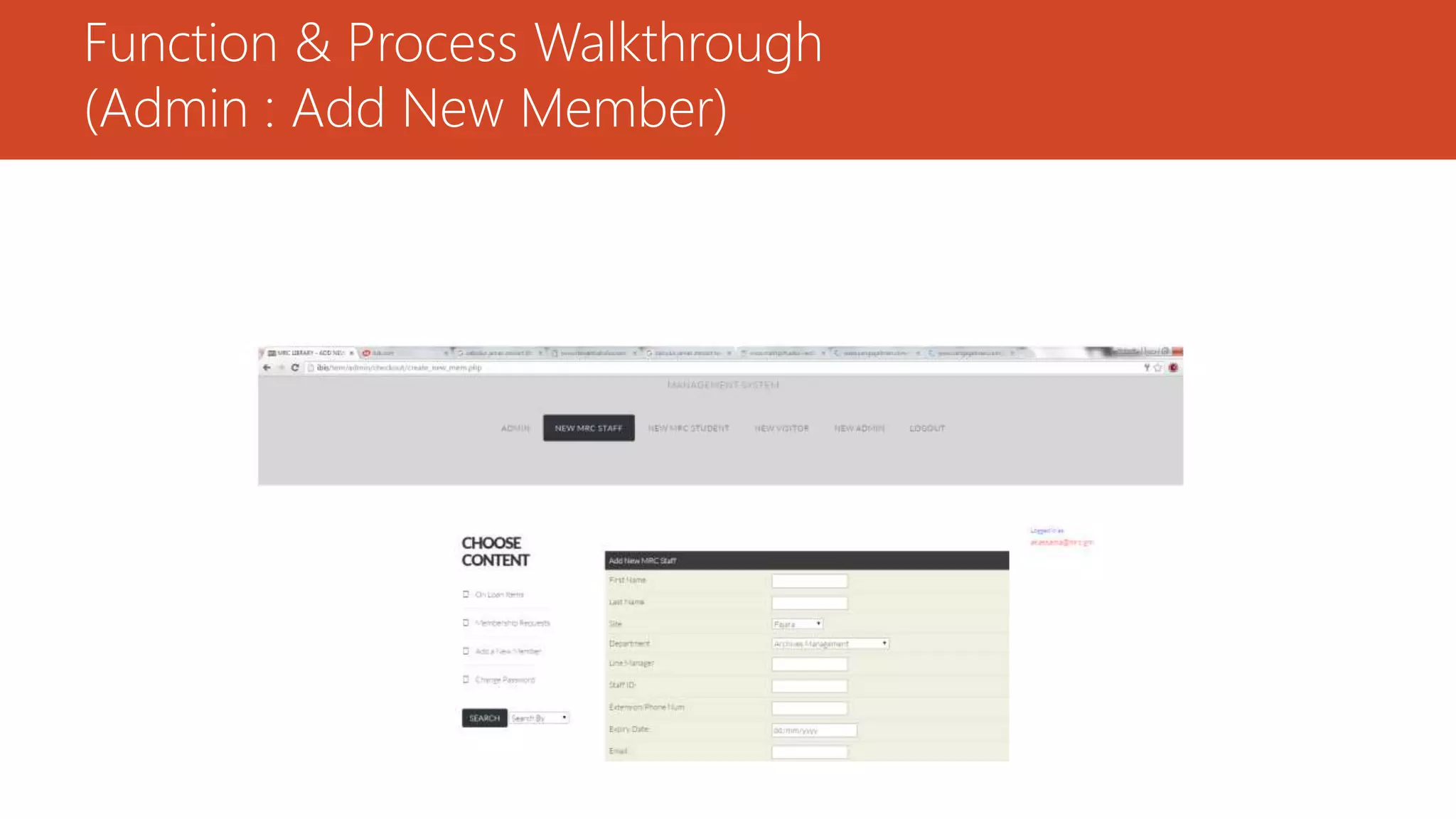
Function & Process Walkthrough
(Admin : Add New Member)
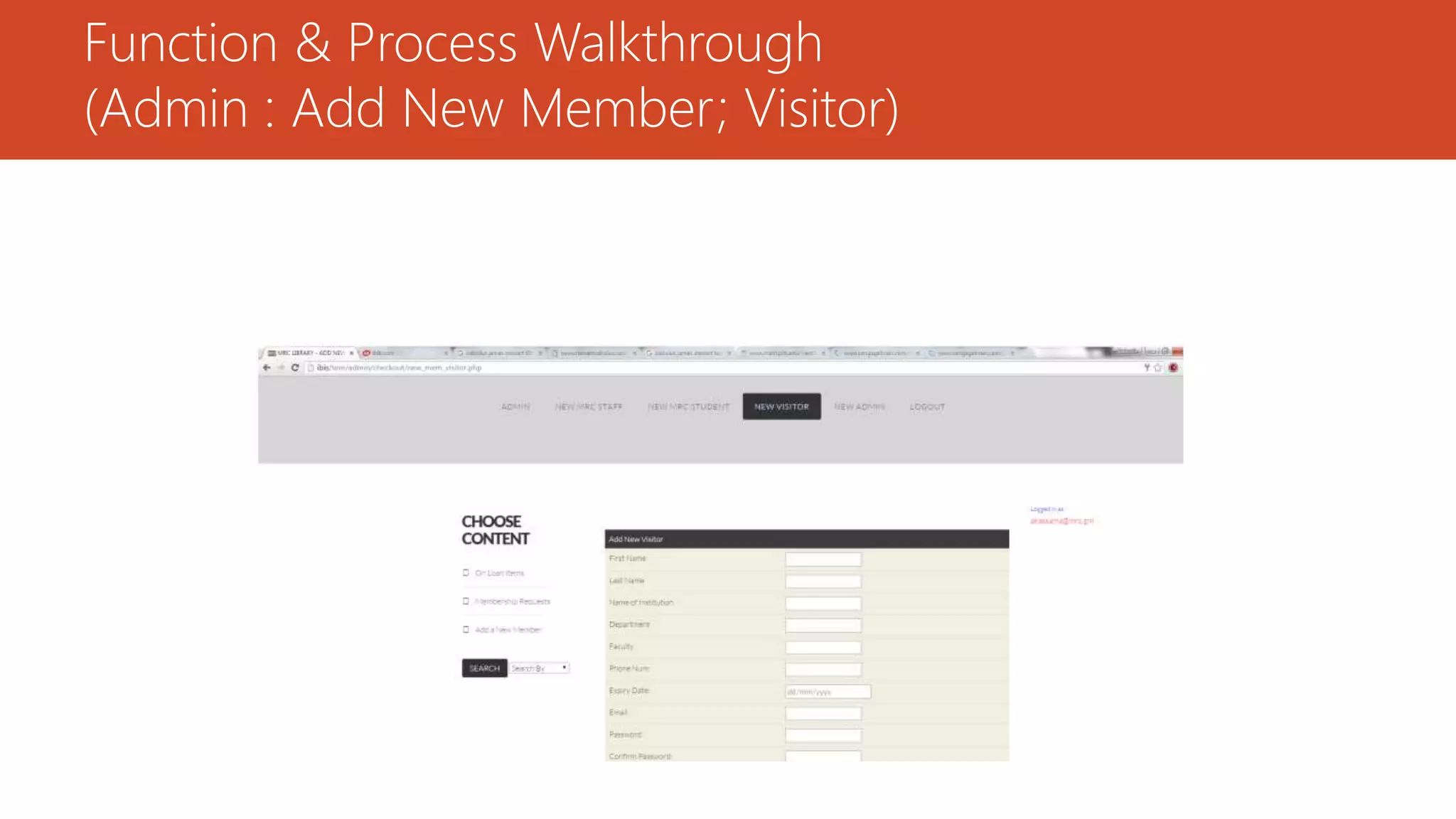
Function & Process Walkthrough
(Admin : Add New Member; Visitor)
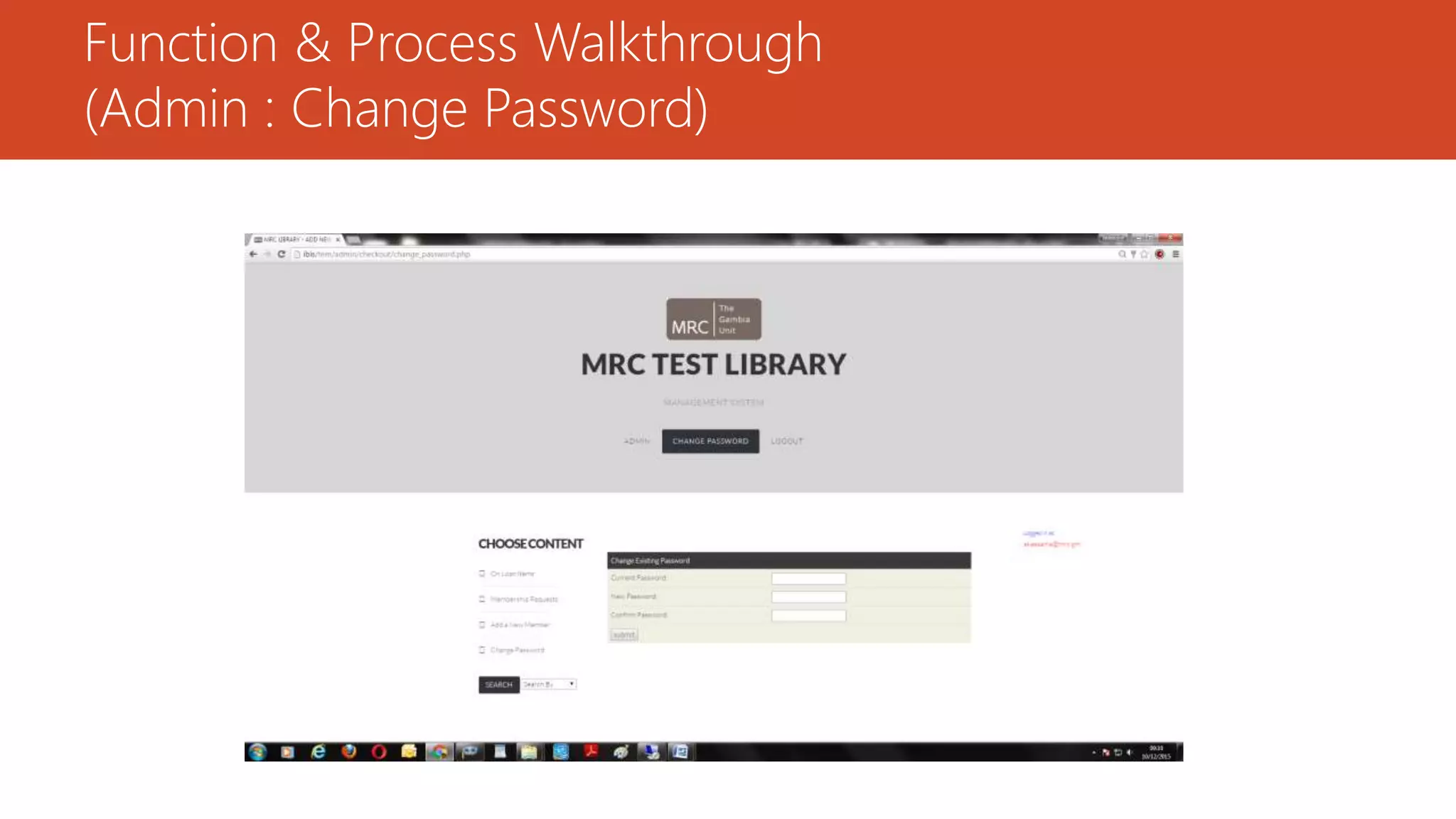
Function & Process Walkthrough
(Admin : Change Password)
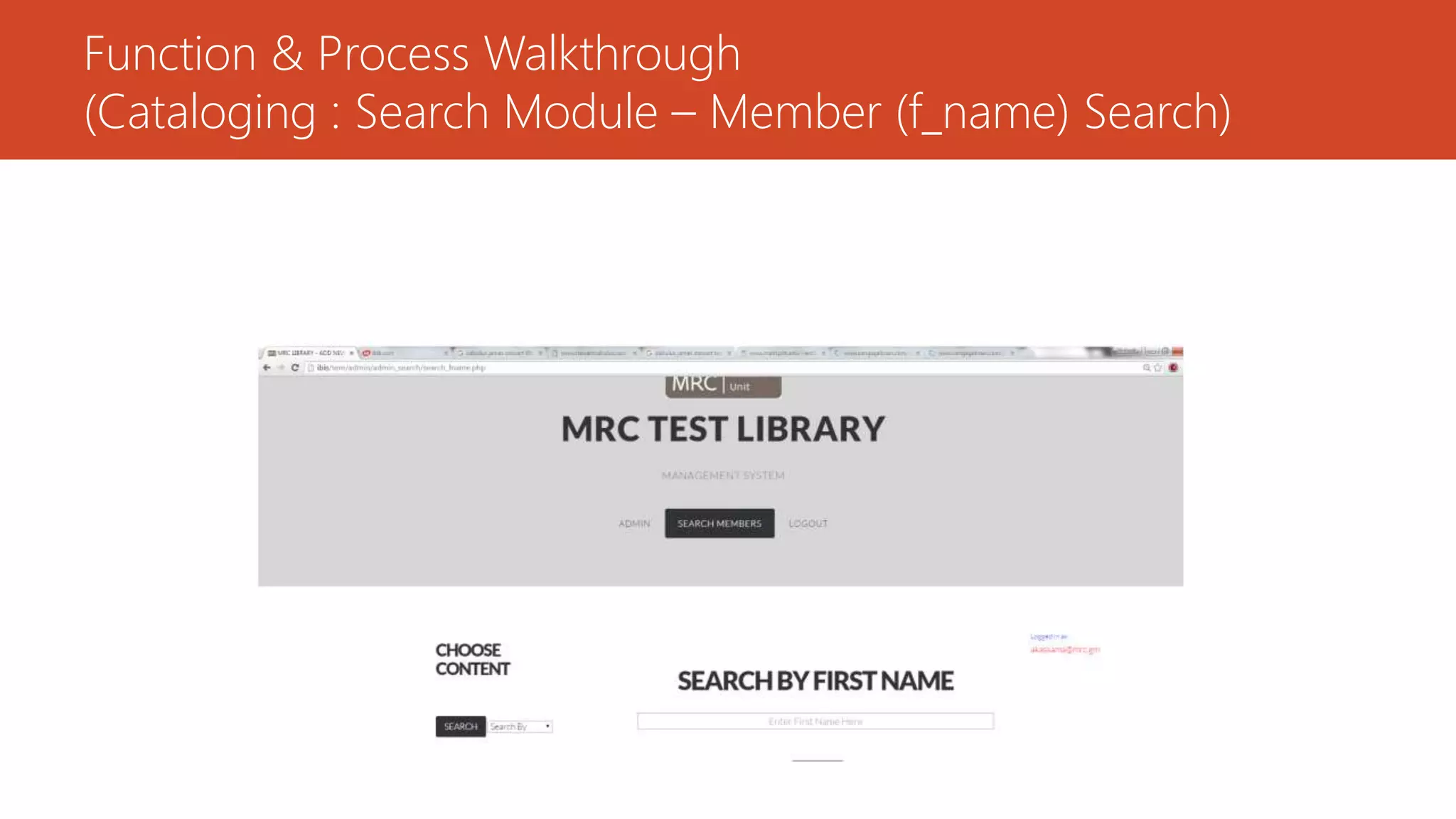
Function & Process Walkthrough
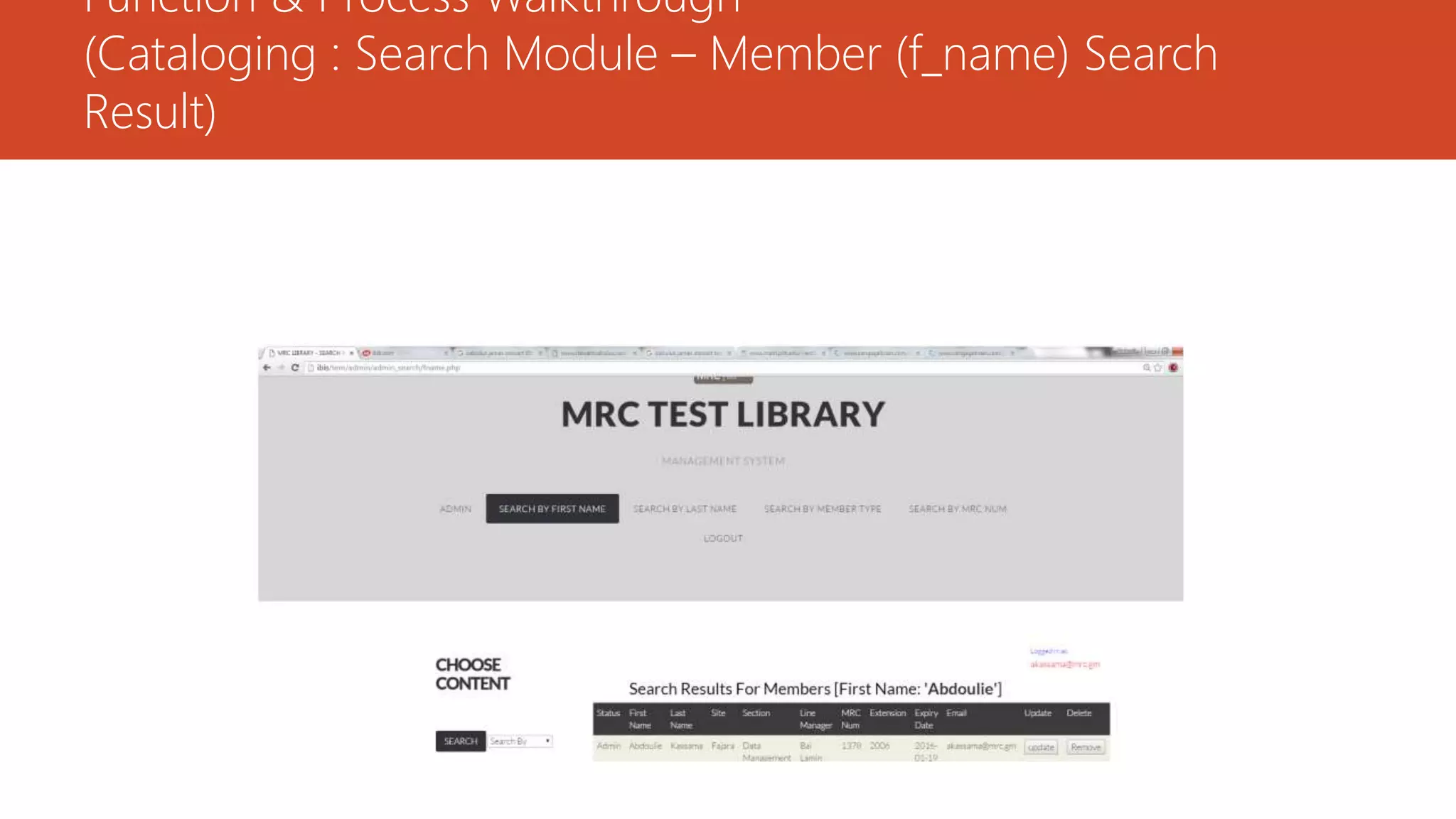
(Cataloging : Search Module – Member (f_name) Search)
Function & Process Walkthrough
(Cataloging : Search Module – Member (f_name) Search
Result)
Function & Process Walkthrough
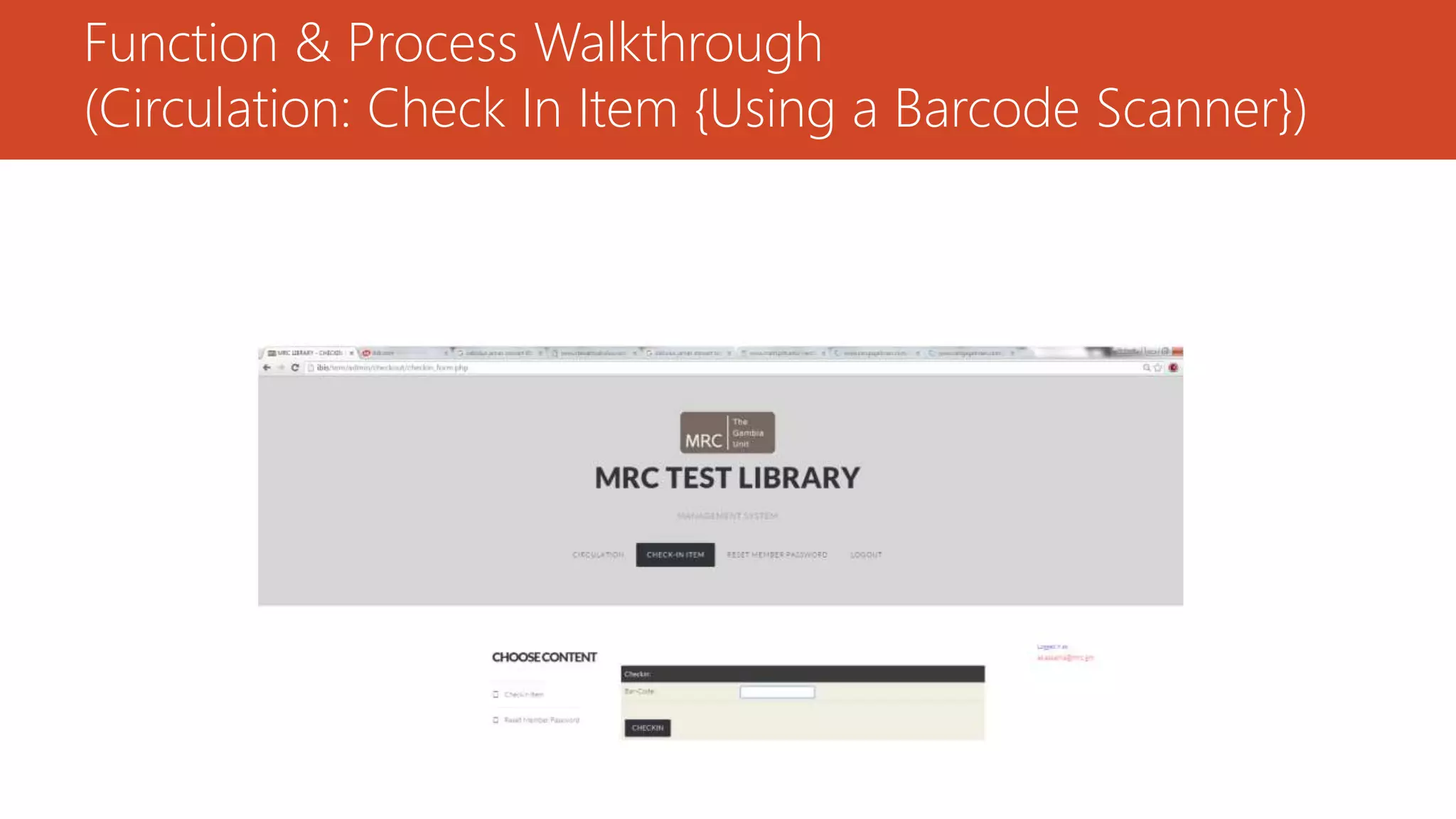
(Circulation: Check In Item {Using a Barcode Scanner})
Function & Process Walkthrough
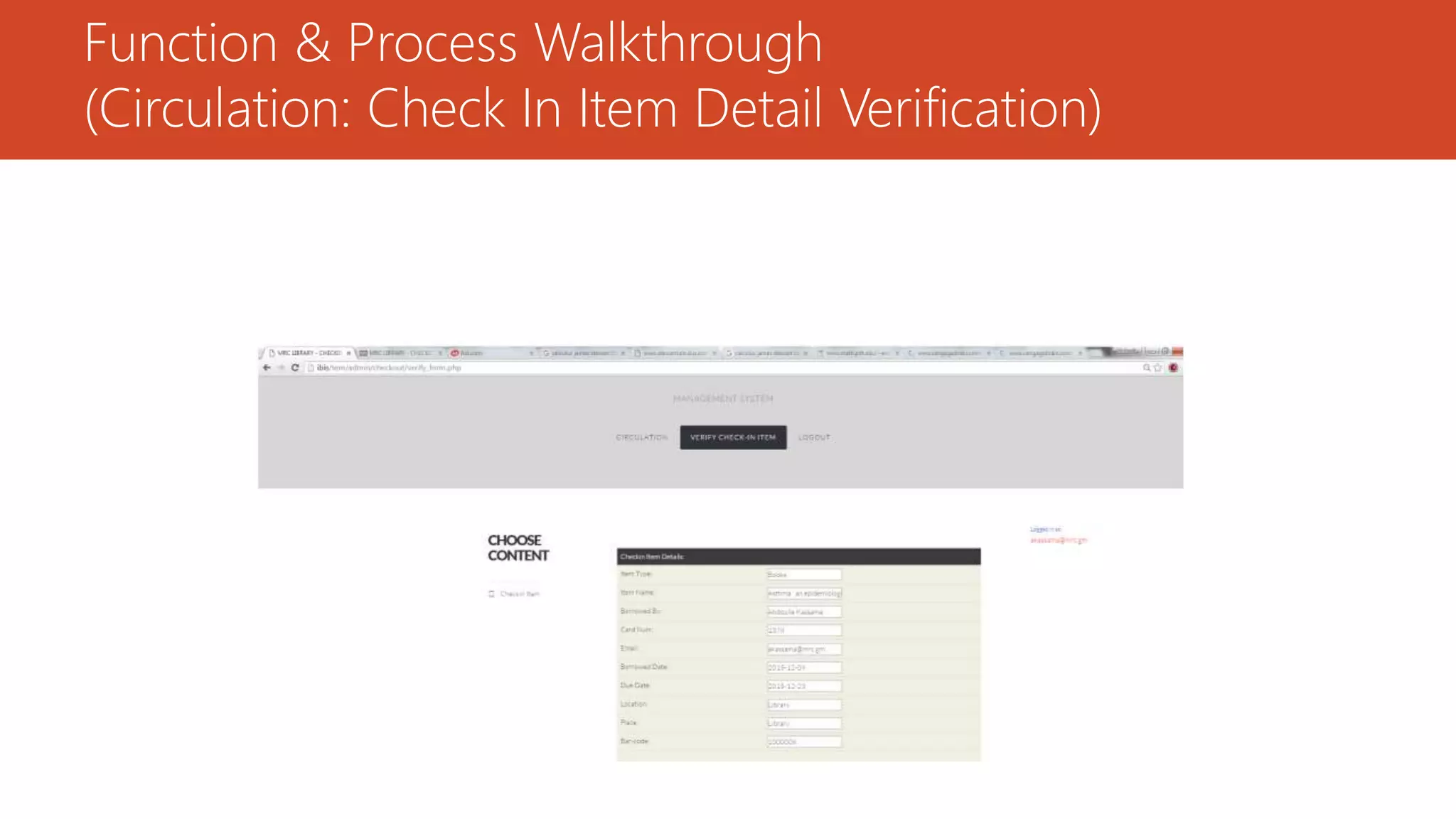
(Circulation: Check In Item Detail Verification)
Function & Process Walkthrough
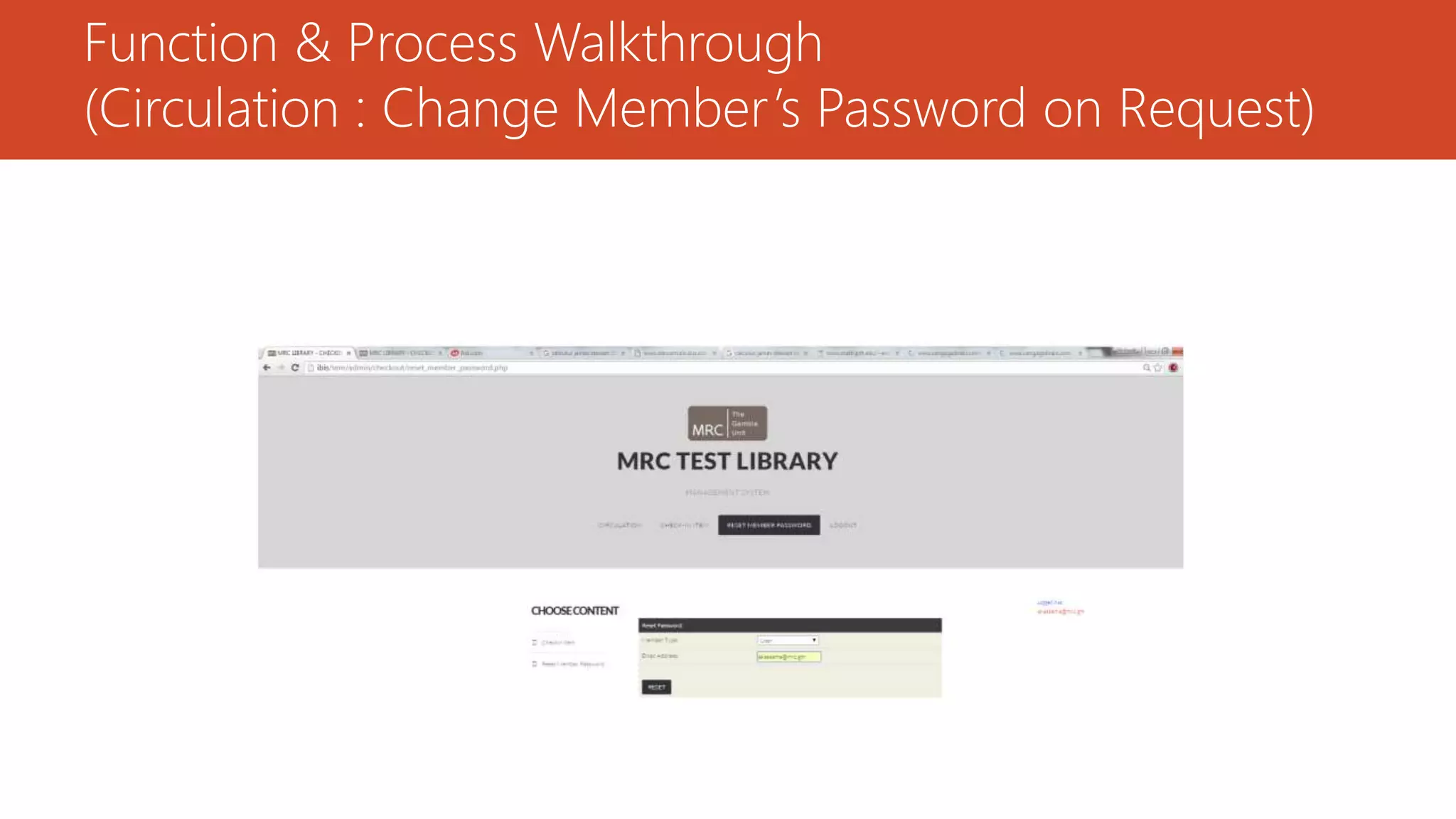
(Circulation : Change Member’s Password on Request)
Function & Process Walkthrough
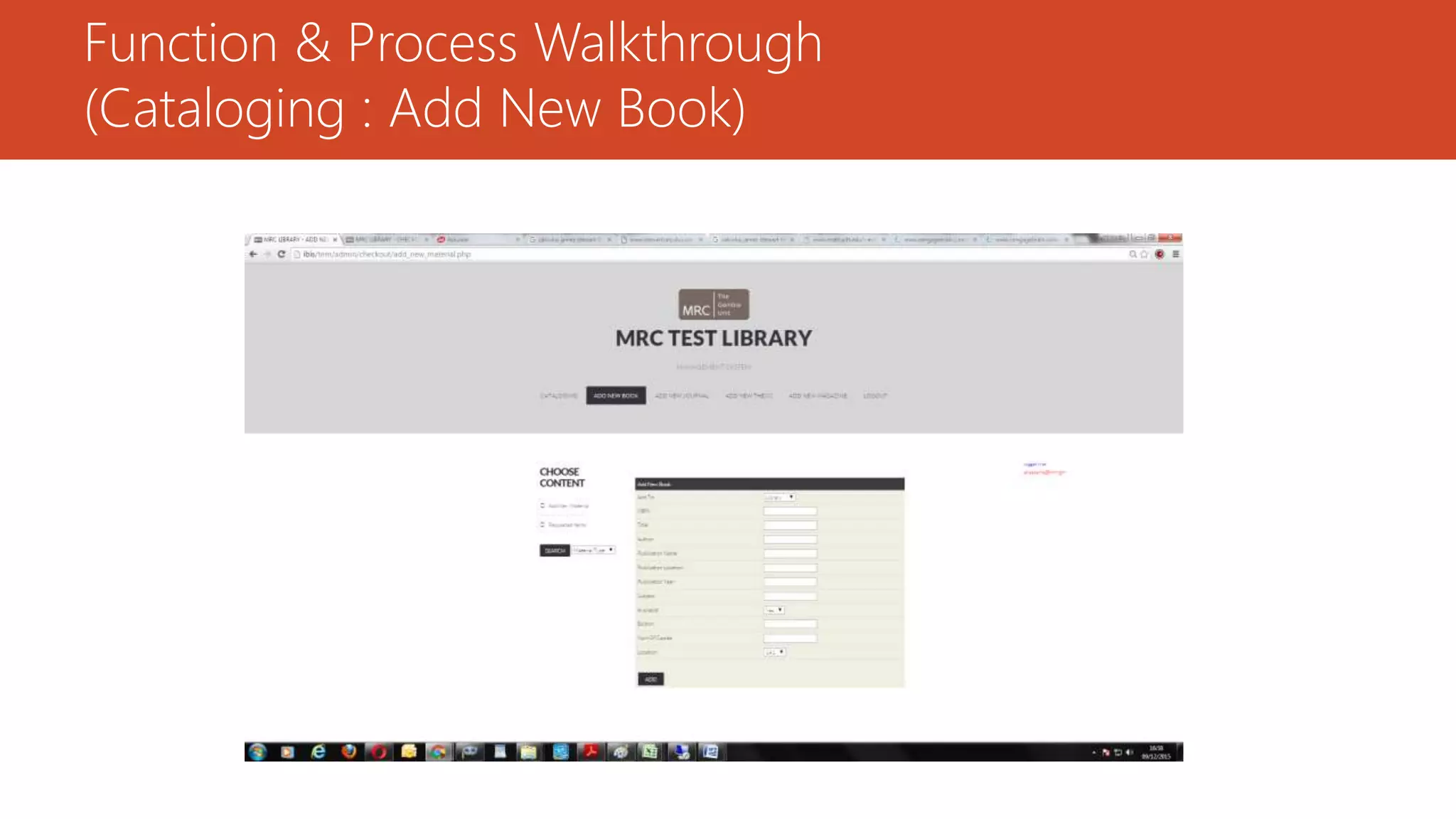
(Cataloging : Add New Book)
Function & Process Walkthrough
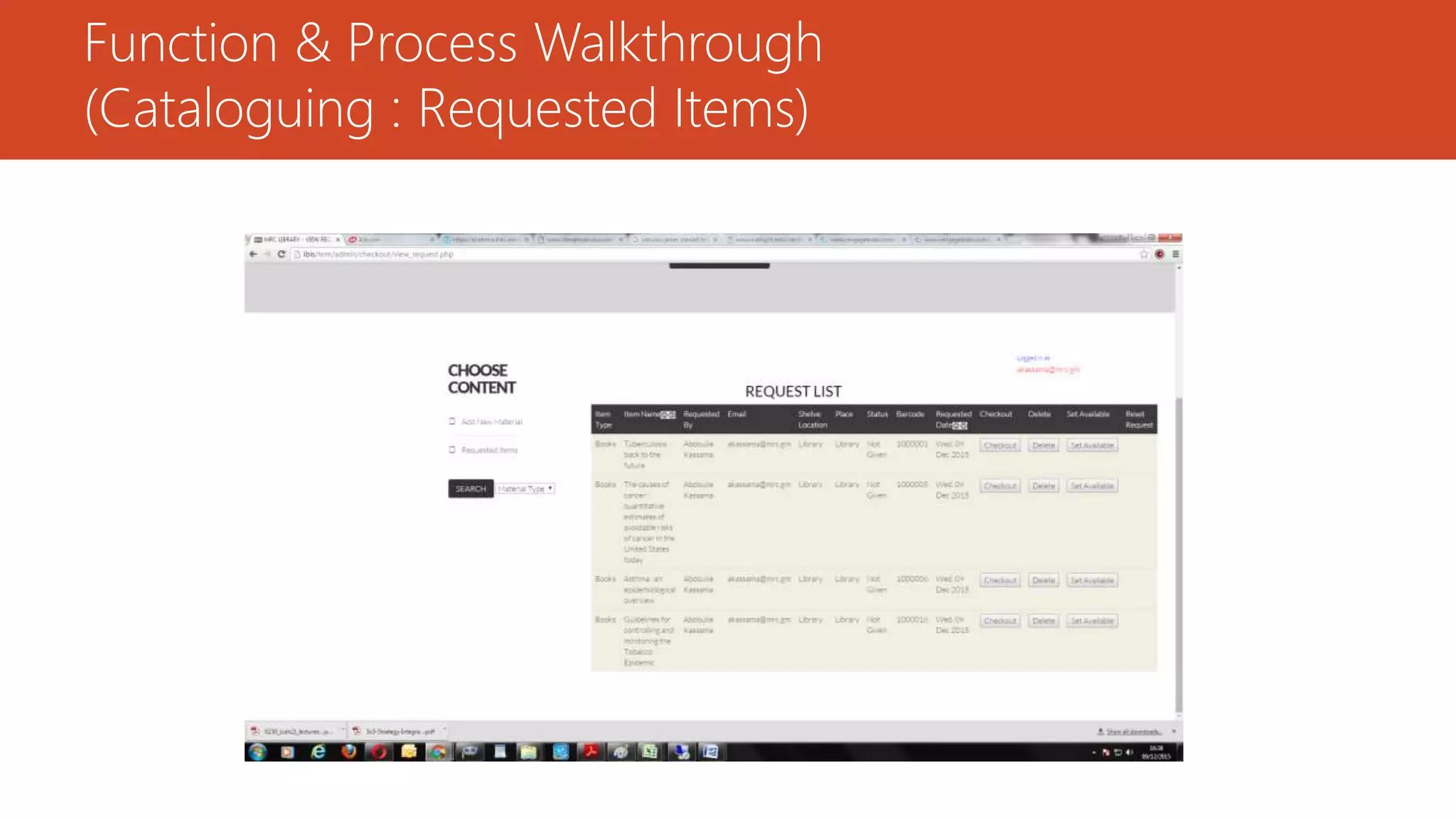
(Cataloguing : Requested Items)
Function & Process Walkthrough
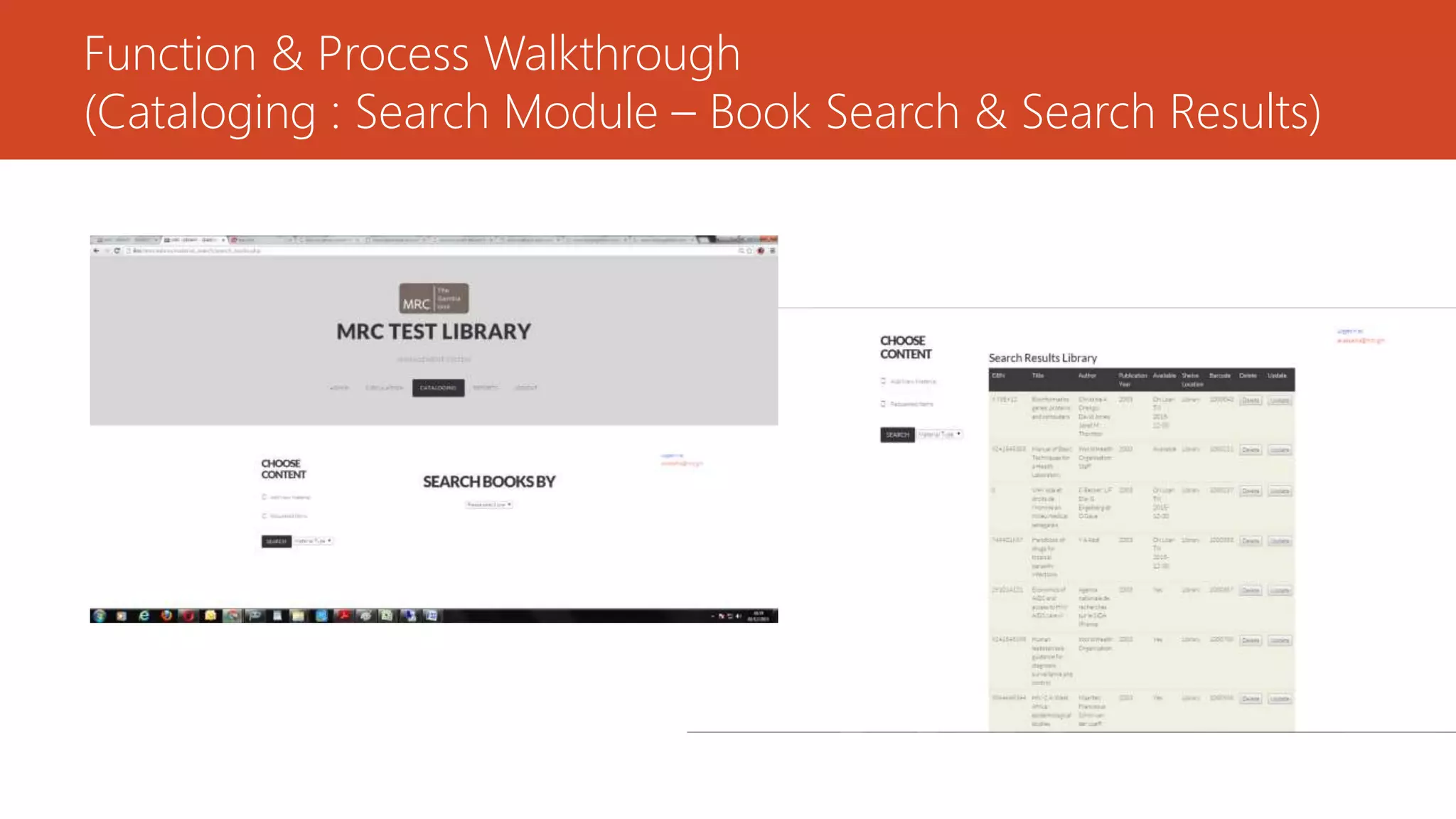
(Cataloging : Search Module – Book Search & Search Results)
Function & Process Walkthrough
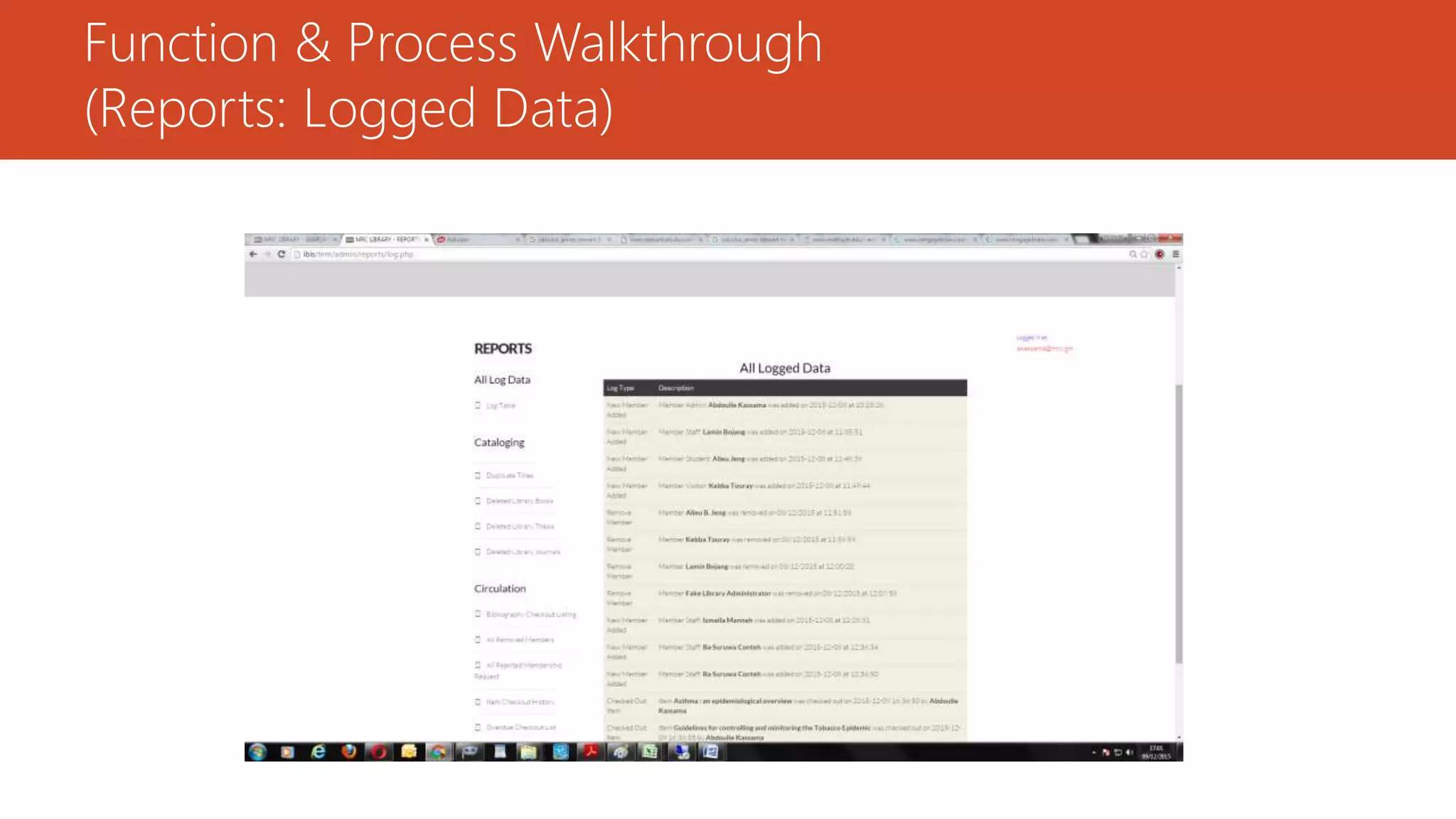
(Reports: Logged Data)
Function & Process Walkthrough
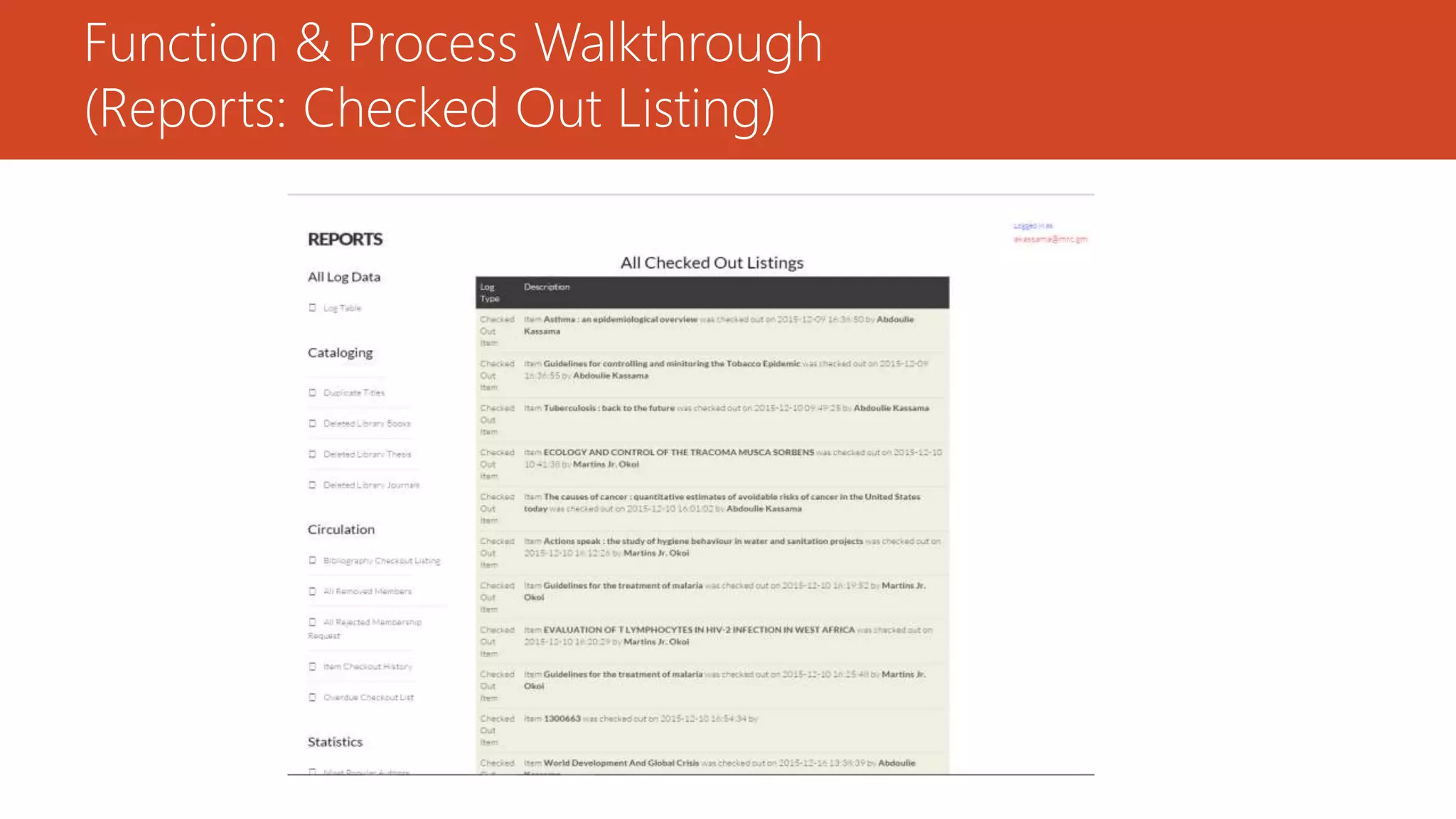
(Reports: Checked Out Listing)
TESTING
The testing process was focused on the logical intervals of the software ensuring that all statements
have been tested and on functional interval is conducting tests to uncover errors and ensure that
defined input will produce actual results that agree with the required results, thus program level
testing and modules level testing were integrated and carried out.
I used two types of testing; White Box Testing and Black Box Testing.
White box sometimes called “Glass box testing” is a test case design that uses the control structure of
the procedural design to drive test cases. Using white box testing methods, the following tests were
made on the system:
a. All independent paths within a module have been exercised once.
b. All logical decisions were checked for the truth and falsity of the values.
TESTING (cont.)
Black box testing focuses on the functional requirements of the software. This black box testing enables
the software engineer to derive a set of input conditions that will fully exercise all functional
requirements for a program.
a. Interface errors
b. Performance in data structure
c. Performance errors
d. Initializing and termination errors
MANY THANKS Martins Jr. Divine Okoi

Library Management System

  • 1.
    A Medical ResearchCouncil’s Library Management System Martins Jr. Divine Okoi
  • 2.
    CONTENT 1. Introduction 2. ProjectObjectives 3. Application Modules • User Modules • Admin Modules 4. System Diagrams 1. ER Diagram 2. Flowchart 3. Add Module Flowchart 4. Check In/Check Out Process 5. Design • Design Freelance • Design User • Design Admin: Function & Process Walkthrough 6. Testing 7. Thank You
  • 3.
    INTRODUCTION (definition) According toStephen, Maeve & Philips (2007), in a traditional sense, a Library is a large collection of books, and can refer to the place in which the collection is housed. Today, the term can refer to any collection, including digital sources, resources, and services. The collections can be of print, audio, and visual materials in numerous formats, including maps, prints, and documents, microform, CDs, cassettes, videotapes, DVDs, video games, e-books, audio books and many other electronic resources. The places where this material is stored can range from public libraries, subscription libraries, private libraries, and can also be in digital form, stored on computers or accessible over the internet.
  • 4.
    INTRODUCTION (definition cont.) Alibrary management system (LMS) is a software that is developed to handle at least the most basic housekeeping functions of a library. It’s a well organized software solution for a library which helps to provide information on any registered materials present in the library to the user as well as staff. The LMS facilitates technical functions of a library and one such function is electronic cataloguing. With an LMS, library users can trace desired items electronically without going through shelves. An LMS also facilitates the lending process by keeping records of items lent and the borrower’s information. LMS supports other administrative tasks such as inventory and data processing.
  • 5.
    Project Objectives  Developa system that can replace the manual library managing system.  Develop a database which stores user & items details.  Build an advanced search that can help for the best handling of user queries, this search should handle different search types like searching by author, title, year of publication, *barcode.  The search result should contain information about the exact location of the book.  The Administrator, Librarian & Users should have separate logins.  Create an easy to understand user friendly environment.
  • 6.
    Project Objectives (cont.) Create an attractive user interfaces to navigate through the system for the users.  Create a module to produce technical reports and/or logs of the LMS events.  Develop a system that will record the items borrowed.  Provide security (i.e. only the administrator can update any information to the database).
  • 7.
    APPLICATION MODULES User Modules •Log In/Out – (Security Module) • Book, Journal, Magazine & Thesis Search (OPAC Access) • Change Password • Reset Password • Request for Books • Contact Admin
  • 8.
    APPLICATION MODULES (cont.) AdminModules • Log In/Out – (Security Module) • Add/Remove Members • Update/Delete Member Information • Book, Journal, Magazine & Thesis Search (OPAC Access)
  • 9.
    APPLICATION MODULES (cont.) AdminModules (cont.) • Add and/or Delete Books, Journals, Magazines & Thesis • Update Books’, Journals’, Magazines’ & Thesis’ Details • Authenticate the Check Out of Books, Journals, Magazine & Thesis • Check In Returned Materials using a Barcode Scanner
  • 10.
  • 11.
  • 12.
    System Diagrams (AddModule Process)
  • 13.
    System Diagrams (CheckOut - Check In Process)
  • 14.
  • 15.
  • 16.
  • 17.
  • 18.
  • 19.
    User (Search &Search_result pages)
  • 20.
    User (See RequestStatus and Change Password)
  • 21.
  • 22.
    Function & ProcessWalkthrough (Admin Home : Contents)
  • 23.
    Function & ProcessWalkthrough (“On Loan” Items)
  • 24.
    Function & ProcessWalkthrough (Admin Registration Request From Freelancer)
  • 25.
    Function & ProcessWalkthrough (Admin : Add New Member)
  • 26.
    Function & ProcessWalkthrough (Admin : Add New Member; Visitor)
  • 27.
    Function & ProcessWalkthrough (Admin : Change Password)
  • 28.
    Function & ProcessWalkthrough (Cataloging : Search Module – Member (f_name) Search)
  • 29.
    Function & ProcessWalkthrough (Cataloging : Search Module – Member (f_name) Search Result)
  • 30.
    Function & ProcessWalkthrough (Circulation: Check In Item {Using a Barcode Scanner})
  • 31.
    Function & ProcessWalkthrough (Circulation: Check In Item Detail Verification)
  • 32.
    Function & ProcessWalkthrough (Circulation : Change Member’s Password on Request)
  • 33.
    Function & ProcessWalkthrough (Cataloging : Add New Book)
  • 34.
    Function & ProcessWalkthrough (Cataloguing : Requested Items)
  • 35.
    Function & ProcessWalkthrough (Cataloging : Search Module – Book Search & Search Results)
  • 36.
    Function & ProcessWalkthrough (Reports: Logged Data)
  • 37.
    Function & ProcessWalkthrough (Reports: Checked Out Listing)
  • 38.
    TESTING The testing processwas focused on the logical intervals of the software ensuring that all statements have been tested and on functional interval is conducting tests to uncover errors and ensure that defined input will produce actual results that agree with the required results, thus program level testing and modules level testing were integrated and carried out. I used two types of testing; White Box Testing and Black Box Testing. White box sometimes called “Glass box testing” is a test case design that uses the control structure of the procedural design to drive test cases. Using white box testing methods, the following tests were made on the system: a. All independent paths within a module have been exercised once. b. All logical decisions were checked for the truth and falsity of the values.
  • 39.
    TESTING (cont.) Black boxtesting focuses on the functional requirements of the software. This black box testing enables the software engineer to derive a set of input conditions that will fully exercise all functional requirements for a program. a. Interface errors b. Performance in data structure c. Performance errors d. Initializing and termination errors
  • 40.
    MANY THANKS MartinsJr. Divine Okoi

Editor's Notes

  • #41 In Slide Show mode, click the arrow to enter the PowerPoint Getting Started Center.