Library 2.0:  A New Version for the Future Vermont Department of Libraries April 12 -13, 2007 Amy “Mashup” Benson Rob “2.0” Favini
Morning Agenda Technology environment Web 2.0 101 Impact  Self-service Community Trust
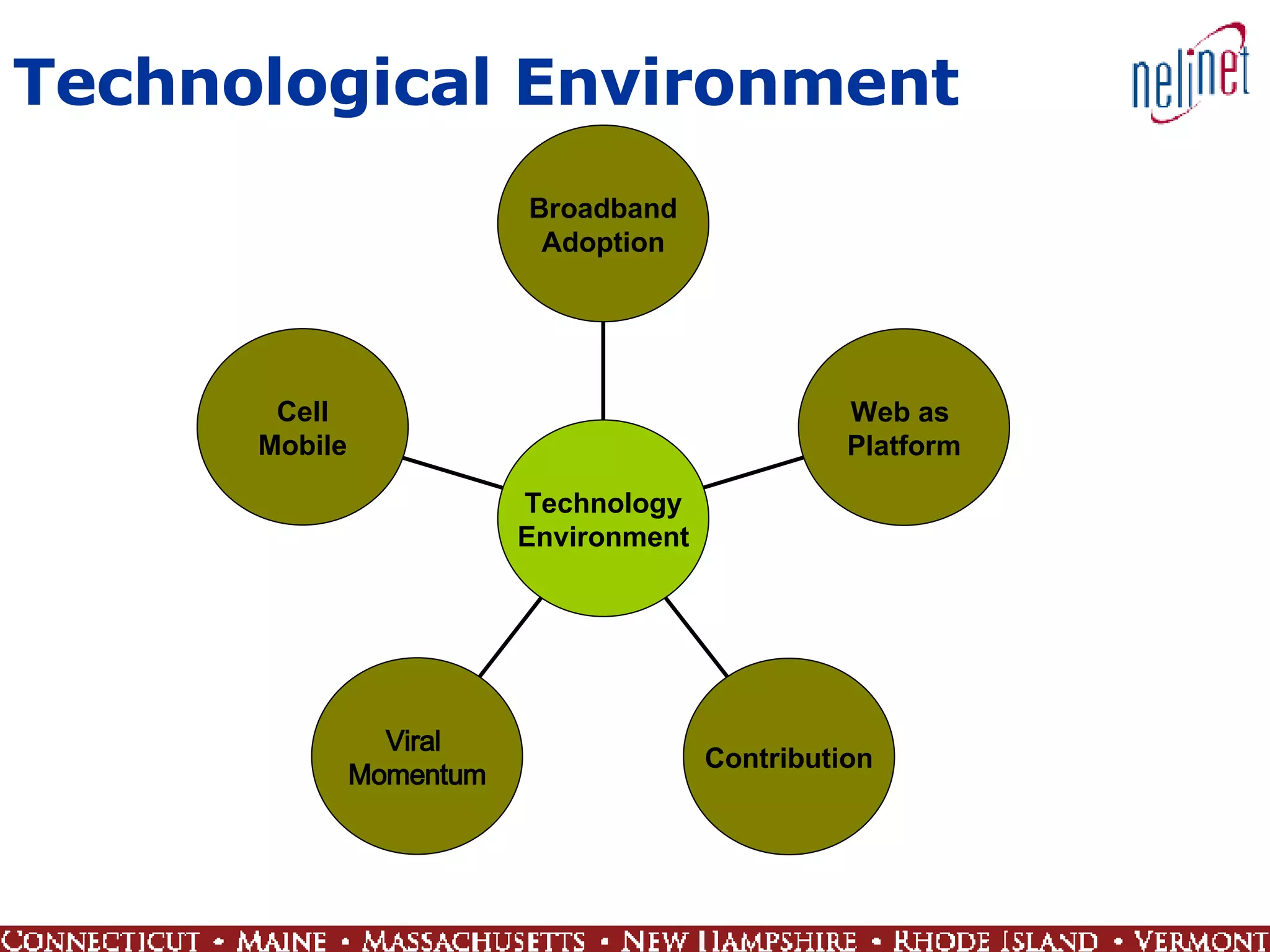
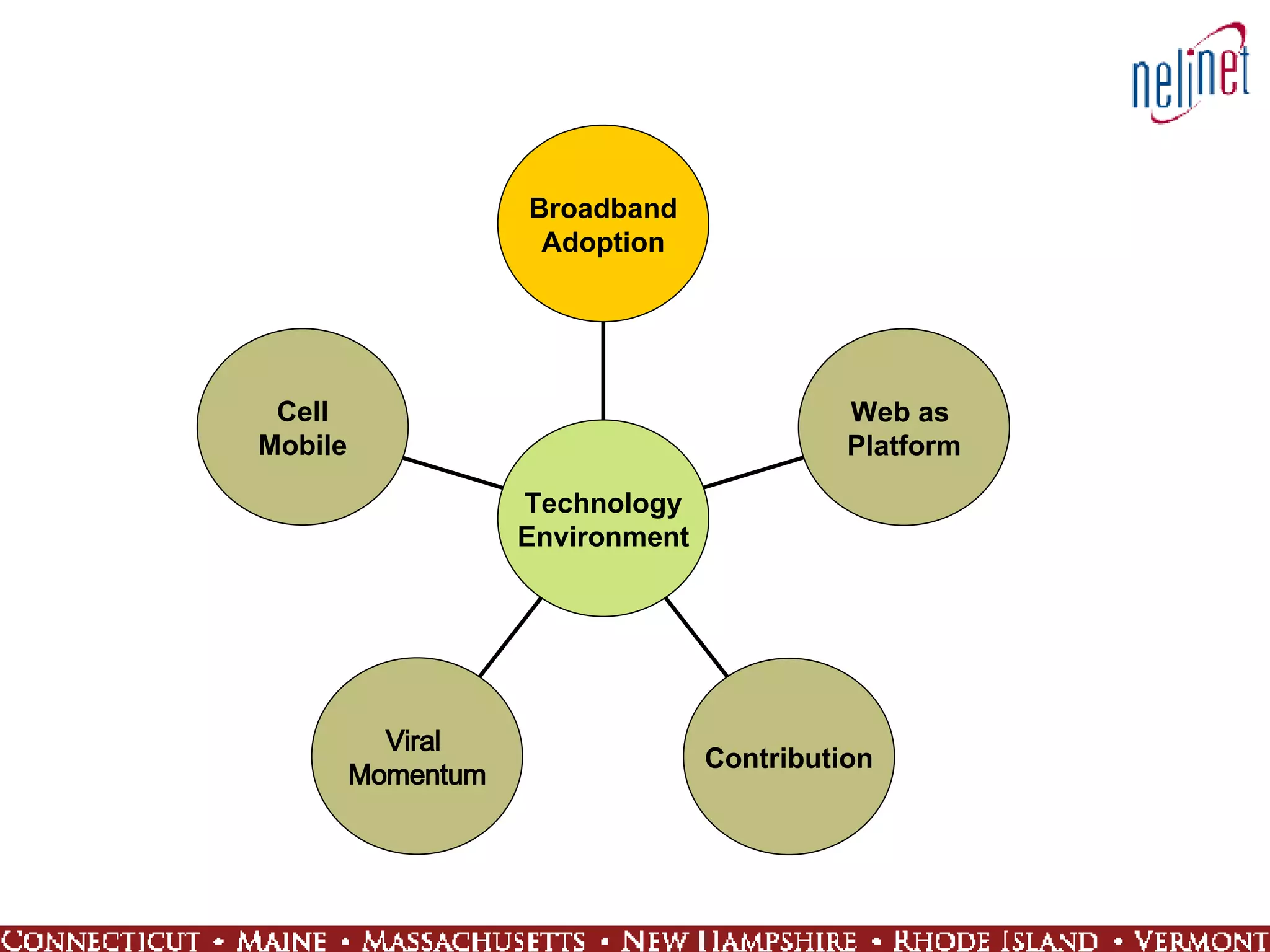
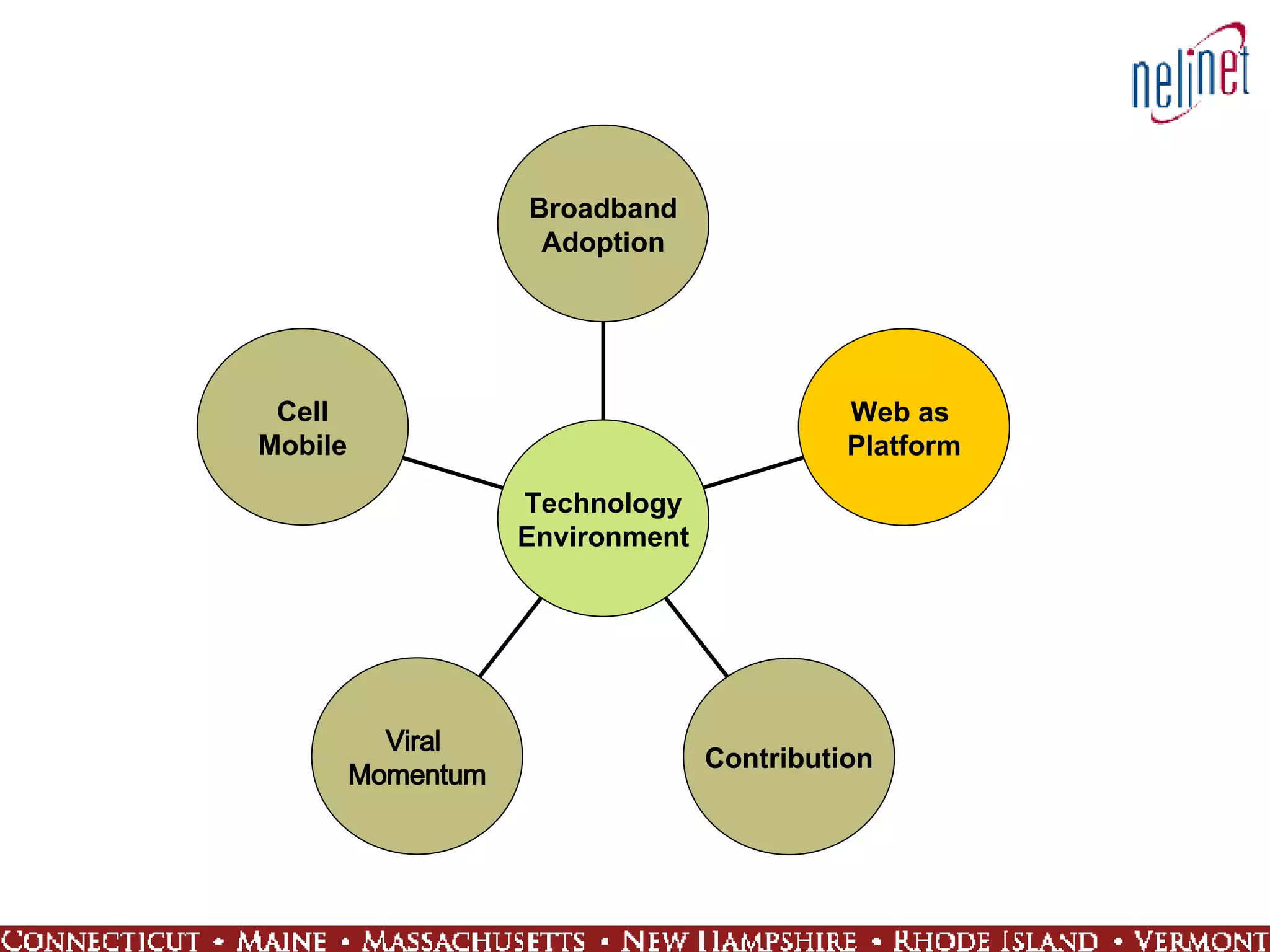
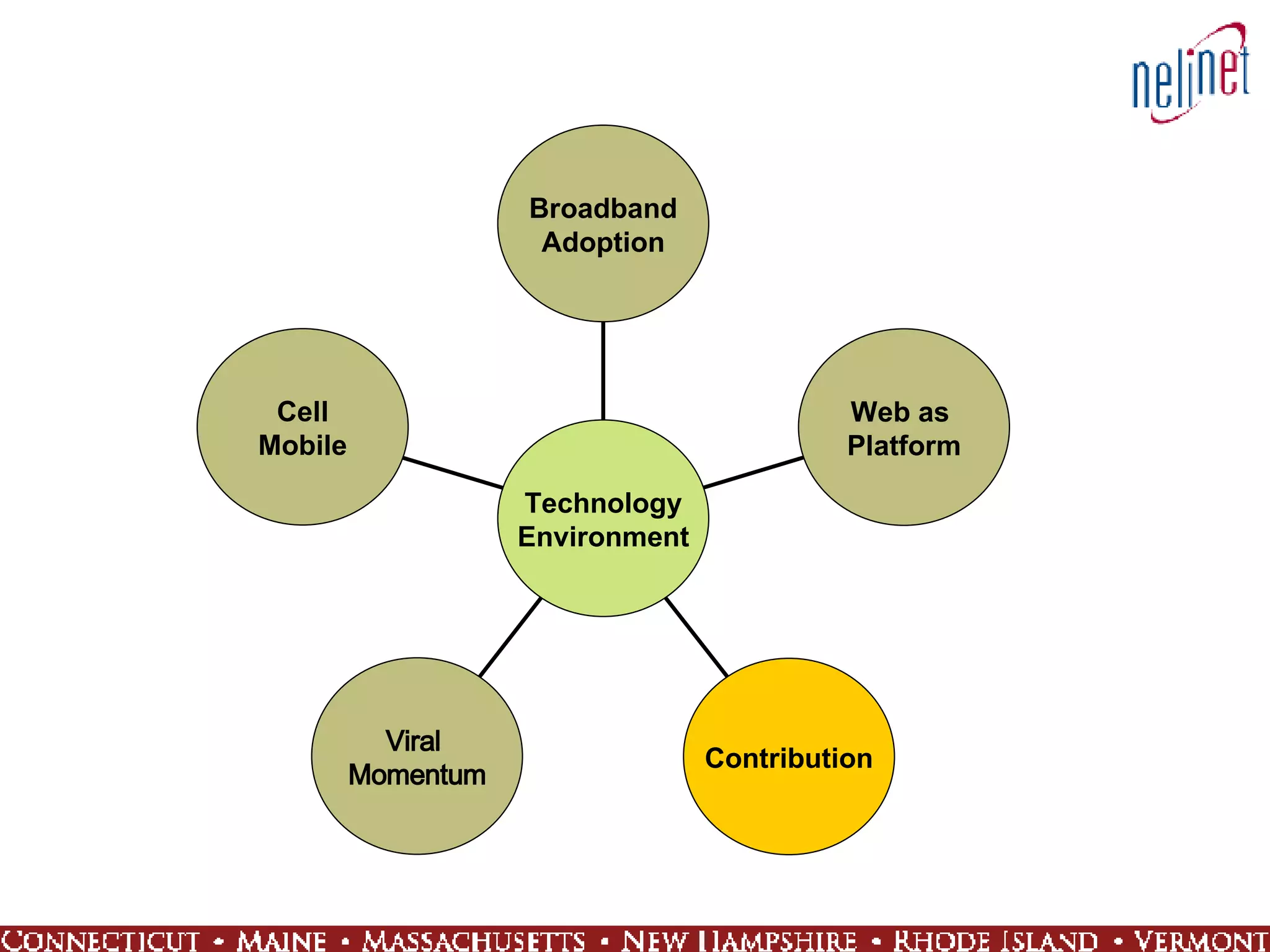
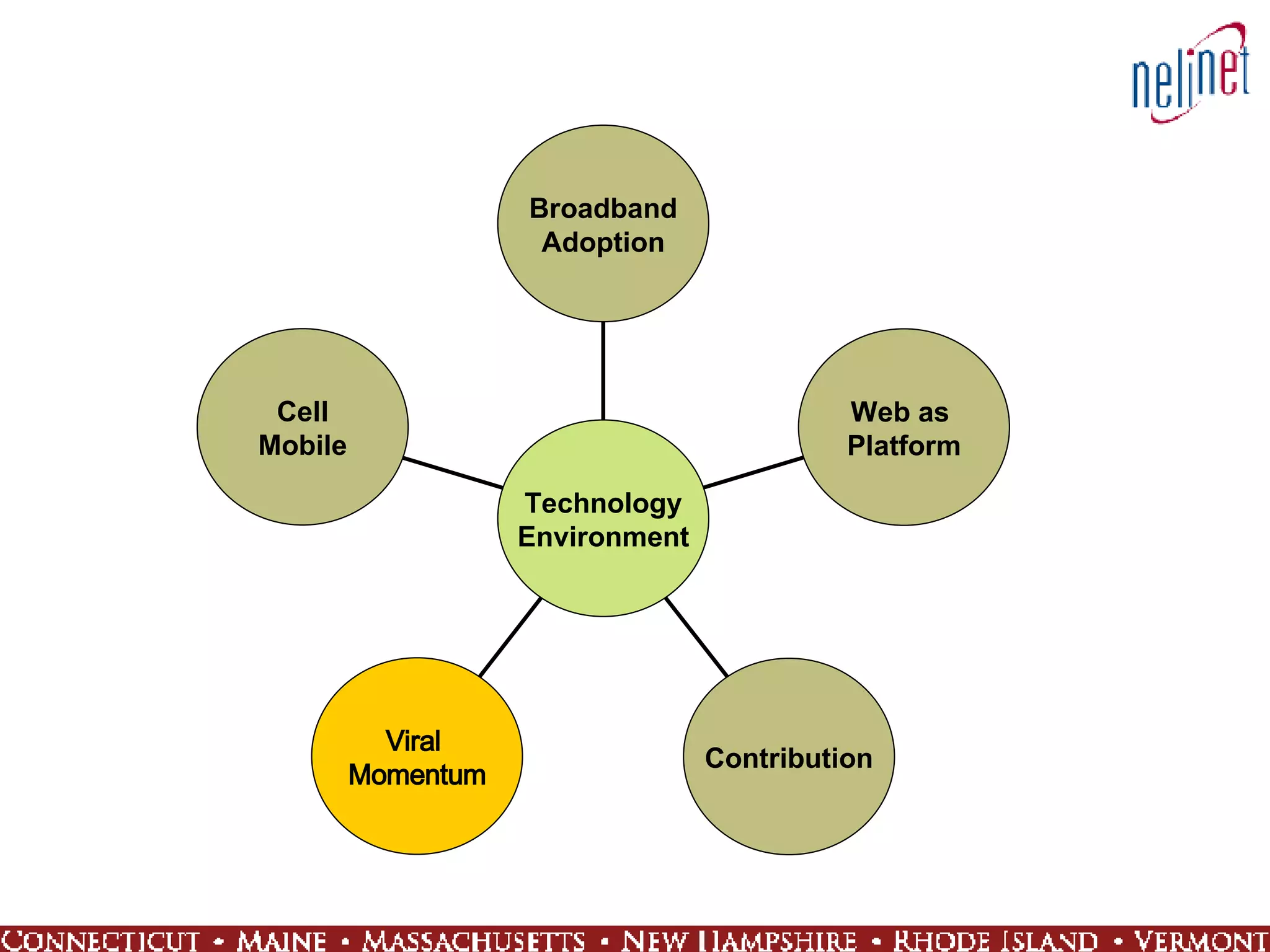
Technological Environment Cell Mobile Viral  Momentum Contribution Web as  Platform Broadband Adoption Technology Environment
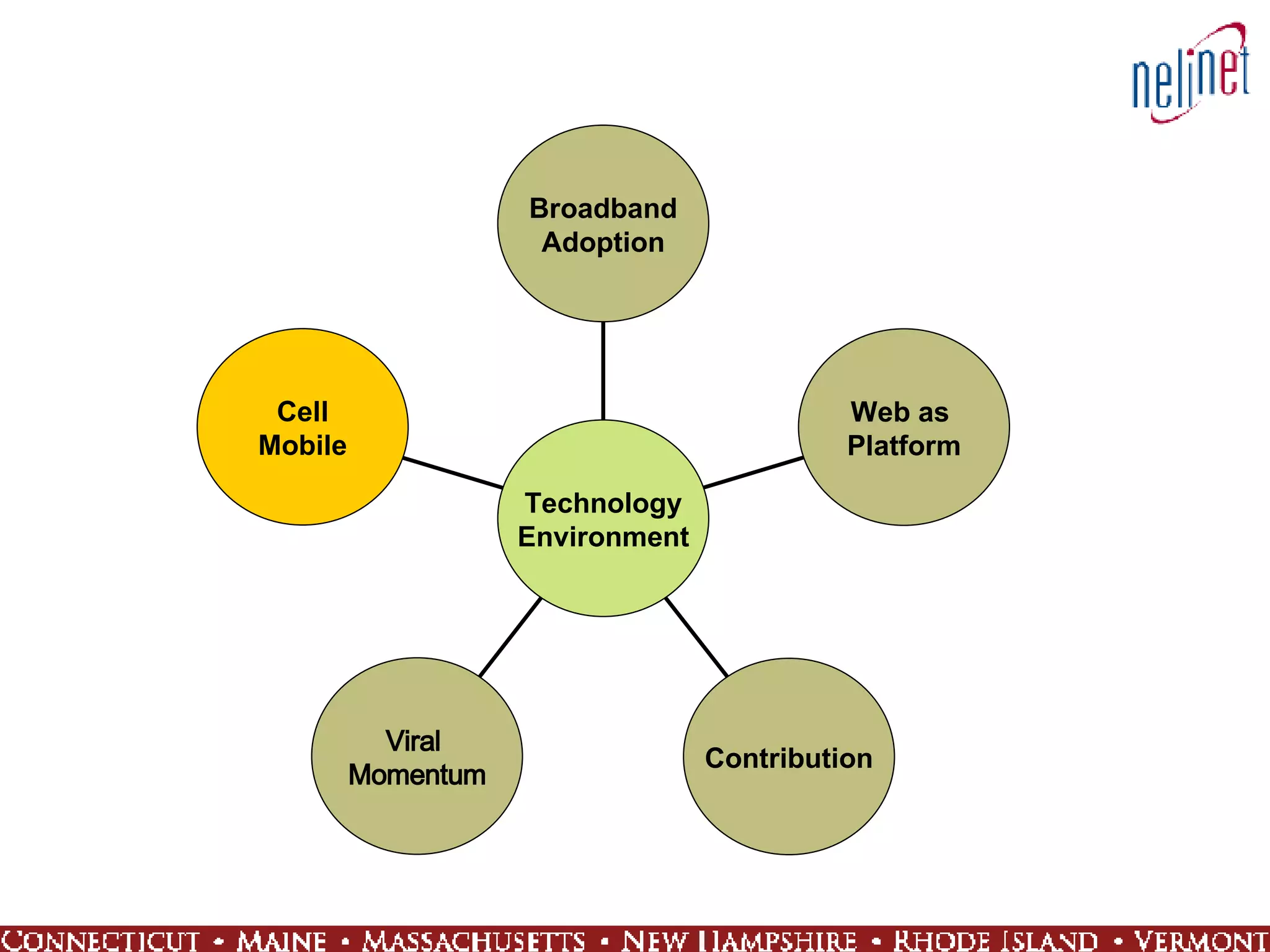
Cell Mobile Viral  Momentum Contribution Web as  Platform Broadband Adoption Technology Environment
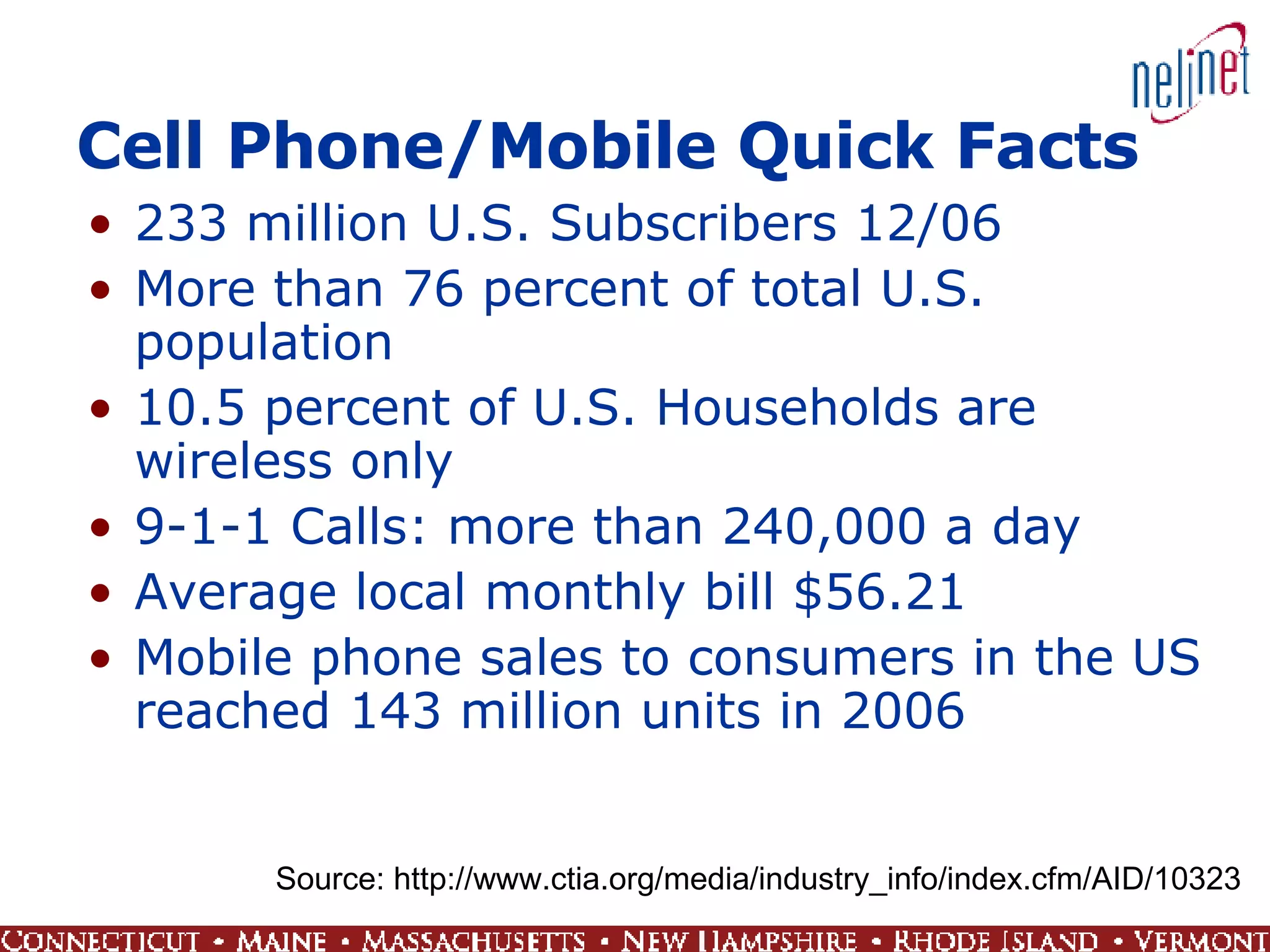
Cell Phone/Mobile Quick Facts 233 million U.S. Subscribers 12/06 More than 76 percent of total U.S. population  10.5 percent of U.S. Households are wireless only 9-1-1 Calls: more than 240,000 a day Average local monthly bill $56.21 Mobile phone sales to consumers in the US reached 143 million units in 2006  Source: http://www.ctia.org/media/industry_info/index.cfm/AID/10323
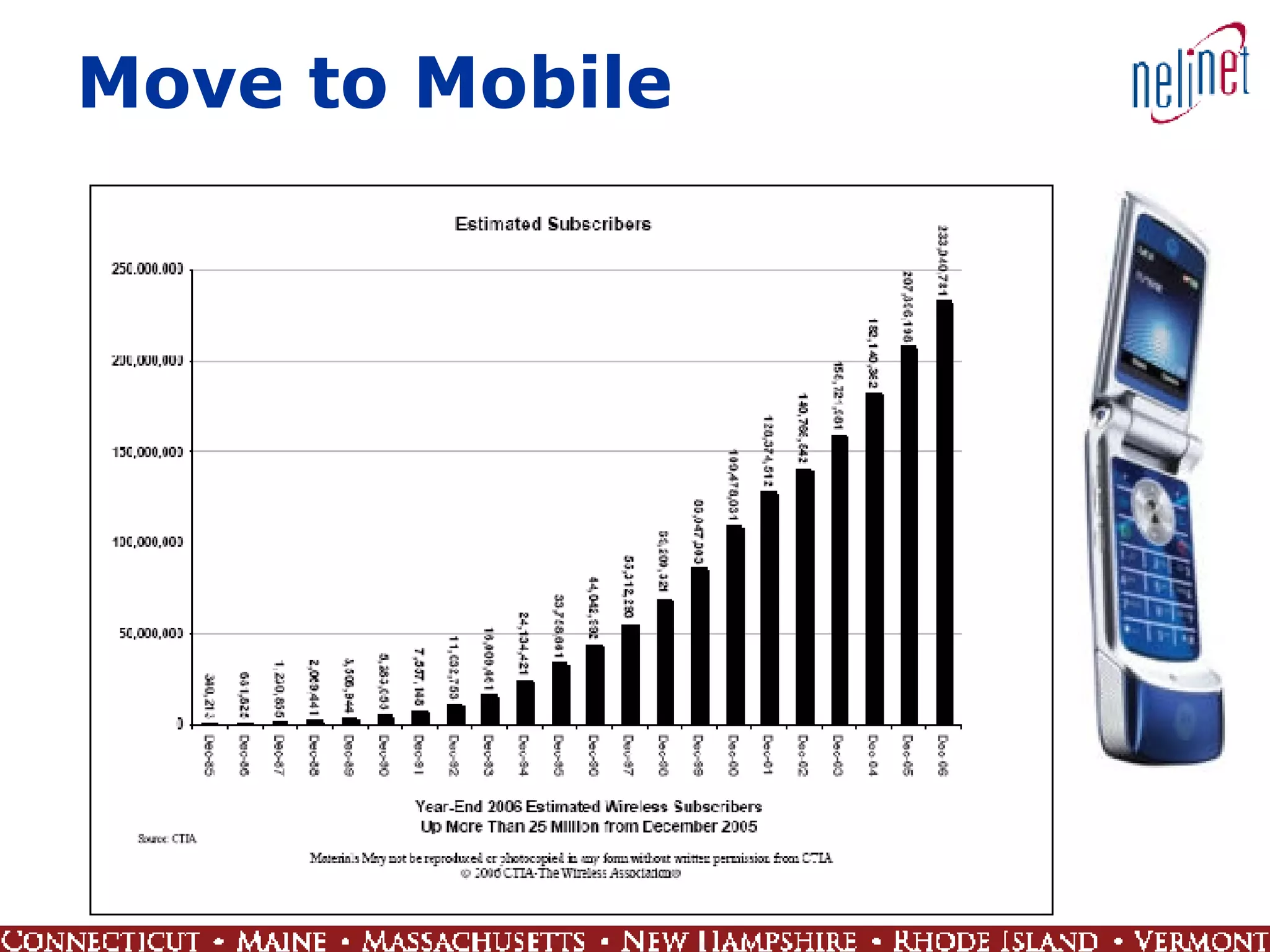
Move to Mobile
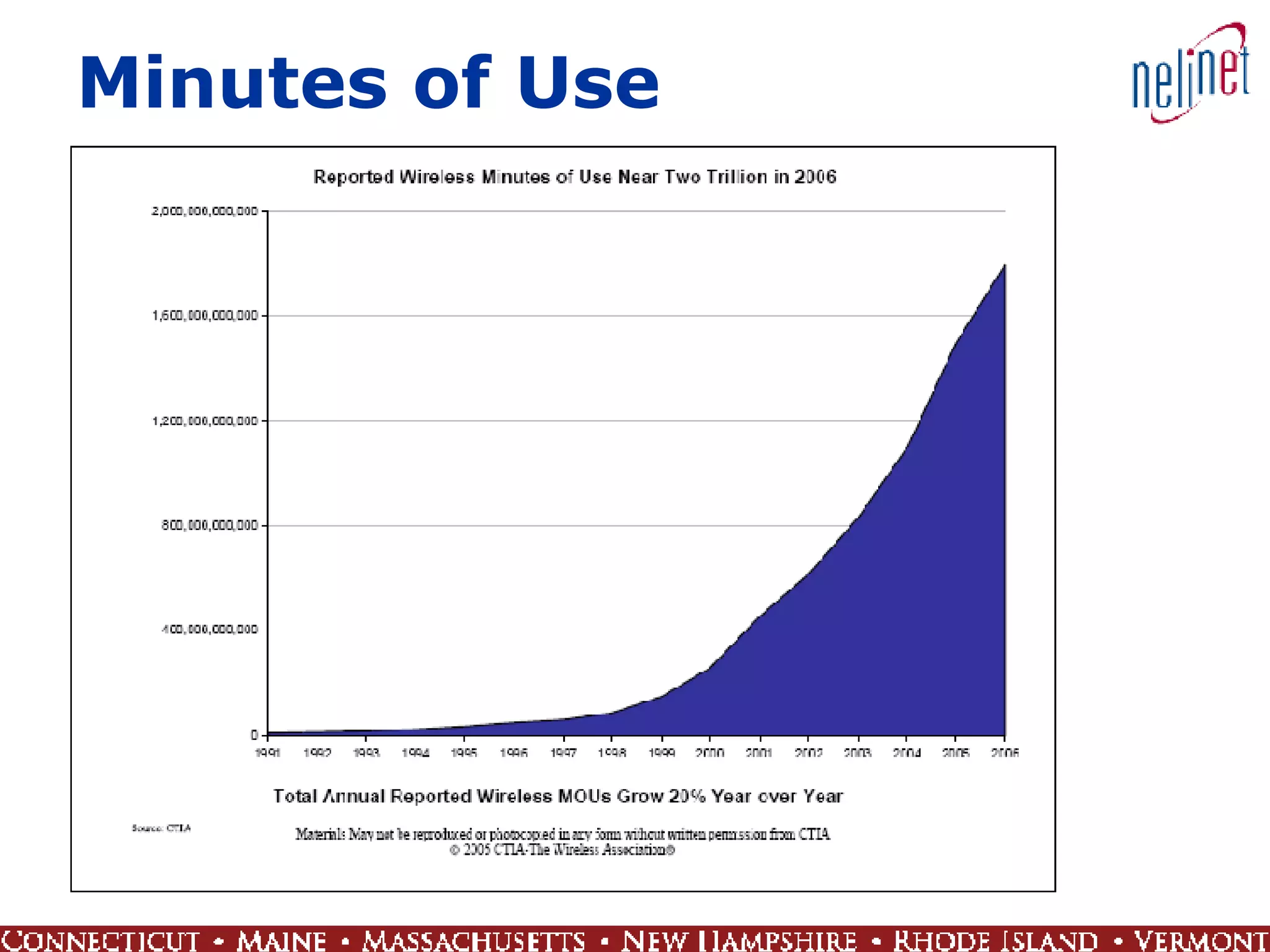
Minutes of Use
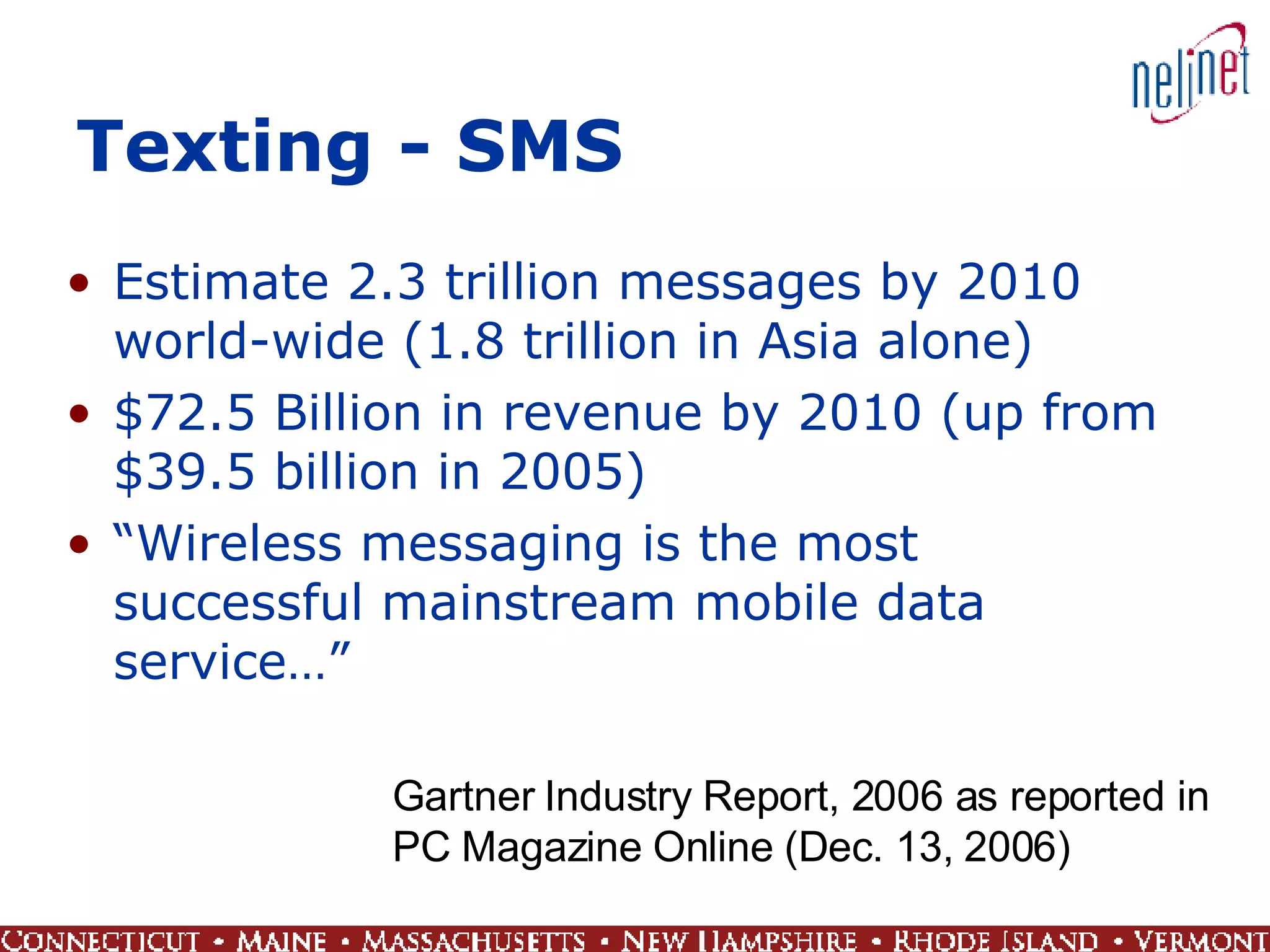
Texting - SMS Estimate 2.3 trillion messages by 2010 world-wide (1.8 trillion in Asia alone) $72.5 Billion in revenue by 2010 (up from $39.5 billion in 2005) “ Wireless messaging is the most successful mainstream mobile data service…” Gartner Industry Report, 2006 as reported in  PC Magazine Online (Dec. 13, 2006)
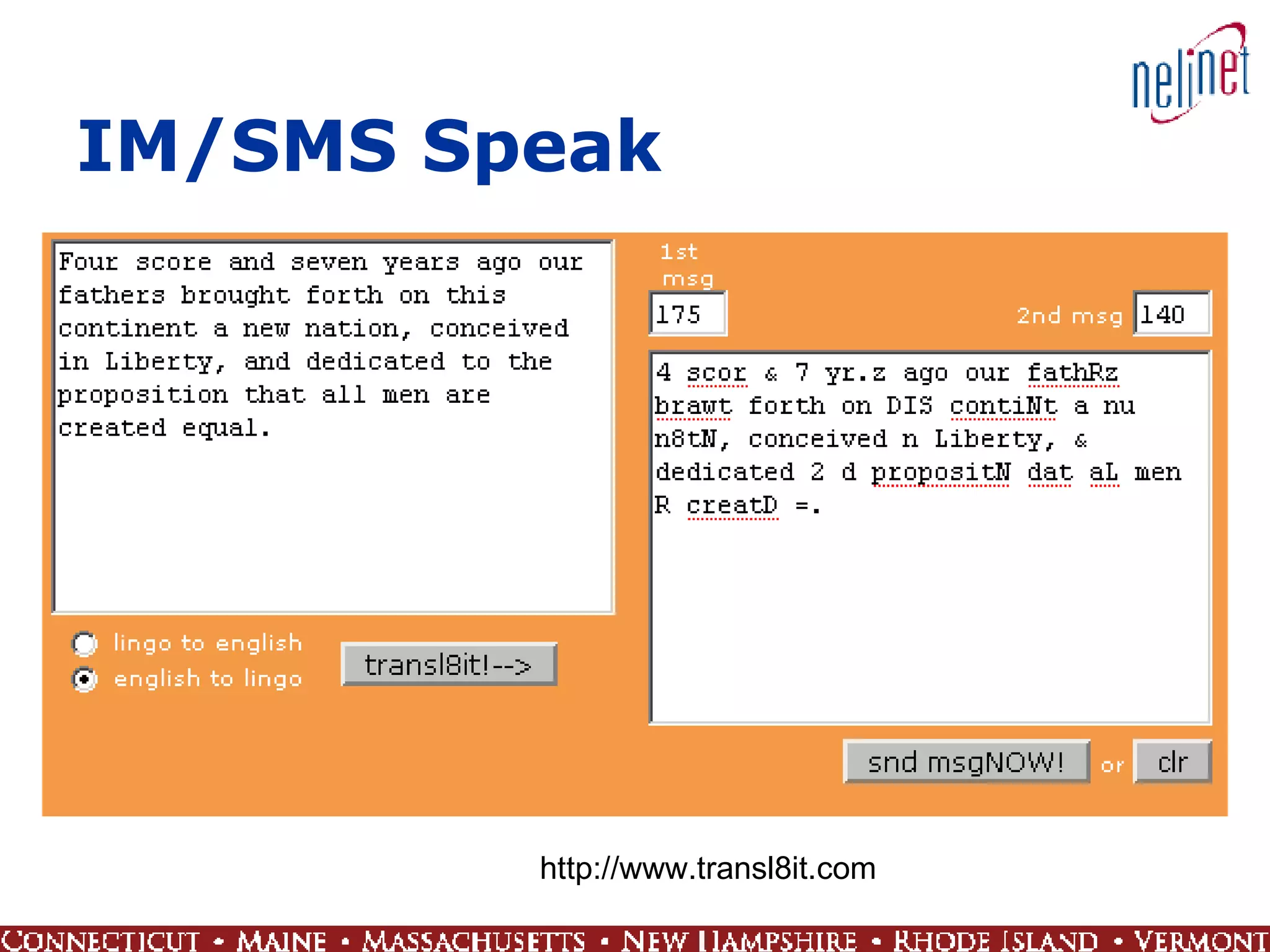
IM/SMS Speak http://www.transl8it.com
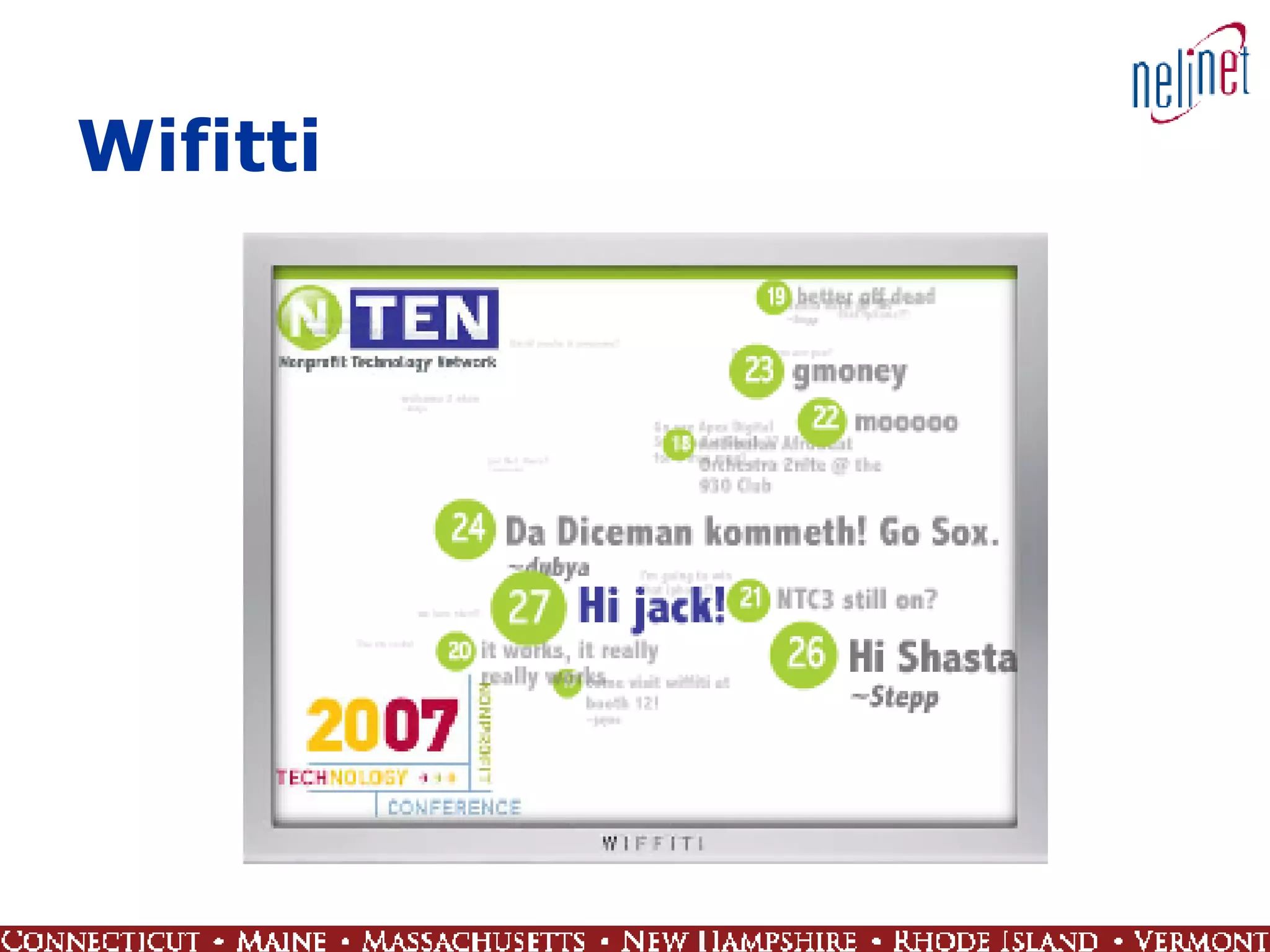
Wifitti
Cell Mobile Viral  Momentum Contribution Web as  Platform Broadband Adoption Technology Environment
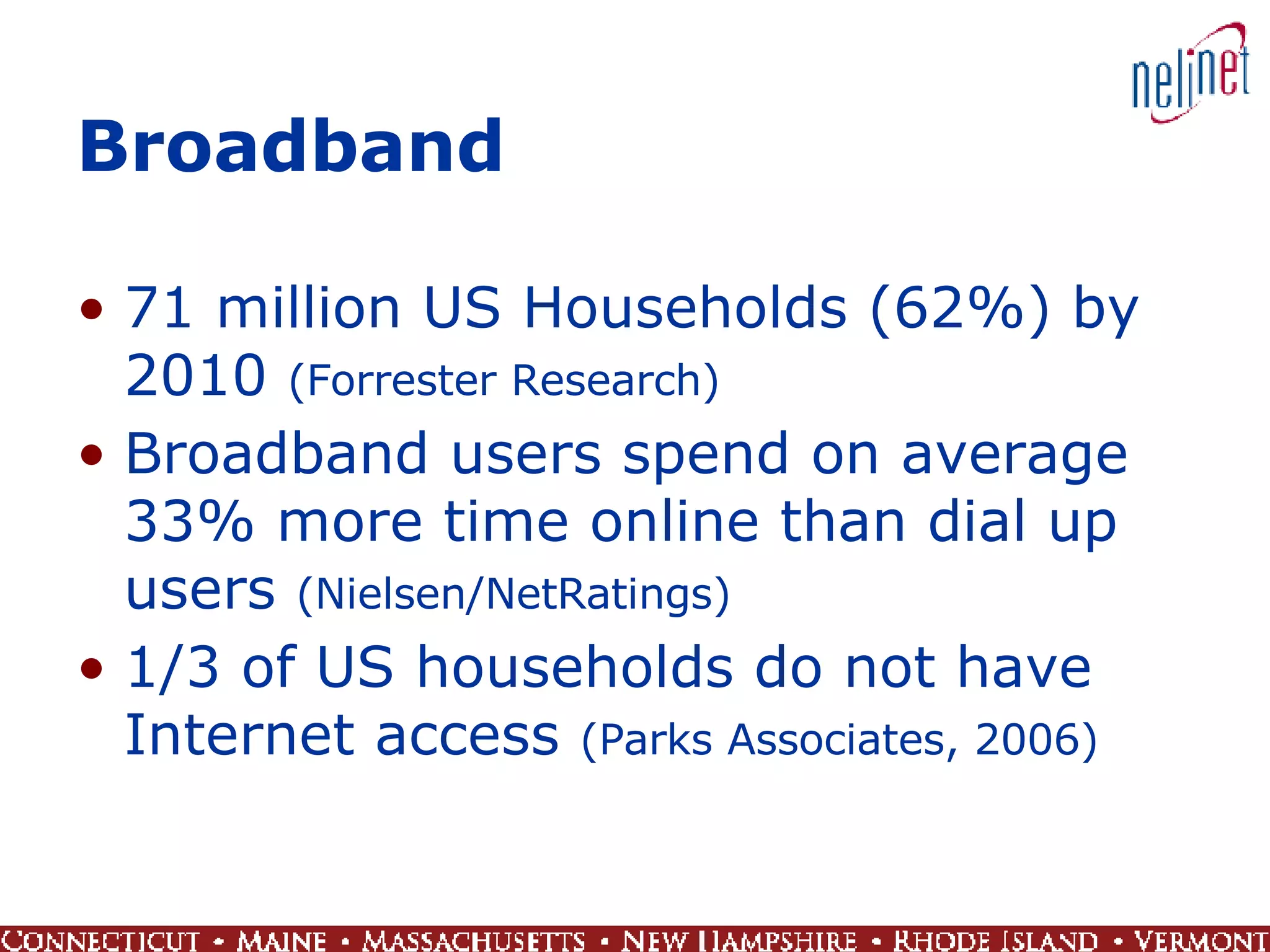
Broadband 71 million US Households (62%) by 2010  (Forrester Research) Broadband users spend on average 33% more time online than dial up users  (Nielsen/NetRatings) 1/3 of US households do not have Internet access  (Parks Associates, 2006)
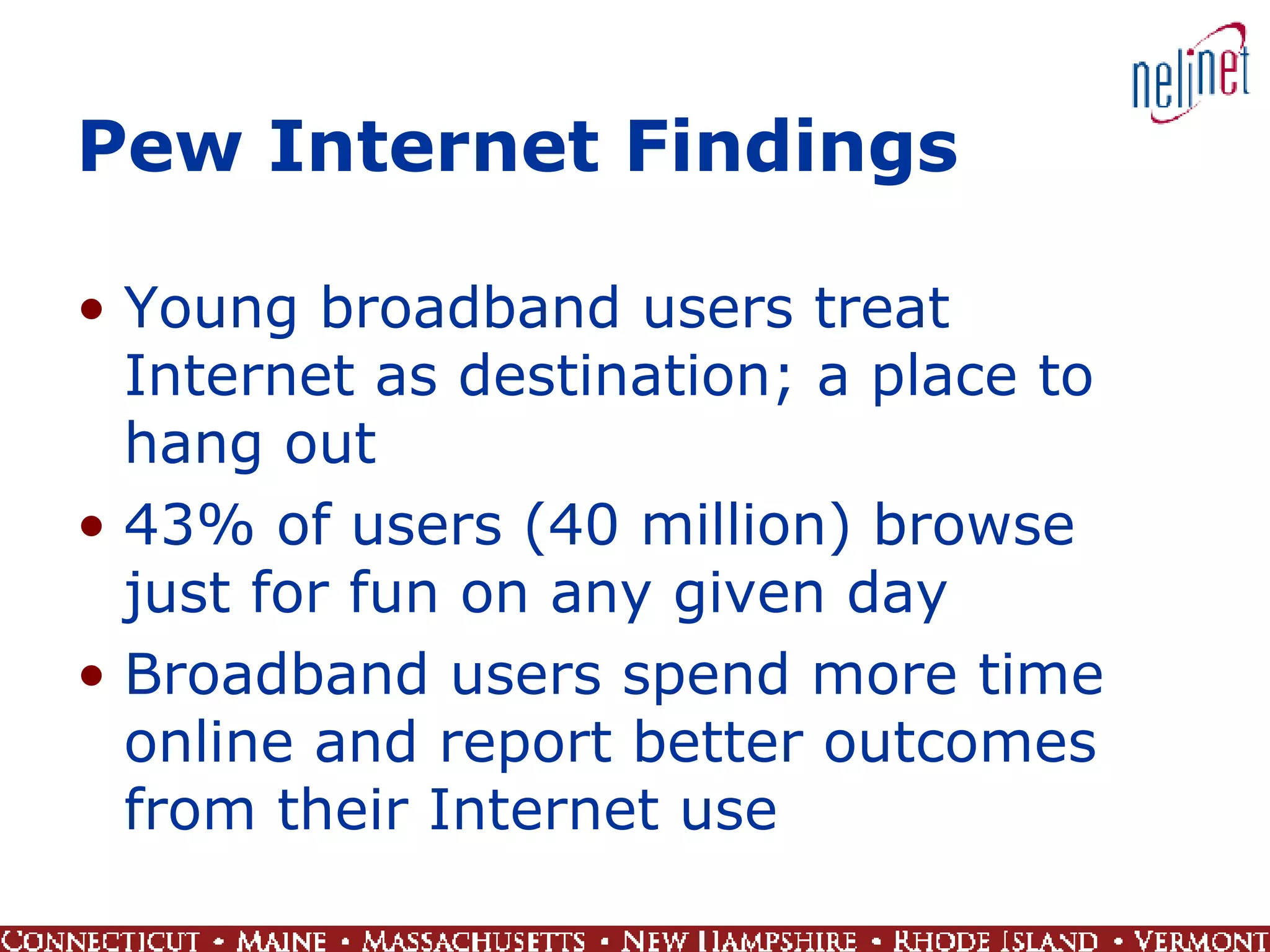
Pew Internet Findings Young broadband users treat Internet as destination; a place to hang out 43% of users (40 million) browse just for fun on any given day Broadband users spend more time online and report better outcomes from their Internet use
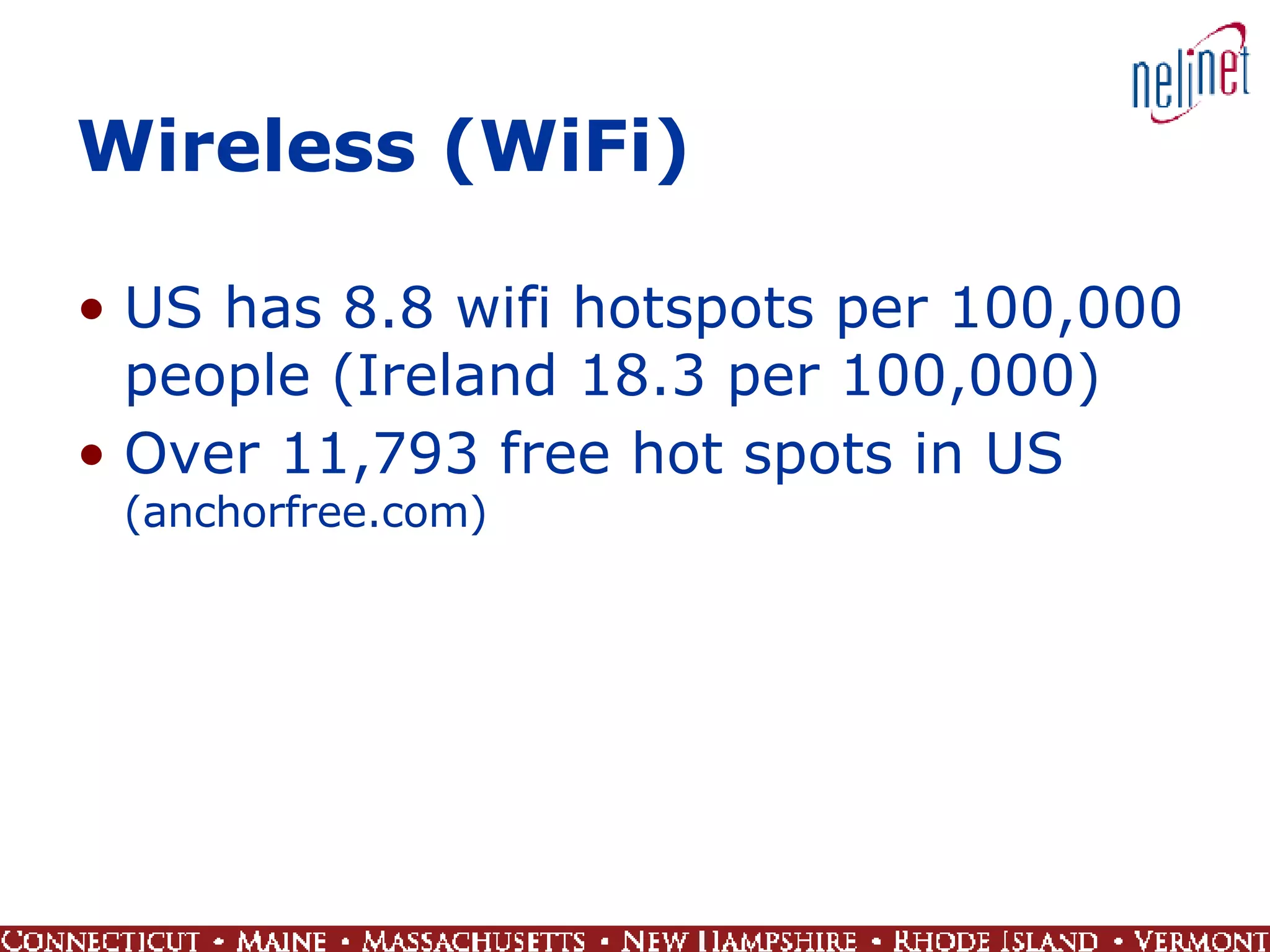
Wireless (WiFi) US has 8.8 wifi hotspots per 100,000 people (Ireland 18.3 per 100,000) Over 11,793 free hot spots in US  (anchorfree.com)
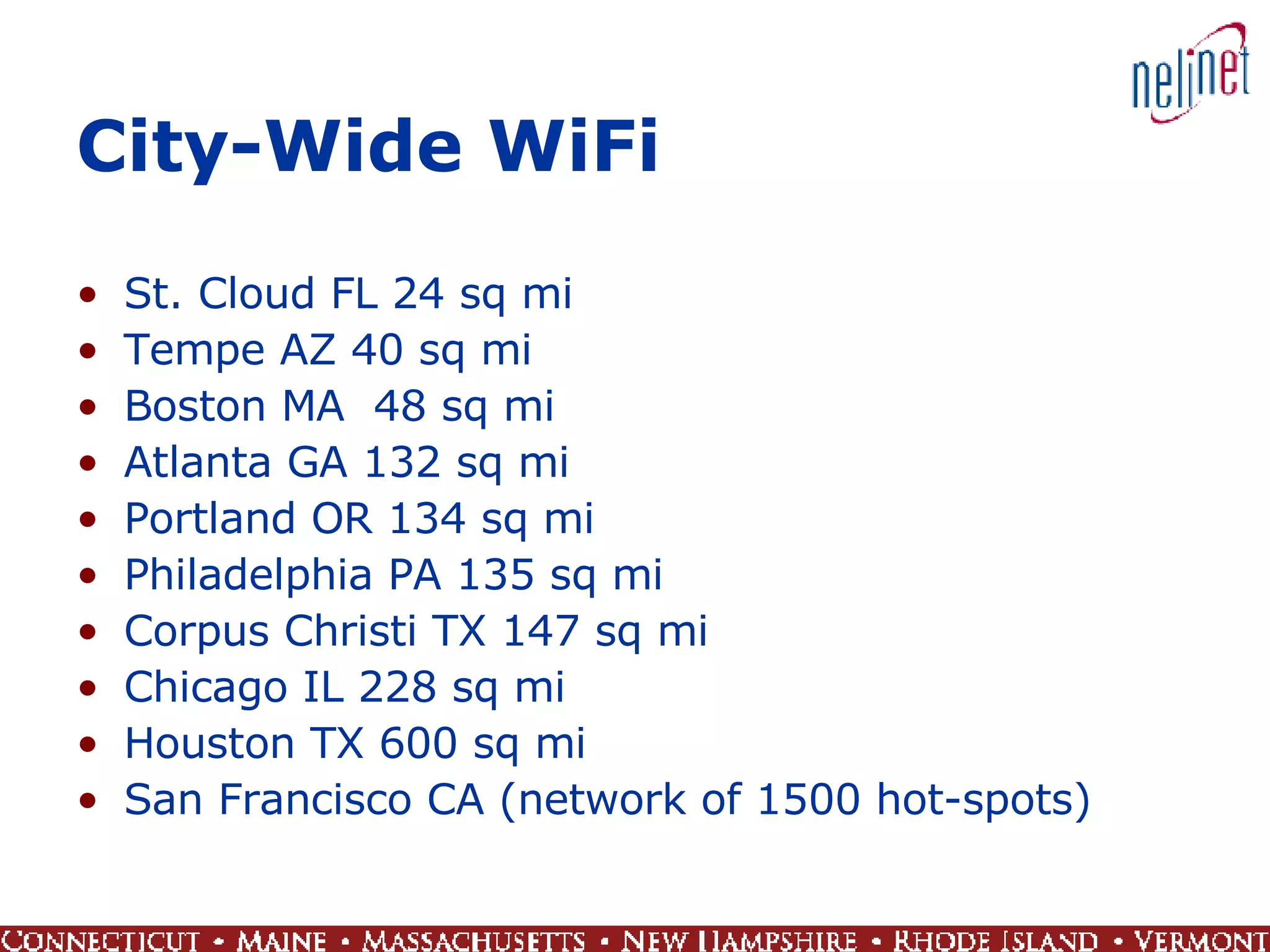
City-Wide WiFi St. Cloud FL 24 sq mi  Tempe AZ 40 sq mi Boston MA  48 sq mi Atlanta GA 132 sq mi  Portland OR 134 sq mi Philadelphia PA 135 sq mi Corpus Christi TX 147 sq mi  Chicago IL 228 sq mi Houston TX 600 sq mi San Francisco CA (network of 1500 hot-spots)
Cell Mobile Viral  Momentum Contribution Web as  Platform Broadband Adoption Technology Environment
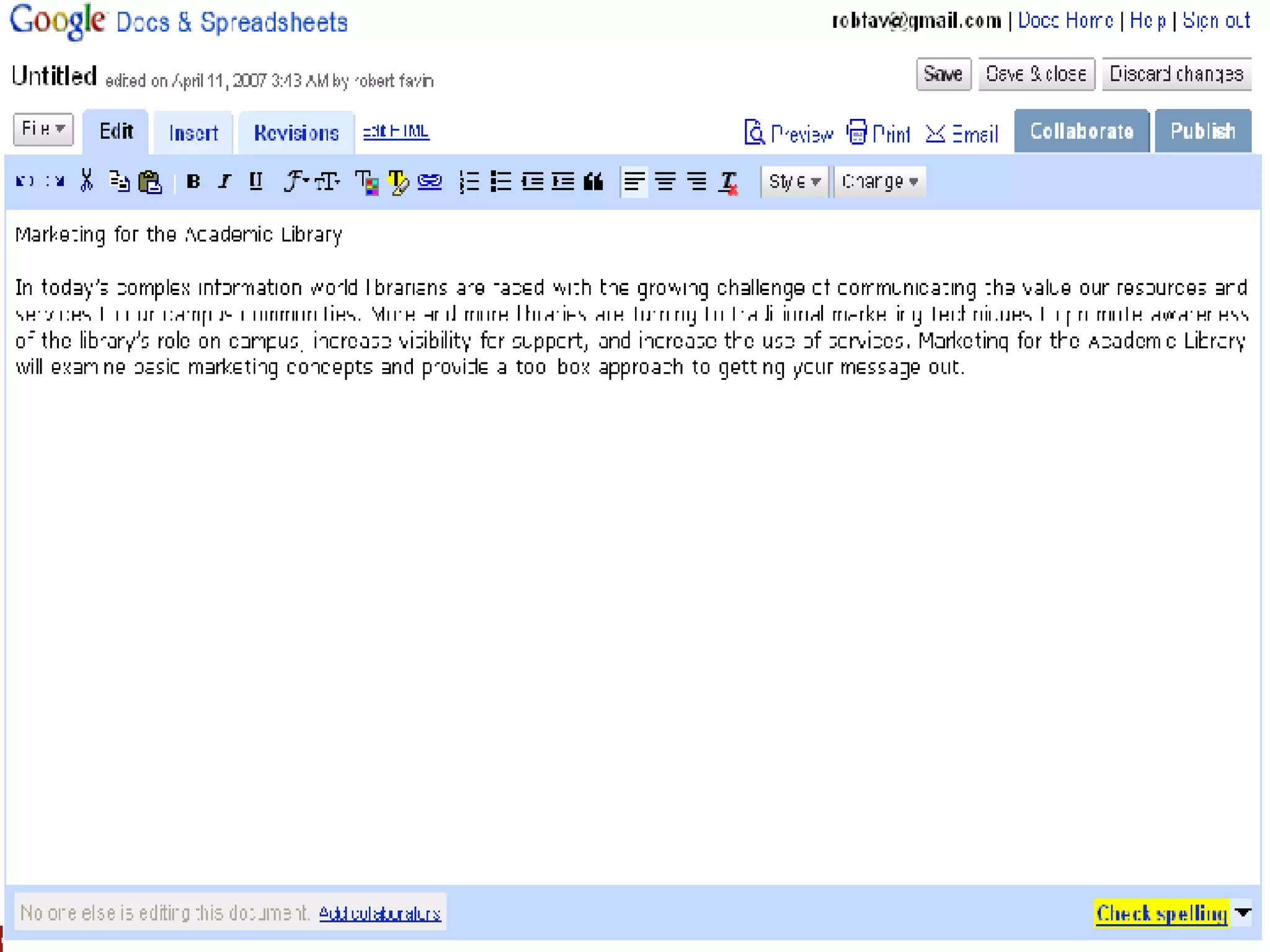
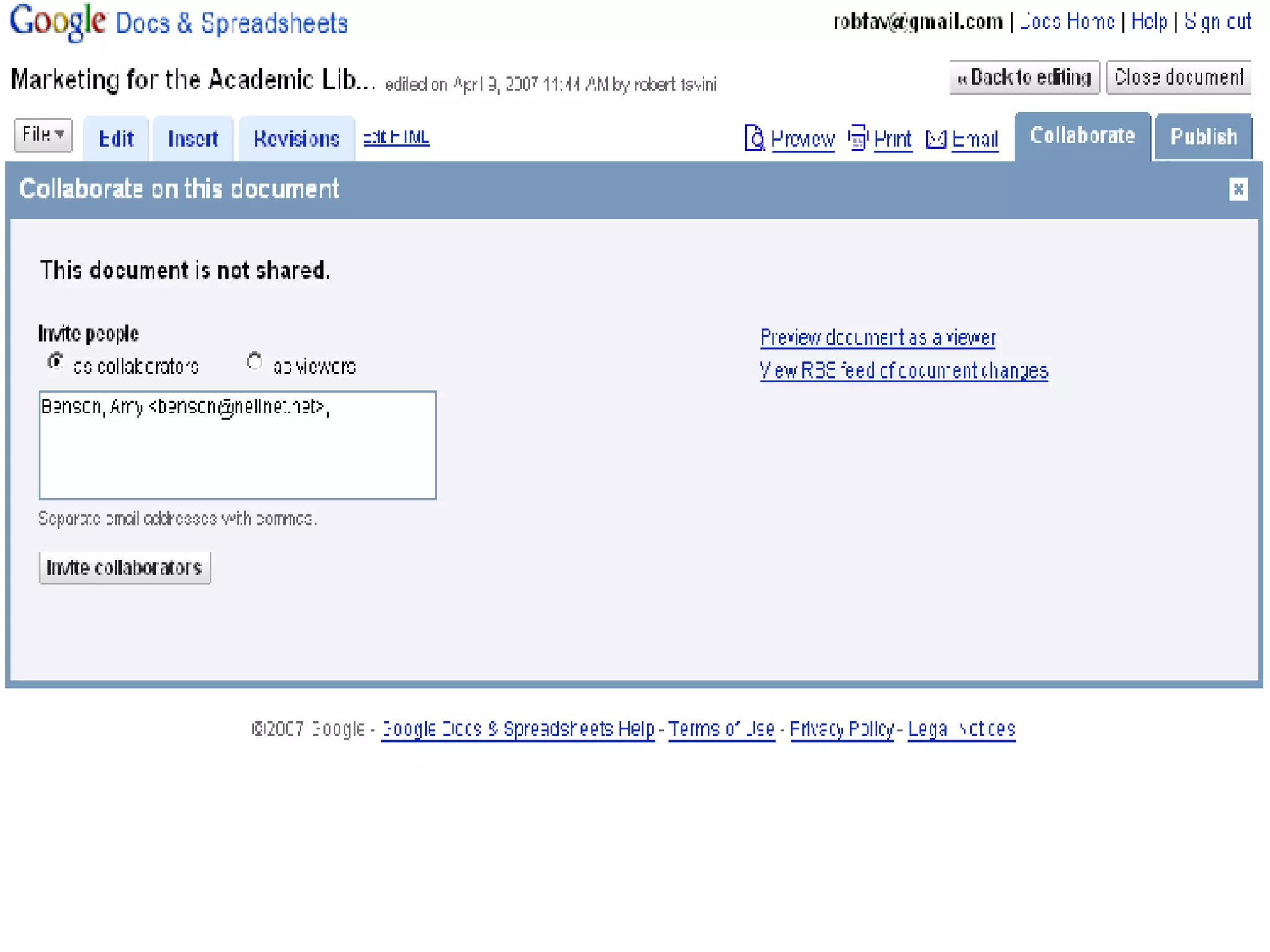
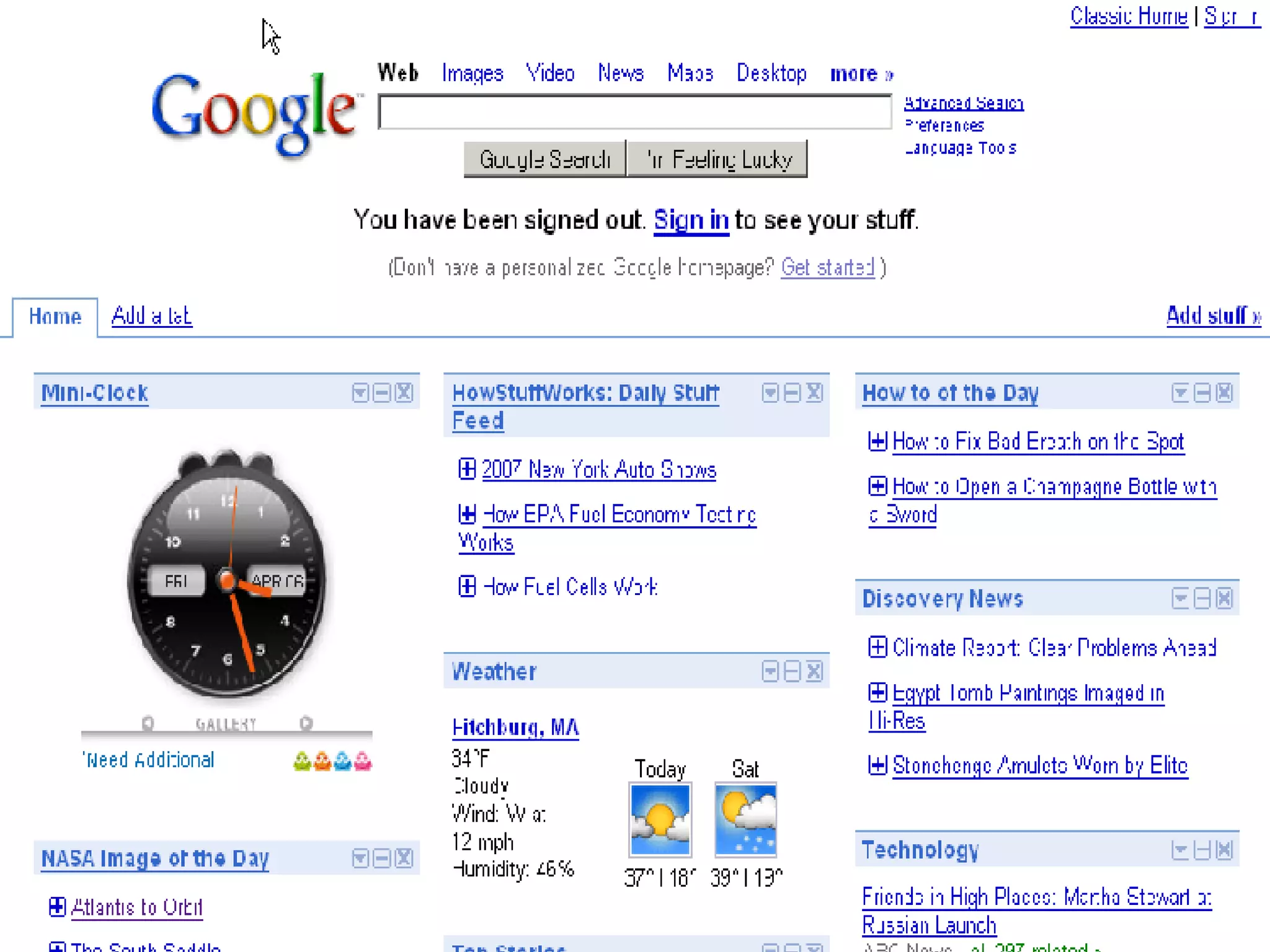
Web as Platform Rich Internet applications End of software releases Web distribution Creating individual integrated environment Google Office and Microsoft Live
 
 
Cell Mobile Viral  Momentum Contribution Web as  Platform Broadband Adoption Technology Environment
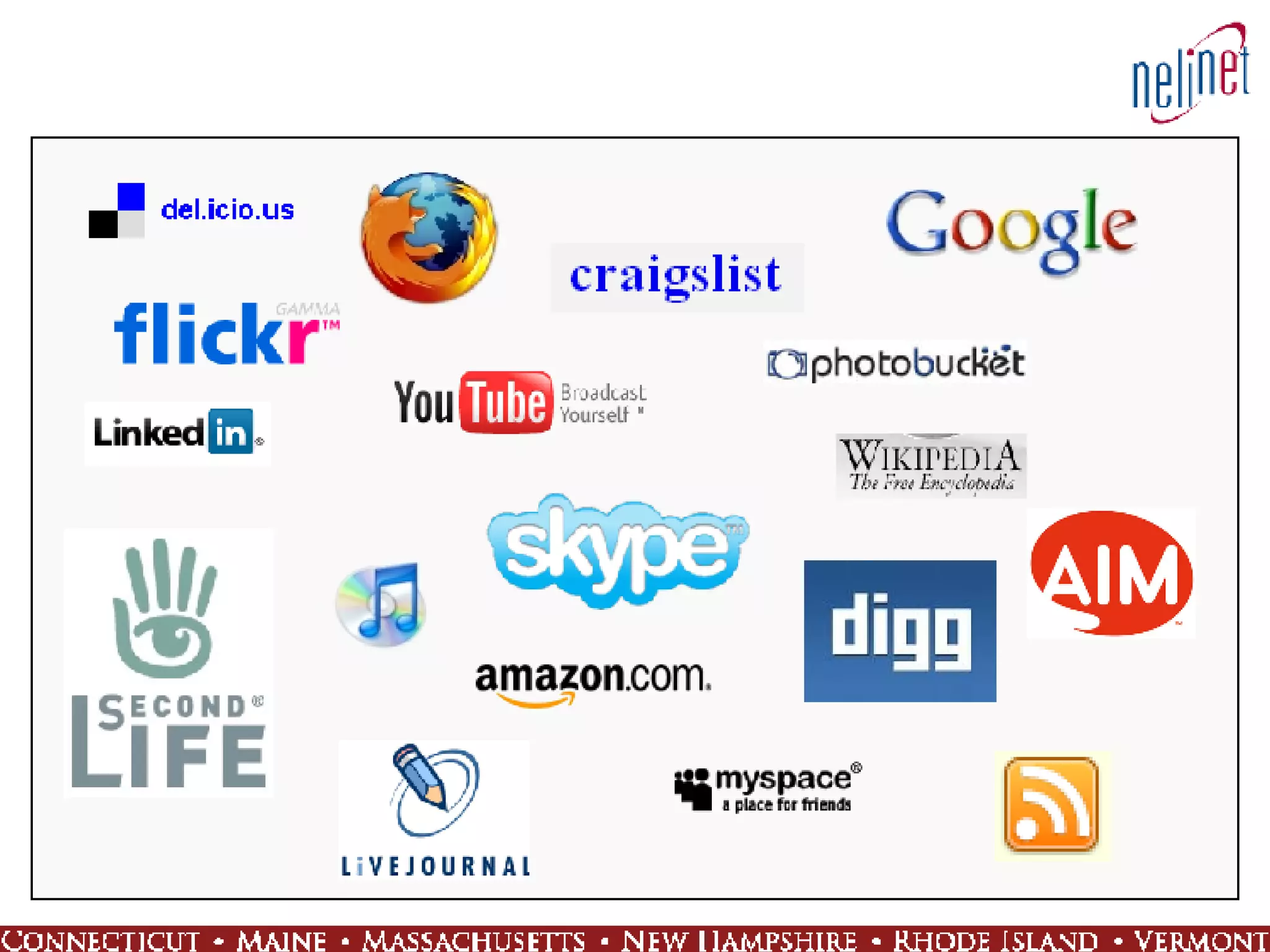
Contribution Availability of tools:  Blogger, PB Wiki, Audacity, Wordpress… Sites thriving on users contributing and promoting content:  YouTube, digg, craigslist, MySpace, flickr, del.icio.us…
Cell Mobile Viral  Momentum Contribution Web as  Platform Broadband Adoption Technology Environment
Viral Momentum Things happen real-time Web wonders are short-lived but intense Word of mouth Web as a collection of connected communities Always online
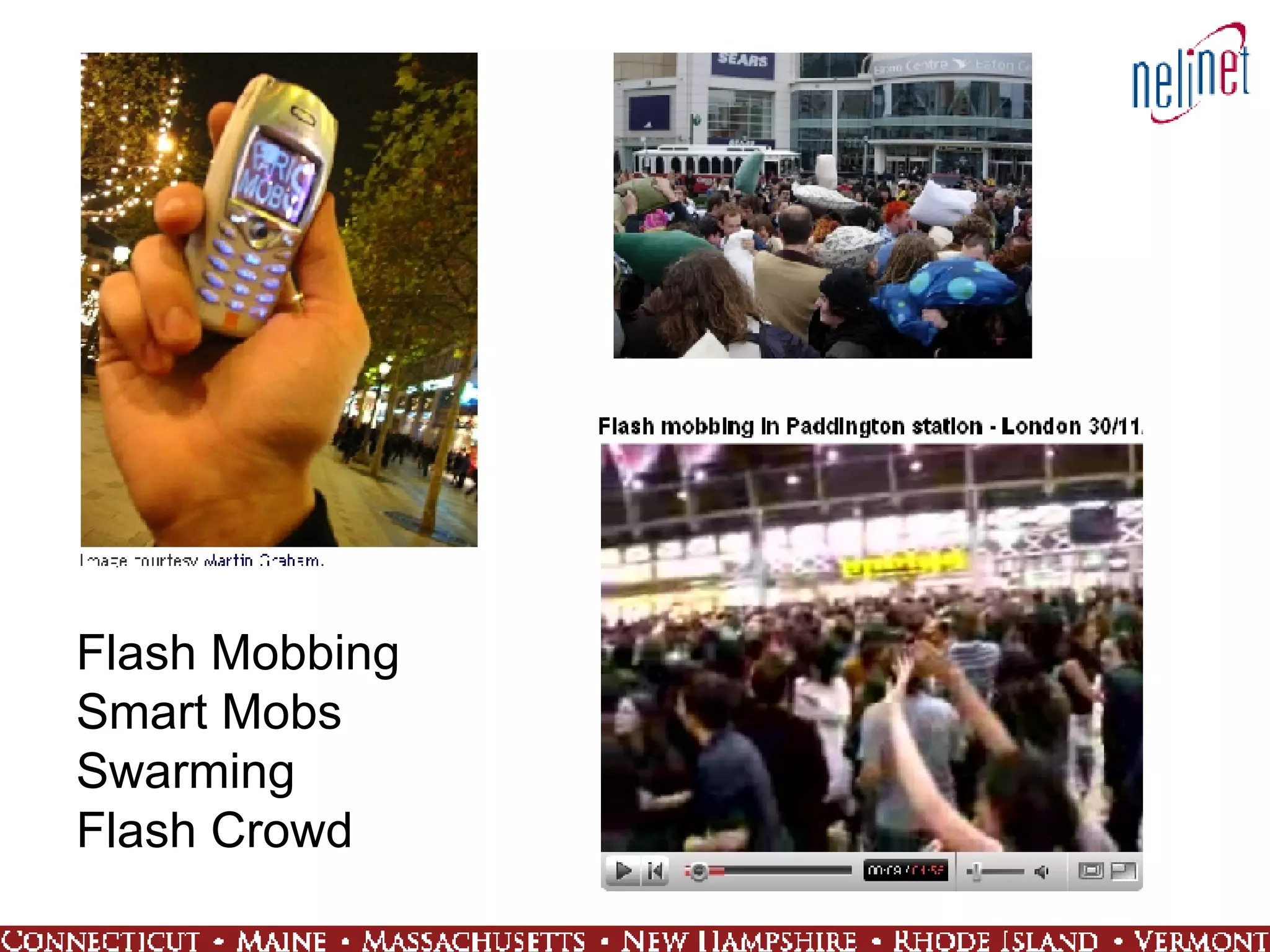
Flash Mobbing Smart Mobs Swarming Flash Crowd
Questions?
Web 1.0 Mid 90’s to about 2004 Dot-com boom and bust Commerce Producer–consumer model Portals and static read-only content Players who dominated: Netscape, Alta Vista, online retailers
Web 2.0 Defined? User-generated content is one of the cornerstones of Web 2.0 Web 2.0 is, at its heart, about understanding what it  means to build applications for the network as a platform Web 2.0 is all about empowering individual users Web 2.0 is an attitude not a technology Web 2.0 is a catch phrase created after the dot-com crash to capture  the dynamic capabilities and vision of the Web when many had lost  hope in its potential
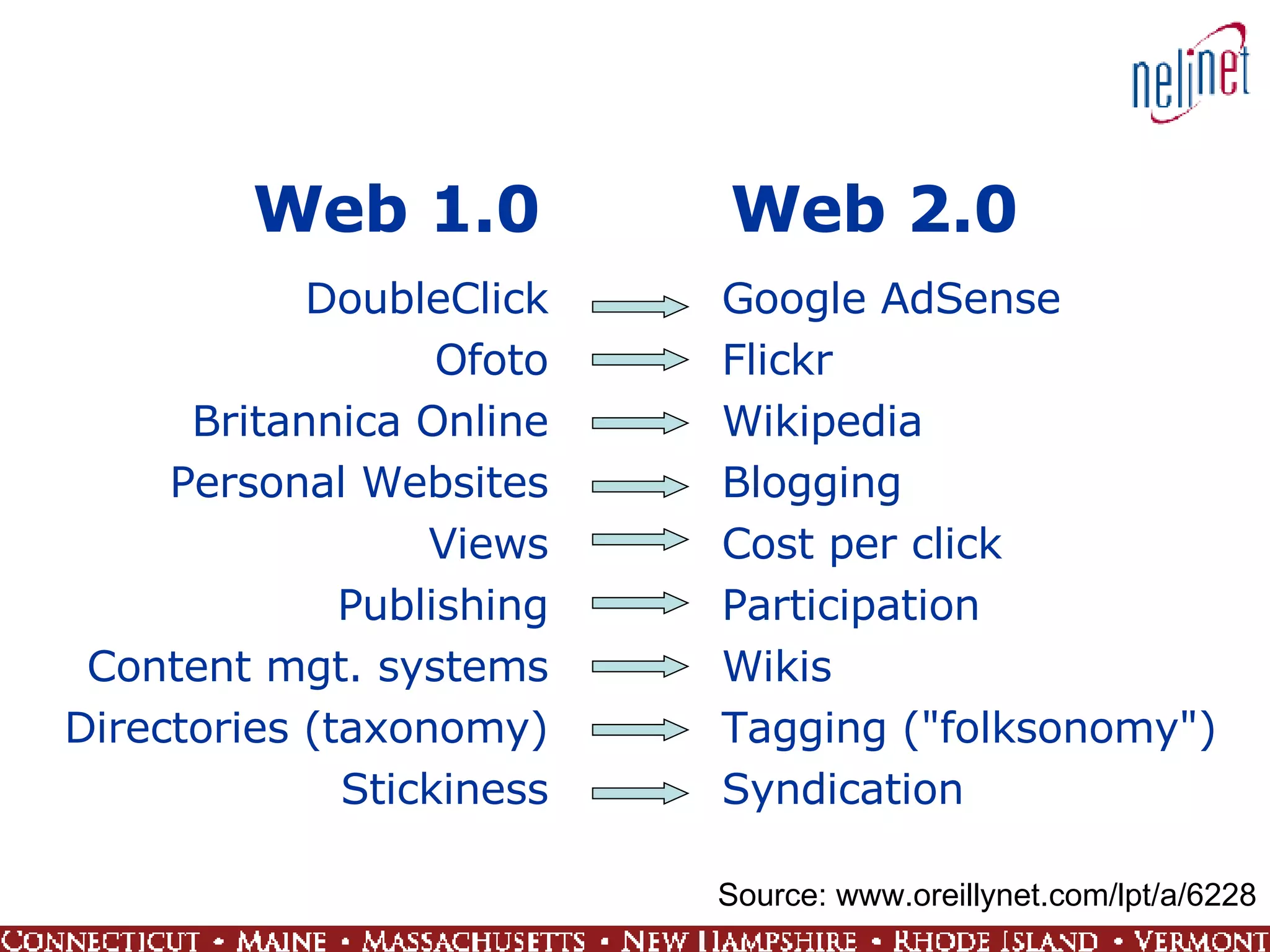
Web 1.0  Web 2.0 DoubleClick Ofoto Britannica Online Personal Websites Views Publishing Content mgt. systems Directories (taxonomy) Stickiness Google AdSense Flickr Wikipedia Blogging Cost per click Participation Wikis Tagging ("folksonomy") Syndication Source: www.oreillynet.com/lpt/a/6228
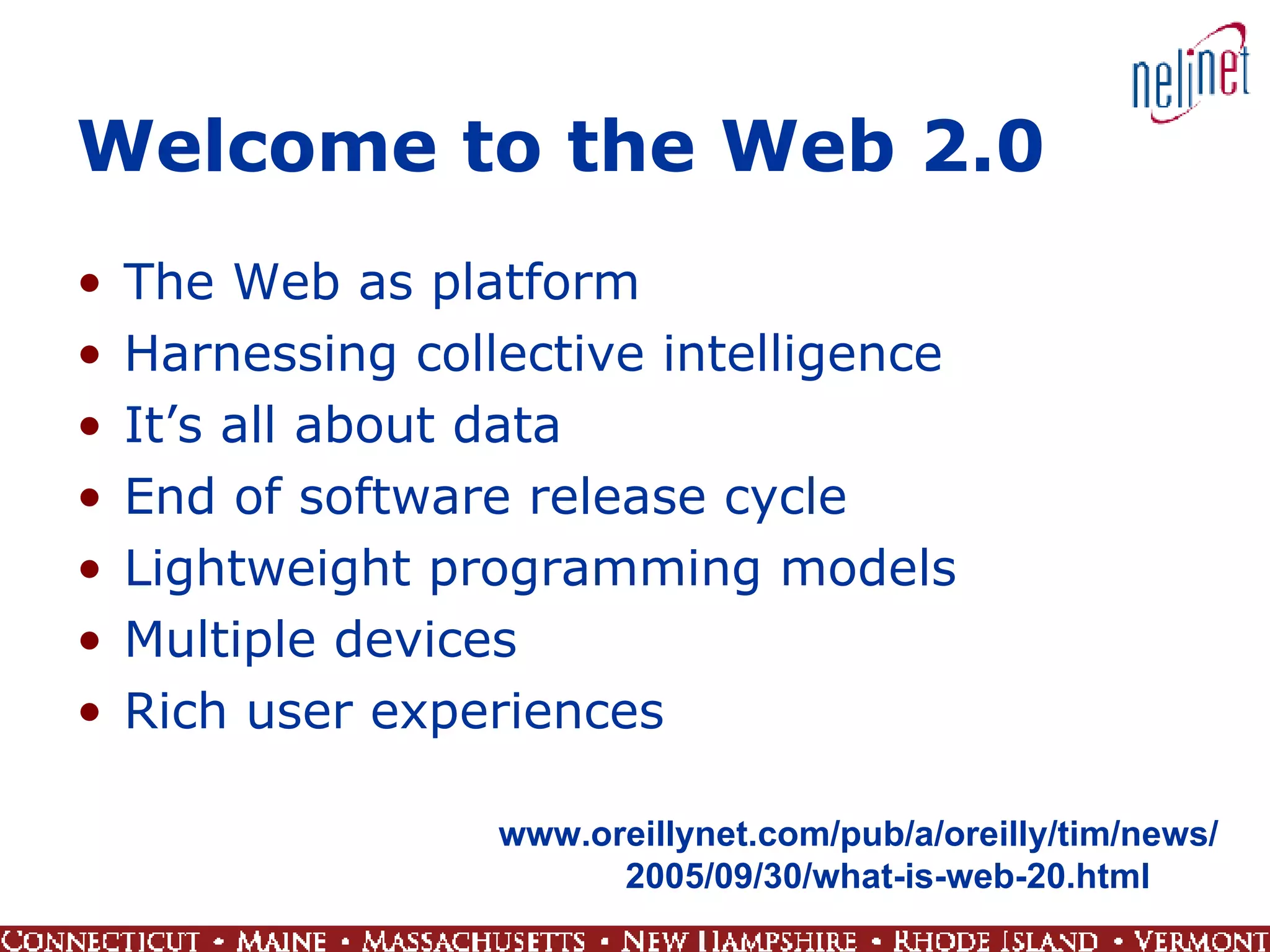
Welcome to the Web 2.0 The Web as platform Harnessing collective intelligence It’s all about data End of software release cycle Lightweight programming models Multiple devices Rich user experiences www.oreillynet.com/pub/a/oreilly/tim/news/ 2005/09/30/what-is-web-20.html
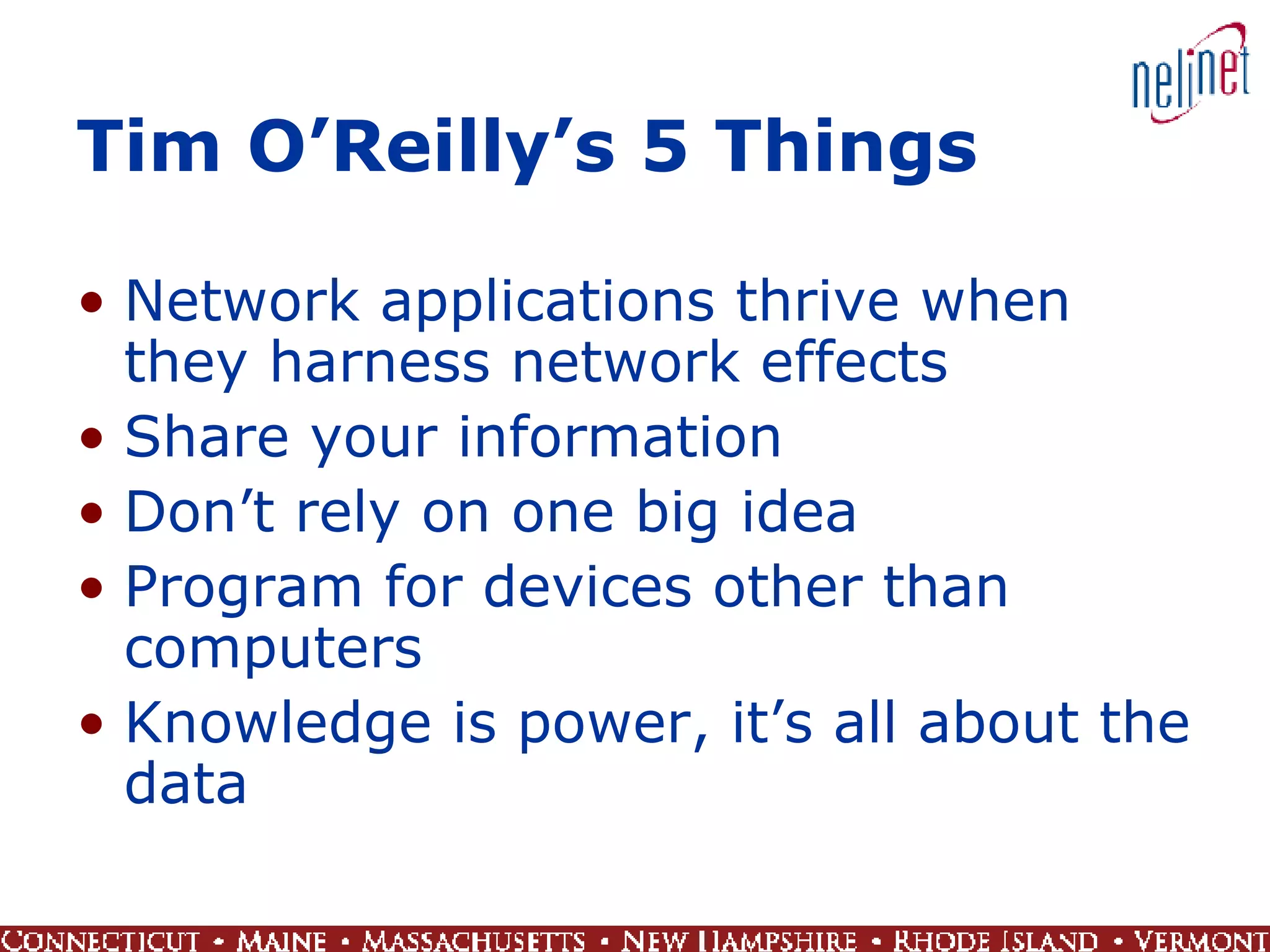
Tim O’Reilly’s 5 Things  Network applications thrive when they harness network effects Share your information Don’t rely on one big idea Program for devices other than computers Knowledge is power, it’s all about the data
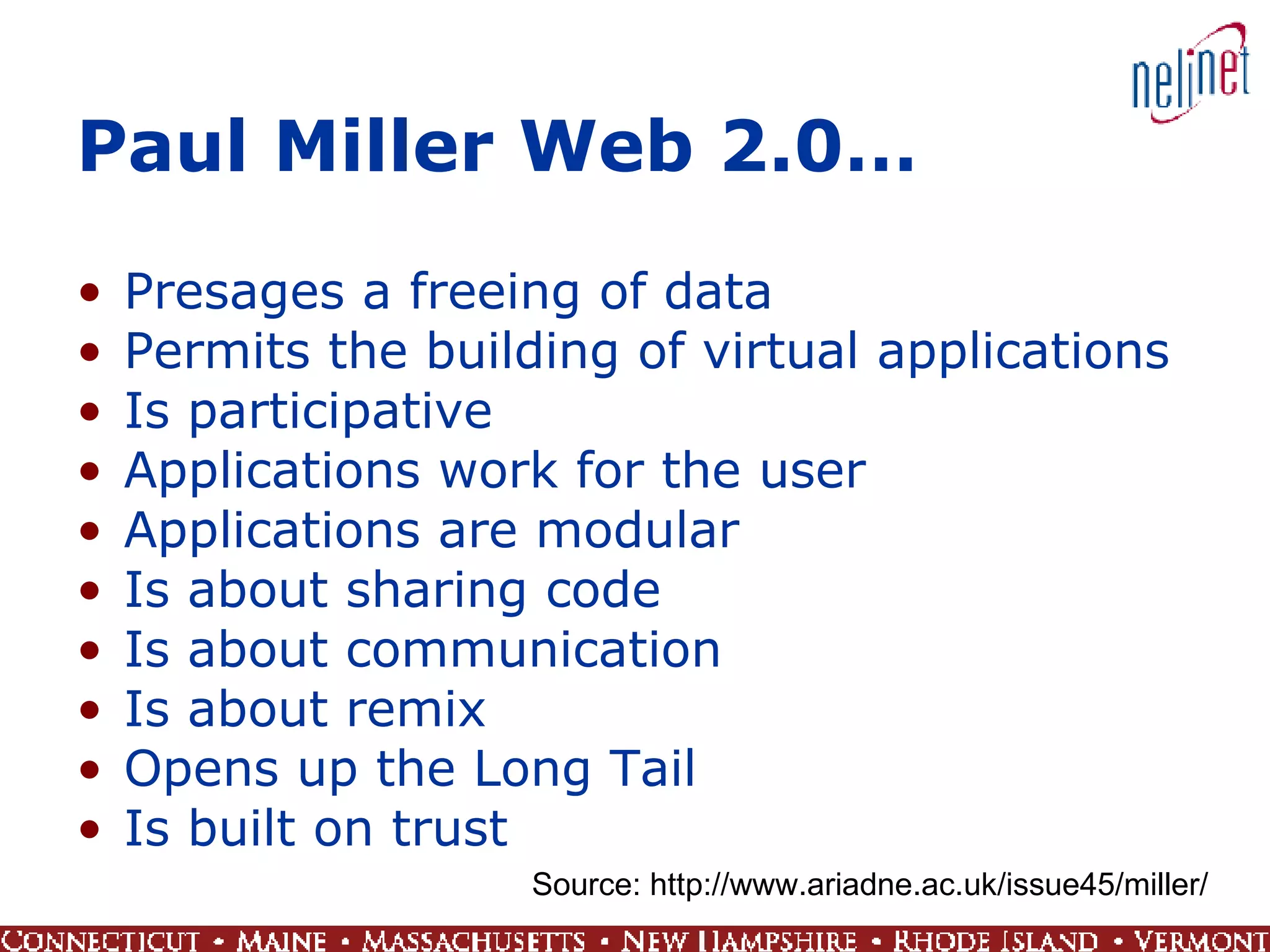
Paul Miller Web 2.0… Presages a freeing of data Permits the building of virtual applications Is participative Applications work for the user Applications are modular Is about sharing code Is about communication Is about remix Opens up the Long Tail Is built on trust Source: http://www.ariadne.ac.uk/issue45/miller/
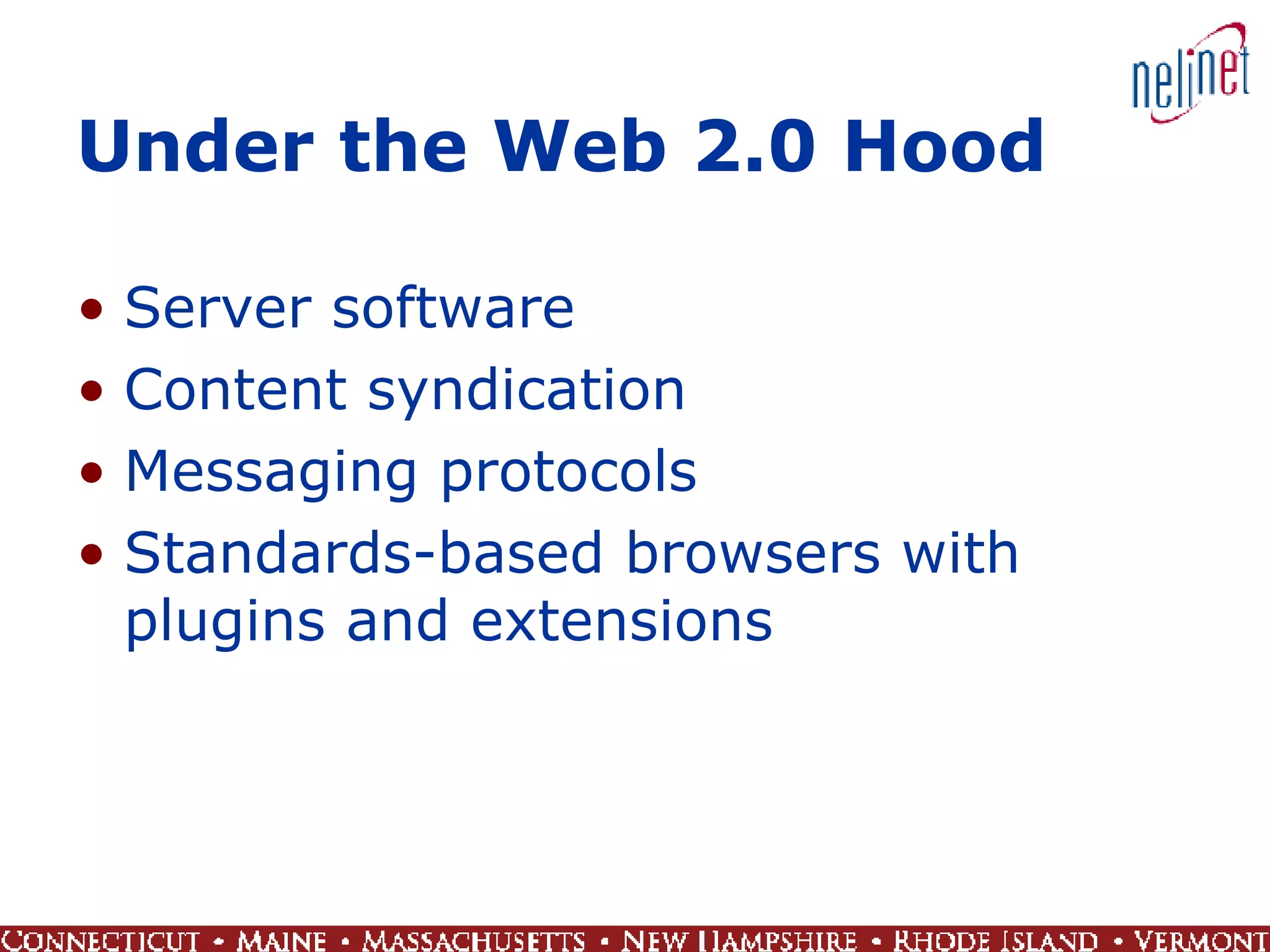
Under the Web 2.0 Hood Server software Content syndication Messaging protocols Standards-based browsers with plugins and extensions
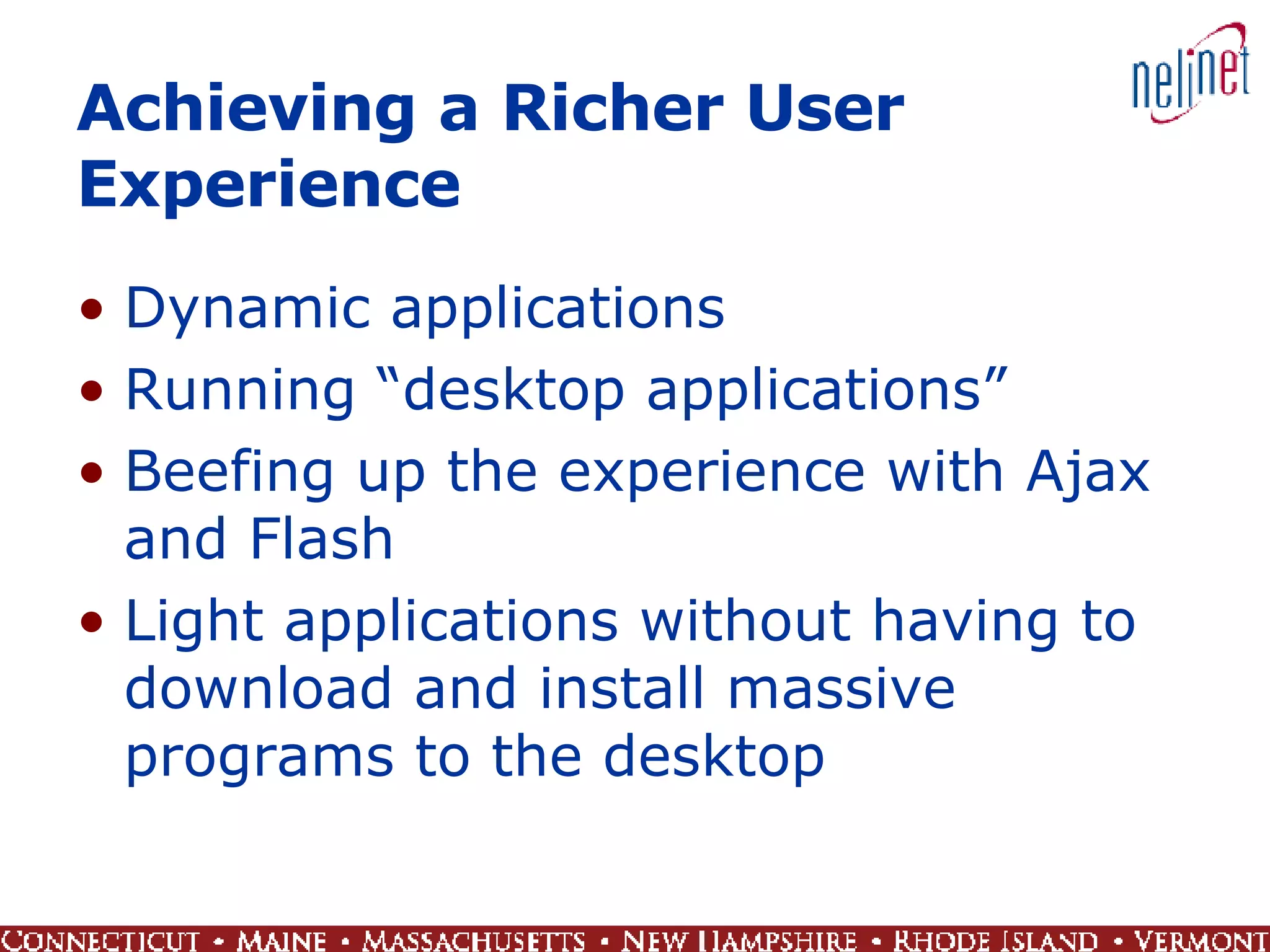
Achieving a Richer User Experience Dynamic applications Running “desktop applications” Beefing up the experience with Ajax and Flash Light applications without having to download and install massive programs to the desktop
What Have We Done? Enterprise 2.0 Learning 2.0 Office 2.0 Travel 2.0 Music 2.0 Plague 2.0 Tiger 2.0
Questions
 
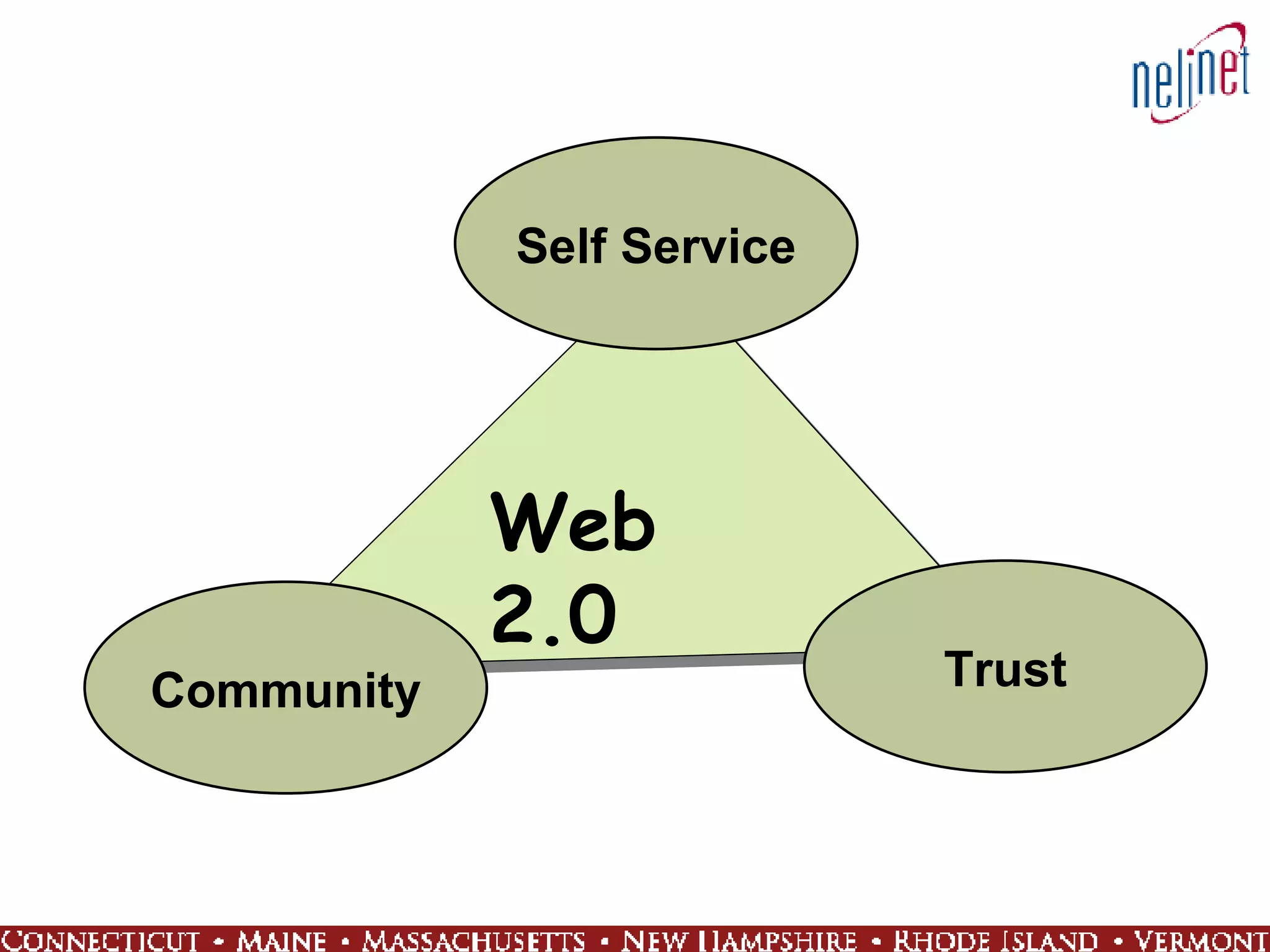
Self Service Community Trust Web 2.0
Self Service Eliminate barriers Customization/privacy Anywhere anytime User drives the process
 
 
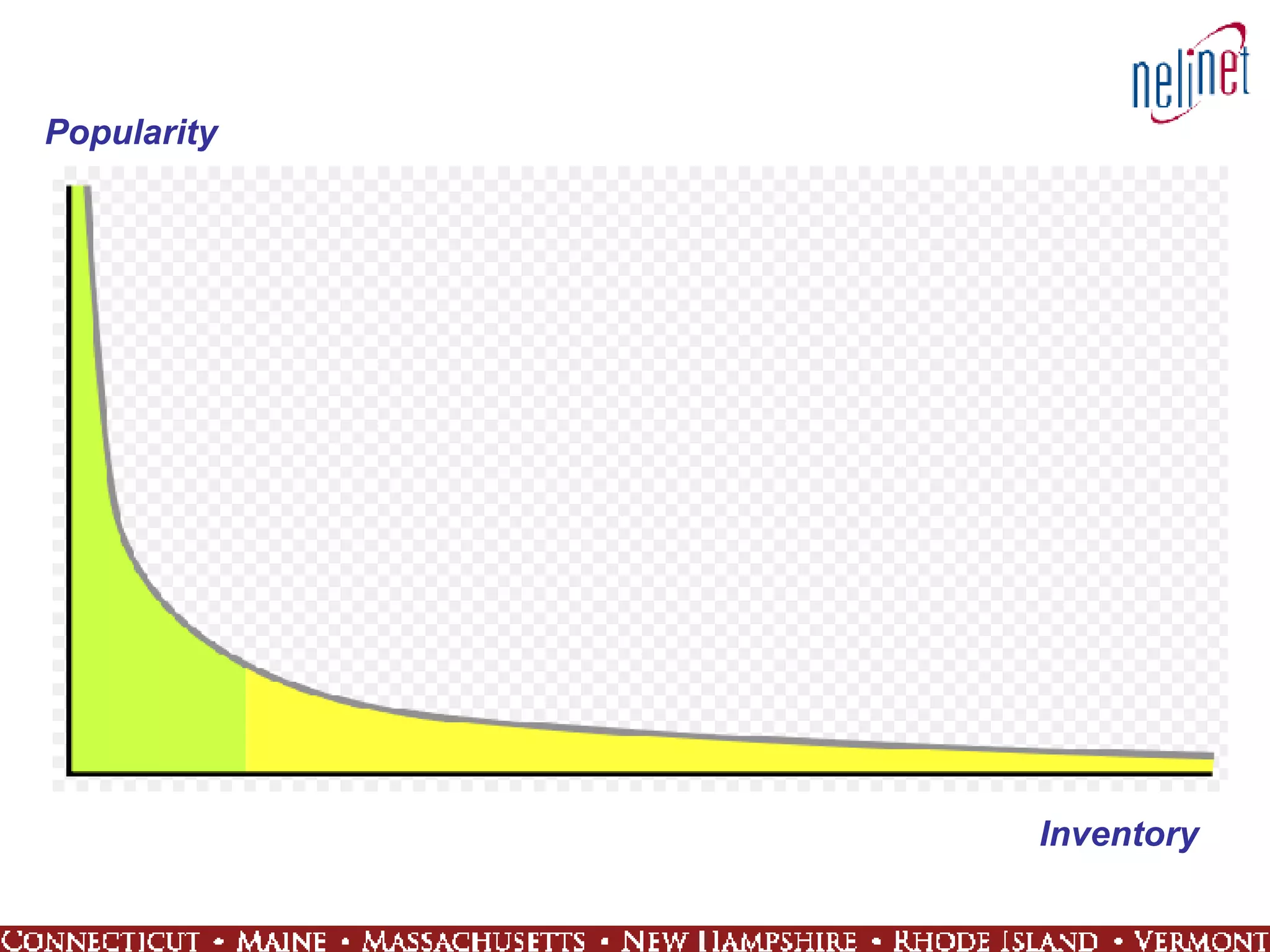
The Long Tail Coined by Chris Anderson in an October 2004  Wired Magazine  article Products that are in low demand or have low sales volume can collectively make up a market share that rivals or exceeds the relatively few current bestsellers and blockbusters  Where Have you seen it? Amazon and Netflix, Libraries, etc… Source: http://en.wikipedia.org/wiki/Long_tail
Popularity Inventory
Community Sharing, collaboration, content Reputation Rise of the professional amateur Virtual worlds
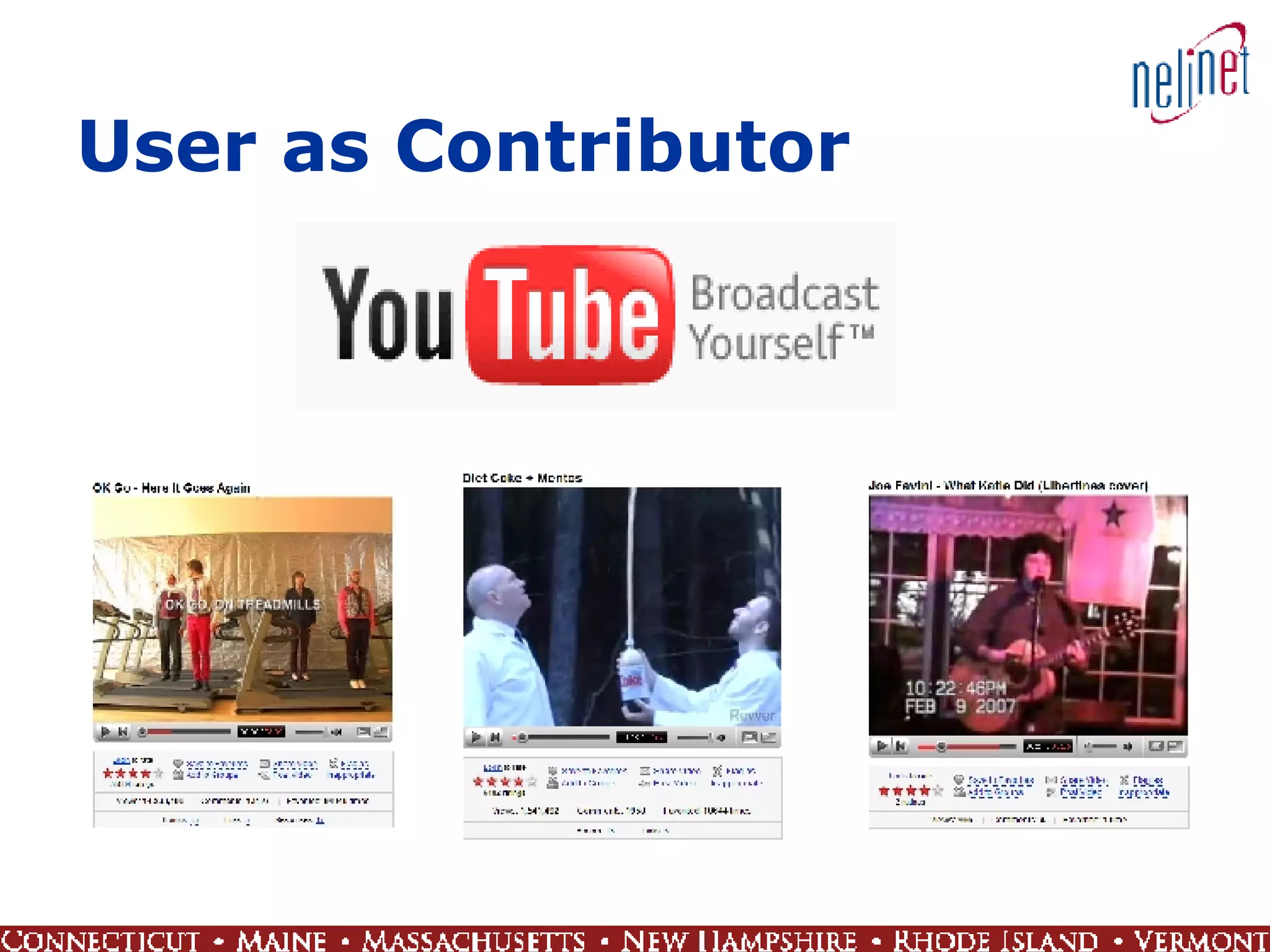
User as Contributor
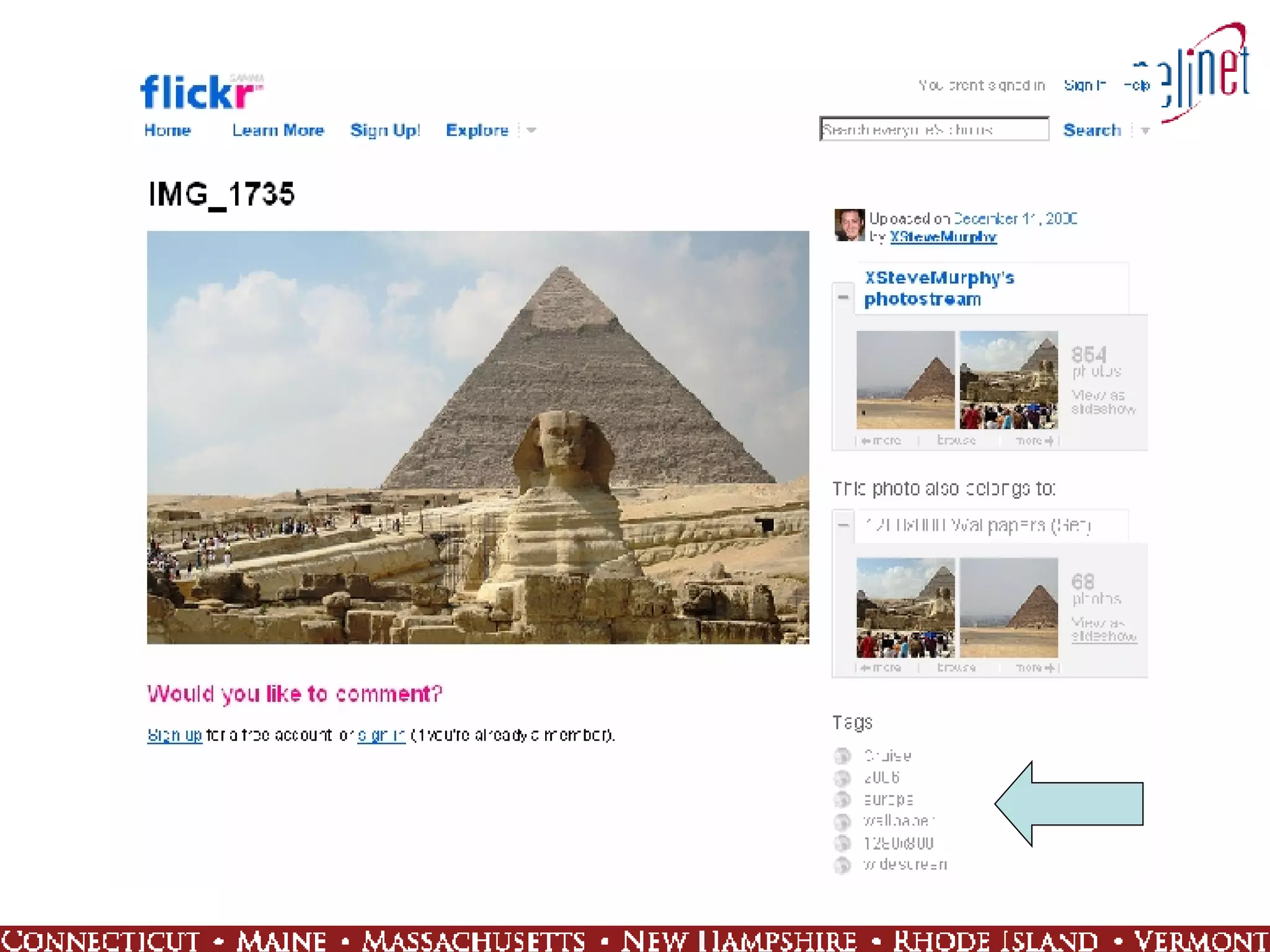
Tags and Tagging  Keyword or term associated with or assigned to a piece of information (like picture, article, or video clip)  Usually chosen informally and personally by the author/creator or the consumer of the item  Pew Internet: 28% of online Americans have used the Internet to tag content Source: http://en.wikipedia.org/wiki/Tag_%28metadata%29
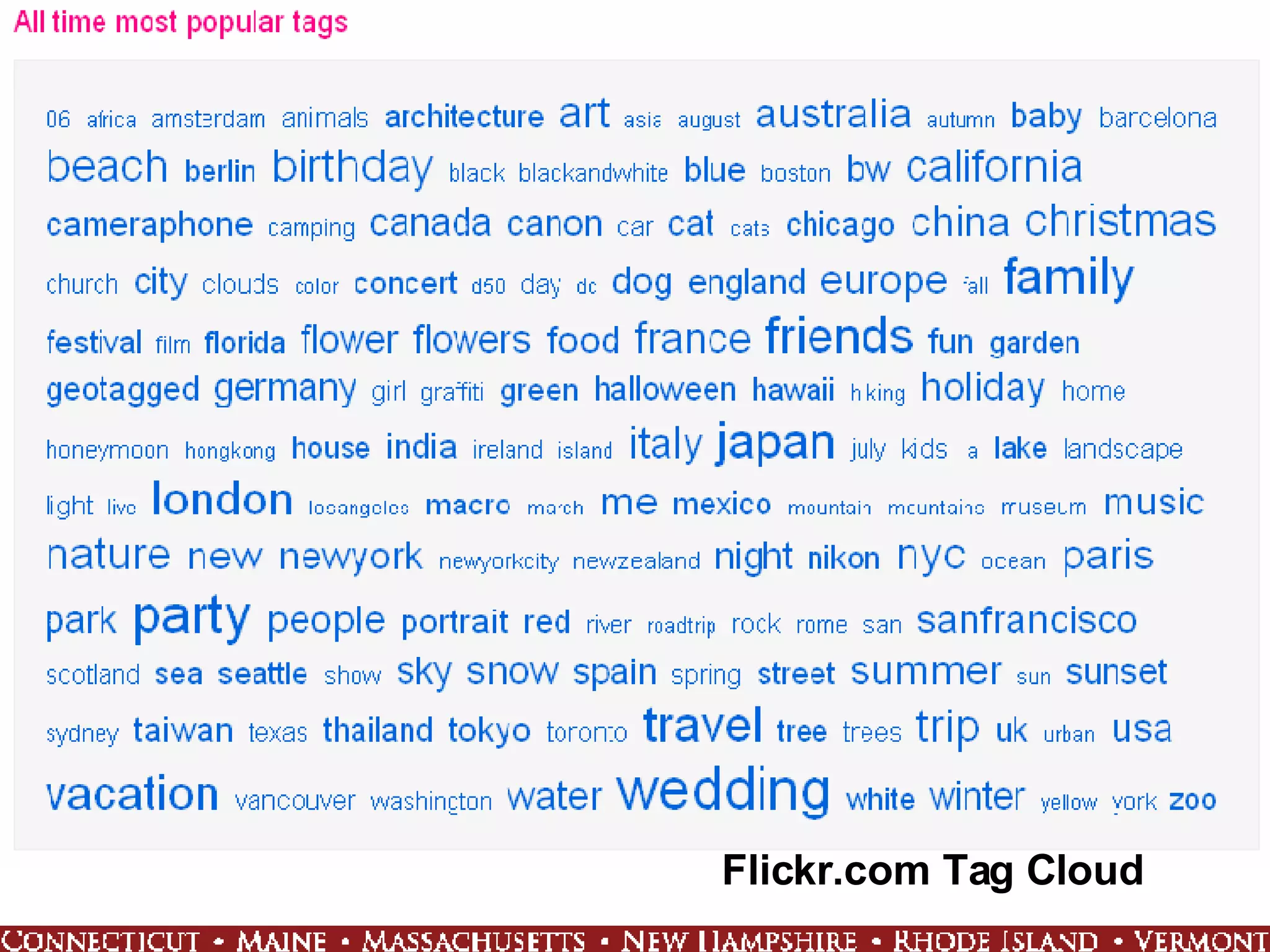
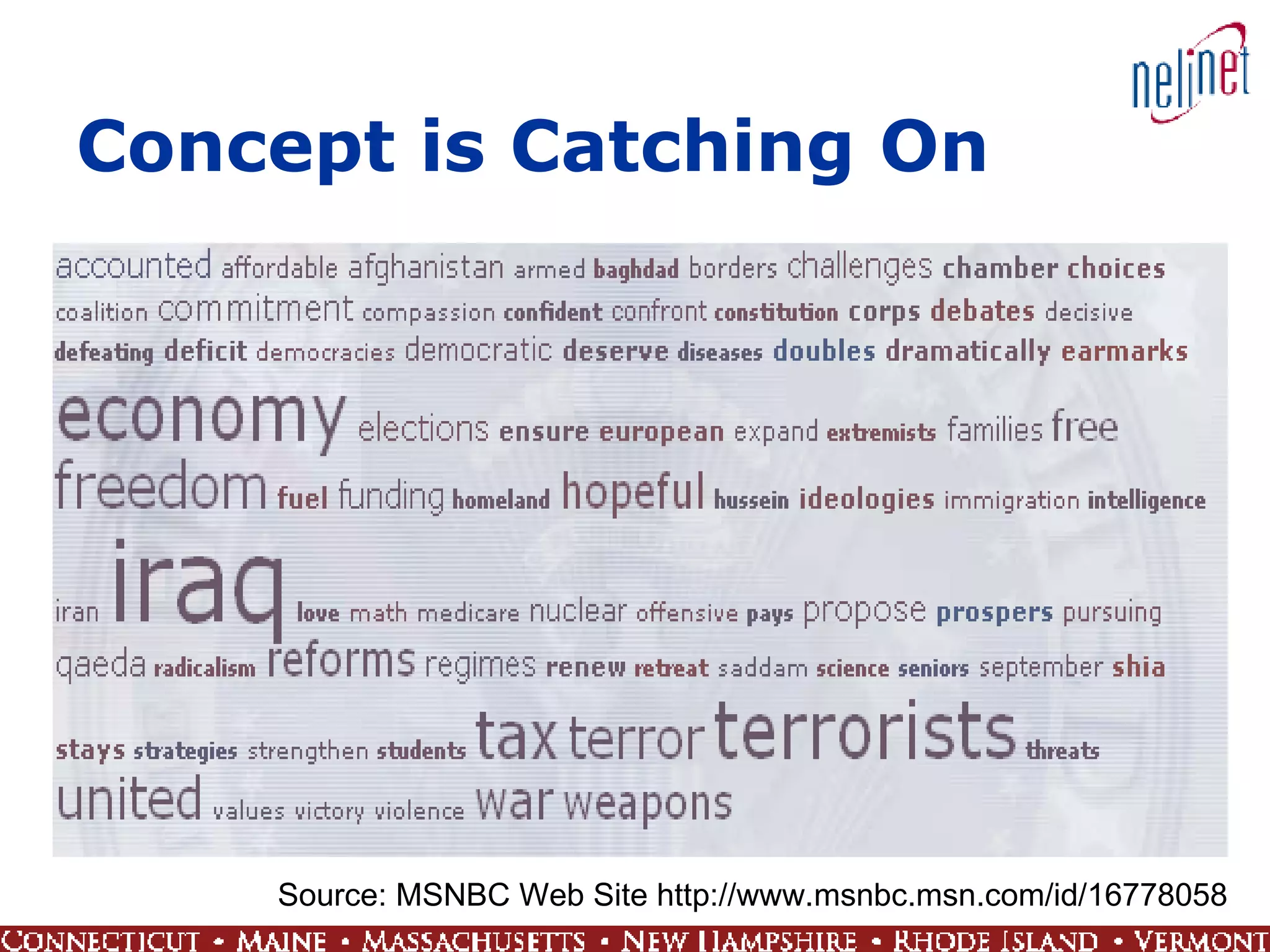
Tag Clouds A visual depiction of content tags used on a Web site  More frequently used tags are depicted in a larger font or otherwise emphasized, while the displayed order is generally alphabetical
Flickr.com Tag Cloud
Concept is Catching On Source: MSNBC Web Site http://www.msnbc.msn.com/id/16778058
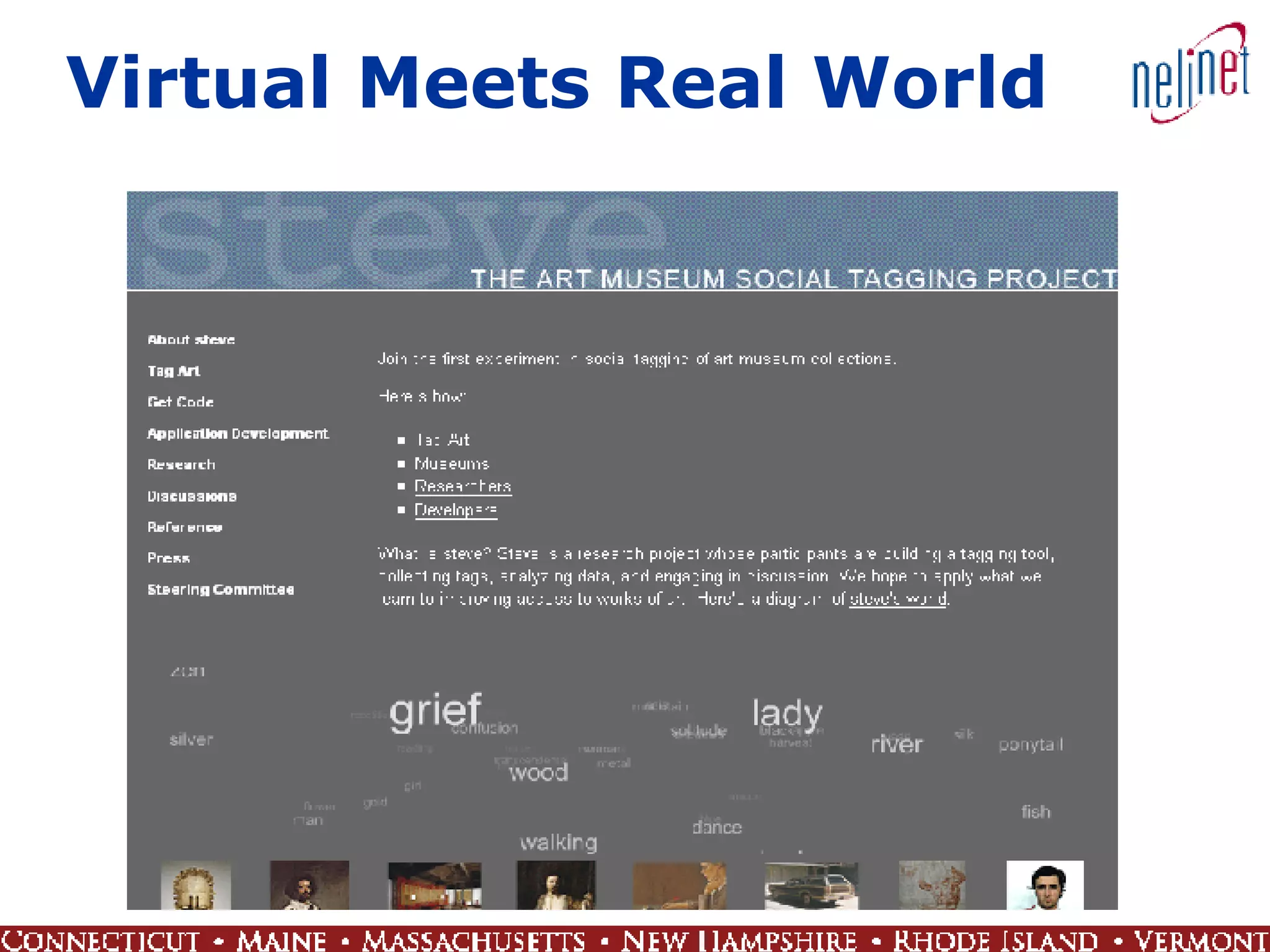
Virtual Meets Real World
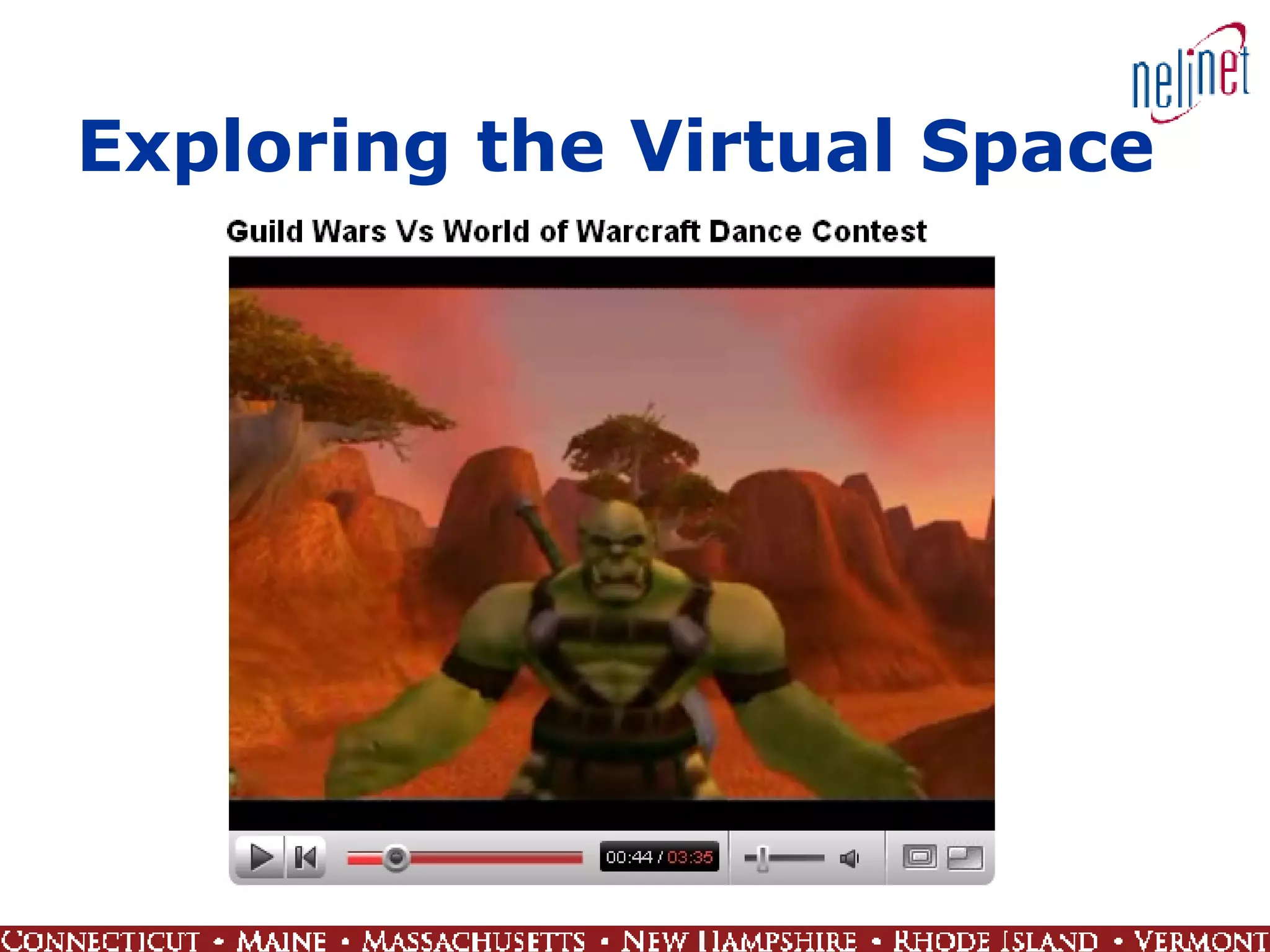
Exploring the Virtual Space
Trust Openness  Transparency Collective intelligence Contributed content Interactivity
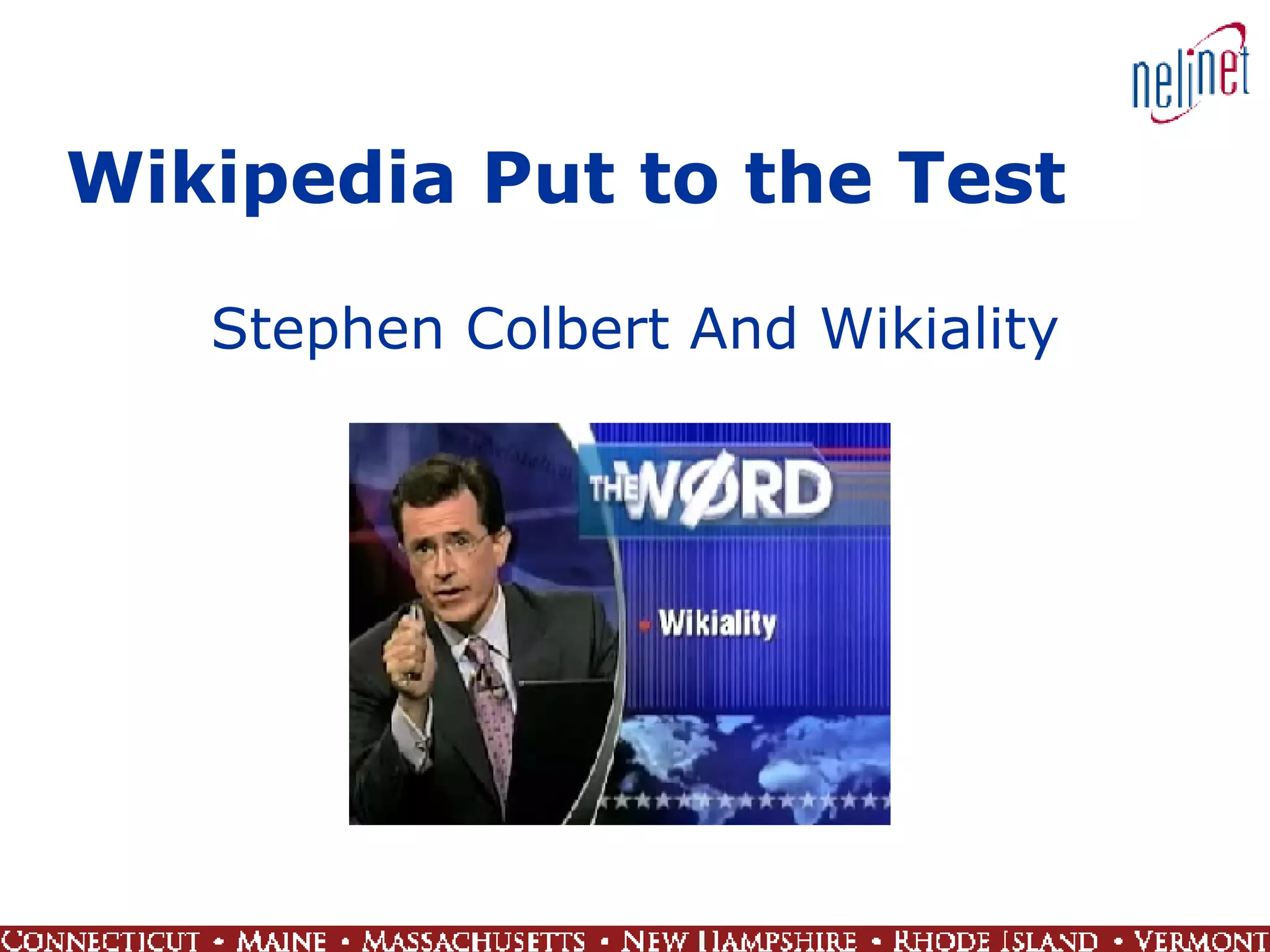
Wikipedia Put to the Test Stephen Colbert And Wikiality
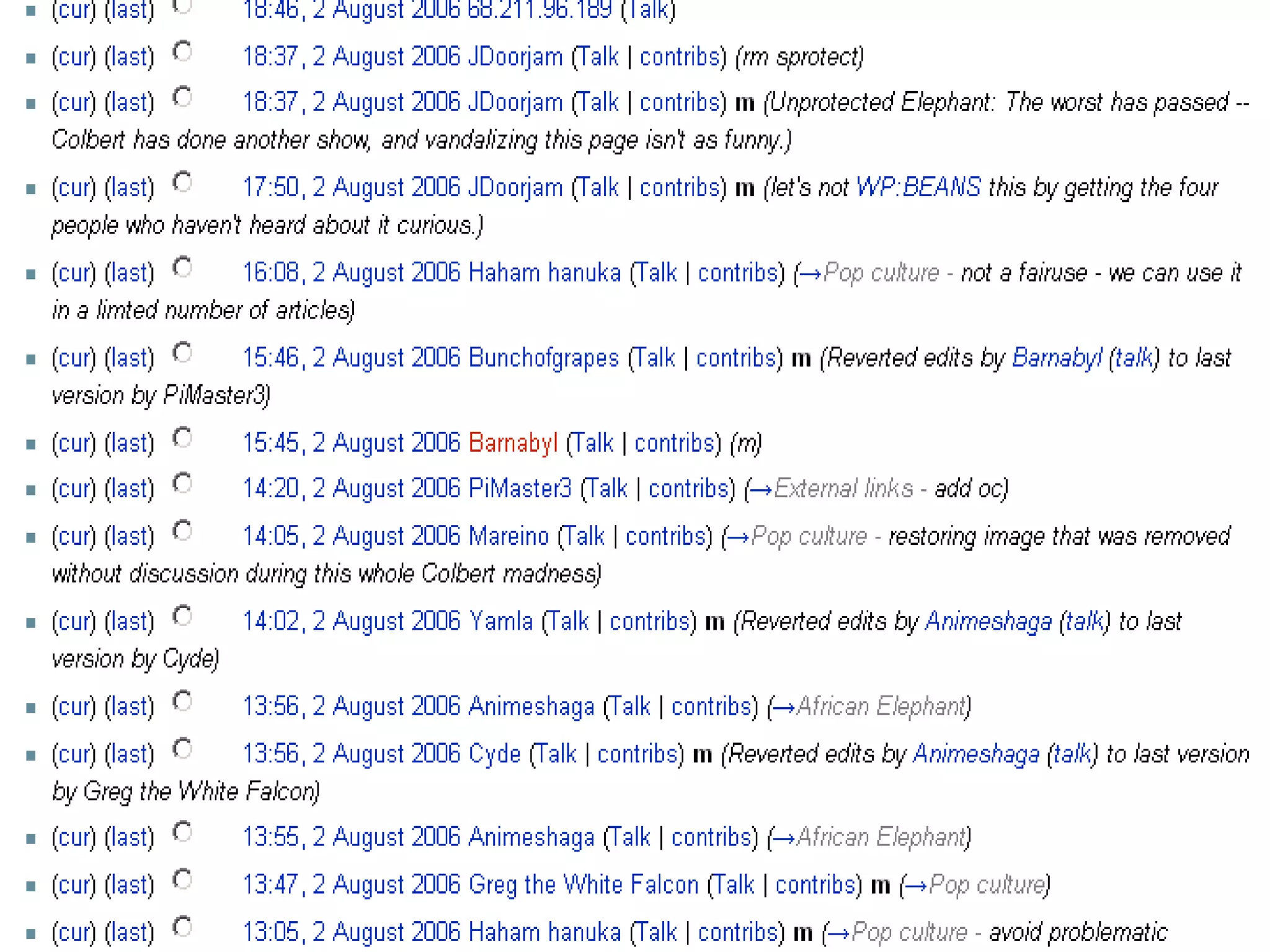
Wikipedia Community Response Lock down  Elephant  page Discussion about  Colbert Neutrality alerts, e.g.  Larry Sanger
 
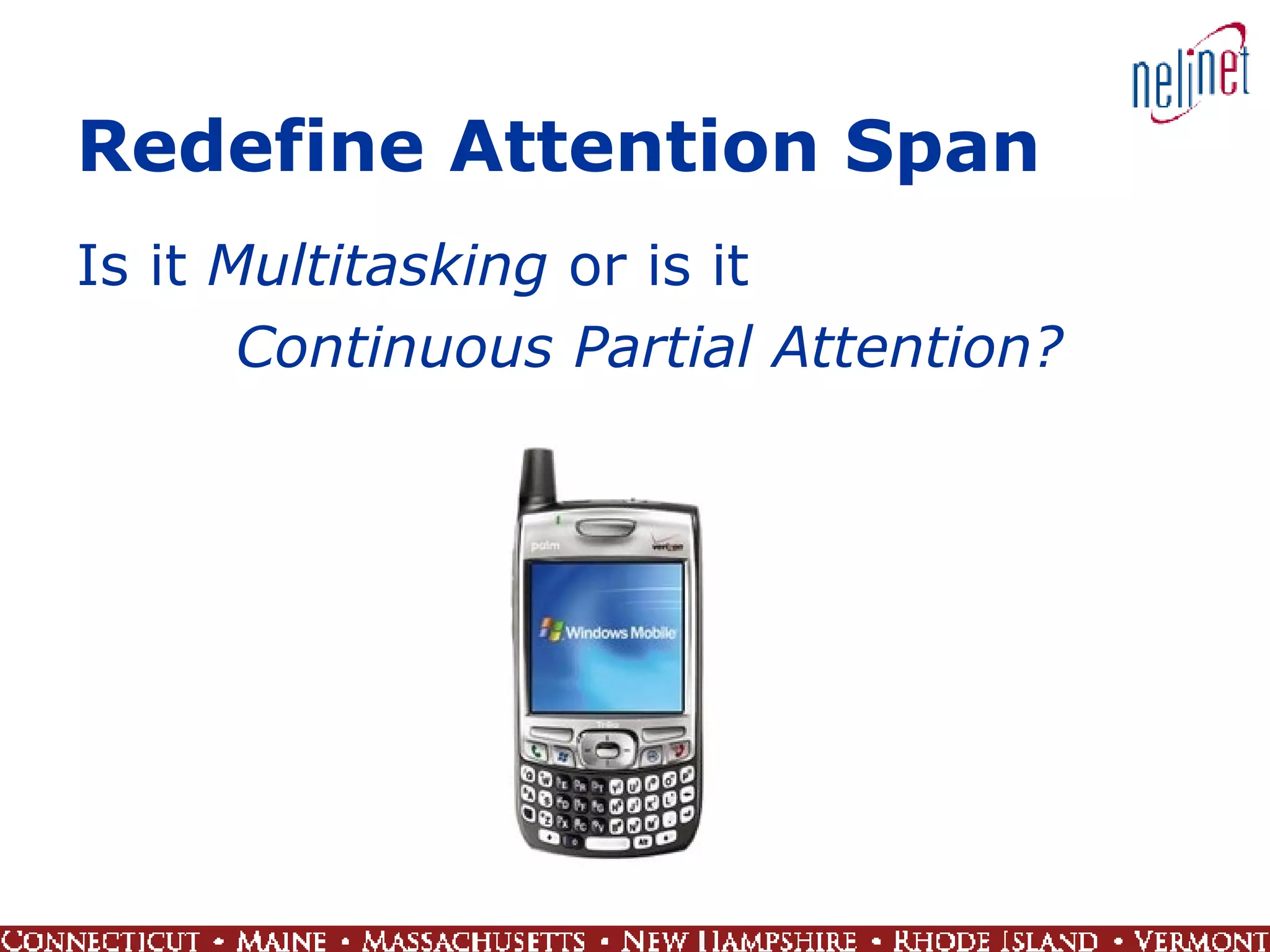
Redefine Attention Span Is it  Multitasking  or is it  Continuous Partial Attention?
Copyright and Content Ownership Who owns copyright?  Association of American Publishers vs Google Who owns content?  Viacom vs You Tube?
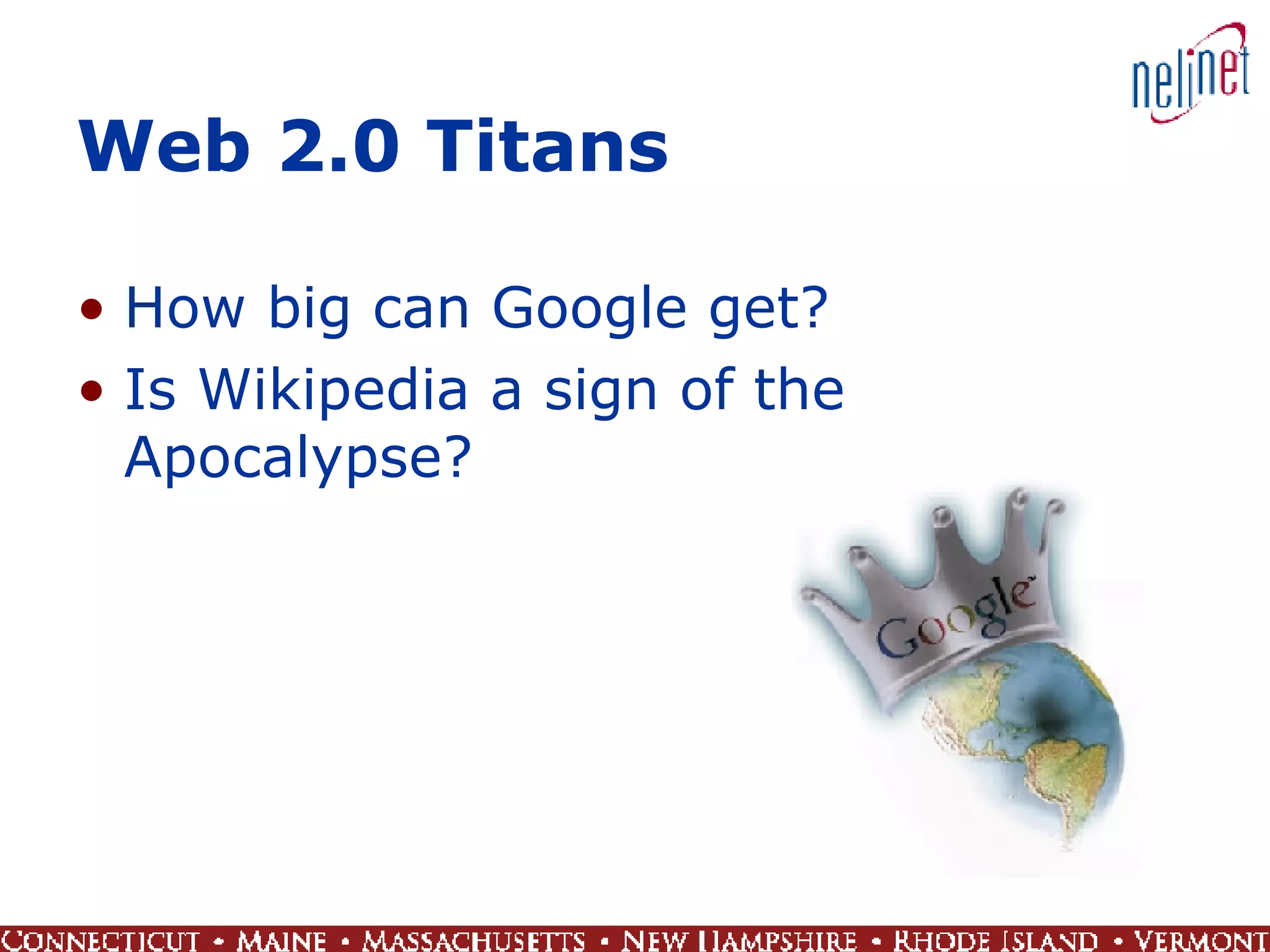
Web 2.0 Titans How big can Google get? Is Wikipedia a sign of the Apocalypse?
 
Wild, Wild West! On Wikipedia no one has to know you are a dog! The professional amateur rules the day There’s a lot of junk out there
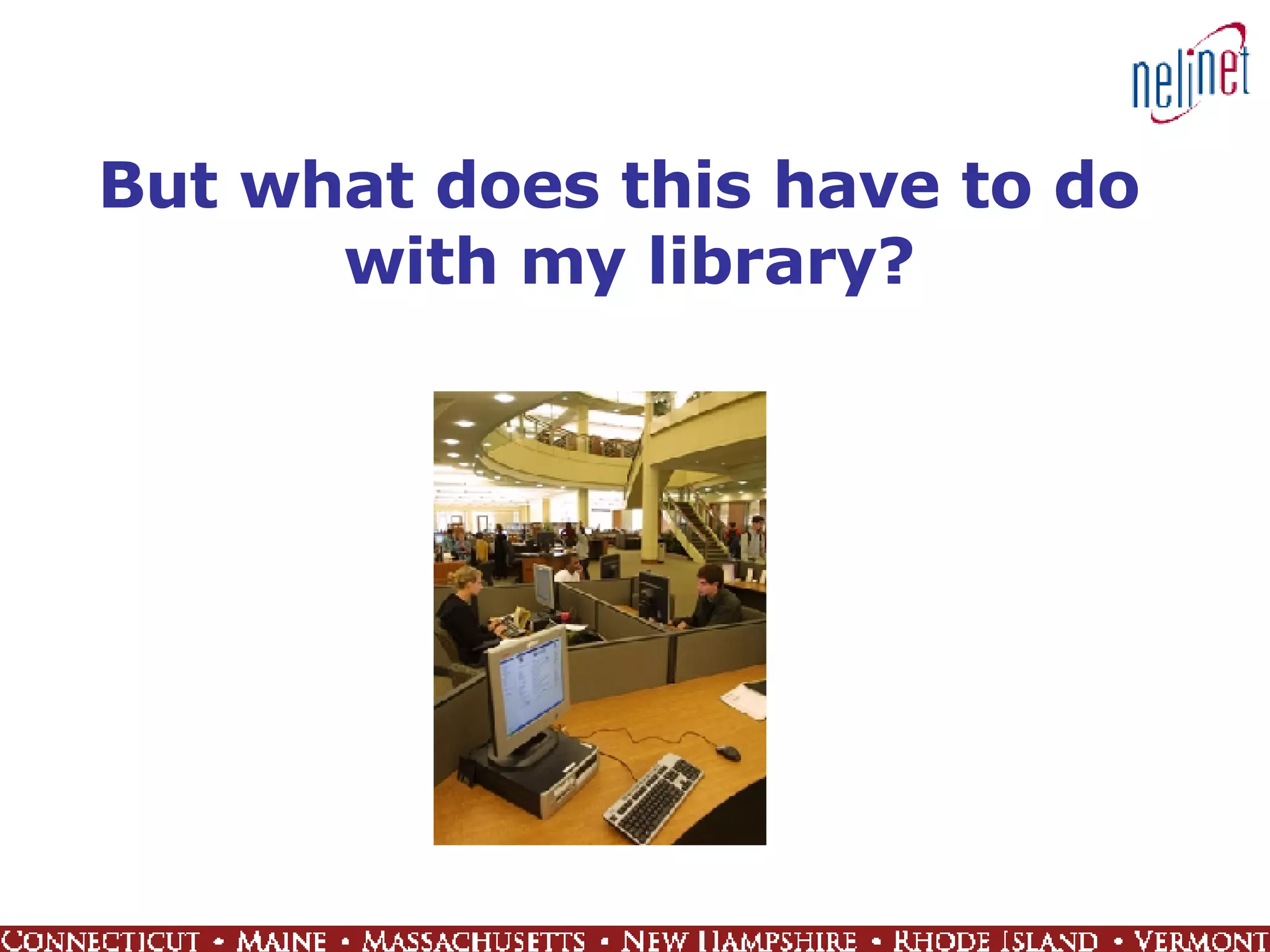
But what does this have to do  with my library?
Afternoon Agenda Library 2.0 Overview User expectations Goals Examples New skills and expertise Technology toolz Implementation and integration Beyond Library 2.0
Review Trends that Were Covered earlier by Rob and See How They Apply to Libraries Community Sharing and interactivity Trust Decentralization of authority Self service Eliminate barriers Personalized content Customization, selection, filtering Set data free Integration and interoperability
Expectations 2.0 Library user expectations are derived from experiences and technology available on the commercial Web A social phenomenon, not just technology Library 2.0 (L2) = a new model for library  service A chance to rethink and retool what we do  and who we are Find new ways to involve patrons by letting them contribute content, add tags, rate library items, and get involved in other interactive and collaborative activities Examples of good uses for new technologies that offer added service, explore new methods to deliver information, revisit user interactions Blogs, Wikis, IM, RSS, Mashups, Tagging
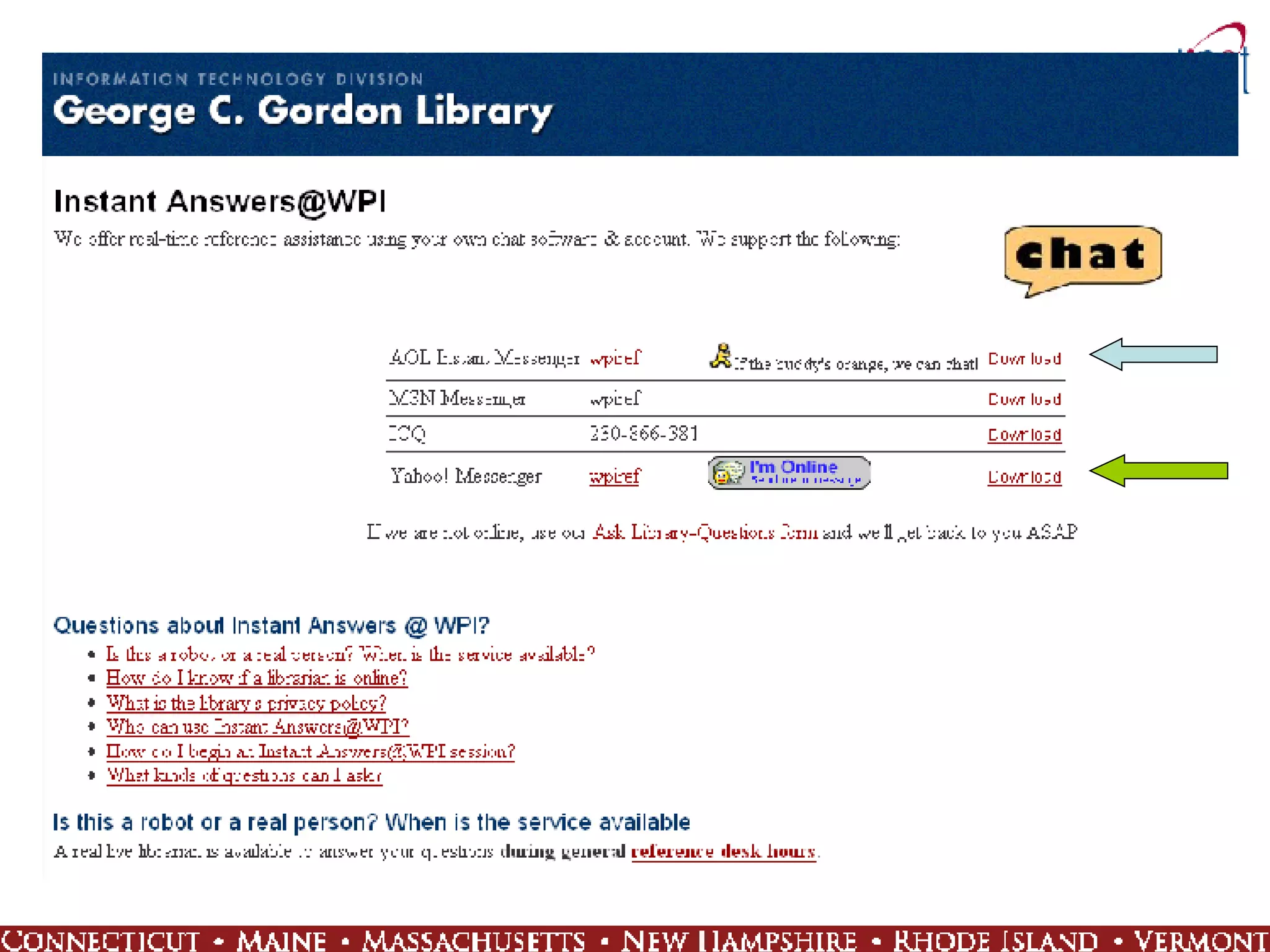
IM for Virtual Reference Help the people where they are when they need help “ Don’t make me go in and talk to a person!” Make use of tools they are already using AIM Google Talk MSN Yahoo! Consolidate access to multiple services Meebo  Trillian
 
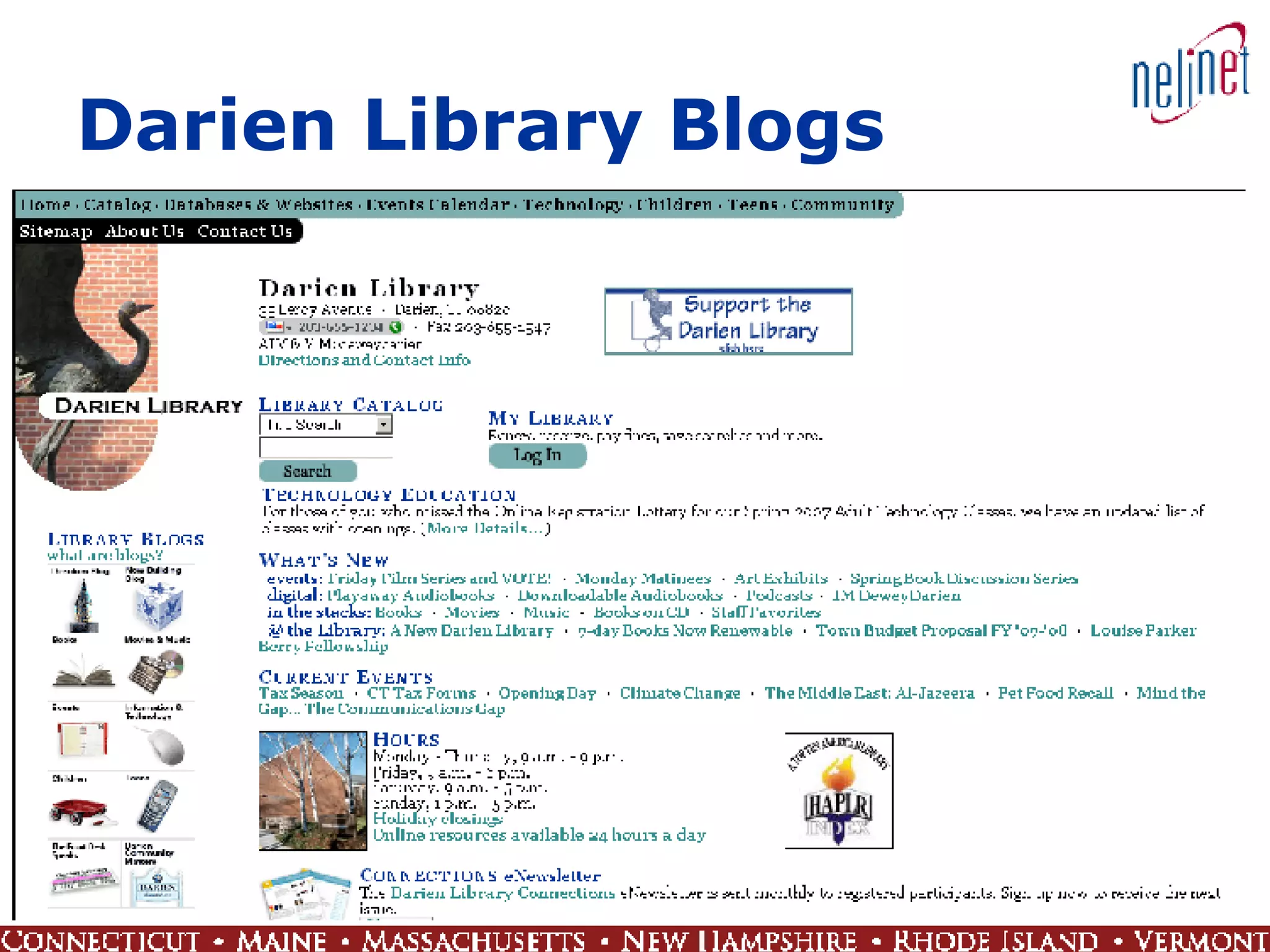
Blogs Post up-to-date information about aspects of library operations Collection materials Events Projects Allow patrons to comment and ask questions Generate interest, conversation, community Keep it current
Darien Library Blogs
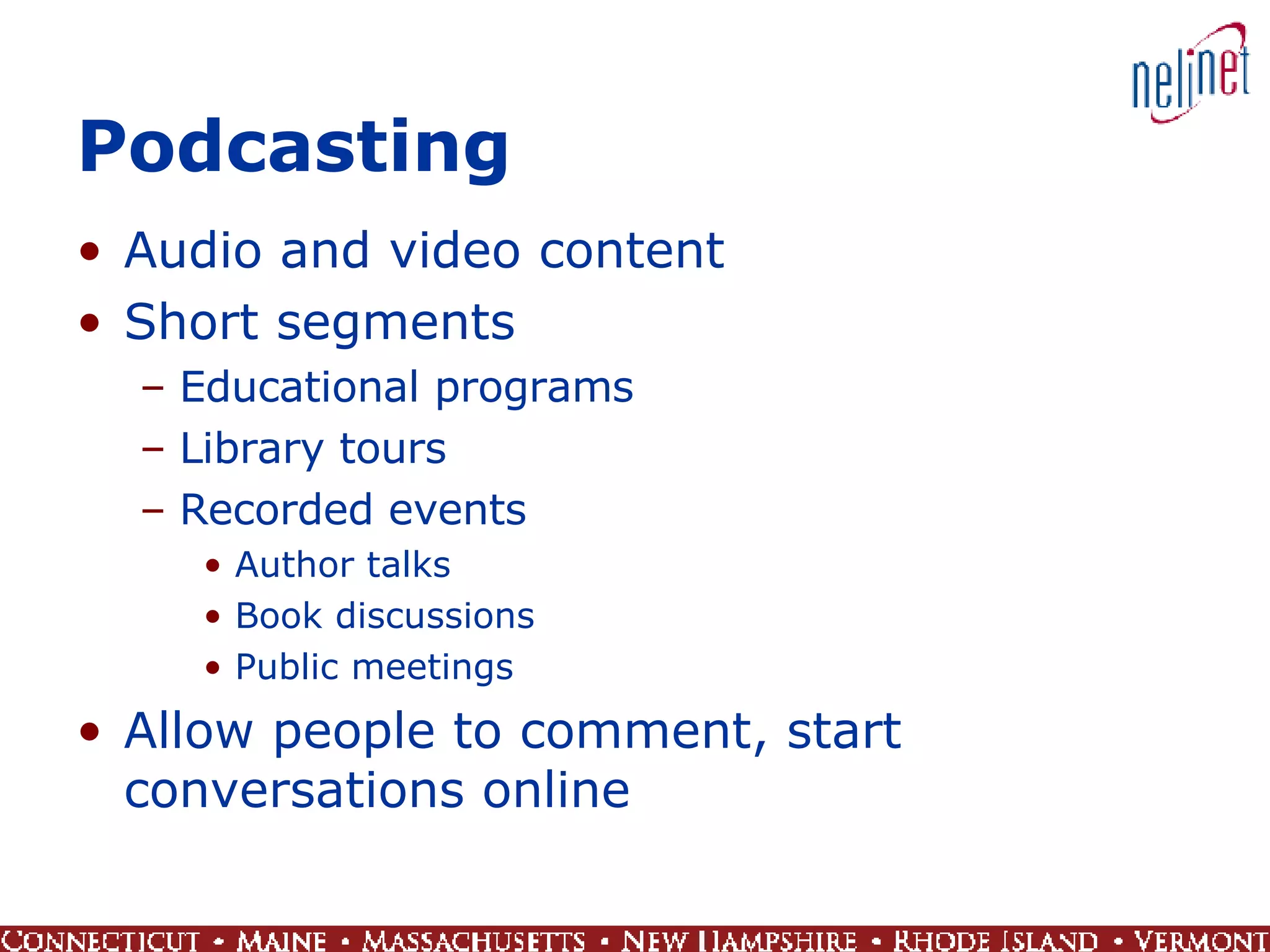
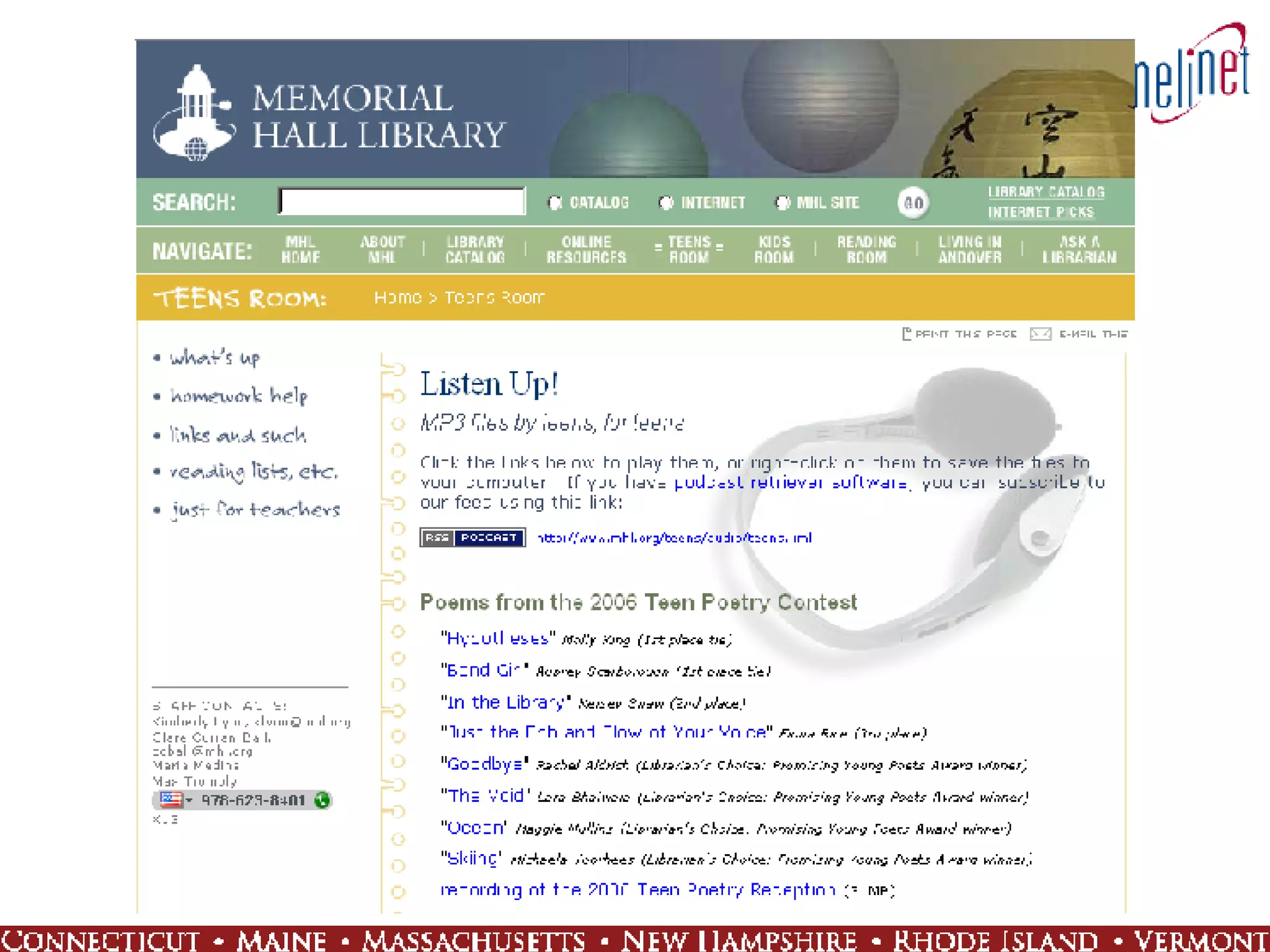
Podcasting Audio and video content Short segments Educational programs Library tours Recorded events Author talks Book discussions Public meetings Allow people to comment, start conversations online
 
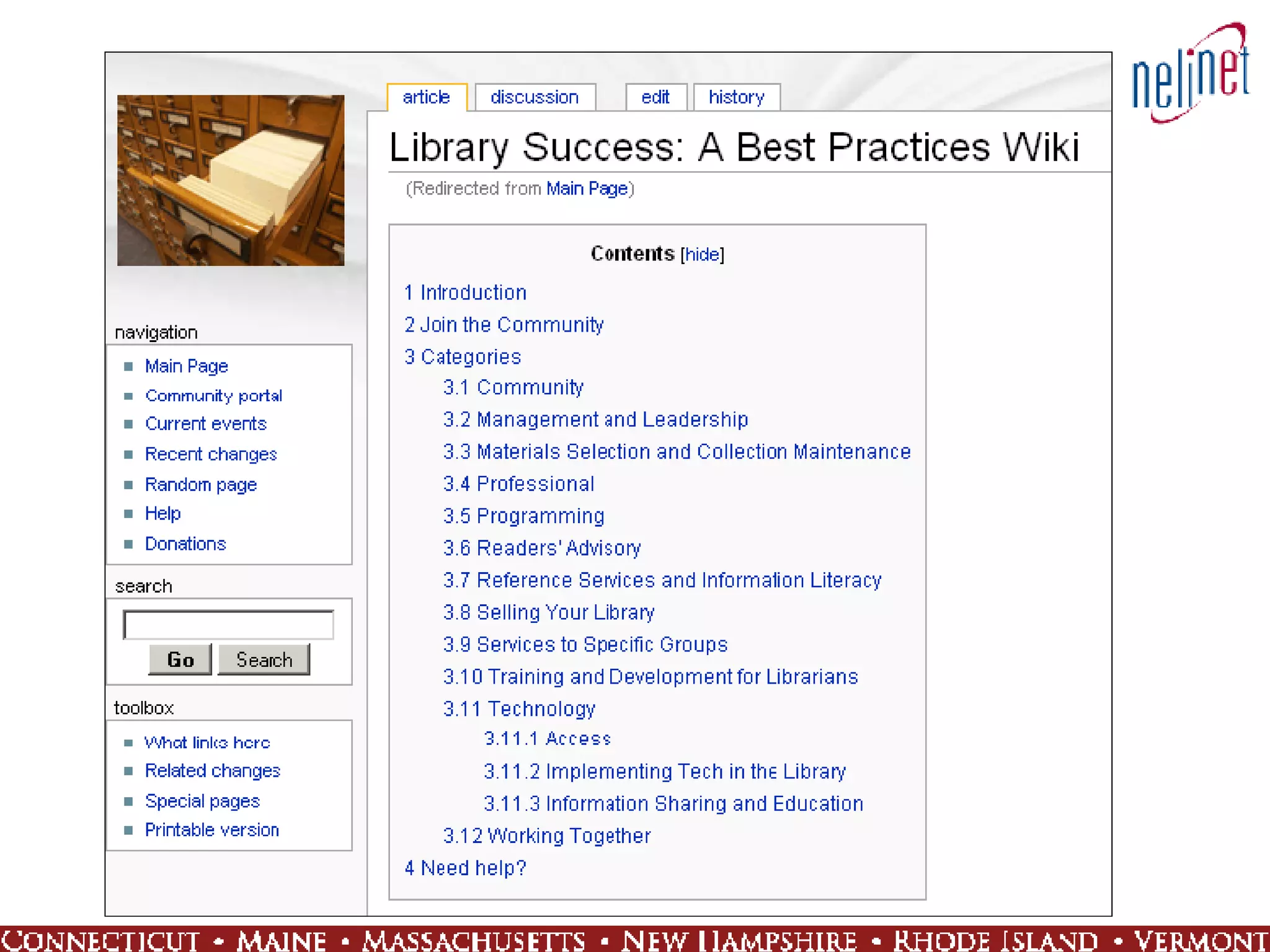
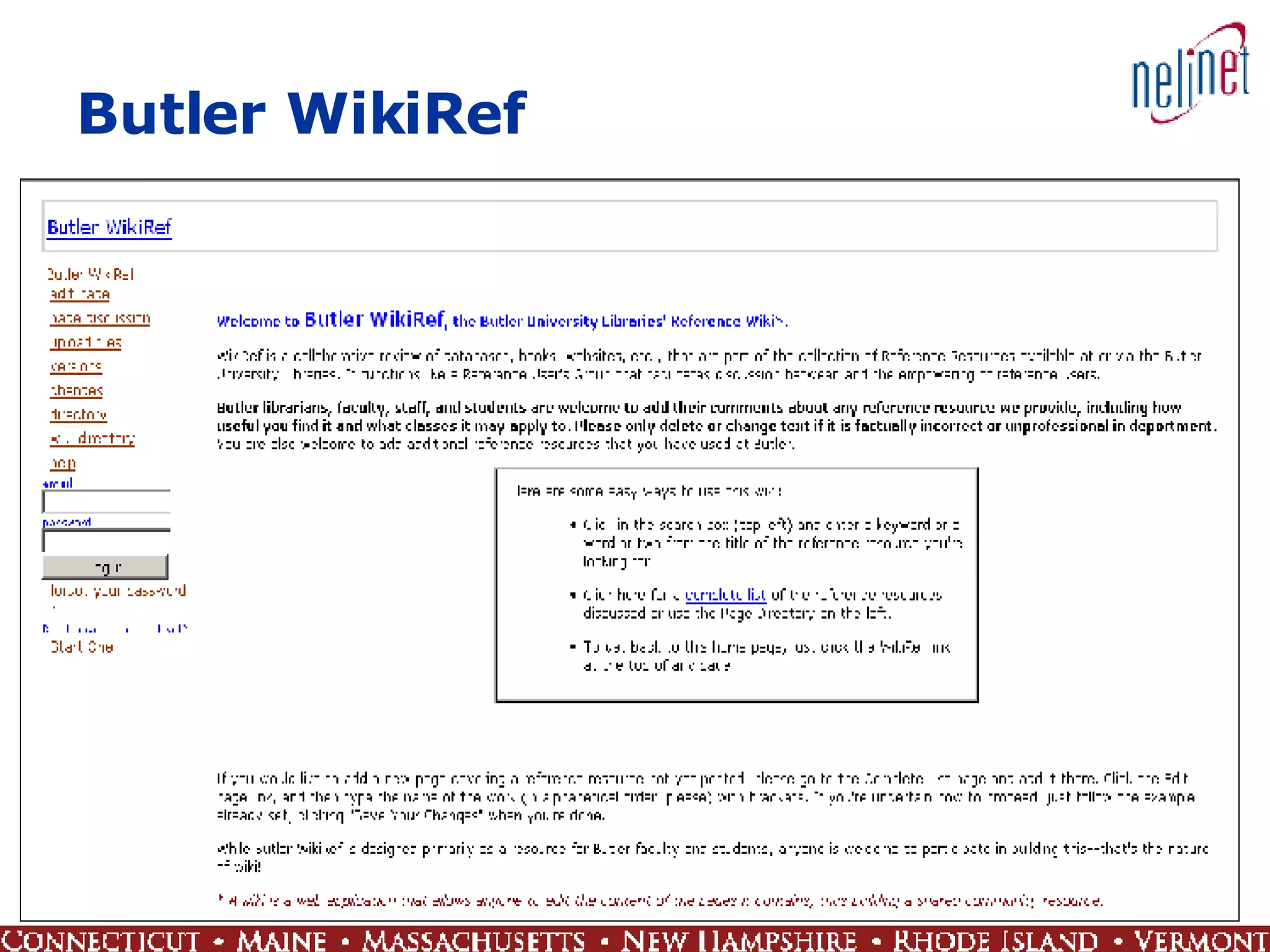
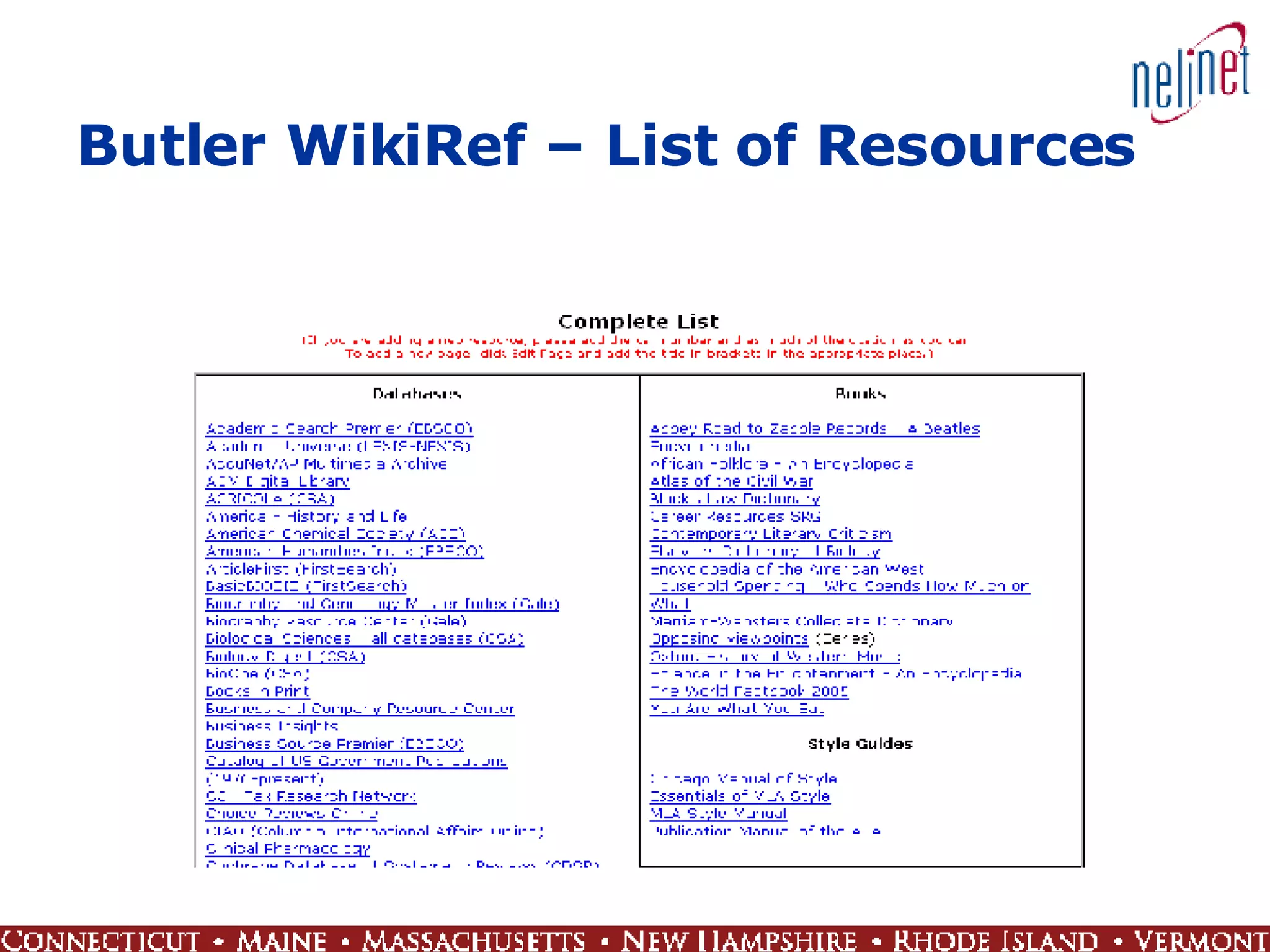
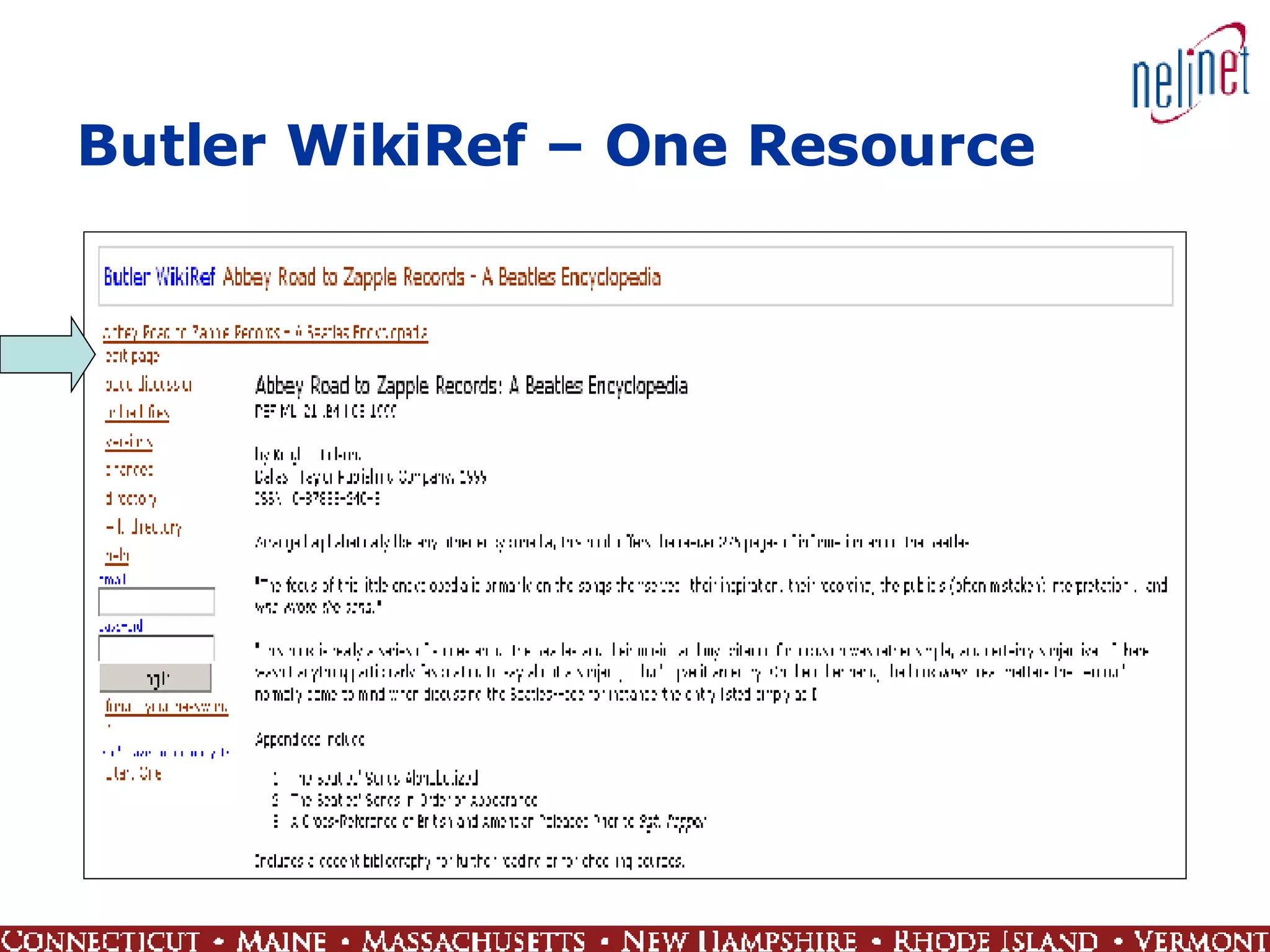
Wikis Collaborative resource creation Anyone can be allowed to contribute and edit content Policies Documents Lists of resources Library Success: A Best Practices Wiki http://www.libsuccess.org/
 
Butler WikiRef
Butler WikiRef – List of Resources
Butler WikiRef – One Resource
RSS Frequently updated content Library and collection news Alert services Let patrons know about new content, upcoming events, due dates, etc. Customize Patrons subscribe to feeds that interest them RSS readers and aggregators bring together information from multiple sources  Help users manage the information juggernaut that is the WWW


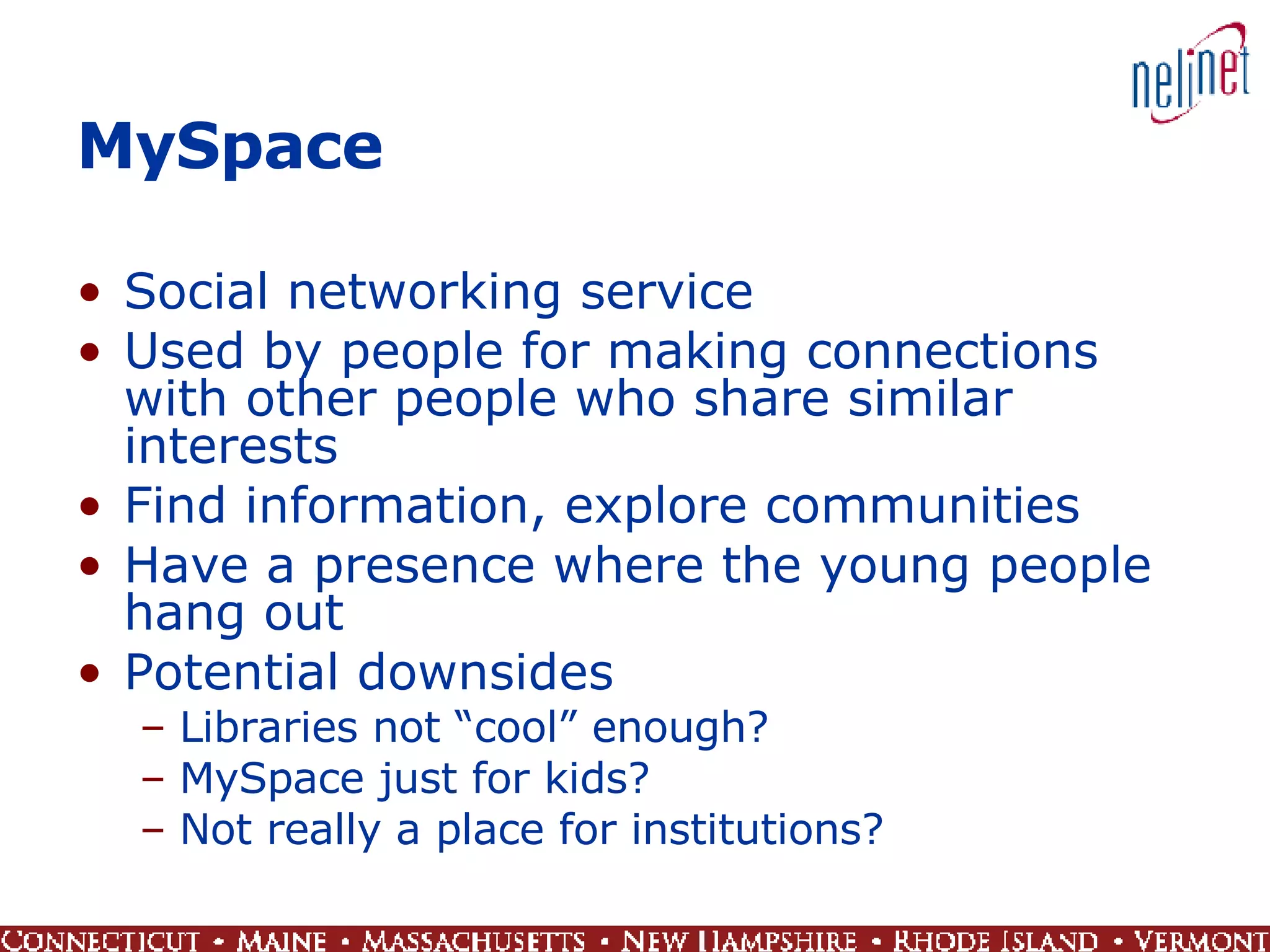
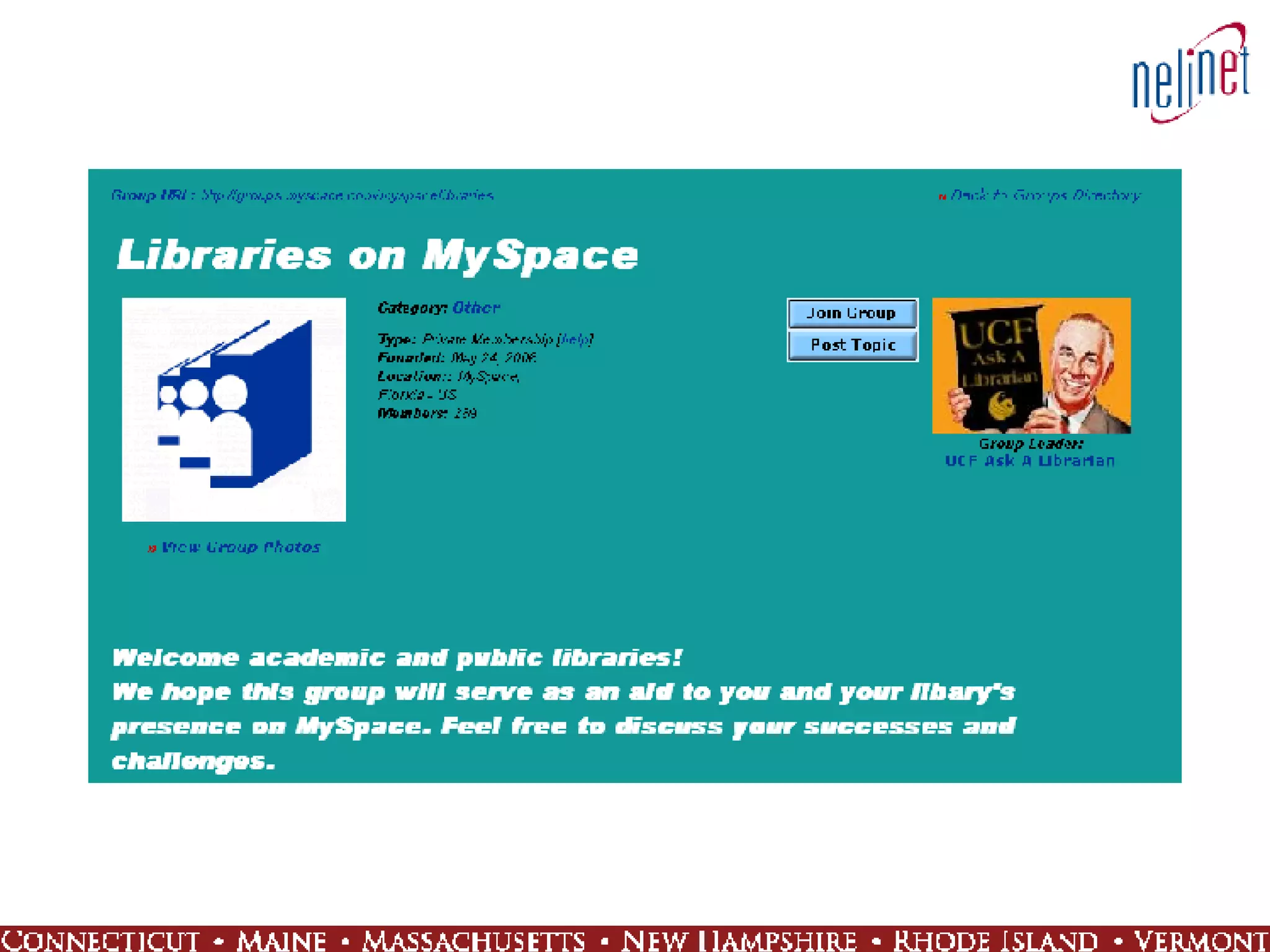
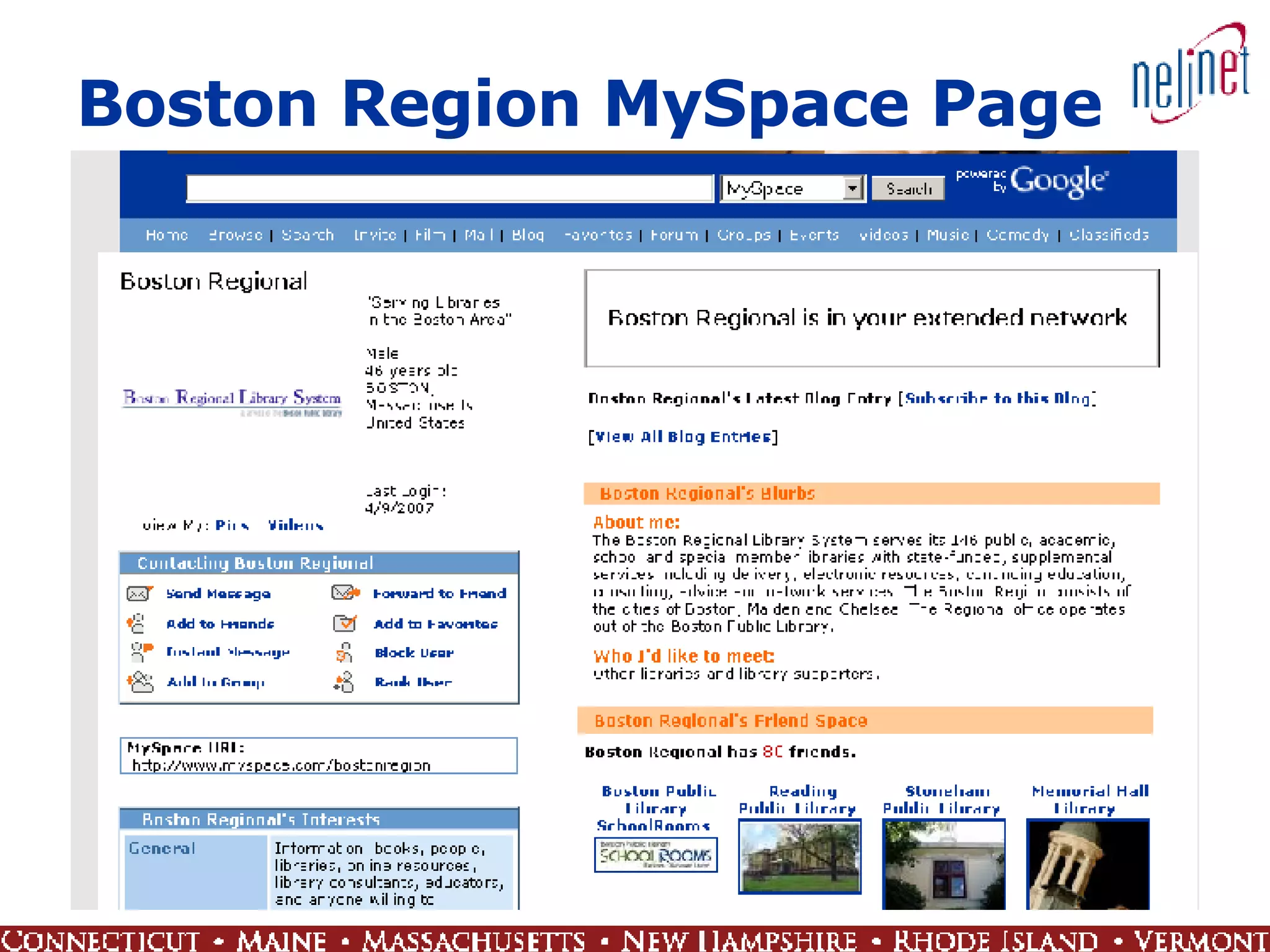
MySpace Social networking service Used by people for making connections with other people who share similar interests Find information, explore communities Have a presence where the young people hang out Potential downsides  Libraries not “cool” enough?  MySpace just for kids?  Not really a place for institutions?
 
Boston Region MySpace Page
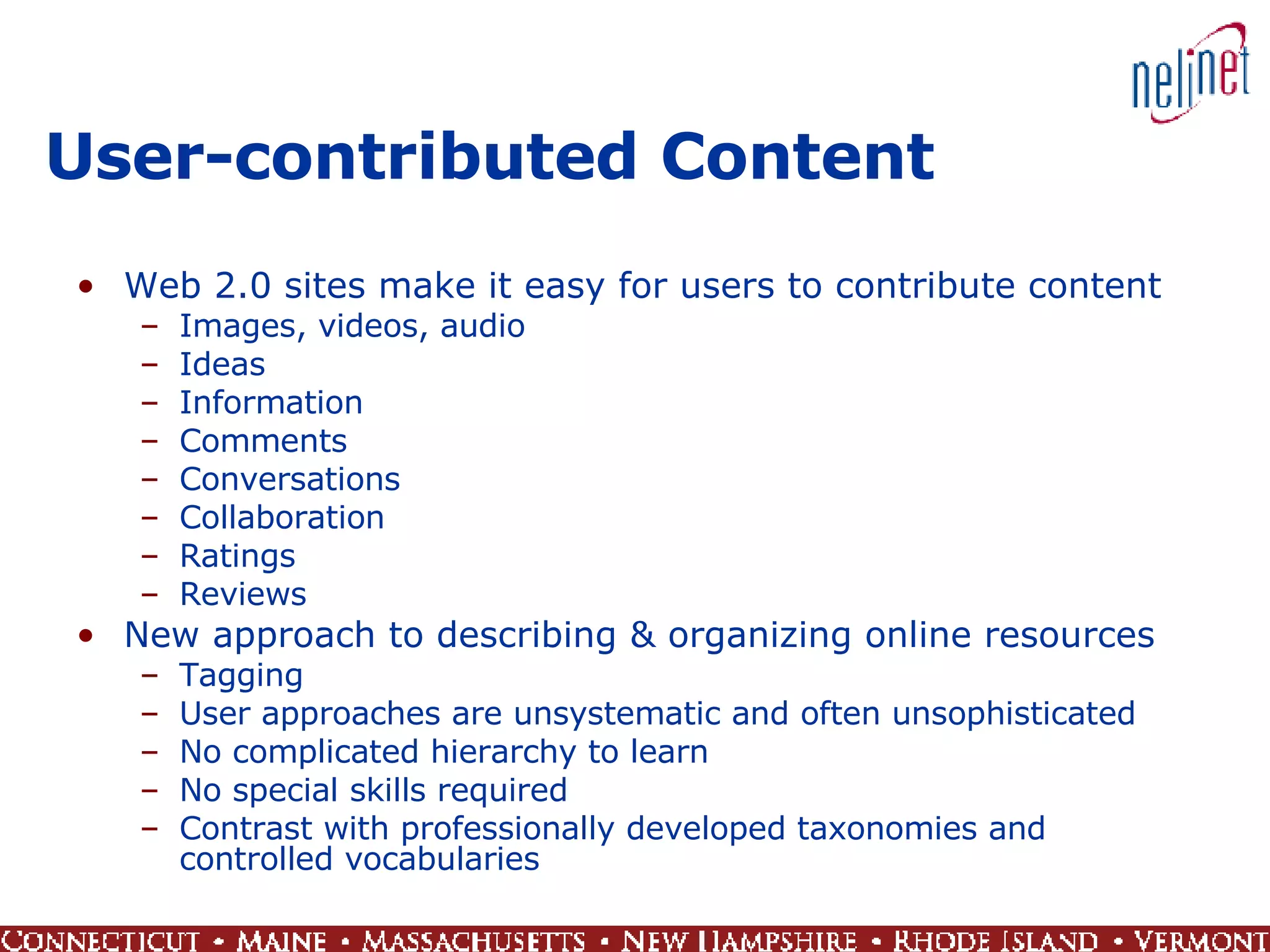
User-contributed Content Web 2.0 sites make it easy for users to contribute content Images, videos, audio Ideas Information Comments Conversations Collaboration Ratings Reviews New approach to describing & organizing online resources Tagging User approaches are unsystematic and often unsophisticated No complicated hierarchy to learn No special skills required Contrast with professionally developed taxonomies and controlled vocabularies
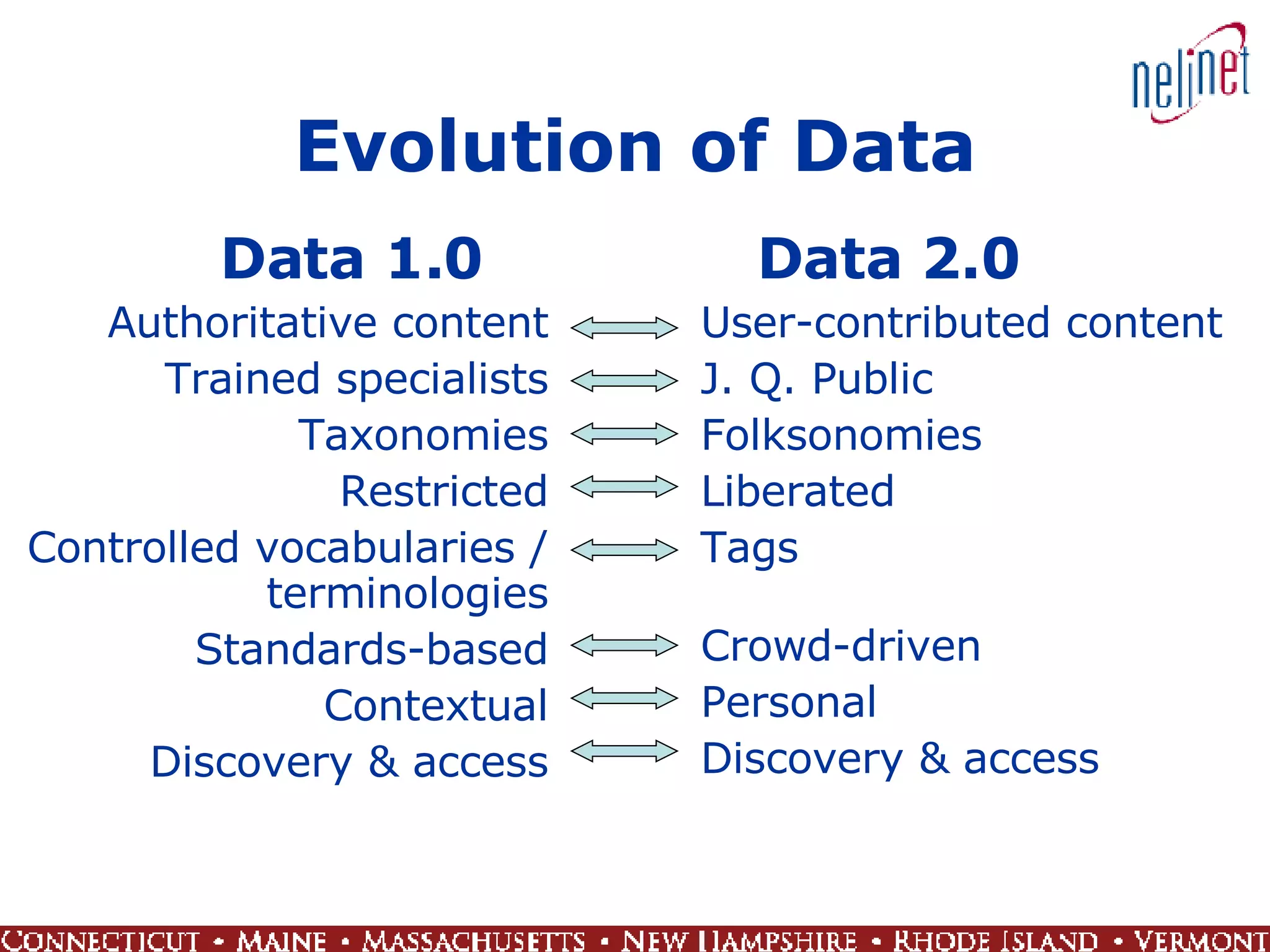
Evolution of Data Data 1.0 Authoritative content Trained specialists Taxonomies Restricted Controlled vocabularies / terminologies Standards-based Contextual Discovery & access Data 2.0 User-contributed content J. Q. Public Folksonomies Liberated Tags Crowd-driven Personal Discovery & access
 
 
Google Image Labeler An attempt to improve tags assigned to images Decentralize the task of image description Game format Paired players go head to head Random people with no special training and no safety nets Action! Thrills! Fun! Excitement!
User Contributions Collective intelligence Take advantage of contributed work by masses of dedicated people Analysis of aggregated data and associations using software Flickr: Ford (car) vs. Ford (president) Use in conjunction with conventional cataloging Make users content partners Takes trust
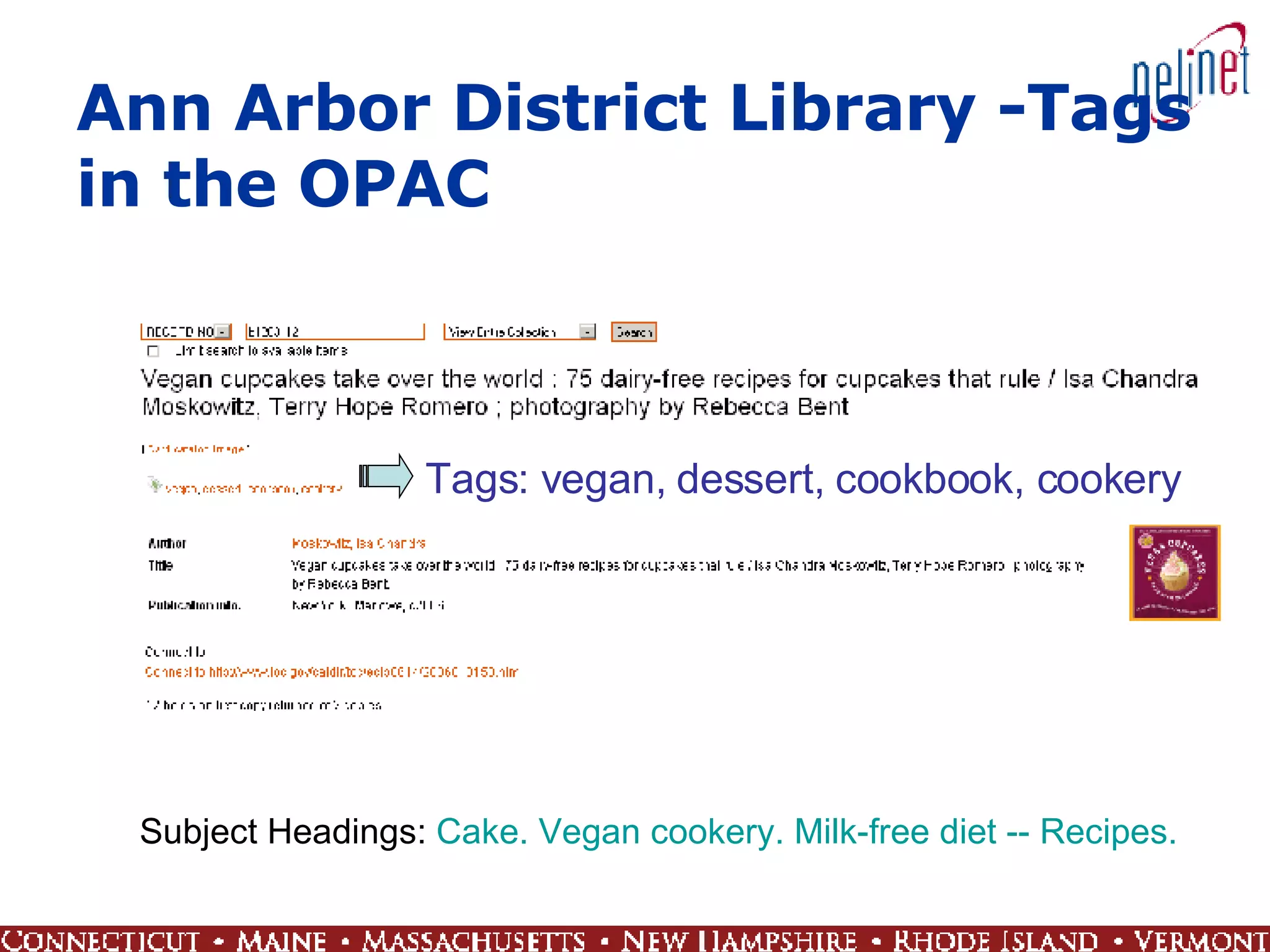
Ann Arbor District Library -Tags in the OPAC Tags: vegan, dessert, cookbook, cookery Subject Headings:  Cake.   Vegan cookery.   Milk-free diet -- Recipes.
PennTags @ UPenn A bookmarking tool for locating, organizing, and sharing favorite online resources Members of the Penn Community can collect and maintain URLs, links to journal articles, and records the online catalogs  Resources can be organized by assigning tags and/or by grouping them into projects and annotating them A social system and discovery tool See what others are posting and what tags they are using Use PennTags collaboratively to help you find others who share your interests Users can create an RSS feed for tags in PennTags to be notified anytime that tag is used
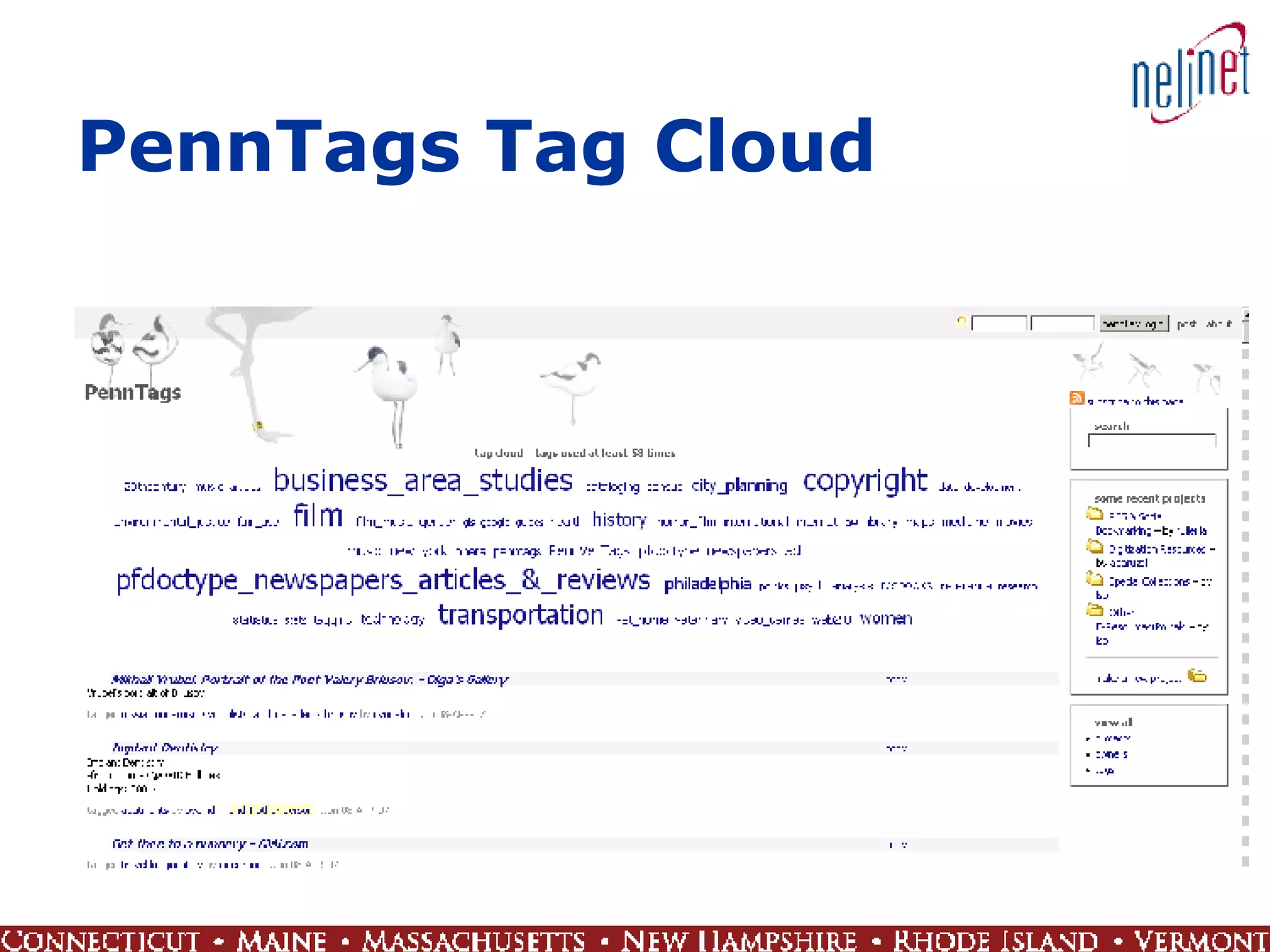
PennTags Tag Cloud
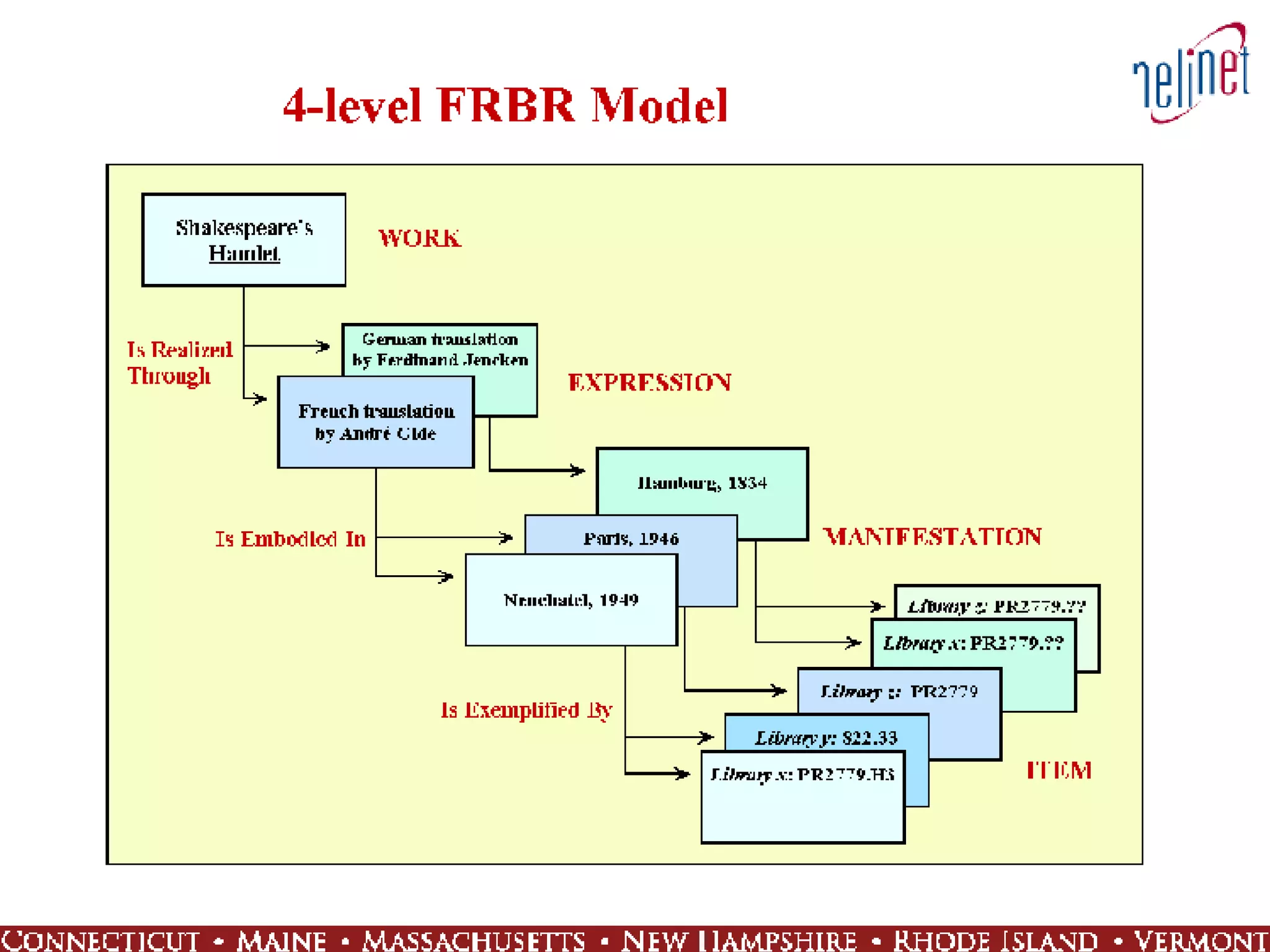
FRBR Functional Requirements for Bibliographic Records (FRBR) from a study by IFLA Report provides a framework for the nature of and uses for bibliographic records A conceptual model that’s behind some changes in OPAC result sets, displays, and interactivity Not a tool or technology or software FRBR should allow systems to handle bibliographic data in new, useful ways that better fulfill user tasks and meet expectations
 
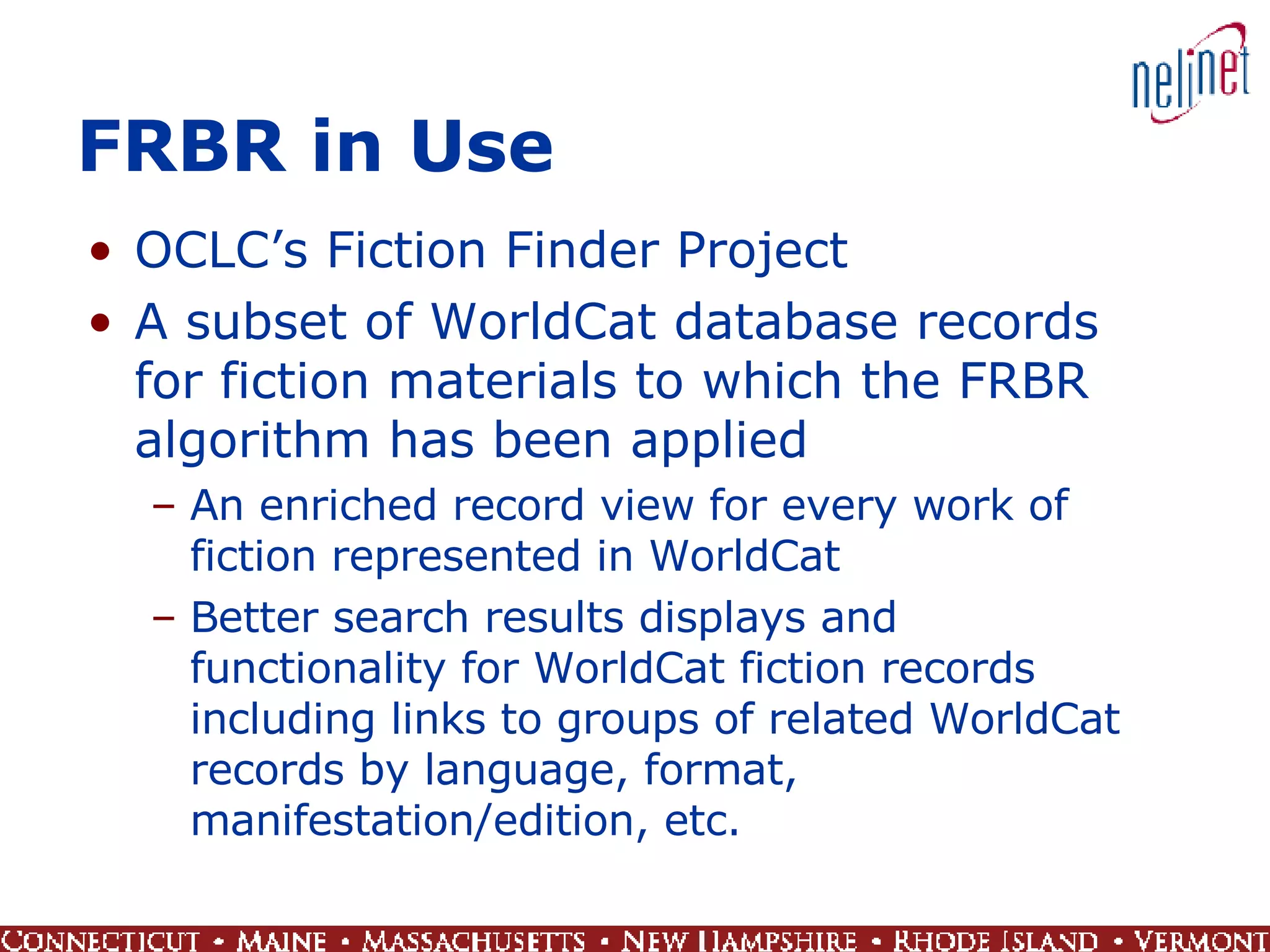
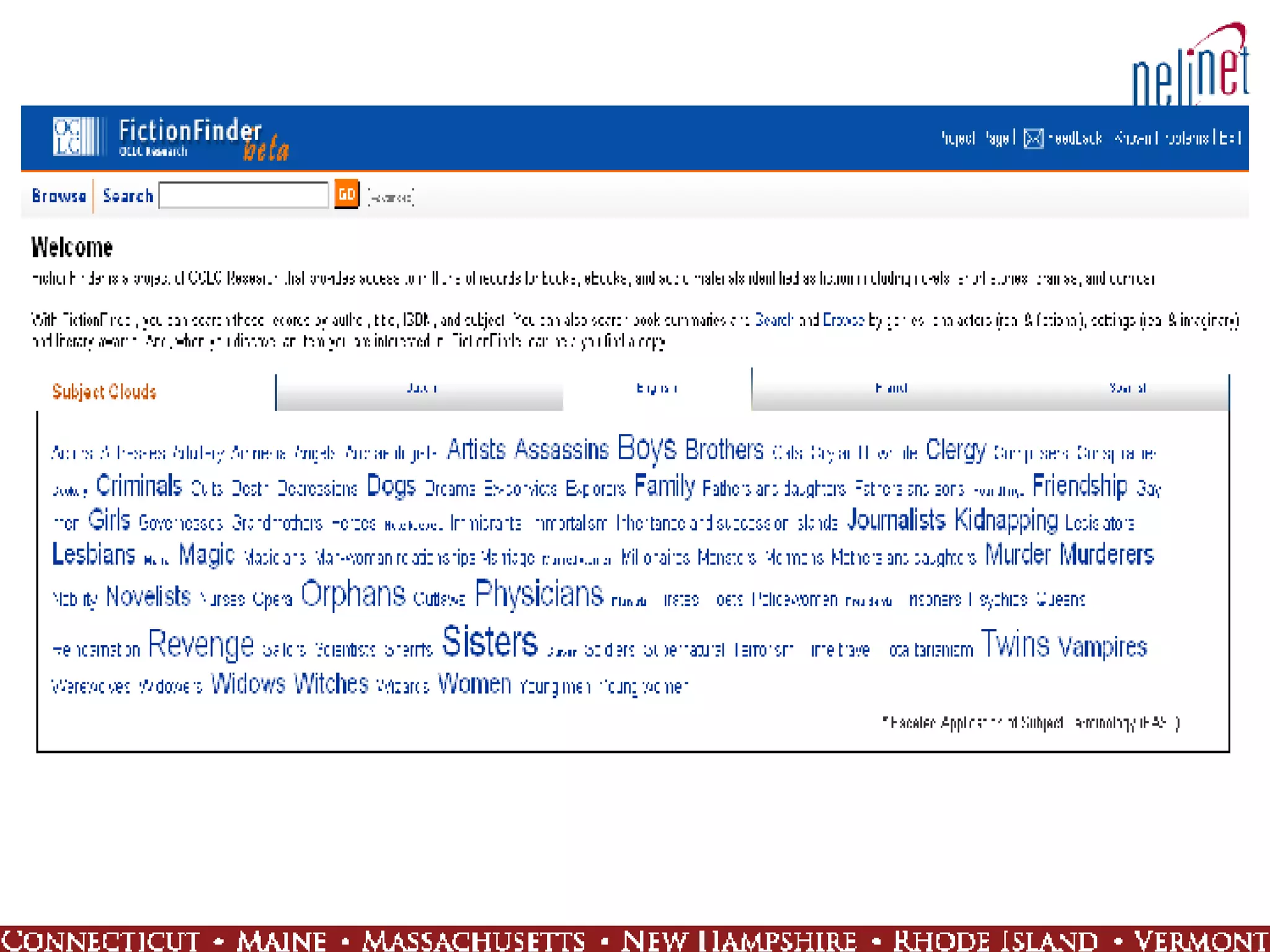
FRBR in Use OCLC’s Fiction Finder Project A subset of WorldCat database records for fiction materials to which the FRBR algorithm has been applied An enriched record view for every work of fiction represented in WorldCat Better search results displays and functionality for WorldCat fiction records including links to groups of related WorldCat records by language, format, manifestation/edition, etc.
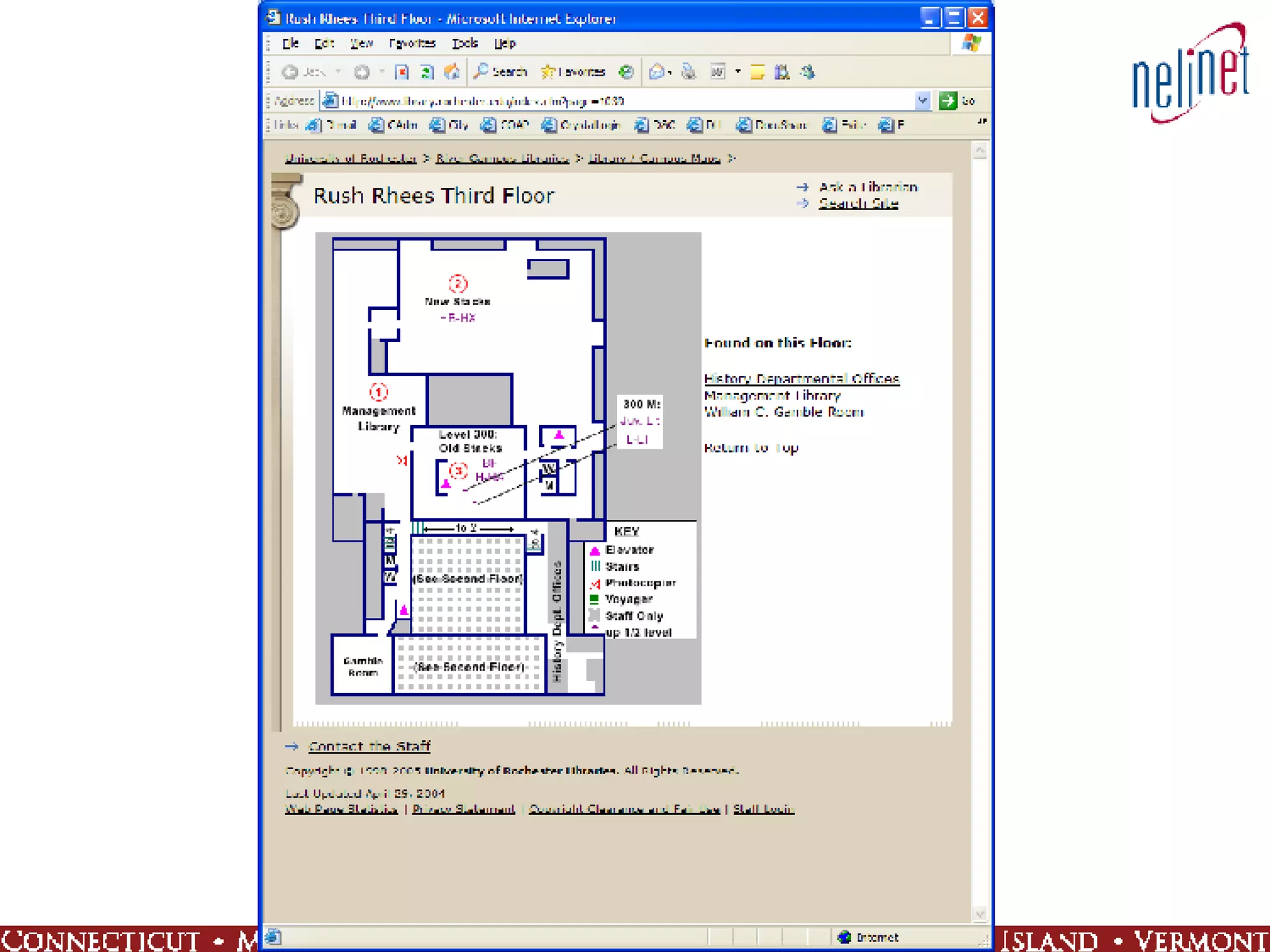
 
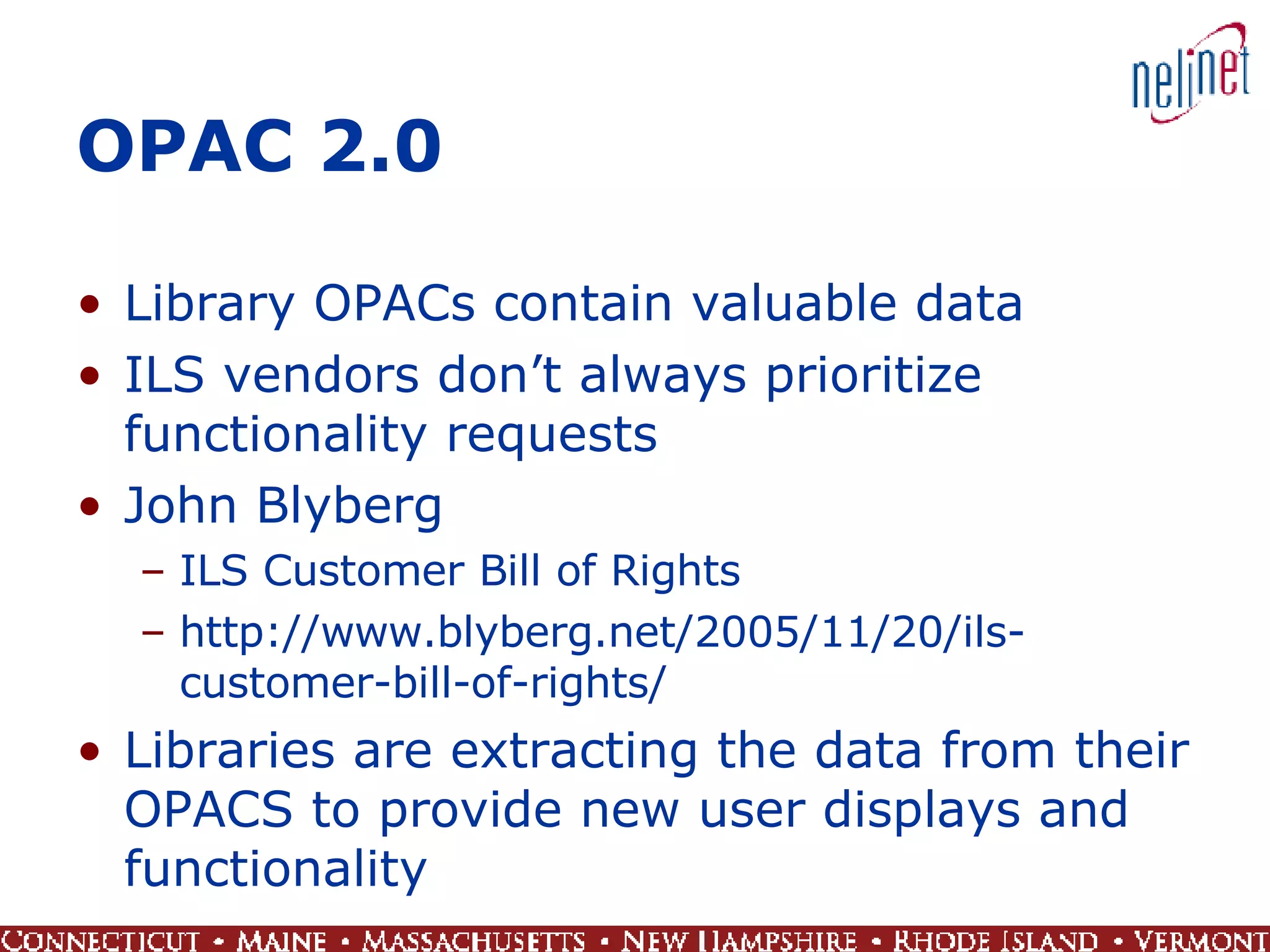
OPAC 2.0 Library OPACs contain valuable data ILS vendors don’t always prioritize functionality requests John Blyberg ILS Customer Bill of Rights http://www.blyberg.net/2005/11/20/ils-customer-bill-of-rights/ Libraries are extracting the data from their OPACS to provide new user displays and functionality
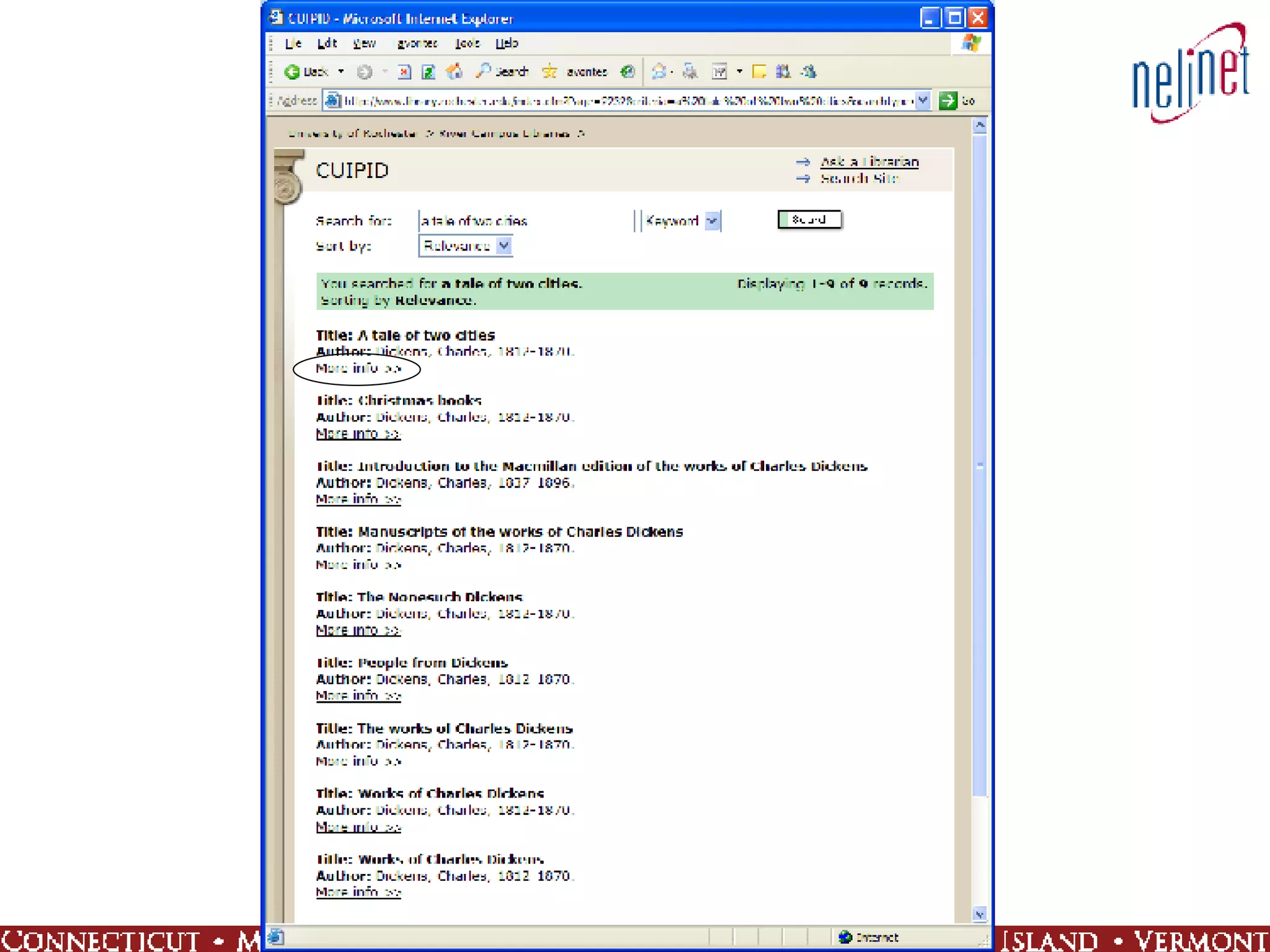
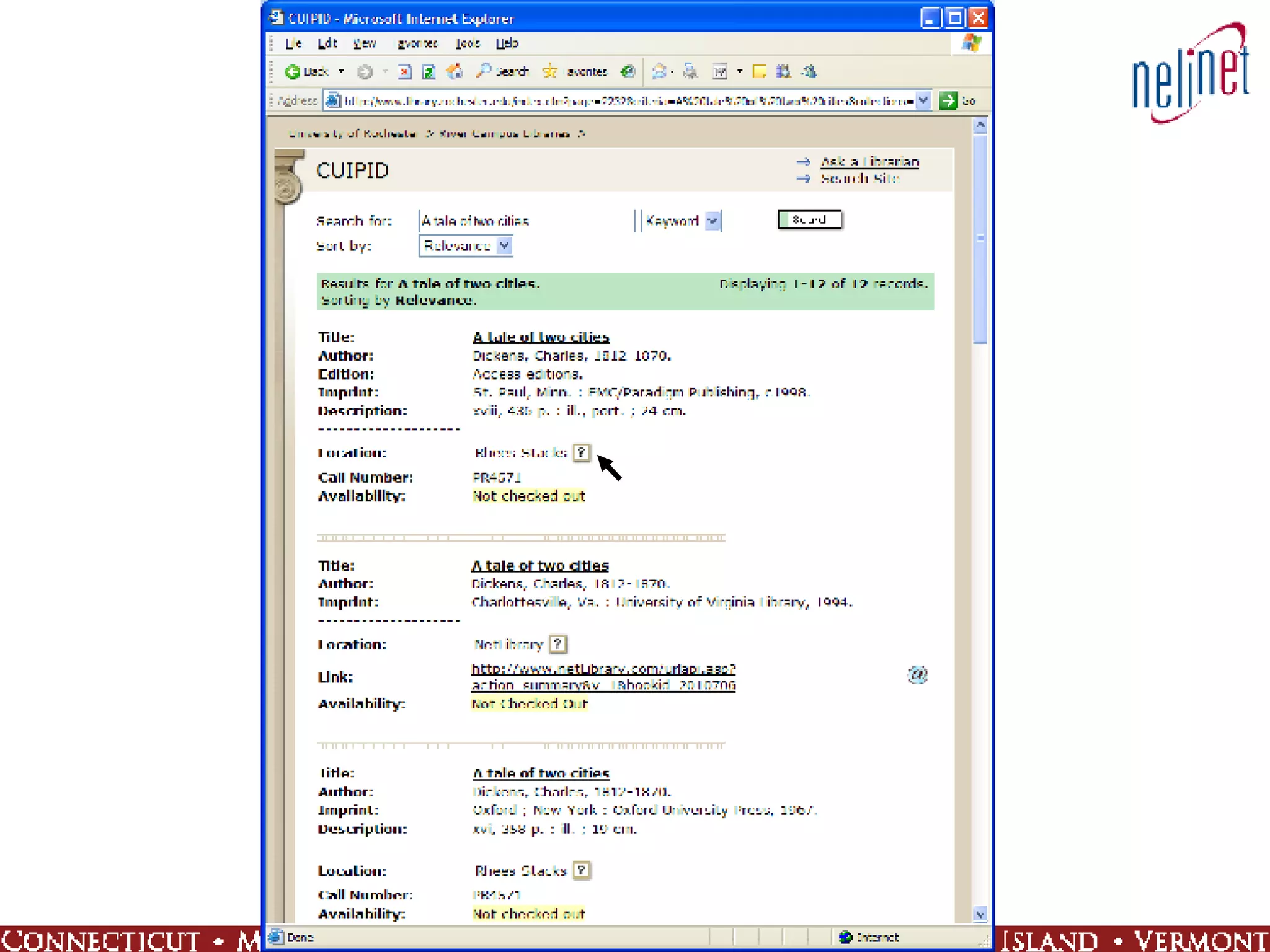
CUPID – U. of Rochester CUPID:   Catalog User Interface Platform for Iterative Design MARC XML copy of catalog records extracted from OPAC Displays are based on FRBR model Additional functionality to meet user needs


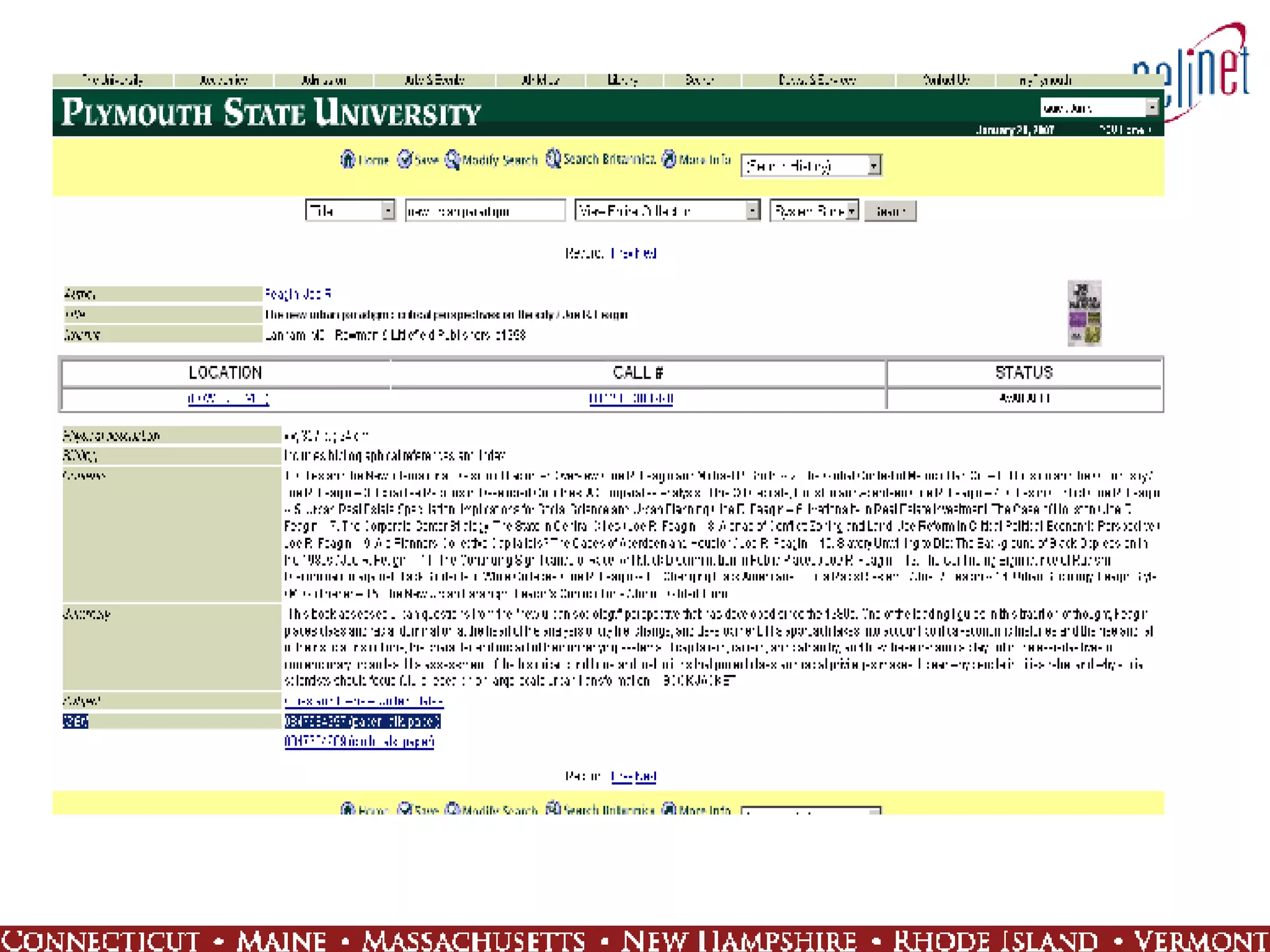
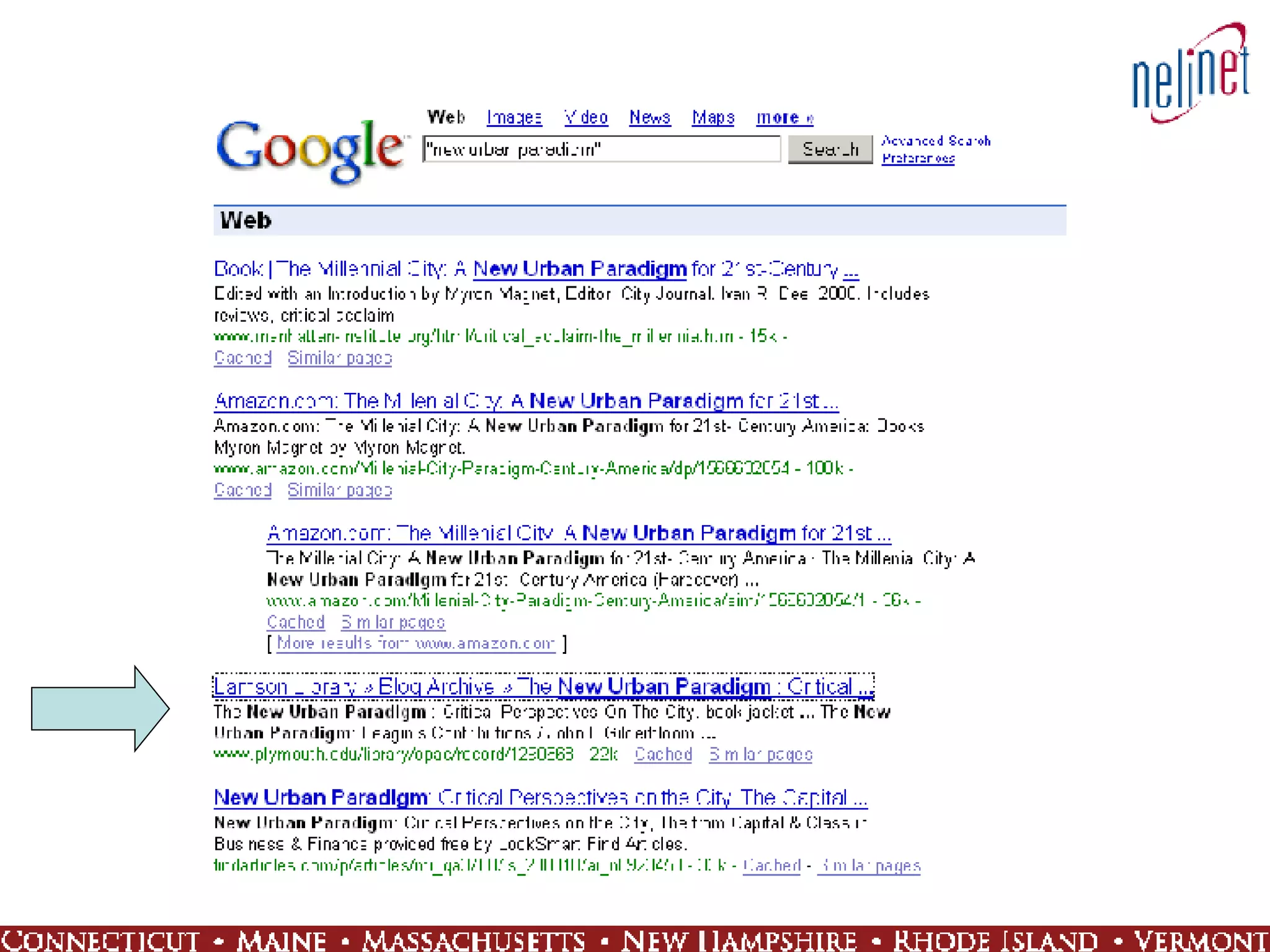
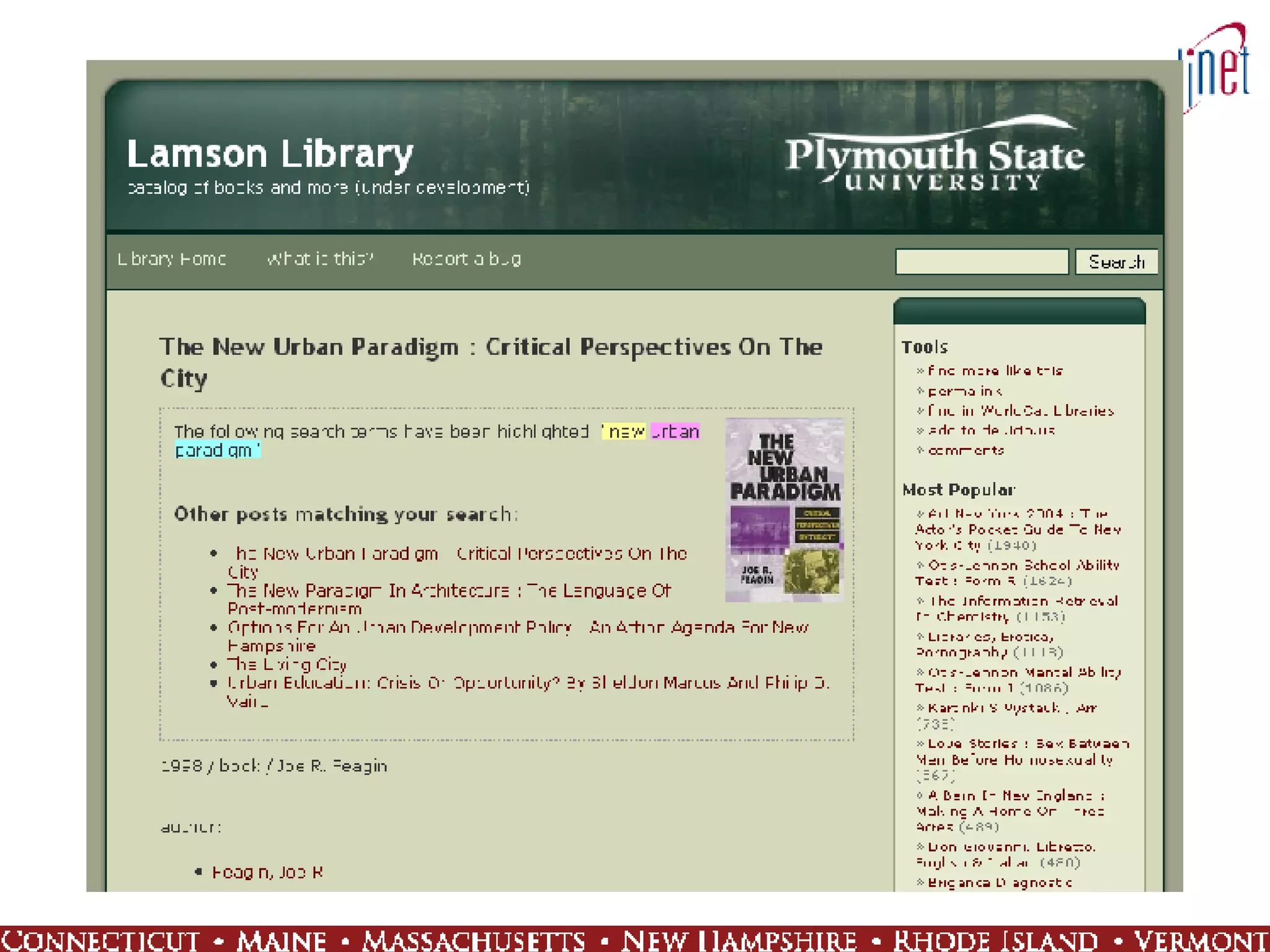
WPopac:  An OPAC 2.0 Testbed Uses WordPress blogging software as basis for OPAC Integrates library catalog materials into mainstream search engine results Enhanced functionality includes permalinks, comments, RSS feeds, etc. for a richer user experience
“…  libraries, and their communities, are invisible to people online. If libraries are to be more than study halls in the Internet age, if they are to continue their role as centers of knowledge in every community, they need to be findable and available online.” Casey Bisson at Plymouth State


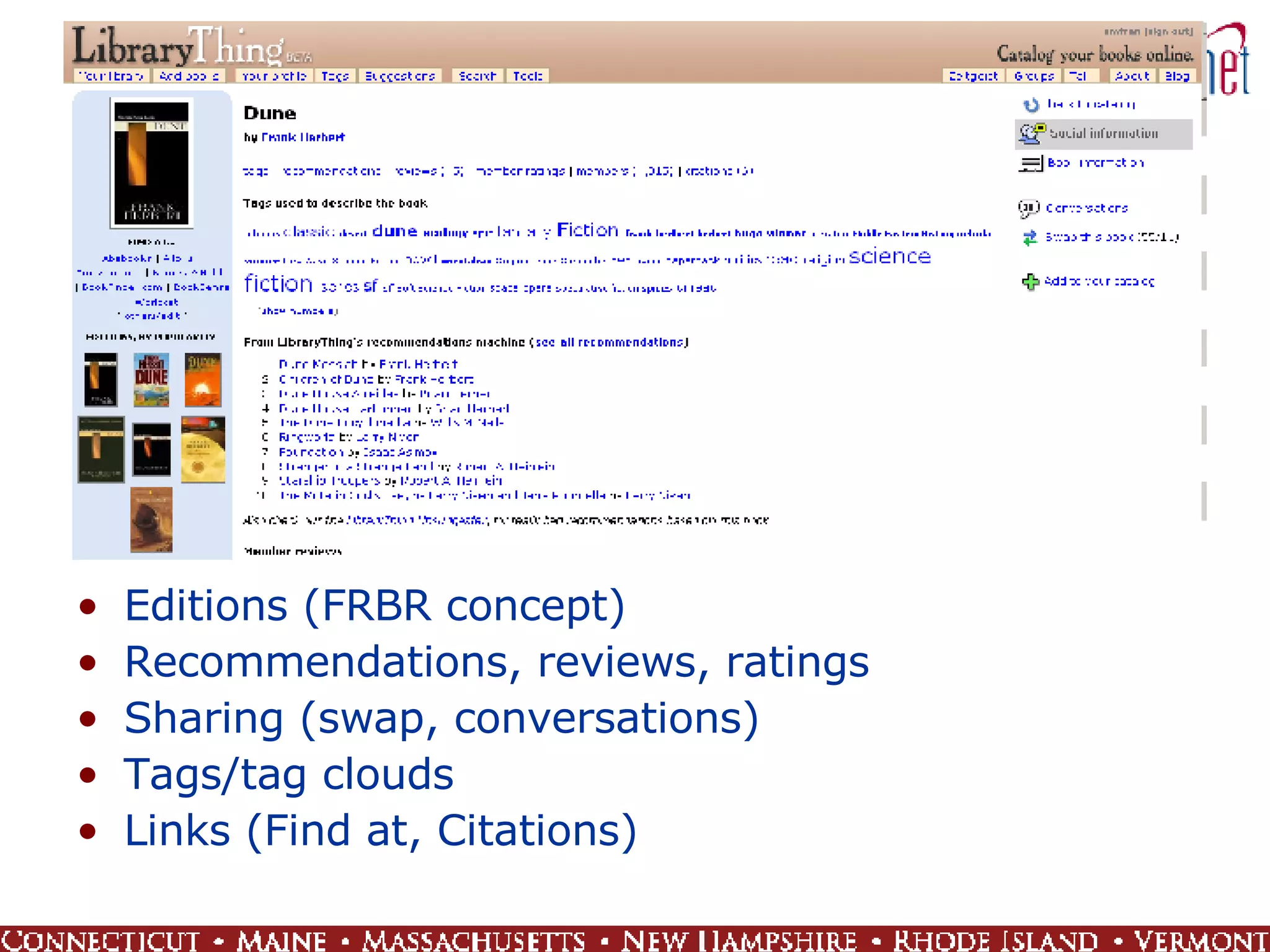
Editions (FRBR concept) Recommendations, reviews, ratings Sharing (swap, conversations) Tags/tag clouds Links (Find at, Citations)
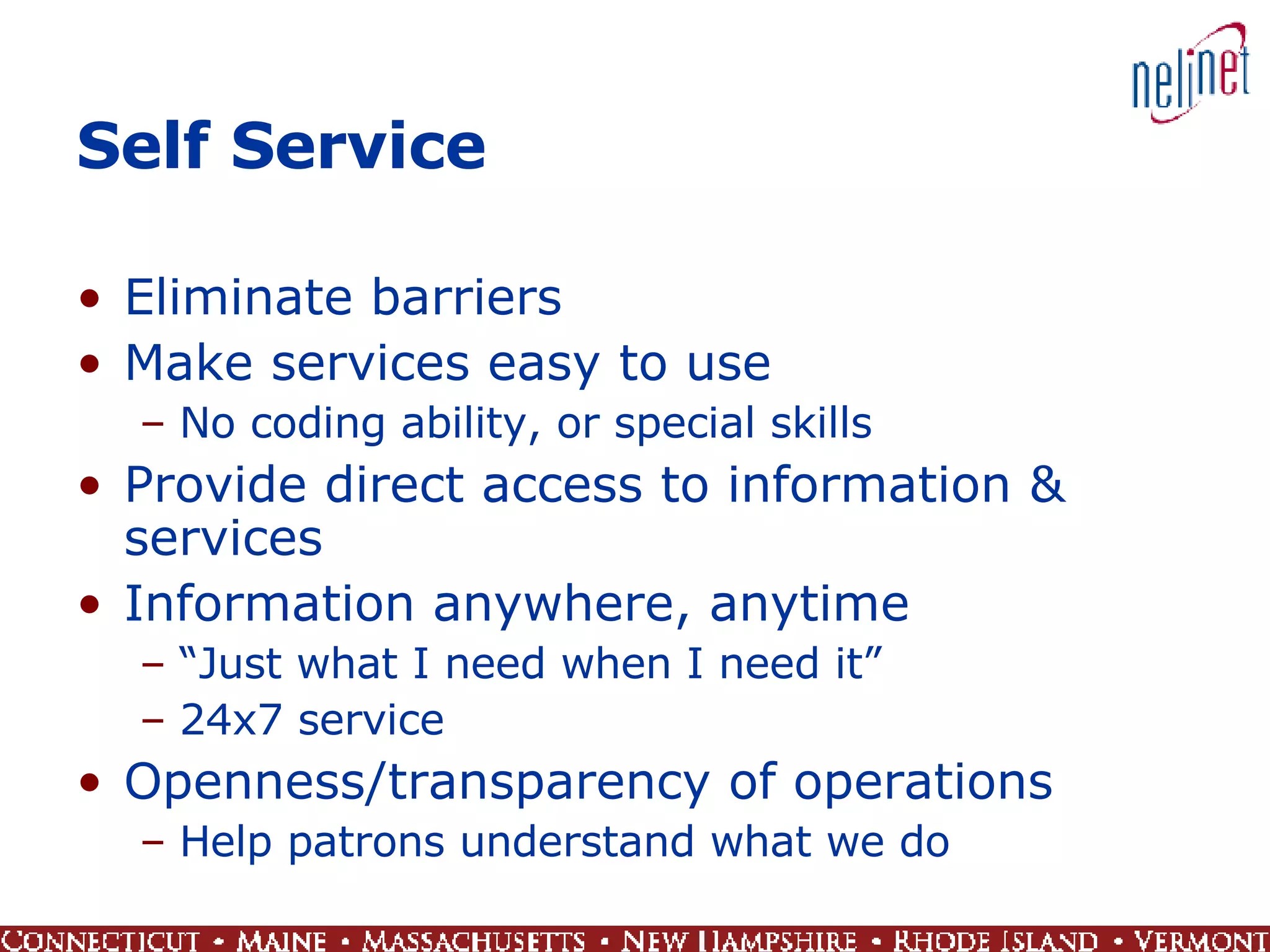
Self Service Eliminate barriers Make services easy to use No coding ability, or special skills Provide direct access to information & services Information anywhere, anytime “ Just what I need when I need it” 24x7 service Openness/transparency of operations Help patrons understand what we do
OCLC’s WorldCat.org Access to the WorldCat database for the general public Find in a library near you
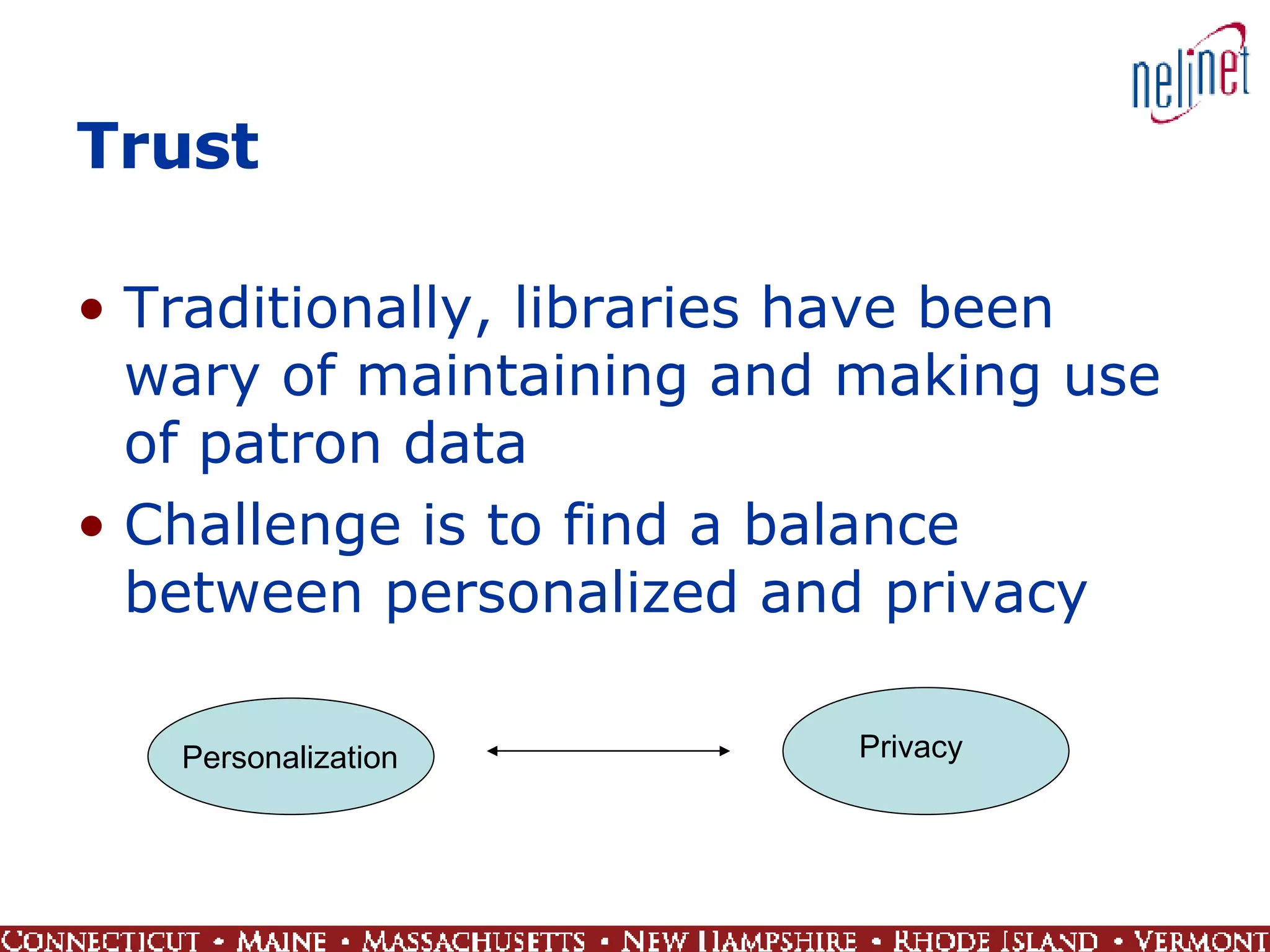
Trust Traditionally, libraries have been wary of maintaining and making use of patron data Challenge is to find a balance between personalized and privacy  Personalization Privacy
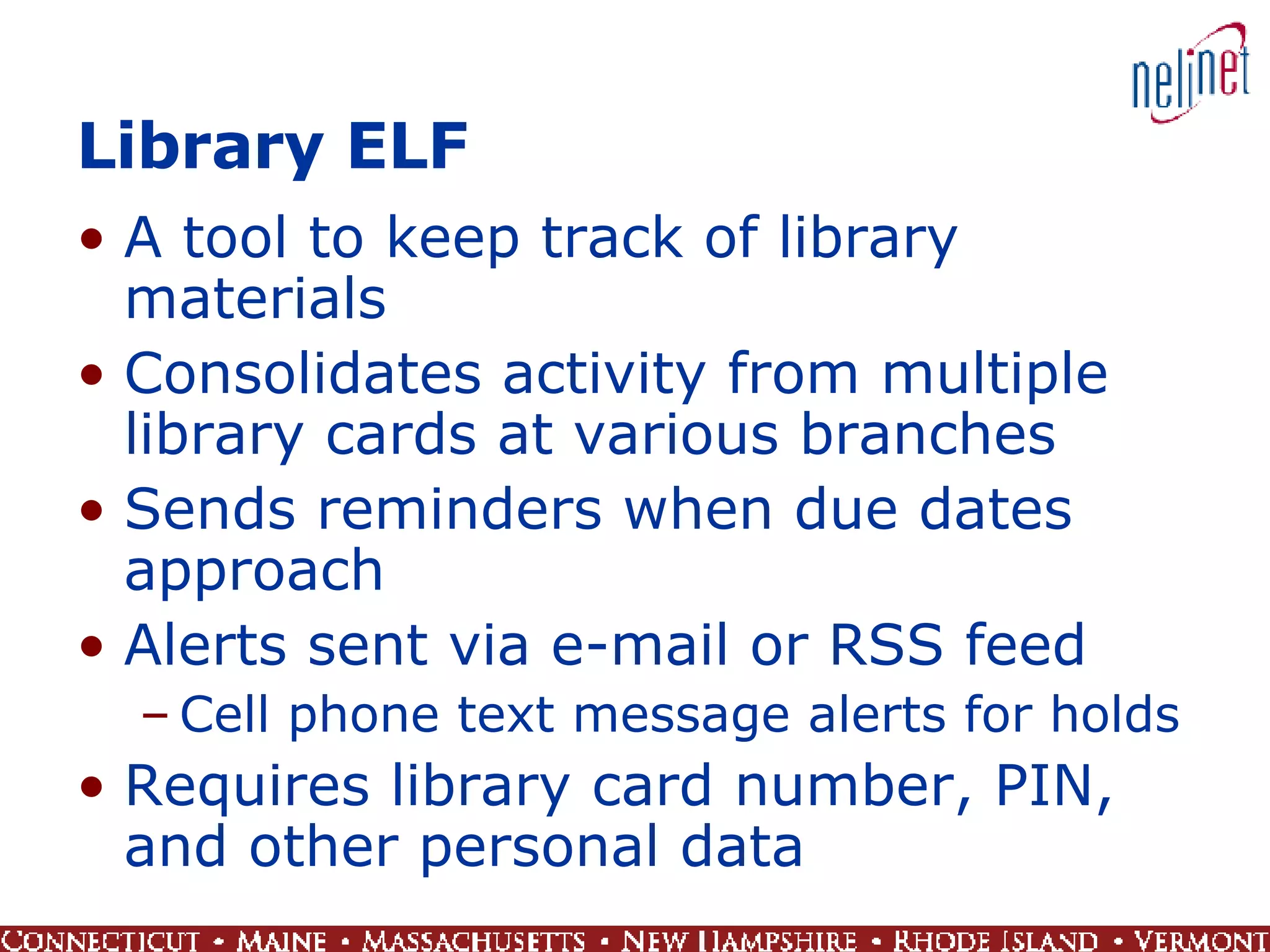
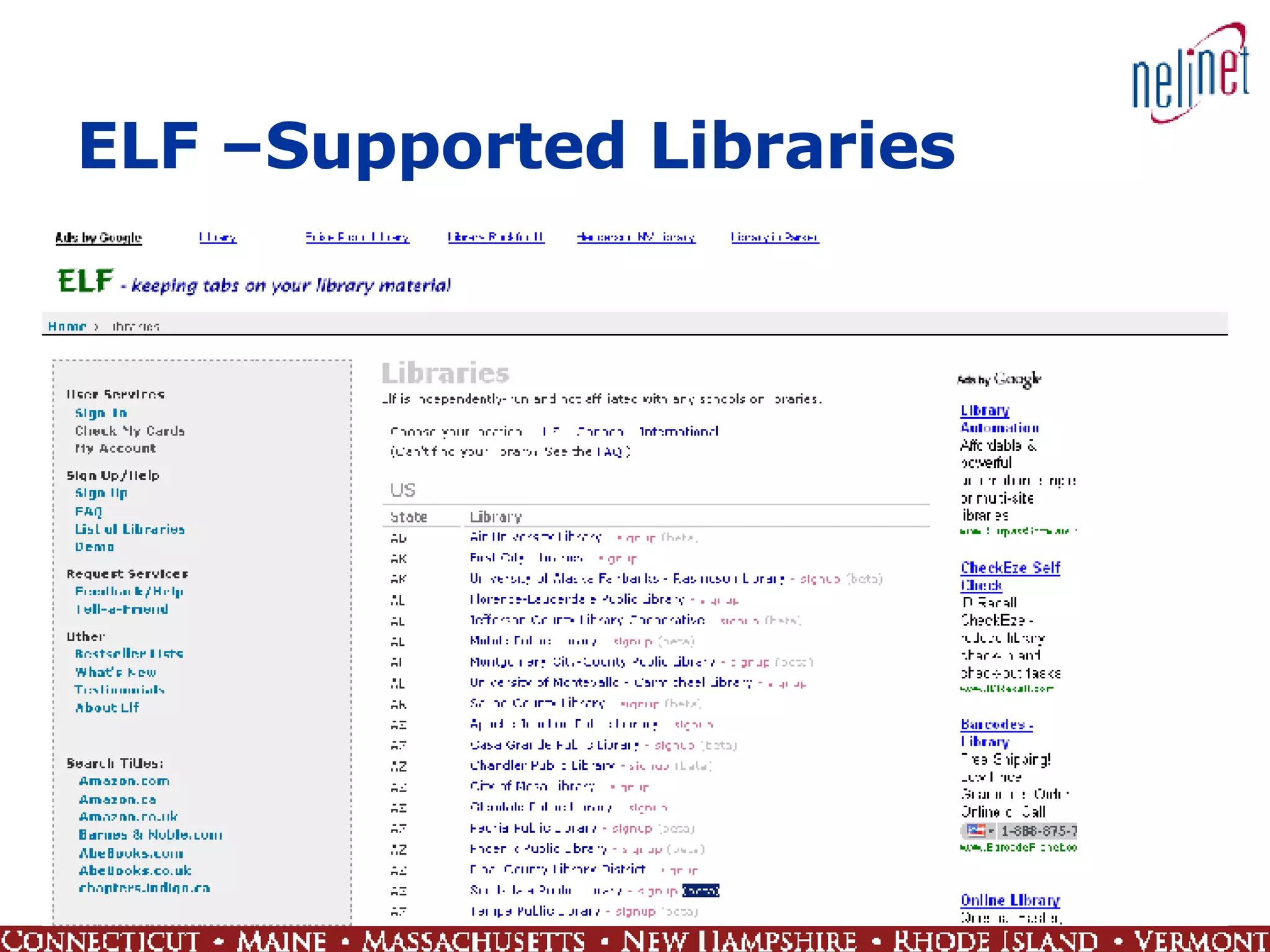
Library ELF A tool to keep track of library materials Consolidates activity from multiple library cards at various branches Sends reminders when due dates approach Alerts sent via e-mail or RSS feed Cell phone text message alerts for holds Requires library card number, PIN, and other personal data
ELF –Supported Libraries
2.0 Technology Web as platform / user accounts Blogs: blogger.com Social networking software: MySpace.com Virtual world: secondlife.com Free software toolz IM: AIM, MSN, Yahoo! Wikis: PBwiki Podcasts: iTunes Browser add-ons Plugins Extensions Bookmarklets Web scripting languages and tools Ajax Javascript Greasemonkey Web Services / Application Programming Interfaces (APIs)
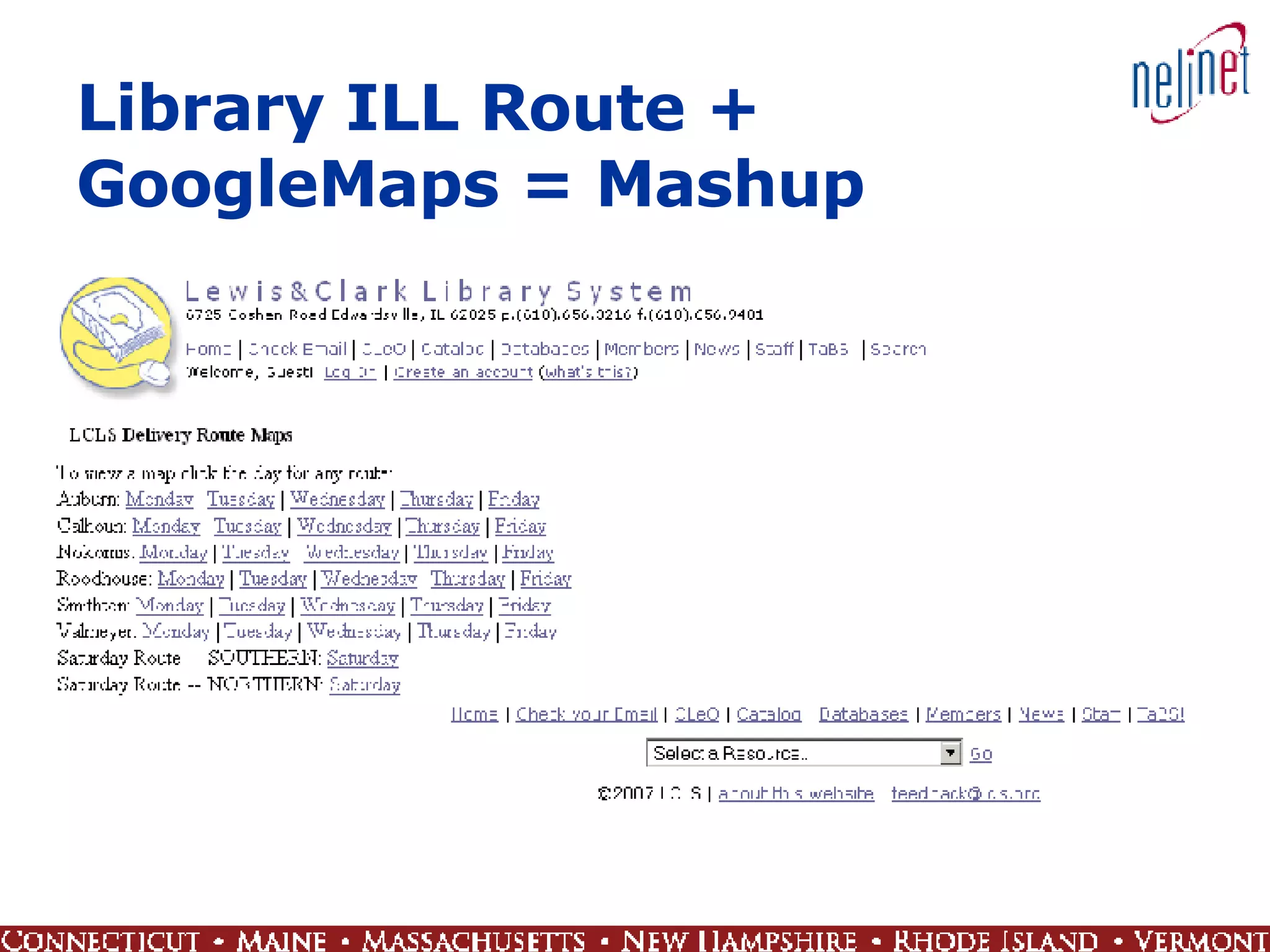
Set Your Data Free Unlock your data Separate content from display Provide open access to data Standards-based, shareable data Interoperability Open systems Mashups A mixture of content or elements often from different Web sites or data sets, usually achieved through APIs Get users to reshape library data and do some cool things with it
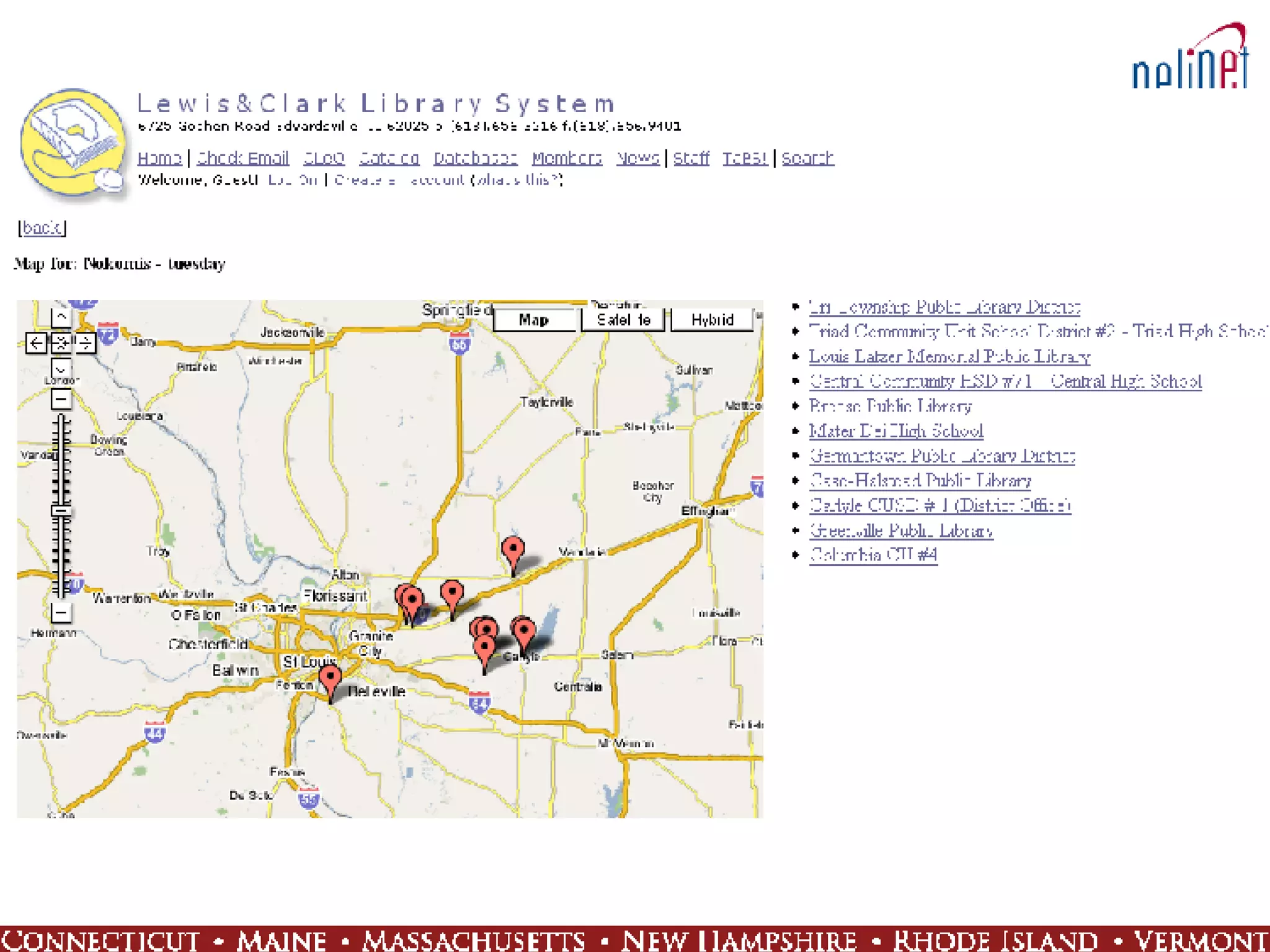
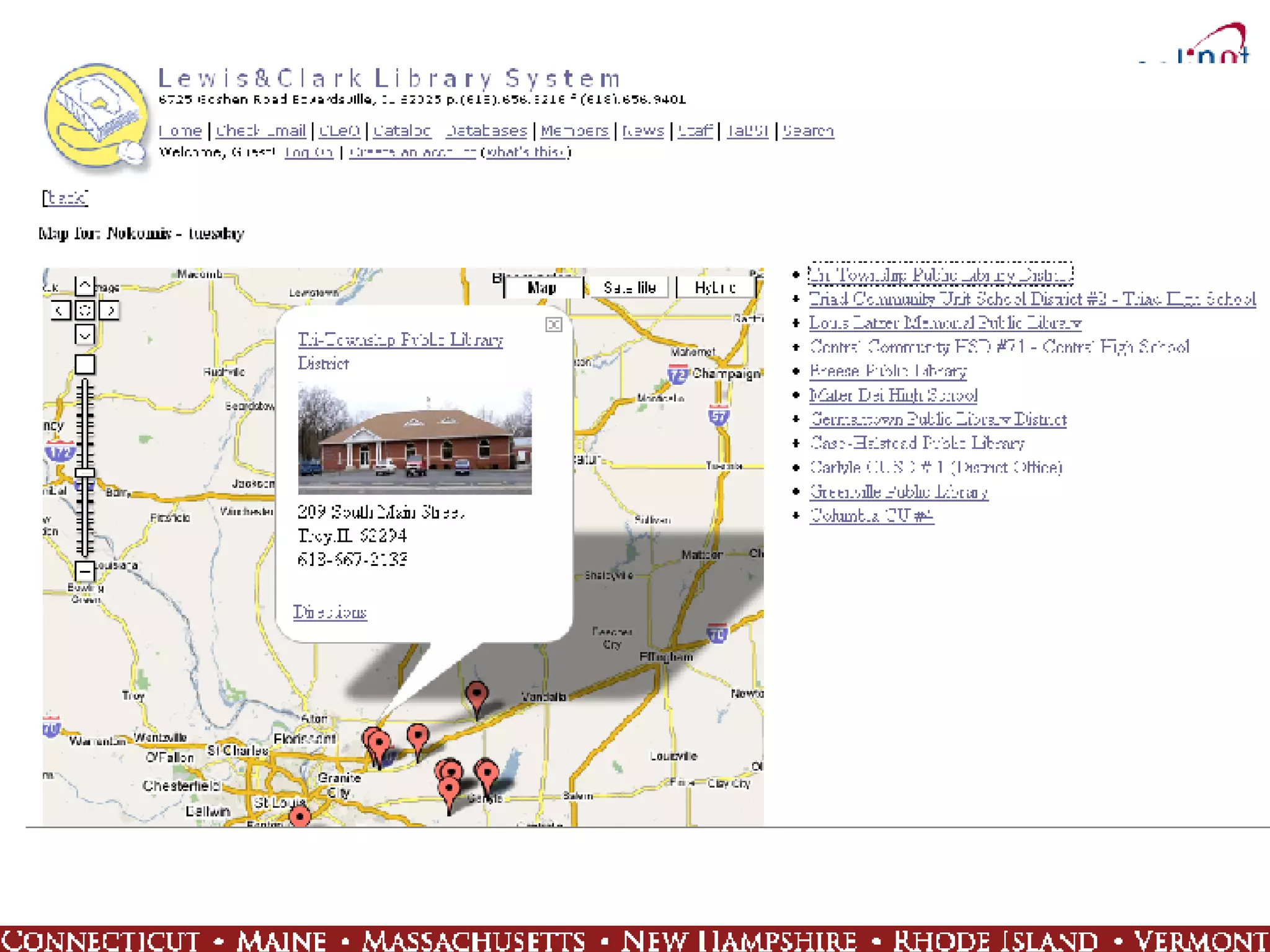
Library ILL Route + GoogleMaps = Mashup
 
 
xISBN A Web Service that takes as input one ISBN and returns a list of other ISBNs of associated intellectual works – other expressions and manifestations The same Work is often available in a variety of editions, all with different ISBNs (FRBR rides again) Search results on one specific ISBN can be misleading Results intended for use by computer systems to generate new, more complete searches such as in an OPAC
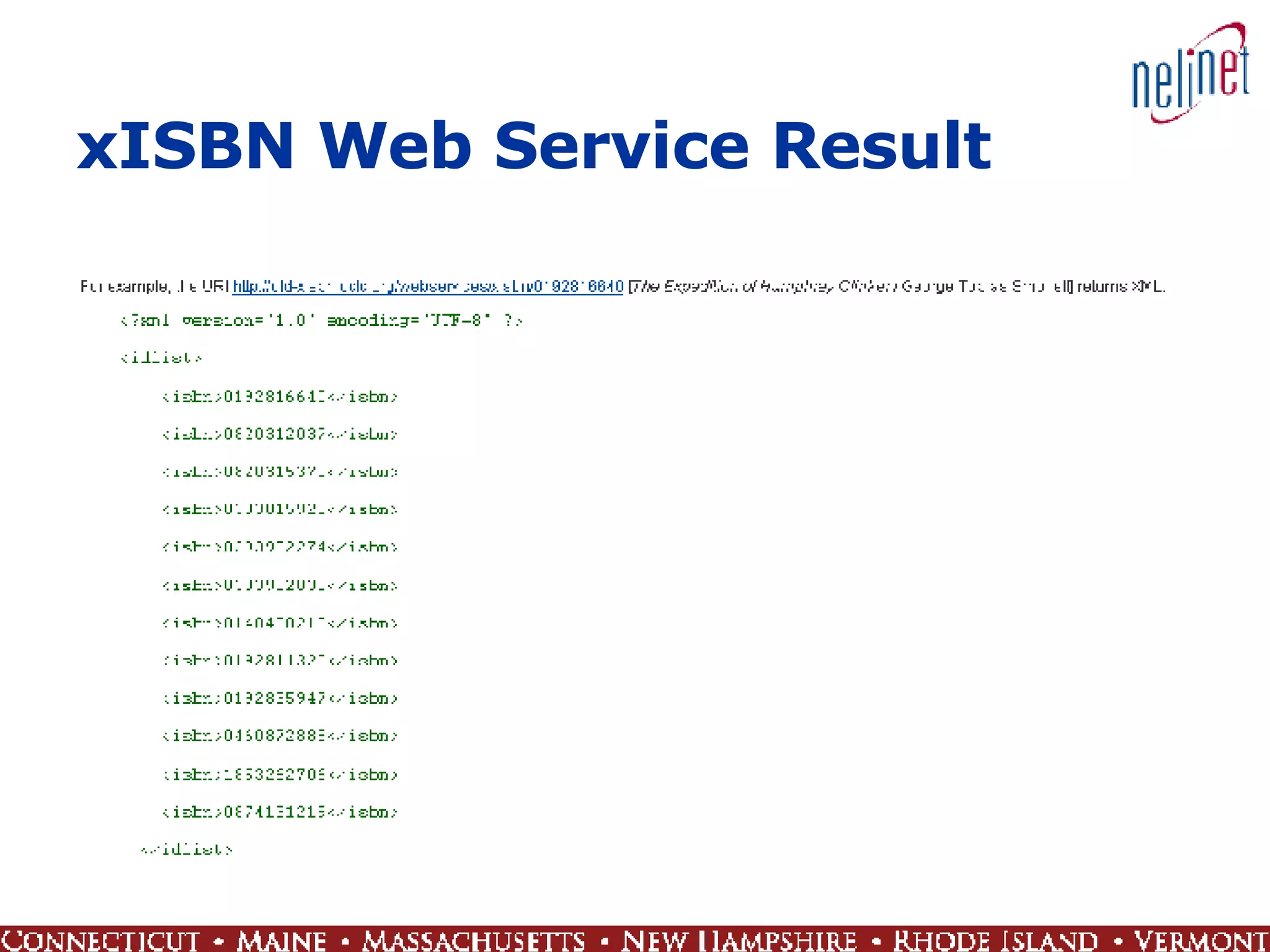
xISBN Web Service Result
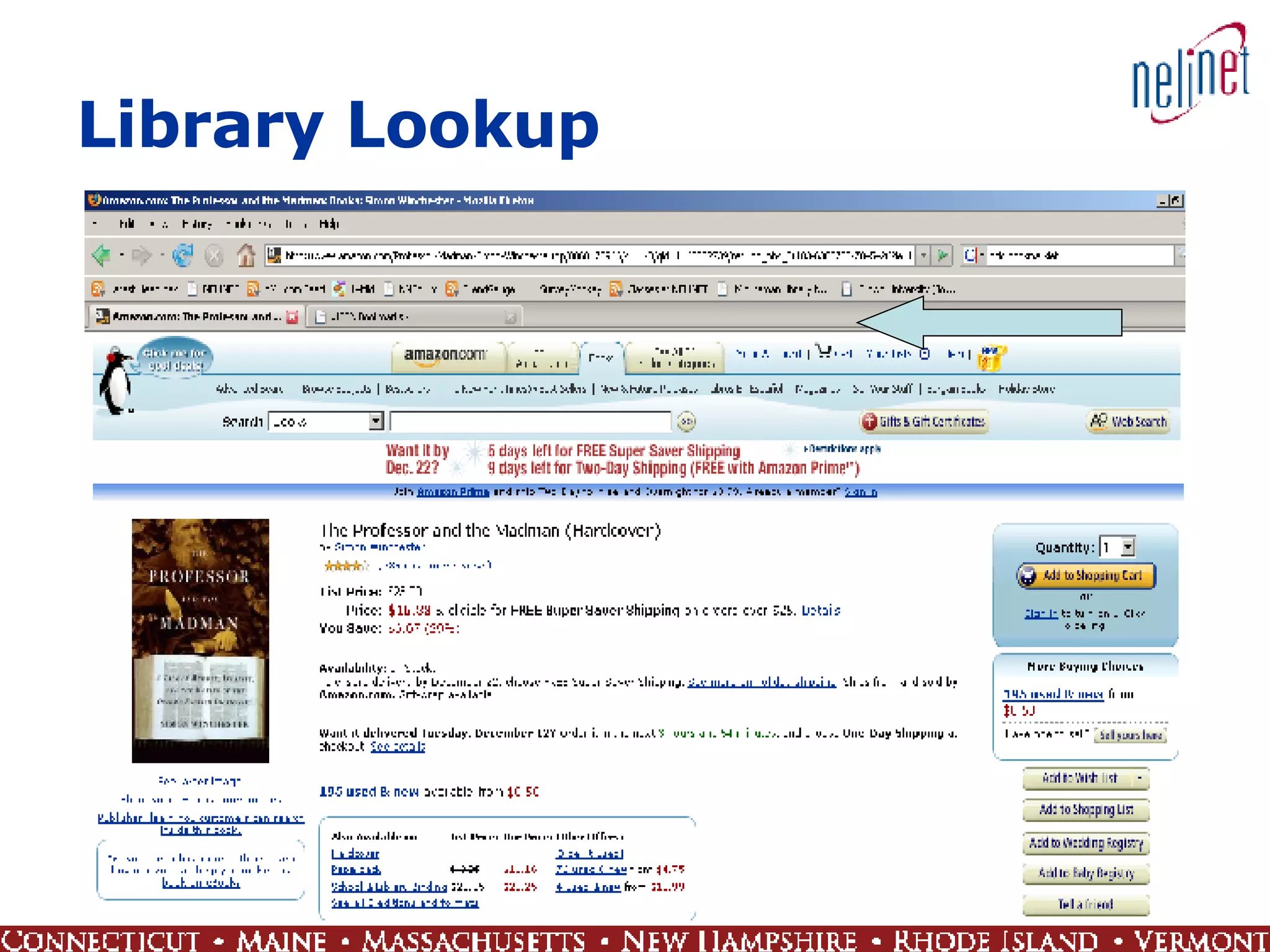
Library Lookup
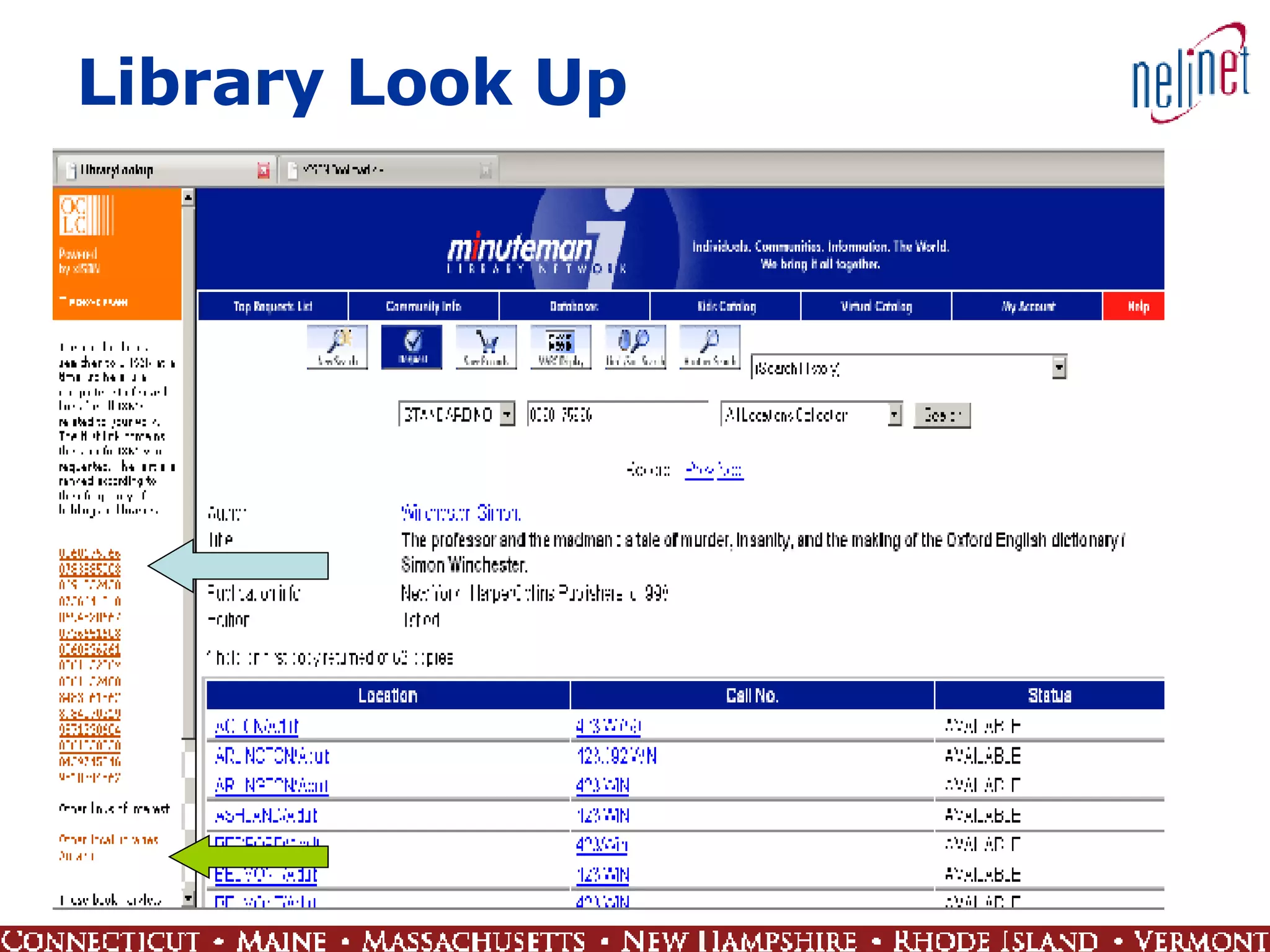
Library Look Up
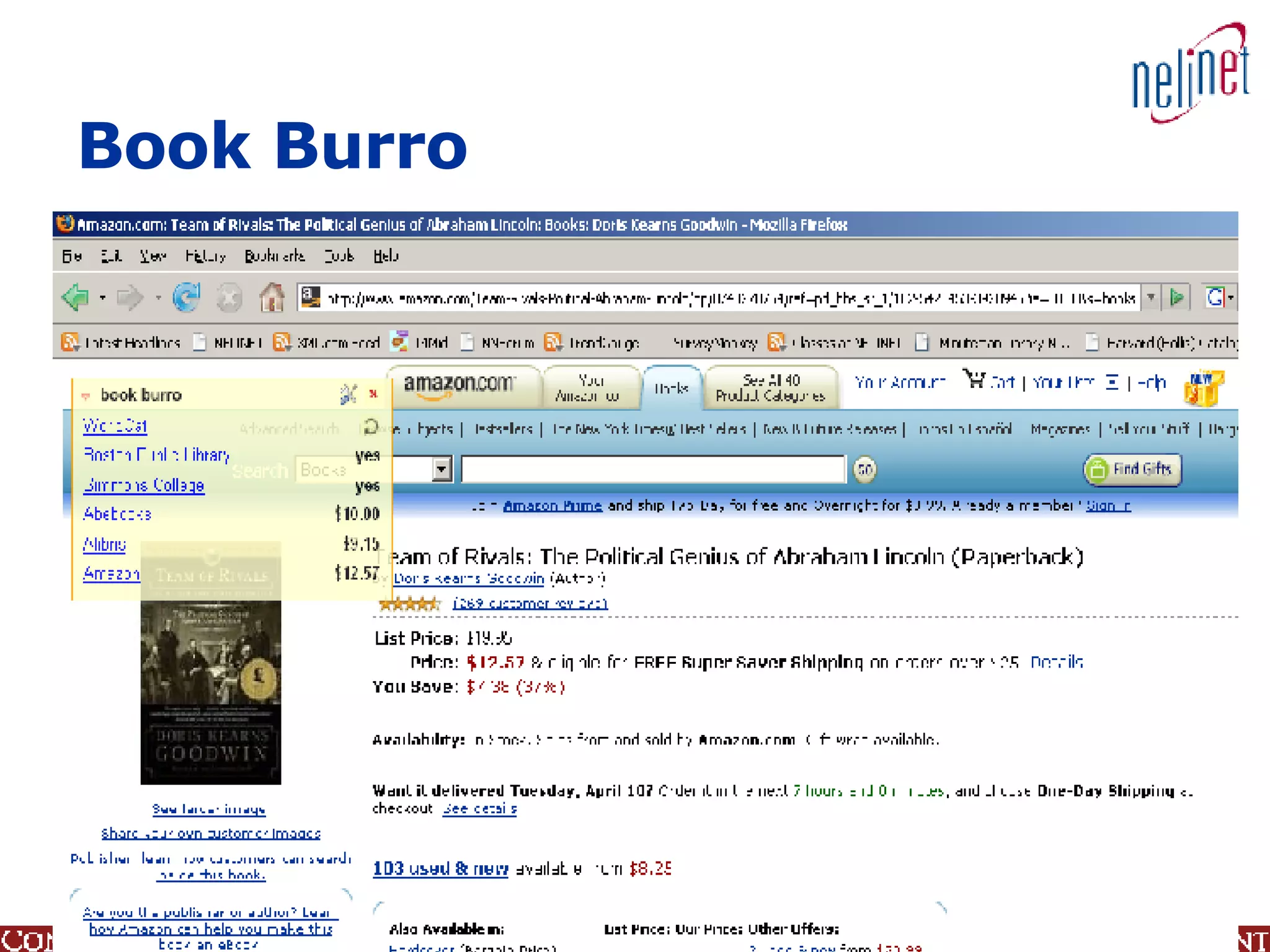
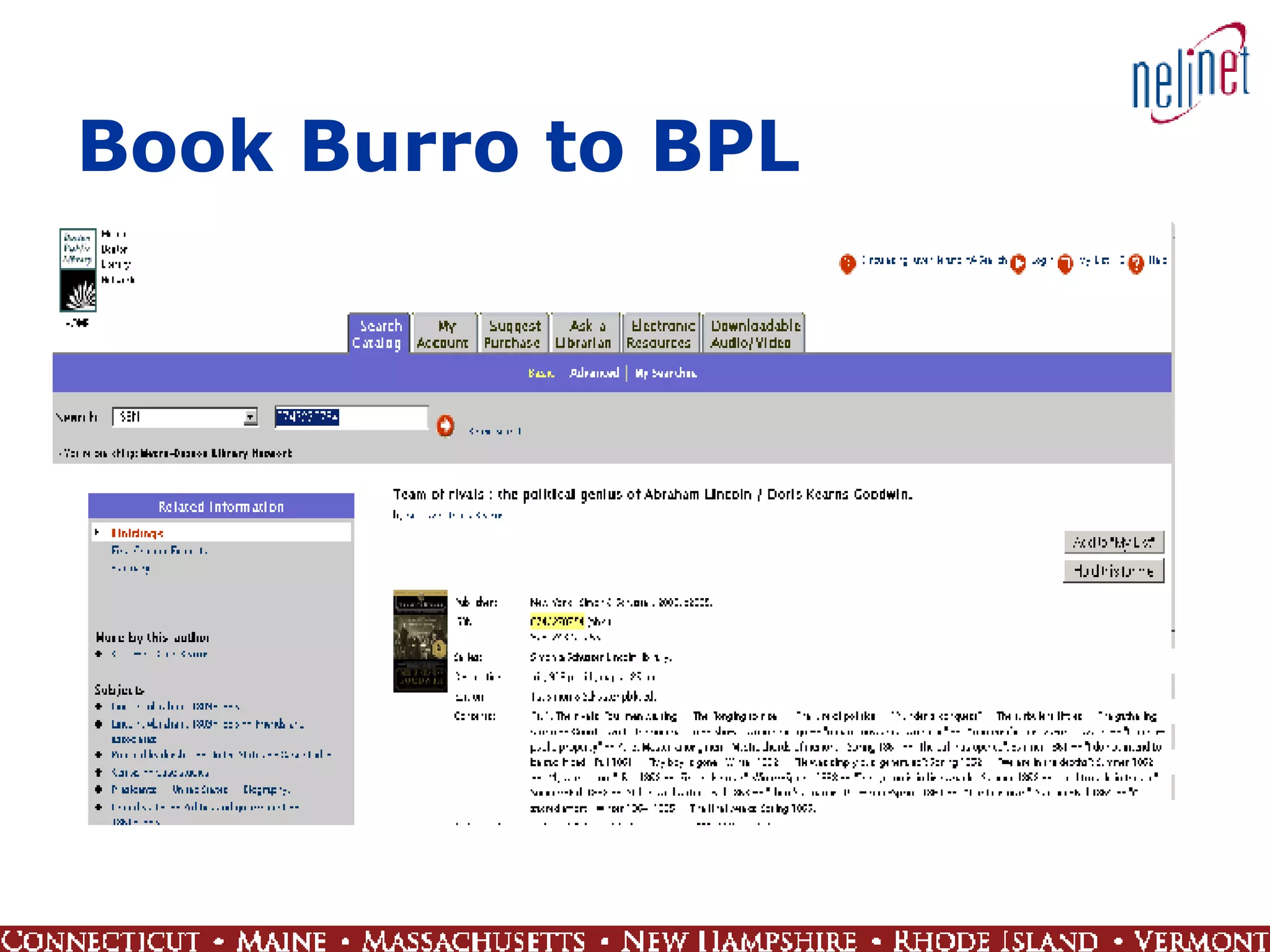
Book Burro Tag line: Don't search for the lowest price. Let your browser do the work for you! Firefox extension When book data appears on a Web page, a small panel displays Configurable Select the sites that work for you
Book Burro
Book Burro to BPL
Web 2.0 in 3D A virtual 3D Web world you can walk through Interact with others in a virtual landscape through avatars Virtually visit locations Famous sites Neighborhood before house purchase Explore alternate worlds 3D gaming Interact, collaborate, contribute in more dimensions
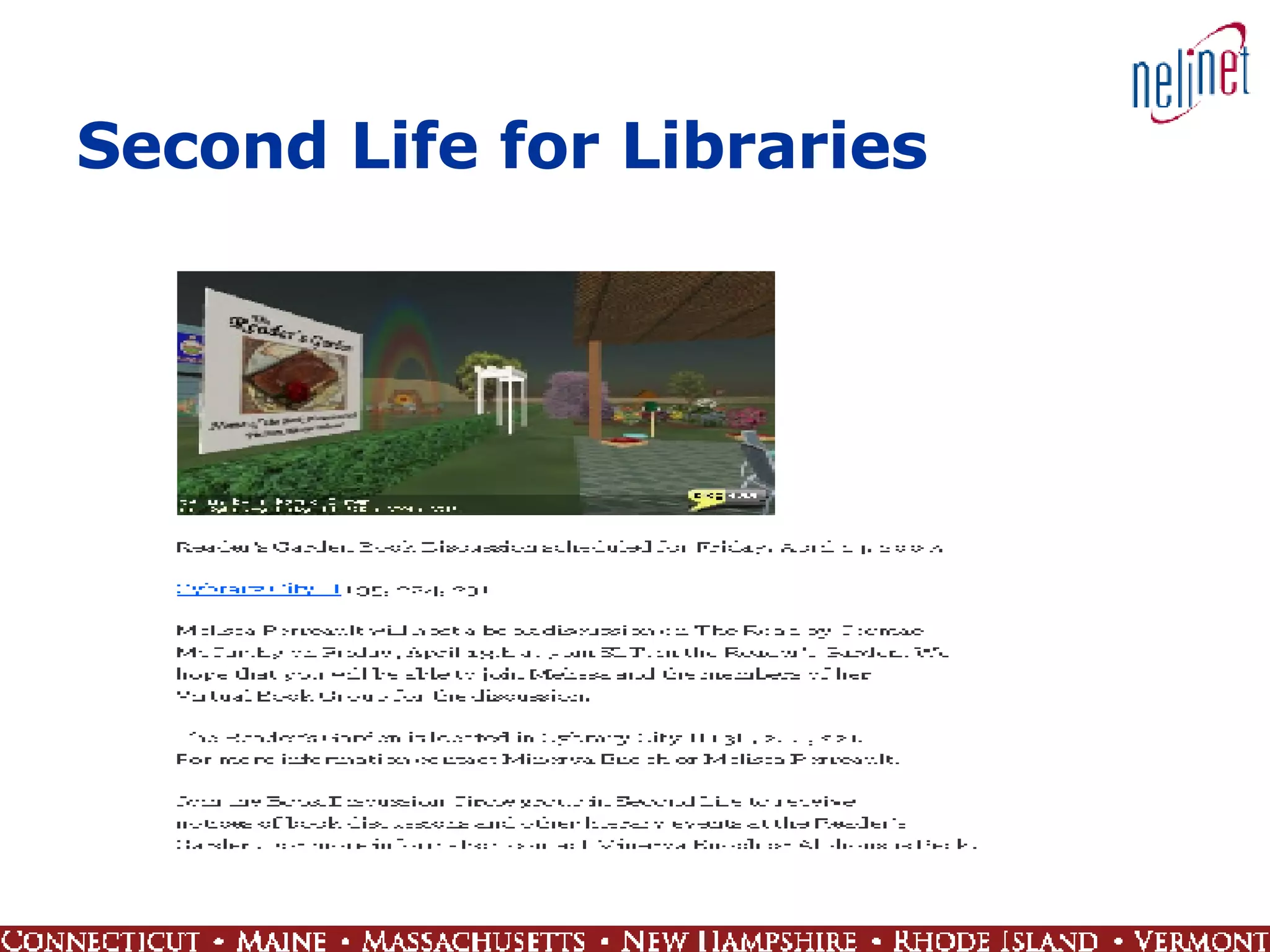
Second Life Second Life is a 3D virtual world entirely built and owned by its residents Opened to the public in 2003 Now has 5,413,471 inhabitants from around the globe Interact with other inhabitants  Build a house or business Libraries and library services have been established Virtually attend book discussions Offer reference services
Second Life for Libraries
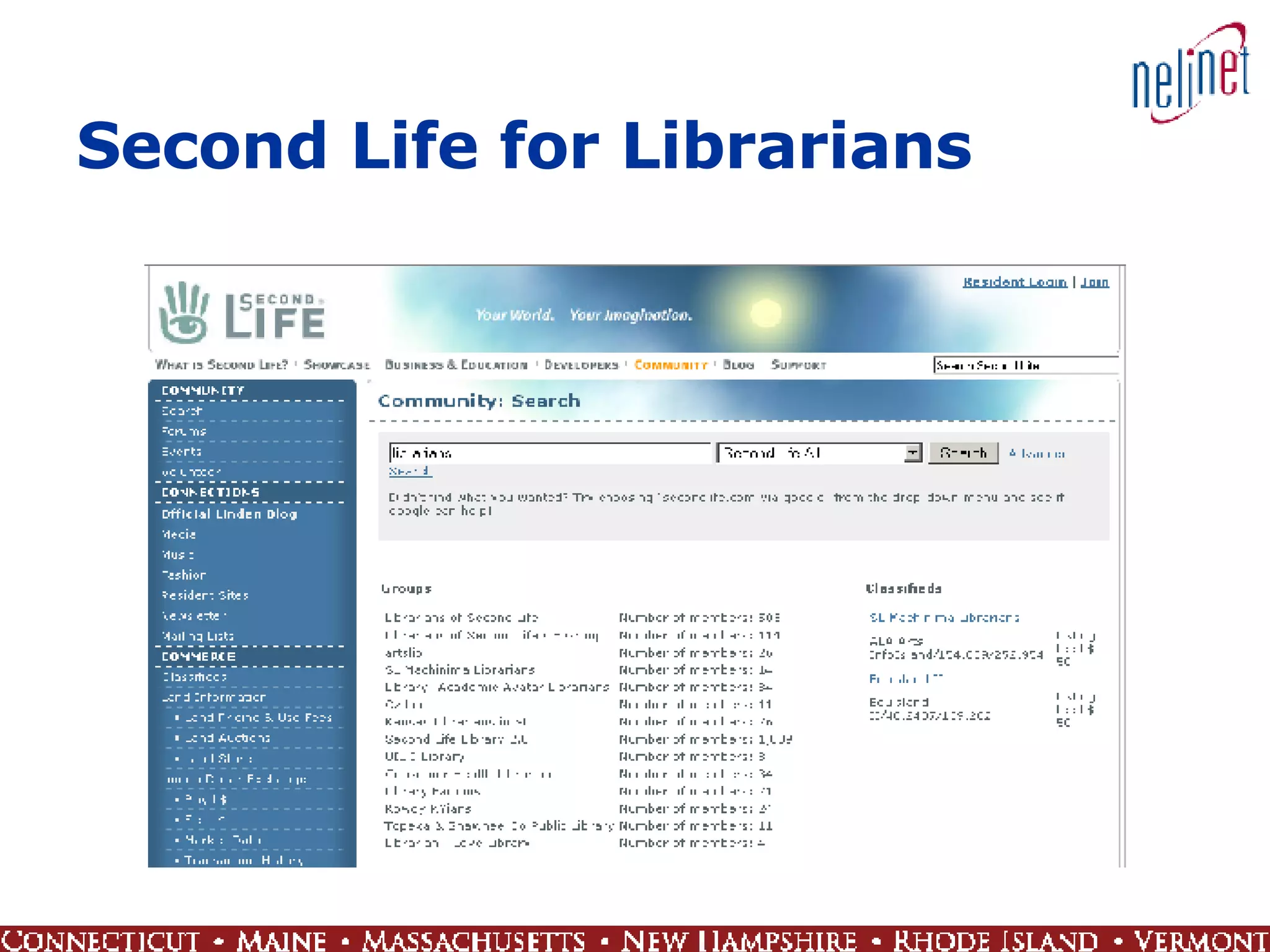
Second Life for Librarians
Semantic Web Term coined by Tim Berners-Lee, inventor of Web 1.0 Describes a Web where machines can read Web pages much as we humans read them Knowledge that humans learn are coded into the system to help computers “understand” data A set of standards that turns the Web into one big database Annotation of content on the Web
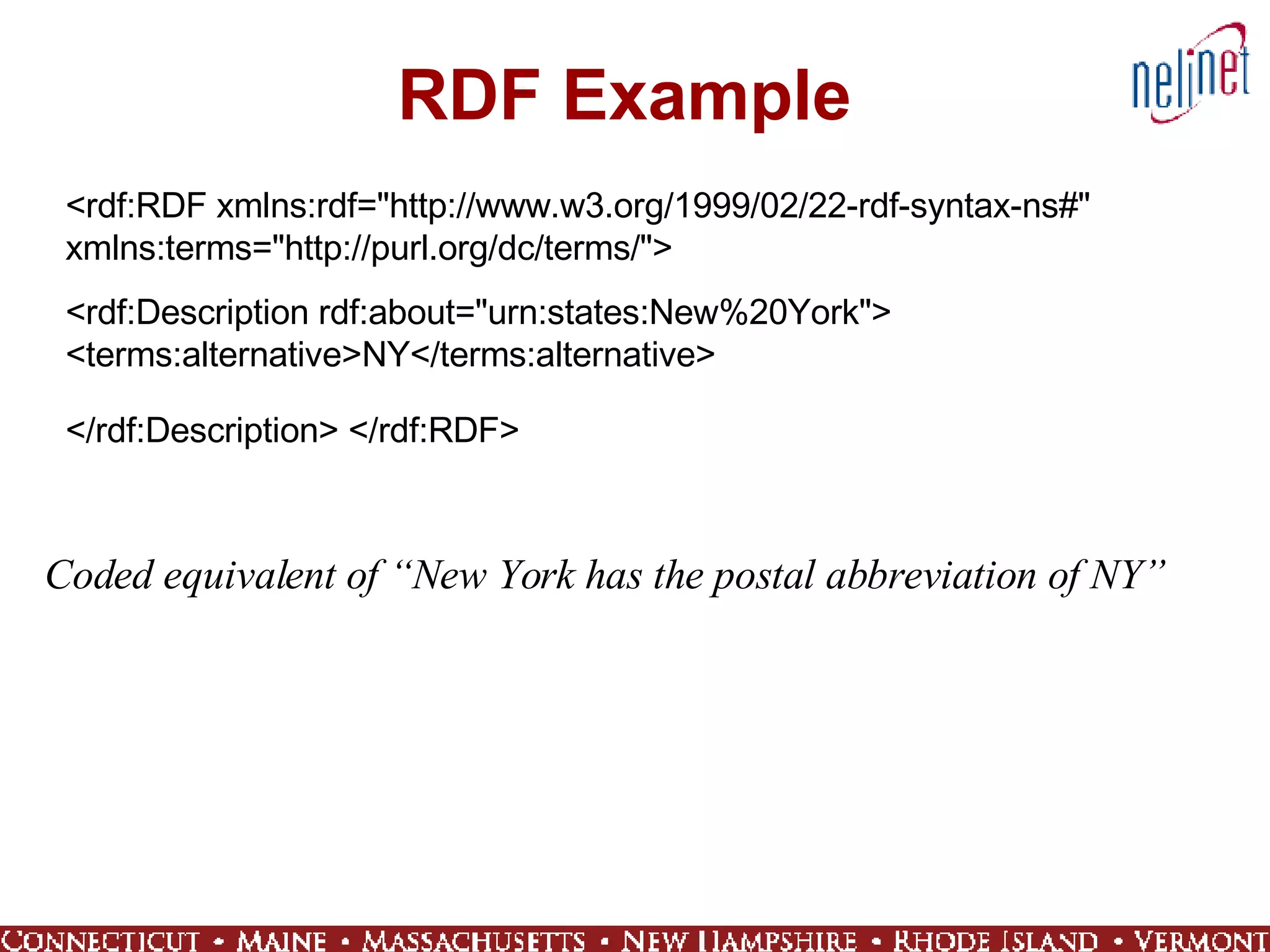
RDF Example <rdf:RDF xmlns:rdf=&quot;http://www.w3.org/1999/02/22-rdf-syntax-ns#&quot; xmlns:terms=&quot;http://purl.org/dc/terms/&quot;>  <rdf:Description rdf:about=&quot;urn:states:New%20York&quot;> <terms:alternative>NY</terms:alternative>  </rdf:Description> </rdf:RDF>   Coded equivalent of “New York has the postal abbreviation of NY”
Web 3.0 Smart agents versus encoded data Write analysis software or tag content Media search Images, sound, video - not just text Two approaches To find a song, select a song you like Music Genome Project @ www.pandora.com Human-analyzed and coded data To find an image, supply an image www.riya.com - likeness search Software-based smart agent
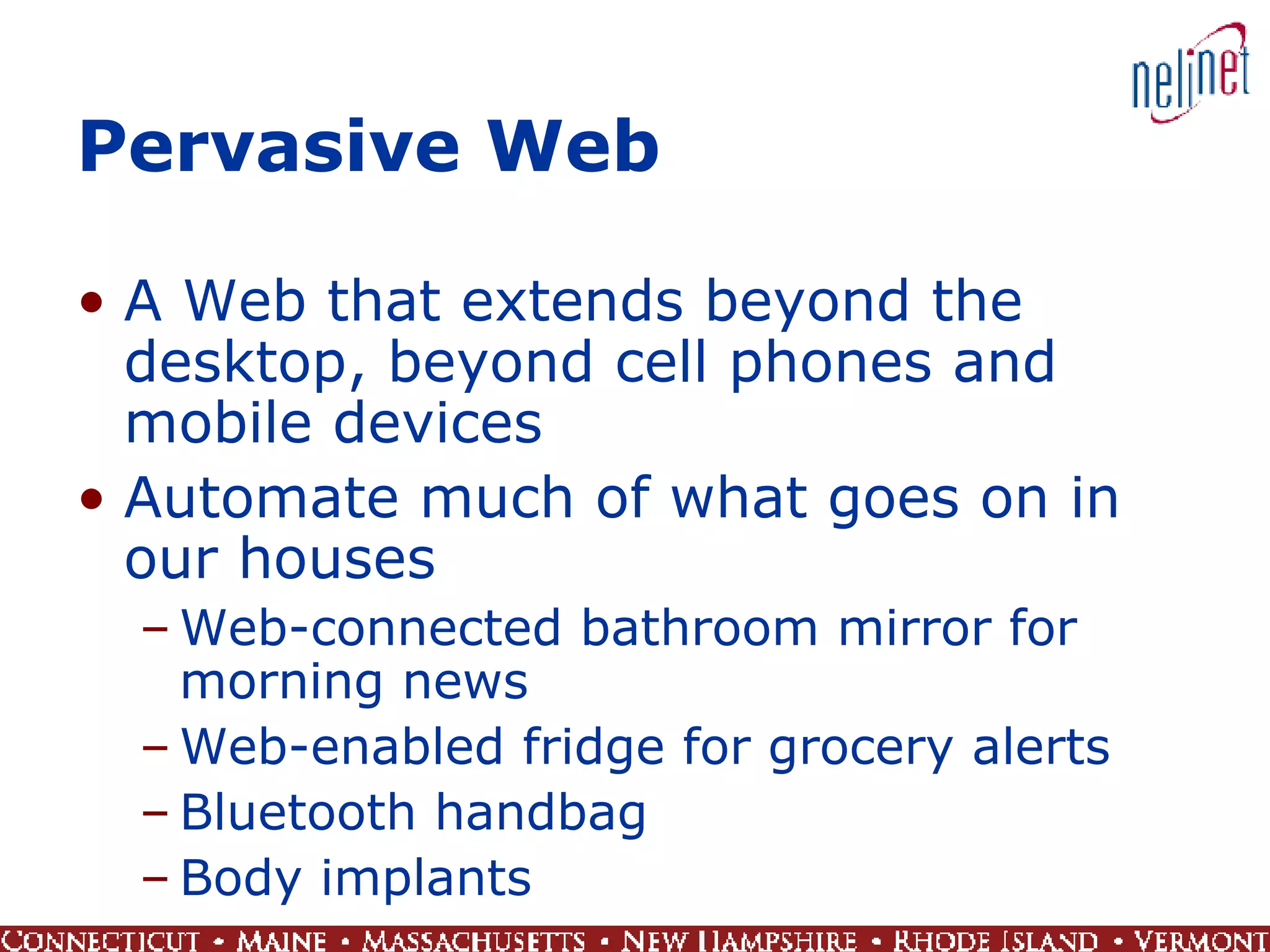
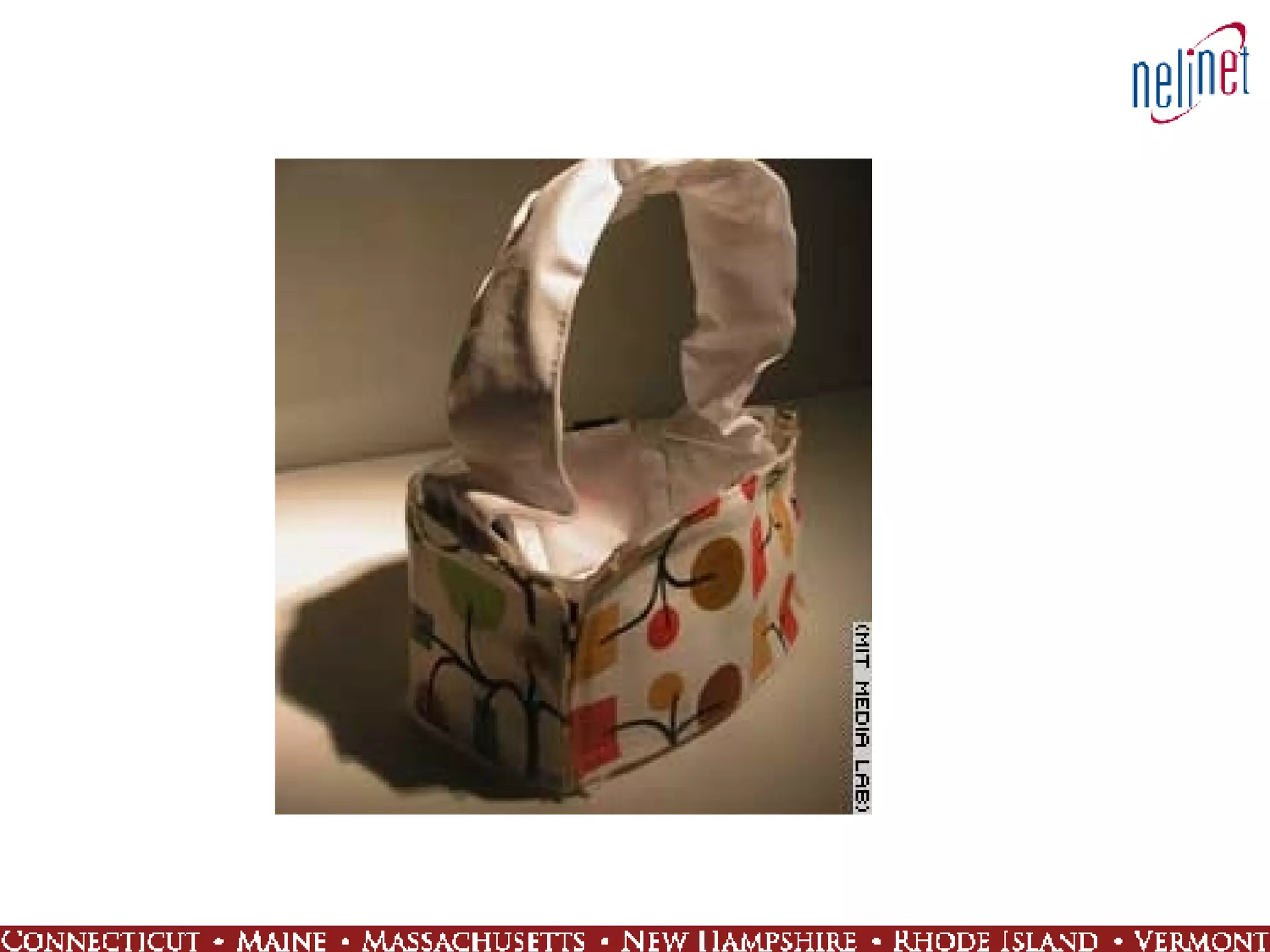
Pervasive Web A Web that extends beyond the desktop, beyond cell phones and mobile devices Automate much of what goes on in our houses Web-connected bathroom mirror for morning news Web-enabled fridge for grocery alerts Bluetooth handbag Body implants
 
Hallmarks of Library 2.0 Connect people and information, often through technology, as directly as possible Eliminate barriers Strive for openness, transparency, ease of use Integrate library services into the daily lives of patrons Experiment with new technologies Develop a rich, interactive user experience @ the library and through the library’s Web site Serve as information guide and trusted source Recommend, suggest, review, rate
Hallmarks of Library 2.0 Embrace change (might as well!) Create an environment where services are launched and feedback is used to make improvements  Perpetual beta Welcome patron contributions Comments, conversations, tags, suggestions Engage users by giving them a forum to create content, give feedback, participate, and be part of a community
I’m am 1.0 going on 2.0 Library 2.0 is an means to an end It’s about service to our patrons, whoever they are and whatever their needs may be Imagine the possibilities for new products, processes, and services in your library Explore new technologies Take it one step at a time Libraries as places humans and ideas come together – a perfect mashup
Contact Information Amy Benson Program Director,  Digital Services  NELINET, Inc www.nelinet.net/digital [email_address] 508.597.1937 800.635.4638 x1937 Rob Favini Program Director,  Educational Services  NELINET, Inc www.nelinet.net [email_address] 508.597.1938 800.635.4638 x1938

Library 2.0: A New Version for the Future

  • 1.
    Library 2.0: A New Version for the Future Vermont Department of Libraries April 12 -13, 2007 Amy “Mashup” Benson Rob “2.0” Favini
  • 2.
    Morning Agenda Technologyenvironment Web 2.0 101 Impact Self-service Community Trust
  • 3.
    Technological Environment CellMobile Viral Momentum Contribution Web as Platform Broadband Adoption Technology Environment
  • 4.
    Cell Mobile Viral Momentum Contribution Web as Platform Broadband Adoption Technology Environment
  • 5.
    Cell Phone/Mobile QuickFacts 233 million U.S. Subscribers 12/06 More than 76 percent of total U.S. population 10.5 percent of U.S. Households are wireless only 9-1-1 Calls: more than 240,000 a day Average local monthly bill $56.21 Mobile phone sales to consumers in the US reached 143 million units in 2006 Source: http://www.ctia.org/media/industry_info/index.cfm/AID/10323
  • 6.
  • 7.
  • 8.
    Texting - SMSEstimate 2.3 trillion messages by 2010 world-wide (1.8 trillion in Asia alone) $72.5 Billion in revenue by 2010 (up from $39.5 billion in 2005) “ Wireless messaging is the most successful mainstream mobile data service…” Gartner Industry Report, 2006 as reported in PC Magazine Online (Dec. 13, 2006)
  • 9.
  • 10.
  • 11.
    Cell Mobile Viral Momentum Contribution Web as Platform Broadband Adoption Technology Environment
  • 12.
    Broadband 71 millionUS Households (62%) by 2010 (Forrester Research) Broadband users spend on average 33% more time online than dial up users (Nielsen/NetRatings) 1/3 of US households do not have Internet access (Parks Associates, 2006)
  • 13.
    Pew Internet FindingsYoung broadband users treat Internet as destination; a place to hang out 43% of users (40 million) browse just for fun on any given day Broadband users spend more time online and report better outcomes from their Internet use
  • 14.
    Wireless (WiFi) UShas 8.8 wifi hotspots per 100,000 people (Ireland 18.3 per 100,000) Over 11,793 free hot spots in US (anchorfree.com)
  • 15.
    City-Wide WiFi St.Cloud FL 24 sq mi Tempe AZ 40 sq mi Boston MA 48 sq mi Atlanta GA 132 sq mi Portland OR 134 sq mi Philadelphia PA 135 sq mi Corpus Christi TX 147 sq mi Chicago IL 228 sq mi Houston TX 600 sq mi San Francisco CA (network of 1500 hot-spots)
  • 16.
    Cell Mobile Viral Momentum Contribution Web as Platform Broadband Adoption Technology Environment
  • 17.
    Web as PlatformRich Internet applications End of software releases Web distribution Creating individual integrated environment Google Office and Microsoft Live
  • 18.
  • 19.
  • 20.
    Cell Mobile Viral Momentum Contribution Web as Platform Broadband Adoption Technology Environment
  • 21.
    Contribution Availability oftools: Blogger, PB Wiki, Audacity, Wordpress… Sites thriving on users contributing and promoting content: YouTube, digg, craigslist, MySpace, flickr, del.icio.us…
  • 22.
    Cell Mobile Viral Momentum Contribution Web as Platform Broadband Adoption Technology Environment
  • 23.
    Viral Momentum Thingshappen real-time Web wonders are short-lived but intense Word of mouth Web as a collection of connected communities Always online
  • 24.
    Flash Mobbing SmartMobs Swarming Flash Crowd
  • 25.
  • 26.
    Web 1.0 Mid90’s to about 2004 Dot-com boom and bust Commerce Producer–consumer model Portals and static read-only content Players who dominated: Netscape, Alta Vista, online retailers
  • 27.
    Web 2.0 Defined?User-generated content is one of the cornerstones of Web 2.0 Web 2.0 is, at its heart, about understanding what it means to build applications for the network as a platform Web 2.0 is all about empowering individual users Web 2.0 is an attitude not a technology Web 2.0 is a catch phrase created after the dot-com crash to capture the dynamic capabilities and vision of the Web when many had lost hope in its potential
  • 28.
    Web 1.0 Web 2.0 DoubleClick Ofoto Britannica Online Personal Websites Views Publishing Content mgt. systems Directories (taxonomy) Stickiness Google AdSense Flickr Wikipedia Blogging Cost per click Participation Wikis Tagging (&quot;folksonomy&quot;) Syndication Source: www.oreillynet.com/lpt/a/6228
  • 29.
    Welcome to theWeb 2.0 The Web as platform Harnessing collective intelligence It’s all about data End of software release cycle Lightweight programming models Multiple devices Rich user experiences www.oreillynet.com/pub/a/oreilly/tim/news/ 2005/09/30/what-is-web-20.html
  • 30.
    Tim O’Reilly’s 5Things Network applications thrive when they harness network effects Share your information Don’t rely on one big idea Program for devices other than computers Knowledge is power, it’s all about the data
  • 31.
    Paul Miller Web2.0… Presages a freeing of data Permits the building of virtual applications Is participative Applications work for the user Applications are modular Is about sharing code Is about communication Is about remix Opens up the Long Tail Is built on trust Source: http://www.ariadne.ac.uk/issue45/miller/
  • 32.
    Under the Web2.0 Hood Server software Content syndication Messaging protocols Standards-based browsers with plugins and extensions
  • 33.
    Achieving a RicherUser Experience Dynamic applications Running “desktop applications” Beefing up the experience with Ajax and Flash Light applications without having to download and install massive programs to the desktop
  • 34.
    What Have WeDone? Enterprise 2.0 Learning 2.0 Office 2.0 Travel 2.0 Music 2.0 Plague 2.0 Tiger 2.0
  • 35.
  • 36.
  • 37.
  • 38.
    Self Service Eliminatebarriers Customization/privacy Anywhere anytime User drives the process
  • 39.
  • 40.
  • 41.
    The Long TailCoined by Chris Anderson in an October 2004 Wired Magazine article Products that are in low demand or have low sales volume can collectively make up a market share that rivals or exceeds the relatively few current bestsellers and blockbusters Where Have you seen it? Amazon and Netflix, Libraries, etc… Source: http://en.wikipedia.org/wiki/Long_tail
  • 42.
  • 43.
    Community Sharing, collaboration,content Reputation Rise of the professional amateur Virtual worlds
  • 44.
  • 45.
    Tags and Tagging Keyword or term associated with or assigned to a piece of information (like picture, article, or video clip) Usually chosen informally and personally by the author/creator or the consumer of the item Pew Internet: 28% of online Americans have used the Internet to tag content Source: http://en.wikipedia.org/wiki/Tag_%28metadata%29
  • 46.
    Tag Clouds Avisual depiction of content tags used on a Web site More frequently used tags are depicted in a larger font or otherwise emphasized, while the displayed order is generally alphabetical
  • 47.
  • 48.
    Concept is CatchingOn Source: MSNBC Web Site http://www.msnbc.msn.com/id/16778058
  • 49.
  • 50.
  • 51.
    Trust Openness Transparency Collective intelligence Contributed content Interactivity
  • 52.
    Wikipedia Put tothe Test Stephen Colbert And Wikiality
  • 53.
    Wikipedia Community ResponseLock down Elephant page Discussion about Colbert Neutrality alerts, e.g. Larry Sanger
  • 54.
  • 55.
    Redefine Attention SpanIs it Multitasking or is it Continuous Partial Attention?
  • 56.
    Copyright and ContentOwnership Who owns copyright? Association of American Publishers vs Google Who owns content? Viacom vs You Tube?
  • 57.
    Web 2.0 TitansHow big can Google get? Is Wikipedia a sign of the Apocalypse?
  • 58.
  • 59.
    Wild, Wild West!On Wikipedia no one has to know you are a dog! The professional amateur rules the day There’s a lot of junk out there
  • 60.
    But what doesthis have to do with my library?
  • 61.
    Afternoon Agenda Library2.0 Overview User expectations Goals Examples New skills and expertise Technology toolz Implementation and integration Beyond Library 2.0
  • 62.
    Review Trends thatWere Covered earlier by Rob and See How They Apply to Libraries Community Sharing and interactivity Trust Decentralization of authority Self service Eliminate barriers Personalized content Customization, selection, filtering Set data free Integration and interoperability
  • 63.
    Expectations 2.0 Libraryuser expectations are derived from experiences and technology available on the commercial Web A social phenomenon, not just technology Library 2.0 (L2) = a new model for library service A chance to rethink and retool what we do and who we are Find new ways to involve patrons by letting them contribute content, add tags, rate library items, and get involved in other interactive and collaborative activities Examples of good uses for new technologies that offer added service, explore new methods to deliver information, revisit user interactions Blogs, Wikis, IM, RSS, Mashups, Tagging
  • 64.
    IM for VirtualReference Help the people where they are when they need help “ Don’t make me go in and talk to a person!” Make use of tools they are already using AIM Google Talk MSN Yahoo! Consolidate access to multiple services Meebo Trillian
  • 65.
  • 66.
    Blogs Post up-to-dateinformation about aspects of library operations Collection materials Events Projects Allow patrons to comment and ask questions Generate interest, conversation, community Keep it current
  • 67.
  • 68.
    Podcasting Audio andvideo content Short segments Educational programs Library tours Recorded events Author talks Book discussions Public meetings Allow people to comment, start conversations online
  • 69.
  • 70.
    Wikis Collaborative resourcecreation Anyone can be allowed to contribute and edit content Policies Documents Lists of resources Library Success: A Best Practices Wiki http://www.libsuccess.org/
  • 71.
  • 72.
  • 73.
    Butler WikiRef –List of Resources
  • 74.
    Butler WikiRef –One Resource
  • 75.
    RSS Frequently updatedcontent Library and collection news Alert services Let patrons know about new content, upcoming events, due dates, etc. Customize Patrons subscribe to feeds that interest them RSS readers and aggregators bring together information from multiple sources Help users manage the information juggernaut that is the WWW
  • 76.
  • 77.
  • 78.
  • 79.
    MySpace Social networkingservice Used by people for making connections with other people who share similar interests Find information, explore communities Have a presence where the young people hang out Potential downsides Libraries not “cool” enough? MySpace just for kids? Not really a place for institutions?
  • 80.
  • 81.
  • 82.
    User-contributed Content Web2.0 sites make it easy for users to contribute content Images, videos, audio Ideas Information Comments Conversations Collaboration Ratings Reviews New approach to describing & organizing online resources Tagging User approaches are unsystematic and often unsophisticated No complicated hierarchy to learn No special skills required Contrast with professionally developed taxonomies and controlled vocabularies
  • 83.
    Evolution of DataData 1.0 Authoritative content Trained specialists Taxonomies Restricted Controlled vocabularies / terminologies Standards-based Contextual Discovery & access Data 2.0 User-contributed content J. Q. Public Folksonomies Liberated Tags Crowd-driven Personal Discovery & access
  • 84.
  • 85.
  • 86.
    Google Image LabelerAn attempt to improve tags assigned to images Decentralize the task of image description Game format Paired players go head to head Random people with no special training and no safety nets Action! Thrills! Fun! Excitement!
  • 87.
    User Contributions Collectiveintelligence Take advantage of contributed work by masses of dedicated people Analysis of aggregated data and associations using software Flickr: Ford (car) vs. Ford (president) Use in conjunction with conventional cataloging Make users content partners Takes trust
  • 88.
    Ann Arbor DistrictLibrary -Tags in the OPAC Tags: vegan, dessert, cookbook, cookery Subject Headings: Cake. Vegan cookery. Milk-free diet -- Recipes.
  • 89.
    PennTags @ UPennA bookmarking tool for locating, organizing, and sharing favorite online resources Members of the Penn Community can collect and maintain URLs, links to journal articles, and records the online catalogs Resources can be organized by assigning tags and/or by grouping them into projects and annotating them A social system and discovery tool See what others are posting and what tags they are using Use PennTags collaboratively to help you find others who share your interests Users can create an RSS feed for tags in PennTags to be notified anytime that tag is used
  • 90.
  • 91.
    FRBR Functional Requirementsfor Bibliographic Records (FRBR) from a study by IFLA Report provides a framework for the nature of and uses for bibliographic records A conceptual model that’s behind some changes in OPAC result sets, displays, and interactivity Not a tool or technology or software FRBR should allow systems to handle bibliographic data in new, useful ways that better fulfill user tasks and meet expectations
  • 92.
  • 93.
    FRBR in UseOCLC’s Fiction Finder Project A subset of WorldCat database records for fiction materials to which the FRBR algorithm has been applied An enriched record view for every work of fiction represented in WorldCat Better search results displays and functionality for WorldCat fiction records including links to groups of related WorldCat records by language, format, manifestation/edition, etc.
  • 94.
  • 95.
    OPAC 2.0 LibraryOPACs contain valuable data ILS vendors don’t always prioritize functionality requests John Blyberg ILS Customer Bill of Rights http://www.blyberg.net/2005/11/20/ils-customer-bill-of-rights/ Libraries are extracting the data from their OPACS to provide new user displays and functionality
  • 96.
    CUPID – U.of Rochester CUPID: Catalog User Interface Platform for Iterative Design MARC XML copy of catalog records extracted from OPAC Displays are based on FRBR model Additional functionality to meet user needs
  • 97.
  • 98.
  • 99.
  • 100.
    WPopac: AnOPAC 2.0 Testbed Uses WordPress blogging software as basis for OPAC Integrates library catalog materials into mainstream search engine results Enhanced functionality includes permalinks, comments, RSS feeds, etc. for a richer user experience
  • 101.
    “… libraries,and their communities, are invisible to people online. If libraries are to be more than study halls in the Internet age, if they are to continue their role as centers of knowledge in every community, they need to be findable and available online.” Casey Bisson at Plymouth State
  • 102.
  • 103.
  • 104.
  • 105.
    Editions (FRBR concept)Recommendations, reviews, ratings Sharing (swap, conversations) Tags/tag clouds Links (Find at, Citations)
  • 106.
    Self Service Eliminatebarriers Make services easy to use No coding ability, or special skills Provide direct access to information & services Information anywhere, anytime “ Just what I need when I need it” 24x7 service Openness/transparency of operations Help patrons understand what we do
  • 107.
    OCLC’s WorldCat.org Accessto the WorldCat database for the general public Find in a library near you
  • 108.
    Trust Traditionally, librarieshave been wary of maintaining and making use of patron data Challenge is to find a balance between personalized and privacy Personalization Privacy
  • 109.
    Library ELF Atool to keep track of library materials Consolidates activity from multiple library cards at various branches Sends reminders when due dates approach Alerts sent via e-mail or RSS feed Cell phone text message alerts for holds Requires library card number, PIN, and other personal data
  • 110.
  • 111.
    2.0 Technology Webas platform / user accounts Blogs: blogger.com Social networking software: MySpace.com Virtual world: secondlife.com Free software toolz IM: AIM, MSN, Yahoo! Wikis: PBwiki Podcasts: iTunes Browser add-ons Plugins Extensions Bookmarklets Web scripting languages and tools Ajax Javascript Greasemonkey Web Services / Application Programming Interfaces (APIs)
  • 112.
    Set Your DataFree Unlock your data Separate content from display Provide open access to data Standards-based, shareable data Interoperability Open systems Mashups A mixture of content or elements often from different Web sites or data sets, usually achieved through APIs Get users to reshape library data and do some cool things with it
  • 113.
    Library ILL Route+ GoogleMaps = Mashup
  • 114.
  • 115.
  • 116.
    xISBN A WebService that takes as input one ISBN and returns a list of other ISBNs of associated intellectual works – other expressions and manifestations The same Work is often available in a variety of editions, all with different ISBNs (FRBR rides again) Search results on one specific ISBN can be misleading Results intended for use by computer systems to generate new, more complete searches such as in an OPAC
  • 117.
  • 118.
  • 119.
  • 120.
    Book Burro Tagline: Don't search for the lowest price. Let your browser do the work for you! Firefox extension When book data appears on a Web page, a small panel displays Configurable Select the sites that work for you
  • 121.
  • 122.
  • 123.
    Web 2.0 in3D A virtual 3D Web world you can walk through Interact with others in a virtual landscape through avatars Virtually visit locations Famous sites Neighborhood before house purchase Explore alternate worlds 3D gaming Interact, collaborate, contribute in more dimensions
  • 124.
    Second Life SecondLife is a 3D virtual world entirely built and owned by its residents Opened to the public in 2003 Now has 5,413,471 inhabitants from around the globe Interact with other inhabitants Build a house or business Libraries and library services have been established Virtually attend book discussions Offer reference services
  • 125.
    Second Life forLibraries
  • 126.
    Second Life forLibrarians
  • 127.
    Semantic Web Termcoined by Tim Berners-Lee, inventor of Web 1.0 Describes a Web where machines can read Web pages much as we humans read them Knowledge that humans learn are coded into the system to help computers “understand” data A set of standards that turns the Web into one big database Annotation of content on the Web
  • 128.
    RDF Example <rdf:RDFxmlns:rdf=&quot;http://www.w3.org/1999/02/22-rdf-syntax-ns#&quot; xmlns:terms=&quot;http://purl.org/dc/terms/&quot;> <rdf:Description rdf:about=&quot;urn:states:New%20York&quot;> <terms:alternative>NY</terms:alternative> </rdf:Description> </rdf:RDF> Coded equivalent of “New York has the postal abbreviation of NY”
  • 129.
    Web 3.0 Smartagents versus encoded data Write analysis software or tag content Media search Images, sound, video - not just text Two approaches To find a song, select a song you like Music Genome Project @ www.pandora.com Human-analyzed and coded data To find an image, supply an image www.riya.com - likeness search Software-based smart agent
  • 130.
    Pervasive Web AWeb that extends beyond the desktop, beyond cell phones and mobile devices Automate much of what goes on in our houses Web-connected bathroom mirror for morning news Web-enabled fridge for grocery alerts Bluetooth handbag Body implants
  • 131.
  • 132.
    Hallmarks of Library2.0 Connect people and information, often through technology, as directly as possible Eliminate barriers Strive for openness, transparency, ease of use Integrate library services into the daily lives of patrons Experiment with new technologies Develop a rich, interactive user experience @ the library and through the library’s Web site Serve as information guide and trusted source Recommend, suggest, review, rate
  • 133.
    Hallmarks of Library2.0 Embrace change (might as well!) Create an environment where services are launched and feedback is used to make improvements Perpetual beta Welcome patron contributions Comments, conversations, tags, suggestions Engage users by giving them a forum to create content, give feedback, participate, and be part of a community
  • 134.
    I’m am 1.0going on 2.0 Library 2.0 is an means to an end It’s about service to our patrons, whoever they are and whatever their needs may be Imagine the possibilities for new products, processes, and services in your library Explore new technologies Take it one step at a time Libraries as places humans and ideas come together – a perfect mashup
  • 135.
    Contact Information AmyBenson Program Director, Digital Services NELINET, Inc www.nelinet.net/digital [email_address] 508.597.1937 800.635.4638 x1937 Rob Favini Program Director, Educational Services NELINET, Inc www.nelinet.net [email_address] 508.597.1938 800.635.4638 x1938