Download as PPSX, PPTX
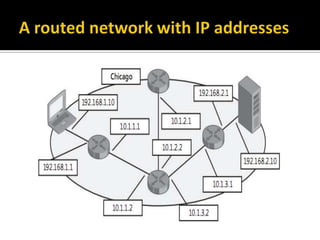
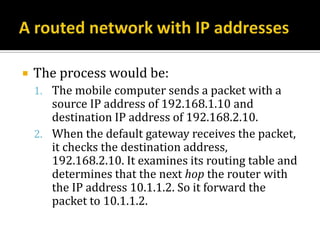
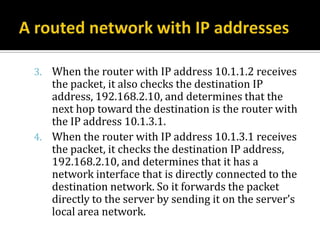
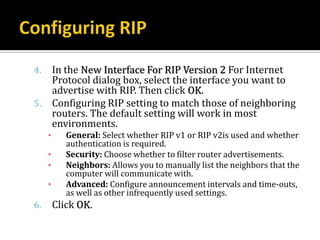
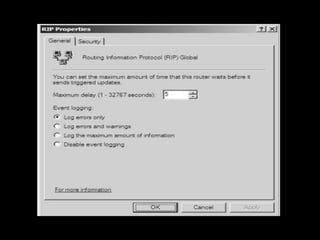
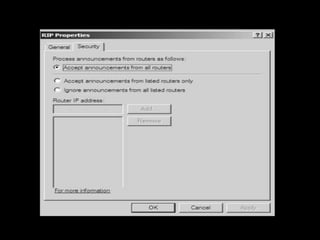
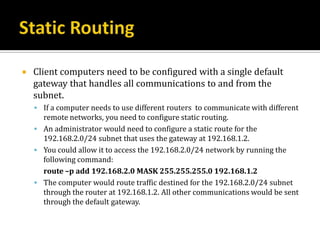
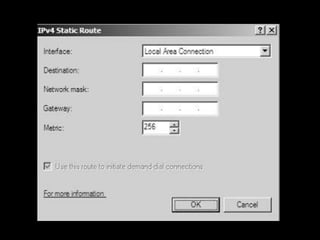
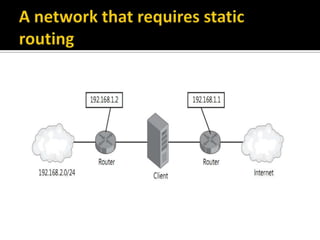
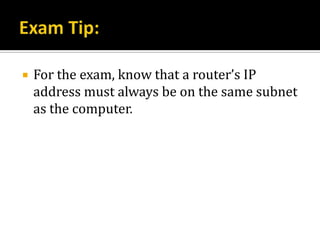
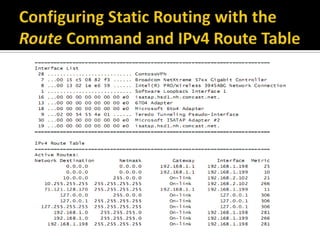
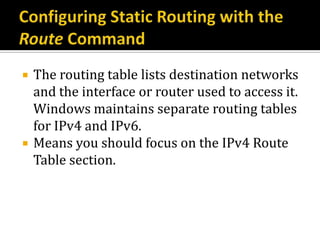
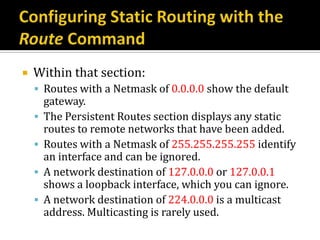
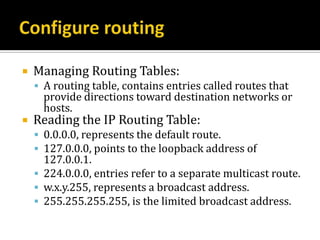
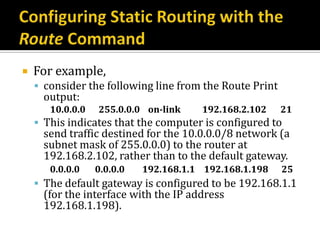
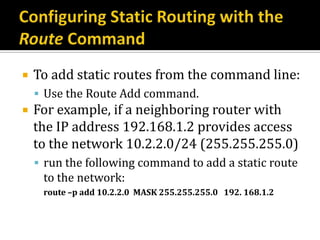
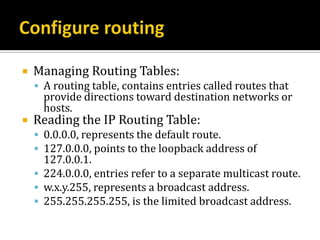
![ Four types of routes can be found in a routing table:
Directly attached network routes:
▪ Routes for subnets to which the node is directly attached.
Remote network routes:
▪ Routes for subnets that are available across routers and that are not directly
attached to the node.
Host routes:
▪ A route to a specific IP address.
Default route:
▪ The default route is used when a more specific network or host route is not
found.
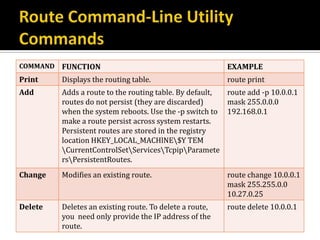
To configure the routing table from the command line, use the
route command-line utility. The Route utility syntax is as
follows:
route [-f] [-p] [Command [Destination] [mask Netmask]
[Gateway] [metric Metric] [if Interface]](https://image.slidesharecdn.com/q-lesson-7-configuring-ip-routing-1-130301173824-phpapp02/85/Lesson-7-Configuring-IP-Routing-A-48-320.jpg)
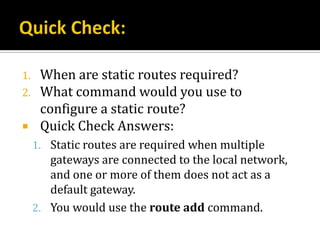
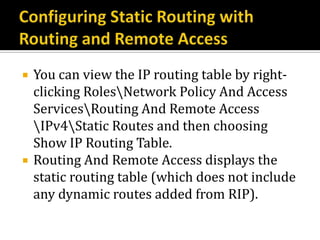
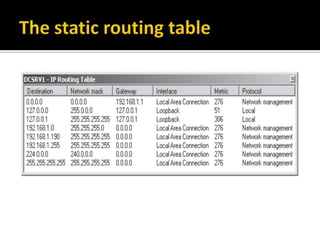
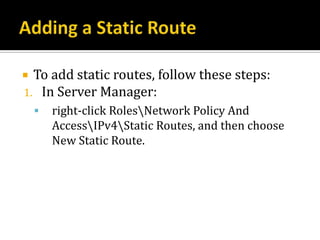
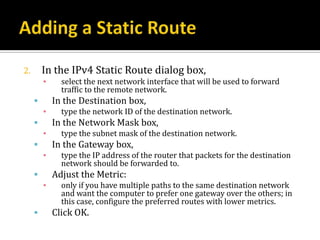
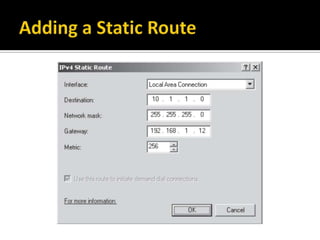
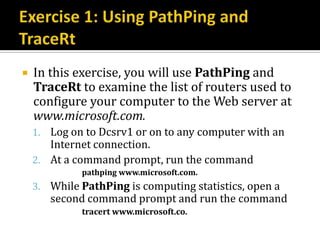
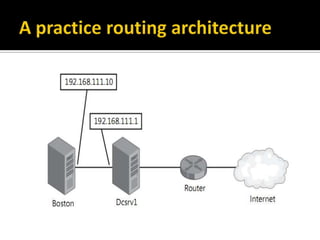
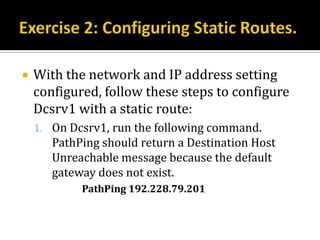
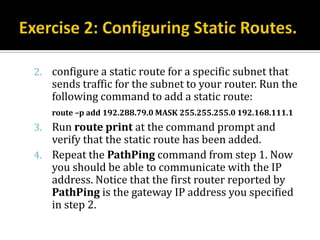


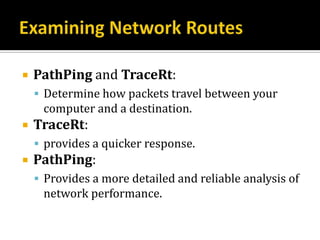
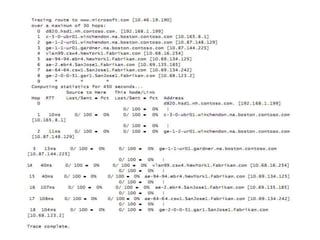
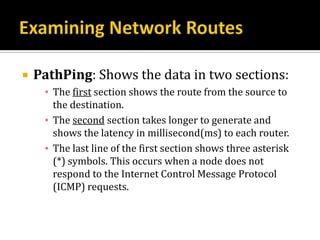
Here are the steps to examine routes using PathPing and TraceRt: 1. Open a command prompt as Administrator. 2. To examine the route using PathPing, type: pathping www.microsoft.com 3. Examine the output and note the routers used to reach the destination. 4. To get a quicker response, use TraceRt: tracert www.microsoft.com 5. Note the routers displayed in the output. TraceRt and PathPing may display different results due to timing. Examining routes will help understand the network path and identify any issues that could impact connectivity. You can then use this information for configuring static routes if needed.


