Software	for	the	
Internet	of	Things
Outline
Wyliodrin
Wyliodrin	Library	Overview
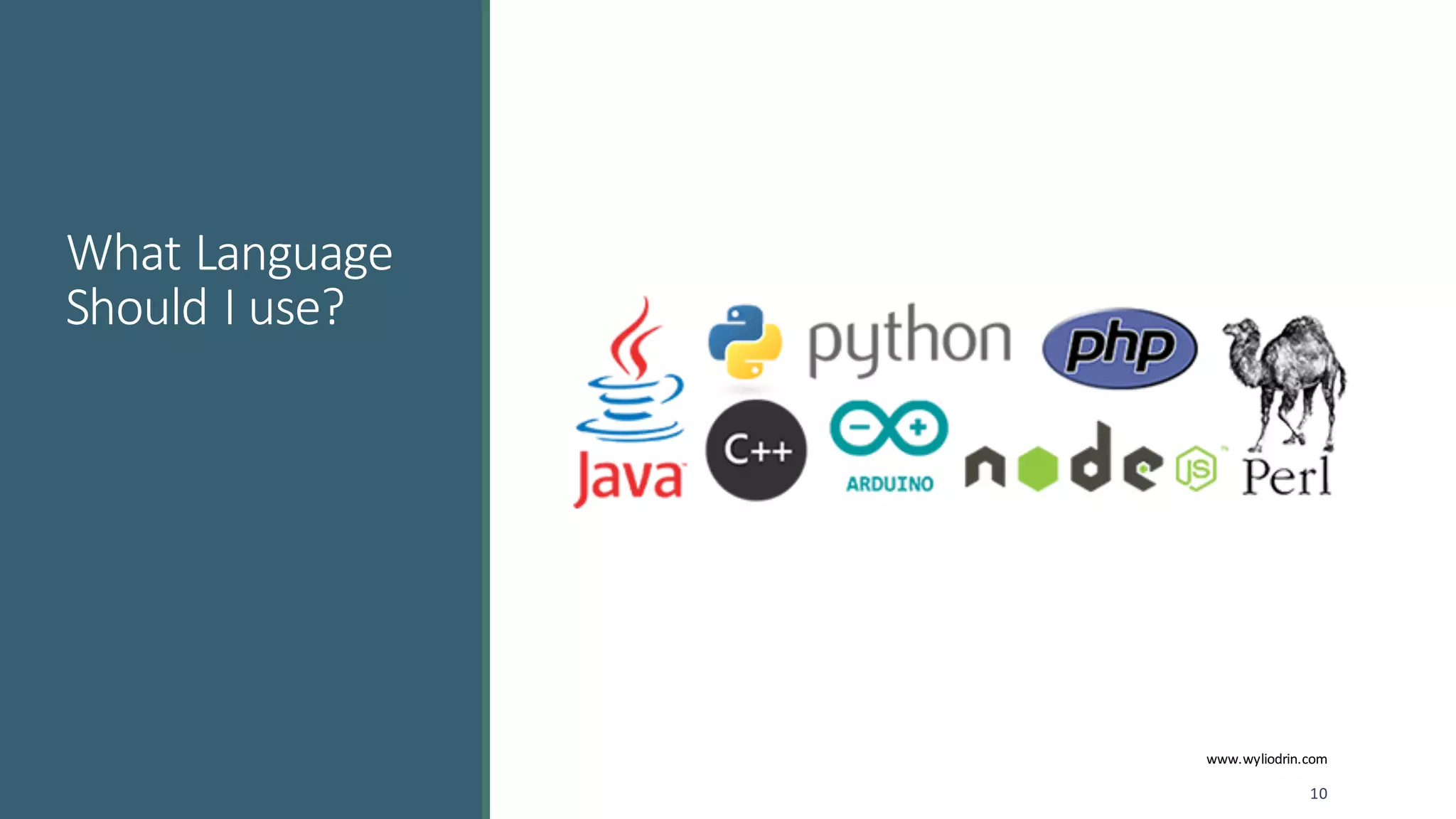
What	language	should	I	use?
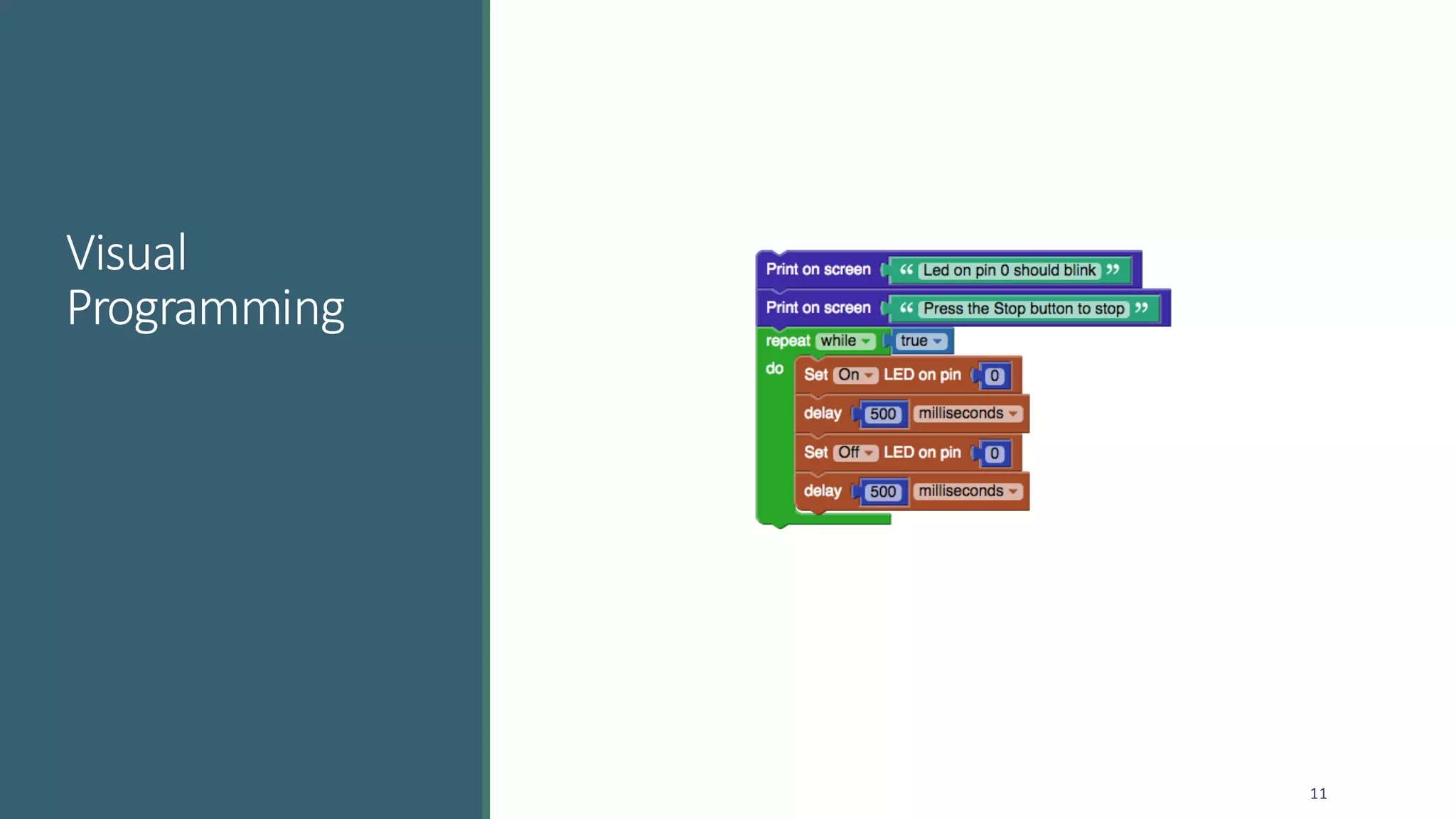
Visual	Programming
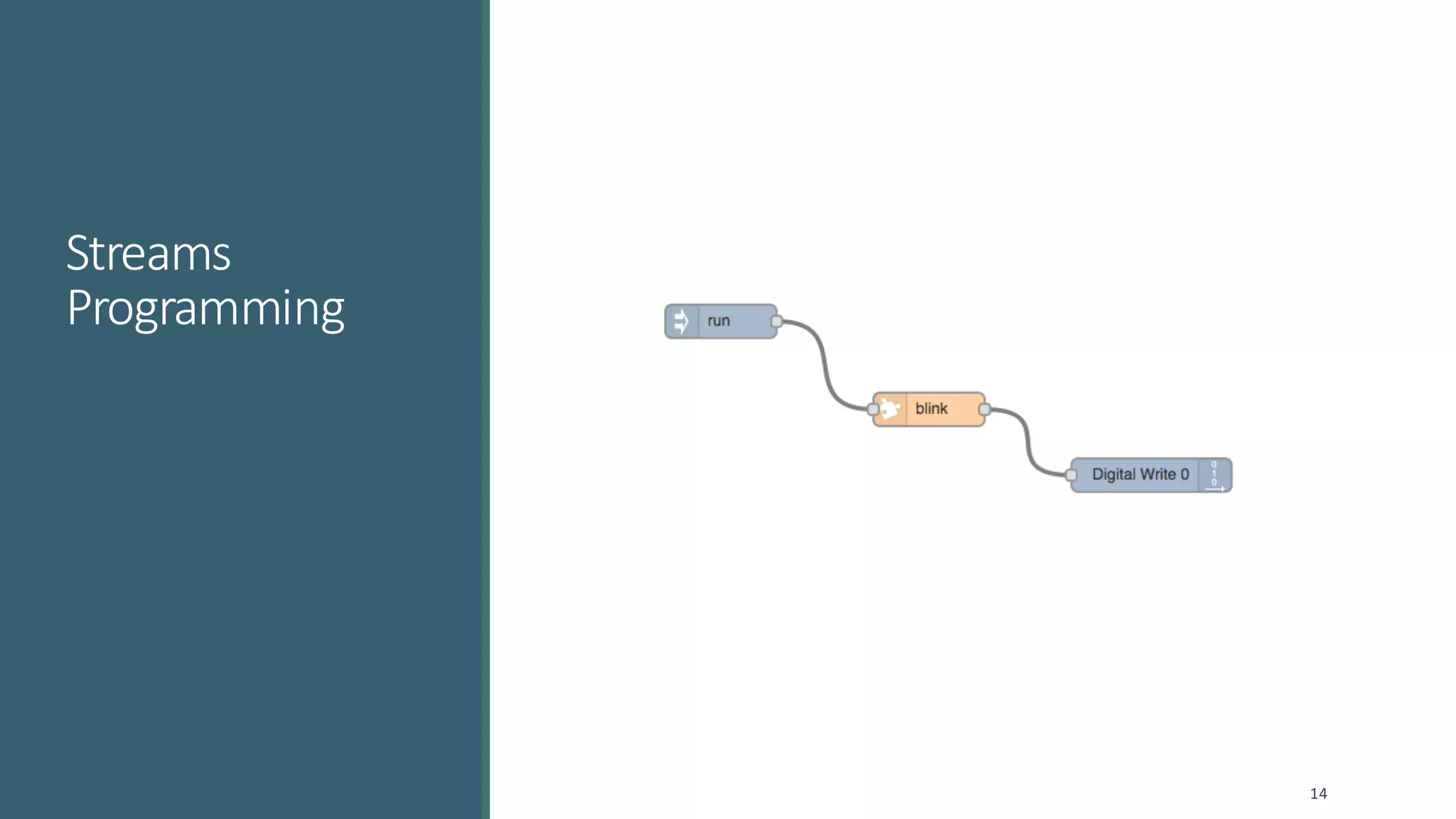
Streams	Programming
Signal	Processing
Questions
2
Wyliodrin
3
www.wyliodrin.com
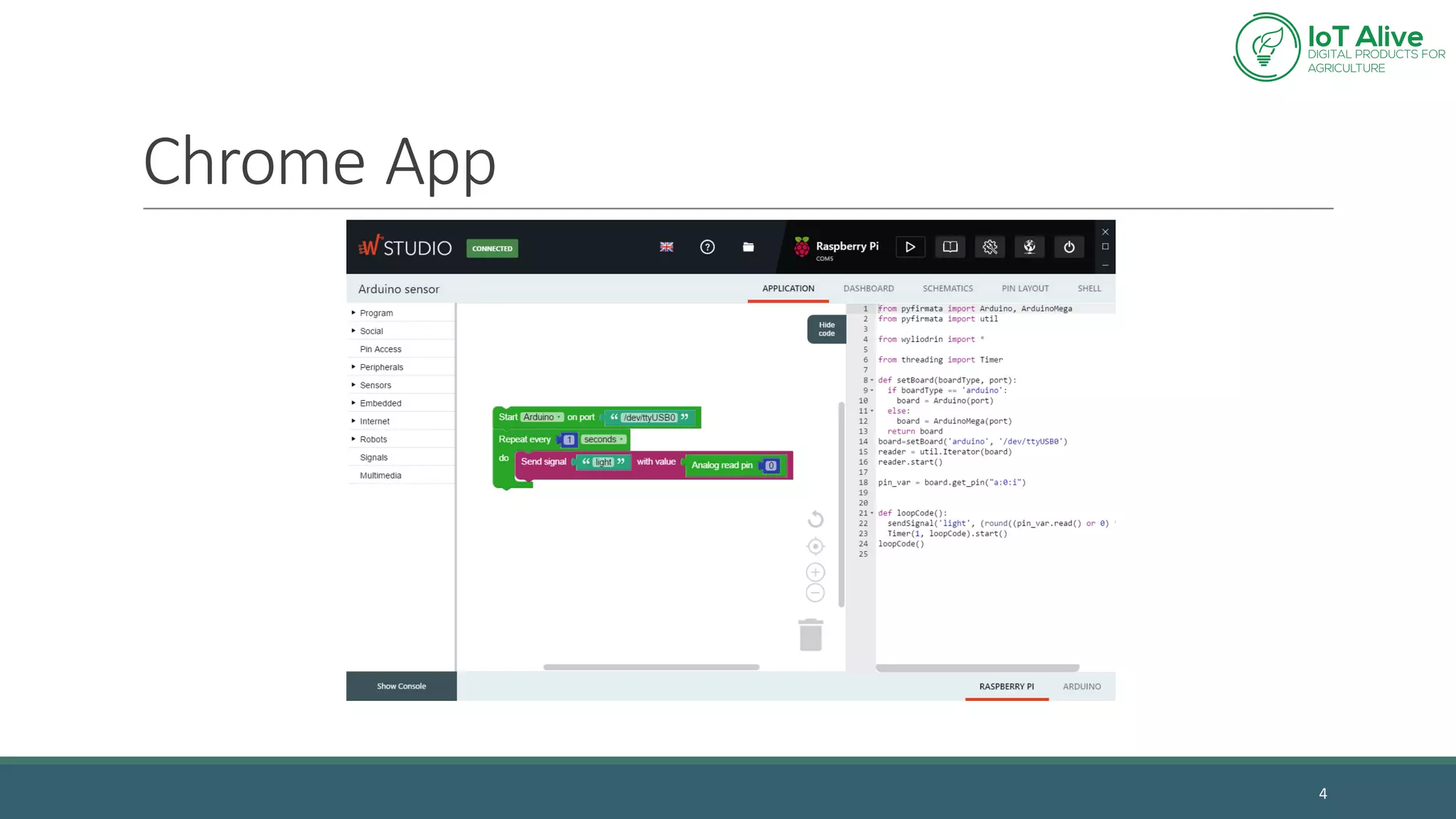
Chrome	App
4
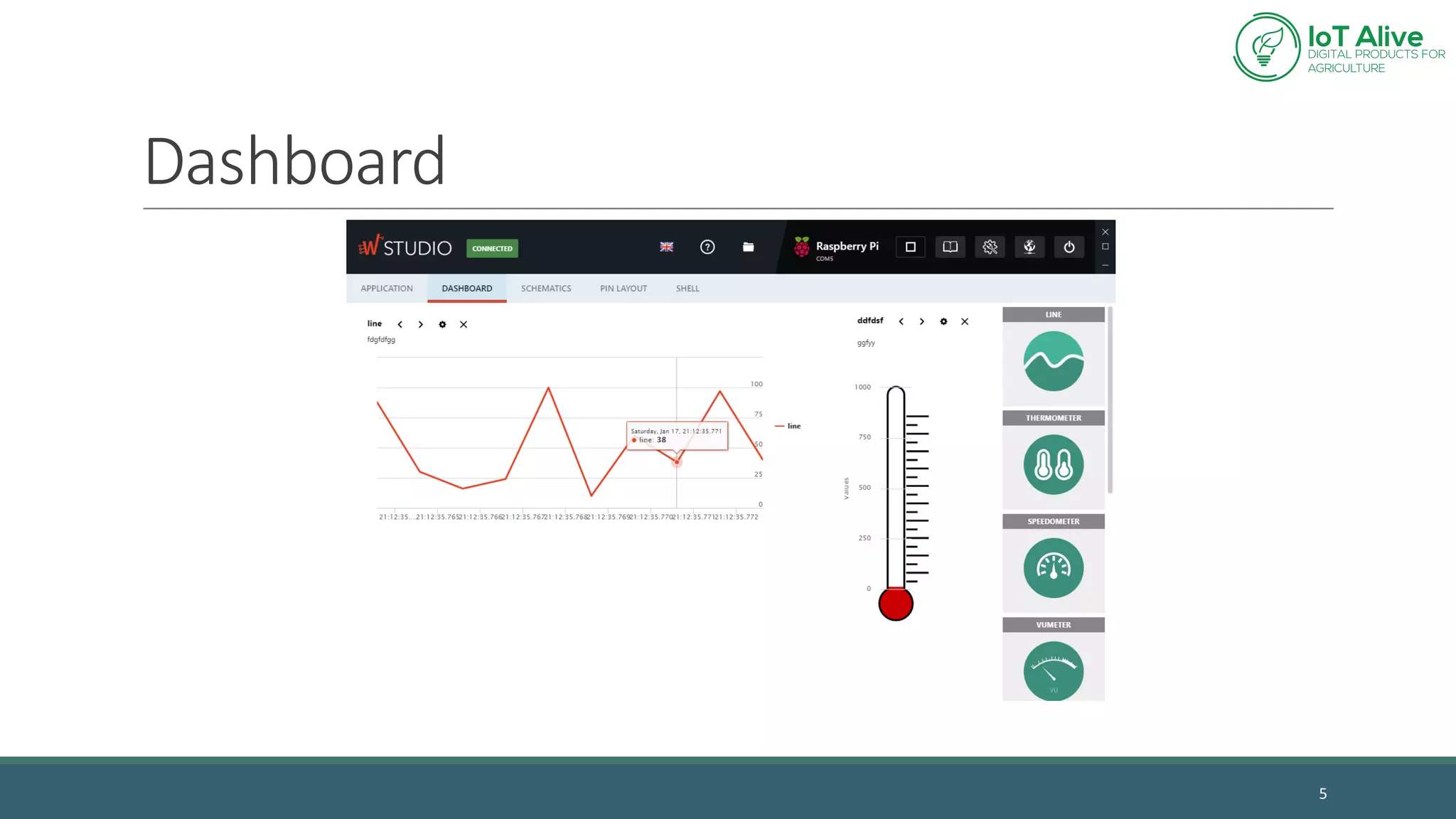
Dashboard
5
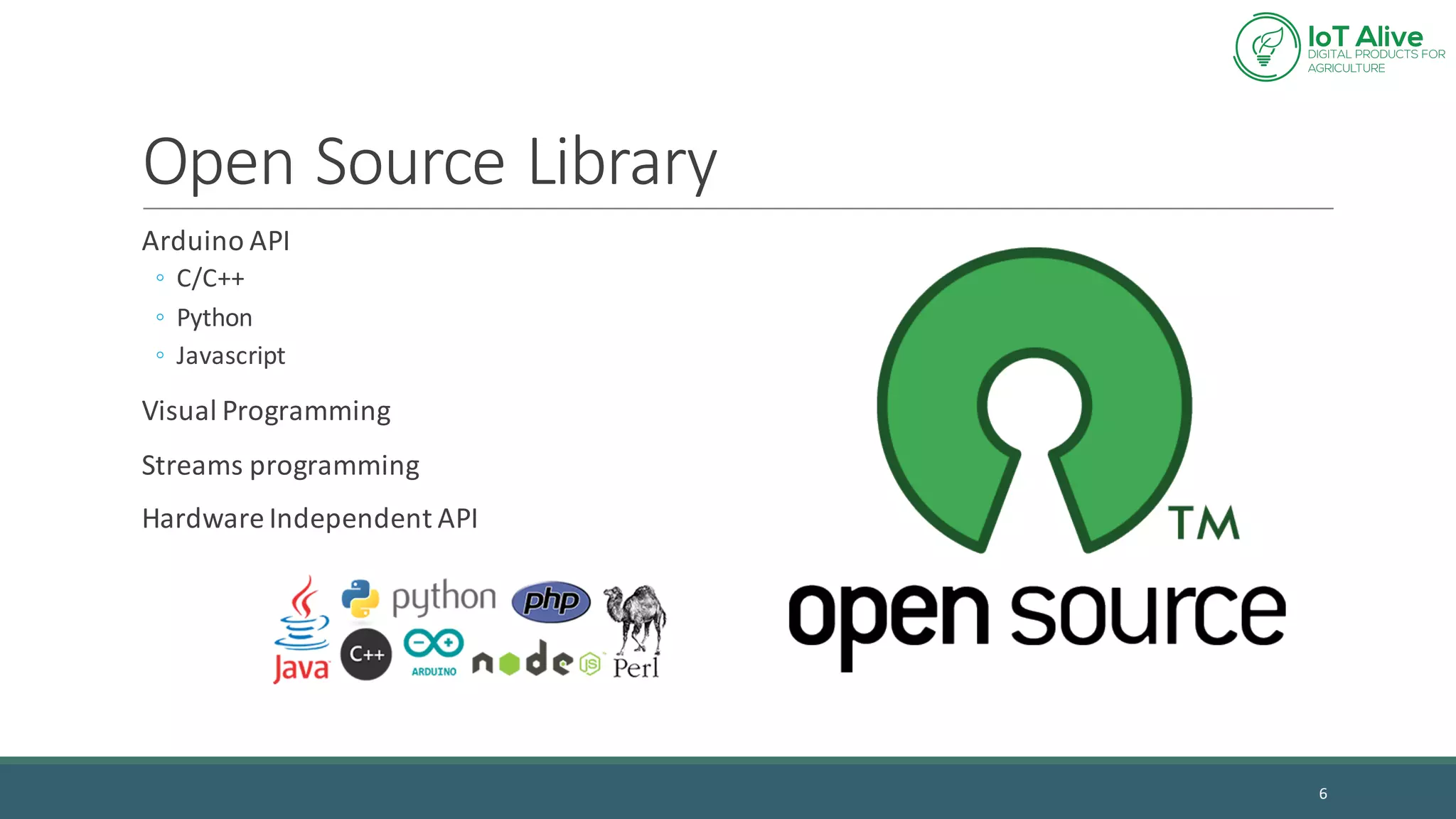
Open	Source	Library
6
Arduino API
◦ C/C++
◦ Python
◦ Javascript
Visual	Programming
Streams	programming
Hardware	Independent	API
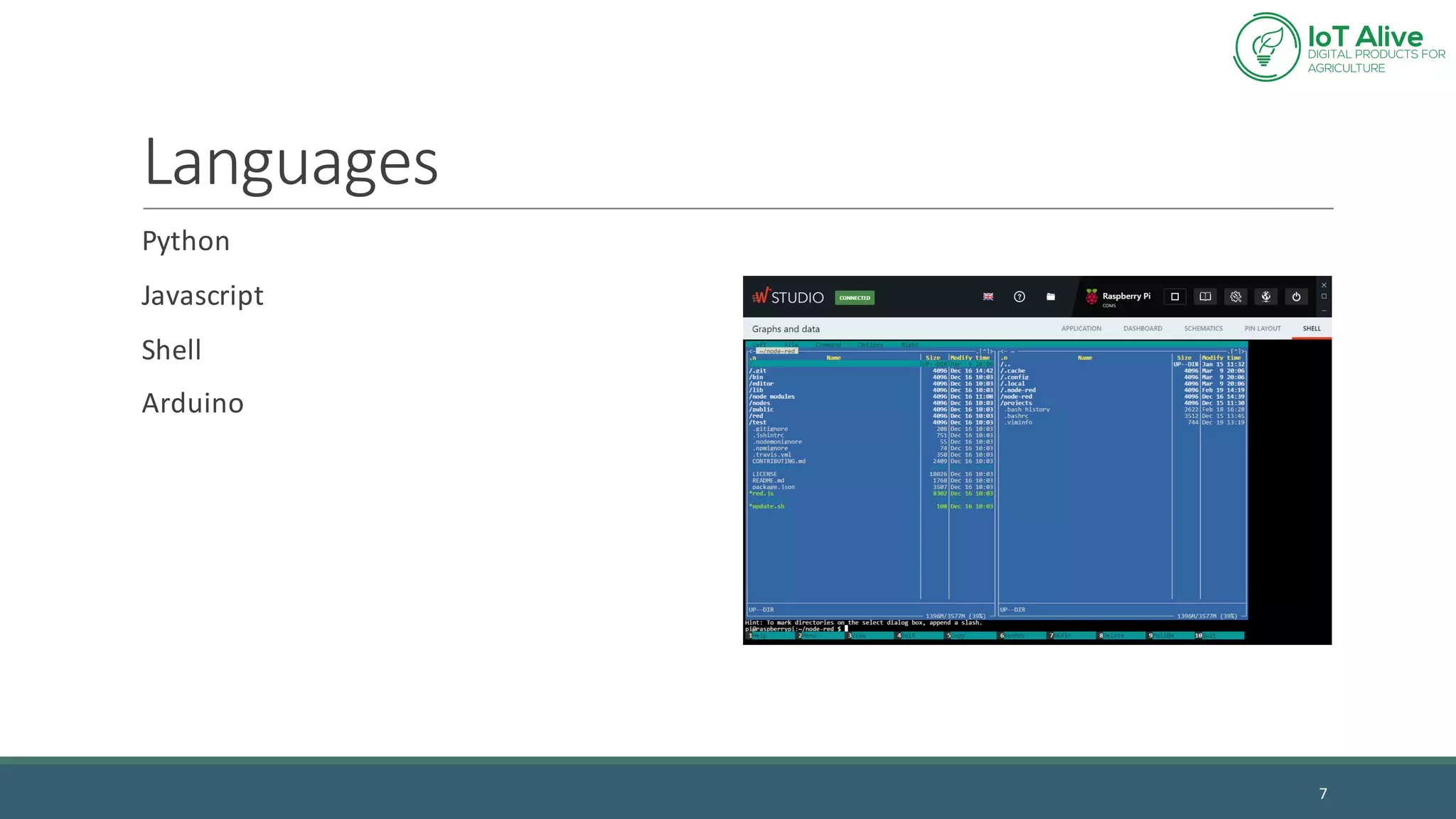
Languages
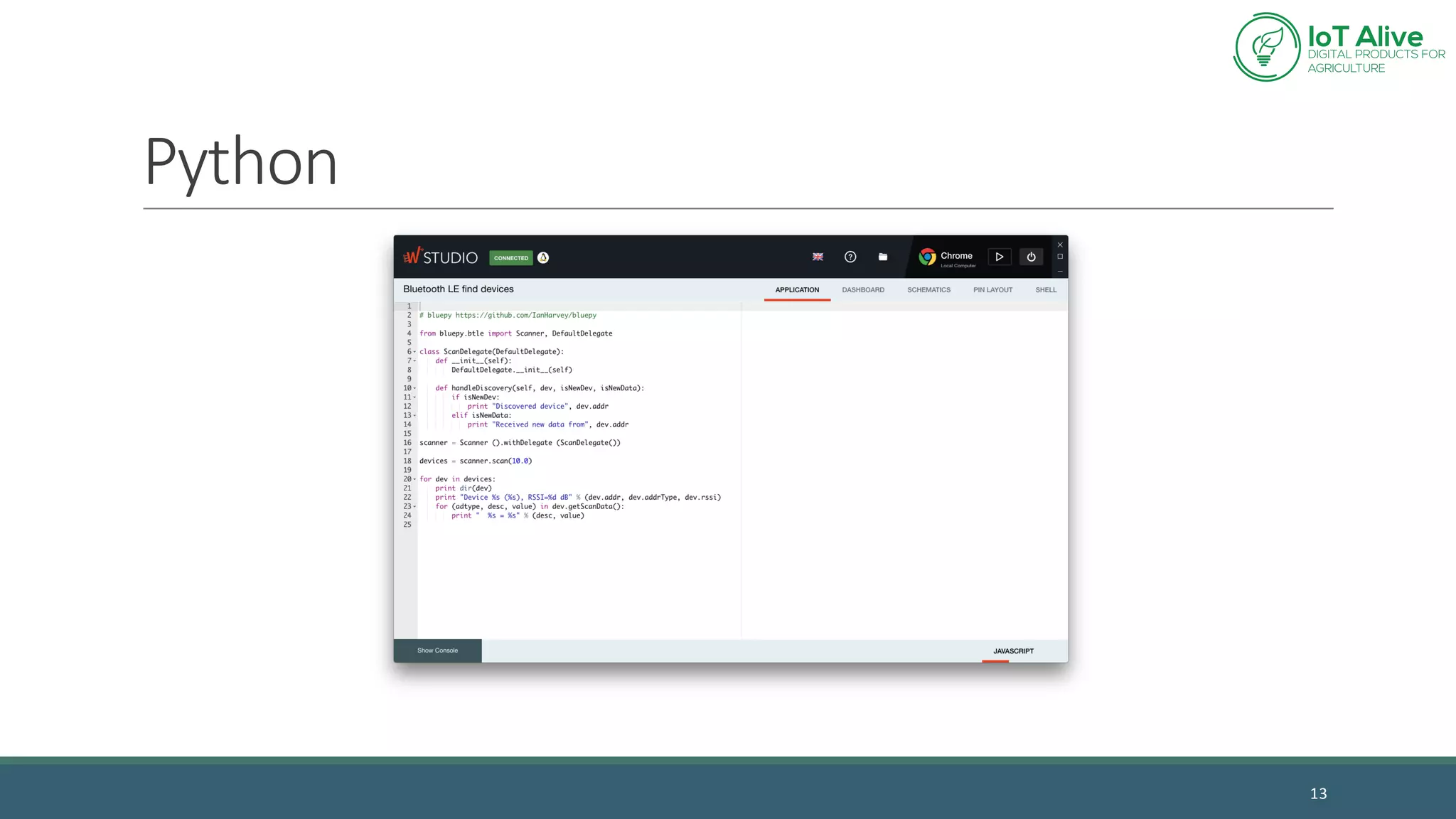
Python
Javascript
Shell
Arduino
7
Wyliodrin	
Library
8
www.wyliodrin.com
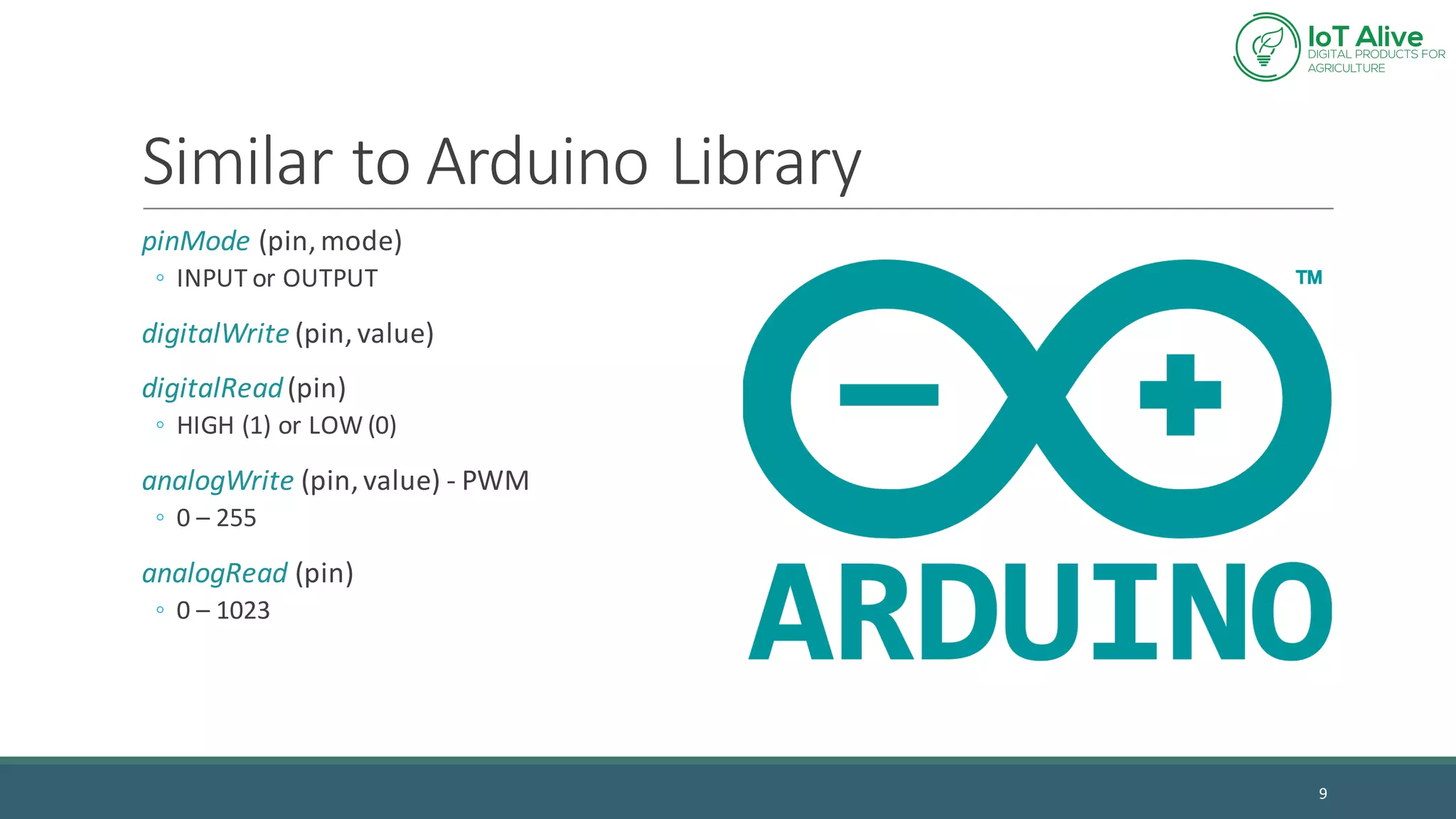
Similar	to	Arduino Library
pinMode (pin,	mode)
◦ INPUT	or	OUTPUT
digitalWrite (pin,	value)
digitalRead(pin)
◦ HIGH	(1)	or	LOW	(0)
analogWrite (pin,	value)	- PWM
◦ 0	– 255
analogRead (pin)
◦ 0	– 1023
9
What	Language	
Should	I	use?
10
www.wyliodrin.com
Visual	
Programming
11
Prototyping
Drag	and	drop	blocks
Writes	code	in	Python	or	Javascript
Good	for	documentation
12
Python
13
Streams	
Programming
14
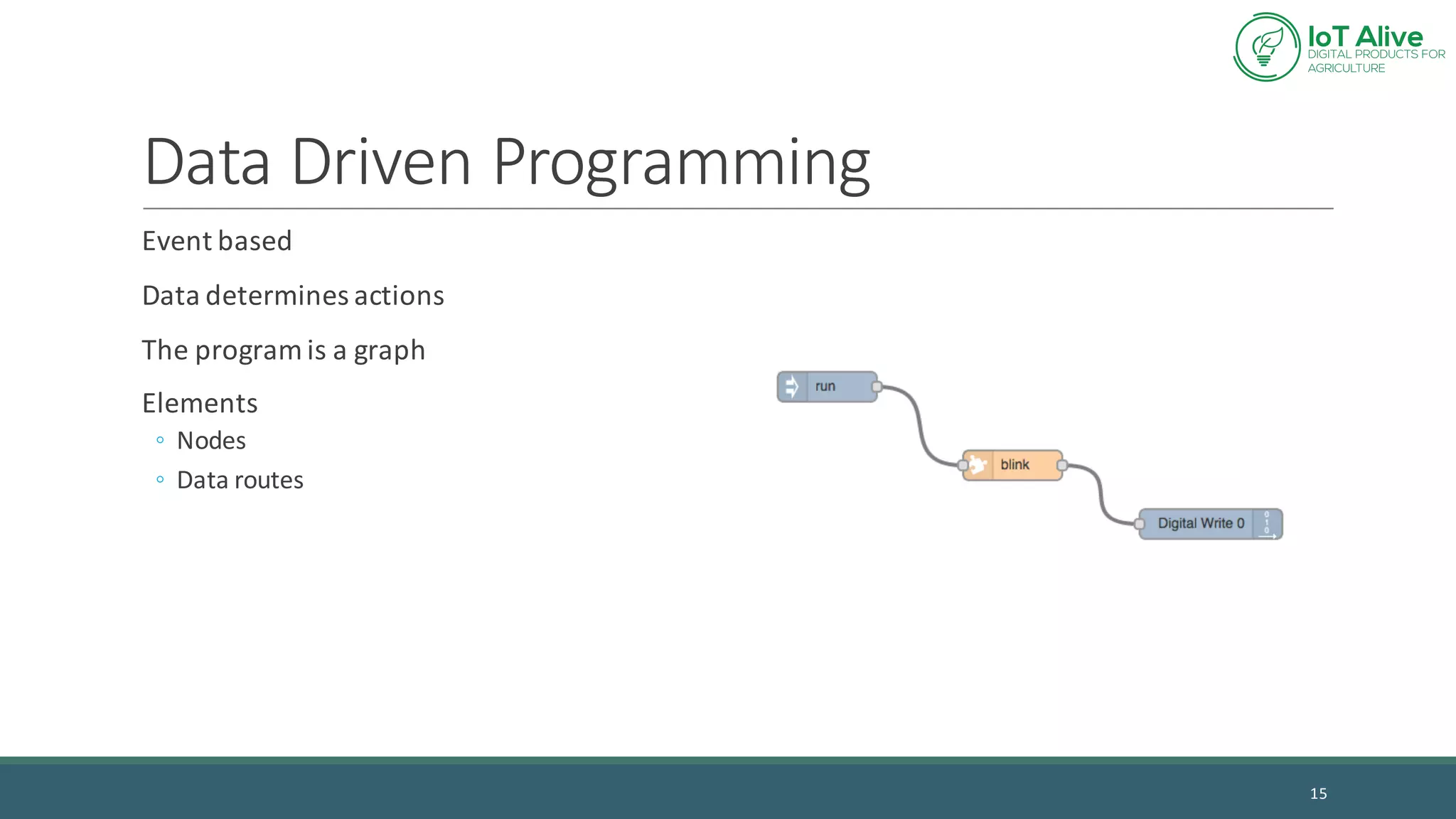
Data	Driven	Programming
Event	based
Data	determines	actions
The	program	is	a	graph
Elements
◦ Nodes
◦ Data	routes
15
Messages
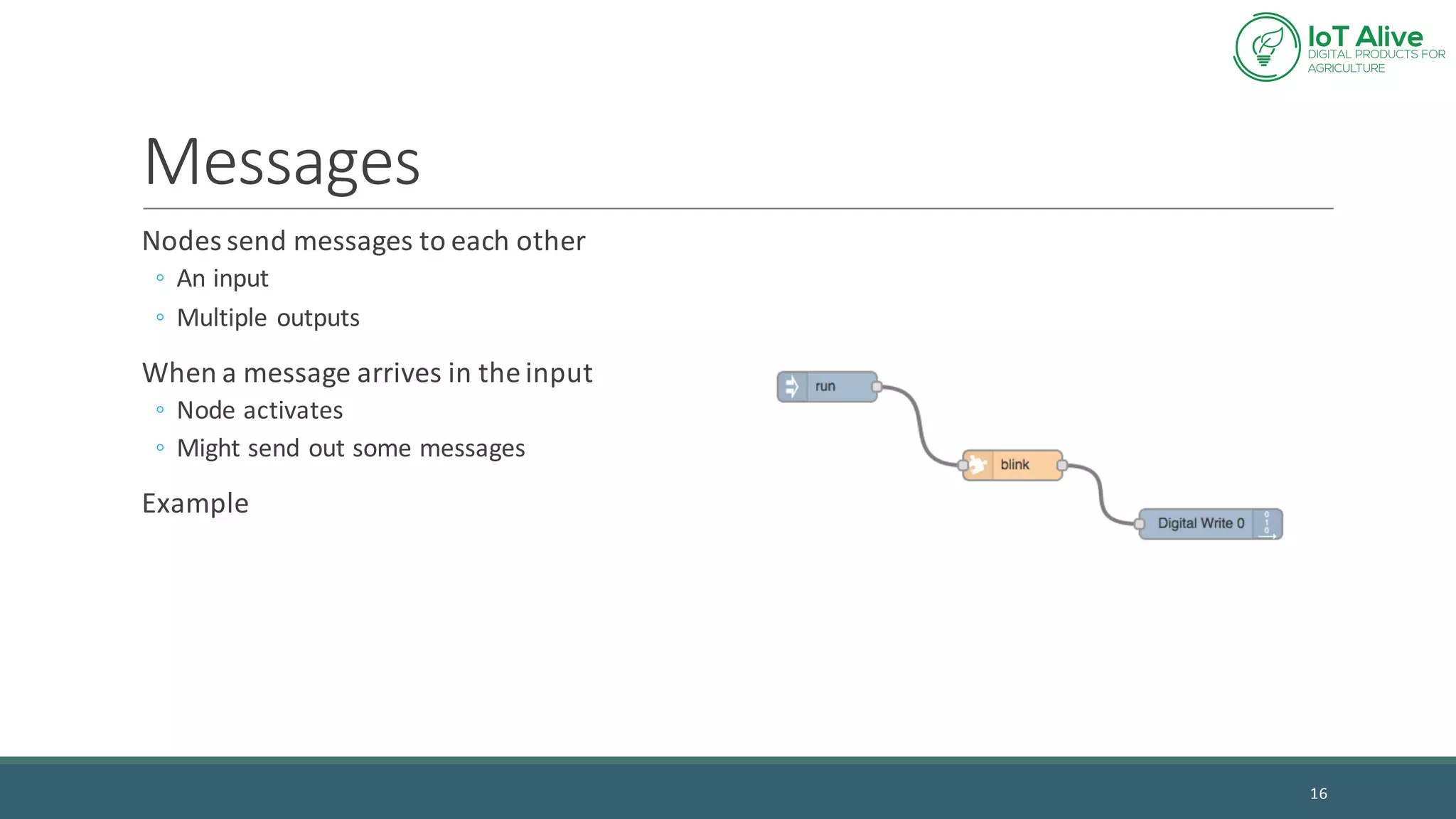
Nodes	send	messages	to	each	other
◦ An	input
◦ Multiple	outputs
When	a	message	arrives	in	the	input
◦ Node	activates
◦ Might	send	out	some	messages
Example
16
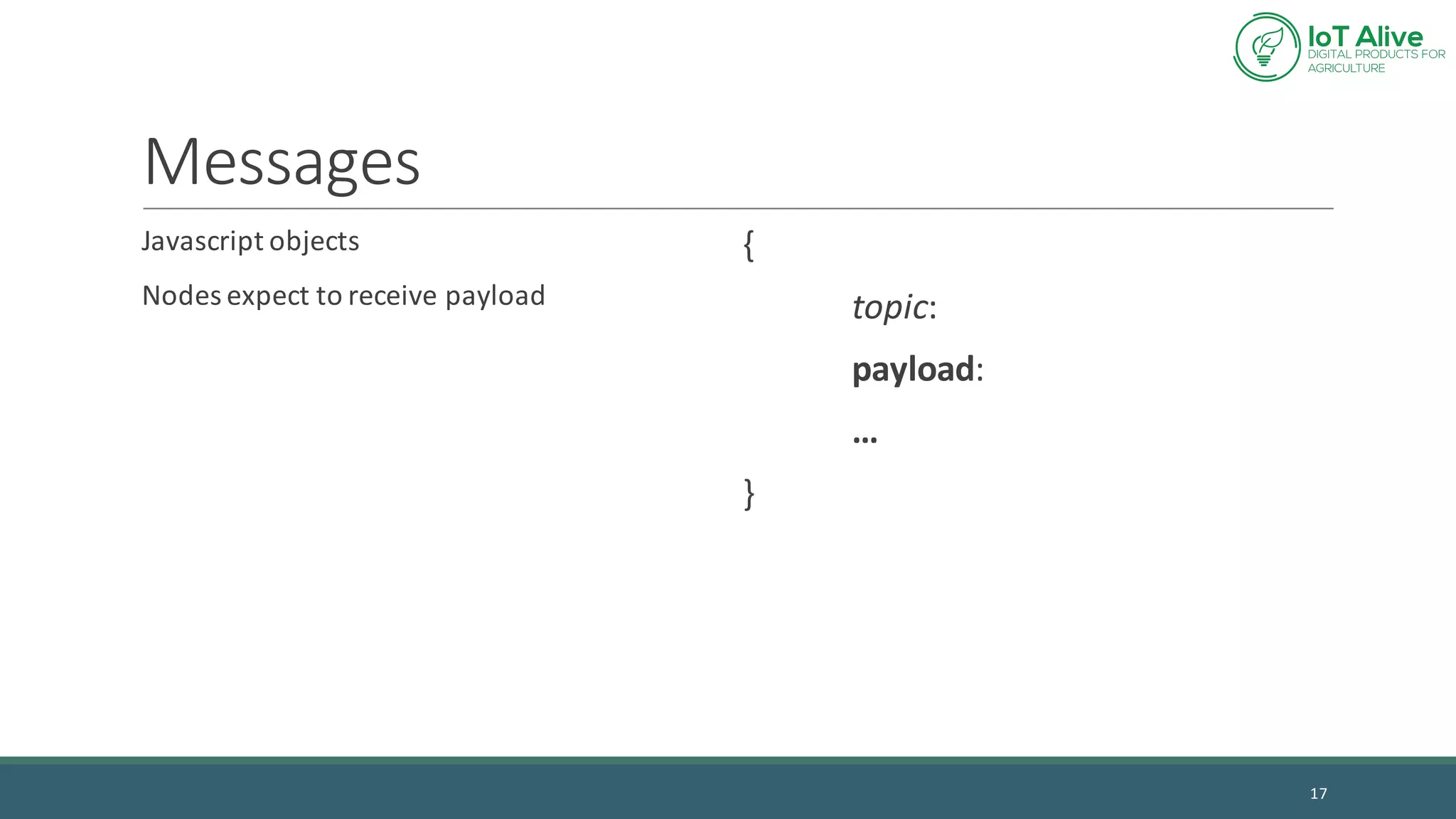
Messages
Javascript objects
Nodes	expect	to	receive	payload
{
topic:	
payload:
…
}
17
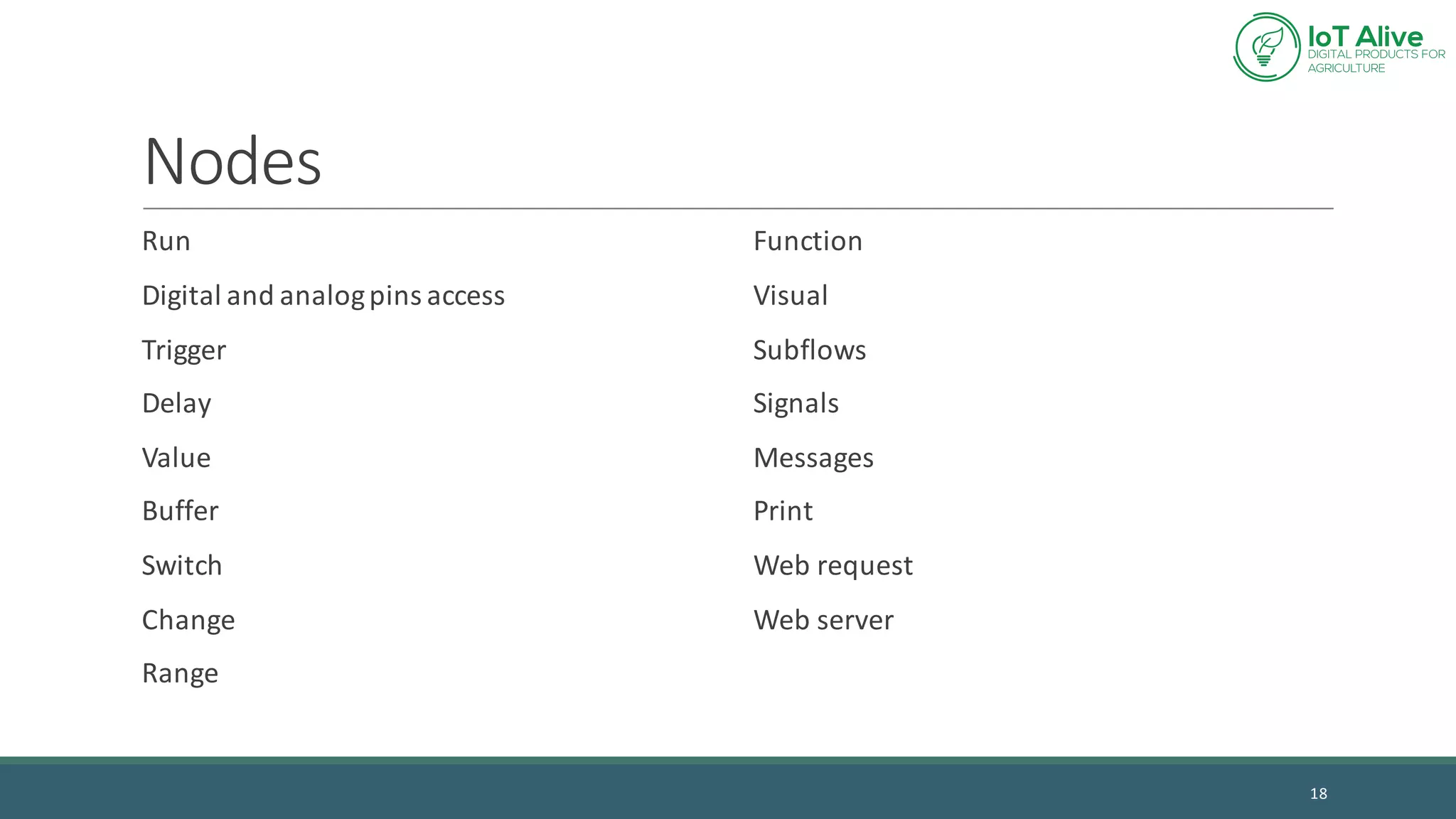
Nodes
Run
Digital	and	analog	pins	access
Trigger
Delay
Value
Buffer
Switch
Change
Range
Function
Visual
Subflows
Signals
Messages
Print
Web	request
Web	server
18
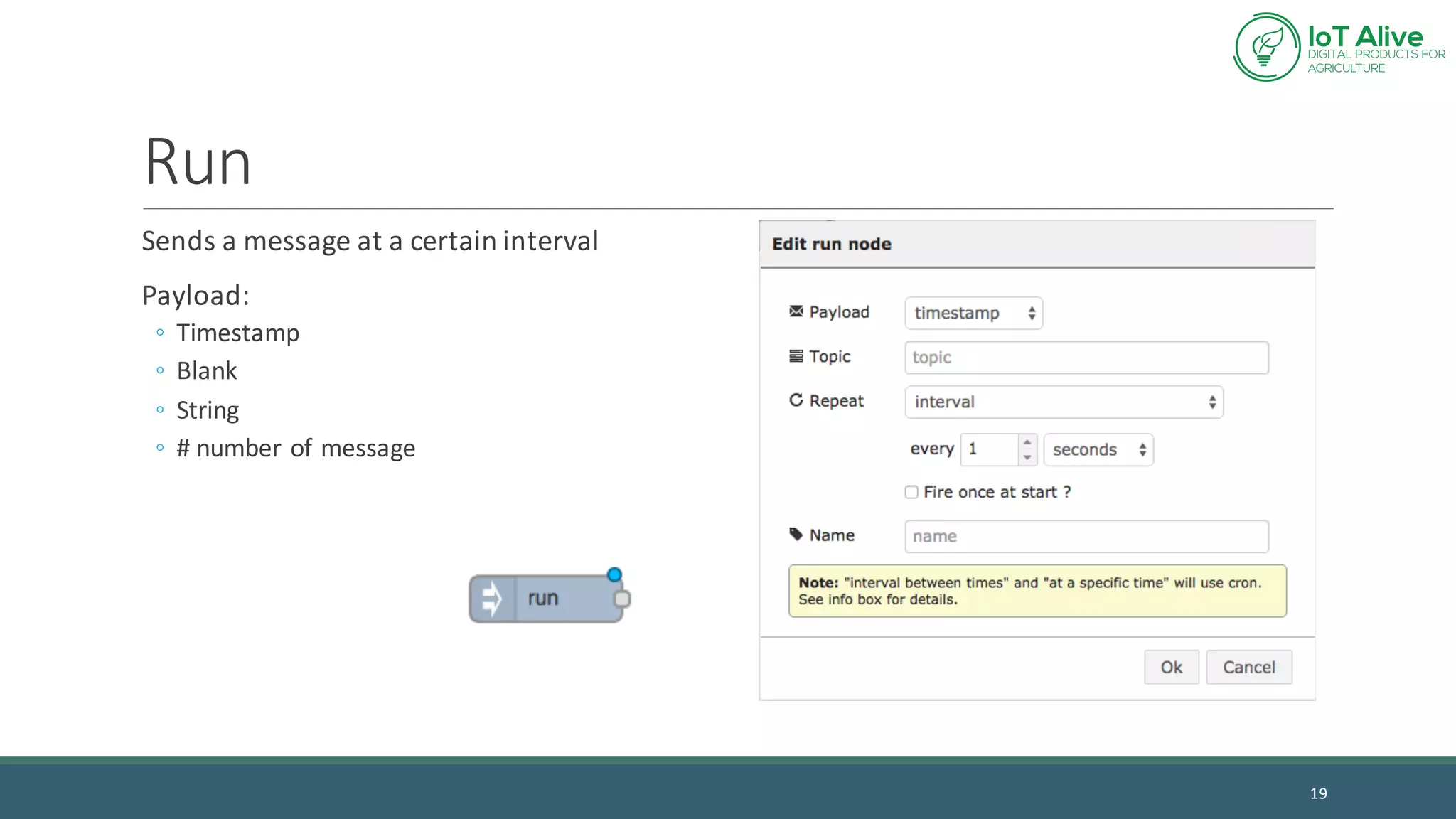
Run
Sends	a	message	at	a	certain	interval
Payload:
◦ Timestamp
◦ Blank
◦ String
◦ #	number	of	message
19
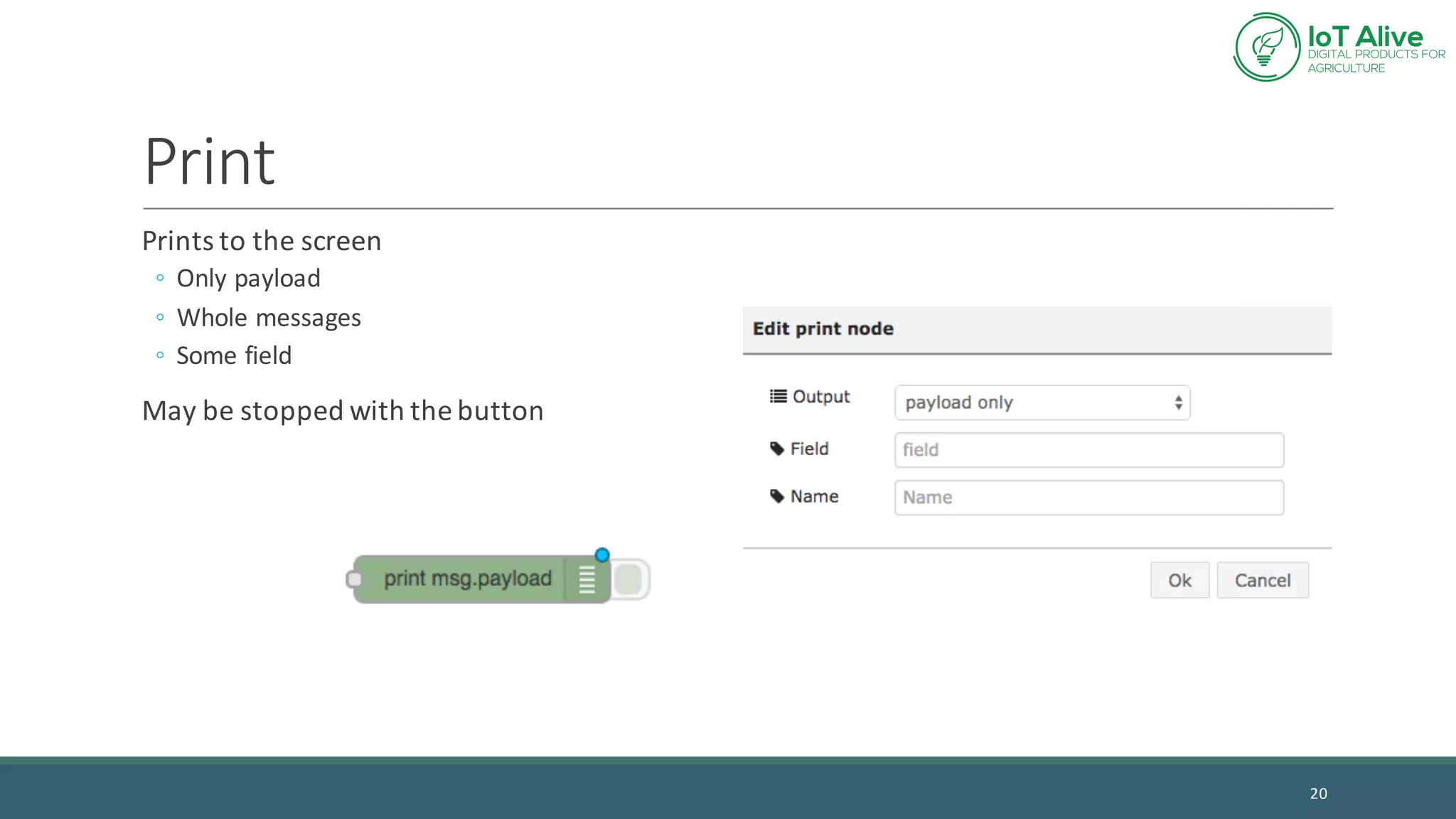
Print
Prints	to	the	screen
◦ Only	payload
◦ Whole	messages
◦ Some	field
May	be	stopped	with	the	button
20
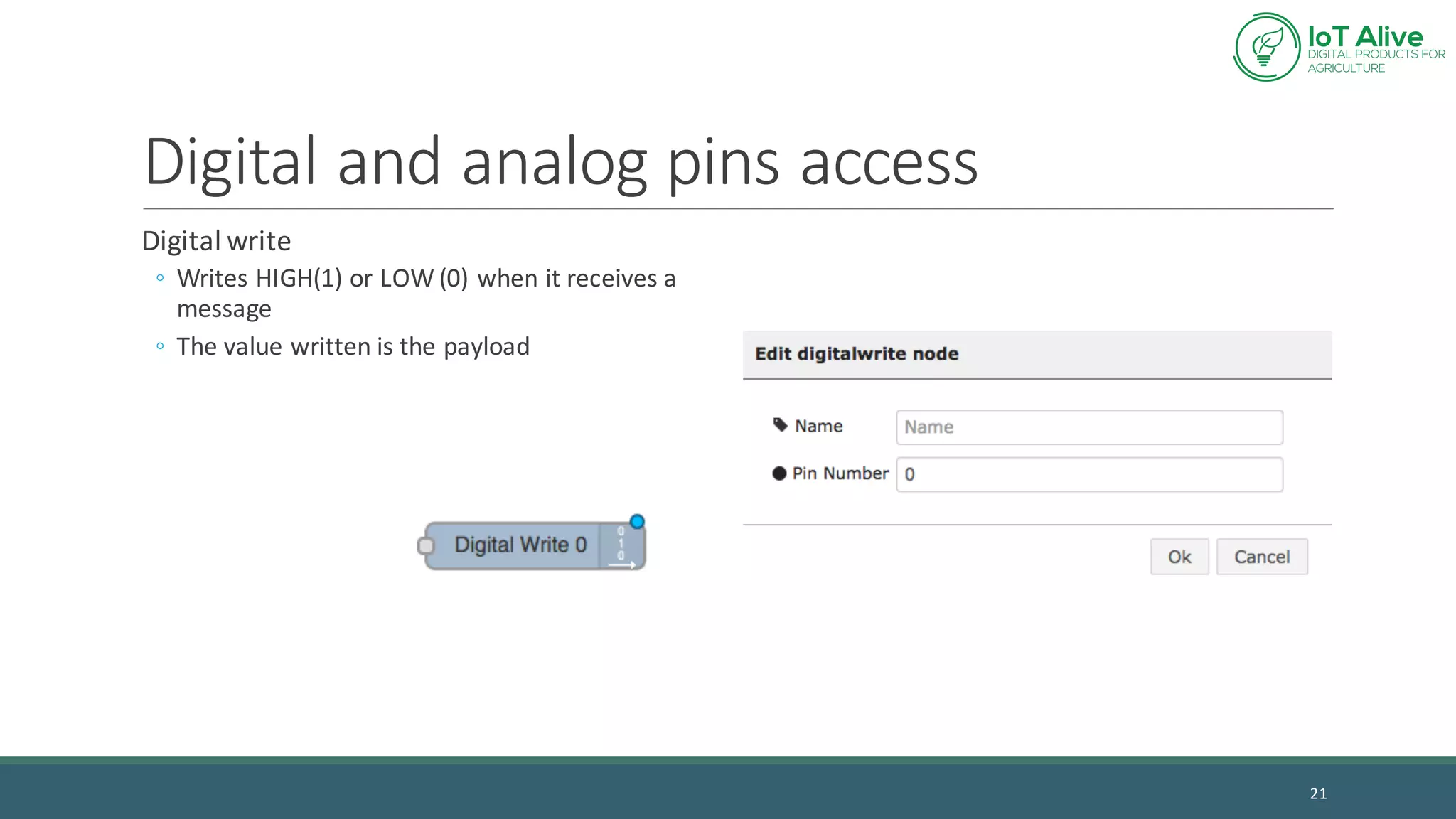
Digital	and	analog	pins	access
Digital	write
◦ Writes	HIGH(1)	or	LOW	(0)	when	it	receives	a	
message
◦ The	value	written	is	the	payload
21
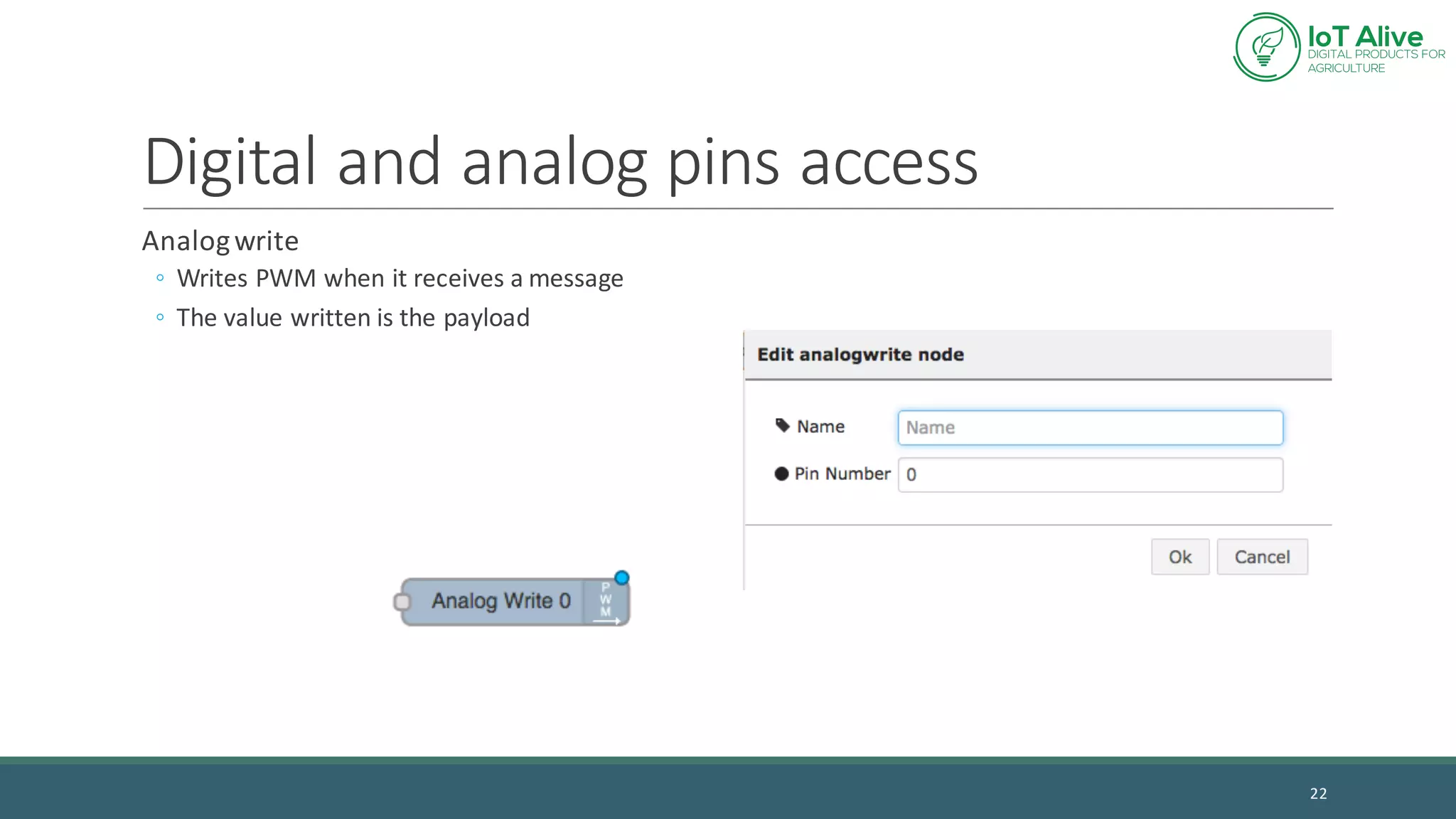
Digital	and	analog	pins	access
Analog	write
◦ Writes	PWM	when	it	receives	a	message
◦ The	value	written	is	the	payload
22
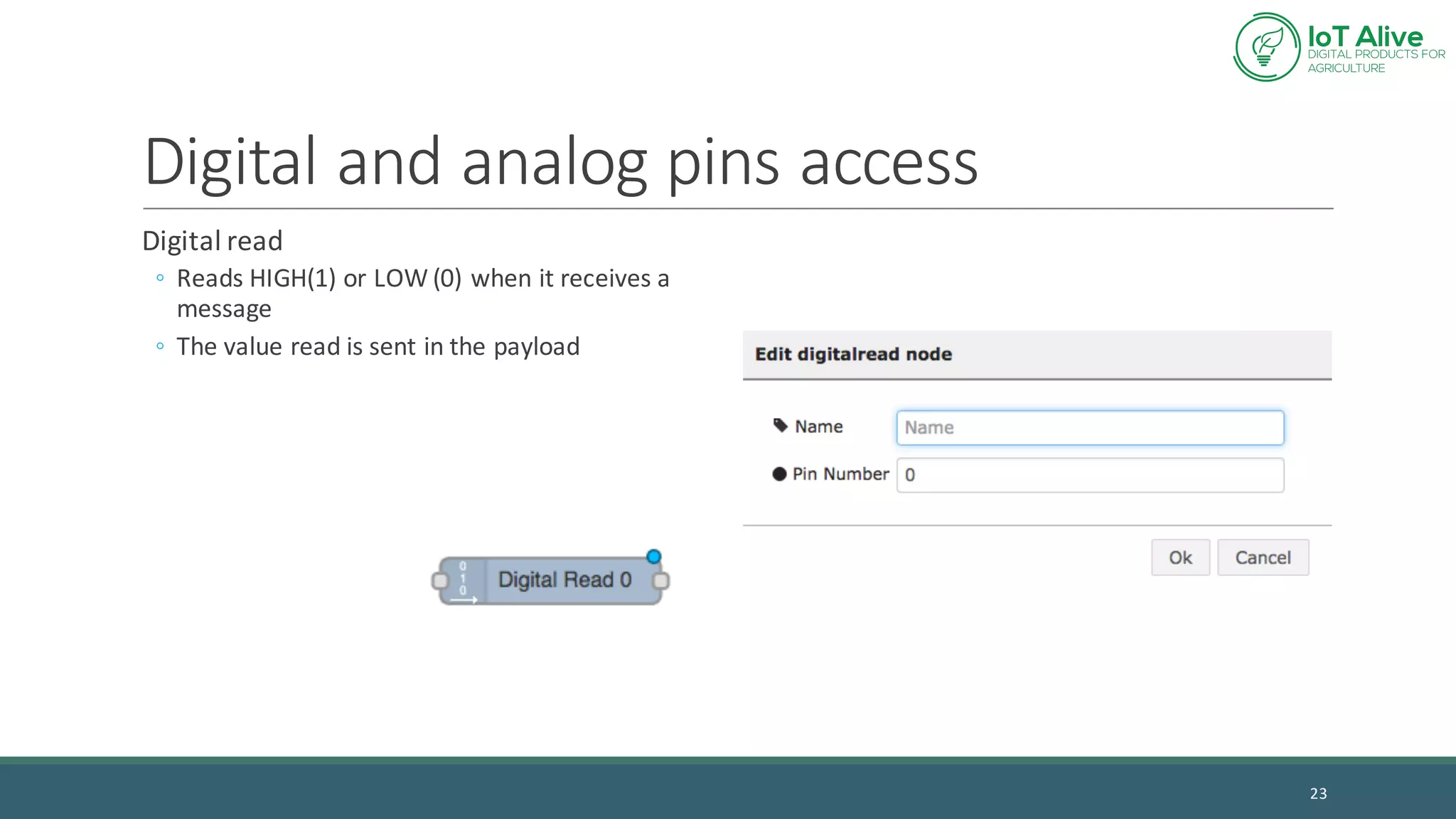
Digital	and	analog	pins	access
Digital	read
◦ Reads	HIGH(1)	or	LOW	(0)	when	it	receives	a	
message
◦ The	value	read	is	sent	in	the	payload
23
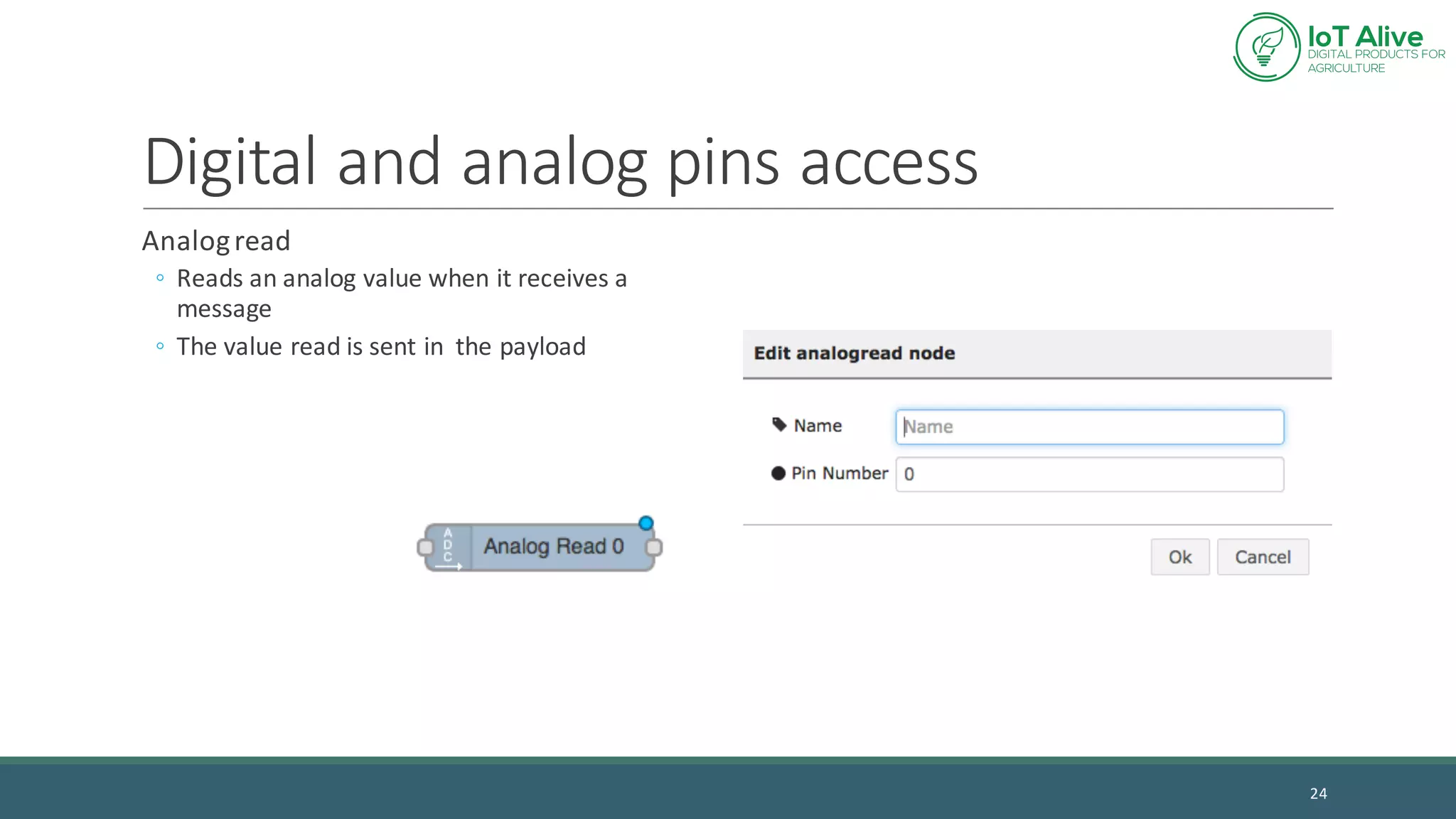
Digital	and	analog	pins	access
Analog	read
◦ Reads	an	analog	value	when	it	receives	a	
message
◦ The	value	read	is	sent	in		the	payload
24
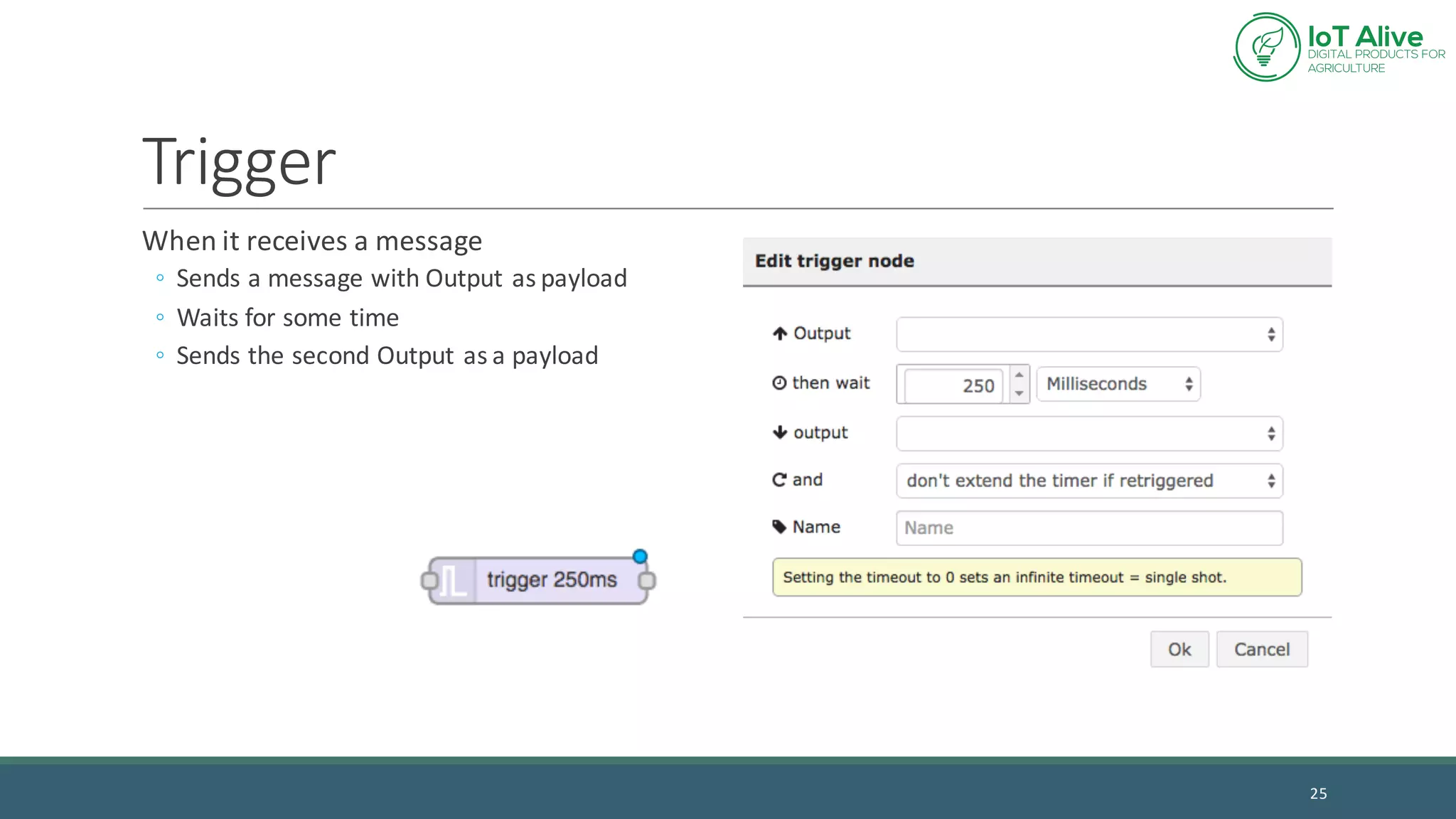
Trigger
When	it	receives	a	message
◦ Sends	a	message	with	Output	as	payload
◦ Waits	for	some	time
◦ Sends	the	second	Output	as	a	payload
25
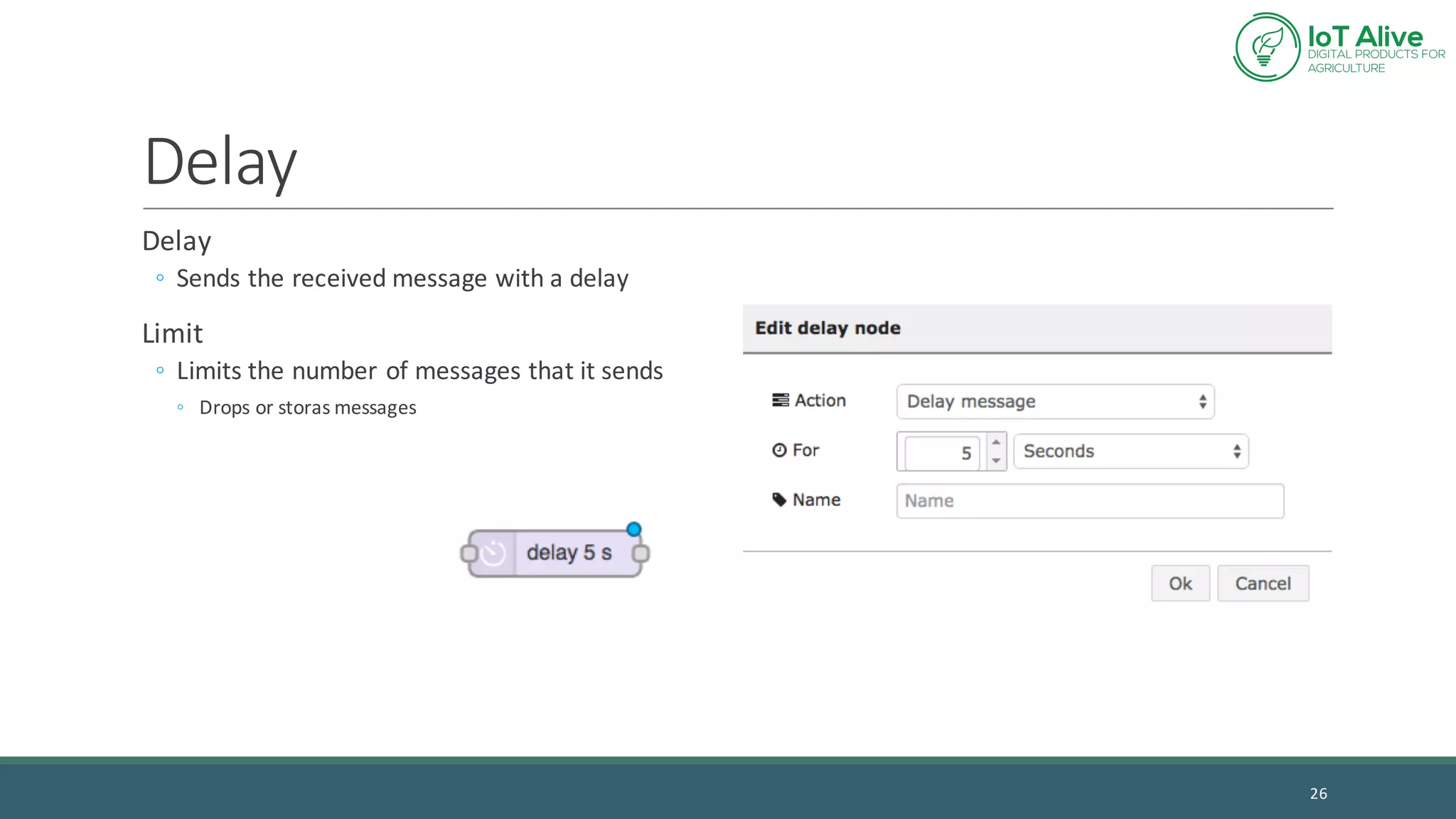
Delay
Delay
◦ Sends	the	received	message	with	a	delay
Limit
◦ Limits	the	number	of	messages	that	it	sends
◦ Drops	or	storas messages
26
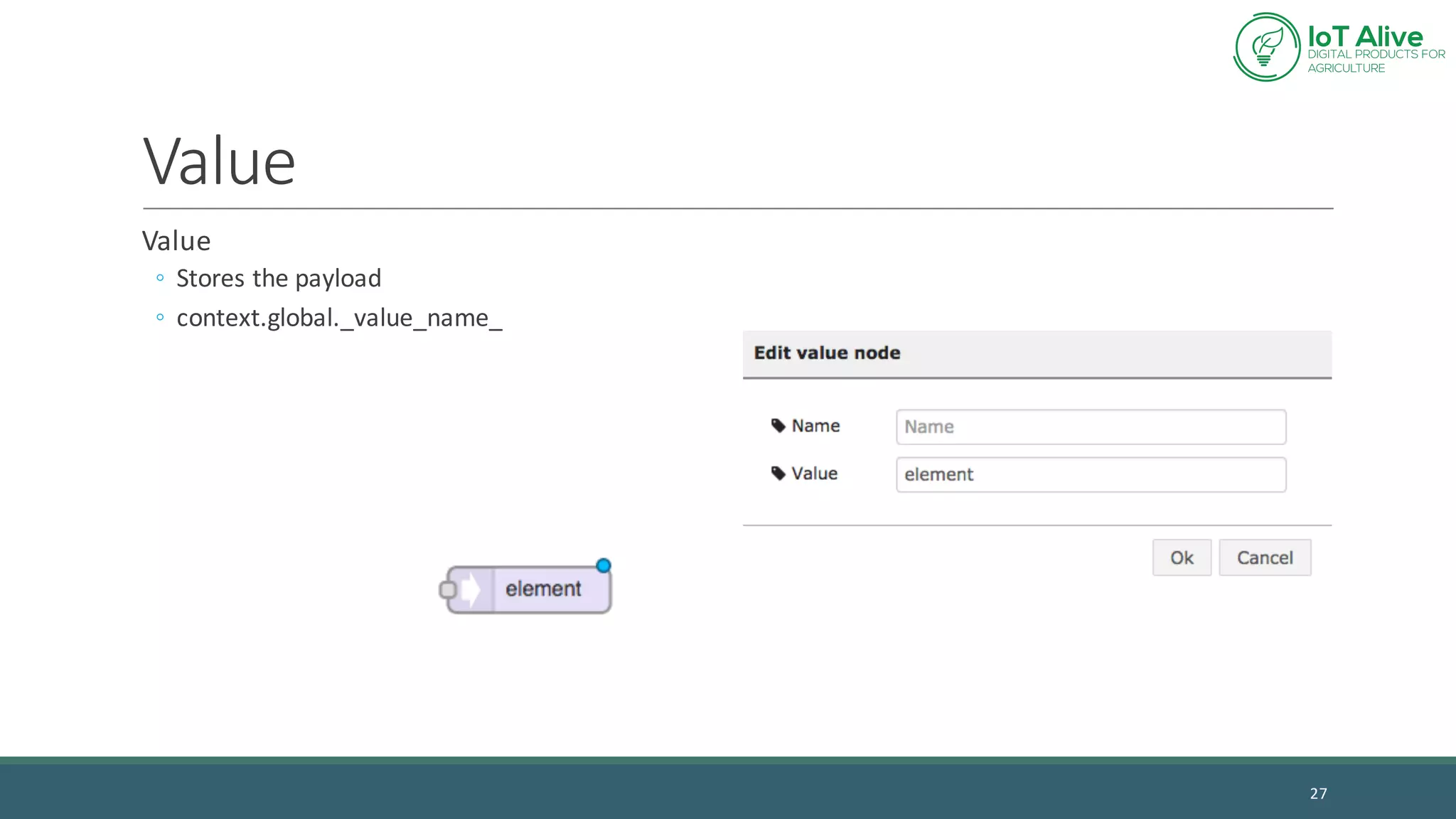
Value
Value
◦ Stores	the	payload
◦ context.global._value_name_
27
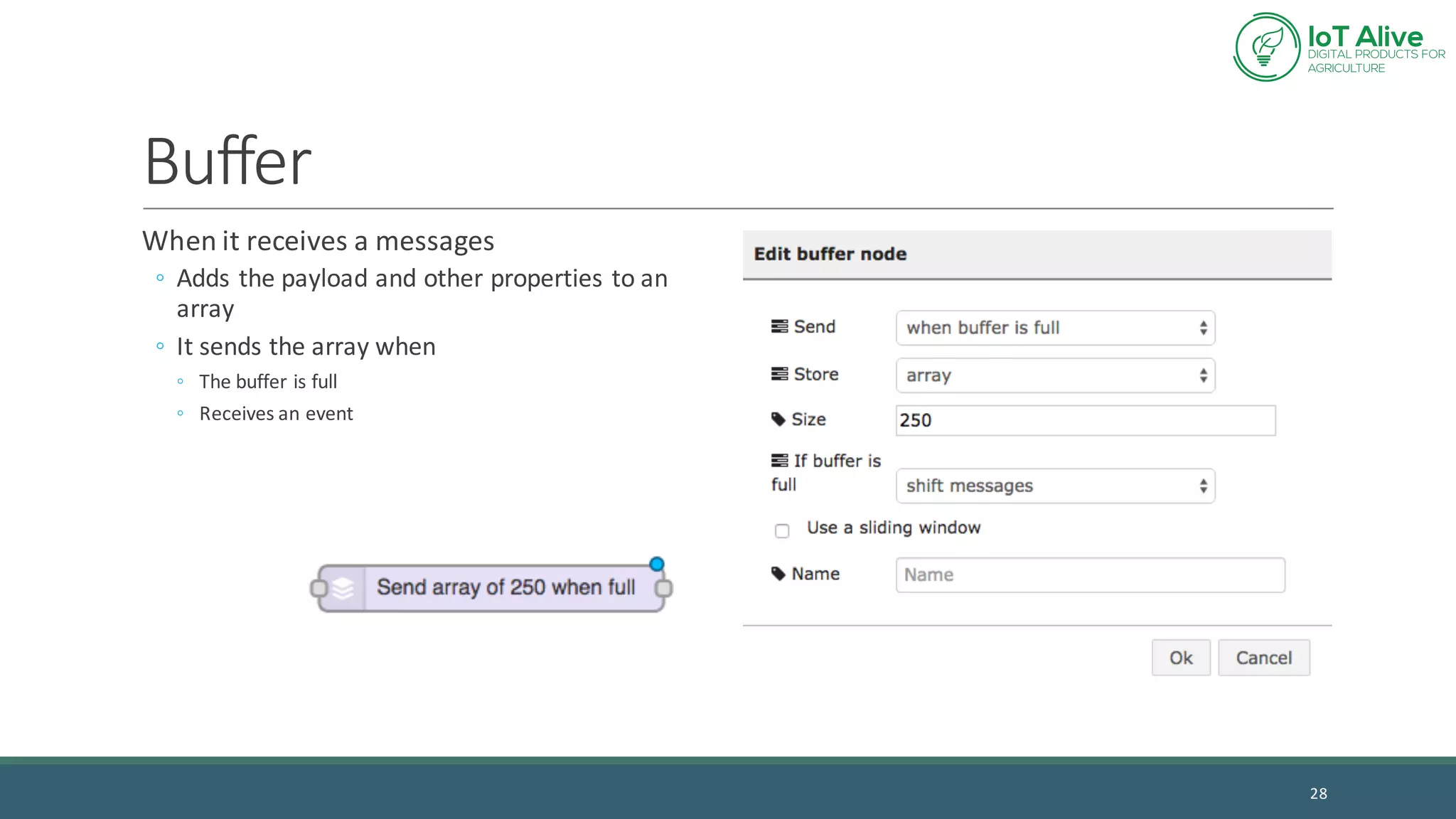
Buffer
When	it	receives	a	messages
◦ Adds	the	payload	and	other	properties	to	an	
array
◦ It	sends	the	array	when
◦ The	buffer	is	full
◦ Receives	an	event
28
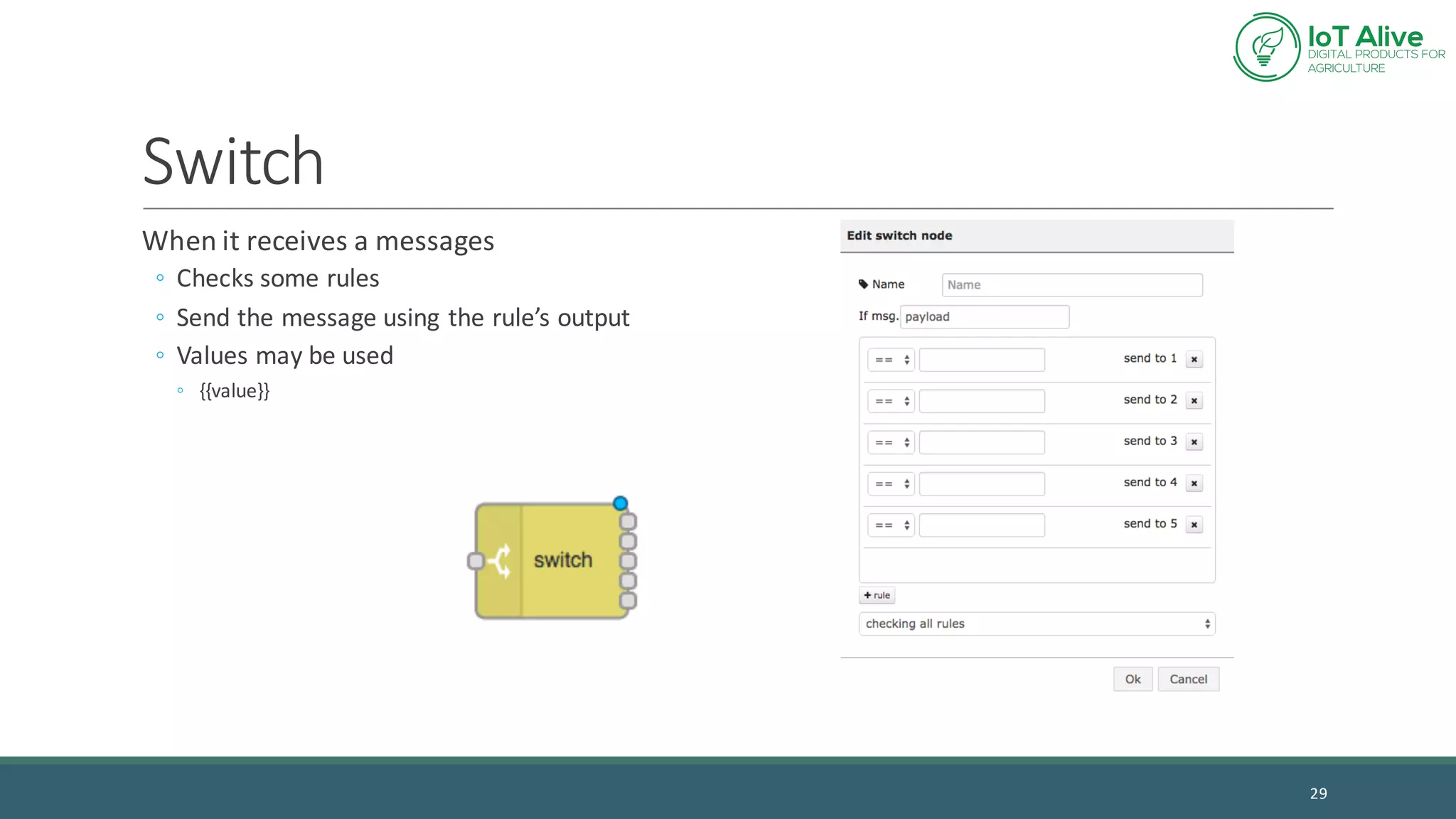
Switch
When	it	receives	a	messages
◦ Checks	some	rules
◦ Send	the	message	using	the	rule’s	output
◦ Values	may	be	used
◦ {{value}}
29
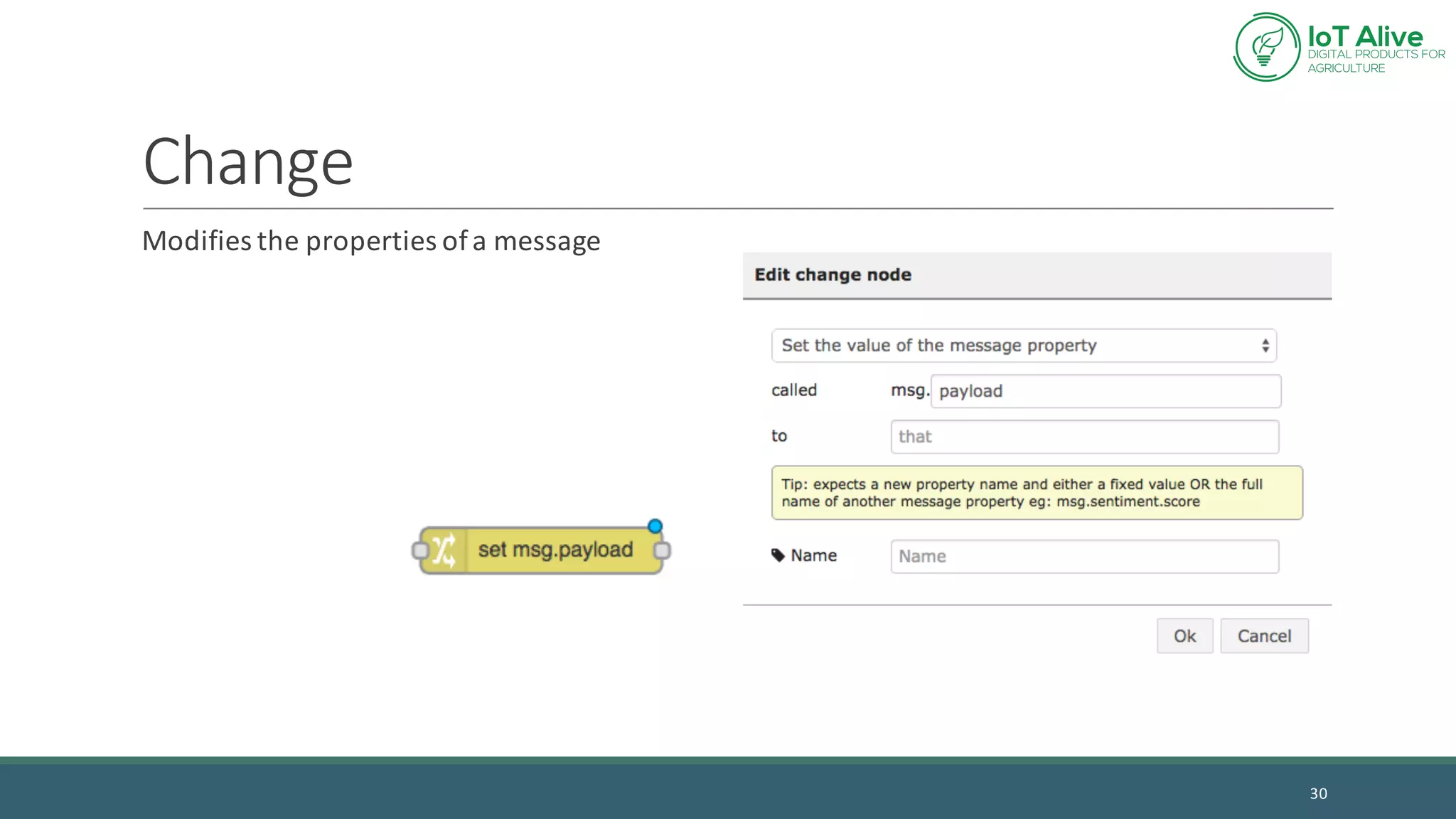
Change
Modifies	the	properties	of	a	message
30
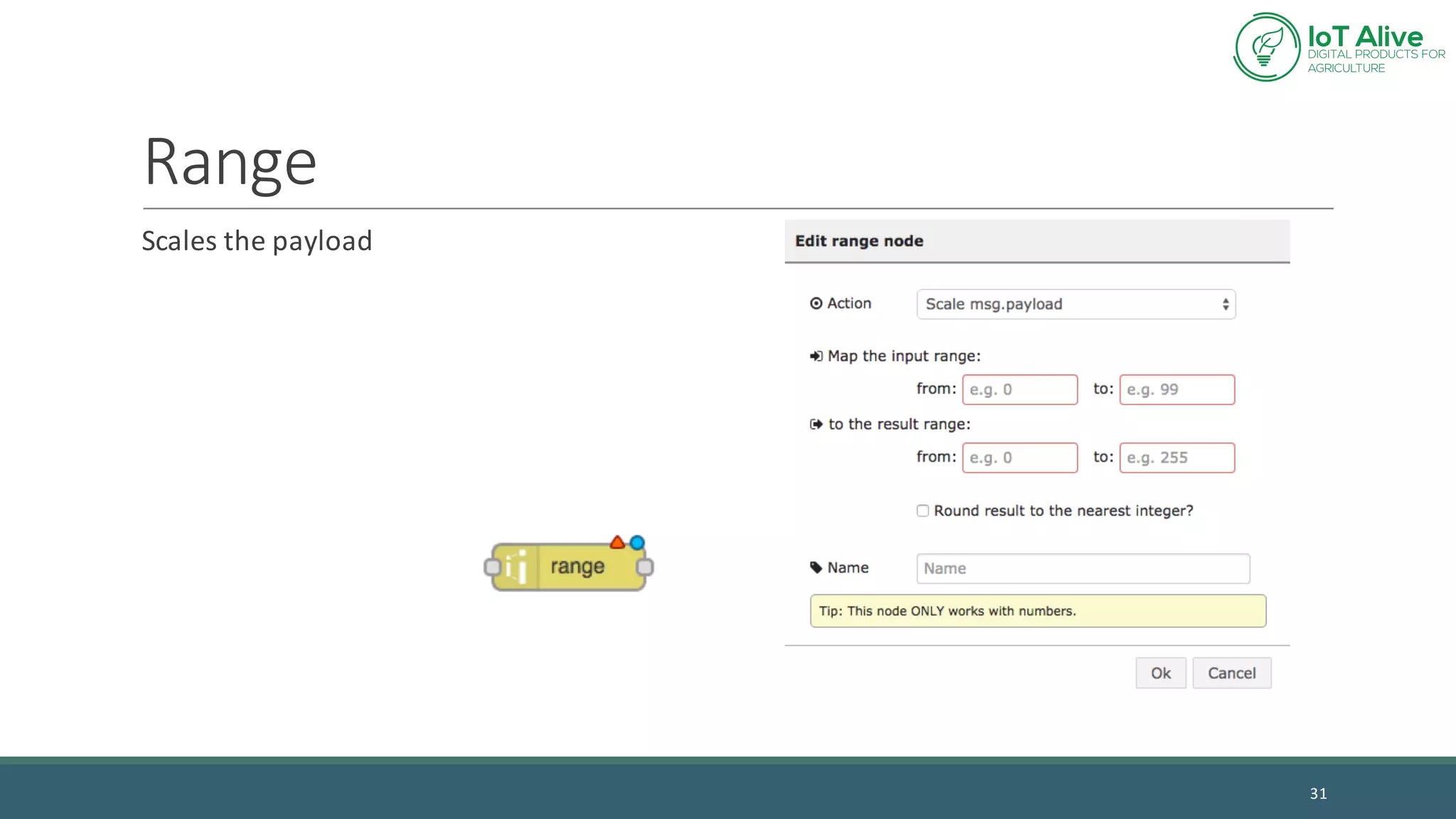
Range
Scales	the	payload
31
Function
Javascript function
◦ msg the	message	received
◦ context.global values	stored	with	the	value	node
◦ return	sends	the	message
May	have	multiple	outputs
◦ return	[o1,	o2,	o3]
32
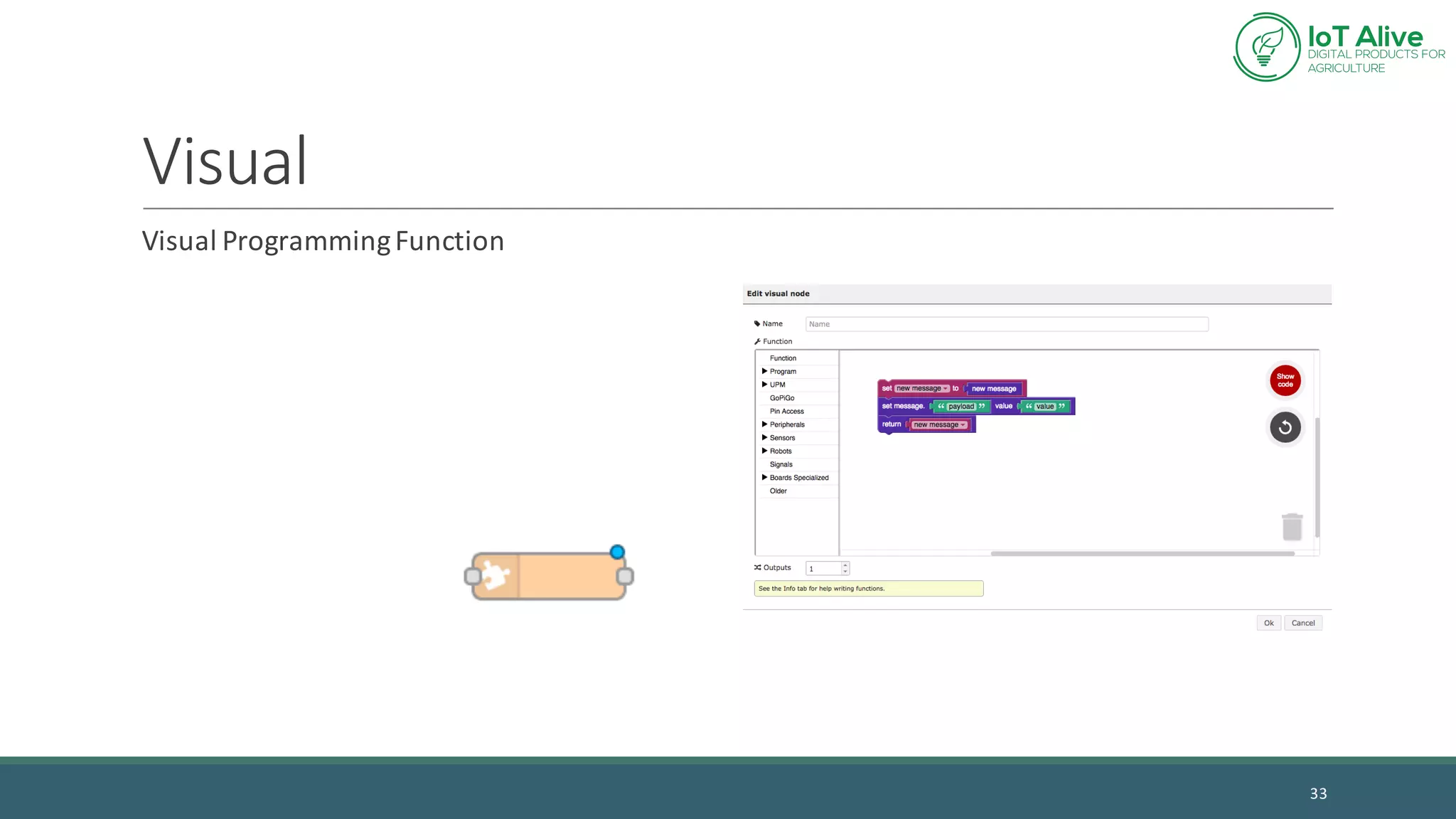
Visual
Visual	Programming	Function
33
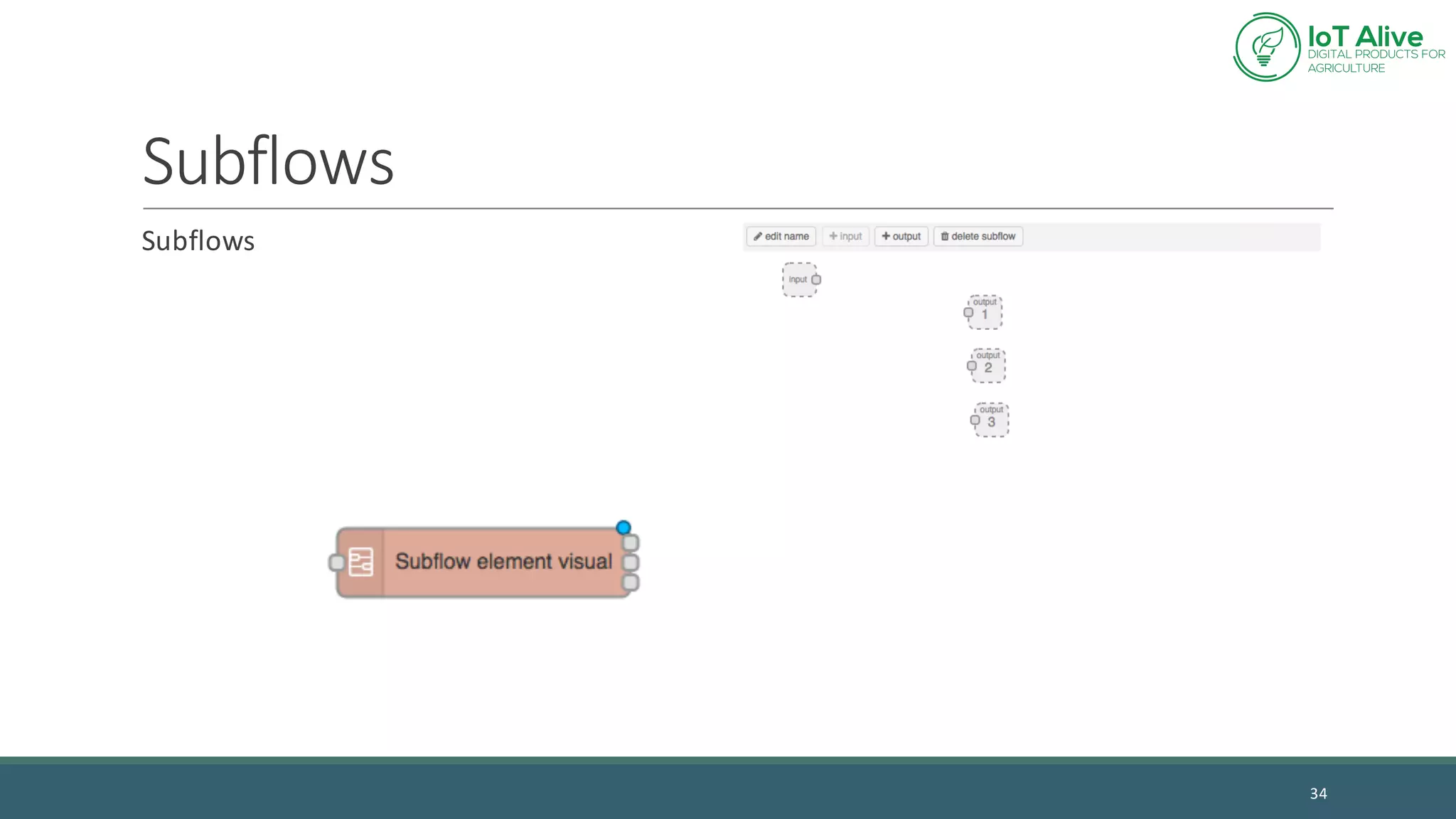
Subflows
Subflows
34
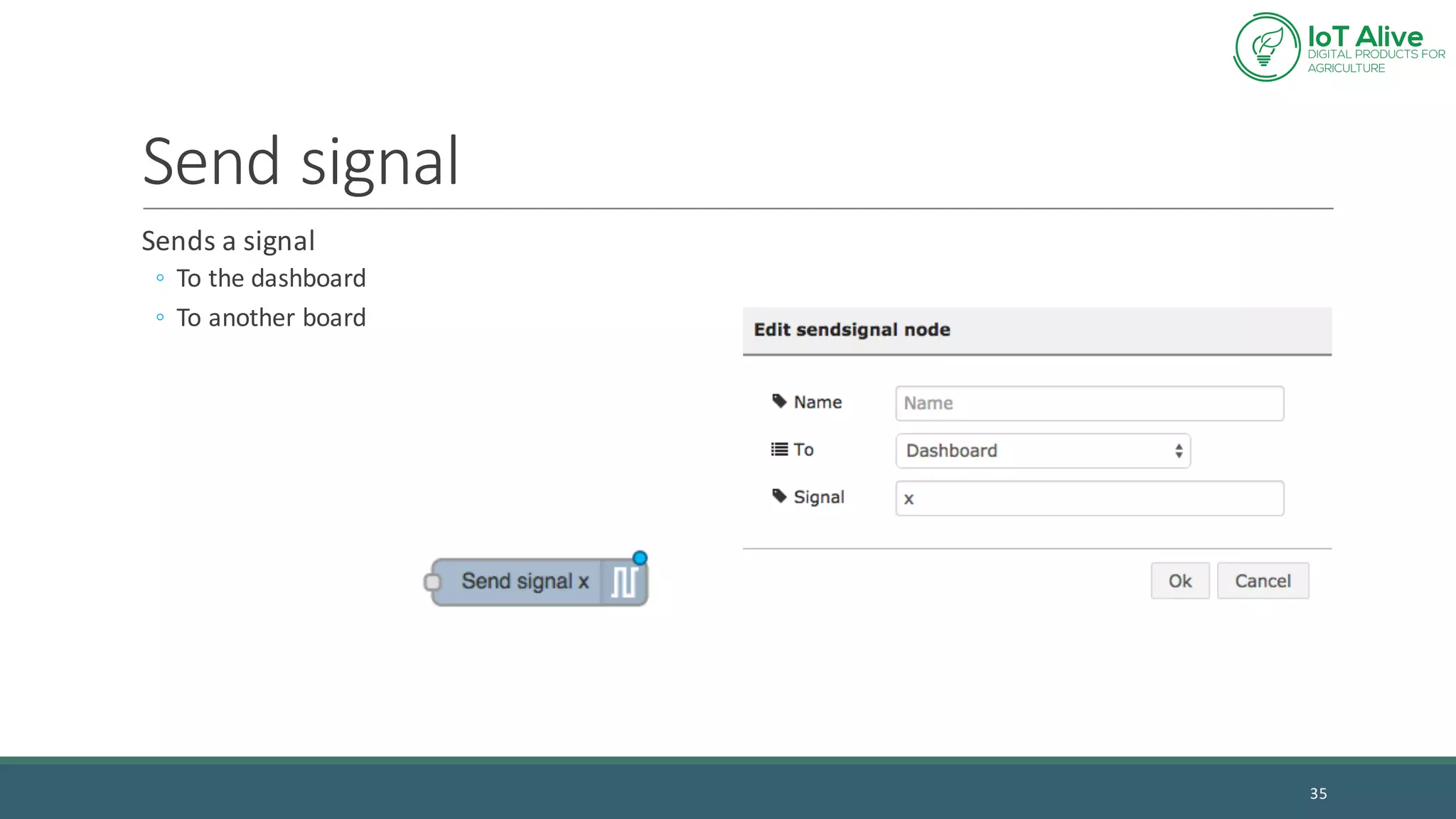
Send	signal
Sends	a	signal
◦ To	the	dashboard
◦ To	another	board
35
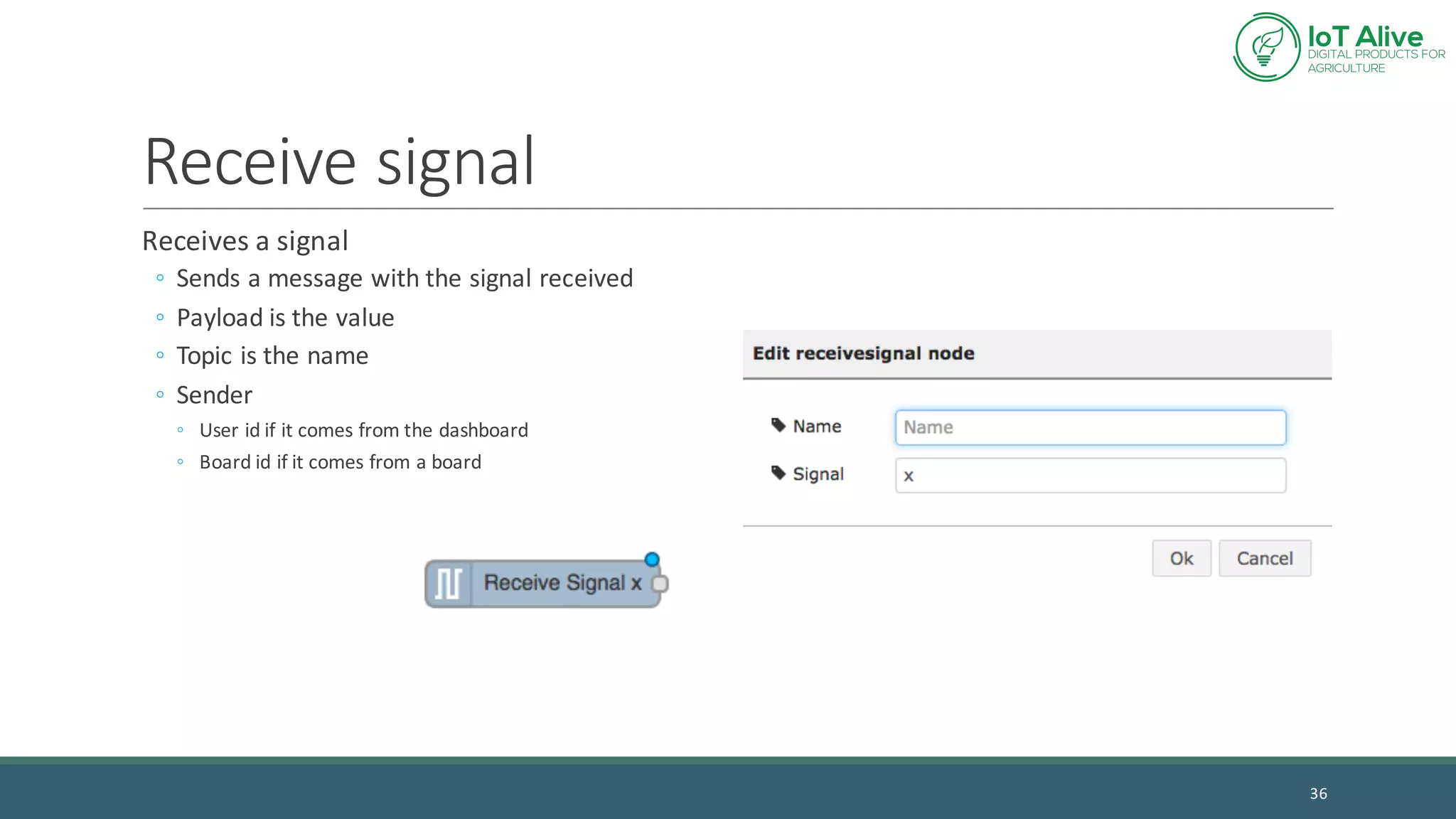
Receive	signal
Receives	a	signal
◦ Sends	a	message	with	the	signal	received
◦ Payload	is	the	value
◦ Topic	is	the	name
◦ Sender
◦ User	id	if	it	comes	from	the	dashboard
◦ Board	id	if	it	comes	from	a	board
36
Questions?
37

Lecture 3 - Software for the Internet of Things