Lecture#14
Computer Communications
& Networks CS-576
Introduction
 Dynamic Host Configuration Protocol is a communication
protocol that lets network administrators manage centrally
and automate the assignment of Internet Protocol addresses
in an organization’s network. (basically it frees a network
administrator from manual configuration of each host
connected to his network).
When and Who
 DHCP was created by the Dynamic Host
Configuration Working Group of the Internet
Engineering Task Force in the year 1987.
 It's definition was recorded in the RFC 1531
initially and was made obsolete by RFC’s 1541
and 2131 subsequently.
About BOOTP
 DHCP is an extension of the Bootstrap protocol
(BOOTP).
 BOOTP was designed for manual pre-
configuration of the host information in a server
database.
Purpose
 To deliver host-specific configuration parameters
from a DHCP server to a host.
 Allocation of network addresses to hosts.
Overview
 DHCP is an application-layer protocol in the TCP/IP
model.
 DHCP supports three mechanisms for IP address
allocation.
 Automatic allocation
 Dynamic allocation
 Manual allocation
Components of DHCP
 DHCP Server
 DHCP Client
 DHCP/BOOTP relay agent
Design Goals
 Mechanism rather than a policy.
 Client should require no manual reconfiguration.
 It should not require a server on a subnet.
 It must interoperate with the BOOT relay agents and
provide service to BOOTP clients.
DHCP must
 Guarantee unique network address.
 Retain DHCP client configuration across a client reboot.
 Allow automated assignment of configuration parameters
to new clients.
 Support fixed allocation of configuration parameters to
specific clients.
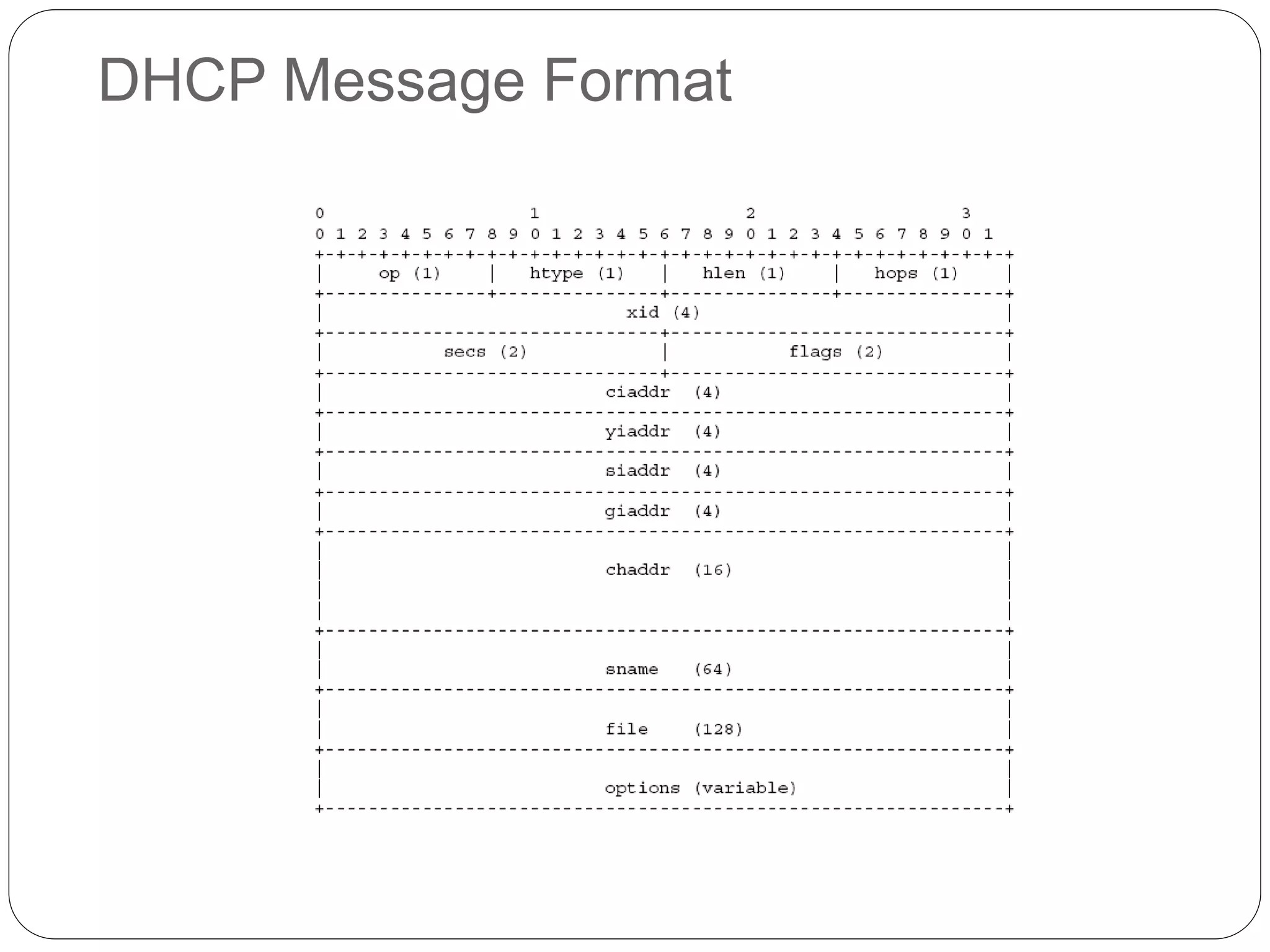
DHCP Message Format
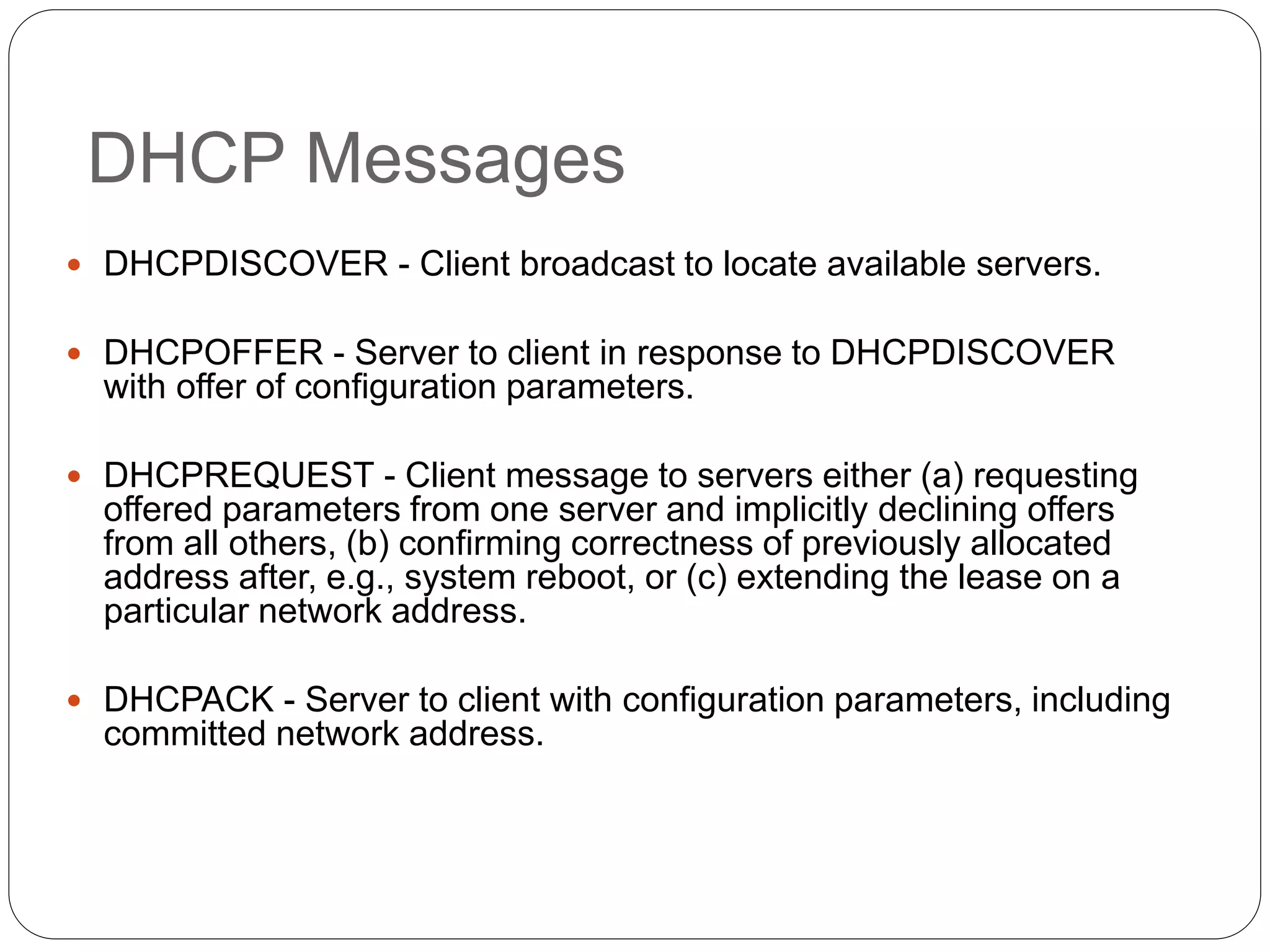
DHCP Messages
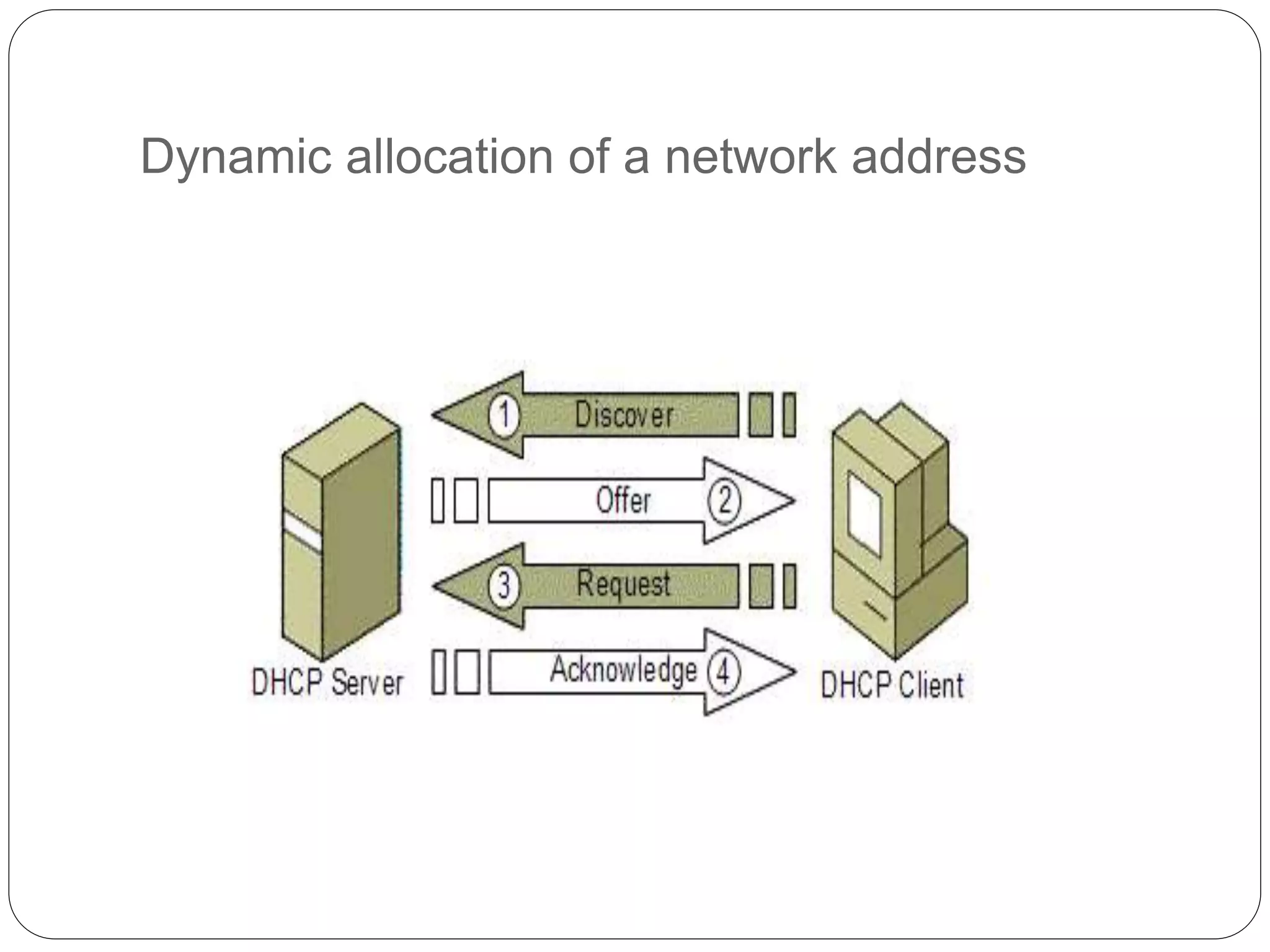
 DHCPDISCOVER - Client broadcast to locate available servers.
 DHCPOFFER - Server to client in response to DHCPDISCOVER
with offer of configuration parameters.
 DHCPREQUEST - Client message to servers either (a) requesting
offered parameters from one server and implicitly declining offers
from all others, (b) confirming correctness of previously allocated
address after, e.g., system reboot, or (c) extending the lease on a
particular network address.
 DHCPACK - Server to client with configuration parameters, including
committed network address.
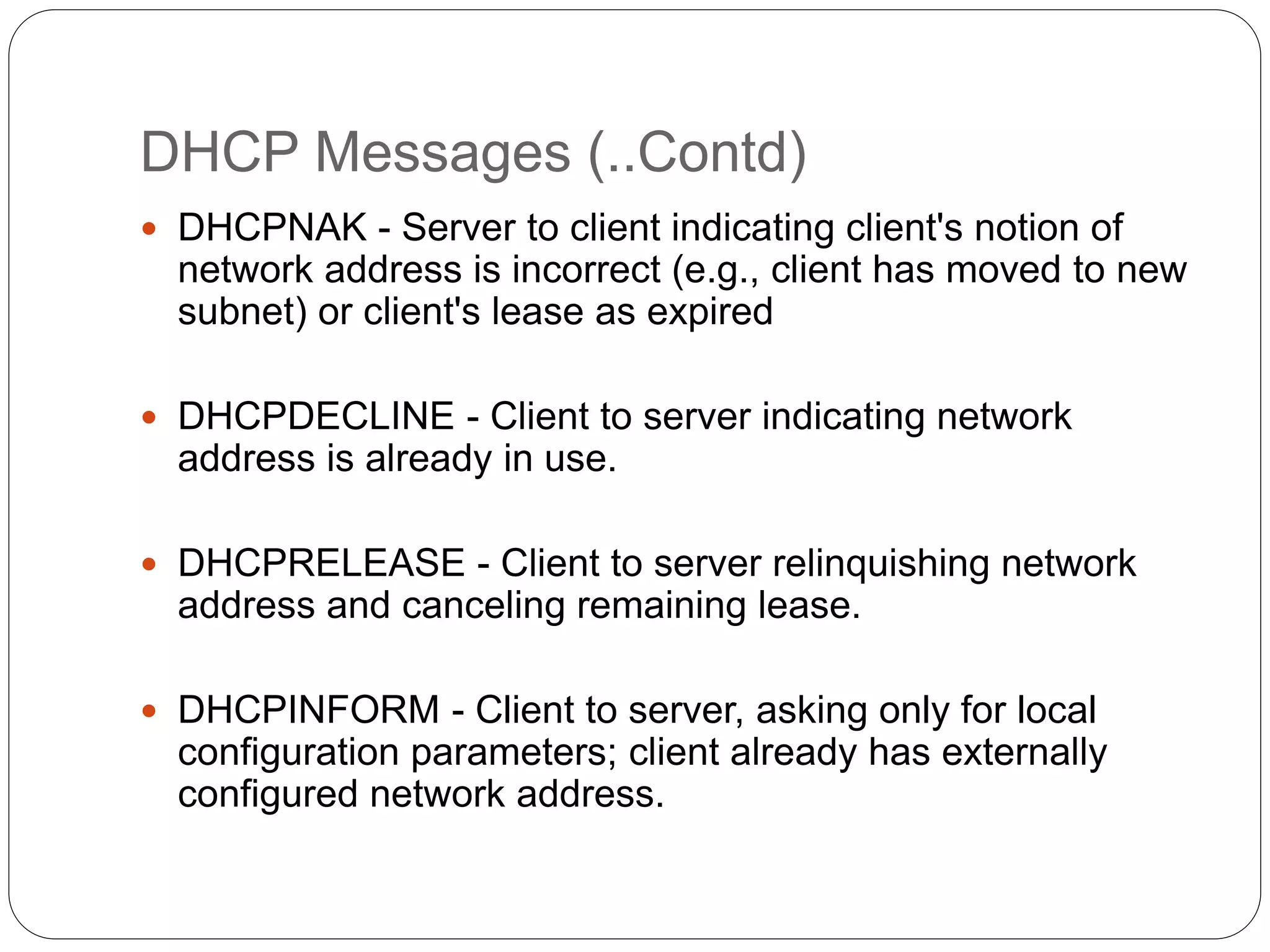
DHCP Messages (..Contd)
 DHCPNAK - Server to client indicating client's notion of
network address is incorrect (e.g., client has moved to new
subnet) or client's lease as expired
 DHCPDECLINE - Client to server indicating network
address is already in use.
 DHCPRELEASE - Client to server relinquishing network
address and canceling remaining lease.
 DHCPINFORM - Client to server, asking only for local
configuration parameters; client already has externally
configured network address.
Dynamic allocation of a network address
Event Flow Diagram
 Two cases:
 Client-server interaction while allocating a new
network address
 Client-server interaction while reusing previously
allocated network address
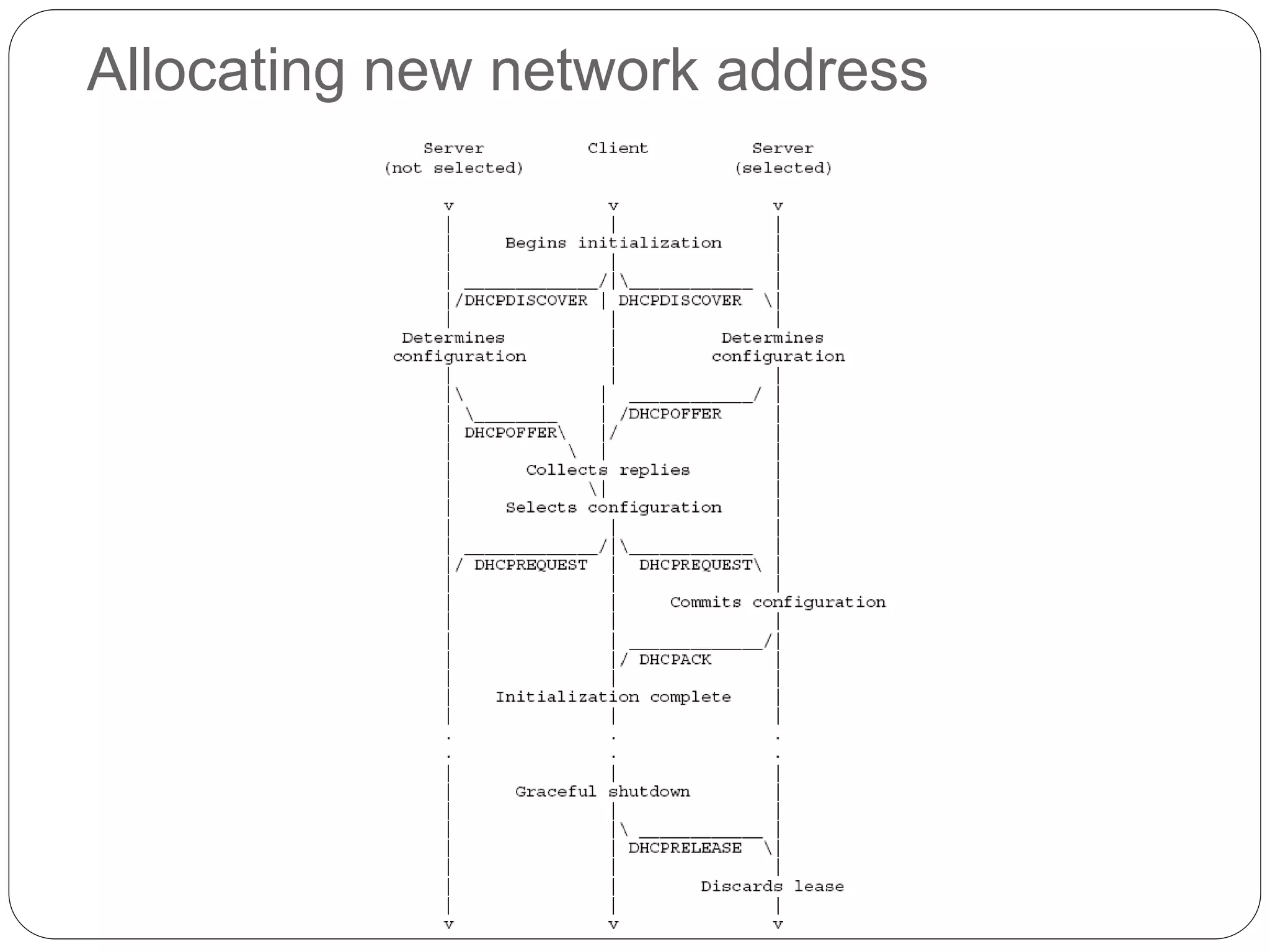
Allocating new network address
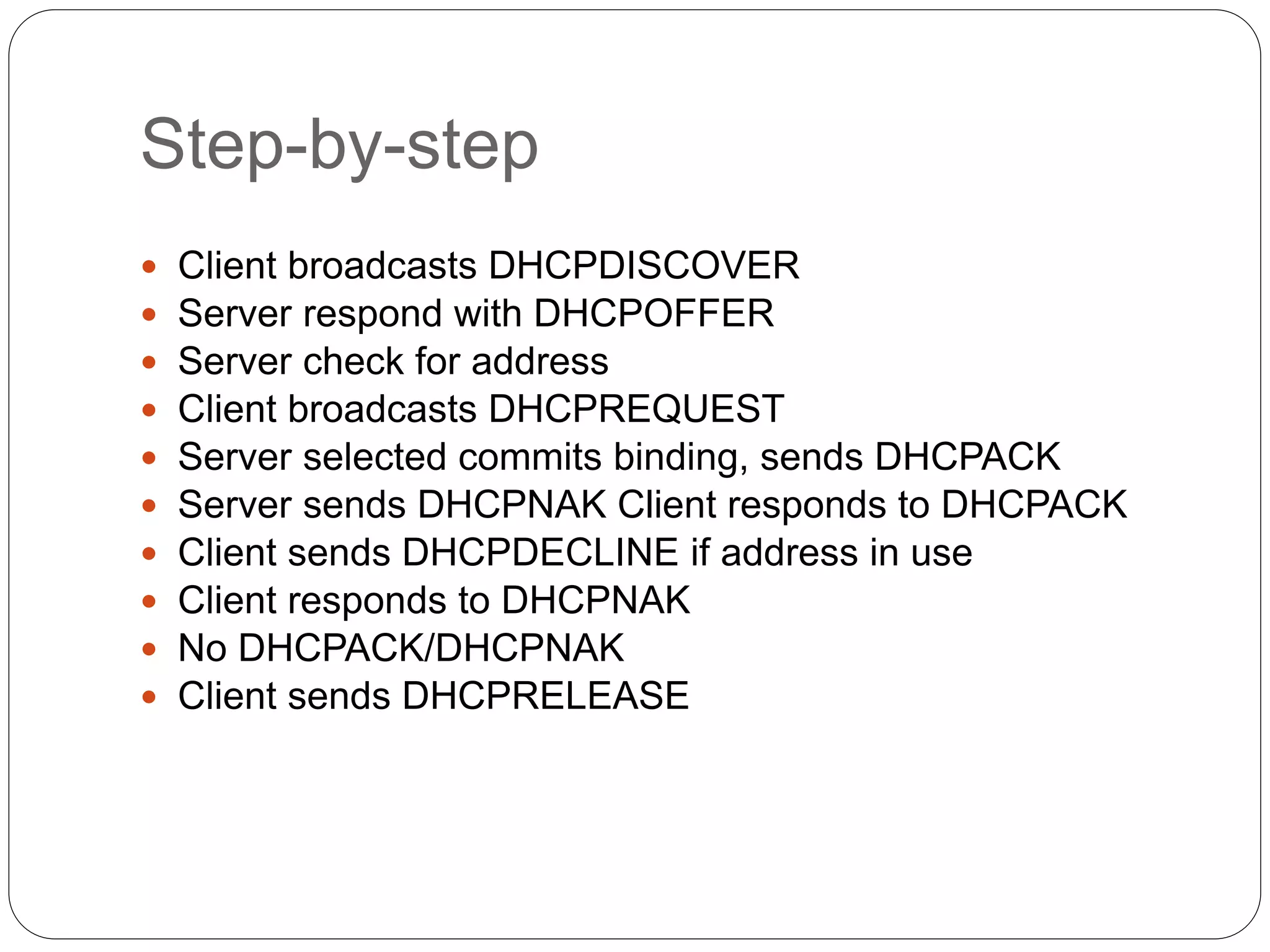
Step-by-step
 Client broadcasts DHCPDISCOVER
 Server respond with DHCPOFFER
 Server check for address
 Client broadcasts DHCPREQUEST
 Server selected commits binding, sends DHCPACK
 Server sends DHCPNAK Client responds to DHCPACK
 Client sends DHCPDECLINE if address in use
 Client responds to DHCPNAK
 No DHCPACK/DHCPNAK
 Client sends DHCPRELEASE
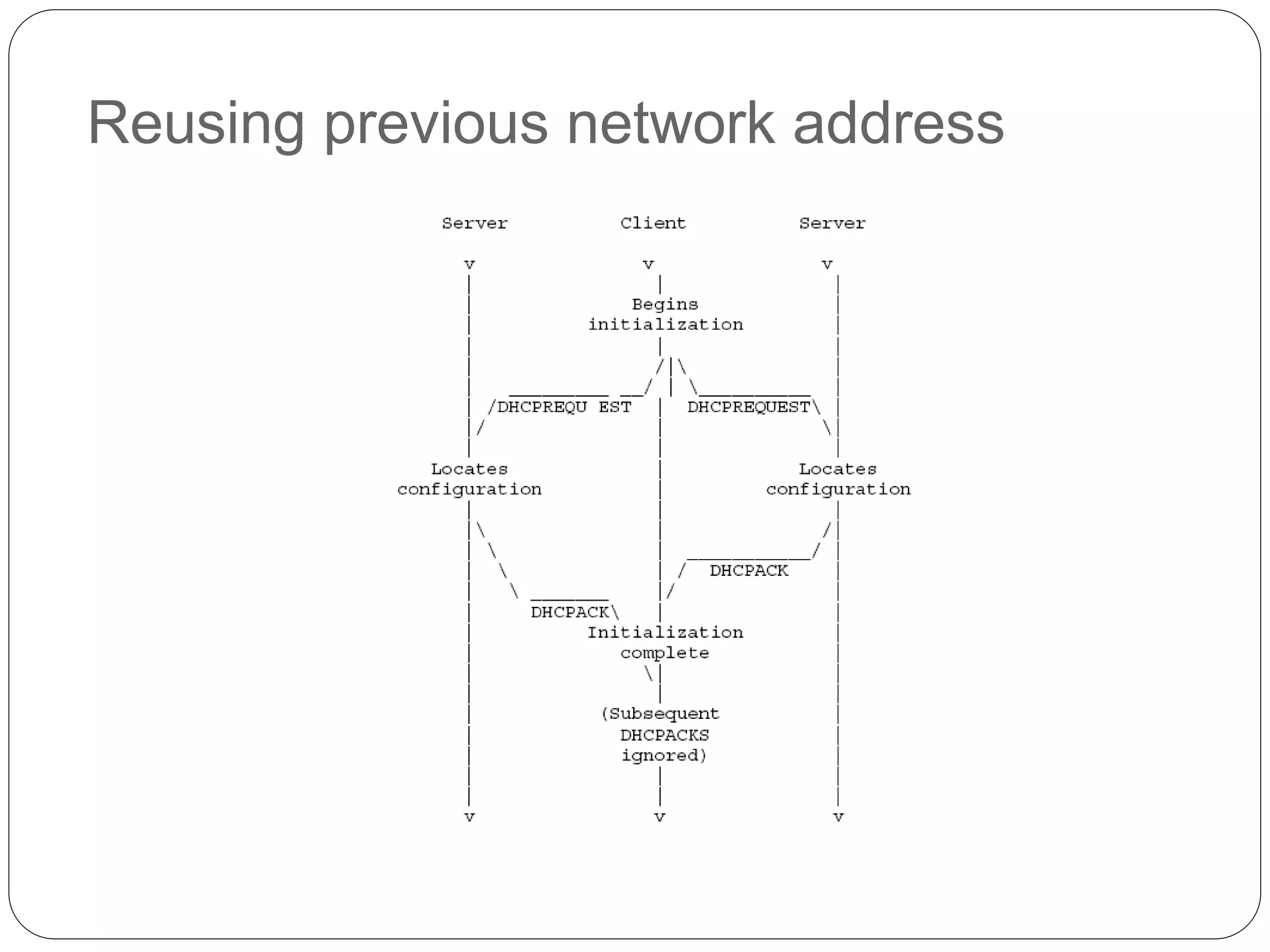
Reusing previous network address
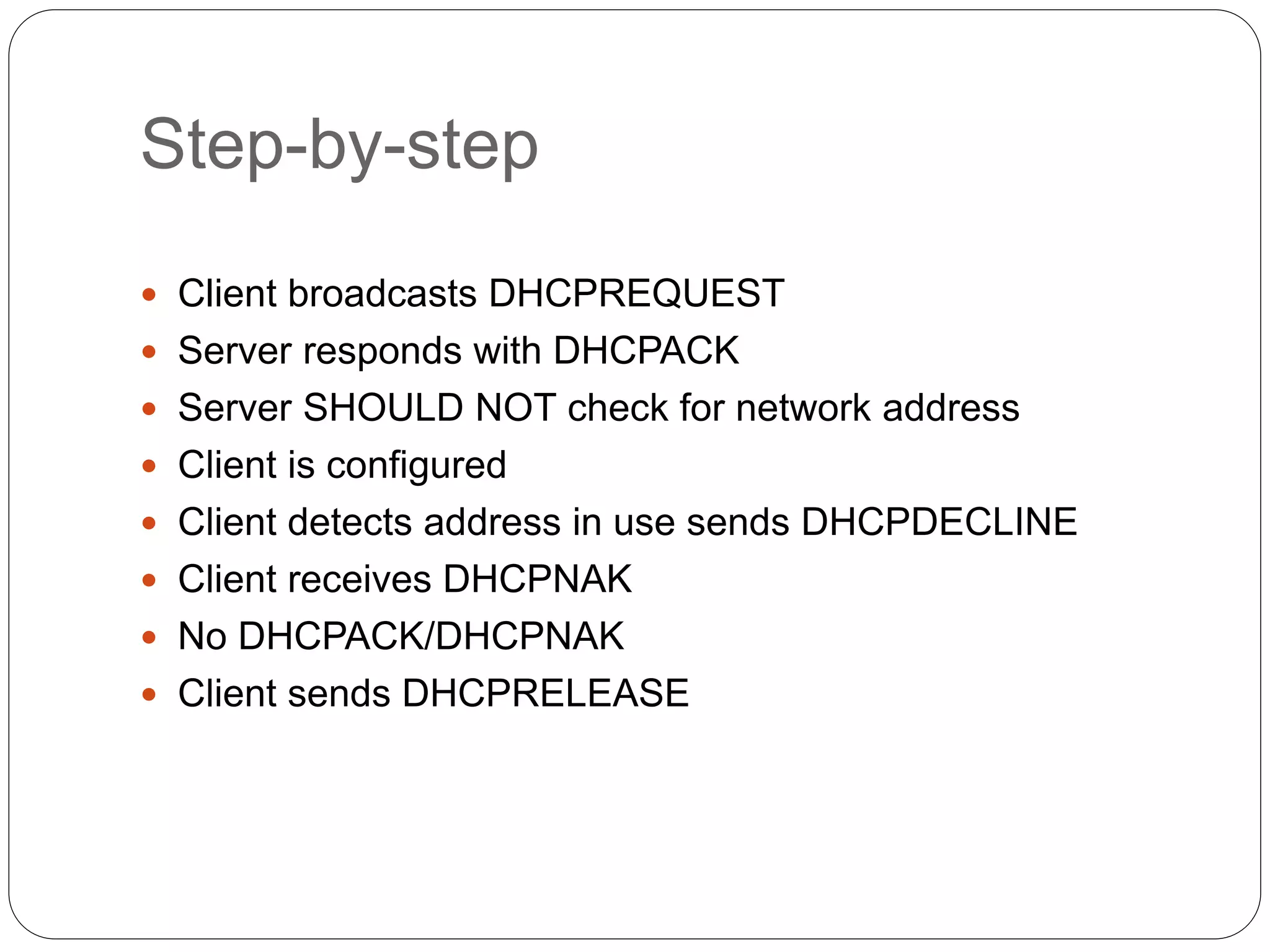
Step-by-step
 Client broadcasts DHCPREQUEST
 Server responds with DHCPACK
 Server SHOULD NOT check for network address
 Client is configured
 Client detects address in use sends DHCPDECLINE
 Client receives DHCPNAK
 No DHCPACK/DHCPNAK
 Client sends DHCPRELEASE
Performance Issues
 Appropriate lease durations
 Lengthening lease duration for large, fixed networks
 Shortening lease duration for variable networks with
fewer IP addresses
 Reserve addresses with reservations
 Integrate DHCP with other services
Vulnerabilities
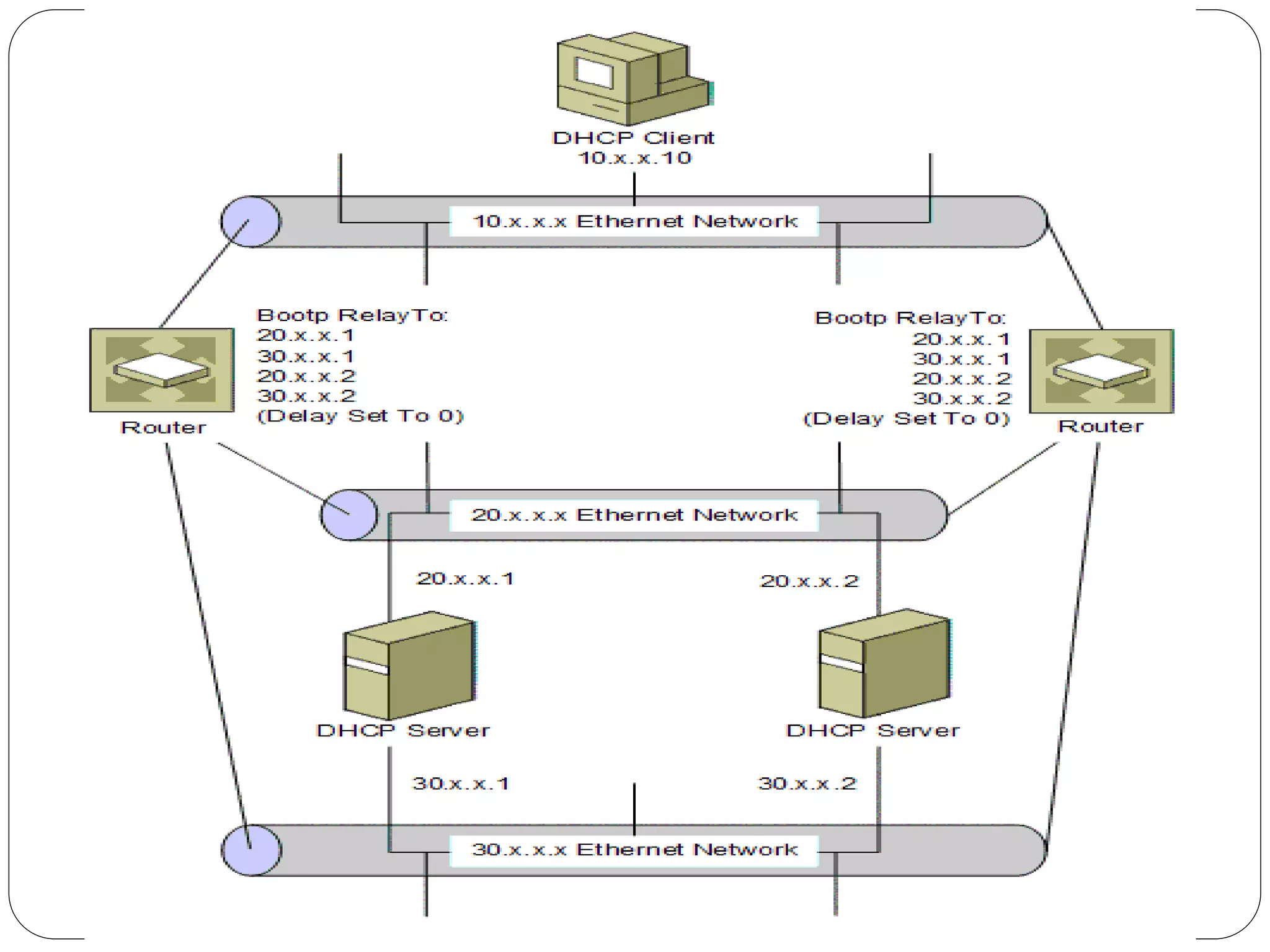
 BOOTP Relay configuration
 Correct deployment of DHCP servers prevent relay
agents from generating duplicate packets.
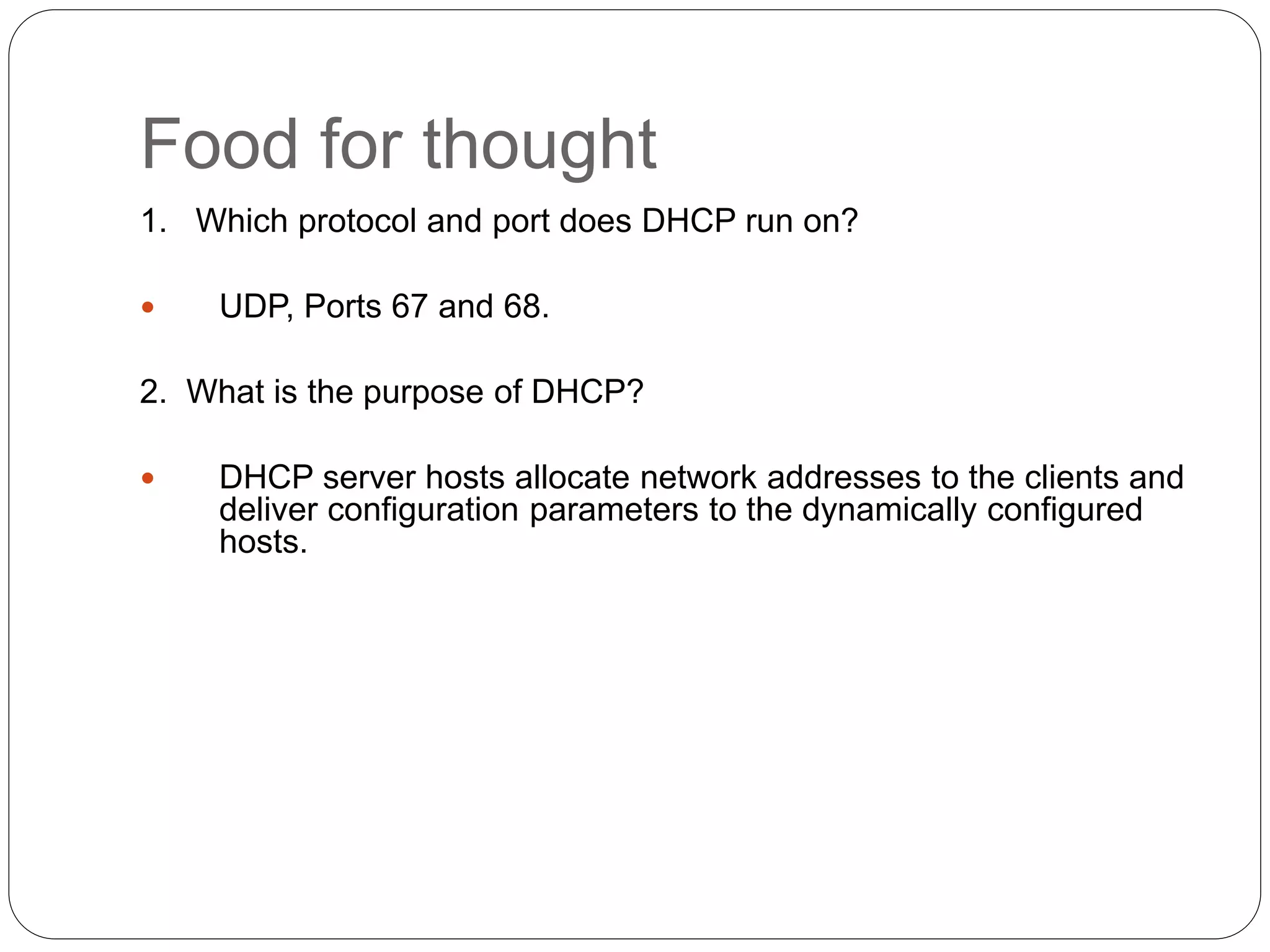
Food for thought
1. Which protocol and port does DHCP run on?
 UDP, Ports 67 and 68.
2. What is the purpose of DHCP?
 DHCP server hosts allocate network addresses to the clients and
deliver configuration parameters to the dynamically configured
hosts.
Domain Name System
 Addresses are used to locate objects
 Names are easier to remember than numbers
 You would like to get to the address or other
objects using a name
 DNS provides a mapping from names to
resources of several types
Names and Addresses
 An address is how you get to an endpoint
n Typically, hierarchical (for scaling):
n 45 Ali Street, New City Lahore, 50700
n 39.52.17.11, +92-53-3601908
 A “name” is how an endpoint is referenced
n Typically, no structurally significant hierarchy
n “Daniyal”, “Lahore”, “example.org”
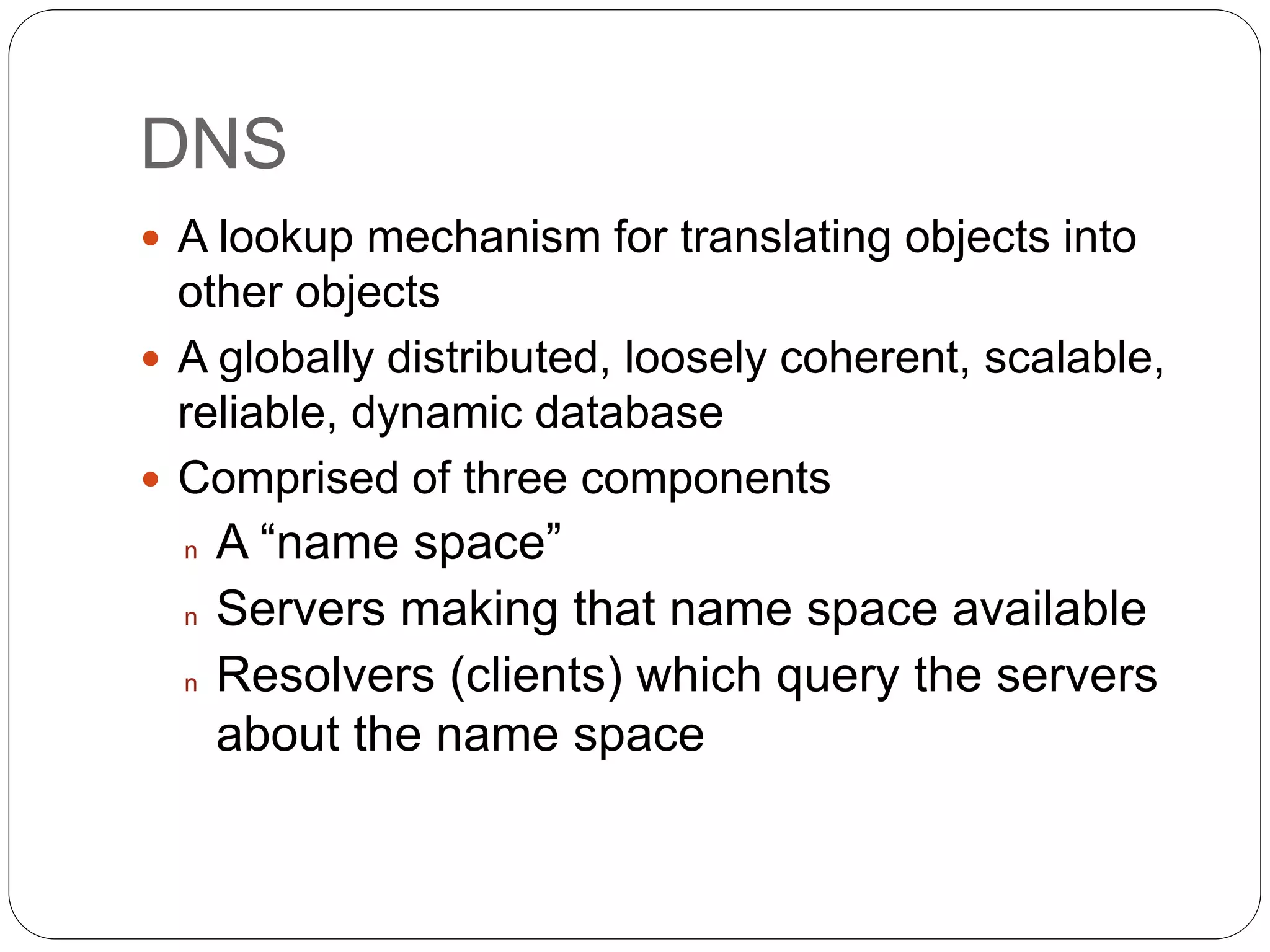
DNS
 A lookup mechanism for translating objects into
other objects
 A globally distributed, loosely coherent, scalable,
reliable, dynamic database
 Comprised of three components
n A “name space”
n Servers making that name space available
n Resolvers (clients) which query the servers
about the name space
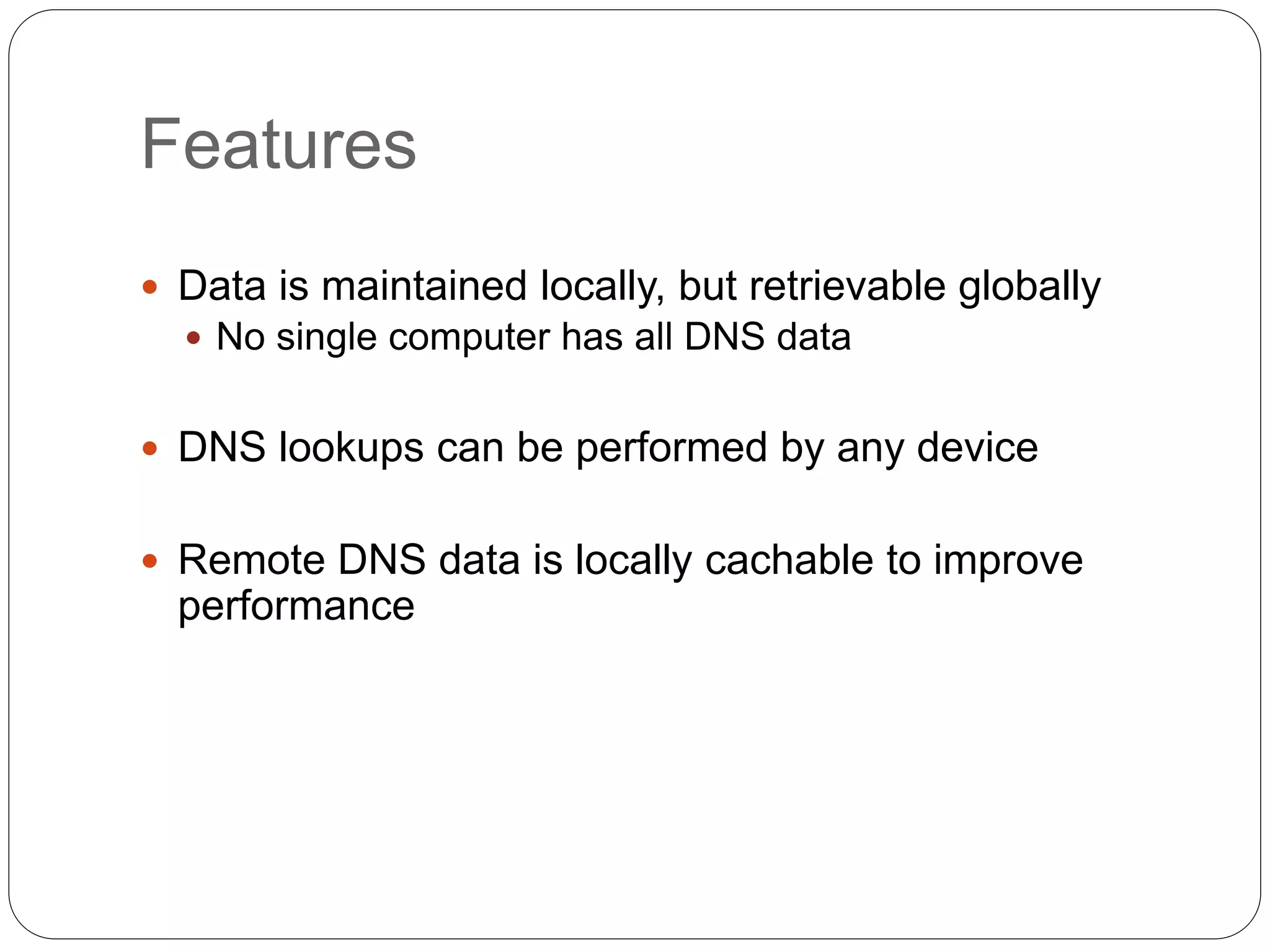
Features
 Data is maintained locally, but retrievable globally
 No single computer has all DNS data
 DNS lookups can be performed by any device
 Remote DNS data is locally cachable to improve
performance
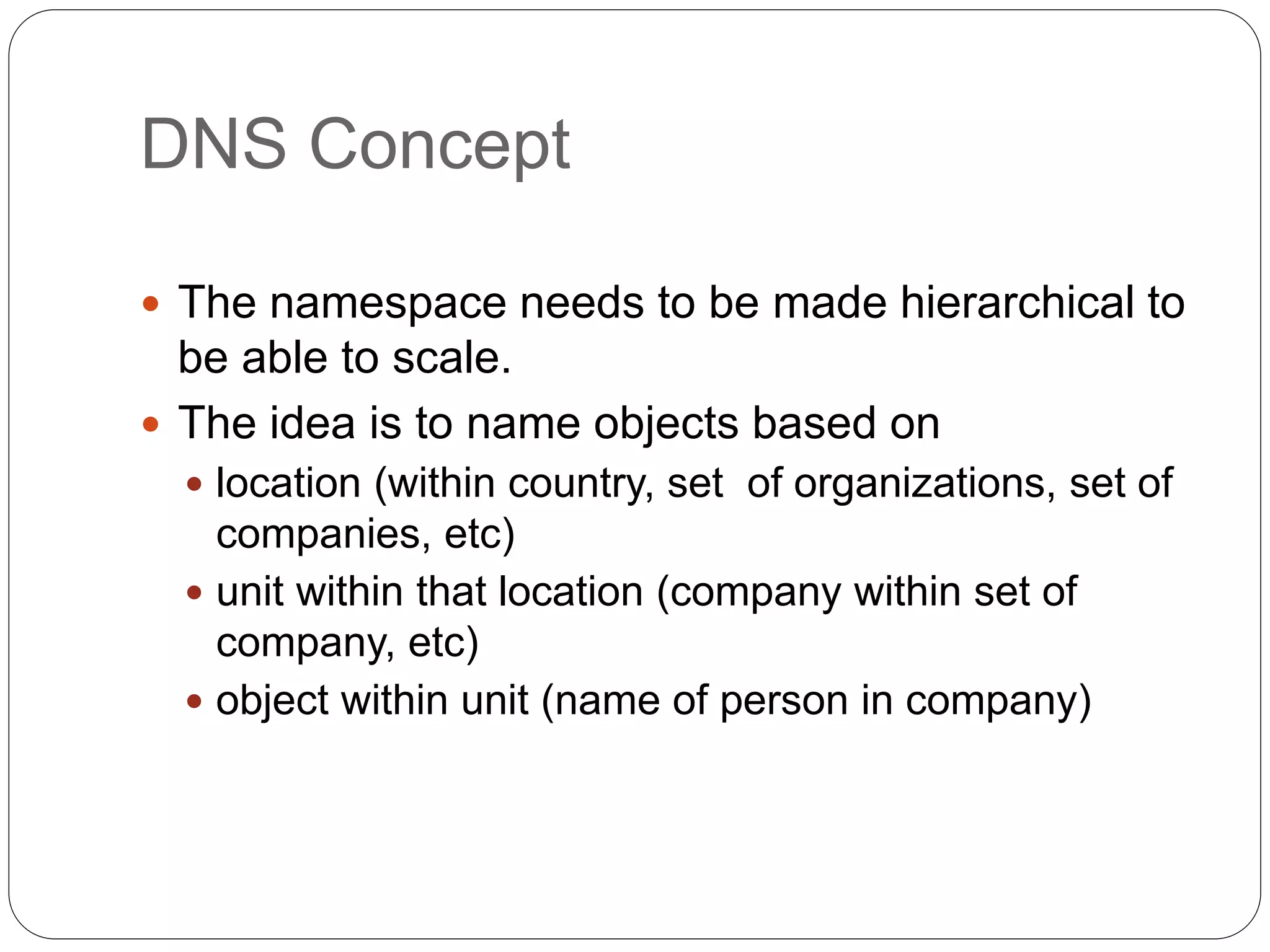
DNS Concept
 The namespace needs to be made hierarchical to
be able to scale.
 The idea is to name objects based on
 location (within country, set of organizations, set of
companies, etc)
 unit within that location (company within set of
company, etc)
 object within unit (name of person in company)
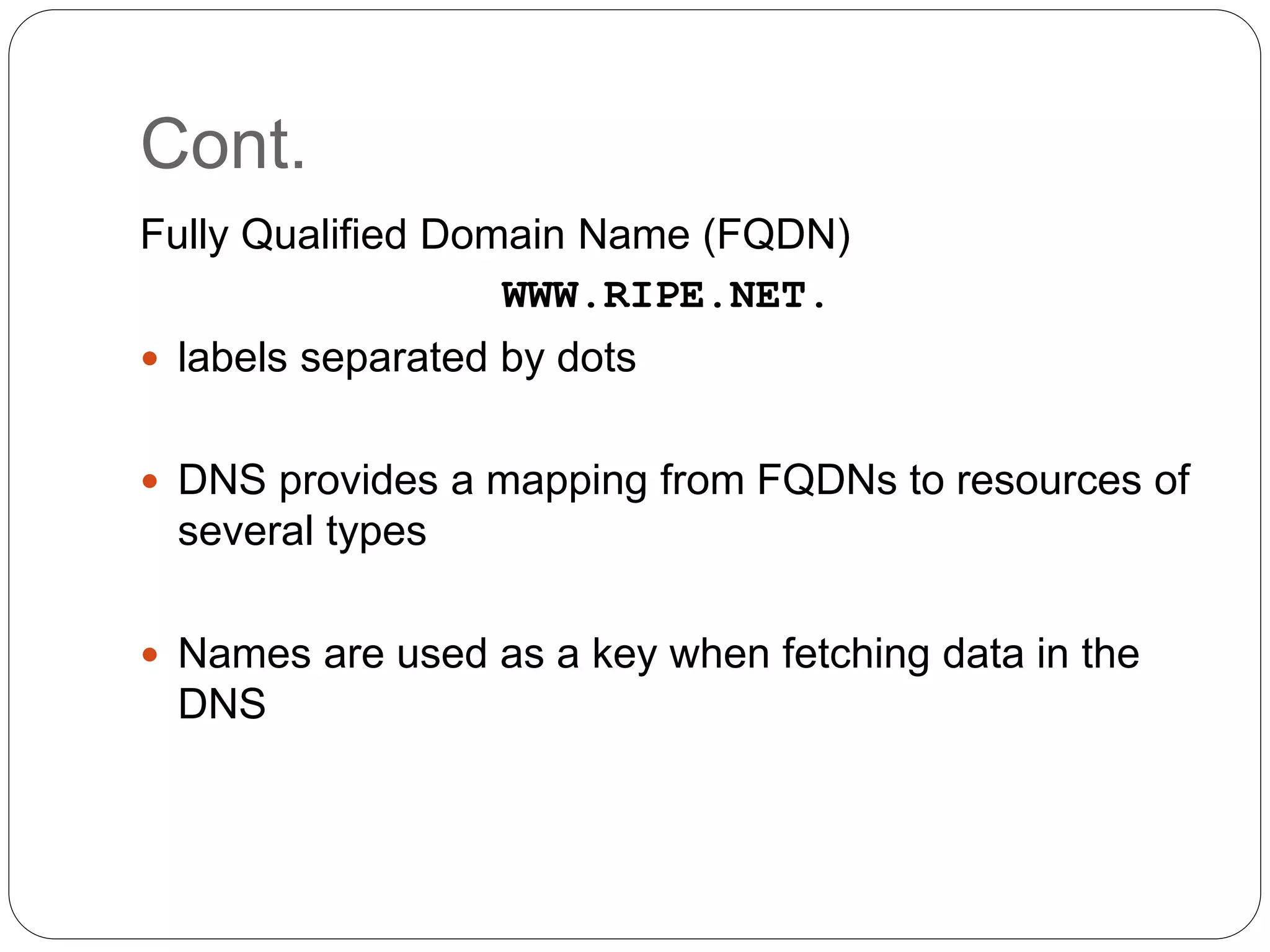
Cont.
Fully Qualified Domain Name (FQDN)
WWW.RIPE.NET.
 labels separated by dots
 DNS provides a mapping from FQDNs to resources of
several types
 Names are used as a key when fetching data in the
DNS
DNS Port
 DNS can use the services of UDP or TCP using the
well-known port 53.
 UDP is used when the size of the response message
is less than 512 bytes because most UDP packages
have a 512-byte packet size limit.
 If the size of the response message is more than 512
bytes, a TCP connection is used.

Lecture 14

  • 1.
  • 2.
    Introduction  Dynamic HostConfiguration Protocol is a communication protocol that lets network administrators manage centrally and automate the assignment of Internet Protocol addresses in an organization’s network. (basically it frees a network administrator from manual configuration of each host connected to his network).
  • 3.
    When and Who DHCP was created by the Dynamic Host Configuration Working Group of the Internet Engineering Task Force in the year 1987.  It's definition was recorded in the RFC 1531 initially and was made obsolete by RFC’s 1541 and 2131 subsequently.
  • 4.
    About BOOTP  DHCPis an extension of the Bootstrap protocol (BOOTP).  BOOTP was designed for manual pre- configuration of the host information in a server database.
  • 5.
    Purpose  To deliverhost-specific configuration parameters from a DHCP server to a host.  Allocation of network addresses to hosts.
  • 6.
    Overview  DHCP isan application-layer protocol in the TCP/IP model.  DHCP supports three mechanisms for IP address allocation.  Automatic allocation  Dynamic allocation  Manual allocation
  • 7.
    Components of DHCP DHCP Server  DHCP Client  DHCP/BOOTP relay agent
  • 8.
    Design Goals  Mechanismrather than a policy.  Client should require no manual reconfiguration.  It should not require a server on a subnet.  It must interoperate with the BOOT relay agents and provide service to BOOTP clients.
  • 9.
    DHCP must  Guaranteeunique network address.  Retain DHCP client configuration across a client reboot.  Allow automated assignment of configuration parameters to new clients.  Support fixed allocation of configuration parameters to specific clients.
  • 10.
  • 11.
    DHCP Messages  DHCPDISCOVER- Client broadcast to locate available servers.  DHCPOFFER - Server to client in response to DHCPDISCOVER with offer of configuration parameters.  DHCPREQUEST - Client message to servers either (a) requesting offered parameters from one server and implicitly declining offers from all others, (b) confirming correctness of previously allocated address after, e.g., system reboot, or (c) extending the lease on a particular network address.  DHCPACK - Server to client with configuration parameters, including committed network address.
  • 12.
    DHCP Messages (..Contd) DHCPNAK - Server to client indicating client's notion of network address is incorrect (e.g., client has moved to new subnet) or client's lease as expired  DHCPDECLINE - Client to server indicating network address is already in use.  DHCPRELEASE - Client to server relinquishing network address and canceling remaining lease.  DHCPINFORM - Client to server, asking only for local configuration parameters; client already has externally configured network address.
  • 13.
    Dynamic allocation ofa network address
  • 14.
    Event Flow Diagram Two cases:  Client-server interaction while allocating a new network address  Client-server interaction while reusing previously allocated network address
  • 15.
  • 16.
    Step-by-step  Client broadcastsDHCPDISCOVER  Server respond with DHCPOFFER  Server check for address  Client broadcasts DHCPREQUEST  Server selected commits binding, sends DHCPACK  Server sends DHCPNAK Client responds to DHCPACK  Client sends DHCPDECLINE if address in use  Client responds to DHCPNAK  No DHCPACK/DHCPNAK  Client sends DHCPRELEASE
  • 17.
  • 18.
    Step-by-step  Client broadcastsDHCPREQUEST  Server responds with DHCPACK  Server SHOULD NOT check for network address  Client is configured  Client detects address in use sends DHCPDECLINE  Client receives DHCPNAK  No DHCPACK/DHCPNAK  Client sends DHCPRELEASE
  • 19.
    Performance Issues  Appropriatelease durations  Lengthening lease duration for large, fixed networks  Shortening lease duration for variable networks with fewer IP addresses  Reserve addresses with reservations  Integrate DHCP with other services
  • 20.
    Vulnerabilities  BOOTP Relayconfiguration  Correct deployment of DHCP servers prevent relay agents from generating duplicate packets.
  • 22.
    Food for thought 1.Which protocol and port does DHCP run on?  UDP, Ports 67 and 68. 2. What is the purpose of DHCP?  DHCP server hosts allocate network addresses to the clients and deliver configuration parameters to the dynamically configured hosts.
  • 23.
    Domain Name System Addresses are used to locate objects  Names are easier to remember than numbers  You would like to get to the address or other objects using a name  DNS provides a mapping from names to resources of several types
  • 24.
    Names and Addresses An address is how you get to an endpoint n Typically, hierarchical (for scaling): n 45 Ali Street, New City Lahore, 50700 n 39.52.17.11, +92-53-3601908  A “name” is how an endpoint is referenced n Typically, no structurally significant hierarchy n “Daniyal”, “Lahore”, “example.org”
  • 25.
    DNS  A lookupmechanism for translating objects into other objects  A globally distributed, loosely coherent, scalable, reliable, dynamic database  Comprised of three components n A “name space” n Servers making that name space available n Resolvers (clients) which query the servers about the name space
  • 26.
    Features  Data ismaintained locally, but retrievable globally  No single computer has all DNS data  DNS lookups can be performed by any device  Remote DNS data is locally cachable to improve performance
  • 27.
    DNS Concept  Thenamespace needs to be made hierarchical to be able to scale.  The idea is to name objects based on  location (within country, set of organizations, set of companies, etc)  unit within that location (company within set of company, etc)  object within unit (name of person in company)
  • 28.
    Cont. Fully Qualified DomainName (FQDN) WWW.RIPE.NET.  labels separated by dots  DNS provides a mapping from FQDNs to resources of several types  Names are used as a key when fetching data in the DNS
  • 29.
    DNS Port  DNScan use the services of UDP or TCP using the well-known port 53.  UDP is used when the size of the response message is less than 512 bytes because most UDP packages have a 512-byte packet size limit.  If the size of the response message is more than 512 bytes, a TCP connection is used.