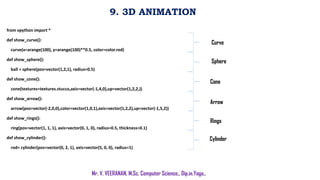
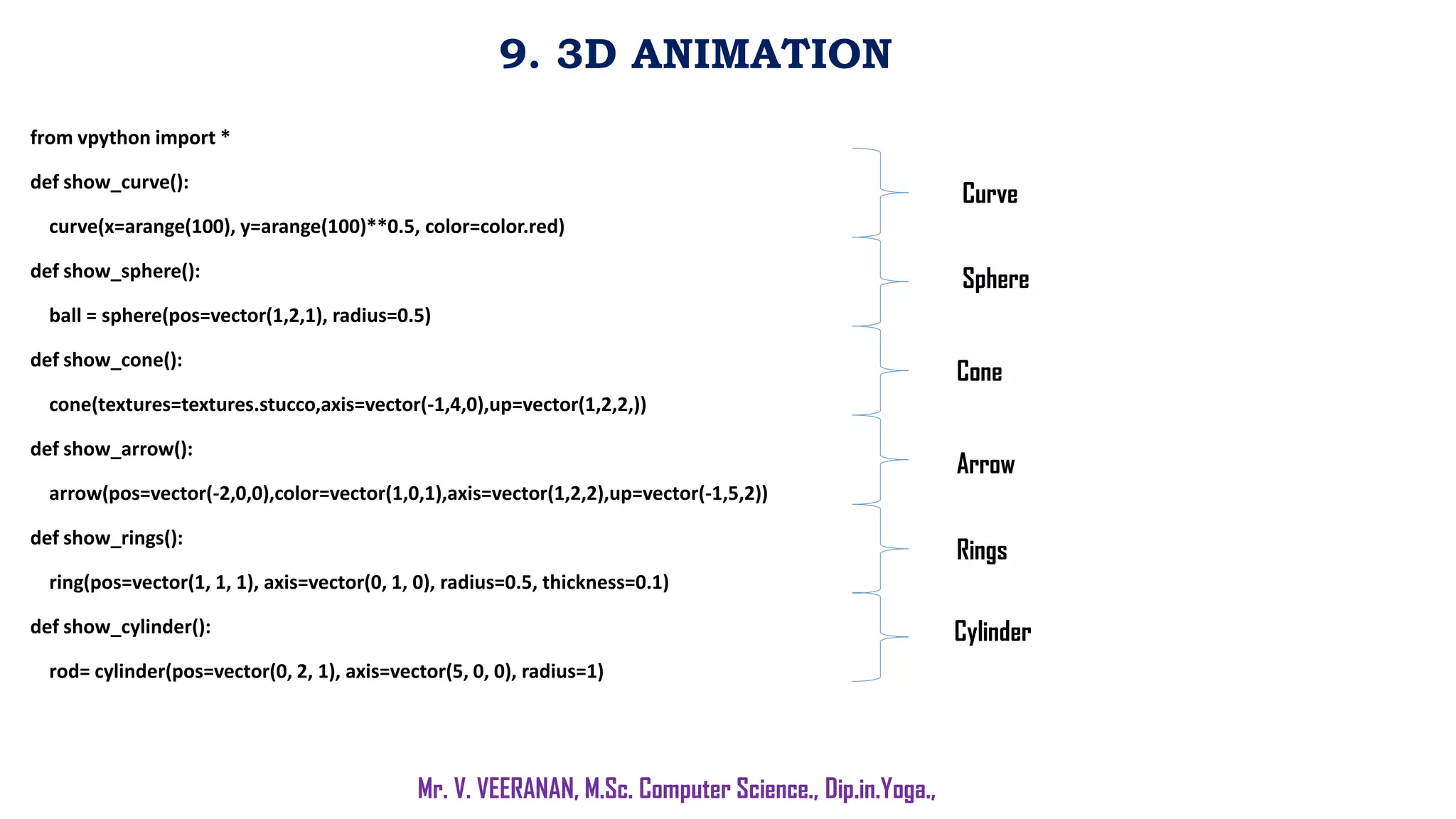
The document discusses Python code for 3D animation, plotting graphs, password validation, calculating velocity and distance, tracking robot movements, and sorting tuples. Functions are defined to show 3D shapes, calculate values for graphs, validate passwords based on criteria, compute distance traveled by a robot, and get and sort user-input tuples. Loops are used to get multiple user inputs and display outputs like graphs and sorted tuples. Key concepts covered include functions, conditionals, loops, input/output, plotting, and sorting in Python.

![10. PULSE Vs HEIGHT
Mr. V. VEERANAN, M.Sc. Computer Science., Dip.in.Yoga.,
import matplotlib.pyplot as plt
n=int(input('enter the number of people:'))
p=[]
h=[]
for i in range(n):
p_i=int(input(f"enter pulse rate of person{i+1}:"))
h_i=int(input(f"enter height no of person{i+1}:"))
p.append(p_i)
h.append(h_i)
plt.scatter(h,p)
plt.title("pulse rate vs height")
plt.xlabel("height(cm)")
plt.ylabel("pusle rate(bpm)")
plt.show()
if __name__=='__main__':
main()
Package & init
p, h Declared
Label & Value](https://image.slidesharecdn.com/lab3pythonprogramminglab8-15mku-230722211118-79ed435d/85/Lab-3-Python-Programming-Lab-8-15-MKU-pdf-3-320.jpg)
![11. MASS Vs TIME
Mr. V. VEERANAN, M.Sc. Computer Science., Dip.in.Yoga.,
import matplotlib.pyplot as plt
def calculate_mass(t):
return 60/(t+2)
time_values = [i*0.5 for i in range(21)]
mass_values = [calculate_mass(t) for t in time_values]
plt.plot(time_values, mass_values)
plt.title('Graph of t vs. m')
plt.xlabel('Time (hours)')
plt.ylabel('Mass (grams)')
plt.show()
Package & Calculation
Label & Values](https://image.slidesharecdn.com/lab3pythonprogramminglab8-15mku-230722211118-79ed435d/85/Lab-3-Python-Programming-Lab-8-15-MKU-pdf-4-320.jpg)
![12. PASSWORD
Mr. V. VEERANAN, M.Sc. Computer Science., Dip.in.Yoga.,
import re
p=input("Input your password:")
x=True
while x:
if(len(p)<6 or len(p)>12):
break
elif not re.search("[a-z]",p):
break
elif not re.search("[0-9]",p):
break
elif not re.search("[A-Z]",p):
break
elif not re.search("[$#@]",p):
break
elif not re.search("s",p):
break
else:
print("valid password")
x=False
break
if x:
print("Not a valid password")
Package & Print
if.. else Statement (User Authentication)](https://image.slidesharecdn.com/lab3pythonprogramminglab8-15mku-230722211118-79ed435d/85/Lab-3-Python-Programming-Lab-8-15-MKU-pdf-5-320.jpg)
![13. VELOCITY
Mr. V. VEERANAN, M.Sc. Computer Science., Dip.in.Yoga.,
import matplotlib.pyplot as plt
u = float(input("Enter the initial velocity: "))
a = float(input("Enter the acceleration: "))
time_values = [i*0.5 for i in range(21)
velocity_values = [u + a*t for t in time_values]
distance_values_time = [u*t + 0.5*a*t**2 for t in time_values]
velocity_squared_values = [(u + a*t)**2 for t in time_values]
distance_values_velocity = [(v**2 - u**2)/(2*a) for v in velocity_squared_values]
plt.plot(time_values, velocity_values)
plt.title('Velocity vs. Time')
plt.xlabel('Time (s)')
plt.ylabel('Velocity (m/s)')
plt.show()
Package & Print
Range
Calculation
Label](https://image.slidesharecdn.com/lab3pythonprogramminglab8-15mku-230722211118-79ed435d/85/Lab-3-Python-Programming-Lab-8-15-MKU-pdf-6-320.jpg)

![14. ROBOT
Mr. V. VEERANAN, M.Sc. Computer Science., Dip.in.Yoga.,
import math
def compute_distance(movements):
x, y = 0, 0
for move in movements:
direction, steps = move.split()
steps = int(steps)
if direction == 'UP':
y += steps
elif direction == 'DOWN':
y -= steps
elif direction == 'LEFT':
x -= steps
elif direction == 'RIGHT':
x += steps
distance = math.sqrt(x**2 + y**2)
return round(distance)
# Take input from the user
moves = []
while True:
move = input("Enter a movement (or 'done' to finish): ")
if move == 'done':
break
moves.append(move)
# Compute and print the distance
distance = compute_distance(moves)
print("The distance from the original point is:", distance)](https://image.slidesharecdn.com/lab3pythonprogramminglab8-15mku-230722211118-79ed435d/85/Lab-3-Python-Programming-Lab-8-15-MKU-pdf-8-320.jpg)
![15. TUPLES
Mr. V. VEERANAN, M.Sc. Computer Science., Dip.in.Yoga.,
def get_info():
name, age, height = input().split(',')
return name.strip(), int(age.strip()), int(height.strip())
n = int(input("Enter the number of tuples: "))
tuples = []
for i in range(n):
tuple = get_info()
tuples.append(tuple)
sorted_tuples = sorted(tuples, key=lambda x: (x[0], x[1], x[2]))
print("Sorted Tuples:")
for tuple in sorted_tuples:
print(", ".join(str(i) for i in tuple))](https://image.slidesharecdn.com/lab3pythonprogramminglab8-15mku-230722211118-79ed435d/85/Lab-3-Python-Programming-Lab-8-15-MKU-pdf-9-320.jpg)
![15. TUPLES
Mr. V. VEERANAN, M.Sc. Computer Science., Dip.in.Yoga.,
def get_info():
name, age, height = input().split(',')
return name.strip(), int(age.strip()), int(height.strip())
n = int(input("Enter the number of tuples: "))
tuples = []
for i in range(n):
tuple = get_info()
tuples.append(tuple)
sorted_tuples = sorted(tuples, key=lambda x: (x[0], x[1], x[2]))
print("Sorted Tuples:")
for tuple in sorted_tuples:
print(", ".join(str(i) for i in tuple))](https://image.slidesharecdn.com/lab3pythonprogramminglab8-15mku-230722211118-79ed435d/85/Lab-3-Python-Programming-Lab-8-15-MKU-pdf-10-320.jpg)
![15. TUPLES
Mr. V. VEERANAN, M.Sc. Computer Science., Dip.in.Yoga.,
def get_info():
name, age, height = input().split(',')
return name.strip(), int(age.strip()), int(height.strip())
n = int(input("Enter the number of tuples: "))
tuples = []
for i in range(n):
tuple = get_info()
tuples.append(tuple)
sorted_tuples = sorted(tuples, key=lambda x: (x[0], x[1], x[2]))
print("Sorted Tuples:")
for tuple in sorted_tuples:
print(", ".join(str(i) for i in tuple))](https://image.slidesharecdn.com/lab3pythonprogramminglab8-15mku-230722211118-79ed435d/85/Lab-3-Python-Programming-Lab-8-15-MKU-pdf-11-320.jpg)


