Keyboard
Techniques
Teacher Carole
TLE-9 CSS
Lesson Objectives:
1)Be familiar with
different keyboard
shortcuts.
2)Appreciate the
importance of keyboard
techniques.
3)Practice proper
typing techniques.
Keyboarding refers to the
ability to enter text by using
the appropriate fingers
without looking at the keys.
to the
Enabling to use
computer more effective and
more productive
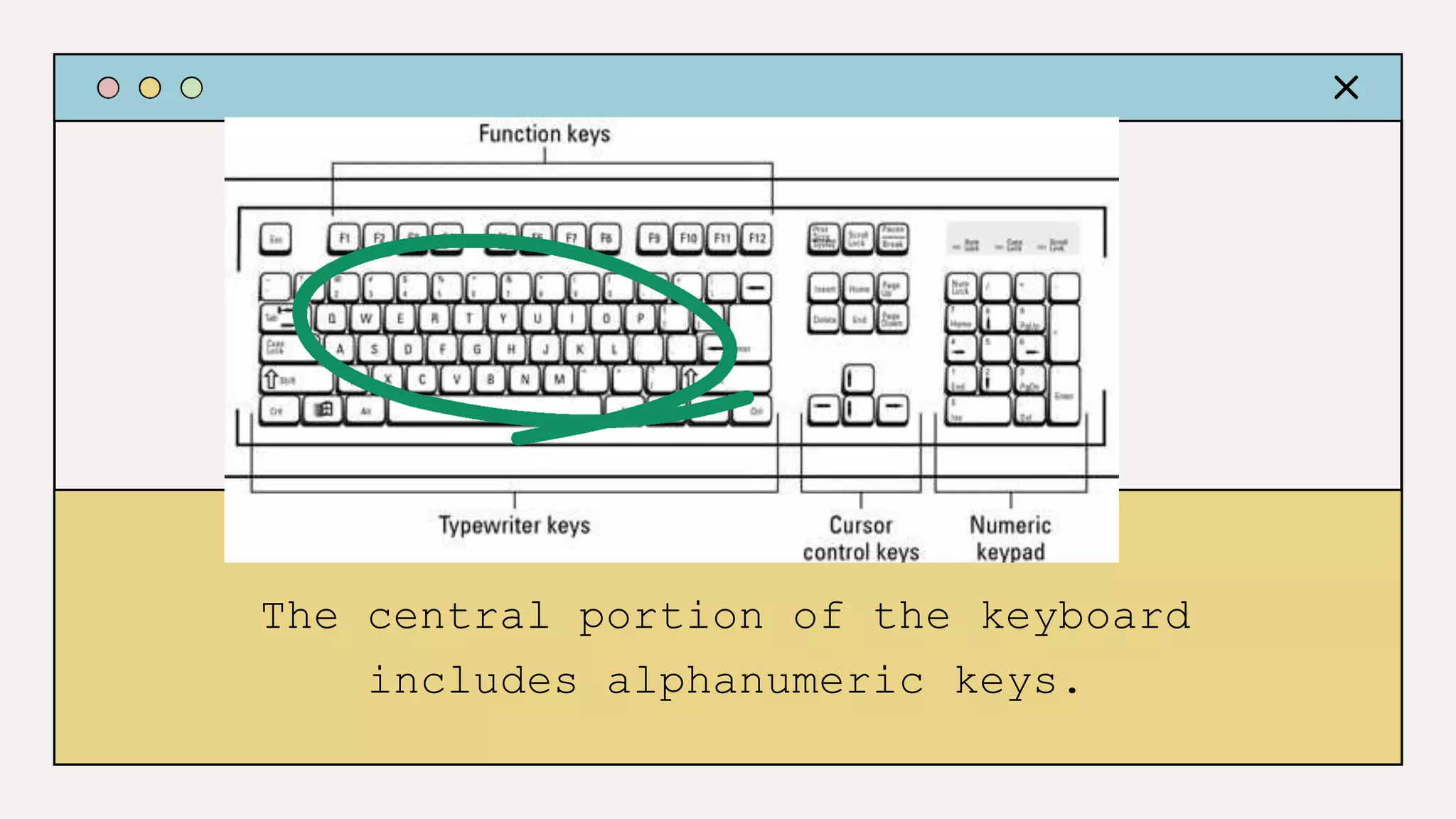
The central portion of the keyboard
includes alphanumeric keys.
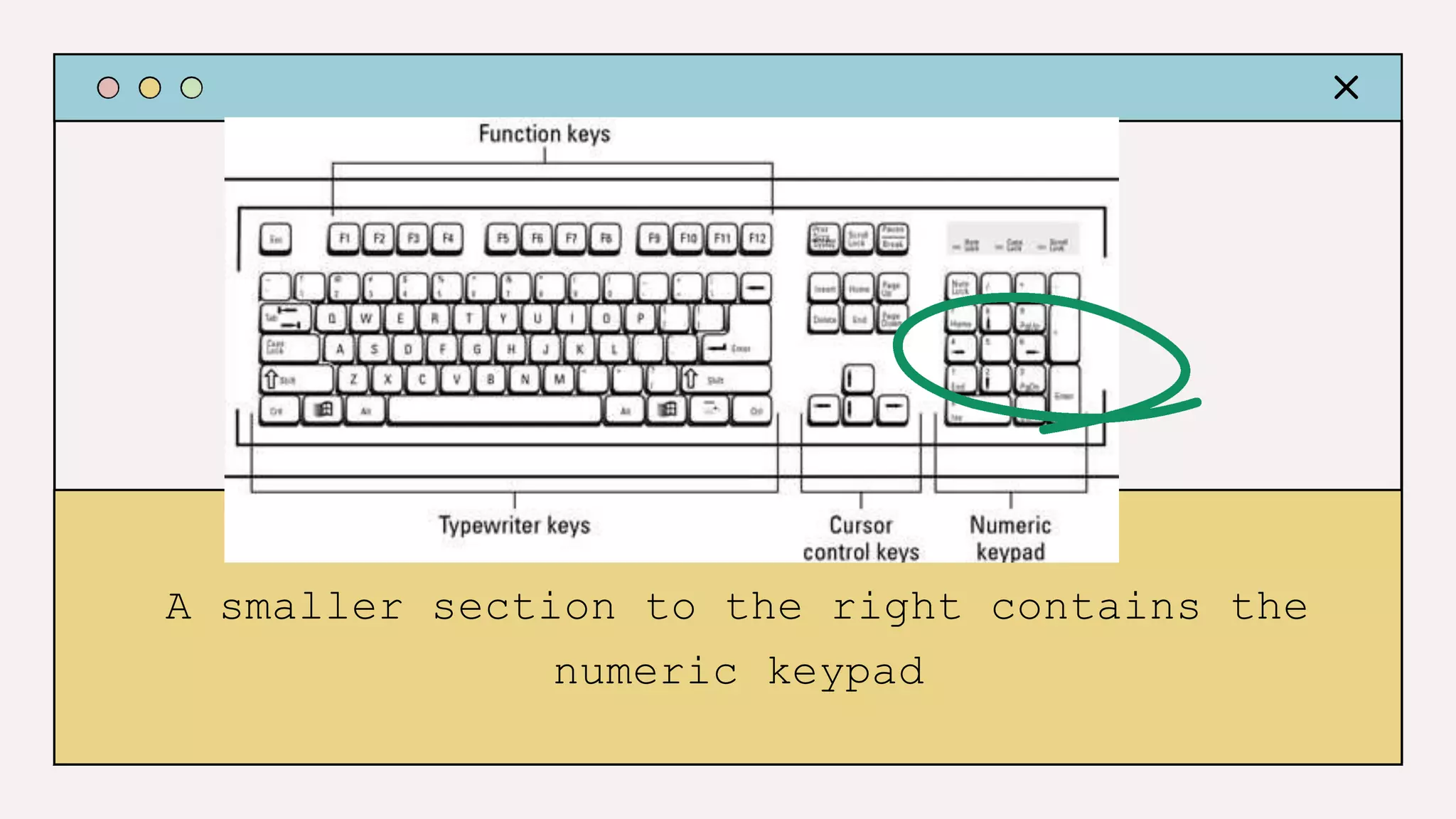
A smaller section to the right contains the
numeric keypad
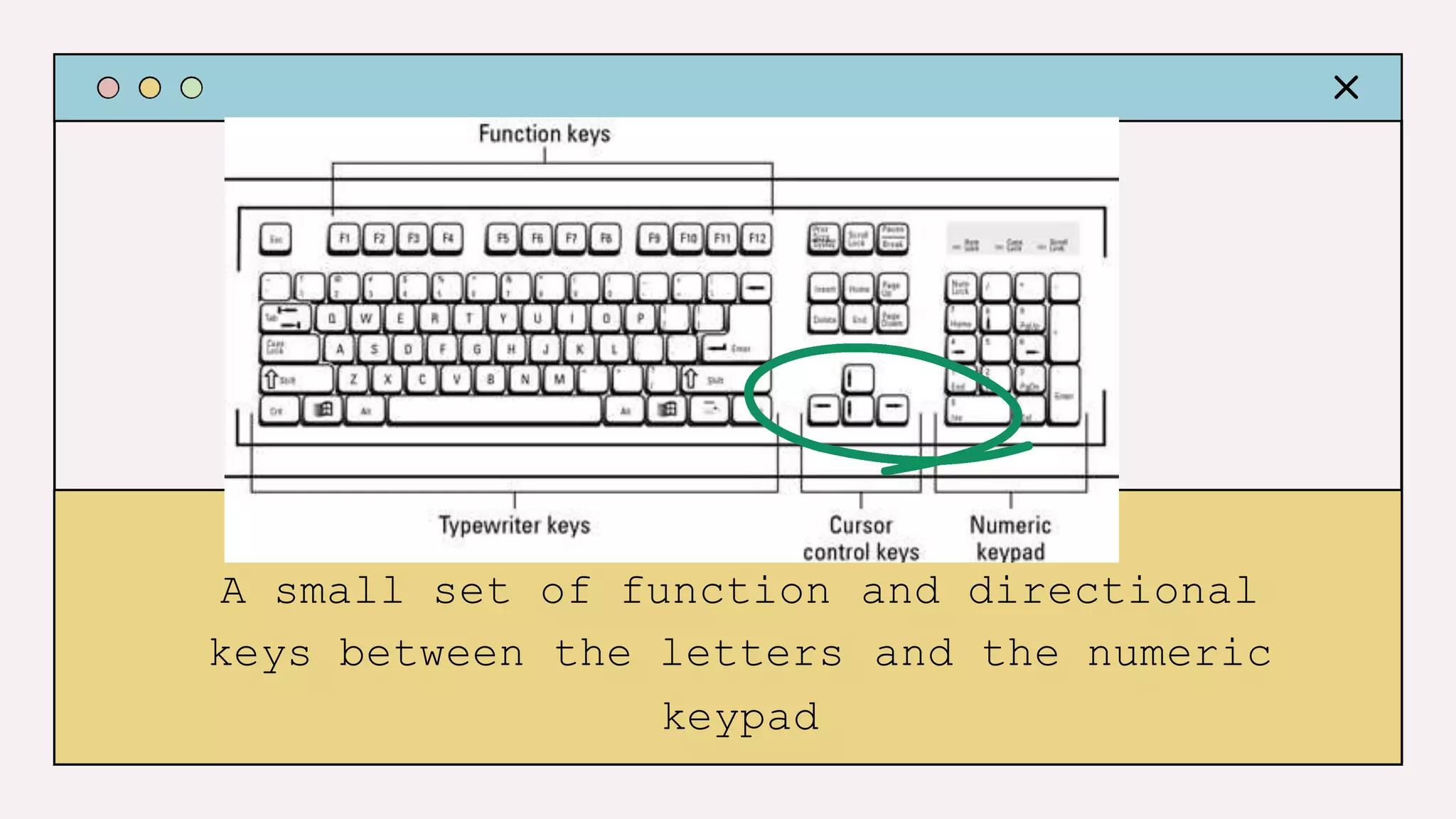
A small set of function and directional
keys between the letters and the numeric
keypad
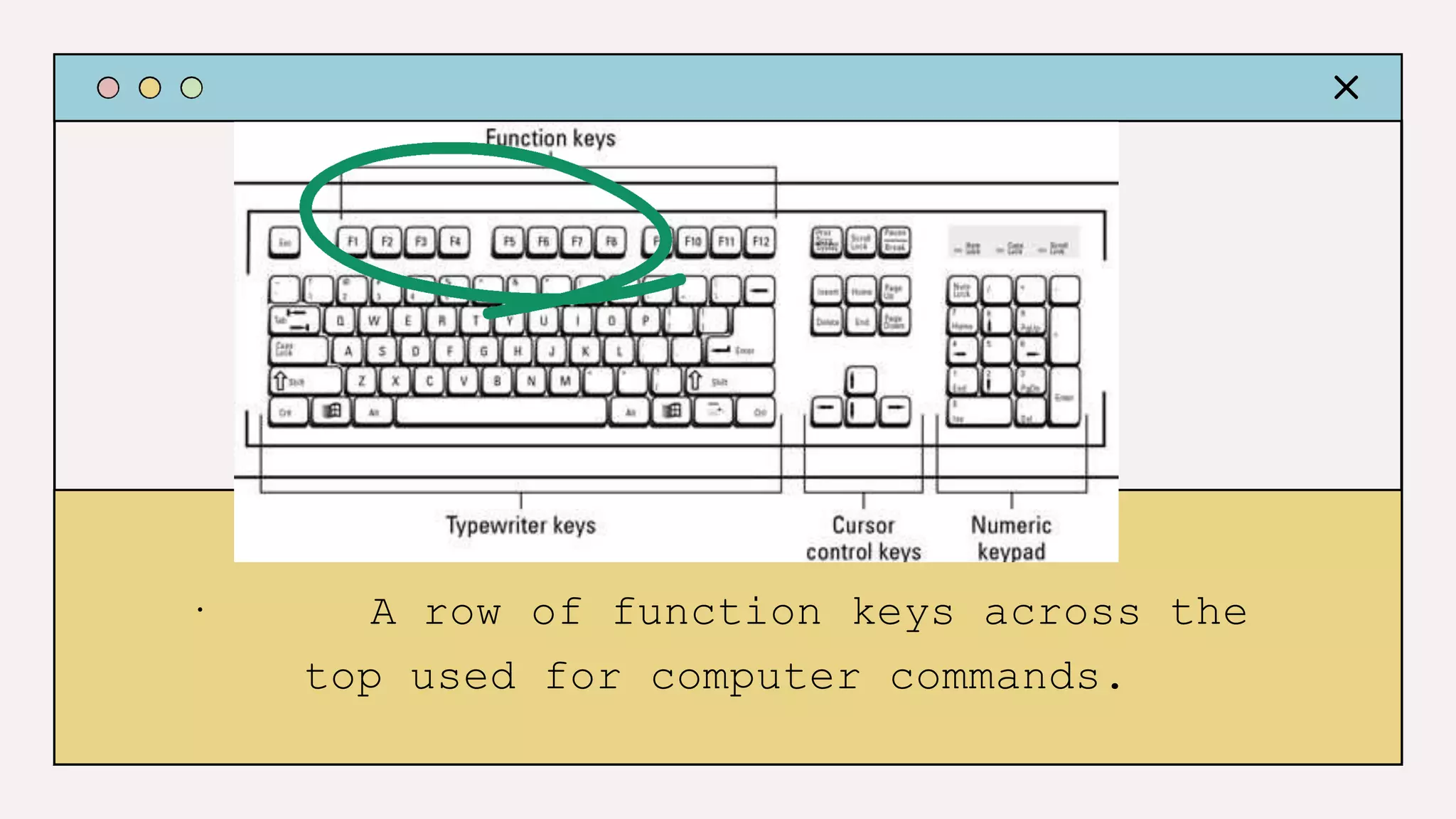
· A row of function keys across the
top used for computer commands.
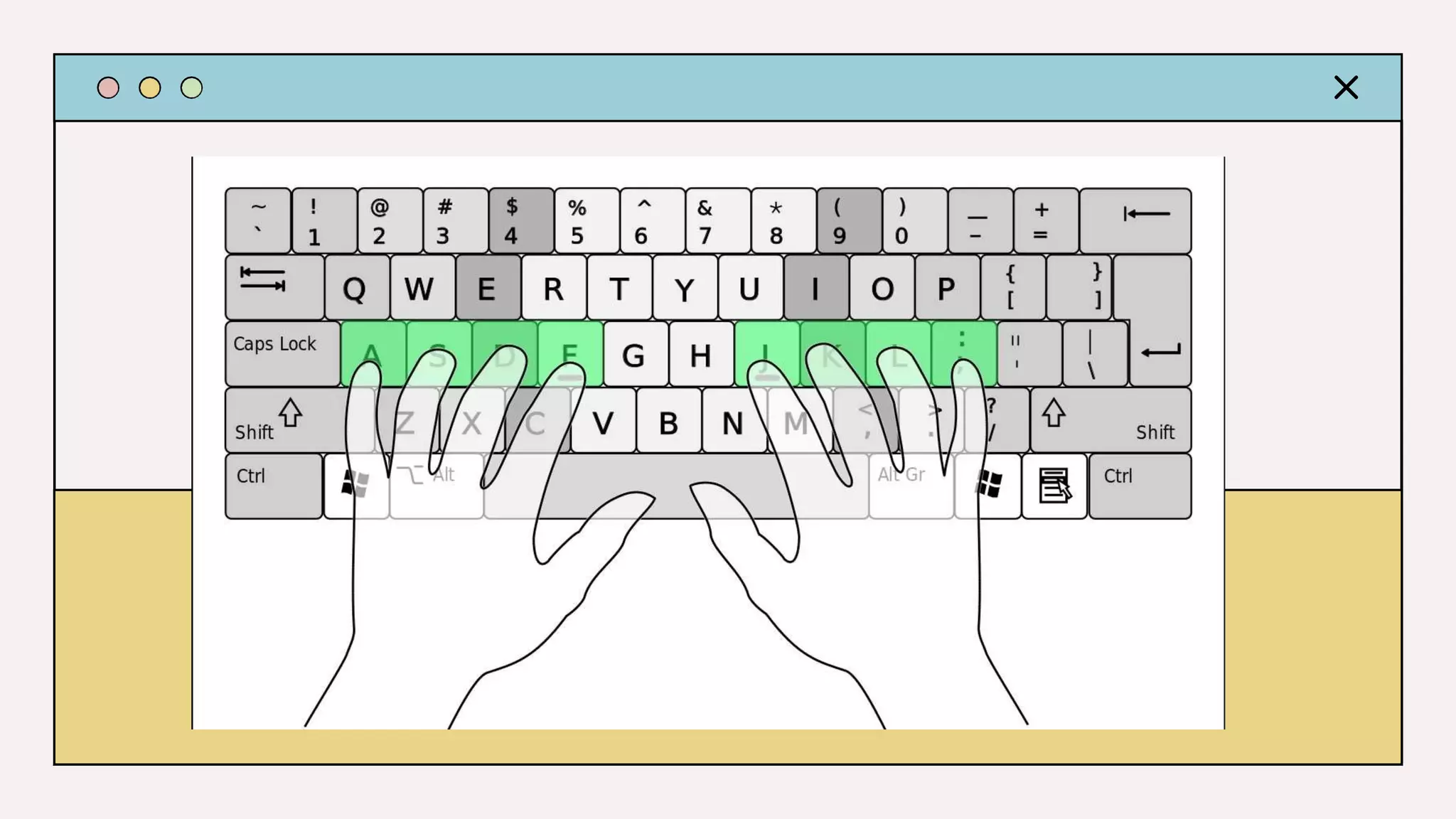
1. Home row position – it is the home
for your fingers. It should be curved
place on home row keys. Use bumps on
position
and
F and J
keep fingers
letters
in place.
A,
keys to
a.Left
b.Right
hand –
hand – letters J,
S, D, F
K, L
KEYBOARD TECHNIQUE
2. Eyes on copy – eyes should stay on text that is
being keyed at all times and not at your keyboard for
the reason that lose your place.
3. Feet flat on
anchor to your body
you will
the floor
when
– your feet serve as an
keying. This will help your
body from moving
placement – this should
around with proper alignment and
be placed at the
posture.
4. Keyboard
end of the desk and your body must be a hand span away
from the desk.
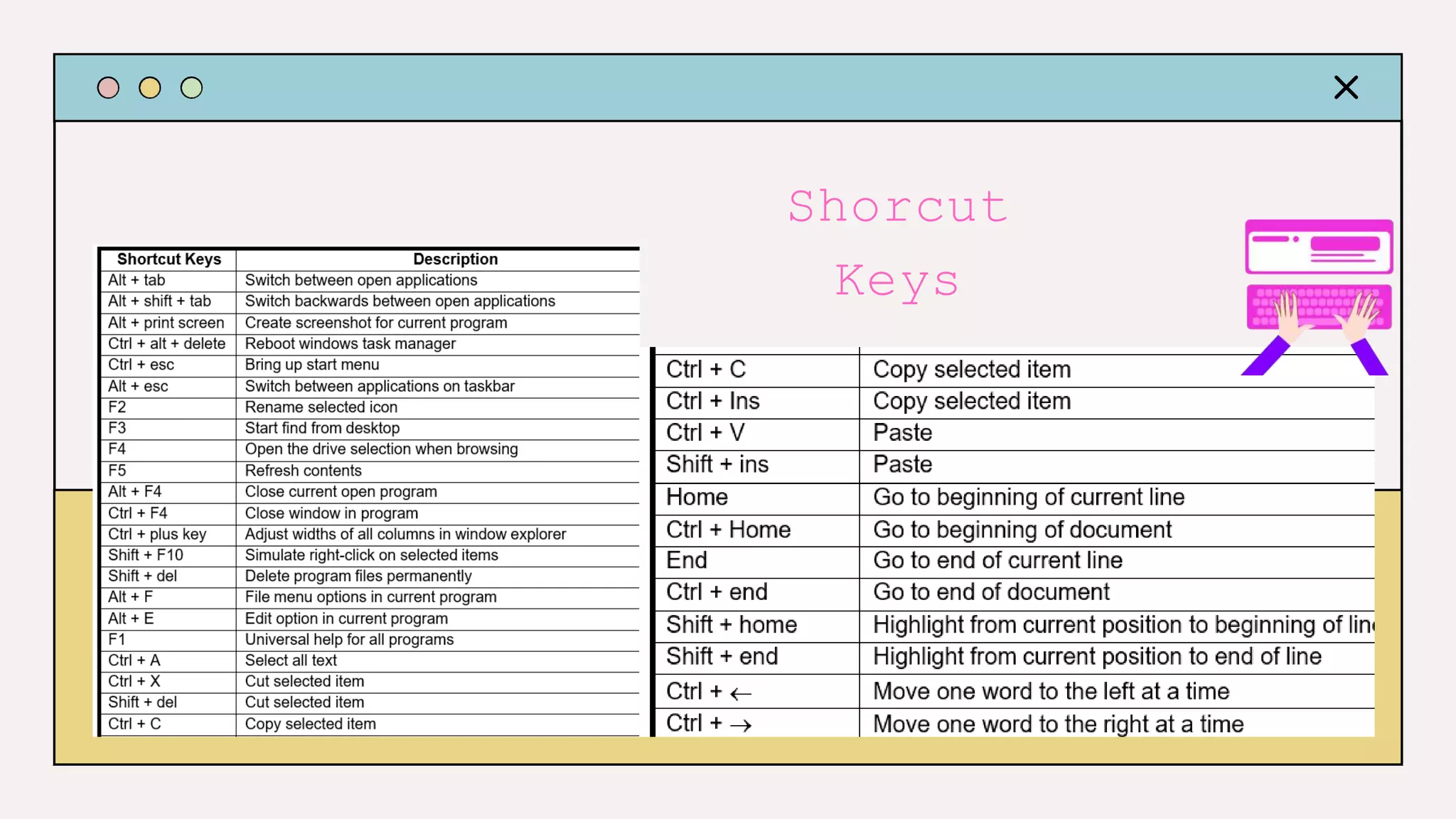
Shorcut
Keys
Activity
FIVE
GIVE AT LEAST
EFFECTS OF POOR TYPING
Effects of poor typing
Proper keyboarding should be considered an
essential skill. It increases individual’s
productivity and efficiency. Good posture
and technique also reduce injury and stress
to the body. Familiarizing common keyboard
shortcut will also help users to save time
while working more effectively. It also
helps users to complete task quickly,
instead of clicking with difficulty through
the menus.
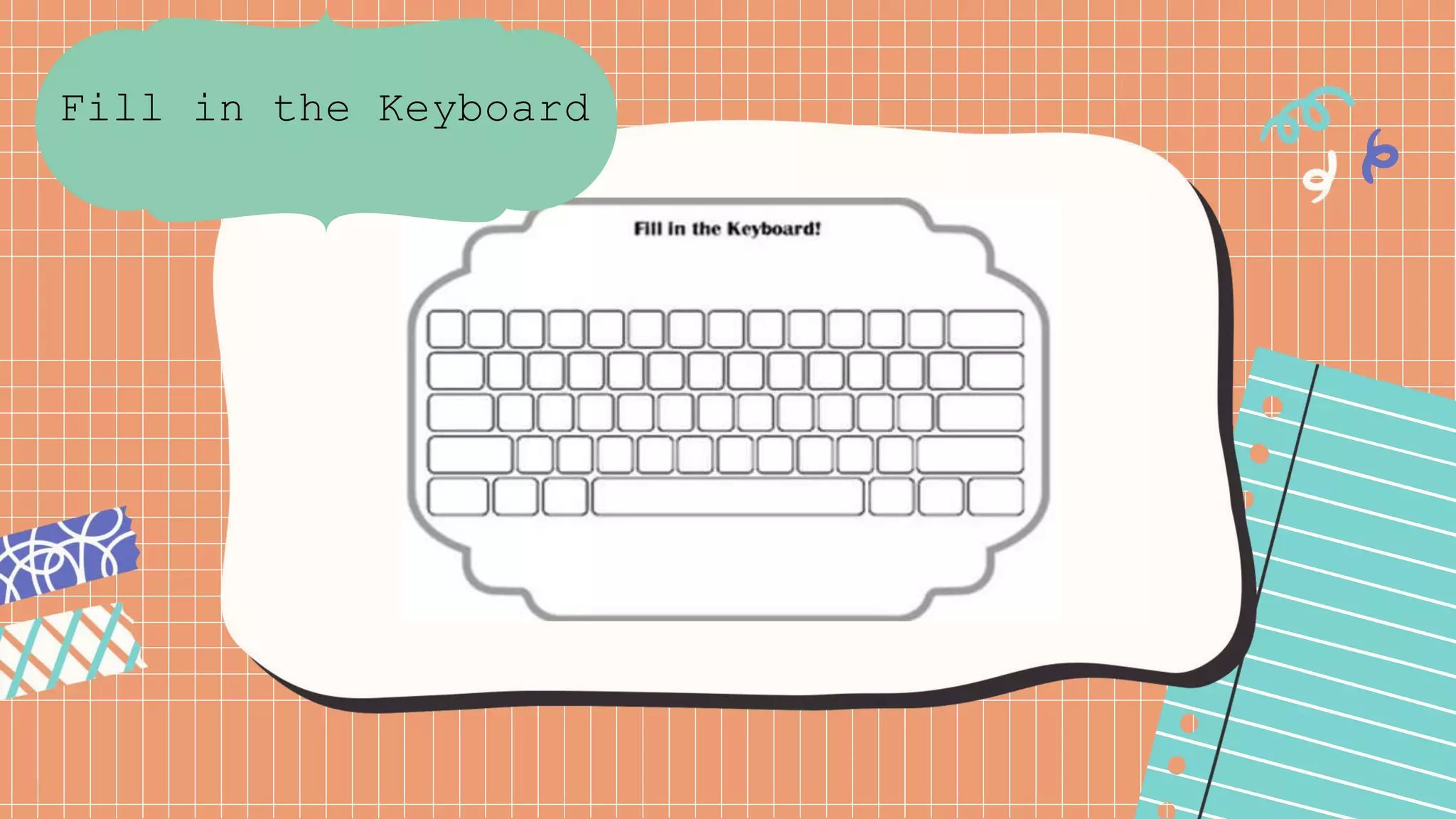
Fill in the Keyboard
Keyboard Techniques.pptx

Keyboard Techniques.pptx

  • 1.
  • 2.
    Lesson Objectives: 1)Be familiarwith different keyboard shortcuts. 2)Appreciate the importance of keyboard techniques. 3)Practice proper typing techniques.
  • 4.
    Keyboarding refers tothe ability to enter text by using the appropriate fingers without looking at the keys. to the Enabling to use computer more effective and more productive
  • 5.
    The central portionof the keyboard includes alphanumeric keys.
  • 6.
    A smaller sectionto the right contains the numeric keypad
  • 7.
    A small setof function and directional keys between the letters and the numeric keypad
  • 8.
    · A rowof function keys across the top used for computer commands.
  • 9.
    1. Home rowposition – it is the home for your fingers. It should be curved place on home row keys. Use bumps on position and F and J keep fingers letters in place. A, keys to a.Left b.Right hand – hand – letters J, S, D, F K, L KEYBOARD TECHNIQUE
  • 11.
    2. Eyes oncopy – eyes should stay on text that is being keyed at all times and not at your keyboard for the reason that lose your place. 3. Feet flat on anchor to your body you will the floor when – your feet serve as an keying. This will help your body from moving placement – this should around with proper alignment and be placed at the posture. 4. Keyboard end of the desk and your body must be a hand span away from the desk.
  • 12.
  • 13.
    Activity FIVE GIVE AT LEAST EFFECTSOF POOR TYPING Effects of poor typing
  • 14.
    Proper keyboarding shouldbe considered an essential skill. It increases individual’s productivity and efficiency. Good posture and technique also reduce injury and stress to the body. Familiarizing common keyboard shortcut will also help users to save time while working more effectively. It also helps users to complete task quickly, instead of clicking with difficulty through the menus.
  • 16.
    Fill in theKeyboard