XML and XSL
Institutional Web Management 2001:
Organising Chaos
Running order

Background

All about XML

All about XSL

Hands-on XML and XSL

Publishing engines

Example applications

Crystal balls
Background

Mark Ray and Andrew Savory

Using XML since 1996

Used a variety of tools and methods
XML and XSL

W3C specifications

Separation of Concerns
 Reuse of data
 Multiple output formats
 Styles tailored to reader / Standardised styles
Applications of XML and XSL

Static information
 Institutional web sites
 Prospectuses
 Course catalogues

Dynamic information
 News or event information services
 Course catalogues
 Staff directories
Benefits of XML and XSL

Standards-based, format-independent

Serve sites and formats based on user need
 Text-based (text readers, slow links, low-tech)
 Netscape / Internet Explorer specifc
 TV, Phone, PDA
 PDF, SVG, VRML, ...

Simplification of web site management...
The management bit

Management
 Decide what the site
should contain, how
it should behave and
how it should appear

Content
 Responsible for
writing, owning,
managing the site
content
The management bit
 Logic
 Responsible for
integration with
dynamic content
generation
 Style
 Responsible for
information
presentation, look &
feel, site graphics
and maintenance
What is XML?

eXtensible Markup Language
 Not a fixed format
 'Metalanguage'
 For describing information
XML Design Goals
1 XML shall be straightforwardly usable over the
Internet.
2 XML shall support a wide variety of applications.
3 XML shall be compatible with SGML.
4 It shall be easy to write programs which process
XML documents.
5 The number of optional features in XML is to be
kept to the absolute minimum, ideally zero.
XML Design Goals
6 XML documents should be human-legible and
reasonably clear.
7 The XML design should be prepared quickly.
8 The design of XML shall be formal and concise.
9 XML documents shall be easy to create.
10Terseness is of minimal importance.
Structure of an XML document
<?xml version="1.0"?>
<PARENT>
<CHILD>
This is content.
</CHILD>
<EMPTY/>
</PARENT>
A first XML document
Construct a well-formed XML document using
the following tags:
 xml opening tag
 page
 title
 content
 para
Don't forget to add the closing tags!
Differences to HTML

Order:
<tag1><tag2></tag1></tag2> WRONG
<tag1><tag2></tag2></tag1> RIGHT

Balance
<tag1><tag2></tag2> WRONG
<tag1><tag2></tag2></tag1> RIGHT

Case
<tag1><tag2></TAG2></TAG1> WRONG
<tag1><tag2></tag2></tag1> RIGHT
Differences to HTML

Attributes
<tag1 class=wrong> WRONG
<tag1 class="right"> RIGHT

Empty Tags
<tag1 class="wrong"> WRONG
<tag1 class="wrong" /> RIGHT

XML is stricter
...and therefore better!
Well-formed vs. Valid

Exactly what they say:
 Well-formed means it's written correctly
 Valid means we can validate it
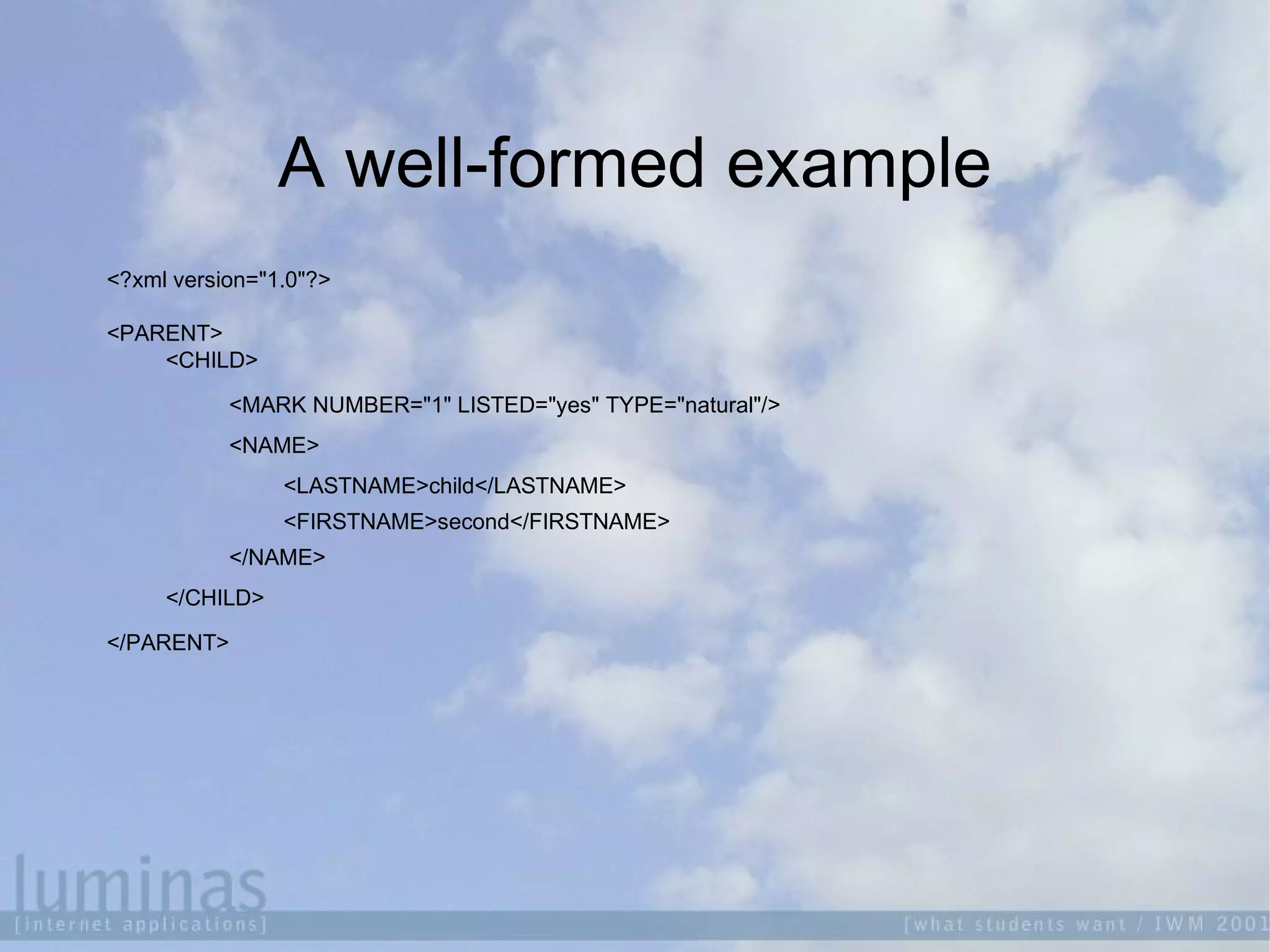
A well-formed example
<?xml version="1.0"?>
<PARENT>
<CHILD>
<MARK NUMBER="1" LISTED="yes" TYPE="natural"/>
<NAME>
<LASTNAME>child</LASTNAME>
<FIRSTNAME>second</FIRSTNAME>
</NAME>
</CHILD>
</PARENT>
A valid example
<?xml version="1.0"?>
<!DOCTYPE PARENT [
<!ELEMENT PARENT (CHILD*)>
<!ELEMENT CHILD (MARK?,NAME+)>
<!ELEMENT MARK EMPTY>
<!ELEMENT NAME (LASTNAME+,FIRSTNAME+)*>
<!ELEMENT LASTNAME (#PCDATA)>
<!ELEMENT FIRSTNAME (#PCDATA)>
<!ATTLIST MARK
NUMBER ID #REQUIRED
LISTED CDATA #FIXED "yes"
TYPE (natural|adopted) "natural">
<!ENTITY STATEMENT "This is well-formed XML">
]>
<PARENT>
&STATEMENT;
<CHILD>
<MARK NUMBER="1" LISTED="yes" TYPE="natural"/>
<NAME>
<LASTNAME>child</LASTNAME>
<FIRSTNAME>second</FIRSTNAME>
</NAME>
</CHILD>
</PARENT>
Document Type Definitions

First standard mechanism for XML validation

Define the role and structure of XML
elements

Sufficient for simple XML schemas

Don't support namespaces

Use non-XML syntax
XSchema

XML structural definition language of choice

Defines a class of XML document

Supports name spaces

More powerful
Xschema example
<?xml version="1.0"?>
<xsd:schema xmlns:xsd="http://www.w3.org/2001/XMLSchema">
<xsd:annotation>
<xsd:documentation xml:lang="en">
Example Schema for IWM workshop
</xsd:documentation>
</xsd:annotation>
<xsd:element name="page" type="page"/>
<xsd:complexType name="page">
<xsd:sequence>
<xsd:element name="title" type="xsd:string"/>
<xsd:element name="content" type="pageContent"/>
</xsd:sequence>
</xsd:complexType>
<xsd:complexType name="pageContent">
<xsd:sequence>
<xsd:element name="para" type="xsd:string" minOccurs="0"/>
</xsd:sequence>
</xsd:complexType>
</xsd:schema>
What is XSL?

Preferred style sheet language of XML
 a method for transforming XML documents
 a method for defining XML parts and patterns
 a method for formatting XML documents

An application of XML (same formatting
rules)
Hands-on XML

Create the following XML document:
<?xml version="1.0"?>
<page>
<title>Hello</title>
<content>
<para>This is my first XML page!</para>
</content>
</page>

Save it as hello_world.xml
Uploading the file

Navigate to the site provided

Click on "upload.html"

Beside the "file to upload" box, click on
"choose"

Select the file you want to upload

Click on "upload"
Viewing the file
If you see the file you wanted to upload and
receive a "File written successfully" message...

Click on "Content", then the name of the file
Structure of an XSL stylesheet

Most templates have the following form:
<xsl:template match="emphasis">
<i><xsl:apply-templates/></i>
</xsl:template>

The whole <xsl:template> element is a
template

The match pattern determines where this
template applies
Structure of an XSL stylesheet

Literal result element(s) come from non-XSL
namespace(s)

XSLT elements come from the XSL
namespace
Hands-on XSL

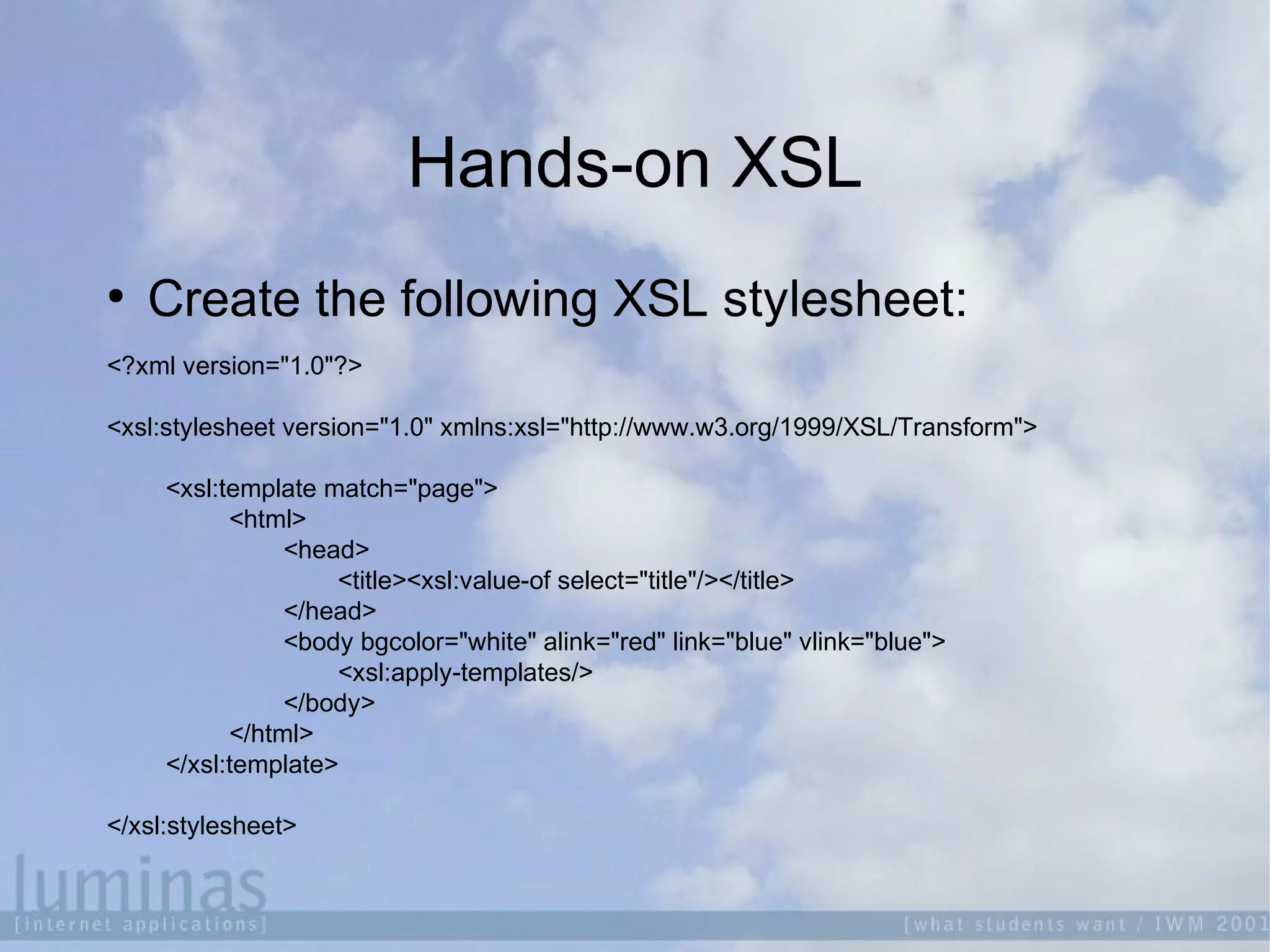
Create the following XSL stylesheet:
<?xml version="1.0"?>
<xsl:stylesheet version="1.0" xmlns:xsl="http://www.w3.org/1999/XSL/Transform">
<xsl:template match="page">
<html>
<head>
<title><xsl:value-of select="title"/></title>
</head>
<body bgcolor="white" alink="red" link="blue" vlink="blue">
<xsl:apply-templates/>
</body>
</html>
</xsl:template>
</xsl:stylesheet>
Uploading the file

Navigate to the site provided

Click on "upload.html"

Beside the "file to upload" box, click on
"choose"

Select the file you want to upload

Click on "upload"
Publishing engines

Cocoon
 Java-based

AxKit
 Perl-based

4Suite
 Python

Others or roll your own
Viewing the file
If you see the file you wanted to upload and
receive a "File written successfully" message...

Click on "View site in cocoon"

Select the file you uploaded and the
stylesheet you want to view it in
Hands-on XSL

Add the following to the XSL stylesheet:
<xsl:template match="title">
<h2 style="color: navy; text-align: center">
<xsl:apply-templates/>
</h2>
</xsl:template>
<xsl:template match="para">
<p align="left">
<i><xsl:apply-templates/></i>
</p>
</xsl:template>
New platforms, new beginnings?

The old way of publishing
 Repurposing

The new way of publishing
 Target multiple platforms
 Multiple stylesheets
 Multiple formats
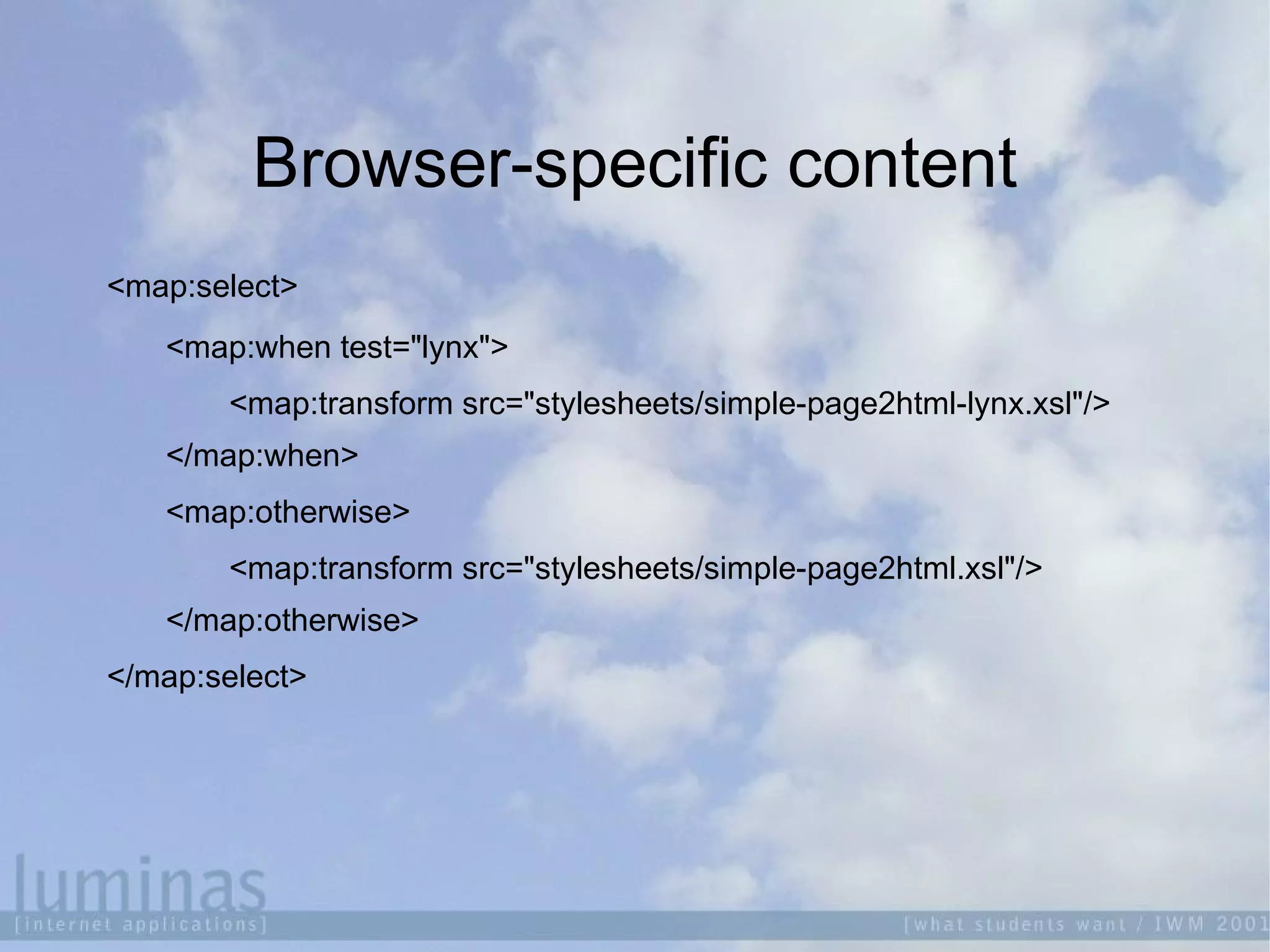
Browser-specific content
<map:select>
<map:when test="lynx">
<map:transform src="stylesheets/simple-page2html-lynx.xsl"/>
</map:when>
<map:otherwise>
<map:transform src="stylesheets/simple-page2html.xsl"/>
</map:otherwise>
</map:select>
Lynx-friendly XSL stylesheet

Add the following to your XSL stylesheet:
<h2>This site is lynx-friendly</h2>

Save the stylesheet as
simple-page2html-lynx.xsl
Uploading the file

Navigate to the site provided

Click on "upload.html"

Beside the "file to upload" box, click on
"choose"

Select the file you want to upload

Click on "upload"
Viewing the file
If you see the file you wanted to upload and
receive a "File written successfully" message...

Click on "View site in cocoon"

Select the file you uploaded and the
stylesheet you want to view it in
Where next?

The semantic web
References

http://www.ibm.com/developerworks/papers.nsf/dw

http://www.xml101.com/

http://nwalsh.com/docs/tutorials/xsl/

IWMW 2001: XML and XSLT

  • 1.
    XML and XSL InstitutionalWeb Management 2001: Organising Chaos
  • 2.
    Running order  Background  All aboutXML  All about XSL  Hands-on XML and XSL  Publishing engines  Example applications  Crystal balls
  • 3.
    Background  Mark Ray andAndrew Savory  Using XML since 1996  Used a variety of tools and methods
  • 4.
    XML and XSL  W3Cspecifications  Separation of Concerns  Reuse of data  Multiple output formats  Styles tailored to reader / Standardised styles
  • 5.
    Applications of XMLand XSL  Static information  Institutional web sites  Prospectuses  Course catalogues  Dynamic information  News or event information services  Course catalogues  Staff directories
  • 6.
    Benefits of XMLand XSL  Standards-based, format-independent  Serve sites and formats based on user need  Text-based (text readers, slow links, low-tech)  Netscape / Internet Explorer specifc  TV, Phone, PDA  PDF, SVG, VRML, ...  Simplification of web site management...
  • 7.
    The management bit  Management Decide what the site should contain, how it should behave and how it should appear  Content  Responsible for writing, owning, managing the site content
  • 8.
    The management bit Logic  Responsible for integration with dynamic content generation  Style  Responsible for information presentation, look & feel, site graphics and maintenance
  • 9.
    What is XML?  eXtensibleMarkup Language  Not a fixed format  'Metalanguage'  For describing information
  • 10.
    XML Design Goals 1XML shall be straightforwardly usable over the Internet. 2 XML shall support a wide variety of applications. 3 XML shall be compatible with SGML. 4 It shall be easy to write programs which process XML documents. 5 The number of optional features in XML is to be kept to the absolute minimum, ideally zero.
  • 11.
    XML Design Goals 6XML documents should be human-legible and reasonably clear. 7 The XML design should be prepared quickly. 8 The design of XML shall be formal and concise. 9 XML documents shall be easy to create. 10Terseness is of minimal importance.
  • 12.
    Structure of anXML document <?xml version="1.0"?> <PARENT> <CHILD> This is content. </CHILD> <EMPTY/> </PARENT>
  • 13.
    A first XMLdocument Construct a well-formed XML document using the following tags:  xml opening tag  page  title  content  para Don't forget to add the closing tags!
  • 14.
    Differences to HTML  Order: <tag1><tag2></tag1></tag2>WRONG <tag1><tag2></tag2></tag1> RIGHT  Balance <tag1><tag2></tag2> WRONG <tag1><tag2></tag2></tag1> RIGHT  Case <tag1><tag2></TAG2></TAG1> WRONG <tag1><tag2></tag2></tag1> RIGHT
  • 15.
    Differences to HTML  Attributes <tag1class=wrong> WRONG <tag1 class="right"> RIGHT  Empty Tags <tag1 class="wrong"> WRONG <tag1 class="wrong" /> RIGHT  XML is stricter ...and therefore better!
  • 16.
    Well-formed vs. Valid  Exactlywhat they say:  Well-formed means it's written correctly  Valid means we can validate it
  • 17.
    A well-formed example <?xmlversion="1.0"?> <PARENT> <CHILD> <MARK NUMBER="1" LISTED="yes" TYPE="natural"/> <NAME> <LASTNAME>child</LASTNAME> <FIRSTNAME>second</FIRSTNAME> </NAME> </CHILD> </PARENT>
  • 18.
    A valid example <?xmlversion="1.0"?> <!DOCTYPE PARENT [ <!ELEMENT PARENT (CHILD*)> <!ELEMENT CHILD (MARK?,NAME+)> <!ELEMENT MARK EMPTY> <!ELEMENT NAME (LASTNAME+,FIRSTNAME+)*> <!ELEMENT LASTNAME (#PCDATA)> <!ELEMENT FIRSTNAME (#PCDATA)> <!ATTLIST MARK NUMBER ID #REQUIRED LISTED CDATA #FIXED "yes" TYPE (natural|adopted) "natural"> <!ENTITY STATEMENT "This is well-formed XML"> ]> <PARENT> &STATEMENT; <CHILD> <MARK NUMBER="1" LISTED="yes" TYPE="natural"/> <NAME> <LASTNAME>child</LASTNAME> <FIRSTNAME>second</FIRSTNAME> </NAME> </CHILD> </PARENT>
  • 19.
    Document Type Definitions  Firststandard mechanism for XML validation  Define the role and structure of XML elements  Sufficient for simple XML schemas  Don't support namespaces  Use non-XML syntax
  • 20.
    XSchema  XML structural definitionlanguage of choice  Defines a class of XML document  Supports name spaces  More powerful
  • 21.
    Xschema example <?xml version="1.0"?> <xsd:schemaxmlns:xsd="http://www.w3.org/2001/XMLSchema"> <xsd:annotation> <xsd:documentation xml:lang="en"> Example Schema for IWM workshop </xsd:documentation> </xsd:annotation> <xsd:element name="page" type="page"/> <xsd:complexType name="page"> <xsd:sequence> <xsd:element name="title" type="xsd:string"/> <xsd:element name="content" type="pageContent"/> </xsd:sequence> </xsd:complexType> <xsd:complexType name="pageContent"> <xsd:sequence> <xsd:element name="para" type="xsd:string" minOccurs="0"/> </xsd:sequence> </xsd:complexType> </xsd:schema>
  • 22.
    What is XSL?  Preferredstyle sheet language of XML  a method for transforming XML documents  a method for defining XML parts and patterns  a method for formatting XML documents  An application of XML (same formatting rules)
  • 23.
    Hands-on XML  Create thefollowing XML document: <?xml version="1.0"?> <page> <title>Hello</title> <content> <para>This is my first XML page!</para> </content> </page>  Save it as hello_world.xml
  • 24.
    Uploading the file  Navigateto the site provided  Click on "upload.html"  Beside the "file to upload" box, click on "choose"  Select the file you want to upload  Click on "upload"
  • 25.
    Viewing the file Ifyou see the file you wanted to upload and receive a "File written successfully" message...  Click on "Content", then the name of the file
  • 26.
    Structure of anXSL stylesheet  Most templates have the following form: <xsl:template match="emphasis"> <i><xsl:apply-templates/></i> </xsl:template>  The whole <xsl:template> element is a template  The match pattern determines where this template applies
  • 27.
    Structure of anXSL stylesheet  Literal result element(s) come from non-XSL namespace(s)  XSLT elements come from the XSL namespace
  • 28.
    Hands-on XSL  Create thefollowing XSL stylesheet: <?xml version="1.0"?> <xsl:stylesheet version="1.0" xmlns:xsl="http://www.w3.org/1999/XSL/Transform"> <xsl:template match="page"> <html> <head> <title><xsl:value-of select="title"/></title> </head> <body bgcolor="white" alink="red" link="blue" vlink="blue"> <xsl:apply-templates/> </body> </html> </xsl:template> </xsl:stylesheet>
  • 29.
    Uploading the file  Navigateto the site provided  Click on "upload.html"  Beside the "file to upload" box, click on "choose"  Select the file you want to upload  Click on "upload"
  • 30.
    Publishing engines  Cocoon  Java-based  AxKit Perl-based  4Suite  Python  Others or roll your own
  • 31.
    Viewing the file Ifyou see the file you wanted to upload and receive a "File written successfully" message...  Click on "View site in cocoon"  Select the file you uploaded and the stylesheet you want to view it in
  • 32.
    Hands-on XSL  Add thefollowing to the XSL stylesheet: <xsl:template match="title"> <h2 style="color: navy; text-align: center"> <xsl:apply-templates/> </h2> </xsl:template> <xsl:template match="para"> <p align="left"> <i><xsl:apply-templates/></i> </p> </xsl:template>
  • 33.
    New platforms, newbeginnings?  The old way of publishing  Repurposing  The new way of publishing  Target multiple platforms  Multiple stylesheets  Multiple formats
  • 34.
    Browser-specific content <map:select> <map:when test="lynx"> <map:transformsrc="stylesheets/simple-page2html-lynx.xsl"/> </map:when> <map:otherwise> <map:transform src="stylesheets/simple-page2html.xsl"/> </map:otherwise> </map:select>
  • 35.
    Lynx-friendly XSL stylesheet  Addthe following to your XSL stylesheet: <h2>This site is lynx-friendly</h2>  Save the stylesheet as simple-page2html-lynx.xsl
  • 36.
    Uploading the file  Navigateto the site provided  Click on "upload.html"  Beside the "file to upload" box, click on "choose"  Select the file you want to upload  Click on "upload"
  • 37.
    Viewing the file Ifyou see the file you wanted to upload and receive a "File written successfully" message...  Click on "View site in cocoon"  Select the file you uploaded and the stylesheet you want to view it in
  • 38.
  • 39.

Editor's Notes

  • #5 How many people have heard of W3C?
  • #8 Web created to reduce information management costs by distributing back on information owners.
  • #10 How many people know what XML is? How many people have used it or seen it used? What context?
  • #23 How many people here have heard of XSL? How many people know what it is? How many people have used it?
  • #31 Explain the need for publishing engines Benefits of publishing engines over browser-based xml translations