Is your website design current?
Some niggly but critical bits you may not have previously
                      considered…
What I hope to cover…
• On page SEO
  – Alt tags, navigation, text etc

• Accessibility & Compliance
  – Cross platform usability, how not to get sued,
    simple bits you can do yourself

• Graphical elements of website design
  – The integration of marketing into design
An Introduction…
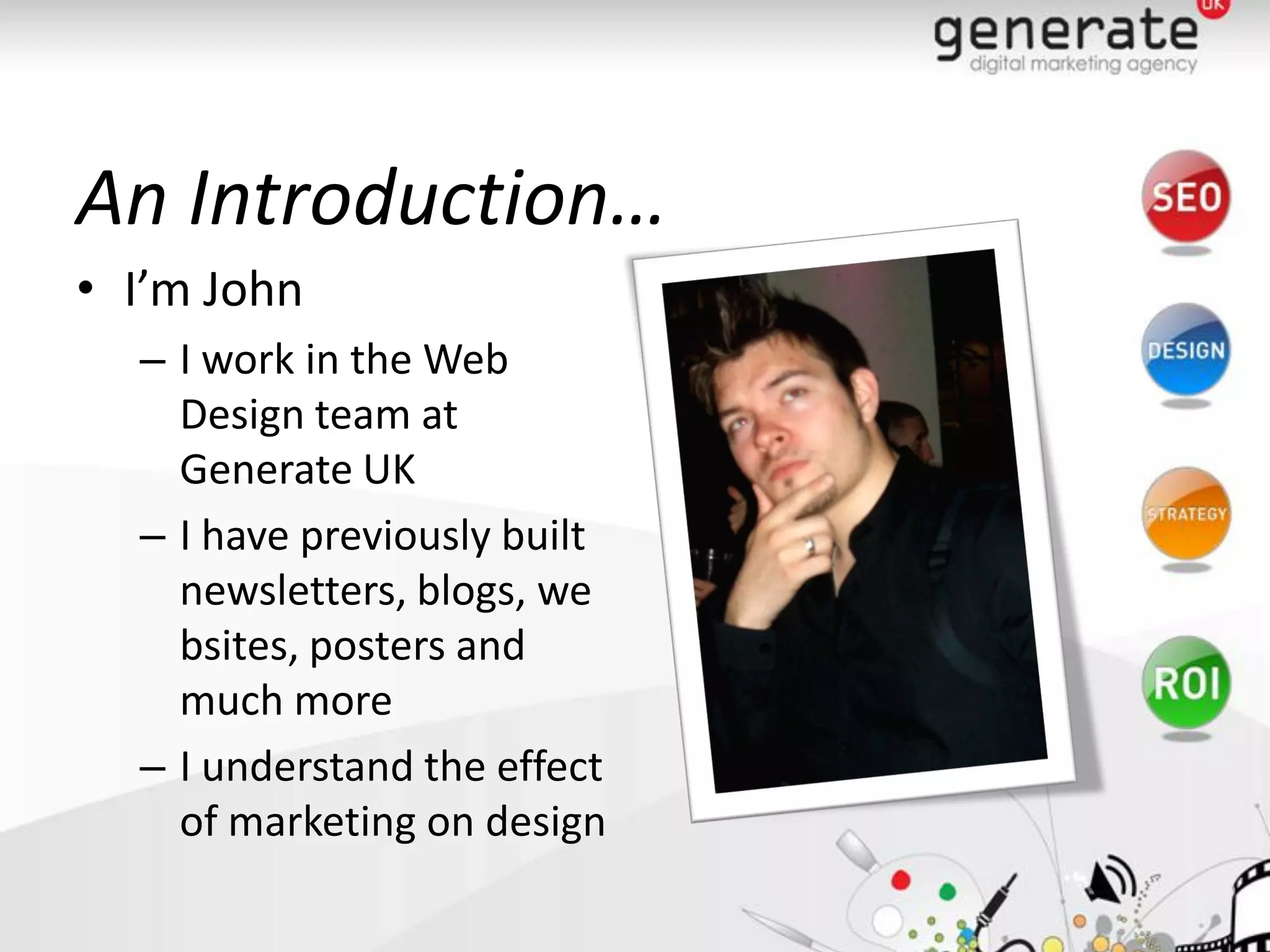
• I’m John
  – I work in the Web
    Design team at
    Generate UK
  – I have previously built
    newsletters, blogs, we
    bsites, posters and
    much more
  – I understand the effect
    of marketing on design
On-page SEO
Making pages search engine friendly
• Ensure all of you pages are linked!

   – If the user cannot find it, neither will the search engines
   – Navigation must be easy to use
   – Drop down menus and Flash: BAD
On-page SEO
Making pages search engine friendly
• Alt-tags
   – Images might mean 1000 words to you or I
   – In image free browsers, slow Internet connections #-
     images are of no use.
   – Good for Search Engines
   – Good for text readers
   – Has further accessibility implications
On-page SEO
Making pages search engine friendly
• Web standards
  – The W3C, for a universally accessible resource

  – Site has not been updated recently?
    you can be left behind

  – Implications for SEO and accessibility
  – Free W3C validator!
On-page SEO
Making pages search engine friendly
• Accessibility
   – Website accessibility is a legal requirement.
      • ramada.com, priceline.com and the Australian Olympic
        committee were sued
   – Up to 48% of your audience could be affected.
   – Cater for Lynx, Screen readers, screen magnifiers,
     differing resolutions, slow connections, flash, java,
     alt-tags for images as well as including subtitles
     where necessary
Graphics & Design
• Is it current?
   –   Does it look a little basic? Grainy? Boring?
   –   Visual representation of your business
   –   It needs to WOW the user
   –   No visible effort? Why should they go to the
       trouble of buying it?
Graphics & Design
• How can I improve on this?
   –   Refresh your website, updated
   –   Interactivity -social media, blogs etc
   –   Includes videos, audio, animations
   –   Adds a dynamic feel
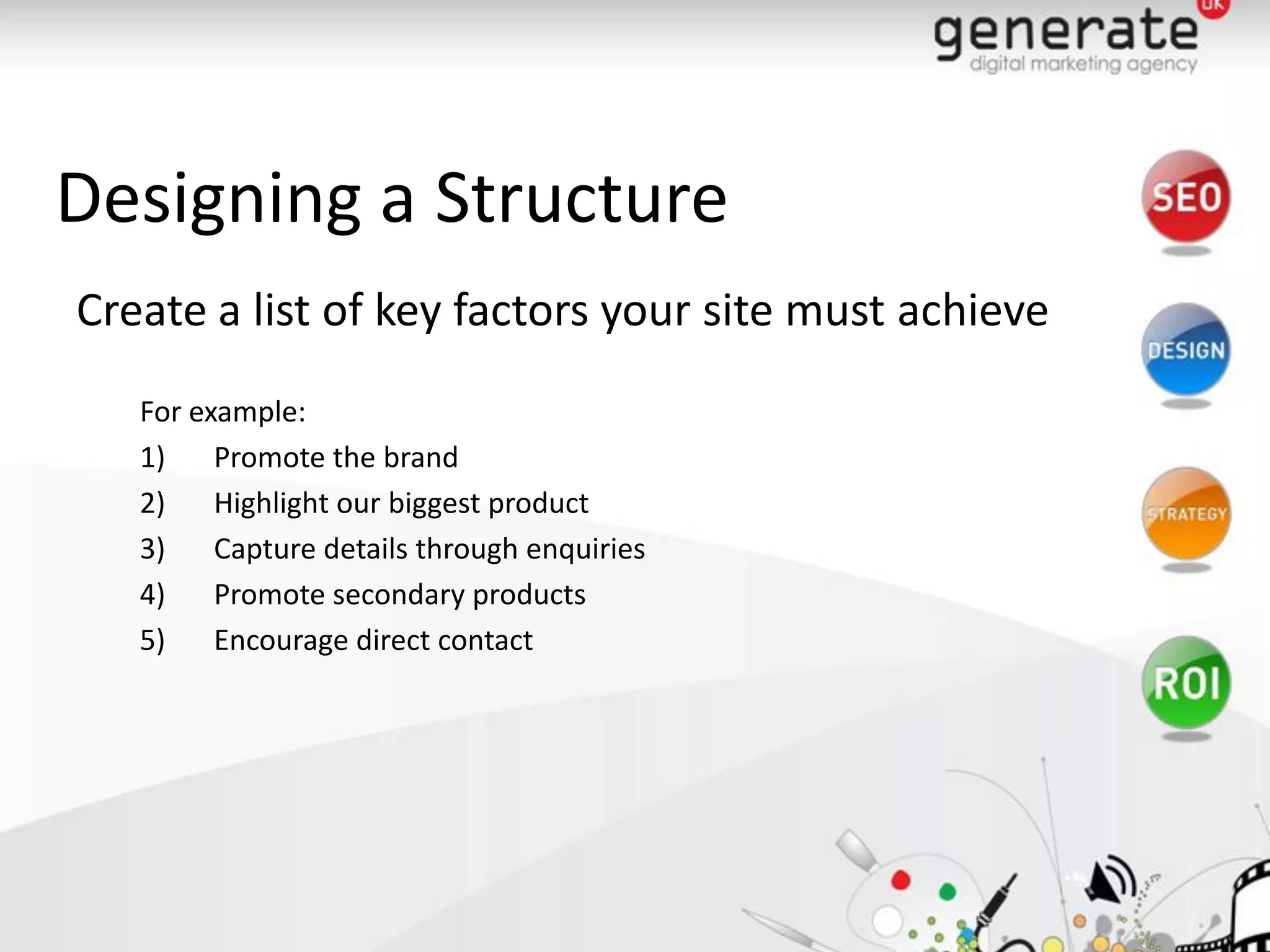
Designing a Structure
Create a list of key factors your site must achieve
   For example:
   1)    Promote the brand
   2)    Highlight our biggest product
   3)    Capture details through enquiries
   4)    Promote secondary products
   5)    Encourage direct contact
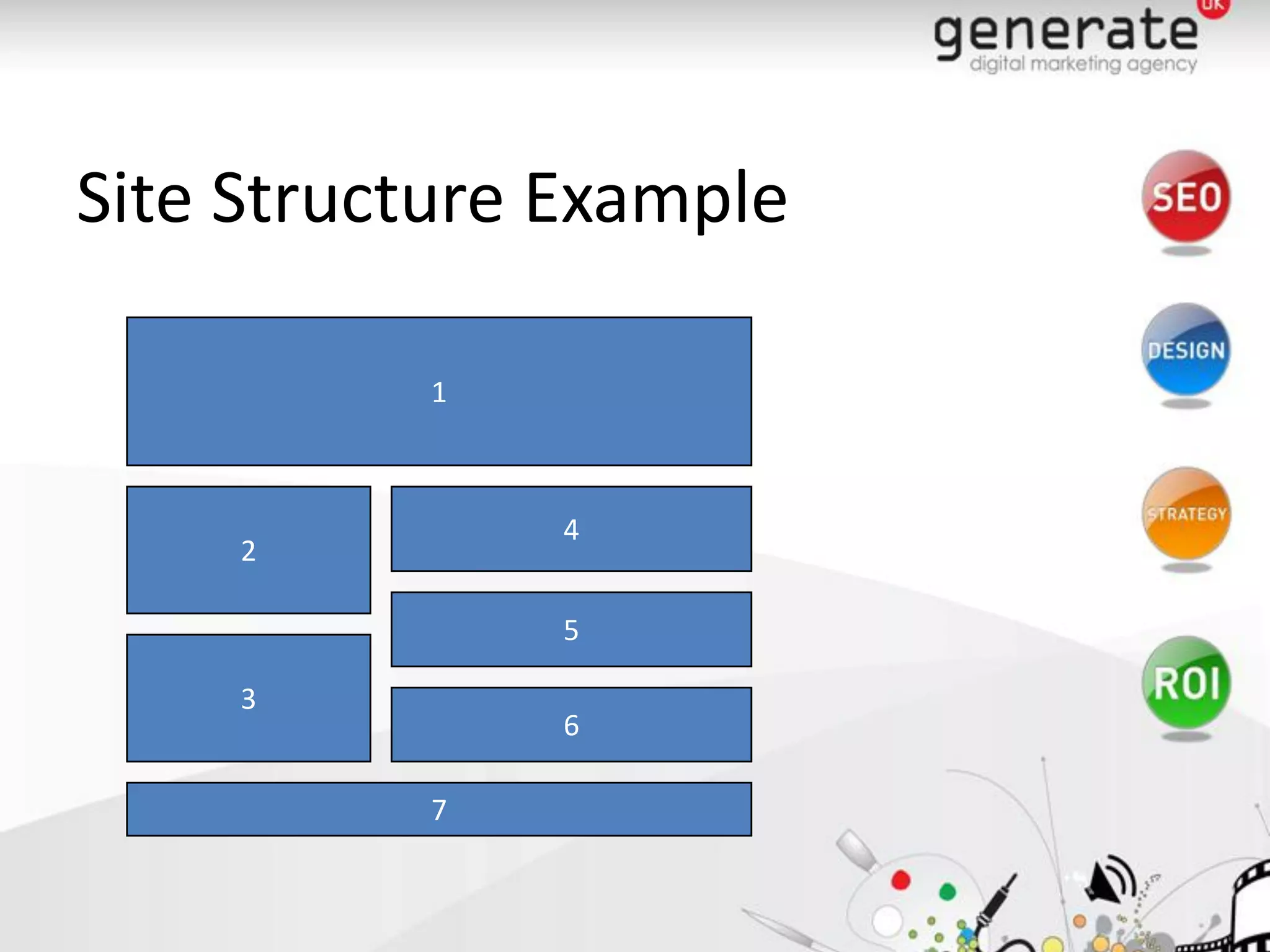
Site Structure Example

          1


               4
     2

               5

     3
               6

          7
Layout Options
What is this and what are the options?
   •   Fixed Width - restricted for larger screens
   •   Flexible Width - width expands to browser width
   •   Expanding Width - site increases in all dimensions
       to allow growth of text
Branding
Best use of your Corporate Identity

   •   Is your corporate ID well represented?
   •   How much space does it require?
   •   Corporate colours are key to visual integration
Banner
Does your banner carry the right message?
   •   How big should your banner be?
   •   What will the content be?
   •   Should it be static or dynamic?
   •   Should it be minimal or more dramatic?
Teasers / Call To Action

  •   Retain / Interest
  •   Left / Right columns are the best locations
  •   Best incorporated on the home page
  •   Minimised throughout the site
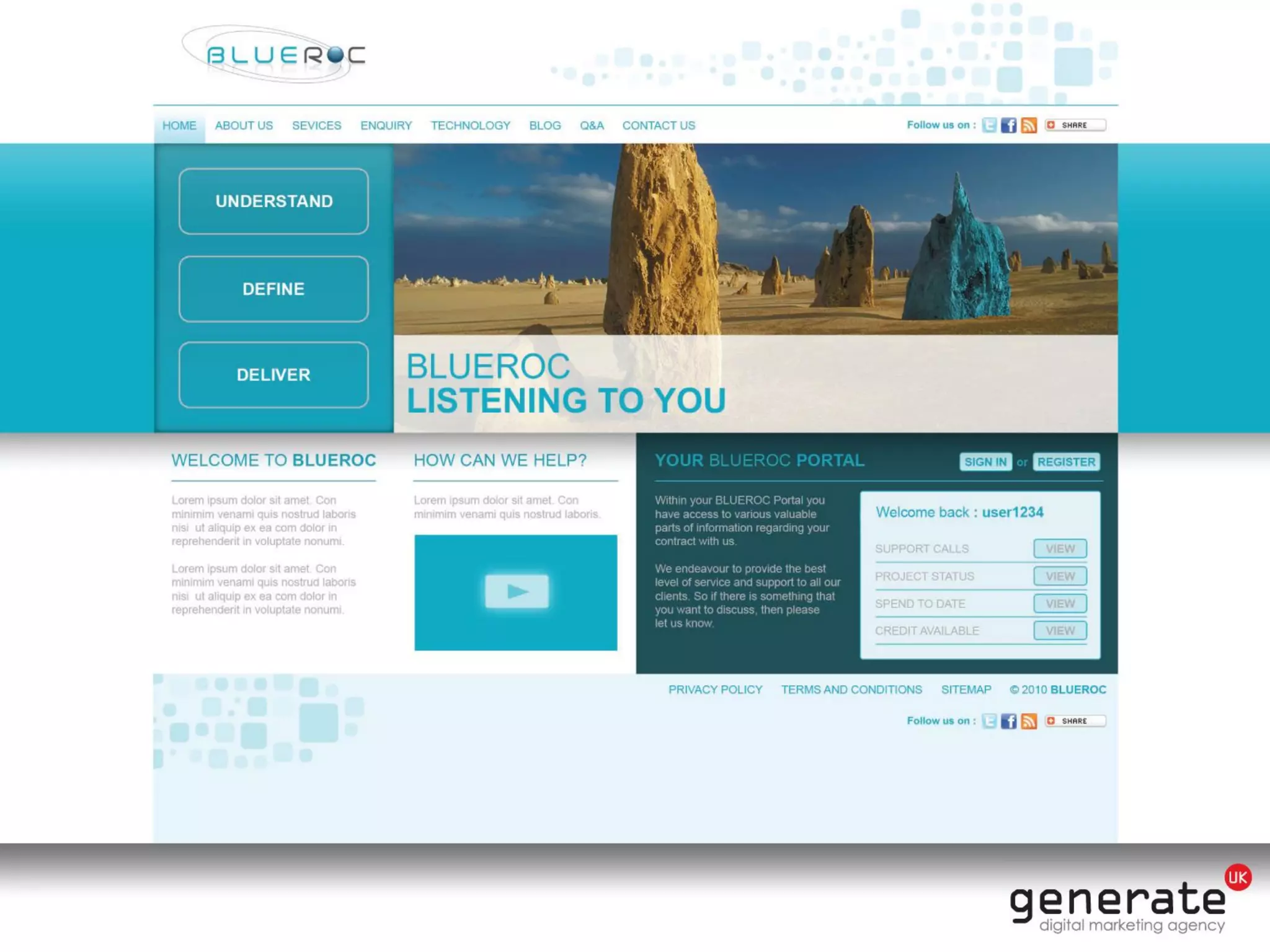
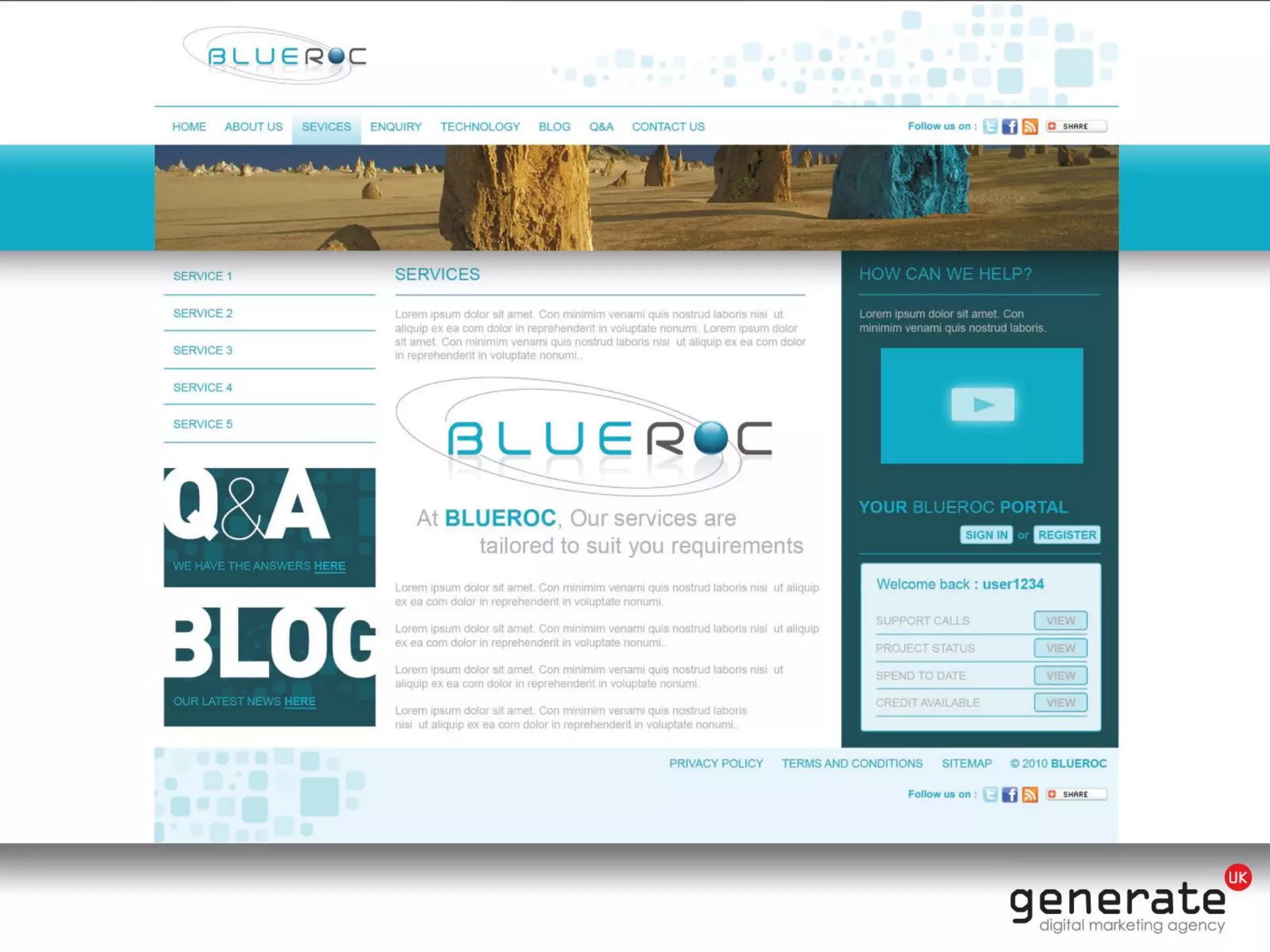
Example 1
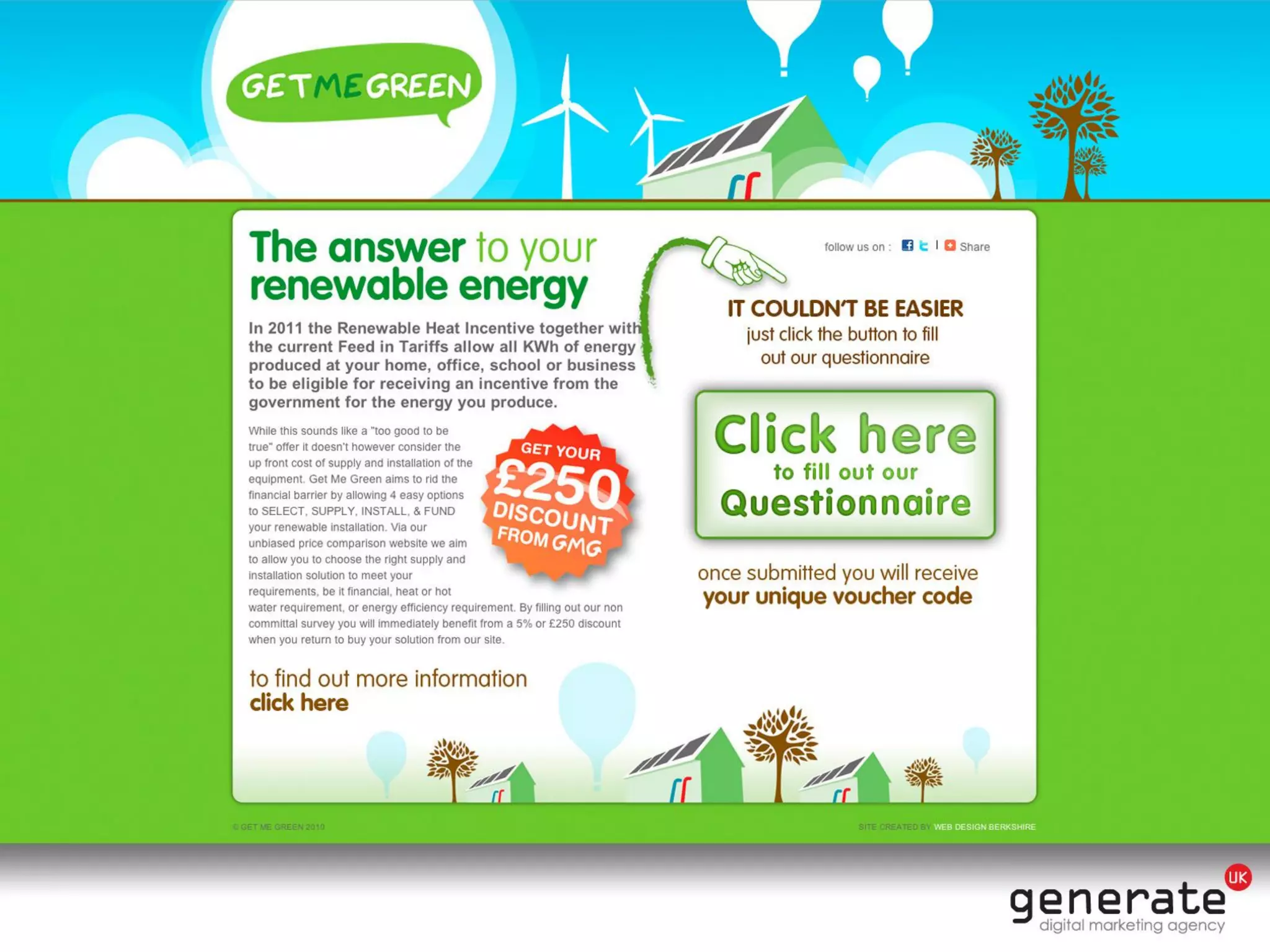
Example 2
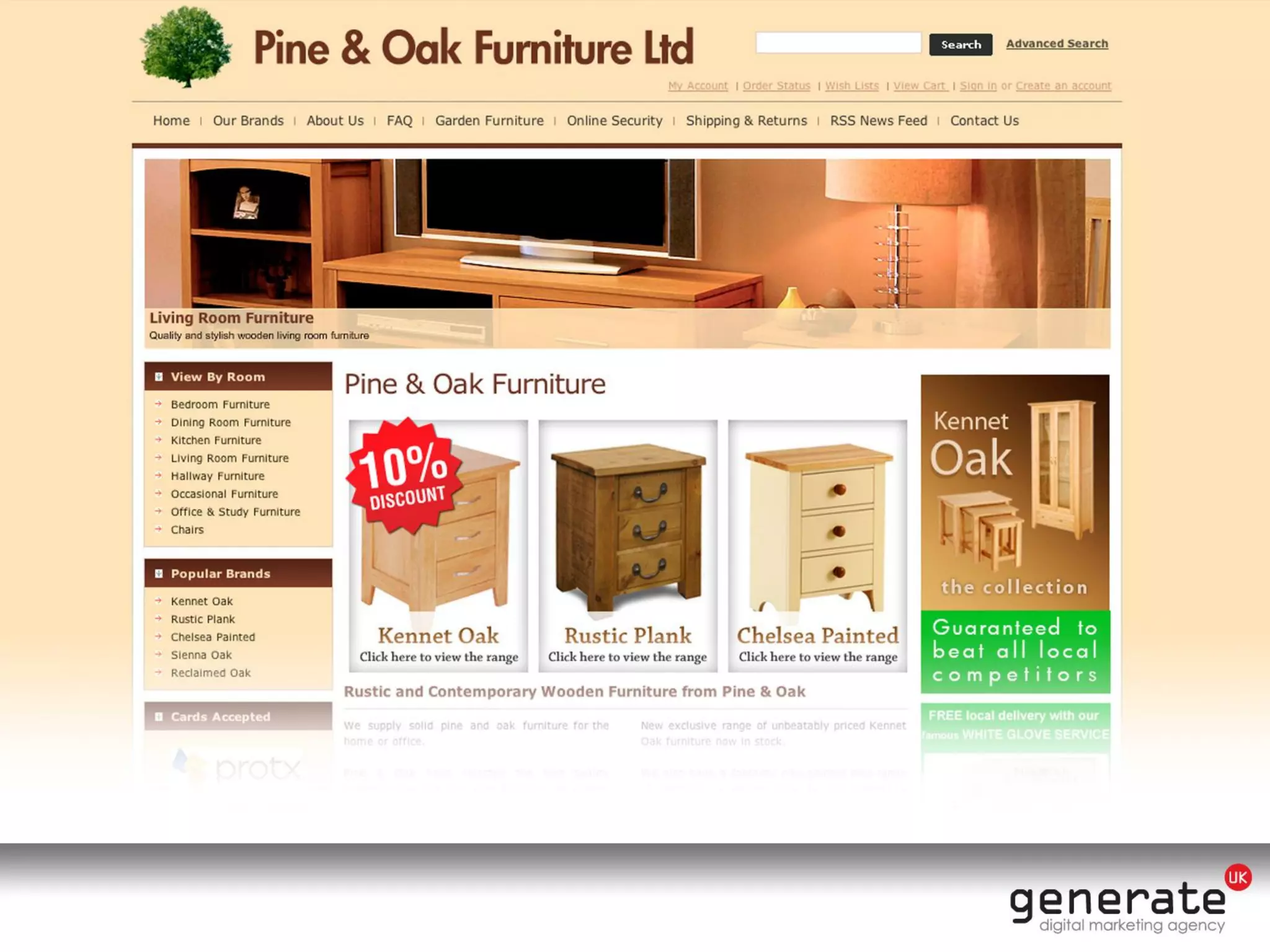
Example 3
Example 4
Tying it all together
– Before building your pages,
  consider the on-page SEO
– Ensure the design and multimedia is accessible
– Make sure you stand out

Is your website design current

  • 1.
    Is your websitedesign current? Some niggly but critical bits you may not have previously considered…
  • 2.
    What I hopeto cover… • On page SEO – Alt tags, navigation, text etc • Accessibility & Compliance – Cross platform usability, how not to get sued, simple bits you can do yourself • Graphical elements of website design – The integration of marketing into design
  • 3.
    An Introduction… • I’mJohn – I work in the Web Design team at Generate UK – I have previously built newsletters, blogs, we bsites, posters and much more – I understand the effect of marketing on design
  • 4.
    On-page SEO Making pagessearch engine friendly • Ensure all of you pages are linked! – If the user cannot find it, neither will the search engines – Navigation must be easy to use – Drop down menus and Flash: BAD
  • 5.
    On-page SEO Making pagessearch engine friendly • Alt-tags – Images might mean 1000 words to you or I – In image free browsers, slow Internet connections #- images are of no use. – Good for Search Engines – Good for text readers – Has further accessibility implications
  • 6.
    On-page SEO Making pagessearch engine friendly • Web standards – The W3C, for a universally accessible resource – Site has not been updated recently? you can be left behind – Implications for SEO and accessibility – Free W3C validator!
  • 7.
    On-page SEO Making pagessearch engine friendly • Accessibility – Website accessibility is a legal requirement. • ramada.com, priceline.com and the Australian Olympic committee were sued – Up to 48% of your audience could be affected. – Cater for Lynx, Screen readers, screen magnifiers, differing resolutions, slow connections, flash, java, alt-tags for images as well as including subtitles where necessary
  • 8.
    Graphics & Design •Is it current? – Does it look a little basic? Grainy? Boring? – Visual representation of your business – It needs to WOW the user – No visible effort? Why should they go to the trouble of buying it?
  • 9.
    Graphics & Design •How can I improve on this? – Refresh your website, updated – Interactivity -social media, blogs etc – Includes videos, audio, animations – Adds a dynamic feel
  • 10.
    Designing a Structure Createa list of key factors your site must achieve For example: 1) Promote the brand 2) Highlight our biggest product 3) Capture details through enquiries 4) Promote secondary products 5) Encourage direct contact
  • 11.
  • 12.
    Layout Options What isthis and what are the options? • Fixed Width - restricted for larger screens • Flexible Width - width expands to browser width • Expanding Width - site increases in all dimensions to allow growth of text
  • 13.
    Branding Best use ofyour Corporate Identity • Is your corporate ID well represented? • How much space does it require? • Corporate colours are key to visual integration
  • 14.
    Banner Does your bannercarry the right message? • How big should your banner be? • What will the content be? • Should it be static or dynamic? • Should it be minimal or more dramatic?
  • 15.
    Teasers / CallTo Action • Retain / Interest • Left / Right columns are the best locations • Best incorporated on the home page • Minimised throughout the site
  • 16.
  • 17.
  • 18.
  • 19.
  • 20.
    Tying it alltogether – Before building your pages, consider the on-page SEO – Ensure the design and multimedia is accessible – Make sure you stand out