What makes a good website? Presented by: Steve Gale Pyxisoft Ltd www.pyxisoft.com In collaboration with: Alan Holding Manchester Digital Development Agency manchesterdda.com
This workshop is 1 of 5 What makes a good website Payment systems Attracting customers – Marketing and Social Networks Attracting customers – Search Engine  Optimisation  & Advertising Stay Legal
Why have a website? Differences between online and offline shops Differences between global brands and small business websites Elements of a good website – design, layout… Coffee break Developing a website specification Some quick tips – domain names, keeping a ‘lever arch file’ for your website, statistics What I’m going to talk about
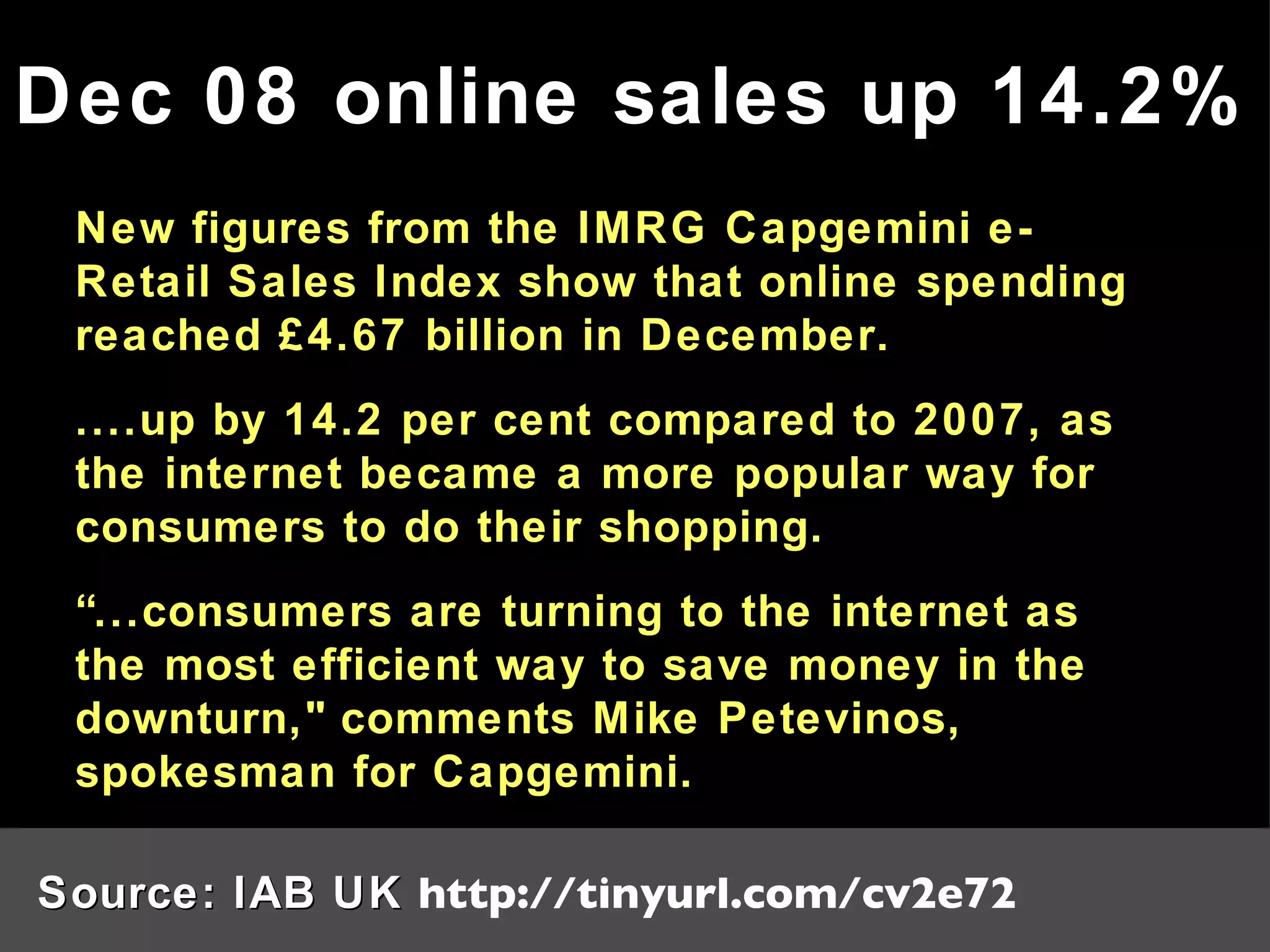
New figures from the IMRG Capgemini e-Retail Sales Index show that online spending reached £4.67 billion in December. ....up by 14.2 per cent compared to 2007, as the internet became a more popular way for consumers to do their shopping. “ ...consumers are turning to the internet as the most efficient way to save money in the downturn," comments Mike Petevinos, spokesman for Capgemini. Dec 08 online sales up 14.2% Source: IAB UK  http://tinyurl.com/cv2e72
Raise brand awareness Provide information on your products and services Give customers a way of contacting you Sell products or services online Collect data about your clients for later use Why have a website?
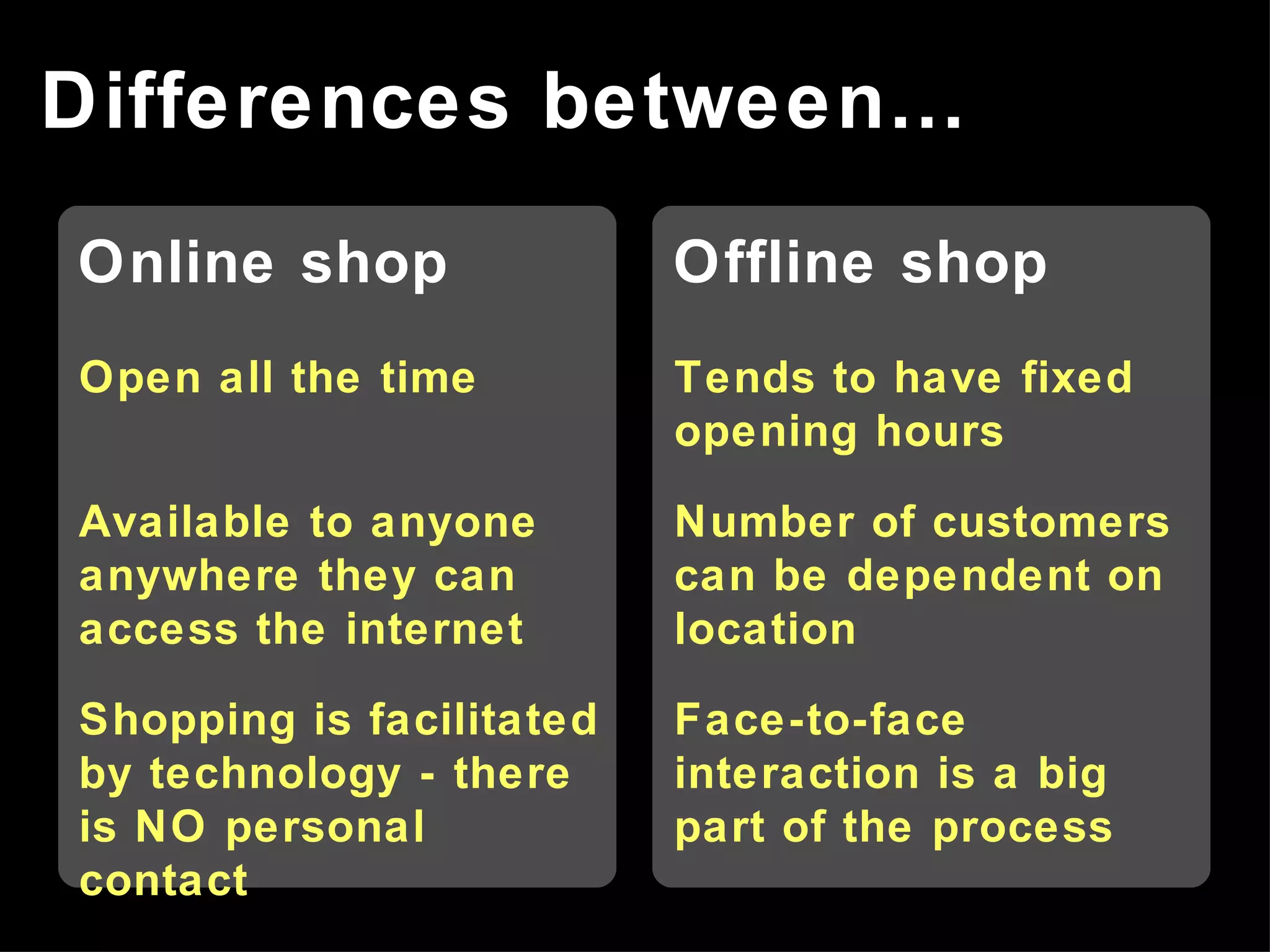
Differences between… Online shop Open all the time Available to anyone anywhere they can access the internet Shopping is facilitated by technology - there is NO personal contact Offline shop Tends to have fixed opening hours Number of customers can be dependent on location Face-to-face interaction is a big part of the process
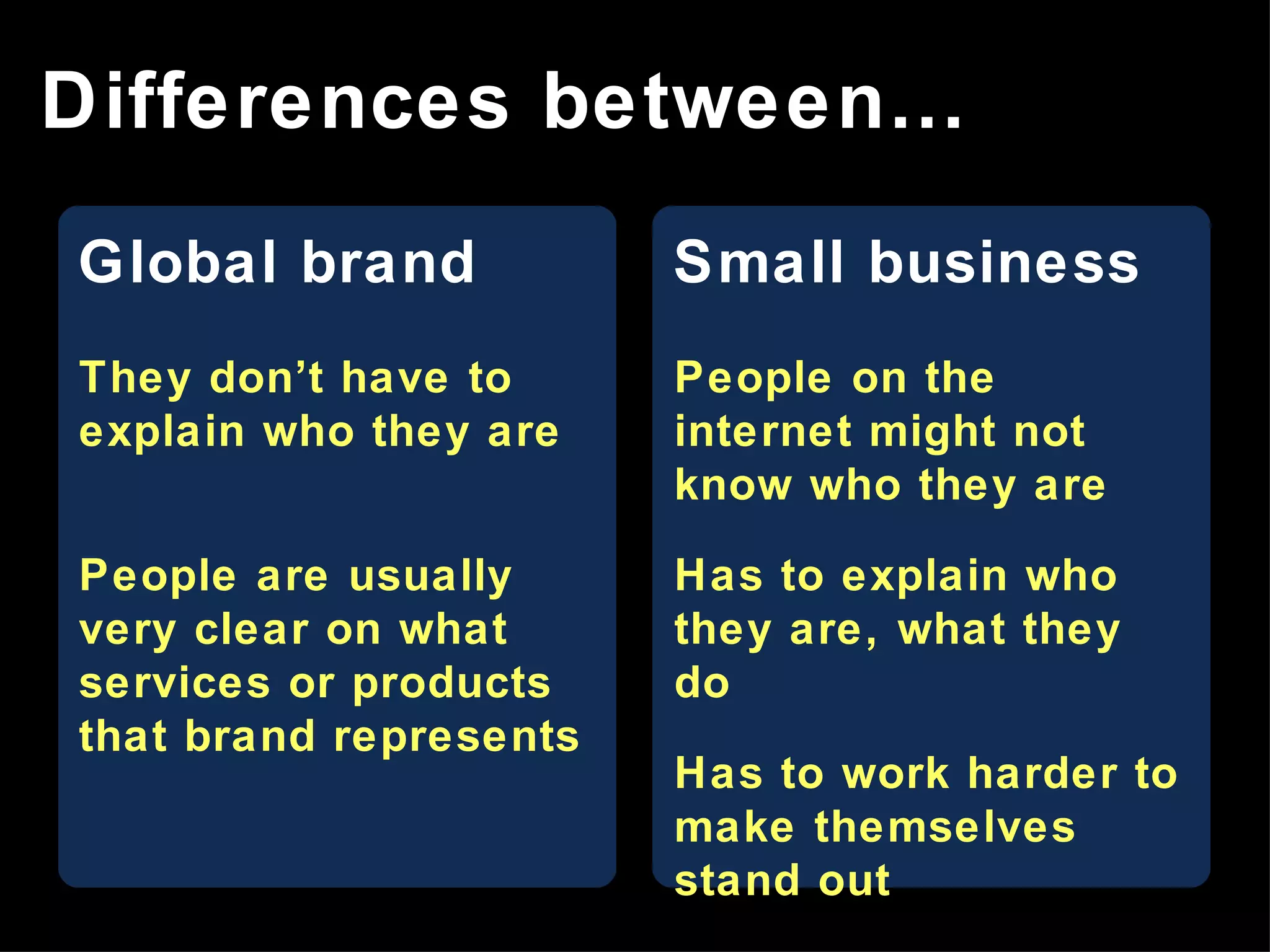
Global brand They don’t have to explain who they are People are usually very clear on what services or products that brand represents Small business People on the internet might not know who they are Has to explain who they are, what they do Has to work harder to make themselves stand out Differences between…
Design Layout Content Elements of a good website Usability
A well designed, usable website Why are these important? Good customer experience =
Consistent look and feel – website design follows your “corporate brand” Good use of images A sense of professionalism Design
Make it easy to find your way around the site Position your key messages correctly People usually scan web pages not read them Evaluate regularly and change things that don’t work! Layout
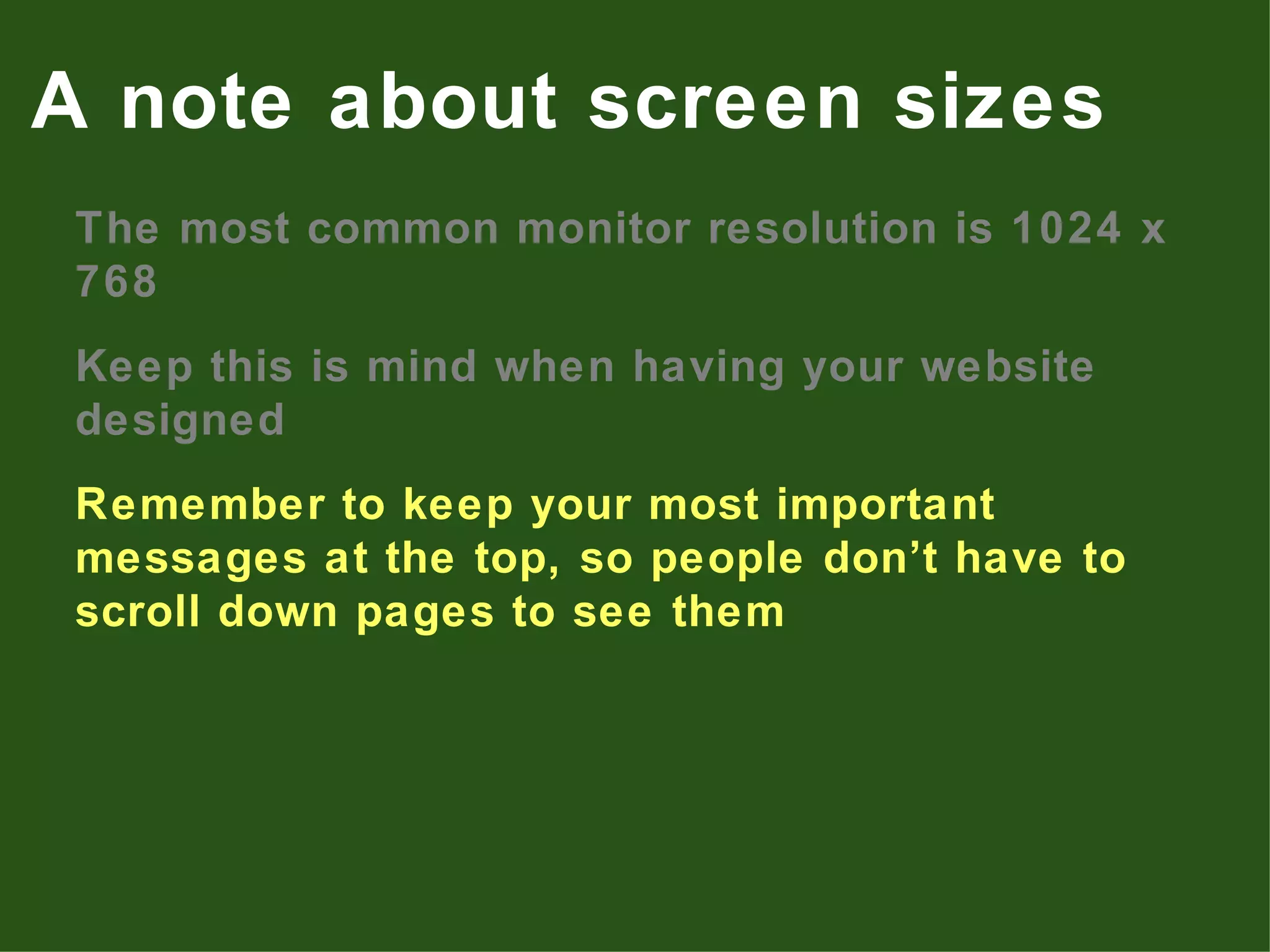
The most common monitor resolution is 1024 x 768 Keep this is mind when having your website designed Remember to keep your most important messages at the top, so people don’t have to scroll down pages to see them A note about screen sizes
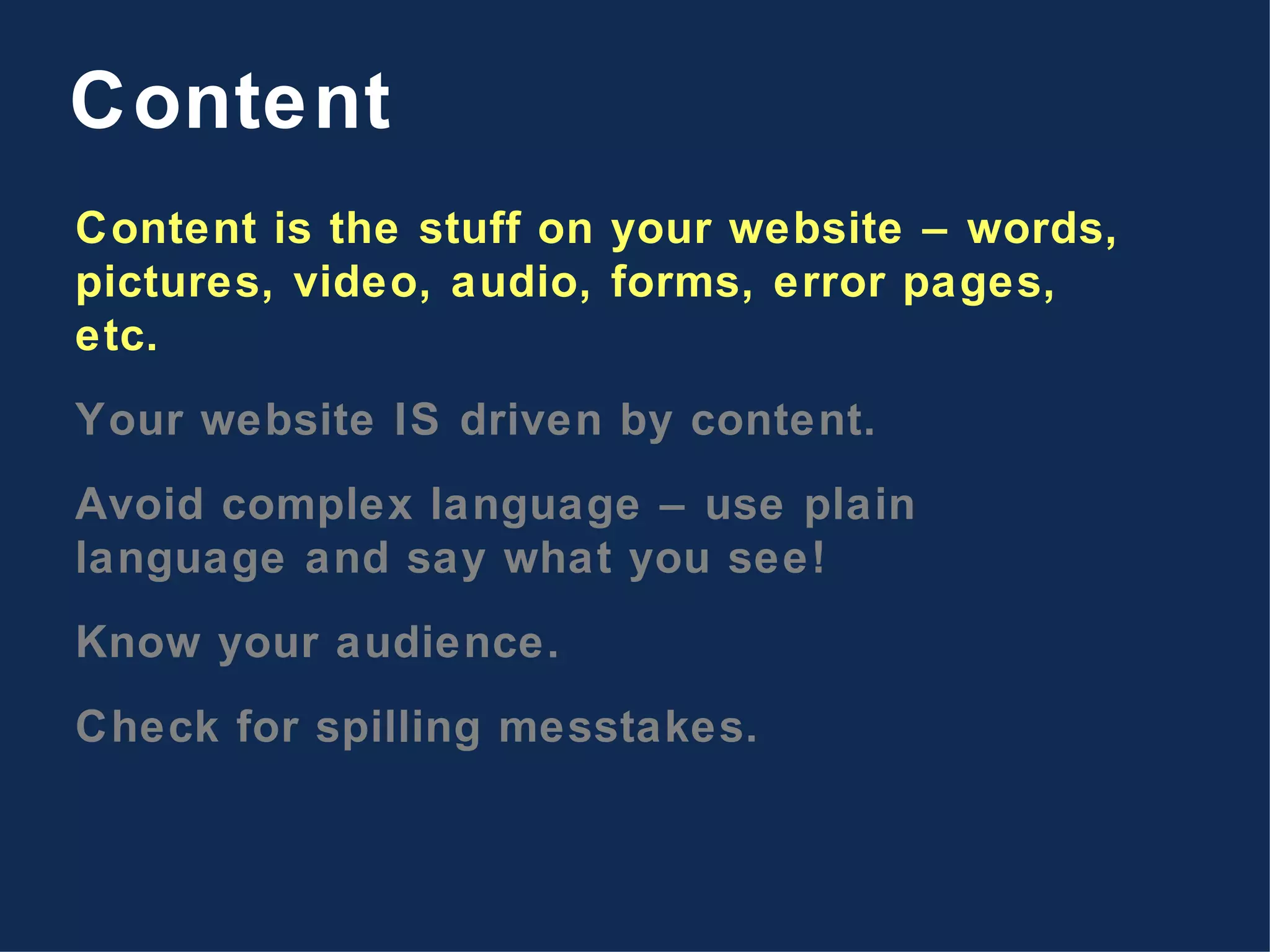
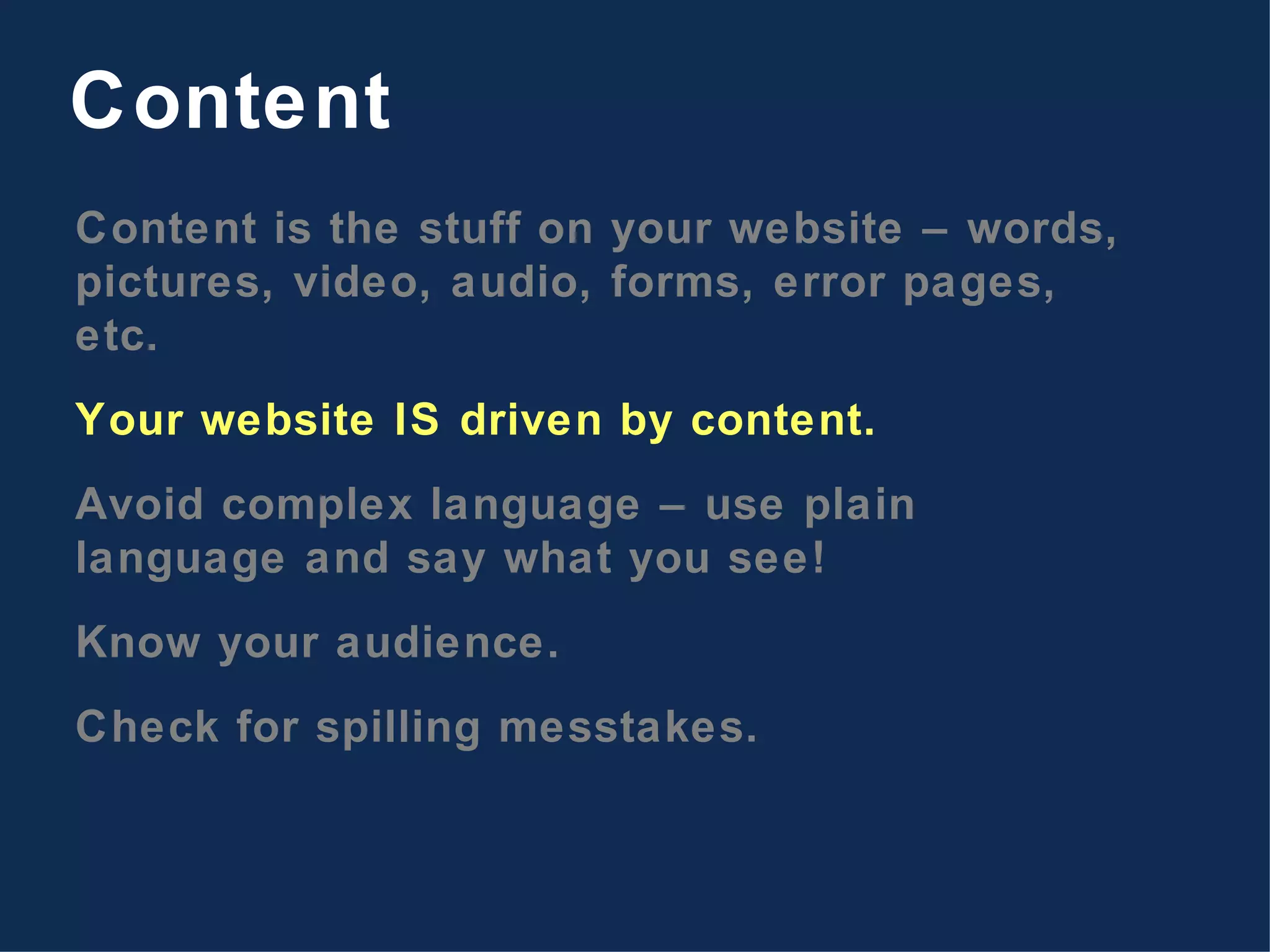
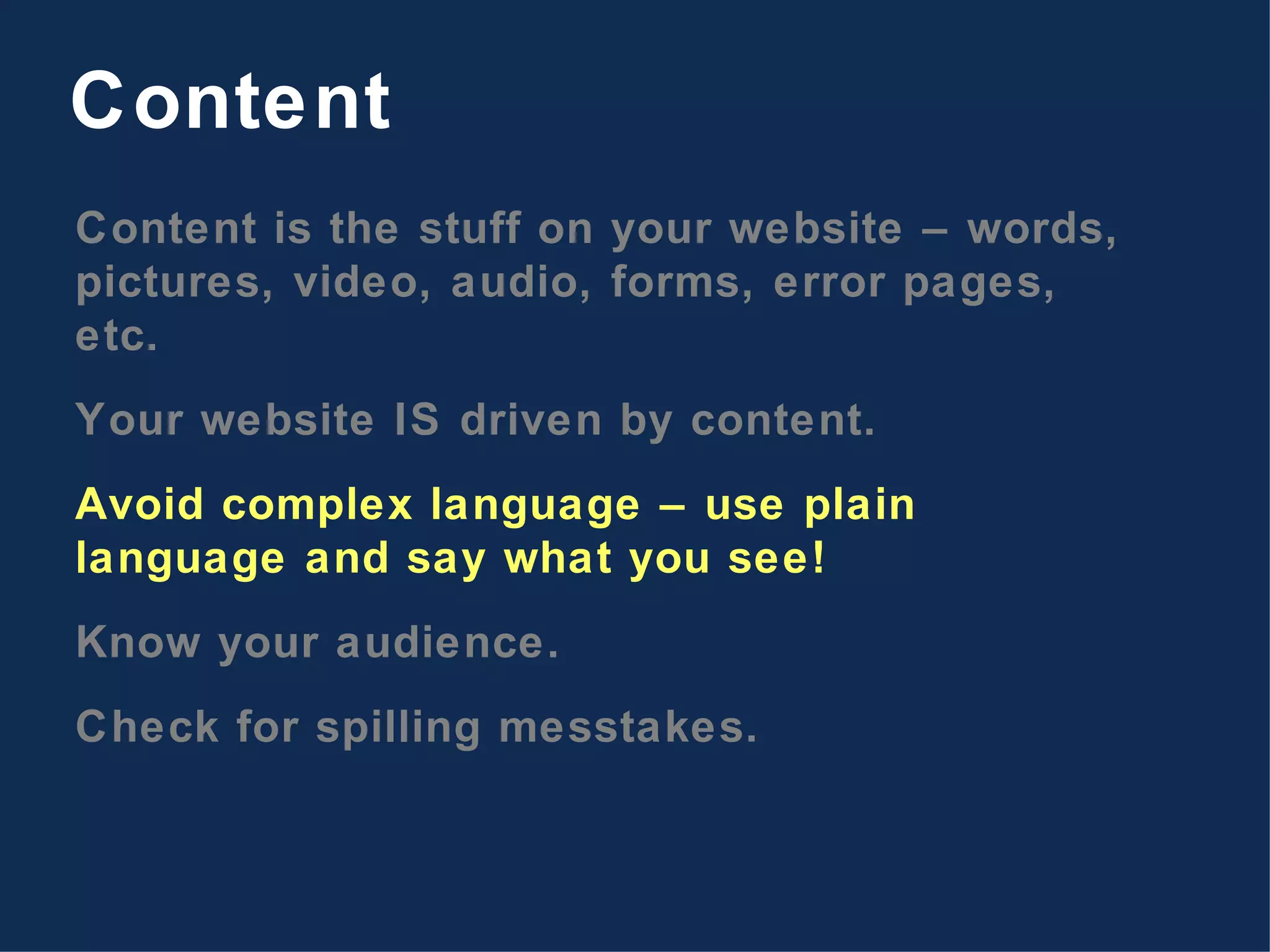
Content is the stuff on your website – words, pictures, video, audio, forms, error pages, etc. Your website IS driven by content. Avoid complex language – use plain language and say what you see! Know your audience. Check for spilling messtakes. Content
If customers can’t use your website to do stuff, even if the website looks nice, is it doing its job? Remember that customers come to your website to carry out a specific task – find out who you are, buy something from you, etc. The design of your website should help customers do those tasks. Test the website. What happens when things go wrong. Do you know when things go wrong? Usability
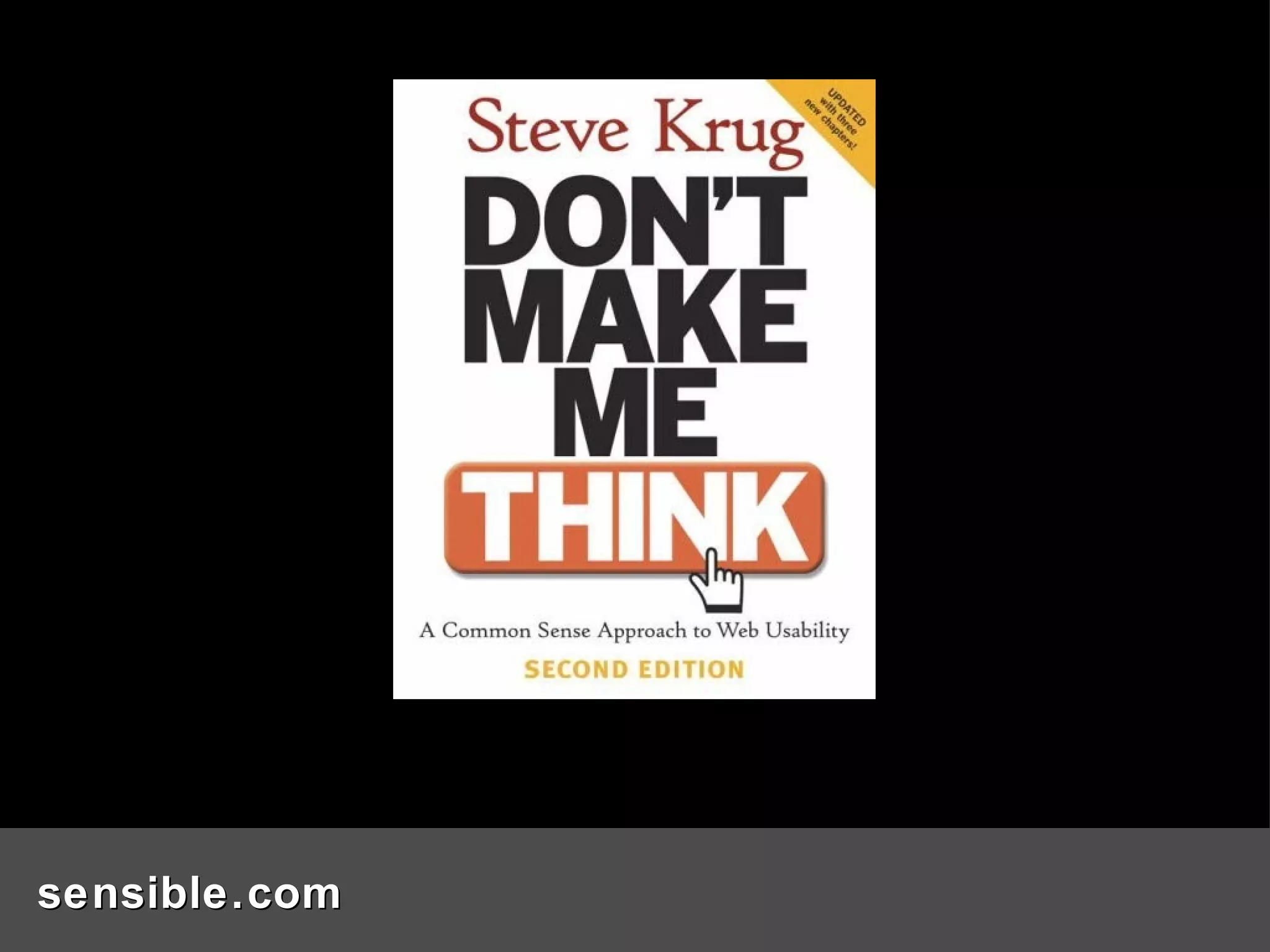
sensible.com
Examples…
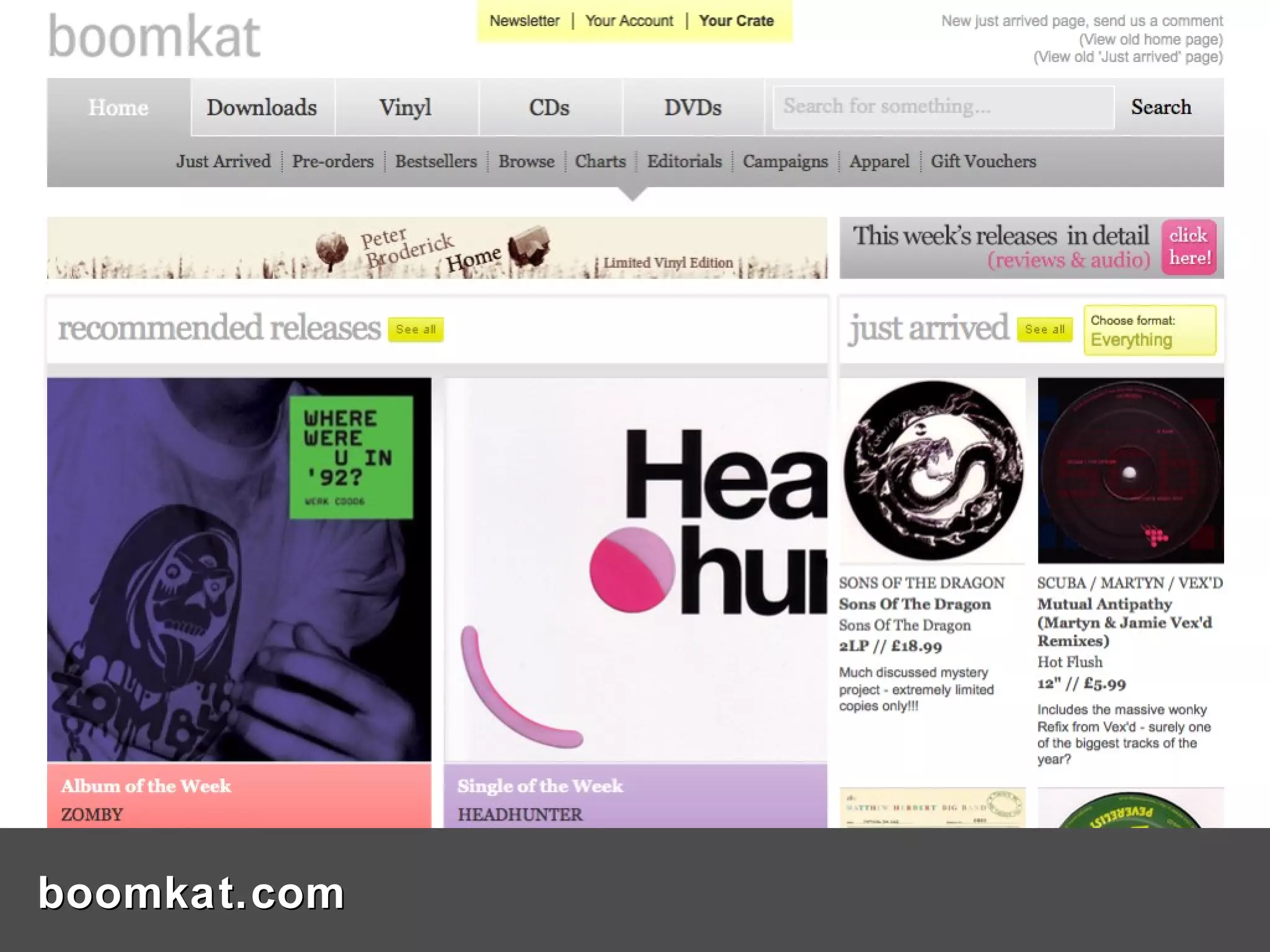
boomkat.com
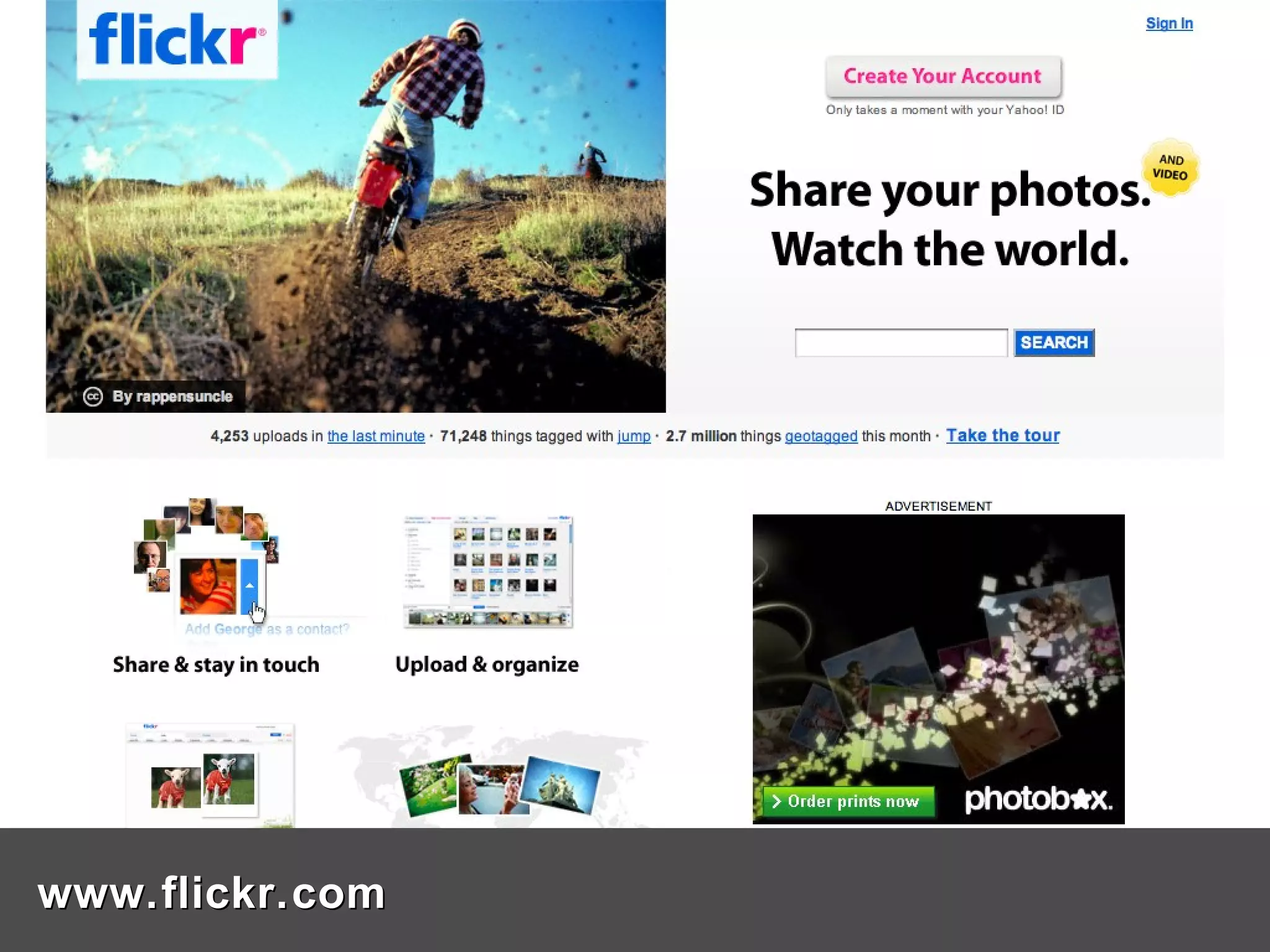
www.flickr.com
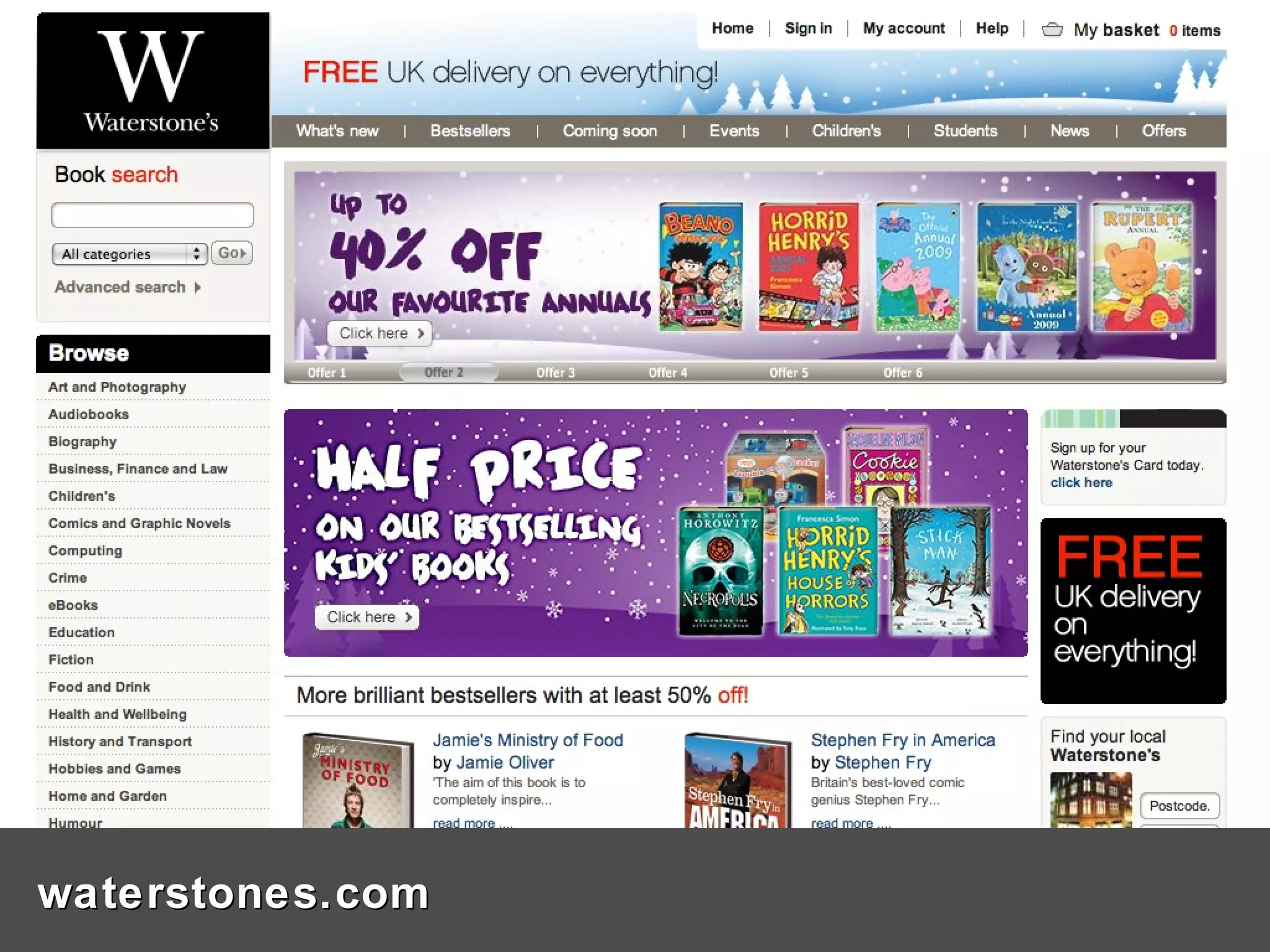
waterstones.com
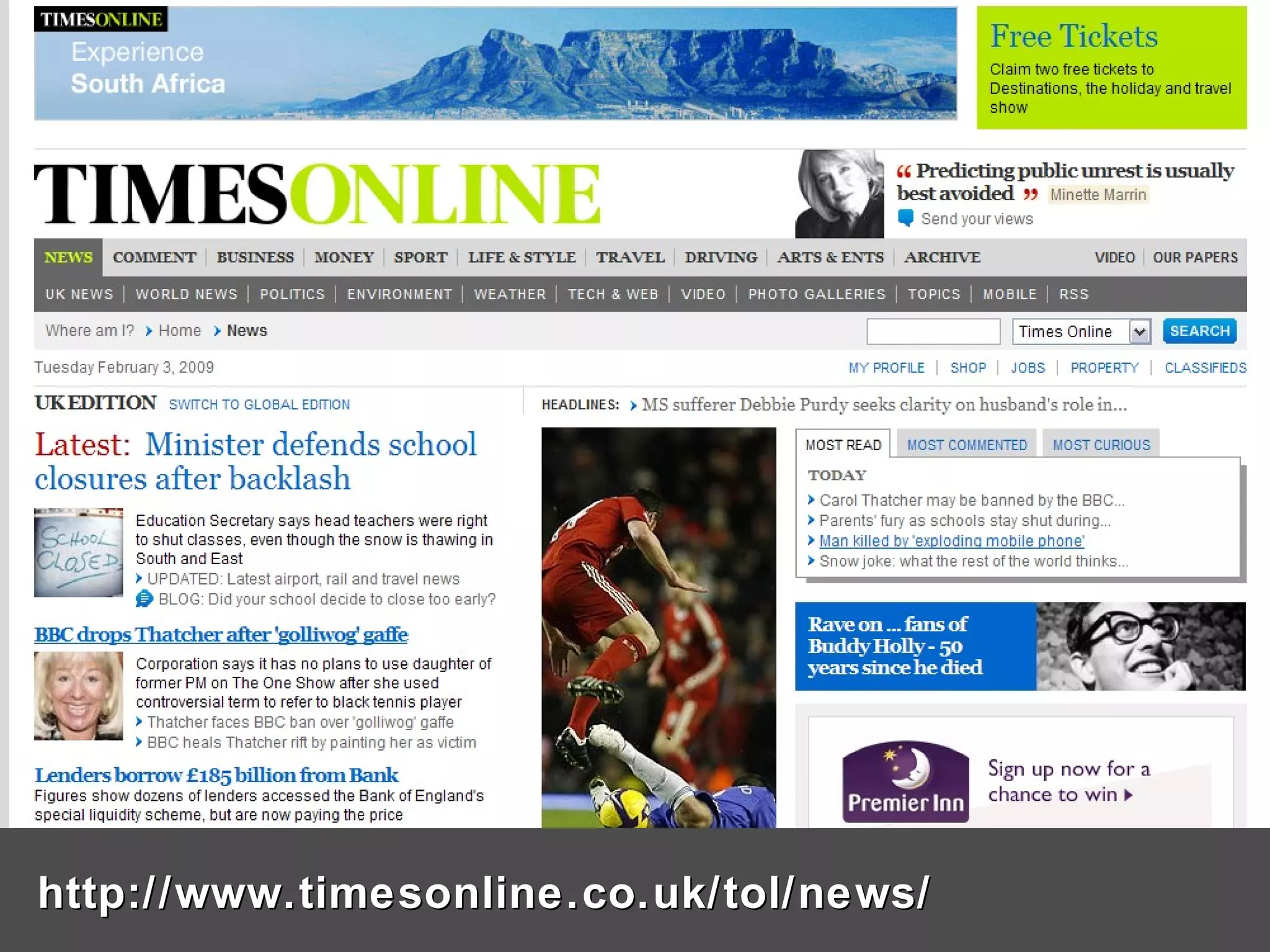
http://www.timesonline.co.uk/tol/news/
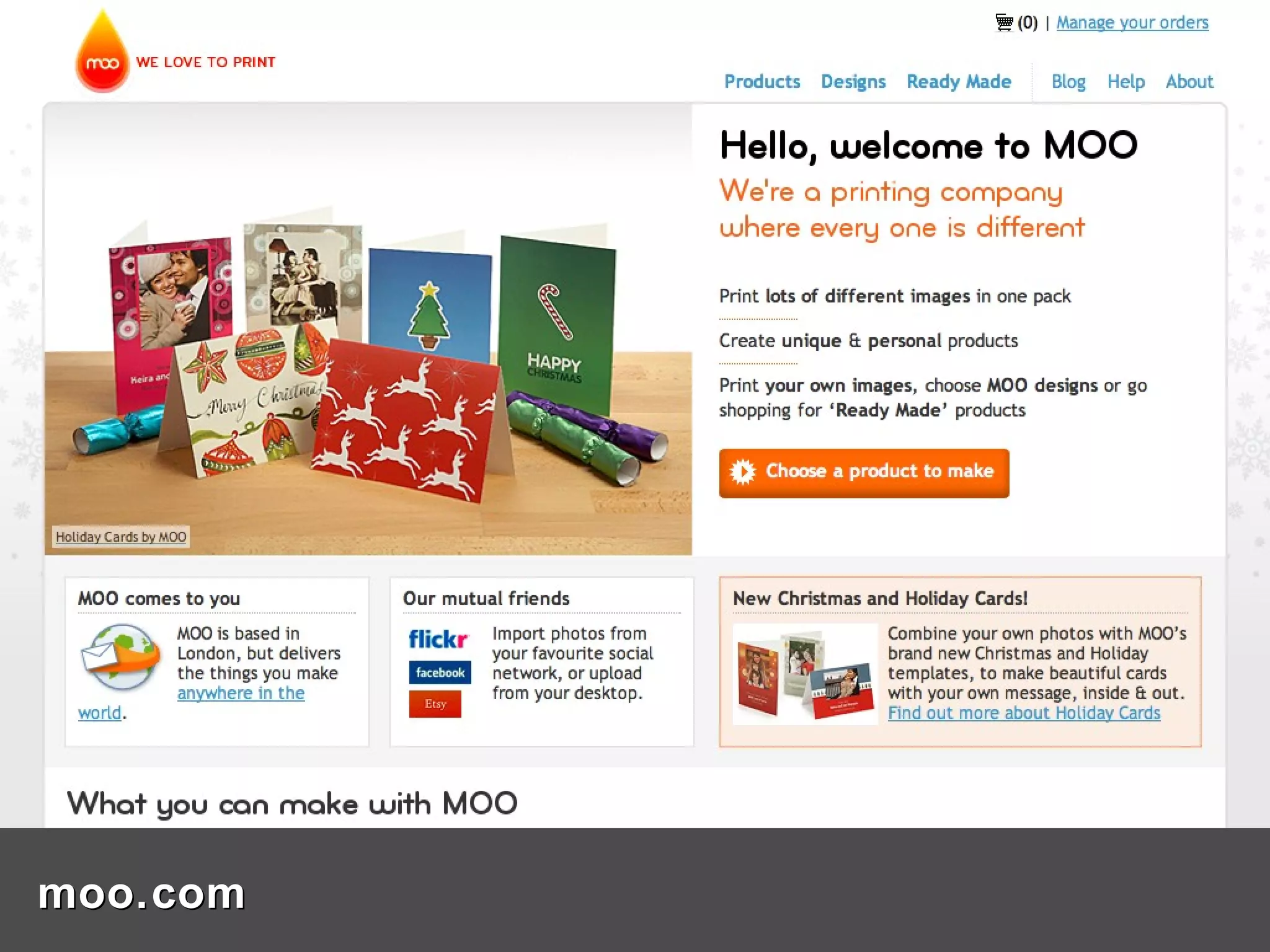
moo.com
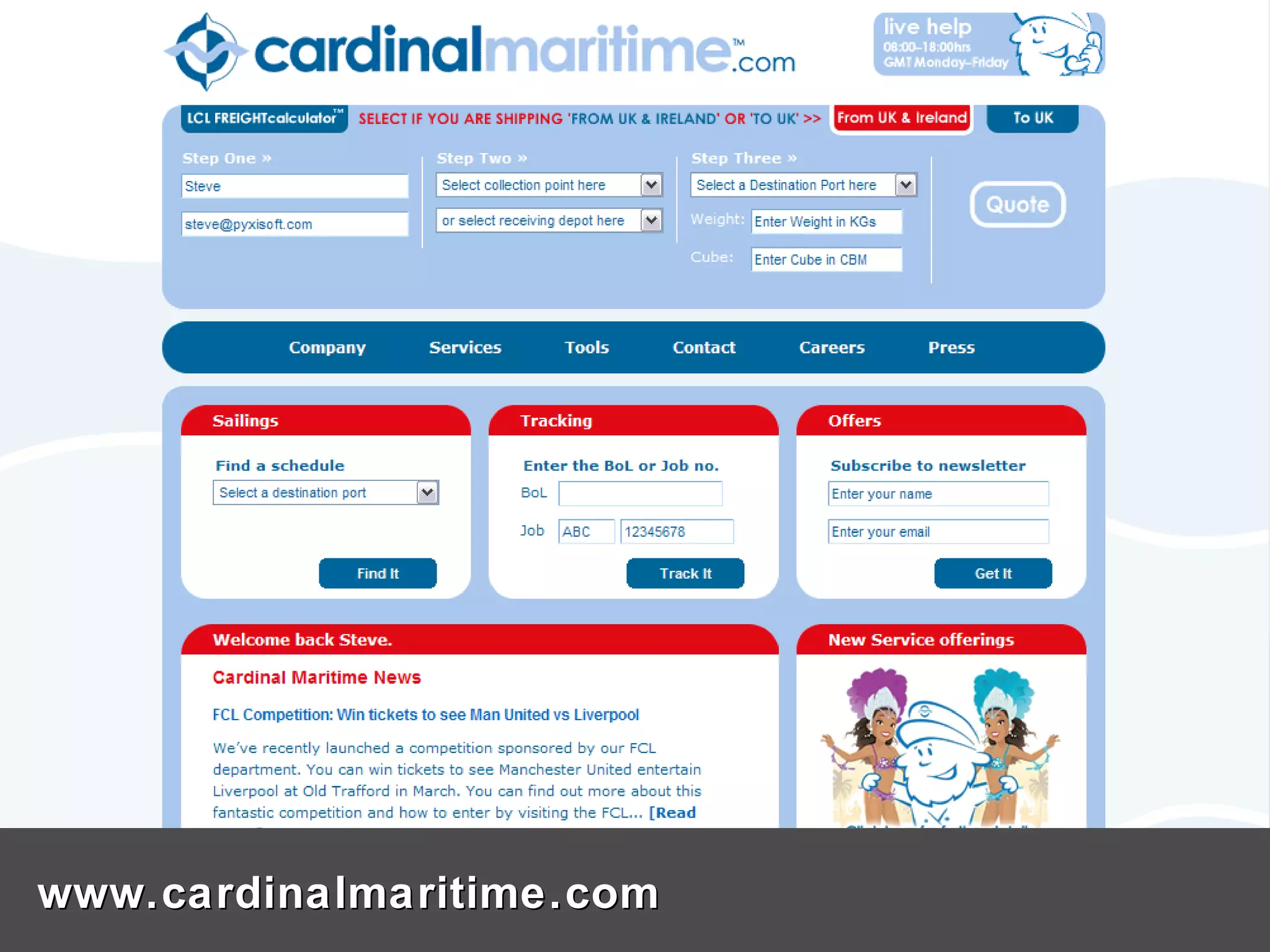
www.cardinalmaritime.com
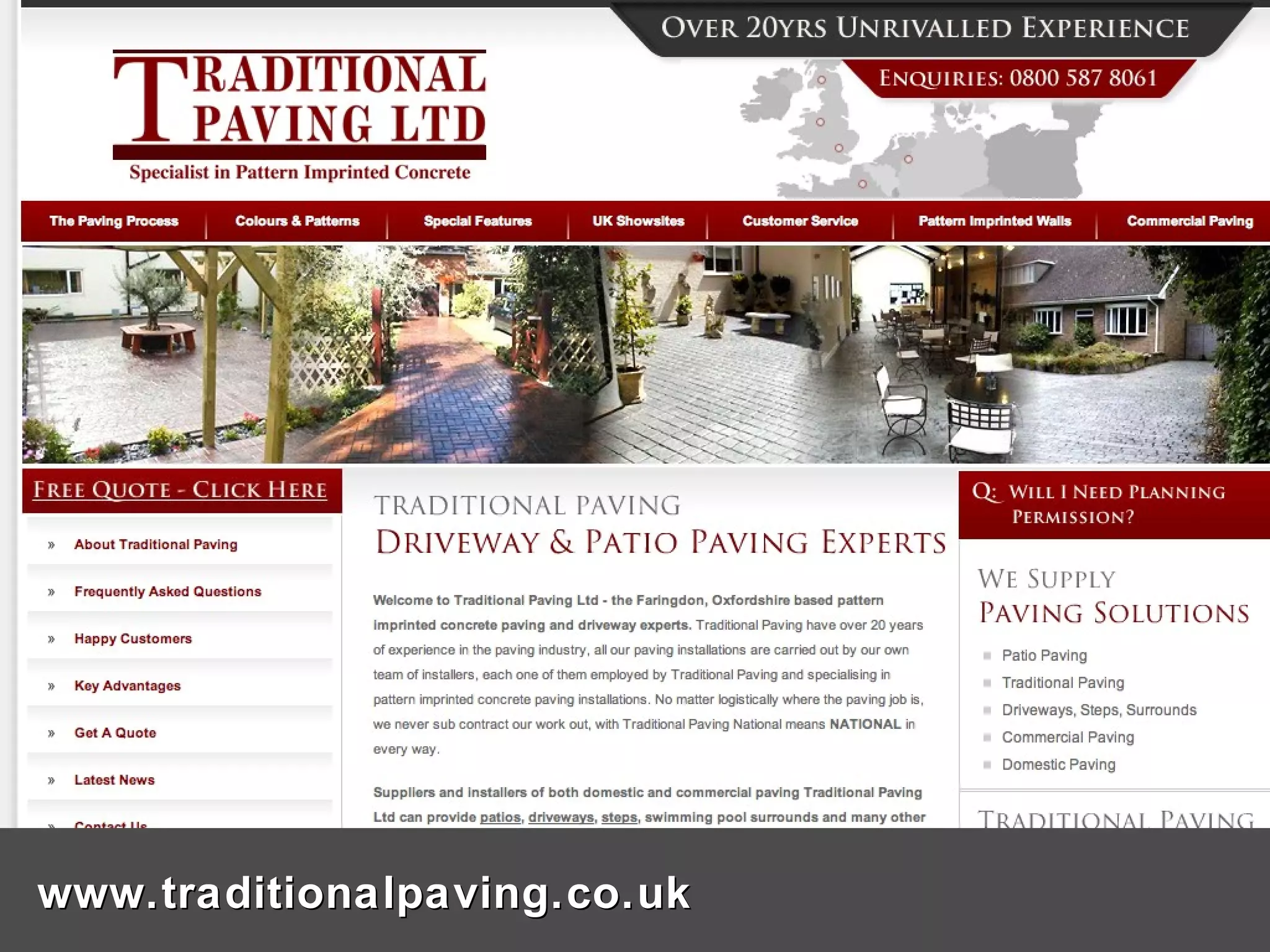
www.traditionalpaving.co.uk
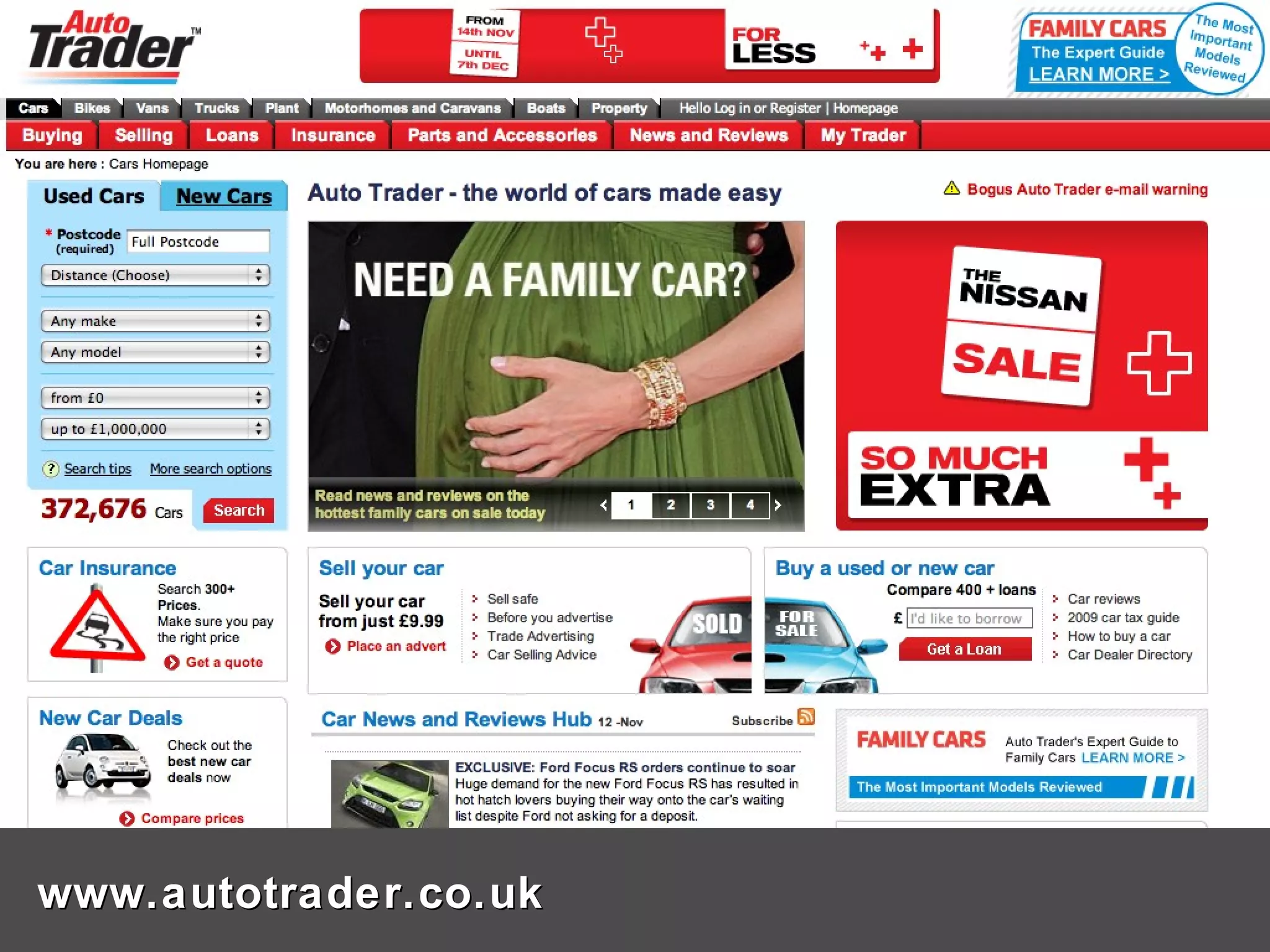
www.autotrader.co.uk
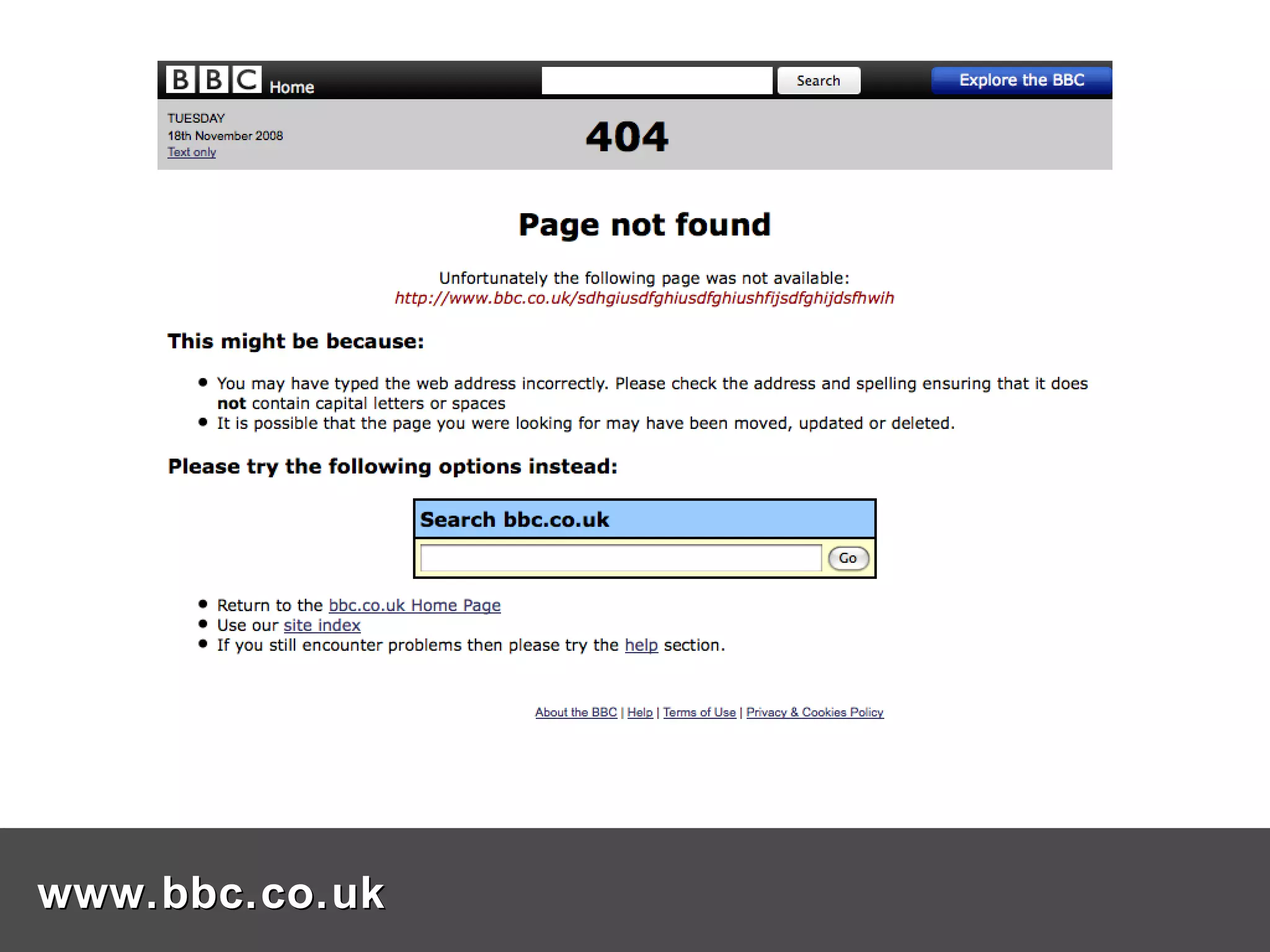
www.bbc.co.uk
Coffee break Please take this opportunity to fill in the assistance form that is in your pack. Thank you!
Are you clear on what you want your website to do? Make a list of requirements in non-technical language Be specific – you want a search, but how should the search results be presented? Itemise each requirement so a “cost” can be attached to them – time, money, resources Put requirements into phases – this prioritised list can be the start of your website business plan Refer to the website business plan in meetings with developers Writing a website specification
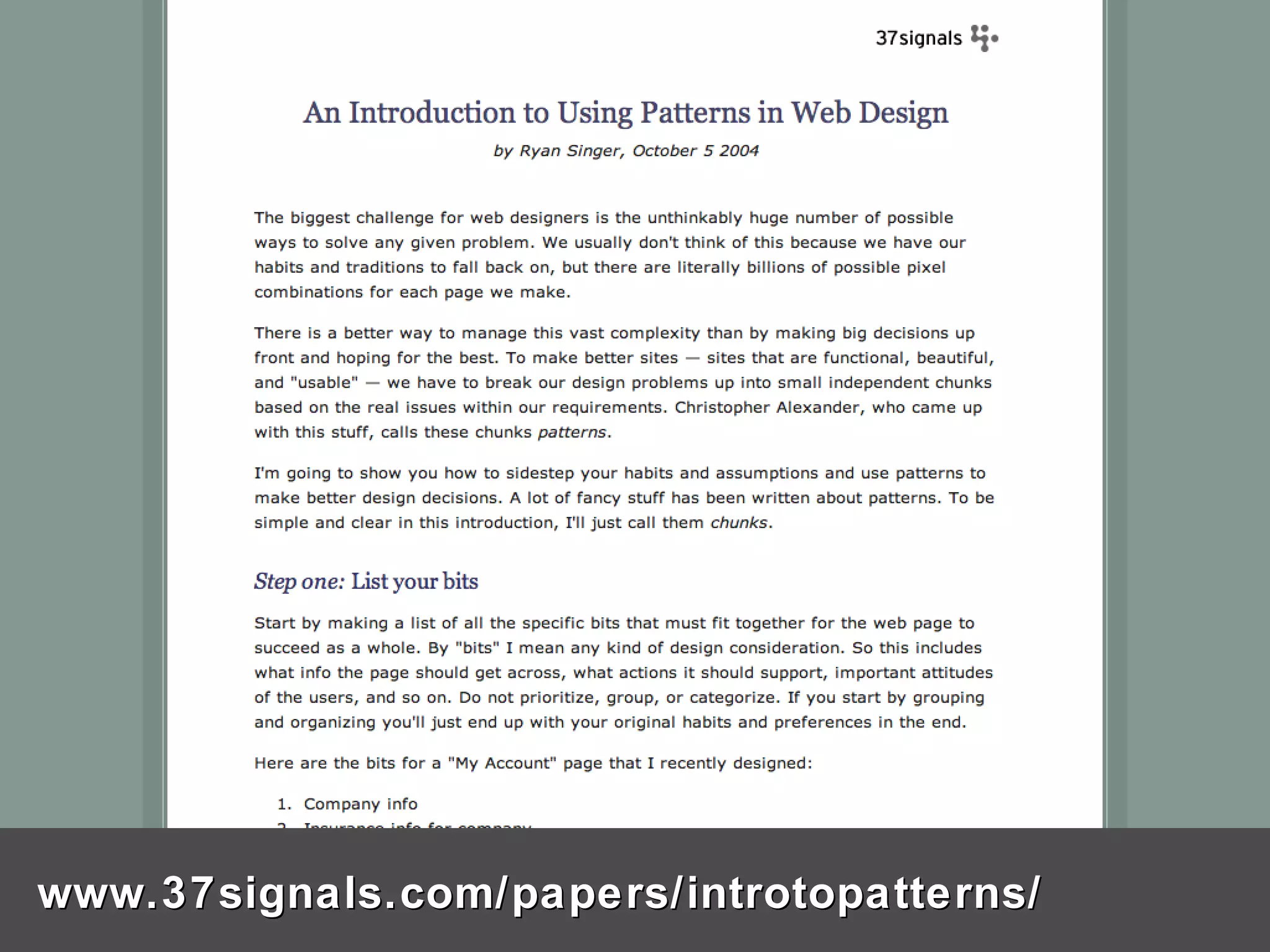
www.37signals.com/papers/introtopatterns/
Be clear on what you want to achieve Think about your audience Research other websites – competitors, market leaders, websites your target audience would visit Ask friends, family and colleagues what websites they like and DON’T like – and why. Make a list of websites you like, don’t like, compete against or aspire to Homework
Find and employ a web professional
Some quick tips…
Do you know who owns your domain name? Do you know when your domain name will expire? Do you have an automatic renewal process in place? Do you know which company you registered your domain name with? Use a service like whois.net or nominet.org.uk to find out details about your domain name Domain names
Keep all the paperwork about your website in it Keep a copy in another location Keep it up-to-date If you can, make scans of those paper documents and save them as images or PDFs as backups A “lever arch file” for your site
Do you get statistics on the use of your site? Do you know about statistics services like Google Analytics and Mint? Use statistics to find out things like Popular pages Search phrases Which sites are linking to you Popular times people come to your site Website statistics
Questions? Manchester Digital Development Agency manchesterdda.com twitter.com/mdda mdda.blip.tv delicious.com/mdda Pyxisoft: Intelligent Web Solutions www.pyxisoft.com Steve Gale [email_address]

What Makes A Good Website 2009 Sth Man

  • 1.
    What makes agood website? Presented by: Steve Gale Pyxisoft Ltd www.pyxisoft.com In collaboration with: Alan Holding Manchester Digital Development Agency manchesterdda.com
  • 2.
    This workshop is1 of 5 What makes a good website Payment systems Attracting customers – Marketing and Social Networks Attracting customers – Search Engine Optimisation & Advertising Stay Legal
  • 3.
    Why have awebsite? Differences between online and offline shops Differences between global brands and small business websites Elements of a good website – design, layout… Coffee break Developing a website specification Some quick tips – domain names, keeping a ‘lever arch file’ for your website, statistics What I’m going to talk about
  • 4.
    New figures fromthe IMRG Capgemini e-Retail Sales Index show that online spending reached £4.67 billion in December. ....up by 14.2 per cent compared to 2007, as the internet became a more popular way for consumers to do their shopping. “ ...consumers are turning to the internet as the most efficient way to save money in the downturn," comments Mike Petevinos, spokesman for Capgemini. Dec 08 online sales up 14.2% Source: IAB UK http://tinyurl.com/cv2e72
  • 5.
    Raise brand awarenessProvide information on your products and services Give customers a way of contacting you Sell products or services online Collect data about your clients for later use Why have a website?
  • 6.
    Raise brand awarenessProvide information on your products and services Give customers a way of contacting you Sell products or services online Collect data about your clients for later use Why have a website?
  • 7.
    Raise brand awarenessProvide information on your products and services Give customers a way of contacting you Sell products or services online Collect data about your clients for later use Why have a website?
  • 8.
    Raise brand awarenessProvide information on your products and services Give customers a way of contacting you Sell products or services online Collect data about your clients for later use Why have a website?
  • 9.
    Raise brand awarenessProvide information on your products and services Give customers a way of contacting you Sell products or services online Collect data about your clients for later use Why have a website?
  • 10.
    Differences between… Onlineshop Open all the time Available to anyone anywhere they can access the internet Shopping is facilitated by technology - there is NO personal contact Offline shop Tends to have fixed opening hours Number of customers can be dependent on location Face-to-face interaction is a big part of the process
  • 11.
    Global brand Theydon’t have to explain who they are People are usually very clear on what services or products that brand represents Small business People on the internet might not know who they are Has to explain who they are, what they do Has to work harder to make themselves stand out Differences between…
  • 12.
    Design Layout ContentElements of a good website Usability
  • 13.
    A well designed,usable website Why are these important? Good customer experience =
  • 14.
    Consistent look andfeel – website design follows your “corporate brand” Good use of images A sense of professionalism Design
  • 15.
    Consistent look andfeel – website design follows your “corporate brand” Good use of images A sense of professionalism Design
  • 16.
    Consistent look andfeel – website design follows your “corporate brand” Good use of images A sense of professionalism Design
  • 17.
    Make it easyto find your way around the site Position your key messages correctly People usually scan web pages not read them Evaluate regularly and change things that don’t work! Layout
  • 18.
    Make it easyto find your way around the site Position your key messages correctly People usually scan web pages not read them Evaluate regularly and change things that don’t work! Layout
  • 19.
    Make it easyto find your way around the site Position your key messages correctly People usually scan web pages not read them Evaluate regularly and change things that don’t work! Layout
  • 20.
    Make it easyto find your way around the site Position your key messages correctly People usually scan web pages not read them Evaluate regularly and change things that don’t work! Layout
  • 21.
    The most commonmonitor resolution is 1024 x 768 Keep this is mind when having your website designed Remember to keep your most important messages at the top, so people don’t have to scroll down pages to see them A note about screen sizes
  • 22.
    The most commonmonitor resolution is 1024 x 768 Keep this is mind when having your website designed Remember to keep your most important messages at the top, so people don’t have to scroll down pages to see them A note about screen sizes
  • 23.
    The most commonmonitor resolution is 1024 x 768 Keep this is mind when having your website designed Remember to keep your most important messages at the top, so people don’t have to scroll down pages to see them A note about screen sizes
  • 24.
    Content is thestuff on your website – words, pictures, video, audio, forms, error pages, etc. Your website IS driven by content. Avoid complex language – use plain language and say what you see! Know your audience. Check for spilling messtakes. Content
  • 25.
    Content is thestuff on your website – words, pictures, video, audio, forms, error pages, etc. Your website IS driven by content. Avoid complex language – use plain language and say what you see! Know your audience. Check for spilling messtakes. Content
  • 26.
    Content is thestuff on your website – words, pictures, video, audio, forms, error pages, etc. Your website IS driven by content. Avoid complex language – use plain language and say what you see! Know your audience. Check for spilling messtakes. Content
  • 27.
    Content is thestuff on your website – words, pictures, video, audio, forms, error pages, etc. Your website IS driven by content. Avoid complex language – use plain language and say what you see! Know your audience. Check for spilling messtakes. Content
  • 28.
    Content is thestuff on your website – words, pictures, video, audio, forms, error pages, etc. Your website IS driven by content. Avoid complex language – use plain language and say what you see! Know your audience. Check for spilling messtakes. Content
  • 29.
    If customers can’tuse your website to do stuff, even if the website looks nice, is it doing its job? Remember that customers come to your website to carry out a specific task – find out who you are, buy something from you, etc. The design of your website should help customers do those tasks. Test the website. What happens when things go wrong. Do you know when things go wrong? Usability
  • 30.
    If customers can’tuse your website to do stuff, even if the website looks nice, is it doing its job? Remember that customers come to your website to carry out a specific task – find out who you are, buy something from you, etc. The design of your website should help customers do those tasks. Test the website. What happens when things go wrong. Do you know when things go wrong? Usability
  • 31.
    If customers can’tuse your website to do stuff, even if the website looks nice, is it doing its job? Remember that customers come to your website to carry out a specific task – find out who you are, buy something from you, etc. The design of your website should help customers do those tasks. Test the website. What happens when things go wrong. Do you know when things go wrong? Usability
  • 32.
    If customers can’tuse your website to do stuff, even if the website looks nice, is it doing its job? Remember that customers come to your website to carry out a specific task – find out who you are, buy something from you, etc. The design of your website should help customers do those tasks. Test the website. What happens when things go wrong. Do you know when things go wrong? Usability
  • 33.
    If customers can’tuse your website to do stuff, even if the website looks nice, is it doing its job? Remember that customers come to your website to carry out a specific task – find out who you are, buy something from you, etc. The design of your website should help customers do those tasks. Test the website. What happens when things go wrong. Do you know when things go wrong? Usability
  • 34.
  • 35.
  • 36.
  • 37.
  • 38.
  • 39.
  • 40.
  • 41.
  • 42.
  • 43.
  • 44.
  • 45.
    Coffee break Pleasetake this opportunity to fill in the assistance form that is in your pack. Thank you!
  • 46.
    Are you clearon what you want your website to do? Make a list of requirements in non-technical language Be specific – you want a search, but how should the search results be presented? Itemise each requirement so a “cost” can be attached to them – time, money, resources Put requirements into phases – this prioritised list can be the start of your website business plan Refer to the website business plan in meetings with developers Writing a website specification
  • 47.
    Are you clearon what you want your website to do? Make a list of requirements in non-technical language Be specific – you want a search, but how should the search results be presented? Itemise each requirement so a “cost” can be attached to them – time, money, resources Put requirements into phases – this prioritised list can be the start of your website business plan Refer to the website business plan in meetings with developers Writing a website specification
  • 48.
    Are you clearon what you want your website to do? Make a list of requirements in non-technical language Be specific – you want a search, but how should the search results be presented? Itemise each requirement so a “cost” can be attached to them – time, money, resources Put requirements into phases – this prioritised list can be the start of your website business plan Refer to the website business plan in meetings with developers Writing a website specification
  • 49.
    Are you clearon what you want your website to do? Make a list of requirements in non-technical language Be specific – you want a search, but how should the search results be presented? Itemise each requirement so a “cost” can be attached to them – time, money, resources Put requirements into phases – this prioritised list can be the start of your website business plan Refer to the website business plan in meetings with developers Writing a website specification
  • 50.
    Are you clearon what you want your website to do? Make a list of requirements in non-technical language Be specific – you want a search, but how should the search results be presented? Itemise each requirement so a “cost” can be attached to them – time, money, resources Put requirements into phases – this prioritised list can be the start of your website business plan Refer to the website business plan in meetings with developers Writing a website specification
  • 51.
    Are you clearon what you want your website to do? Make a list of requirements in non-technical language Be specific – you want a search, but how should the search results be presented? Itemise each requirement so a “cost” can be attached to them – time, money, resources Put requirements into phases – this prioritised list can be the start of your website business plan Refer to the website business plan in meetings with developers Writing a website specification
  • 52.
  • 53.
    Be clear onwhat you want to achieve Think about your audience Research other websites – competitors, market leaders, websites your target audience would visit Ask friends, family and colleagues what websites they like and DON’T like – and why. Make a list of websites you like, don’t like, compete against or aspire to Homework
  • 54.
    Be clear onwhat you want to achieve Think about your audience Research other websites – competitors, market leaders, websites your target audience would visit Ask friends, family and colleagues what websites they like and DON’T like – and why. Make a list of websites you like, don’t like, compete against or aspire to Homework
  • 55.
    Be clear onwhat you want to achieve Think about your audience Research other websites – competitors, market leaders, websites your target audience would visit Ask friends, family and colleagues what websites they like and DON’T like – and why. Make a list of websites you like, don’t like, compete against or aspire to Homework
  • 56.
    Be clear onwhat you want to achieve Think about your audience Research other websites – competitors, market leaders, websites your target audience would visit Ask friends, family and colleagues what websites they like and DON’T like – and why. Make a list of websites you like, don’t like, compete against or aspire to Homework
  • 57.
    Be clear onwhat you want to achieve Think about your audience Research other websites – competitors, market leaders, websites your target audience would visit Ask friends, family and colleagues what websites they like and DON’T like – and why. Make a list of websites you like, don’t like, compete against or aspire to Homework
  • 58.
    Find and employa web professional
  • 59.
  • 60.
    Do you knowwho owns your domain name? Do you know when your domain name will expire? Do you have an automatic renewal process in place? Do you know which company you registered your domain name with? Use a service like whois.net or nominet.org.uk to find out details about your domain name Domain names
  • 61.
    Do you knowwho owns your domain name? Do you know when your domain name will expire? Do you have an automatic renewal process in place? Do you know which company you registered your domain name with? Use a service like whois.net or nominet.org.uk to find out details about your domain name Domain names
  • 62.
    Do you knowwho owns your domain name? Do you know when your domain name will expire? Do you have an automatic renewal process in place? Do you know which company you registered your domain name with? Use a service like whois.net or nominet.org.uk to find out details about your domain name Domain names
  • 63.
    Do you knowwho owns your domain name? Do you know when your domain name will expire? Do you have an automatic renewal process in place? Do you know which company you registered your domain name with? Use a service like whois.net or nominet.org.uk to find out details about your domain name Domain names
  • 64.
    Do you knowwho owns your domain name? Do you know when your domain name will expire? Do you have an automatic renewal process in place? Do you know which company you registered your domain name with? Use a service like whois.net or nominet.org.uk to find out details about your domain name Domain names
  • 65.
    Keep all thepaperwork about your website in it Keep a copy in another location Keep it up-to-date If you can, make scans of those paper documents and save them as images or PDFs as backups A “lever arch file” for your site
  • 66.
    Keep all thepaperwork about your website in it Keep a copy in another location Keep it up-to-date If you can, make scans of those paper documents and save them as images or PDFs as backups A “lever arch file” for your site
  • 67.
    Keep all thepaperwork about your website in it Keep a copy in another location Keep it up-to-date If you can, make scans of those paper documents and save them as images or PDFs as backups A “lever arch file” for your site
  • 68.
    Keep all thepaperwork about your website in it Keep a copy in another location Keep it up-to-date If you can, make scans of those paper documents and save them as images or PDFs as backups A “lever arch file” for your site
  • 69.
    Do you getstatistics on the use of your site? Do you know about statistics services like Google Analytics and Mint? Use statistics to find out things like Popular pages Search phrases Which sites are linking to you Popular times people come to your site Website statistics
  • 70.
    Do you getstatistics on the use of your site? Do you know about statistics services like Google Analytics and Mint? Use statistics to find out things like Popular pages Search phrases Which sites are linking to you Popular times people come to your site Website statistics
  • 71.
    Do you getstatistics on the use of your site? Do you know about statistics services like Google Analytics and Mint? Use statistics to find out things like Popular pages Search phrases Which sites are linking to you Popular times people come to your site Website statistics
  • 72.
    Questions? Manchester DigitalDevelopment Agency manchesterdda.com twitter.com/mdda mdda.blip.tv delicious.com/mdda Pyxisoft: Intelligent Web Solutions www.pyxisoft.com Steve Gale [email_address]