Introduction to Wordpress 
City Lab @ CWE 
Dr. Karen Gregory 
Fall 2014
Agenda 
• What type of site would you like to create? Class site? 
Personal site? Portfolio? 
• Create a site and sign up for Wordpress, write down 
your log in 
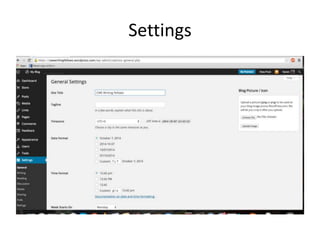
• Settings 
• Design Basics and Themes 
• Pages (Adding Media) 
• Posts 
• Categories 
• Menus 
• Q & A
Using Wordpress in a Class 
• As a course site: Set up basic site to provide 
course materials 
• As a course blog: Students learn the basics of 
WP and begin to post writing. 
• As a portfolio: Curating work, media, 
embedding media 
• As a collaborative website: Final project for 
Unseen New York
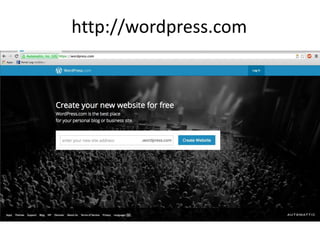
http://wordpress.com
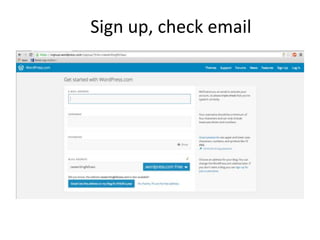
Sign up, check email
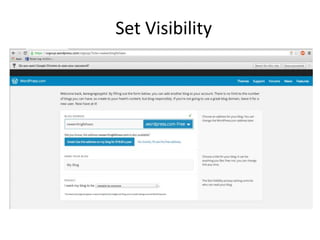
Set Visibility
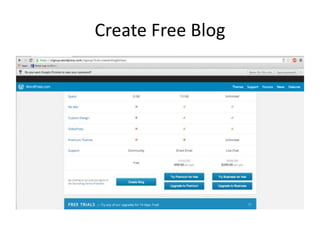
Create Free Blog
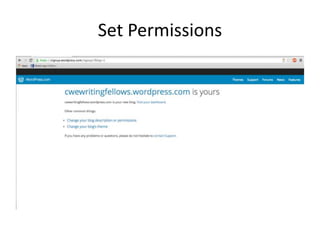
Set Permissions
Settings
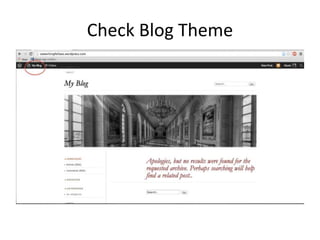
Check Blog Theme
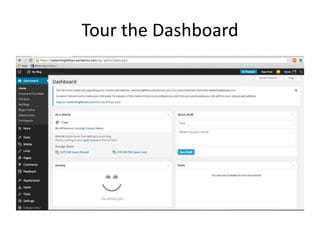
Tour the Dashboard
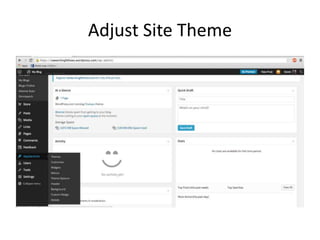
Adjust Site Theme
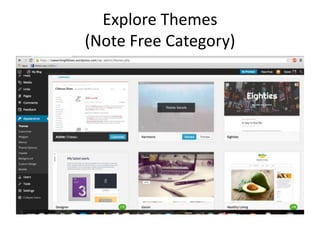
Explore Themes 
(Note Free Category)
Things to consider when designing 
• Overall appearance and layout 
• How will the site be used? 
• Who will use the site? 
• Does the theme host a customizable header? 
• Does the theme host a menu? 
Themes can be changed at any time without 
losing content. See details: Click Theme Details 
To choose: Click Activate
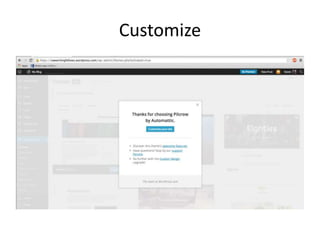
Customize
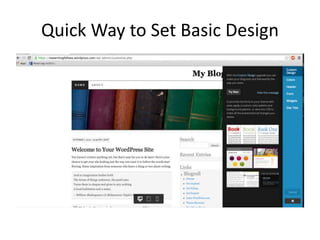
Quick Way to Set Basic Design
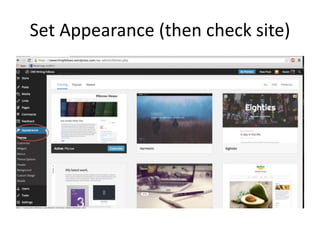
Set Appearance (then check site)
You now have a basic site… 
• You want to add content. Pages or Posts? 
• Pages are intended for static content (for 
example, an “About Page”) 
• Posts are intended for a continual flow of 
information, like a blog. They will update 
chronologically. 
• Let’s create a page: “About X” 
• Your theme may already come with a page, you 
can edit or delete. 
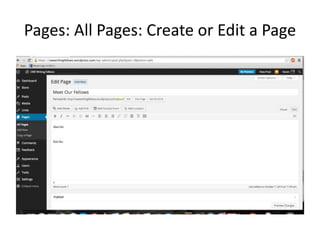
• Go into Dashboard: Pages: All Pages
Pages: All Pages: Create or Edit a Page
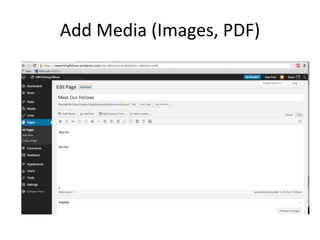
Add Media (Images, PDF)
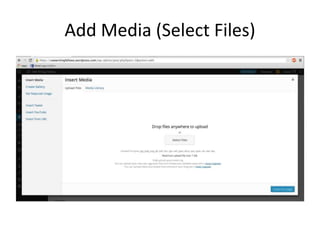
Add Media (Select Files)
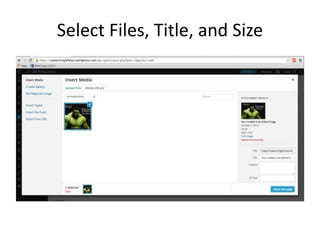
Select Files, Title, and Size
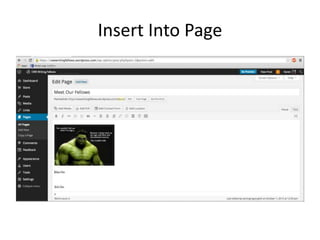
Insert Into Page
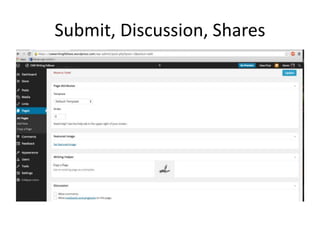
Submit, Discussion, Shares
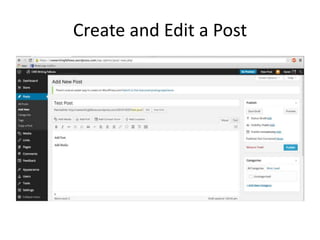
Create and Edit a Post
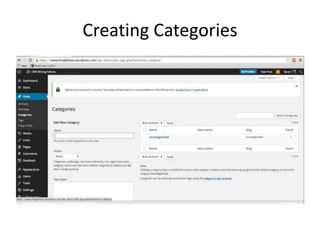
Creating Categories
Category 
• Once you’ve created a category, you will see 
this label (on the right) as a clickable option 
each time you create a page or post. 
• Categories will organize, by theme or key 
word, the content of your site.
Home Page: Pages or Posts? 
• Now that you have some content, you will 
have to set your home page (what visitors will 
see when they arrive at your site.) 
• Go to Settings: Readings to decide if your 
home page is a “Page” or “Your Latest Posts”
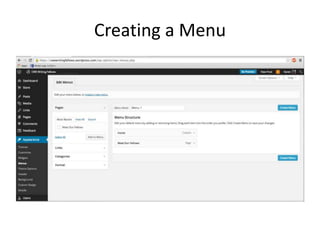
Creating a Menu

Introduction Wordpress