©Integrated Computer Solutions Inc. www.ics.com
Introduction to Qt Quick
Scene Graph
Vy Duong, Integrated Computer Solutions
Visit us at http://www.ics.com
Produced by Integrated Computer Solutions
Material based on Qt 5.12
1
©Integrated Computer Solutions Inc. www.ics.com
About ICS
ICS Designs User Experiences and Develops Software for
Connected Devices
• Largest source of independent Qt expertise in North America since 2002
• Headquartered in Waltham, MA with offices in California, Canada, Europe
• Includes Boston UX, ICS’ UX design division
• Embedded, touchscreen, mobile and desktop applications
• Exclusive Open Enrollment Training Partner in North America
2
©Integrated Computer Solutions Inc. www.ics.com
UX/UI Design and Development for Connected
Devices Across Many Industries
3
©Integrated Computer Solutions Inc. www.ics.com
Agenda
● What is a Qt Quick Scene Graph?
● What are the benefits?
● When to use it?
● What is provided by Qt?
4
©Integrated Computer Solutions Inc. www.ics.com
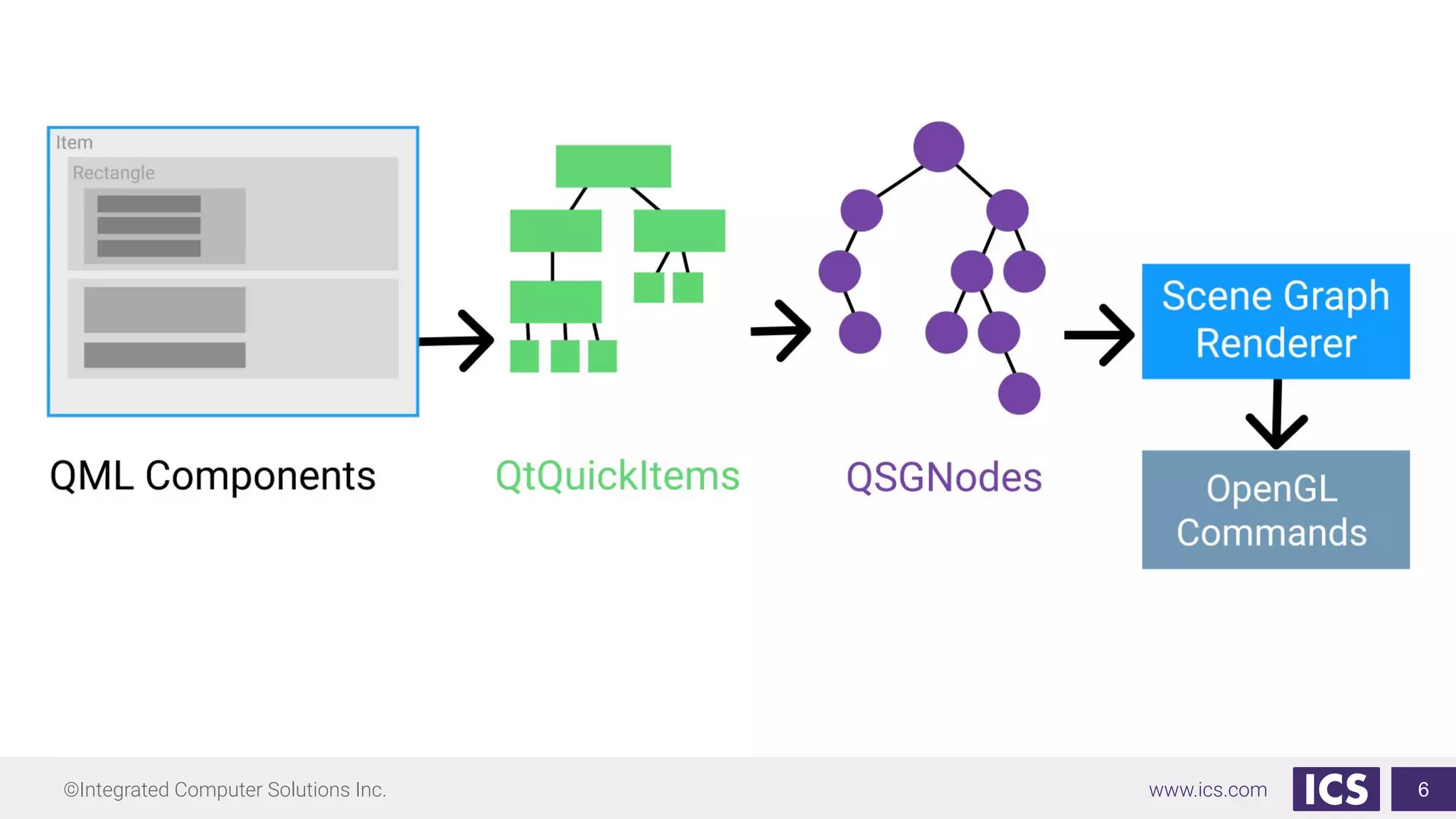
What is a Qt Quick Scene Graph?
● A node tree
● Graphical representation of the Item scene
● Contains enough information to render all the items
● Node do not contain any active drawing code or the paint() function
● Node tree is mostly built internally by the Qt Quick QML types, it is possible for
users to add complete subtrees in C++
5
©Integrated Computer Solutions Inc. www.ics.com 6
©Integrated Computer Solutions Inc. www.ics.com
What are the benefits?
● Scene rendering can be retained between frames
● The complete set of items to render is known before rendering begins
● Enables batch rendering to minimize state changes and discarding of
obscured items
7
©Integrated Computer Solutions Inc. www.ics.com
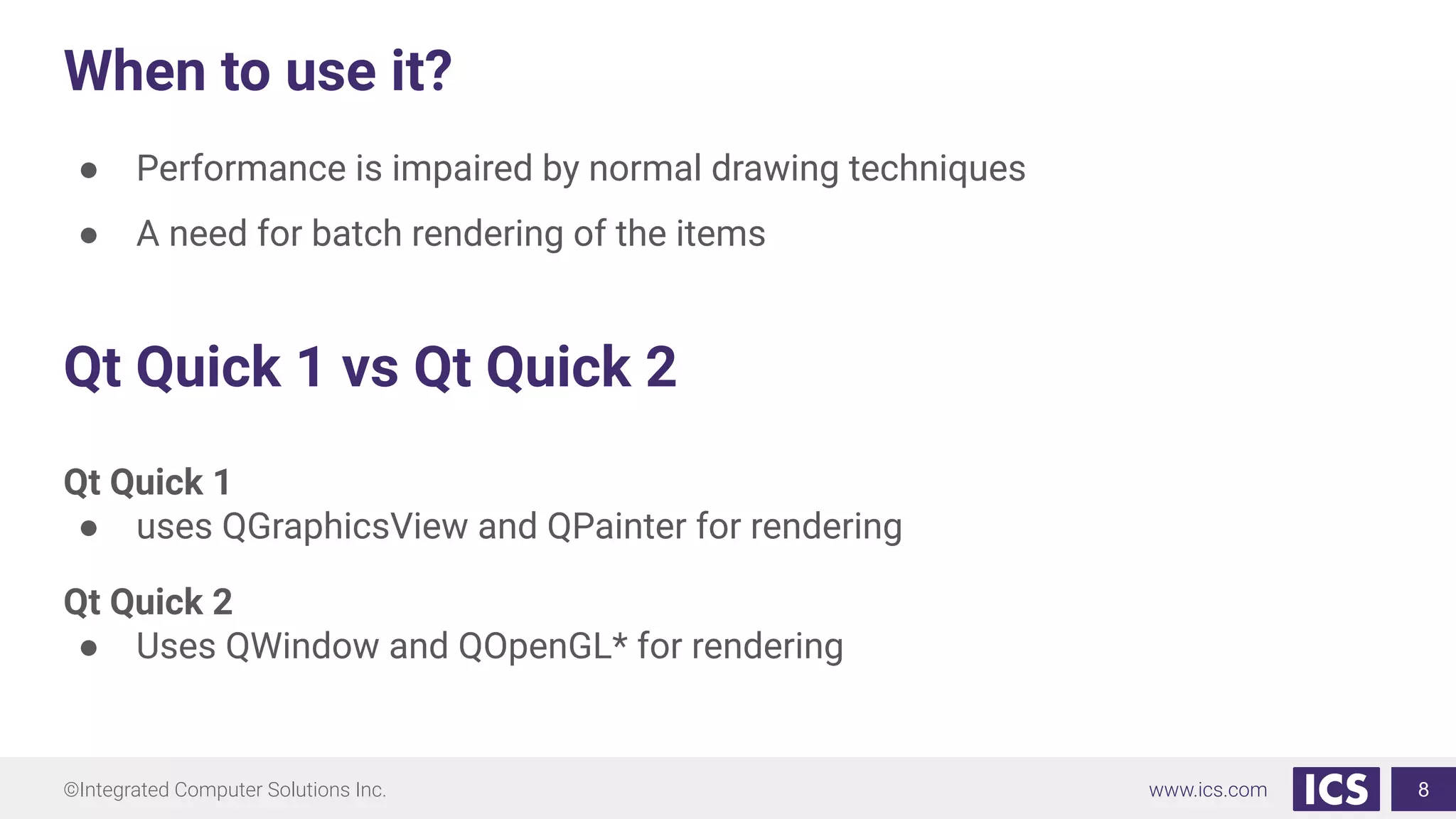
When to use it?
● Performance is impaired by normal drawing techniques
● A need for batch rendering of the items
8
Qt Quick 1 vs Qt Quick 2
Qt Quick 1
● uses QGraphicsView and QPainter for rendering
Qt Quick 2
● Uses QWindow and QOpenGL* for rendering
©Integrated Computer Solutions Inc. www.ics.com
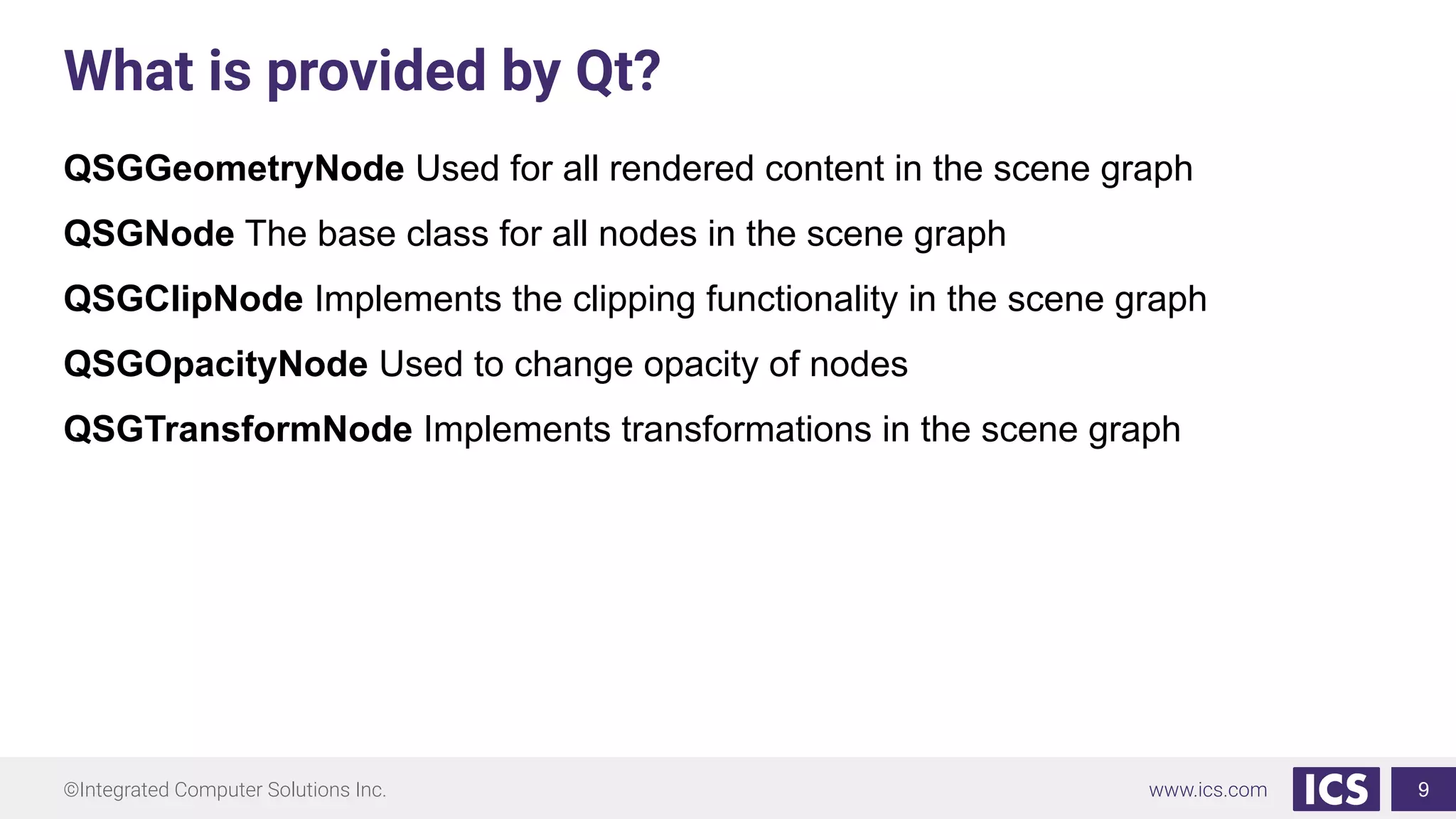
What is provided by Qt?
QSGGeometryNode Used for all rendered content in the scene graph
QSGNode The base class for all nodes in the scene graph
QSGClipNode Implements the clipping functionality in the scene graph
QSGOpacityNode Used to change opacity of nodes
QSGTransformNode Implements transformations in the scene graph
9
©Integrated Computer Solutions Inc. www.ics.com
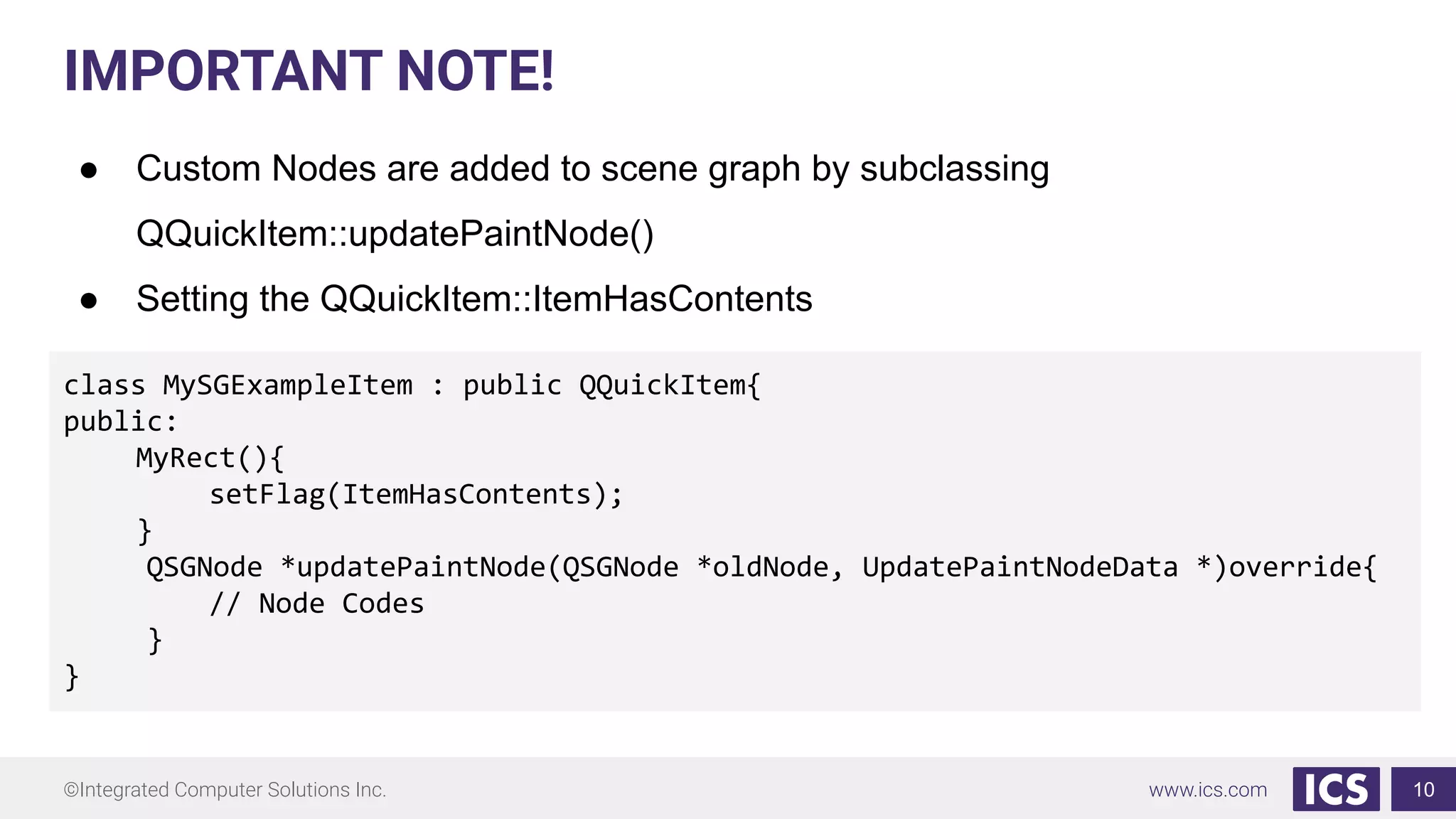
IMPORTANT NOTE!
● Custom Nodes are added to scene graph by subclassing
QQuickItem::updatePaintNode()
● Setting the QQuickItem::ItemHasContents
10
class MySGExampleItem : public QQuickItem{
public:
MyRect(){
setFlag(ItemHasContents);
}
QSGNode *updatePaintNode(QSGNode *oldNode, UpdatePaintNodeData *)override{
// Node Codes
}
}
©Integrated Computer Solutions Inc. www.ics.com
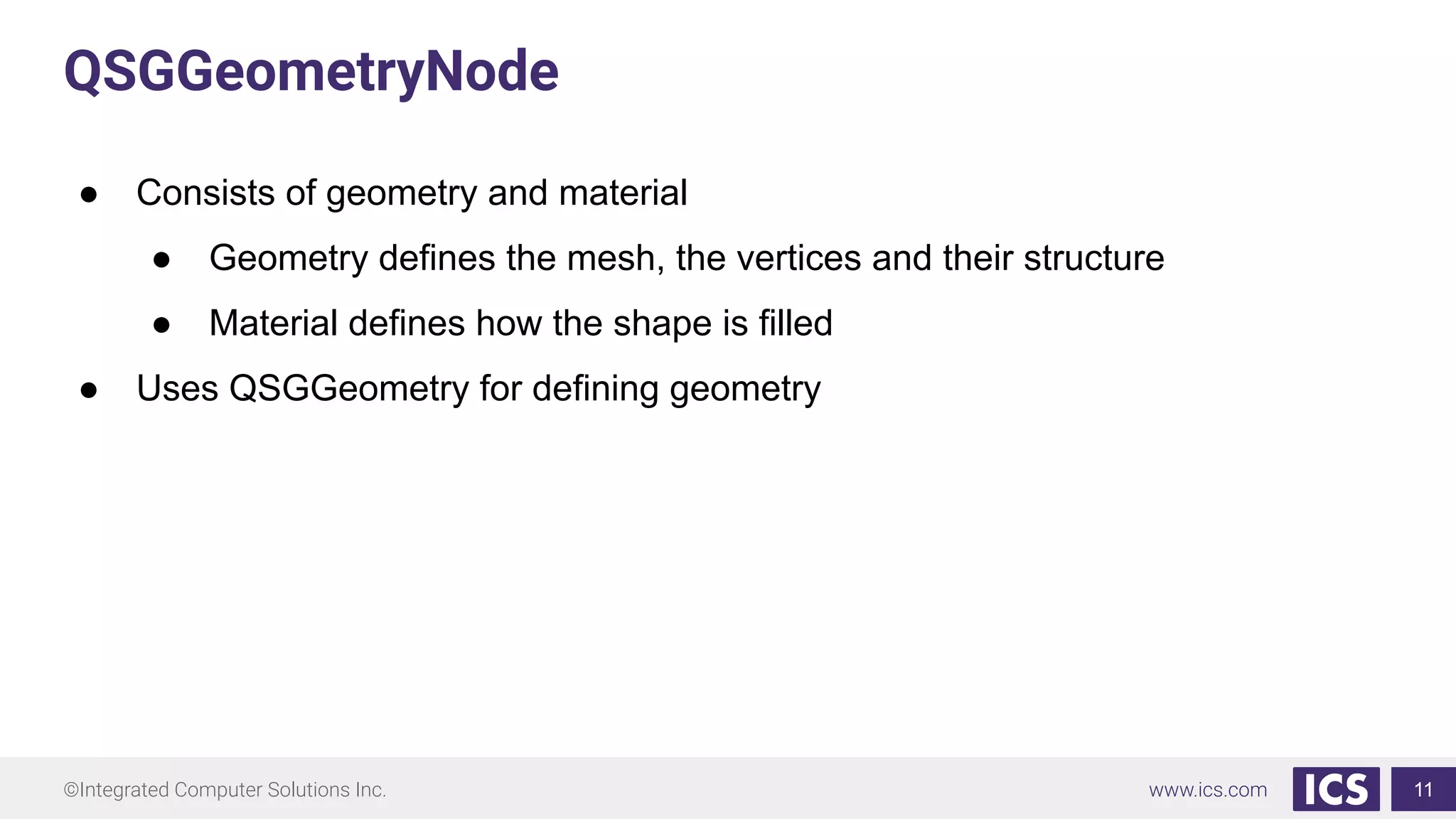
QSGGeometryNode
● Consists of geometry and material
● Geometry defines the mesh, the vertices and their structure
● Material defines how the shape is filled
● Uses QSGGeometry for defining geometry
11
©Integrated Computer Solutions Inc. www.ics.com
QSGGeometryNode
QSGGeometry *geometryLine = new
QSGGeometry(QSGGeometry::defaultAttributes_Point2D(), 2);
geometryLine->setDrawingMode(QSGGeometry::DrawLines);
geometryLine->setLineWidth(3);
geometryLine->vertexDataAsPoint2D()[0].set(10, height()/2); // start point 1,1
geometryLine->vertexDataAsPoint2D()[1].set(50, height()); // end point 50, 1
QSGFlatColorMaterial *materialLine = new QSGFlatColorMaterial;
materialLine->setColor(QColor(255, 0, 0));
QSGGeometryNode *node = new QSGGeometryNode;
node->setGeometry(geometryLine);
node->setFlag(QSGNode::OwnsGeometry);
node->setMaterial(materialLine);
node->setFlag(QSGNode::OwnsMaterial);
rootScaleNode->appendChildNode(node);
12
©Integrated Computer Solutions Inc. www.ics.com
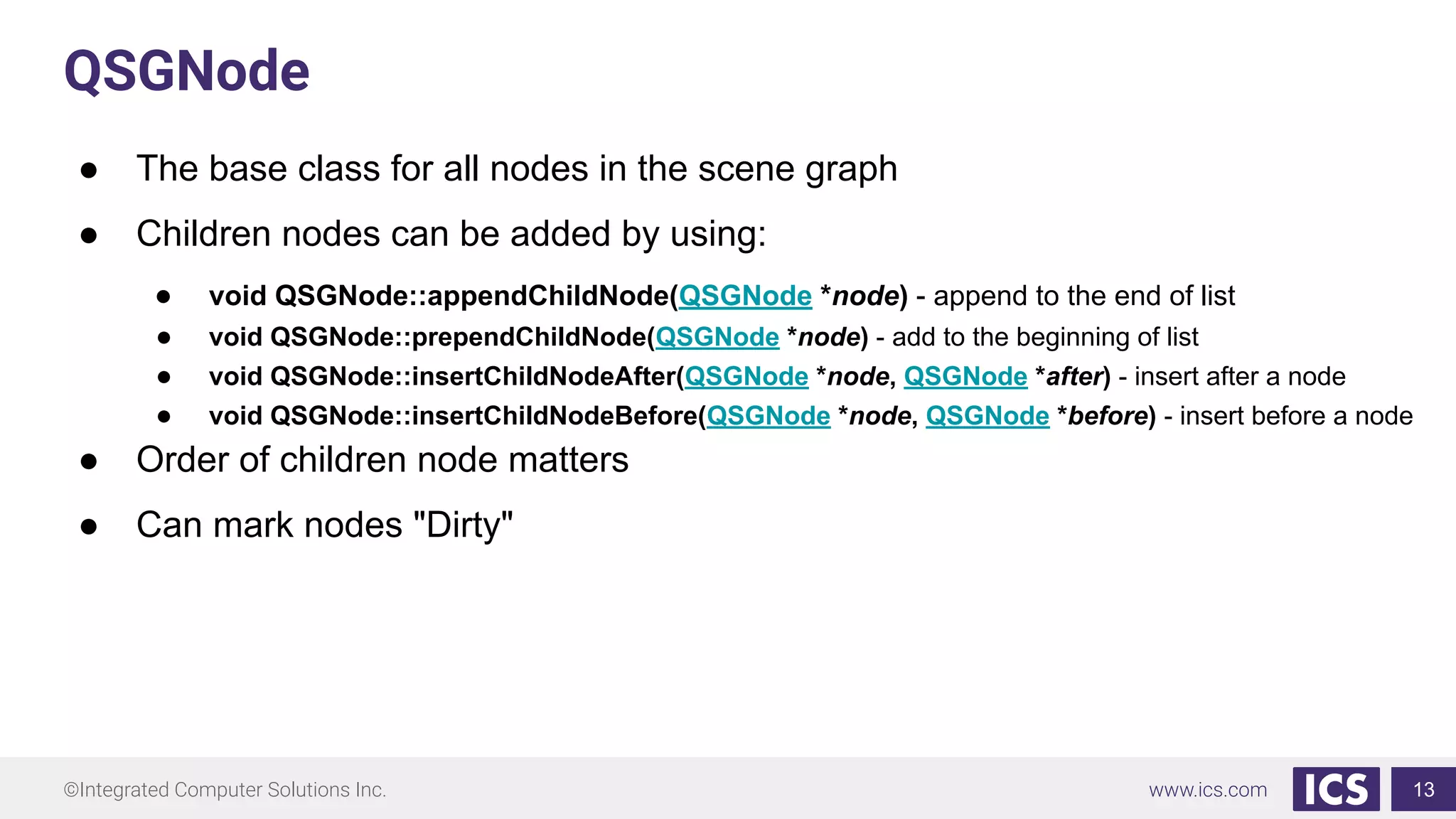
QSGNode
● The base class for all nodes in the scene graph
● Children nodes can be added by using:
● void QSGNode::appendChildNode(QSGNode *node) - append to the end of list
● void QSGNode::prependChildNode(QSGNode *node) - add to the beginning of list
● void QSGNode::insertChildNodeAfter(QSGNode *node, QSGNode *after) - insert after a node
● void QSGNode::insertChildNodeBefore(QSGNode *node, QSGNode *before) - insert before a node
● Order of children node matters
● Can mark nodes "Dirty"
13
©Integrated Computer Solutions Inc. www.ics.com
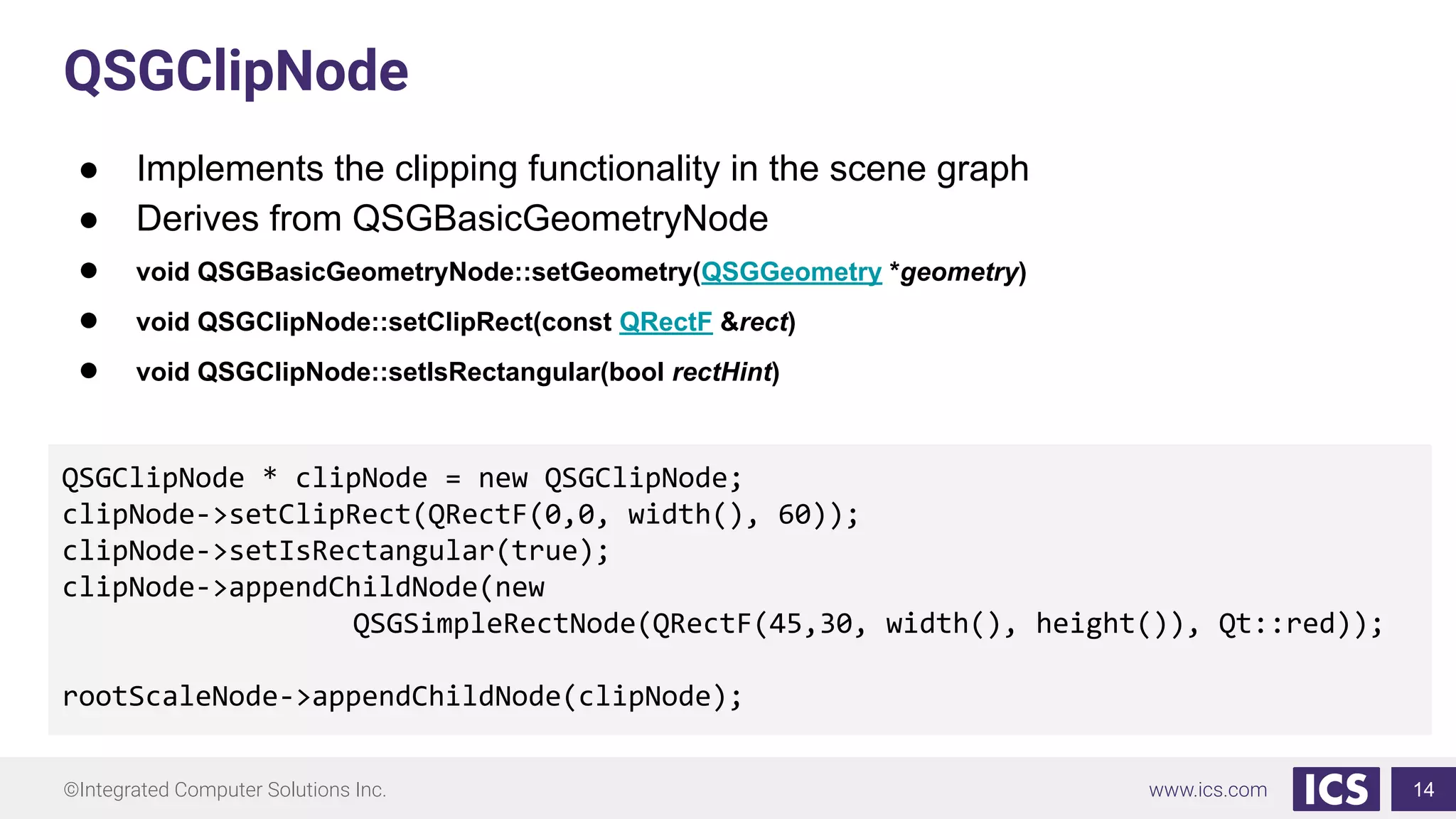
QSGClipNode
● Implements the clipping functionality in the scene graph
● Derives from QSGBasicGeometryNode
● void QSGBasicGeometryNode::setGeometry(QSGGeometry *geometry)
● void QSGClipNode::setClipRect(const QRectF &rect)
● void QSGClipNode::setIsRectangular(bool rectHint)
14
QSGClipNode * clipNode = new QSGClipNode;
clipNode->setClipRect(QRectF(0,0, width(), 60));
clipNode->setIsRectangular(true);
clipNode->appendChildNode(new
QSGSimpleRectNode(QRectF(45,30, width(), height()), Qt::red));
rootScaleNode->appendChildNode(clipNode);
©Integrated Computer Solutions Inc. www.ics.com
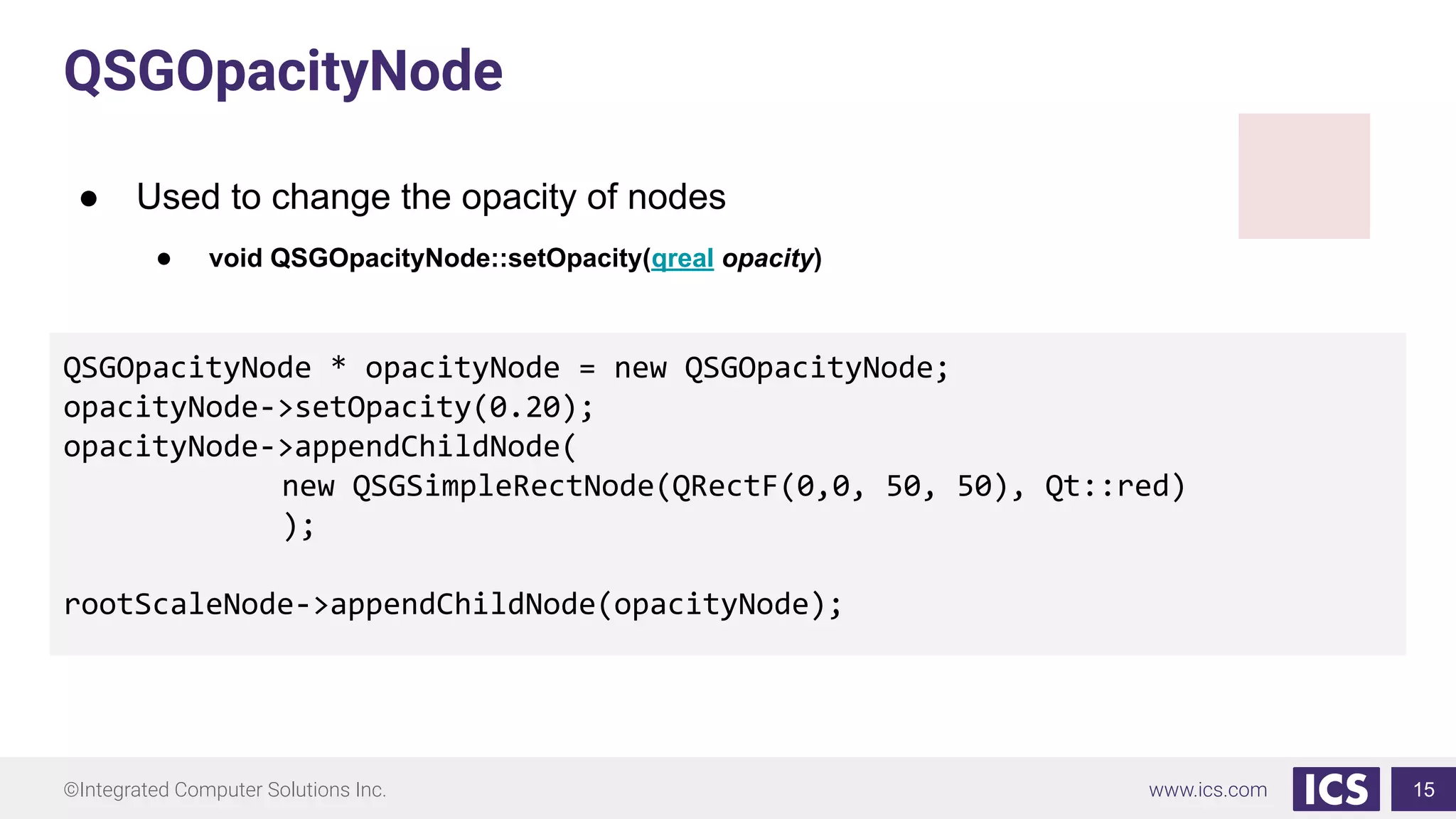
QSGOpacityNode
● Used to change the opacity of nodes
● void QSGOpacityNode::setOpacity(qreal opacity)
15
QSGOpacityNode * opacityNode = new QSGOpacityNode;
opacityNode->setOpacity(0.20);
opacityNode->appendChildNode(
new QSGSimpleRectNode(QRectF(0,0, 50, 50), Qt::red)
);
rootScaleNode->appendChildNode(opacityNode);
©Integrated Computer Solutions Inc. www.ics.com
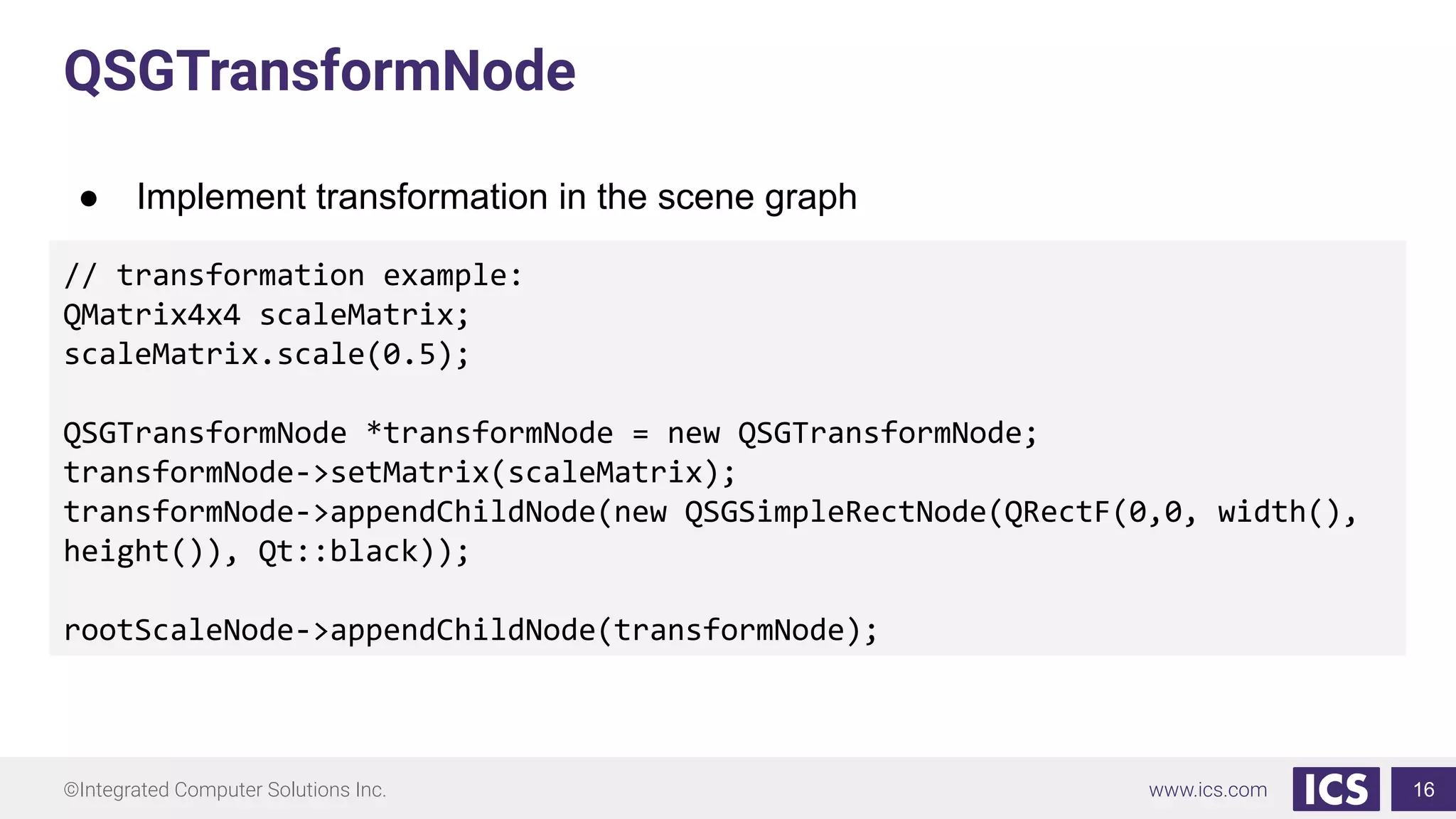
QSGTransformNode
● Implement transformation in the scene graph
16
// transformation example:
QMatrix4x4 scaleMatrix;
scaleMatrix.scale(0.5);
QSGTransformNode *transformNode = new QSGTransformNode;
transformNode->setMatrix(scaleMatrix);
transformNode->appendChildNode(new QSGSimpleRectNode(QRectF(0,0, width(),
height()), Qt::black));
rootScaleNode->appendChildNode(transformNode);
©Integrated Computer Solutions Inc. www.ics.com 17
©Integrated Computer Solutions Inc. www.ics.com
Thank you!
18
Any questions?

Introduction to the Qt Quick Scene Graph

  • 1.
    ©Integrated Computer SolutionsInc. www.ics.com Introduction to Qt Quick Scene Graph Vy Duong, Integrated Computer Solutions Visit us at http://www.ics.com Produced by Integrated Computer Solutions Material based on Qt 5.12 1
  • 2.
    ©Integrated Computer SolutionsInc. www.ics.com About ICS ICS Designs User Experiences and Develops Software for Connected Devices • Largest source of independent Qt expertise in North America since 2002 • Headquartered in Waltham, MA with offices in California, Canada, Europe • Includes Boston UX, ICS’ UX design division • Embedded, touchscreen, mobile and desktop applications • Exclusive Open Enrollment Training Partner in North America 2
  • 3.
    ©Integrated Computer SolutionsInc. www.ics.com UX/UI Design and Development for Connected Devices Across Many Industries 3
  • 4.
    ©Integrated Computer SolutionsInc. www.ics.com Agenda ● What is a Qt Quick Scene Graph? ● What are the benefits? ● When to use it? ● What is provided by Qt? 4
  • 5.
    ©Integrated Computer SolutionsInc. www.ics.com What is a Qt Quick Scene Graph? ● A node tree ● Graphical representation of the Item scene ● Contains enough information to render all the items ● Node do not contain any active drawing code or the paint() function ● Node tree is mostly built internally by the Qt Quick QML types, it is possible for users to add complete subtrees in C++ 5
  • 6.
  • 7.
    ©Integrated Computer SolutionsInc. www.ics.com What are the benefits? ● Scene rendering can be retained between frames ● The complete set of items to render is known before rendering begins ● Enables batch rendering to minimize state changes and discarding of obscured items 7
  • 8.
    ©Integrated Computer SolutionsInc. www.ics.com When to use it? ● Performance is impaired by normal drawing techniques ● A need for batch rendering of the items 8 Qt Quick 1 vs Qt Quick 2 Qt Quick 1 ● uses QGraphicsView and QPainter for rendering Qt Quick 2 ● Uses QWindow and QOpenGL* for rendering
  • 9.
    ©Integrated Computer SolutionsInc. www.ics.com What is provided by Qt? QSGGeometryNode Used for all rendered content in the scene graph QSGNode The base class for all nodes in the scene graph QSGClipNode Implements the clipping functionality in the scene graph QSGOpacityNode Used to change opacity of nodes QSGTransformNode Implements transformations in the scene graph 9
  • 10.
    ©Integrated Computer SolutionsInc. www.ics.com IMPORTANT NOTE! ● Custom Nodes are added to scene graph by subclassing QQuickItem::updatePaintNode() ● Setting the QQuickItem::ItemHasContents 10 class MySGExampleItem : public QQuickItem{ public: MyRect(){ setFlag(ItemHasContents); } QSGNode *updatePaintNode(QSGNode *oldNode, UpdatePaintNodeData *)override{ // Node Codes } }
  • 11.
    ©Integrated Computer SolutionsInc. www.ics.com QSGGeometryNode ● Consists of geometry and material ● Geometry defines the mesh, the vertices and their structure ● Material defines how the shape is filled ● Uses QSGGeometry for defining geometry 11
  • 12.
    ©Integrated Computer SolutionsInc. www.ics.com QSGGeometryNode QSGGeometry *geometryLine = new QSGGeometry(QSGGeometry::defaultAttributes_Point2D(), 2); geometryLine->setDrawingMode(QSGGeometry::DrawLines); geometryLine->setLineWidth(3); geometryLine->vertexDataAsPoint2D()[0].set(10, height()/2); // start point 1,1 geometryLine->vertexDataAsPoint2D()[1].set(50, height()); // end point 50, 1 QSGFlatColorMaterial *materialLine = new QSGFlatColorMaterial; materialLine->setColor(QColor(255, 0, 0)); QSGGeometryNode *node = new QSGGeometryNode; node->setGeometry(geometryLine); node->setFlag(QSGNode::OwnsGeometry); node->setMaterial(materialLine); node->setFlag(QSGNode::OwnsMaterial); rootScaleNode->appendChildNode(node); 12
  • 13.
    ©Integrated Computer SolutionsInc. www.ics.com QSGNode ● The base class for all nodes in the scene graph ● Children nodes can be added by using: ● void QSGNode::appendChildNode(QSGNode *node) - append to the end of list ● void QSGNode::prependChildNode(QSGNode *node) - add to the beginning of list ● void QSGNode::insertChildNodeAfter(QSGNode *node, QSGNode *after) - insert after a node ● void QSGNode::insertChildNodeBefore(QSGNode *node, QSGNode *before) - insert before a node ● Order of children node matters ● Can mark nodes "Dirty" 13
  • 14.
    ©Integrated Computer SolutionsInc. www.ics.com QSGClipNode ● Implements the clipping functionality in the scene graph ● Derives from QSGBasicGeometryNode ● void QSGBasicGeometryNode::setGeometry(QSGGeometry *geometry) ● void QSGClipNode::setClipRect(const QRectF &rect) ● void QSGClipNode::setIsRectangular(bool rectHint) 14 QSGClipNode * clipNode = new QSGClipNode; clipNode->setClipRect(QRectF(0,0, width(), 60)); clipNode->setIsRectangular(true); clipNode->appendChildNode(new QSGSimpleRectNode(QRectF(45,30, width(), height()), Qt::red)); rootScaleNode->appendChildNode(clipNode);
  • 15.
    ©Integrated Computer SolutionsInc. www.ics.com QSGOpacityNode ● Used to change the opacity of nodes ● void QSGOpacityNode::setOpacity(qreal opacity) 15 QSGOpacityNode * opacityNode = new QSGOpacityNode; opacityNode->setOpacity(0.20); opacityNode->appendChildNode( new QSGSimpleRectNode(QRectF(0,0, 50, 50), Qt::red) ); rootScaleNode->appendChildNode(opacityNode);
  • 16.
    ©Integrated Computer SolutionsInc. www.ics.com QSGTransformNode ● Implement transformation in the scene graph 16 // transformation example: QMatrix4x4 scaleMatrix; scaleMatrix.scale(0.5); QSGTransformNode *transformNode = new QSGTransformNode; transformNode->setMatrix(scaleMatrix); transformNode->appendChildNode(new QSGSimpleRectNode(QRectF(0,0, width(), height()), Qt::black)); rootScaleNode->appendChildNode(transformNode);
  • 17.
  • 18.
    ©Integrated Computer SolutionsInc. www.ics.com Thank you! 18 Any questions?