Hi, my name is Topher
I’m a WordPress developer from
Grand Rapids MI
@topher1kenobe
Intro To Plugin Development
Topher DeRosia
@topher1kenobe
Intro To Plugin
Development
Emptying out functions.php
Intro To Plugin Development
Topher DeRosia
@topher1kenobe
“Just put this code in your theme’s
functions.php file…”
JUST SAY NO
Intro To Plugin Development
Topher DeRosia
@topher1kenobe
Plugins are packages of code that
affect your site’s functionality.
Themes are packages of code that
affect your site’s design.
DO NOT MIX.
Intro To Plugin Development
Topher DeRosia
@topher1kenobe
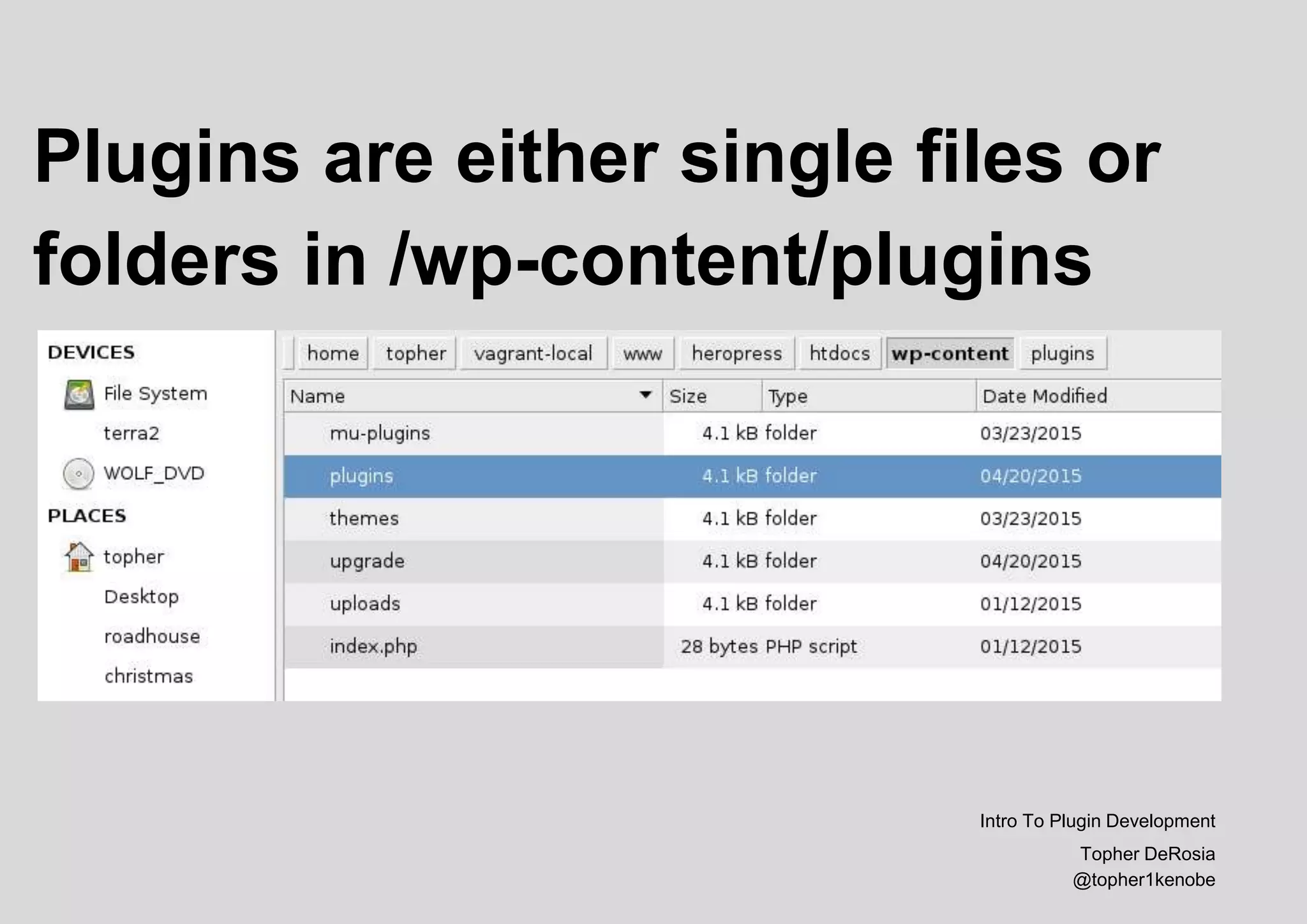
Plugins are either single files or
folders in /wp-content/plugins
Intro To Plugin Development
Topher DeRosia
@topher1kenobe
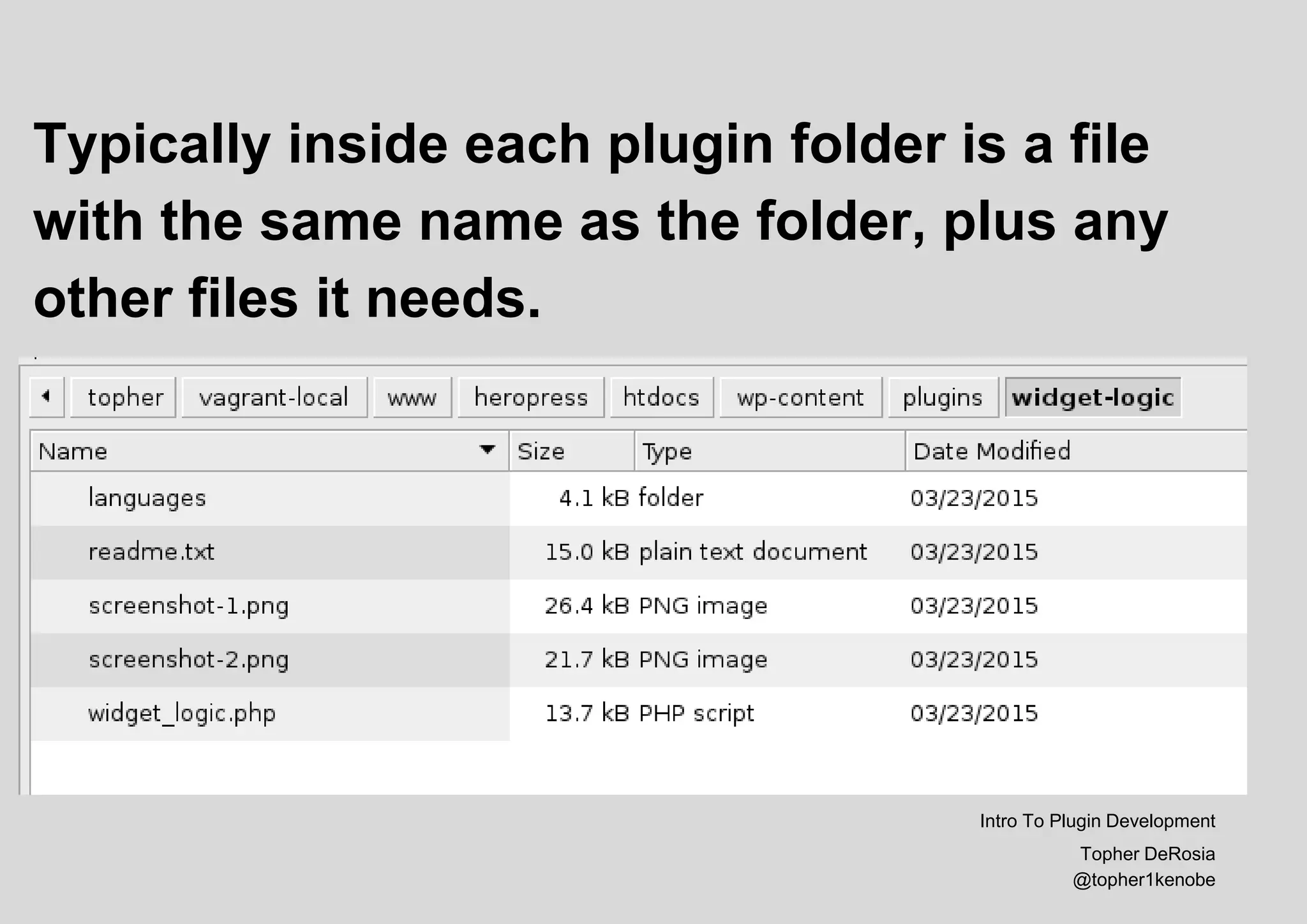
Typically inside each plugin folder is a file
with the same name as the folder, plus any
other files it needs.
Intro To Plugin Development
Topher DeRosia
@topher1kenobe
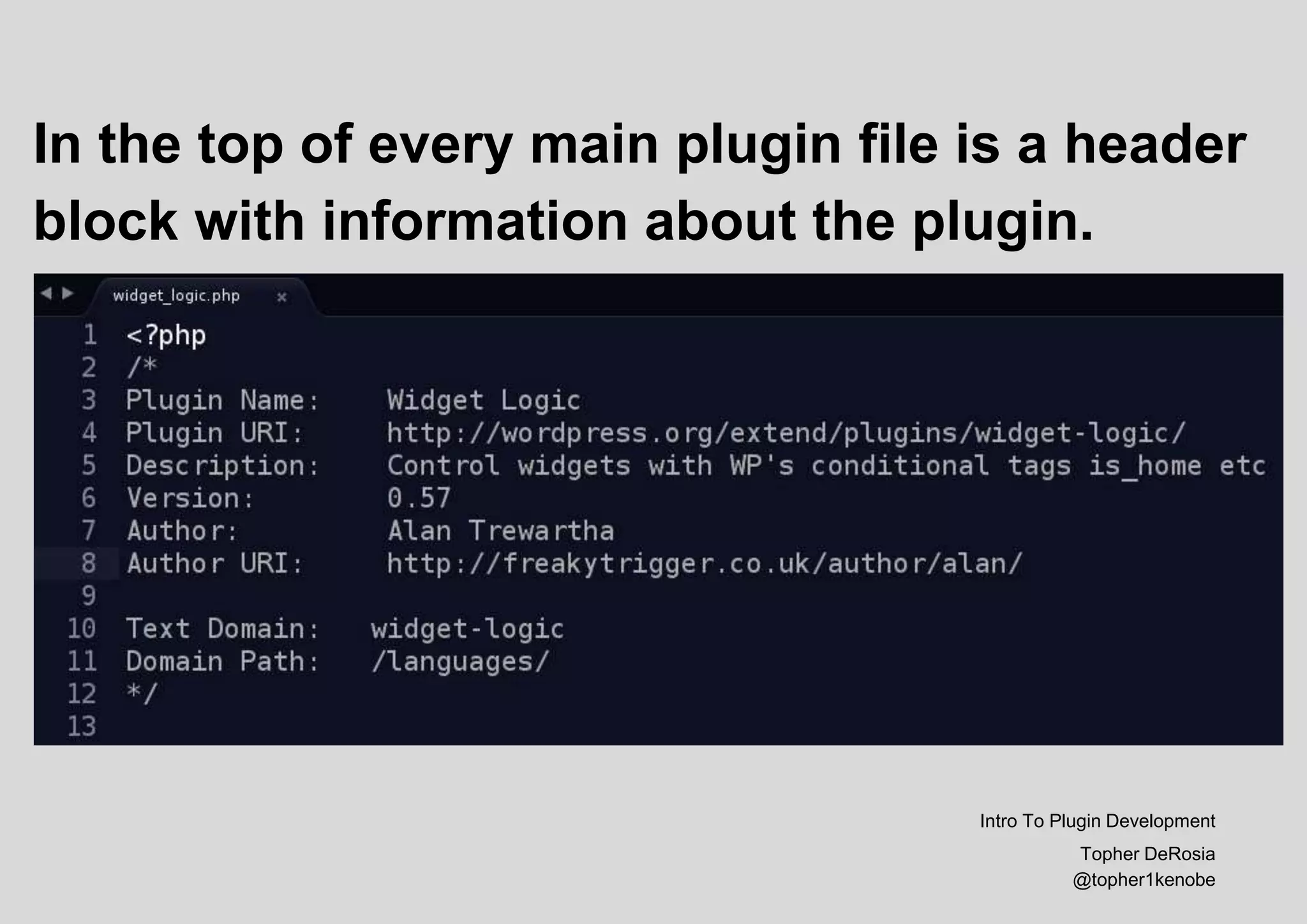
In the top of every main plugin file is a header
block with information about the plugin.
Intro To Plugin Development
Topher DeRosia
@topher1kenobe
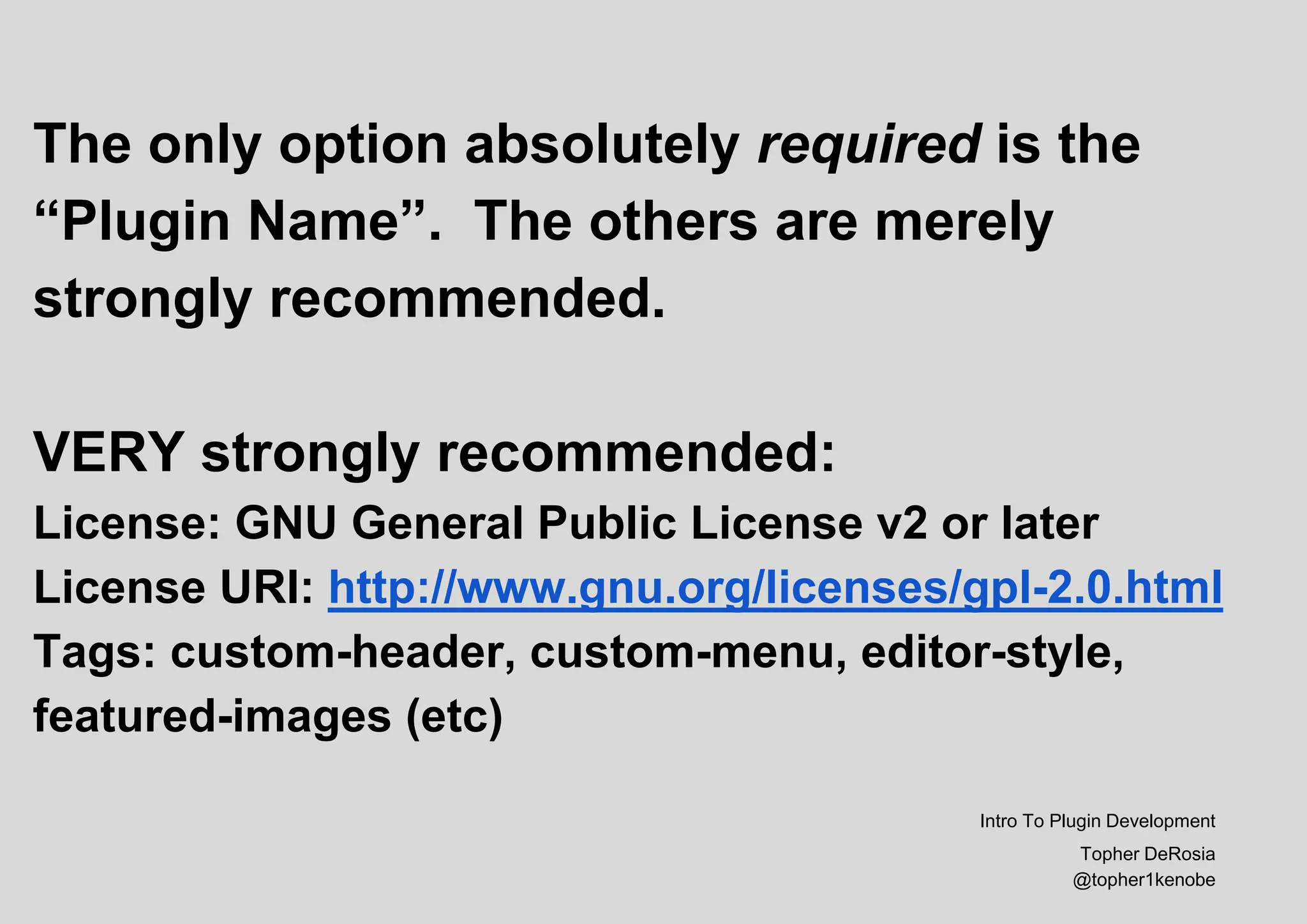
The only option absolutely required is the
“Plugin Name”. The others are merely
strongly recommended.
VERY strongly recommended:
License: GNU General Public License v2 or later
License URI: http://www.gnu.org/licenses/gpl-2.0.html
Tags: custom-header, custom-menu, editor-style,
featured-images (etc)
Intro To Plugin Development
Topher DeRosia
@topher1kenobe
The Secret Sauce:
Any code you might have put into
functions.php in your theme could
go into a plugin.*
*with a few exceptions
Intro To Plugin Development
Topher DeRosia
@topher1kenobe
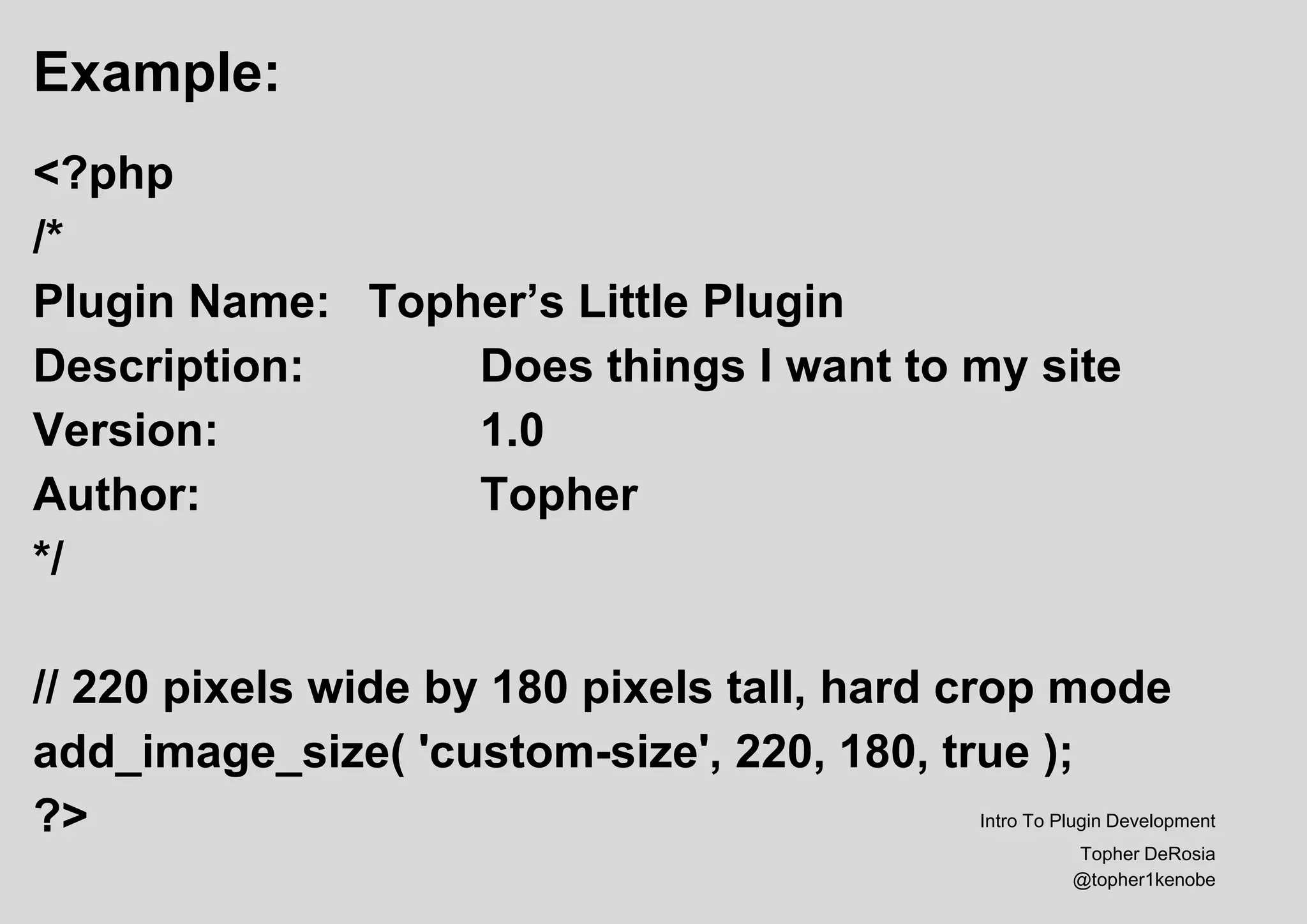
Example:
<?php
/*
Plugin Name: Topher’s Little Plugin
Description: Does things I want to my site
Version: 1.0
Author: Topher
*/
// 220 pixels wide by 180 pixels tall, hard crop mode
add_image_size( 'custom-size', 220, 180, true );
?> Intro To Plugin Development
Topher DeRosia
@topher1kenobe
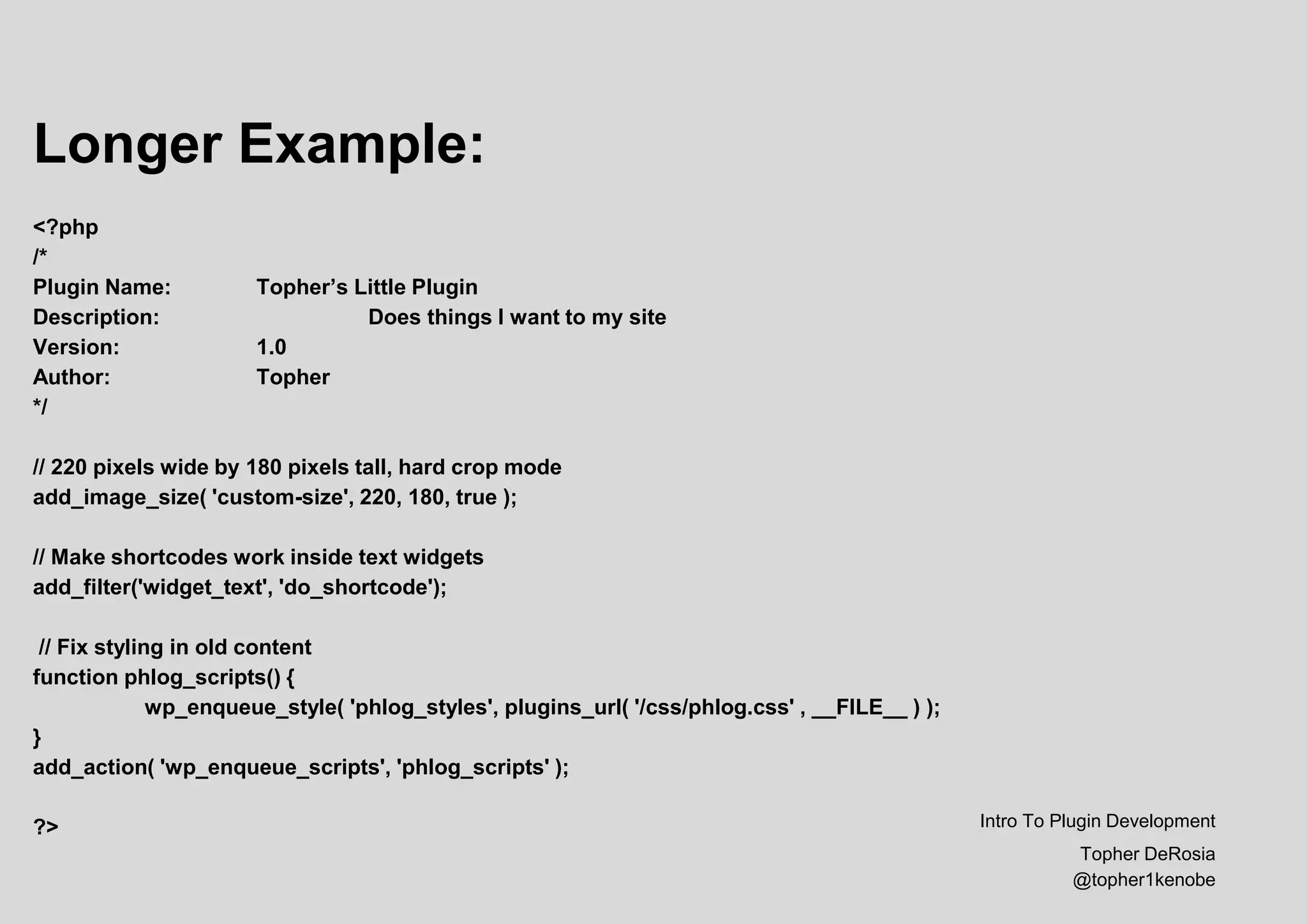
Longer Example:
<?php
/*
Plugin Name: Topher’s Little Plugin
Description: Does things I want to my site
Version: 1.0
Author: Topher
*/
// 220 pixels wide by 180 pixels tall, hard crop mode
add_image_size( 'custom-size', 220, 180, true );
// Make shortcodes work inside text widgets
add_filter('widget_text', 'do_shortcode');
// Fix styling in old content
function phlog_scripts() {
wp_enqueue_style( 'phlog_styles', plugins_url( '/css/phlog.css' , __FILE__ ) );
}
add_action( 'wp_enqueue_scripts', 'phlog_scripts' );
?> Intro To Plugin Development
Topher DeRosia
@topher1kenobe
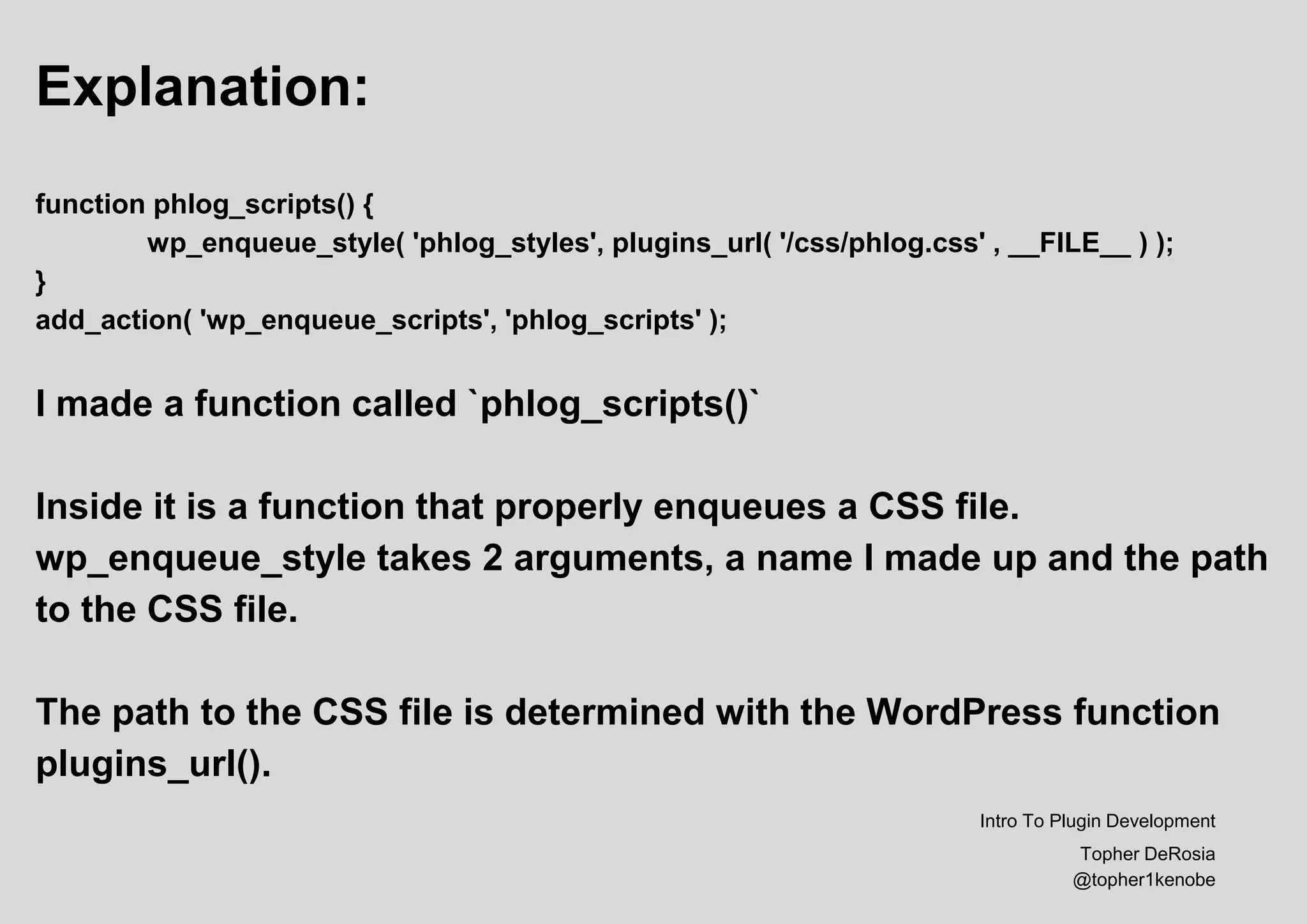
Explanation:
function phlog_scripts() {
wp_enqueue_style( 'phlog_styles', plugins_url( '/css/phlog.css' , __FILE__ ) );
}
add_action( 'wp_enqueue_scripts', 'phlog_scripts' );
I made a function called `phlog_scripts()`
Inside it is a function that properly enqueues a CSS file.
wp_enqueue_style takes 2 arguments, a name I made up and the path
to the CSS file.
The path to the CSS file is determined with the WordPress function
plugins_url().
Intro To Plugin Development
Topher DeRosia
@topher1kenobe
Releasing a Plugin
A plugin built for release on WordPress.org must meet a list of
requirements. The requirements are listed at
https://developer.wordpress.org/plugins/wordpress-org/
Best practices are found in the WordPress Plugin Handbook
https://developer.wordpress.org/plugins/
Intro To Plugin Development
Topher DeRosia
@topher1kenobe
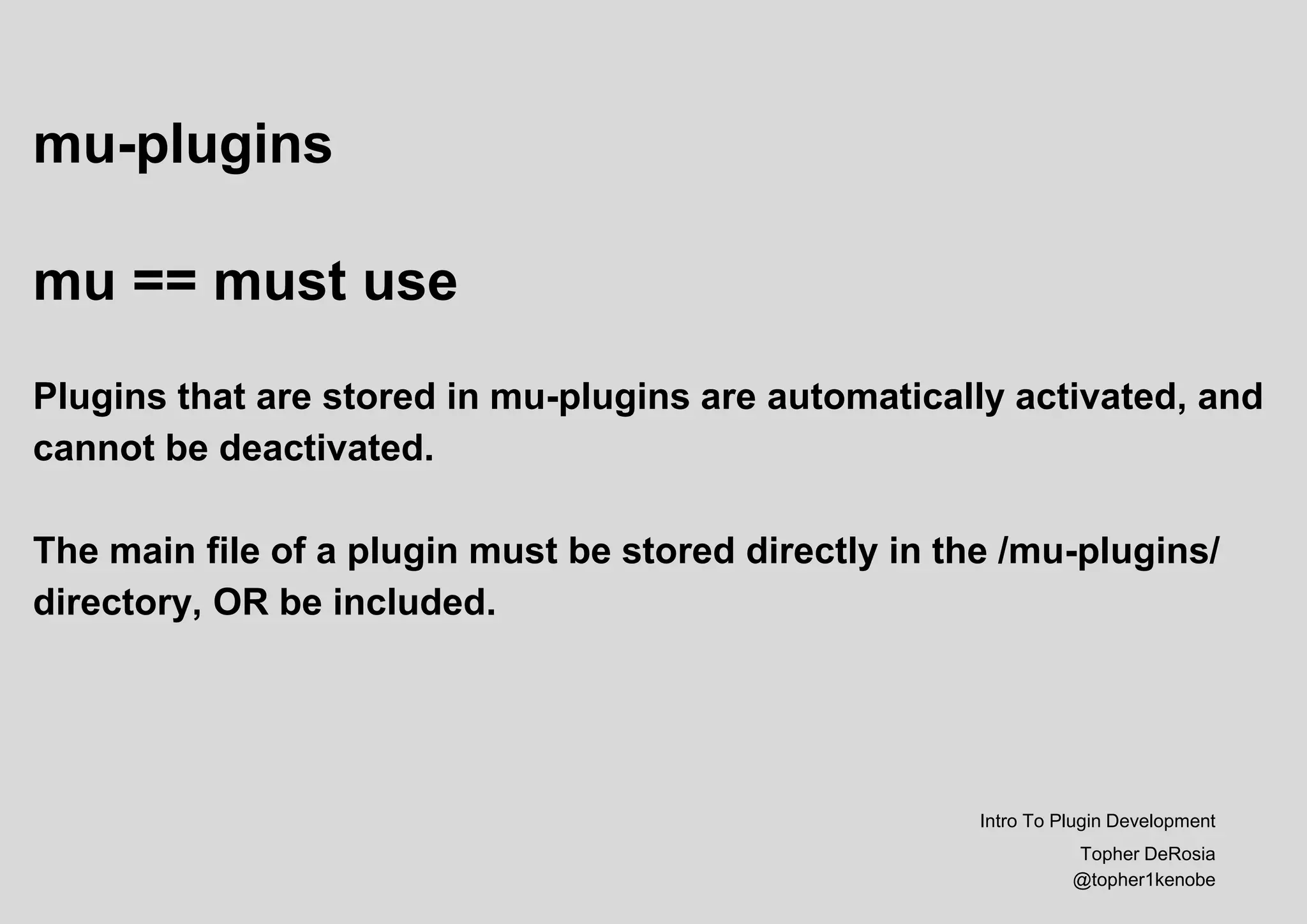
mu-plugins
mu == must use
Plugins that are stored in mu-plugins are automatically activated, and
cannot be deactivated.
The main file of a plugin must be stored directly in the /mu-plugins/
directory, OR be included.
Intro To Plugin Development
Topher DeRosia
@topher1kenobe
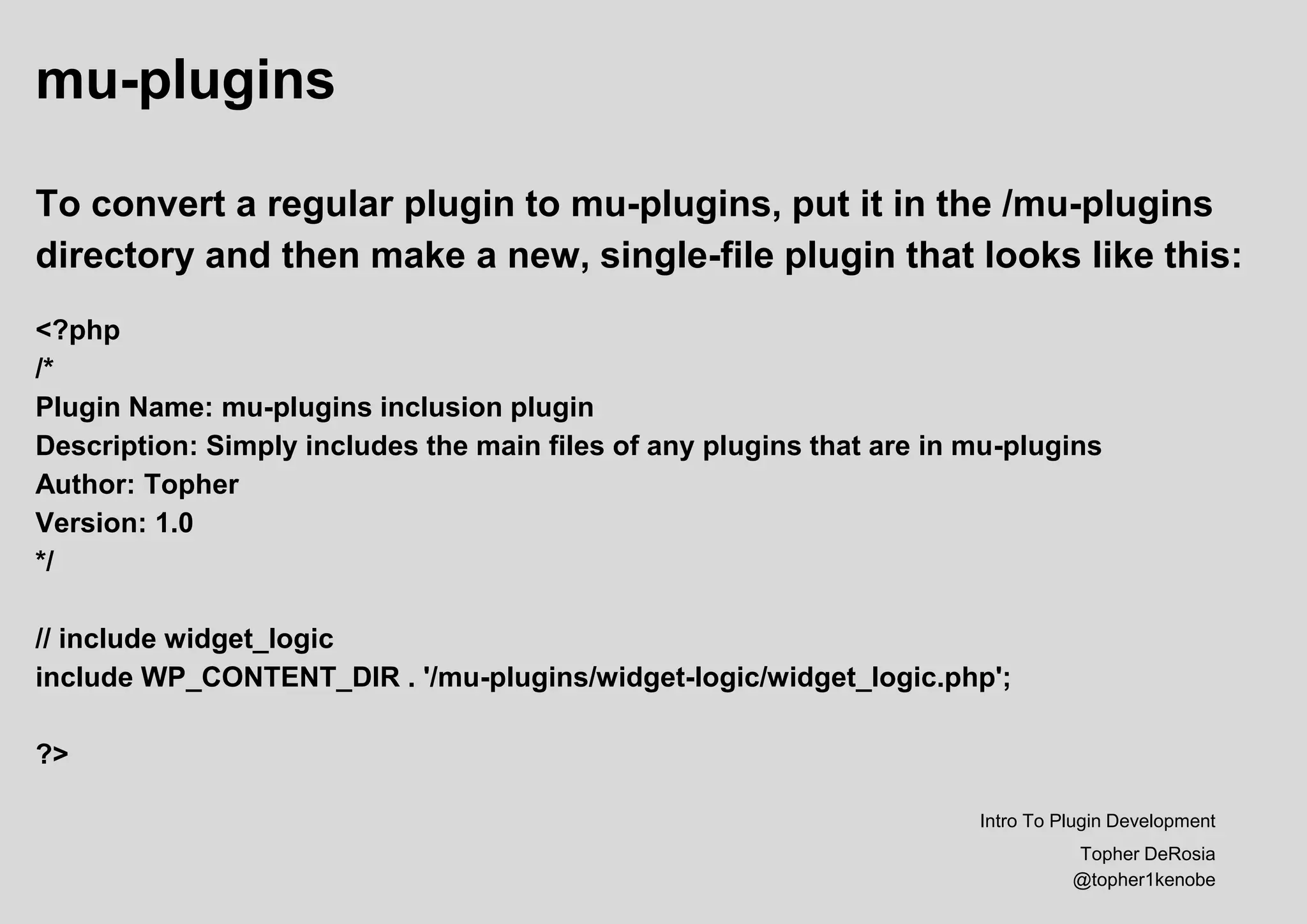
mu-plugins
To convert a regular plugin to mu-plugins, put it in the /mu-plugins
directory and then make a new, single-file plugin that looks like this:
<?php
/*
Plugin Name: mu-plugins inclusion plugin
Description: Simply includes the main files of any plugins that are in mu-plugins
Author: Topher
Version: 1.0
*/
// include widget_logic
include WP_CONTENT_DIR . '/mu-plugins/widget-logic/widget_logic.php';
?>
Intro To Plugin Development
Topher DeRosia
@topher1kenobe
Extra Credit: WP-CLI
WP-CLI is the command line tool for WordPress. It can create an
empty plugin with the proper header in place:
wp scaffold plugin --prompt
This will ask questions like this:
1/4 <slug>: topher-test
2/4 [--plugin_name=<title>]: Topher's Test
3/4 [--skip-tests] (Y/n): Y
4/4 [--activate] (Y/n): Y
Success: Created /home/topher1/topher1kenobe.com/wp-content/plugins/topher-test
1/1 <plugin>: topher-test
Success: Created test files.
Intro To Plugin Development
Topher DeRosia
@topher1kenobe
THANKS FOR
LISTENING
Intro To Plugin Development
Topher DeRosia
@topher1kenobe
http://topher1kenobe.com
Follow me @topher1kenobe

Introduction to WordPress Plugin Development, WordCamp North Canton, 2015

  • 1.
    Hi, my nameis Topher I’m a WordPress developer from Grand Rapids MI @topher1kenobe Intro To Plugin Development Topher DeRosia @topher1kenobe
  • 2.
    Intro To Plugin Development Emptyingout functions.php Intro To Plugin Development Topher DeRosia @topher1kenobe
  • 3.
    “Just put thiscode in your theme’s functions.php file…” JUST SAY NO Intro To Plugin Development Topher DeRosia @topher1kenobe
  • 4.
    Plugins are packagesof code that affect your site’s functionality. Themes are packages of code that affect your site’s design. DO NOT MIX. Intro To Plugin Development Topher DeRosia @topher1kenobe
  • 5.
    Plugins are eithersingle files or folders in /wp-content/plugins Intro To Plugin Development Topher DeRosia @topher1kenobe
  • 6.
    Typically inside eachplugin folder is a file with the same name as the folder, plus any other files it needs. Intro To Plugin Development Topher DeRosia @topher1kenobe
  • 7.
    In the topof every main plugin file is a header block with information about the plugin. Intro To Plugin Development Topher DeRosia @topher1kenobe
  • 8.
    The only optionabsolutely required is the “Plugin Name”. The others are merely strongly recommended. VERY strongly recommended: License: GNU General Public License v2 or later License URI: http://www.gnu.org/licenses/gpl-2.0.html Tags: custom-header, custom-menu, editor-style, featured-images (etc) Intro To Plugin Development Topher DeRosia @topher1kenobe
  • 9.
    The Secret Sauce: Anycode you might have put into functions.php in your theme could go into a plugin.* *with a few exceptions Intro To Plugin Development Topher DeRosia @topher1kenobe
  • 10.
    Example: <?php /* Plugin Name: Topher’sLittle Plugin Description: Does things I want to my site Version: 1.0 Author: Topher */ // 220 pixels wide by 180 pixels tall, hard crop mode add_image_size( 'custom-size', 220, 180, true ); ?> Intro To Plugin Development Topher DeRosia @topher1kenobe
  • 11.
    Longer Example: <?php /* Plugin Name:Topher’s Little Plugin Description: Does things I want to my site Version: 1.0 Author: Topher */ // 220 pixels wide by 180 pixels tall, hard crop mode add_image_size( 'custom-size', 220, 180, true ); // Make shortcodes work inside text widgets add_filter('widget_text', 'do_shortcode'); // Fix styling in old content function phlog_scripts() { wp_enqueue_style( 'phlog_styles', plugins_url( '/css/phlog.css' , __FILE__ ) ); } add_action( 'wp_enqueue_scripts', 'phlog_scripts' ); ?> Intro To Plugin Development Topher DeRosia @topher1kenobe
  • 12.
    Explanation: function phlog_scripts() { wp_enqueue_style('phlog_styles', plugins_url( '/css/phlog.css' , __FILE__ ) ); } add_action( 'wp_enqueue_scripts', 'phlog_scripts' ); I made a function called `phlog_scripts()` Inside it is a function that properly enqueues a CSS file. wp_enqueue_style takes 2 arguments, a name I made up and the path to the CSS file. The path to the CSS file is determined with the WordPress function plugins_url(). Intro To Plugin Development Topher DeRosia @topher1kenobe
  • 13.
    Releasing a Plugin Aplugin built for release on WordPress.org must meet a list of requirements. The requirements are listed at https://developer.wordpress.org/plugins/wordpress-org/ Best practices are found in the WordPress Plugin Handbook https://developer.wordpress.org/plugins/ Intro To Plugin Development Topher DeRosia @topher1kenobe
  • 14.
    mu-plugins mu == mustuse Plugins that are stored in mu-plugins are automatically activated, and cannot be deactivated. The main file of a plugin must be stored directly in the /mu-plugins/ directory, OR be included. Intro To Plugin Development Topher DeRosia @topher1kenobe
  • 15.
    mu-plugins To convert aregular plugin to mu-plugins, put it in the /mu-plugins directory and then make a new, single-file plugin that looks like this: <?php /* Plugin Name: mu-plugins inclusion plugin Description: Simply includes the main files of any plugins that are in mu-plugins Author: Topher Version: 1.0 */ // include widget_logic include WP_CONTENT_DIR . '/mu-plugins/widget-logic/widget_logic.php'; ?> Intro To Plugin Development Topher DeRosia @topher1kenobe
  • 16.
    Extra Credit: WP-CLI WP-CLIis the command line tool for WordPress. It can create an empty plugin with the proper header in place: wp scaffold plugin --prompt This will ask questions like this: 1/4 <slug>: topher-test 2/4 [--plugin_name=<title>]: Topher's Test 3/4 [--skip-tests] (Y/n): Y 4/4 [--activate] (Y/n): Y Success: Created /home/topher1/topher1kenobe.com/wp-content/plugins/topher-test 1/1 <plugin>: topher-test Success: Created test files. Intro To Plugin Development Topher DeRosia @topher1kenobe
  • 17.
    THANKS FOR LISTENING Intro ToPlugin Development Topher DeRosia @topher1kenobe http://topher1kenobe.com Follow me @topher1kenobe