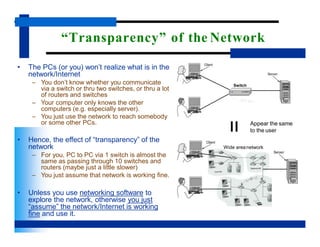
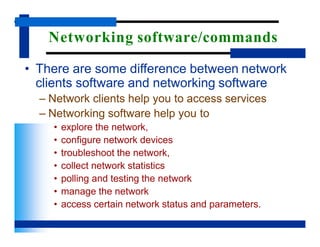
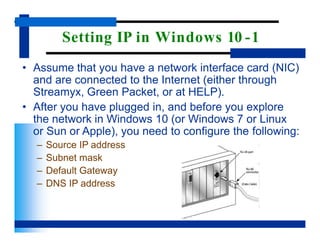
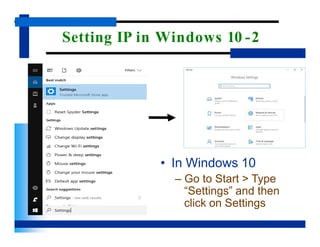
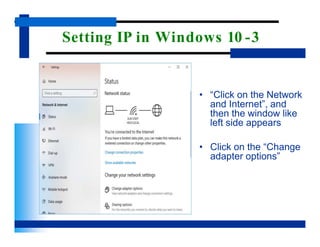
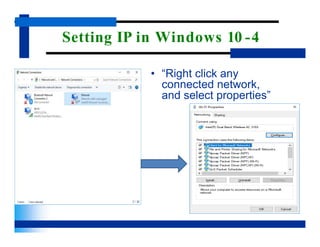
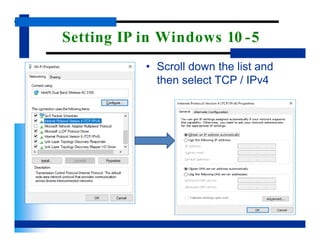
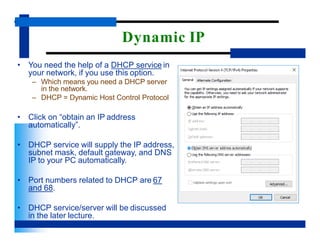
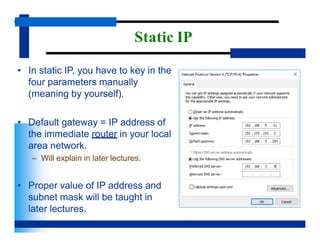
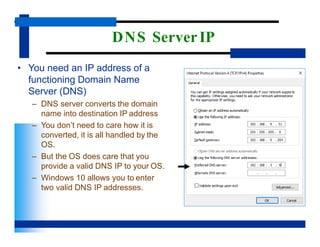
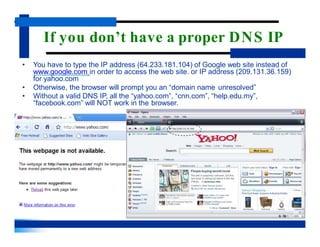
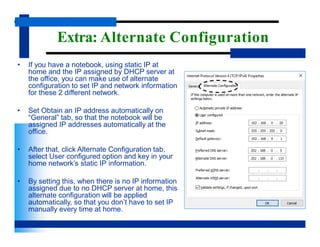
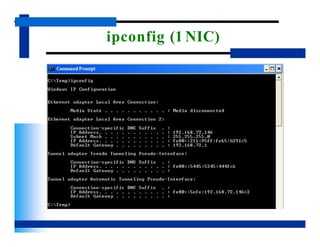
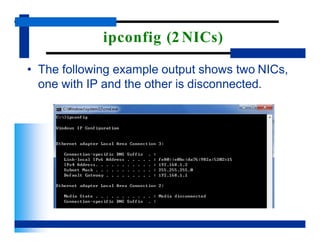
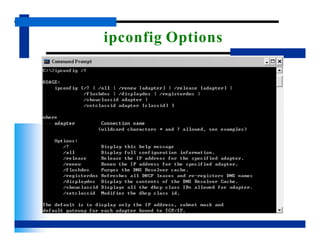
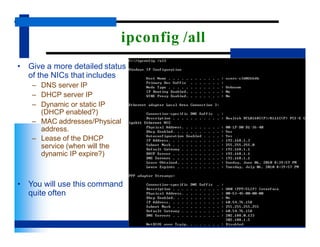
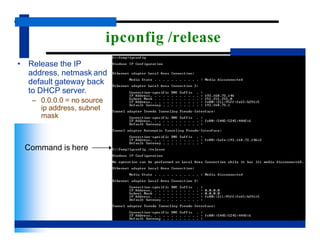
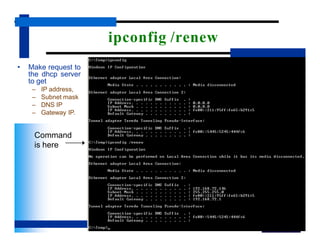
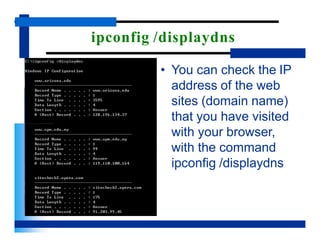
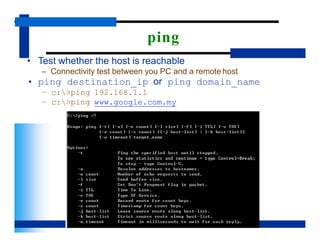
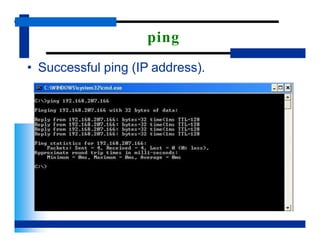
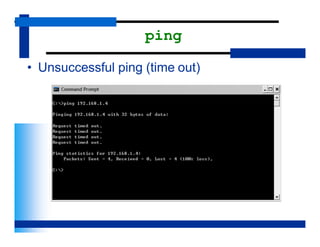
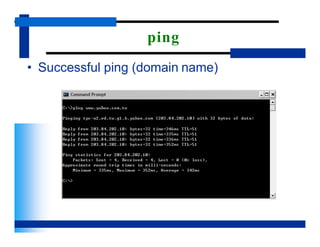
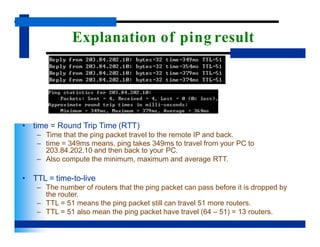
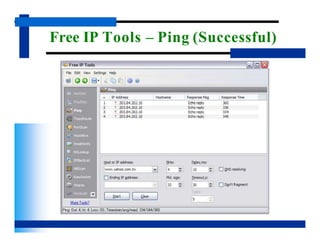
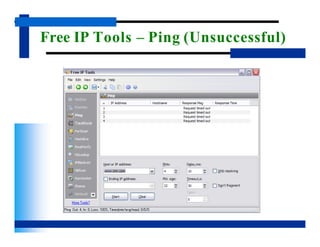
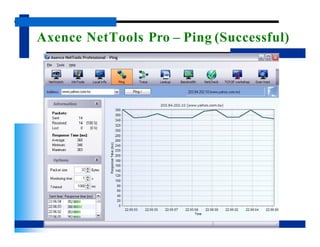
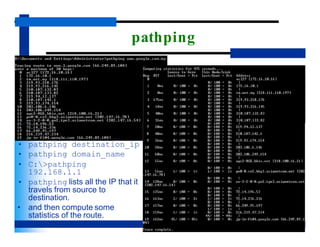
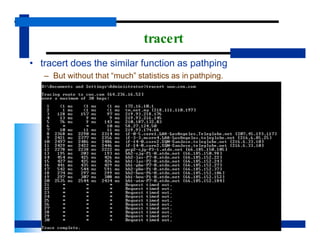
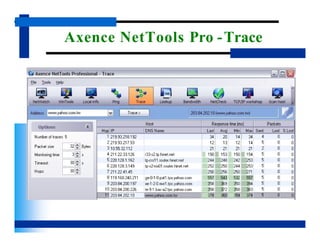
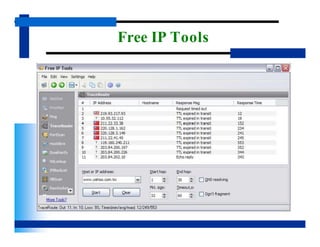
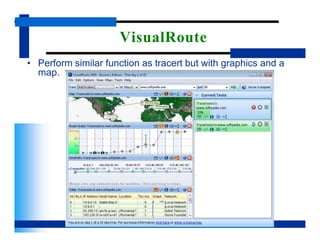
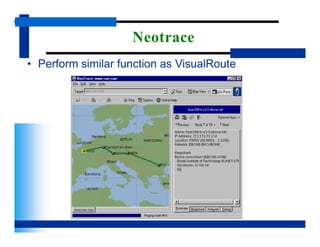
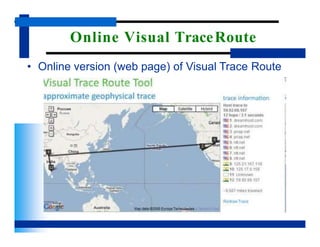
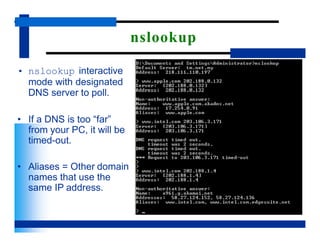
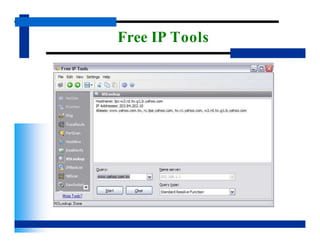
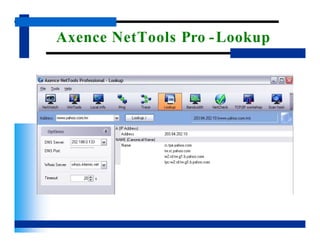
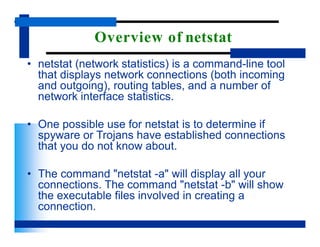
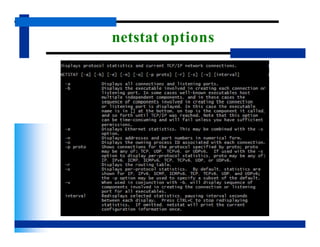
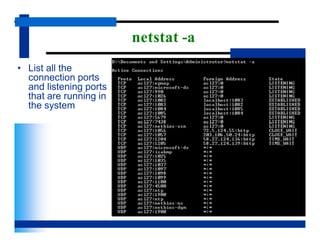
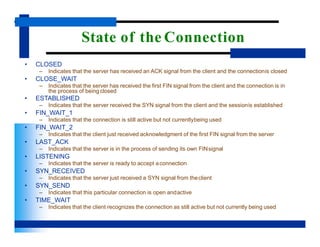
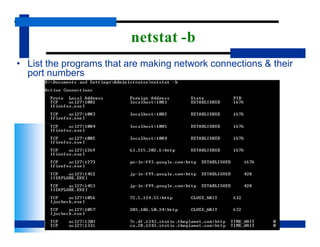
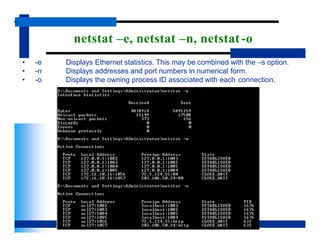
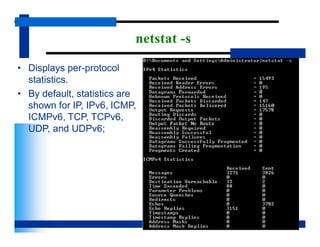
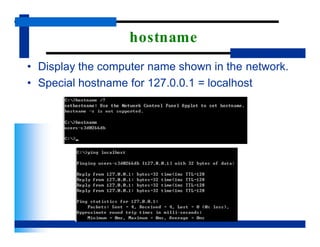
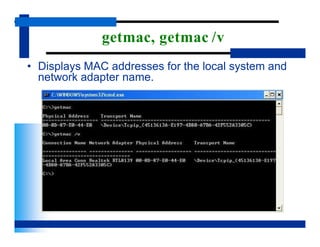
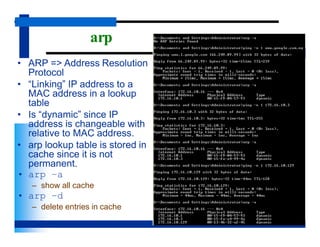
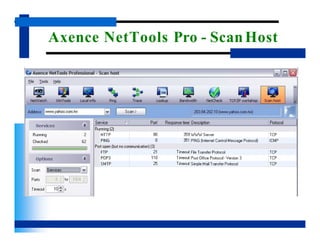
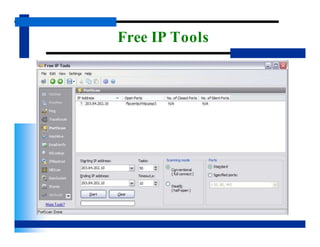
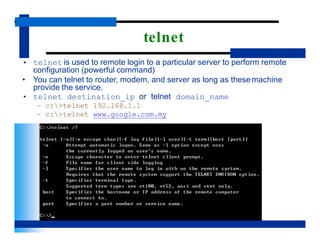
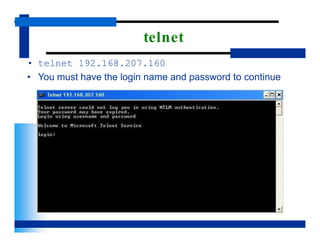
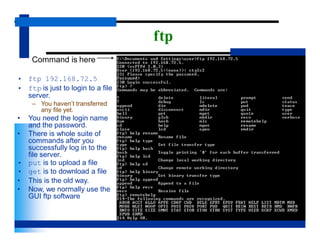
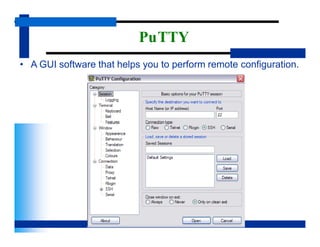
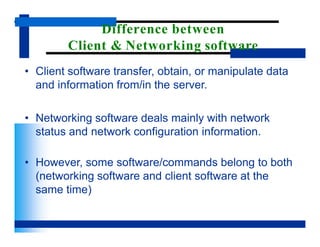
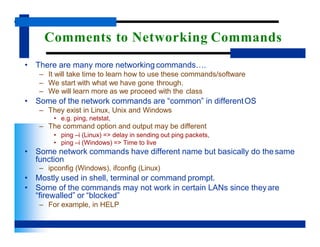
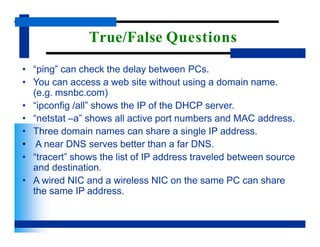
This document provides an overview of networking software and commands used in Windows 10. It discusses setting the IP configuration, including obtaining IP addresses dynamically from a DHCP server or manually configuring a static IP. Common networking commands and software introduced include ipconfig for viewing IP settings, ping for testing network connectivity, and Wireshark for network packet capture and analysis. The document emphasizes that networking software helps users explore, configure, troubleshoot and manage networks, while remaining transparent to end users of network services.