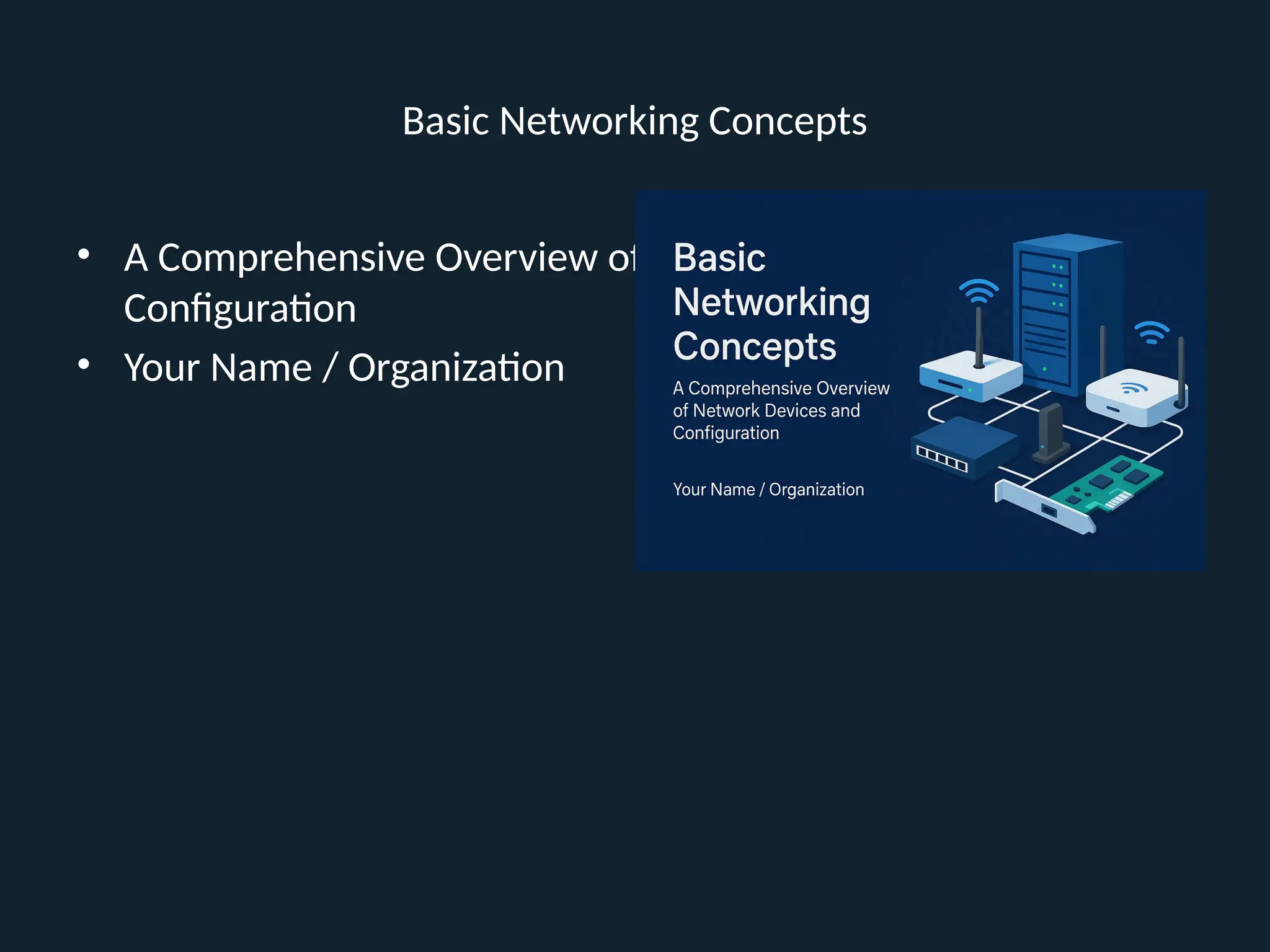
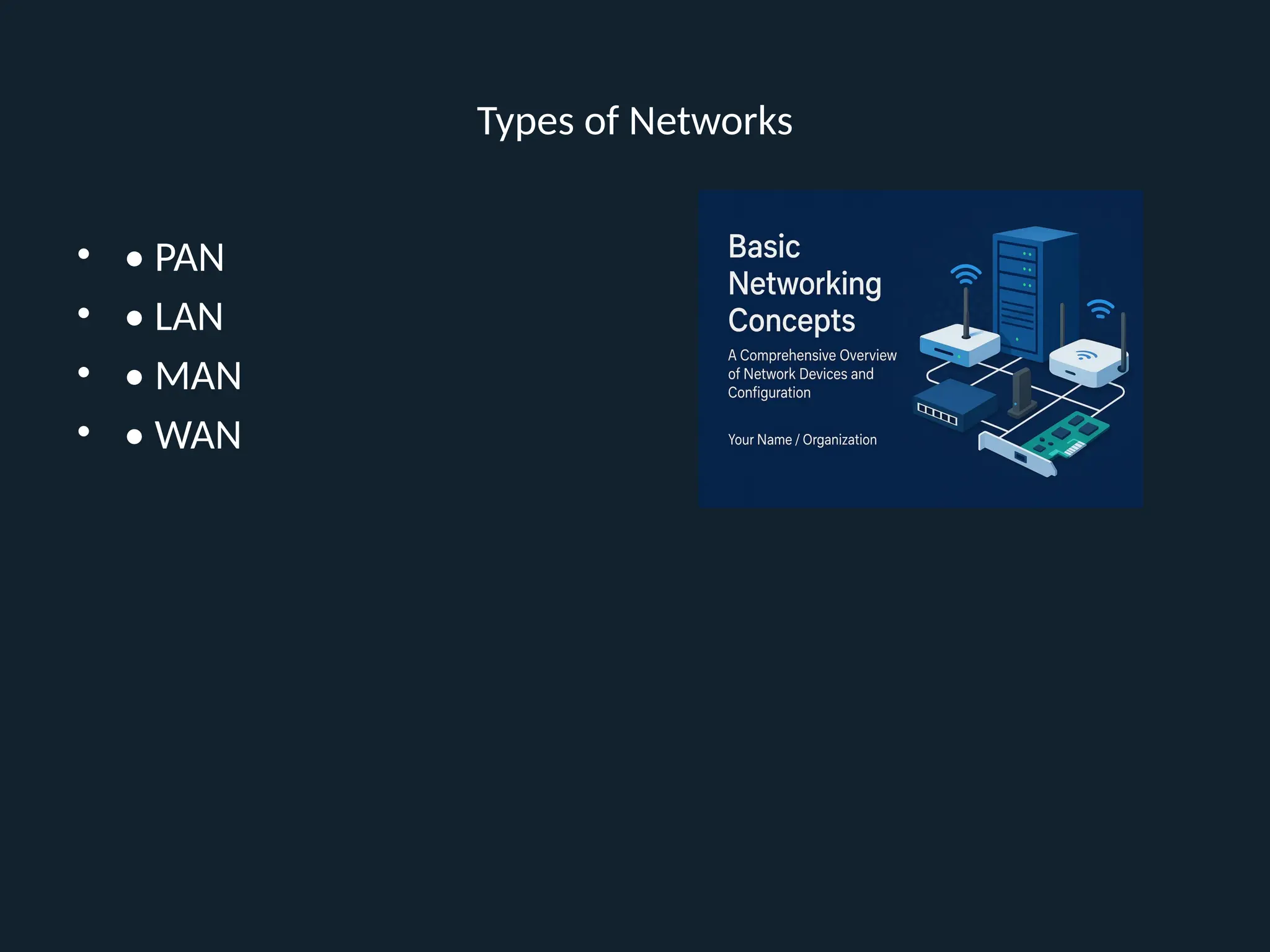
Title: Basic Networking Concepts
Subtitle: A Comprehensive Overview of Network Devices and Configuration
Your Name / Organization
Slide 2: What is Networking?
Definition of Networking
Importance in modern computing
Slide 3: Goals of Networking
Resource sharing
Communication
Scalability
Reliability
Slide 4: Types of Networks
PAN
LAN
MAN
WAN
Slide 5: Network Topologies
Star
Ring
Bus
Mesh
Hybrid
Slide 6: OSI Model Overview
7 Layers of OSI Model
Purpose and importance
Slide 7: OSI Layer Functions
Application to Physical Layer brief
Slide 8: TCP/IP Model
Comparison with OSI Model
Slide 9: Network Protocols
TCP, IP, UDP, HTTP, FTP, SMTP, etc.
Slide 10: What are Network Devices?
Purpose of network hardware
Slide 11: Modem
Role in converting digital and analog signals
Slide 12: Router
Routing packets between networks
Slide 13: Switch
Function in local network traffic management
Slide 14: Hub
Difference from a switch
Slide 15: Access Point
Connecting wireless devices to a wired network
Slide 16: Network Interface Card (NIC)
Hardware for network connectivity
Slide 17: Repeater
Signal amplification in long-distance transmissions
Slide 18: Bridge
Connecting multiple network segments
Slide 19: Gateway
Connecting dissimilar networks
Slide 20: Firewall
Network security barrier
Slide 21: Load Balancer
Distributing network or application traffic
Slide 22: DNS Server
Resolving domain names to IP addresses
Slide 23: DHCP Server
Automatic IP address assignment
Slide 24: Proxy Server
Mediating requests between clients and servers
Slide 25: Network Cables
Twisted pair, coaxial, fiber optic
Slide 26: Wireless Communication
Wi-Fi, Bluetooth, NFC
Slide 27: IPv4 vs IPv6
Address formats, differences, and need for IPv6
Slide 28: IP Addressing
Static vs dynamic IPs
Slide 29: Subnetting Basics
Concept and need for subnetting
Slide 30: Subnet Mask
Purpose and structure
Slide 31: Default Gateway
Role in sending traffic outside local subnet
Slide 32: DNS Configuration
Manual and automatic configuration
Slide 33: DHCP Configuration
Pool, lease, reservations
Slide 34: NAT (Network Address Translation)
Conserving public IPs and translating private IPs
Slide 35: Port Forwarding
Directing traffic to internal devices
Slide 36: MAC Address
Unique identifier for NICs
Slide 37: ARP (Address Resolution Protocol)
Mapping IP addresses to MAC addresses
Slide 38: Ping & Traceroute
Tools to test connectivity
Slide 39: IP Configuration Commands (Windows)
ipconfig, netstat, nslookup, etc.
Slide 40: IP Configuration Commands (Linux)
ifconfig, ip, dig, etc.
Slide 41: Firewall Configuration Basics
Rules, policies, zones
Slide 42: Port Numbers and Services
Common TCP/UDP ports
Slide 43: VLANs (Virtual LANs)
Purpose and setup
Slide 44: VPN (Virtual Private Network)
Secure remote connections
Slide 45: Wireless Security Protocols
WEP, WPA, WPA2, WPA3