 Installing   Audacity
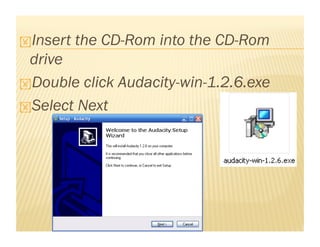
 Insert   the CD-Rom into the CD-Rom
 drive
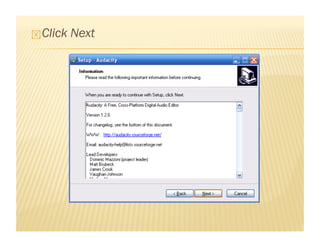
 Double click Audacity-win-1.2.6.exe

 Select Next
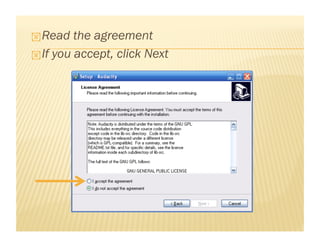
 Read   the agreement
 If you accept, click Next
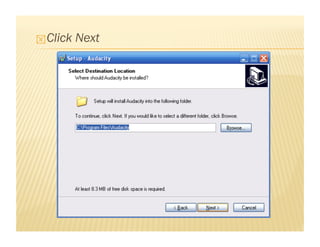
 Click   Next
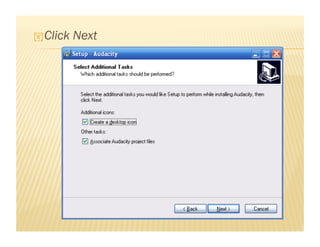
 Click   Next
 Click   Next
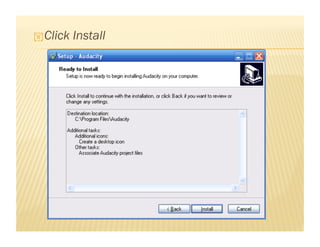
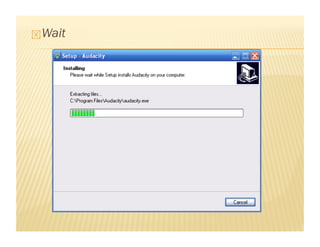
 Click   Install
 Wait
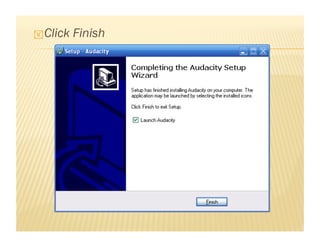
 Click   Finish
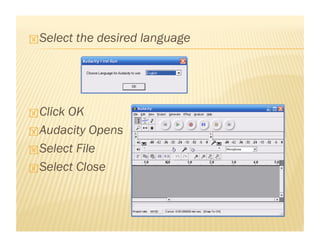
 Select   the desired language


 ClickOK
 Audacity Opens

 Select File

 Select Close
 Installing   lame.dll
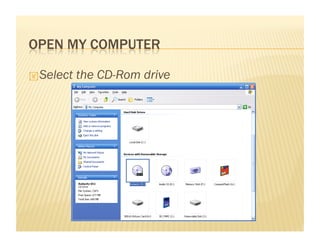
 Select   the CD-Rom drive
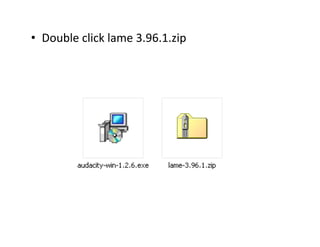
•  Double click lame 3.96.1.zip 
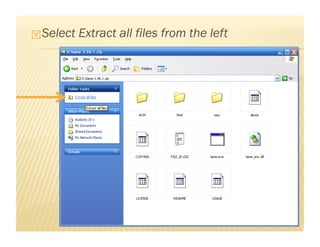
 Select   Extract all files from the left
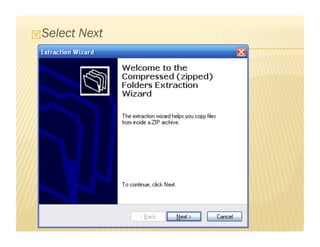
 Select   Next
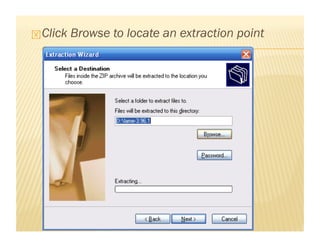
 Click   Browse to locate an extraction point
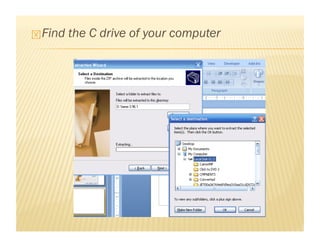
 Find   the C drive of your computer
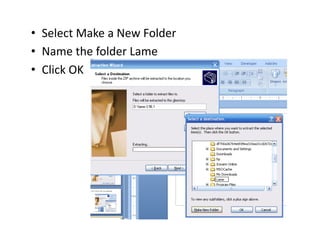
•  Select Make a New Folder 
•  Name the folder Lame 
•  Click OK 
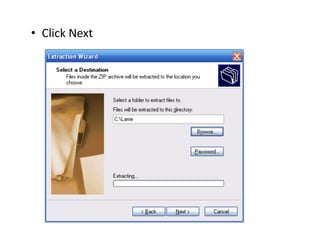
•  Click Next 
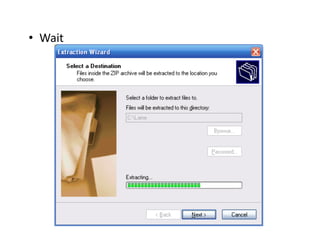
•  Wait 
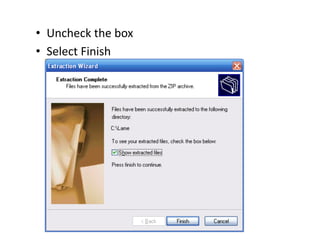
•  Uncheck the box 
•  Select Finish 
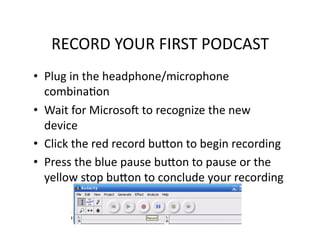
RECORD YOUR FIRST PODCAST 
•  Plug in the headphone/microphone 
   combinaPon 
•  Wait for MicrosoQ to recognize the new 
   device 
•  Click the red record buSon to begin recording 
•  Press the blue pause buSon to pause or the 
   yellow stop buSon to conclude your recording 
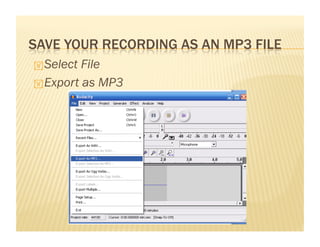
 Select File
 Export as MP3
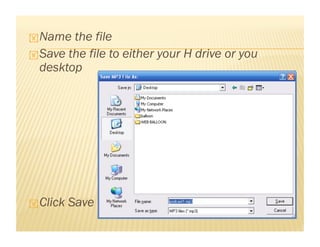
 Name  the file
 Save the file to either your H drive or you
  desktop


 Click   Save
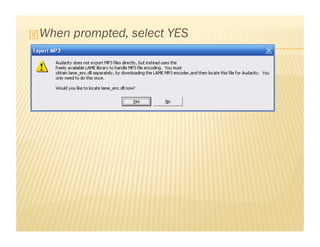
 When   prompted, select YES
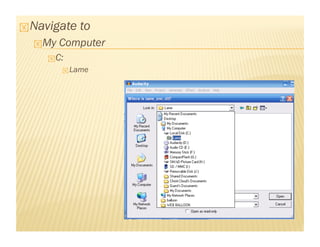
 Navigate   to
   My   Computer
     C:
          Lame
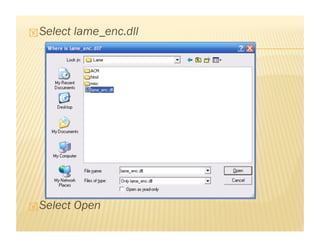
 Select   lame_enc.dll


 Select   Open
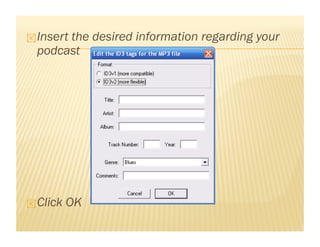
 Insert
       the desired information regarding your
  podcast


 Click   OK

Installing Audacity