Downloaded 50 times

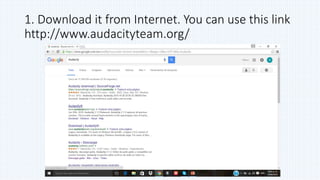
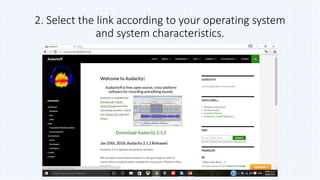
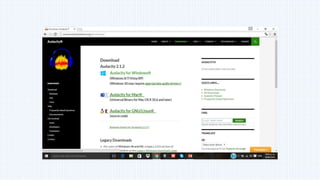

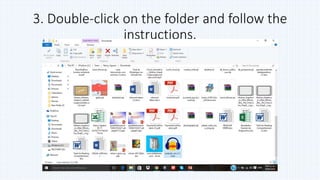
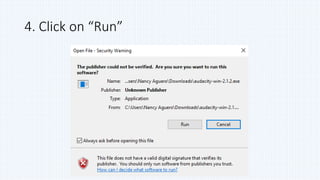
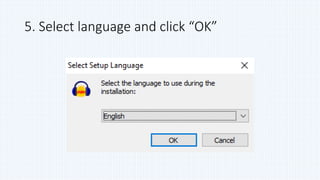
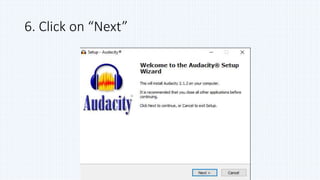
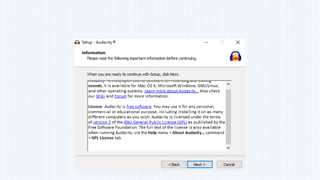
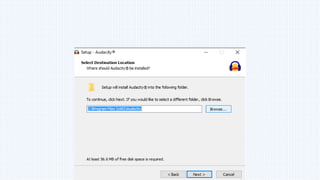
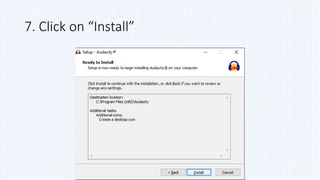
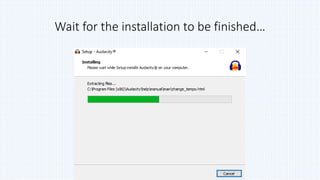
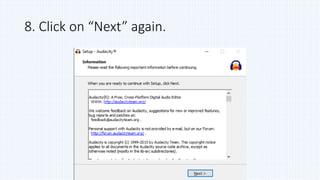
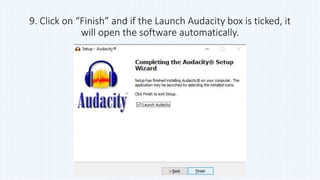
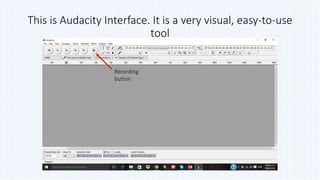
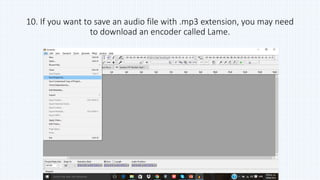
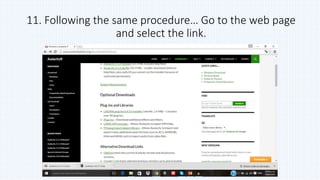
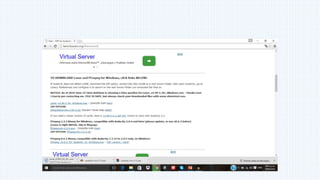
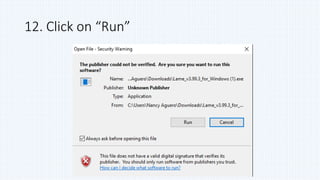
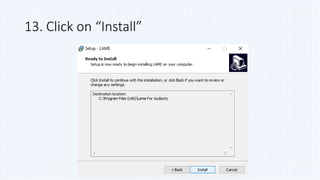
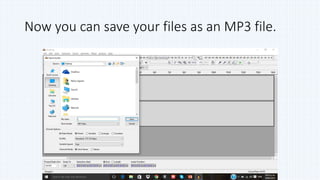


Audacity is a free open source digital audio editor that can be installed on Windows, Mac, Linux and other operating systems. The document provides instructions for downloading Audacity from its website, selecting the correct version for your OS, and guiding you through the installation process which involves running the installer, selecting a language, and clicking install. It also describes how to optionally install the Lame encoder to allow saving audio files in the MP3 format within Audacity.


