Presented by
Mrs.R.Atheeswari,M.Com;M.Phil;
Input Devices:
Keyboard
Mouse
Joystick and Game-pad
Light Pen
Touchscreen
Microphone
Trackball
Keyboard
 It is used to enter data and
instructions directly into
the computer
 There are 104 buttons on
the keyboard which are
called keys.
Mouse
 It is basically a pointing device
which works on the principle of
Point and Click There are 104
buttons on the keyboard which
are called keys.
 When the mouse is moved on
the mouse pad
Joystick and Game-pad
Light Pen
Scanner It is a pen shaped
device which can be
used by directly
pointing the objects
on the screen
 It can also be used
for making drawings
directly on the
monitor screen.
 We can store pictures,
photographs, diagrams
into the computer with
the help of scanner
 The scanner reads the
image and saves it in the
computer as a file.
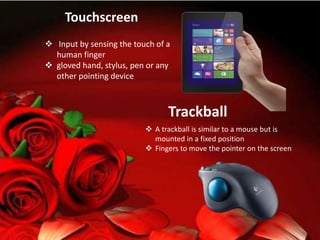
Touchscreen
 Input by sensing the touch of a
human finger
 gloved hand, stylus, pen or any
other pointing device
Trackball
 A trackball is similar to a mouse but is
mounted in a fixed position
 Fingers to move the pointer on the screen
Output Devices
The devices which are
used to display the
results or information
are called Output
Devices
Monitor and the
printer are the
commonly used
output devices.
Monitor
Speaker
Printer
Plotter
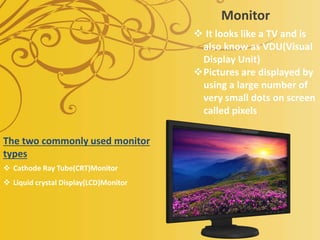
Monitor
 It looks like a TV and is
also know as VDU(Visual
Display Unit)
Pictures are displayed by
using a large number of
very small dots on screen
called pixels
The two commonly used monitor
types
 Cathode Ray Tube(CRT)Monitor
 Liquid crystal Display(LCD)Monitor
Printer
Speaker
 Speakers are categorized as output
devices.
 These are used to listen to the music and
sounds played by the computer.
 Normally they come in a pair and have
different shapes and sizes.
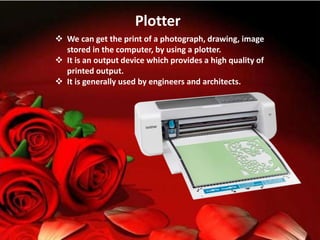
Plotter
 We can get the print of a photograph, drawing, image
stored in the computer, by using a plotter.
 It is an output device which provides a high quality of
printed output.
 It is generally used by engineers and architects.
Information technology

Information technology

  • 1.
  • 2.
    Input Devices: Keyboard Mouse Joystick andGame-pad Light Pen Touchscreen Microphone Trackball
  • 3.
    Keyboard  It isused to enter data and instructions directly into the computer  There are 104 buttons on the keyboard which are called keys. Mouse  It is basically a pointing device which works on the principle of Point and Click There are 104 buttons on the keyboard which are called keys.  When the mouse is moved on the mouse pad
  • 4.
  • 5.
    Light Pen Scanner Itis a pen shaped device which can be used by directly pointing the objects on the screen  It can also be used for making drawings directly on the monitor screen.  We can store pictures, photographs, diagrams into the computer with the help of scanner  The scanner reads the image and saves it in the computer as a file.
  • 6.
    Touchscreen  Input bysensing the touch of a human finger  gloved hand, stylus, pen or any other pointing device Trackball  A trackball is similar to a mouse but is mounted in a fixed position  Fingers to move the pointer on the screen
  • 7.
    Output Devices The deviceswhich are used to display the results or information are called Output Devices Monitor and the printer are the commonly used output devices. Monitor Speaker Printer Plotter
  • 8.
    Monitor  It lookslike a TV and is also know as VDU(Visual Display Unit) Pictures are displayed by using a large number of very small dots on screen called pixels The two commonly used monitor types  Cathode Ray Tube(CRT)Monitor  Liquid crystal Display(LCD)Monitor
  • 9.
  • 10.
    Speaker  Speakers arecategorized as output devices.  These are used to listen to the music and sounds played by the computer.  Normally they come in a pair and have different shapes and sizes.
  • 11.
    Plotter  We canget the print of a photograph, drawing, image stored in the computer, by using a plotter.  It is an output device which provides a high quality of printed output.  It is generally used by engineers and architects.