
Presenters

Jacqueline Peters-Richardson
Stacey Payne-Mascall
Overview

The purpose of this workshop is to consider a range of
assessment tools and techniques that link the processes
and outcomes with learning in your curriculum using ICT as
a supportive tool to enhance learning.
Outcomes
At the end of this session, participants should be able to

understand the unique the Classroom
Management Techniques using different
configuration of ICT in the teaching and
learning context.
understand the potential value to learning and
teaching that different ICT configurations
plan a strategy to implement a new
vision in learning, teaching and
assessing with ICT
plan, develop, and manage studentcentered assessment
Myths about ICT
Stacey Payne-Mascall
Why integrate ICT
http://www.youtube.com/watch?v=_A-ZVCjfWf8
Myths and Pitfalls
What it TAKES
• Shared VISION
• Clear Mission

• COMMITMENT to change
• SRATEGIC PLANNING (outlining policies etc.,
employing the top down approach, classroom
management)
• CAPACITY BUILING/ TRAINING
• CONTENT

2013.10.14.School ICT Integration Plan blank
template- Revised.docx
Activity – What (10 minutes)
• Suggest one way in which the teacher laptop

and student tablet initiatives can be improved
to effectively assist in the enhancement of the
teaching and learning environment.
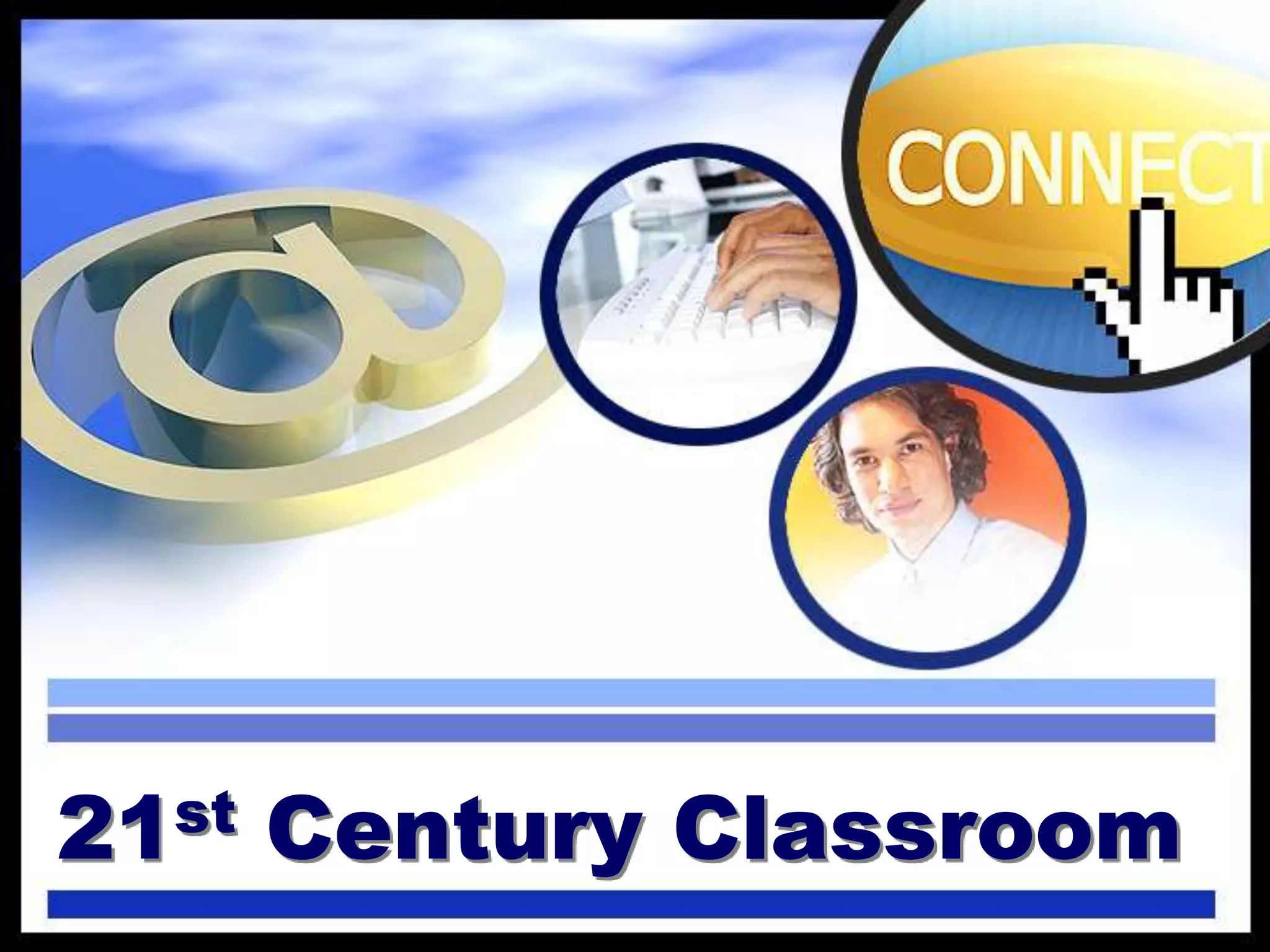
21st Century Classroom
Activity 1A

• List two ways in which you have
used ICT in your classes.
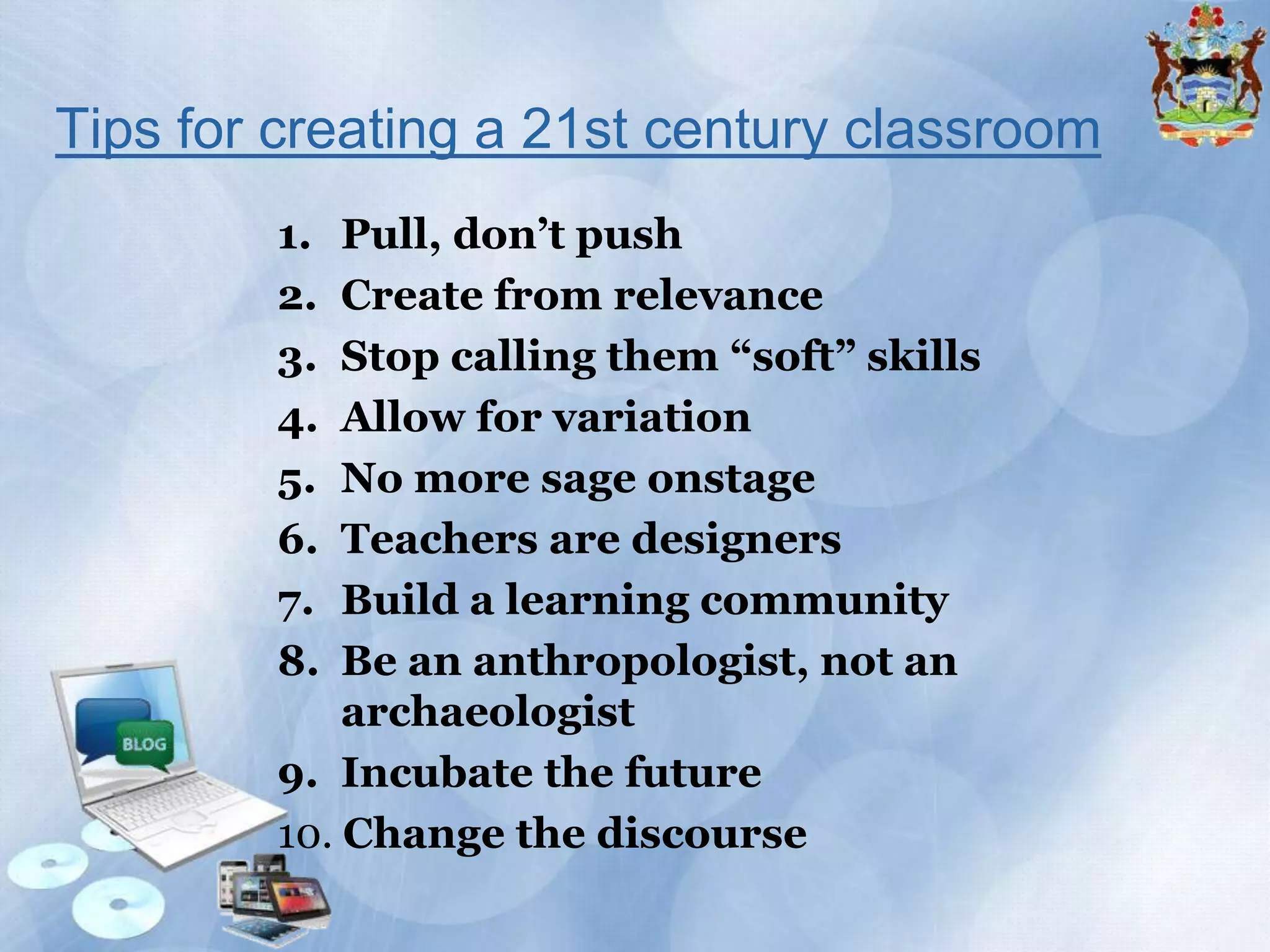
Tips for creating a 21st century classroom
1. Pull, don’t push - Create an environment that raises a lot of
questions from each of your students, and help them translate that
into insight and understanding.
2. Create from relevance - Engage kids in ways that have relevance to
them, and you’ll capture their attention and imagination.

3. Stop calling them “soft” skills - creativity, collaboration,
communication, empathy, and adaptability are not just nice to have;
they’re the core capabilities of a 21st-century global economy facing
complex challenges.
4. Allow for variation - Evolve past a one- size-fits-all mentality and
permit mass customization, both in the system and the classroom

5. No more sage onstage - the role of the teacher is transformed from
the expert telling people the answer to an enabler of learning
6. Teachers are designers - Let them create. Build an environment
where your students are actively engaged in learning by doing
7. Build a learning community - Learning doesn’t happen in the child’s
mind alone. It happens through the social interactions with other kids
and teachers, parents, the community, and the world at large
8. Be an anthropologist, not an archaeologist - If you want to
design new solutions for the future, you have to understand what
people care about and design for that. Don’t dig for the answer—
connect.
9. Incubate the future - It’s not about finding the right answer. It’s
about being in a place where we learn
ambition, involvement, responsibility, not to mention
science, math, and literature
10. Change the discourse - We need to create new assessments
that help us understand and talk about the developmental progress
of 21st-century skills. This is not just about measuring
outcomes, but also measuring process. We need formative
assessments that are just as important as numeric ones.
Activity 2
State one new idea you have for
integrating ICT in your lesson
Classroom Management with ICT
1

The learning environment is no longer reflected by
frontal teaching where the teacher is actively engaged up
front and the student is passively seated.

2 "It is difficult to find a "front" to the classroom because
the focus is on learning instead of teaching" (McKenzie,
1998)
3 Teachers are now facilitators and managers who
organize the class and delegate work to the students.
They are busy finding students meaningful "things to do
[which] promote learning" (Cambourne et al, 2001)
4.

Teachers need to be creative with the skills of a manager and
technology expert to "guide students to identify, select and
use the most appropriate technology tools for all kinds of
learning activities" (ETS, 2003)
Assessment in the
21st Century Classroom
One minute paper activity
• What is the first thing that comes to
mind when you think about
assessment?
When assessment drives
instruction, students learn more and
become more confident, selfdirected learners
Assessment in 21st Century
Classrooms
• Traditional vs. New Approach (Student
Centred and not Teacher Centred)
New Approach requires you to know:
how to plan, develop, and manage studentcentered assessment strategies that can benefit
your teaching and your students’ learning
promoting:
• Critical thinkers
• Problem solvers
• Independent learners
Stages of assessment
• Prior Learning Assessment– e.g.
Concept Maps (Formative purposes)
• Ongoing Assessment – e.g Journals
(Formative purposes)
• Summative Assessment– e.g Written
report (Completion Purposes)
Assessment Strategies
• Five main categories:
– Gauging students needs ( formativepretesting)
– Encouraging self-direction and collaboration
(formative - research, peer assessment)
– Monitoring progress (formative- checklist)
– Check understanding (formativeconferences)
– Demonstrating Understanding (summativewritten reports etc.)
Assessment Plan
• It is not necessary to use all methods
within a category, but all categories
should be included in an assessment
plan.
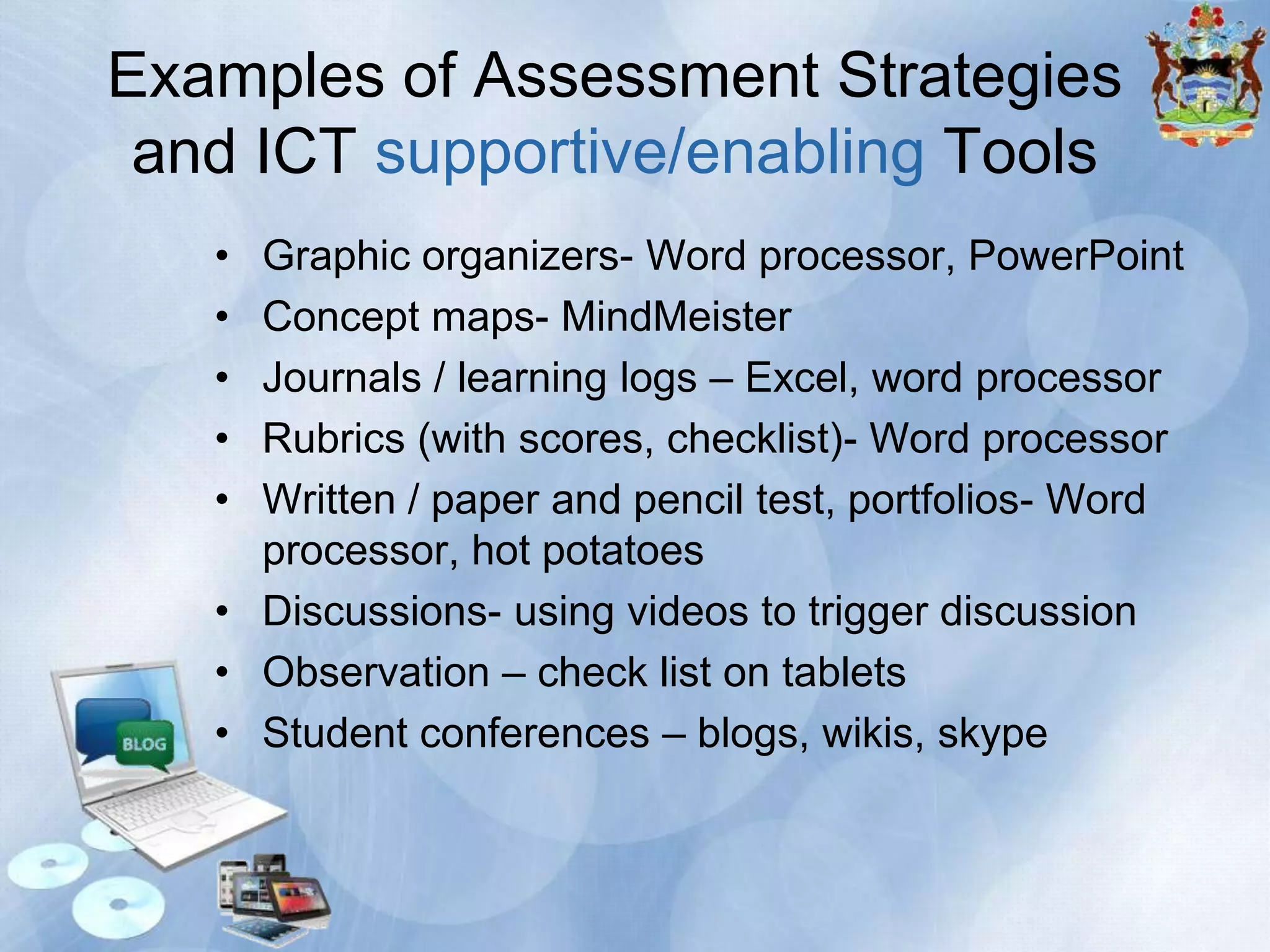
Examples of Assessment Strategies
and ICT supportive/enabling Tools
•
•
•
•
•

Graphic organizers- Word processor, PowerPoint
Concept maps- MindMeister
Journals / learning logs – Excel, word processor
Rubrics (with scores, checklist)- Word processor
Written / paper and pencil test, portfolios- Word
processor, hot potatoes
• Discussions- using videos to trigger discussion
• Observation – check list on tablets
• Student conferences – blogs, wikis, skype
Mastering ICT
• Use what you are familiar with and be
prepared to research and learn more
• When you get stuck consult with the
undo button, reset button etc
• Speak to colleagues (in your school,
online forums etc)
• SHARE
Video Activity
Thank You
Tips for creating a 21st century classroom
1.
2.
3.
4.
5.
6.
7.
8.

Pull, don’t push
Create from relevance
Stop calling them “soft” skills
Allow for variation
No more sage onstage
Teachers are designers
Build a learning community
Be an anthropologist, not an
archaeologist
9. Incubate the future
10. Change the discourse
ICT Integration across the Curricula

ICT Integration across the Curricula

  • 1.
  • 2.
    Overview The purpose ofthis workshop is to consider a range of assessment tools and techniques that link the processes and outcomes with learning in your curriculum using ICT as a supportive tool to enhance learning.
  • 3.
    Outcomes At the endof this session, participants should be able to understand the unique the Classroom Management Techniques using different configuration of ICT in the teaching and learning context. understand the potential value to learning and teaching that different ICT configurations
  • 4.
    plan a strategyto implement a new vision in learning, teaching and assessing with ICT plan, develop, and manage studentcentered assessment
  • 5.
  • 6.
  • 7.
  • 8.
  • 9.
    • Shared VISION •Clear Mission • COMMITMENT to change
  • 10.
    • SRATEGIC PLANNING(outlining policies etc., employing the top down approach, classroom management) • CAPACITY BUILING/ TRAINING • CONTENT 2013.10.14.School ICT Integration Plan blank template- Revised.docx
  • 11.
    Activity – What(10 minutes) • Suggest one way in which the teacher laptop and student tablet initiatives can be improved to effectively assist in the enhancement of the teaching and learning environment.
  • 12.
  • 13.
    Activity 1A • Listtwo ways in which you have used ICT in your classes.
  • 15.
    Tips for creatinga 21st century classroom 1. Pull, don’t push - Create an environment that raises a lot of questions from each of your students, and help them translate that into insight and understanding. 2. Create from relevance - Engage kids in ways that have relevance to them, and you’ll capture their attention and imagination. 3. Stop calling them “soft” skills - creativity, collaboration, communication, empathy, and adaptability are not just nice to have; they’re the core capabilities of a 21st-century global economy facing complex challenges.
  • 16.
    4. Allow forvariation - Evolve past a one- size-fits-all mentality and permit mass customization, both in the system and the classroom 5. No more sage onstage - the role of the teacher is transformed from the expert telling people the answer to an enabler of learning 6. Teachers are designers - Let them create. Build an environment where your students are actively engaged in learning by doing 7. Build a learning community - Learning doesn’t happen in the child’s mind alone. It happens through the social interactions with other kids and teachers, parents, the community, and the world at large
  • 17.
    8. Be ananthropologist, not an archaeologist - If you want to design new solutions for the future, you have to understand what people care about and design for that. Don’t dig for the answer— connect. 9. Incubate the future - It’s not about finding the right answer. It’s about being in a place where we learn ambition, involvement, responsibility, not to mention science, math, and literature 10. Change the discourse - We need to create new assessments that help us understand and talk about the developmental progress of 21st-century skills. This is not just about measuring outcomes, but also measuring process. We need formative assessments that are just as important as numeric ones.
  • 18.
    Activity 2 State onenew idea you have for integrating ICT in your lesson
  • 19.
    Classroom Management withICT 1 The learning environment is no longer reflected by frontal teaching where the teacher is actively engaged up front and the student is passively seated. 2 "It is difficult to find a "front" to the classroom because the focus is on learning instead of teaching" (McKenzie, 1998) 3 Teachers are now facilitators and managers who organize the class and delegate work to the students. They are busy finding students meaningful "things to do [which] promote learning" (Cambourne et al, 2001)
  • 20.
    4. Teachers need tobe creative with the skills of a manager and technology expert to "guide students to identify, select and use the most appropriate technology tools for all kinds of learning activities" (ETS, 2003)
  • 21.
    Assessment in the 21stCentury Classroom
  • 22.
    One minute paperactivity • What is the first thing that comes to mind when you think about assessment?
  • 23.
    When assessment drives instruction,students learn more and become more confident, selfdirected learners
  • 24.
    Assessment in 21stCentury Classrooms • Traditional vs. New Approach (Student Centred and not Teacher Centred) New Approach requires you to know: how to plan, develop, and manage studentcentered assessment strategies that can benefit your teaching and your students’ learning promoting: • Critical thinkers • Problem solvers • Independent learners
  • 25.
    Stages of assessment •Prior Learning Assessment– e.g. Concept Maps (Formative purposes) • Ongoing Assessment – e.g Journals (Formative purposes) • Summative Assessment– e.g Written report (Completion Purposes)
  • 26.
    Assessment Strategies • Fivemain categories: – Gauging students needs ( formativepretesting) – Encouraging self-direction and collaboration (formative - research, peer assessment) – Monitoring progress (formative- checklist) – Check understanding (formativeconferences) – Demonstrating Understanding (summativewritten reports etc.)
  • 27.
    Assessment Plan • Itis not necessary to use all methods within a category, but all categories should be included in an assessment plan.
  • 28.
    Examples of AssessmentStrategies and ICT supportive/enabling Tools • • • • • Graphic organizers- Word processor, PowerPoint Concept maps- MindMeister Journals / learning logs – Excel, word processor Rubrics (with scores, checklist)- Word processor Written / paper and pencil test, portfolios- Word processor, hot potatoes • Discussions- using videos to trigger discussion • Observation – check list on tablets • Student conferences – blogs, wikis, skype
  • 29.
    Mastering ICT • Usewhat you are familiar with and be prepared to research and learn more • When you get stuck consult with the undo button, reset button etc • Speak to colleagues (in your school, online forums etc) • SHARE
  • 30.
  • 31.
  • 32.
    Tips for creatinga 21st century classroom 1. 2. 3. 4. 5. 6. 7. 8. Pull, don’t push Create from relevance Stop calling them “soft” skills Allow for variation No more sage onstage Teachers are designers Build a learning community Be an anthropologist, not an archaeologist 9. Incubate the future 10. Change the discourse

Editor's Notes

  • #12 http://1to1schools.net/2012/03/common-pitfalls-of-11/http://www.schoolnet.org.za/CoL/ACE/course/classroom/documents/one-to-one_self_direction_stategies.pdfhttp://www.nelliemuller.com/effectiveclassroommanagementstrategiesfortechnology.htmhttp://www.edutopia.org/adopt-and-adapt-shaping-tech-for-classroomhttp://www.schoolnet.org.za/CoL/ACE/course/classroom/documents/2012-horizon-report_k12.pdfhttp://www.giftediam.com/early-education/how-to-create-a-21st-century-classroom-top-ten-tips