LISTS AND LINKS
Explained By:
Sarbjit Kaur.
Lecturer, Department of Computer Application,
PGG.C.G., Sector: 42, Chandigarh
INTRODUCTION TO LISTS
Lists are the best way to provide information
in a structured, easy-to-read format. They help
to visitor easily spot information, and they
drew attention to important information.
lists are the best method of
oranganizg information and presenting it in a
structured fashion.
TYPES OF LISTS
There are three kinds of lists:
• Ordered List (Numbered List)
• Unordered List (Bulleted List)
• Definition Lists
Ordered List (Numbered List)
• Ordered list also called as Numbered list, is
used to present a numbered list of item in the
order of importance or the item(paragraph) is
marked with a number.
• An ordered list must begin with the <OL>
followed by an <LI>list item tag.
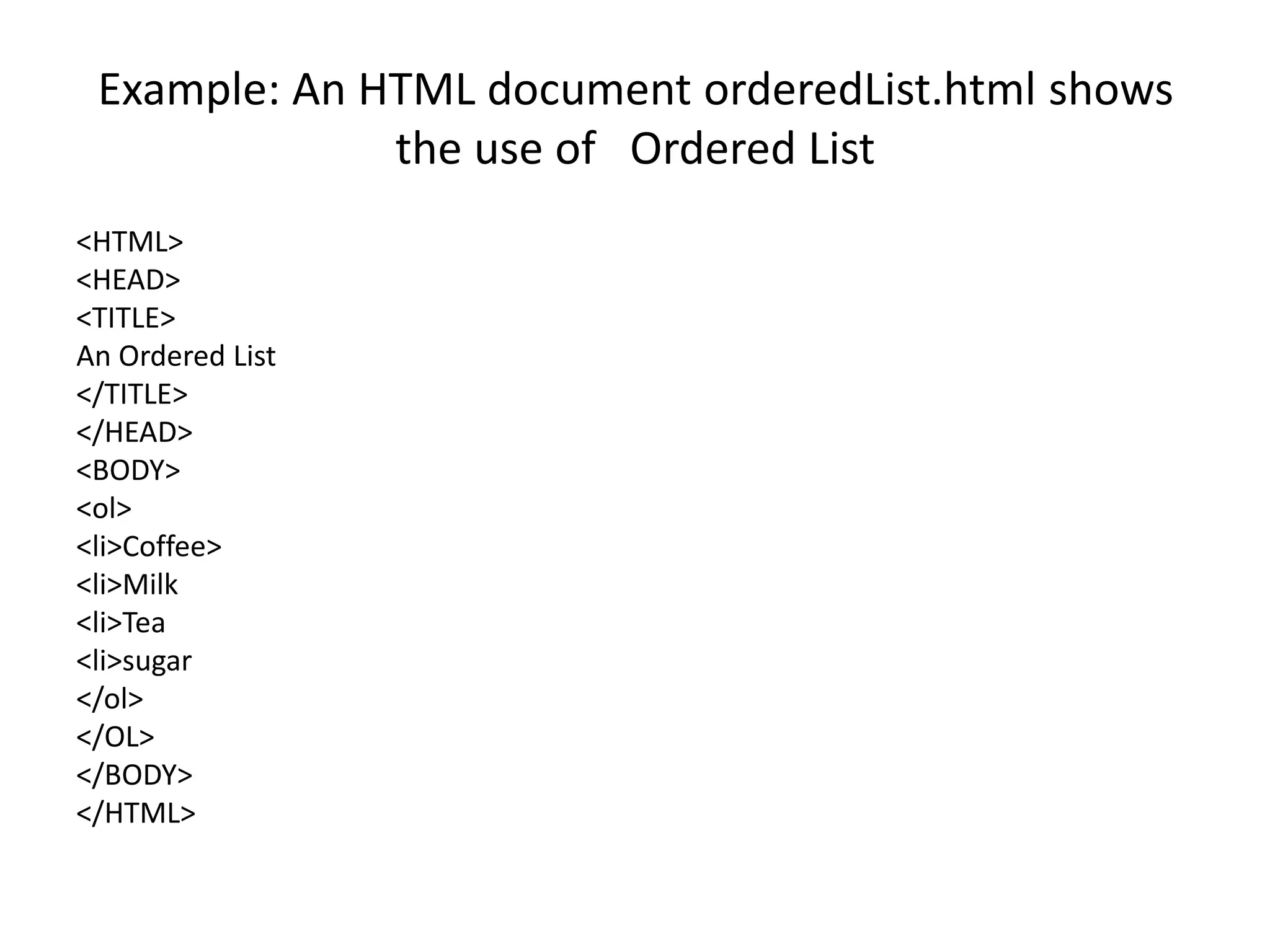
Example: An HTML document orderedList.html shows
the use of Ordered List
<HTML>
<HEAD>
<TITLE>
An Ordered List
</TITLE>
</HEAD>
<BODY>
<ol>
<li>Coffee>
<li>Milk
<li>Tea
<li>sugar
</ol>
</OL>
</BODY>
</HTML>
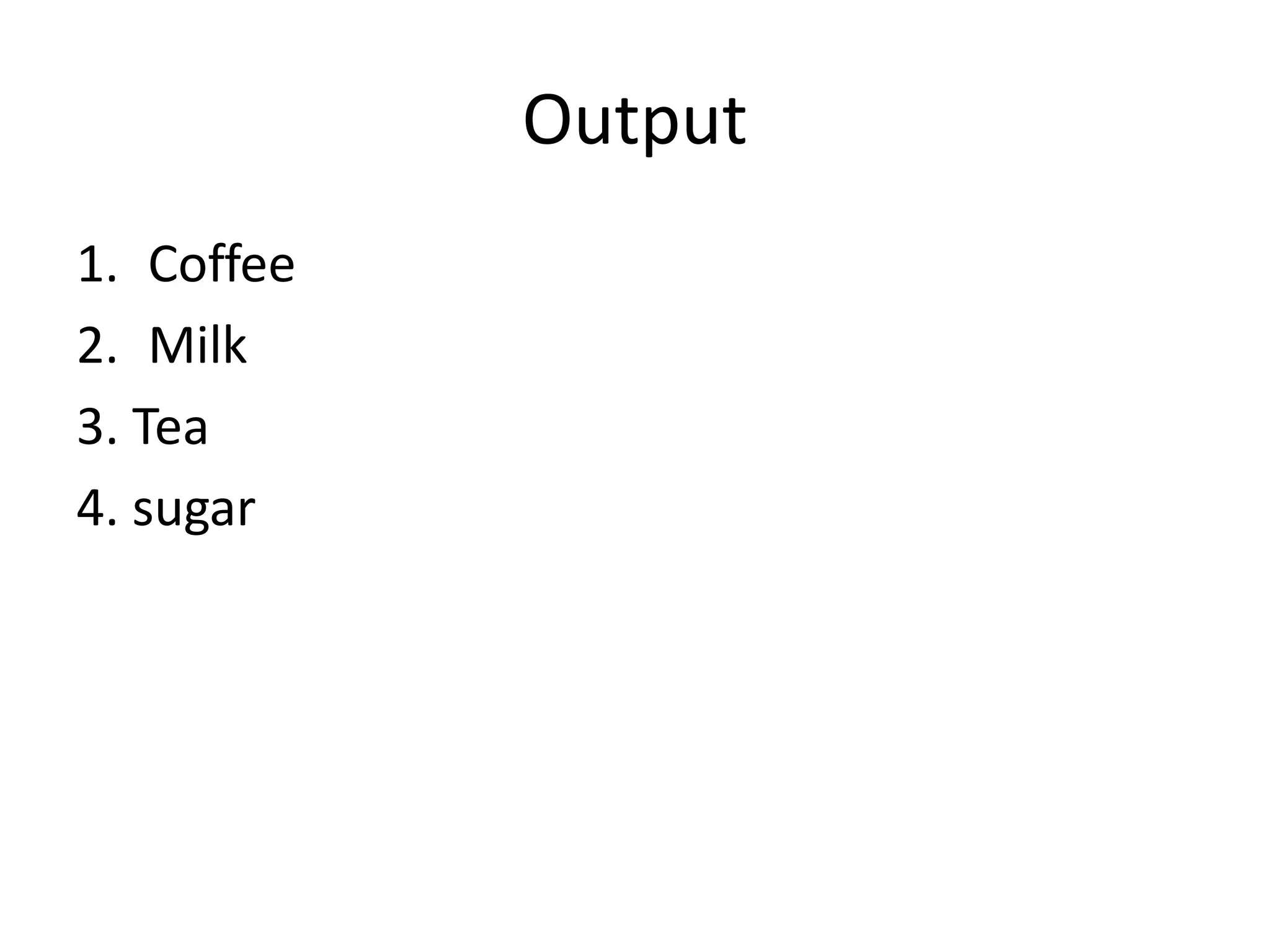
Output
1. Coffee
2. Milk
3. Tea
4. sugar
Attributes of <OL> tag
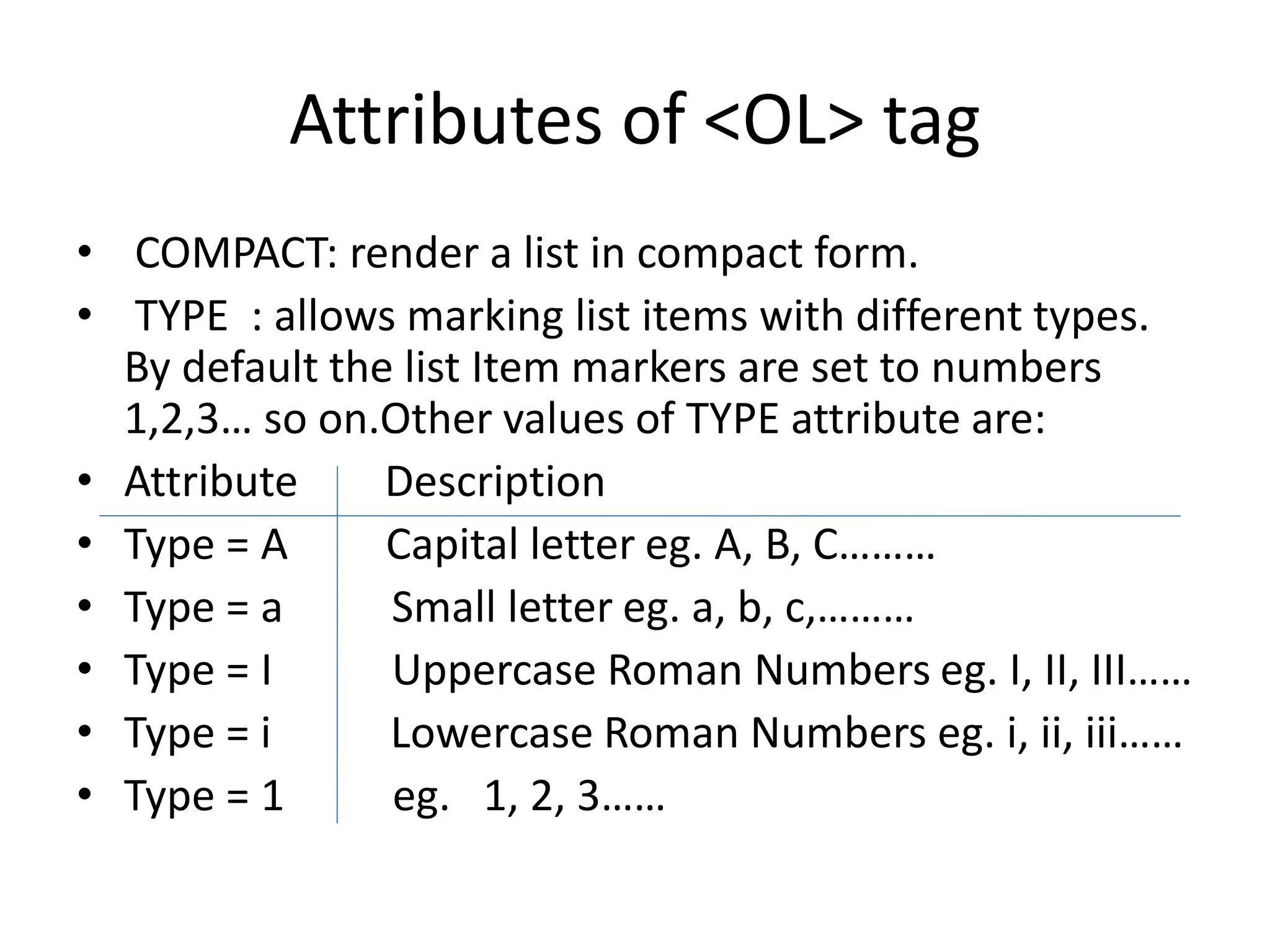
• COMPACT: render a list in compact form.
• TYPE : allows marking list items with different types.
By default the list Item markers are set to numbers
1,2,3… so on.Other values of TYPE attribute are:
• Attribute Description
• Type = A Capital letter eg. A, B, C………
• Type = a Small letter eg. a, b, c,………
• Type = I Uppercase Roman Numbers eg. I, II, III……
• Type = i Lowercase Roman Numbers eg. i, ii, iii……
• Type = 1 eg. 1, 2, 3……
Attributes of <OL> tag
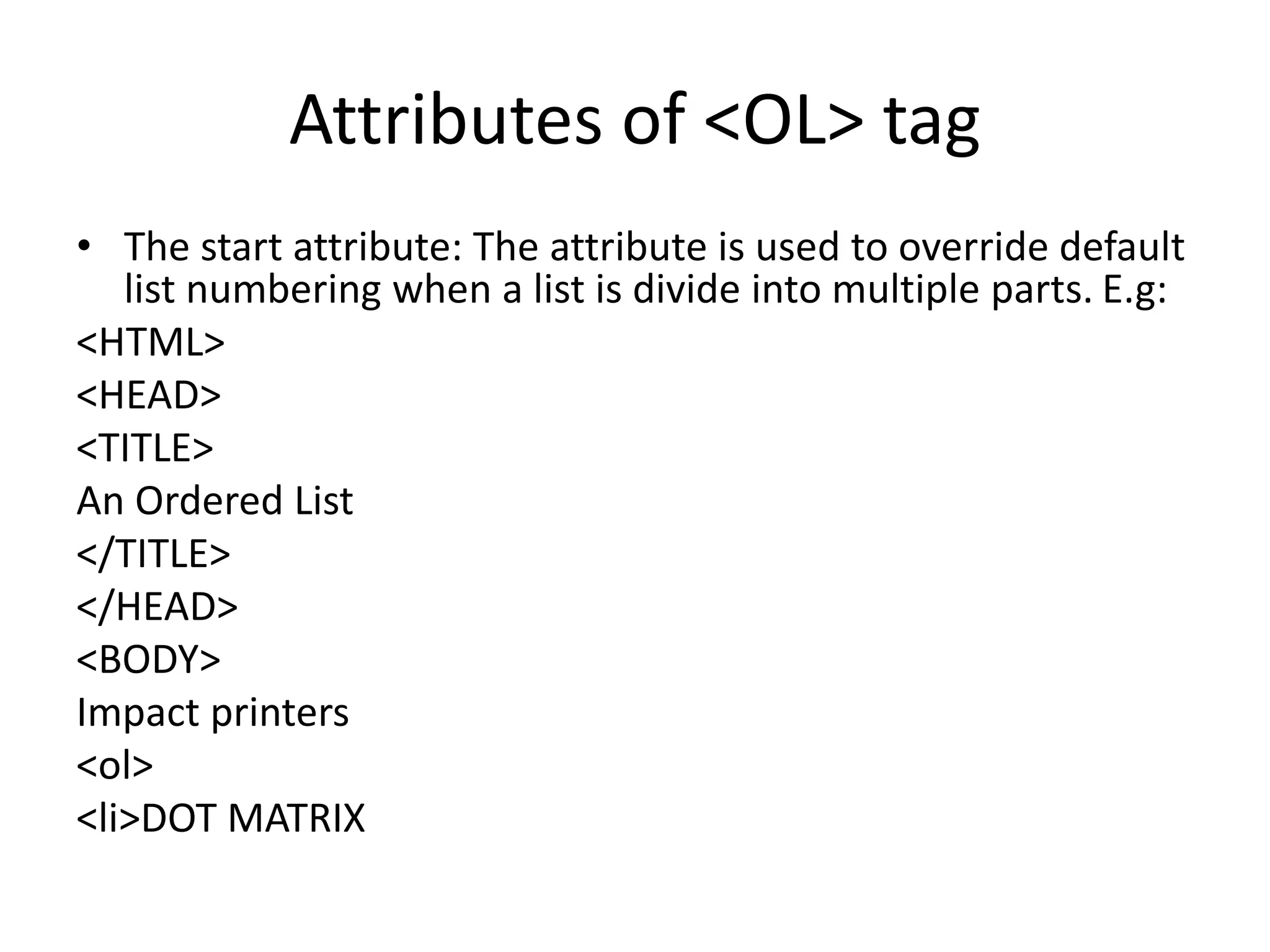
• The start attribute: The attribute is used to override default
list numbering when a list is divide into multiple parts. E.g:
<HTML>
<HEAD>
<TITLE>
An Ordered List
</TITLE>
</HEAD>
<BODY>
Impact printers
<ol>
<li>DOT MATRIX
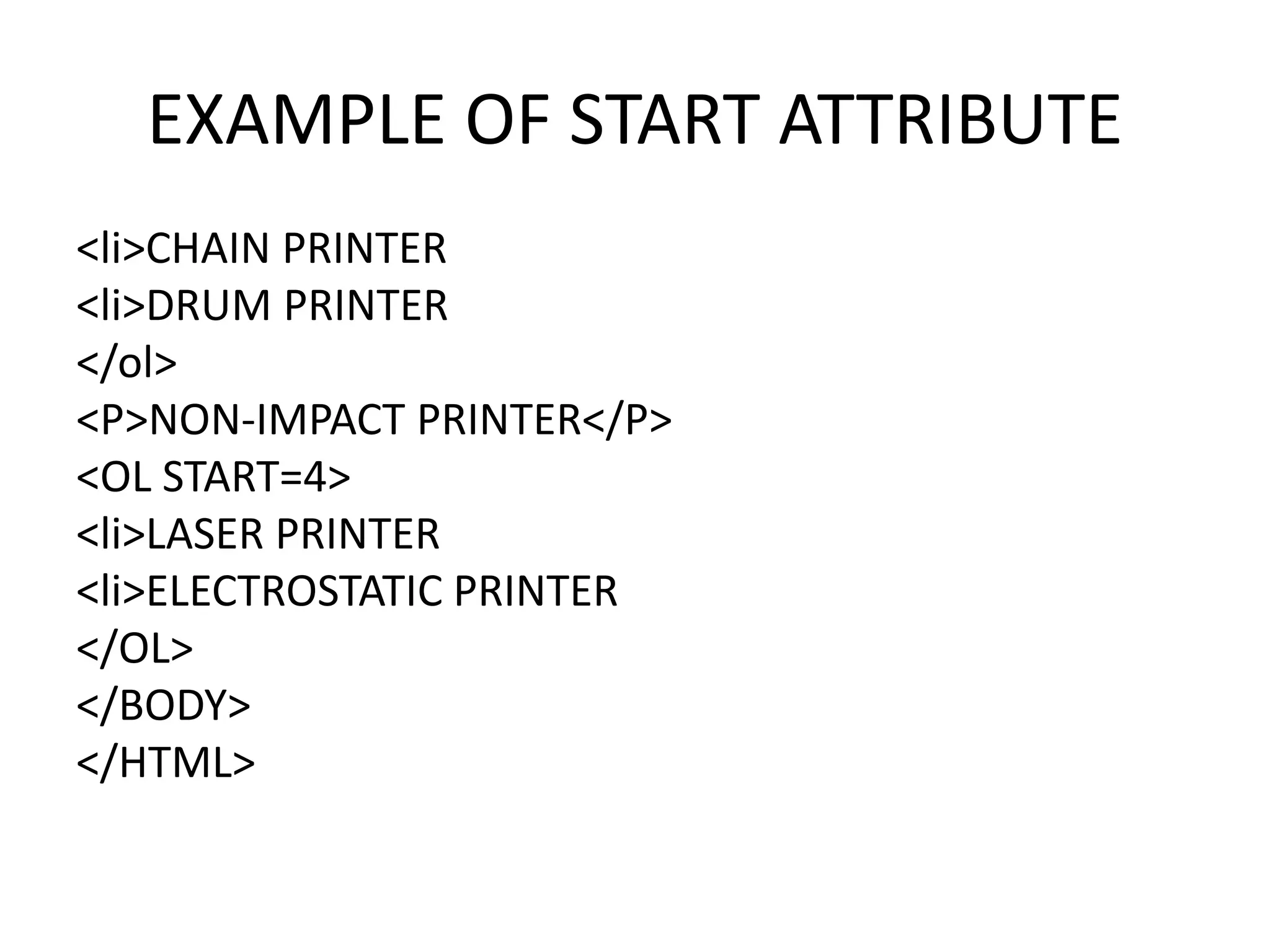
EXAMPLE OF START ATTRIBUTE
<li>CHAIN PRINTER
<li>DRUM PRINTER
</ol>
<P>NON-IMPACT PRINTER</P>
<OL START=4>
<li>LASER PRINTER
<li>ELECTROSTATIC PRINTER
</OL>
</BODY>
</HTML>
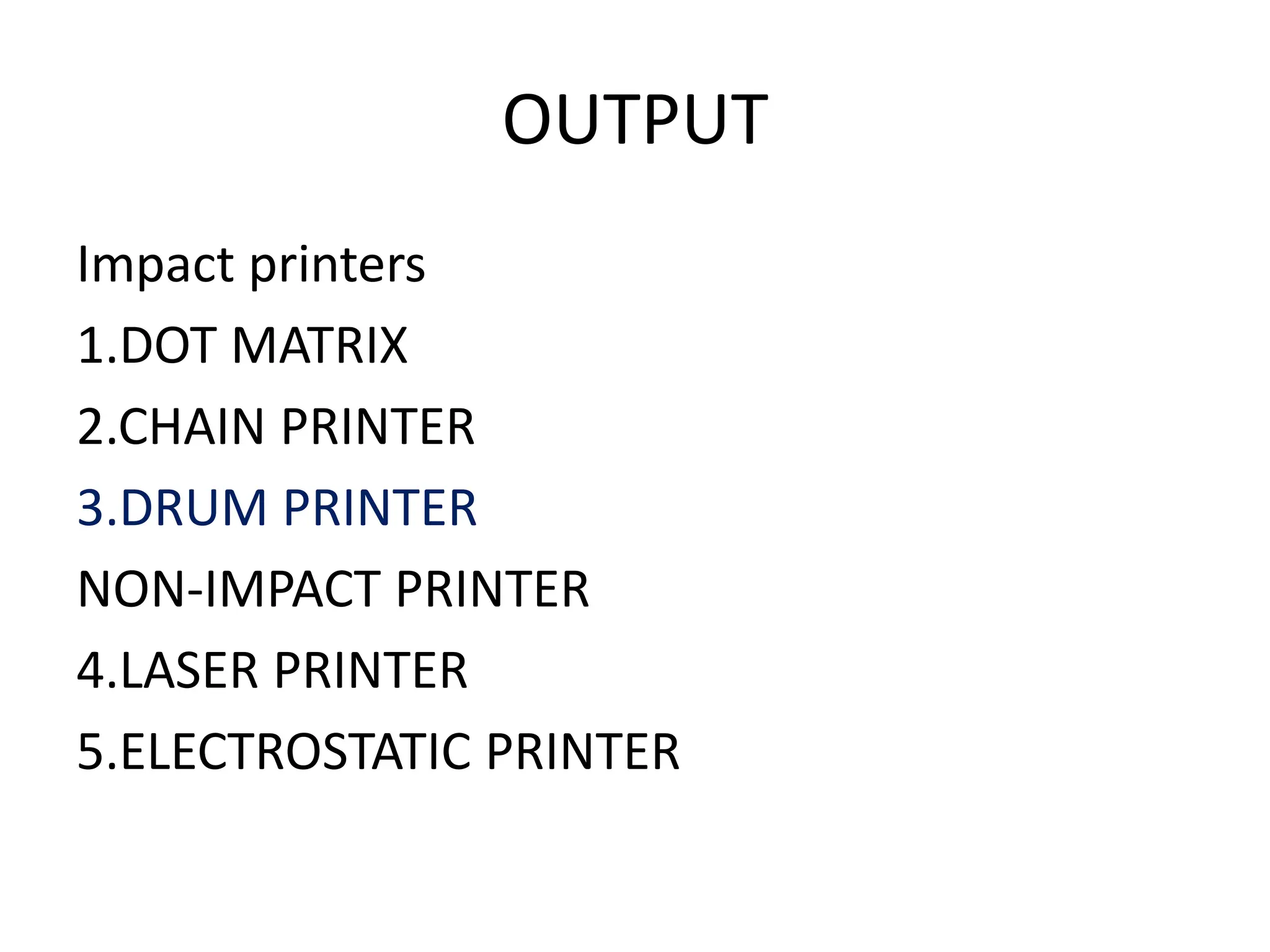
OUTPUT
Impact printers
1.DOT MATRIX
2.CHAIN PRINTER
3.DRUM PRINTER
NON-IMPACT PRINTER
4.LASER PRINTER
5.ELECTROSTATIC PRINTER
Nested Order List
• One ordered list might contain one or more ordered list that Is called as Nested
Order lists.
• Example: An HTML document nested.html shows the use of Nested Order Lists
with attributes:
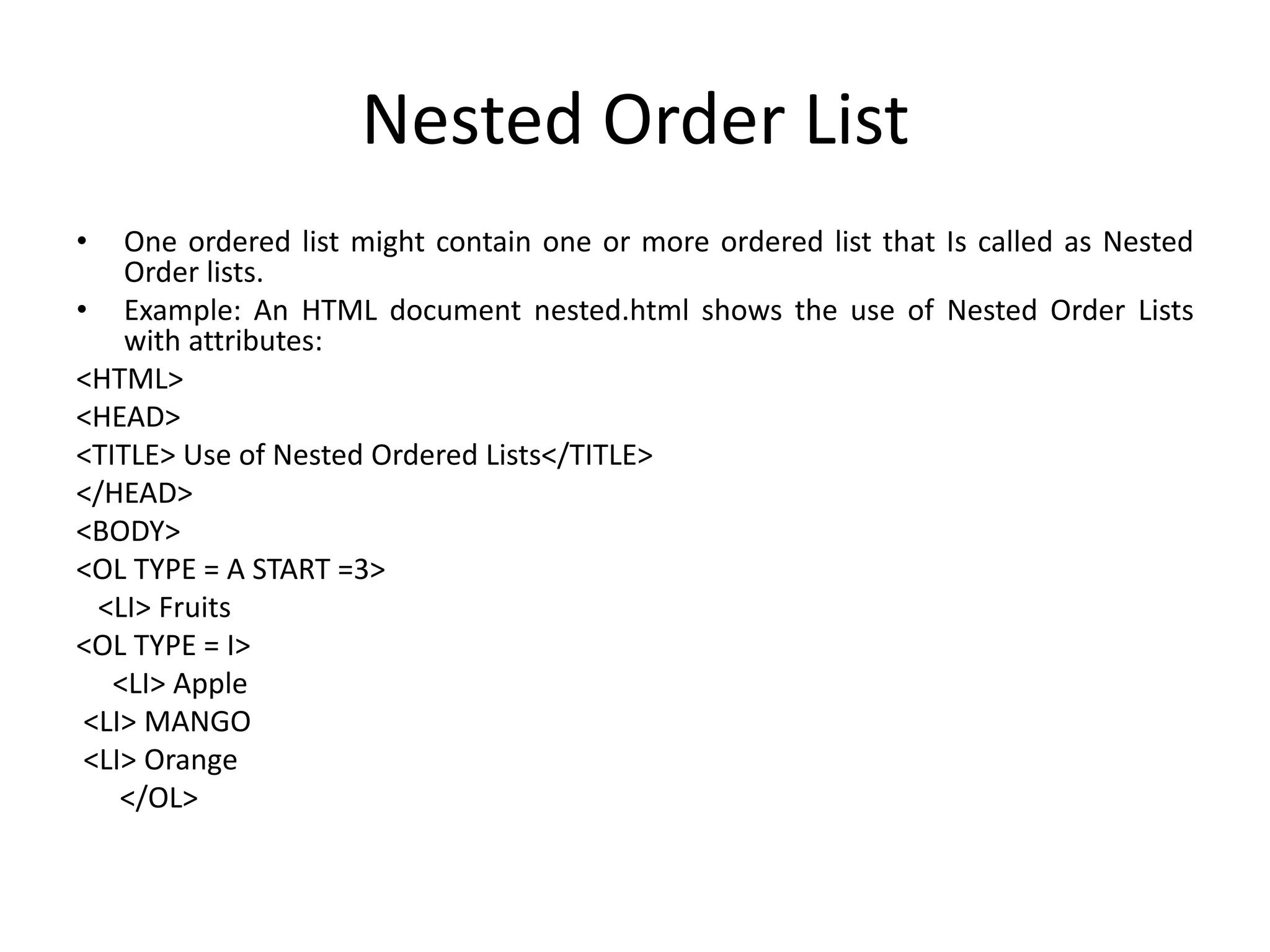
<HTML>
<HEAD>
<TITLE> Use of Nested Ordered Lists</TITLE>
</HEAD>
<BODY>
<OL TYPE = A START =3>
<LI> Fruits
<OL TYPE = I>
<LI> Apple
<LI> MANGO
<LI> Orange
</OL>
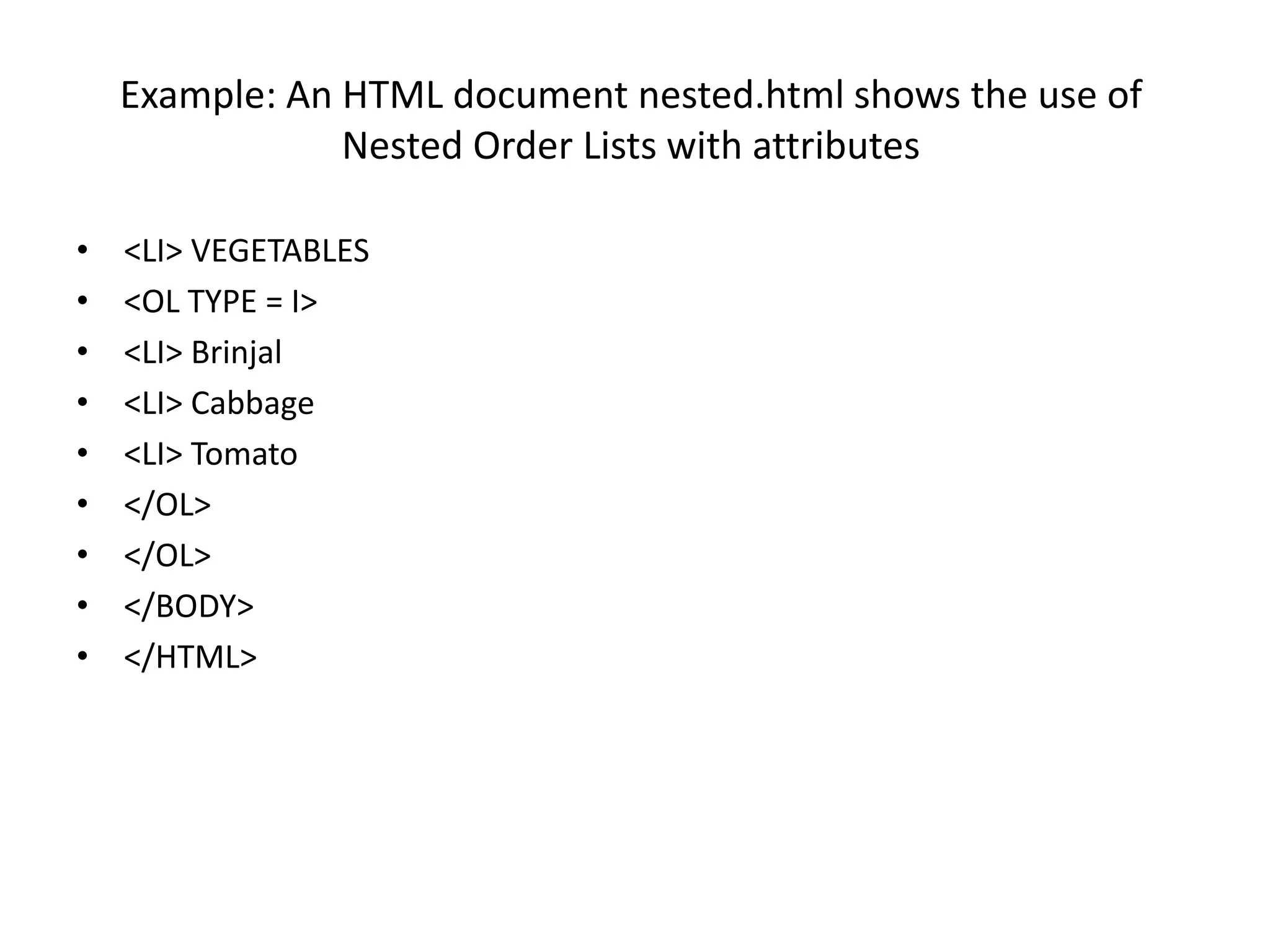
Example: An HTML document nested.html shows the use of
Nested Order Lists with attributes
• <LI> VEGETABLES
• <OL TYPE = I>
• <LI> Brinjal
• <LI> Cabbage
• <LI> Tomato
• </OL>
• </OL>
• </BODY>
• </HTML>
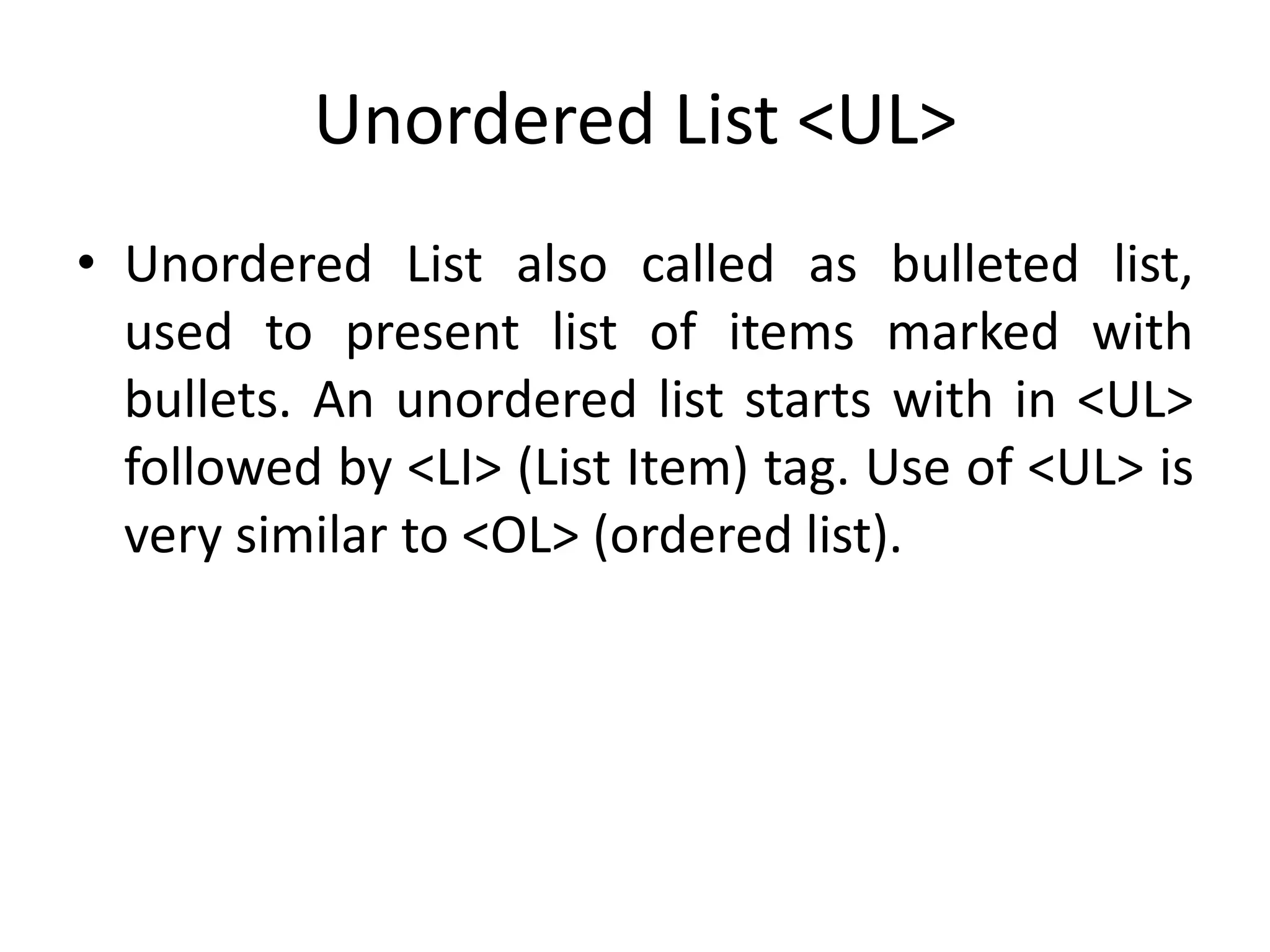
Unordered List <UL>
• Unordered List also called as bulleted list,
used to present list of items marked with
bullets. An unordered list starts with in <UL>
followed by <LI> (List Item) tag. Use of <UL> is
very similar to <OL> (ordered list).
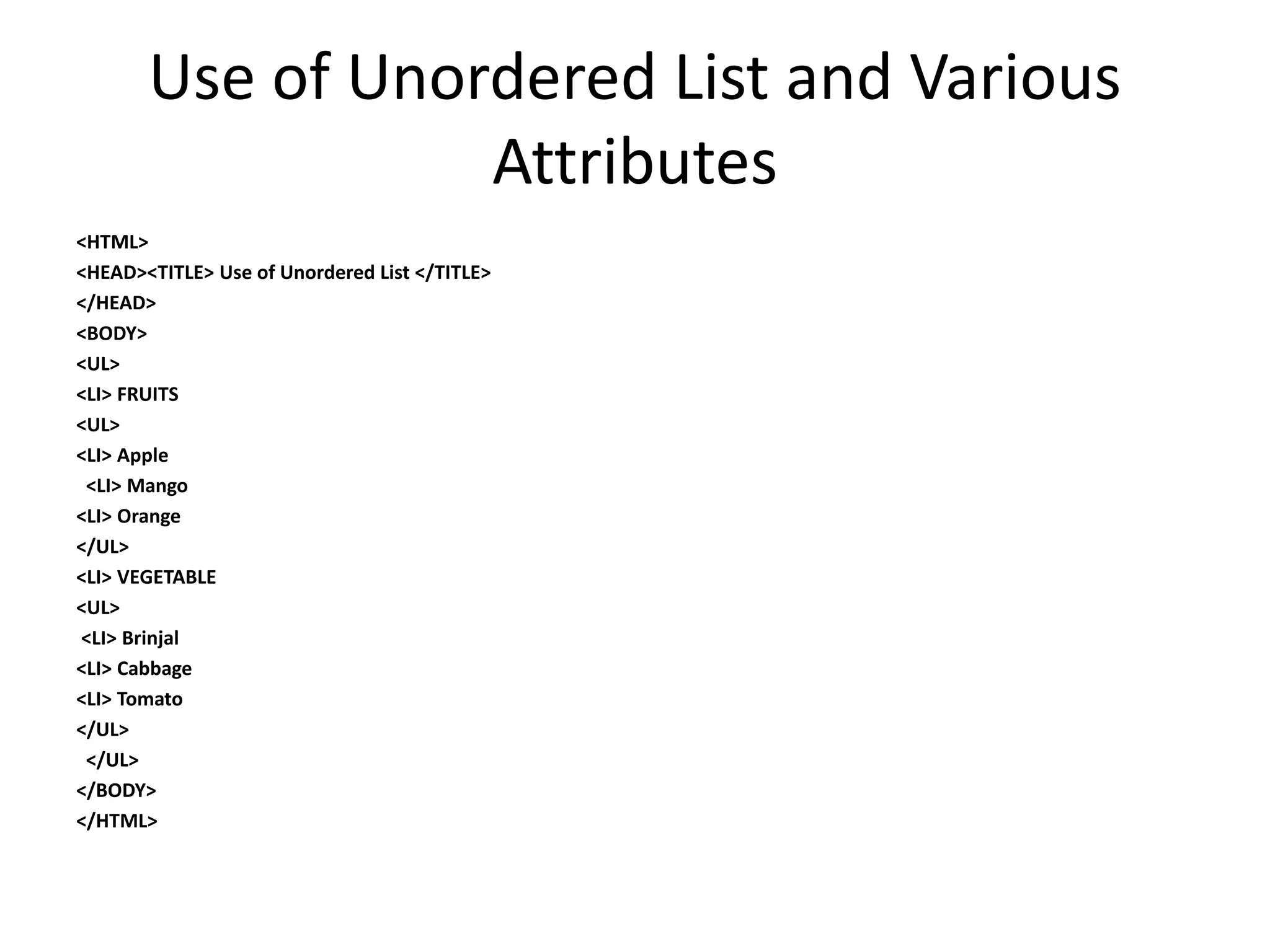
Use of Unordered List and Various
Attributes
<HTML>
<HEAD><TITLE> Use of Unordered List </TITLE>
</HEAD>
<BODY>
<UL>
<LI> FRUITS
<UL>
<LI> Apple
<LI> Mango
<LI> Orange
</UL>
<LI> VEGETABLE
<UL>
<LI> Brinjal
<LI> Cabbage
<LI> Tomato
</UL>
</UL>
</BODY>
</HTML>
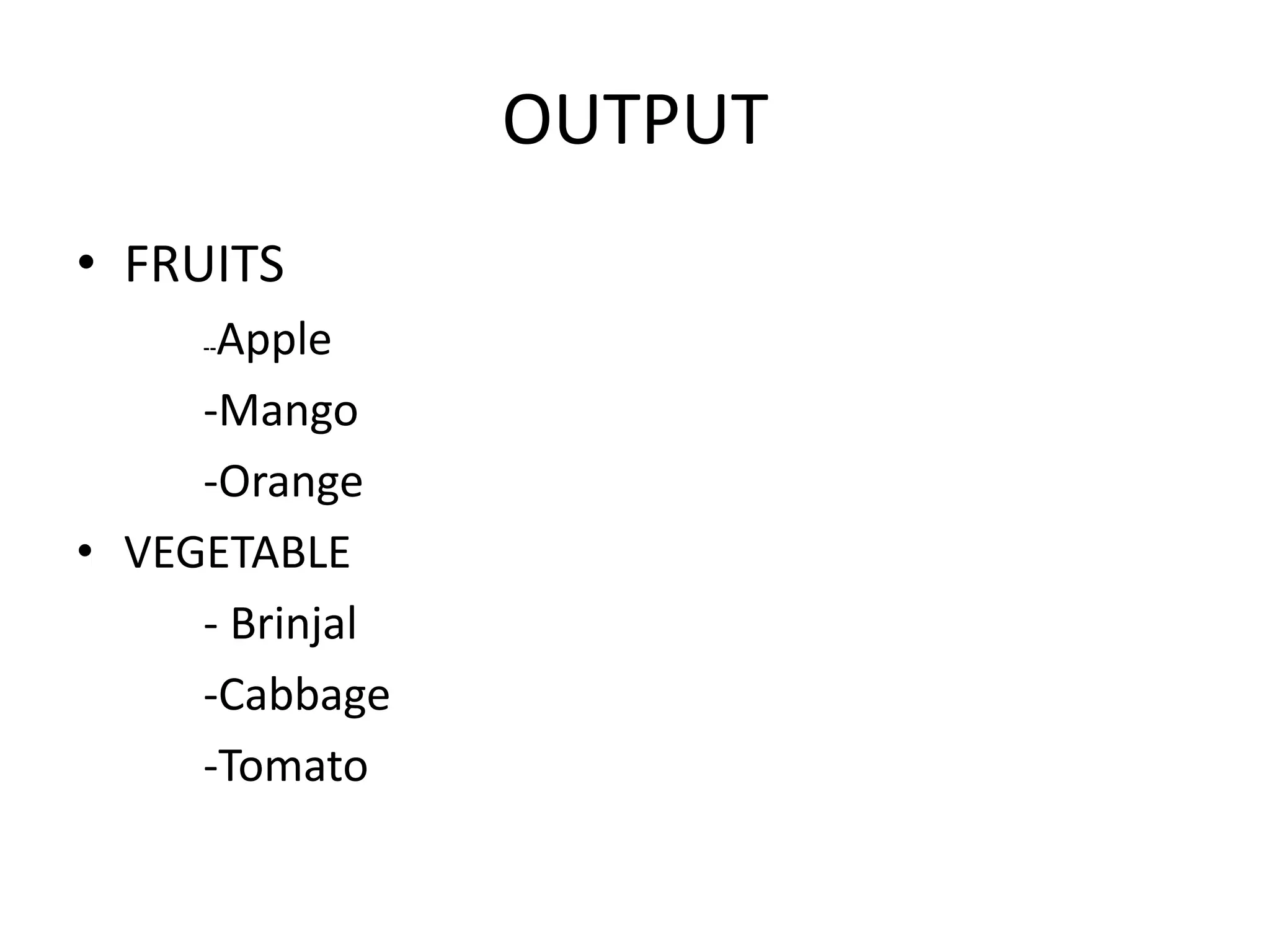
OUTPUT
• FRUITS
--Apple
-Mango
-Orange
• VEGETABLE
- Brinjal
-Cabbage
-Tomato
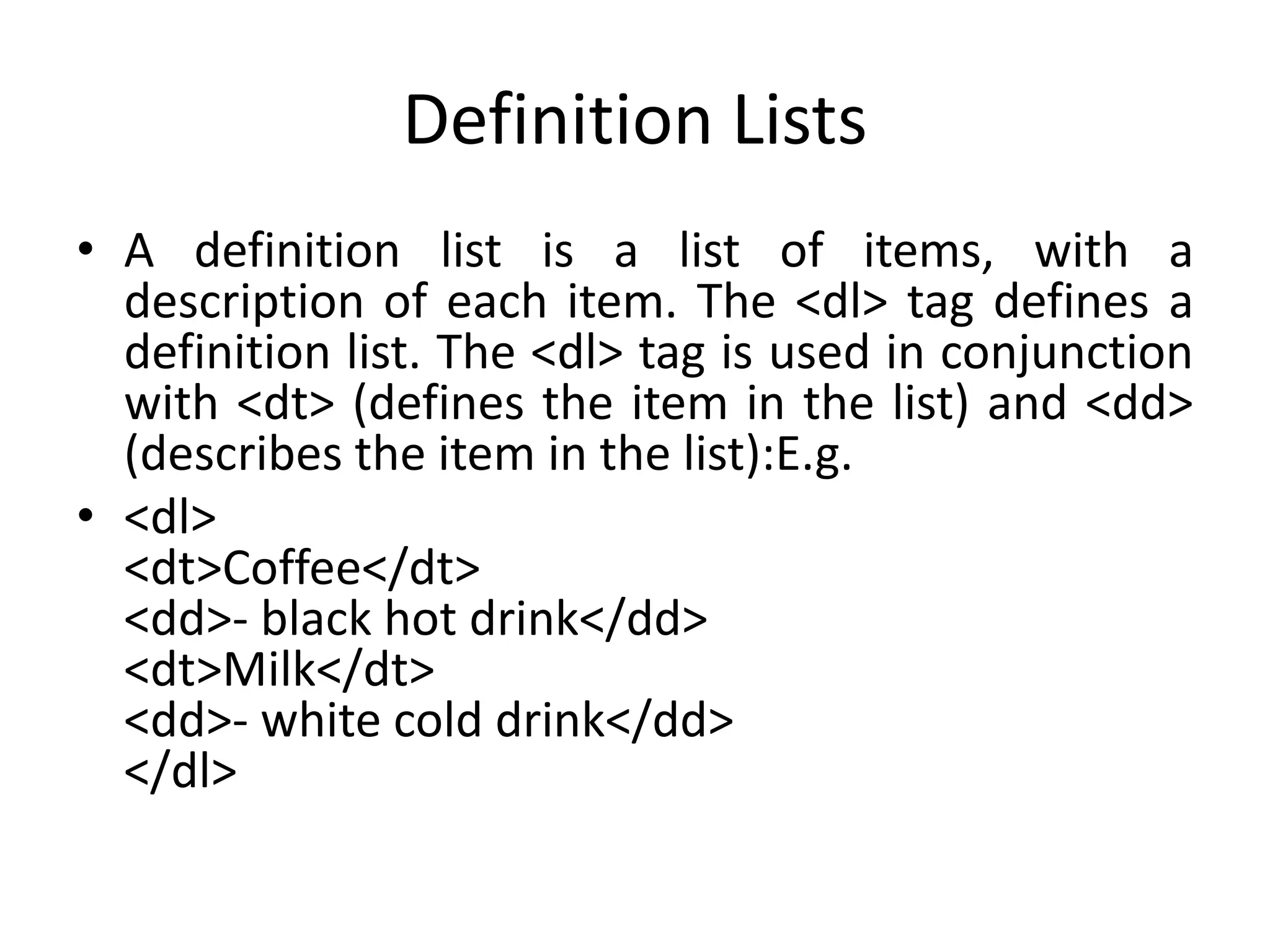
Definition Lists
• A definition list is a list of items, with a
description of each item. The <dl> tag defines a
definition list. The <dl> tag is used in conjunction
with <dt> (defines the item in the list) and <dd>
(describes the item in the list):E.g.
• <dl>
<dt>Coffee</dt>
<dd>- black hot drink</dd>
<dt>Milk</dt>
<dd>- white cold drink</dd>
</dl>
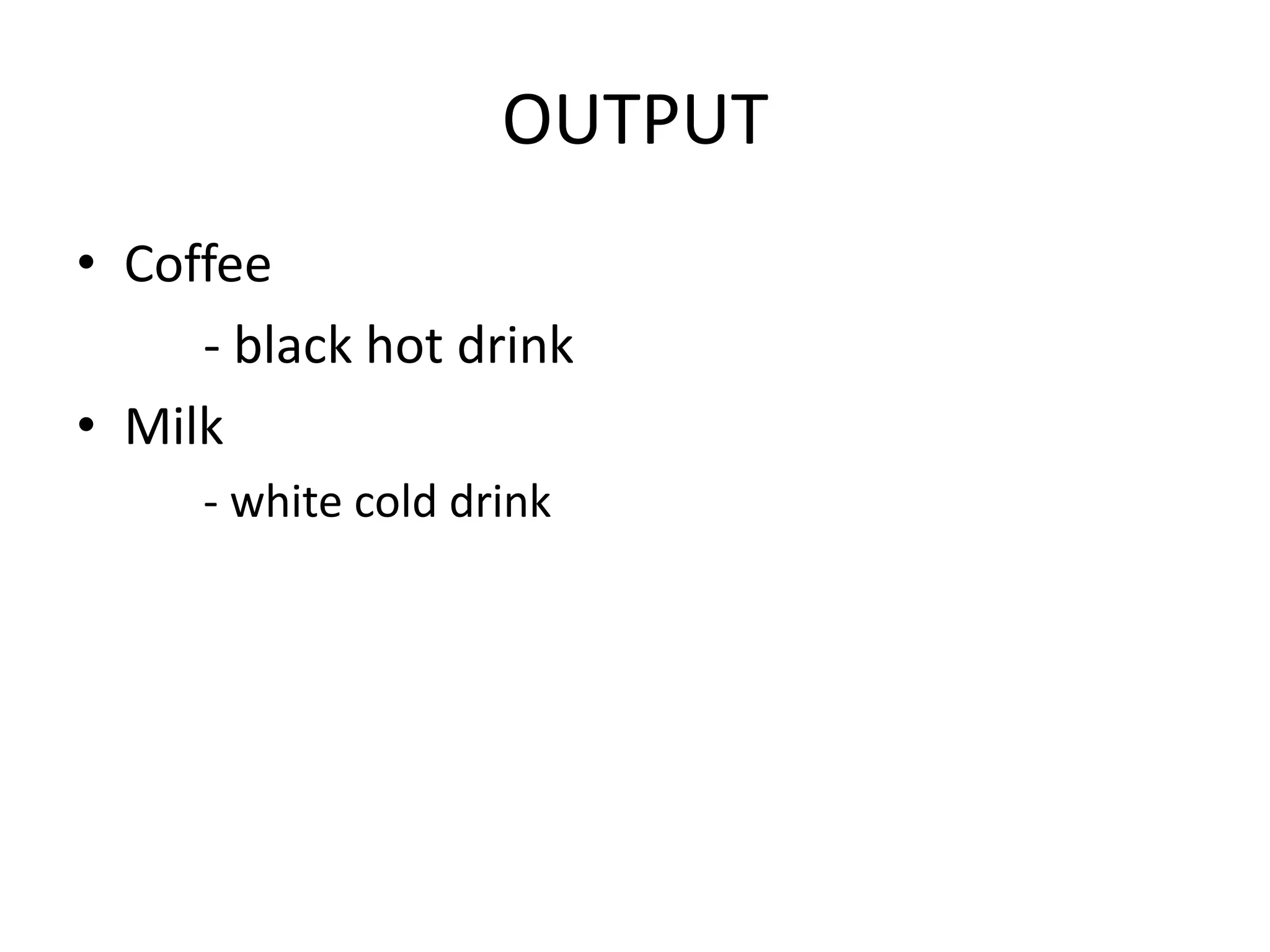
OUTPUT
• Coffee
- black hot drink
• Milk
- white cold drink
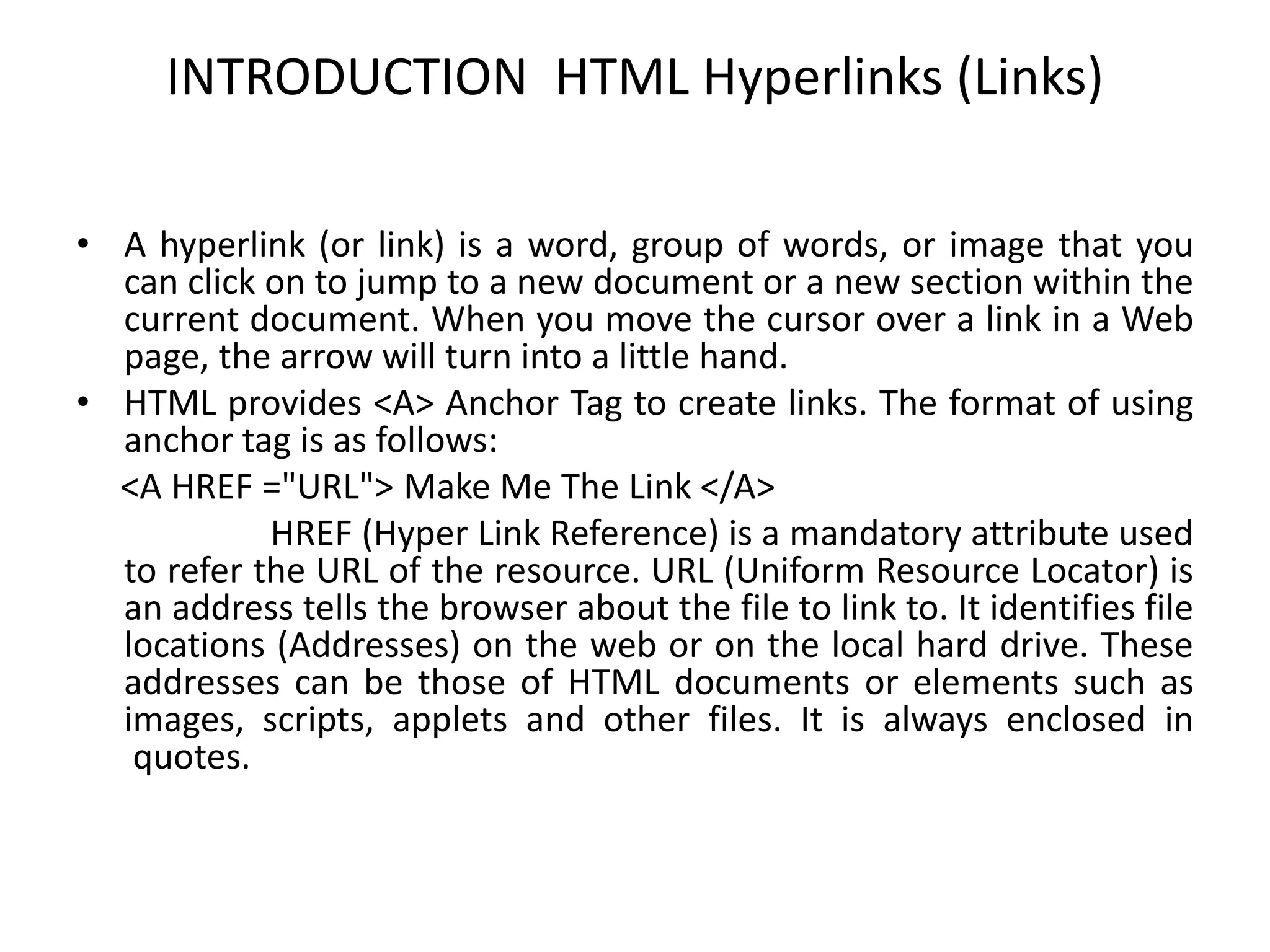
INTRODUCTION HTML Hyperlinks (Links)
• A hyperlink (or link) is a word, group of words, or image that you
can click on to jump to a new document or a new section within the
current document. When you move the cursor over a link in a Web
page, the arrow will turn into a little hand.
• HTML provides <A> Anchor Tag to create links. The format of using
anchor tag is as follows:
<A HREF ="URL"> Make Me The Link </A>
HREF (Hyper Link Reference) is a mandatory attribute used
to refer the URL of the resource. URL (Uniform Resource Locator) is
an address tells the browser about the file to link to. It identifies file
locations (Addresses) on the web or on the local hard drive. These
addresses can be those of HTML documents or elements such as
images, scripts, applets and other files. It is always enclosed in
quotes.
HTML Link Syntax
• The HTML code for a link is simple. It looks like
this:
• <a href="url">Link text</a>
• The href attribute specifies the destination of a
link.
• Example:
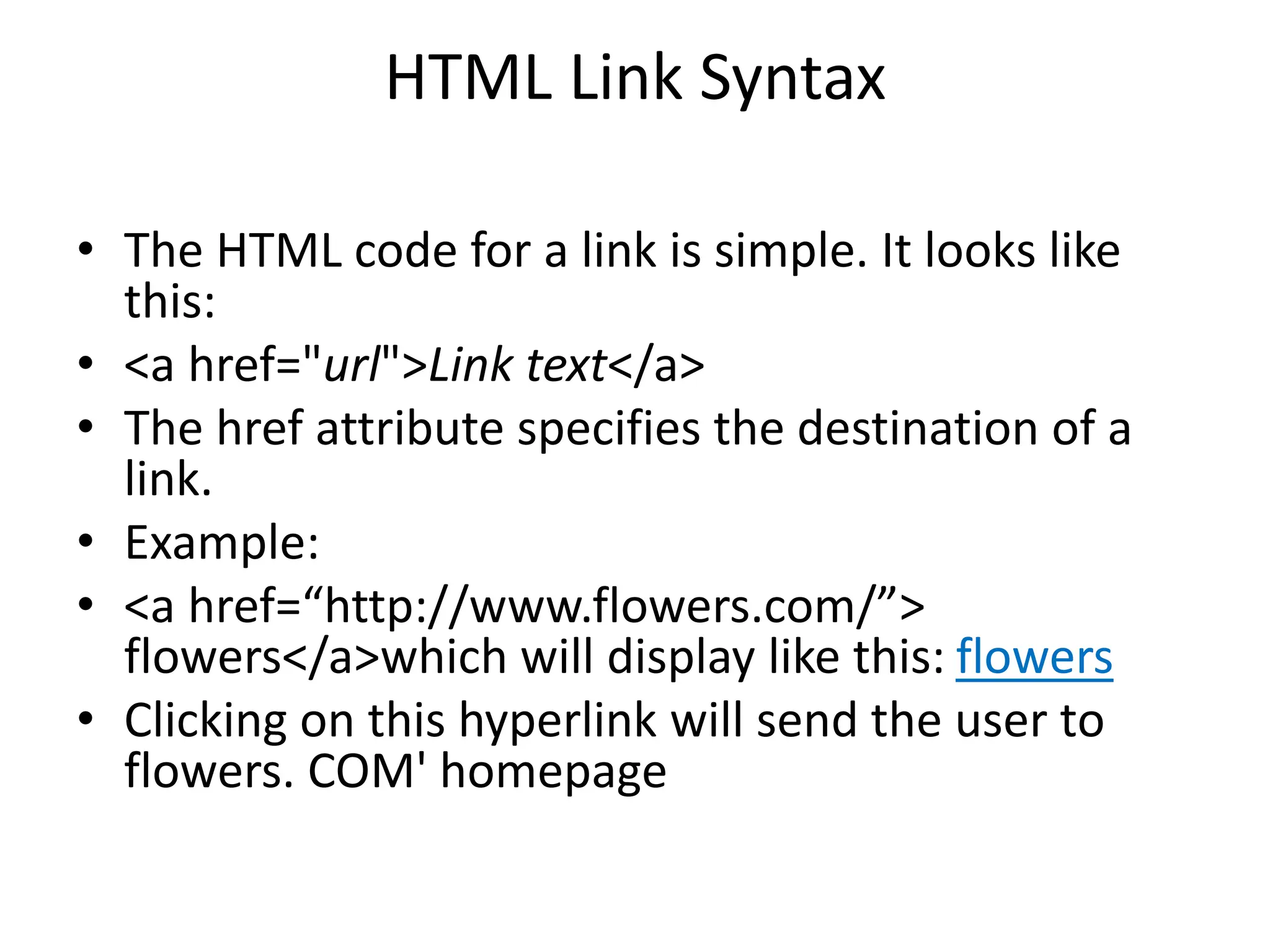
• <a href=“http://www.flowers.com/”>
flowers</a>which will display like this: flowers
• Clicking on this hyperlink will send the user to
flowers. COM' homepage
Linking a text to a web site / an external document
• Example:
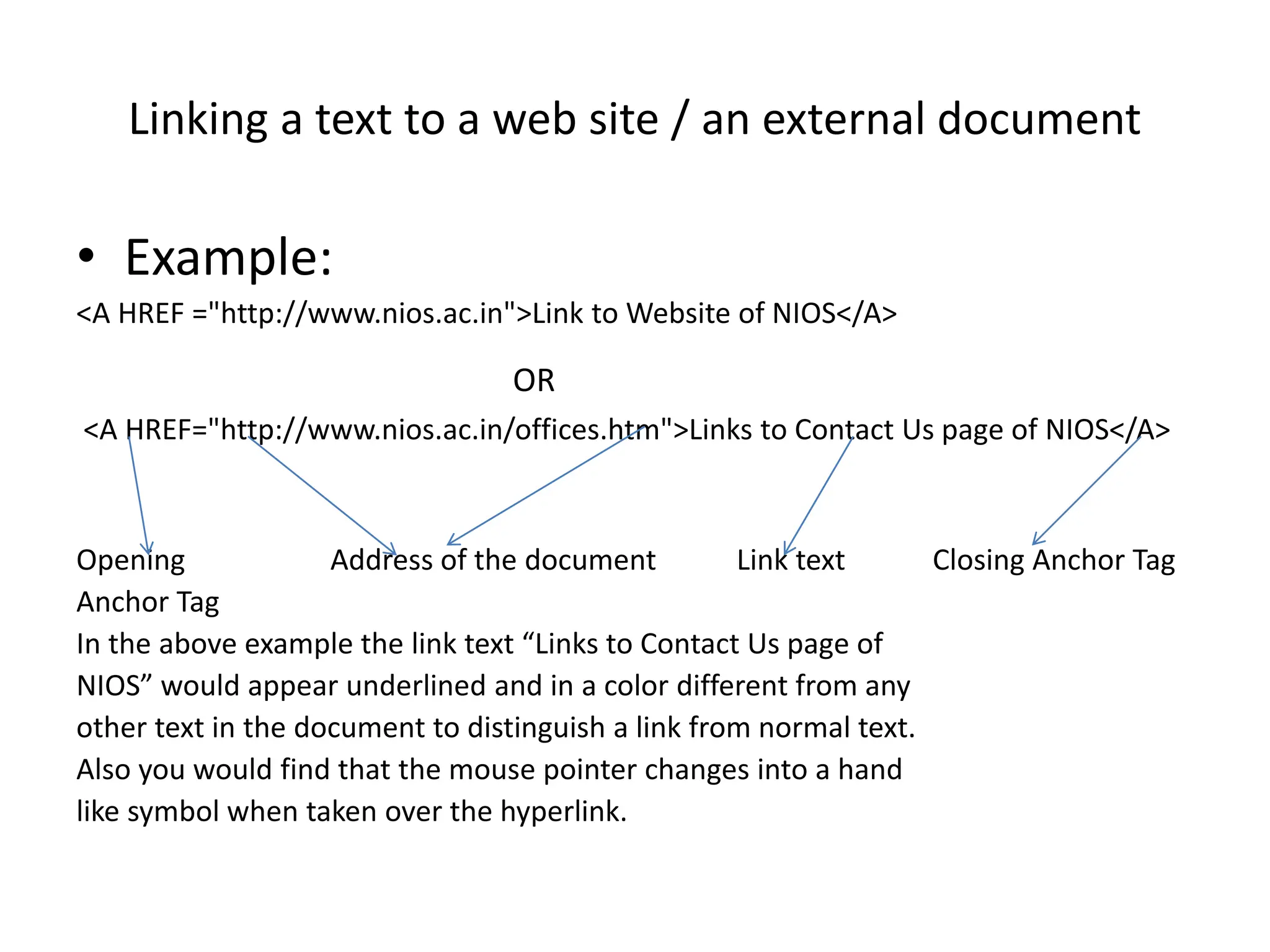
<A HREF ="http://www.nios.ac.in">Link to Website of NIOS</A>
OR
<A HREF="http://www.nios.ac.in/offices.htm">Links to Contact Us page of NIOS</A>
Opening Address of the document Link text Closing Anchor Tag
Anchor Tag
In the above example the link text “Links to Contact Us page of
NIOS” would appear underlined and in a color different from any
other text in the document to distinguish a link from normal text.
Also you would find that the mouse pointer changes into a hand
like symbol when taken over the hyperlink.
Linking (jumping) to a specific place within the same
document.
• Sometimes, it is required to jump different sections
in the same document. For this it needs two steps,
first; identify section with a name and or second; use
jumps to the location using the name used.
• The syntax is:
<A HREF="#section_name"> link to another section of
the same document </A>
• This link text jumps to the section named with HREF
on click.The # symbol before the section name is
must.

html-lists-ordered-unordered-and-links.ppt

  • 1.
    LISTS AND LINKS ExplainedBy: Sarbjit Kaur. Lecturer, Department of Computer Application, PGG.C.G., Sector: 42, Chandigarh
  • 2.
    INTRODUCTION TO LISTS Listsare the best way to provide information in a structured, easy-to-read format. They help to visitor easily spot information, and they drew attention to important information. lists are the best method of oranganizg information and presenting it in a structured fashion.
  • 3.
    TYPES OF LISTS Thereare three kinds of lists: • Ordered List (Numbered List) • Unordered List (Bulleted List) • Definition Lists
  • 4.
    Ordered List (NumberedList) • Ordered list also called as Numbered list, is used to present a numbered list of item in the order of importance or the item(paragraph) is marked with a number. • An ordered list must begin with the <OL> followed by an <LI>list item tag.
  • 5.
    Example: An HTMLdocument orderedList.html shows the use of Ordered List <HTML> <HEAD> <TITLE> An Ordered List </TITLE> </HEAD> <BODY> <ol> <li>Coffee> <li>Milk <li>Tea <li>sugar </ol> </OL> </BODY> </HTML>
  • 6.
  • 7.
    Attributes of <OL>tag • COMPACT: render a list in compact form. • TYPE : allows marking list items with different types. By default the list Item markers are set to numbers 1,2,3… so on.Other values of TYPE attribute are: • Attribute Description • Type = A Capital letter eg. A, B, C……… • Type = a Small letter eg. a, b, c,……… • Type = I Uppercase Roman Numbers eg. I, II, III…… • Type = i Lowercase Roman Numbers eg. i, ii, iii…… • Type = 1 eg. 1, 2, 3……
  • 8.
    Attributes of <OL>tag • The start attribute: The attribute is used to override default list numbering when a list is divide into multiple parts. E.g: <HTML> <HEAD> <TITLE> An Ordered List </TITLE> </HEAD> <BODY> Impact printers <ol> <li>DOT MATRIX
  • 9.
    EXAMPLE OF STARTATTRIBUTE <li>CHAIN PRINTER <li>DRUM PRINTER </ol> <P>NON-IMPACT PRINTER</P> <OL START=4> <li>LASER PRINTER <li>ELECTROSTATIC PRINTER </OL> </BODY> </HTML>
  • 10.
    OUTPUT Impact printers 1.DOT MATRIX 2.CHAINPRINTER 3.DRUM PRINTER NON-IMPACT PRINTER 4.LASER PRINTER 5.ELECTROSTATIC PRINTER
  • 11.
    Nested Order List •One ordered list might contain one or more ordered list that Is called as Nested Order lists. • Example: An HTML document nested.html shows the use of Nested Order Lists with attributes: <HTML> <HEAD> <TITLE> Use of Nested Ordered Lists</TITLE> </HEAD> <BODY> <OL TYPE = A START =3> <LI> Fruits <OL TYPE = I> <LI> Apple <LI> MANGO <LI> Orange </OL>
  • 12.
    Example: An HTMLdocument nested.html shows the use of Nested Order Lists with attributes • <LI> VEGETABLES • <OL TYPE = I> • <LI> Brinjal • <LI> Cabbage • <LI> Tomato • </OL> • </OL> • </BODY> • </HTML>
  • 13.
    Unordered List <UL> •Unordered List also called as bulleted list, used to present list of items marked with bullets. An unordered list starts with in <UL> followed by <LI> (List Item) tag. Use of <UL> is very similar to <OL> (ordered list).
  • 14.
    Use of UnorderedList and Various Attributes <HTML> <HEAD><TITLE> Use of Unordered List </TITLE> </HEAD> <BODY> <UL> <LI> FRUITS <UL> <LI> Apple <LI> Mango <LI> Orange </UL> <LI> VEGETABLE <UL> <LI> Brinjal <LI> Cabbage <LI> Tomato </UL> </UL> </BODY> </HTML>
  • 15.
  • 16.
    Definition Lists • Adefinition list is a list of items, with a description of each item. The <dl> tag defines a definition list. The <dl> tag is used in conjunction with <dt> (defines the item in the list) and <dd> (describes the item in the list):E.g. • <dl> <dt>Coffee</dt> <dd>- black hot drink</dd> <dt>Milk</dt> <dd>- white cold drink</dd> </dl>
  • 17.
    OUTPUT • Coffee - blackhot drink • Milk - white cold drink
  • 18.
    INTRODUCTION HTML Hyperlinks(Links) • A hyperlink (or link) is a word, group of words, or image that you can click on to jump to a new document or a new section within the current document. When you move the cursor over a link in a Web page, the arrow will turn into a little hand. • HTML provides <A> Anchor Tag to create links. The format of using anchor tag is as follows: <A HREF ="URL"> Make Me The Link </A> HREF (Hyper Link Reference) is a mandatory attribute used to refer the URL of the resource. URL (Uniform Resource Locator) is an address tells the browser about the file to link to. It identifies file locations (Addresses) on the web or on the local hard drive. These addresses can be those of HTML documents or elements such as images, scripts, applets and other files. It is always enclosed in quotes.
  • 19.
    HTML Link Syntax •The HTML code for a link is simple. It looks like this: • <a href="url">Link text</a> • The href attribute specifies the destination of a link. • Example: • <a href=“http://www.flowers.com/”> flowers</a>which will display like this: flowers • Clicking on this hyperlink will send the user to flowers. COM' homepage
  • 20.
    Linking a textto a web site / an external document • Example: <A HREF ="http://www.nios.ac.in">Link to Website of NIOS</A> OR <A HREF="http://www.nios.ac.in/offices.htm">Links to Contact Us page of NIOS</A> Opening Address of the document Link text Closing Anchor Tag Anchor Tag In the above example the link text “Links to Contact Us page of NIOS” would appear underlined and in a color different from any other text in the document to distinguish a link from normal text. Also you would find that the mouse pointer changes into a hand like symbol when taken over the hyperlink.
  • 21.
    Linking (jumping) toa specific place within the same document. • Sometimes, it is required to jump different sections in the same document. For this it needs two steps, first; identify section with a name and or second; use jumps to the location using the name used. • The syntax is: <A HREF="#section_name"> link to another section of the same document </A> • This link text jumps to the section named with HREF on click.The # symbol before the section name is must.