HTML 101	M+M Developer WeekAugust 23, 2011Media + Marketing
Table of Contents History
 Conventions / Coding Standards / Definitions
 Hands On
 Create an HTML document
 Style a document with CSS
 The Promise of HTML5History
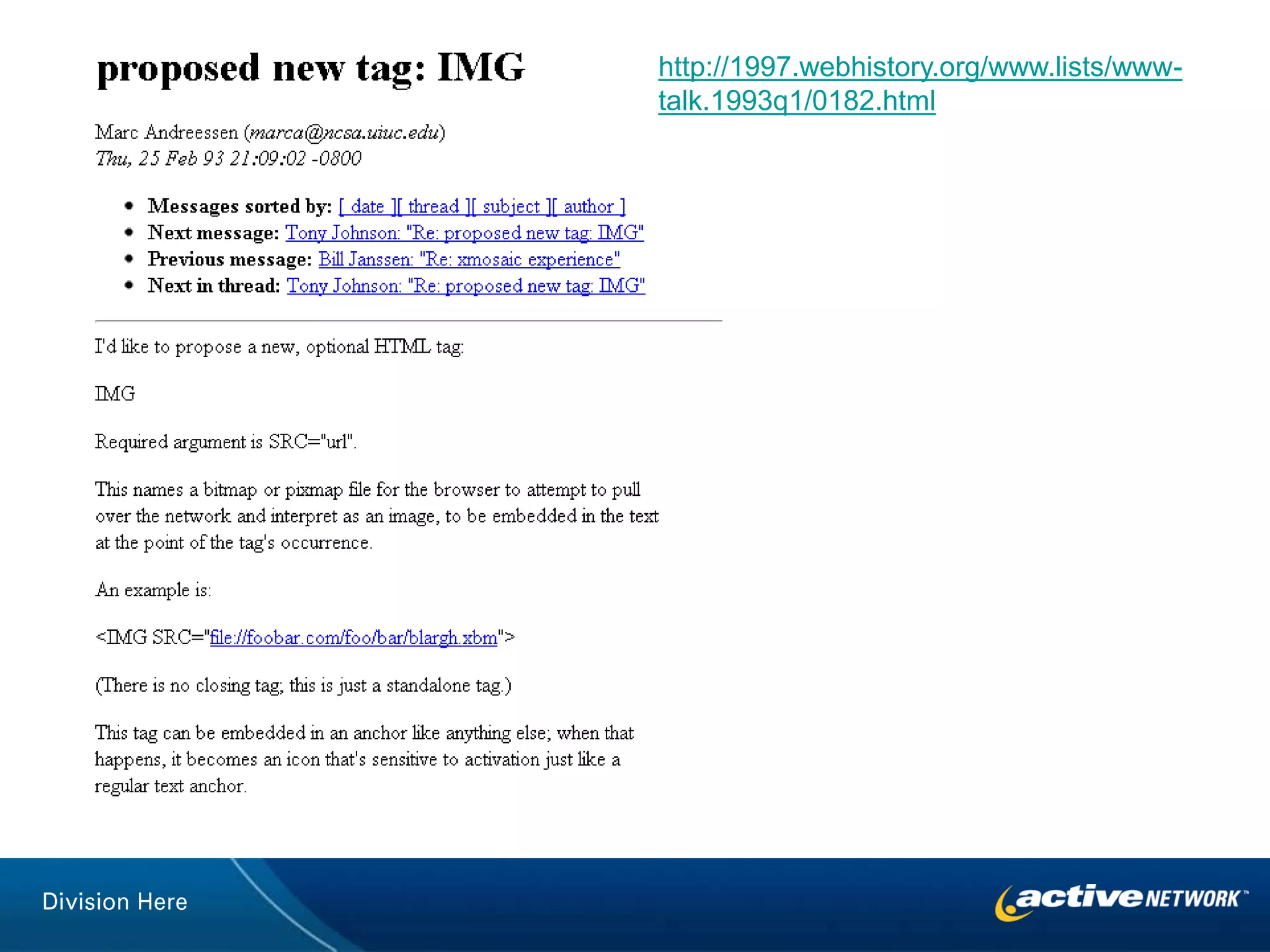
http://1997.webhistory.org/www.lists/www-talk.1993q1/0182.html
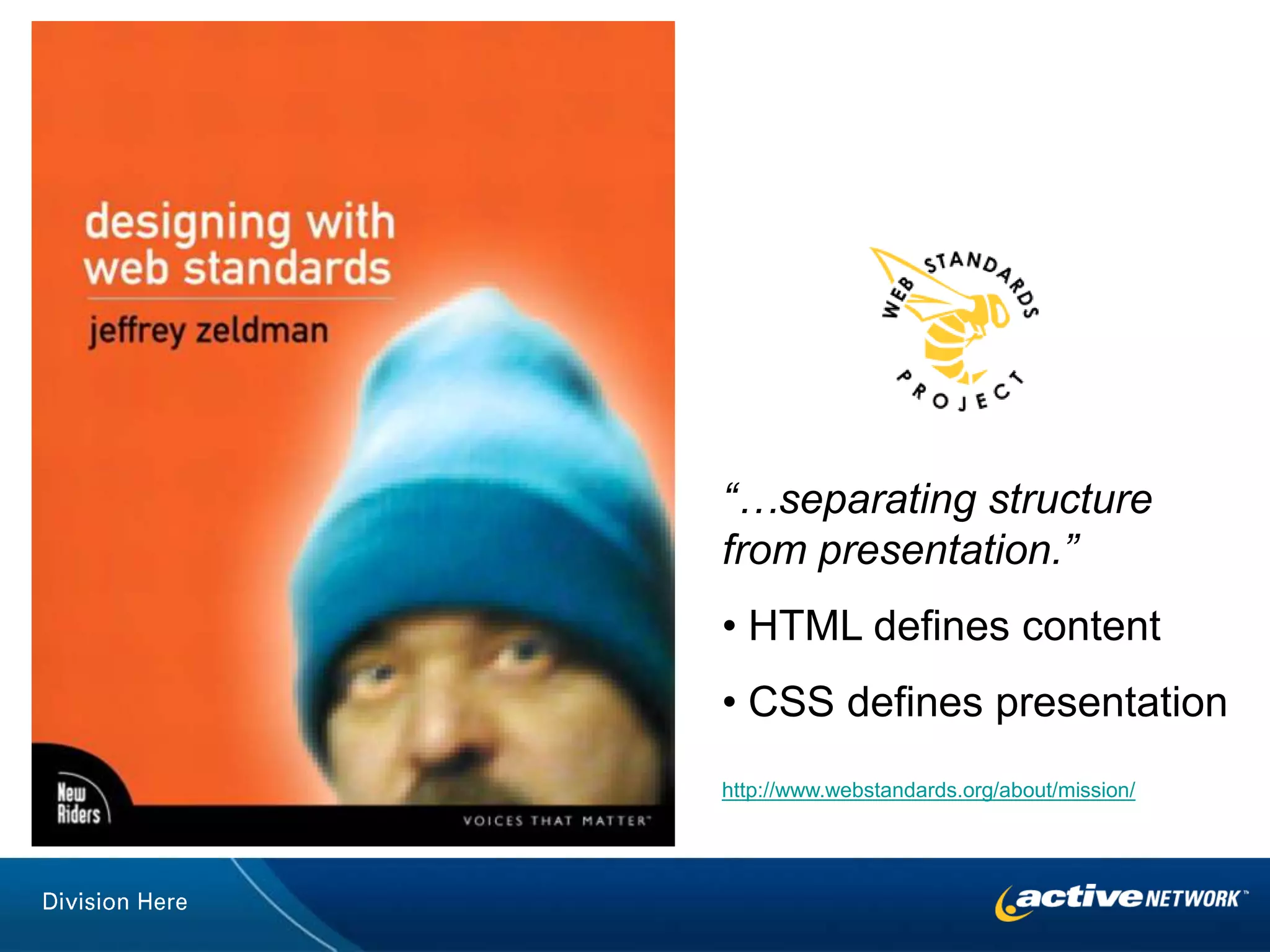
“…separating structure from presentation.” HTML defines content
 CSS defines presentationhttp://www.webstandards.org/about/mission/
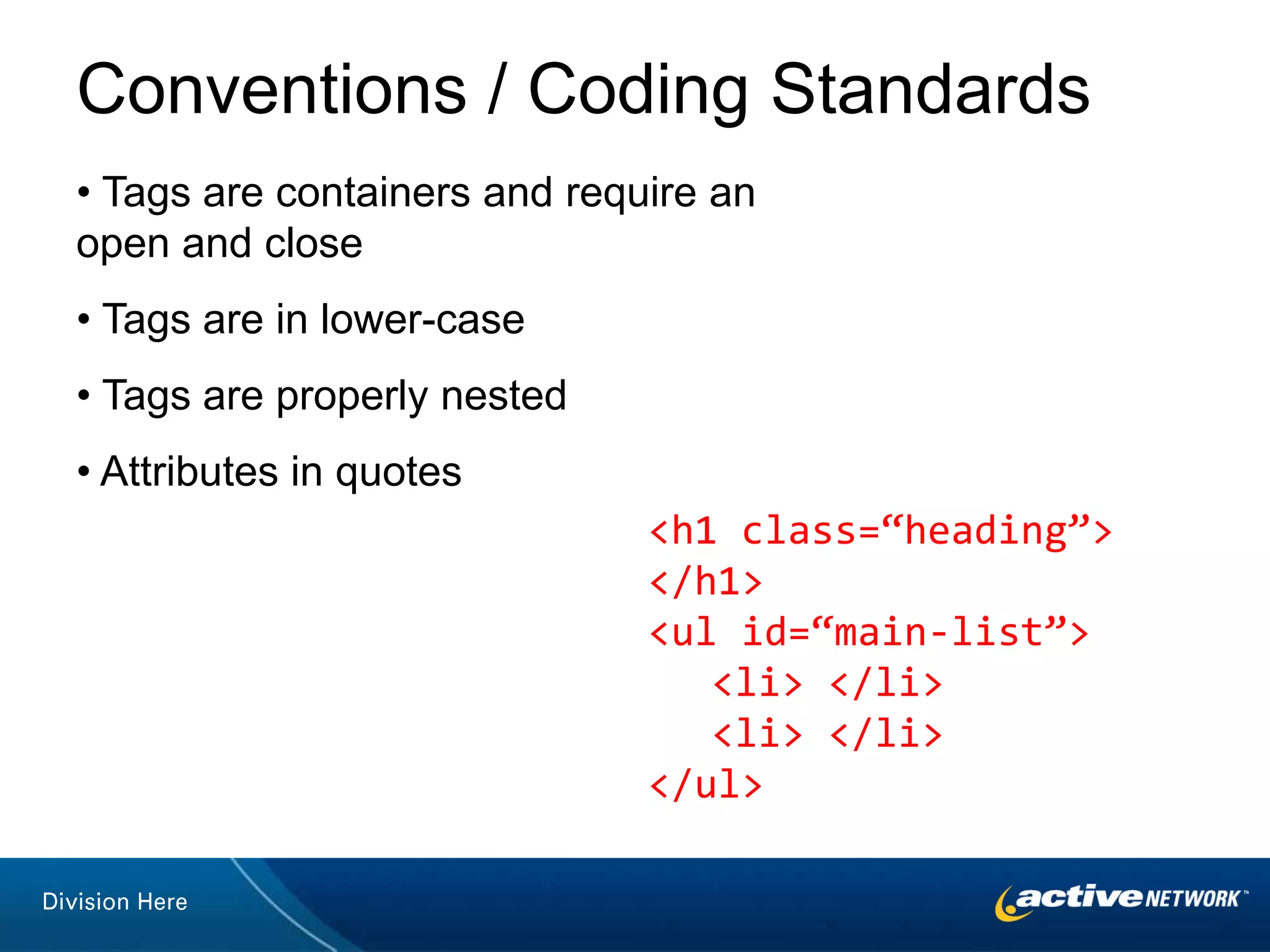
Conventions / Coding Standards Tags are containers and require an open and close
 Tags are in lower-case
 Tags are properly nested
 Attributes in quotes<h1 class=“heading”> </h1><ul id=“main-list”>	<li> </li>	<li> </li></ul>
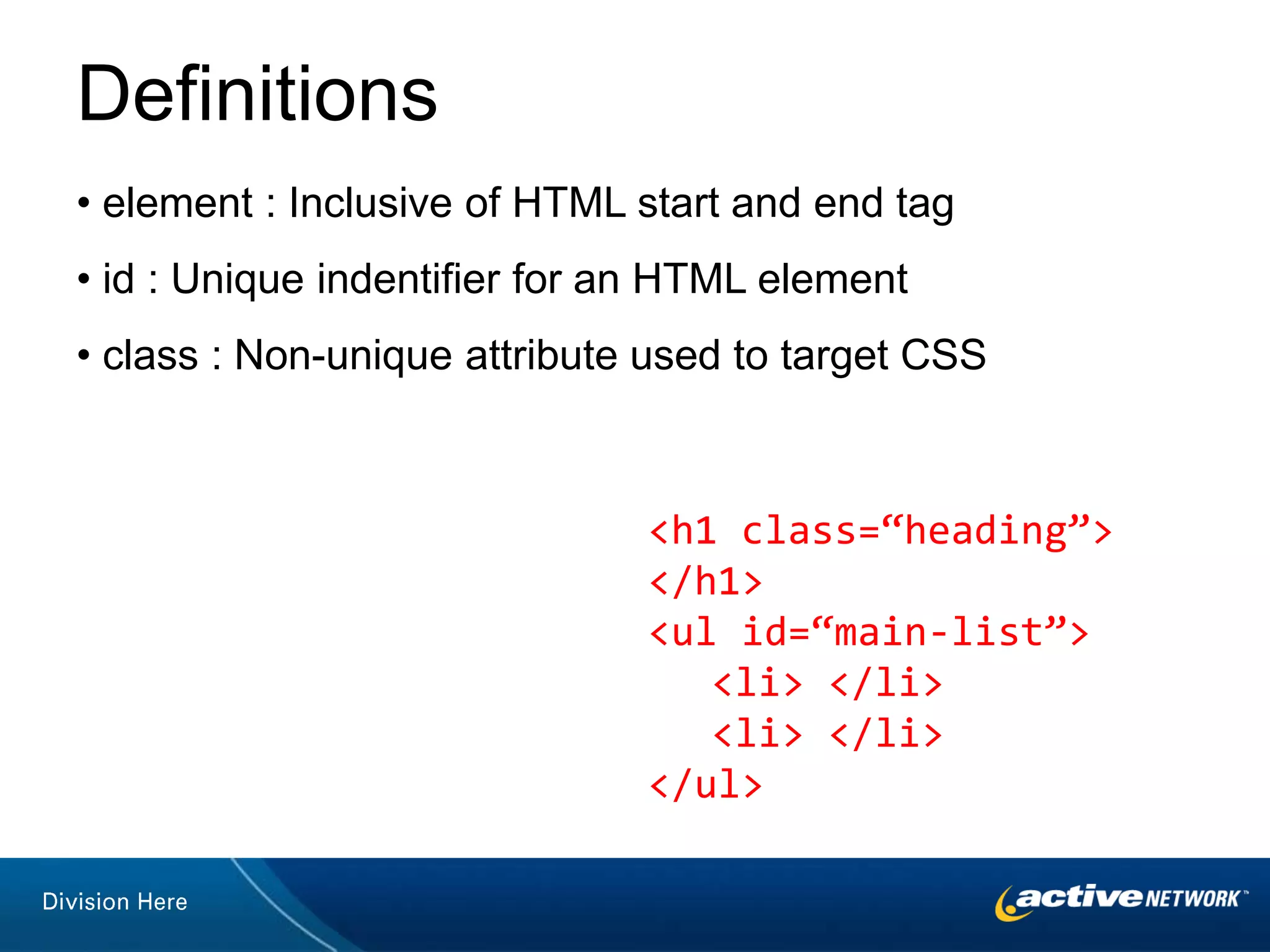
Definitions element : Inclusive of HTML start and end tag
 id : Unique indentifier for an HTML element
 class : Non-unique attribute used to target CSS<h1 class=“heading”> </h1><ul id=“main-list”>	<li> </li>	<li> </li></ul>

HTML 101

  • 1.
    HTML 101 M+M DeveloperWeekAugust 23, 2011Media + Marketing
  • 2.
  • 3.
    Conventions /Coding Standards / Definitions
  • 4.
  • 5.
    Create anHTML document
  • 6.
    Style adocument with CSS
  • 7.
    The Promiseof HTML5History
  • 8.
  • 9.
    “…separating structure frompresentation.” HTML defines content
  • 10.
    CSS definespresentationhttp://www.webstandards.org/about/mission/
  • 12.
    Conventions / CodingStandards Tags are containers and require an open and close
  • 13.
    Tags arein lower-case
  • 14.
    Tags areproperly nested
  • 15.
    Attributes inquotes<h1 class=“heading”> </h1><ul id=“main-list”> <li> </li> <li> </li></ul>
  • 16.
    Definitions element :Inclusive of HTML start and end tag
  • 17.
    id :Unique indentifier for an HTML element
  • 18.
    class :Non-unique attribute used to target CSS<h1 class=“heading”> </h1><ul id=“main-list”> <li> </li> <li> </li></ul>
  • 19.
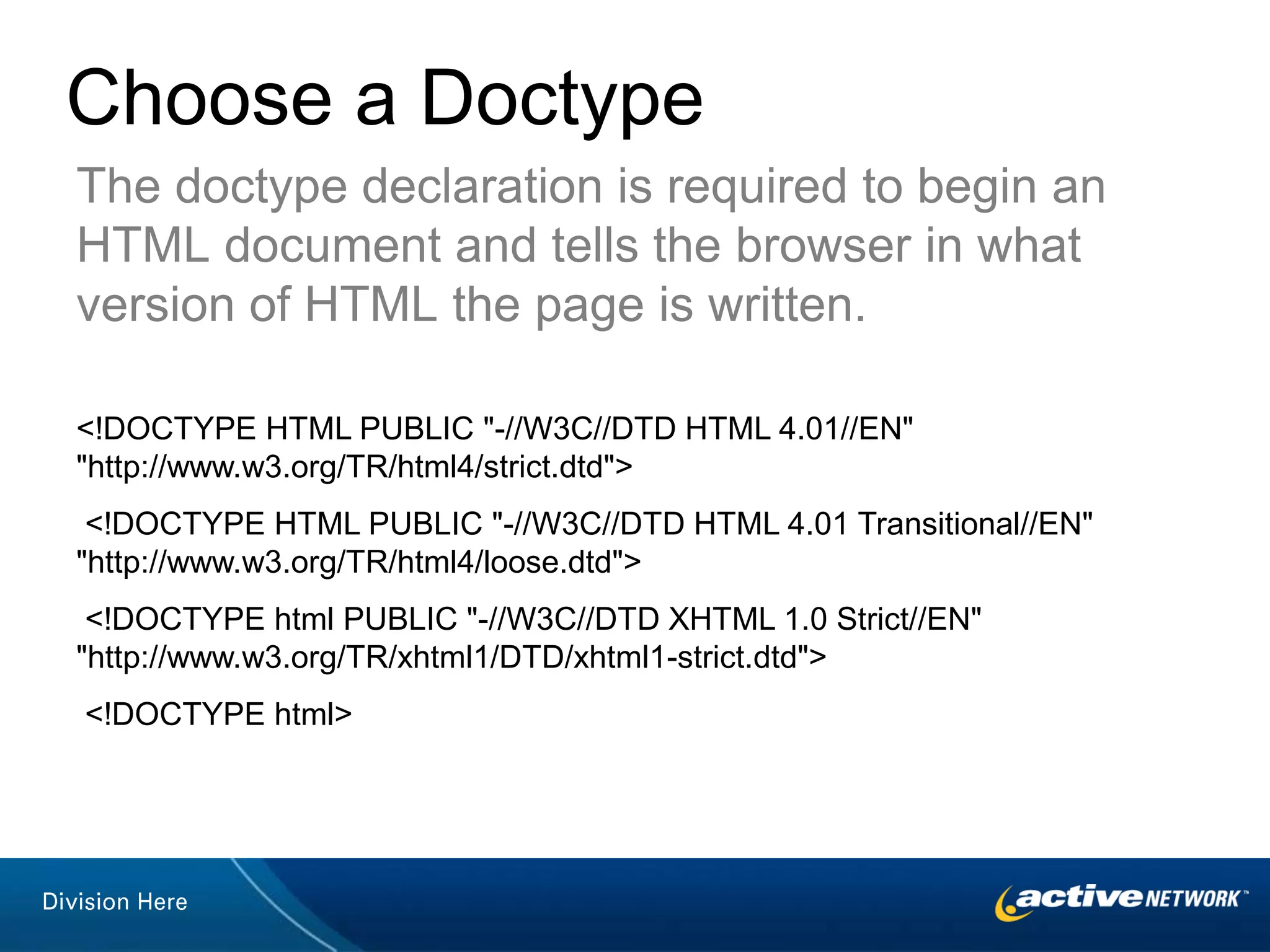
    Choose a DoctypeThedoctype declaration is required to begin an HTML document and tells the browser in what version of HTML the page is written. <!DOCTYPE HTML PUBLIC "-//W3C//DTD HTML 4.01//EN""http://www.w3.org/TR/html4/strict.dtd"> <!DOCTYPE HTML PUBLIC "-//W3C//DTD HTML 4.01 Transitional//EN""http://www.w3.org/TR/html4/loose.dtd"> <!DOCTYPE html PUBLIC "-//W3C//DTD XHTML 1.0 Strict//EN""http://www.w3.org/TR/xhtml1/DTD/xhtml1-strict.dtd"> <!DOCTYPE html>
  • 20.
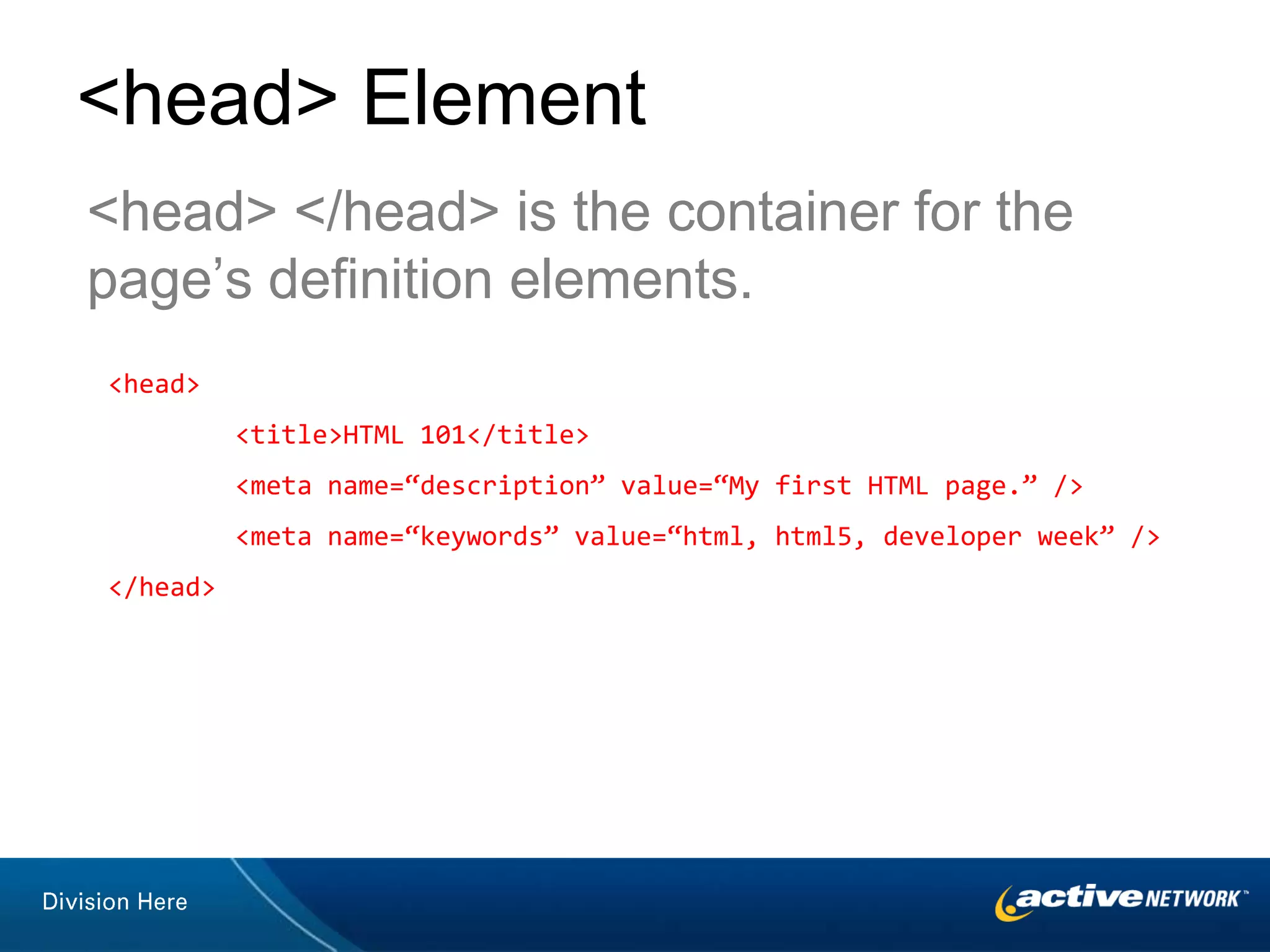
    <head> Element<head> </head>is the container for the page’s definition elements.<head> <title>HTML 101</title> <meta name=“description” value=“My first HTML page.” /> <meta name=“keywords” value=“html, html5, developer week” /></head>
  • 21.
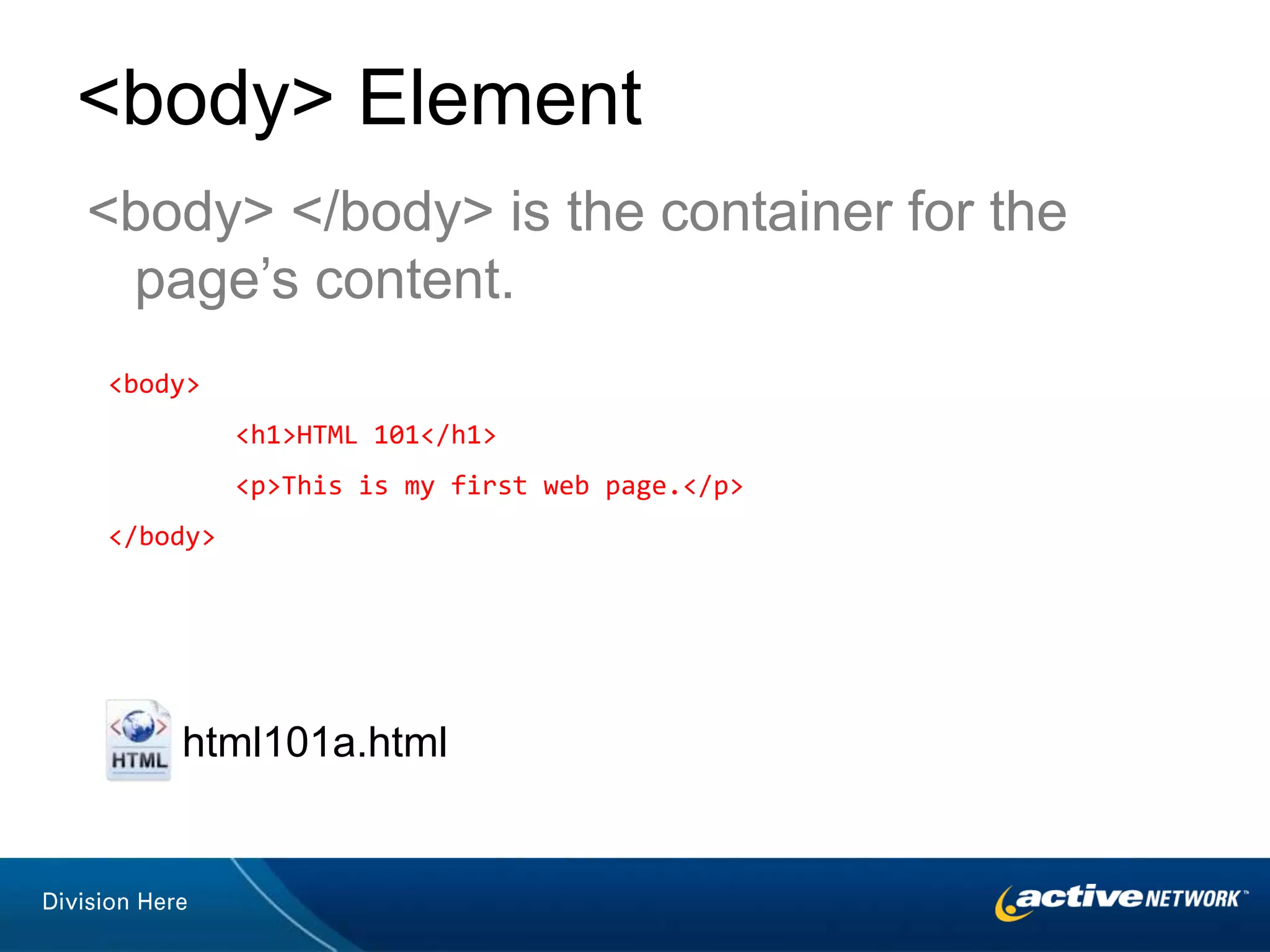
    <body> Element<body> </body>is the container for the page’s content.<body> <h1>HTML 101</h1> <p>This is my first web page.</p></body>html101a.html
  • 22.
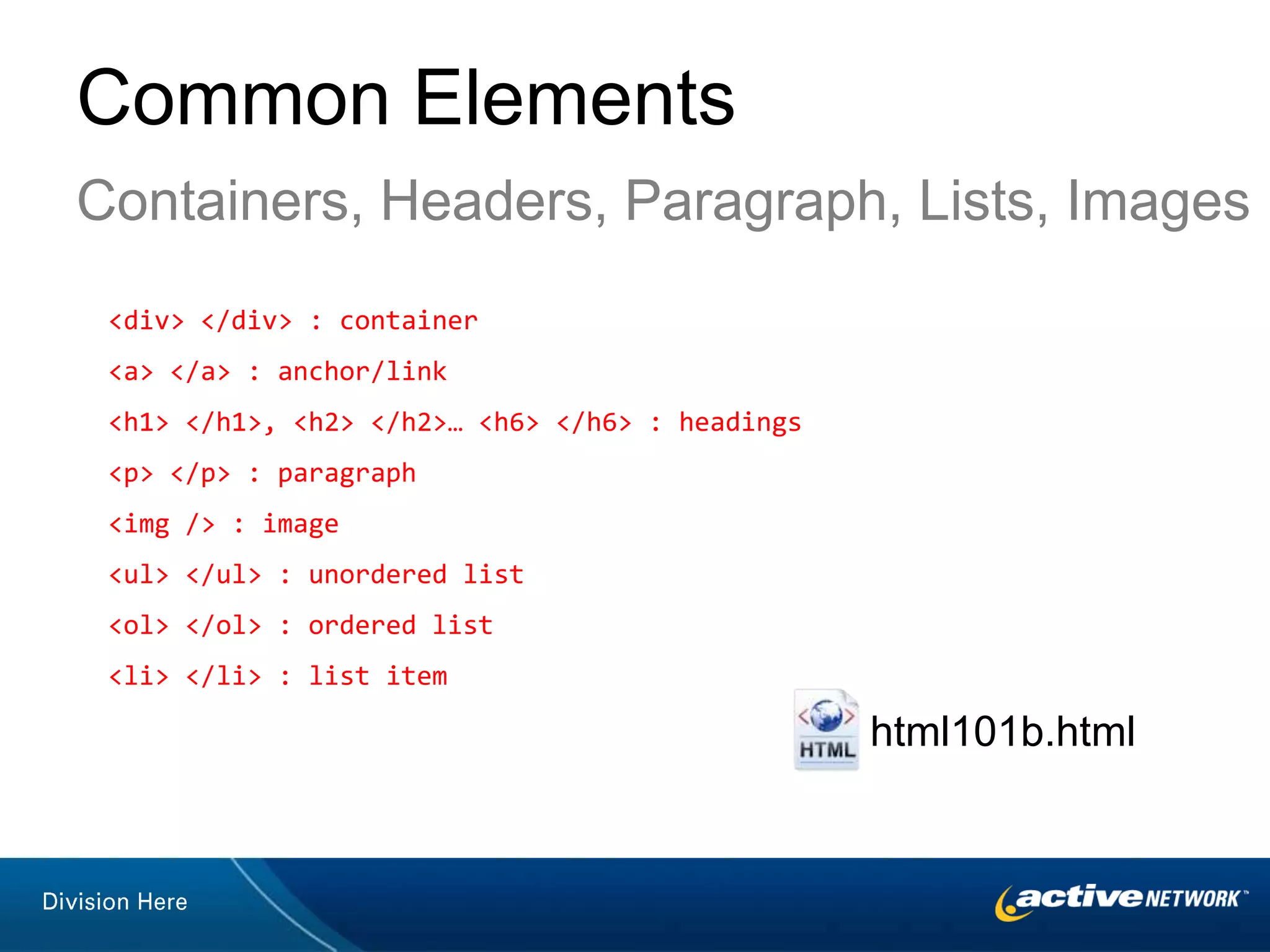
    Common ElementsContainers, Headers,Paragraph, Lists, Images<div> </div> : container<a> </a> : anchor/link<h1> </h1>, <h2> </h2>… <h6> </h6> : headings<p> </p> : paragraph<img /> : image<ul> </ul> : unordered list<ol> </ol> : ordered list<li> </li> : list itemhtml101b.html
  • 23.
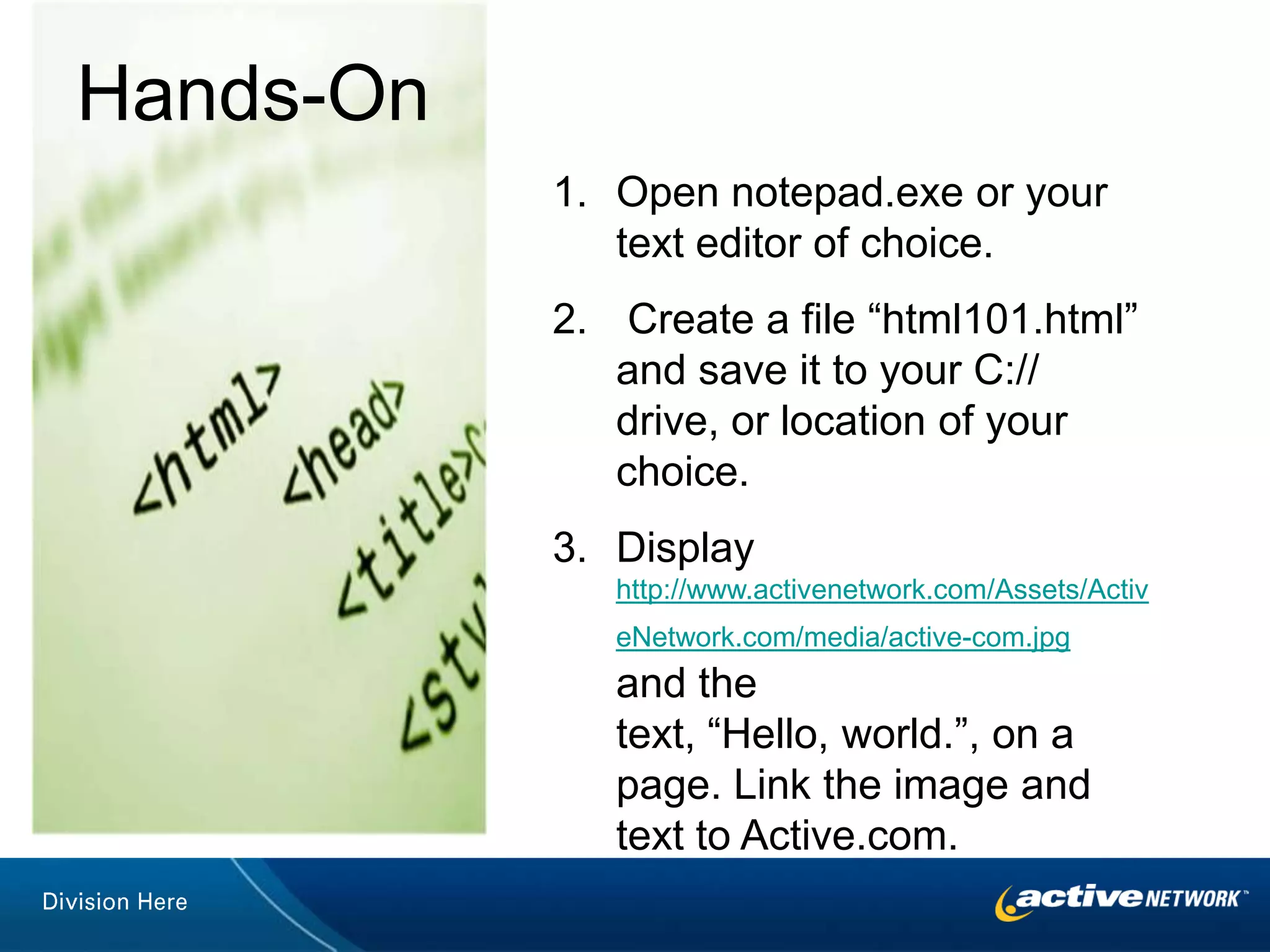
    Hands-OnOpen notepad.exe oryour text editor of choice. Create a file “html101.html” and save it to your C:// drive, or location of your choice.Display http://www.activenetwork.com/Assets/ActiveNetwork.com/media/active-com.jpg and the text, “Hello, world.”, on a page. Link the image and text to Active.com.
  • 24.
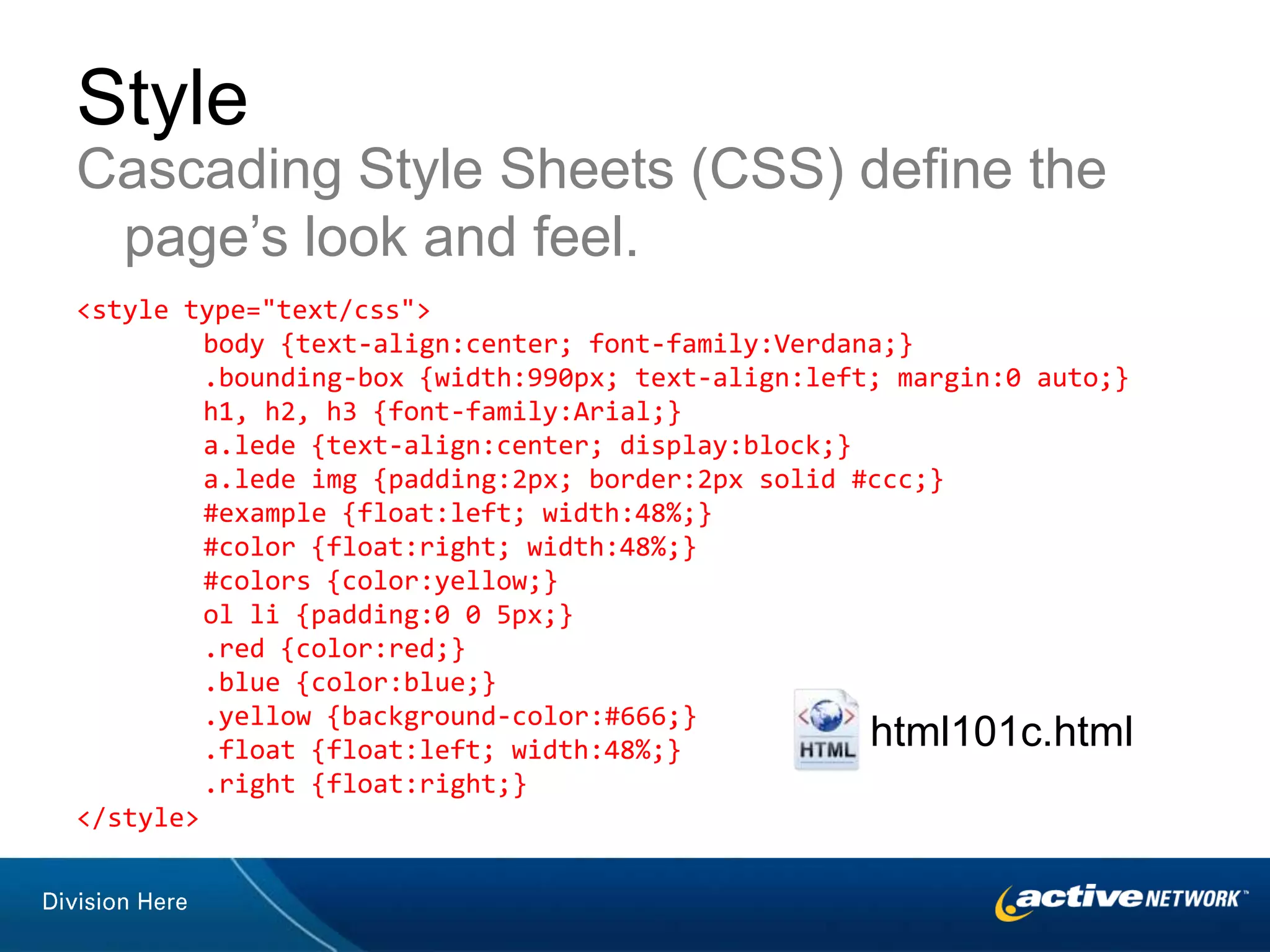
    StyleCascading Style Sheets(CSS) define the page’s look and feel.<style type="text/css"> body {text-align:center; font-family:Verdana;} .bounding-box {width:990px; text-align:left; margin:0 auto;} h1, h2, h3 {font-family:Arial;} a.lede {text-align:center; display:block;} a.lede img {padding:2px; border:2px solid #ccc;} #example {float:left; width:48%;} #color {float:right; width:48%;} #colors {color:yellow;} ol li {padding:0 0 5px;} .red {color:red;} .blue {color:blue;} .yellow {background-color:#666;} .float {float:left; width:48%;} .right {float:right;}</style>html101c.html
  • 25.
  • 26.
    Hands-OnChange the fontfamily, size, and weight of your text.Center the globe imageChange the page’s background color and text color.
  • 27.
    The Promise ofHTML5 Semantic containersnav, header, footer, section , article Form fieldsemail, url, date, placeholder, range Geolocationhttp://html5demos.com/geoNative <video> and <audio> elements
  • 28.
    Offline caching, localstorage & databaseshtml101-form.html
  • 29.